Review MSI Megabook GX700 Extreme Gaming Notebook
Red-hot.
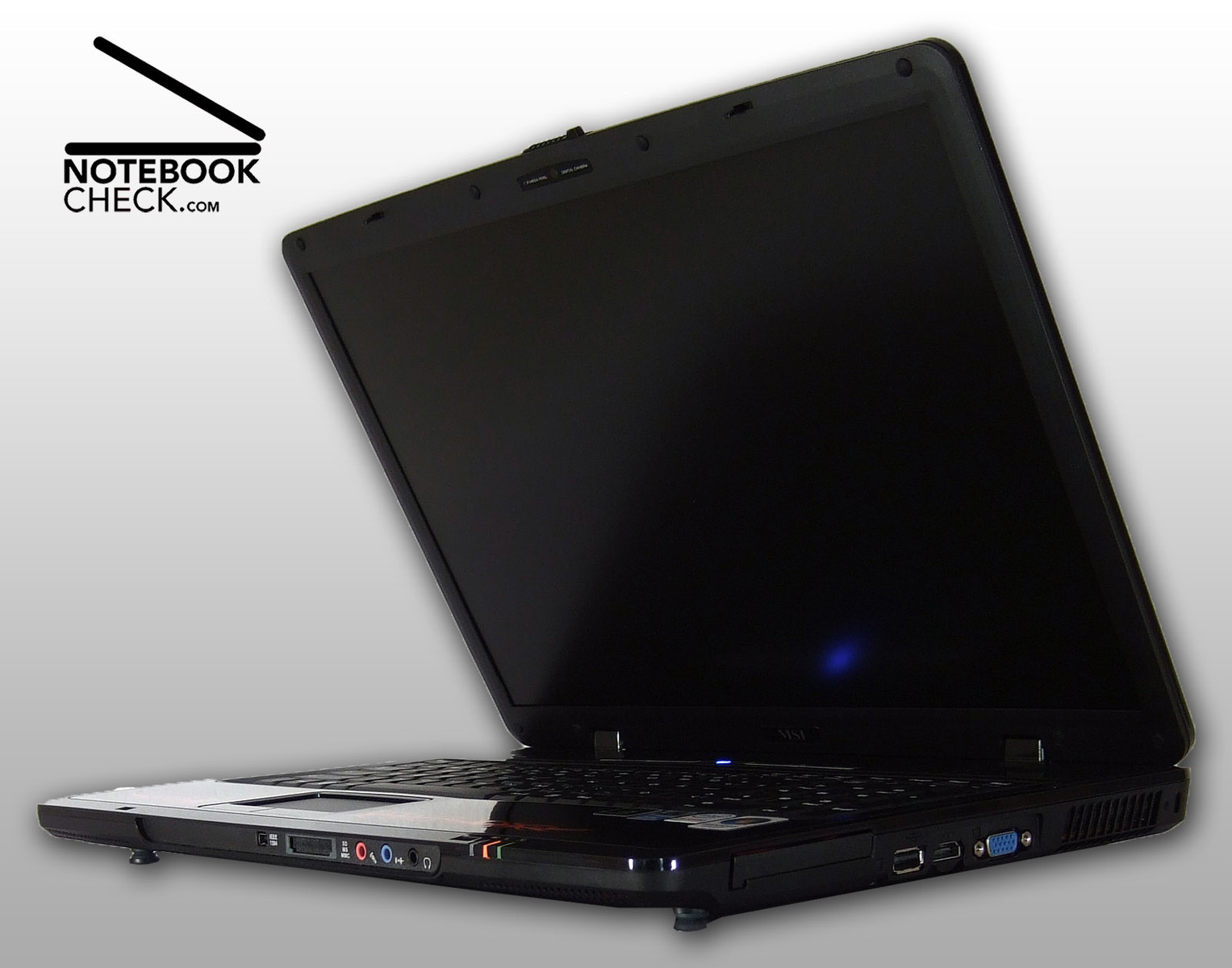
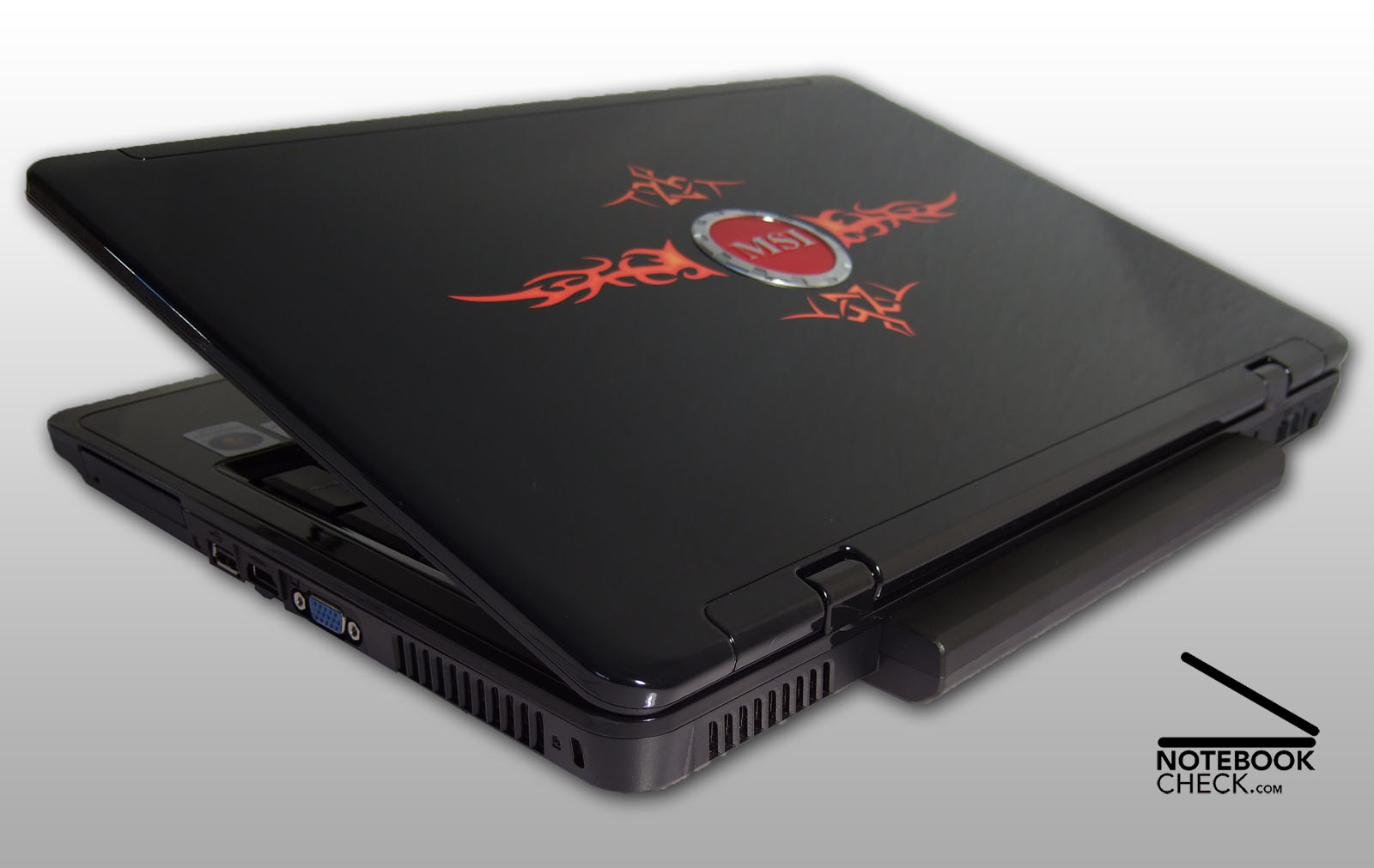
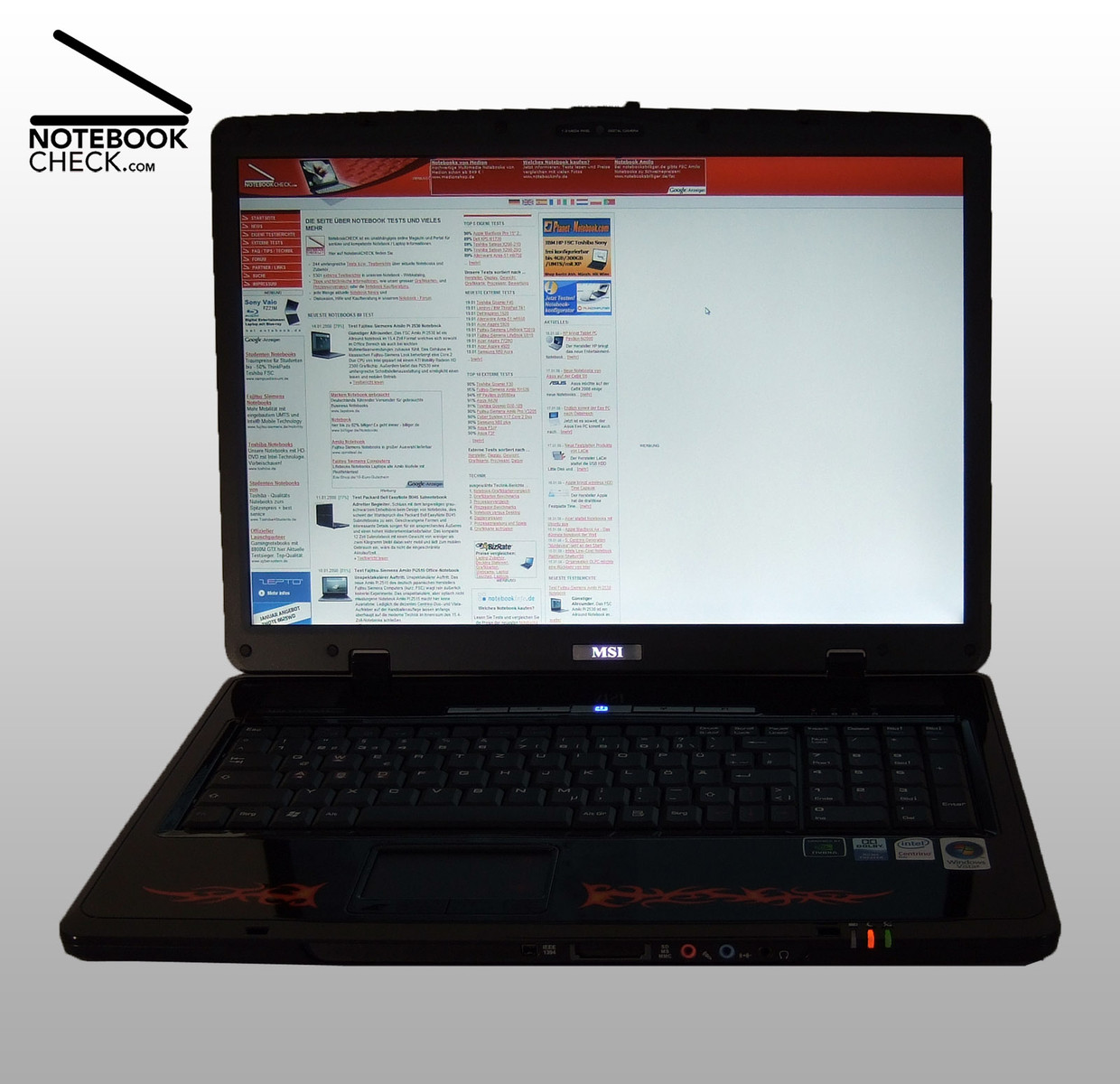
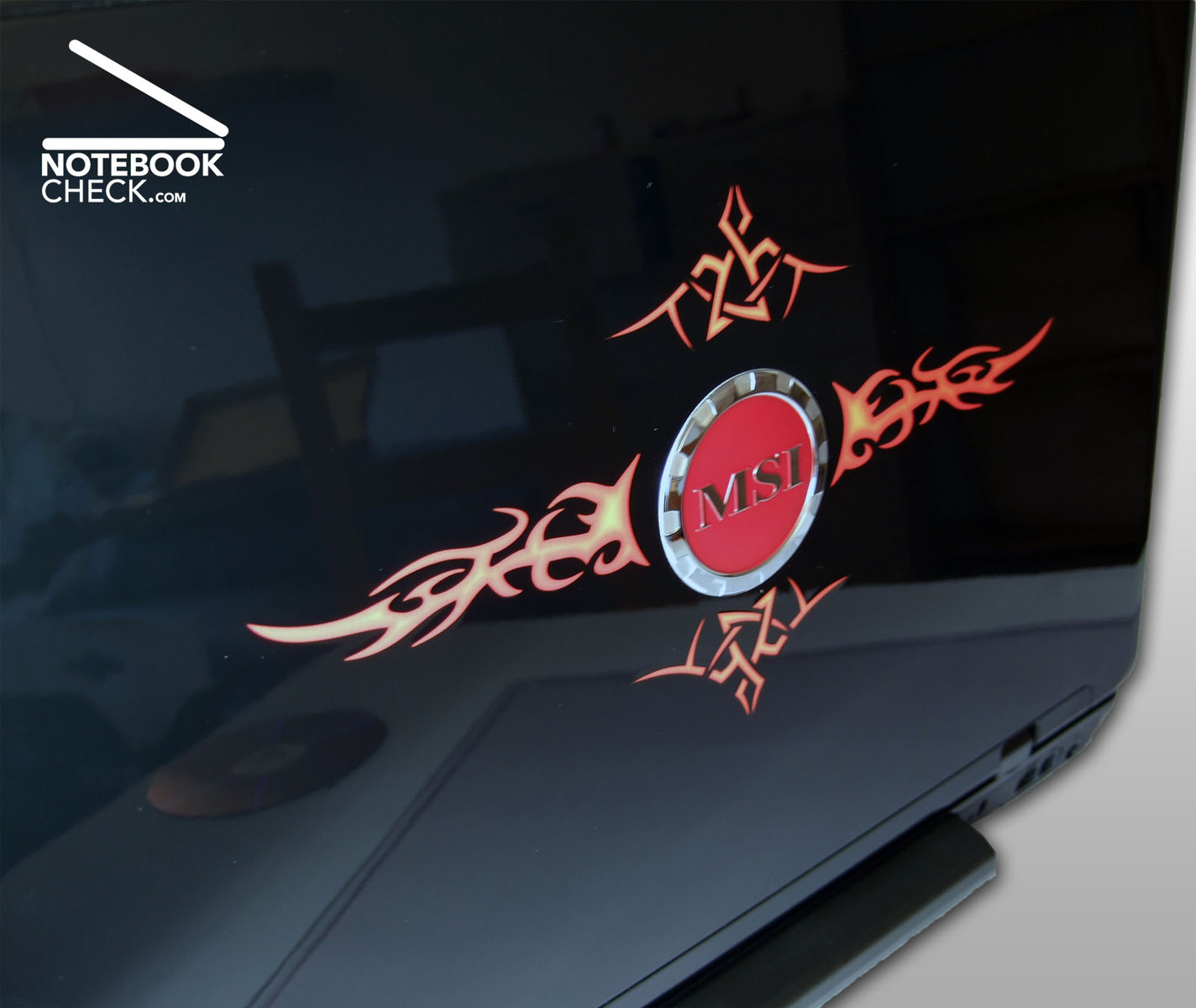
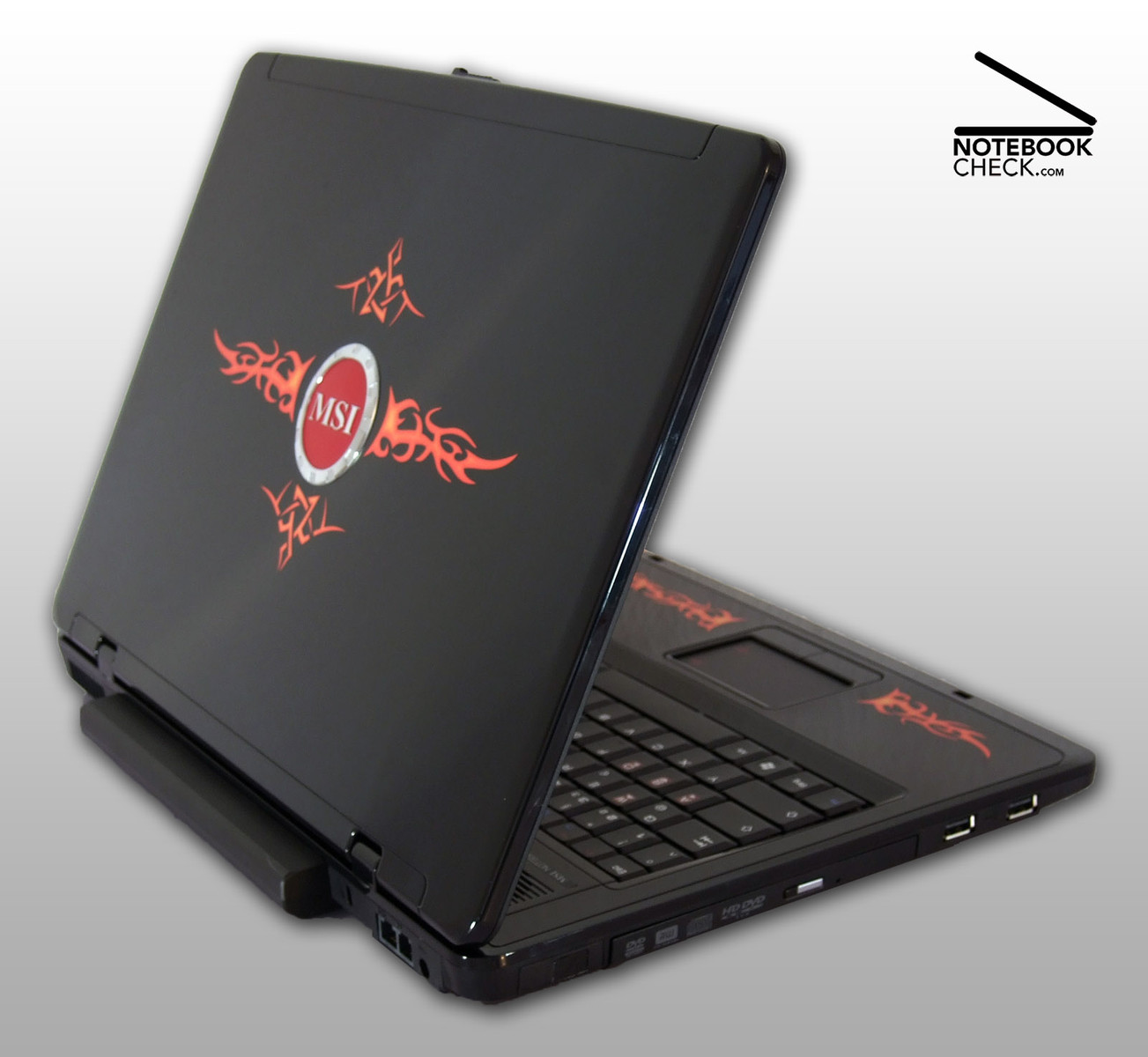
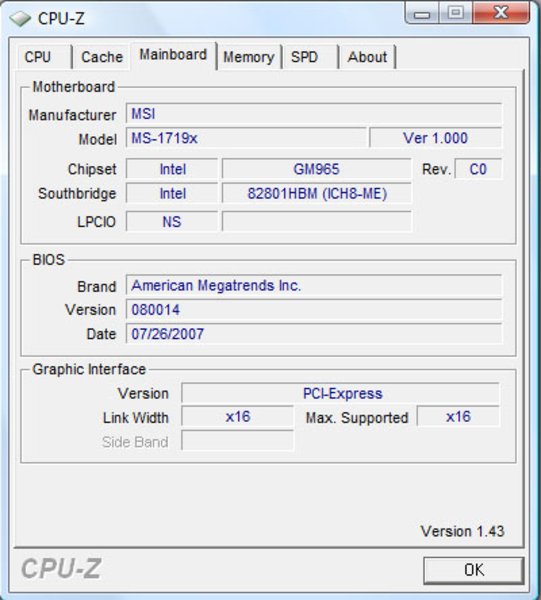
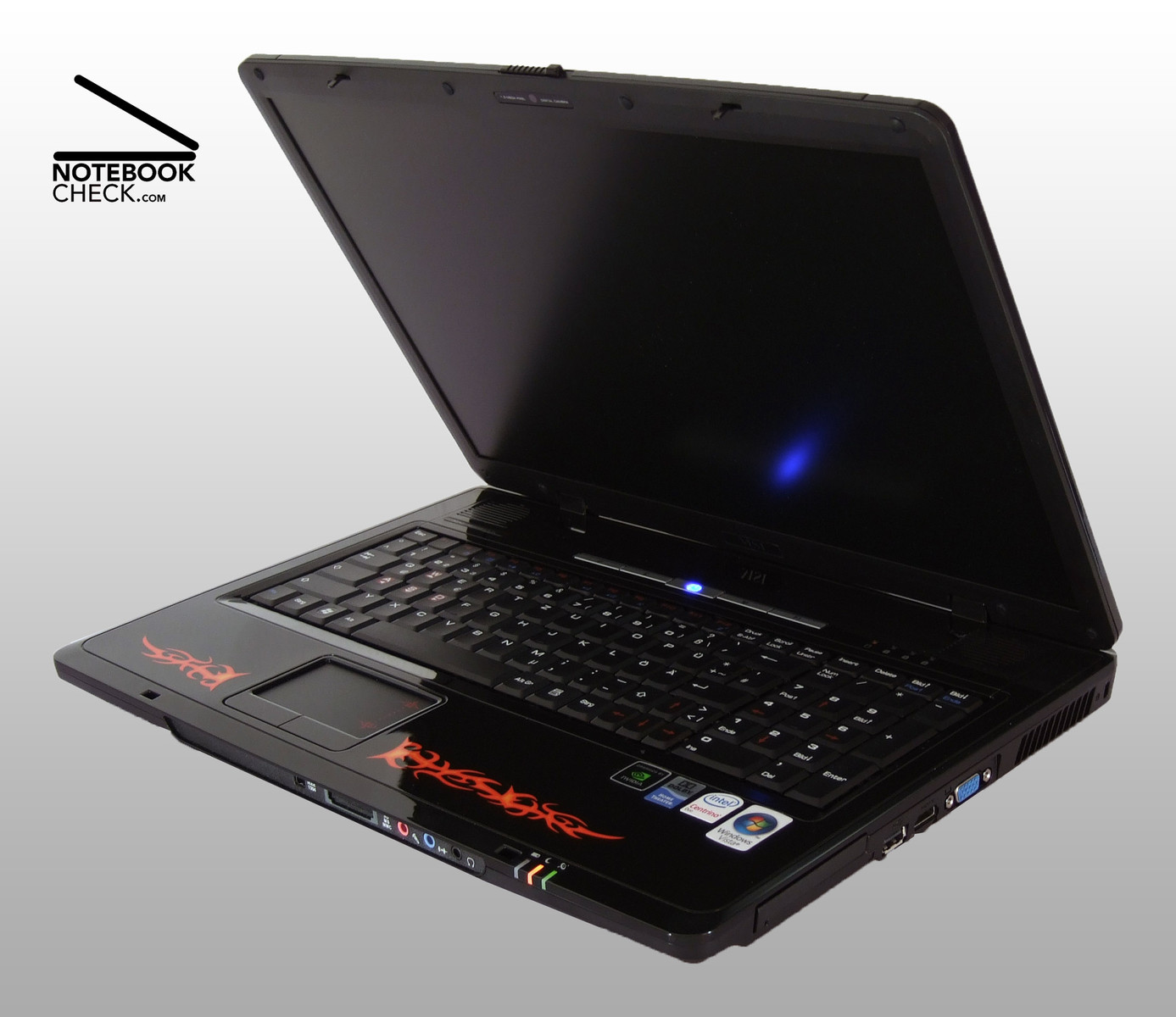
The MSI Megabook GX700 Extreme is a serious competitor of every modding PC. A big logo on its lid, bright red flames everywhere you look, and a deep black case are the trademarks of the Extreme model we reviewed. So, you'll surely recognize it even from a distance. Inside the 17-inch notebook there are a Core 2 Duo processor, a nVIDIA Geforce 8600M GT, two Gigabyte RAM, a HD-DVD drive, and a matte WUXGA-display. If you prefer a more decent design, the MSI GX700 provides you with nearly the same performance, but, has a more decent case.
Case
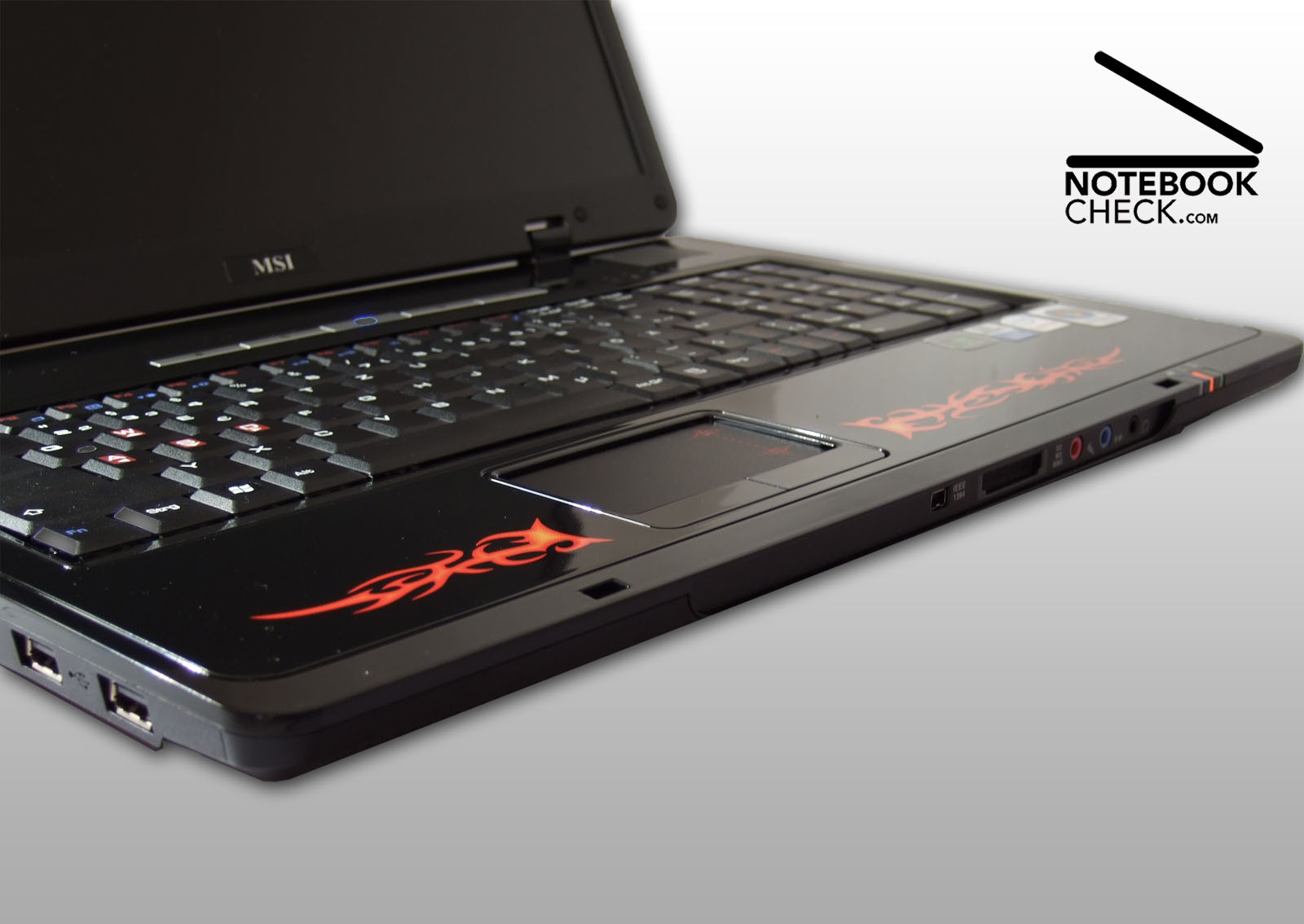
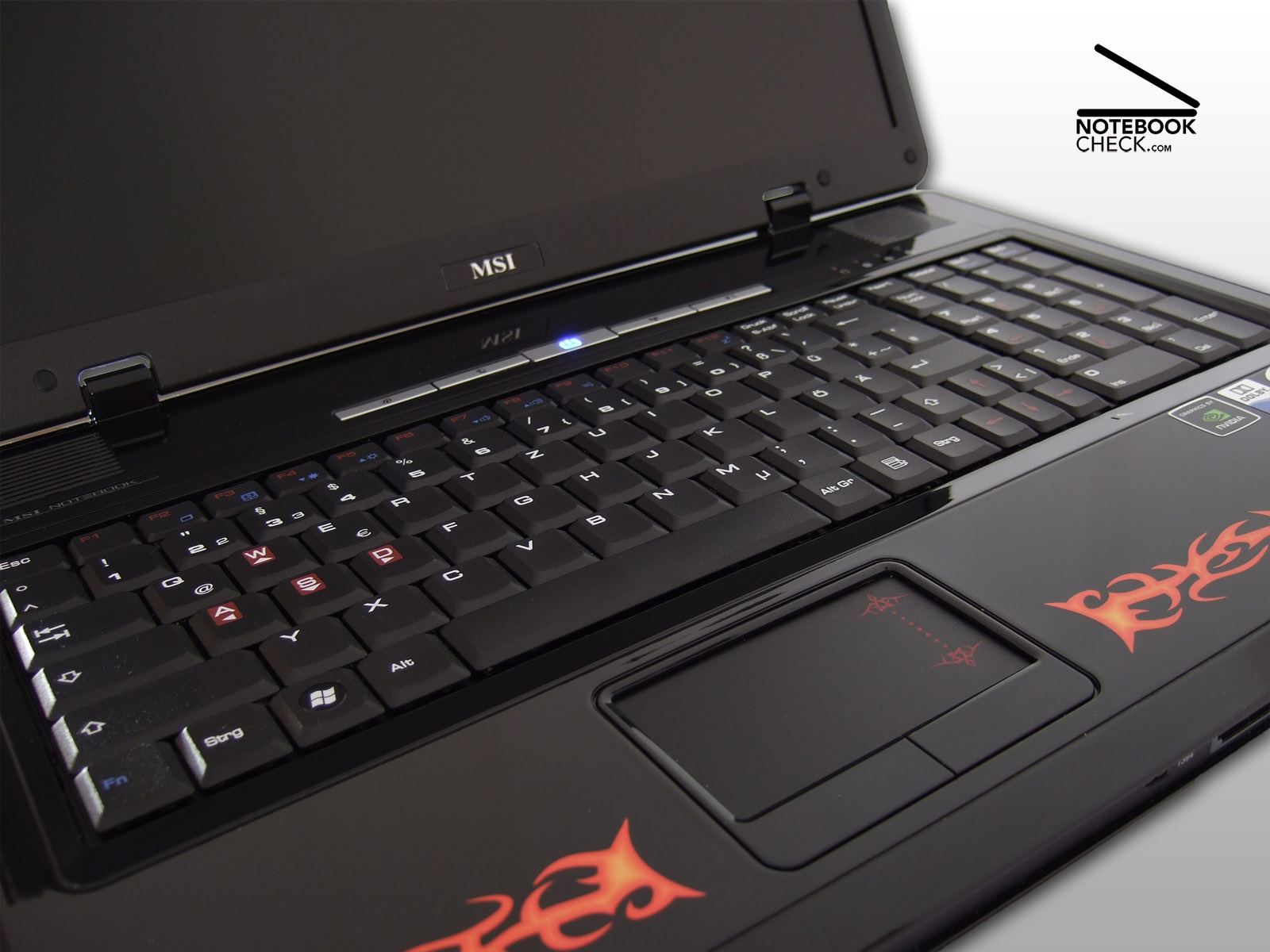
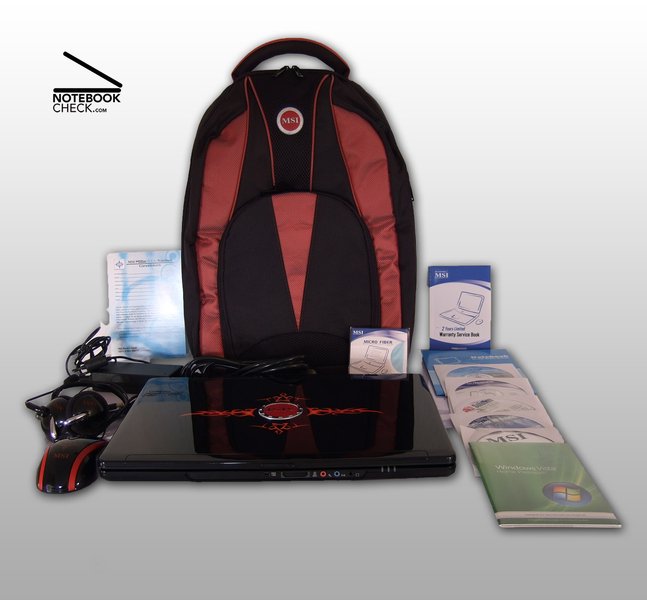
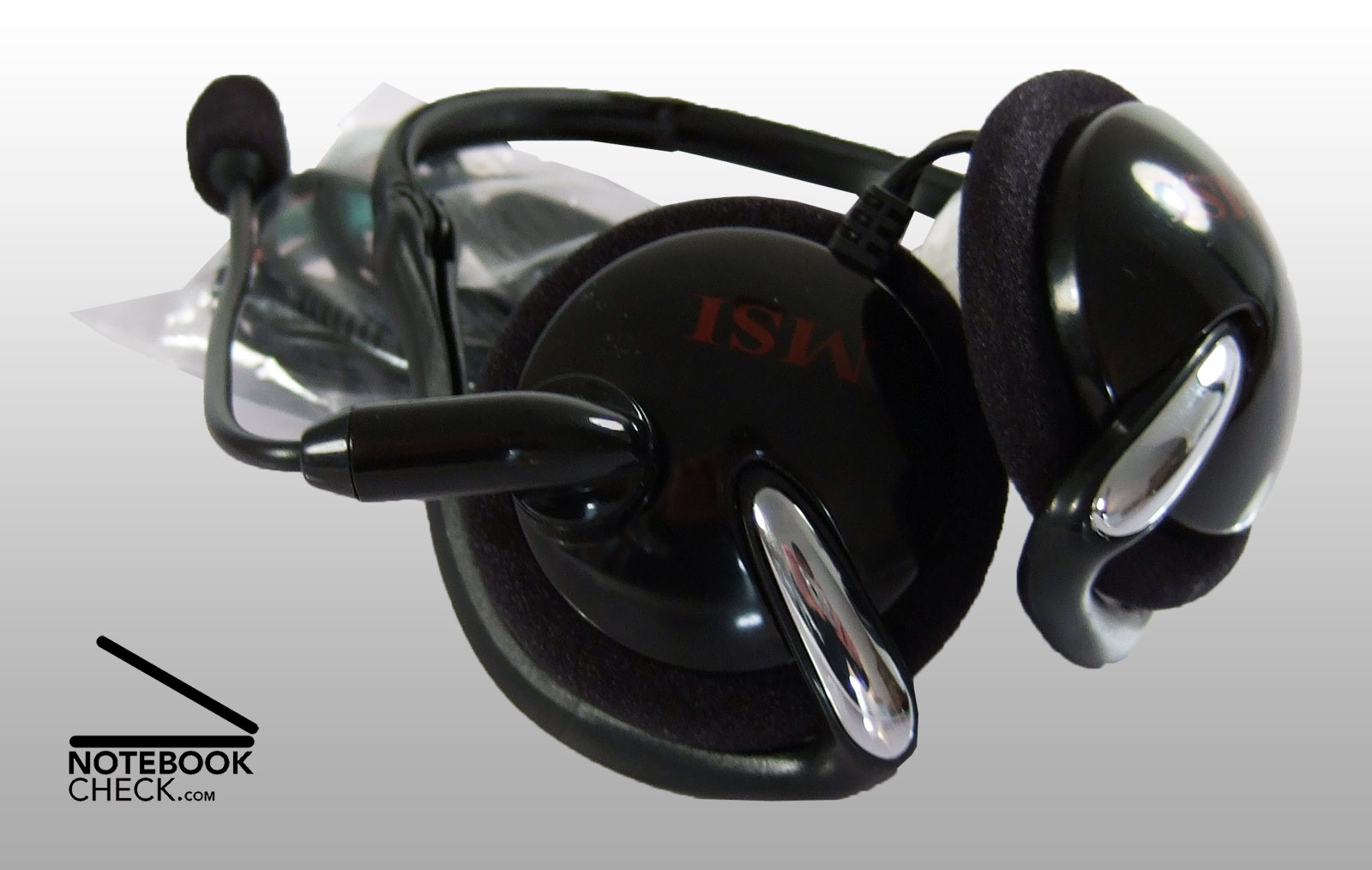
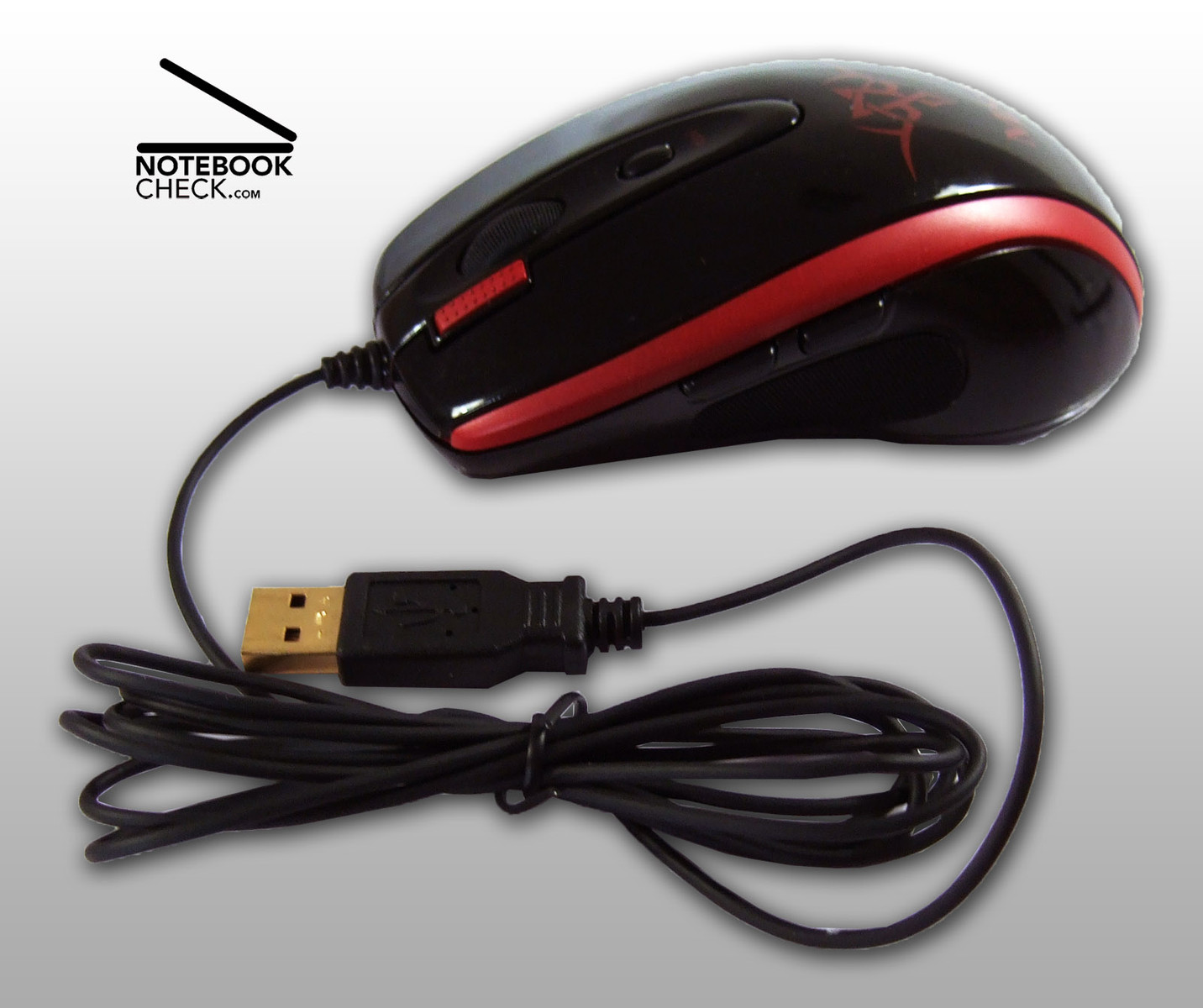
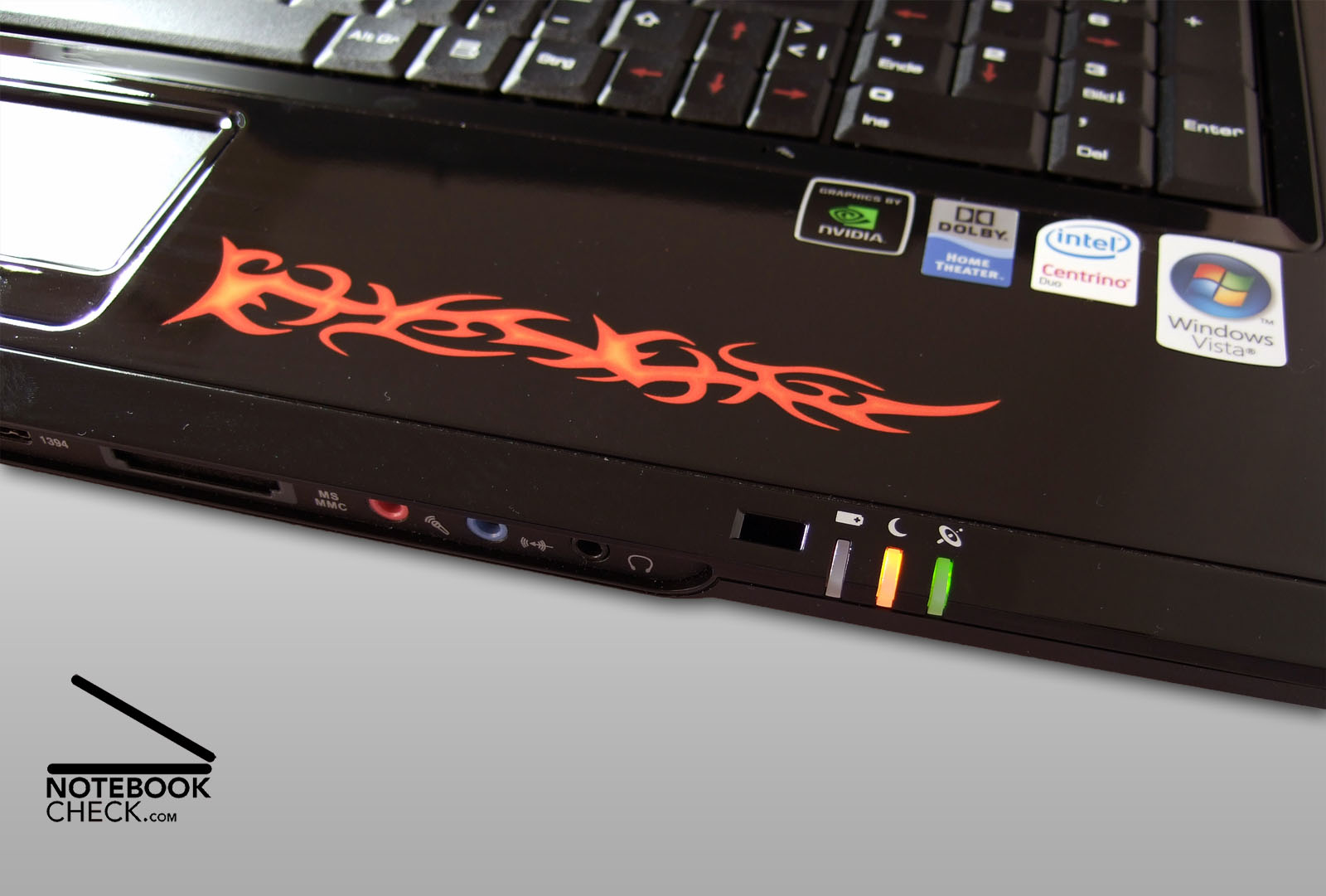
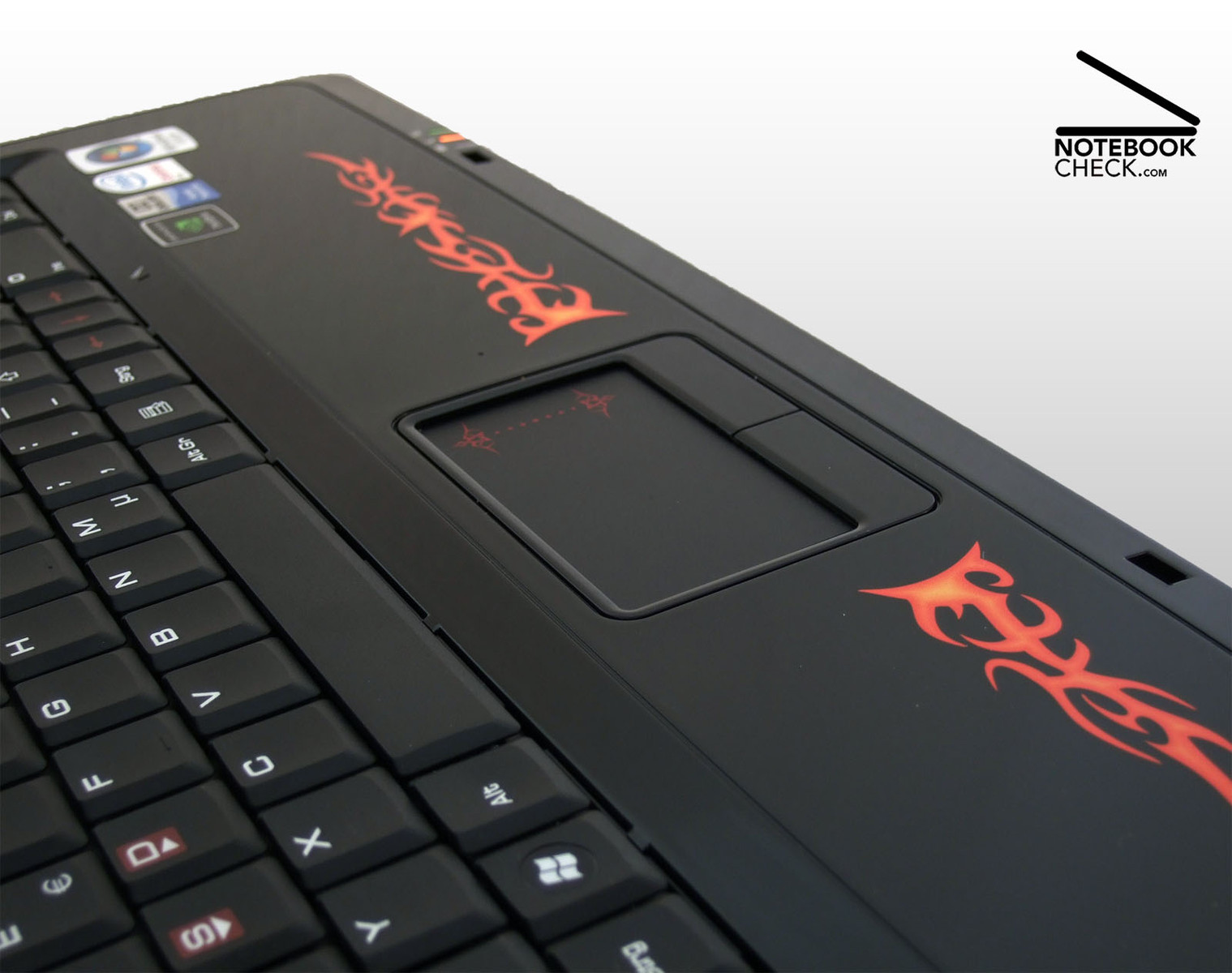
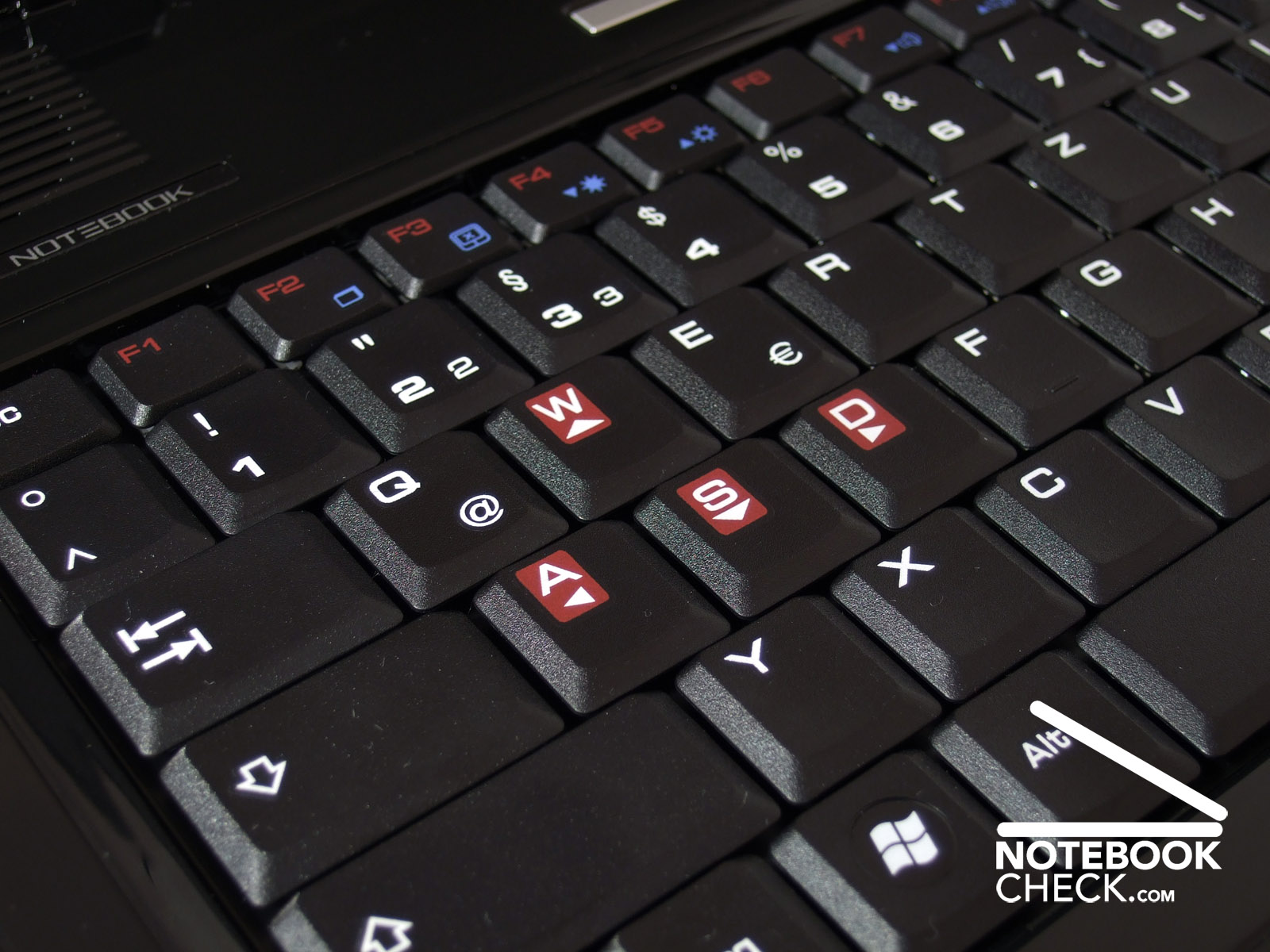
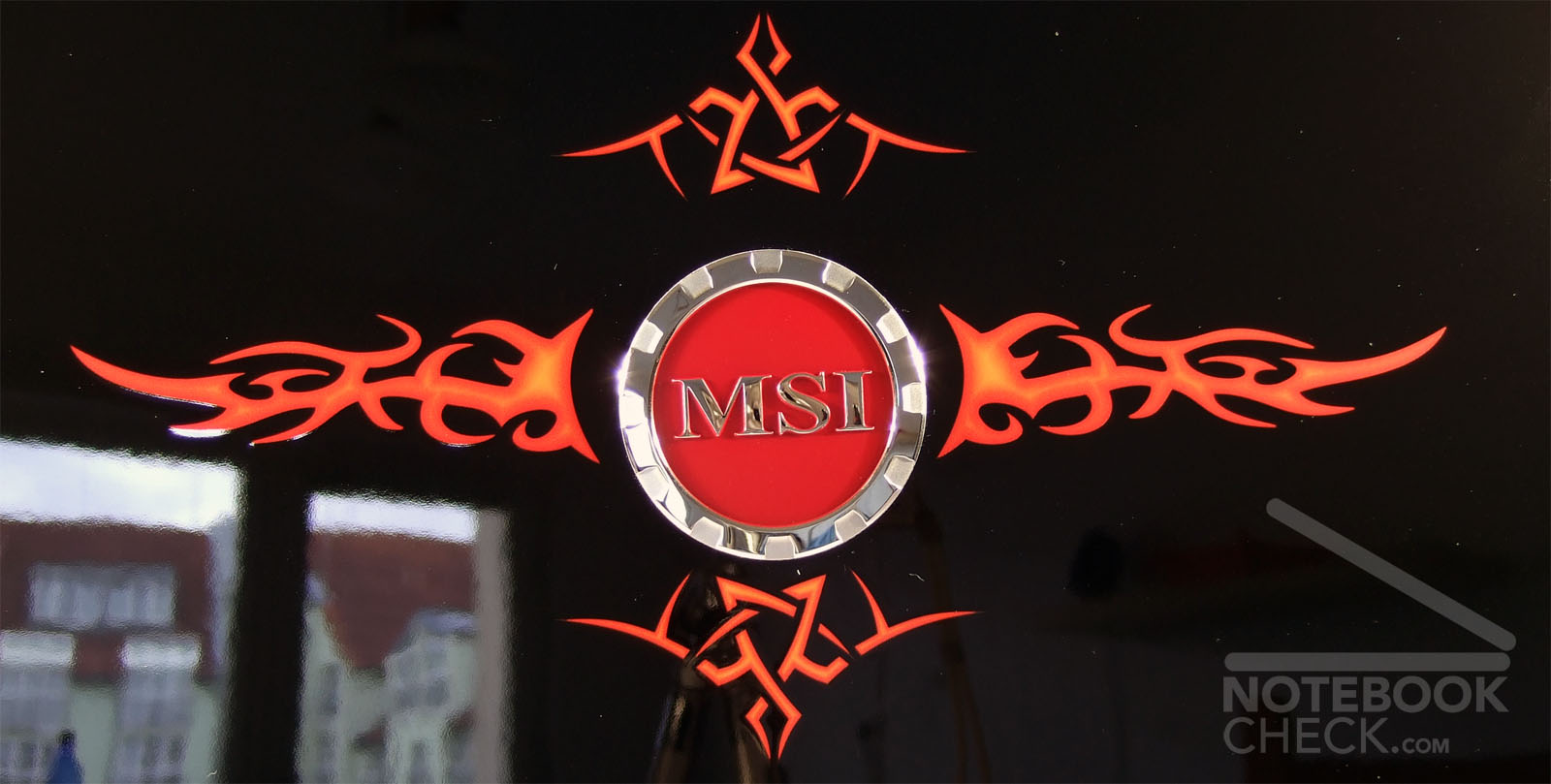
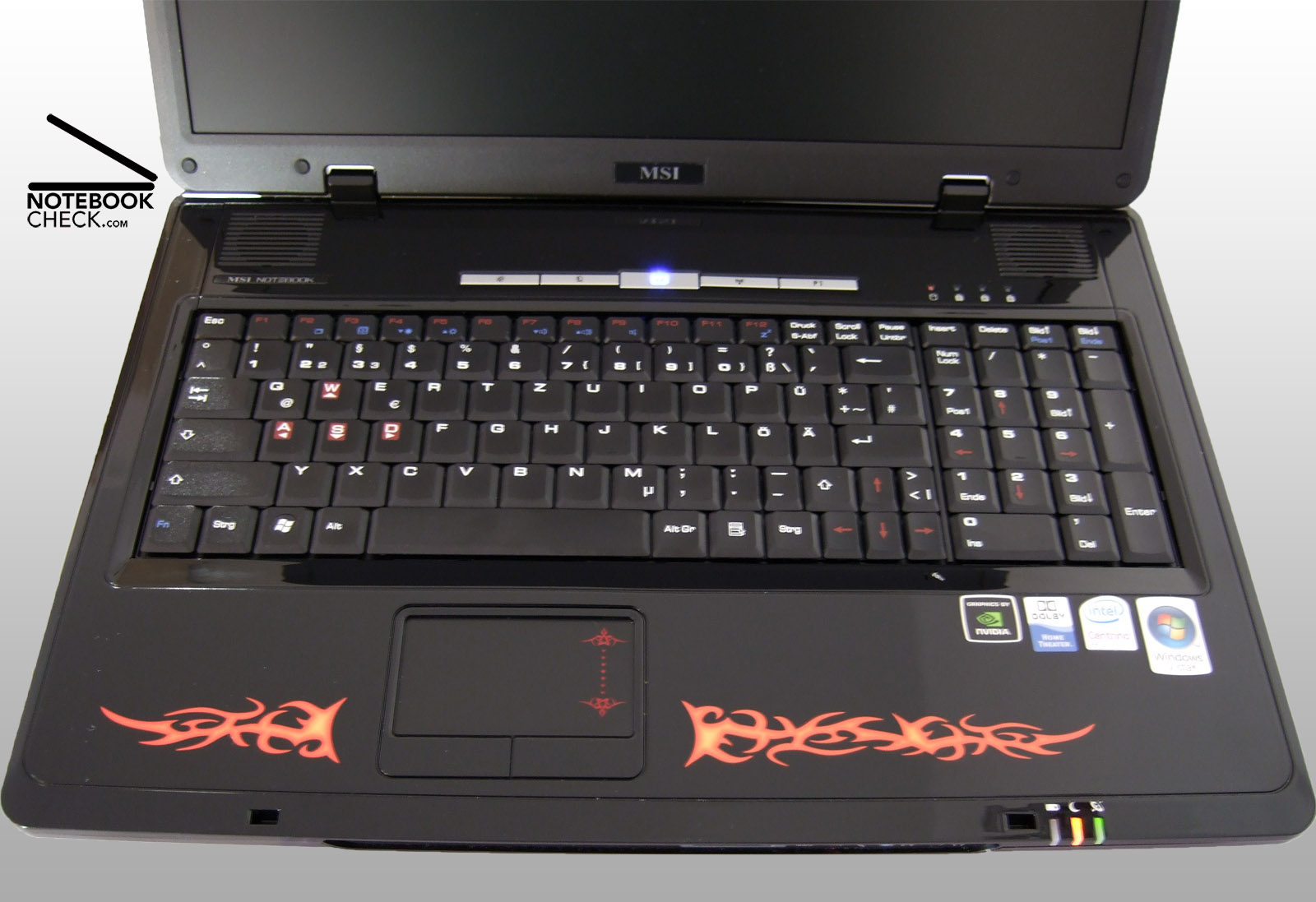
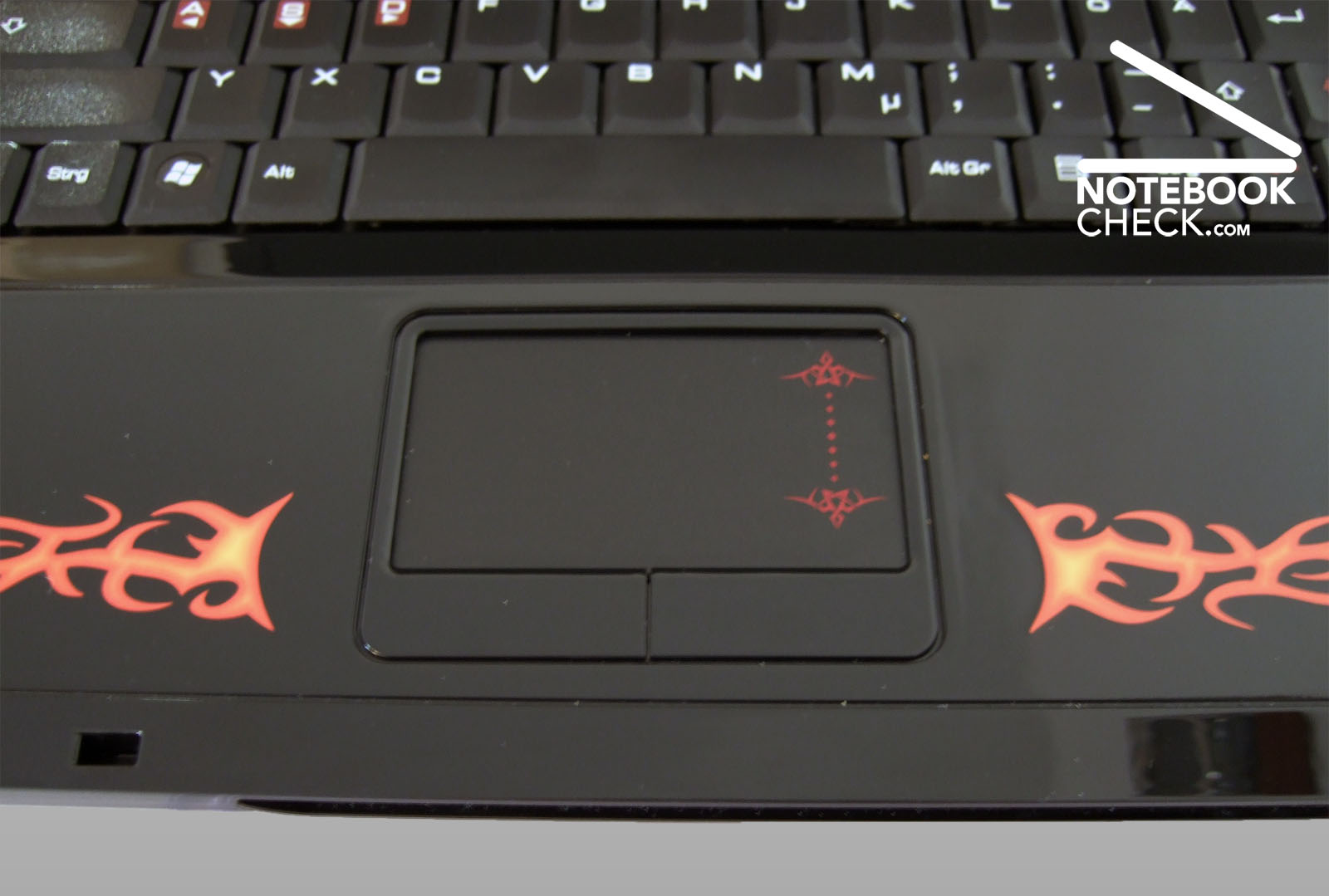
Its easy to recognize the purpose of the MSI Megabook GX700 Extreme at the first glance. Each detail hints on the gaming aspect. Framed by bright red flames there is a big logo on the deep black lid. Once open, you'll detect the same flames on the palm rest area and dark red movement keys, W, A, S, D. Even the touch pad has a glaring red colour spot. Furthermore, a laser mouse with the same design, a simple headset, and a handy knapsack are provided. The equipment with accessories is exemplary, so that there is hardly any need to buy additional accessories for elegantly travelling to the nearest LAN-party.
If you take a closer look at the generous scope of supply, it gets obvious soon that MSI has been clearly inspired by the gaming series by Asus, one of its competitors. Asus gaming notebooks come with a similarly striking design, similar accessories and are offered at a comparable price. If you prefer a more business-like design, you can order the MSI GX700, model "performance", whose performance is nearly the same, but, has a case better suited for daily work without extensive striking design. However, this model does not include the knapsack and the other accessories mentioned above.
The MSI Megabook GX700 Extreme has a completely black case made of plastics. Our tests proved that it is quite robust and that its workmanship is good. However, it does not stand out from the crowd. Unfortunately the cavity for the interfaces at the front of the case is quite edged, so, daily work with the touch pad might not be extremely user-friendly. Typical big notebook made of plastics, the surface of the case slightly yields and creaks especially at the palm rest area when applying moderate force.
The quality of the lid conforms to the standard of this notebook class. Even when applying only some force at the outside, the whole lid deflects, so, the sensible LCD is not well protected. If you carry the notebook in the knapsack, you should, therefore, especially take care that nothing heavy, e.g., books, bear against the lid. Furthermore, the design is very sensible to dirt of all kinds. Fingerprints and dust almost stick to the shiny black plastic surface and it's merely a matter of time until there are some small scratches if you carry it frequently. Of course the same is also true for the inner surfaces which are made of plastics. Especially the palm rest area will look used soon. However, it can be easily cleaned by the provided micro fibre cloth.
Interface Equipment
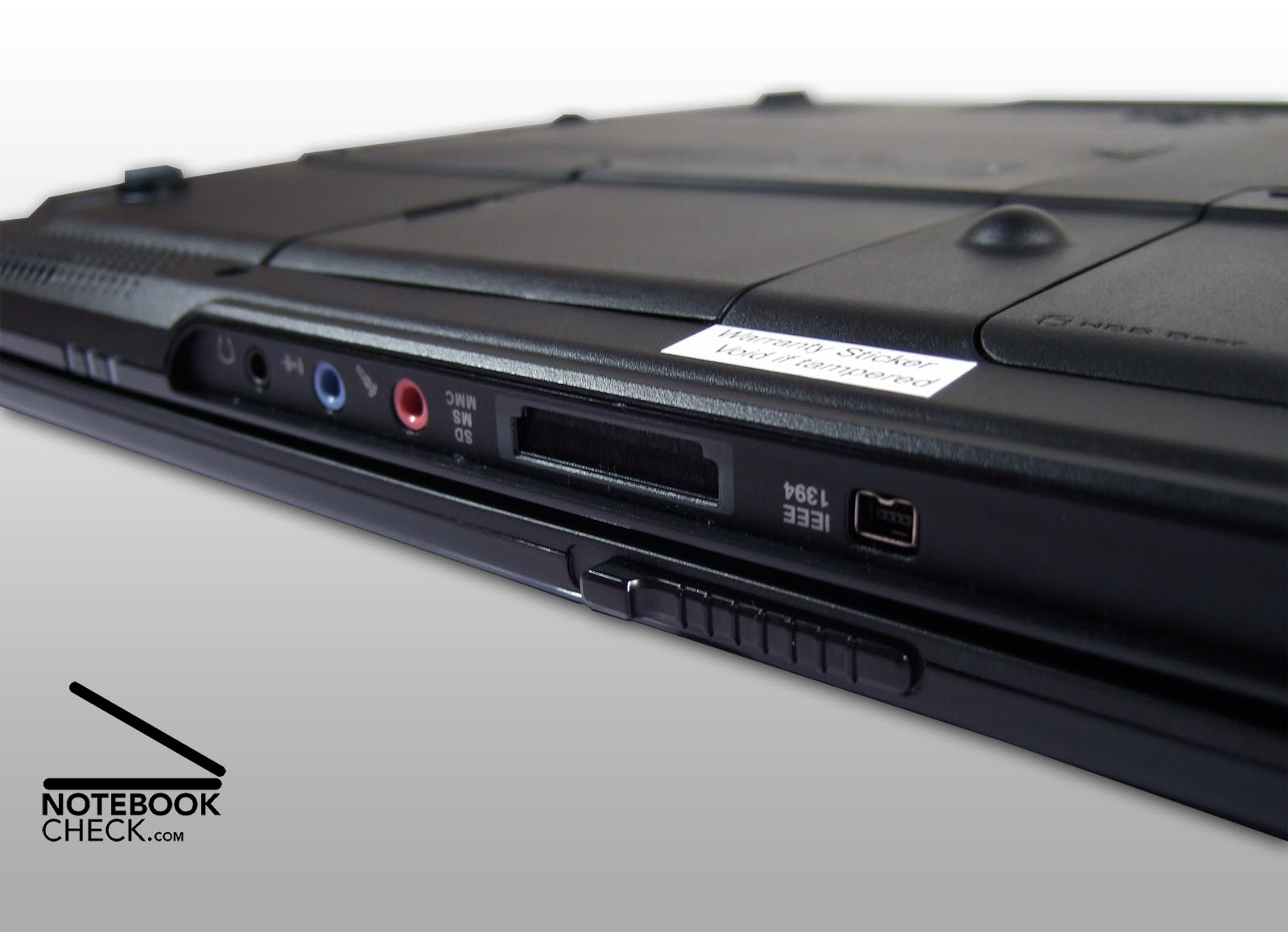
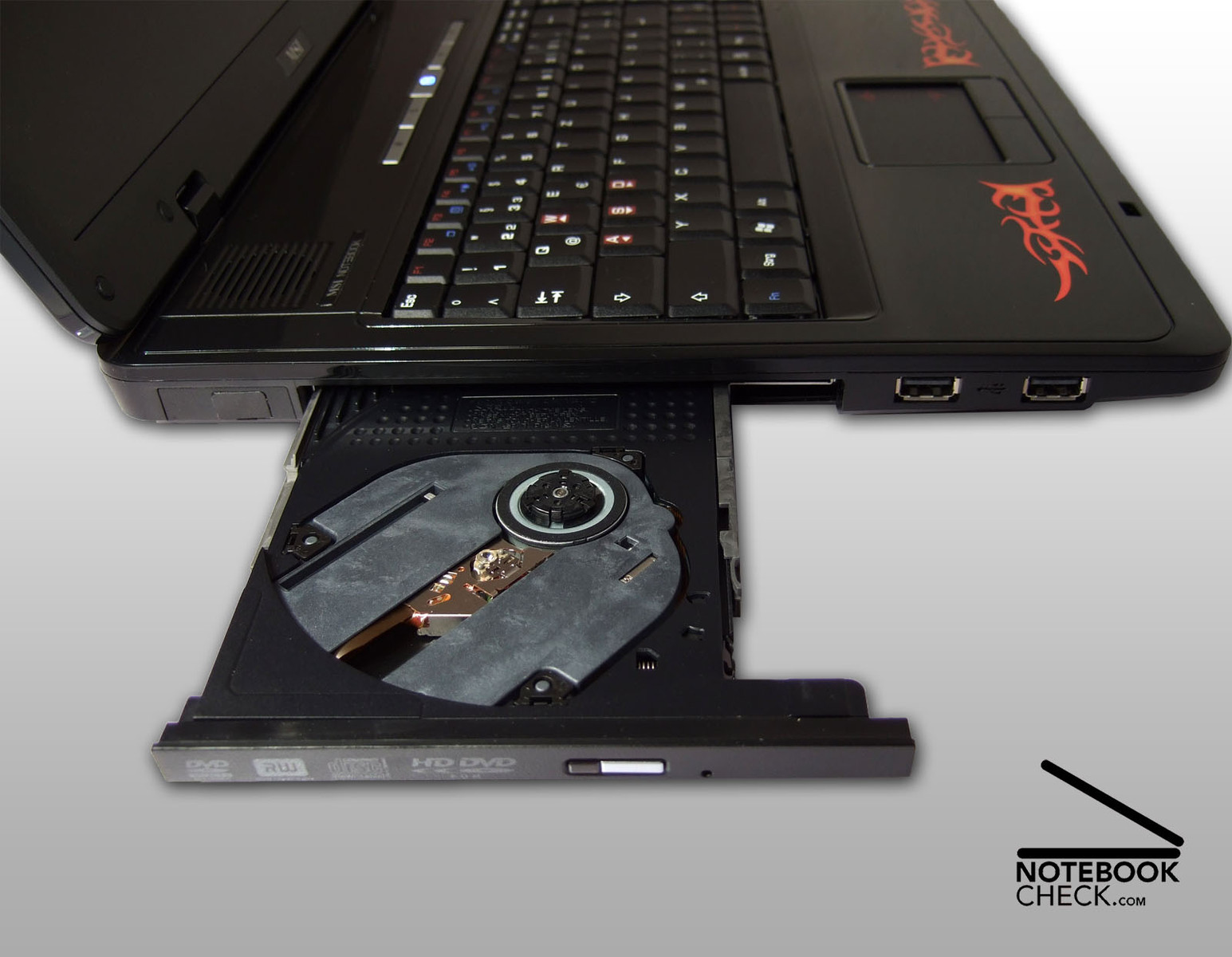
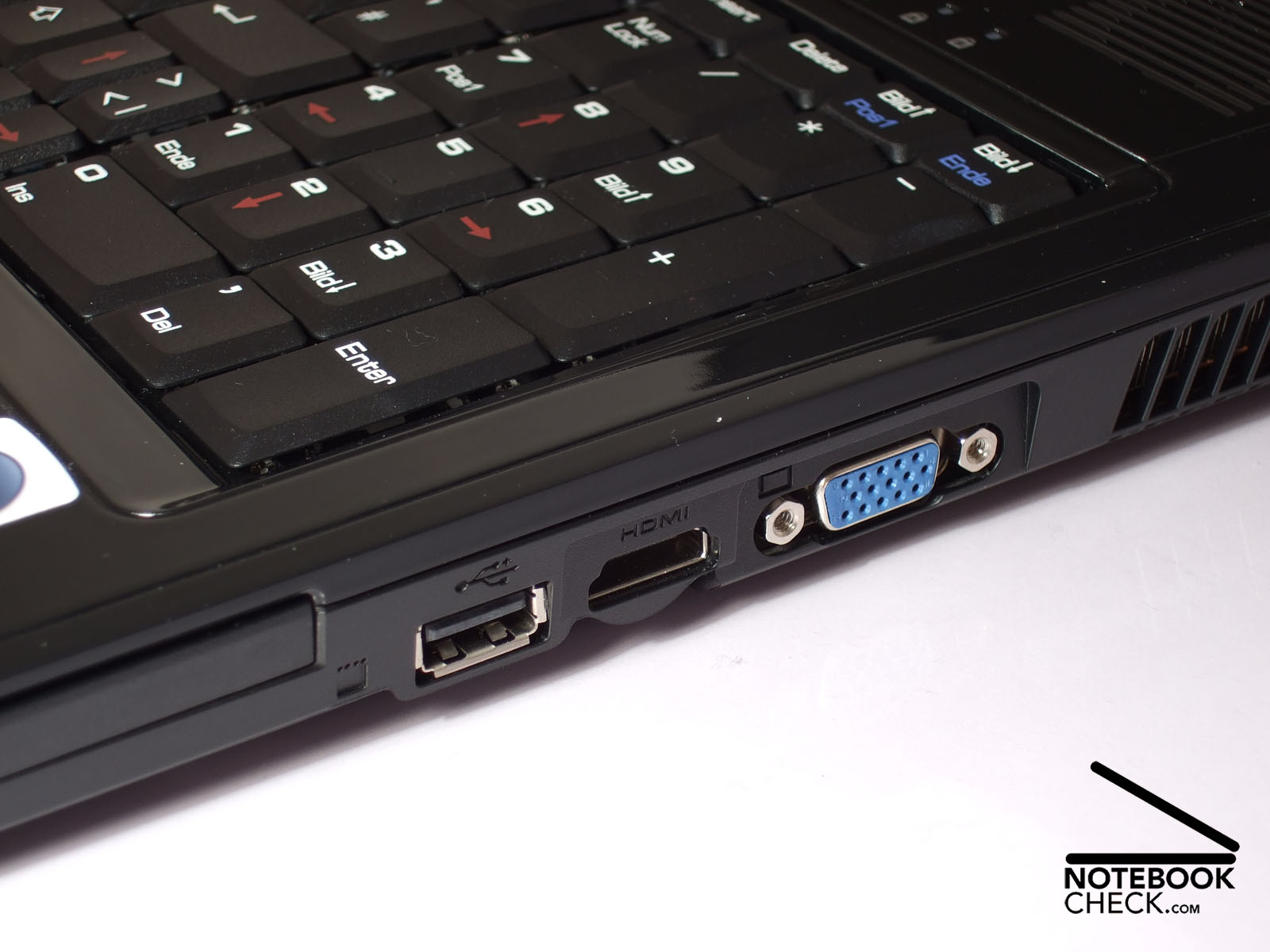
Despite the first impression the equipment of the MSI Megabook GX700 Extreme is not only suitable for computer games. The interface equipment consist of unfortunately only three USB ports, Firewire, and a memory card reader at its front side. There is a small web cam in the display frame, which is alright for video conferences. With the provided headset you are also ready to understand you partners without problems. The integrated sound chip by Realtek has both, an analogue interface, which can be used to attach a stereo or surround system, and a combined optical out, which provides high-quality sound via a fitting adapter.
The last aspect is especially important for home use, because the MSI Megabook GX700 Extreme is not only a gaming notebook, but also an exemplary multimedia computer. An analogue VGA port and finally a ultra-modern HDMI out increase combined with up-to-date LCD TVs the fun even more. It was possible to attach a LCD TV by Toshiba to the reviewed notebook within seconds. It's as easy and trouble-free as attaching an external computer screen. So, you can play games or watch films in unbelievable size. However, transferring audio signals via HDMI with the pre-installed driver did not work properly.
The movie itself can be as usual on hard disk or on CD. The optical drive even supports the still not widespread HD-DVDs. If you have the proper media, you'll be able to see new top quality pictures. The difference to standard DVD playback gets obvious at once and is really impressive, regardless of whether you connect an external 32 inch screen or use the 17 inch notebook panel. Also exemplary: This notebook comes with a proper software for watching HD-DVDs. So, there is, in contrary to other manufacturers, no need to spend a high amount on money on it. Apropos HD-DVD: The GX700 Performance can also be equipped with Bluray drive. According to the latest developments its seems that this standard is more wide-spread than the HD-DVD format. So, it is likely that there are more and more movies in this format available in the future. Hopefully, MSI will upgrade the more stylish GX700 Extreme with a Bluray drive soon.




Input Devices
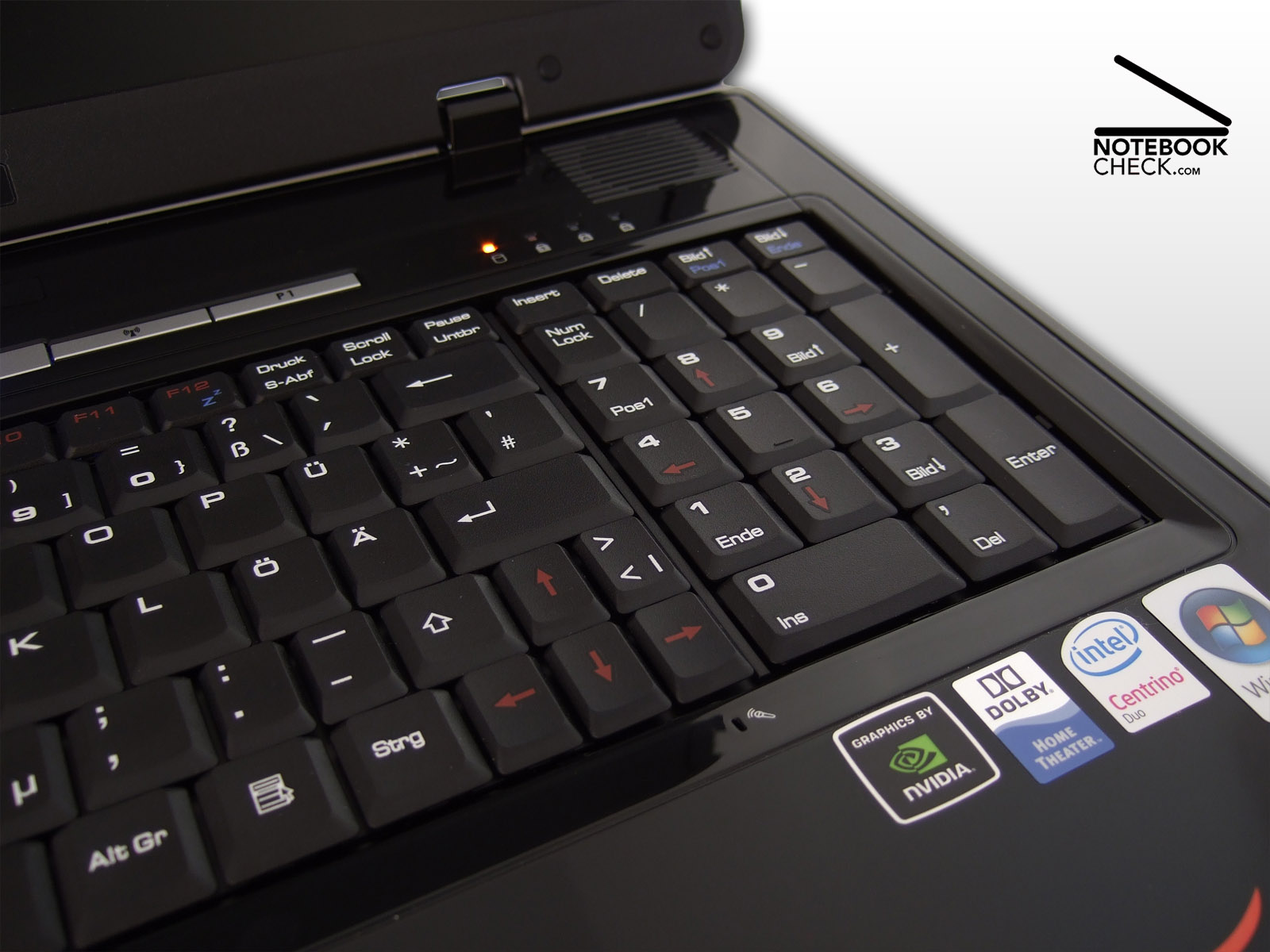
Alike most of 17 inch notebooks also the MSI-Notebook has a complete keyboard including numeric pad. Because there is too less space for 104 keys of full size side by side, some hot keys, the umlauts (of the German keyboard layout), and the cursor keys are smaller than usual. Instead of the standard size of 1.7 x 1.7 cm² these are only 1.2 x 1.7 cm². Until you got used to this, some typing mistakes are likely. Although the keyboard clearly yields in its centre and partly clatters, the key feedback is rather definite.
The design for gaming has not seen through to completion. While the W, A, S, and D keys are highlighted in red, the left Ctrl key, which is also important for gamers, is not completely left, but right beside the Fn key. Those who like jump and run games won't be pleased by shrunk cursor keys too. If your hands are big, you might have troubles using them.
The mouse pointer can be precisely controlled by the 7.4 x 4.7 cm² touch pad. The vertical scroll area helps browsing through long documents and web sites. Because of the big resolution of its WUXGA panel, the GX700 does not provide a horizontal scroll area ex factory. But, if you need one, you can simply configure the driver for it. Both of the pad's buttons are rather stiff and especially the left one clearly too loud. But, overall they work properly.
Display
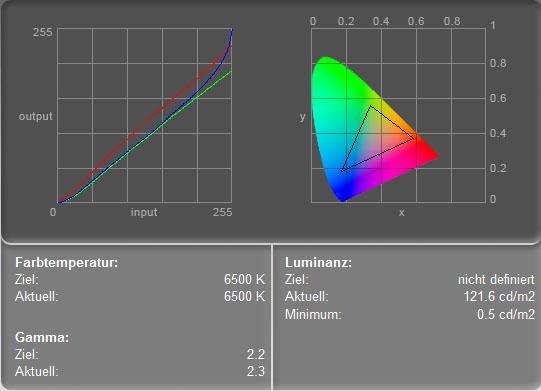
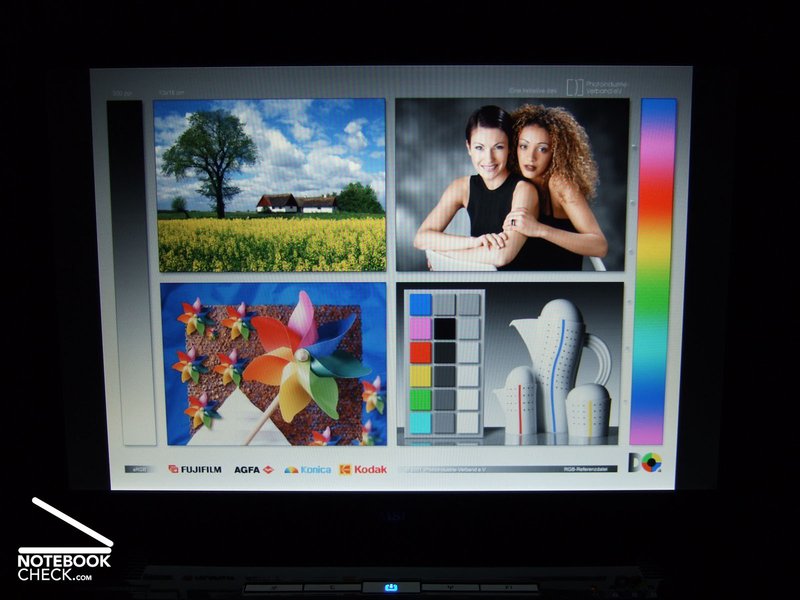
The display properties of the reviewed MSI GX700 Extreme differ from most other notebooks of its price class. The high resolution of 1920x1200 pixels (WUXGA) is uncommonly fine and it comes with a matt surface which is totally remarkable considering the GX700 is designed for gaming and multimedia. At the cost of brilliance, the display does at least not reflect.
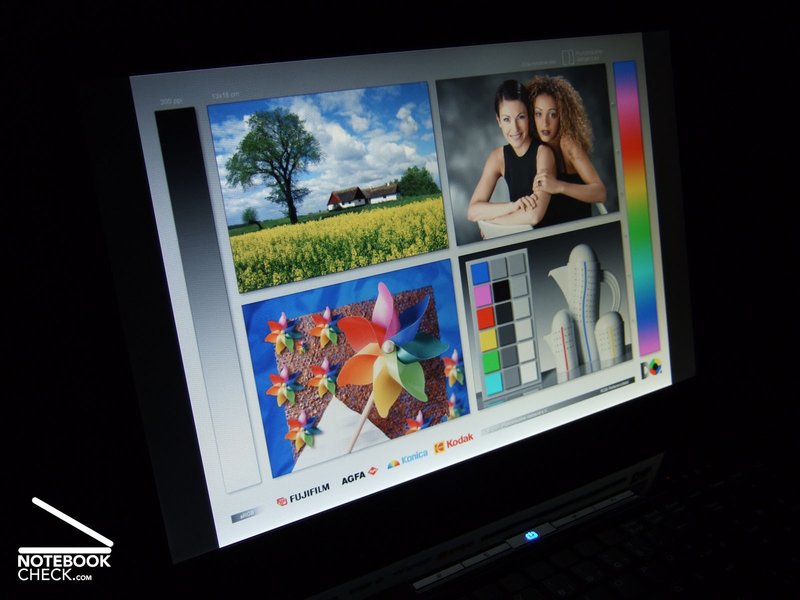
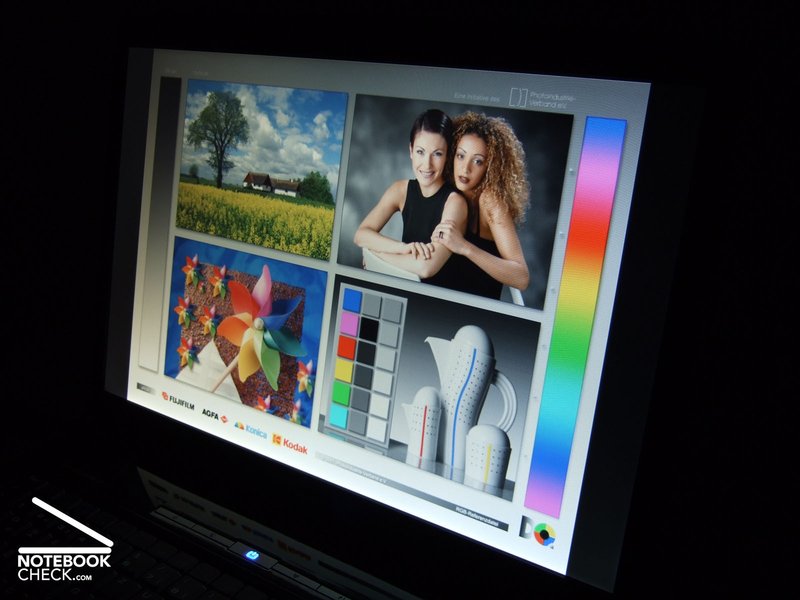
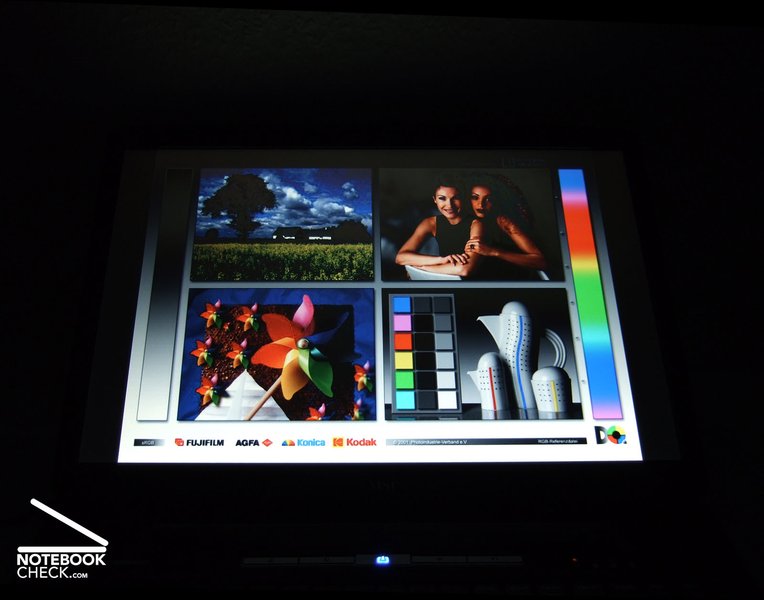
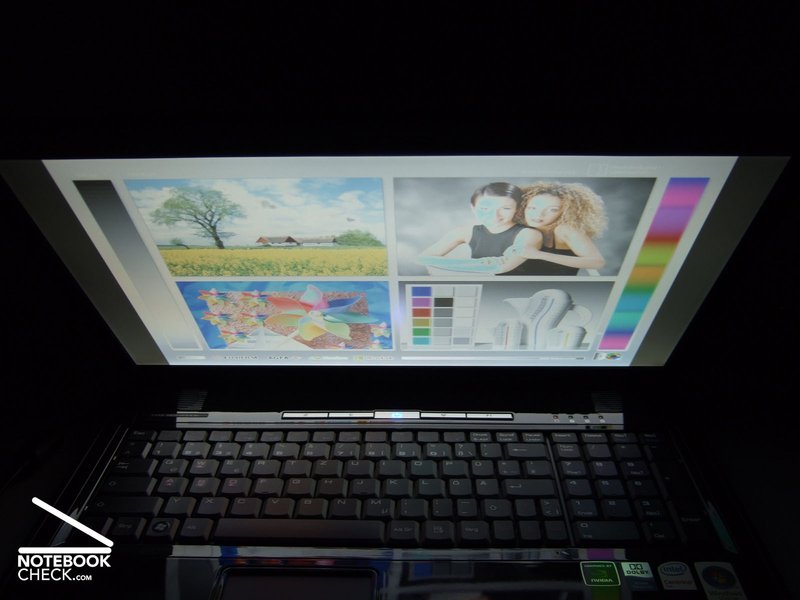
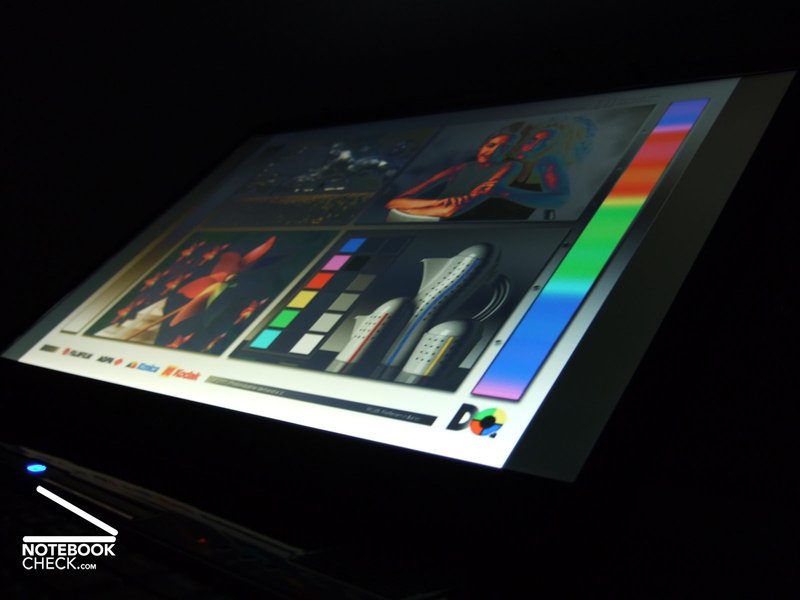
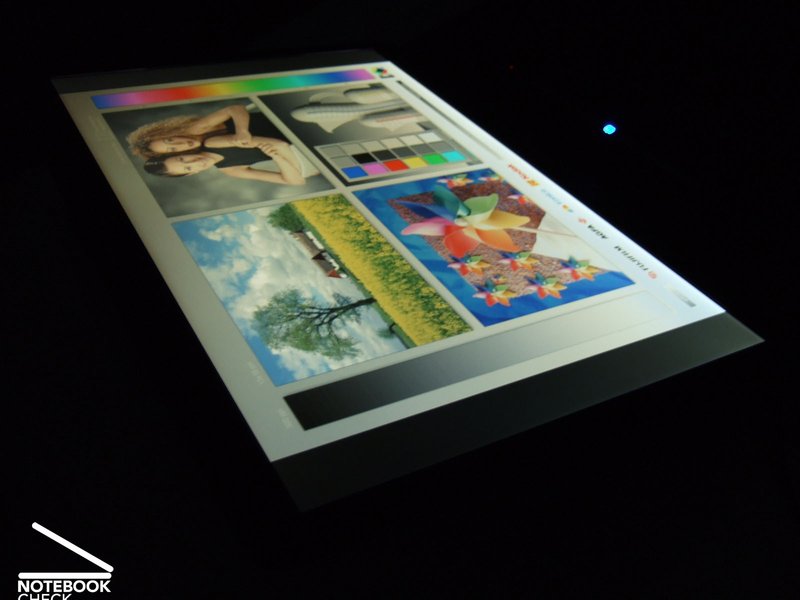
The display scores average in our tests. Besides the matt surface good viewing angles get obvious at once. Especially horizontal the possible viewing angles are above average. As expected the quality diminishes faster horizontally, but, it stays just alright. The colours are slightly dull, but neural. The contrast seem also somewhat weak.
| |||||||||||||||||||||||||
Brightness Distribution: 57 %
Contrast: 235:1 (Black: 0.5 cd/m²)
Checking games the display showed its real strong side. Even if it is not used in its native resolution, which is very fine, the displayed picture is always alright. The resolution of 1280x800 pixels (WXGA) is brilliantly represented, so, the load on the video card can be reduced when running current games, which often do not reach sufficient frame rates for smoothly running at native display resolutions. Furthermore, after-images are rare when running fast shooters and there is hardly any video noise when watching movies.
On the contrary the measurements are not as good. The average brightness of just 119.9 cd/m² is clearly below-average. Furthermore, if the background is uniform, you'll detect a darkening to the upper corners with the naked eye. As expected with regards to our personal impression, the contrast ratio and the colour representation are below average.

Performance
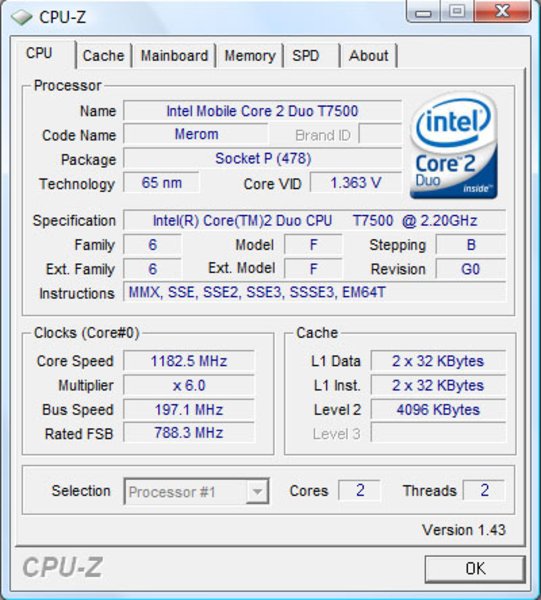
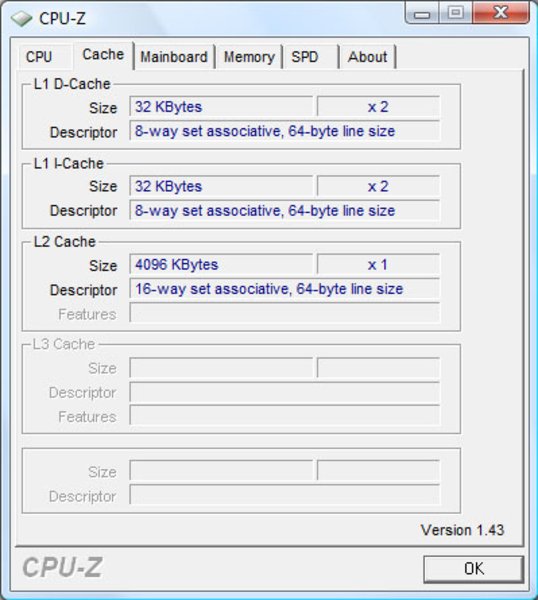
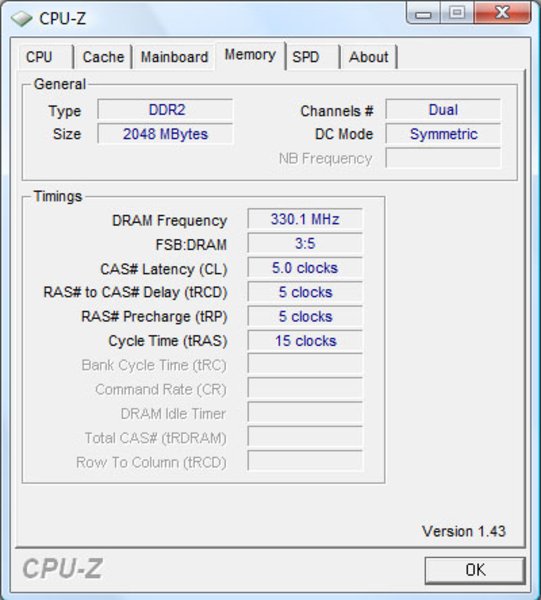
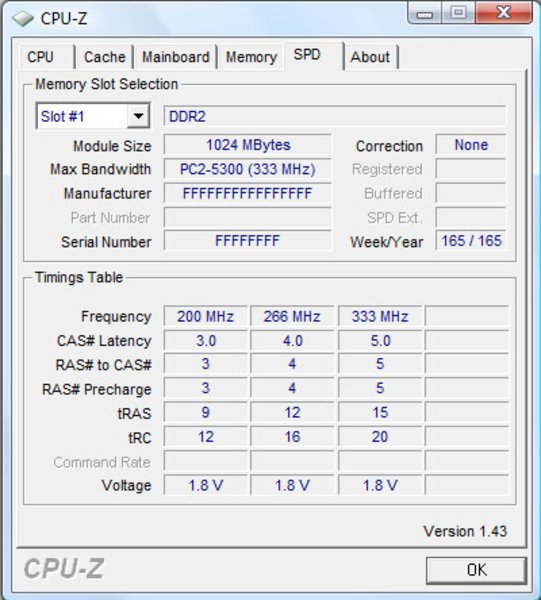
The MSI Megabook GX700 Extreme is based on the most up-to-date technology by Intel, a Core 2 Duo T7500 with a clock-rate of 2,2 GHz and 4 MByte L2-Cache. The processor is part of the current Santa Rosa mobile technology and is connected to the chip-set via a 800 MHz bus. Furthermore, there are two GByte DDR2-667-RAM available, which is a good choice for Windows Vista.
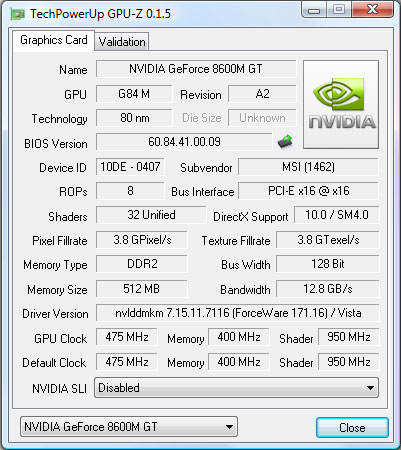
The choice of the video card is clearly surprising. Although the look of the GX700 Extreme emphasises its gaming character there is only a nVIDIA Geforce 8600M GT with 512 MByte GDDR2-Speicher in its inside. Most other gaming notebooks of the same size are at least equipped with a Geforce 8700M GT. This is probably because its hardly possible to cool a more powerful chip inside the specially slim case - a compromise to the look.
The results in the 3D benchmarks are compared to competitor notebooks surprisingly good though. This might be a result of the good Windows configuration of the notebook we reviewed or of improvements of the video card driver developed during the last few weeks and months. We used the newest Beta-reference driver by nVIDIA, version number 171.16 throughout the review.
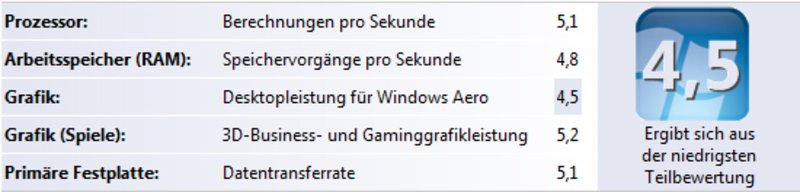
The result of the 3DMark06 benchmark run at a resolution of 1280x800 pixels was 3608 points. The PCMark05 resulted in 5182 points, which is above average. The universal Crystalmark2004R2 certify 97353 Punkte, Windows Vista displays 4.5 performance points – both are also good results.
The capacity of the built-in hard disk by Western Digital is more than sufficient for a lot of games and multimedia files. As in previous reviews the 250 GByte hard disk of the Scorpio series works always very fast and pleasingly quiet. Noises during access can only be suspected, because the loud CPU fan is much more evident.
| 3DMark 05 Standard | 6511 points | |
| 3DMark 06 1280x800 Score | 3608 points | |
Help | ||
| PCMark 05 Standard | 5182 points | |
Help | ||

| Doom 3 | |||
| Resolution | Settings | Value | |
| 1024x768 | Ultra, 0xAA, 0xAF | 83.4 fps | |
| 800x600 | High, 0xAA, 0xAF | 106.3 fps | |
| 640x480 | Medium, 0xAA, 0xAF | 126.1 fps | |
| 640x480 | Low, 0xAA, 0xAF | 149.7 fps | |
| F.E.A.R. | |||
| Resolution | Settings | Value | |
| 1024x768 | GPU: max, CPU: max, 0xAA, 0xAF | 36 fps | |
| 800x600 | GPU medium, CPU medium, 0xAA, 0xAF | 114 fps | |
| 640x480 | GPU min, CPU min, 0xAA, 0xAF | 303 fps | |
| Crysis - CPU Benchmark | |||
| Resolution | Settings | Value | |
| 1920x1200 | Medium, 0AA, 0AF | 8.02 fps | |
| 1920x1200 | Low, 0AA, 0AF | 13.67 fps | |
| 1440x900 | Medium, 0xAA, 0xAF | 12.84 fps | |
| 1440x900 | Low, 0xAA, 0xAF | 31.58 fps | |
| 1280x800 | Medium, 0xAA, 0xAF | 15.15 fps | |
| 1280x800 | Low, 0xAA, 0xAF | 35.87 fps | |
| Crysis - GPU Benchmark | |||
| Resolution | Settings | Value | |
| 1920x1200 | Medium, 0AA, 0AF | 5.56 fps | |
| 1920x1200 | Low, 0AA, 0AF | 21.01 fps | |
| 1440x900 | Medium, 0xAA, 0xAF | 13.07 fps | |
| 1440x900 | Low, 0xAA, 0xAF | 35.34 fps | |
| 1280x800 | Medium, 0xAA, 0xAF | 15.59 fps | |
| 1280x800 | Low, 0xAA, 0xAF | 42.38 fps | |
Emissions
Loudness
If you are very sensible to noises, you won't be happy with this notebook. Regardless of the load, the fan runs permanently and is thereby clearly audible. We did hardly recognize any hard disk accesse due to a noise level of about 39.0 dbA. When running 3D games the speed of the fan is slowly increased in two further steps. So, the noise reaches 47.3 dbA after some minutes. The sound via the integrated speakers or via the headset is able to compensate the turbine like noise of the fan to some extent. Most other laptops of this class are clearly quieter though.
Noise level
| Idle |
| 38.6 / 39 / 39 dB(A) |
| HDD |
| 39.1 dB(A) |
| DVD |
| 44.1 / 48.6 dB(A) |
| Load |
| 41.5 / 47.3 dB(A) |
 | ||
30 dB silent 40 dB(A) audible 50 dB(A) loud |
||
min:  , med: , med:  , max: , max:  (15 cm distance) (15 cm distance) | ||
Temperature
Despite a loud fan the temperature increase of the MSI Megabook GX700 Extreme was above-average during our tests. The maximum was 38.4°C at the top side, which is already rather uncomfortable. At some parts the bottom side gets as hot as 52°C. We won't recommend running one of the current 3D games lap top.
When running standard office applications the temperatures stay alright. We measured up to 30°C at the top side and up to 31°C at the bottom side.
(+) The maximum temperature on the upper side is 38.8 °C / 102 F, compared to the average of 36.8 °C / 98 F, ranging from 21 to 71 °C for the class Multimedia.
(-) The bottom heats up to a maximum of 52.6 °C / 127 F, compared to the average of 39.1 °C / 102 F
(±) The palmrests and touchpad can get very hot to the touch with a maximum of 38.4 °C / 101.1 F.
(-) The average temperature of the palmrest area of similar devices was 28.7 °C / 83.7 F (-9.7 °C / -17.4 F).
Speakers
This MSI notebook is equipped with four stereo speakers and a small sub-woofer. Their sound is surprisingly good in computer games: Explosions and noises of weapons of the Egoshooter Crysis sound considering they are notebook speakers surprisingly full although the speakers are only recognized as standard stereo system by Windows.
However, this 4.1 system is not so fit for movies. Typical for this notebook class the speakers frequently omit smaller details. So, overall the sound is somewhat blurred. The sub-woofer is not able to compensate the weaknesses regarding middle and high tones of the four stereo speakers. Nonetheless, the sound system is sufficient for listening to background music.
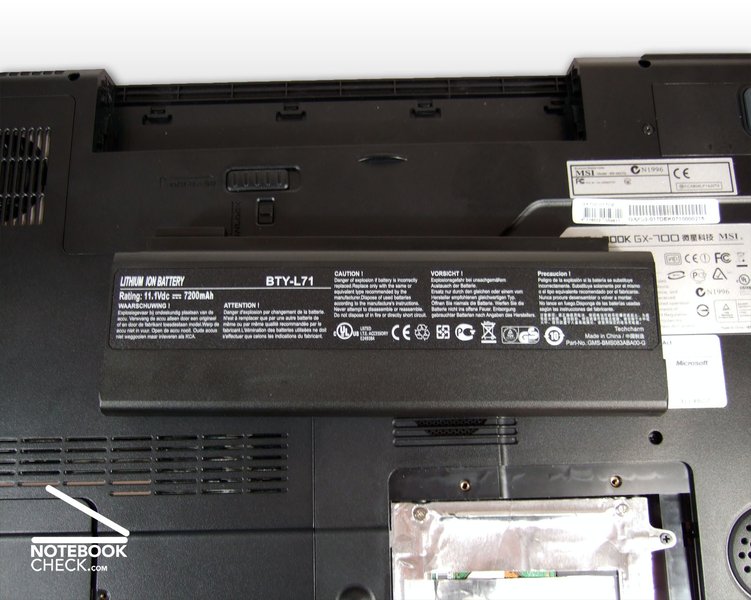
A 9-cell battery with nearly 800 Wh capacity provides energy, if the notebook is unplugged. The battery weighs about 470 g and protrudes the back side of the notebook by about one and a half centimetre. In return, its runtime is good. Up to four hours are possible, under full load still nearly one and a half hours. When running standard applications like Word, Excel, and Powerpoint the runtime is about three to three and a half hours - laudable.
| Off / Standby | 0 / 0 Watt |
| Idle | 22.9 / 33 / 34.5 Watt |
| Load |
70.4 / 87.8 Watt |
   
| |
Key:
min: ,
med: ,
max: | |
Verdict
Overall the MSI Megabook GX700 Extreme is a successful desktop replacement. Due to striking design it should be able to attract its target group, but put others off. The provided mouse, the headset, and the knapsack will surely attract attention at the next LAN party, whereas the knapsack makes it easier to get there.
Inside this 17 inch notebook there are a fast Core 2 Duo processor with 2.2 GHz by Intel, two GB RAM, and a fast 250 GB hard disk which ensure good performance in all fields of operation. The built-in nVIDIA Geforce 8600M GT video chip is generally no bad choice. Nonetheless, a more powerful chip would have been desirable for a gaming notebook of this size. Nevertheless, all current games can be played smoothly with the MSI Megabook GX700 Extreme.
Being comprehensively equipped, this MSI notebook stands out of the crowd. HDMI and VGA out, an analogue and an optical 5.1 audio out and finally a HD DVD drive are seldom provided in a bundle. The high resolution WUXGA display is somewhat dark and its colours are weak. Nonetheless, the desktop size is enormous and its interpolation properties are brilliant. However, a reflecting LCD with brilliant colours would probably better match the multimedia character of this notebook.
Although battery runtime is not a crucial aspect for 17 inch notebook, this MSI notebook scores alright here. This 3.5 kg light notebook needed to be recharged only after a maximum runtime of four hours.
During our test we found hardly weaknesses of the MSI Megabook GX700 Extreme. These are a not ideally designed and clattering keyboard and the high noise and temperature emissions. The display could be brighter too.
The MSI Megabook GX700 Extreme with the reviewed equipment will cost nearly 1400 Euro, but is not available yet. This laptop is about 150 Euro cheaper without HD-DVD drive. The "Performance" model, which looks that striking, is available for about 1050 Euro and more.
 Add as a preferred source on Google