Deutsch
 Español
 Français
 Italiano
 Nederlands
 Polski
 Português
 Русский
 Türkçe
 Svenska
 Chinese
 Magyar
Review MSI Megabook GX600 Notebook
Gaming performance with compromises
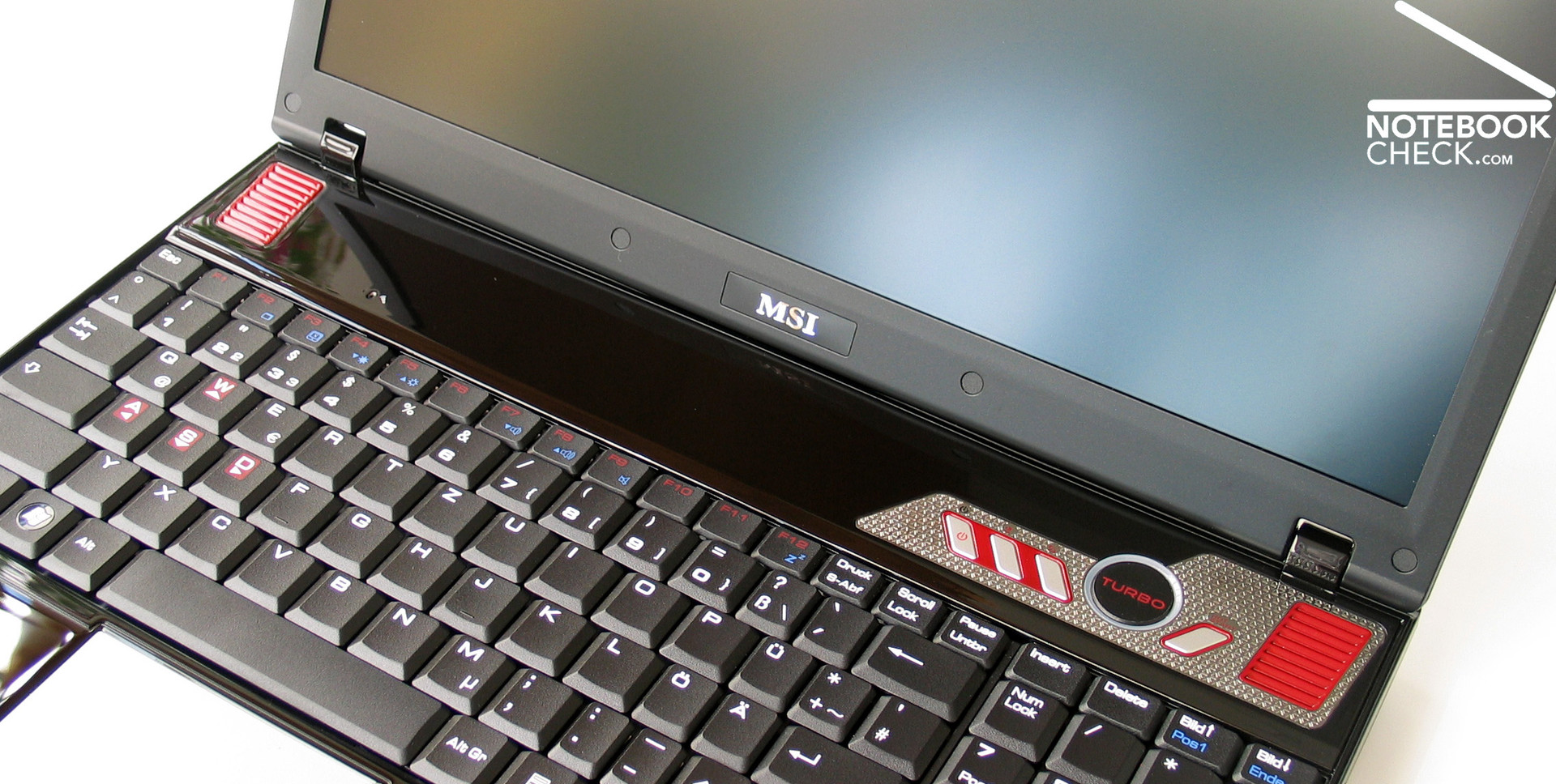
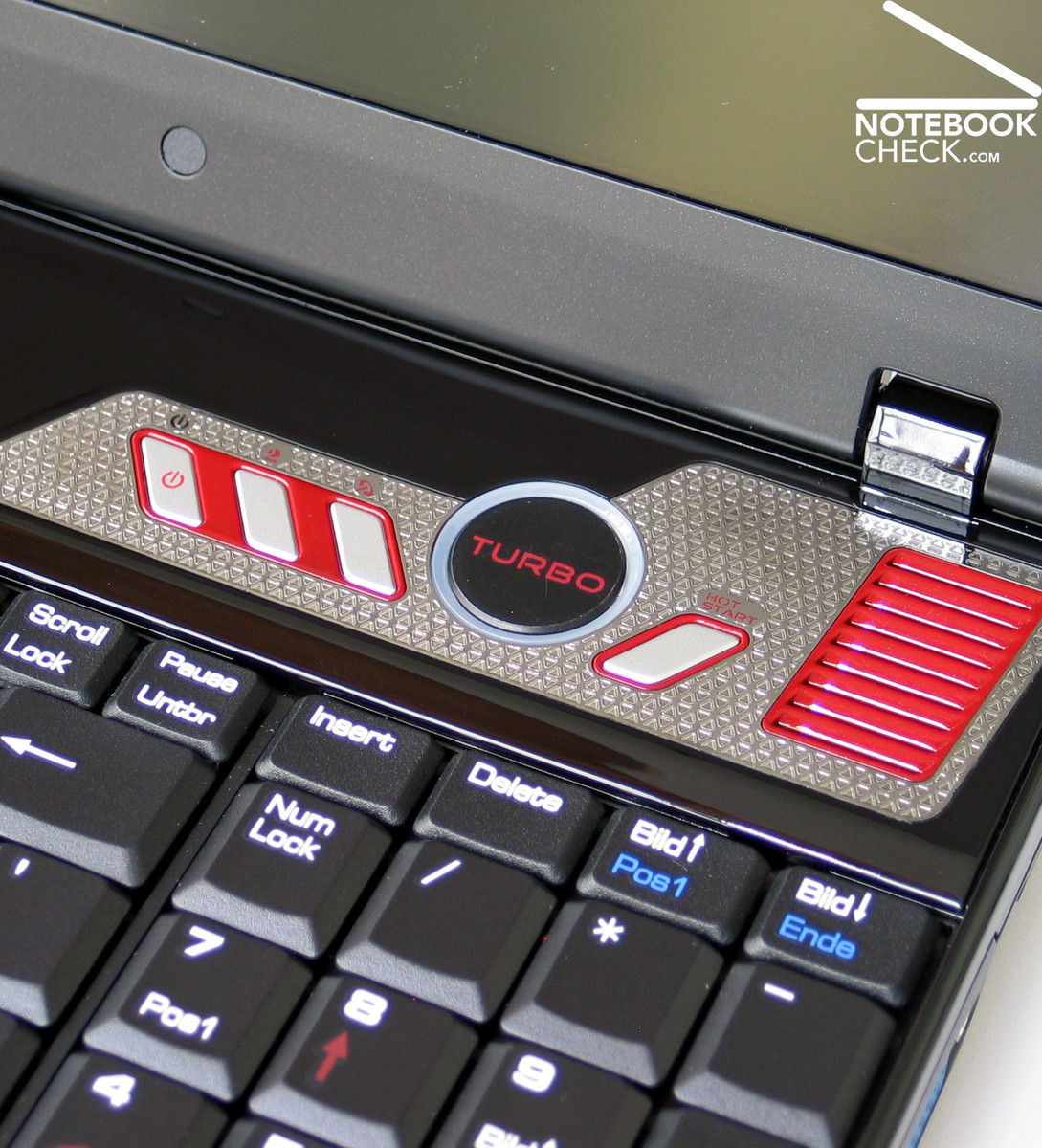
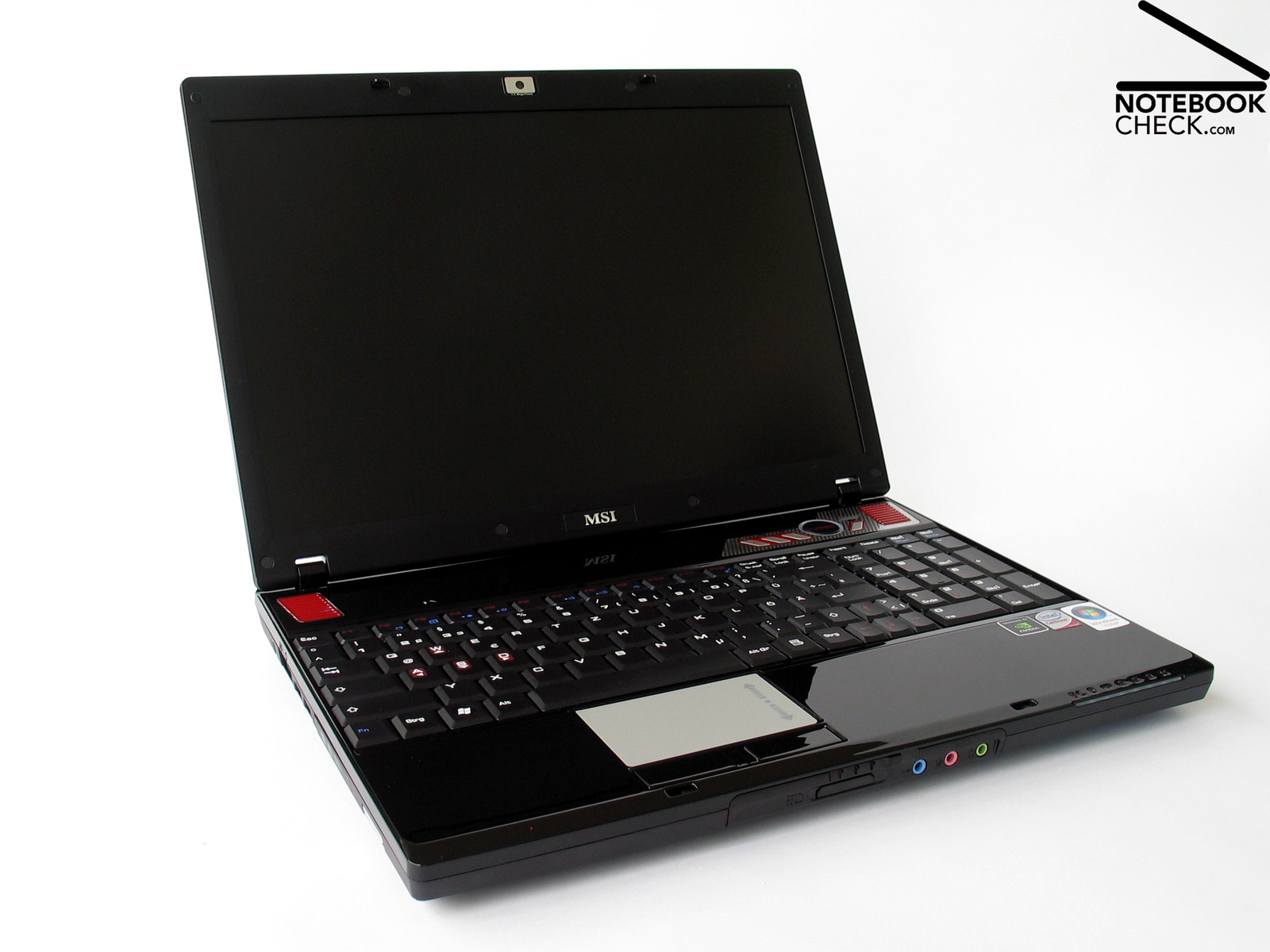
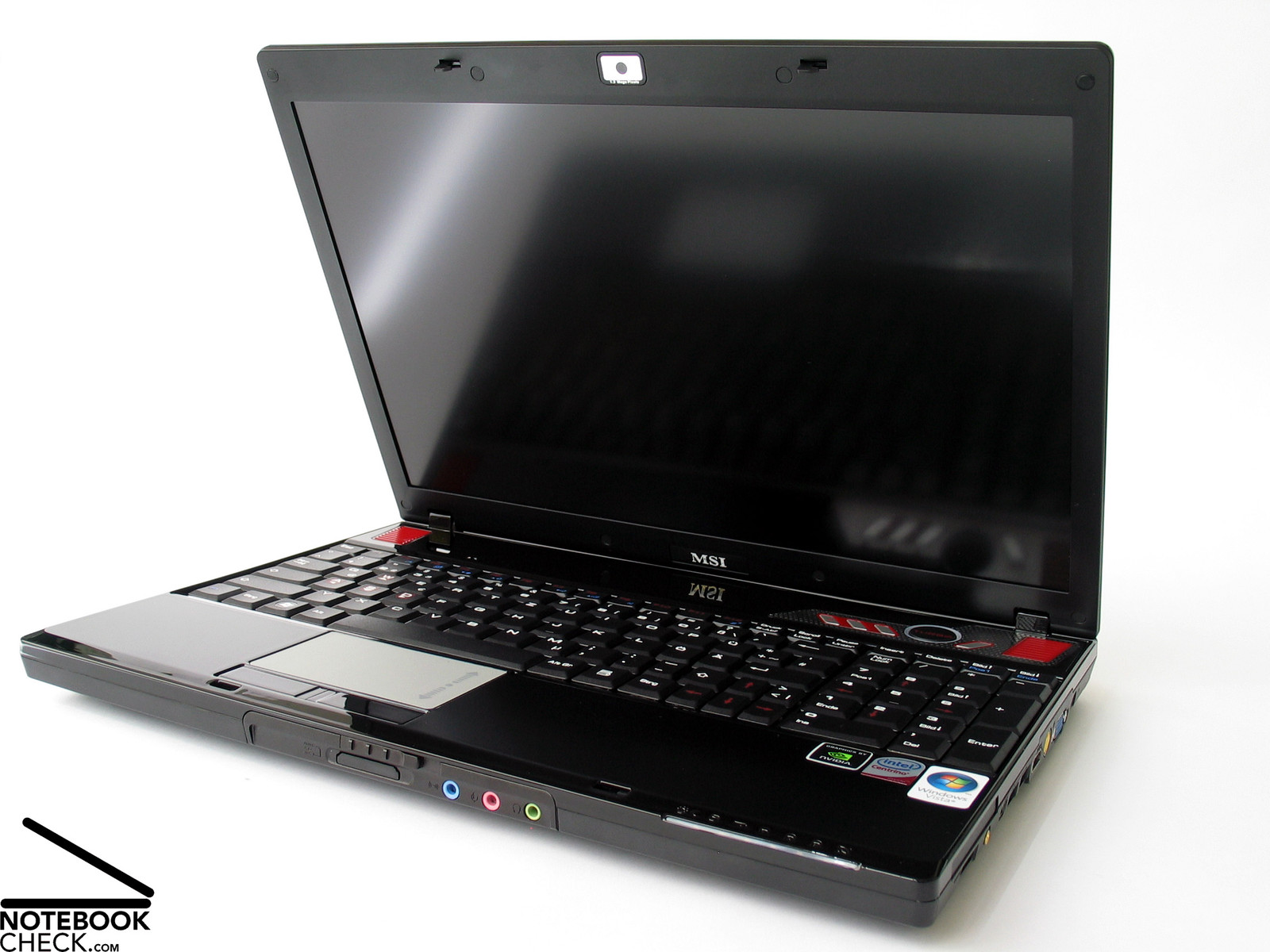
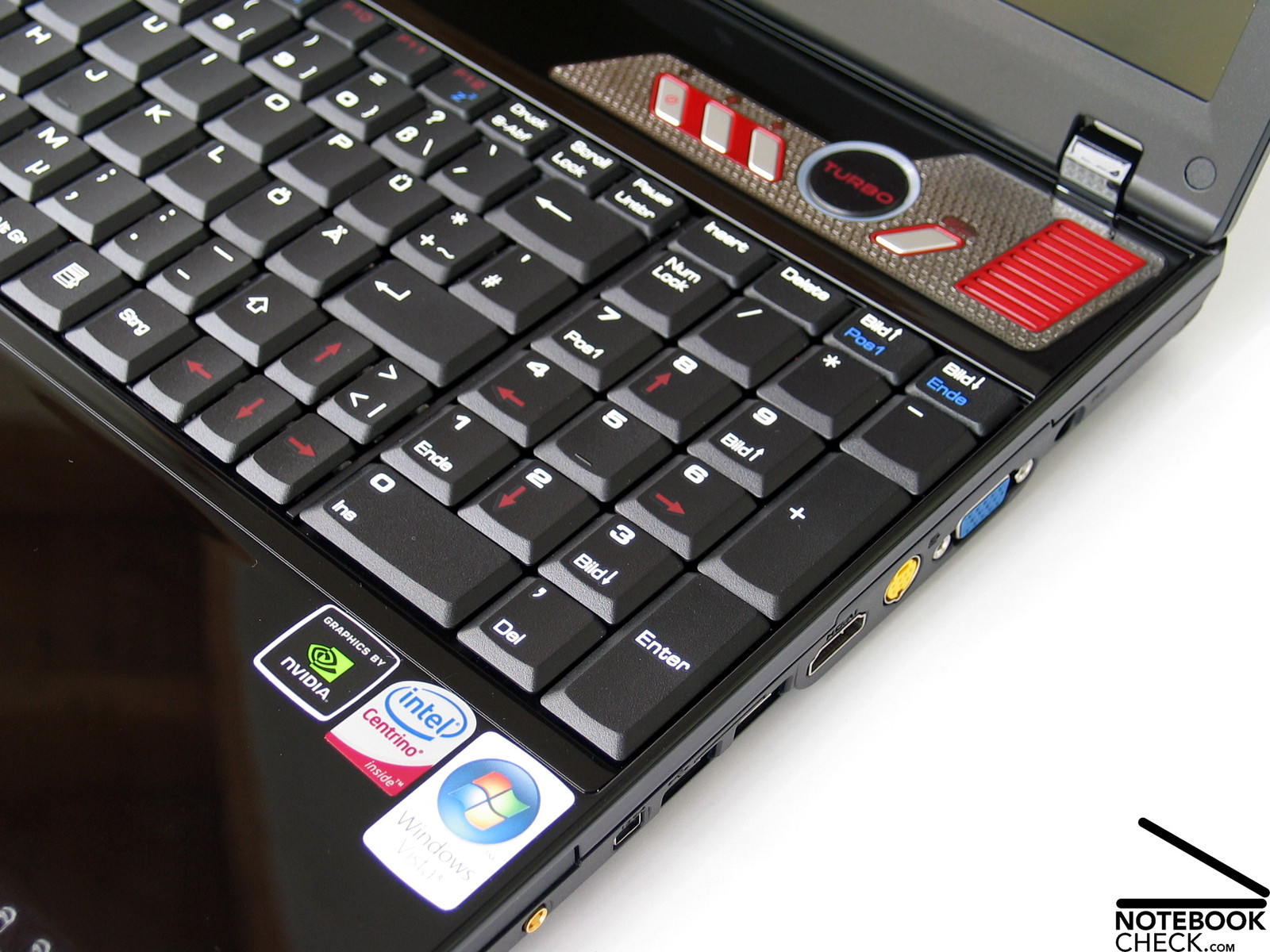
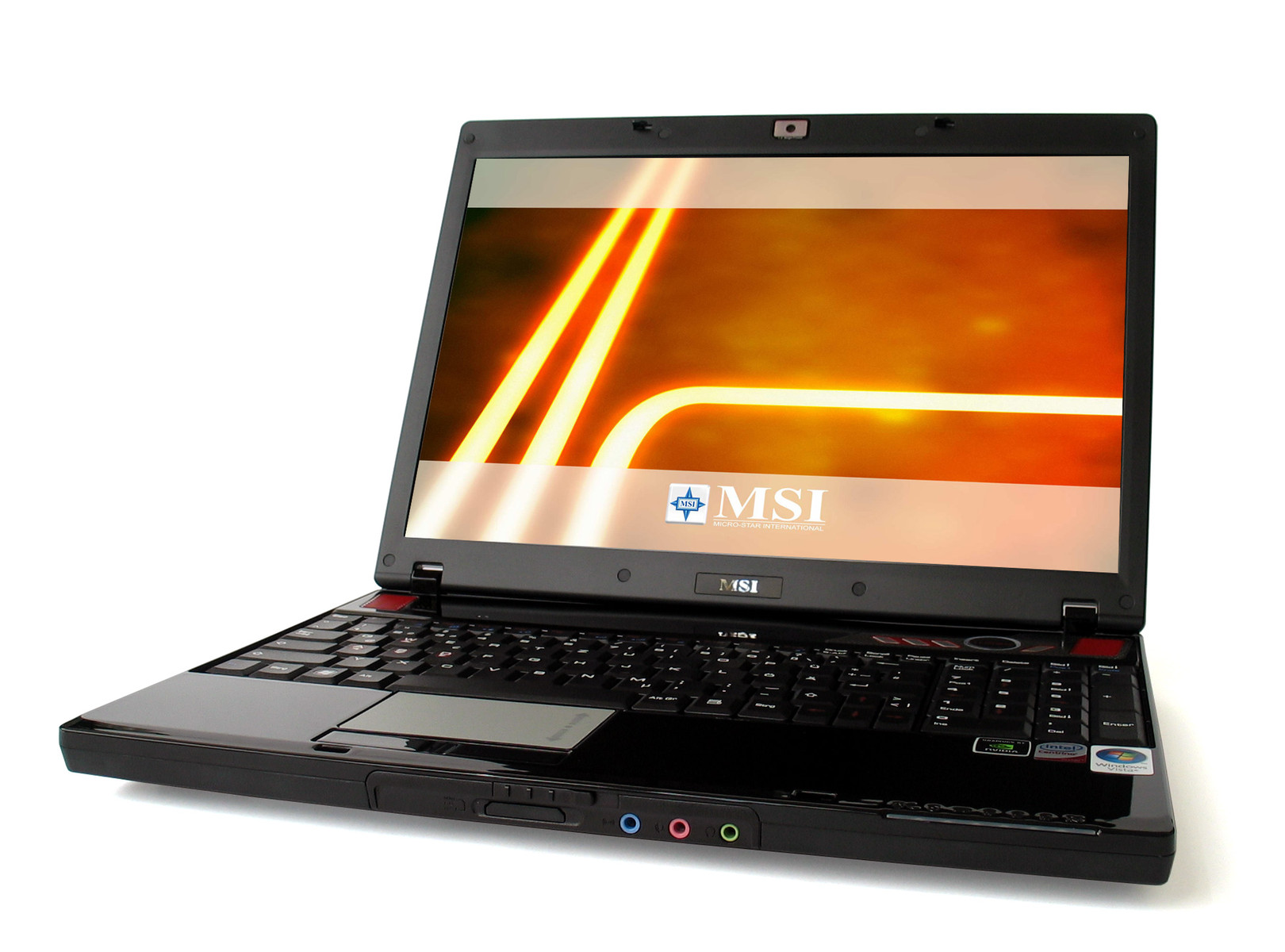
The MSI Megabook GX 600 is nearly completely black. It looks elegant, not that pretentious and fancy than the previously reviewed Megabook GX 700 with Extreme Gaming design. Despite the somewhat more decent look, the target group is apparent. Strikingly red W/A/S/D buttons and a big turbo button at the right side above the keyboard especially support gamers.

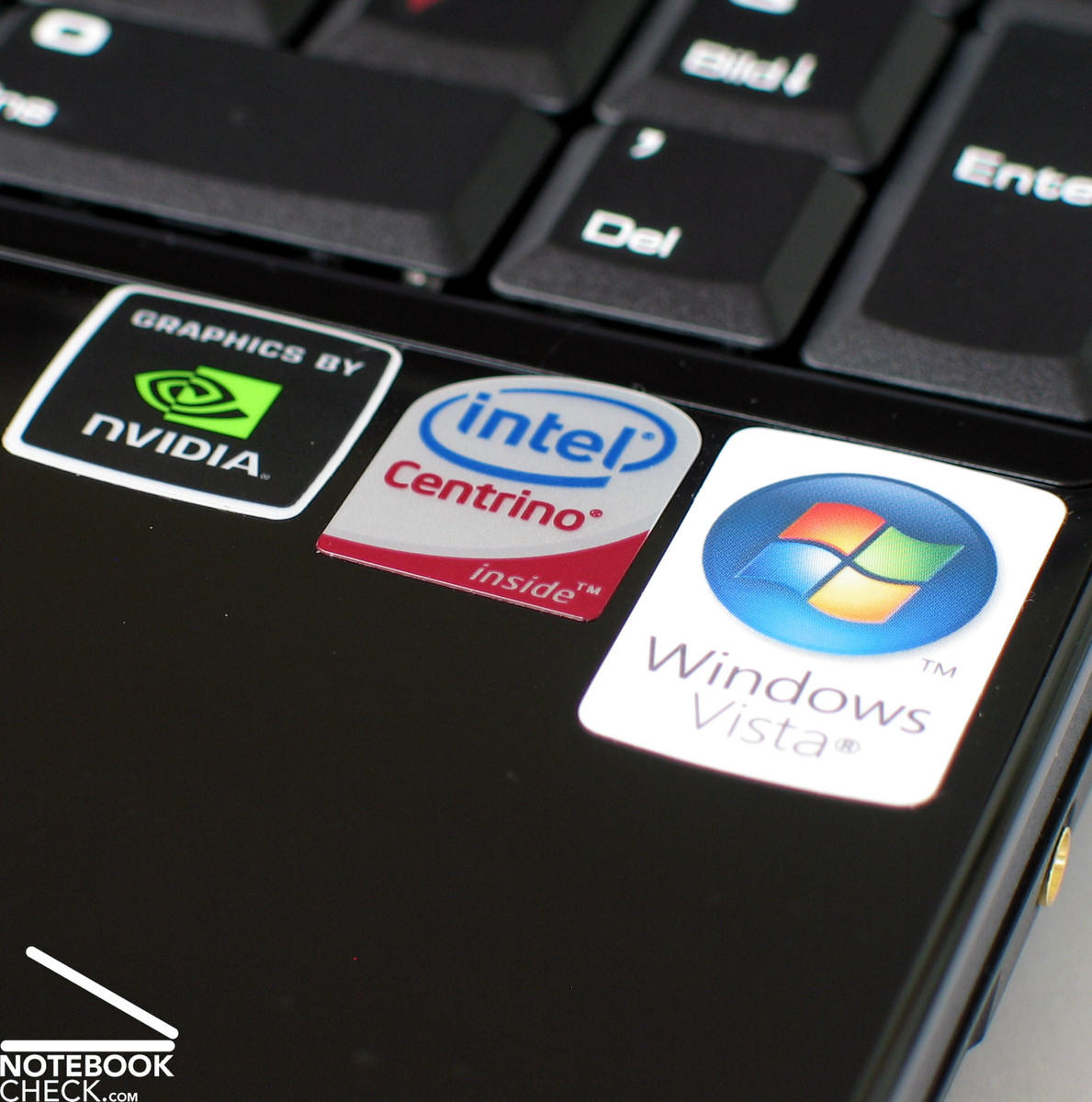
This first impression is supported by the provided software. Among others you'll find a demo version of the Massive Multiplayer Online Roleplaying Game, 'The Lord of the Rings ONLINE', and a full version of 'Colin McRae DIRT'. Furthermore a Windows Vista Home Premium and the Cyberlinks DVD Suite DVD is included.
A Core 2 Duo processor, a nVIDIA Geforce 8600 GT with 512 MB DDR2 VRAM, and 3GB RAM provide sufficient power for computer games. The GX600 is a solid 15'' inch notebook with a matte WSXGA display with a maximum resolution of 1680x1050 pixels, which will make gamer's hearts leap for joy.
Case
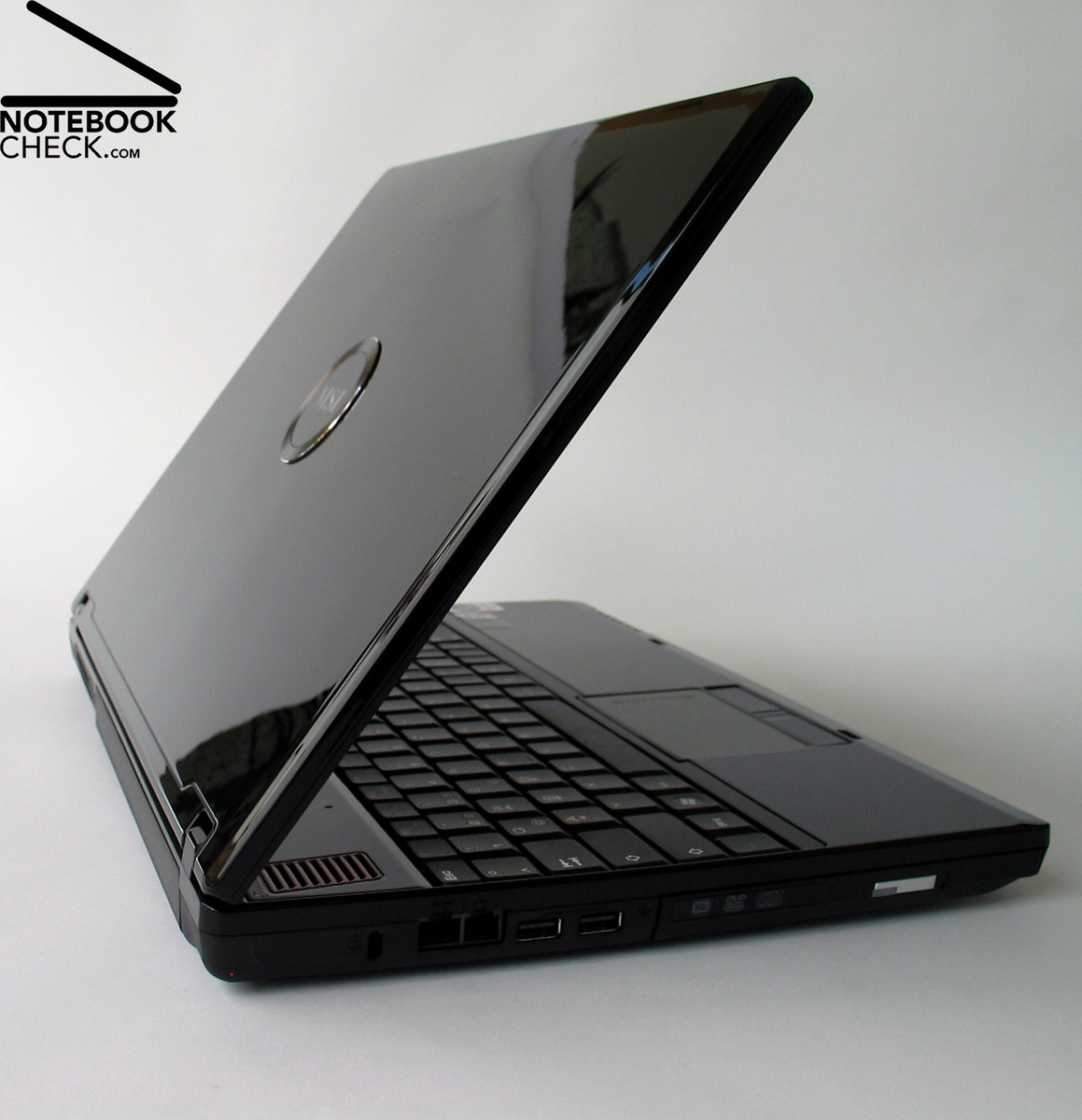
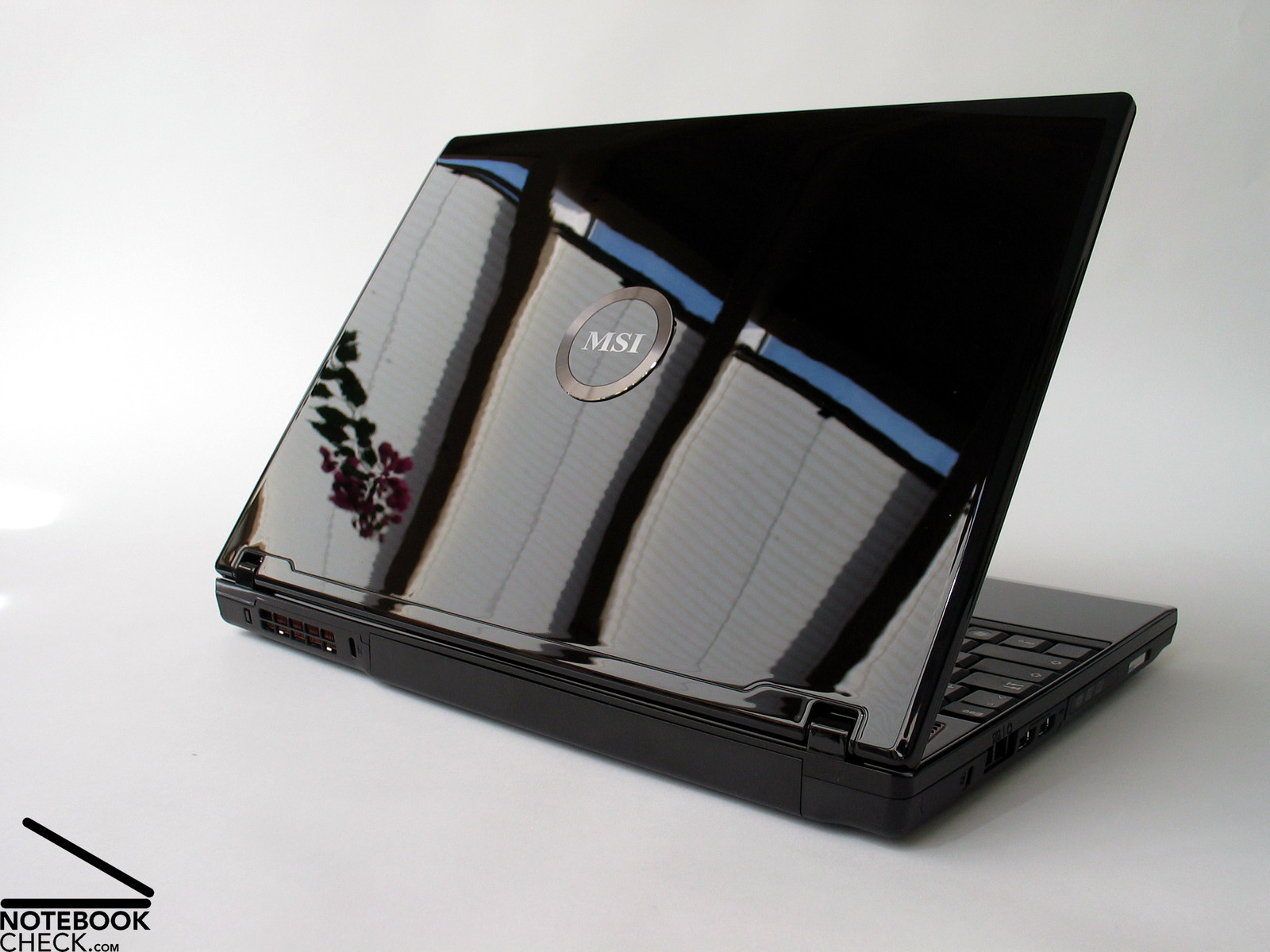
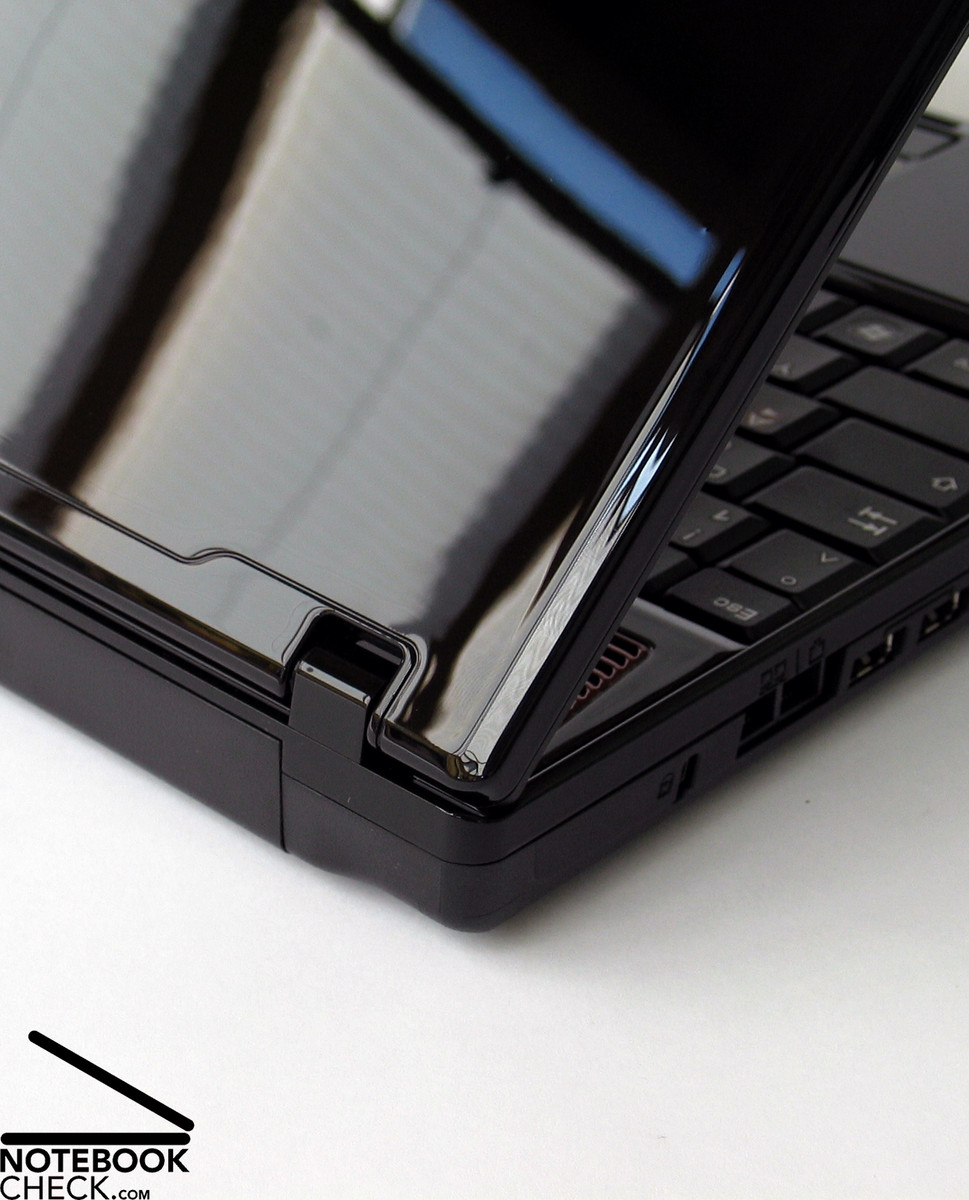
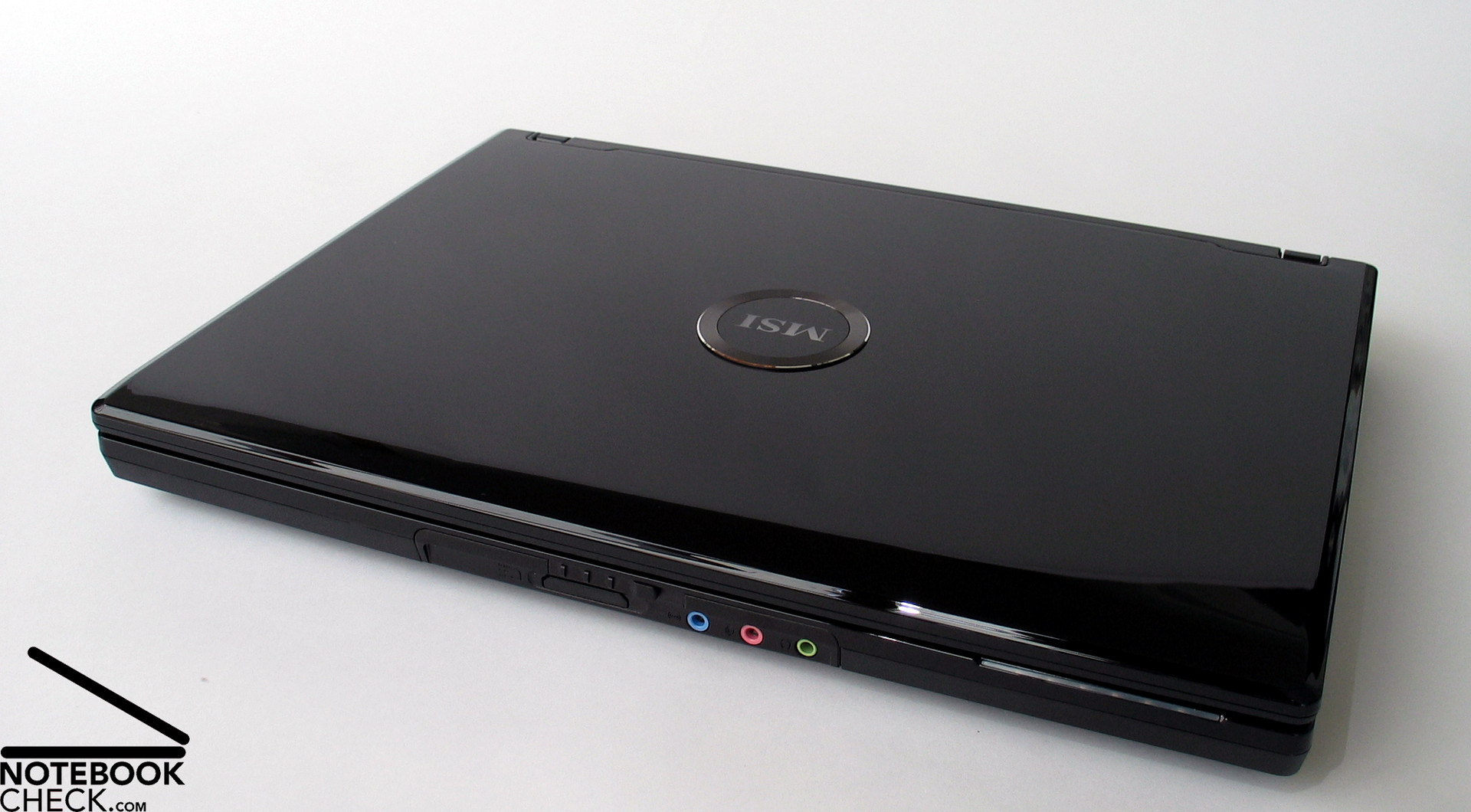
The case of the MSI Megabook GX 600 is completely made of black plastics. Except of the bottom side, all parts have a high-gloss surface. The decent shiny white MSI logo at the back side of the lid attracts attention. Despite being designed for computer games, this notebook does not need striking ornaments. So, it looks more reputable and due the high -gloss black finish very elegant. Therefore, you can take it to school, work, or university without being recognized as gaming freak at once.
The plastic case is relatively resistant against pressure. The workmanship appears to be solid. In this aspect this notebook is neither positively nor negatively outstanding. If you press against the palm rest area, the case slightly creaks. The area between the red rectangles visibly gives under light pressure. The quality of the lid is typical for this notebook category. It gives already under light pressure and protects the sensible LCD only a little bit. Therefore, you should take special care that other objects, e.g., books, do not push against the lid if you transport the notebook.
The high-gloss surface is sensible to dirt of all kind. Even smallest particles, like dust, and also fingerprints, are immediately visible. If you transport this notebook a lot, the first few scratches are just a matter of time. To summarize, you should take special care of this notebook and frequently clean the surfaces.
The lid closes tightly. The two hinges appear to be small , nearly too small for a display of this size. It's easy to adapt the opening angle, whereas nothing creaks or jars. But, there is a slight see-saw afterwards.
Unfortunately the transport hook is completely made of plastics. You should take special care of the hooks in the display frame, which can easily break.
Interface Equipment
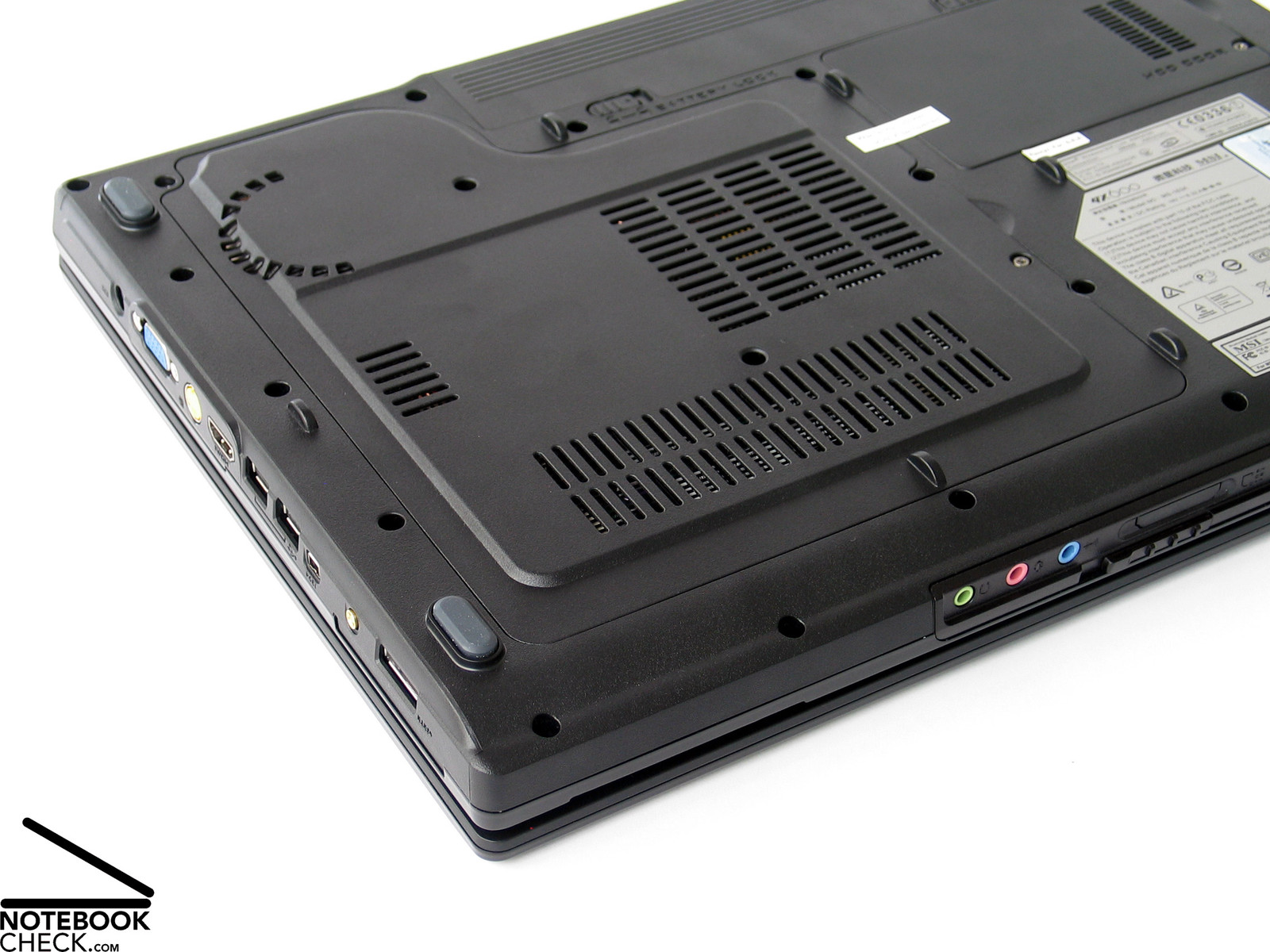
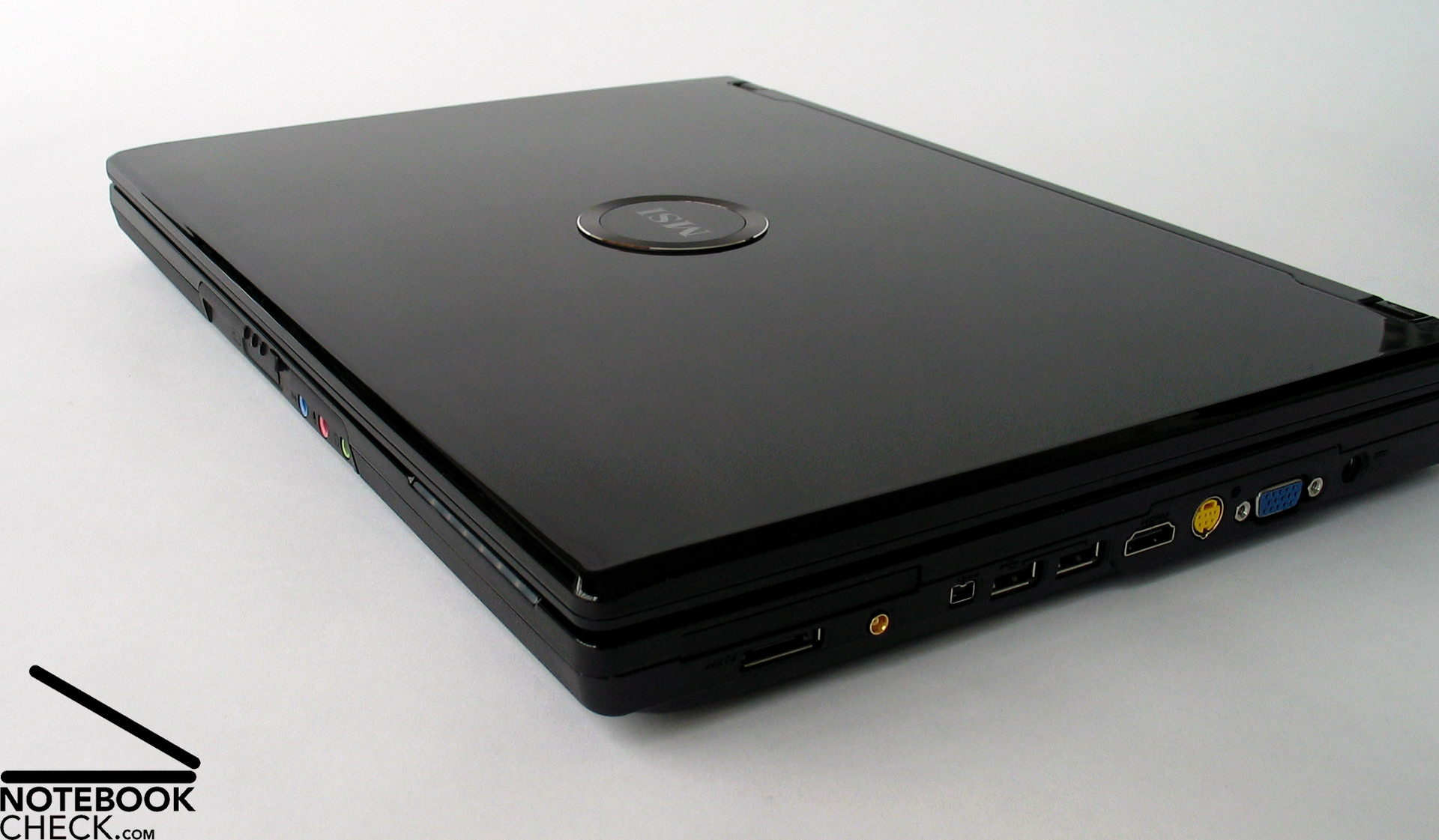
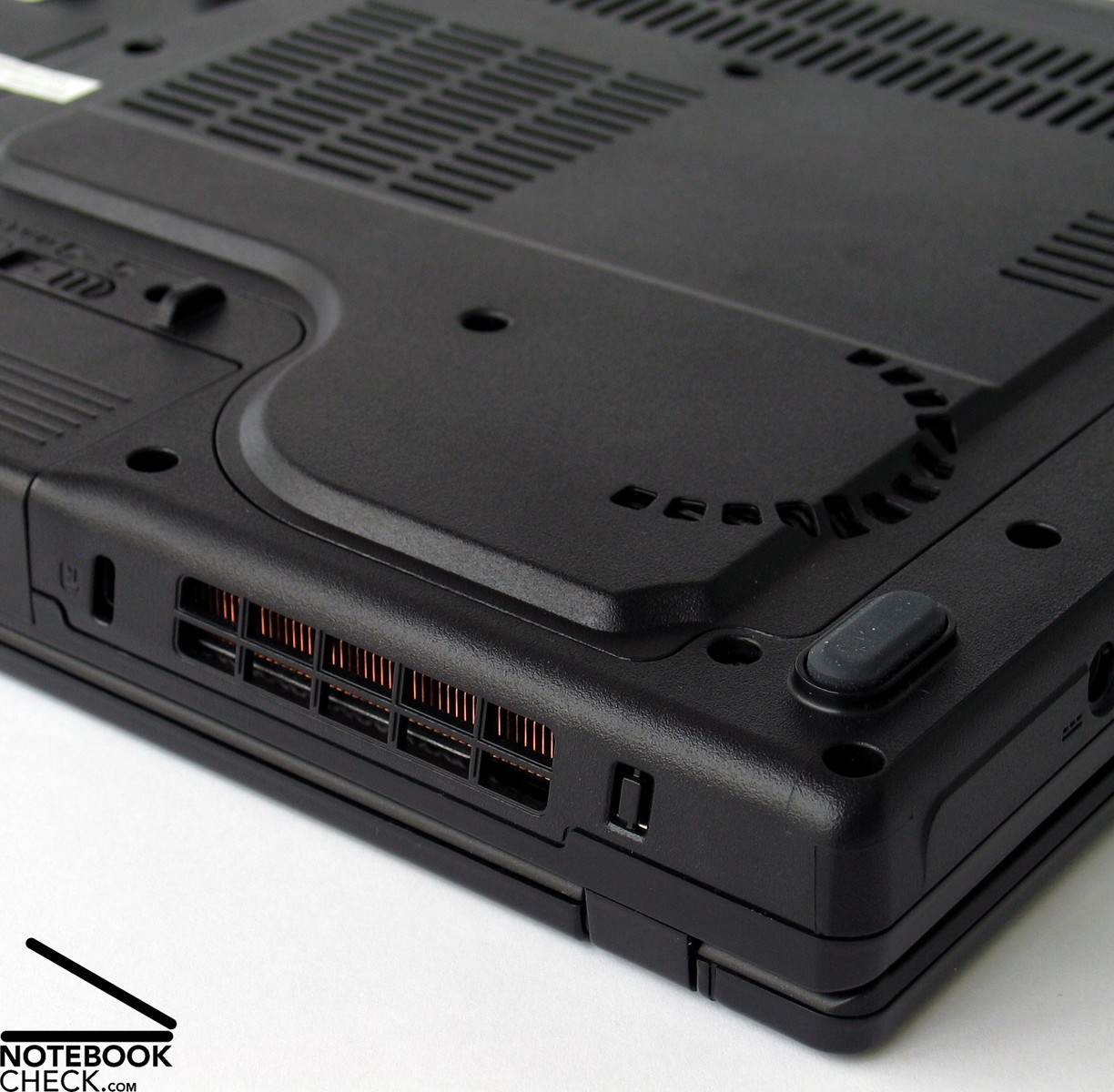
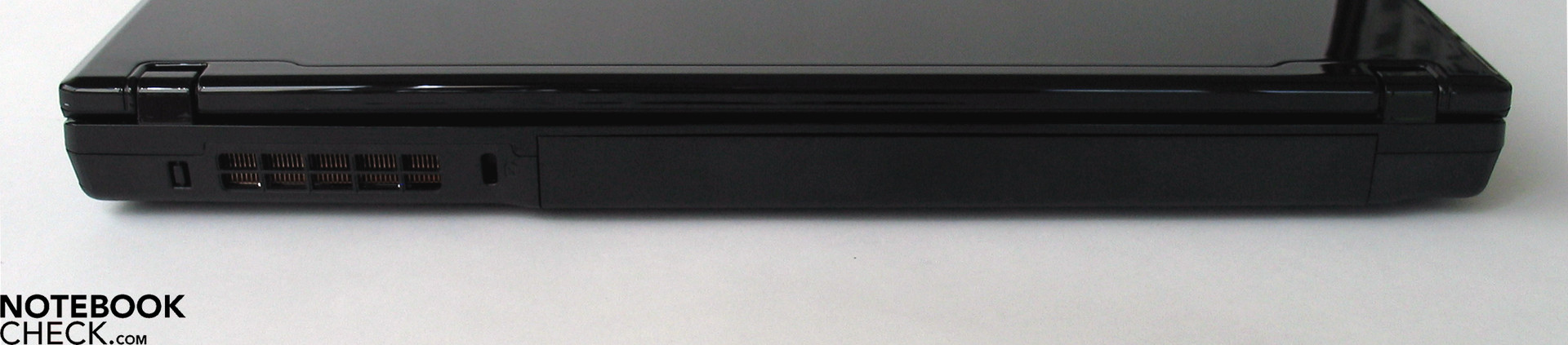
Overall the interface equipment of the Megabook GX 600 is very good. Most of them are at the front, the left, and the right side. None are at the back. The back side is entirely occupied by the battery and the vent holes.
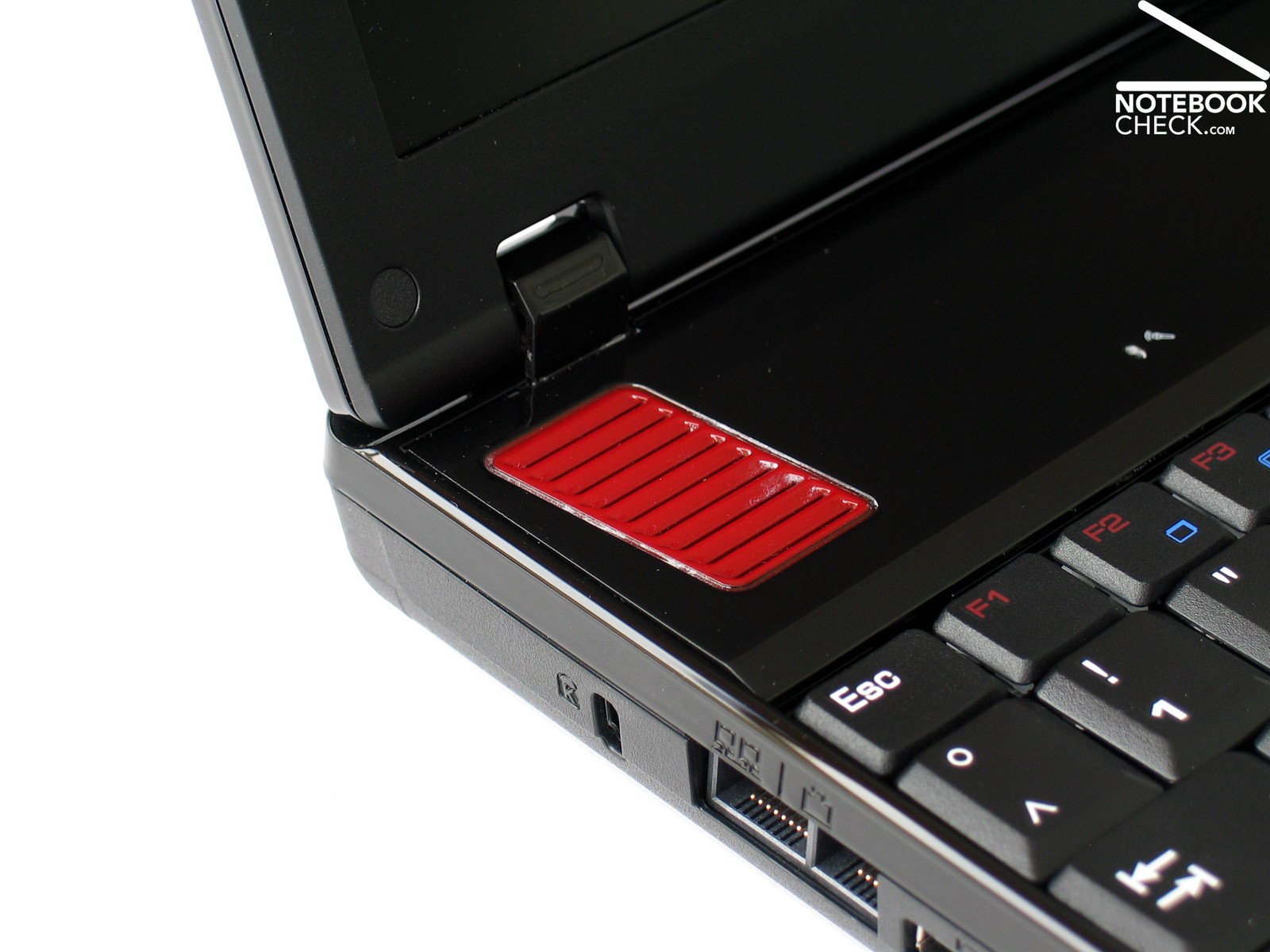
Most of the left side is occupied by the DVD drive. Immediately behind it there are two USB ports, a LAN, a modem interface, and a Kensington lock. In our opinion the location of the audio ports is not ideal. They are at the front side of the notebook. Also a 4-in-1 card reader is available at the front side.
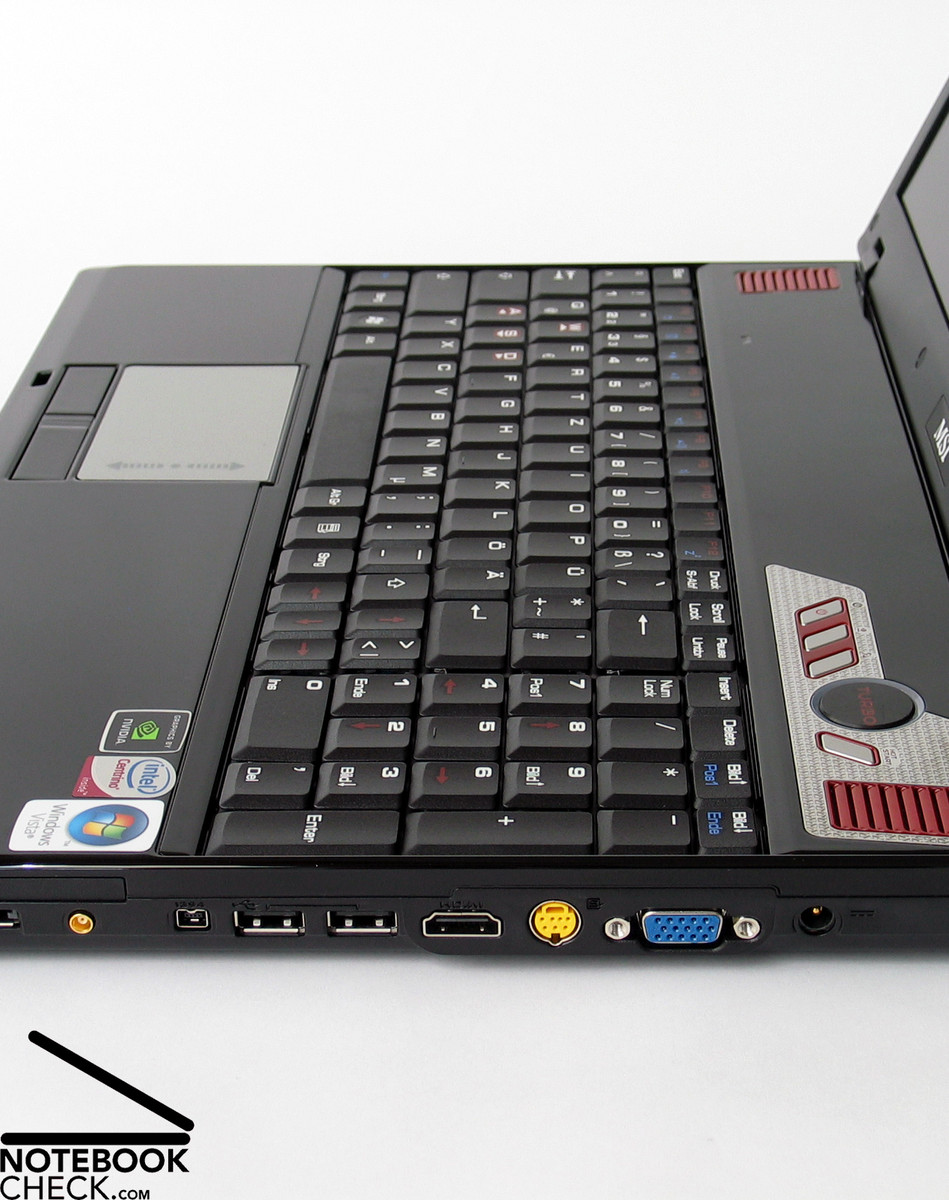
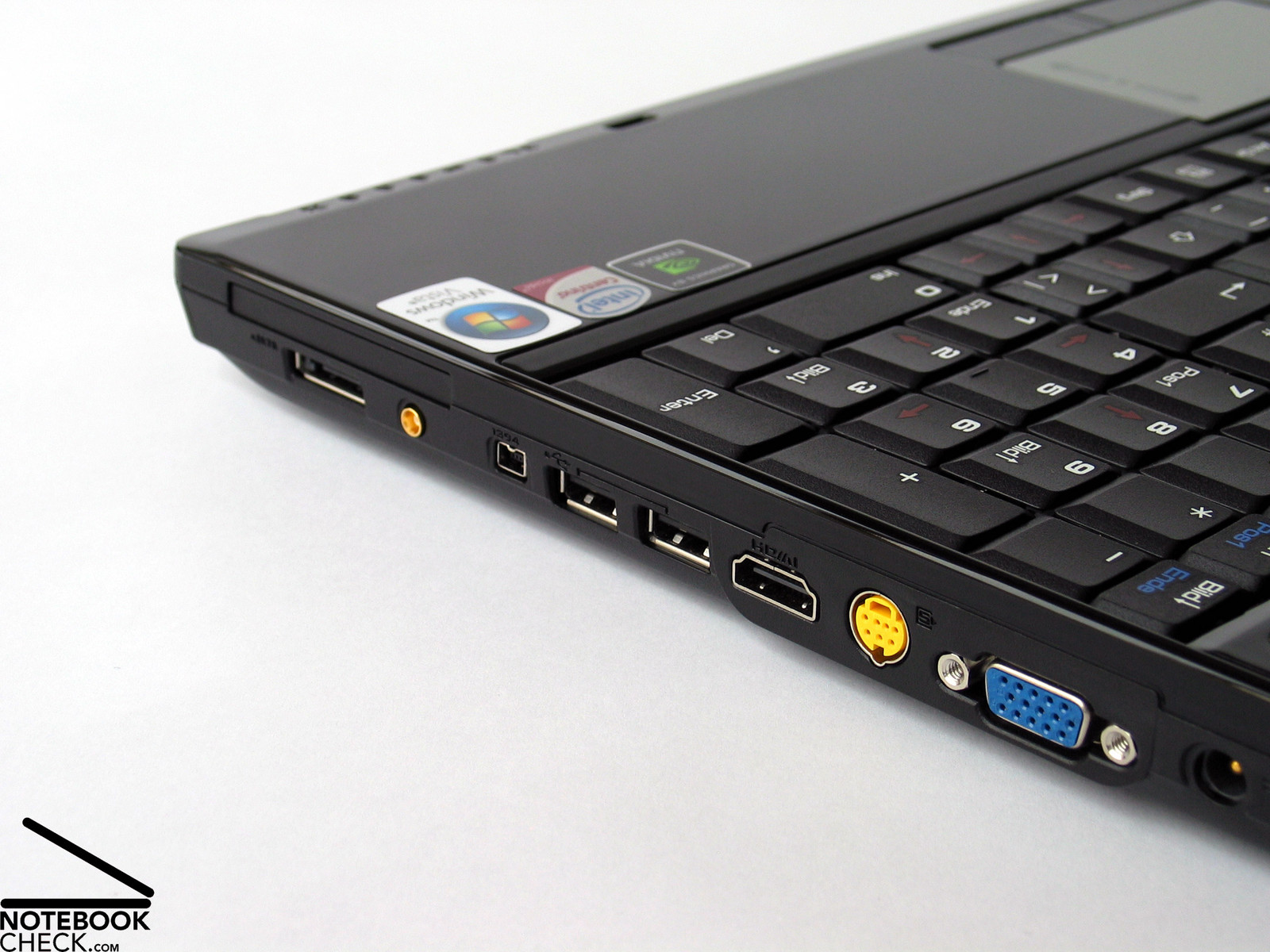
At the right side there are among others another two USB ports, an eSATA, a HDMI, and a FireWire interface, an analogue VGA out, an Express 54 card slot and the power connector.
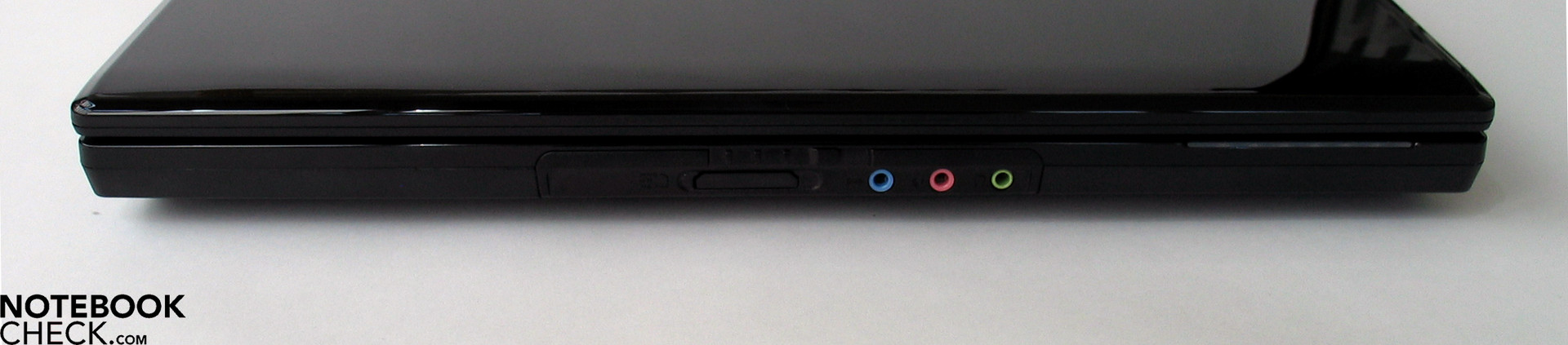
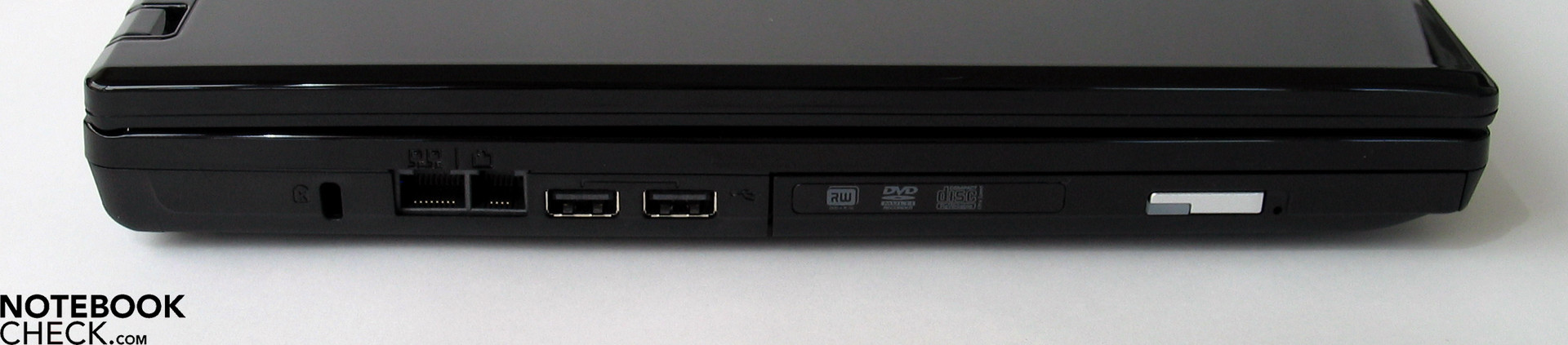
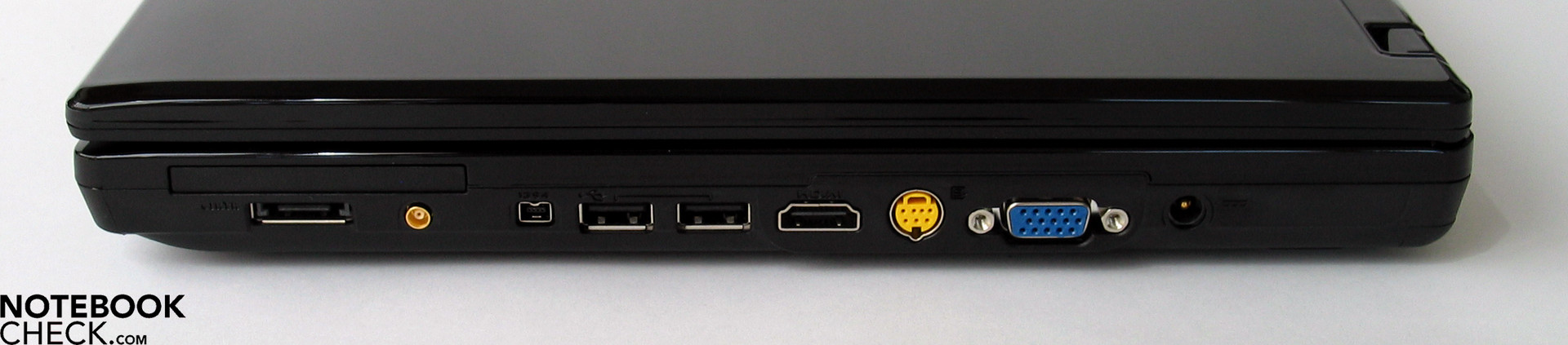
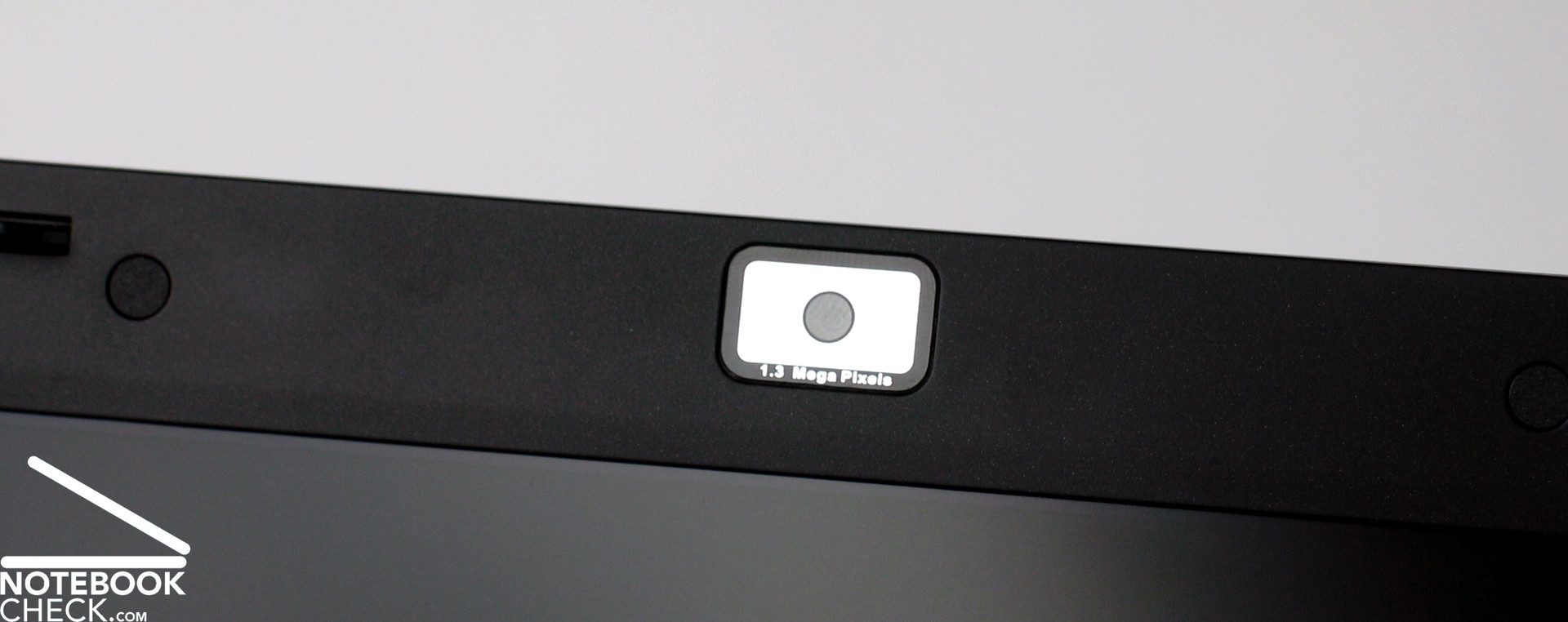
The upper part of the display frame contains a 1.3 mega pixels web cam and a microphone. So, video chats with friends are possible. Furthermore, the GX 600 is equipped with Bluetooth by default.
Despite their location is partly not ideal, there are quite a lot of interfaces available - more than usual for this price category.
While USB 2.0, FireWire, and Express card slot are already standard today, interfaces like eSATA and HDMI make this notebook fit for the future.
If you attach a big LCD TV to the modern HDMI support, the fun and joy even increases. It allows playing games and watching films in an incredible size. Unfortunately the reviewed notebook did not have a Blu-Ray drive. This would have made the profit from the HDMI port complete.
There are a couple of options regarding data communication. The GX 600 is equipped with a modem and a LAN interface (Realtek RTL8168B/8111B), WLAN (Intel® Wireless WiFi Link 4965AGN), and Bluetooth.
Input Devices
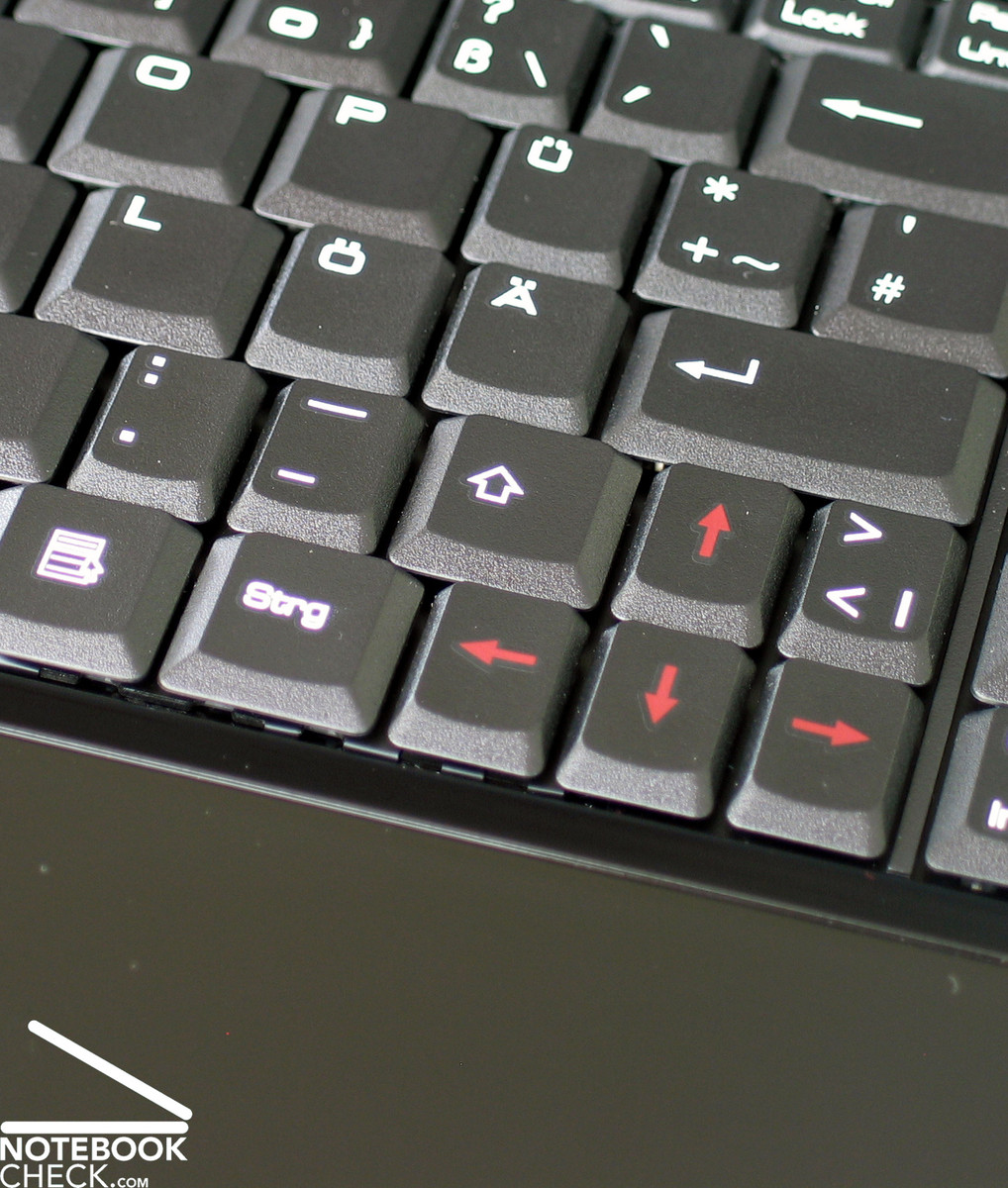
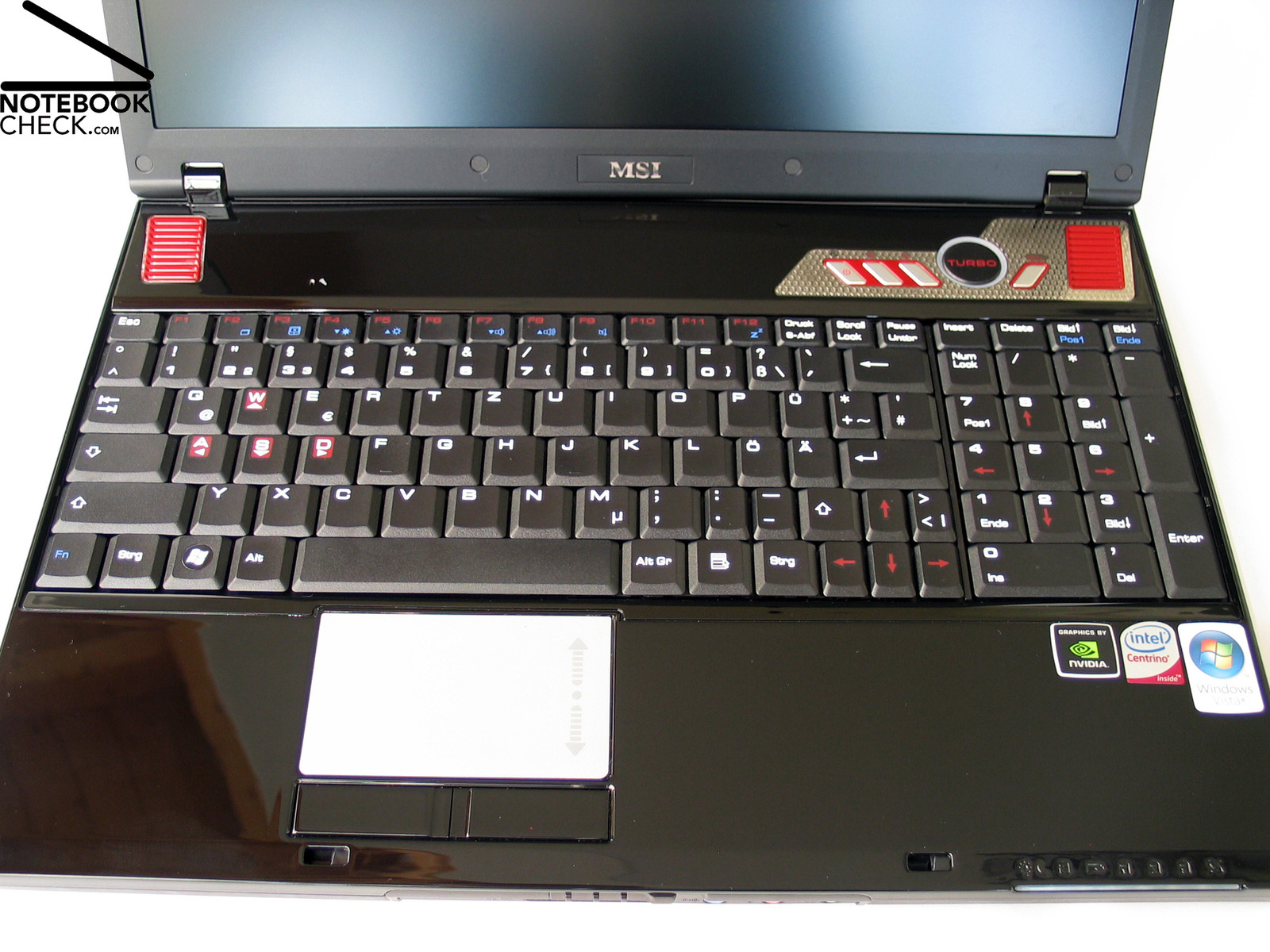
The Megabook GX 600 by MSI is one of the few 15.4 inch notebooks which are full-fledged keyboard that includes and independent numeric keypad. Unfortunately there are also some disadvantages of this design. E.g., the keys are very dense close to the enter key. Some of the keys had to shrink in this area, because of lack of space. Their size is only 1.3 cm x 1.7 cm instead of the usual 1.7 cm x 1.7 cm. In particular the right Shift key is clearly too small. This caused some typing errors at the beginning. But after a short time, we got used to the smaller size of the keys.
Alike the GX700 model, the Ctrl key, which is especially important for computer games, is not totally at the left, but, right to the FN key. Very likely, gamer also won't like the small cursor keys.
Typing feels usual and conforms to the average of this price category. Still, the keyboard gives in its centre and some areas clatter.
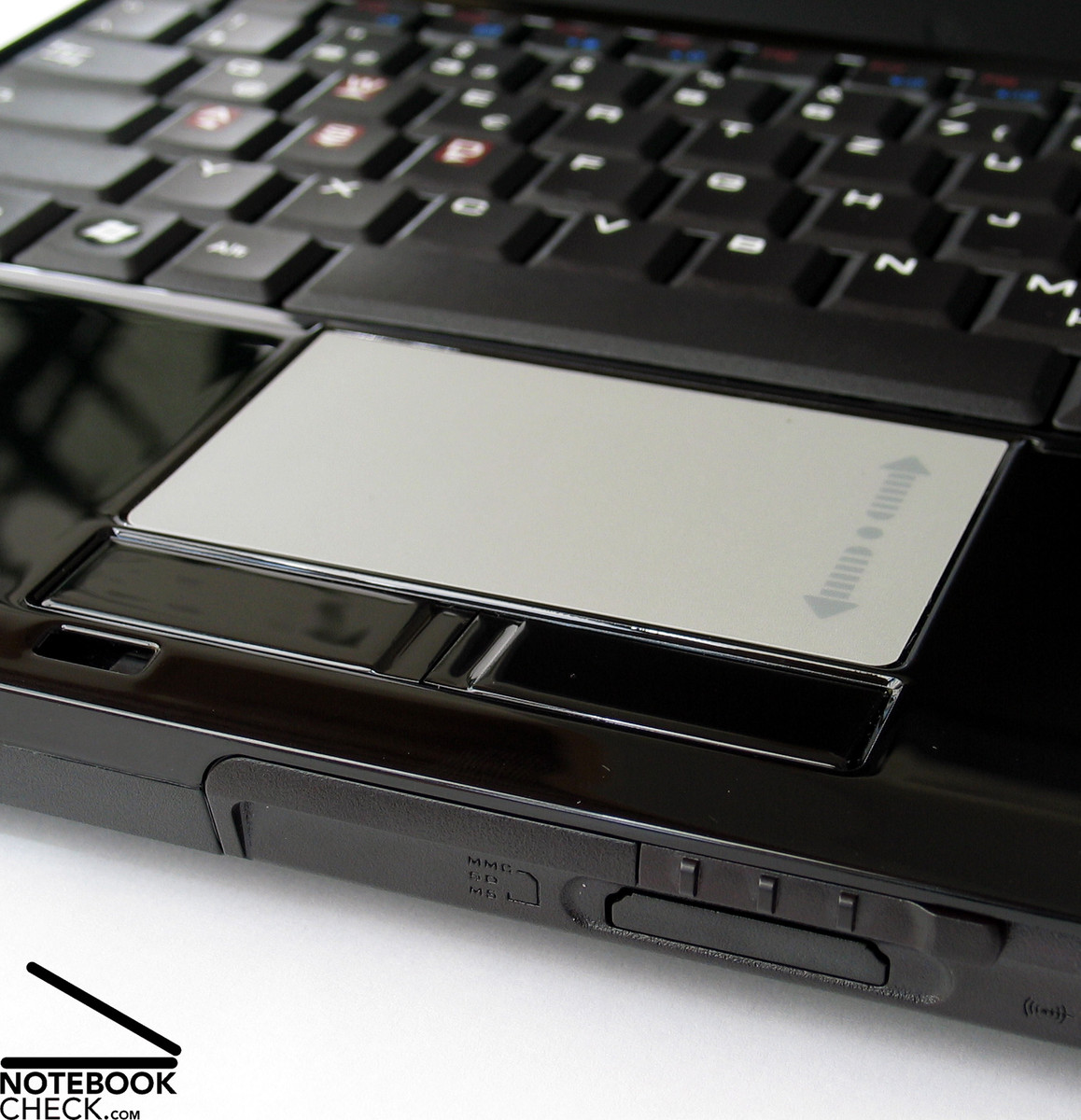
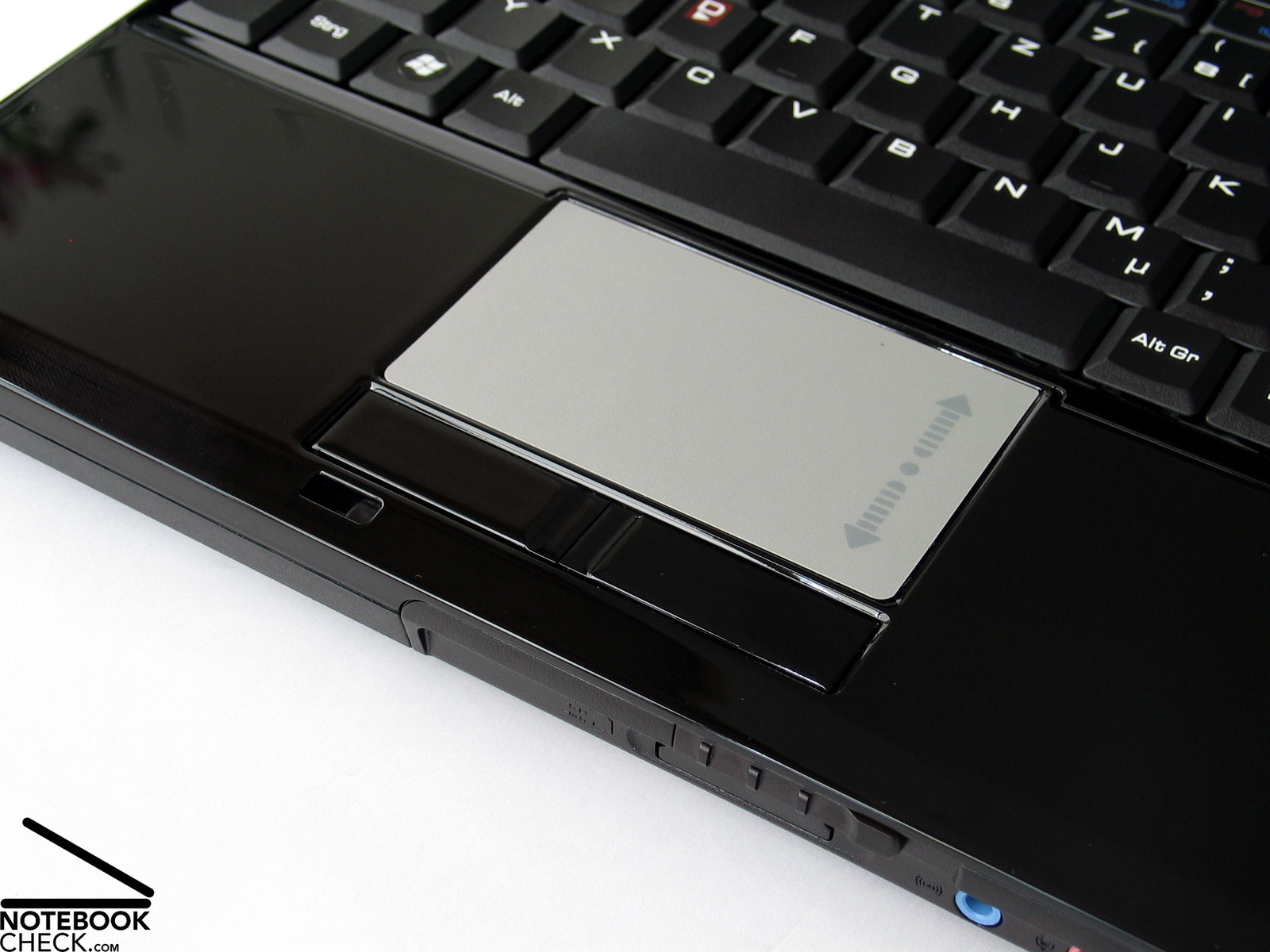
The mouse pointer can be precisely controlled by the touch pad, which is 8.2 cm x 5.2 cm big. The rough surface feels nice to the touch. Furthermore, the touch pad has a vertical scroll area, which helps browsing through long documents. Although its buttons are rather loud, they work satisfactory. However, being bright-gray, the look of the touch pad does not harmonize well with the case.
Display
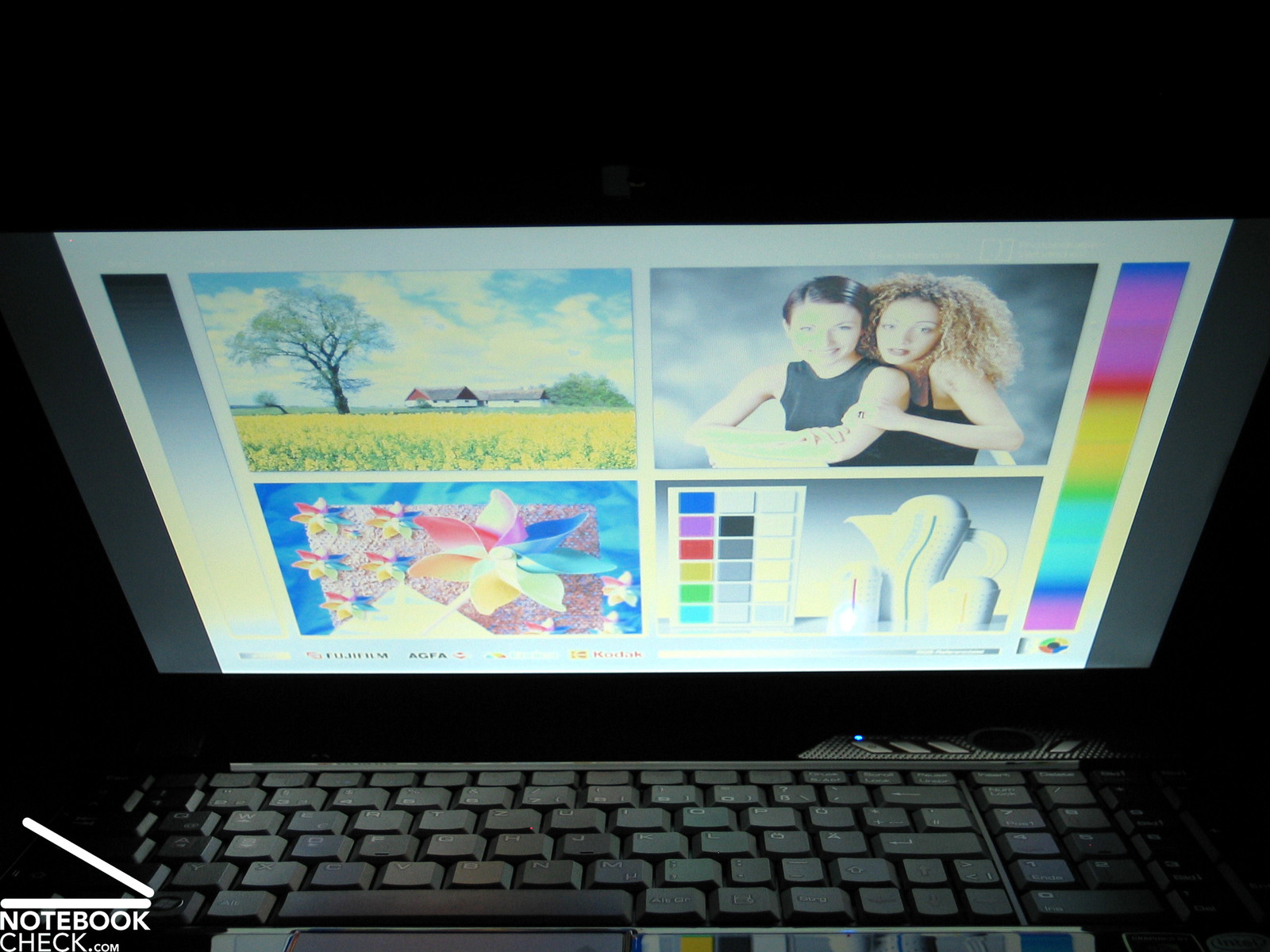
The built-in WSXGA display (1680x1050 Pixel) of the reviewed MSI Megabook GX 600 stands out of the crowd. In contrast to other manufacturers, which equip most of their notebooks with glossy displays, MSI equipped the GX600 with a non-glare display. Those who do not like or cannot use a reflecting display will appreciate that there aren't any disturbing reflections.
However, the illumination was unfortunately very inhomogeneous. We measured the maximum brightness of 181.7 cd/m² in the middle of the screen and the minimum of only 126.8 cd/m² in the upper left area. This is about one third less. The brightness of the lower parts is all right, but the brightness heavily diminishes to the top and, so, the illumination is only 69.8%. If you display a solid white background it gets apparent that the upper areas are a little darker.
| |||||||||||||||||||||||||
Brightness Distribution: 70 %
Contrast: 422:1 (Black: 0.38 cd/m²)
Although the picture was always sharp and never blurred when we ran computer games, the picture quality of this WSXGA display with a resolution of 1680x1050 pixels could not totally convince. Of course this can also be caused by the bad illumination.
The maximum contrast of the reviewed screen was 478:1. This is actually very good. But unfortunately the picture quality did not profit form it.
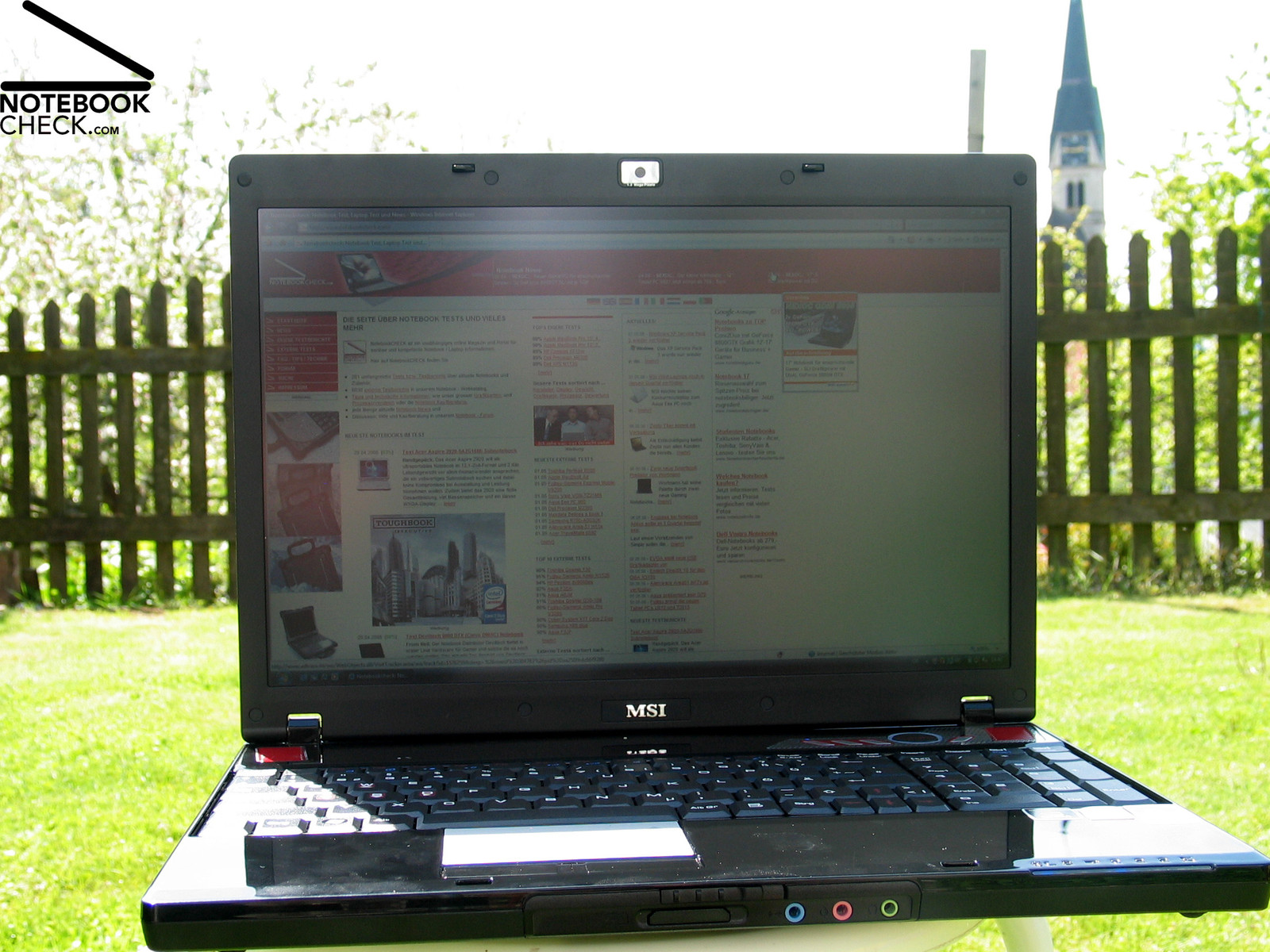
Surprisingly, it is very user-friendly outdoors. Due to the non-reflecting display there are hardly any disturbing reflections. If you do not work in the sun, the brightness of the display is also sufficient for an outdoor operation.
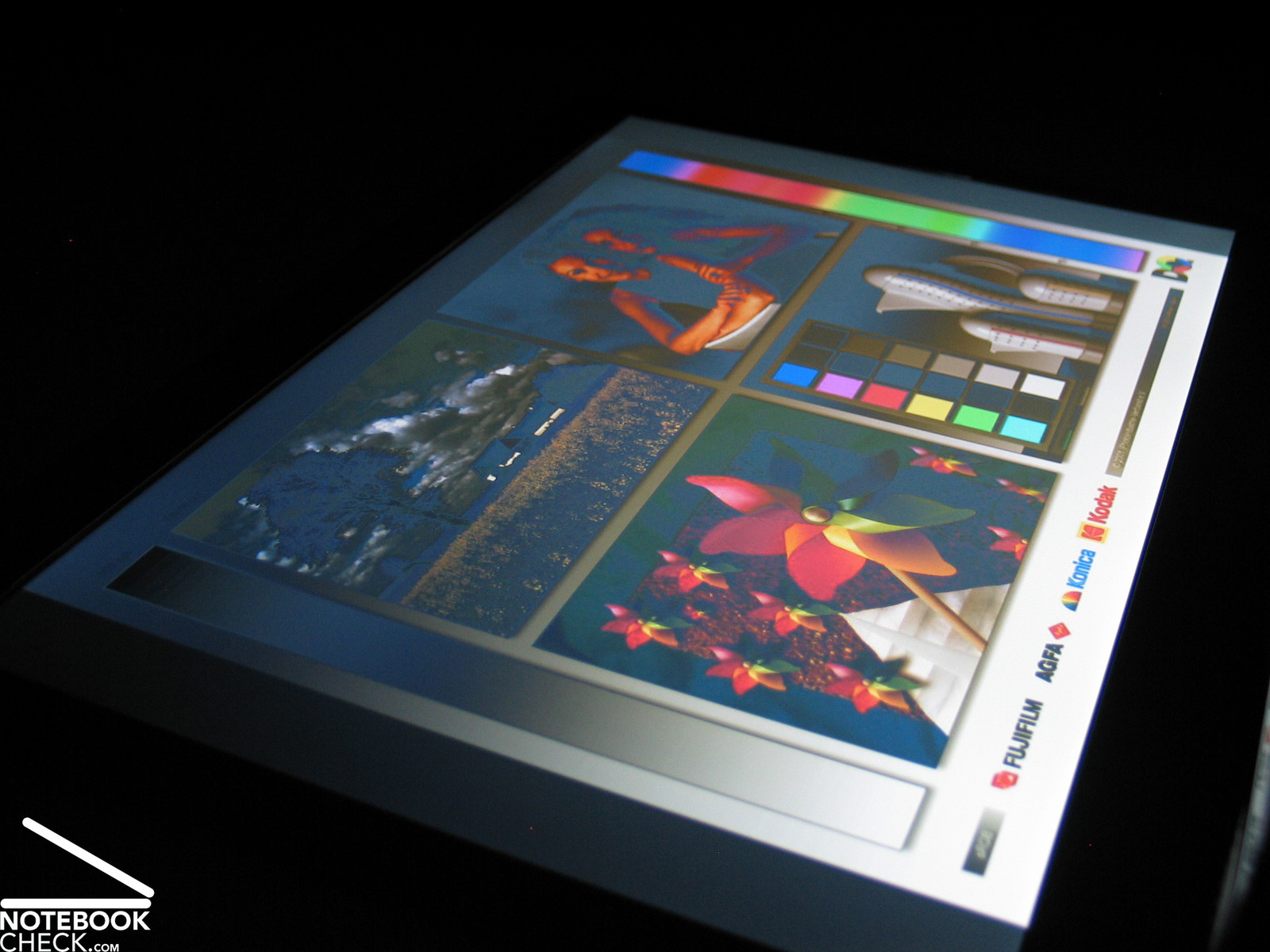
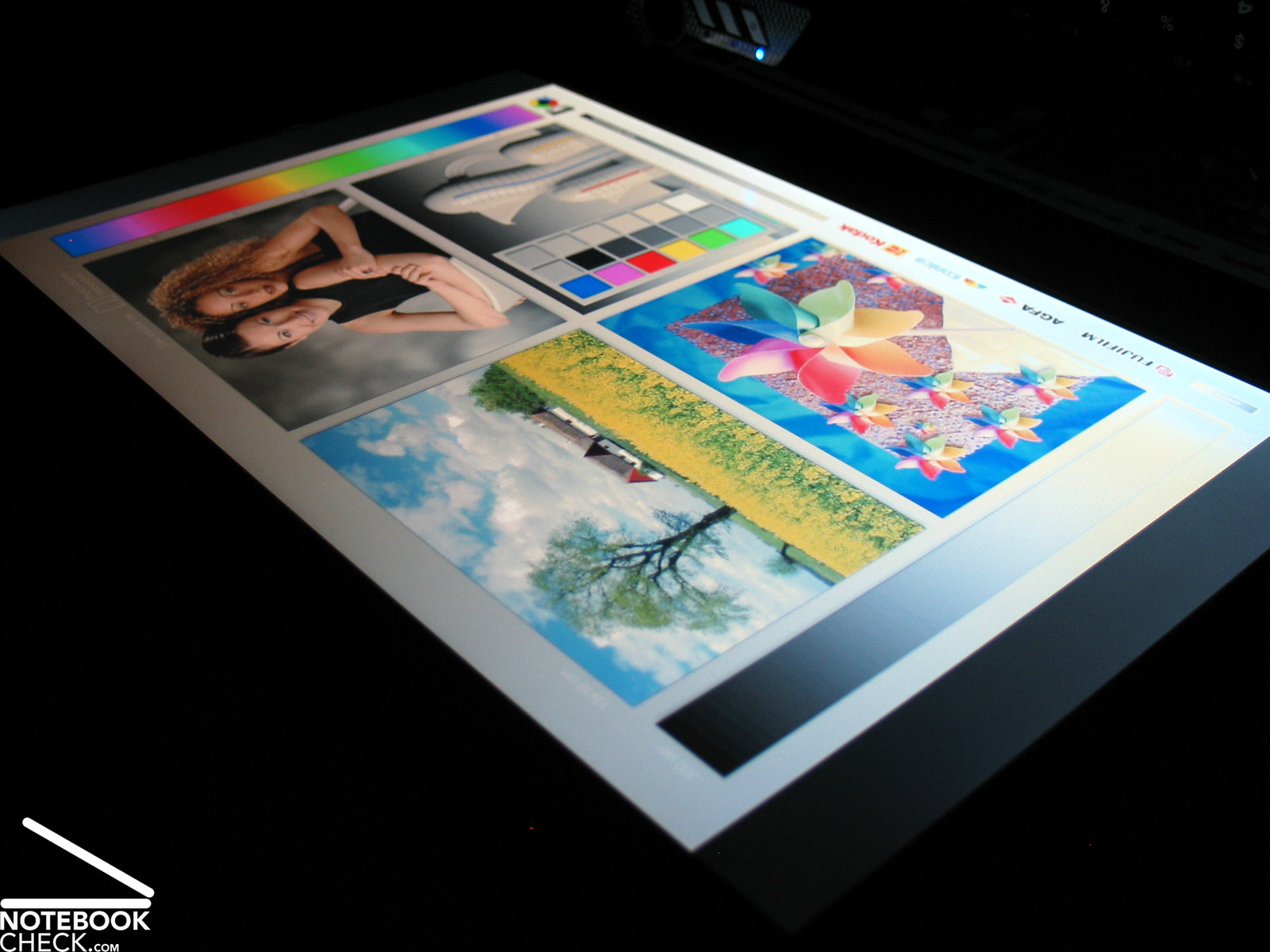
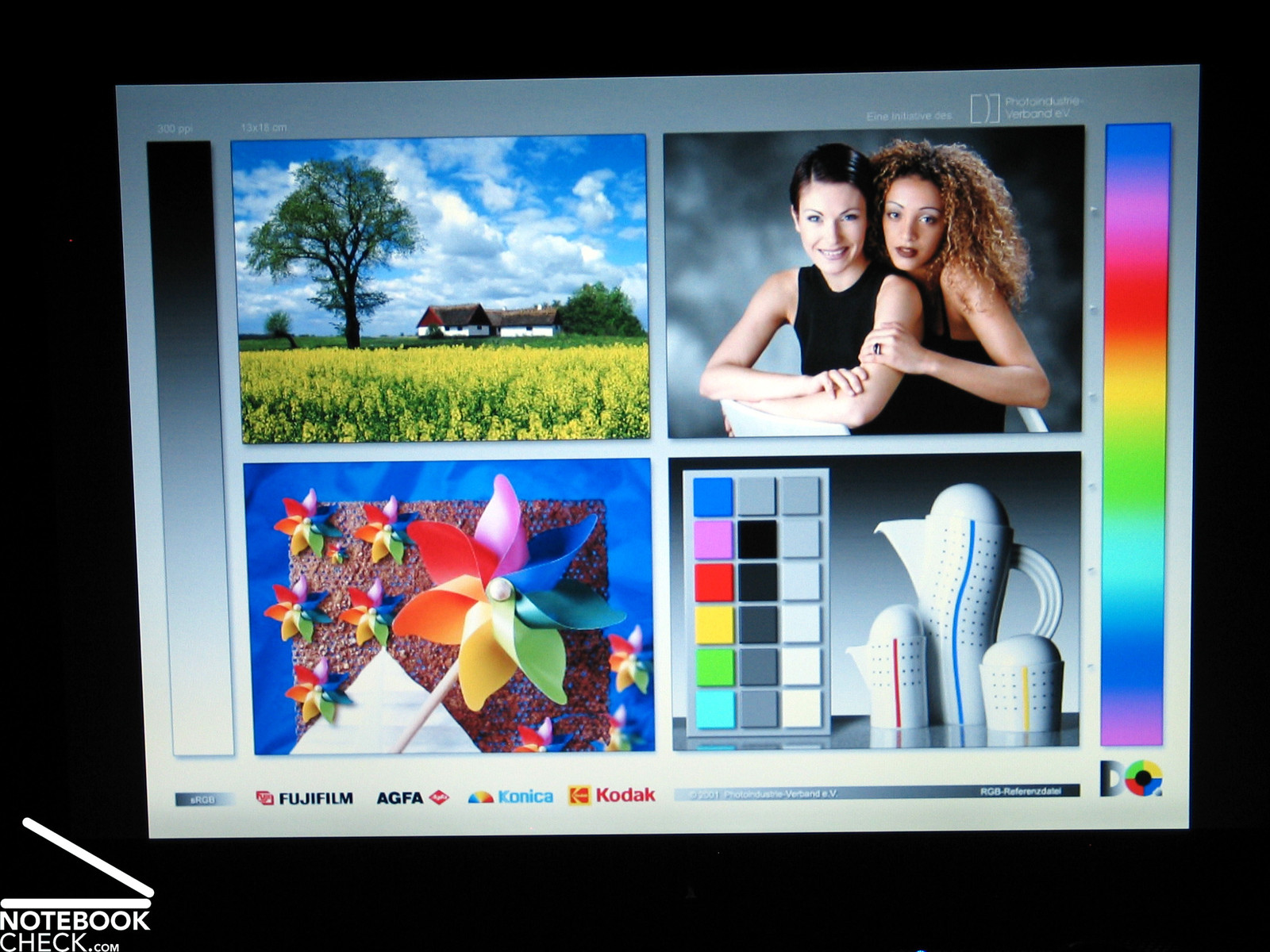
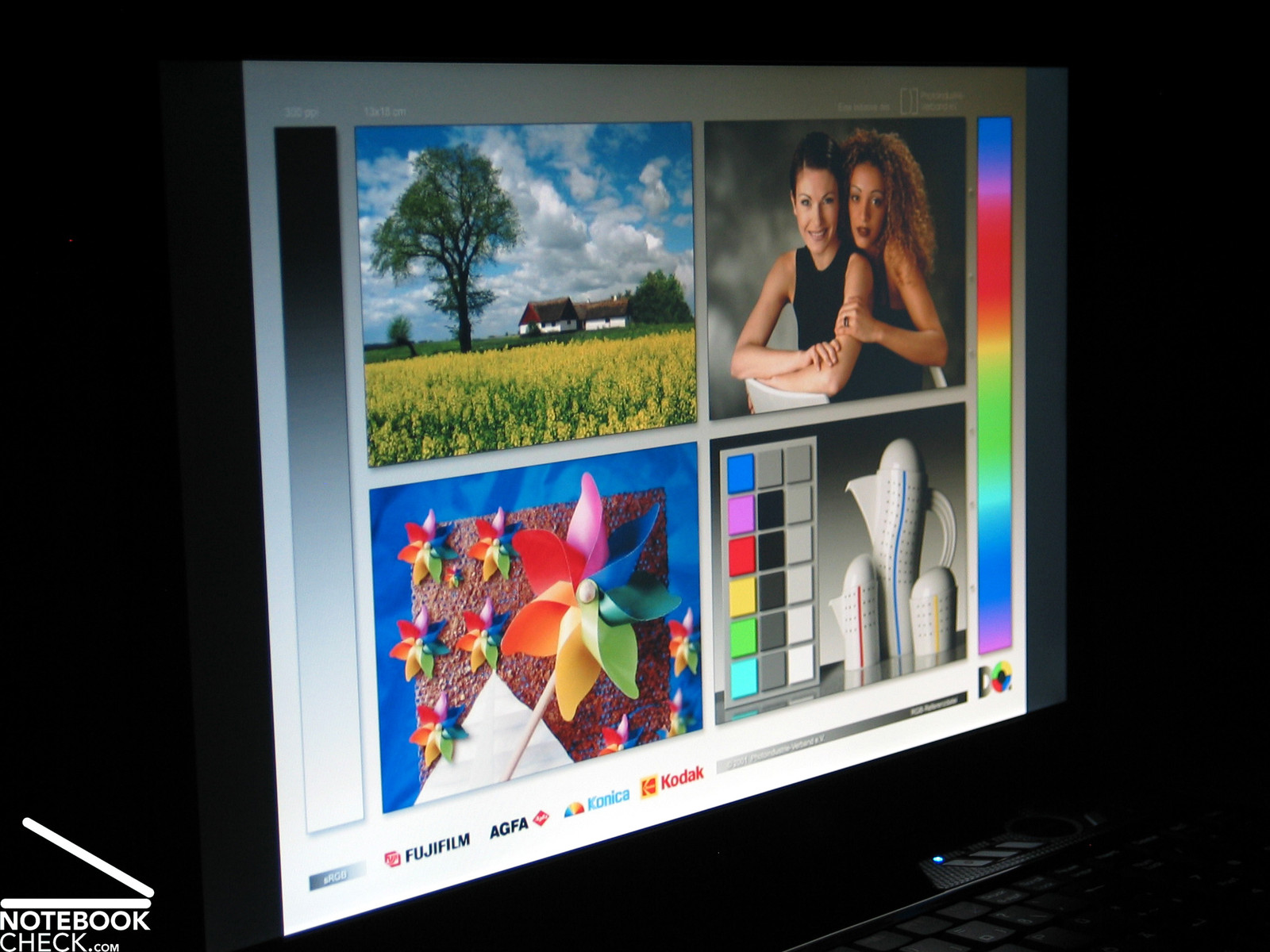
The viewing angles are average. They are especially vertically rather narrow. But, horizontally they are sufficient. To summarize, this can be a problem during mobile use, because you frequently have to readjust the opening angle of the lid for an ideal picture.



Performance
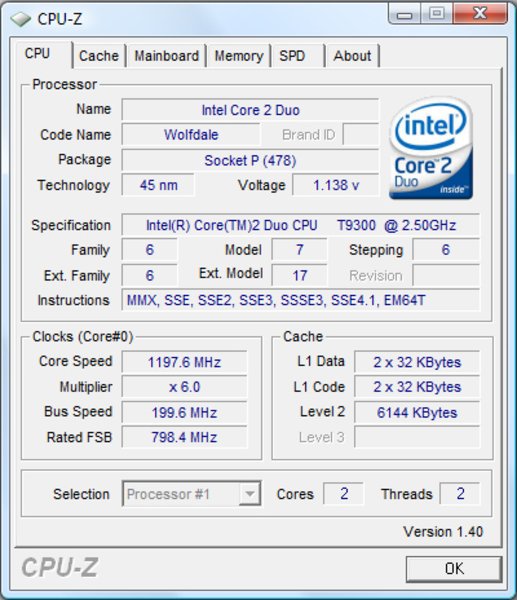
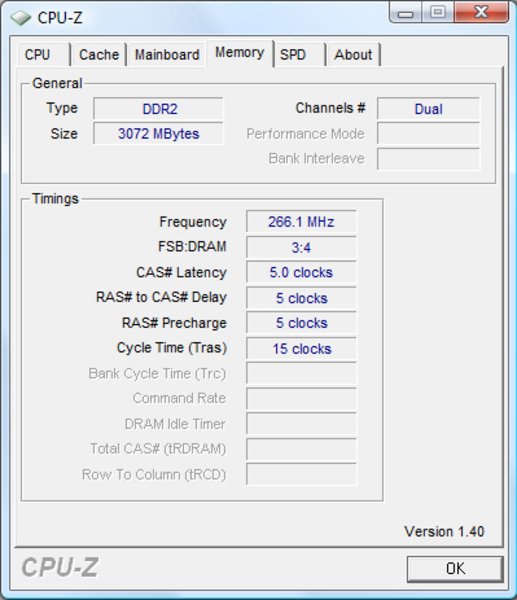
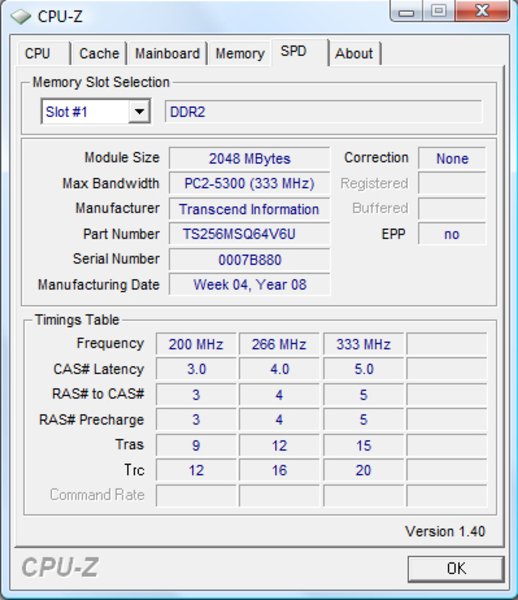
The reviewed MSI Megabook GX 600 was equipped with up-to-date technology by Intel and nVIDIA. The CPU was a Core 2 Duo T9300 with 2.5 GHz clock-rate and 6 MB L2-Cache. This CPU uses the new Penryn core and was produced in the 45 nm technology. The components of this system are controlled by a 800 MHz front-side bus. The chip set is a PM965 by Intel. So, this Megabook GX 600 with Penryn CPU is still a Santa Rosa generation notebook. A total of 3 GB DDR2-667 RAM are available. This improves the performance, especially, if you run current computer games. According to CPU-Z a 2 GB and a 1GB memory module with a latency of 5-5-5-15 by Transcend were used.
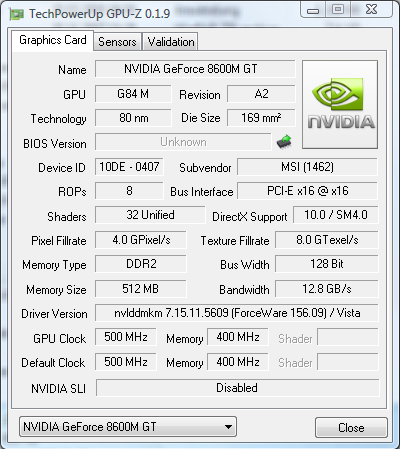
The nVIDIA GeForce 8600M GT should make computer games run more or less smoothly. It is equipped with 512 MB dedicated DDR2 video memory. This is highly demanded if you want to run computer games with a high resolution. Unfortunately, the performance of the GeForce 8600M GT is too low to run current games in the native resolution of 1680x1050 pixels. This would require at least a 8700M GT. Nevertheless, if you are willing to reduce the resolution and the detail level, today's computer games run more or less smoothly.
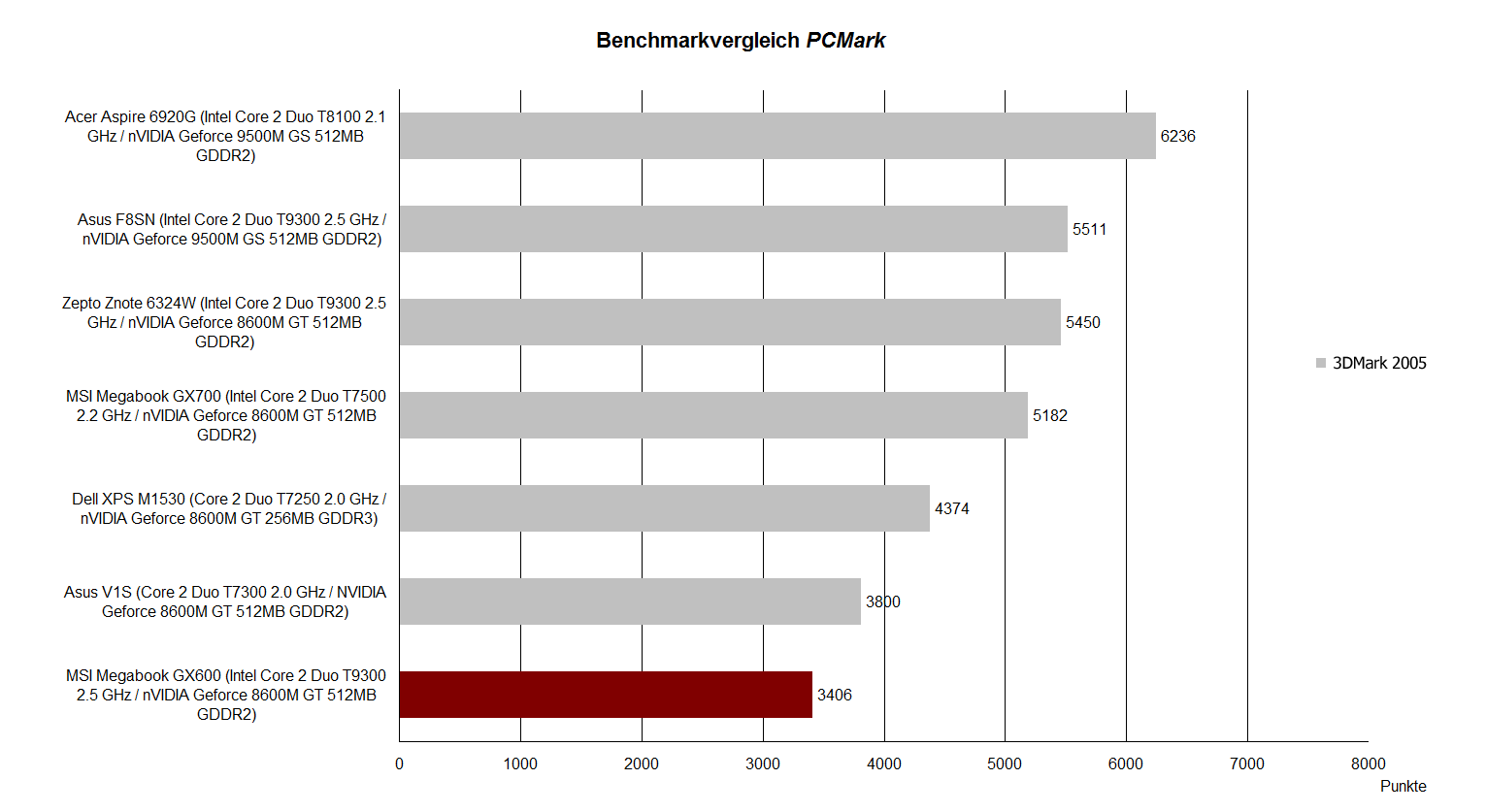
The GX600 performed worse than comparable competitor notebooks and the Megabook GX 700 by MSI. Nevertheless the benchmark results are all right. One reason might be the video driver. We ran all the benchmarks under Vista Home Premium with Forceware version 156.09 (video card), driver version 7.15.0011.5609.
Despite powerful components, the result of the PCMark 05 benchmark was only 3406 points. Activating turbo mode did not change much. The result just increased to 3457 points. Vista indicates a good performance index of 4.8.
The results of Cinebench are quite different. Here, the performance can be increased by more than 15% by activating turbo mode. This notebook reached 2711 points in the Single CPU Rendering test and 5161 points in the Multi CPU Rendering test - both of them measured without turbo. These values were increased to 3120 for the Single Rendering test and to 5951 points for the Multi CPU Rendering test by switching the turbo on.
Turbo mode increased the result of the Shading test (OpenGL) from 3168 to 3525 points. Above all, this is an increase of a little more than 10%.

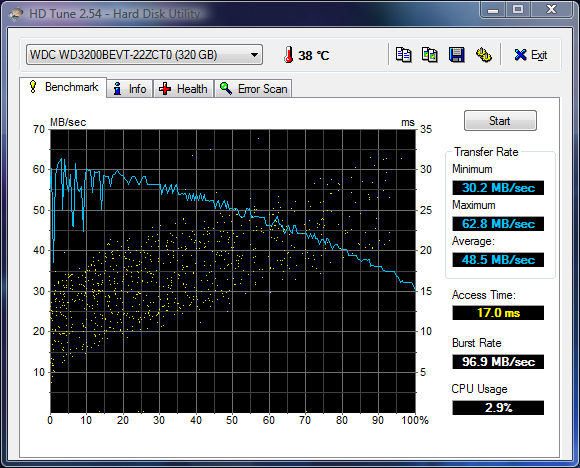
A 320 GB SATA hard disk with 5400 rpm by Western Digital, in more detail the Scorpio model, ensures that there is sufficient capacity for storing all kind of data. This is a relatively fast hard disk, so there are hardly any delays whenever a hard disk access is required.
The HDTune results are excellent too. Considering it is a 5400 rpm hard disk, the transfer rates and the access times are very good. And also the Burst rate of 98,2 MB/s is above average.

| PCMark 05 Standard | 3406 points | |
Help | ||
| Cinebench R10 | |||
| Settings | Value | ||
| Shading 32Bit | 3168 Points | ||
| Rendering Multiple CPUs 32Bit | 5161 Points | ||
| Rendering Single 32Bit | 2711 Points | ||

Gaming Performance
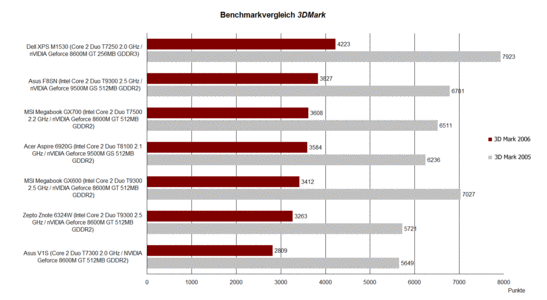
The GX600 reached 3412 (3451 with turbo) points) in the 3DMark06 at a resolution of 1280x1024 pixels. These are about 200 points less than the GX 700 gaming model.
| 3DMark 2001SE Standard | 26303 points | |
| 3DMark 03 Standard | 11508 points | |
| 3DMark 05 Standard | 7027 points | |
| 3DMark 06 Standard Score | 3412 points | |
Help | ||
Now we will look at games in practice. Doom 3 runs with ultra setting absolutely smoothly. We measured an average of 87.9 fps without turbo and 88.8 fps with turbo.
FEAR ran more or less smoothly with a resolution of 1024x768 and maximum details, whereas we measured 28 fps.
| Doom 3 | |||
| Resolution | Settings | Value | |
| 1024x768 | Ultra, 0xAA, 0xAF | 87.9 fps | |
| 800x600 | High, 0xAA, 0xAF | 119.2 fps | |
| 640x480 | Medium, 0xAA, 0xAF | 133.6 fps | |
| 640x480 | Low, 0xAA, 0xAF | 135.5 fps | |
| F.E.A.R. | |||
| Resolution | Settings | Value | |
| 1024x768 | GPU: max, CPU: max, 0xAA, 0xAF | 28 fps | |
| 800x600 | GPU medium, CPU medium, 0xAA, 0xAF | 32 fps | |
| 640x480 | GPU min, CPU min, 0xAA, 0xAF | 34 fps | |
However, the Megabook GX600 has problems with today's games, e.g., Crysis or World in Conflict. You have to reduce the resolution and the detail level in order to run them smoothly. Crysis only runs smoothly with low details and a resolution of 1024x768 pixels. The same is true for World in Conflict. If the resolution is 1280x800 pixels and the detail level medium (DX9), the average frame rate is about 25 fps. If you reduce the average resolution to 1024x768 pixels, the frame rate increases to about 29 fps.
| Crysis - CPU Benchmark | |||
| Resolution | Settings | Value | |
| 1024x768 | High, 0xAA, 0xAF | 10.1 fps | |
| 1024x768 | Medium, 0xAA, 0xAF | 19.9 fps | |
| 1024x768 | Low, 0xAA, 0xAF | 46.8 fps | |
| Crysis - GPU Benchmark | |||
| Resolution | Settings | Value | |
| 1024x768 | High | 10.1 fps | |
| 1024x768 | Medium, 0xAA, 0xAF | 18 fps | |
| 1024x768 | Low, 0xAA, 0xAF | 43.8 fps | |
| World in Conflict - Benchmark | |||
| Resolution | Settings | Value | |
| 1024x768 | High, 2xAA, 2xAF | 14 fps | |
| 1280x800 | High, 2xAA, 2xAF | 12 fps | |
| 1680x1050 | High, 2xAA, 2xAF | 8 fps | |
| 1680x1050 | Medium, 0xAA, 0xAF | 17 fps | |
| 1024x768 | Medium, 0xAA, 0xAF | 29 fps | |
| 1280x800 | Medium, 0xAA, 0xAF | 25 fps | |
The results of the test above prove that turbo mode improves the performance a little bit, but, this is hardly recognizable in the gaming practice. This is, because only the CPU clock rate is increased from 2.5 GHz to 2.75 GHz in turbo mode. However, the video card and rest of the system remain unchanged.
Emissions
Loudness
If you prefer silent notebooks, you won't like the Megabook GX600 much. Indepentent of the load, the fan was always clearly audible. This is a characteristic which is already known since the introduction of the GX 700 model. The noise level in idle mode was 34.3 dB(A), which is just acceptable. If you watch a DVD, the noise increases to 37.2 dB(A).
If you play a 3D game, you'll again recognize that the GX600 is very similar to the GX700 in this aspect. The reviewed notebook slowly increased the revolution speed of the fan step by step. After some minutes the noise level was 46.5 dB(A), which is only 0.8 dB(A) less than the 17 inch model. But, competitor notebooks proved that also notebooks of this price category can be quieter.
Noise Level
| Idle |
| 33 / 34.3 / 36.1 dB(A) |
| HDD |
| 33.4 dB(A) |
| DVD |
| 37.2 / dB(A) |
| Load |
| 39.2 / 46.5 dB(A) |
 | ||
30 dB silent 40 dB(A) audible 50 dB(A) loud |
||
min:  , med: , med:  , max: , max:  (15 cm distance) (15 cm distance) | ||
Temperature
Compared to the GX 700 the GX600 is very good regarding temperature increase. The measured temperatures are clearly lower. The top side heats up to about 36.6°C under load, which is more than 2 °C less than the maximum of the 17 inch model. The difference is even bigger at the bottom side. We measured a maximum of 40.3°C at the left bottom side. The GX 700 had a maximum temperature of 52 °C at the bottom side. These are more than 10°C more.
To summarize, the Megabook GX600 is only a little bit quieter, but much colder than the bigger GX700 model. The main reason might be the up-to-date CPU, a Penryn CPU. In contrast, the reviewed Megabook GX700 was equipped with a Merom CPU.
(+) The maximum temperature on the upper side is 36.6 °C / 98 F, compared to the average of 36.9 °C / 98 F, ranging from 21.1 to 71 °C for the class Multimedia.
(±) The bottom heats up to a maximum of 40.3 °C / 105 F, compared to the average of 39.1 °C / 102 F
(+) The palmrests and touchpad are cooler than skin temperature with a maximum of 31.9 °C / 89.4 F and are therefore cool to the touch.
(-) The average temperature of the palmrest area of similar devices was 28.8 °C / 83.8 F (-3.1 °C / -5.6 F).
Speakers
The two red stereo speakers are left and right above the keyboard. A built-in Realtek sound chip controls audio output and input. The quality of the speakers matches exactly our expectations in this price category. The high tones are all right, the basses very weak. The maximum volume is relatively good.
The quality of the speakers is sufficient for computer games and for listening to music. If your demands are higher, you can connect this notebook to a hi-fi system.
Battery Runtime
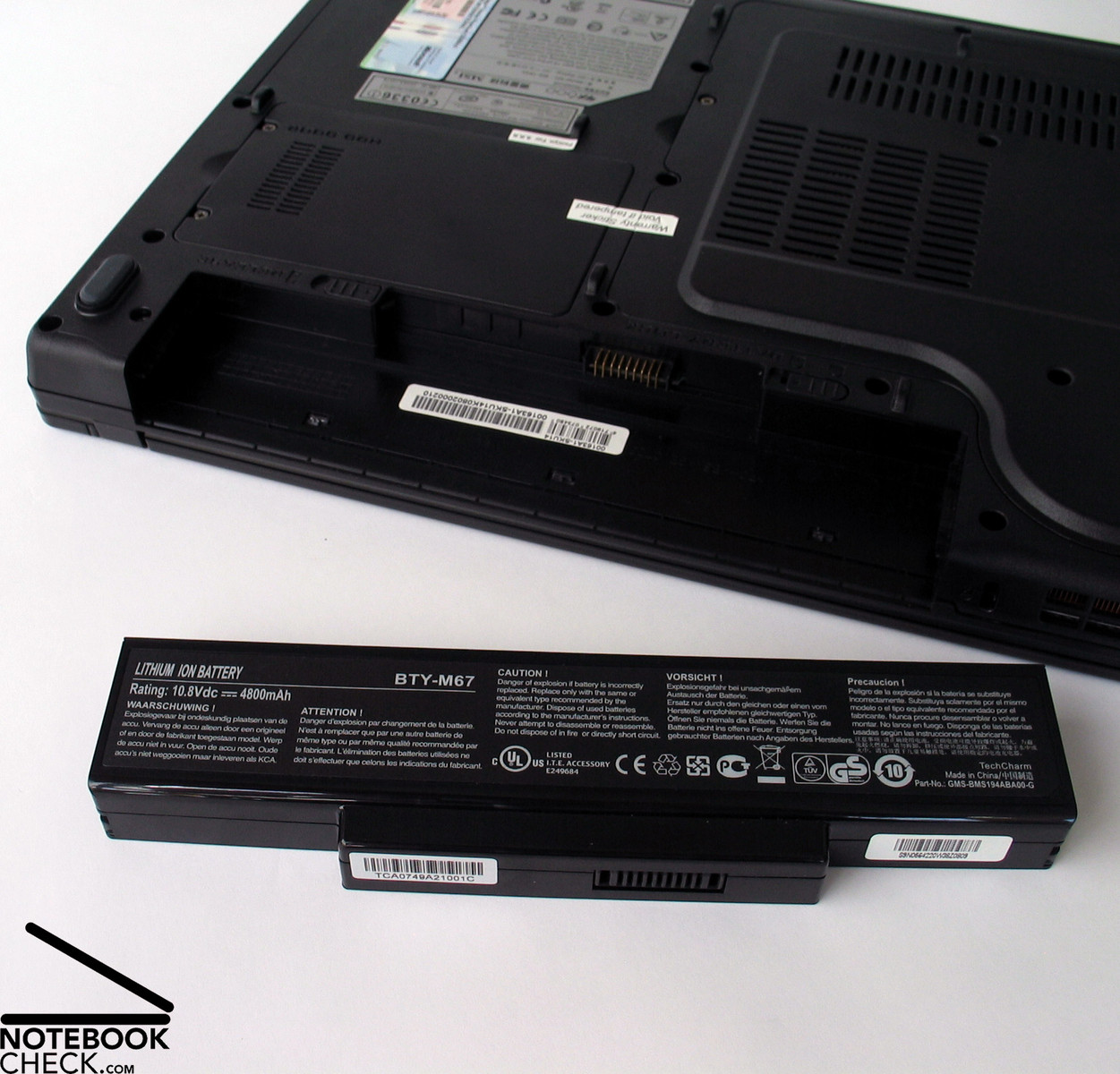
The GX600 is equipped with a Lithium Ions battery with a capacity of 4800 mAh (about 52 Wh). Unfortunately, its runtime is not long.
Although WLAN and Bluetooth were switched off, the display dimmed, and the energy saving settings at maximum, the runtime was just 140 minutes in the BatteryEater Readers test. The runtime in the Classic test of the BatteryEater tool (energy saving setting 'maximum performance', maximum display brightness, WLAN and Bluetooth on) was 61 minutes. When watching a DVD, the runtime is only 1 hour and 10 minutes. So, you can't even watch a whole film without having to recharge. The WLAN test (good bis maximum brightness of the display, and activated energy saving settings), was a little bit better. The runtime is a little more than 2 hours, if operated this way. To summarize, the battery runtime of the standard battery is rather short.
| Off / Standby | 0 / 0 Watt |
| Idle | 38 / 42 / 49 Watt |
| Load |
75 / 89 Watt |
   
| |
Verdict
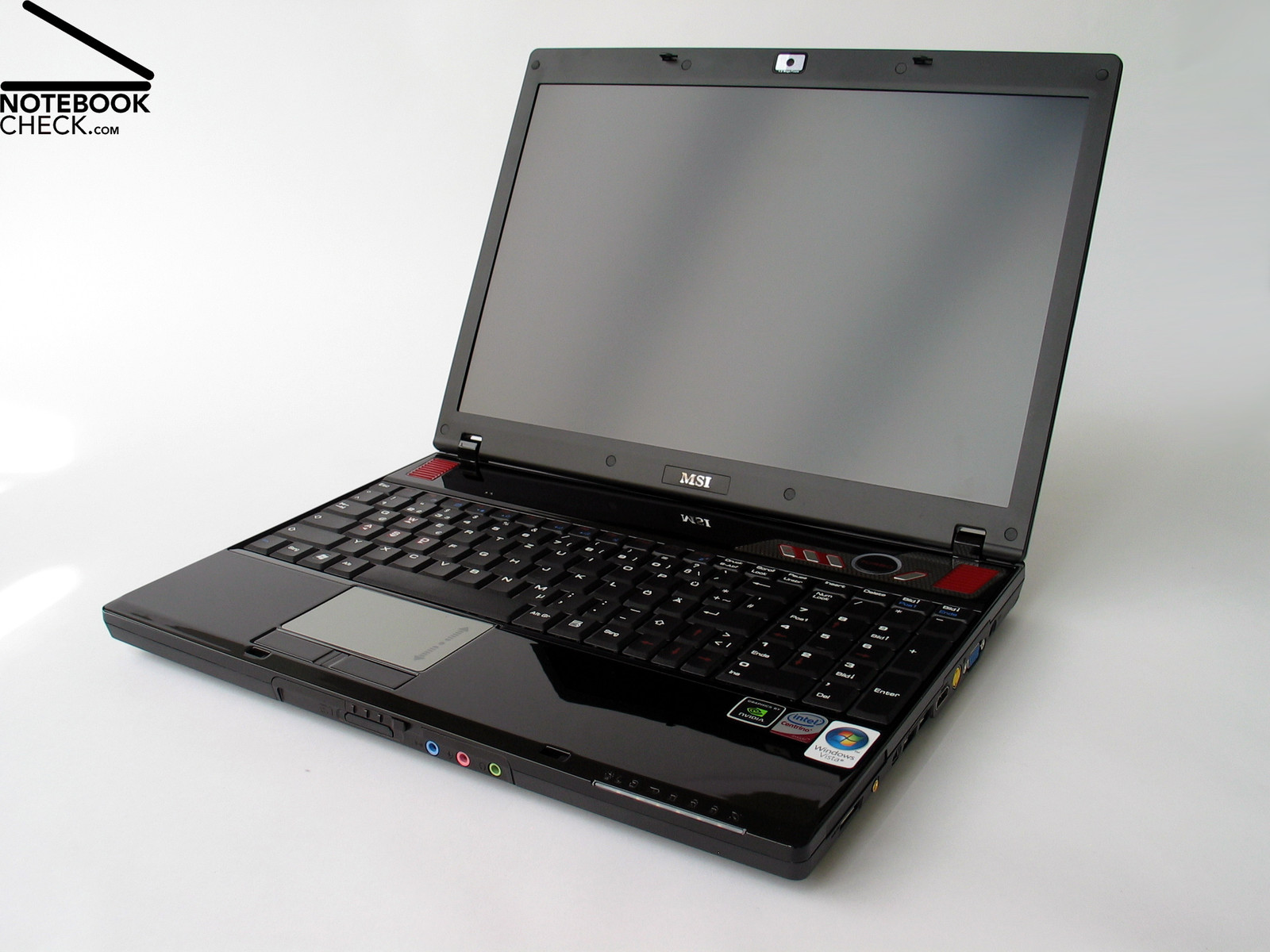
Alike the bigger MSI Megabook GX 700, which is equipped with T7500 CPU, also the Megabook GX 600, which is equipped with up-to-date hardware, e.g., a T9300 Penryn CPU, is indeed a good 15.4 notebook with some minor flaws.
Calculation intensive and demanding picture, multimedia, and video applications are no problem for the GX 600, because it is equipped with a Penryn CPU. If you demand more power, you can switch to turbo mode by pressing a button located right above the keyboard. Unfortunately, turbo mode does not improve the performance much when running demanding games. These won't run faster, because of the built-in nVIDIA GeForce 8600M GT, which is only equipped with GDDR2 memory.
Other components with impact on the performance are 3 GB RAM (two DDR2 memory modules), and a 320 GB hard disk by Western Digital. To summarize, a video card like a nVIDIA GeForce 8700 or better, would have been preferable for a gaming notebook. However, it might be impossible to properly cool such video cards inside such a slim case. So, the Megabook GX 600 is rather a multimedia notebook with gaming ambitions,
The Megabook GX600 stands out of the crowd by offering many interfaces. You'll seldom get a notebook with HDMI and VGA out, Bluetooth, built-in 1.3 Mega pixels web cam, eSATA, and 4 USB ports for about 1000,- Euro.
Also the display with matte surface is good. However, its illumination could not totally convince. Nevertheless, a matte display can be a criterion to choose this notebook.
Despite some flaws, e.g., the unevenly illuminated display, the clattering keyboard, and the noise emissions, the Megabook GX600 is still a solid multimedia and also gaming notebook at a great price if you do not mind to reduce the resolution and the detail level of today's games.