Review HP Pavilion dv9033cl Notebook
Beauty Notebooks of the Pavilion dv9000 are bigger dv6000s, which we already reviewed some time ago. Despite of powerful, energy-demanding components, it is extraordinary slim.
Case
Following review is provided by notebookcheck.pl, our Polish editor team.
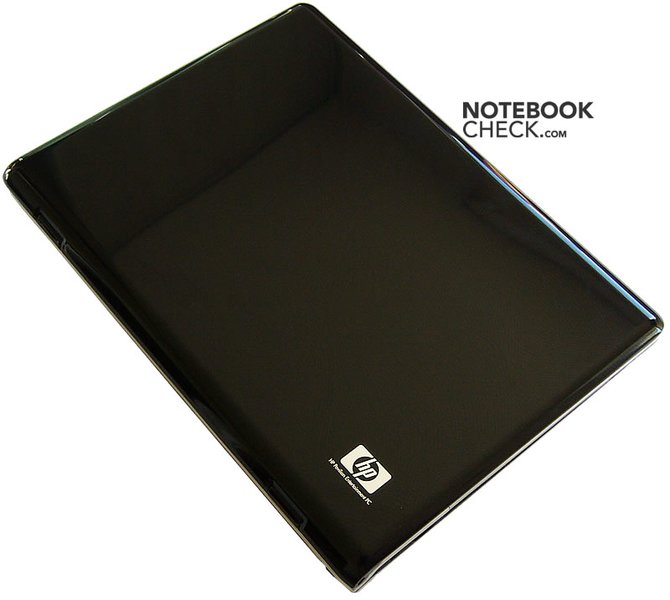
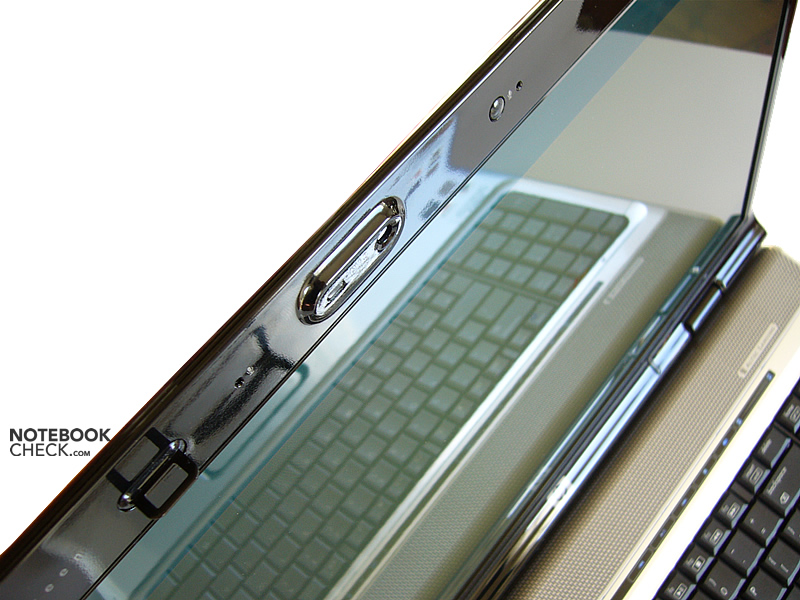
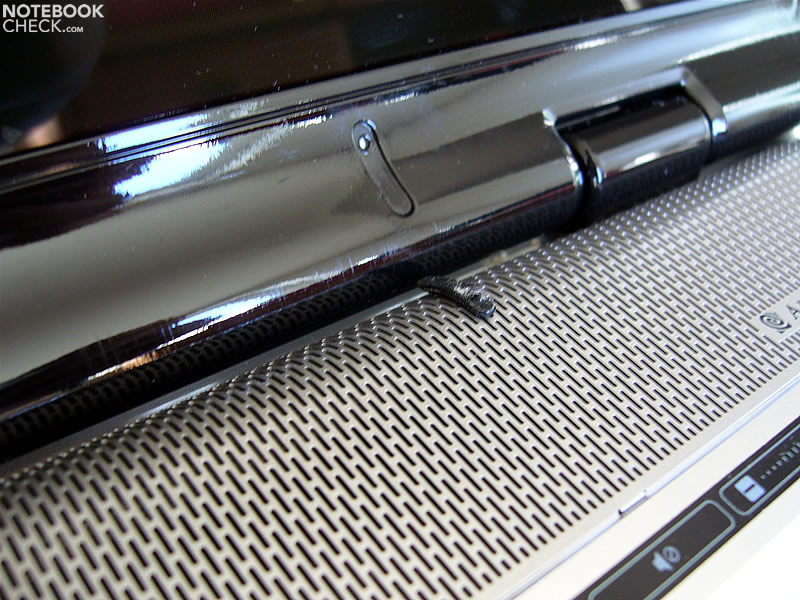
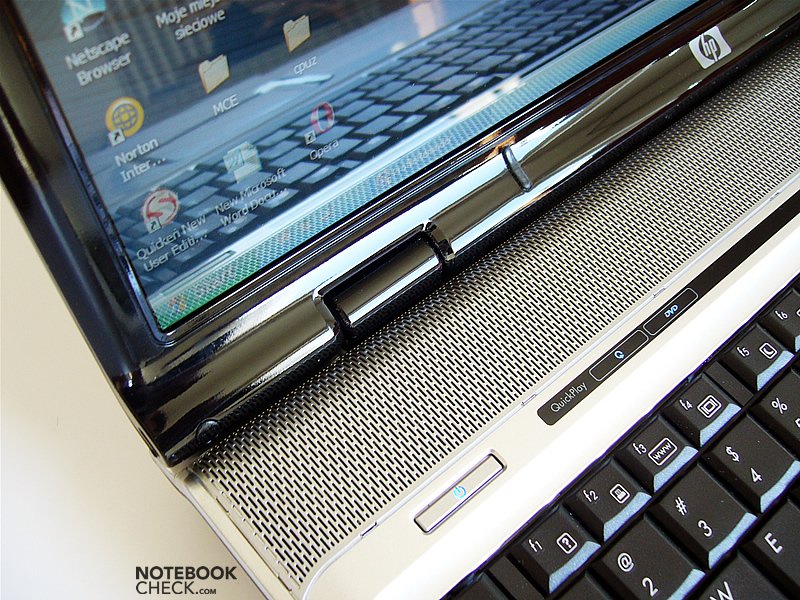
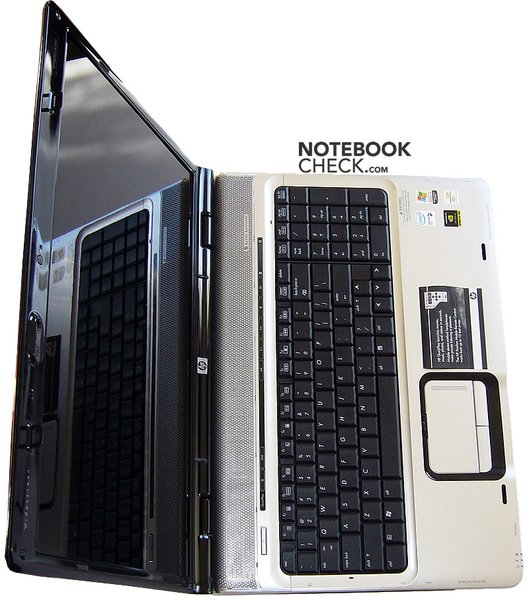
Overall, all notebooks of the dv9000 series have a common design. Also the dv9033cl has a piano coating and shows the already known wave pattern.
Generally, the workmanship of the dv9000 series is alright. However, the panel above the keyboard is not at the same level than the surrounding case.
The display cover slightly yields under pressure, but in total it is still rather robust. Tough the hinges are small, they hardly allow any wobbling.
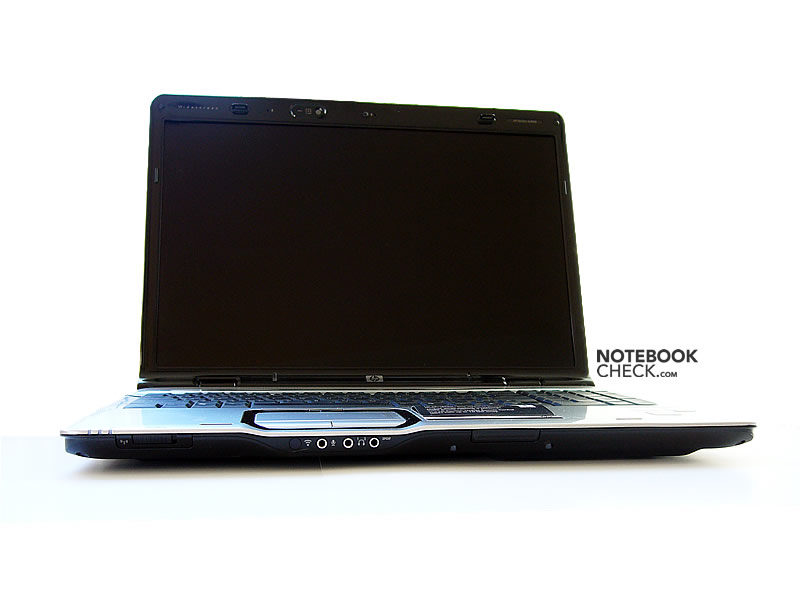
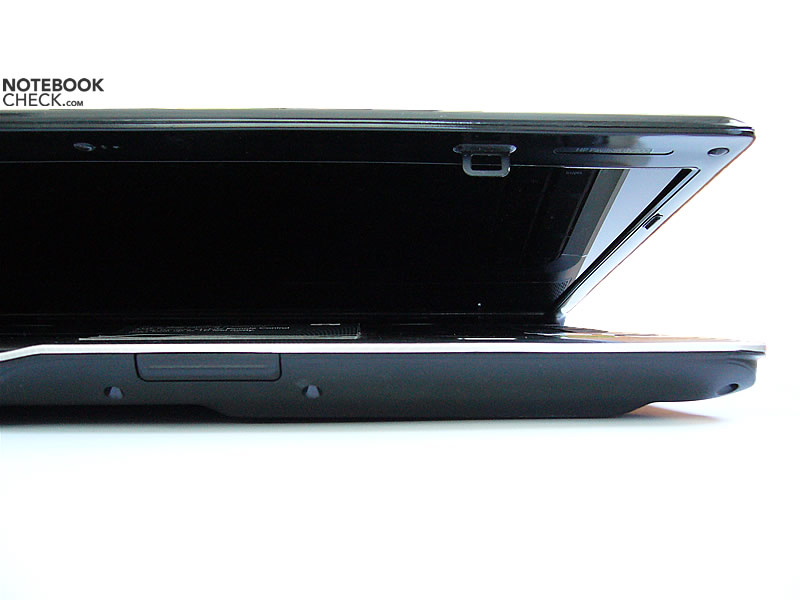
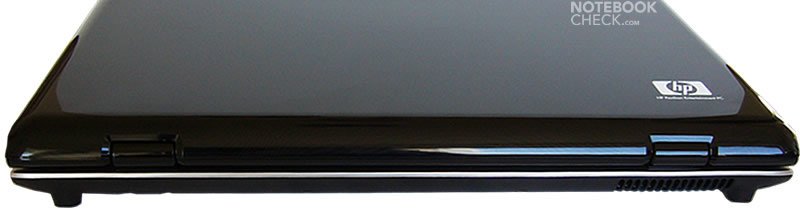
The Pavilion dv9000 series and the dv6000 series mainly differ by their closing mechanism. While the dv6000 notebooks utilize a magnetic locking, the bigger 17 inch dv9000 series provide a standard latch with two bolts.
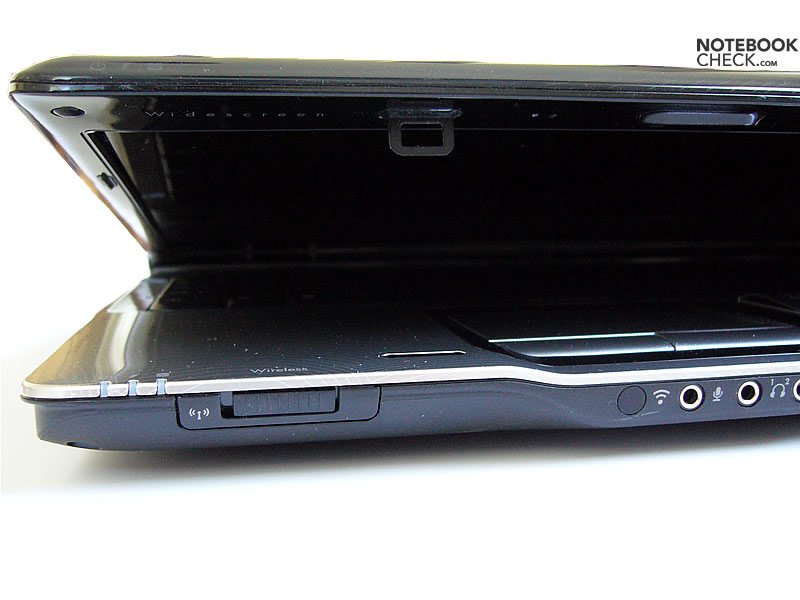
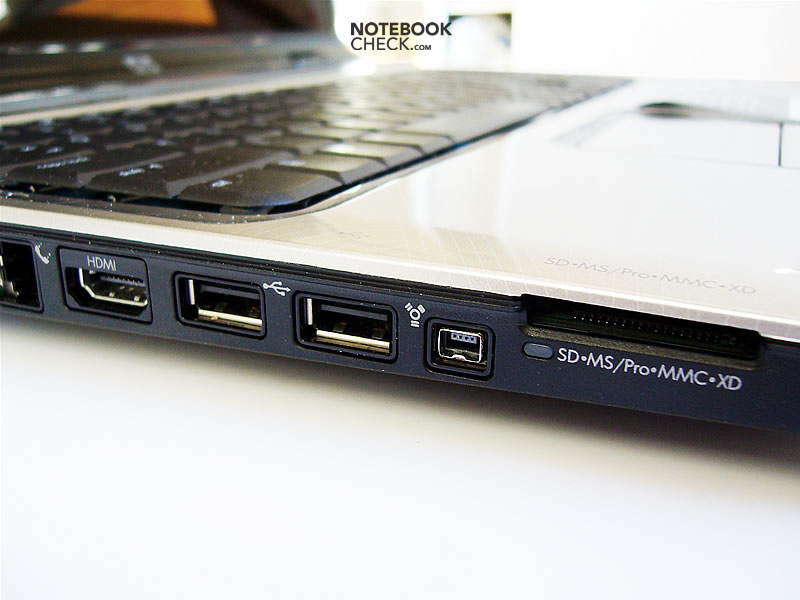
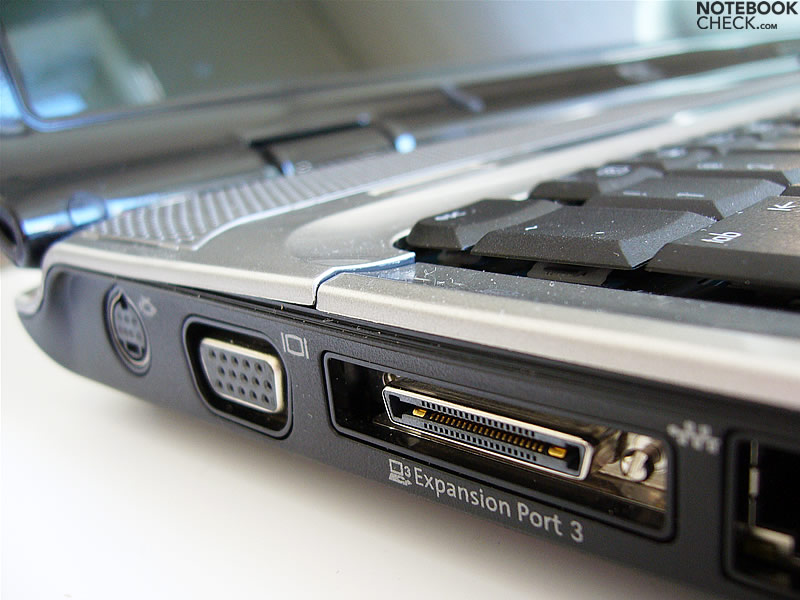
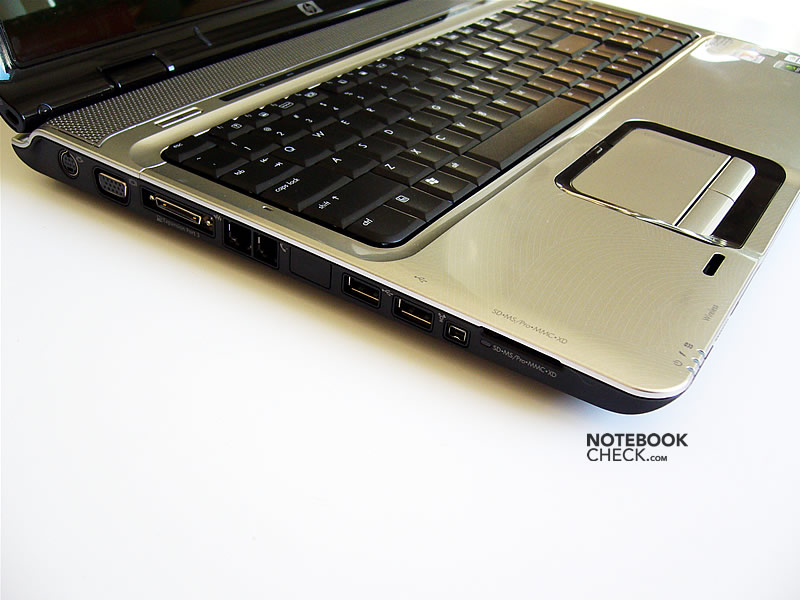
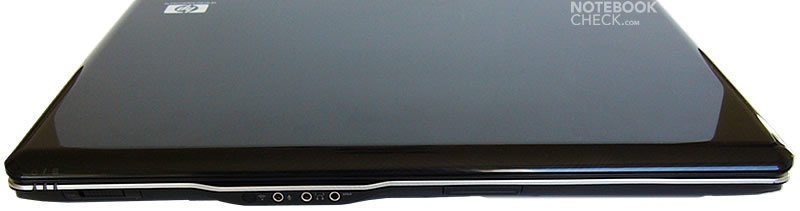
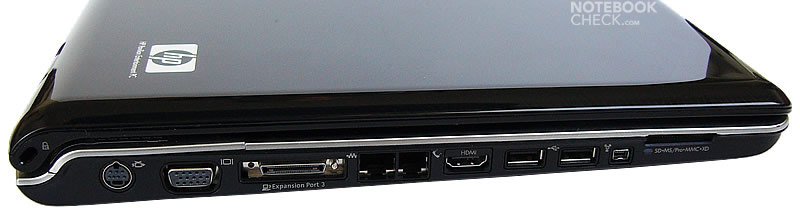
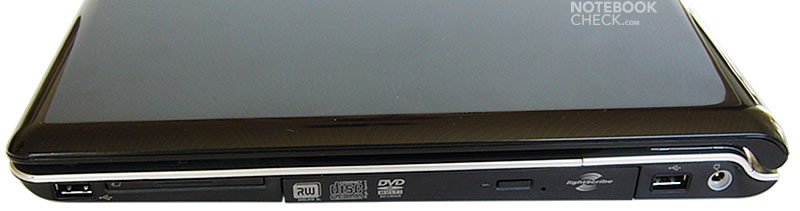
Because of its design specifics none of the interfaces could be located at the notebook's backside. Besides of the audio ports, the infrared port and the WLan switch, all other interfaces were located left and right of the notebook. The dv9033cl also provides a HDMI interface, while the dv9074cl does not.
Input Devices
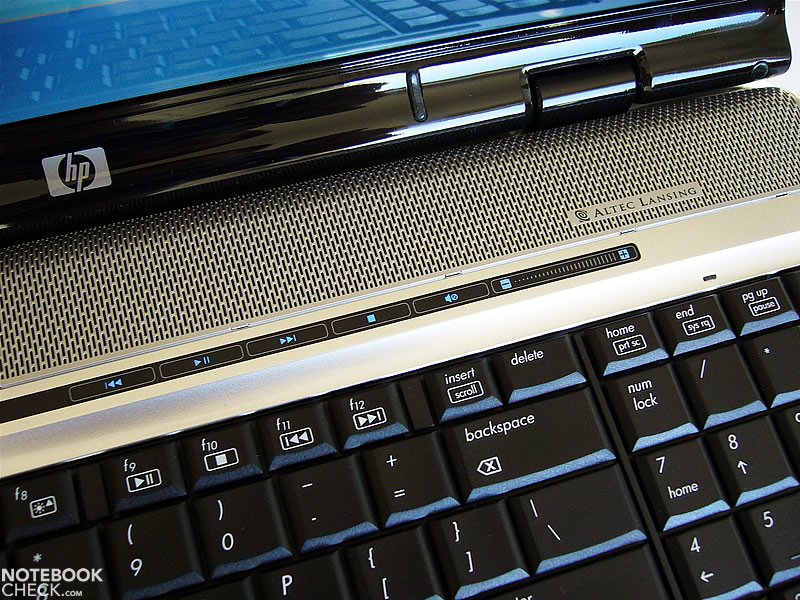
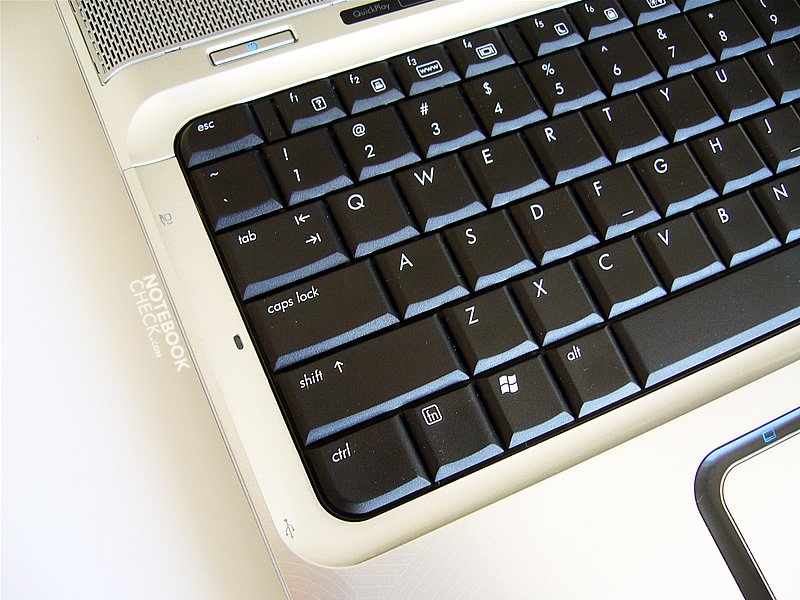
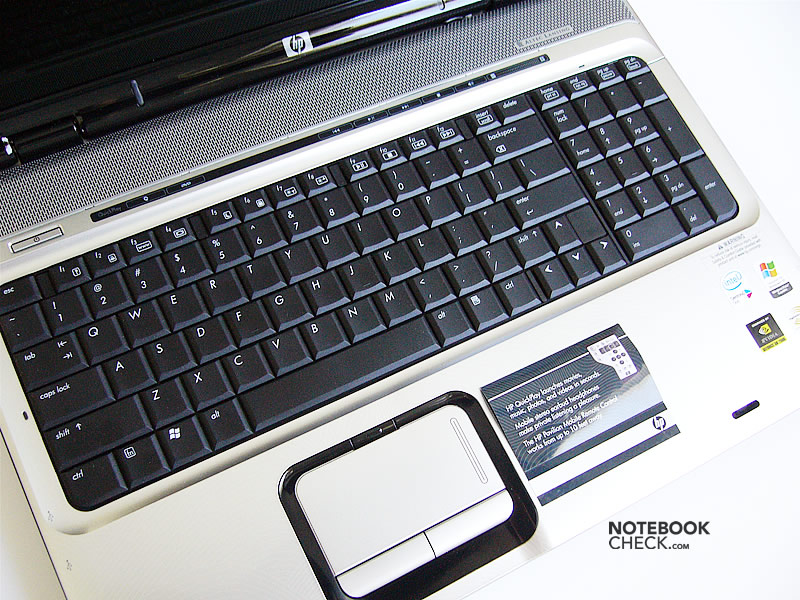
The keyboard of the dv9000 series is basically identical to the one of the Pavilion dv6140ea. It provides a seperate numerical keypad, however the enter key extends only over one row.
Typing features a short travel and an extremely abrupt stop and is a little bit noisy.
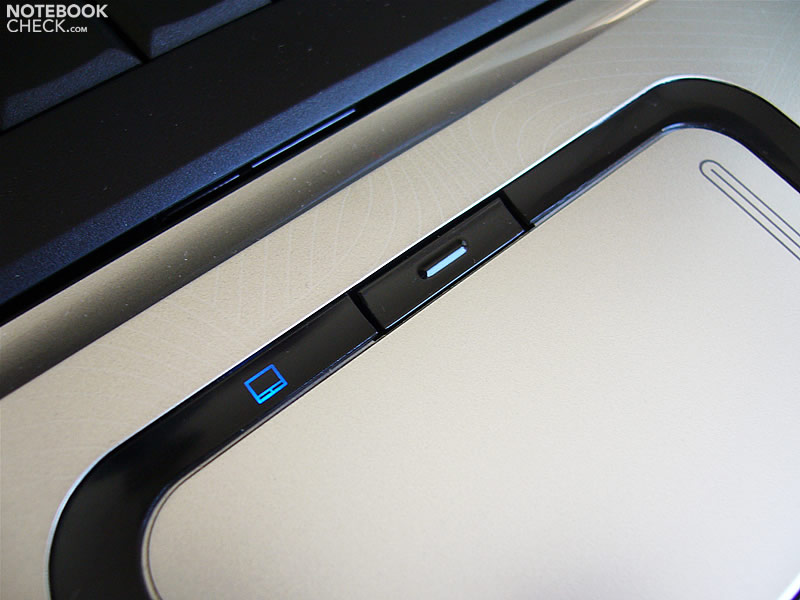
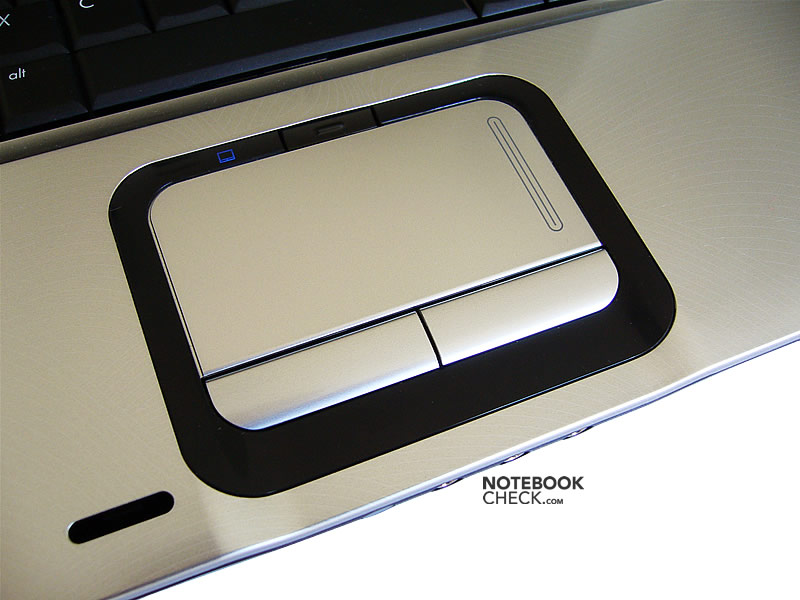
The touchpad is not placed in the center, but a little bit moved to the left. This was not uncomfortable for us, but chances are that the touchpad is accidentally activated by the left wrist. However, it can be deactived by a little button, lit by a small blue LED. The touchpad is the same than the one of the smaller dv6000 series. Its sliding properties are not ideal, and the according buttons not really user-friendly.
Display
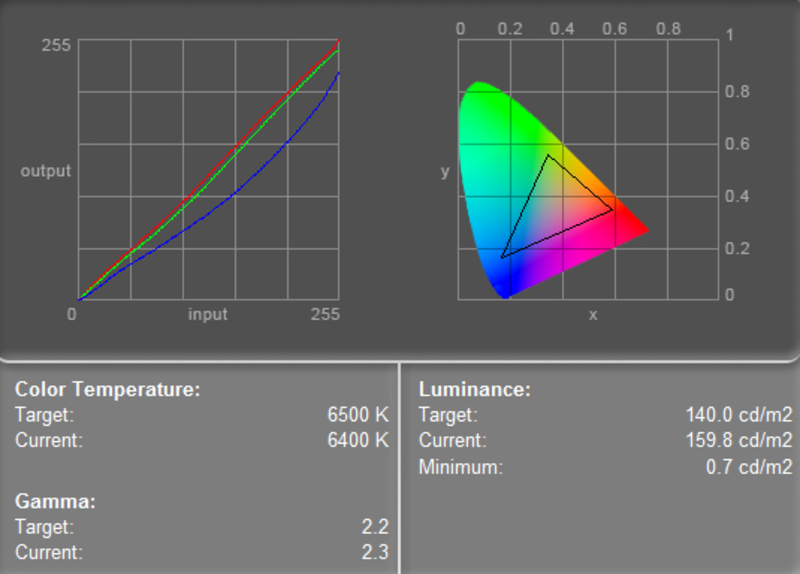
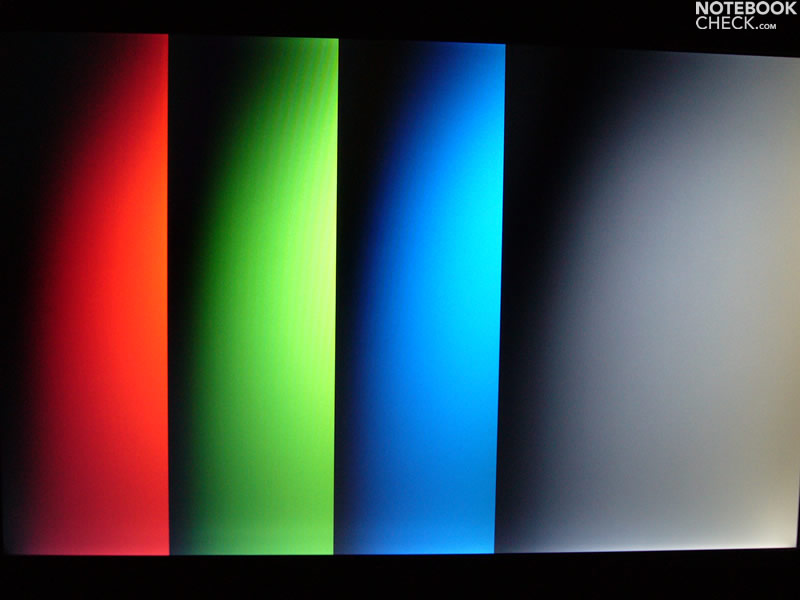
The dv9033cl is equipped with a 17-inch LG.Philips display with a native resolution of 1440x900 pixels. Its maximum brightness is 161.2cd/m², an acceptable result. Due to uneven brightness distribution, the illumination is only 77.5%.
| |||||||||||||||||||||||||
Brightness Distribution: 73 %
Contrast: 201:1 (Black: 0.8 cd/m²)
Because of a black value of 0.8 cd/m² the LG.Philips screen has a calculated contrast ratio of 201:1.
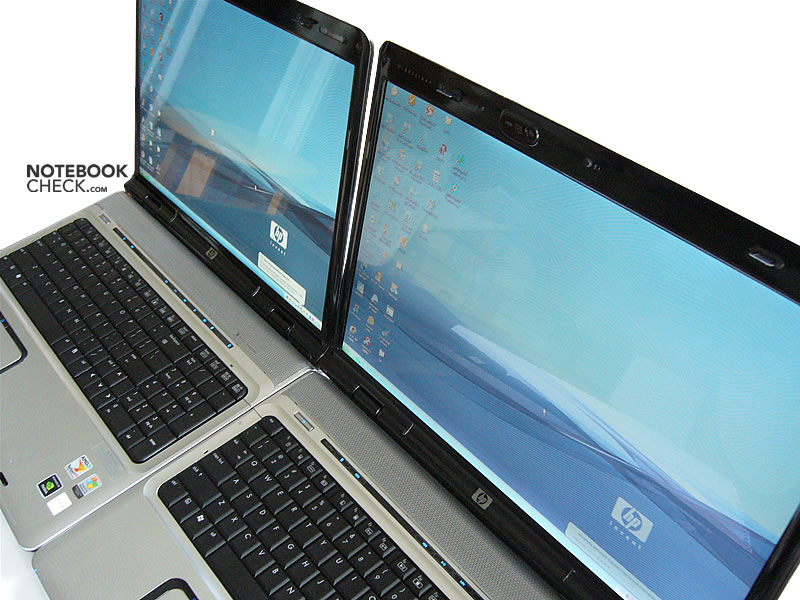
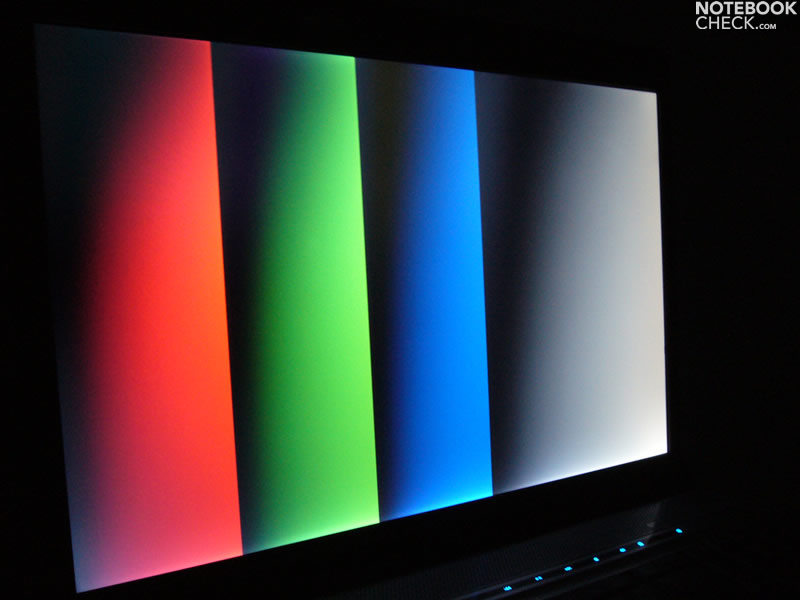
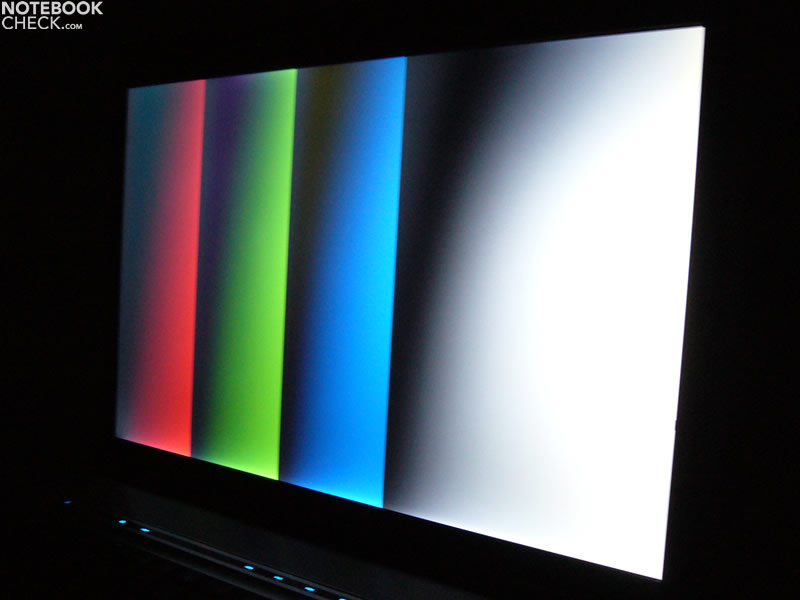
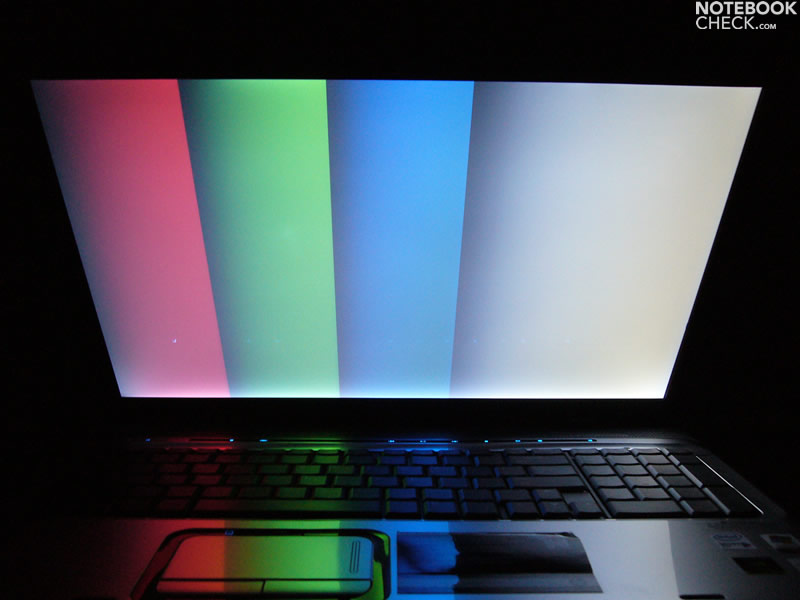
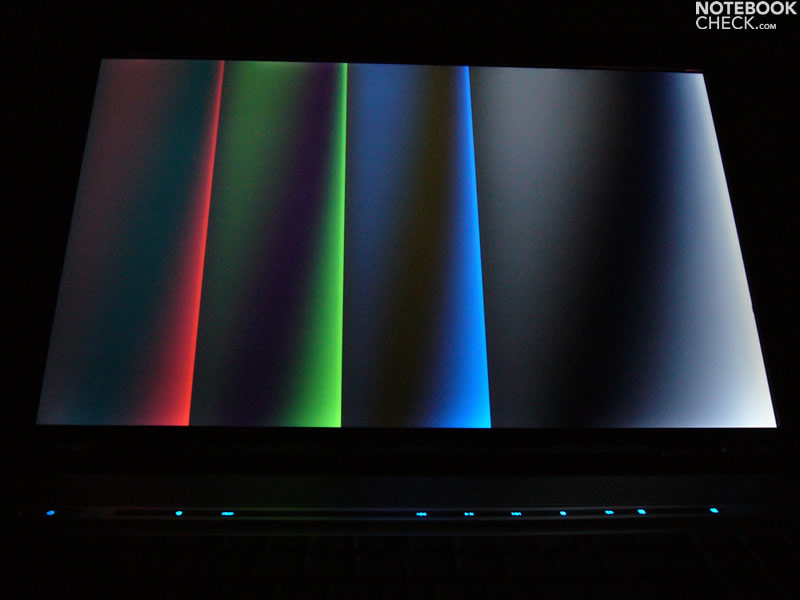
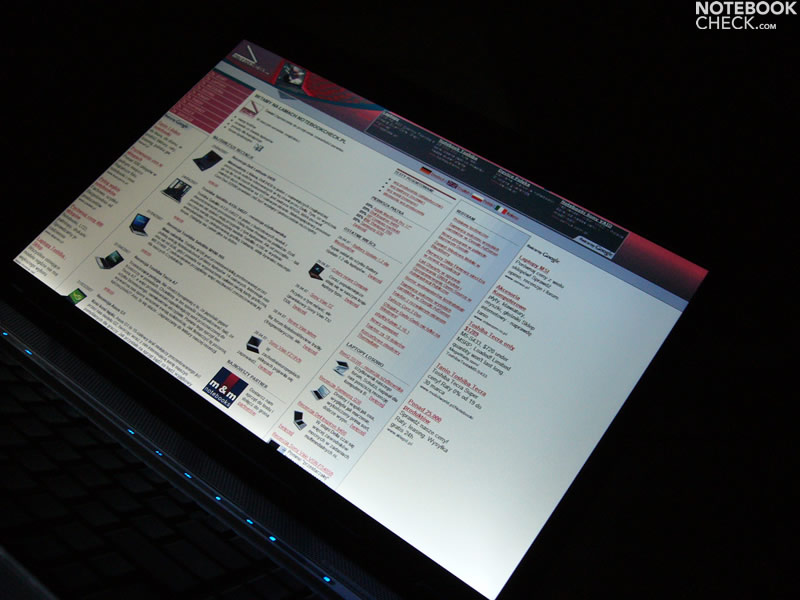
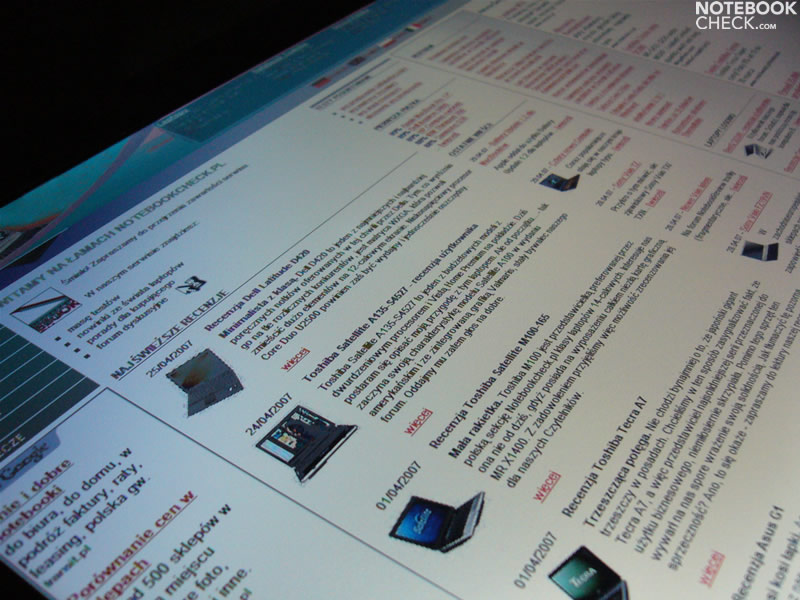
The stability to the vantage point is moderate. Even small changes of the position worsen video quality.

Performance
The dv9033cl is equipped with a Core Duo T2300E (1.66GHz) processor and a GeForce Go 7600 video card. This equipment is alright for office and internet applications and also allows to play some not too demanding games.
The built-in harddisk is a 100GB HDD by Fujitsu. It is outperformed by the Seagate HDD of dv9074cl.
Further information about the video card can be found here or in our comparison of mobile video cards. Detailed information about the Core Duo CPU can be found here.
Please also look at our benchmark list of mobile processors or at our benchmark list of mobile video cards, in order to compare this notebook to other configurations.
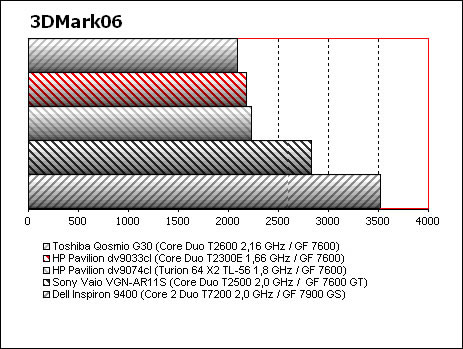
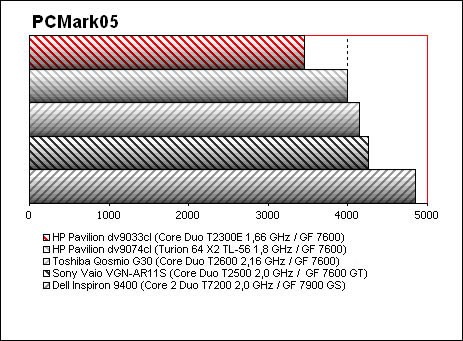
| 3DMark 2001SE Standard | 17716 points | |
| 3DMark 03 Standard | 8373 points | |
| 3DMark 05 Standard | 3610 points | |
| 3DMark 06 Score Unknown Setting | 2178 points | |
Help | ||
| PCMark 04 Standard | 4853 points | |
| PCMark 05 Standard | 3454 points | |
Help | ||

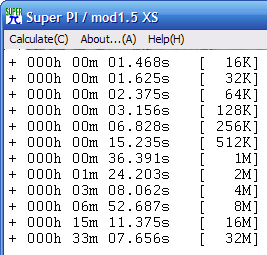
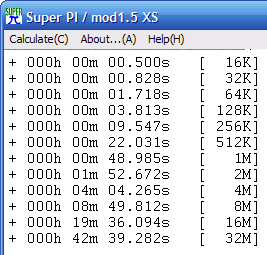
| HP Pavilion dv9033cl (Core Duo T2300E) | HP Pavilion dv9074cl (Turion 64 X2 TL-56) | |
|---|---|---|
| Windows XP boot up | 47s | 50s |
| HP QuickPlay boot up | 22s | 26s |
| PCLinuxOS 2007 TR4 boot up | 2min29s | 2min14s |
| SLAX Linux (w/o GUI) boot up | 50s | 36s |
| loading a saved game HoMM V | 21s | 21s |
| MOV to MPEG conversion (on battery, 109MB) | 1min18s | 1min44s |
| MOV to DivX conversion (on PSA, 109MB) | 1min12s | 1min14s |
| installing .NET Framework 2.0 | 2min 11sec | 2min21s |
| Aquamark benchmark | 60516 points | 57197 points |
| x3 Reunion benchmark | 29.426fps/sec | 29.271fps |
| WinRAR benchmark | 794KB/s | 817KB/s |
Emissions
The fan runs very audible all the time. A BIOS update improved the control of the fan, however, it still stayed noisy. Under load the noise level starts at 40dB and reaches up to 46dB together with the fan of the video card during playing games.
During battery operation the dv9033cl emits a high-pitched sound. Nearly all of the Notebooks with an Intel processor of the Pavilion series have this problem in common.
Noise level
| Idle |
| 33 / 40 / 37 dB(A) |
| HDD |
| 33.2 dB(A) |
| DVD |
| 35.7 / dB(A) |
| Load |
| 0 / 46 dB(A) |
 | ||
30 dB silent 40 dB(A) audible 50 dB(A) loud |
||
min:  , med: , med:  , max: , max:  (15 cm distance) (15 cm distance) | ||
Temperature
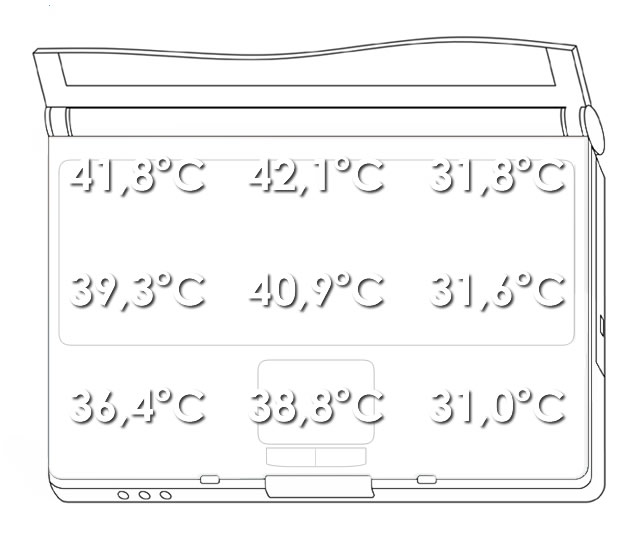
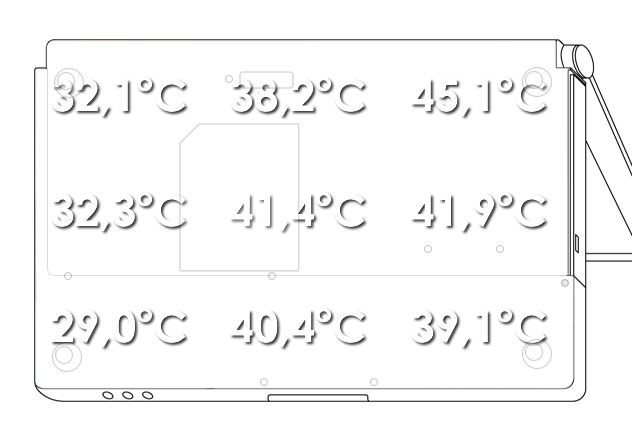
Because of the rather slim case, the waste heat easily accumulates inside the notebook. The surface temperature clearly increased within a short time. Under full load it reaches a maximum of slightly above the 45 degrees Celsius.
Upper side
palmwrist: 38,8°C max: 42,1°C avg: 37,1°C
Bottom side
max: 45,1°C avg: 37,7°C
Speakers
The dv9033cl is equipped with Altec Lansing speakers. Despite of low power consumption, their sound is clear and rich, the maximum volume more or less alright.
Battery Runtime
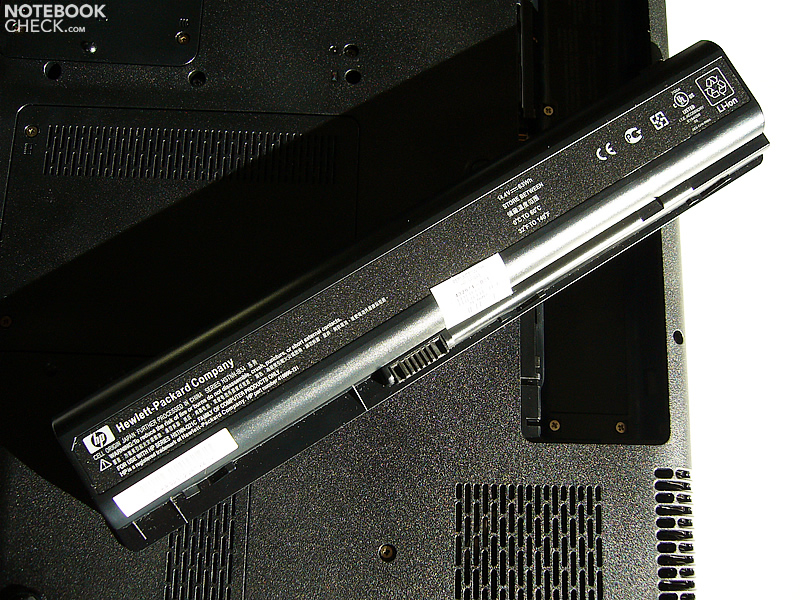
The Pavilion dv9033cl is equipped with an 8-cell battery with a 4400mAh (63Wh) capacity. In practice you can expect a runtime of about two or three hours. Considering it is a DTR with a quite powerful video card, the battery runtime is very good.
| Off / Standby | 0 / 0 Watt |
| Idle | 24.7 / 27 / 27.5 Watt |
| Load |
65 / 58 Watt |
   
| |
Key:
min: ,
med: ,
max: | |
Verdict
The HP Pavilion dv9033cl has several weaknesses in key aspects.
The brightness, color quality of the LG.Philips display are moderate, the stability to the vantage point is poor. In turn a HDMI interface is available.
Even after a BIOS update the fan stayed rather loud, but its control improved. Most annoying, during battery operation the dv9033cl emits a high-pitched sound.
Many thanks to our partners of Notebookcheck Polen for this review.
 Add as a preferred source on Google