




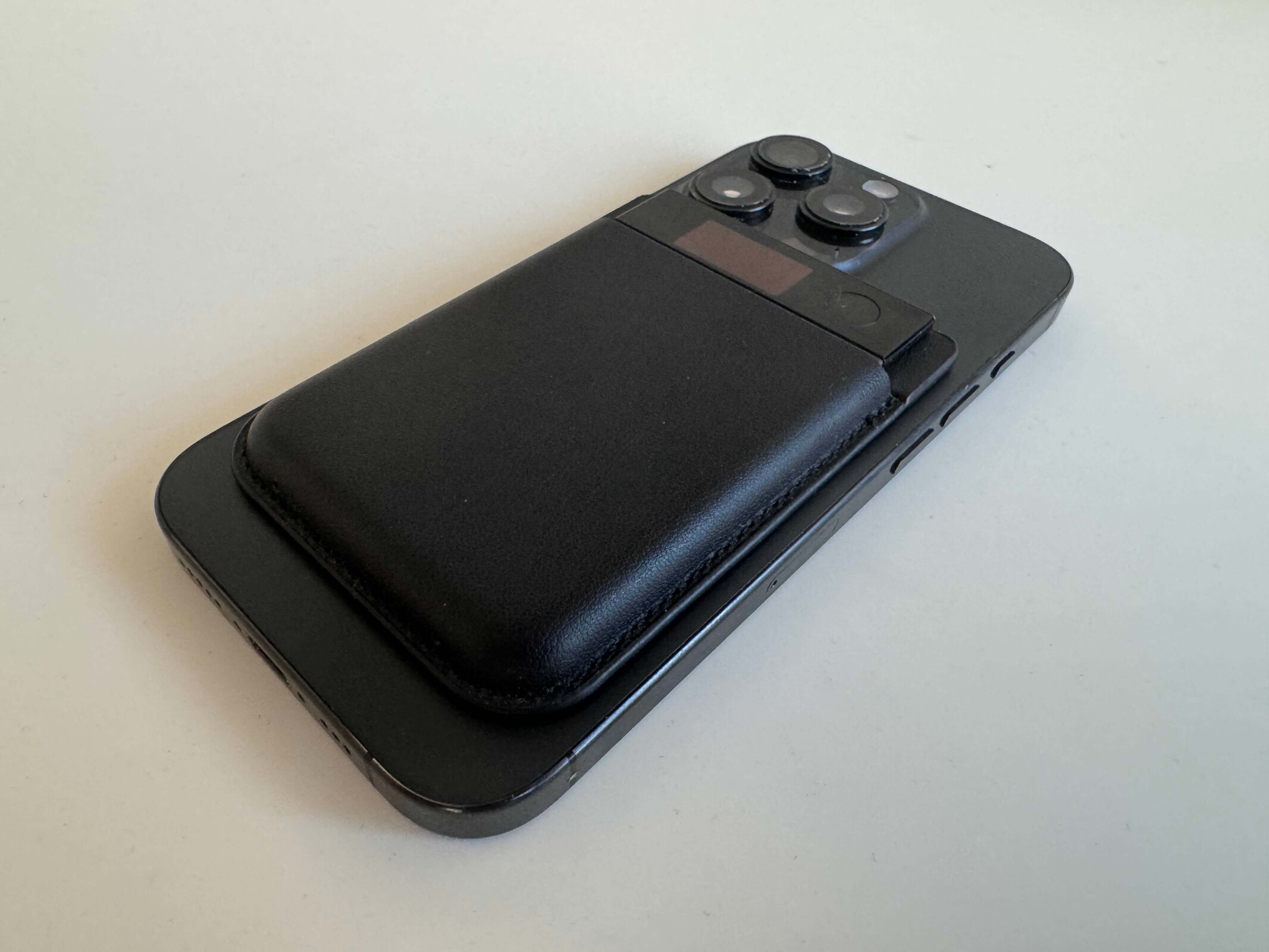
Review of the Plaud Note Pro AI recorder
An AI assistant packed with features!
The Plaud Note Pro is the Plaud Note’s big brother and comes with several improvements. We tested whether the extra cost compared to the Plaud Note is worth it and what improves the Pro version through various use cases.Marc Zander (translated by Marc Zander) Published 🇩🇪 🇳🇱 ...
Test summary of the Plaud Note Pro AI gadget
The Plaud Note Pro is a compact device that makes it easy to record conversations and analyze them. It’s easy to use with just a single button; the device offers excellent noise cancellation, can record conversations even from several meters away, and also does so during phone calls. Unlike other AI solutions via smartphone, this small device is more convenient, compact, quick to use (both on the device and in the app), and utilizes multiple AI agents—specifically GPT-5, GPT-5.2, Gemini 2.5 Pro, Gemini 3.1 Pro, Claude Sonnet 4.5, and Claude Sonnet 4.6. These can be selected automatically by the app or manually.
Pros
Cons
Here's how much the Plaud Note Pro costs
In addition to Plaud’s own online store, the company’s AI recorders are also available on major platforms like Amazon. The Pro model currently costs $189 USD in all online stores. Unfortunately, it's sold out everywhere right now.
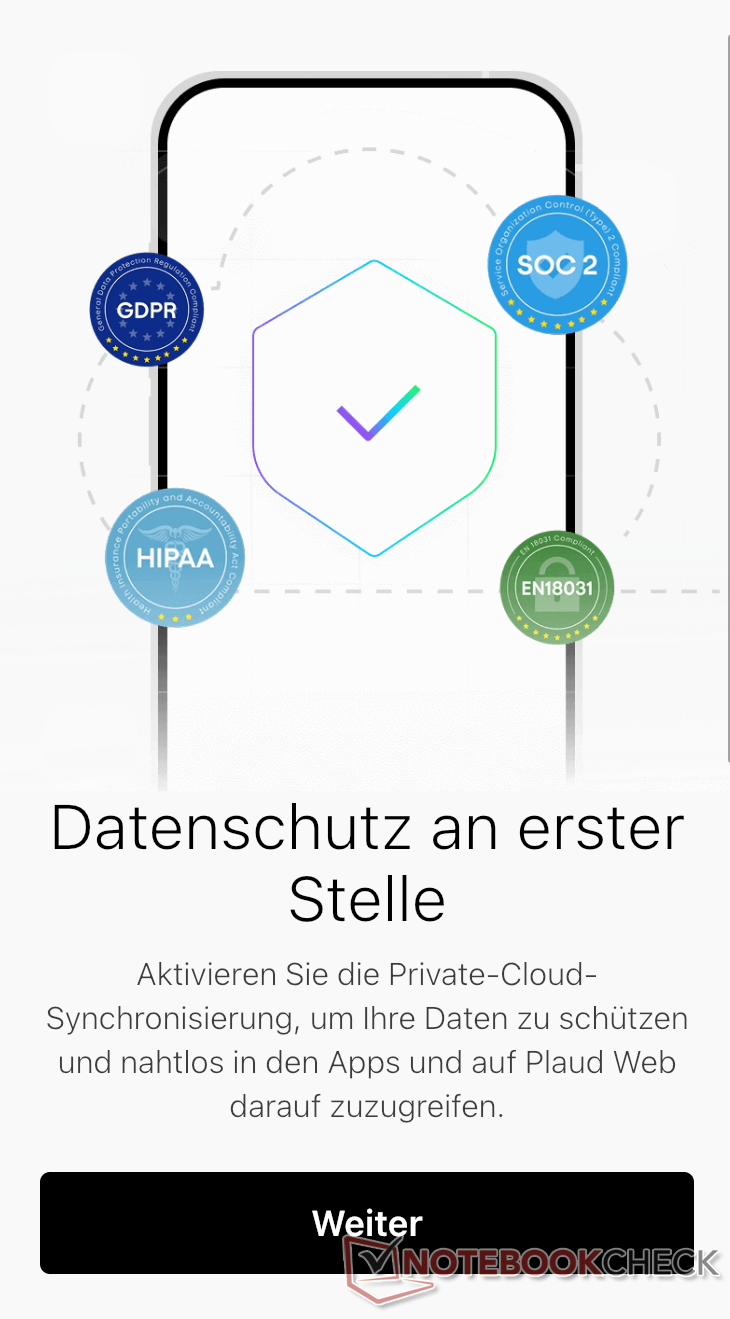
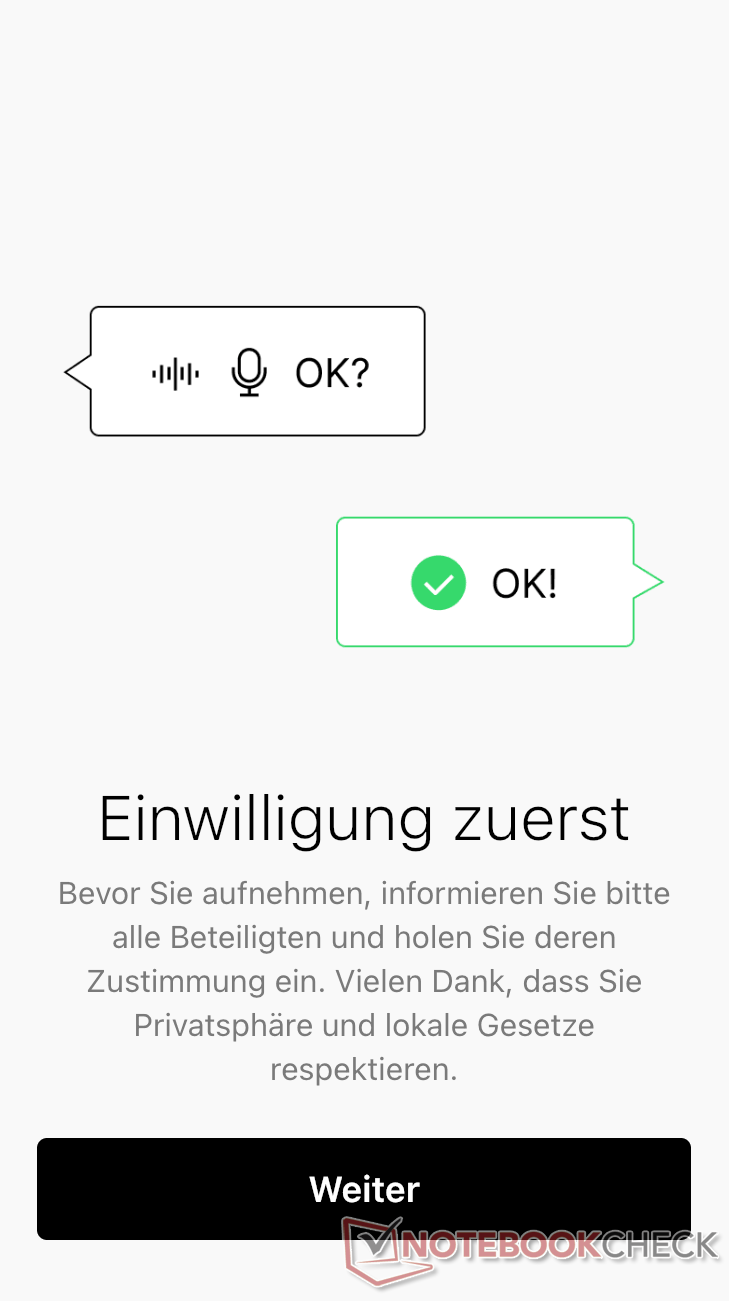
The AI Recorder is a great solution for anyone who needs to capture a lot of information from meetings, client discussions, job interviews, or other interviews for work. It could also be useful for students in lectures or patients during consultations with doctors, ensuring they don’t miss anything important. You can focus more on the conversation or meeting than if you were taking notes at the same time, and follow-up work is significantly faster with AI assistance. Important to know: Even though Plaud Note Pro is GDPR-compliant and supports many security and data protection standards, consent must always be obtained from everyone present before recording conversations to avoid committing a criminal offense. Users must also independently weigh all legal consequences, as these are likely to vary depending on their job and field of application.
The specifications of the Plaud Note Pro
| Internal storage capacity: | 64 GB |
| Microphones: | 4 MEMS microphones for capturing sound waves, 1 VPU for capturing structure-borne sound |
| Battery capacity: | 500 mAh (up to 45 hours of recording time/107 days of standby) |
| Maximum speaking distance: | approx. 5 m |
| Display: | 128 × 80 pixels, AMOLED, size 0.95 inches (approx. 2.41 cm), 600 nits brightness |
| Connectivity: | Bluetooth Low Energy 5.4, Wi-Fi |
| Weight: | approx. 30 grams |
| Dimensions: | approx. 2.13 × 0.12 × 3.37 inch (W × D × H) |
This is included with the Plaud Note Pro, and here's how to set it up
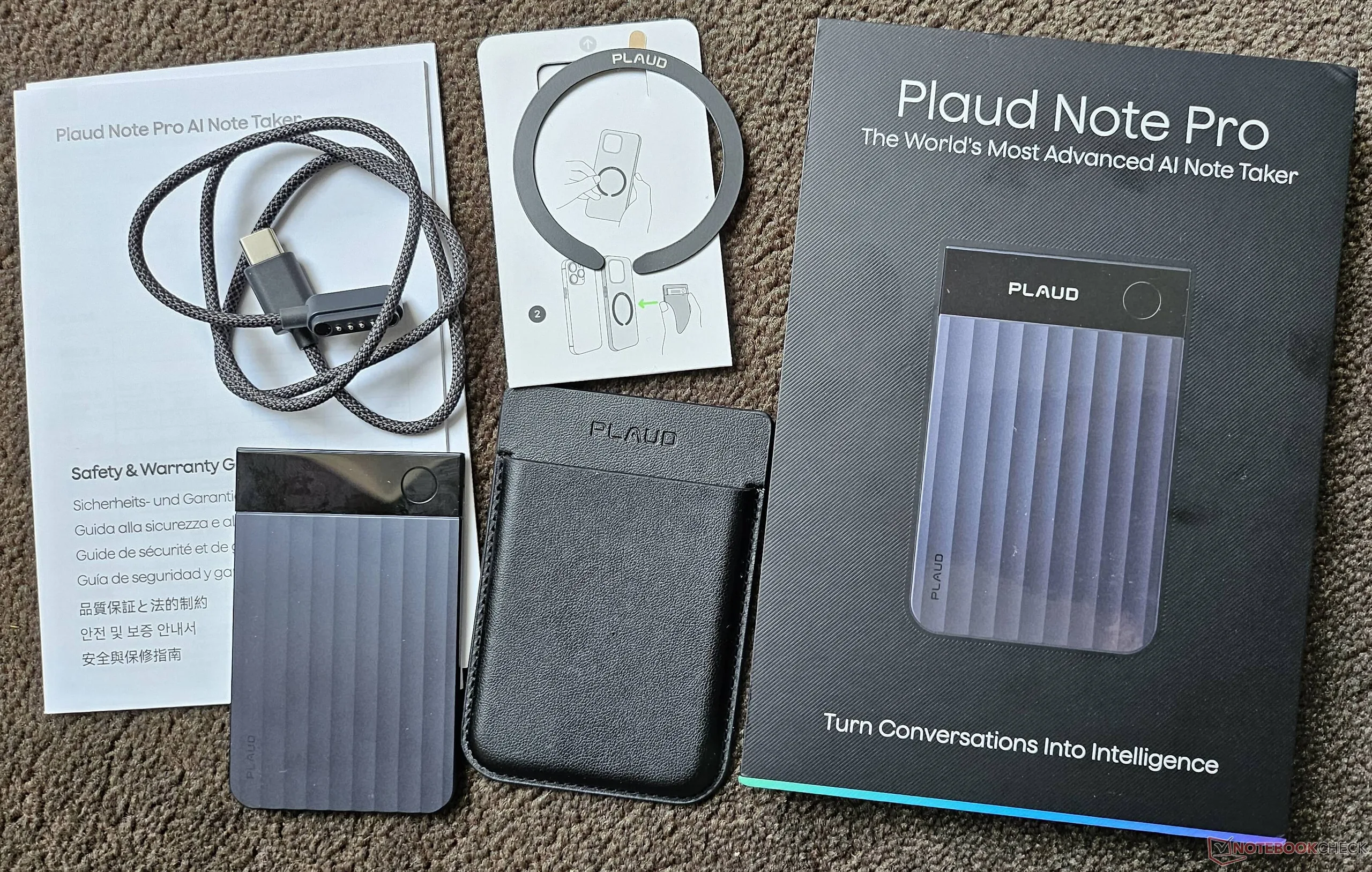
The compact package includes everything you need: the Plaud Note Pro, a magnetic faux-leather case that snugly encloses the device, a magnetic USB-C charging cable for connecting to your smartphone, a quick start guide, and a self-adhesive magnetic ring. When using the case, the magnetic charging port, the small screen, and the control button remain accessible. If you want to quickly charge the Plaud Note Pro via a computer to conserve your smartphone’s battery, you’ll need to find an adapter, if the PC doesn't have a USB-C port.
To use the service, you’ll need the Plaud app from the Apple App Store or Google Play Store, which requires registration. You’ll answer a few questions about your usage by entering your job title and profession, as well as your intended use, and select a subscription plan if needed—in case the 300 hours of transcription per month aren’t enough. You can also record your own voice in the app, which will then be recognized in conversations and tagged with your name in transcriptions. You can also set up a connection to a cloud service to prevent data loss (such as if you delete the app). All summaries, transcriptions, etc., can be manually edited or supplemented as needed. Users who frequently work in similar scenarios can use the convenient Auto-Flow feature to set up automation; for example, if the word “meeting” is mentioned within the first minute, a preselected template will be used for the summary.
Various tests with Plaud Note Pro
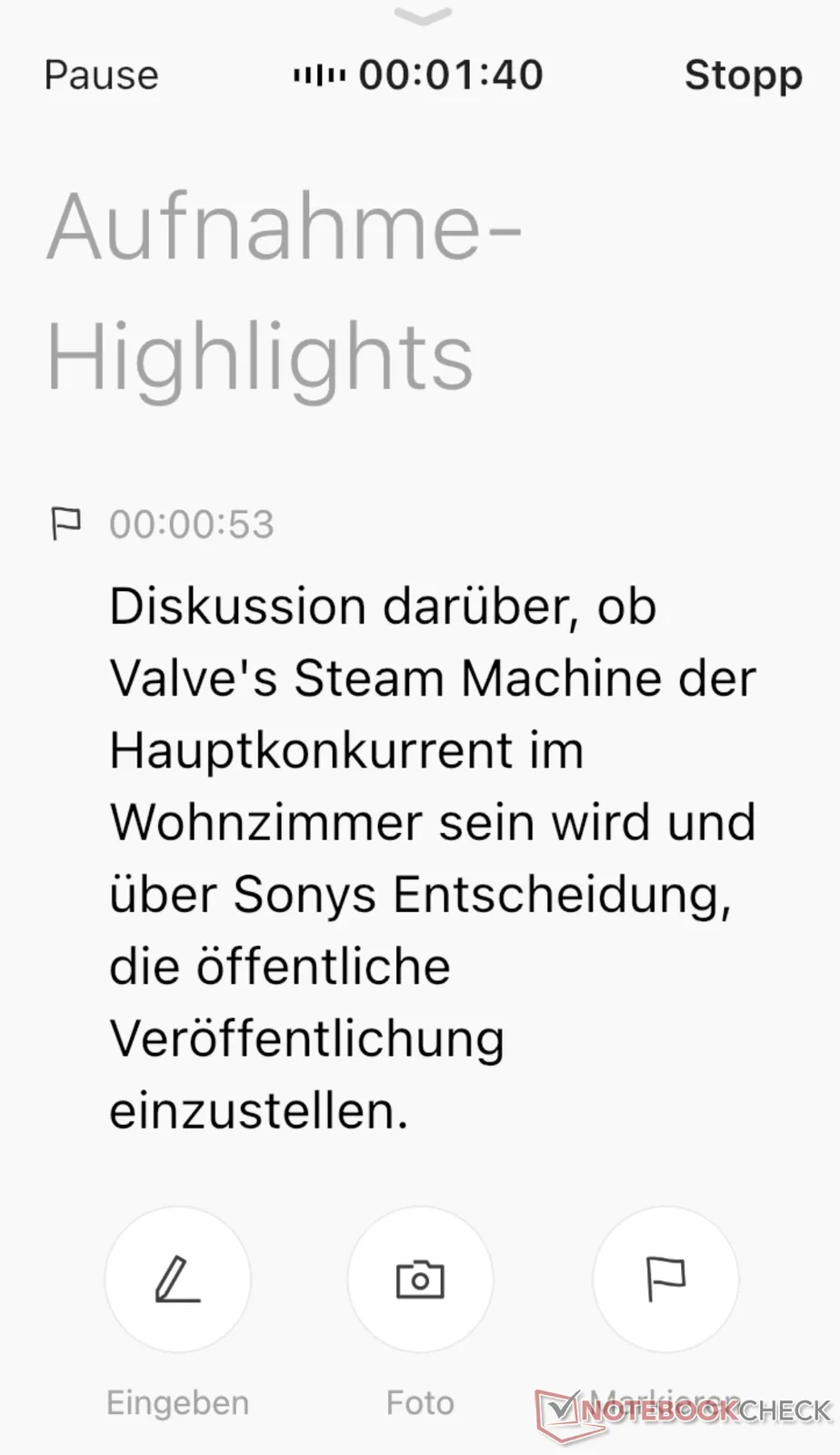
First, I recorded a conversation in English involving five people. I had the AI transcribe it, translate it into German, and summarize it. The transcription didn’t just provide word-for-word paragraphs; it was divided into sections marked to the minute, each given a meaningful title by the AI. Practical if you want to quickly jump to a specific part of the conversation later. The recognition of the five speakers was very successful; there were almost no misattributions. The summary also captured the essence of the conversation. A very nice feature of Plaud Note Pro is the ability to tap the button at any time during recording to signal to the app that this part is important. This is then highlighted in the analysis.
In a subsequent test, I conducted a conversation with two other participants about a criminal case. The analysis and transcription were good, though there were more incorrect attributions of sentences and speakers, which was likely due to the fact that two voices sounded relatively similar and the conversation didn’t always include pauses. The AI’s summary was tailored to the topic and highlighted the key points; however, the language was relatively formal, as the AI apparently assumed the conversation was taking place among lawyers and judges, which, in a way, fit the context.
Another test was conducted over the phone. In this case, the system distinguished between the two participants more effectively, likely due to the vibration within the phone and the recording of my voice through the microphones. Since I deliberately spoke in a more agitated tone and used offensive language toward the end, the AI interpreted this as unfriendly customer interaction, allowing me to gauge the emotional tone from the summary as well.
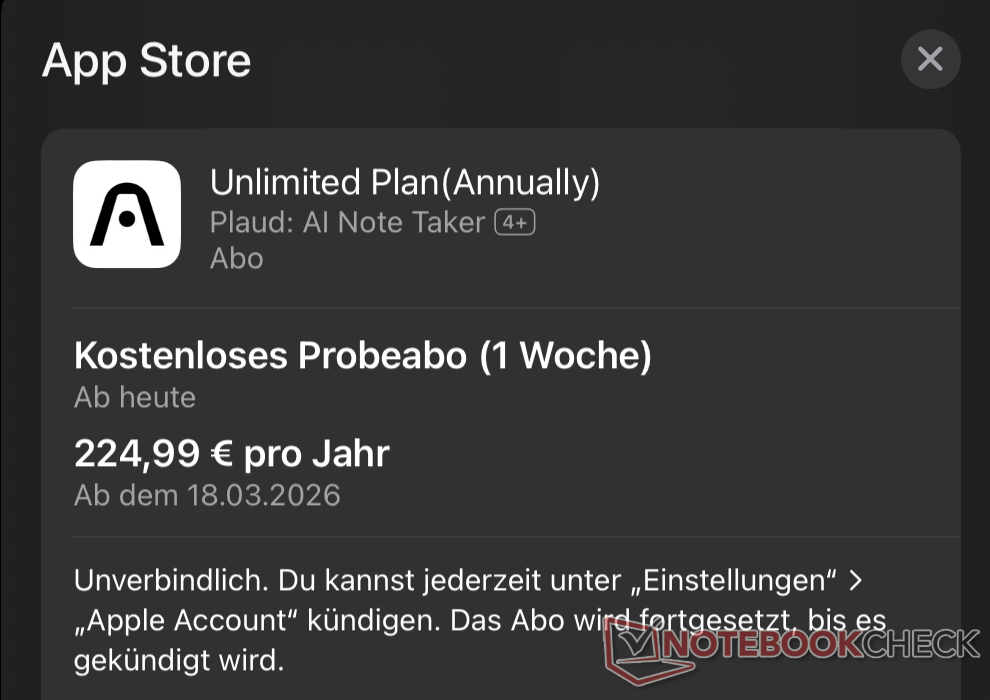
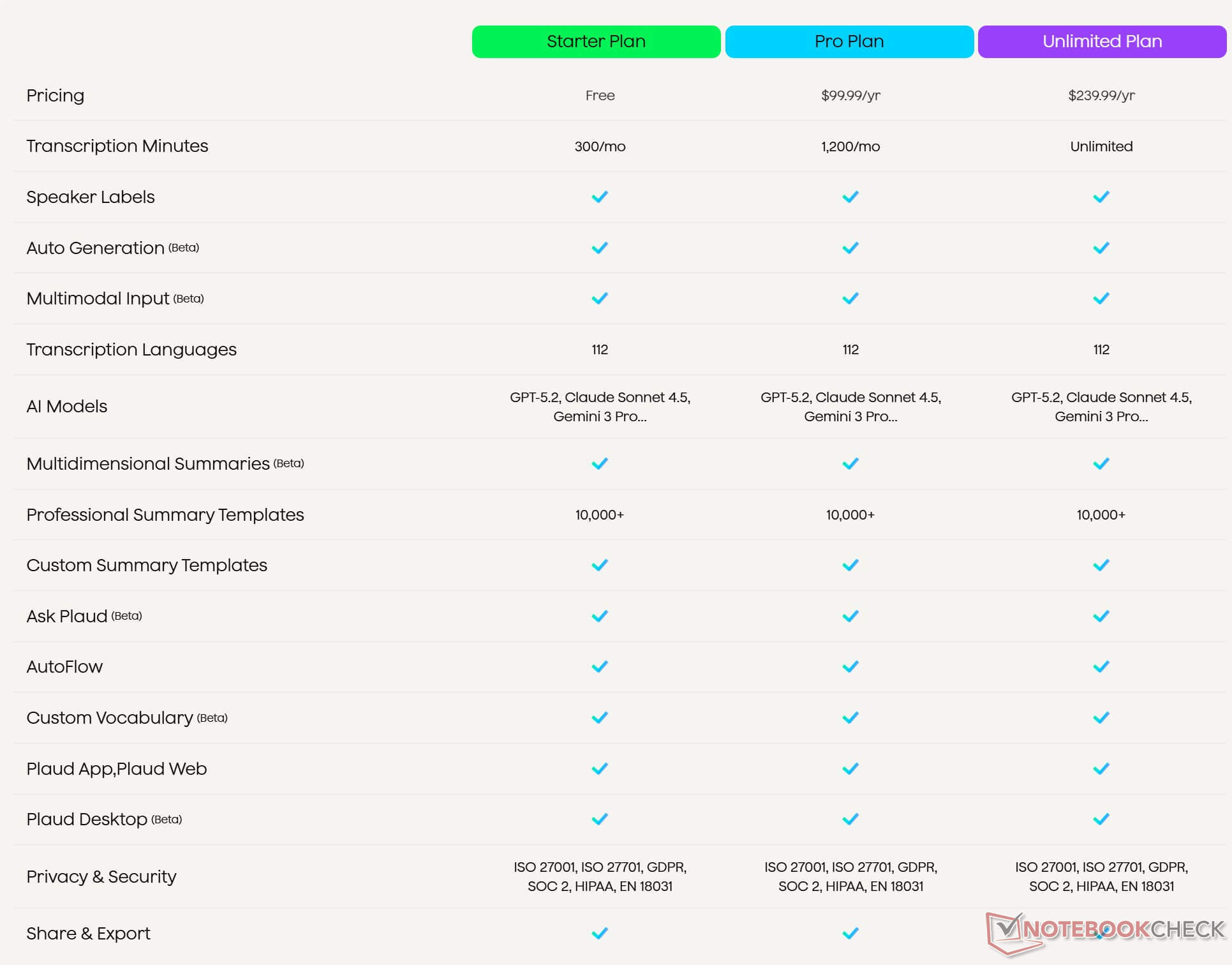
The recording quality was good in all tests, and the transcription, summary, and translation were also of high quality. This means that meetings, customer conversations, and other forms of communication should also be well-recorded and summarized in other professional fields, especially since more than 10,000 summary templates are available to tailor the AI’s processing to specific professions. Only the subscription plans dampen the positive impression. Without additional costs, you can only use the AI features for transcription, etc., for five hours per month. This limit is quickly reached, especially in a professional setting. The only solutions here are the Pro Plan, which offers 20 hours per month for $99.99 USD per year, or the Unlimited Plan for $239.99 USD, which completely removes the time limit. According to the manufacturer, all other features are identical across all subscription tiers.
Plaud Note Pro vs. Plaud Note
The two Plaud devices differ primarily in how they are operated: While the Pro model features one-button operation (allowing users to mark important moments by briefly pressing the button during recording) the Plaud Note has a tactile switch that lets you toggle between recording and phone call recording. The Plaud Note lacks the screen found on the Plaud Note Pro, so things like the battery level must be checked in the app. The smaller version also has only half as many microphones (just two) and does not suppress background noise as effectively. The recommended recording distance is also reduced by about half due to the limited number of microphones. The Plaud Note’s battery offers 20 percent less capacity, which reduces recording time per charge by a few hours in power-saving mode. Overall, the Pro version also feels slightly more premium, likely due to a higher proportion of aluminum. Both devices offer 64 GB of storage for recordings.
There are differences in price: While the Pro model currently remains steady at $189 USD, the Plaud Note is inherently a bit cheaper ($159 USD MSRP), though it’s often available discounted. In practice, there are not so much noticeable differences; the Plaud Note Pro offers slightly more features, which certainly justifies the extra cost. However, the Plaud Note is still recommended when on sale. You can read our full german review of the Plaud Note here.
Plaud Note Pro vs. Comulytic Note Pro
The differences between the two devices are relatively minor: their names and sizes are nearly identical. In tests, the Plaud Note Pro was better at distinguishing between different speakers and scores highly in terms of security and data protection, as it complies with all applicable standards. Recordings from both devices are clear and easy to understand even at a greater distance from the speaker; however, the Comulytic device has two fewer microphones. When recording in louder and busier locations, the recording quality of the Plaud AI recorder is correspondingly better. Both transcription and translation or summaries generated by the AI are of good quality with both AI assistants.
There is a slight difference in price: Instead of $189 USD for the Plaud Note Pro, the Comulytic Note Pro currently costs only around $128,99 USD on Amazon. Another advantage of the Comulytic Note Pro is the unlimited use of recordings, transcriptions, and standard summaries (while job-specific AI summaries are limited), whereas the Plaud Note Pro only allows 300 minutes of recording per month for free. Comulytic also has a slight edge with the included USB cable, as it allows the device to be charged via either USB-A or USB-C, whereas the Plaud Note Pro only offers USB-C and does not include an adapter. You can read our full review of the Comulytic Note Pro here.

Transparency
The selection of devices to be reviewed is made by our editorial team. The test sample was given to the author by the manufacturer free of charge for the purposes of review. There was no third-party influence on this review, nor did the manufacturer receive a copy of this review before publication. There was no obligation to publish this review. As an independent media company, Notebookcheck is not subjected to the authority of manufacturers, retailers or publishers.
 Add as a preferred source on Google


