




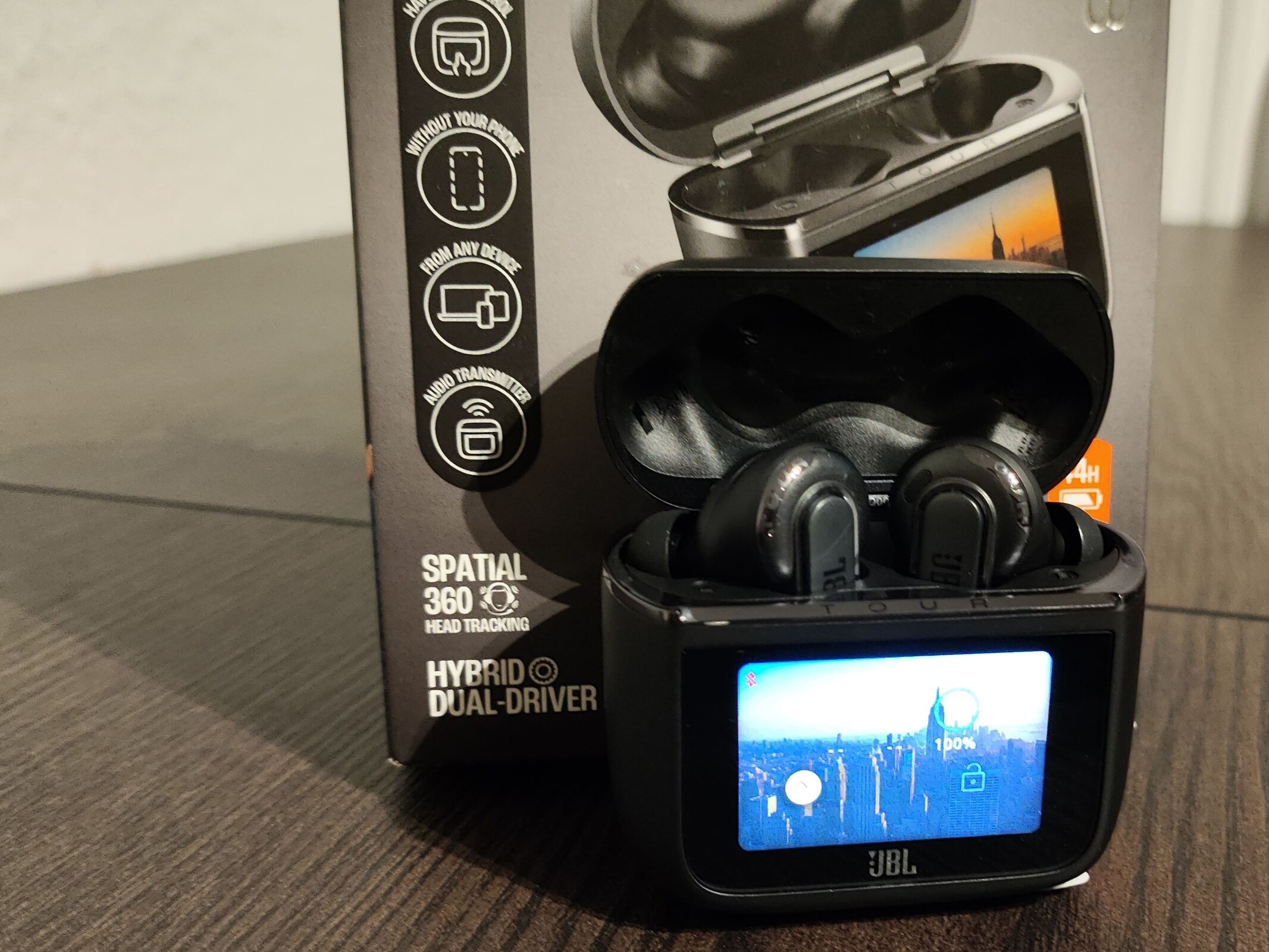
Hands-On: JBL Tour Pro 3 impresses with audio performance and many features
The one with the touchscreen
The JBL Tour Pro 3 are premium true wireless earbuds offering ANC, LDAC, and Auracast support. But the real star of the show is the charging case, which comes with a built-in touchscreen and can be used to control playback or manage Bluetooth connections directly.Silvio Werner, ✓ Ninh Duy (translated by DeepL / Ninh Duy) Published 🇩🇪 🇫🇷 ...
Verdict: Excellent earbuds packed with features
The JBL Tour Pro 3 are true wireless earbuds featuring dual drivers that deliver impressive sound quality and plenty of customization options. Active noise cancellation is strong, effectively reducing ambient sounds, and call quality is clear, with background noise kept to a minimum for the person on the other end. The charging case’s built-in touchscreen adds extra control options without needing to open the app, though its usefulness will depend on individual preferences and may feel more like a novelty than a necessity.
With multiple connection options, the JBL Tour Pro 3 can easily pair with PCs, smartphones, and even older devices, making them a versatile all-in-one choice. While the price is on the higher side, users get premium build quality and excellent battery life in return.
Pros
Cons
Price and availability
The JBL Tour Pro 3 are available in several color options, including directly from JBL. Depending on the version, current prices start at around €240 (approx. $276), with a recommended retail price of €300 (approx. $345). They’re now available from various retailers and on Amazon.

The JBL Tour are wireless headphones that come with a charging case featuring a touchscreen and a fairly extensive set of accessories.
Specifications
| Wearing style | in-ear |
| Driver | 10.2 millimeters, dynamic driver, 2.1 x 2.8 millimeters balanced armature |
| Number of microphones | 6 |
| Earbud weight | 5.6 grams |
| Charging case weight | 71.8 grams |
| Included accessories | Earbuds, charging case, USB Type-C to Type-C cable, 3.5 mm to Type-C cable, USB Type-C charging cable, and ear tips in five sizes |
| Wireless charging | Qi |
Package Contents and Setup
The JBL Tour Pro 3 come with a charging case featuring a touchscreen that measures 1.57 inches diagonally - likely one of the product’s main selling points. Several cables are included in the package. The charging case can receive audio signals through a 3.5 mm-to-USB cable and then transmit the audio wirelessly to the earbuds. Also included are a USB Type-C to Type-C cable, a USB Type-A to Type-C charging cable, and multiple pairs of ear tips in different sizes, including foam options. During our long-term test, we had to purchase new ear tips once to ensure the correct fit. To put that in context, the test period lasted more than a year, and the earbuds were used during strength training, running, and everyday activities - so they certainly weren’t handled gently.
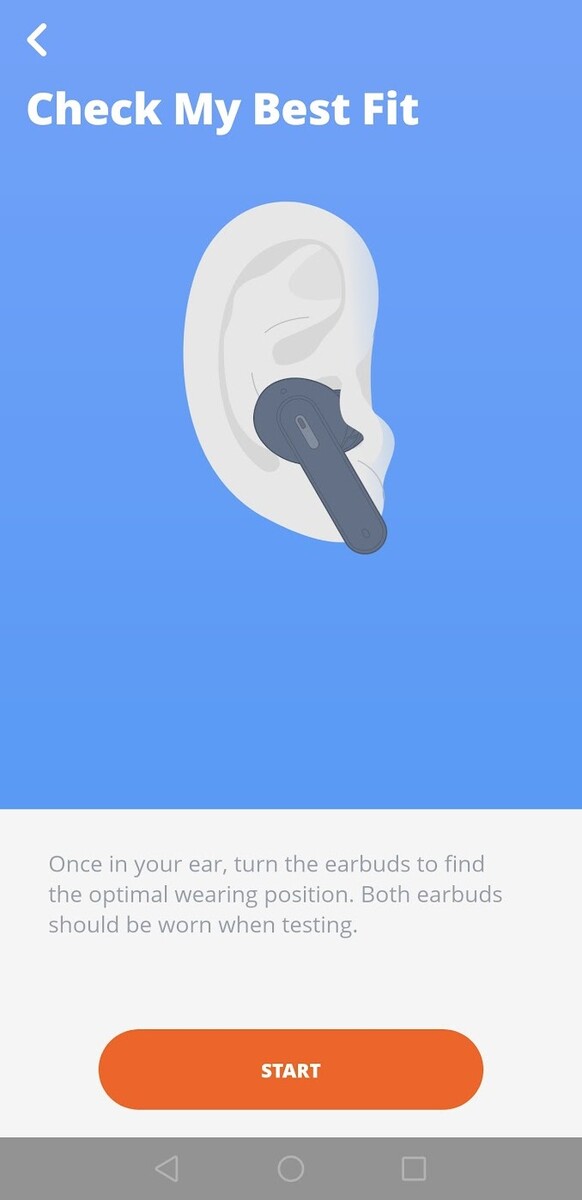
Setup is simple, though not strictly necessary in detail. Quick pairing via Fast Pair works smoothly, and the app offers a range of configuration options. We found the acoustic seal test particularly useful: it plays a test tone that’s picked up by the microphones to help you optimize the fit.

The charging case is the star
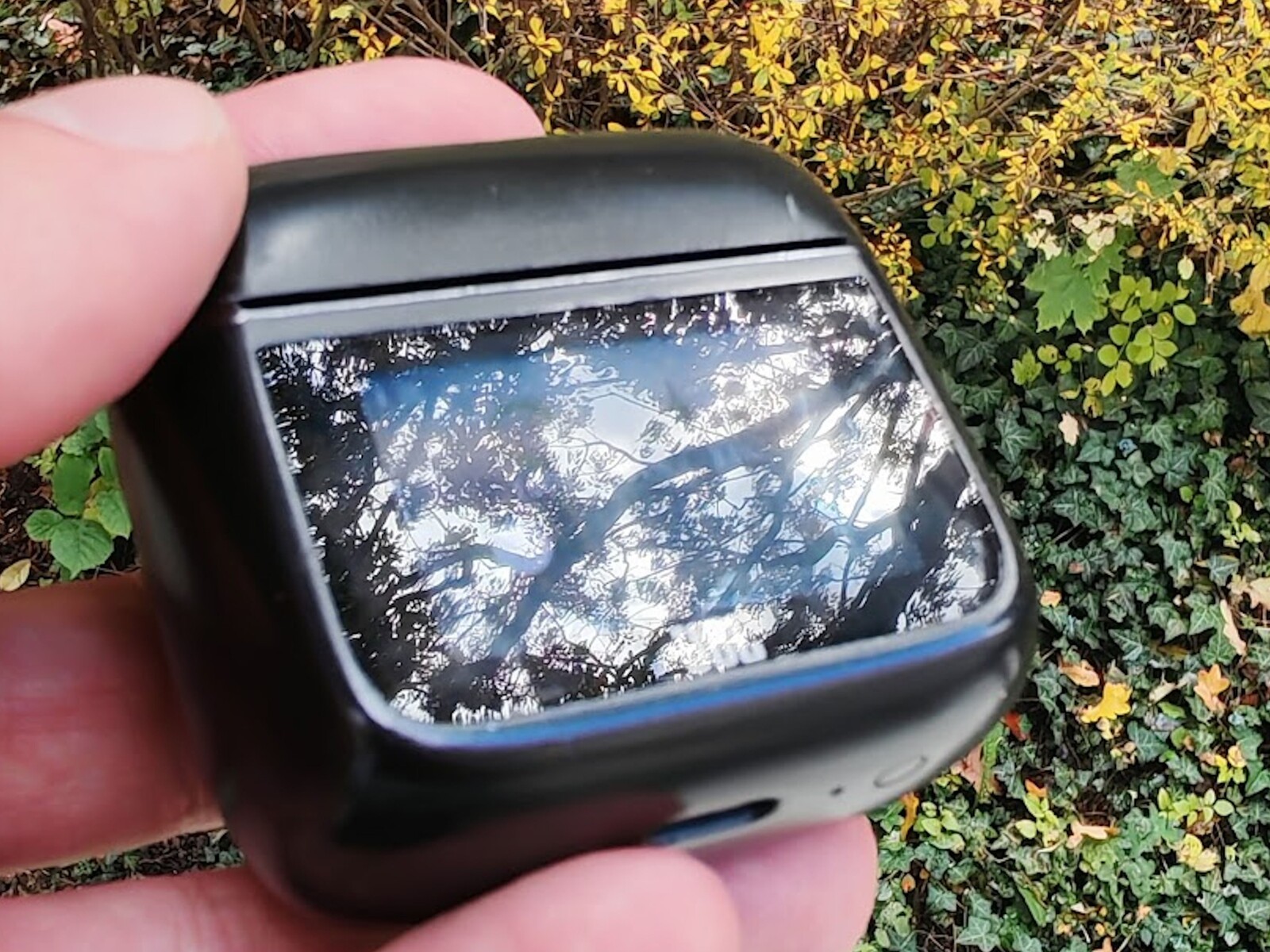
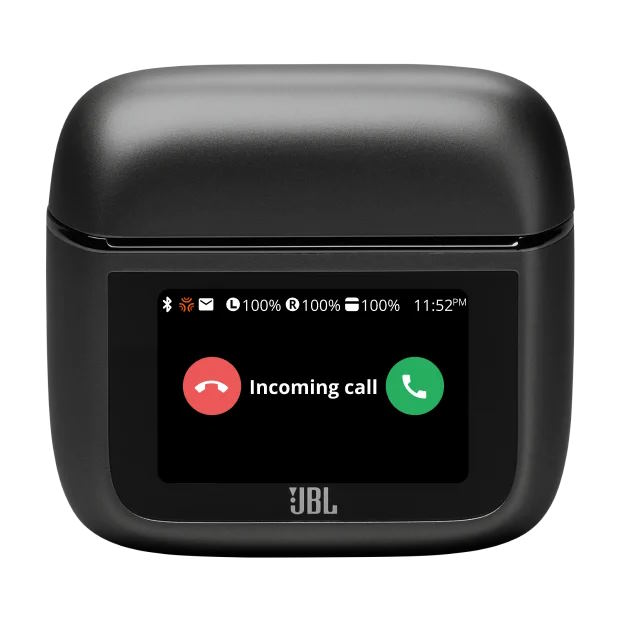
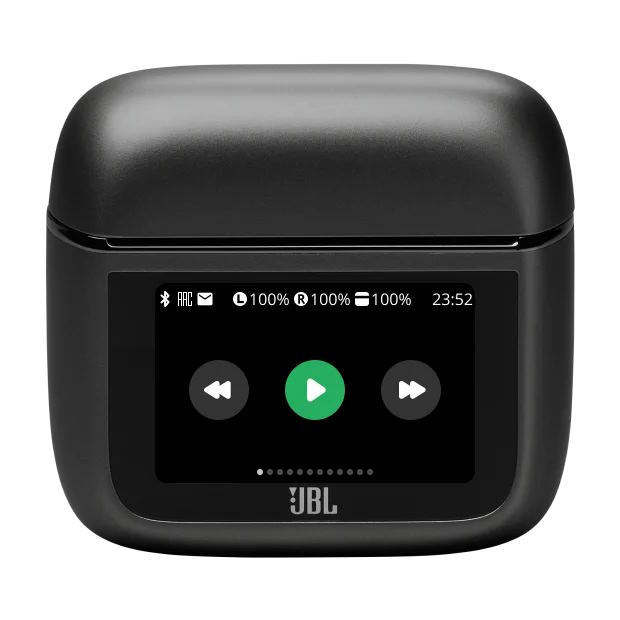
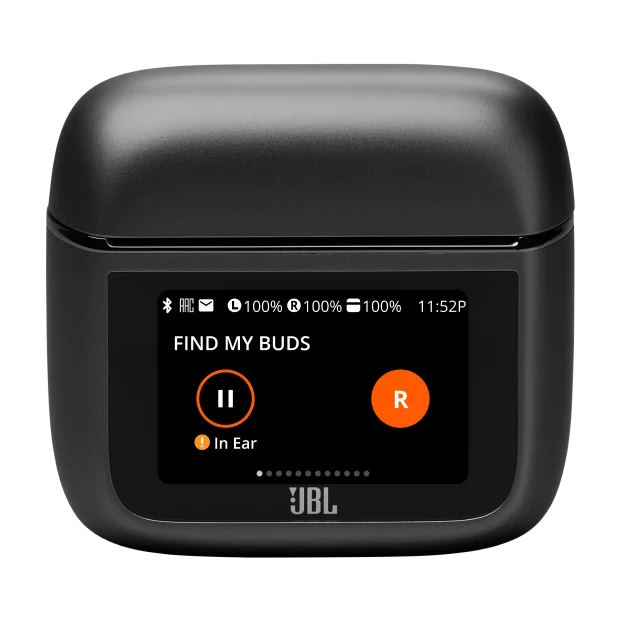
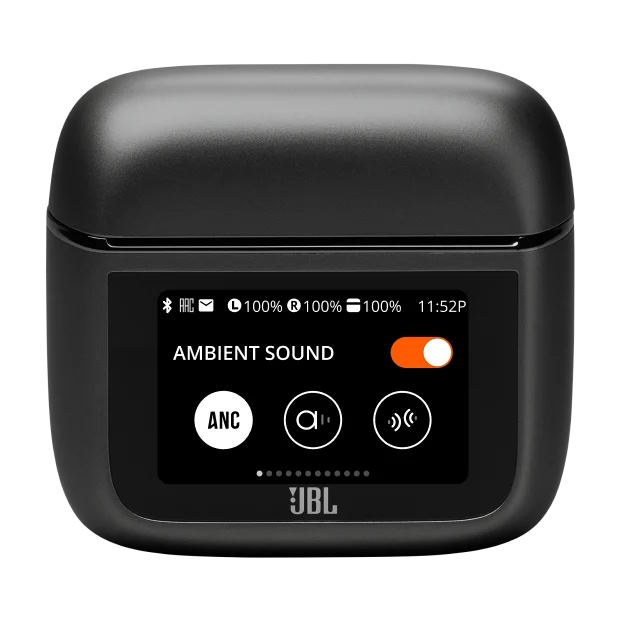
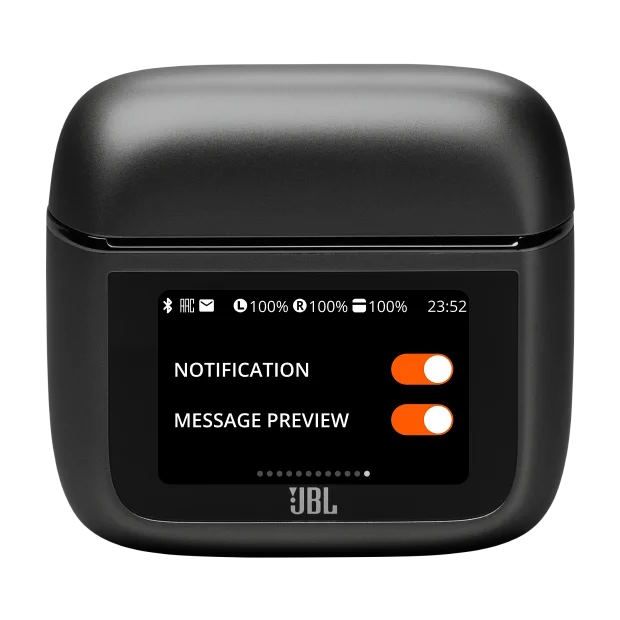
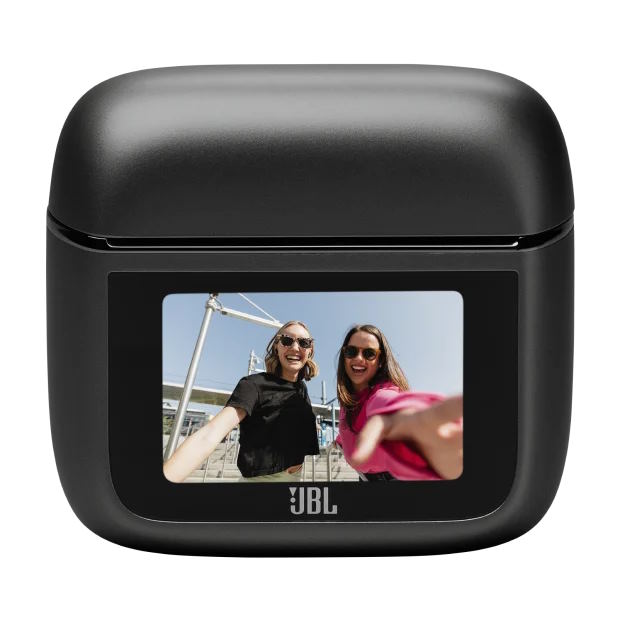
What sets the JBL Tour Pro 3 apart from many other in-ear headphones is its charging case with a built-in touchscreen. The display doesn’t match the brightness or clarity of a modern AMOLED panel, but its relatively low luminance only limits usability in rare situations. Various settings can be adjusted directly on the screen - for example, ANC controls and quick access to equalizer presets. Users can also set timers, choose background images, and even trigger a loud sound from the earbuds to help locate them.
At this point, we’re including official images from JBL, simply because they offer better photographic quality. These accurately show the range of functions available on the charging case, though the actual on-screen experience is naturally less sharp and vibrant in person.
Sound quality and ANC
We didn’t perform detailed sound measurements, but we used the much cheaper Anker Liberty 4 NC as a comparison. Compared with the Liberty 4 NC, the overall audio performance of the JBL Tour Pro 3 is noticeably better - whether gaming on a PC, listening to podcasts, or enjoying music. Independent tests, such as those from SoundGuys, also gave the JBL Tour Pro 3 a solid rating.
Audio playback naturally benefits from the active noise cancellation (ANC). The system’s noise suppression is quite effective, whether cycling into a strong headwind or flying on an airplane. When ANC is active, music tends to sound slightly louder, as the signal-to-noise ratio improves when ambient sounds are reduced. During phone calls, background noise is also well suppressed - even under difficult conditions. In our tests, conversation quality remained clear for the person on the other end, even when running in very strong headwinds.
Everyday experience and app
Throughout the testing period, the JBL Tour Pro 3 proved to be reliable and unobtrusive companions - and that’s meant in the most positive sense. Connection issues were extremely rare, occurring only occasionally when switching between use on a PC via USB and as a Bluetooth headset for a smartphone. Such cases could be counted on one hand and were easily resolved by reselecting the earbuds in the smartphone’s Bluetooth menu; no new pairing was required. Battery life for the earbuds is about seven hours when used on a PC, which is roughly the maximum you’d want to wear them continuously anyway. With a few quick recharges from the case, total playtime exceeds 30 hours with ANC enabled during mobile use.
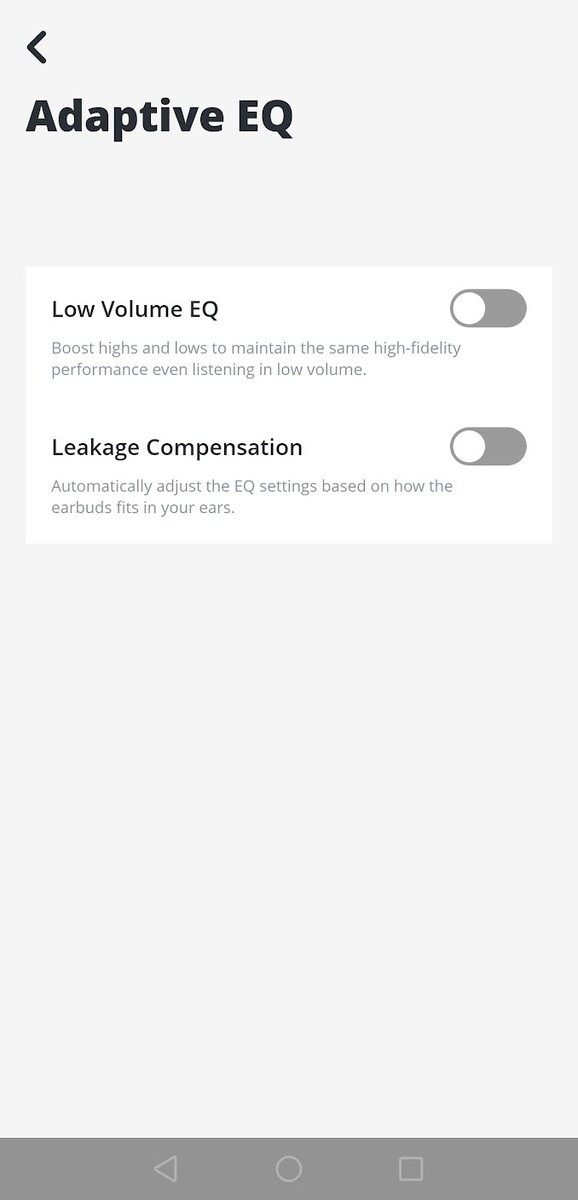
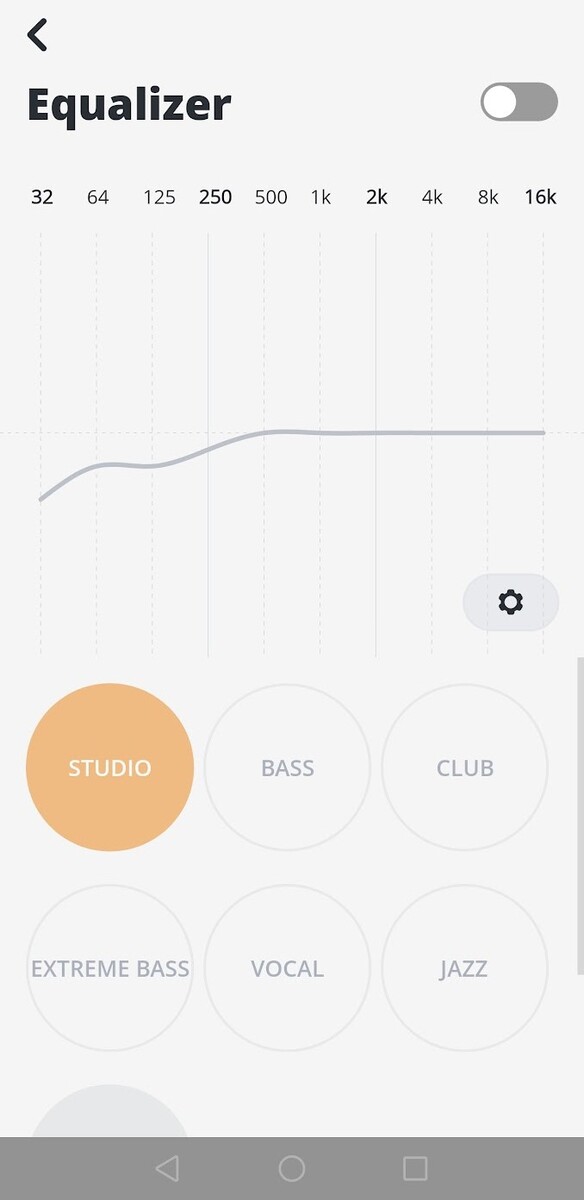
In practice, both the charging case and the app were used less often. The case allows quick control of ANC intensity, but ANC can also be toggled directly from the earbuds themselves, along with switching to transparency mode. The app offers extensive equalizer customization and includes a leak test to check for a proper seal and fit. The case’s audio jack feature was used only once during the test period and worked without issue.
Transparency
The selection of devices to be reviewed is made by our editorial team. The test sample was given to the author by the manufacturer free of charge for the purposes of review. There was no third-party influence on this review, nor did the manufacturer receive a copy of this review before publication. There was no obligation to publish this review. As an independent media company, Notebookcheck is not subjected to the authority of manufacturers, retailers or publishers.
 Add as a preferred source on Google


