Review Sony Vaio VGN-SZ71WN/C Subnotebook
Lightweight Design
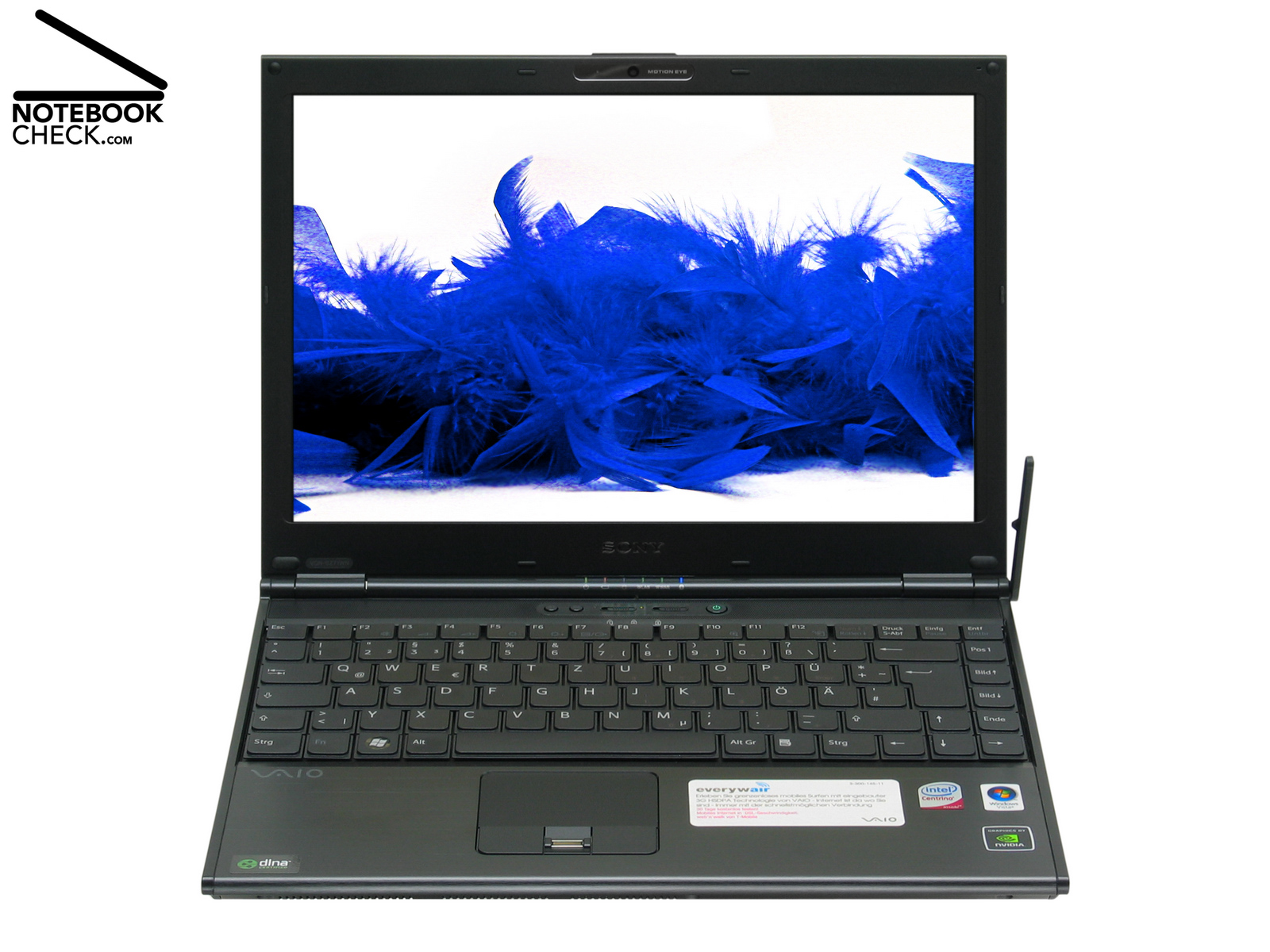
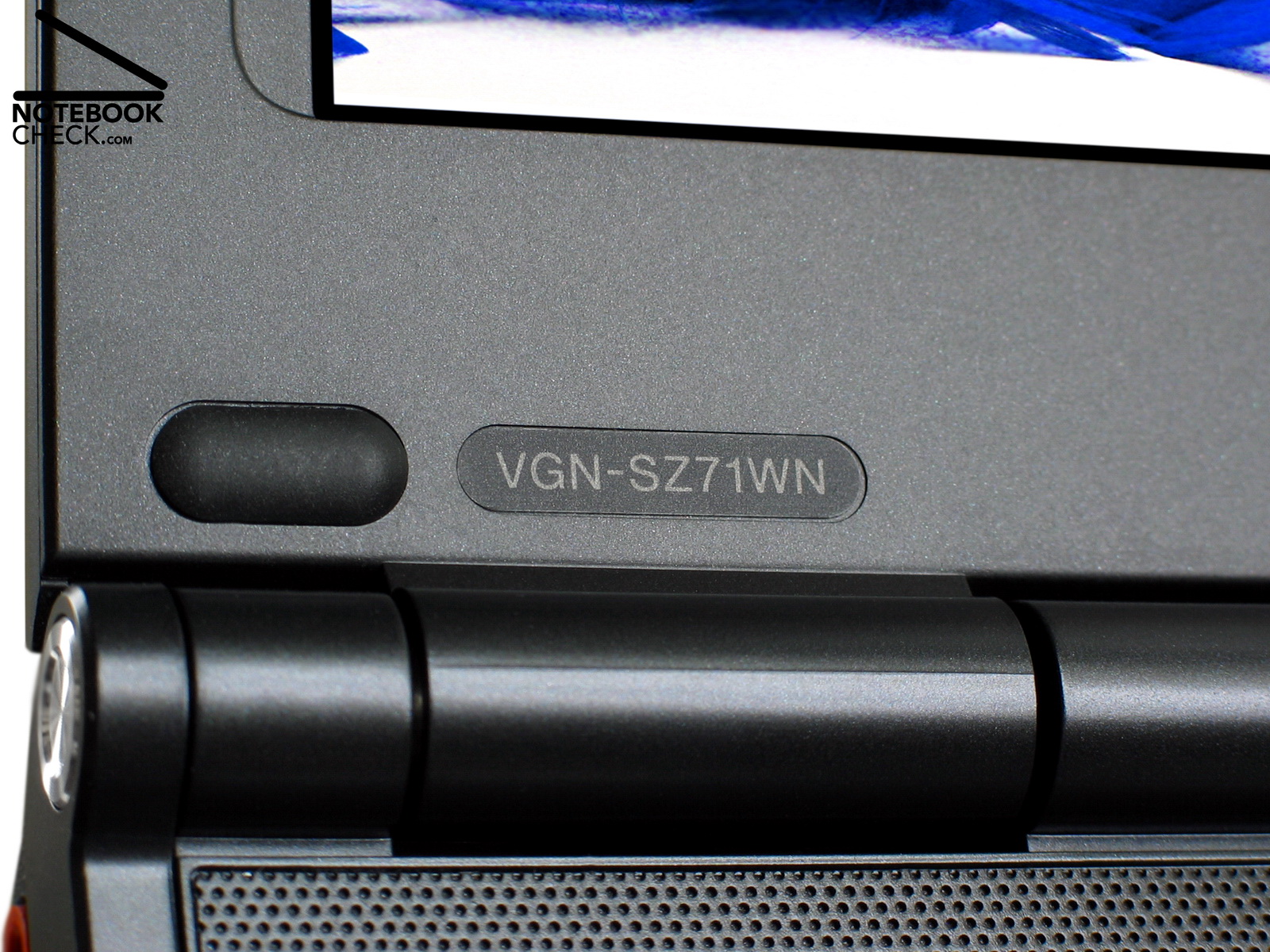
The noble SZ series by Sony was again redesigned. Today these notebooks are equipped with most up-to-date processors. The Vaio VGN-SZ71WN/C is an ultra portable notebook with fast Penryn T9300 processor, a 2.5“-HDD with 200 GB capacity, a very bright 13.3" display with LED backlight and fast HSDPA Internet access.

In January 2008 Sony presented its strategy for the new Vaio series. Many Vaio models are now equipped with up-to-date Penryn CPUs. The VGN-SZ71 is now equipped with a 45 nm dual core processor too. These are more powerful and demand less energy. As a consequence also their waste heat is lower.
Otherwise, these models do not differ much from the SZ61 models. The SZ71 series is again equipped with built-in HDSDPA WWAN technology, which allows the user to connect to the Internet via mobile radio. Due to broad band connections, even video conferences should be possible anywhere, where the radio signal strength is sufficient. Thereby transfer rates up to 3.6 Mbps are possible.
It is now possible to equip the SZ71 models with up to 4 GB SDRAM. Predecessor models did not support more than 2GB RAM. the hard disk capacity was increased too. But, design, case, display, and input devices remained unchanged. The review of the Sony Vaio VGN-SZ61 WN/C covers another SZ series model.
Case
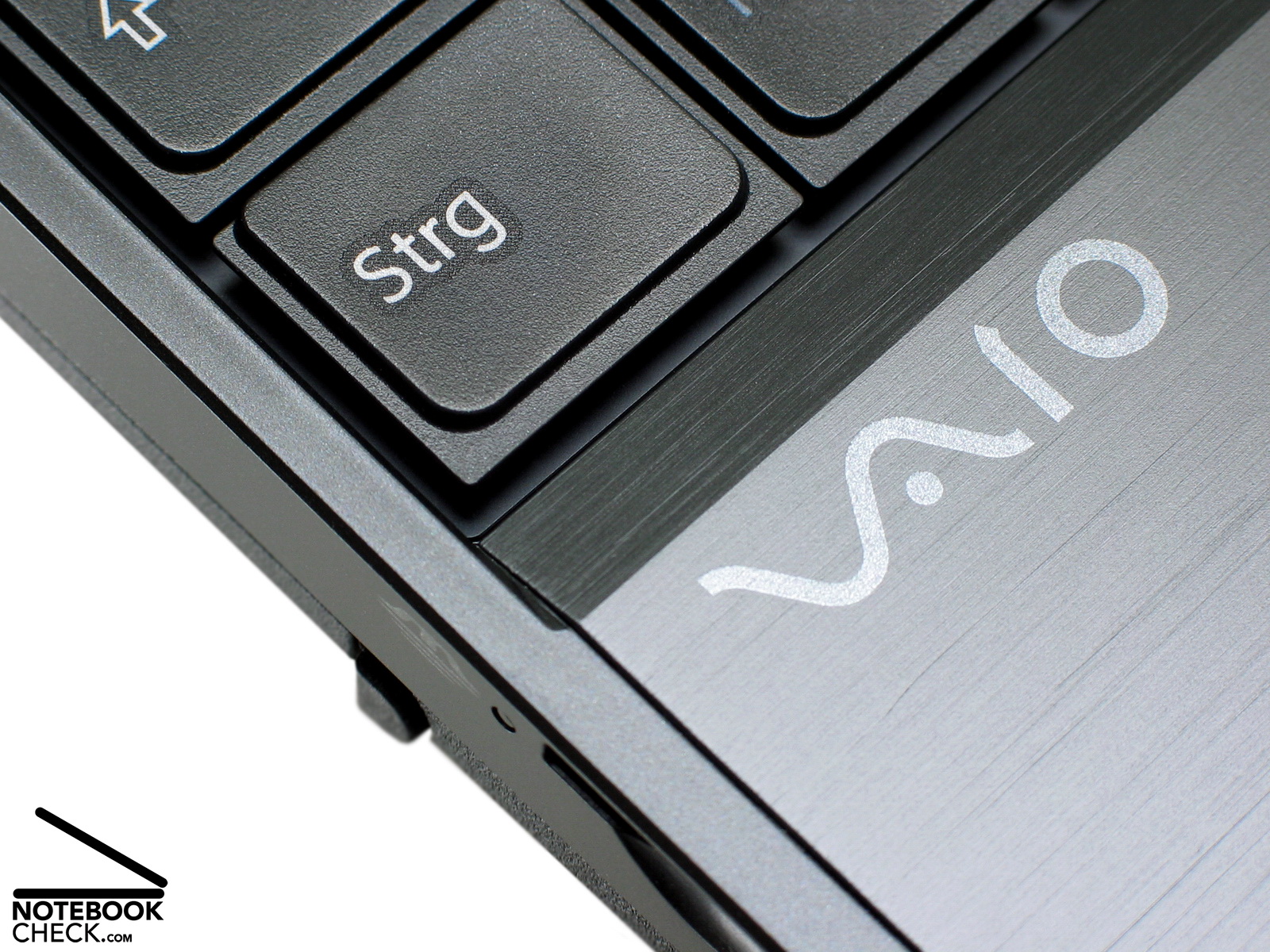
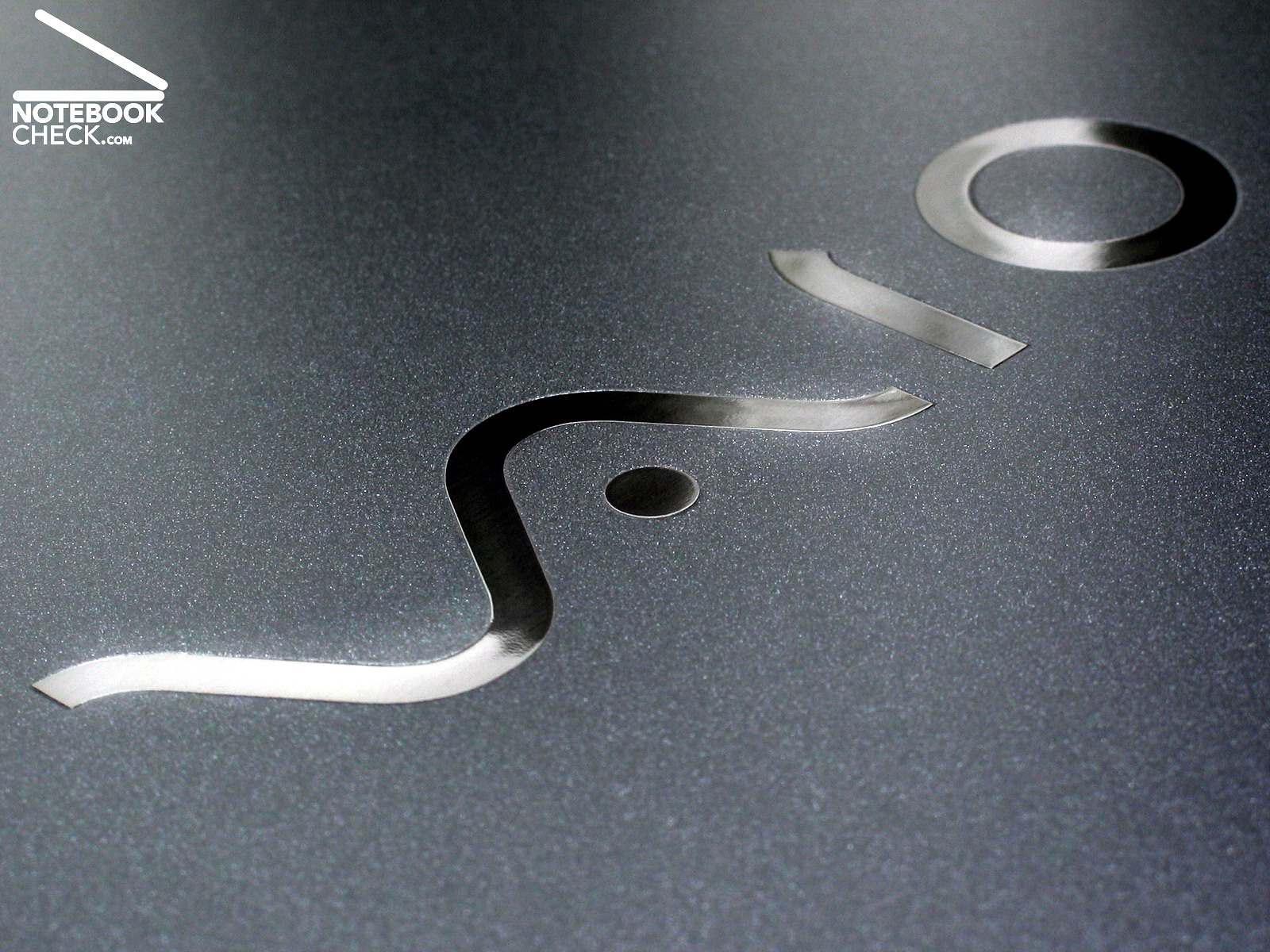
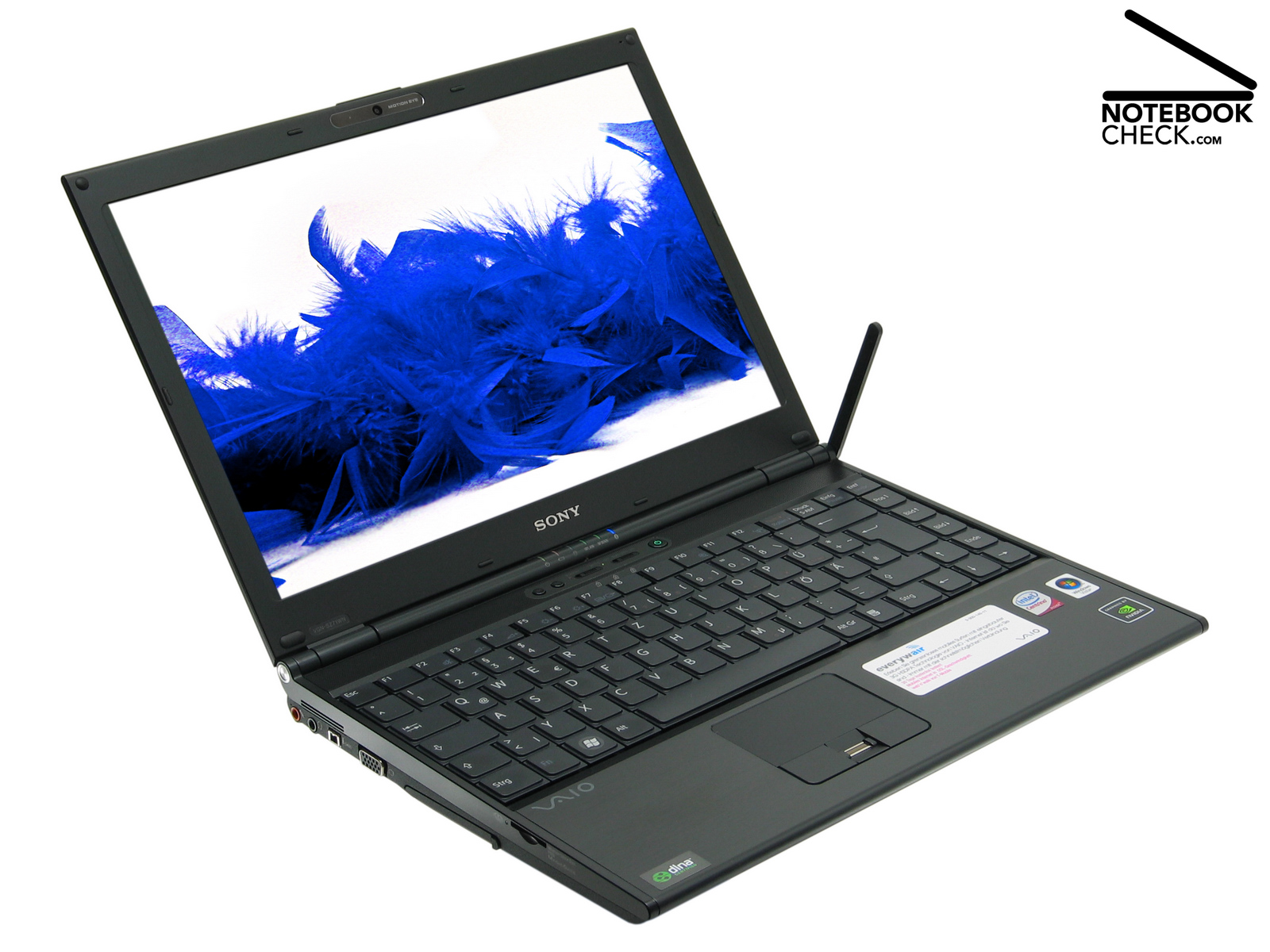
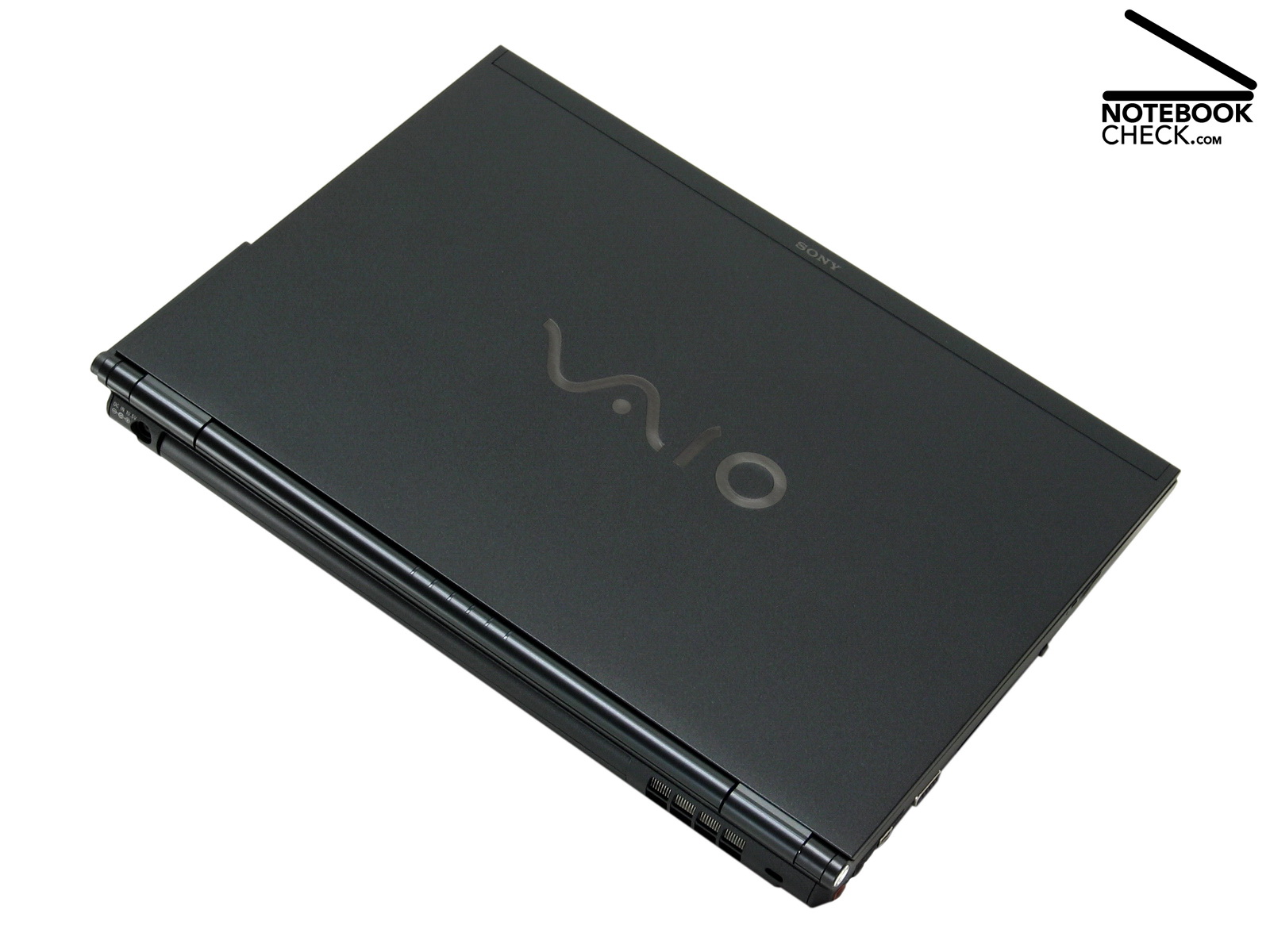
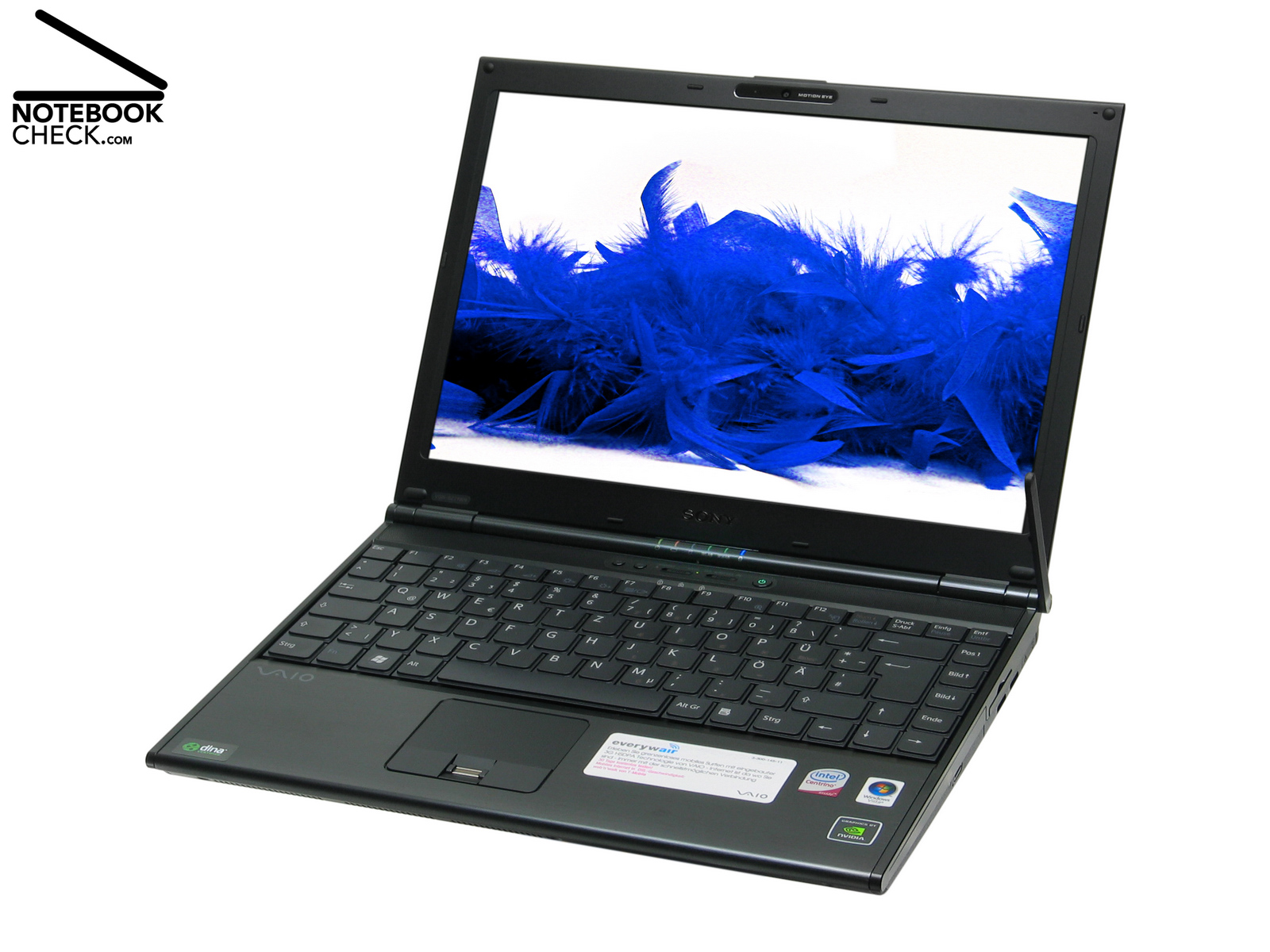
The case of the Vaio VGN-SZ71WN/C remained completely unchanged. It is the 1.8 kg light 13.3 inch case of the VGN SZ61WN/C, with a compact size of 31.6 cm x 23.3 cm x 2.1 to 3.5 cm (length, width, height). This dark grey case still looks elegant. Compared to other ultra portables the workmanship of the Vaio is excellent. The palm rest area, made of brushed aluminium, emphasizes the noble look.
The solid base construction is made of a high-tech composite material, called CFRP (Carbon Fiber Reinforced Plastics), which is strong and light. CFRP has many applications in aerospace and automotive fields, as well as in sailboats, and notably in modern bicycles and motorcycles, where its high strength to weight ratio is of importance.
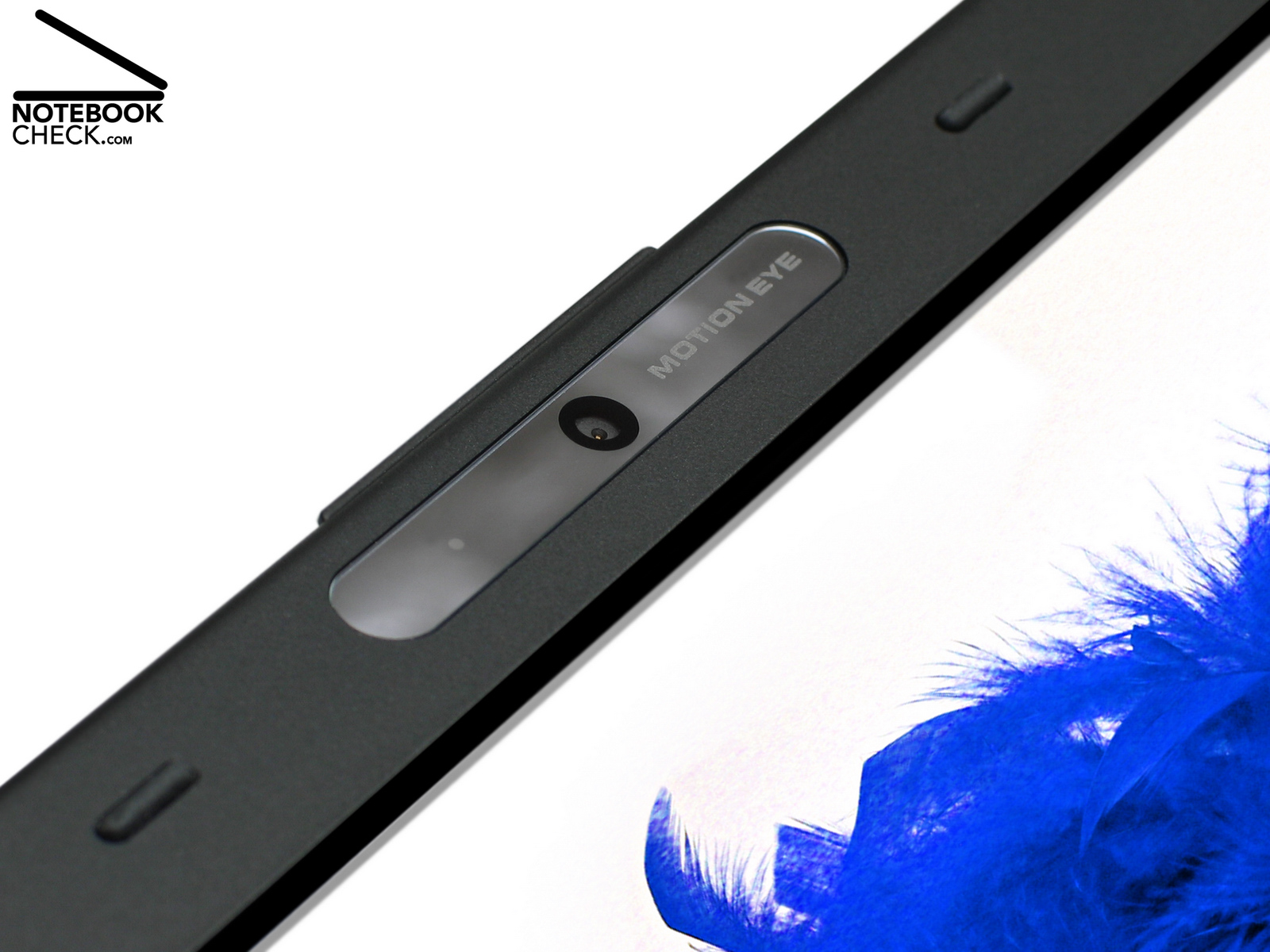
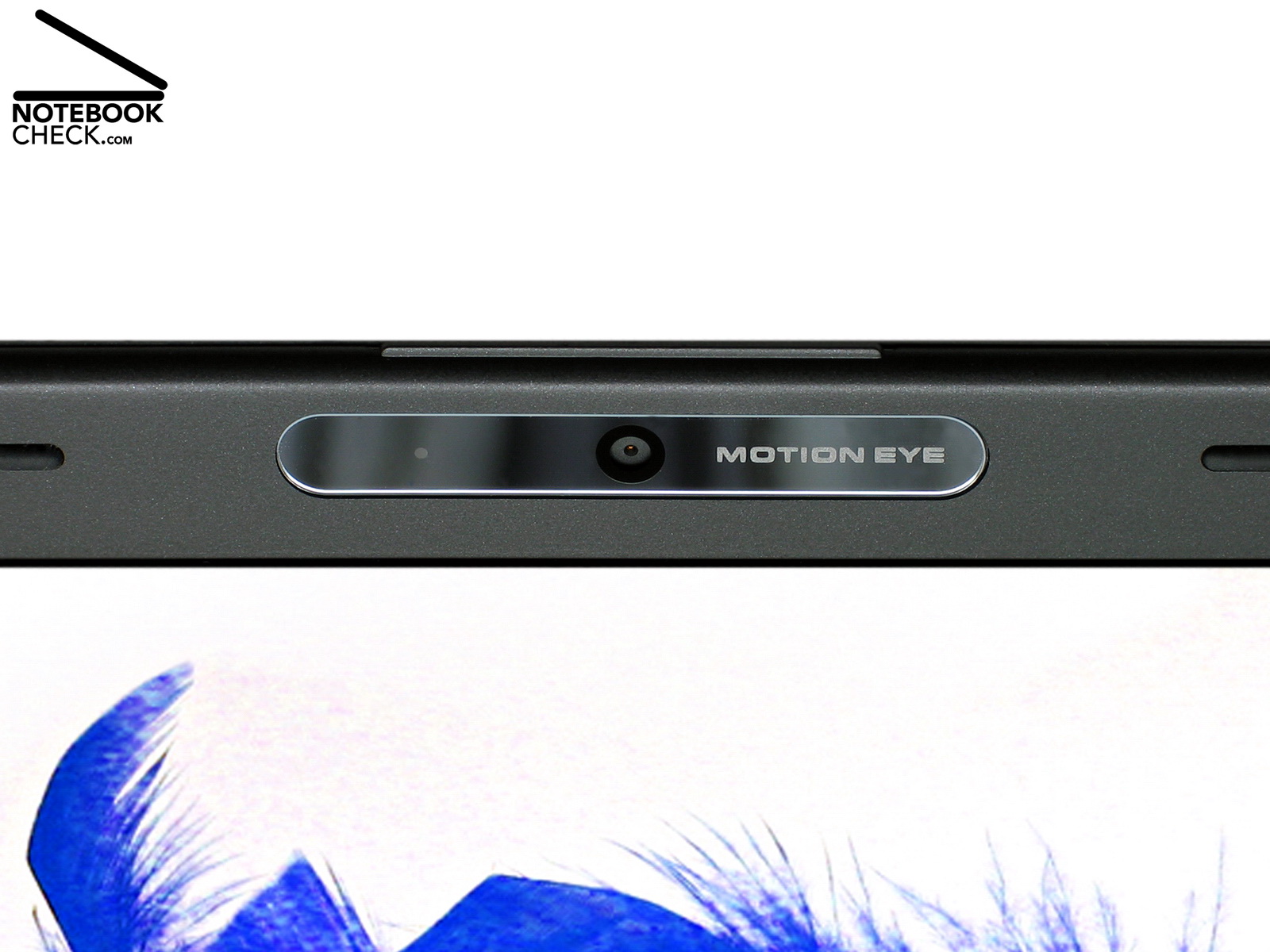
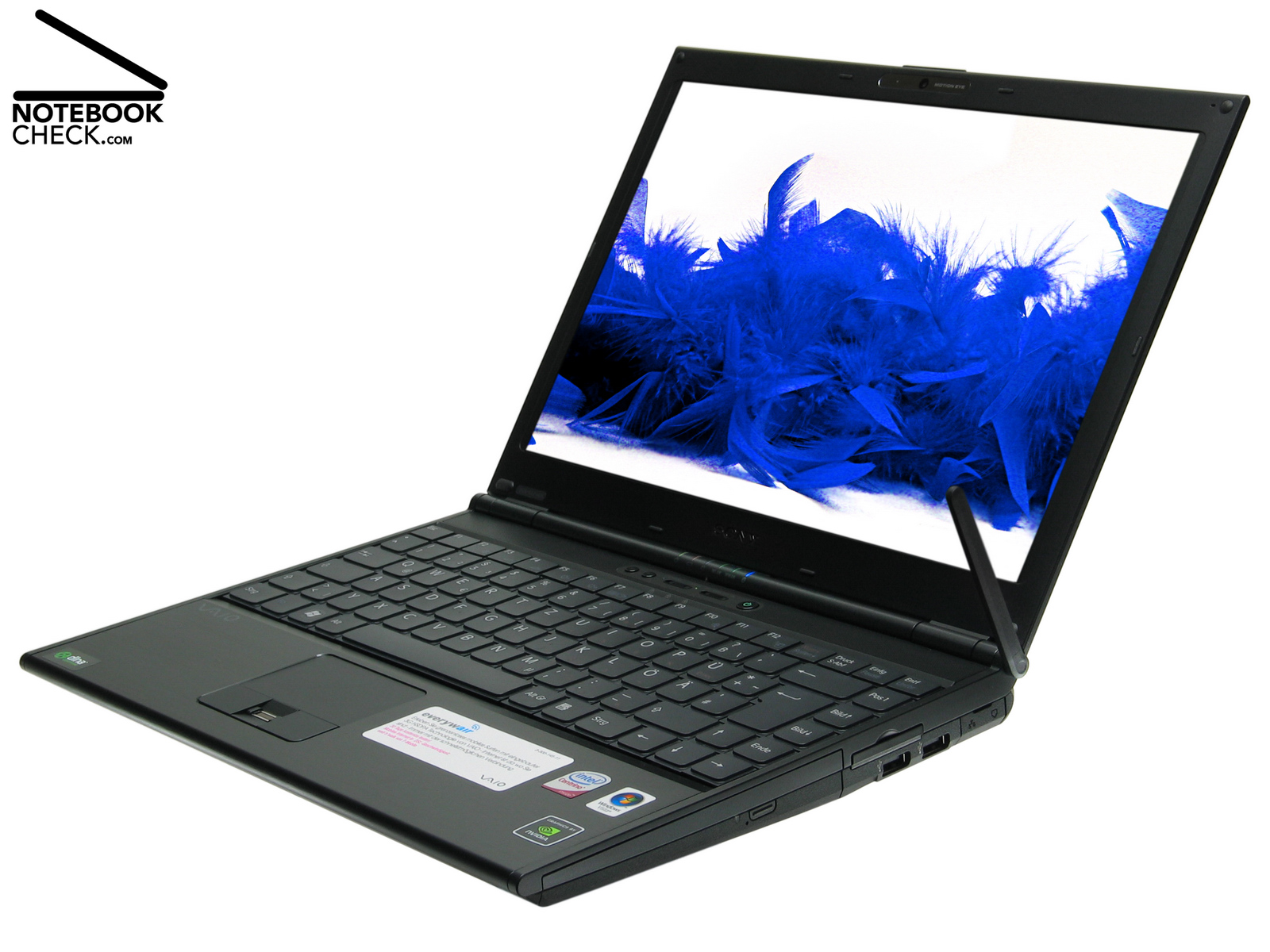
The hardly six (!) mm thin lid of the VGN-SZ71 WN/C attracts attention. Despite being ultra thin adjusting the opening angles works without problems. Another striking detail is the flexible WWAN antenna, which is attached to the right side of this notebook and allows fast internet connections via HSDPA. Its main part is hidden in the upper right area of the LCD frame. Further details of the case of this Vaio notebook are available in the review of the Sony Vaio VGN-SZ61 WN/C.
Interface Equipment
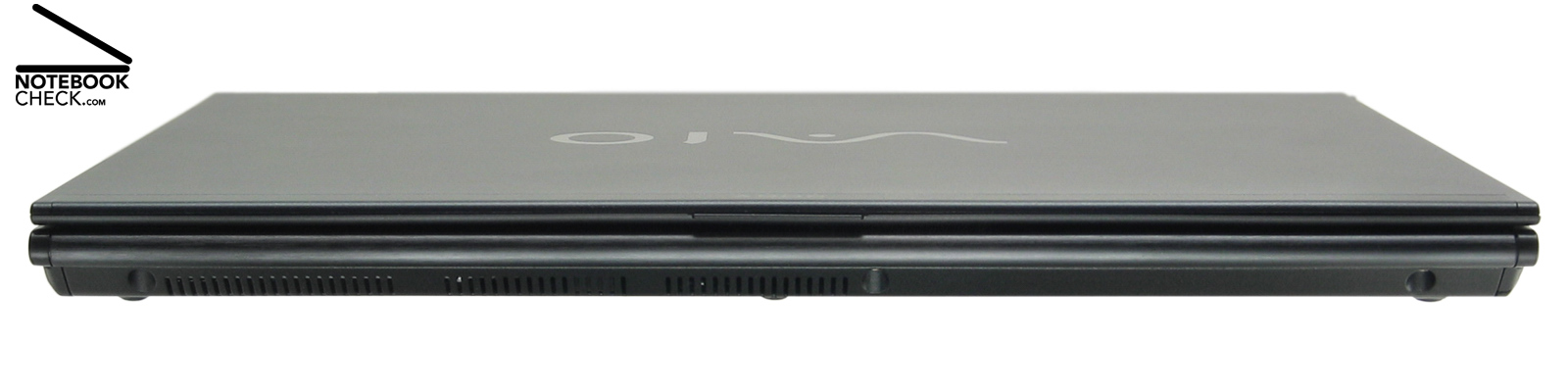
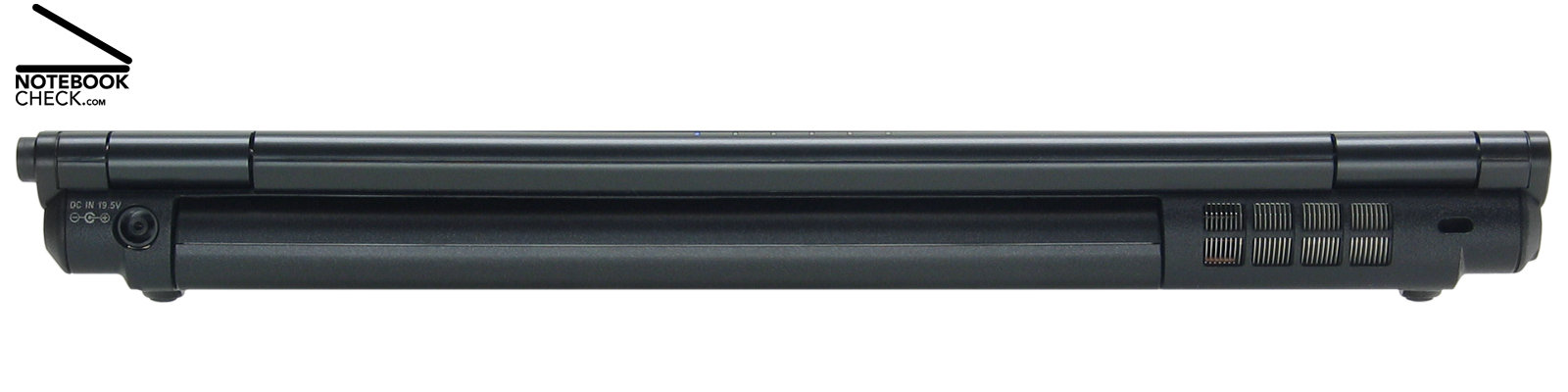
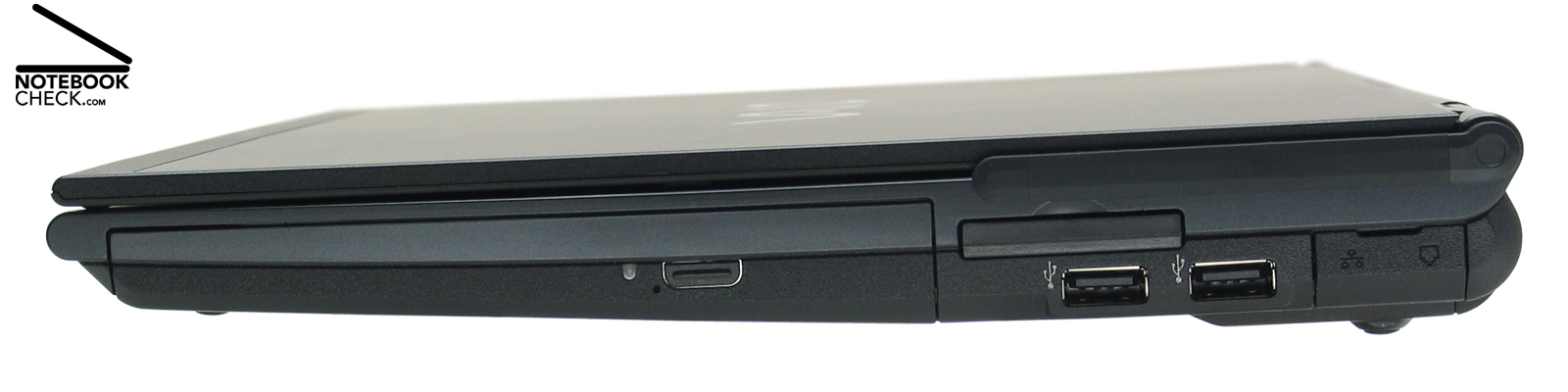
The interface equipment also remained unchanged. Also the new generation Vaio SZ has only two USB 2.0 ports. PCMCIA, ExpressCard/34 cards, and flash memory (MMC, MS MS Pro, SD, xD) can also be used. If you demand more interfaces, you can use the optional docking station. Security issues are supported by a fingerprint reader and a TPM chip.
A Wireles WiFi Link 4965AGN by Intel makes wireless data communication possible. Also a HSDPA (High Speed Downlink Packet Address) module, which enables fast Internet access via telephone card, is included. Bluetooth is built-in by default. Wired data communication is possible via Gigabit LAN and 56K modem.
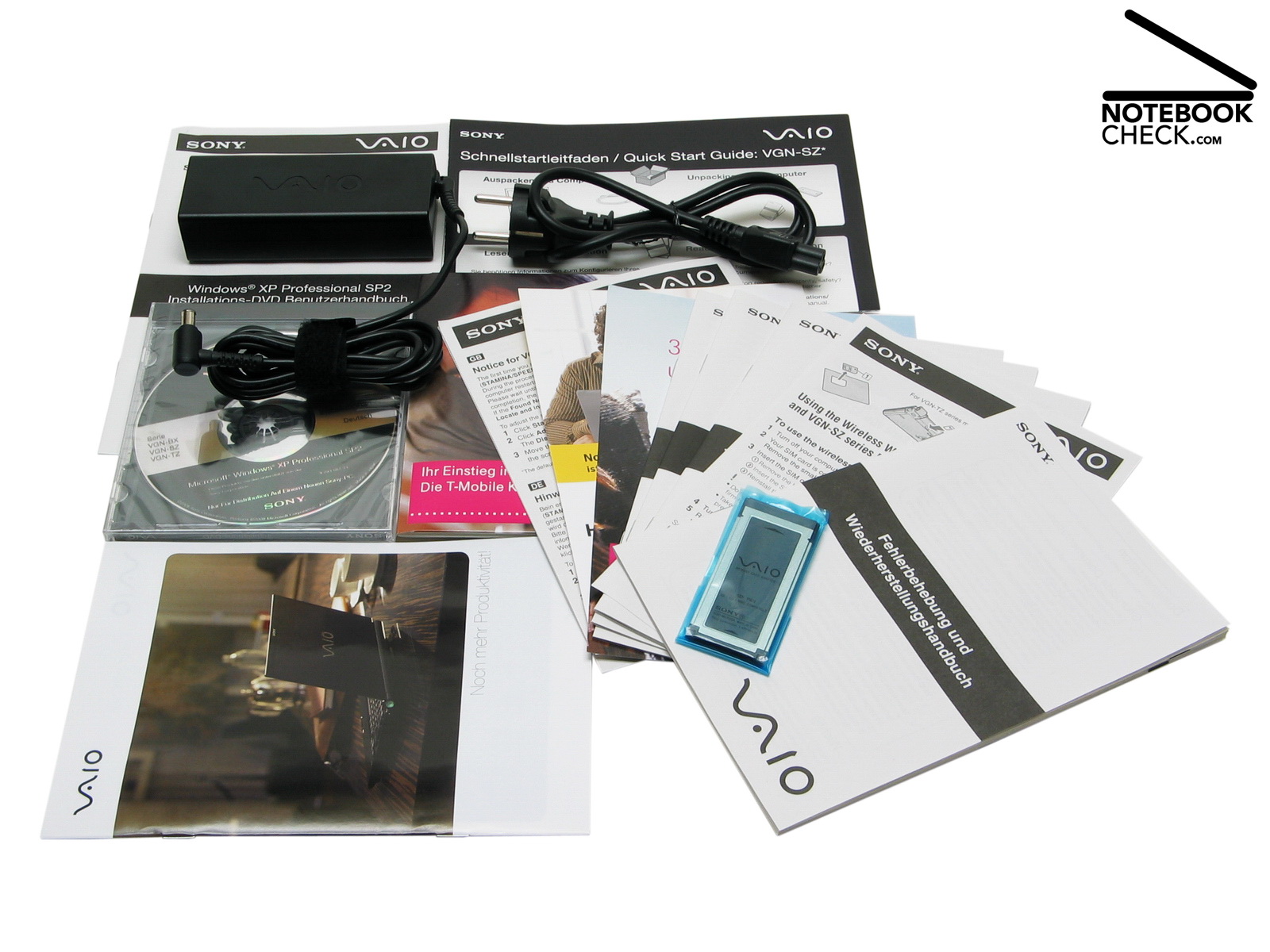
Although this notebook costs more than 2000.- Euro, Sony is not very generous with accessories. Typical SZ series, a memory card adapter is included. Furthermore, there are a Windows XP CD and a lot of paper in the box. So, you could downgrade from the pre-installed Vista Business to Windows XP. However, a lot of demo, trial, and advertisement software, TSR applications and driver are already pre-installed. These slow down Windows Vista, especially during the boot process. Furthermore, Sony should leave it to the user, whether he wants to install such software like e.g. 'Google Desktop'. Further information about the equipment are available in the review of the Sony Vaio VGN-SZ61 WN/C.

Input Devices
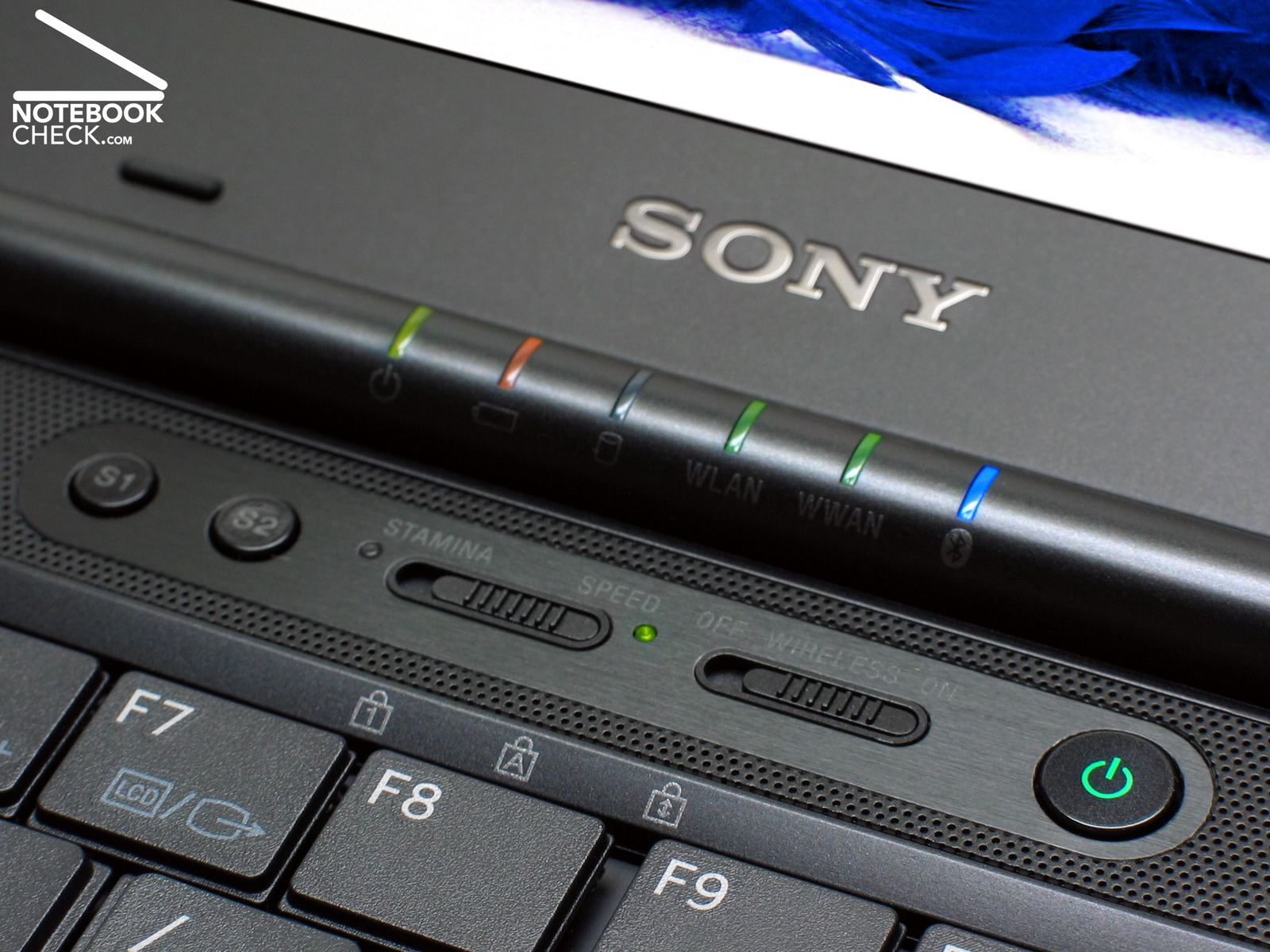
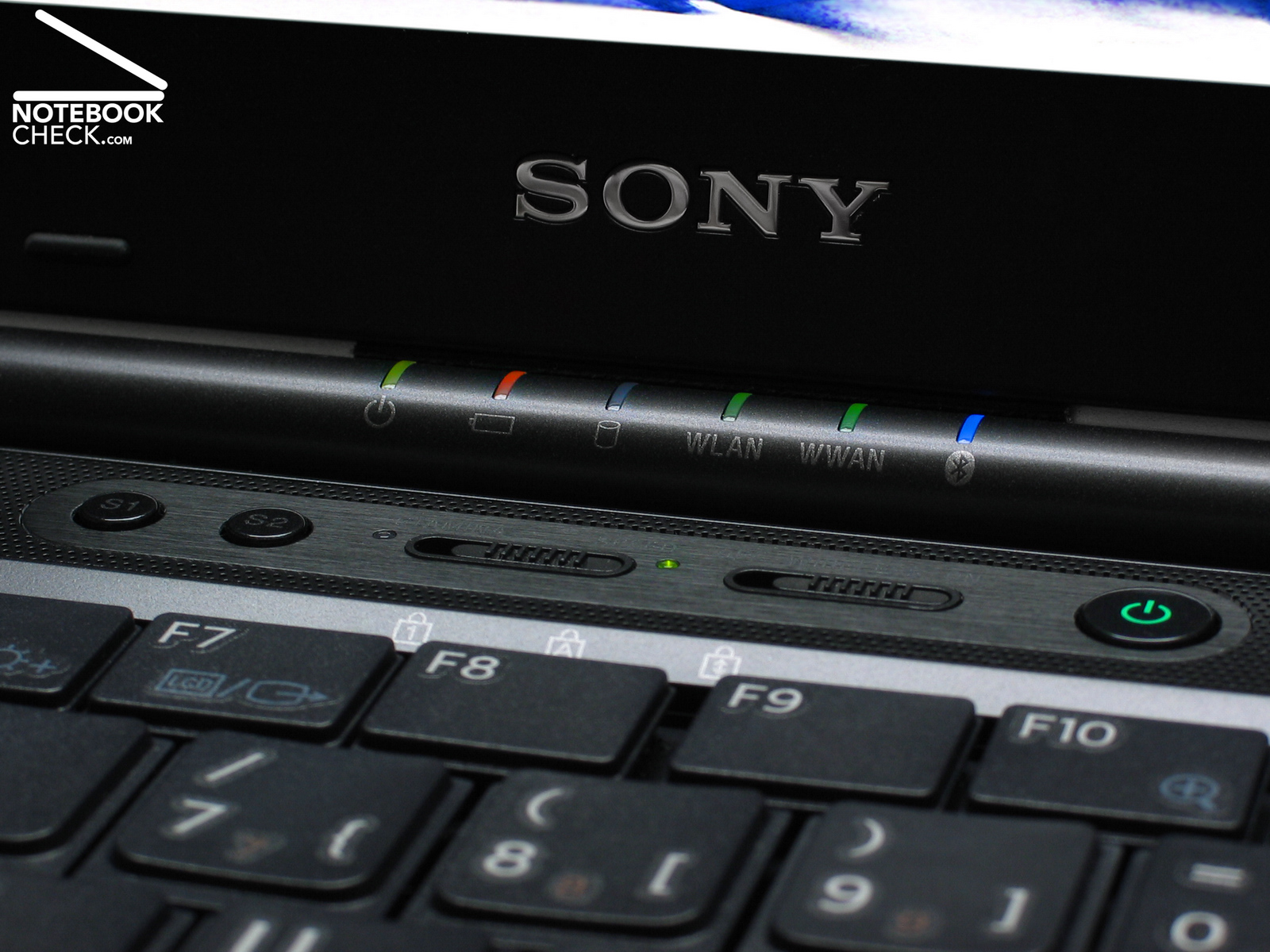
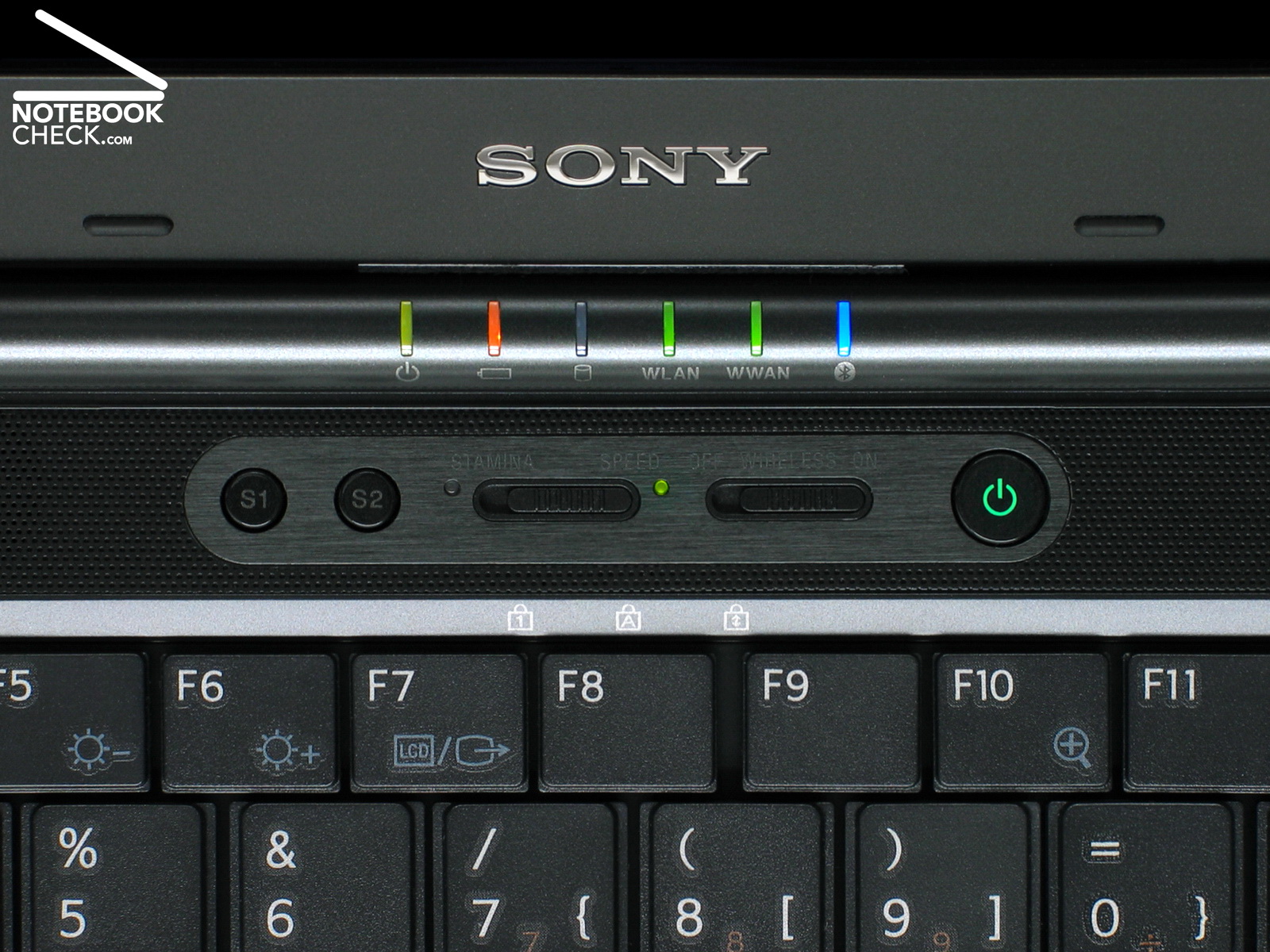
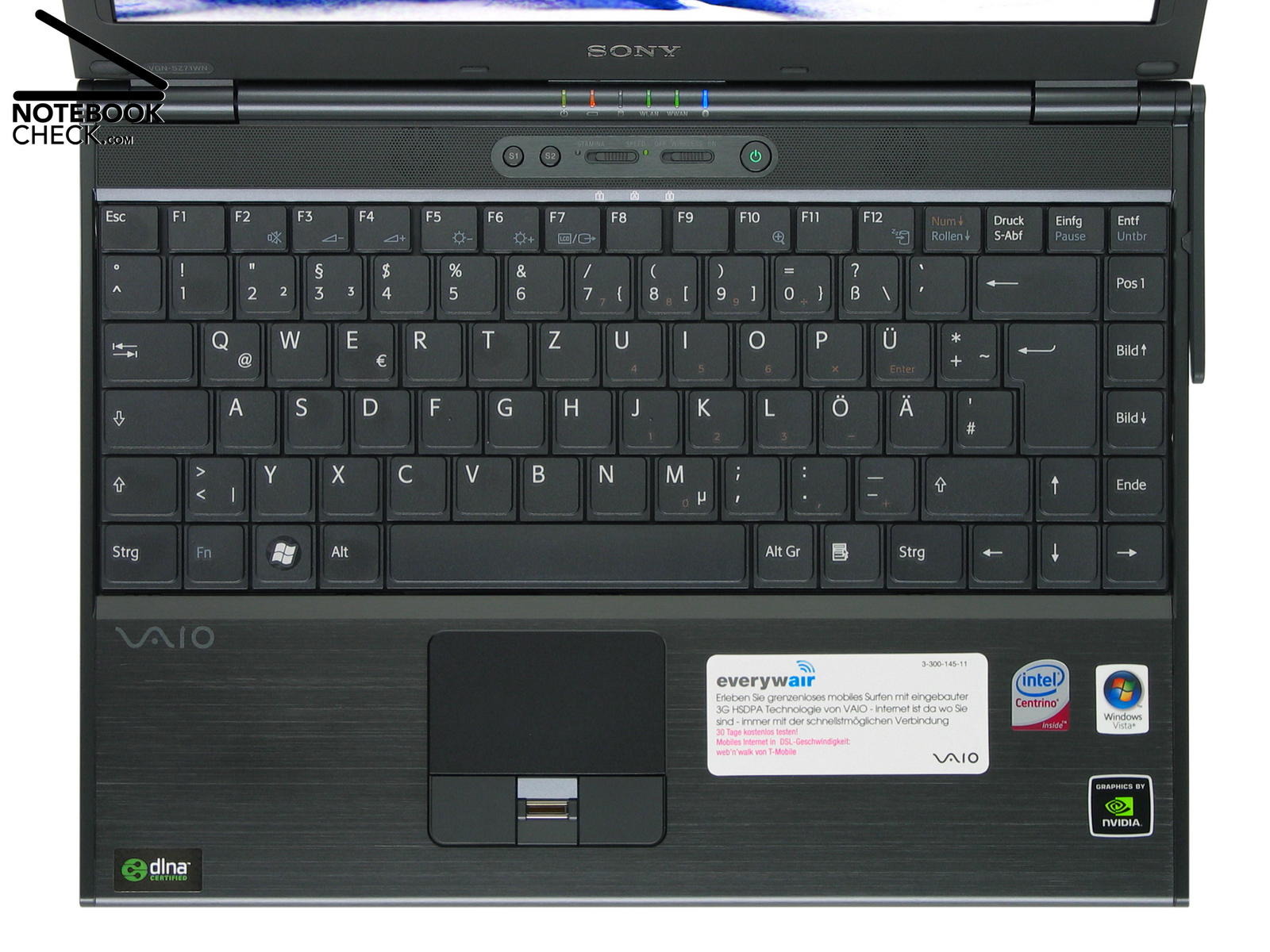
The input devices of the Sony Vaio VGN-SZ71WN/C are nearly the same than of the predecessor notebook. The same is true for the hot keys, indicator LEDs, the switch for WLAN and the energy saving 'Stamina' mode.
Unfortunately the keyboard was still not improved. This matte black keyboard has a standard keyboard layout. However, we were disappointed by its mechanical properties and its feel again. The wobbly key heads and the clattering noise does not match the noble brand of this notebook. Also the ergonomics was not improved: The dark-blue Fn icons and the orange digits on the numerical pad are still hardly legible.
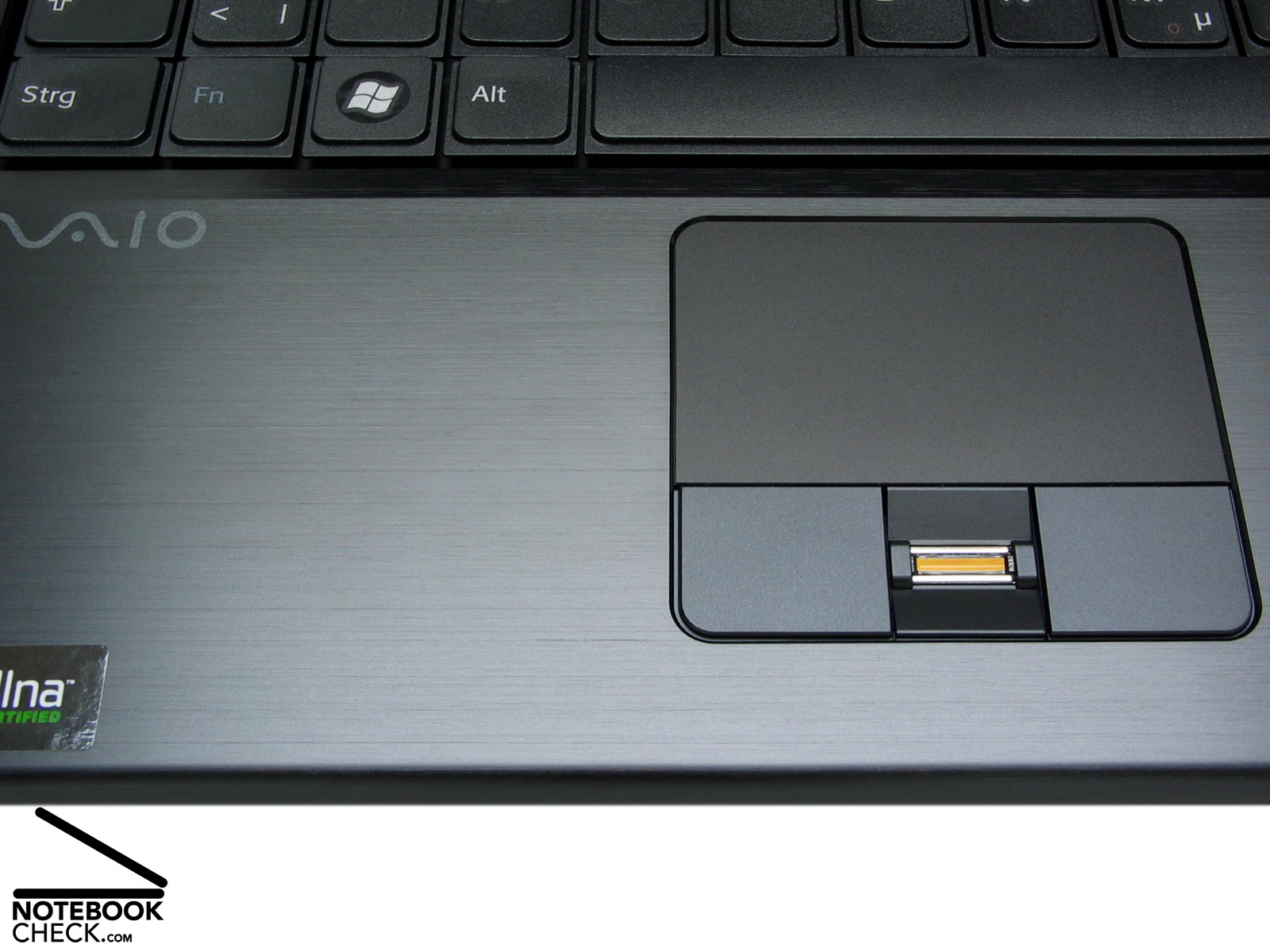
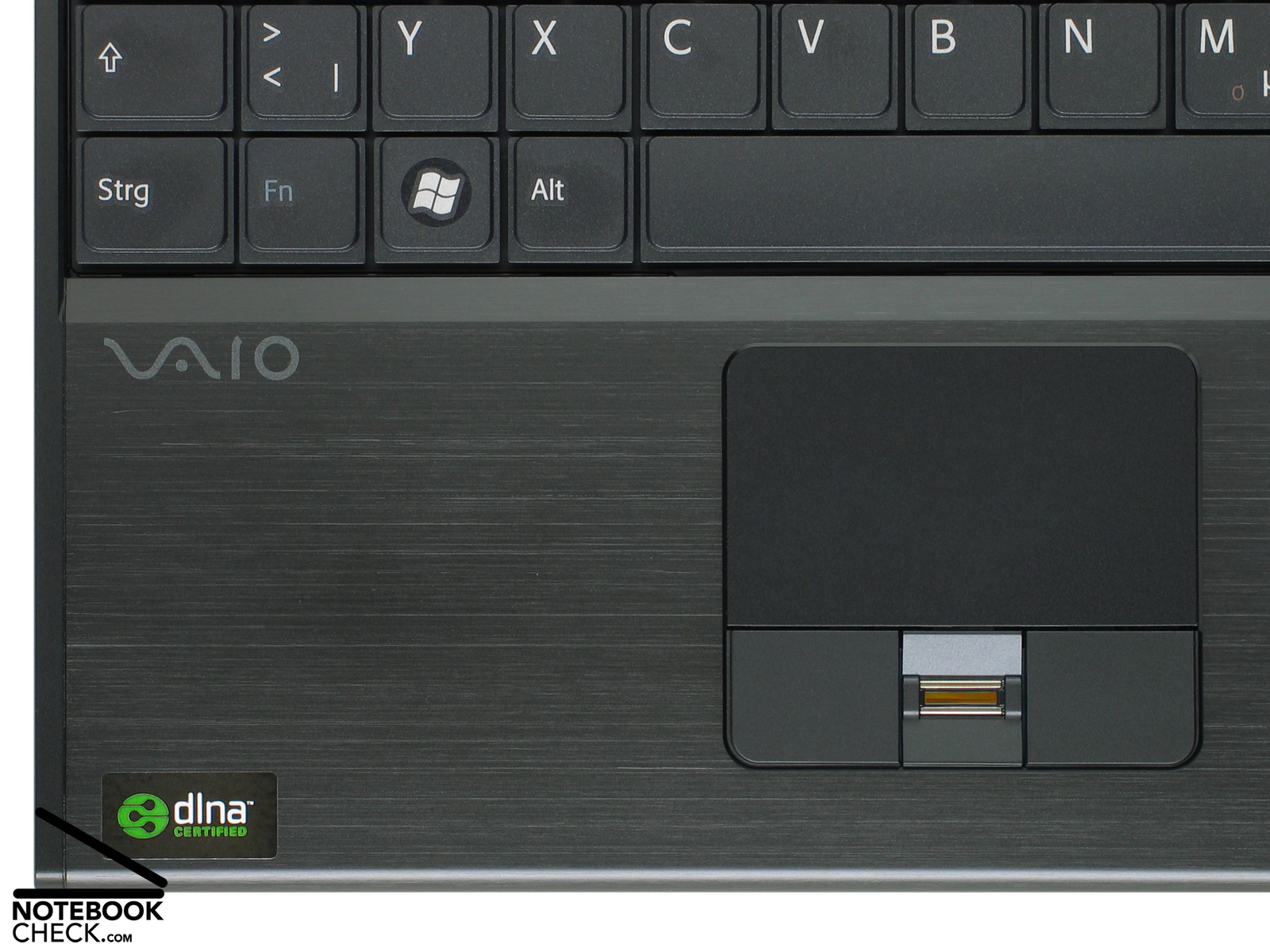
We liked the touch pad and its buttons more. The brushed metal surface of the palm rest area feels nice to the touch. The touch pad works precisely, the key lift is short and the buttons are quiet. Between the left and the right touch pad button there is again a fingerprint reader, which eases user authentication. Further information about the input devices is available in the review of the Sony Vaio VGN-SZ61 WN/C.Test Sony Vaio VGN-SZ61WN/C Subnotebook
Display
Today there is a trend to very thin LED displays. This is not only true for expensive notebooks. Also reasonable small notebooks and subnotebooks, e.g., the Zepto Notus A12 Ultraportable, are equipped with TFTs with LED backlight these days, because their energy demand is low. Also this 13.3 inch (33,78 cm) WXGA display utilizes the innovative LED backlight technology.
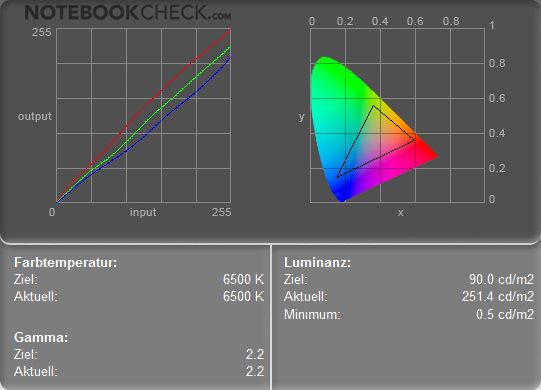
Overall this 13.3 inch LCD (WXGA, 1,280x800 pixels) with X-black and LED technology is excellent. The average brightness of 245.3 cd/m² is very good . So, it can be used outdoors, even though its surface reflects. The difference between minimum and maximum brightness of about 7 percent is also very low. The contrast ratio is about 500:1 , which is brilliant. The black value is 0.5cd/m². Brilliance and contrast of this Vaio LCD absolutely convince and the colours are vivid. To summarize, a perfect performance in the laboratory.
| |||||||||||||||||||||||||
Brightness Distribution: 93 %
Contrast: 503:1 (Black: 0.5 cd/m²)
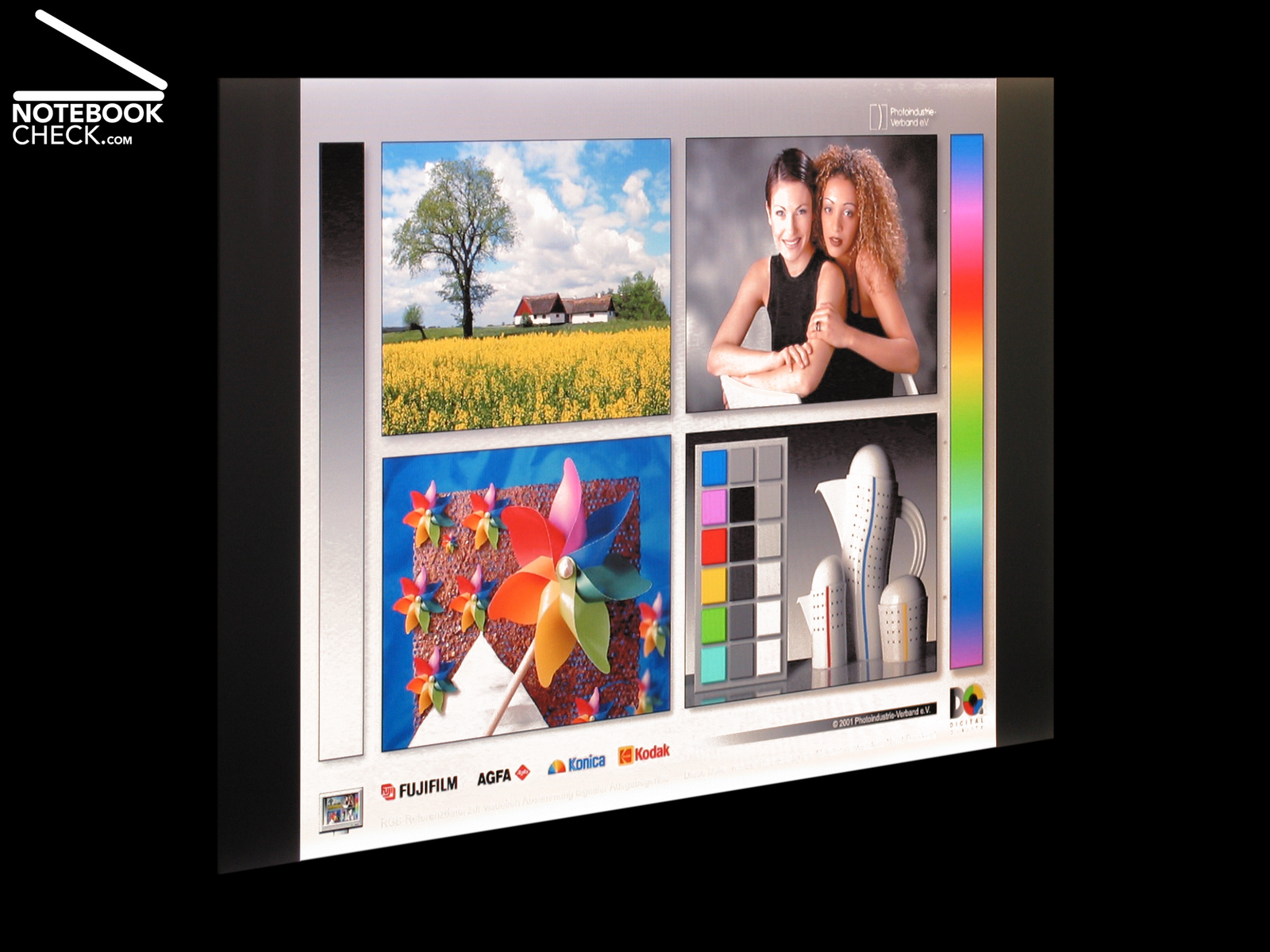
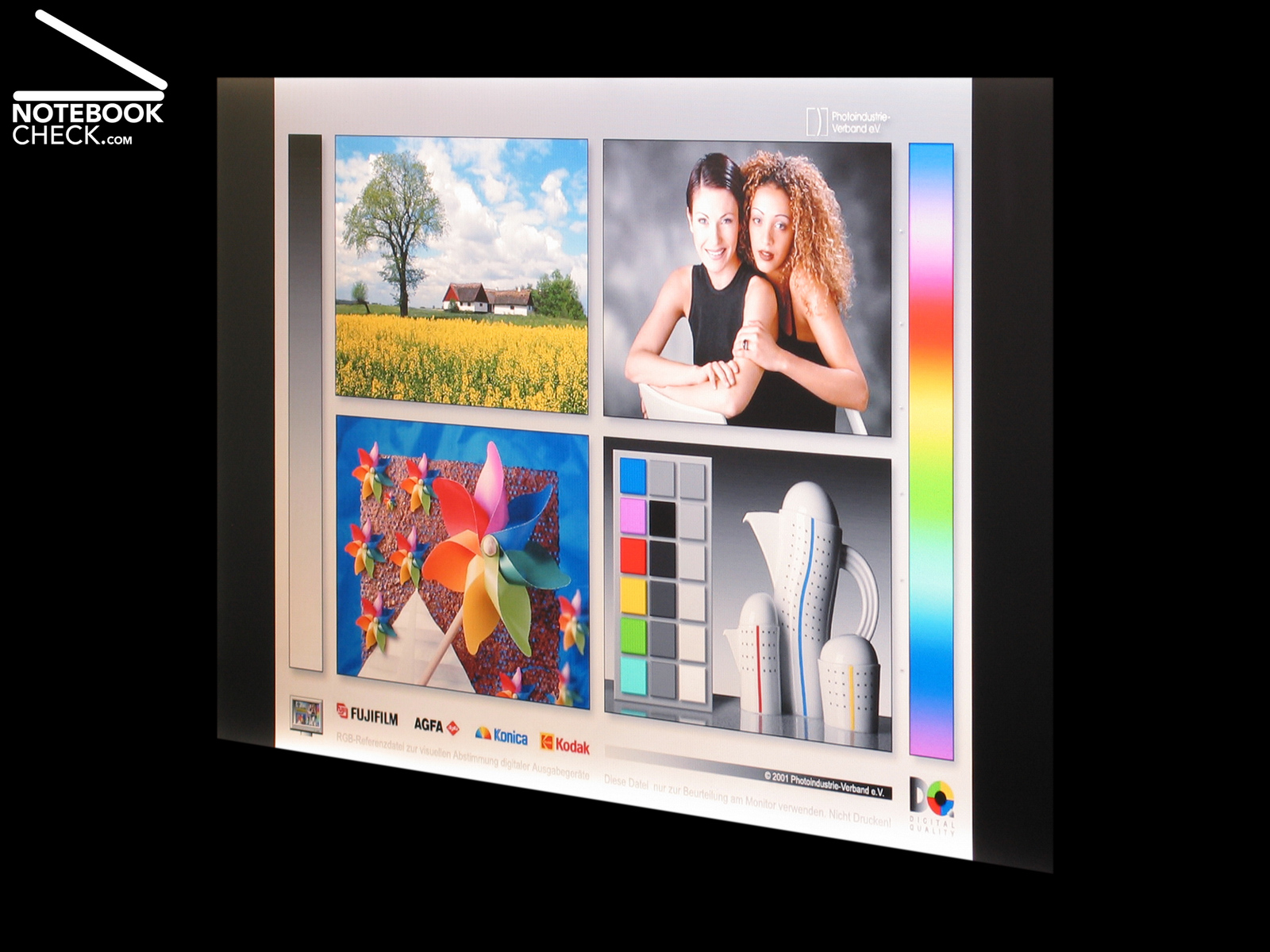
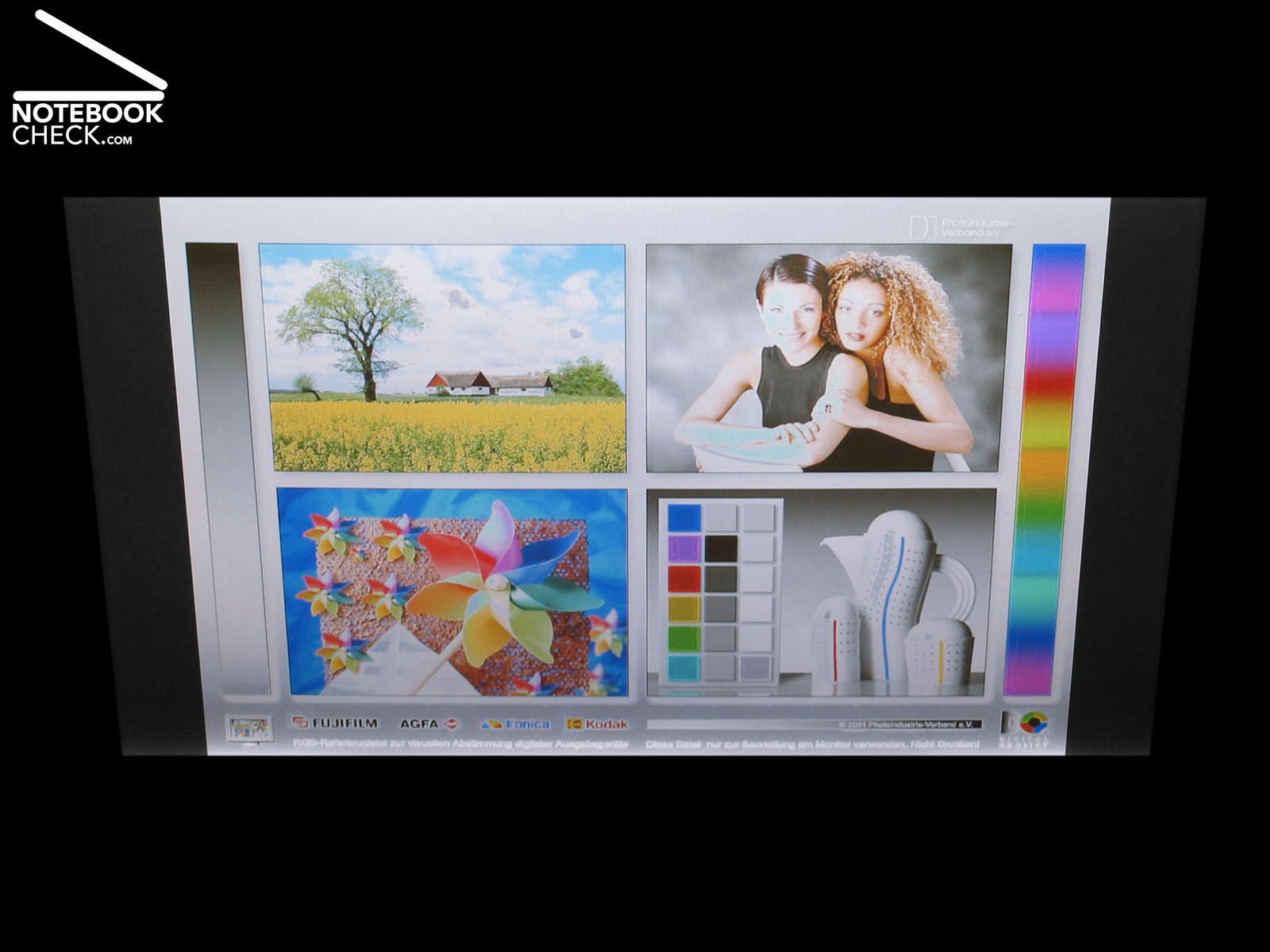
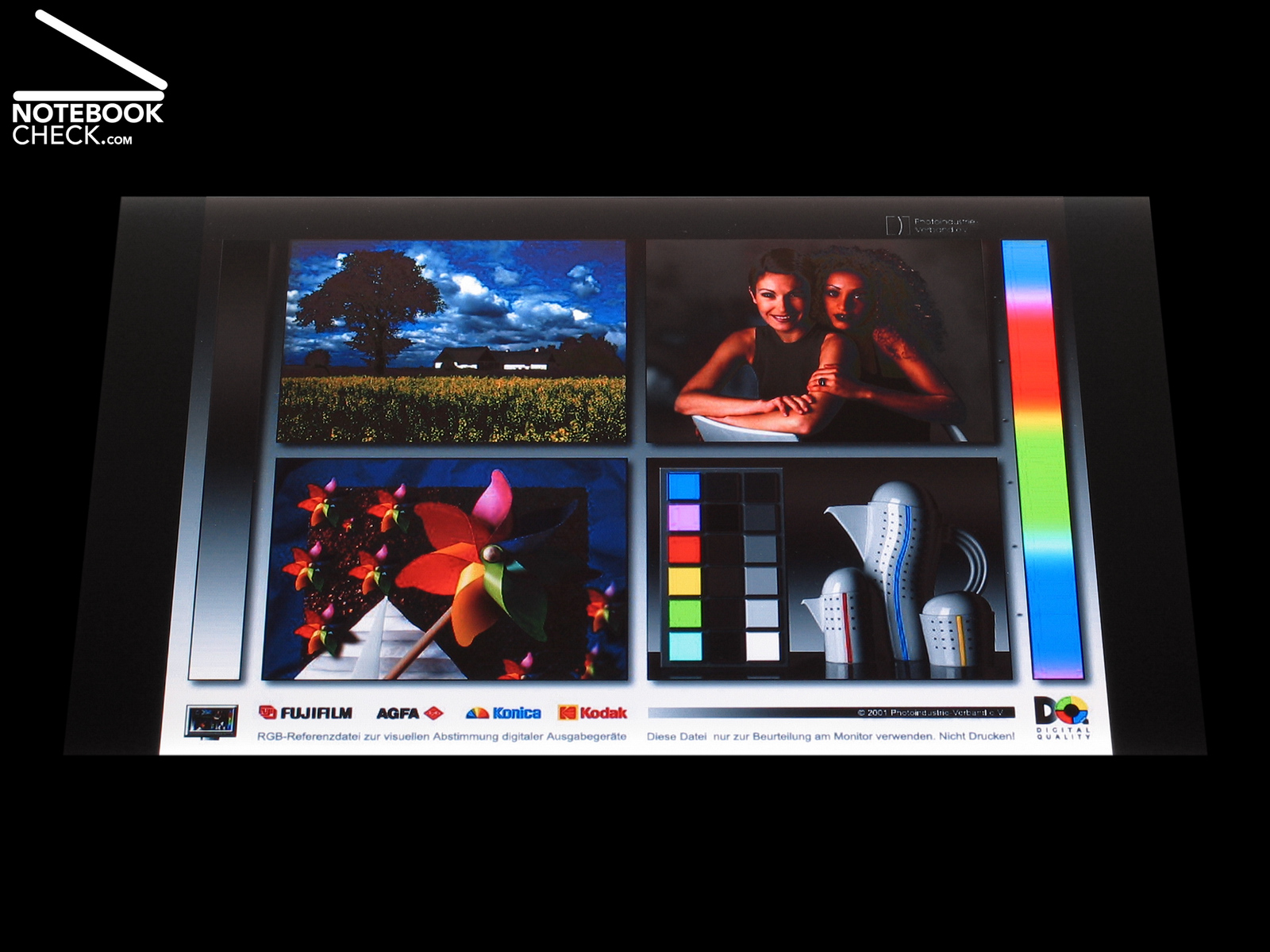
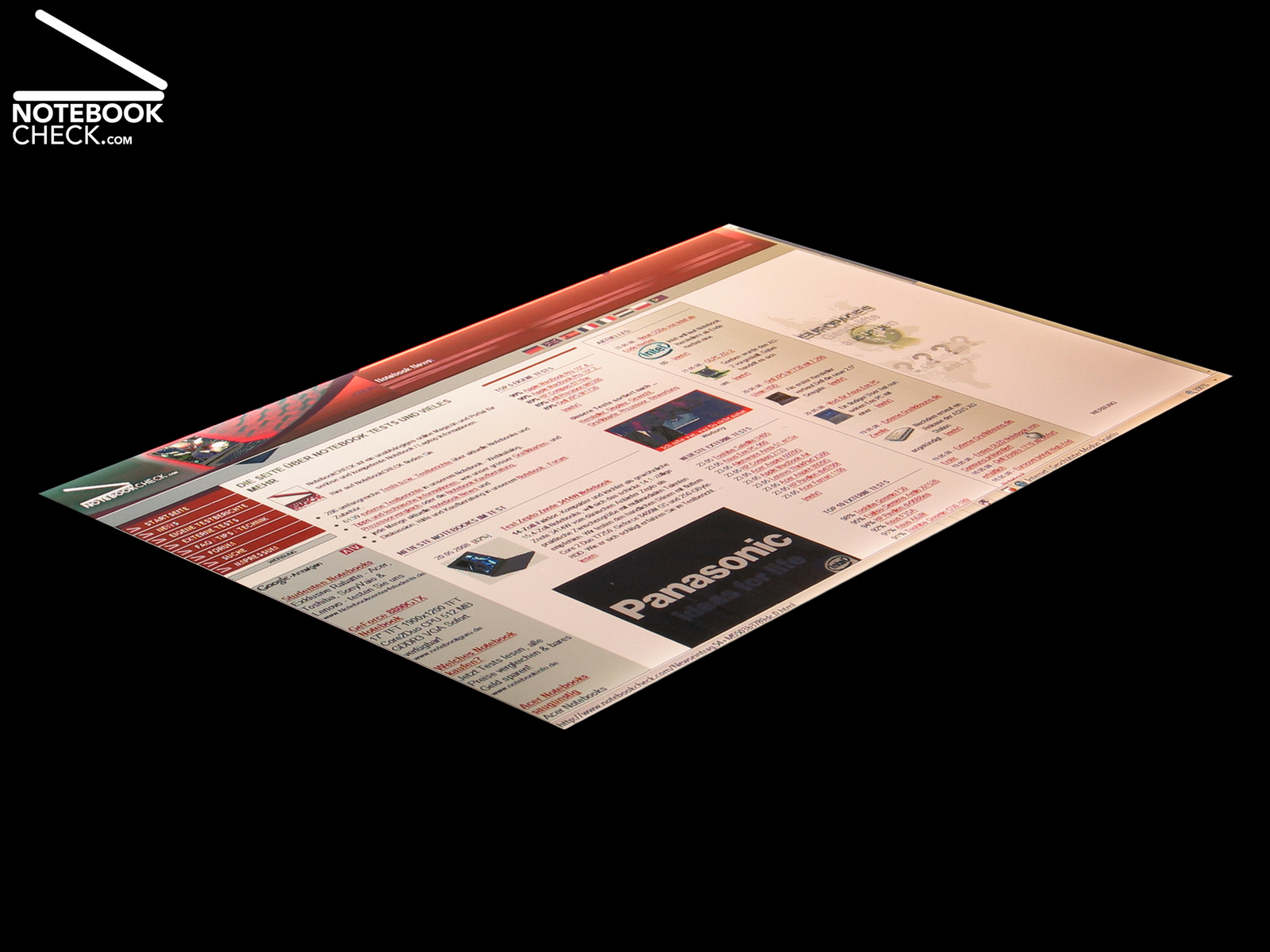
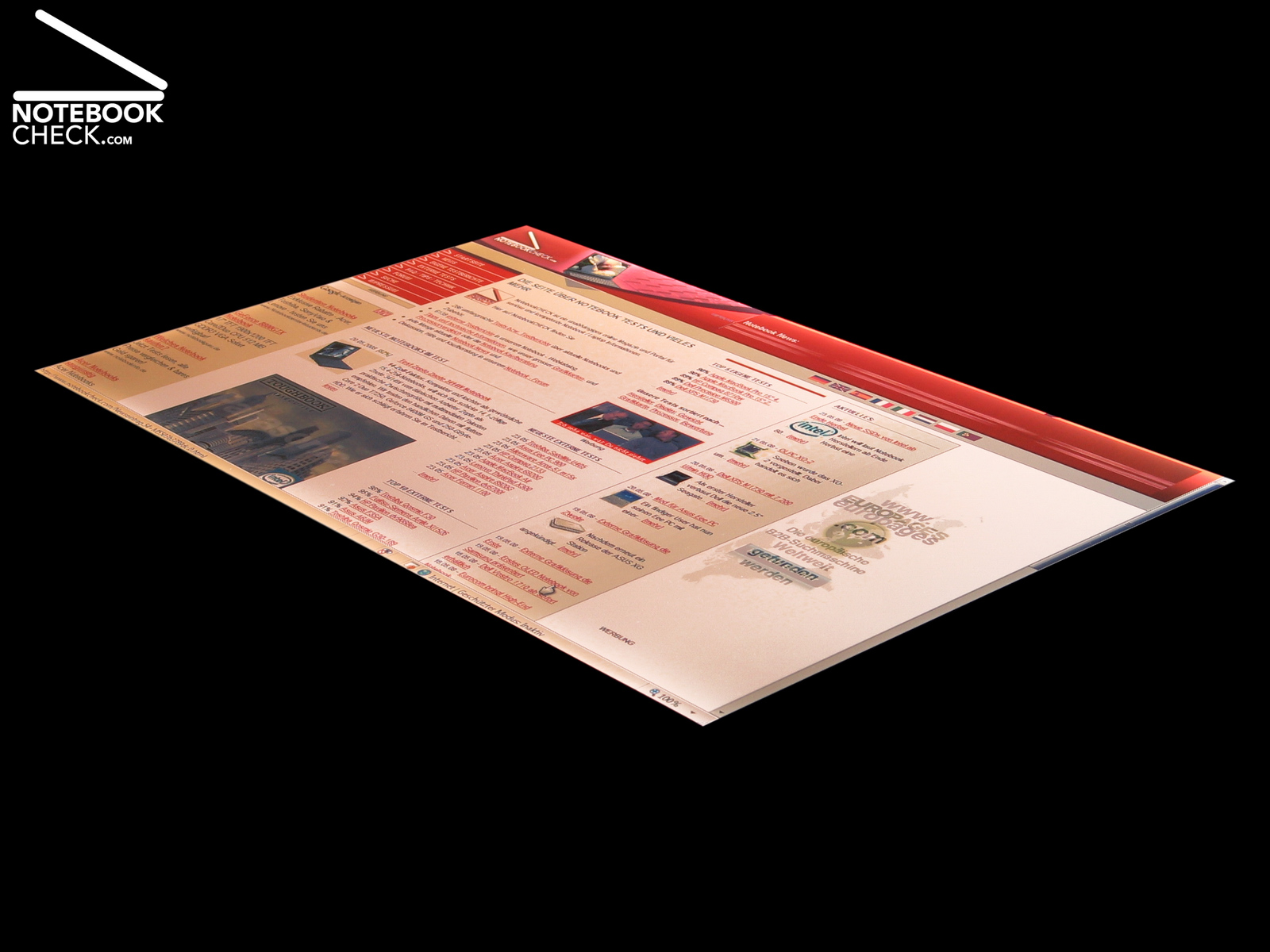
Directly compared to our 20 inch reference display, a Viewsonic VP2030b, we liked the brilliant colours of the test pictures. However, the portraits, which best show problems with colour neutrality, appear clearly too cold. That is, because there is a tendency to blue colours. The viewing angles are good. Only gradients are not perfectly represented. Typical notebook panel, you can detect dithering when displaying continuous tones. Further information to the display is available in the review of the Sony Vaio VGN-SZ61 WN/C.


Performance
Of course the intent of the processor upgrade is to improve the performance. The artificial benchmarks which cover CPU performance prove that the VGN-SZ71WN/C is indeed better than its predecessor, the VGN-SZ61 WN/C, which is equipped with a T7500 Core 2 Duo processor (codename Merom) by Intel (2.20 GHz clock rate per core, 4 MB Level-2-Cache). A T9300, a powerful dual core processor of the 45 nm Penryn series (Santa Rosa refresh), ensure excellent calculation performance.
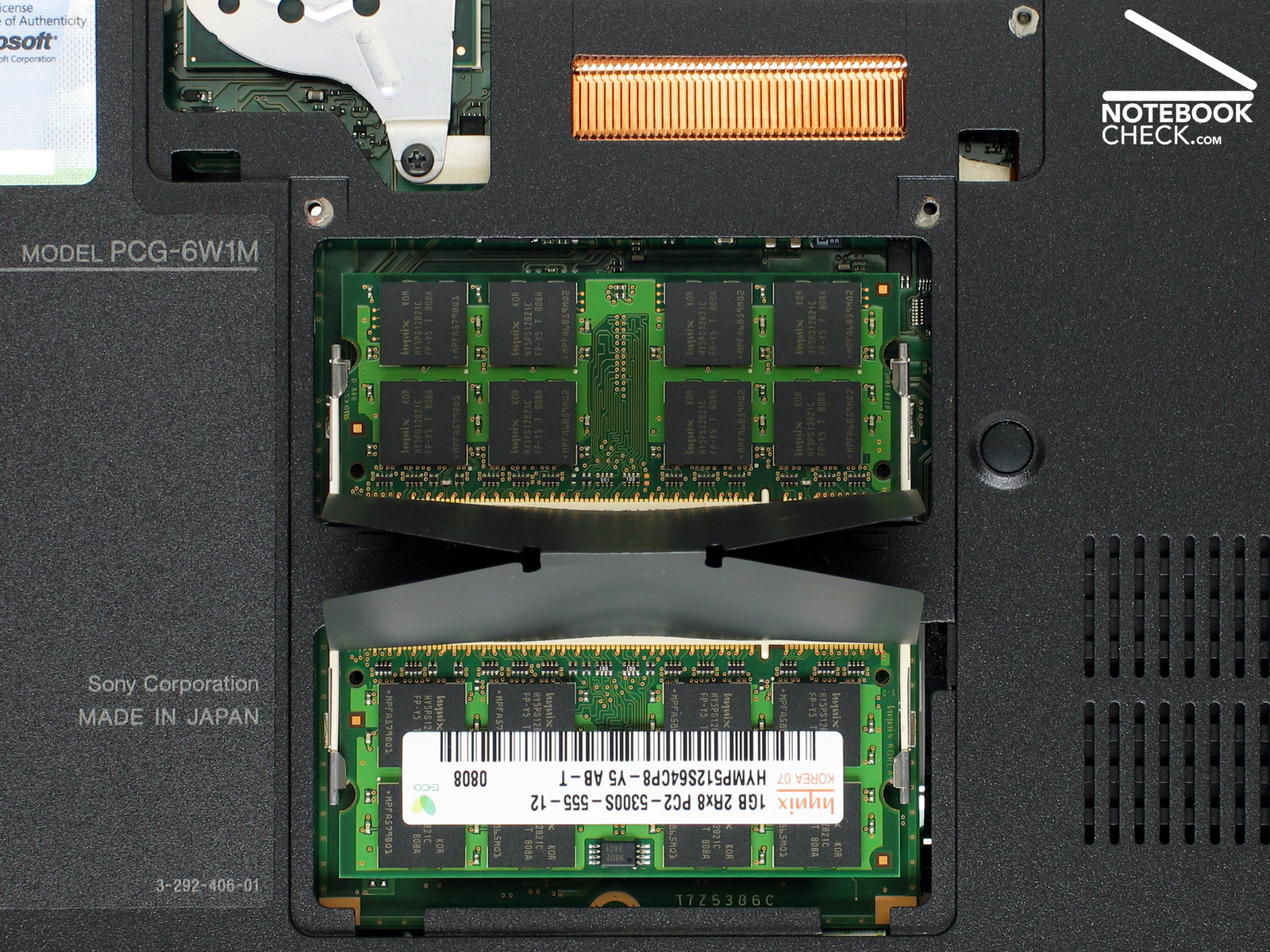
The T9300 works at a clock rate of 2.50 GHz and is equipped with 6 MB second-level Cache instead of 4 MB. The VGN-SZ71 WN/C is equipped with a total of 2 GB RAM, whereas there is one fast 1GB DDRII-667 memory module in each of the two available slots. Although this is sufficient for Windows Vista, the big number of pre-installed demo and advertisement software slows down this system. So, we felt that the VGN-SZ71 WN/C did not perform better in practice.
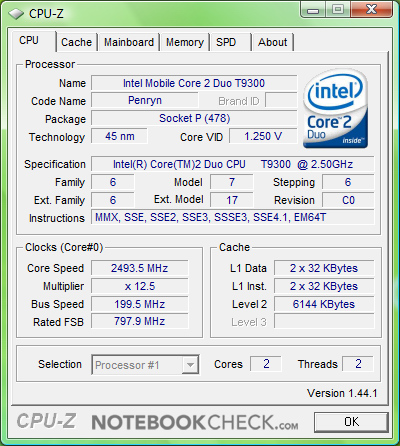
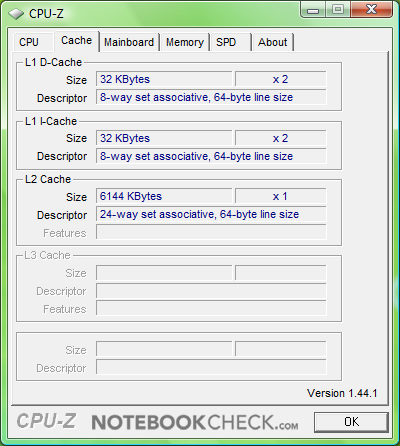
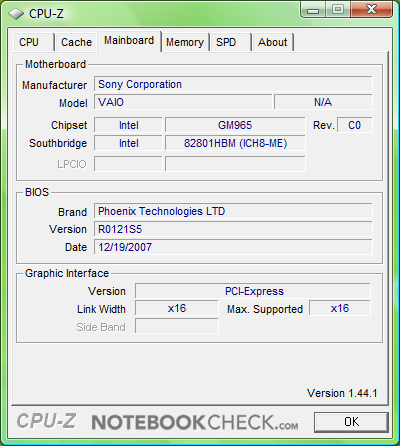
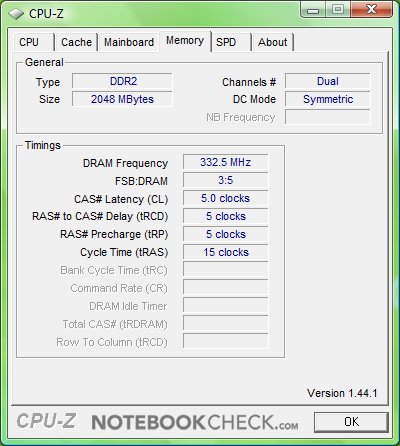
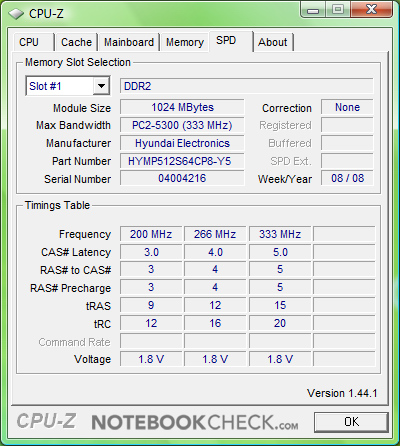
CPU-Z-Information of the Sony Vaio VGN-SZ71WN/C.
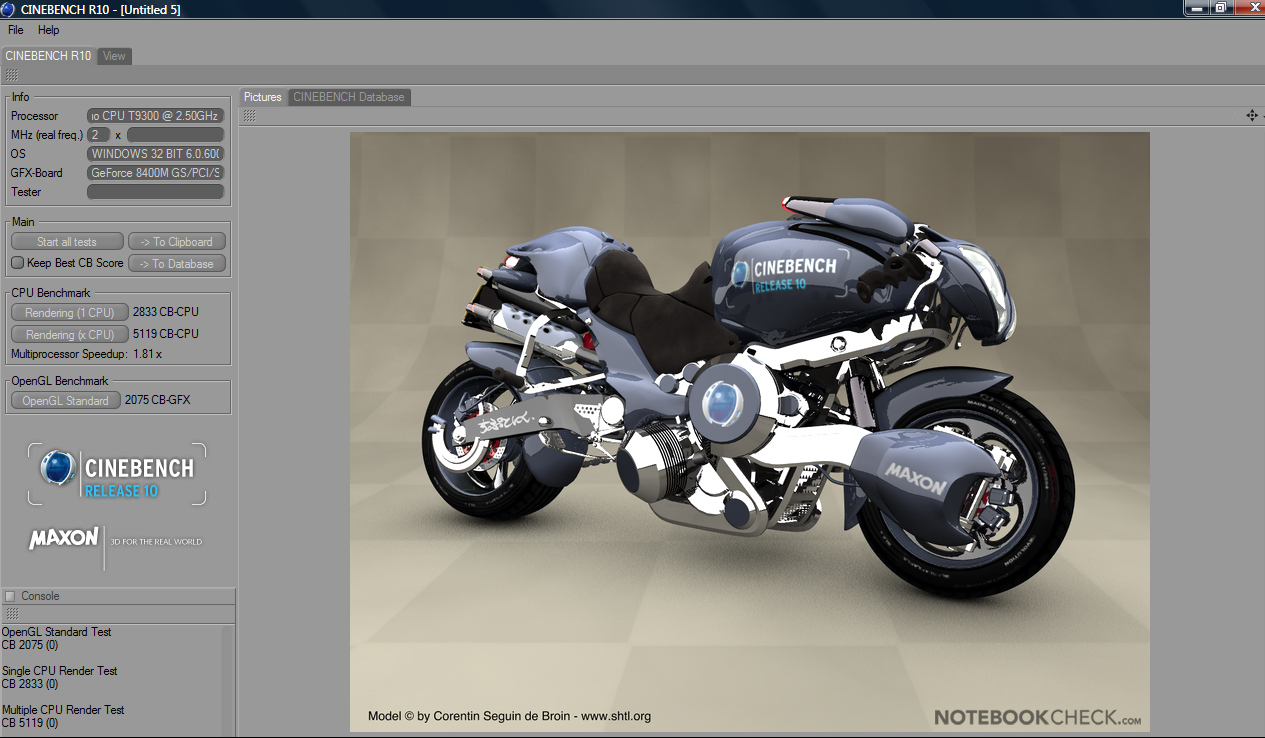
Nevertheless, the performance is good to very good in synthetic benchmarks. The result in the Cinebench R10 'Rendering Single CPU' (one core) (2,833 CB-CPU), is about 23 percent higher than of the predecessor with T7500 CPU (2,190 CB-CPU). 'Rendering Multiple CPUs' the difference is still 18.3 percent. Also 3DMark06 by Futuremark results in a clearly higher CPU Score of 2,240 for the model with T9300 CPU. This is nearly 14.4 percent more than the CPU Score of 1,918 of the predecessor.
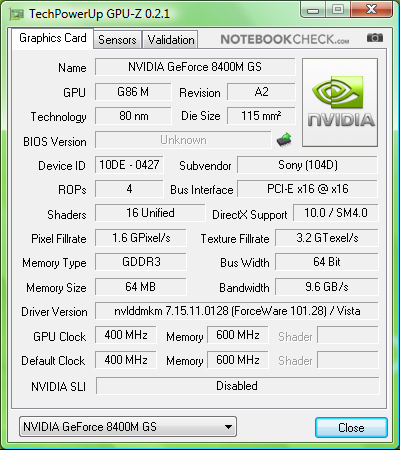
Identical to the VGN-SZ61WN/C also this notebook is equipped with a hybrid video solution. It is equipped with Intels Mobile 965GM Express Chipsatz with integrated Chipatzgrafik GMA X3100. If your performance demands are higher, you can easily switch to a nVIDIA Geforce 8400M GS. So, this notebook unites a good video performance and mobility on demand. The GMA-X3100 reduces the energy demand, the GeForce 8400M GS provides sufficient performance for multimedia entertainment. The gaming performance is notably satisfying. Further details to the dual graphics solution are available in the review of the Sony Vaio VGN-SZ61 WN/C.
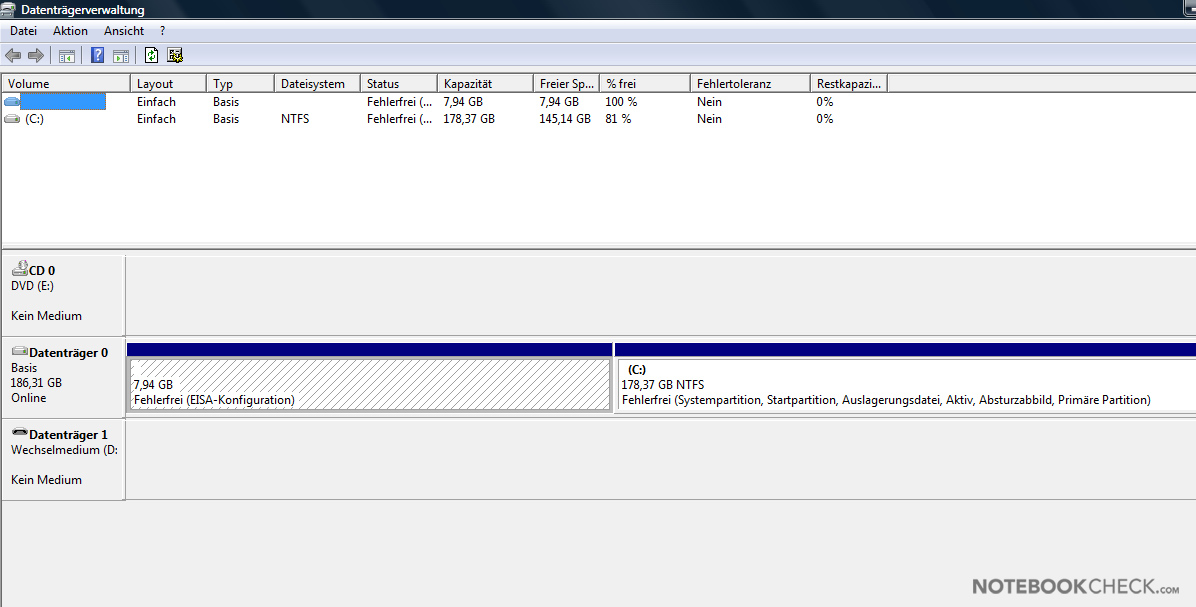

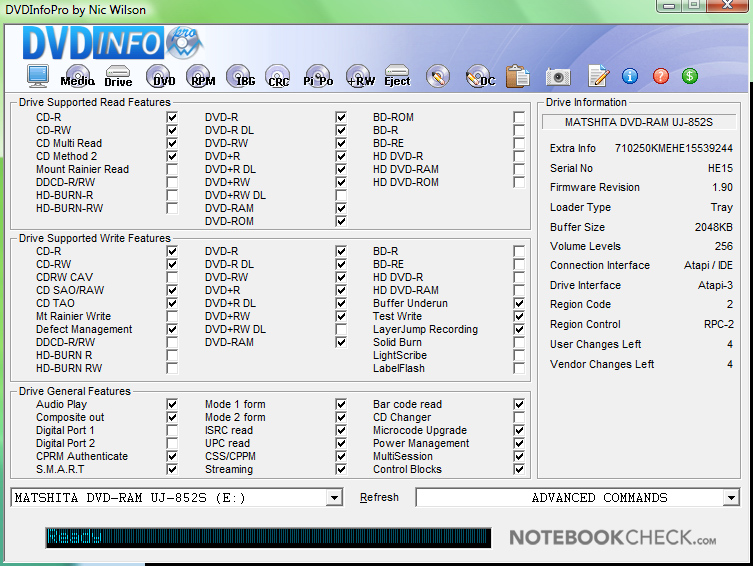
Considering this is an ultra compact notebook the hard disk capacity of 200 GB is amazing. The MHY2200BH, a serial ATA hard disk by Fujitsu, rotates at 5,400 rpm and has a high reliability of above 300,000 hours MTBF (Mean Time Between Failures). Regarding performance, the average transfer rate of 37.1 MB/s, measured with HDTune, is average compared to comparably 200 GB hard disks. In comparison, our 7,200 rpm reference hard disk, a ST910021A (Seagate Momentus 7200.1) has an average transfer rate of 41.1 MB/s. Another mass storage device is the UJ-852S, a DVD burner by Matshita.
| Cinebench R10 | |||
| Settings | Value | ||
| Shading 32Bit | 2075 Points | ||
| Rendering Multiple CPUs 32Bit | 5119 Points | ||
| Rendering Single 32Bit | 2833 Points | ||
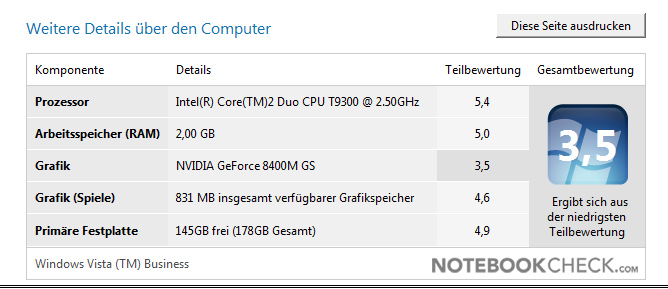
| Windows Vista Experience Index | |||
| Settings | Value | ||
| CPU | 5.4 Points | ||
| RAM | 5 Points | ||
| GPU | 3.5 Points | ||
| GPU Games | 4.6 Points | ||
| HDD | 4.9 Points | ||
| PCMark 05 Standard | 5320 points | |
Help | ||

Gaming Performance
| 3DMark 2001SE Standard | 13993 points | |
| 3DMark 03 Standard | 4893 points | |
| 3DMark 05 Standard | 2127 points | |
| 3DMark 06 Standard Score | 1099 points | |
Help | ||
| Doom 3 | |||
| Resolution | Settings | Value | |
| 1024x768 | Ultra, 0xAA, 0xAF | 40.82 fps | |
| 800x600 | High, 0xAA, 0xAF | 65.1 fps | |
| 640x480 | Medium, 0xAA, 0xAF | 67.8 fps | |
| 640x480 | Low, 0xAA, 0xAF | 93.4 fps | |
| Crysis - CPU Benchmark | |||
| Resolution | Settings | Value | |
| 1280x800 | High, 0xAA, 0xAF | 1.83 fps | |
| 1280x800 | Medium, 0xAA, 0xAF | 3.96 fps | |
| 1280x800 | Low, 0xAA, 0xAF | 9.93 fps | |
| 800x600 | High, 0xAA, 0xAF | 3.17 fps | |
| 800x600 | Med, 0xAA, 0xAF | 6.79 fps | |
| 800x600 | Low, 0xAA, 0xAF | 19.21 fps | |
| Crysis - GPU Benchmark | |||
| Resolution | Settings | Value | |
| 1280x800 | High | 1.92 fps | |
| 1280x800 | Medium, 0xAA, 0xAF | 5.19 fps | |
| 1280x800 | Low, 0xAA, 0xAF | 11.41 fps | |
| 800x600 | High | 3.52 fps | |
| 800x600 | Med, 0xAA, 0xAF | 8.72 fps | |
| 800x600 | Low, 0xAA, 0xAF | 23.48 fps | |
| World in Conflict - Benchmark | |||
| Resolution | Settings | Value | |
| 1280x800 | High, 2xAA, 2xAF | 3 fps | |
| 800x600 | High, 2xAA, 2xAF | 5 fps | |
| 1280x800 | Medium, 0xAA, 0xAF | 5 fps | |
| 800x600 | Medium, 0xAA, 0xAF | 7 fps | |
Loudness
Compared to the Sony Vaio VGN-SZ61 WN/C the noise emissions are more or less the same. Regardless of Stamina or Speed mode, there is always a clearly audible silent rustling of up to 36.9 dB(A). If the fan rotates faster, it sometimes emits a high frequency noise, which is annoying. The measured maximum noise level is 44.1 dB(A) under full load. All other details are the same as for the Sony Vaio VGN-SZ61 WN/C.
Noise level
| Idle |
| 33.4 / 33.9 / 33.9 dB(A) |
| HDD |
| 34.3 dB(A) |
| DVD |
| 43.8 / 44.5 dB(A) |
| Load |
| 44.1 / 44.1 dB(A) |
 | ||
30 dB silent 40 dB(A) audible 50 dB(A) loud |
||
min:  , med: , med:  , max: , max:  (15 cm distance) (15 cm distance) | ||
Noise level
| Idle |
| 34.3 / 34.3 / 36.9 dB(A) |
| HDD |
| 34.5 dB(A) |
| DVD |
| 40.5 / 43.8 dB(A) |
| Load |
| 44.1 / 44.1 dB(A) |
|
| ||
30 dB silent 40 dB(A) audible 50 dB(A) loud |
||
min: , med: , max: (15 cm distance) | ||
Temperature
In general the temperature emissions at the top and the bottom side do also not differ much from the former model. The maximum temperature at the top side is 36.5 degrees Celsius, which is rather cold. At the bottom side we measure about 42 degrees Celsius close to the vent holes. This is a clear temperature increase. Overall, the temperature characteristics are very similar to the VGN-SZ61 WN/C.
(+) The maximum temperature on the upper side is 36.5 °C / 98 F, compared to the average of 35.9 °C / 97 F, ranging from 21.4 to 59 °C for the class Subnotebook.
(±) The bottom heats up to a maximum of 42 °C / 108 F, compared to the average of 39.3 °C / 103 F
(+) The palmrests and touchpad are cooler than skin temperature with a maximum of 31.6 °C / 88.9 F and are therefore cool to the touch.
(-) The average temperature of the palmrest area of similar devices was 28.2 °C / 82.8 F (-3.4 °C / -6.1 F).
Speakers
Left and right of the area with the hot keys there are two tiny speakers. Due to design specifics the sound is rather thin. If turned louder, the sound gets tinny. And the maximum volume is rather low. The sound via headphones port and Bose In-Ear headphones is much better. So, don't forget to pack high-quality headphones, if you want to enjoy music on your travel.
Battery Runtime
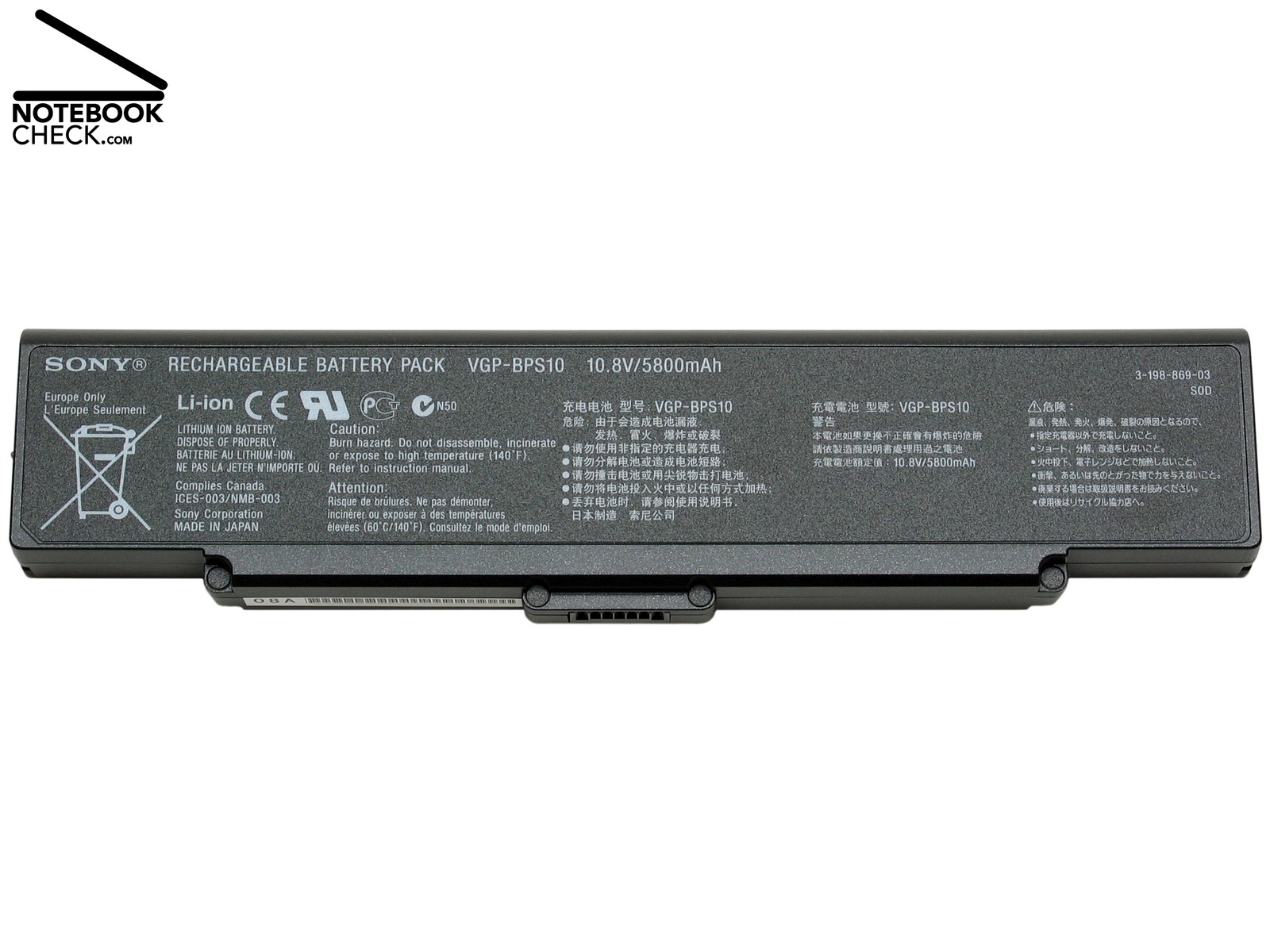
The energy demand is especially in idle mode due to 45 nm Penryn T9300 clearly lower than the energy demand of the predecessor model with T7500 CPU. We measured the energy demand at the mains adapter, and found out that it is about 20 percent less in Stamina mode and 31 percent less in Speed mode. Under load the energy demand of the VGN-SZ71 WN/C is also about 4.1 to 6.4 percent lower. In detail this Vaio ultra portable notebook needs between 12.6 and 33.7 Watt in idle mode. If you use the 3D screen saver of Vista and configure the notebook for speed mode, the energy demand increases to 41.2 Watt.
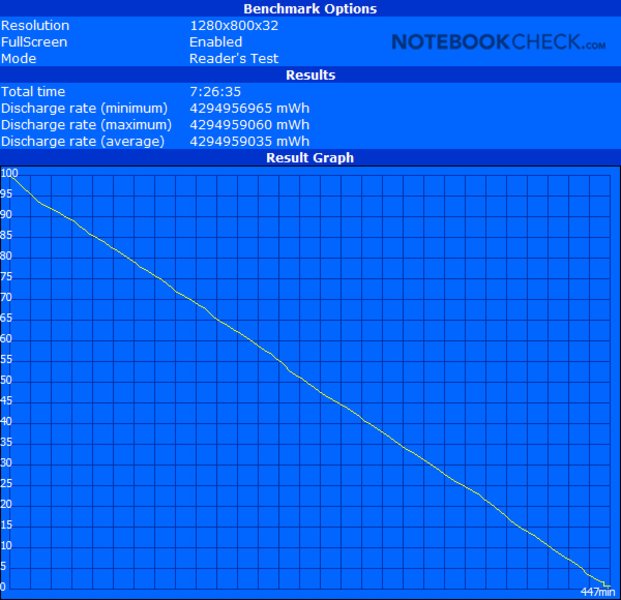
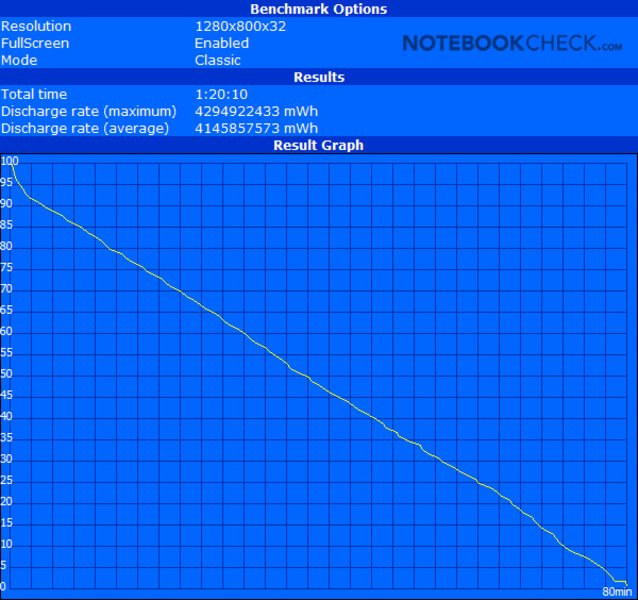
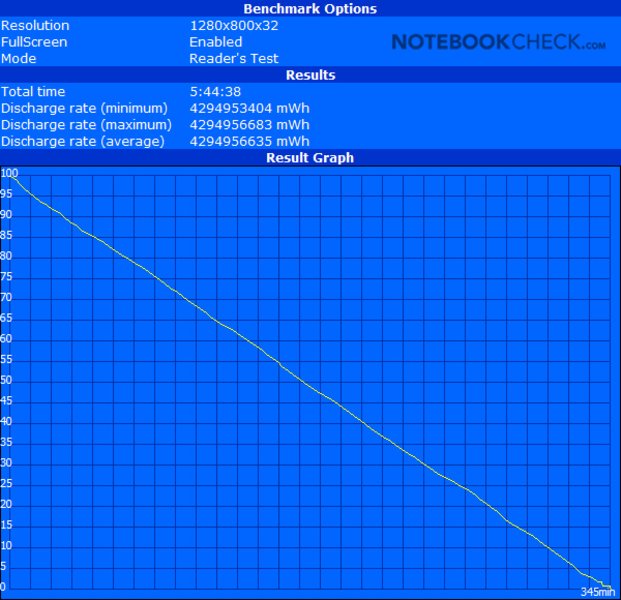
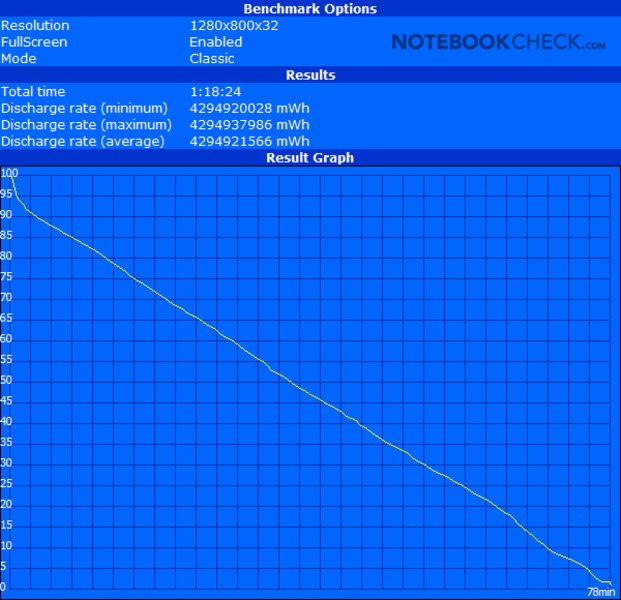
The maximum runtime measured with the Battery Eater Reader's test and configured in stamina mode is 9 hours 37 minutes, which is outstanding long. However, the display is dimmed in this mode and it is hardly possible to recognize anything on the screen. So, we ran another test, whereas we left everything except of the brightness, which we increased by two levels, the same. With these settings the runtime shrinks by above two hours to 7 hours 26 minutes. If you want to run speed mode, you can expect that the runtime falls to a maximum of 5 hours 45 minutes. If you travel a lot, we therefore recommend a supplement battery. The details of the review of the Sony Vaio VGN-SZ61 WN/C apply analogously also to the VGN-SZ71 WN/C.

| Stamina Mode | |
| Off / Standby | 0 / 0 Watt |
| Idle | 12.6 / 15.4 / 29.1 Watt |
| Load |
42.5 / 66.2 Watt |
   
| |
| Speed Mode | |
| Off / Standby | 0 / 0 Watt |
| Idle | 18.4 / 20.6 / 33.7 Watt |
| Load |
45.8 / 78.4 Watt |
|
| |
Key:
min: ,
med: ,
max: | |
Verdict
In Sony's Vaio line-up 2008 also the VGN-SZ series is now equipped with brand new processors. Case, display, and workmanship of the Sony Vaio VGN SZ71 WN/C are very good. The performance of this ultra portable notebook is good.
Due to glossy surfaces it looks noble. But, besides this, modern and light high-tech composite materials allow an outstanding lightweight construction. Furthermore, this notebook is richly equipped with modern features like fingerprint reader, TPM encryption, a complex hybrid video solution, and fast WWAN Internet. The very bright and ultra thin 13.3 inch x-black display still sets standards in this notebook category. However, that much high tech in such a small case cost clearly more than 2000 Euro. To summarize, the exclusive Sony Vaio VGN-SZ71WN/C got a total score of 87 percent, which is good, nearly very good.
Unfortunately, Sony missed the opportunity to also improve the keyboards and the fan control. Furthermore, we did not like the pre-installed advertisement software. Despite new available competitor subnotebooks and UMPCs, the Sony Vaio SZ71WN/C is still recommendable for demanding business customers. If you requite a compact size, a very low weight, and high performance, the Vaio VGN-SZ71WN/C is a solid and appropriate choice.
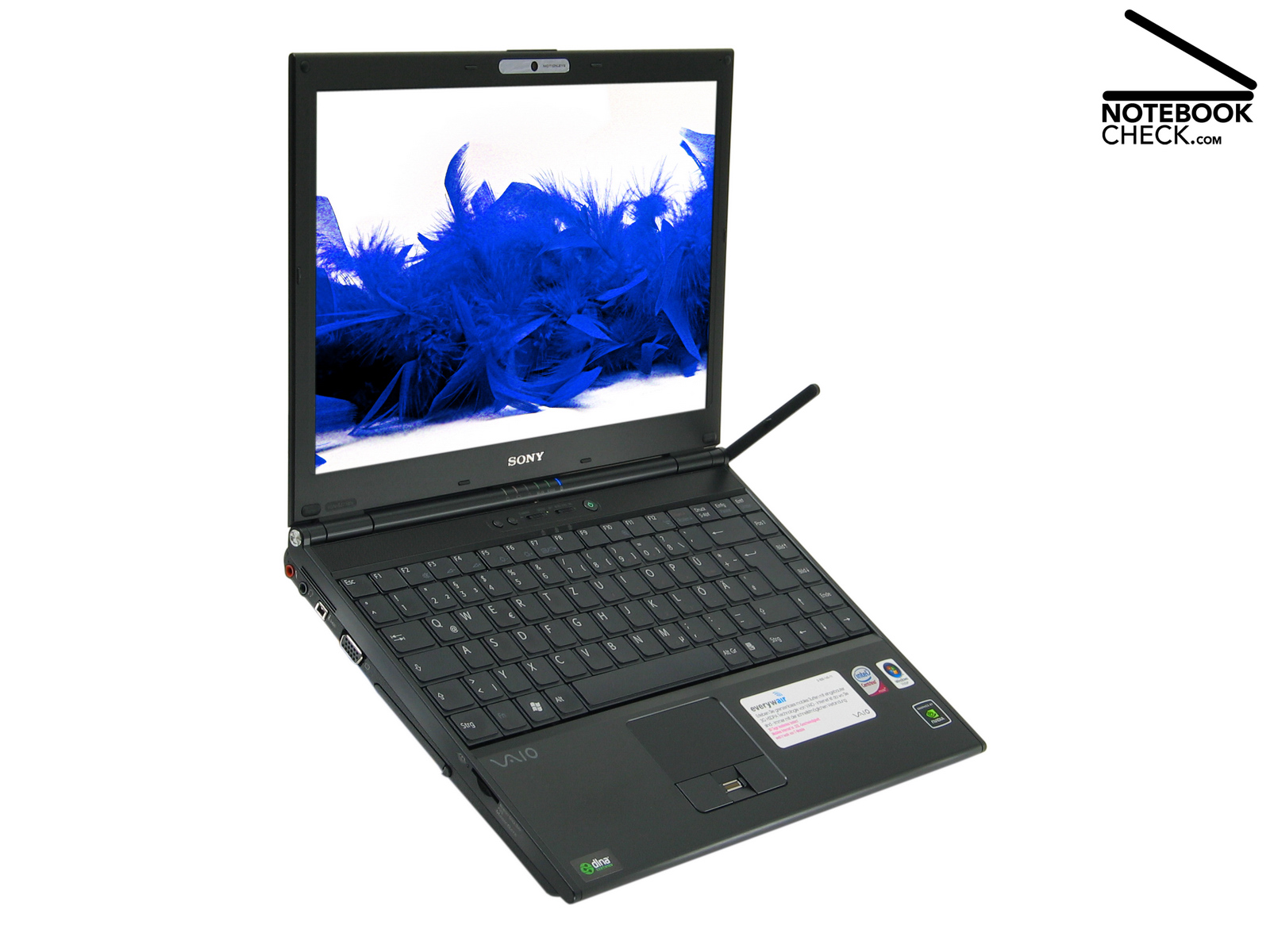
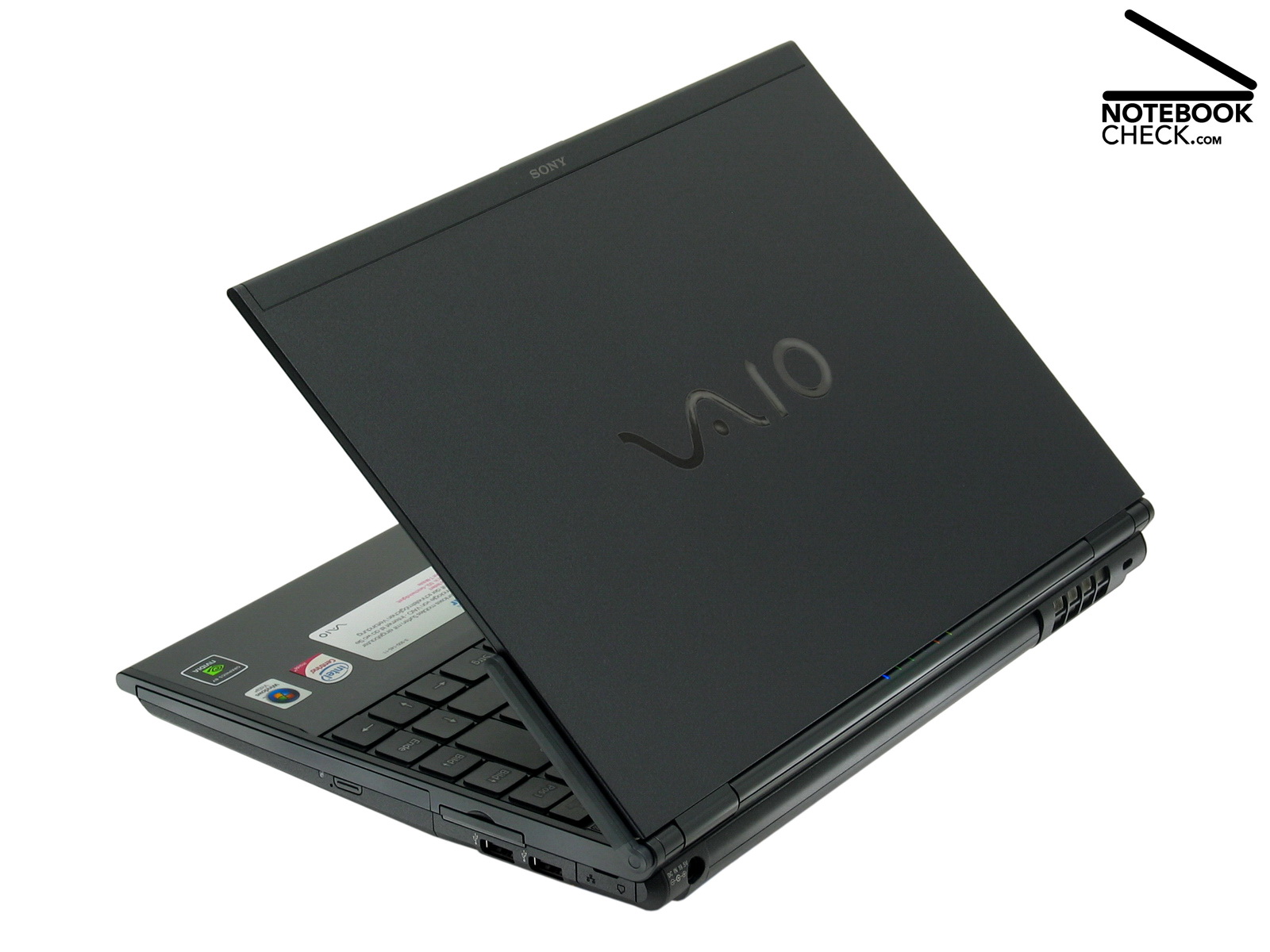
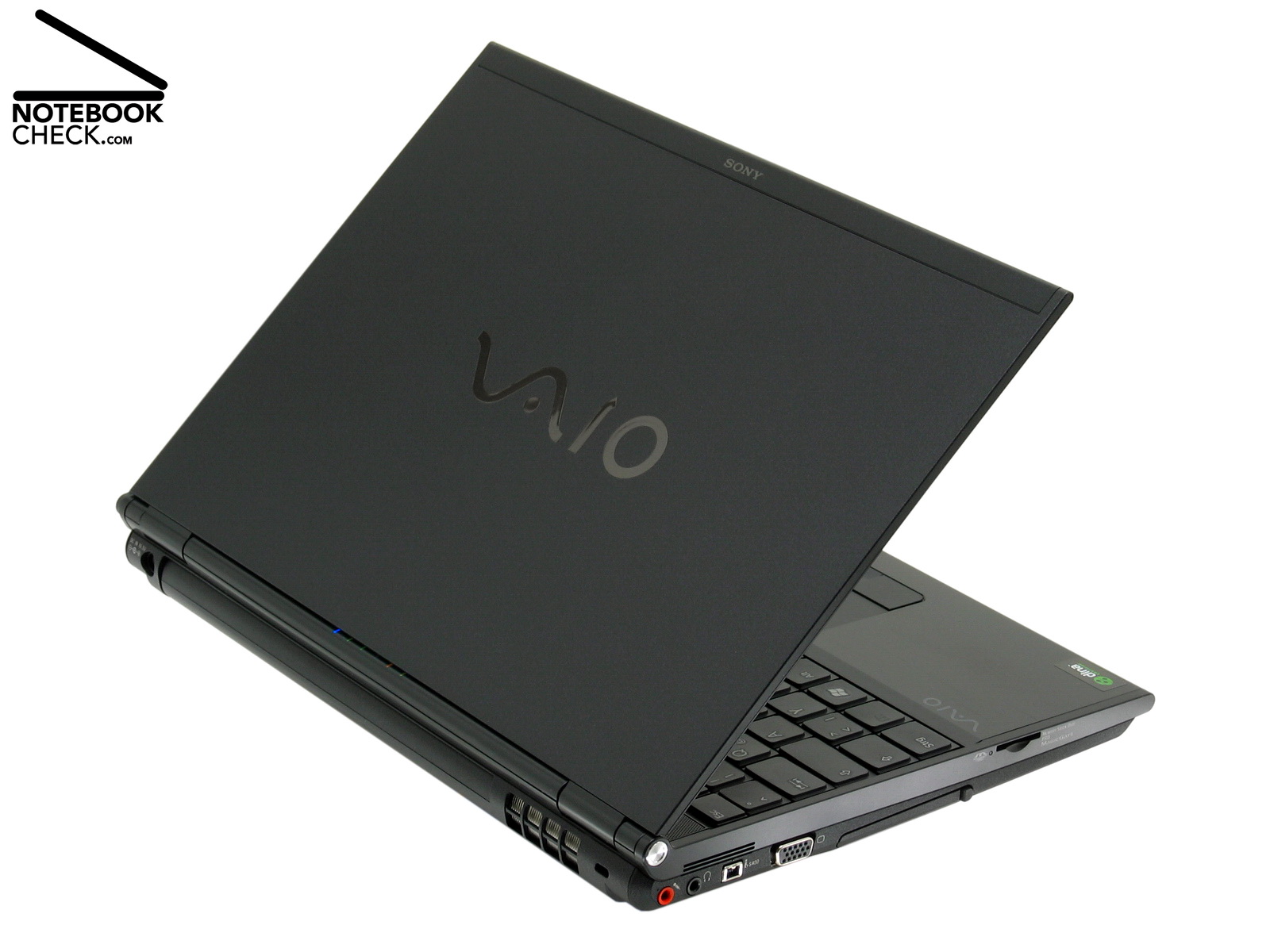
Sony Vaio VGN-SZ71WN/C Subnotebook
Many thanks to Notebook-Shop, who kindly provided us with the reviewed notebook. Here you can configure and also buy this notebook.