REVIEW: Sony Vaio VGN-FW11M Notebook
Centrino 2 Kino.
The Sony Vaio FW11M is one of the currently low priced models and offers therefore only a blu ray ROM drive (reader, no writer) and decreased hardware devices. Also, one must do without the well known Sony Dual Lamp Technology. In the following short review you will find out if they saved at the right corners.

CASE
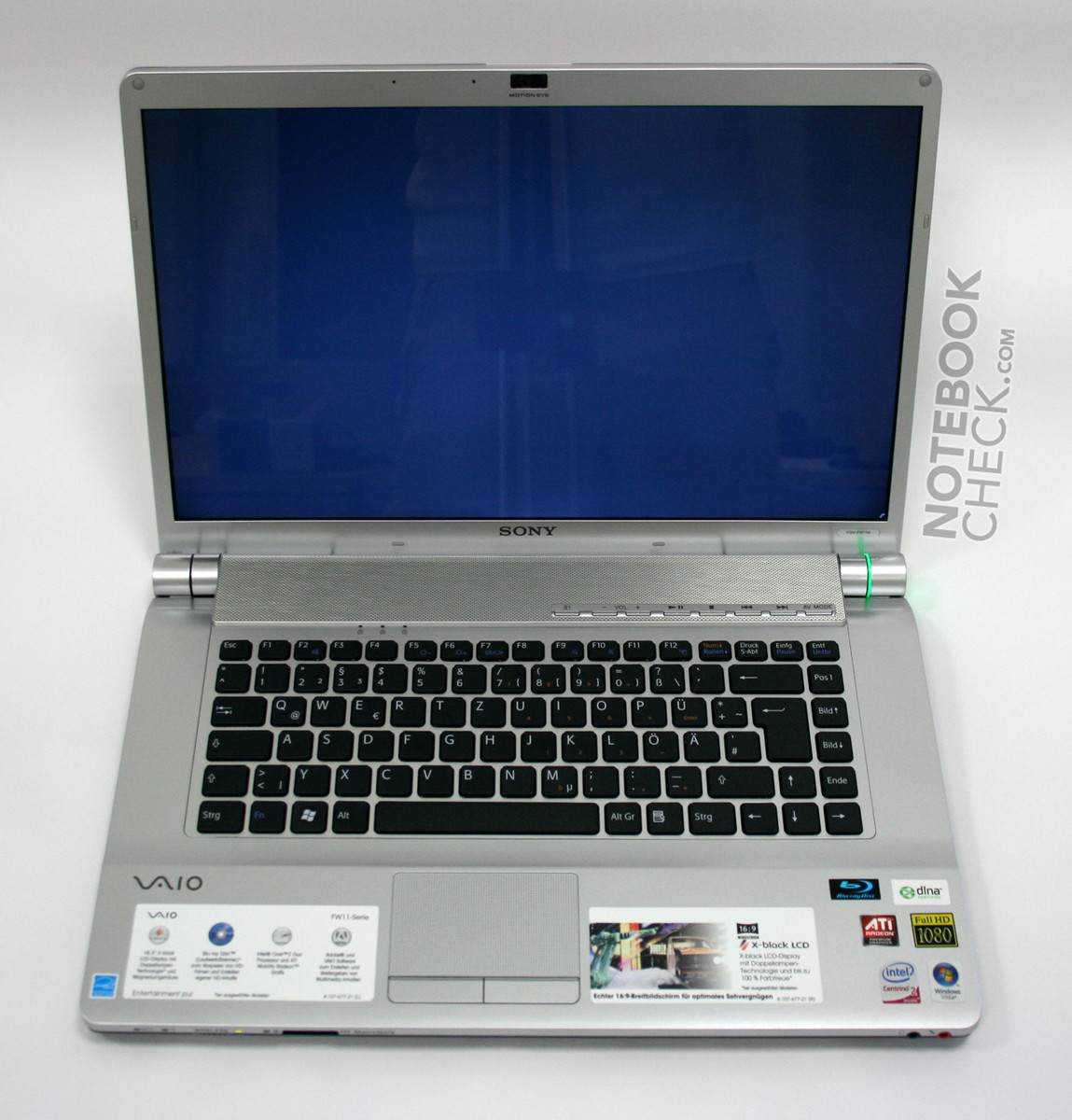
Following Acer, Sony releases their first notebooks with a 16:9 formated 16.4'' screen. The Vaio FW11M is a representative of this new category of notebooks positioned in between 15.4'' and 17'' and thanks to integrated blu ray - tailored for home movies.
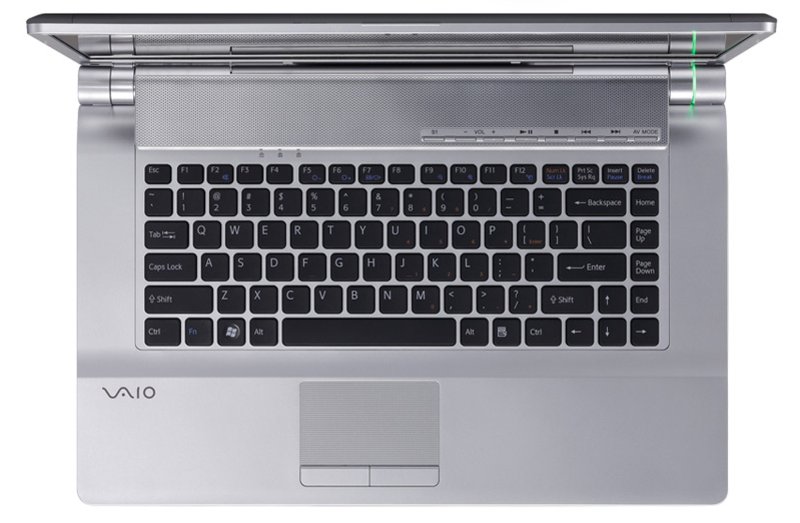
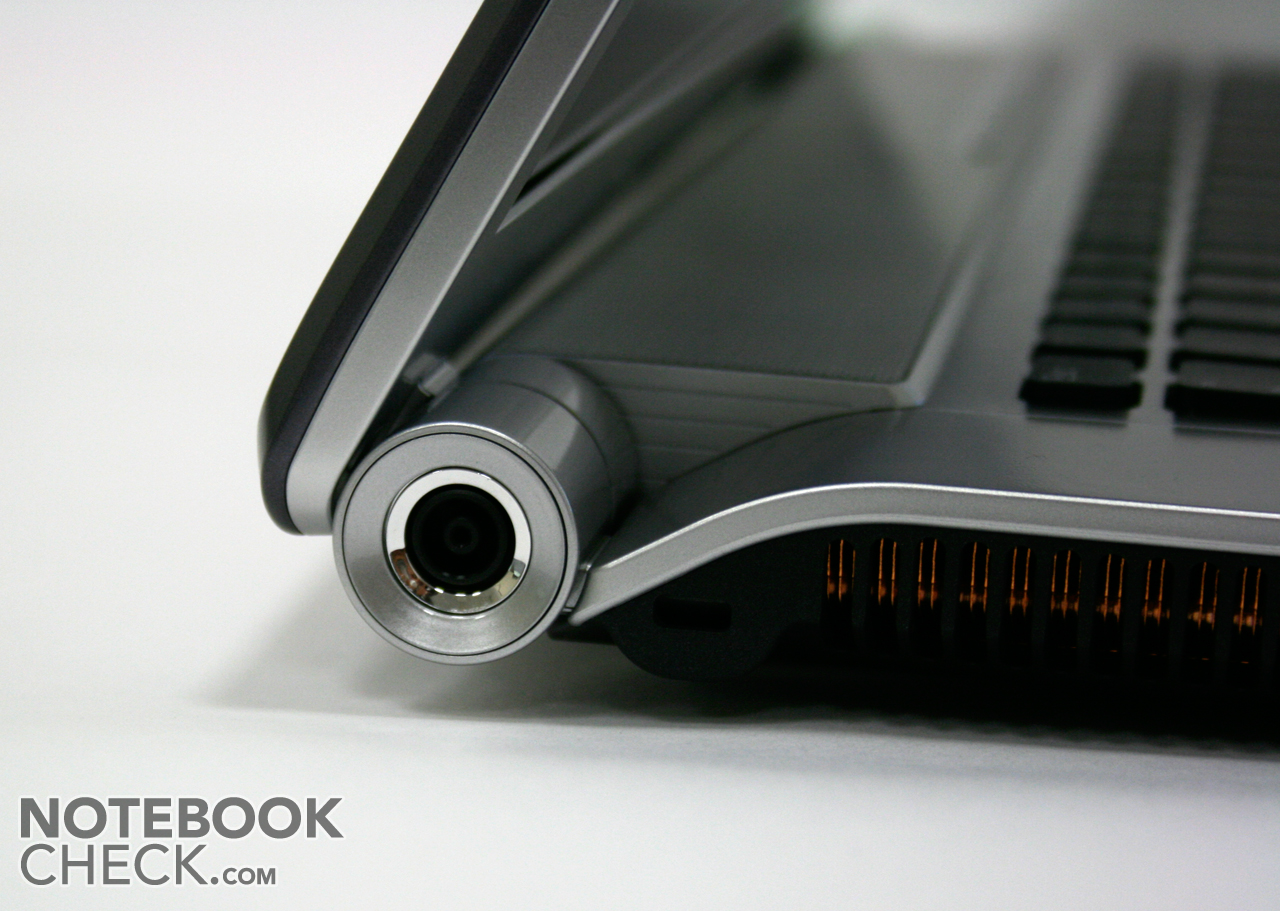
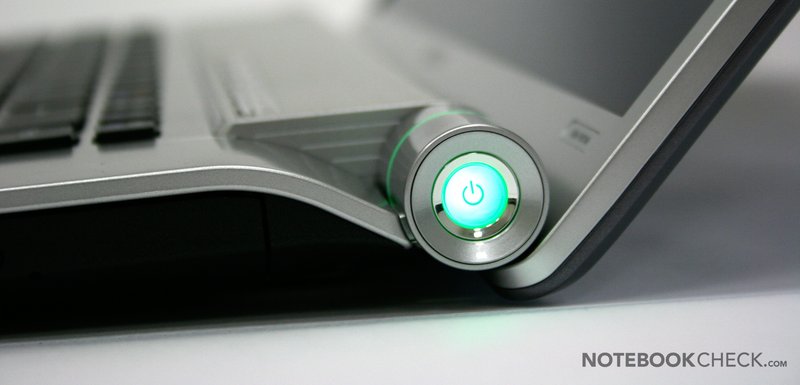
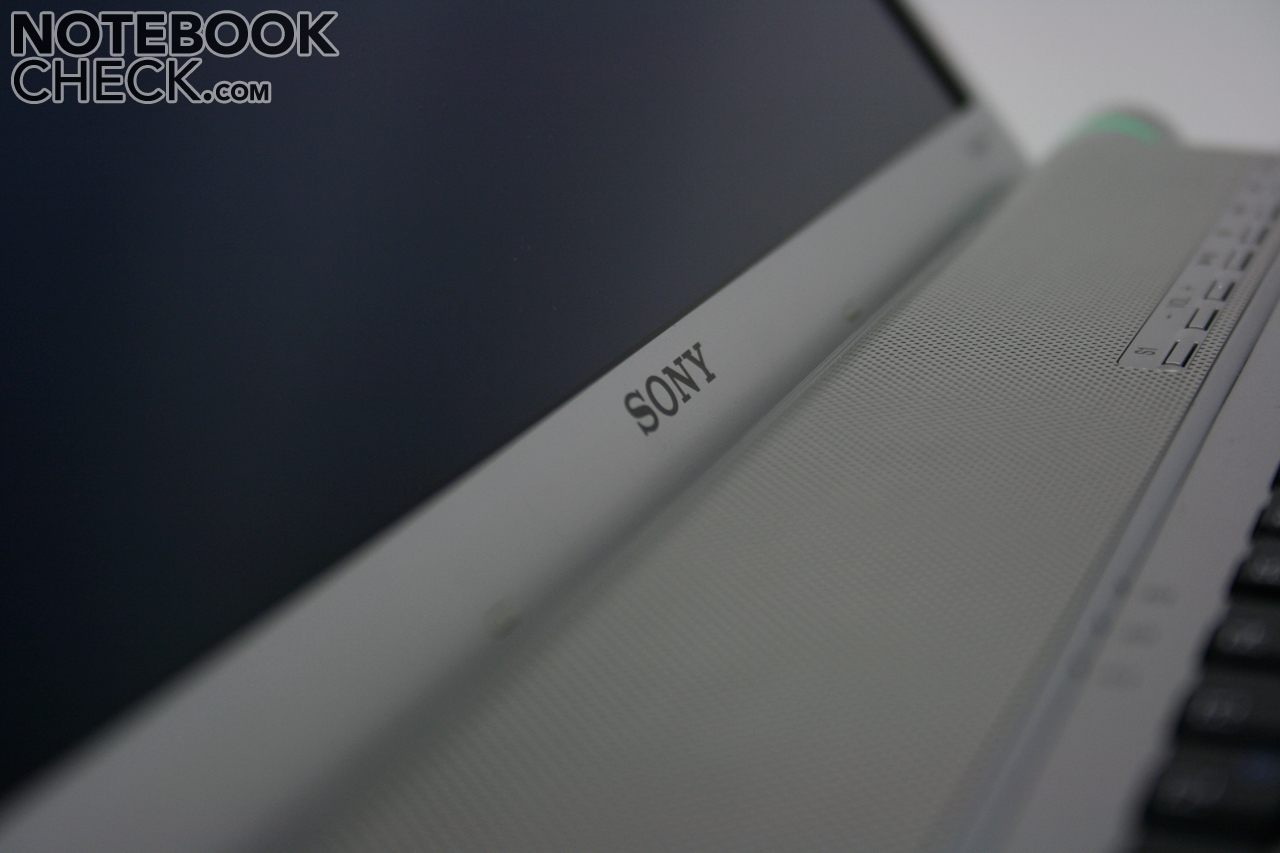
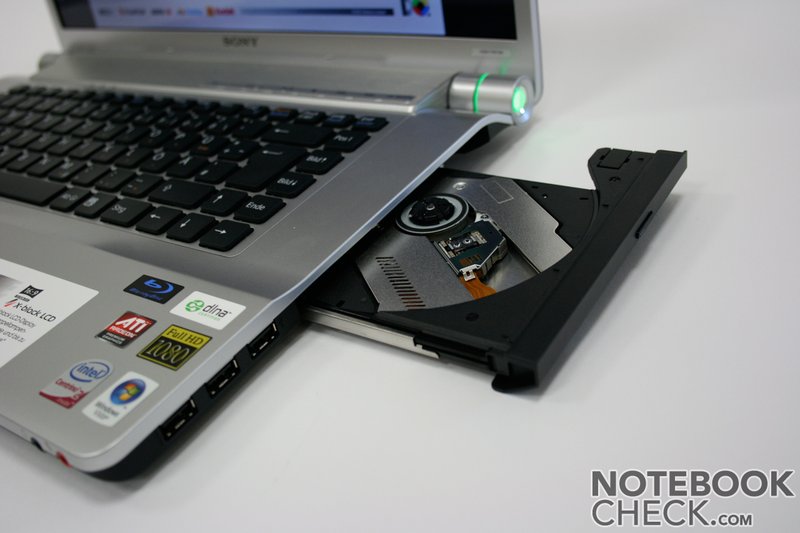
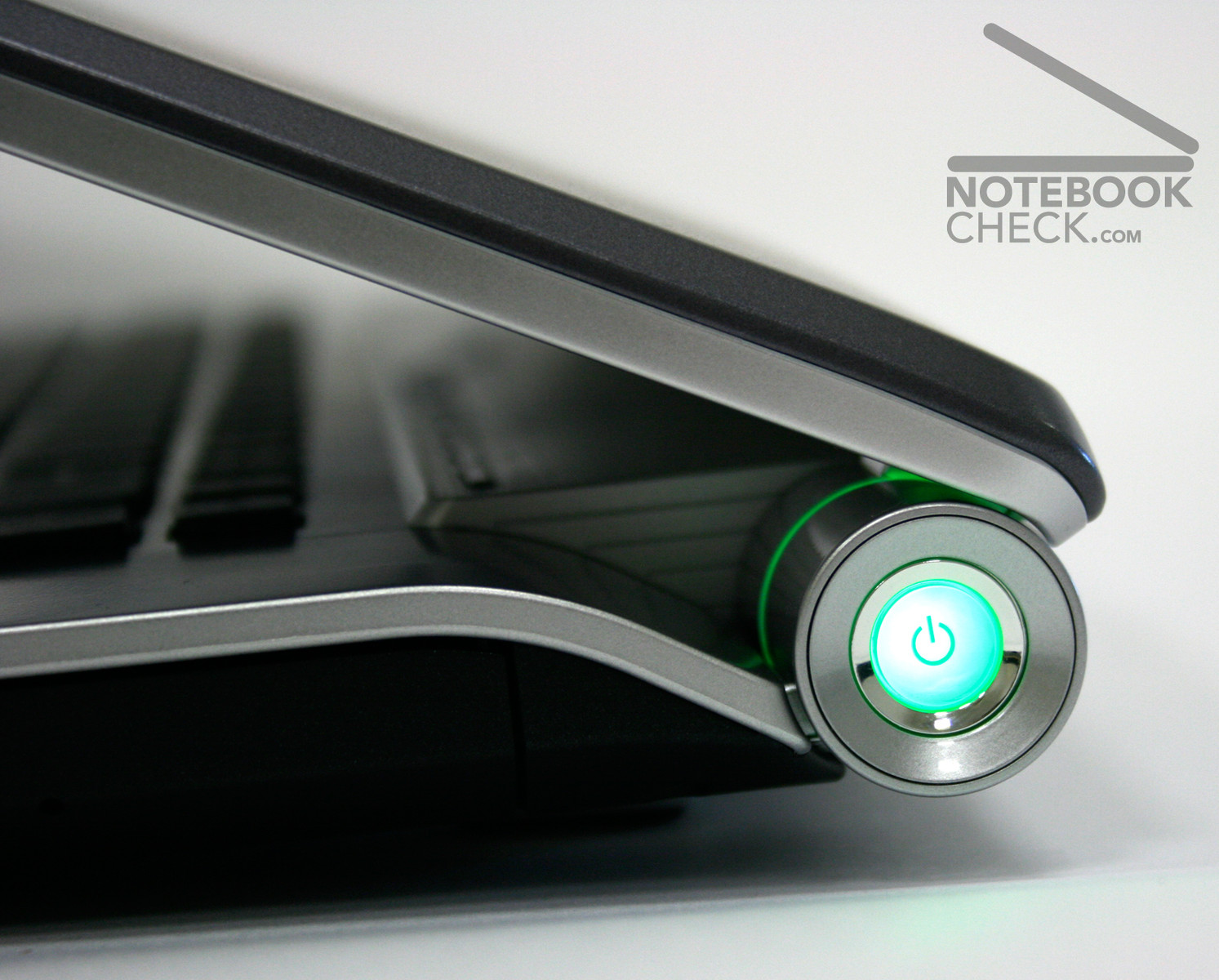
Just like the 16:4 inched Acer Aspire 6920G, the design of the sunken display hinge dominates. Unlike the Acer, in the Sony FW series the ends are optically enhanced and the middle section disappears under the loudspeaker bar. The right end of the hinge stands out through the illuminated power button, which reflects the position of the notebook in different colors.
A further highlight is the keyboard which has, like presently common by Sony, several keys integrated in the case. This looks optically like that of the Apple MacBook Air.
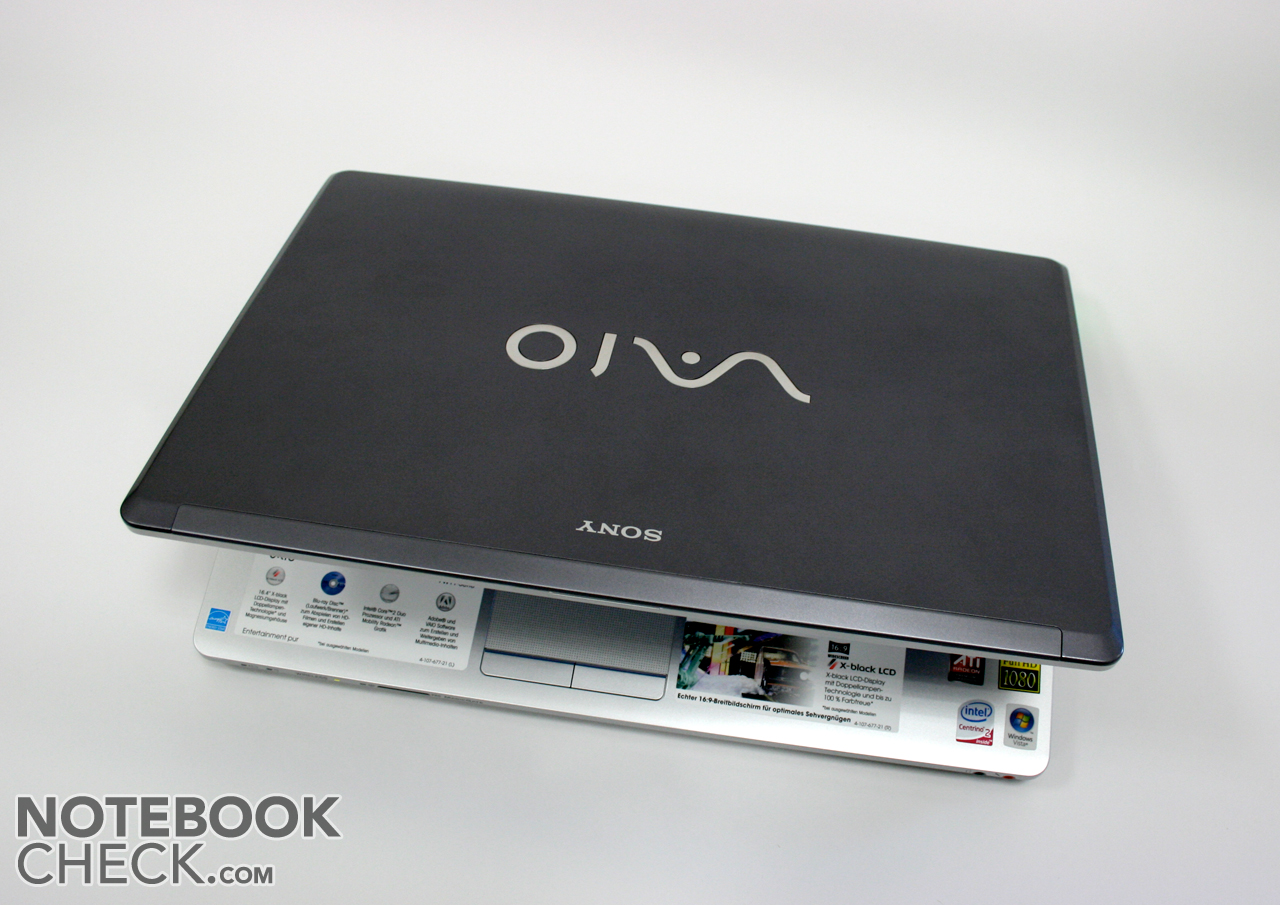
The entire case seems, at first sight, very flat. This is accomplished by the fitted silver top face plate. However, the FW11M does not quite reach the slimness of the Apple MacBook Air Pro.
The workmanship of the Sony notebook is not its strongest aspect. For instance, the material of the wrist support is not of particularly high quality and gives away considerably under pressure. The loudspeaker bar is not very pressure resistant either - especially when the battery ist out - but this, is however, not particularly demanded. A further point of critism is the arising creaking sound when opening the laptop. Many competitors can do this considerably better. There are, however, also positve points in the Vaio case. For example the display lid is extremely buckling resistant and protects the sensitve panel outstandingly. The input devices are also worked well and leave a positive impression.
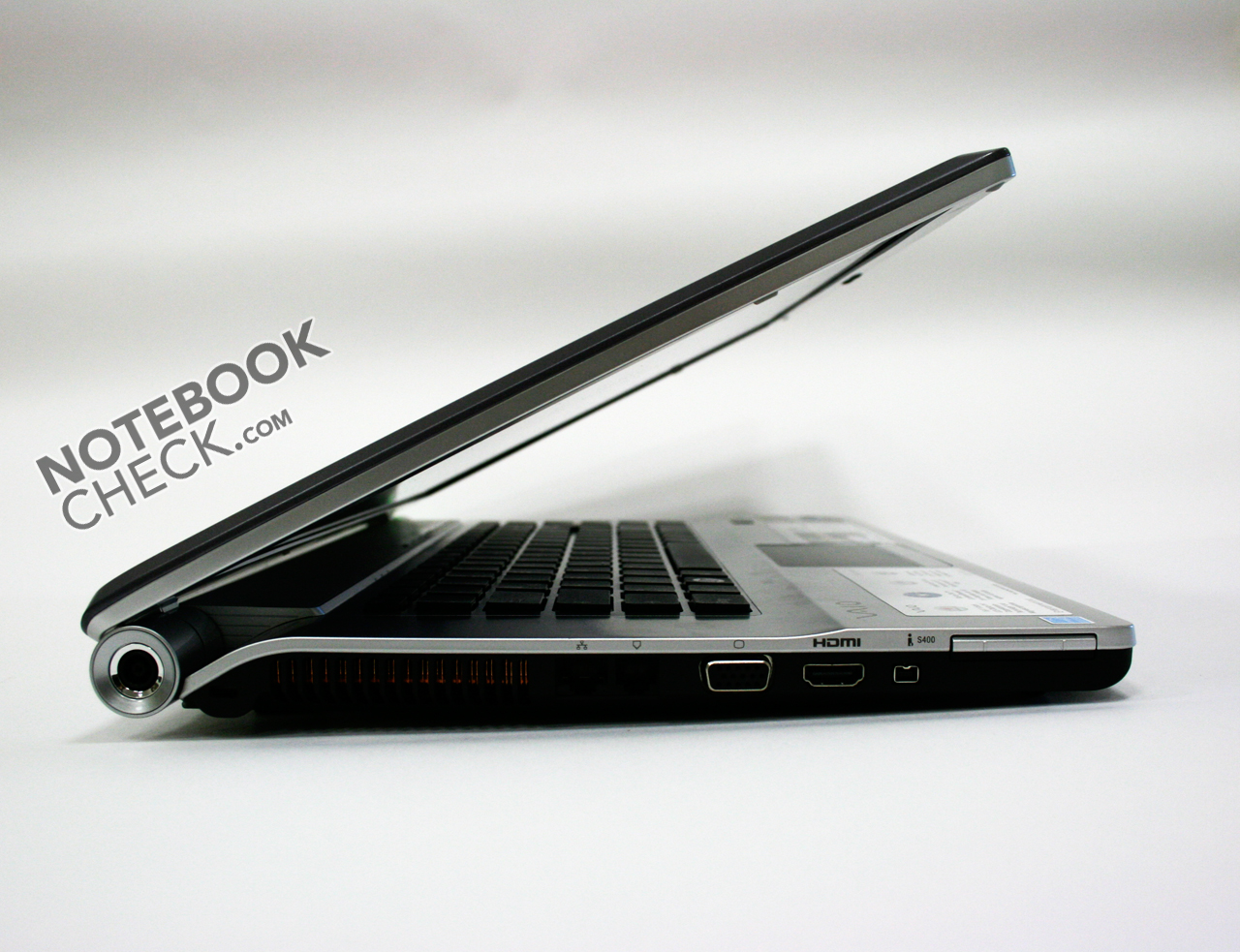
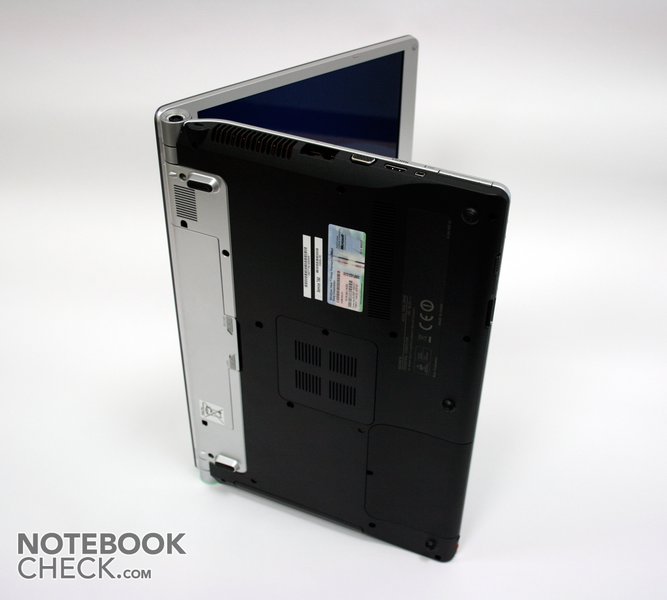
As already mentioned, Sony uses a sunken display hinge in its FW11 series. This has the disadvantage that the maximal inclination angle is limited. The FW11M has no closure latch and therefore one has to be careful during transportation - so that no small parts shove themselves between the display and the keyboard whereas to damage the screen.
CONNECTIVITY
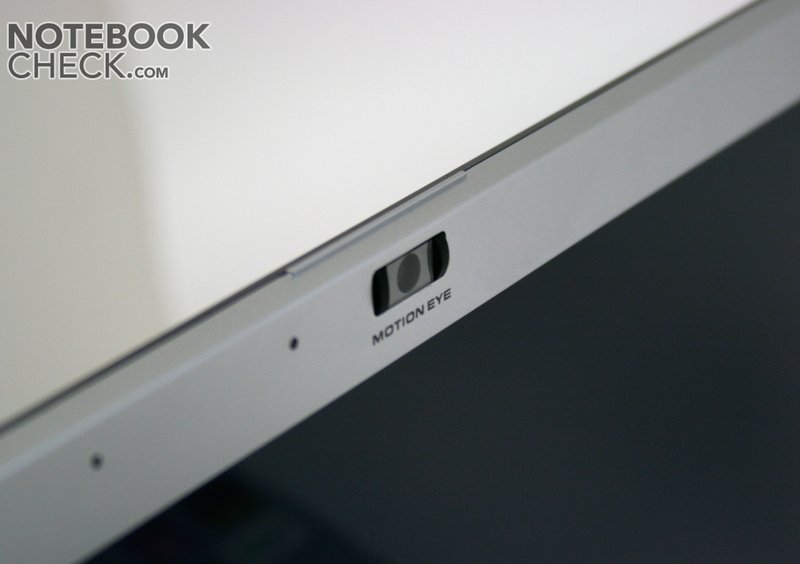
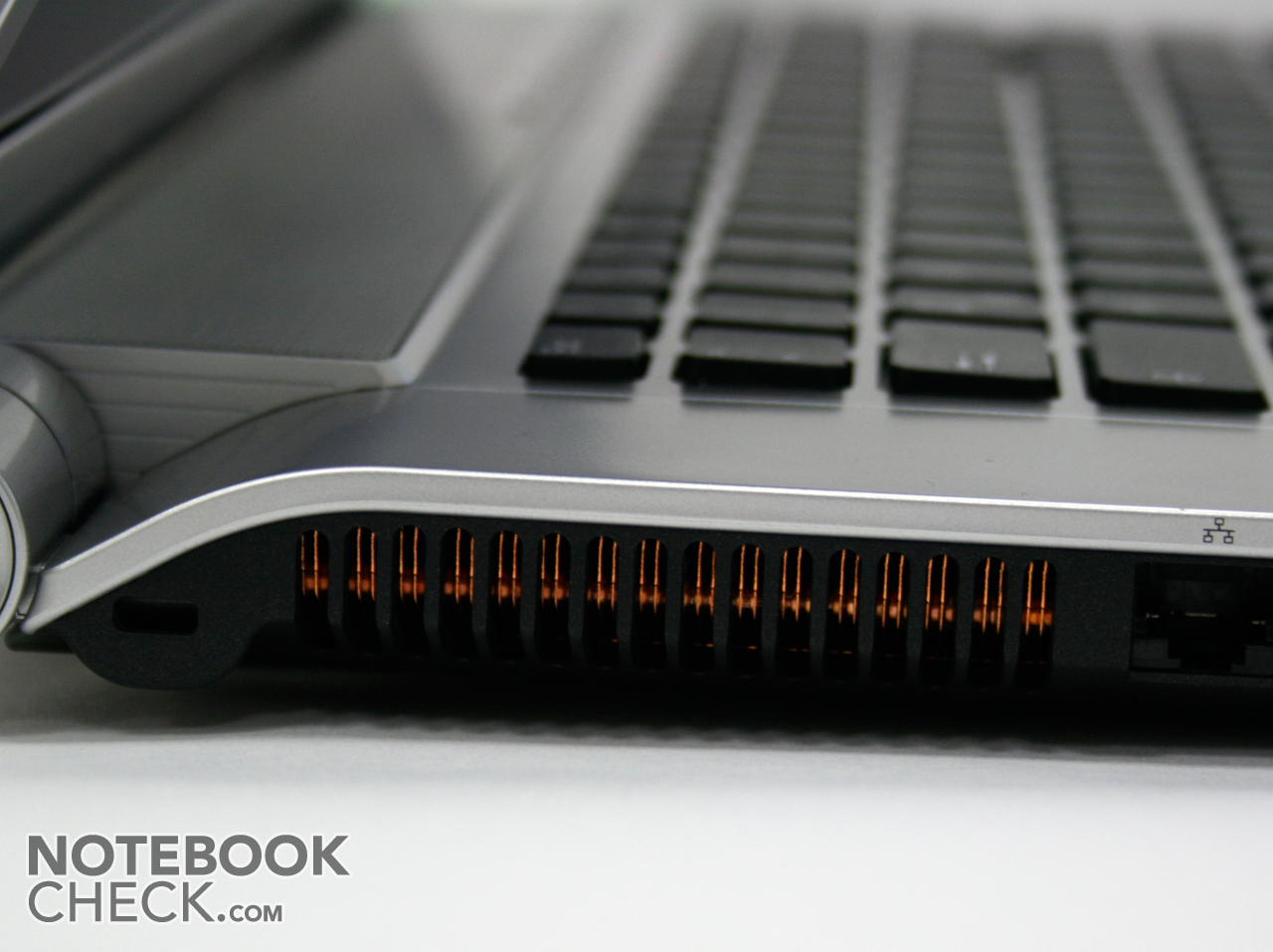
There are as good as no criticism points concerning the port options. Actually the only thing missing is an eSATA connection and a card reader which supports other formats than the built in reading device, as this only works with Sonys Memory Stick (Pro) and SD Cards. The built in HDMI port for digital video and audio signals and the Firewire 400 connection are pleasant. Fitting the multimedia "theme", the FW11 series has the MotionEye webcam with good image quality built in the lid.
The connection order is o.k. to an extent. The single ports are maybe a bit to close to the front edge (especially the 3 USB ports), which could lead to an annoying cable salad.




Sony equips the FW11M with a considerable software package for Audio, Video, photo, and DVD burning. Highlights are Adobe Premiere Elements 4 (video editing), Microsoft Works 9 (Office) and Adobe Photoshop Elements 6 (image processing). Besides that, there is quite a bit of Sony Vaio software included (Music Box, SonicStage Mastering Studio, Media Plus, Movie Story). Also there are a few preinstalled trialware programs (MS Office 2007 and McAfee Internet Security).
INPUT DEVICES
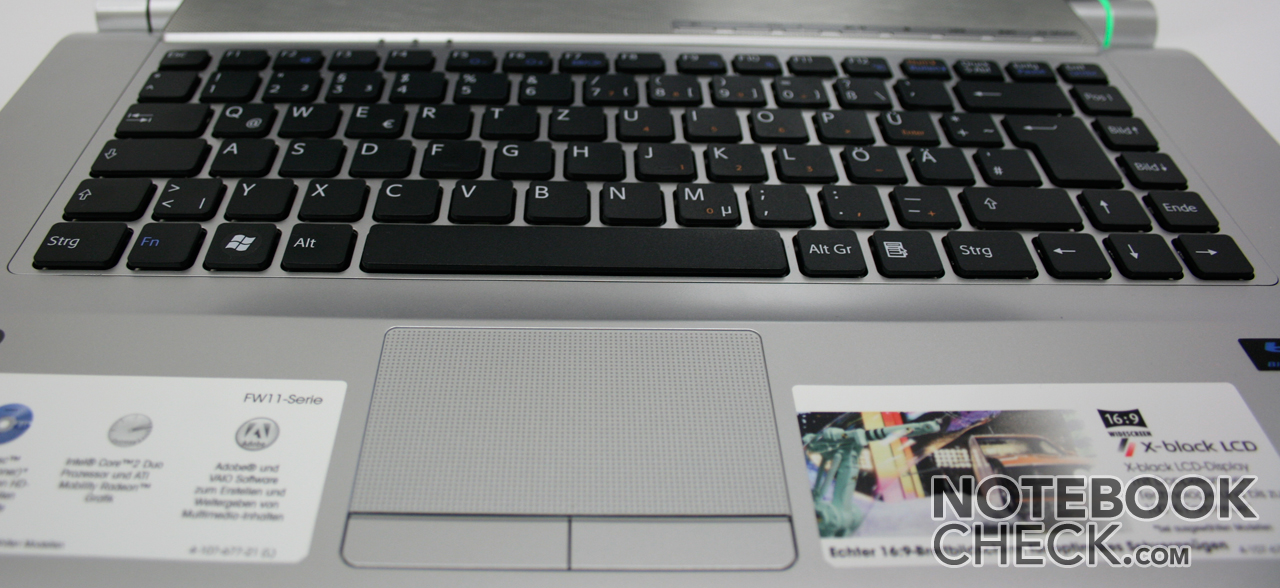
The slighlty sunken keyboard of Vaio FW11M is kept in its single key design like that of the MacBook Air and offers a good layout. The keyboard device is sufficiently fixed in the case and doesn't clatter when in use. The single keys are normal sized and allows a soft stroke. Altogether the keyboard completely pleases at use.
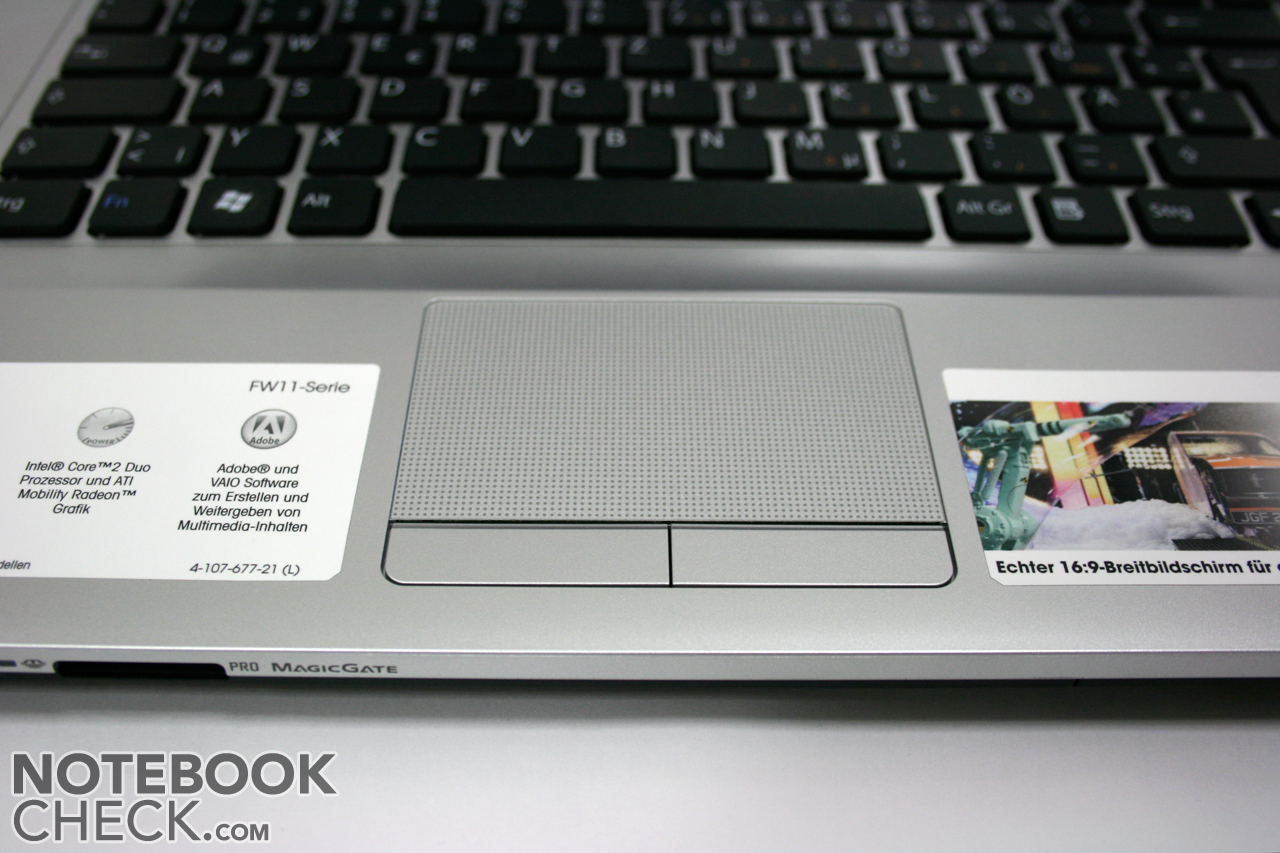
The large touchpad offers good gliding qualities and can be used precisely. The two touchpad buttons underneath are also fixed tightly in the case and offer a good pressure point combined with a very audible click noise.
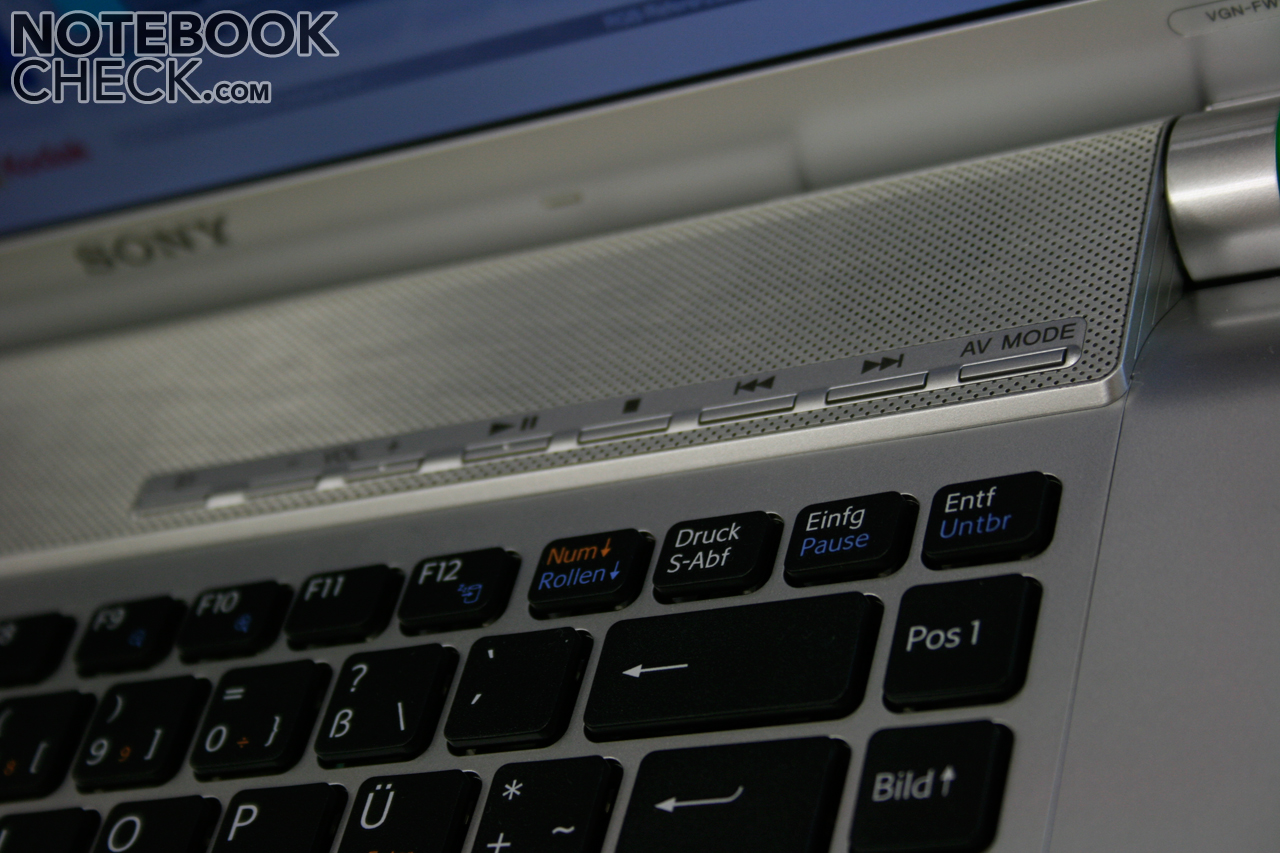
Furthermore, Sonys Vaio notebook offers an extra bar with multimedia hotkeys over the keyboard. This warrants a quick access to the multimedia functions (whereas "mute" is only accessible with FN+F2). Also one can start and use the well thought - out "AV mode" with it, too.
DISPLAY
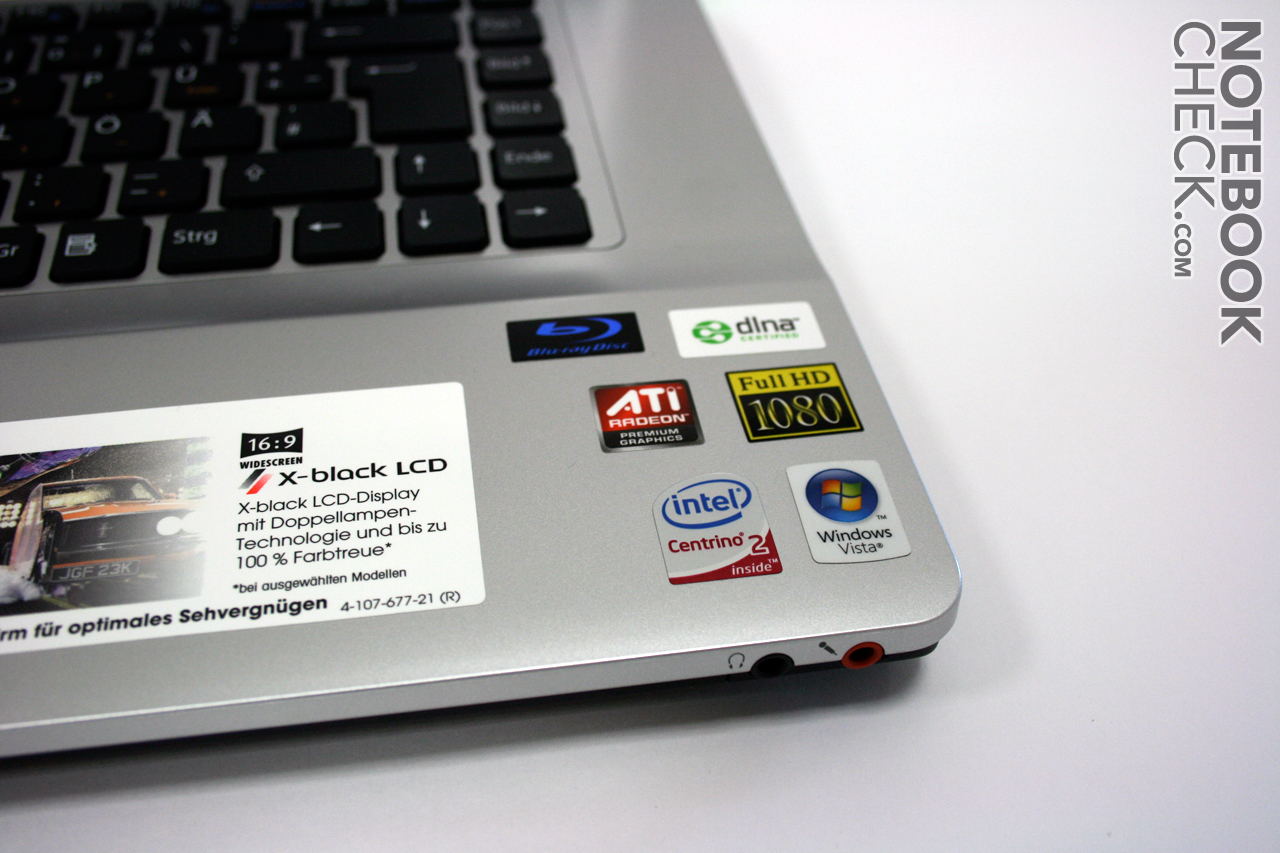
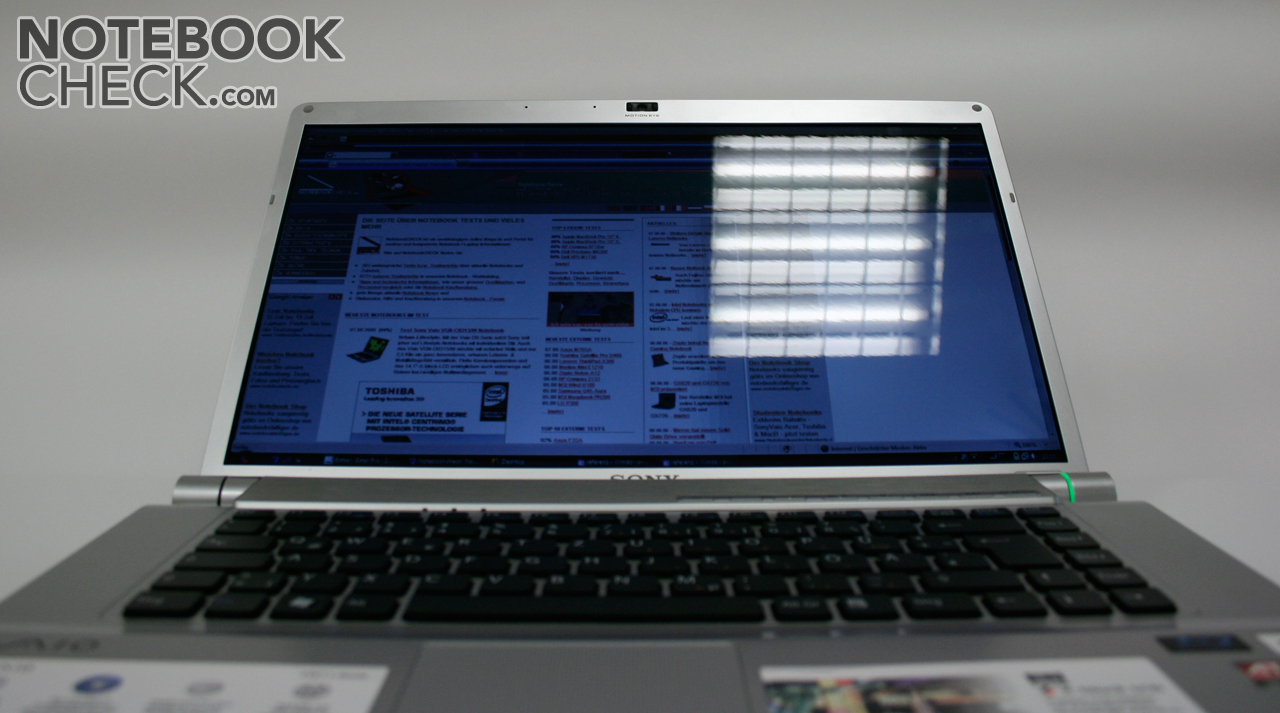
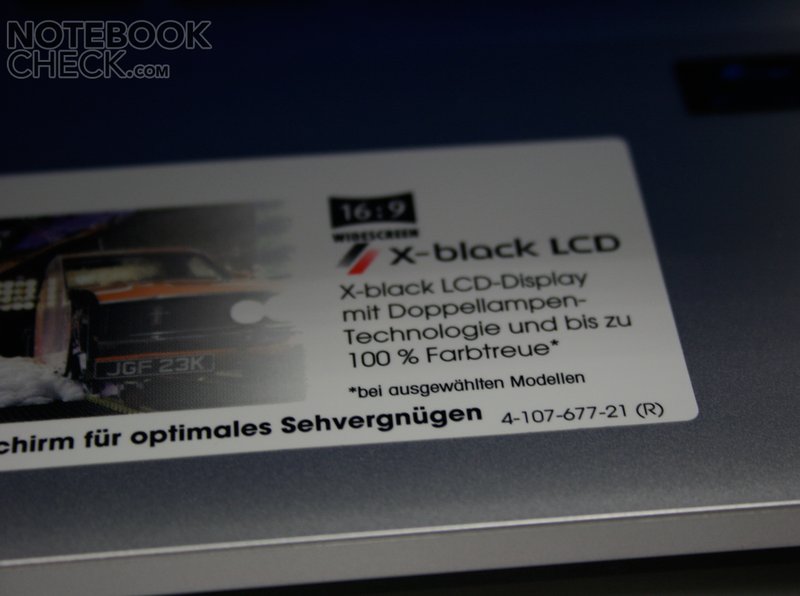
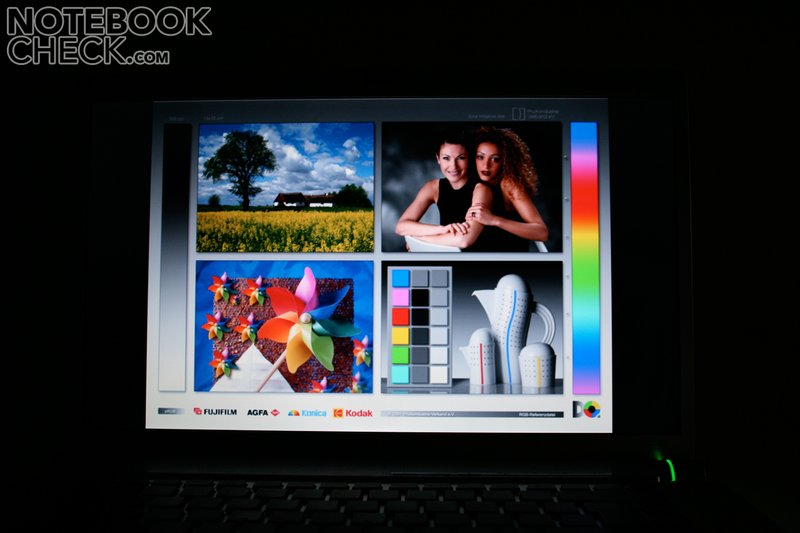
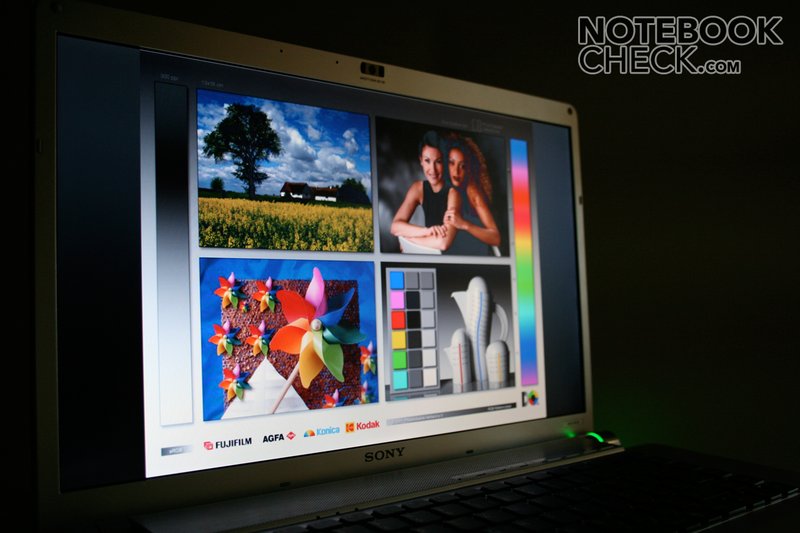
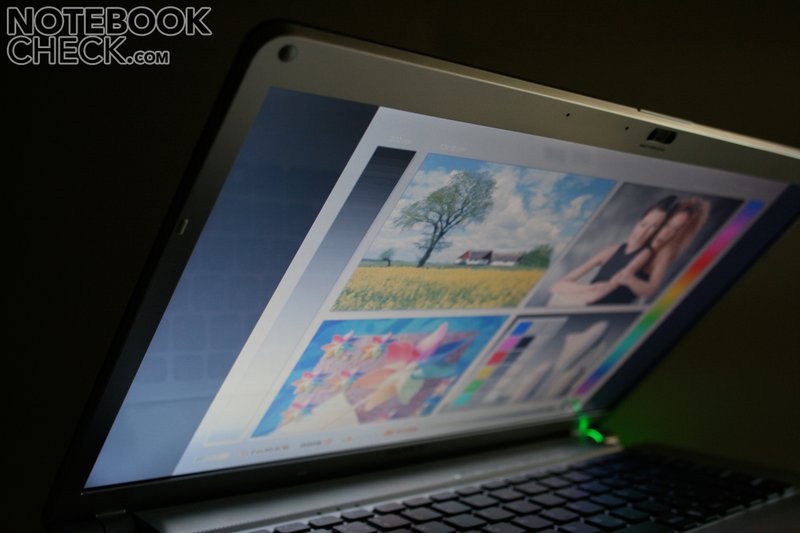
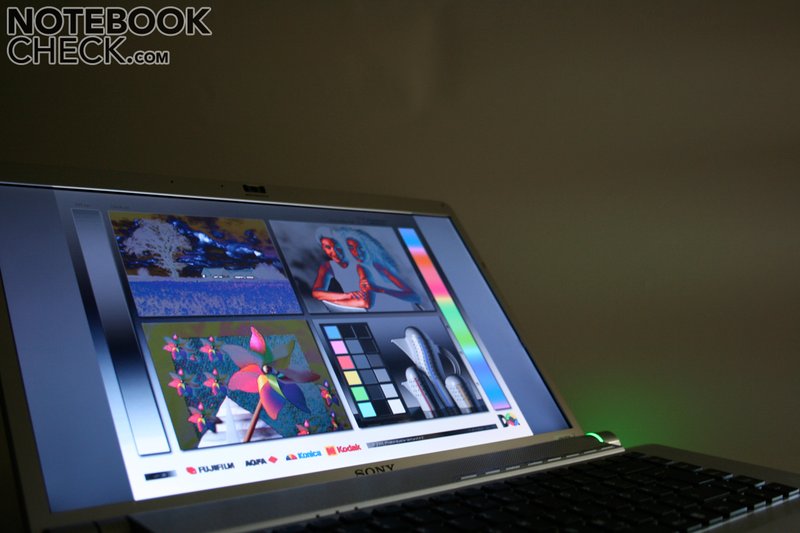
We were curious about the new 16.4" wide screen in 16:9 format (up till now 16:10 is usual). A sticker on the notebook lures with the description "Dual Lamp Technology". A smaller * weakens the promise with the supplement "... selected models only". Unfortunately, the VGN - FW11M does not belong to these selected models. The user must therefore be content with only one background light. The consequence of this "economizing measure" is the considerably weaker brightness of the display. Averagely we could only measure 146 cd/m² (136:1 at maximum contrast). This, with the reflecting traits of the display surface suffices for not too light interiors. According to external tests from other media the models with Dual Lamp Technology shine up to 360 cd/m². The constant high resolution of 1600x90 pixels offers the user a broad desktop and a good overview.
Nonetheless, the image makes a good impression, although it seems a bit lutescent. Skin colors were regiven acceptably. The grey gradient comes across a bit stepped, though.
| |||||||||||||||||||||||||
Brightness Distribution: 74 %
Contrast: 127:1 (Black: 1.35 cd/m²)


PERFORMANCE
Somewhat was also saved in the performance of the FW11M. In comparison with the more expensive models, a weaker processor and a weaker graphic card have been used. In our case the Intel Core 2 Duo P8400 with 2.26 GHz an a 3 MB L2 cache has been installed. The Penryn already belongs to the newest CPUs manufactured in 45nm with an FSB1066 and should deliver enough performance for most applications.
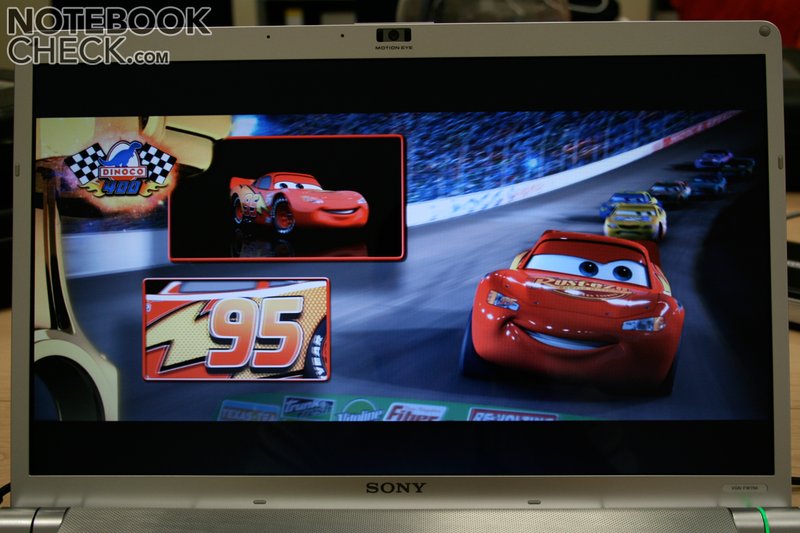
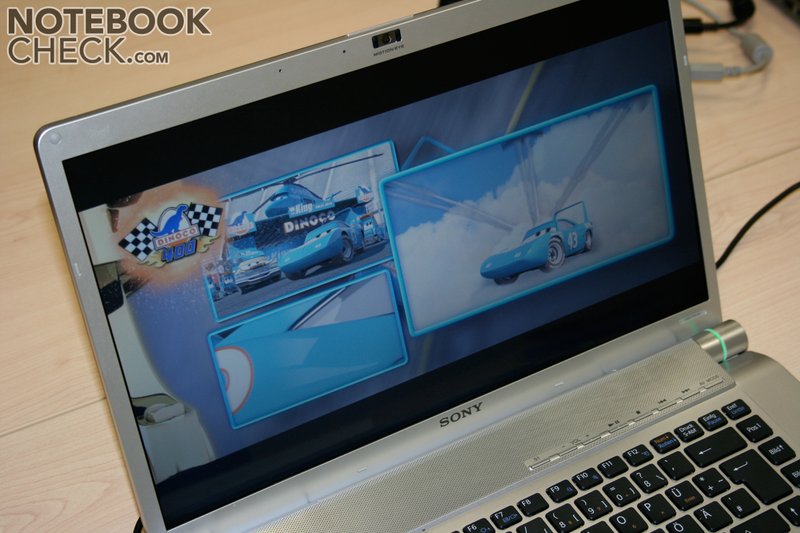
The built in ATI Mobility Radeon HD 3470 is rather the weak point at games. As a graphic card for beginners it is only suitable for restricted gaming pleasure. Up-to-date games are only smooth with low detail settings. Even older games like F.E.A.R. can only be played smoothly with a middle detail setting. The advantage of the HD 3470, is however, the integrated video decoder Avivo HD. The graphic chip can relieve the CPU in the decoding of high density videos. In the test the CPU remained by the blu ray film "Cars" at merely 15 - 22 %.
The Sony FW11M gets a small devaluation from us since neither the 3D Mark 06 nor the PC Mark 05 started.
For Office, image processing and unpretentious video editing, Sony offers sufficient performance reserves, thanks to the 4 GB RAM on board from which on 3 GB are useable in the 32 Bit version of Vista.
| PCMark 05 Standard | 4865 points | |
Help | ||
| 3DMark 05 Standard | 4865 points | |
Help | ||
| F.E.A.R. | |||
| Resolution | Settings | Value | |
| 1024x768 | GPU: max, CPU: max, 0xAA, 0xAF | 38 fps | |
| 640x480 | GPU min, CPU min, 0xAA, 0xAF | 271 fps | |
| Cinebench R10 | |||
| Settings | Value | ||
| Shading 32Bit | 601 Points | ||
| Rendering Multiple CPUs 32Bit | 3257 Points | ||
| Rendering Single 32Bit | 1760 Points | ||
The built in Hitachi HTS542525K9a serial ATA disc with 250 GB belongs to the average speed notebook hard discs. Where the hard disc performance is particulary important, it is advisable to exchange the Hitachi with a quicker HDD - model.

LOUDNESS
Our volume measurements were constrained. The test was executed in an air conditioned room which unfortunately had a ambient noise of about 38dB. Because of this, it is not possible to say too much about the minimal system noise.
The fans of the Vaio VGN FW11M sometimes run in static condition but have to be classified as audibly low. During activity the fans got a bit louder, in which we sometimes distinguished a slight pulsating noise. This could be a disturbance in quiet surroundings.
TEMPERATURE
The temperature of the case from the FW11M always remained in an unproblematic level at all times. Even the important wrist supports stayed by 29°C or respectively 31°C almost cool. The maximal temperature of 42.9°C on the bottom side can't yet be called critcal, either.
(+) The maximum temperature on the upper side is 36.2 °C / 97 F, compared to the average of 36.8 °C / 98 F, ranging from 21 to 71 °C for the class Multimedia.
(±) The bottom heats up to a maximum of 42.9 °C / 109 F, compared to the average of 39.1 °C / 102 F
(+) The palmrests and touchpad are reaching skin temperature as a maximum (33.5 °C / 92.3 F) and are therefore not hot.
(-) The average temperature of the palmrest area of similar devices was 28.7 °C / 83.7 F (-4.8 °C / -8.6 F).
SPEAKERS
For a mobile cinema like the Vaio notebook, the loudspeaker quality is of utmost importance. The built in stereo loudspeakers can only convince partially in this discipline. Due to the lack of a subwoofer, we missed the audible basses in the test. Besides that, the maximal volume could prove to be too quiet for film viewing. The sound is, however, o.k. in consideration of the size of the notebook.
BATTERY LIFE
The relatively small 53 Wh lithium ion battery in the FW11M held for about 1.5h under full performance. The battery life should be considerably higher in normal application scenarios.
CONCLUSION
The Sony Vaio VGN FW11M is one of the low priced models of the FW11 series. One can overcome the saving of the blu ray ROM writer (there is "only" a ROM drive built into the FW11M) conscience - proof. The missing second background light, however, leads to a Sony-atypical dim image. Especially by films one would wish for a bit more brightness (except in darker surroundings). The light reflections in luminous surroundings also disturb on the panel. The only thing left is the high resolution and the beautiful color of the 16:9 display.
As in the case of all models of the FW11 series, the FW11M is affected by a mediocre workmanship. One has to accept the creaking sonds and the yielding wrist supports.
Of course there are also some positve aspects to this Sony mulitmedia laptop. For instance, an extensive software package for music, videos and photos. The emissions, typical for Sony, are rather minor.
Gamers and users who want to use the notebook outside should pick one of the stronger models with Dual Lamp Technology (e.g. FW11ZU).
Many thanks to MediaMarkt Wels, who kindly provided us with the reviewed notebook. You can buy this notebook here.
 Add as a preferred source on Google