Review Samsung Q45 Notebook
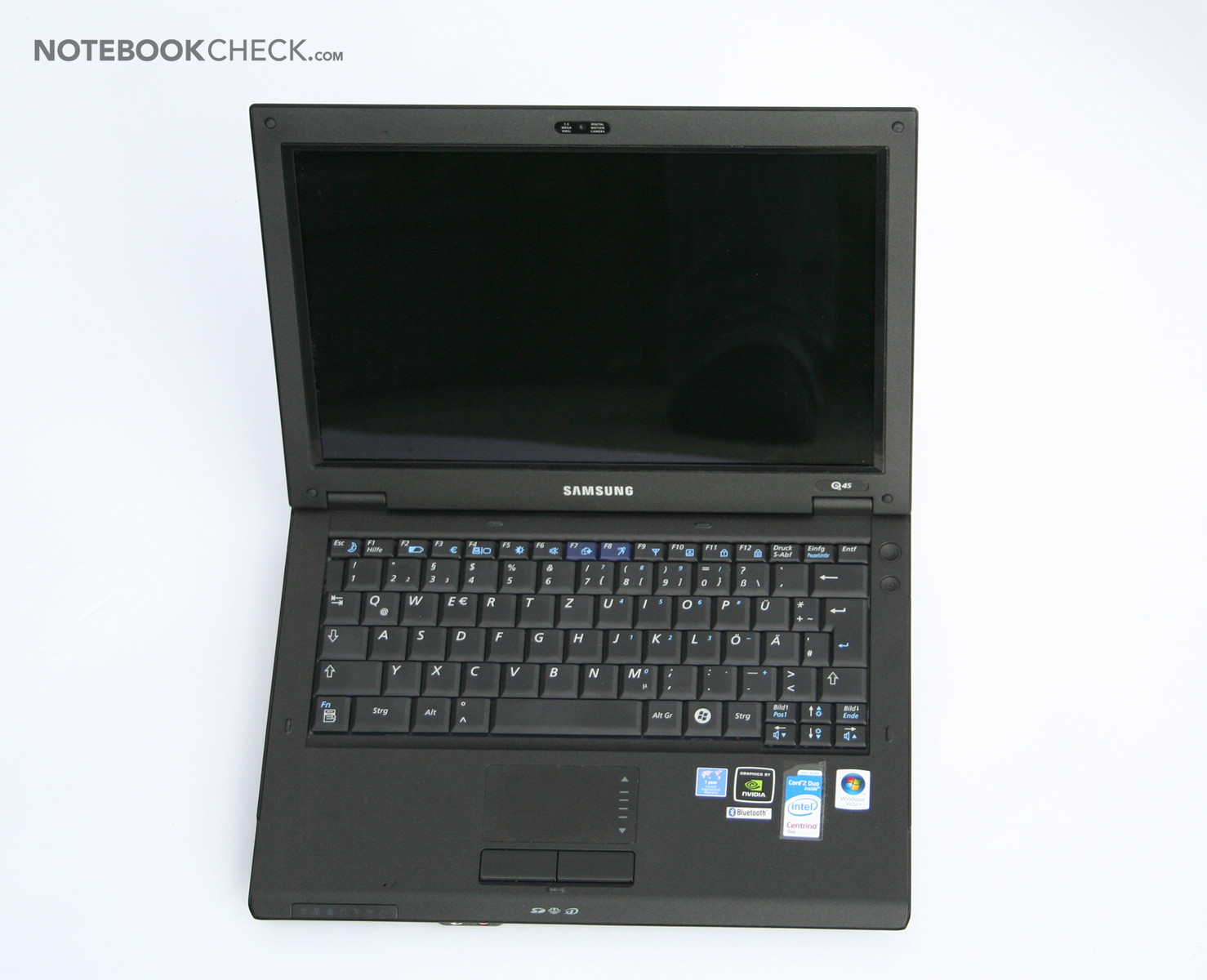
The Samsung Q45 Aura T7100 Damali is top equipped with 200 GB hard disk, 2 GB main memory and Nvidia Geforce 8400M GS with 256 MB. It takes the lead of the 12.1" class. It seems to be a real insider tip, because of its real dumping price, good equipment, good looking design. Unfortunately, Samsung follows the new trend, which should actually be boycotted. Just read more about it in this review.
Case
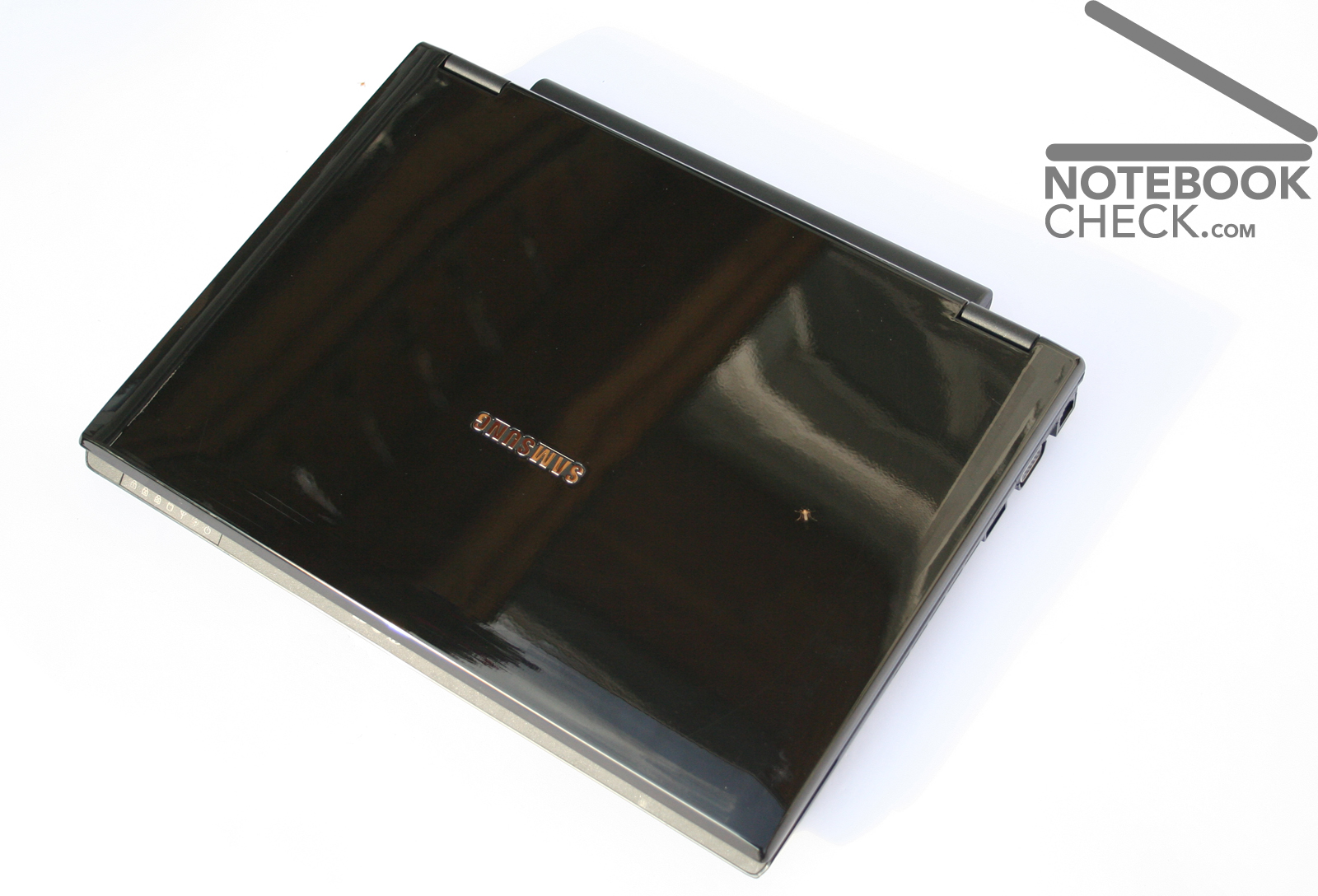
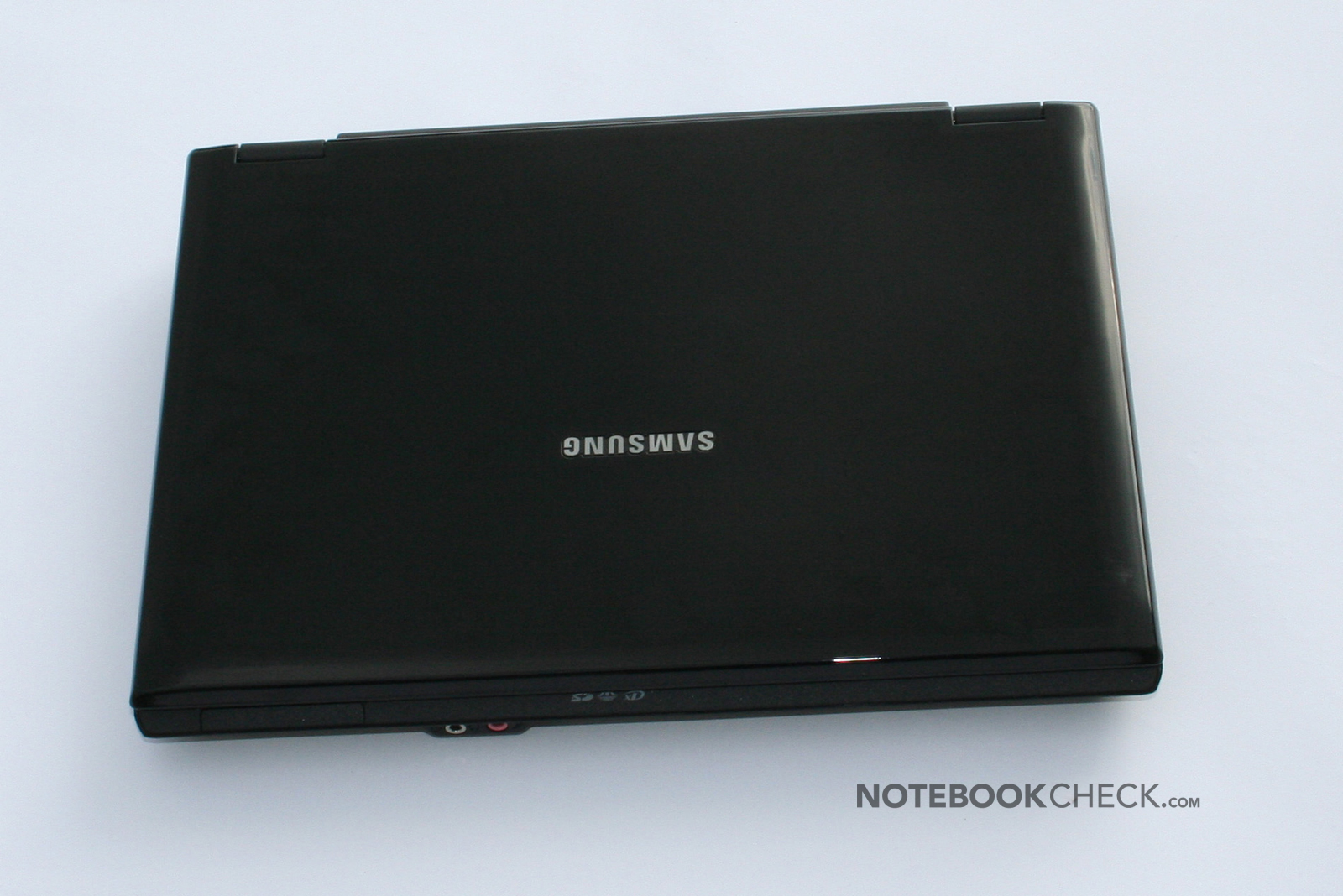
Let's leave workmanship, equipment, pressure resistance etc. aside and get to the point: Whose idea was it to coat a notebook with a glossy surface? Five minutes after we removed the plastic film, the cover was littered with fingerprints and dust. We used a whole kitchen towel up for the pictures to this article. Unfortunately, some designers seem to have completely lost their sense for practice, just to represent glossy surfaces in advertisements and web-pages. These glossy surfaces neither improve haptics nor are there any functional advantages, furthermore, their appearance suffers from fingerprints, and also every scratch can be clearly seen. Unfortunately, not only Samsung follows the trend to glossy surfaces: Toshiba, HP, Nexoc. All join in. Even my Nintendo DS Lite always looks so dirty. Dear producers: Glossy surfaces are too sensible for use with mobile devices like mobile phones, notebooks, or handheld PCs. Now, let's vent some of my wrath about glossy surfaces on another notebook. Otherwise, there is no more room for the Q45's positive aspects:
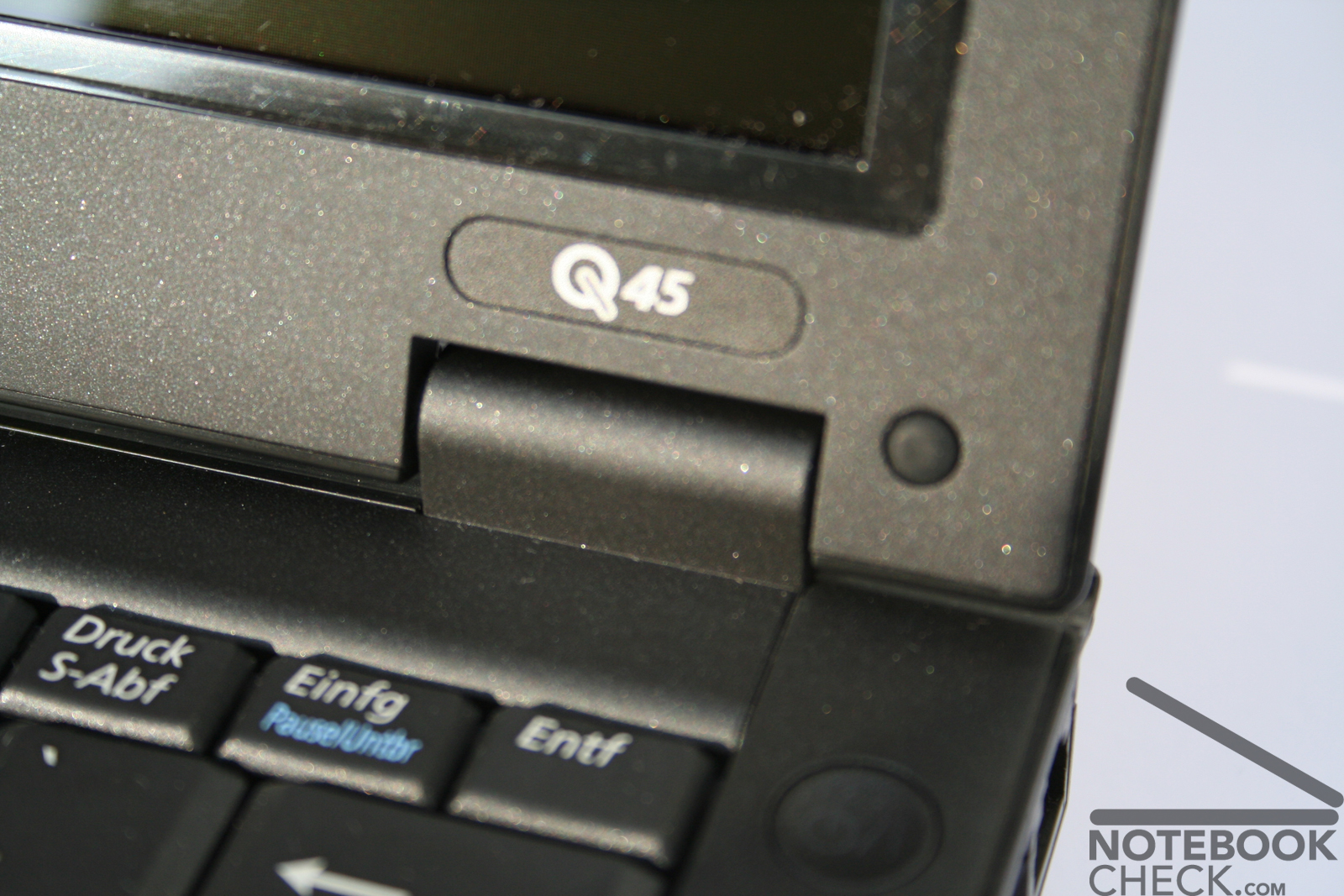
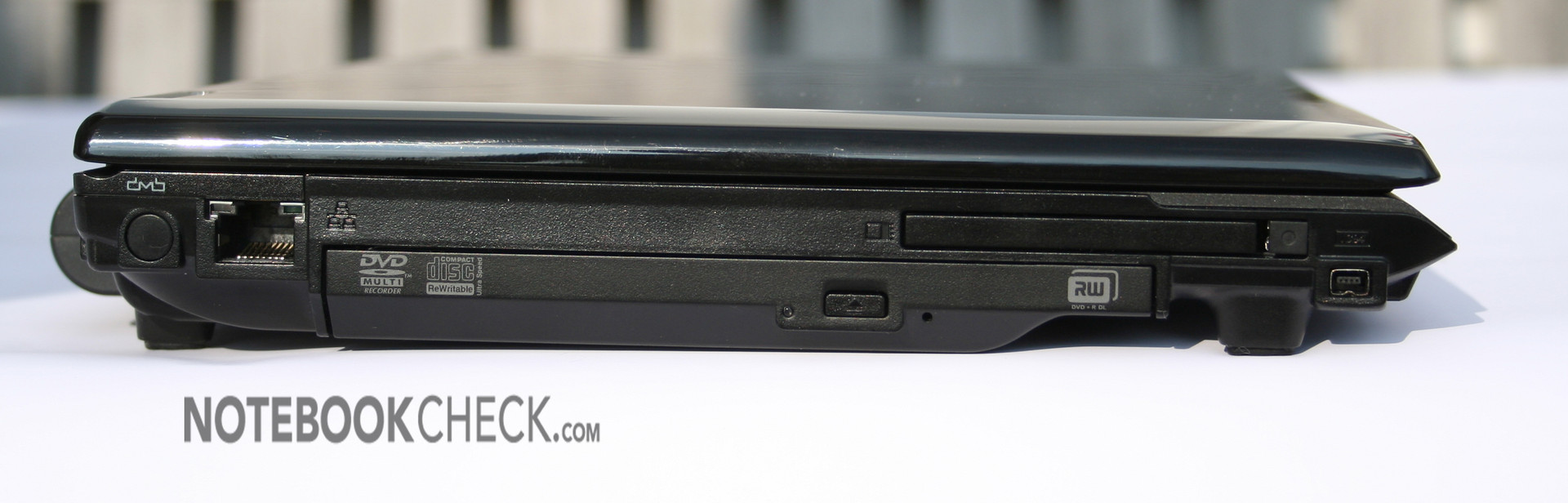
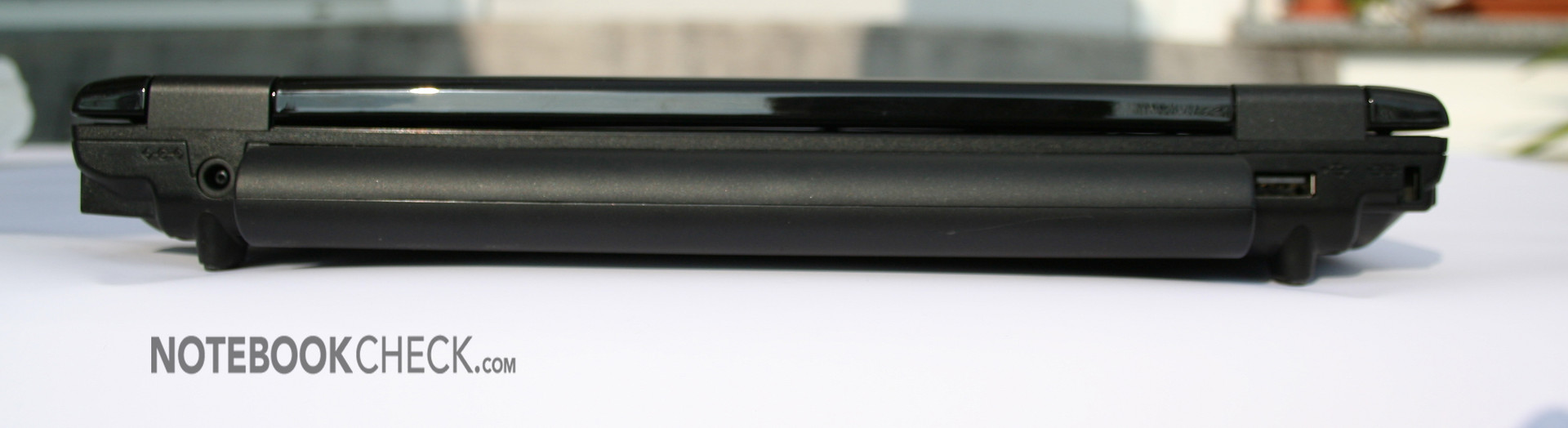
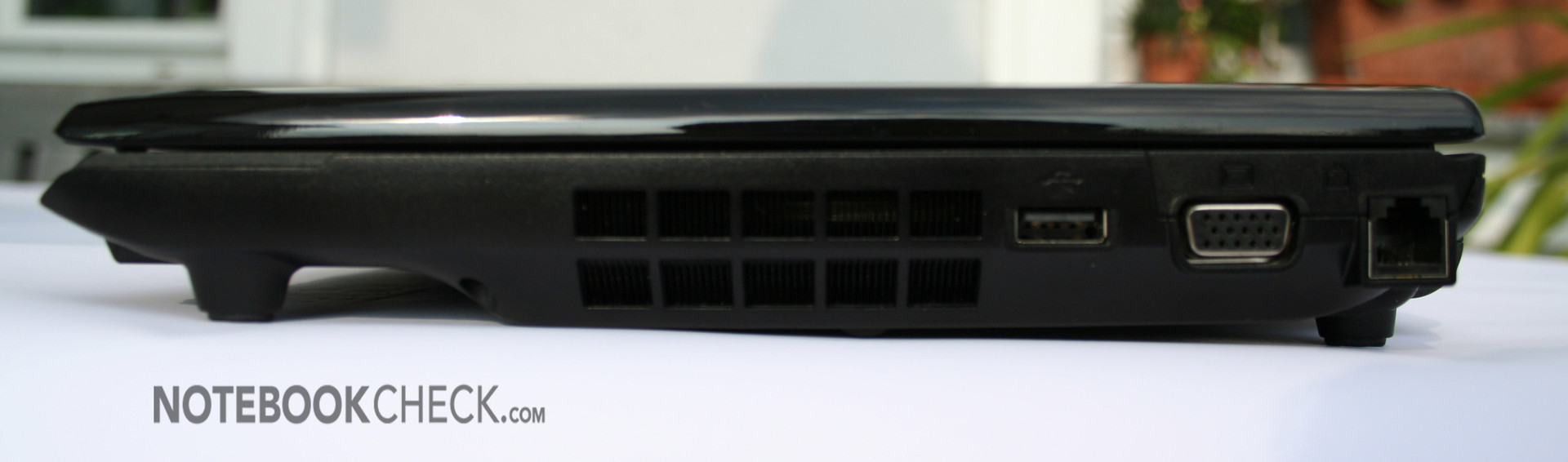
We were pleased by stable hinges, a LED-battery charge status display, and a simple, pleasing design. The battery is not used as foot, so the notebook also stands balanced without battery. Unfortunately, this notebook is very sensible to pressure. It's easily possible to push the palm rest areas about 1 cm into the case. The flexural rigidity is average.
Input Devices
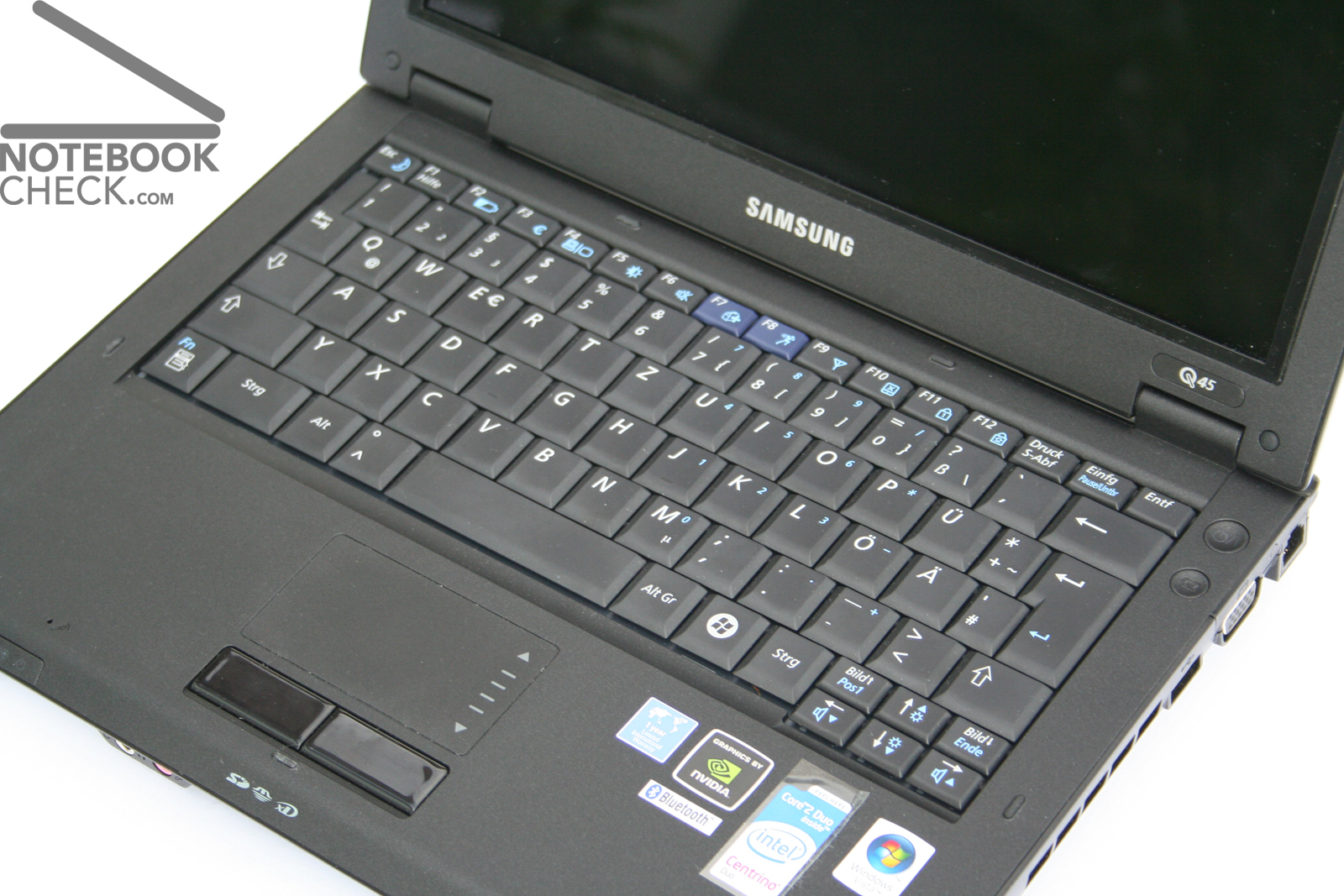
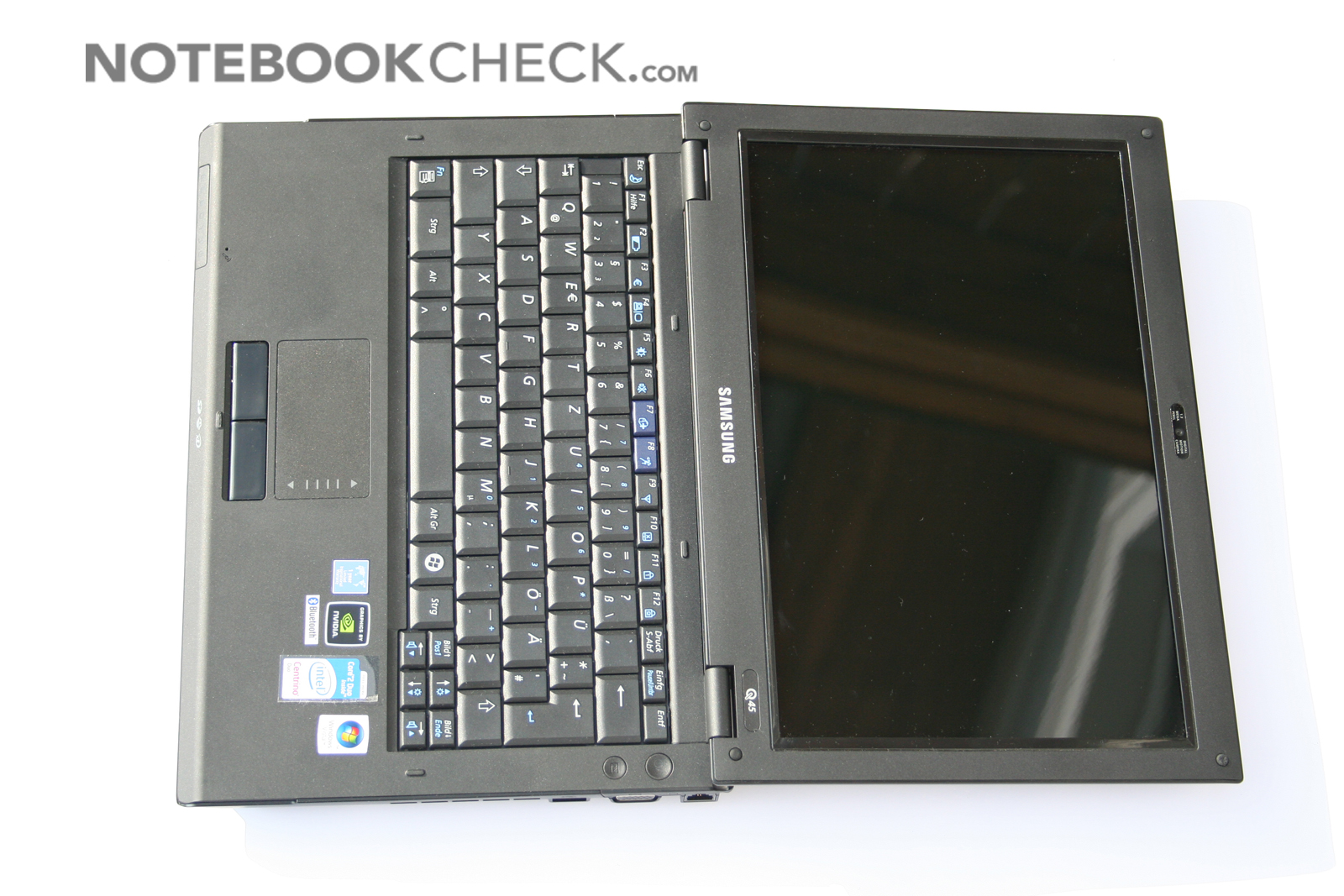
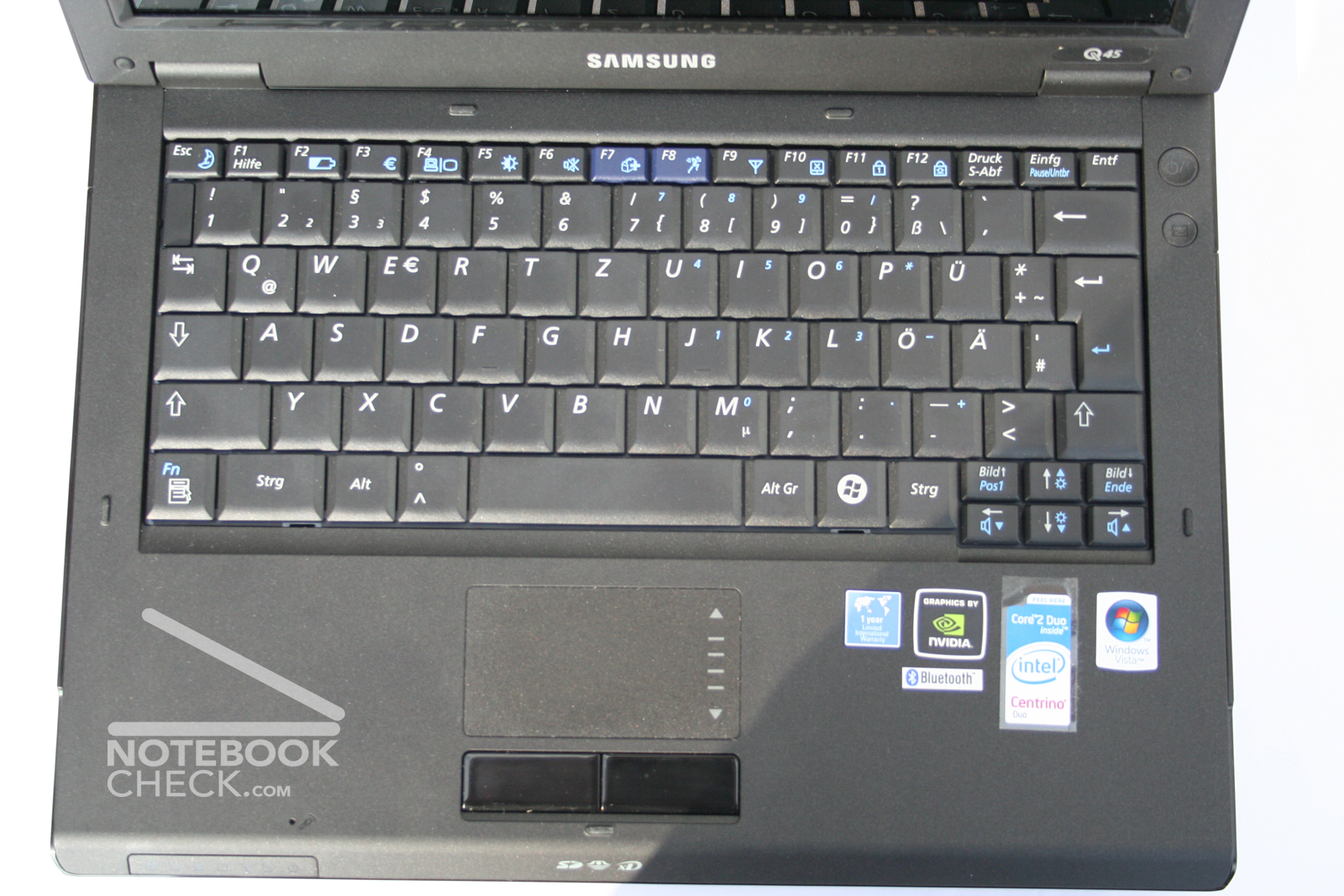
One of the strengths of the Q45 is its keyboard, which is well worked up. Typing is very soft with a clear point of pressure and it is always quiet and does not clatter. So, it is perfect for all who write much. However, first you must get accustomed to its layout: The right shift key is too small and too far right. So, you'll again and again hit the < key, which is located between shift and -, when typing in the ten finger system. Furthermore, there is only one Windows key at the right and the Fn key is left beside the Ctrl key. The cursor keys are rather small, in turn the enter key is ideally big.
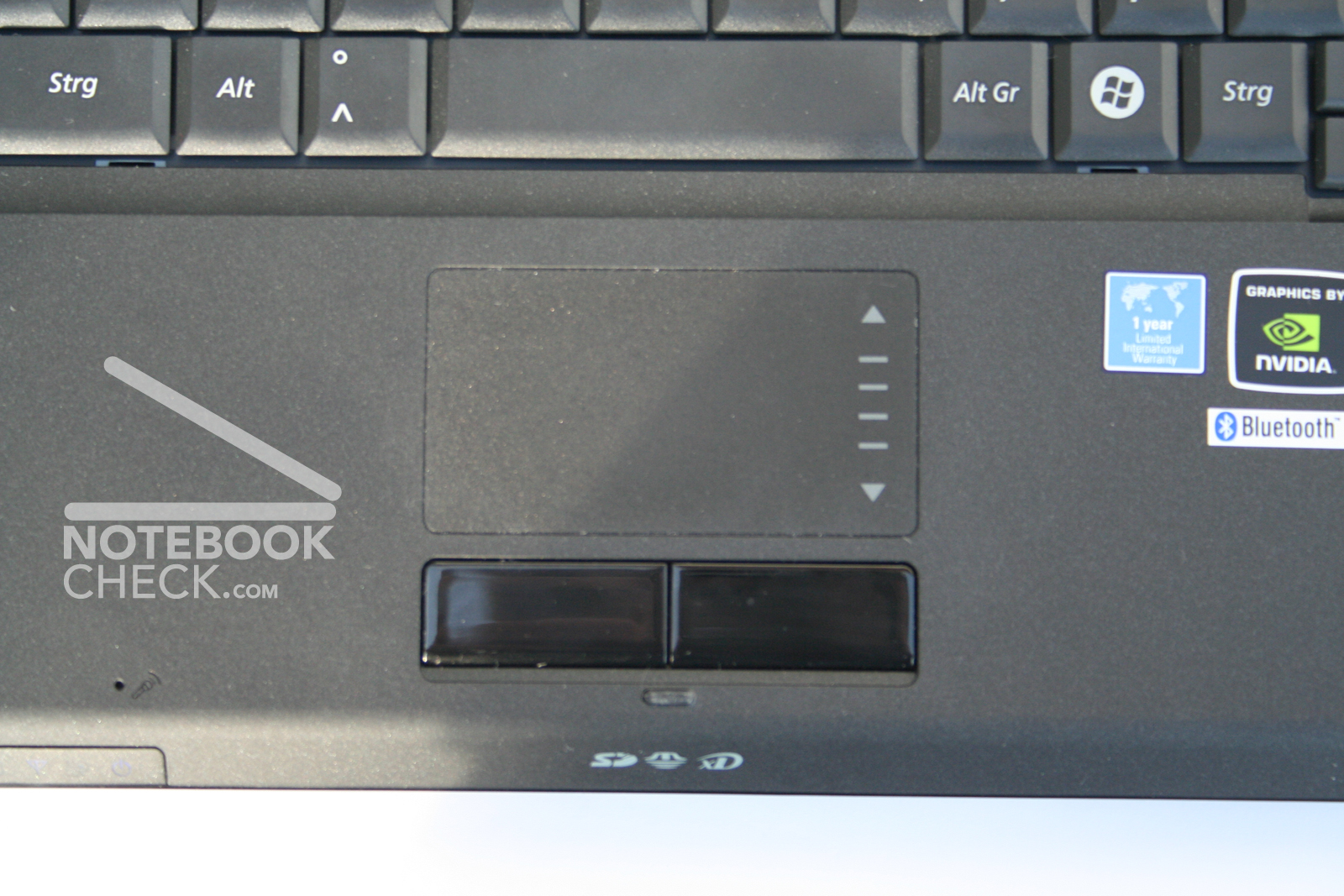
The touch pad is like the display in 16:10 format and pleases by its rough surface. For short time usage its a good mouse replacement. There is a small scroll zone at its right side, in front of it are the two mouse buttons.
The Samsung Q45 does not provide any hot keys. In turn its design is simple and pleasing. Besides: Be honest. Who utilizes the hot keys frequently or really thinks that he is slower without them?
Display
The Q45's display is a 12.1" Display with a maximum resolution of 1280x800 pixels, which rates high by a good stability to the vantage point.
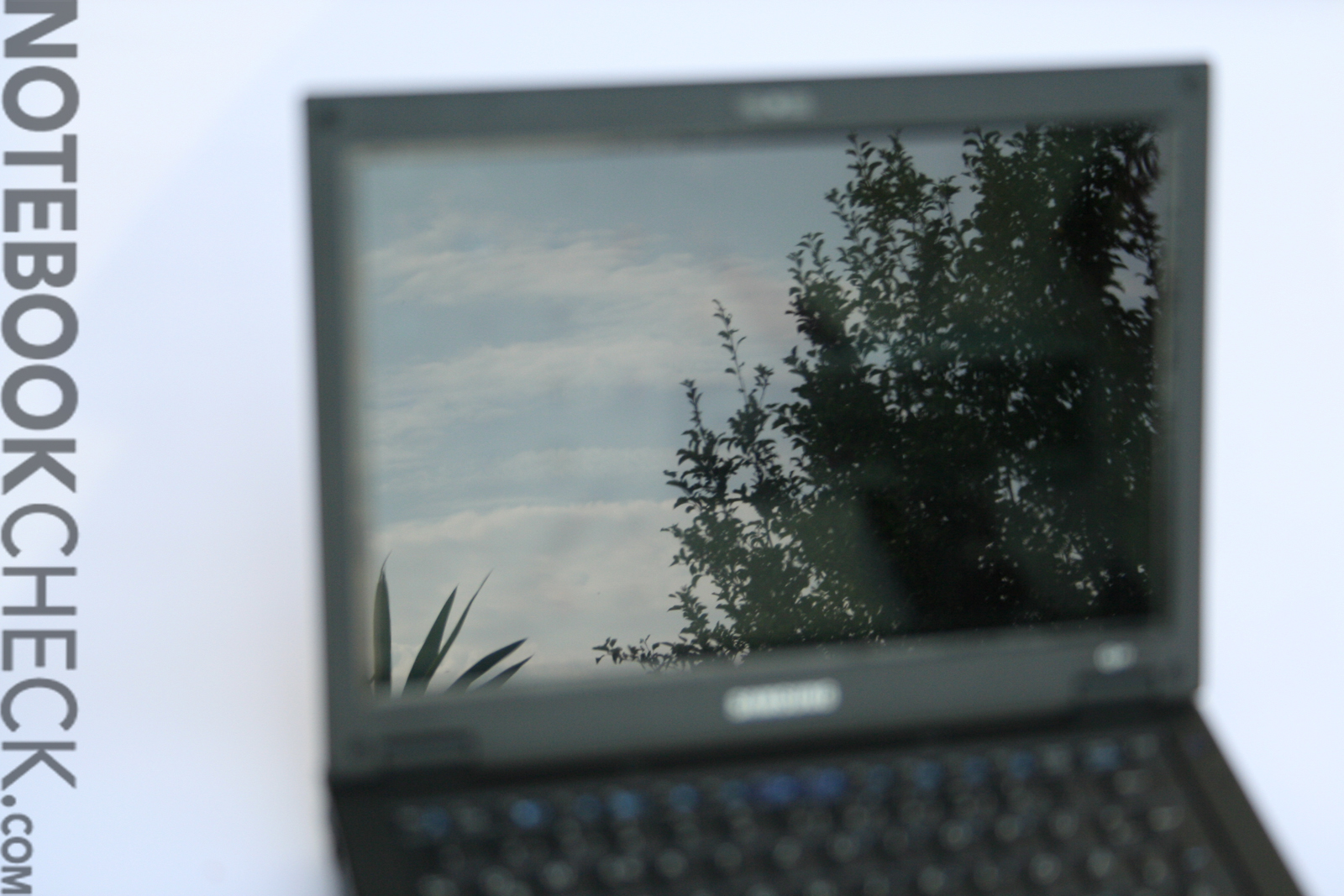
The brightness would be sufficient for outdoor usage, but the reflecting display makes this hardly possible.
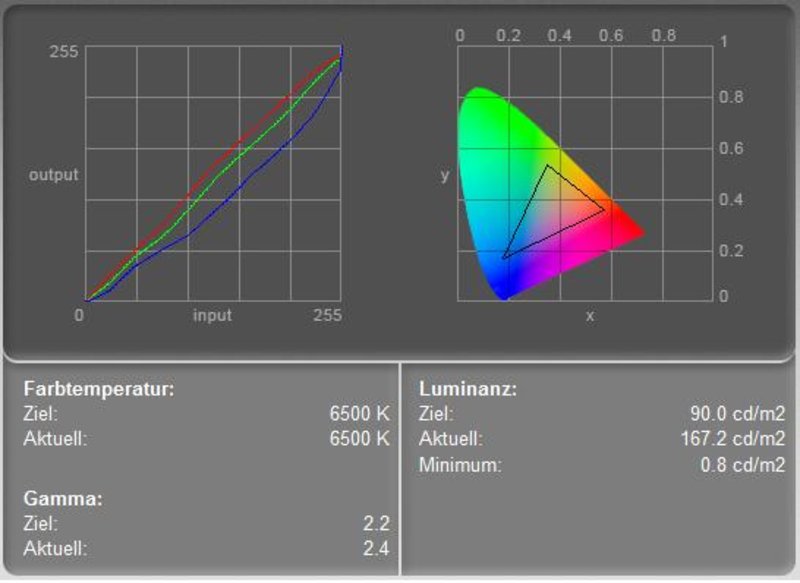
The color diagram depicts a nearly ideal red and green color curve. The blue color curve had to be clearly lowered to reach a neutral color representation. Subjectively, the picture calibrated with factory settings seems very homogeneous and artless.
The Q45's display does not blur, even not when playing fast action shooter games, so, its ideal for games too.
| |||||||||||||||||||||||||
Brightness Distribution: 82 %
Contrast: 335:1 (Black: 0.6 cd/m²)
| |||||||||||||||||||||||||
Brightness Distribution: 72 %
Contrast: 208:1 (Black: 0.8 cd/m²)
The measured minimum brightness of the display (black value) is 0.8 cd/m². Together with the maximum brightness of 166.7 cd/m² this gives a possible maximum contrast of 208:1.
Unfortunately, the actually sufficient brightness led to a somewhat too high black value. The contrast is sufficient, and is further intensified by the reflecting surface of the display. Unfortunately, it is, therefore, not possible to work outdoors.
Subjectively the display is better than measured. Especially, speed and reaction and brightness are very good.
Performance
Here is the Samsung Q45's real strong point. The very good office and game performance make it the currently most powerful 12.1" notebook. Even Doom 3 can be played at "ultra" settings without problems. Also, with Warcraft 3 in the highest settings it reached with 39FPS, a good result.
Of course DirectX 10 games might cause bigger problems. But, for nearly up-to-date games a combination of T7100, Geforce 8400M GS, and 2GB main memory is sufficient.
Of course also the office performance is very good and makes working without delays possible.
| PCMark 05 Standard | 4040 points | |
Help | ||
| 3DMark 05 Standard | 1938 points | |
| 3DMark 06 Score Unknown Setting | 1066 points | |
Help | ||

Emissions
Loudness
In idle mode we measured a loudness of about 35.1dB. In quiet environments the notebook is decently audible.
Even under load the notebook is not very loud and reaches a noise level of only 37.8dB. The noise during DVD playback is also alright with 37.9dB.
Subjectively we felt, that the noise of the Samsung Q45 always stays the same, regardless of load, or hard disk access. Of course this is another strenghts of the Q45.
Noise level
| Idle |
| 32.4 / 41.3 / 41.3 dB(A) |
| HDD |
| 37.9 dB(A) |
| DVD |
| 36.5 / dB(A) |
| Load |
| 0 / 41.3 dB(A) |
 | ||
30 dB silent 40 dB(A) audible 50 dB(A) loud |
||
min:  , med: , med:  , max: , max:  (15 cm distance) (15 cm distance) | ||
Noise level
| Idle |
| 34.1 / 36.9 / 35.9 dB(A) |
| HDD |
| 37.8 dB(A) |
| DVD |
| 37.9 / dB(A) |
| Load |
| 0 / 40.1 dB(A) |
|
| ||
30 dB silent 40 dB(A) audible 50 dB(A) loud |
||
min: , med: , max: (15 cm distance) | ||
Temperature
The Samsung Q45's surface temperature is alright. It's neither specially cool nor striking hot. At the hot spot at the bottom side we measured 41.7°C, and a maximum of 34°C at the palm rest areas at the top side. So, working during a longer time should be free of troubles.
Upper side
palmwrist: 34°C max: 37.2°C avg: 34°C hotspot: 38.1
Bottom side
max: 41.7°C avg: 35°C hotspot: 41.7
environment: 27
Speakers
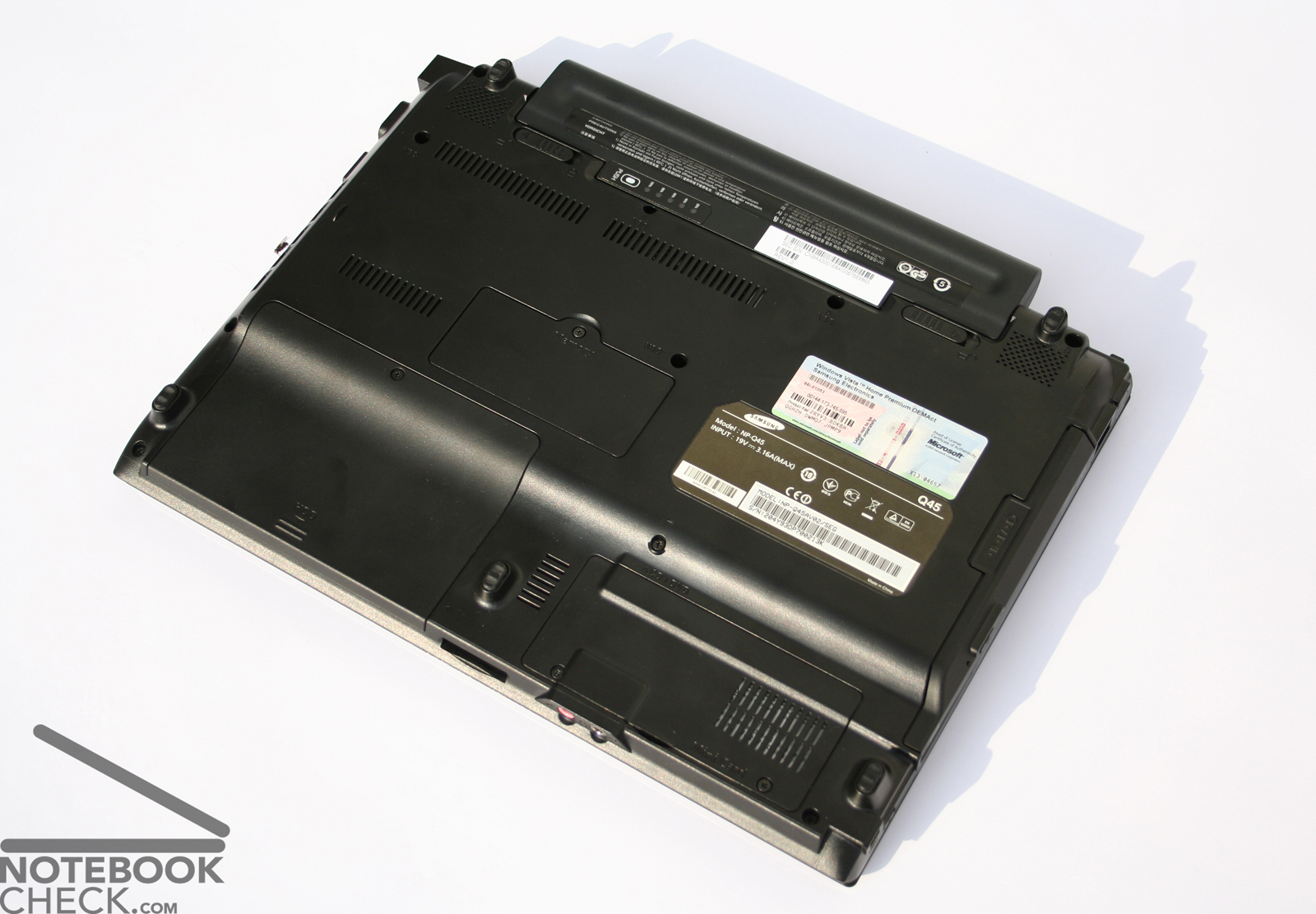
The Q45's stereo speakers are at the bottom side of the notebook. Basses and high tones are weak. The maximum volume is sufficient for DVDs and games, but, you have to live with the poor quality. Compared to other notebooks of this class the quality is above-average.
Battery Runtime
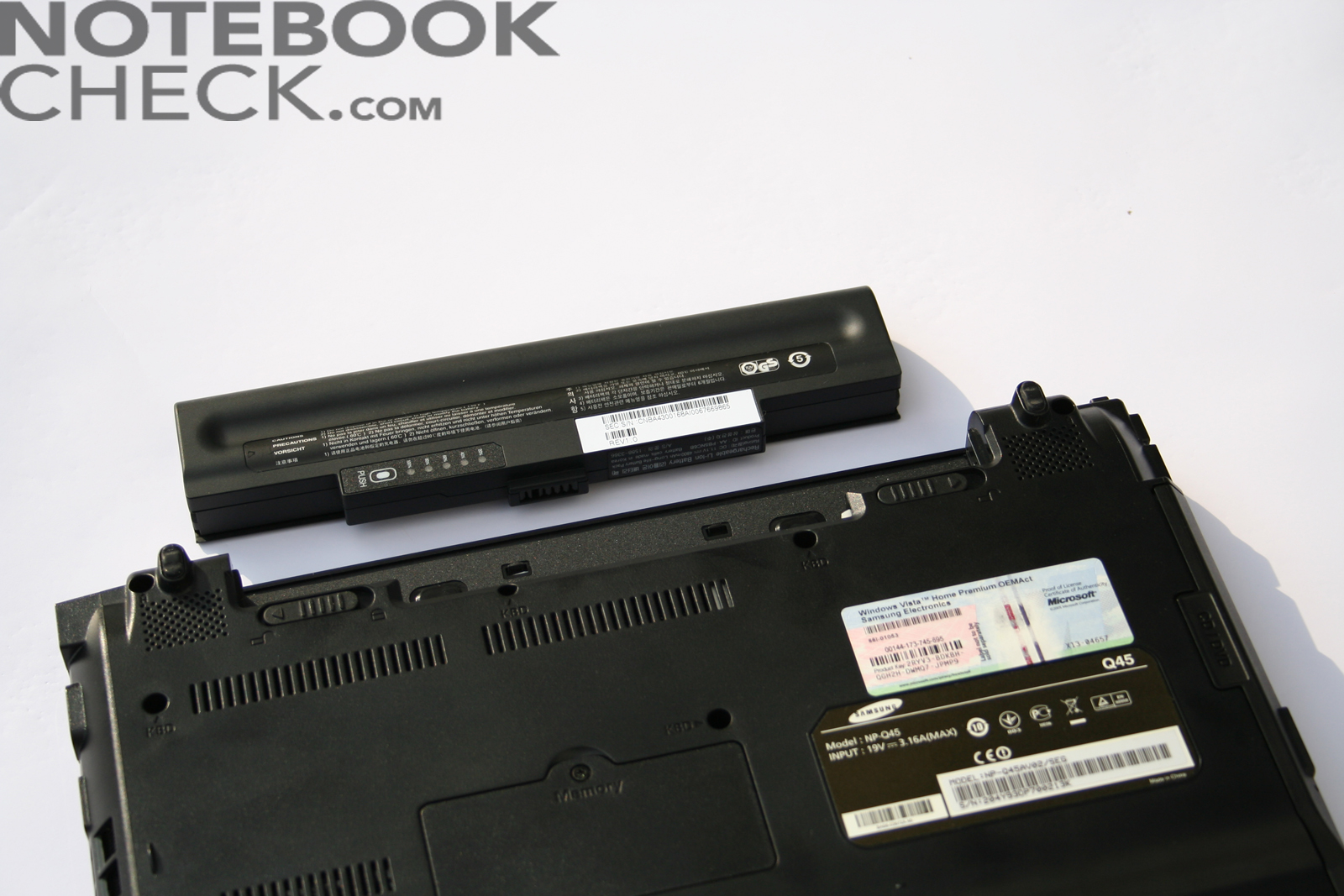
Also regarding battery runtime the Samsungs Q45 is good to average. 5h and 35min maximum runtime makes also a longer unplugged use possible. Under load a very good runtime of 2h 10min is reached. During DVD playback the runtime is 111min. So, you should reduce the display's brightness for a longer film.
| Off / Standby | 0 / 0 Watt |
| Idle | 8.6 / 12.7 / 13.4 Watt |
| Load |
23.6 / 20.7 Watt |
   
| |
| Off / Standby | 0 / 0 Watt |
| Idle | 25.1 / 27 / 31.4 Watt |
| Load |
63.7 / 62.4 Watt |
|
| |
Key:
min: ,
med: ,
max: | |
Verdict
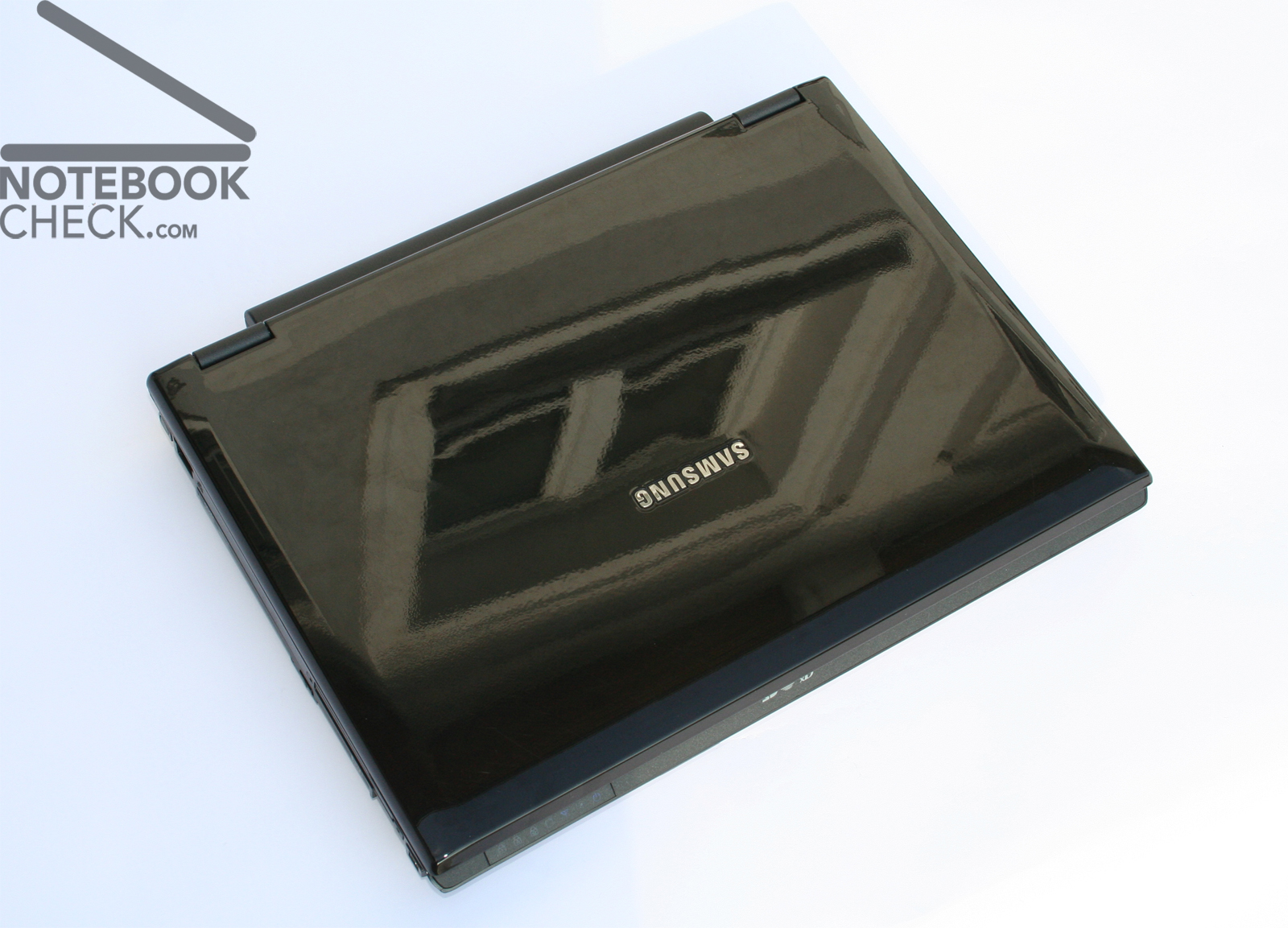
The Samsung Q45 is a top equipped subnotebook, which is sufficiently powerful for current games (at reduced details). Because of its good price-performance ratio, it's a beautiful, small, black notebook for school and university. However, if you do not want to play computer games, you can also choose the version, called "Duke", which costs 200€ less and is equipped with an integrated video chip and a smaller hard disk (160GB).
Furthermore, also outdoor operation is not really possible, because of the reflecting display. Although the glossy display and the glossy display cover look good, there are more disadvantages than advantages. E.g., even our notebook had already scratches at the display cover and thanks to a glossy surface, you can only see yourself outdoors.
Many thanks to the company Planet Notebook, who kindly provided us with the reviewed notebook. Here you can configure and also buy this notebook.
 Add as a preferred source on Google