Test PB EasyNote Butterfly s Notebook
An amazing run time - Packard Bell EasyNote Butterfly s Notebook.
With the brand new EasyNote Butterfly s Notebook Packard Bell is likely to pull new registers in terms of computer utilization of today and even tomorrow. The Butterfly s is supposed to evoke emotional and technical interest by making use of high mobility and well planned range of funtions.
Packard Bell (PB) regards itself as the homemade part of Acer that stands for elegance and functionality.

Packard Bell (PB) regards itself as the homemade part of Acer that stands for elegance and functionality. PB also wants to attract customers who on the one hand are looking for mobility and especially an intelligent power management and on the other hand for a good design. In general the EasyNote Butterfly s makes use of the same hardware than the Aspire 3810T of the parent company Acer, but concerning functionality, design and the material that it is made of it has to be regarded as a discrete notebook.
Case
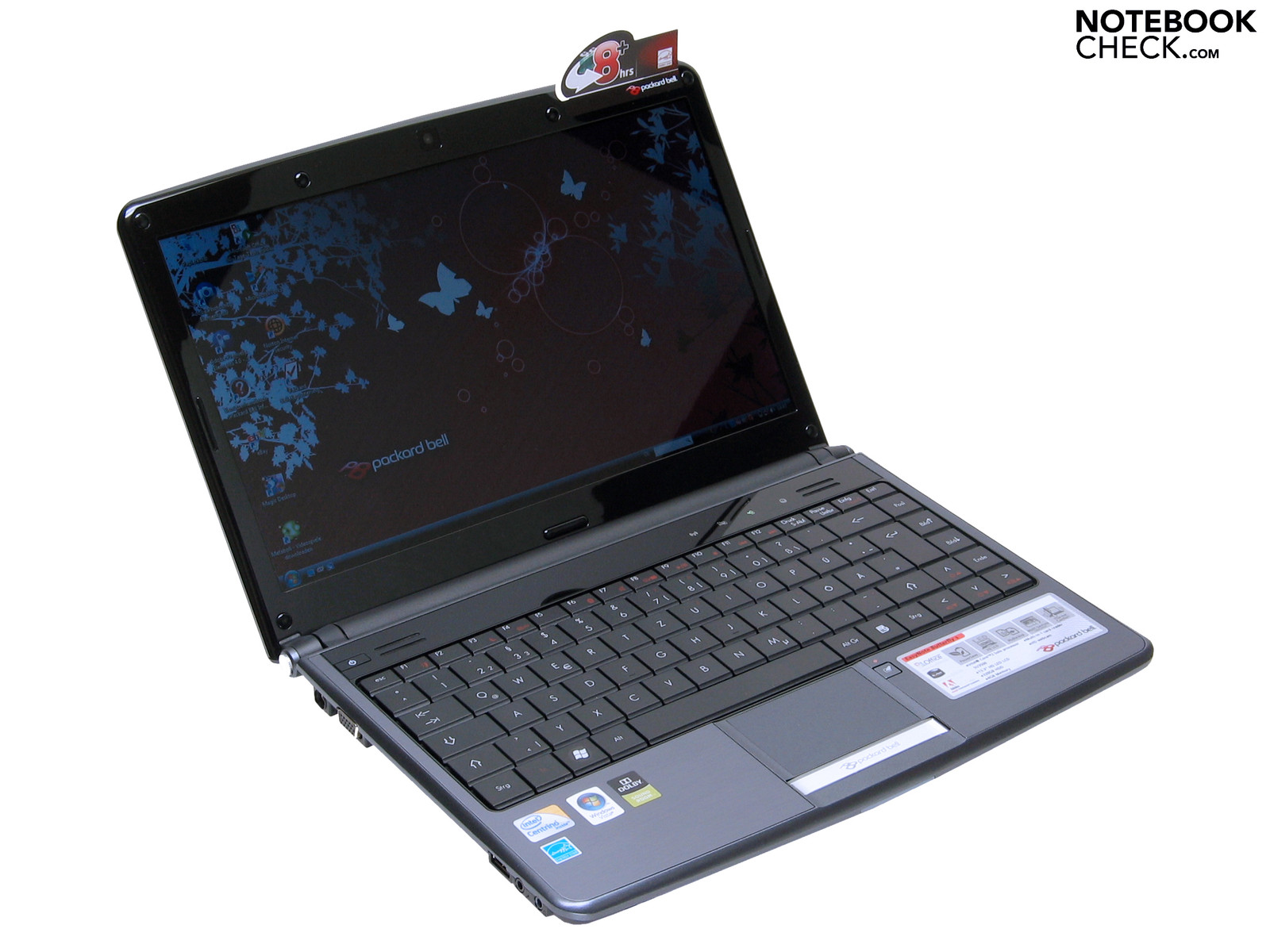
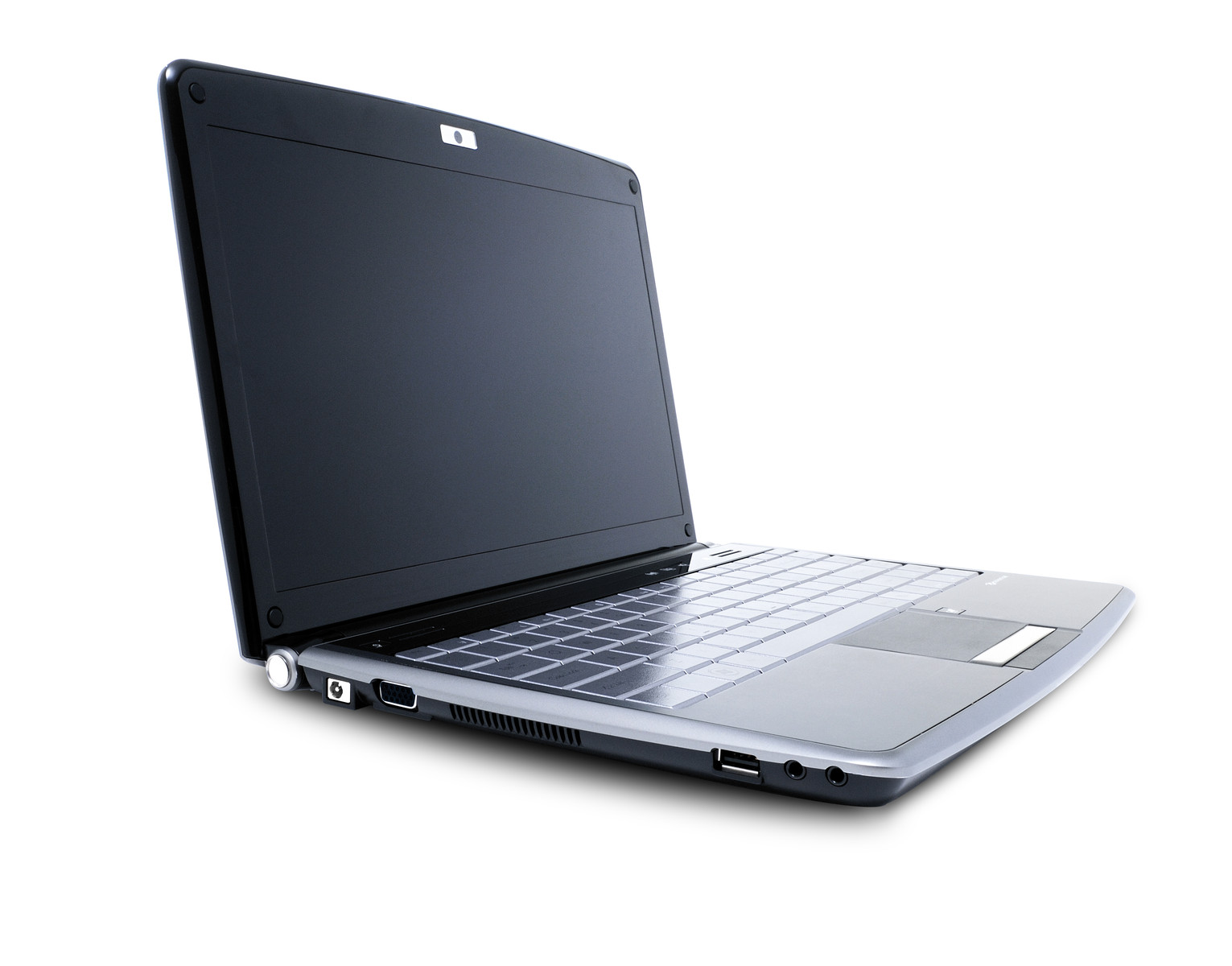
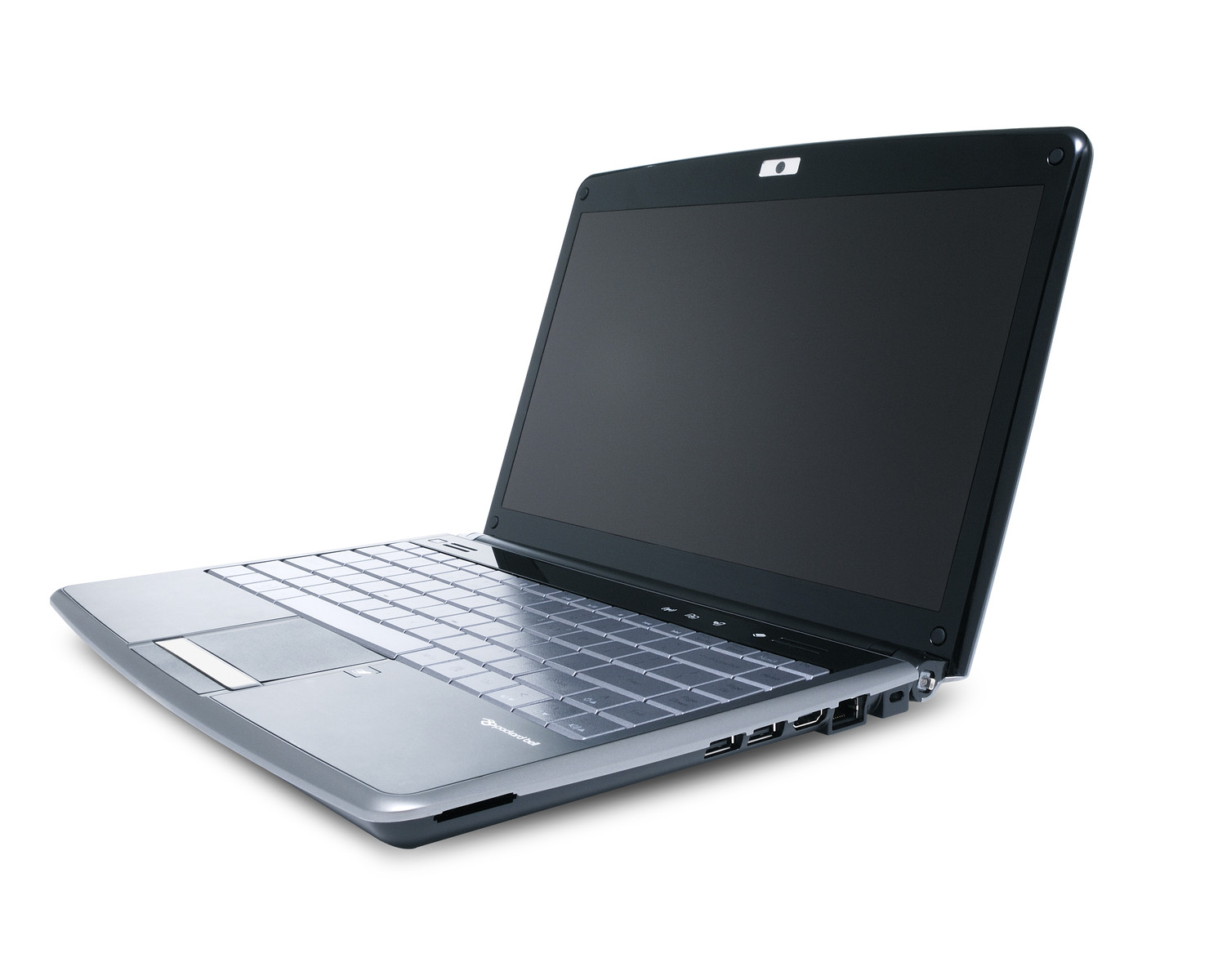
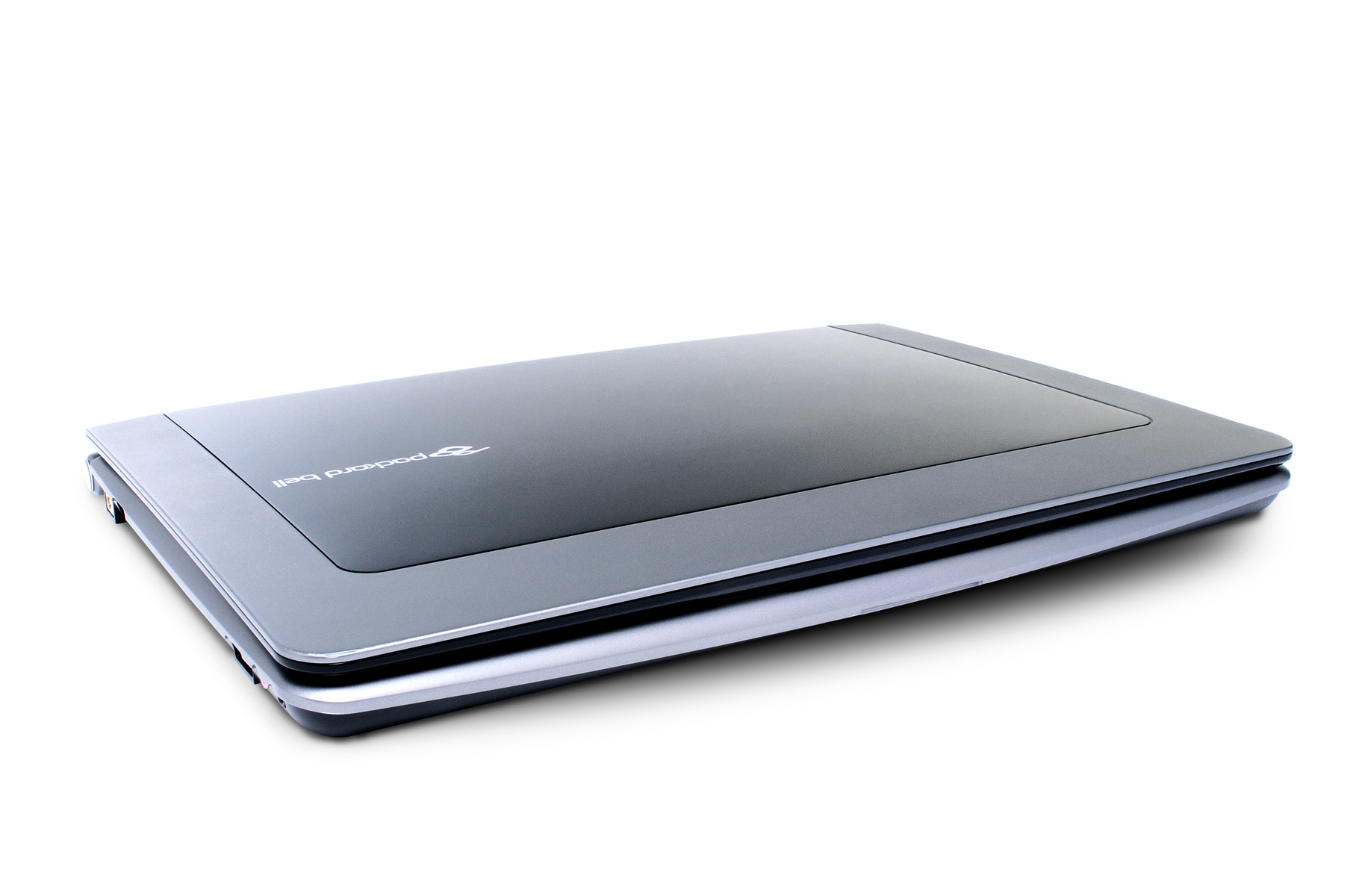
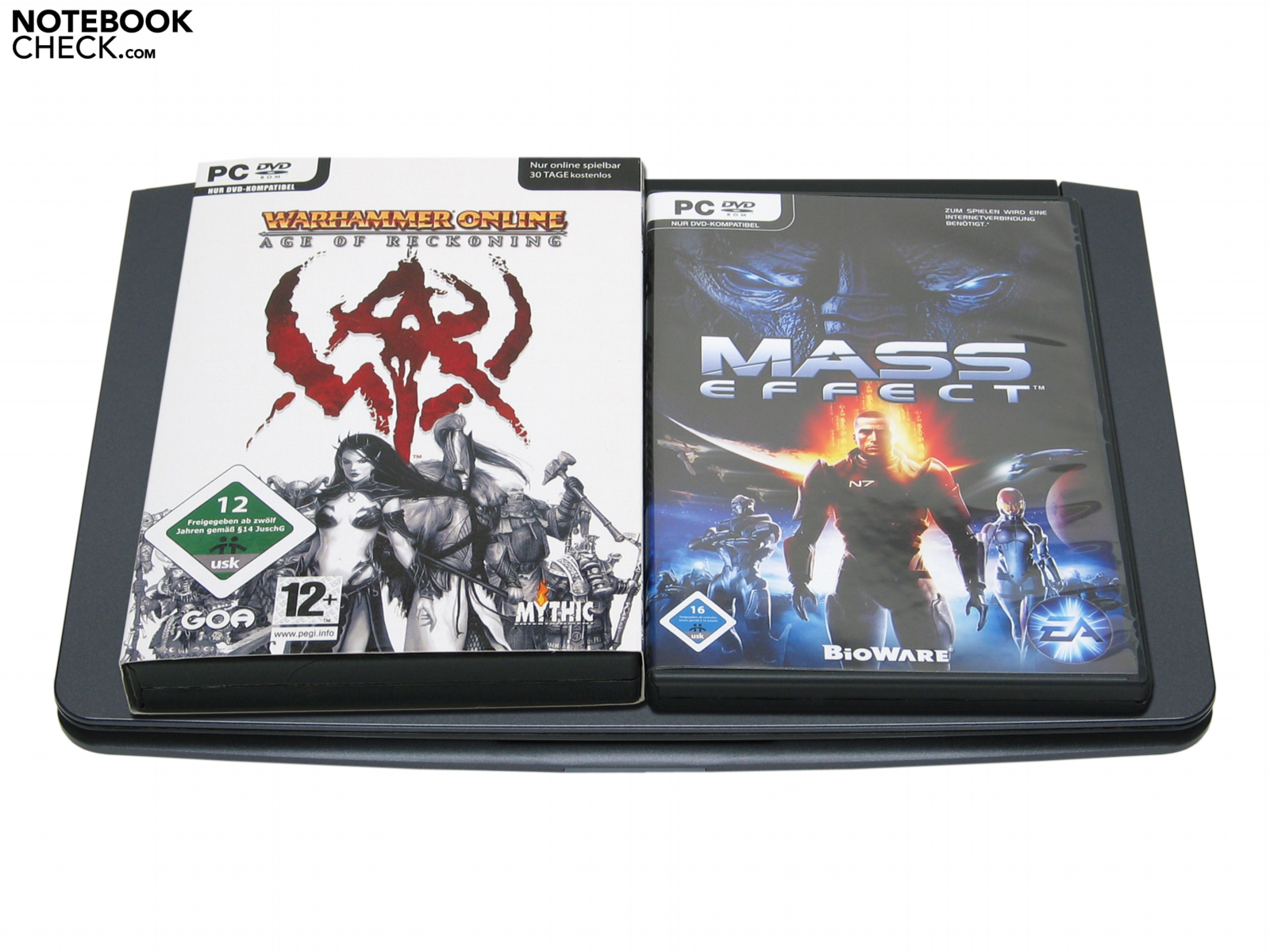
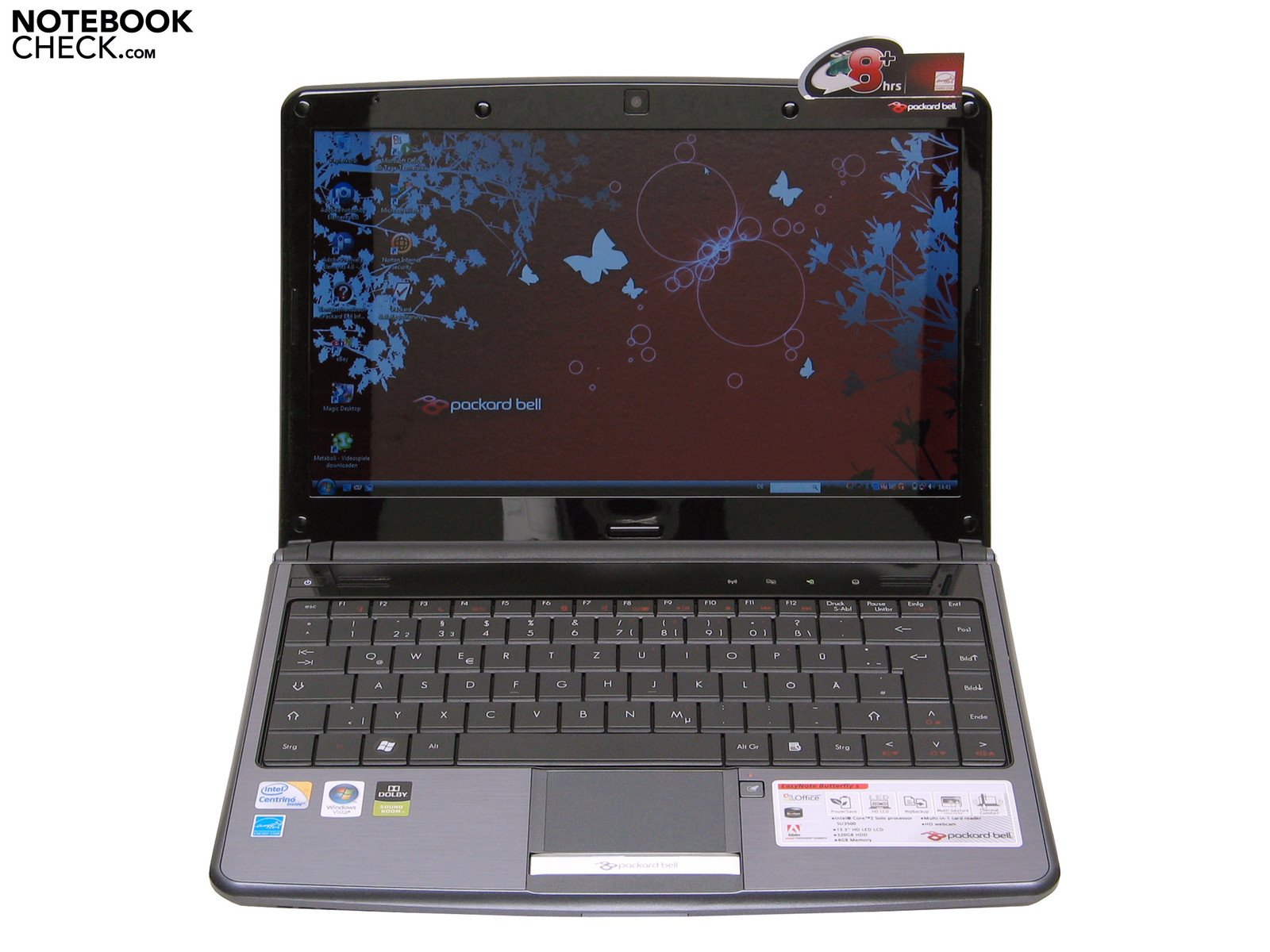
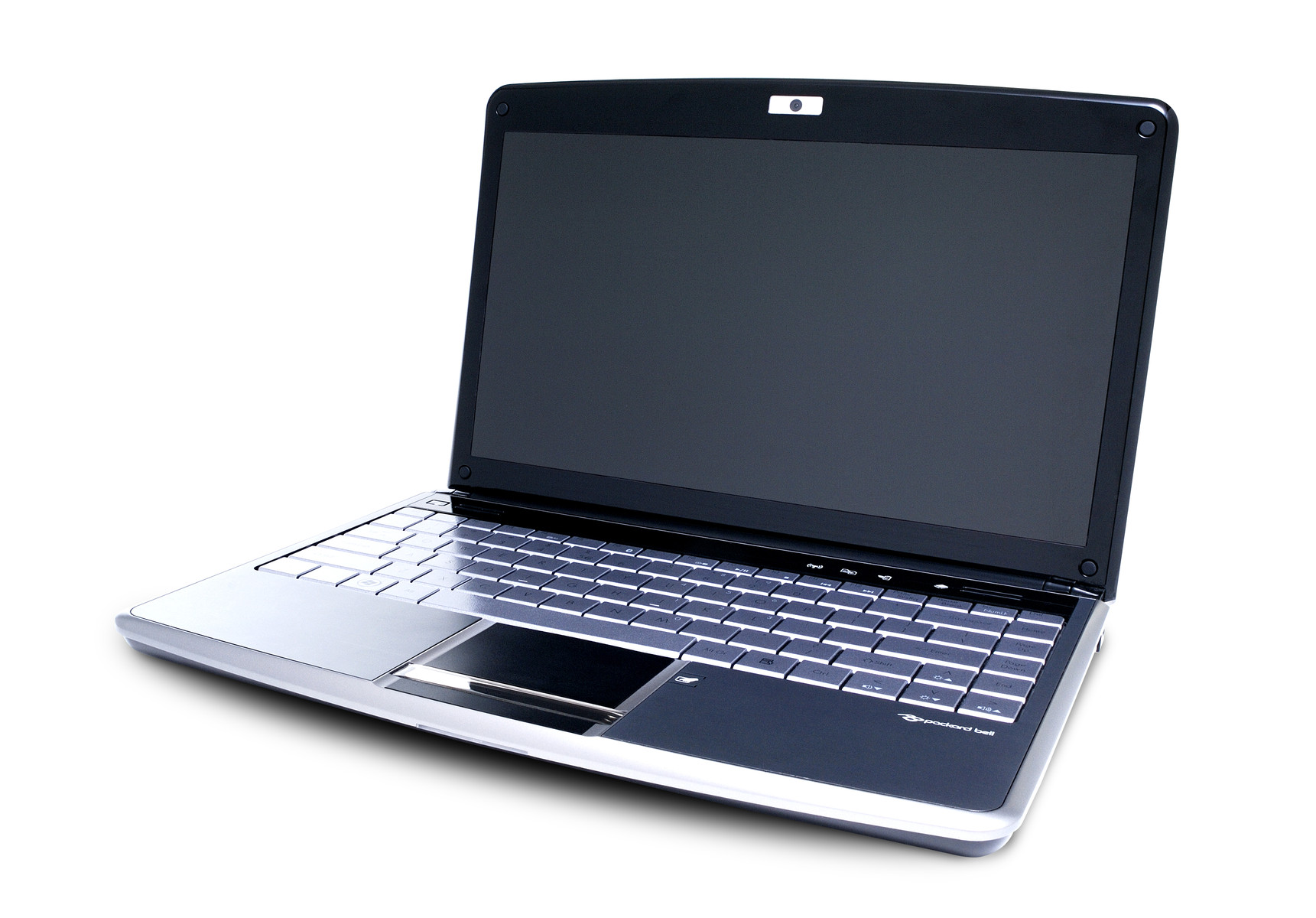
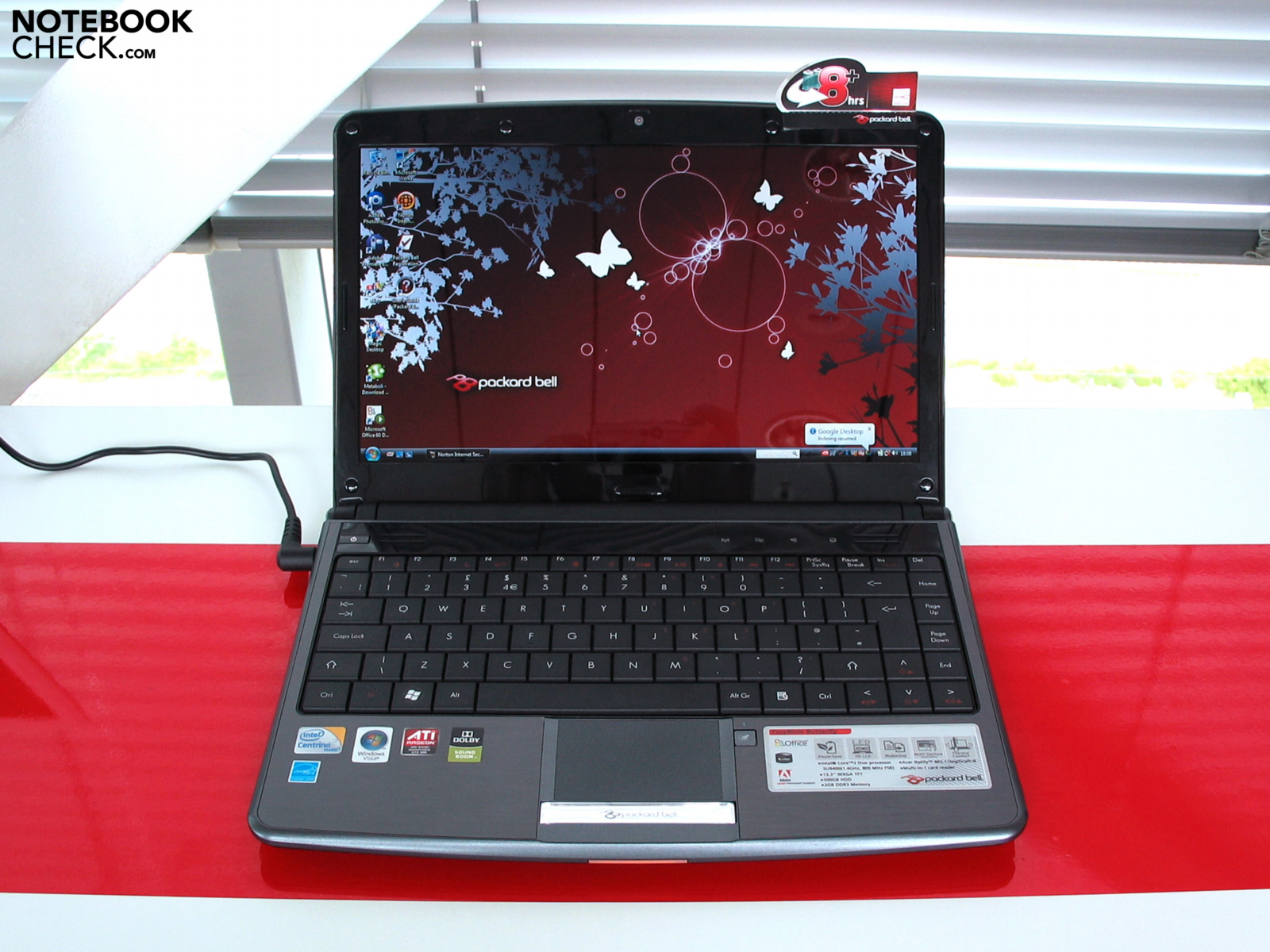
The design just fits! Even closed that fancy subnotebook with an average construction height of 2.5cm gives a smart first impression. Packard Bells Butterfly s seems to be pretty flat and with its floating curves and its black-silver cover it is very elegant, too. Tipping our little butterfly it weights below 1.9kg, what makes it one of the lightest mobile appliances in the range of subnotebooks. Due to measurements of 322 mm x 228 mm x 24 to 27.8 mm that Butterfly fits into almost every handbag.
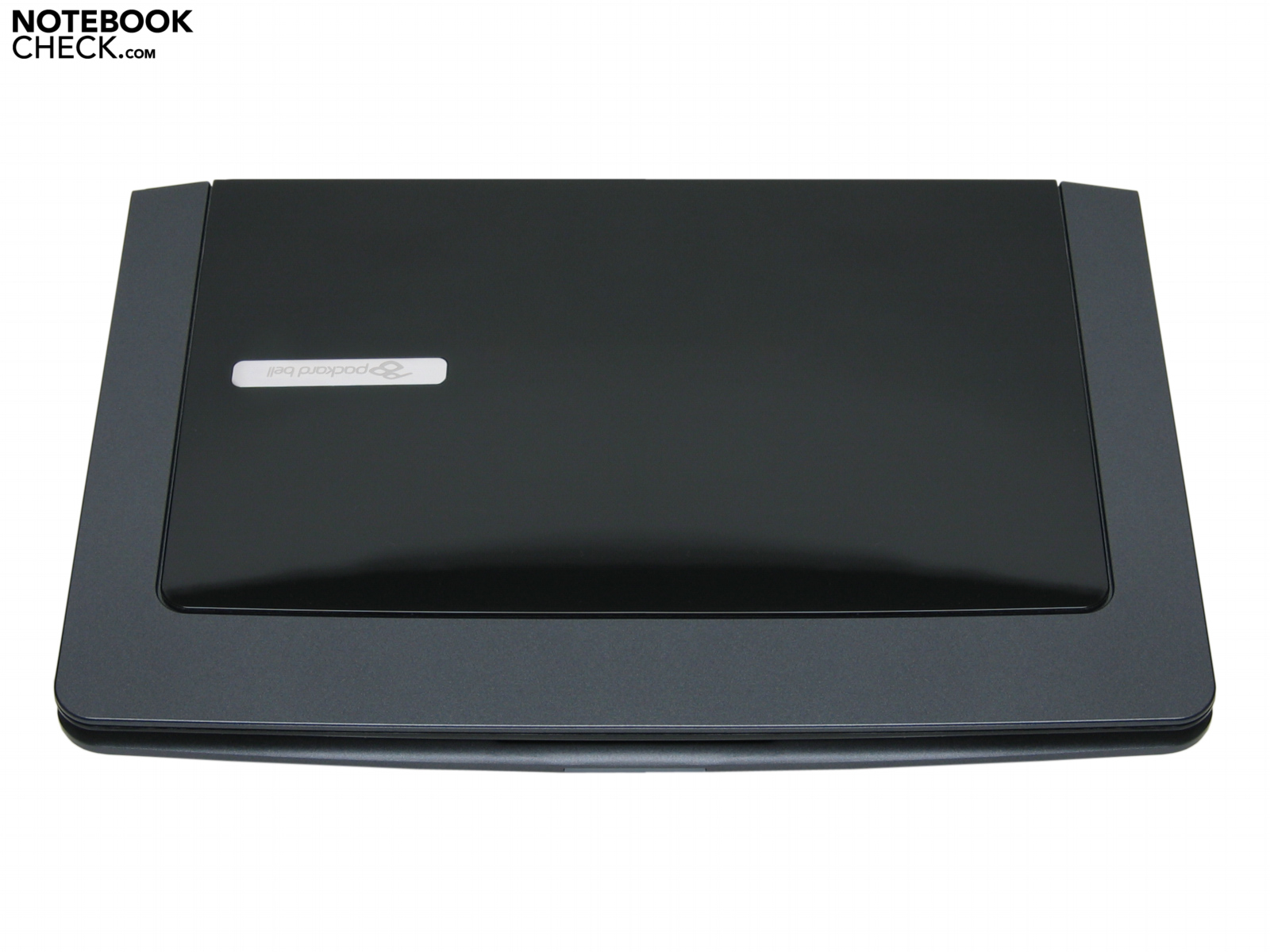
After lifting the lid of PBs ultraportable notebook our very first positive impression of the Butterfly´s case is confirmed. The precious wrist rest is made of brushed aluminium. The haptically comfortable metal of the lidcase is even after a longer use quite cool. Stylish: Also the black and matt slim keyboard perfectly fits the whole subnotebook. There might be a divergence of opinion about the glare black plastic lid and the display frame. On the one hand glaring synthetic material can look very attracting, but on the other hand it is covered with fingerprints and dust by a blink of an eye.
Since the case lid is very flat Packard Bell gives a mechanical lock a miss. The notebook is closed by strong hinges. A little help also gives a magnet that is put into the upper left corner of the display frame. Tilt angle: It is possible to tilt the display by 130 degrees backwards. The lid is pretty stable though, a moderate and spotlike pressure against the backside of the display does not cause a visual image interference to be seen on the activated screen.
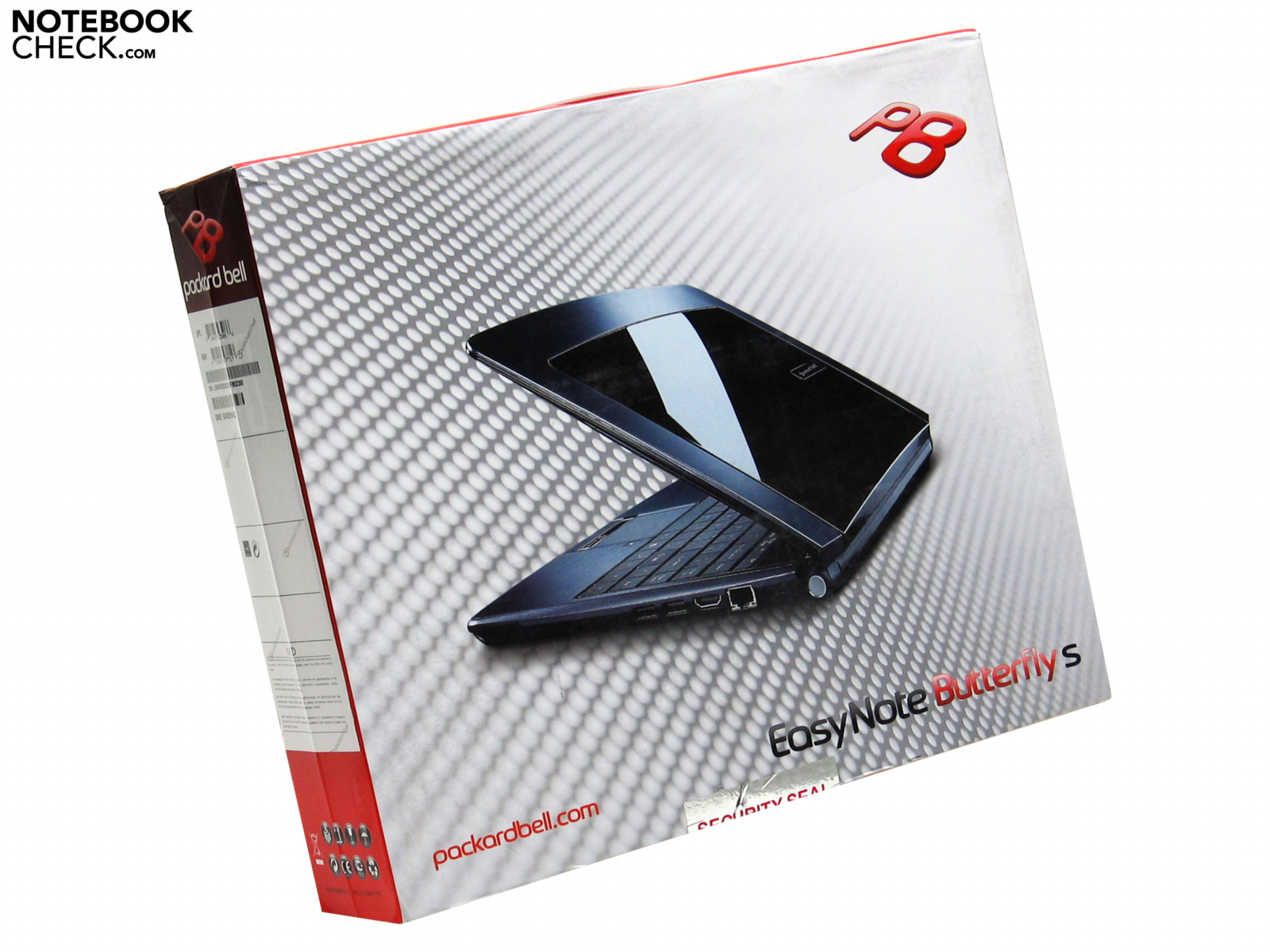
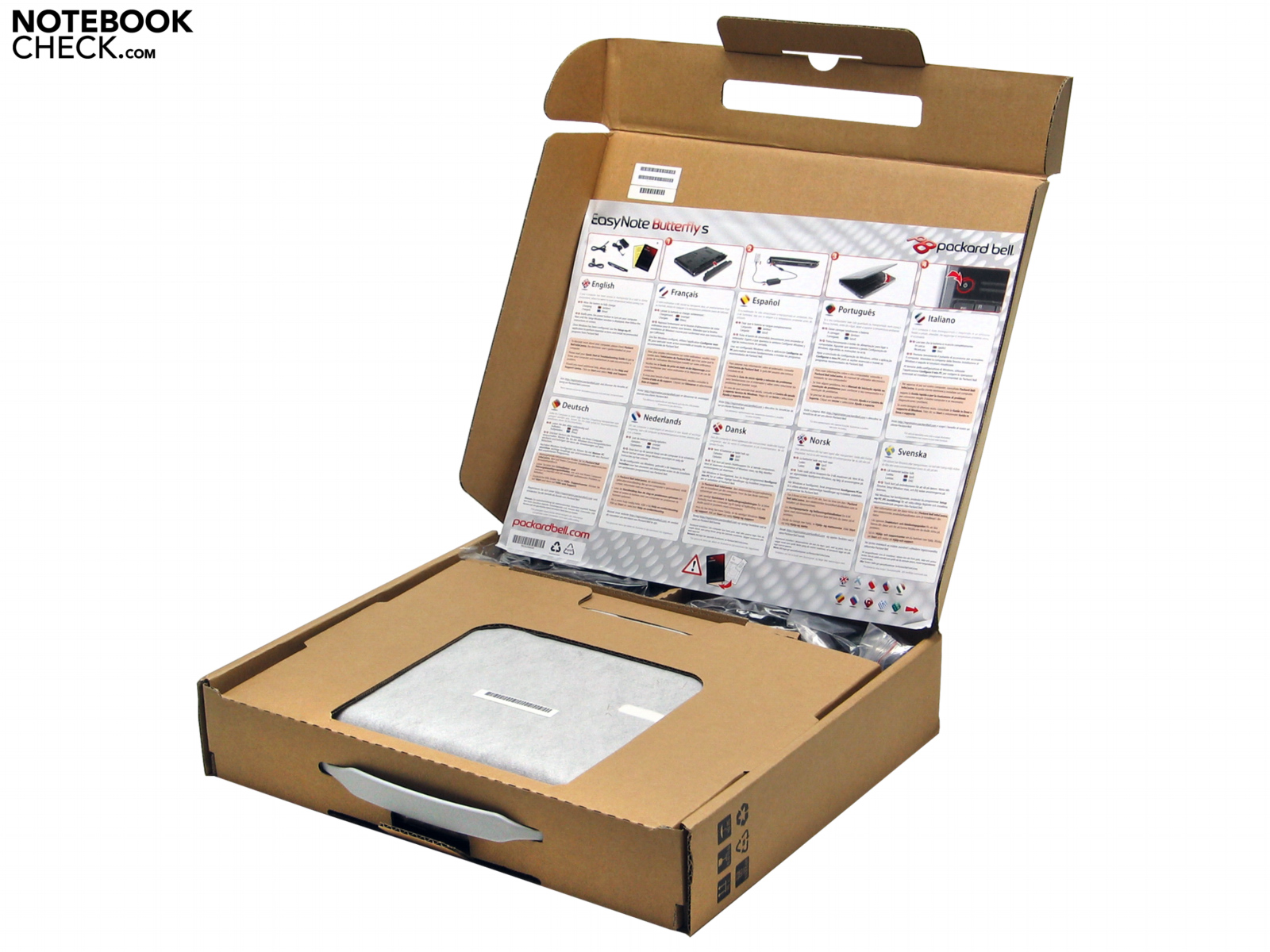
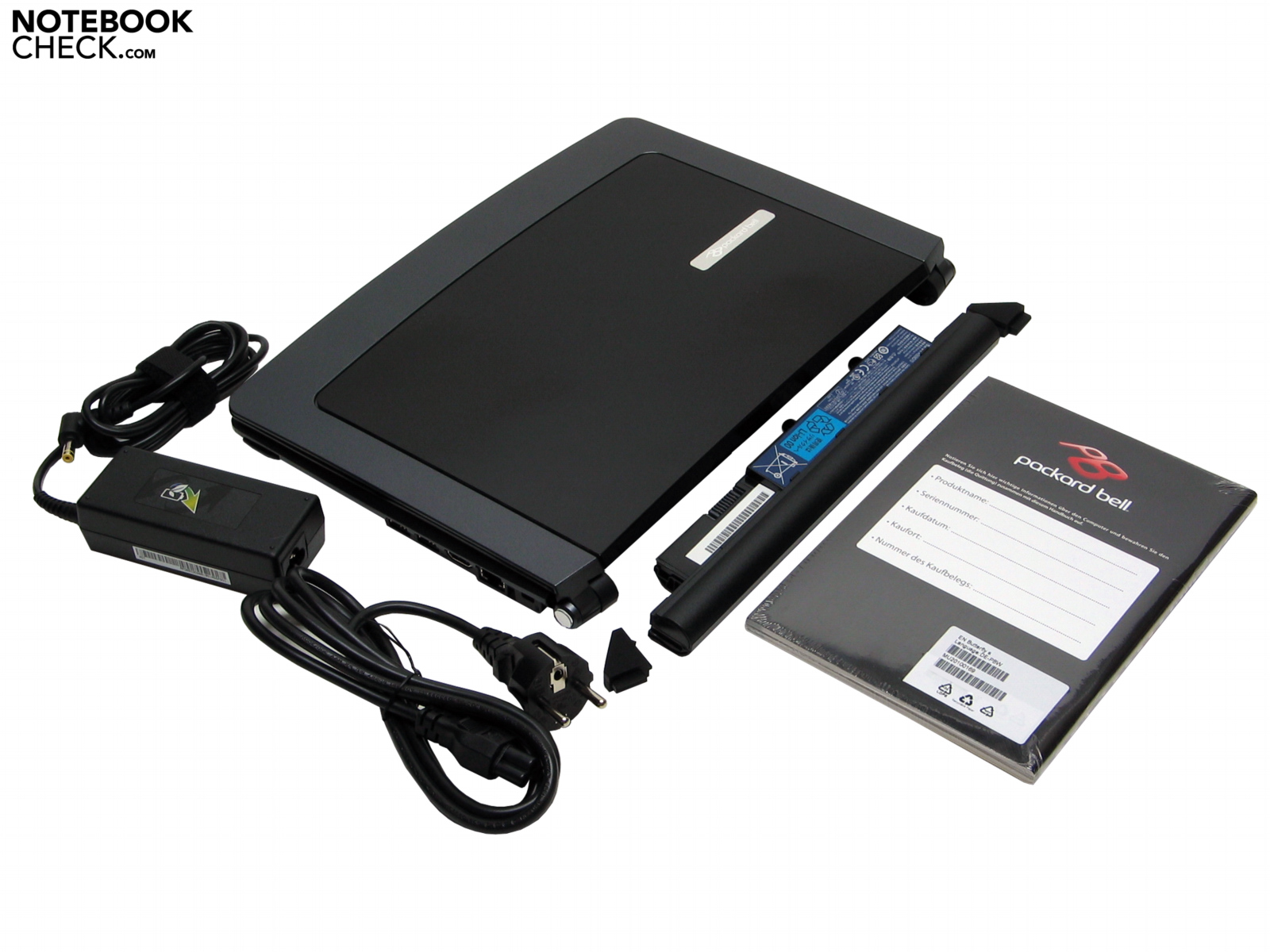
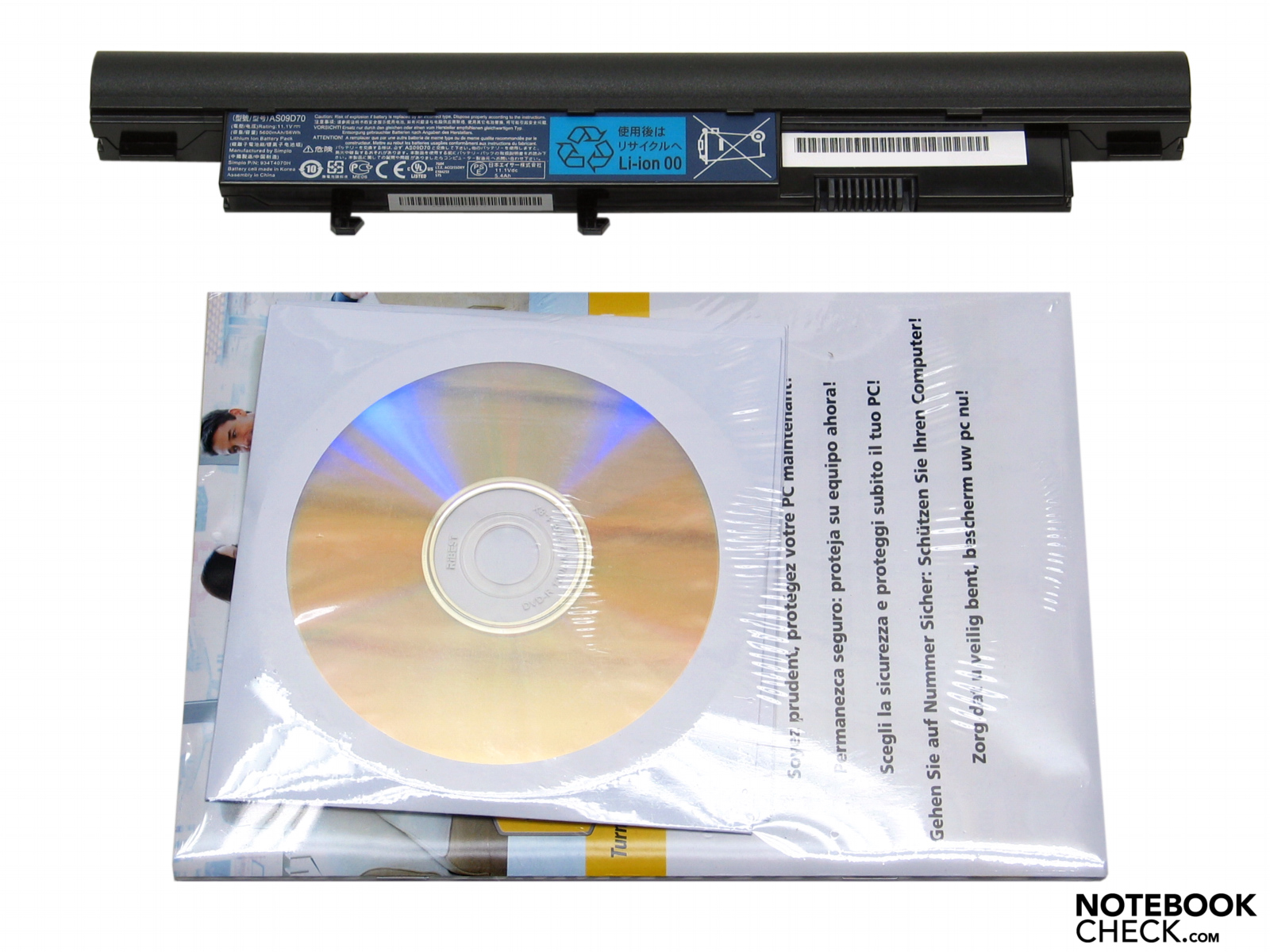
Altogether the case of Packard Bells EasyNote Butterfly s gains some respect both in precise fabrication and stability. Despite the chassis is quite slim it seems to be very solid. Lifting the case by hand it appears to be very stiff against distortions, even more no creaking is audible – very good! Tribute to the price of just 600€ there are preciously less additional features for the Butterfly s. Positively: a printed manual and a recovery disc including HDD-Recovery are attached to the box.
Connectivity
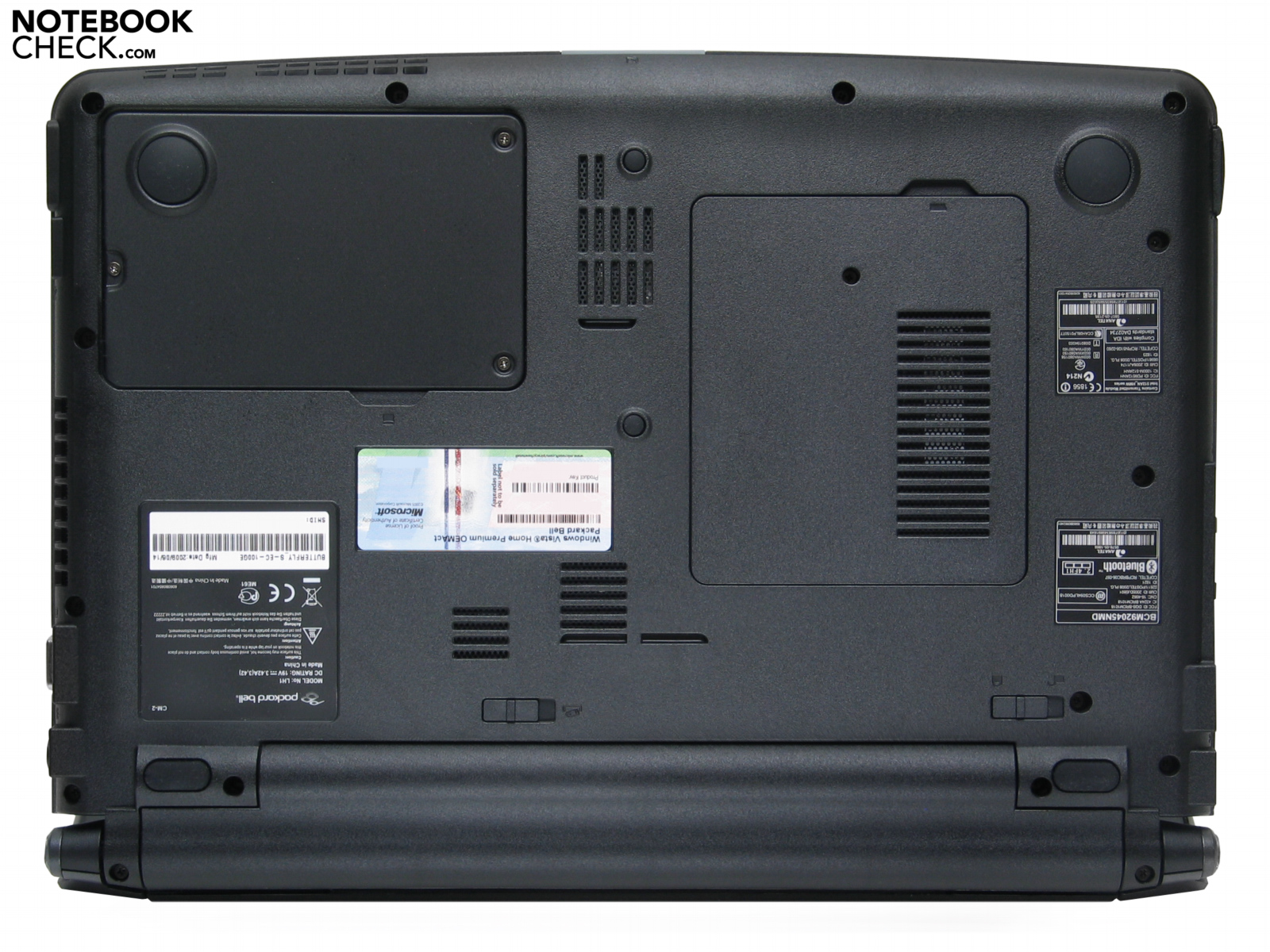
The front of the EasyNote Butterfly offers only one huge status-LED that shows battery and power. If the battery is low the „monster-LED“ blinks e.g. orange-brown, if the battery is loaded it gleams blue. The back side hosts just the battery, no further ports, even no SIM slot for UMTS/HSDPA hidden in the battery compartment.
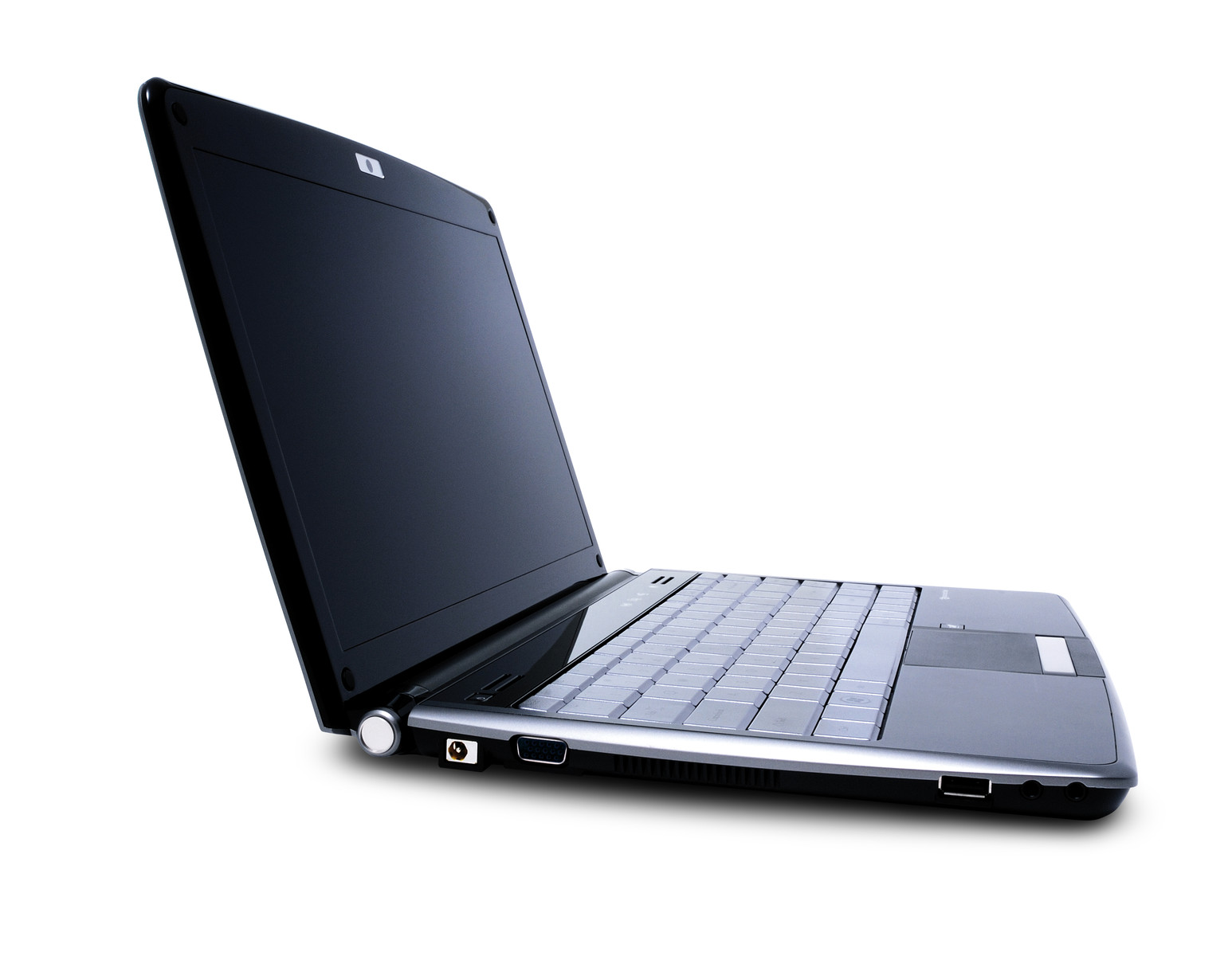
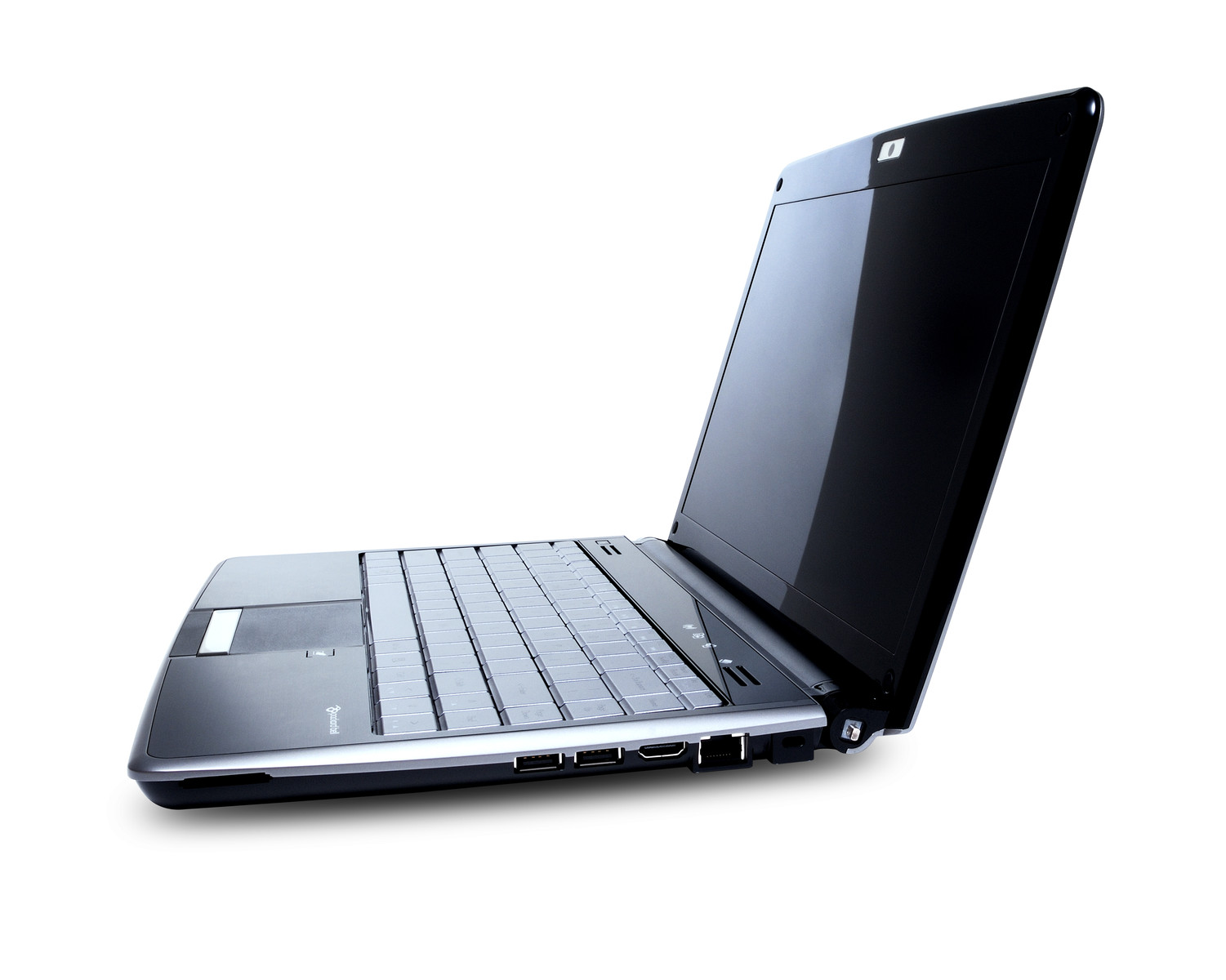
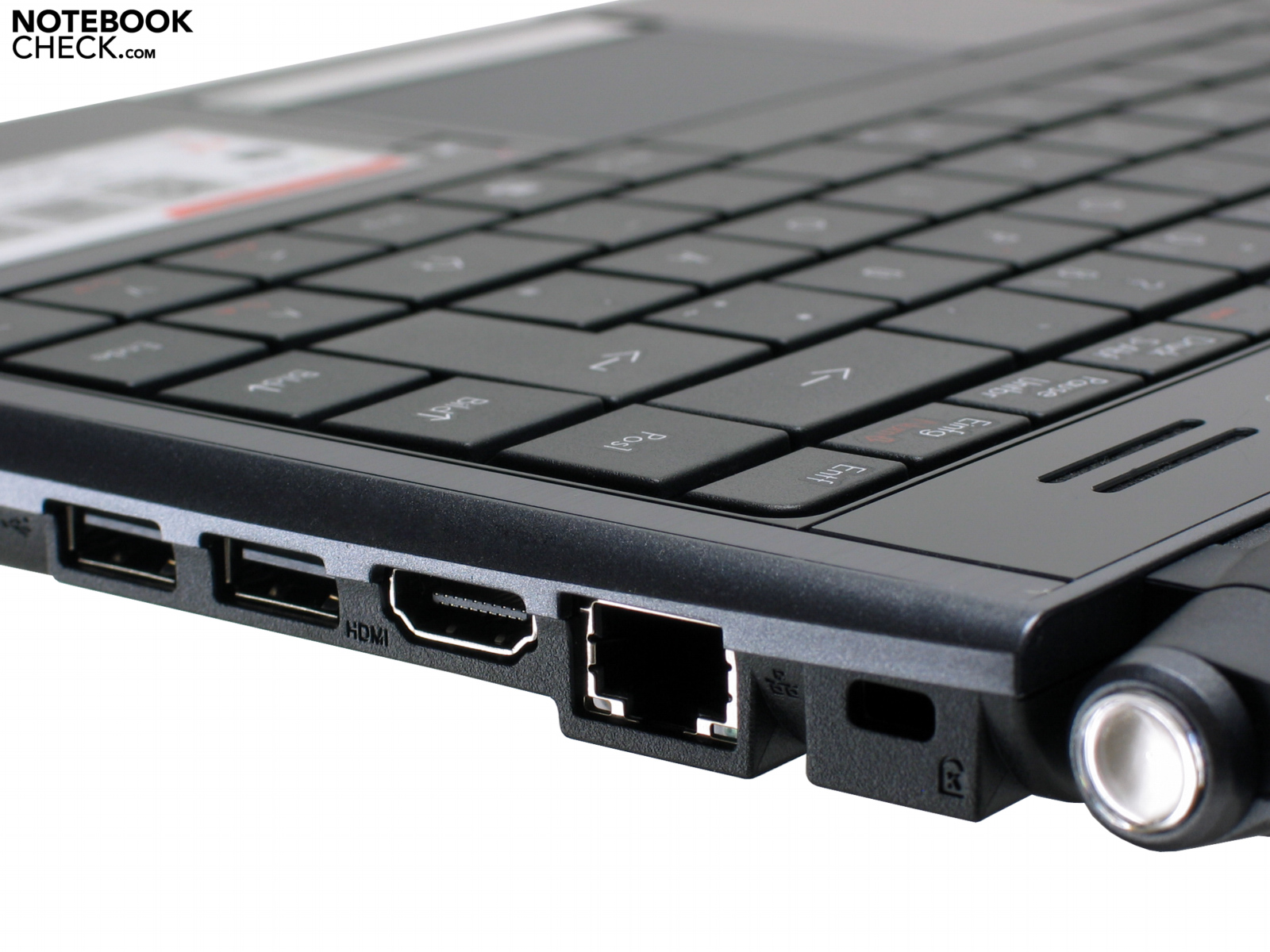
On the left of the case the connector for the power supply, a VGA- and an USB-2.0-Port, as well as a microphone and the headphone jack are situated , also the fan blows, right between VGA- and USB-2.0-Port. The right side of the Butterfly s offers the obligatory Kensington-Lock, Gigabit-LAN (RJ45), HDMI, two USB-2.0-Ports, and also a 5in1-cardreader (MMC, Memory Stick, Memory Stick Pro, SD, xD).
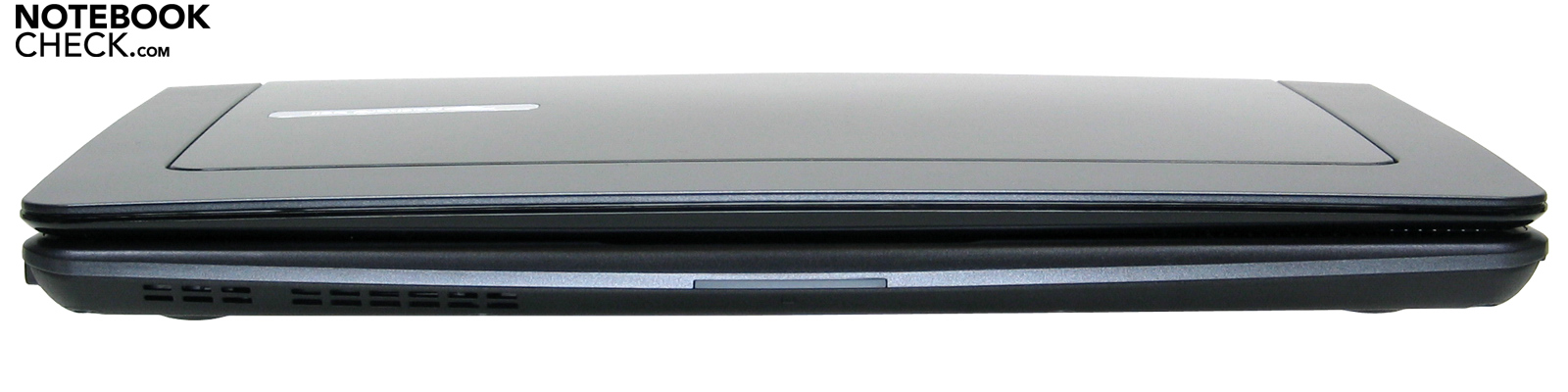
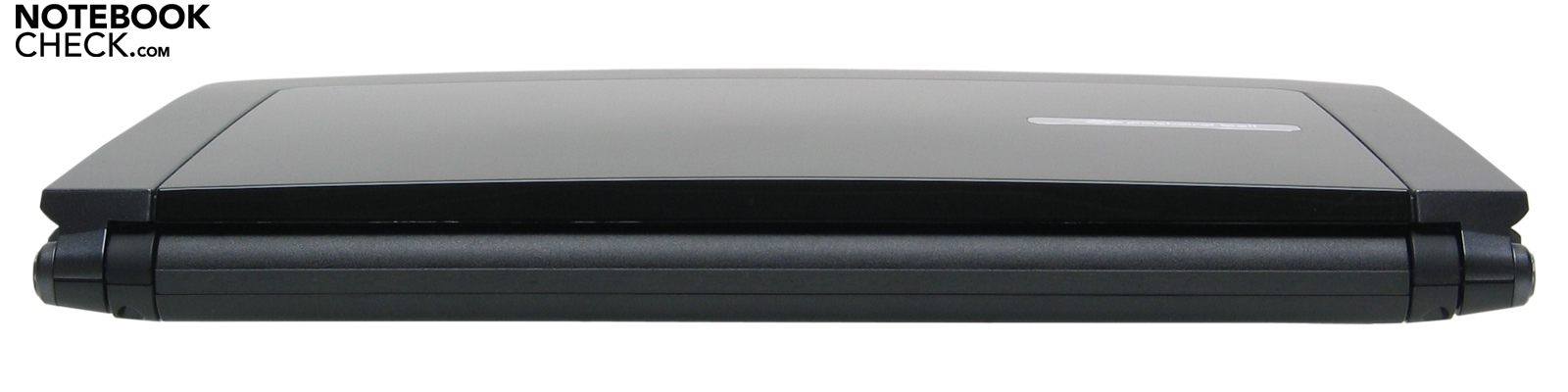
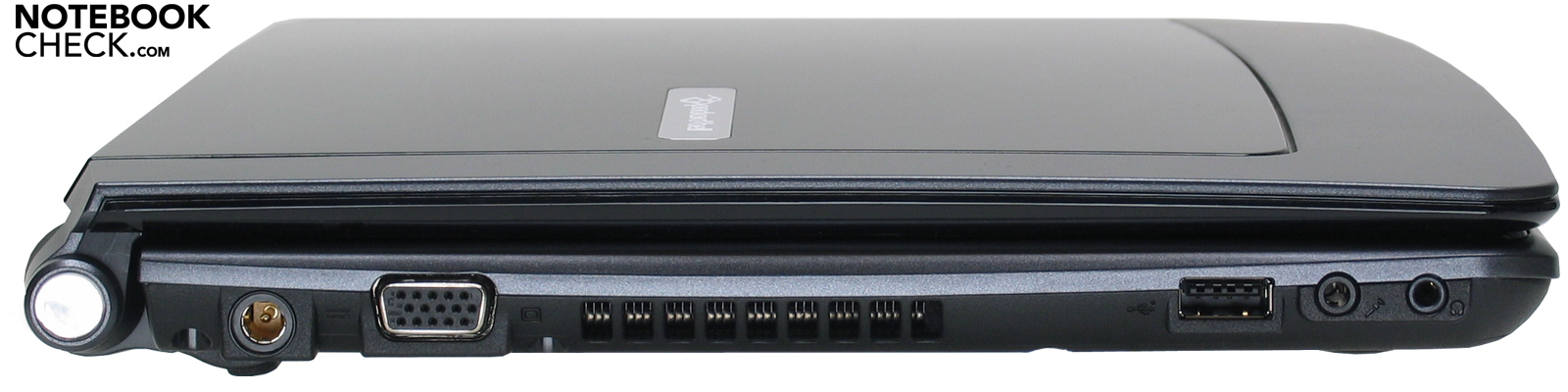
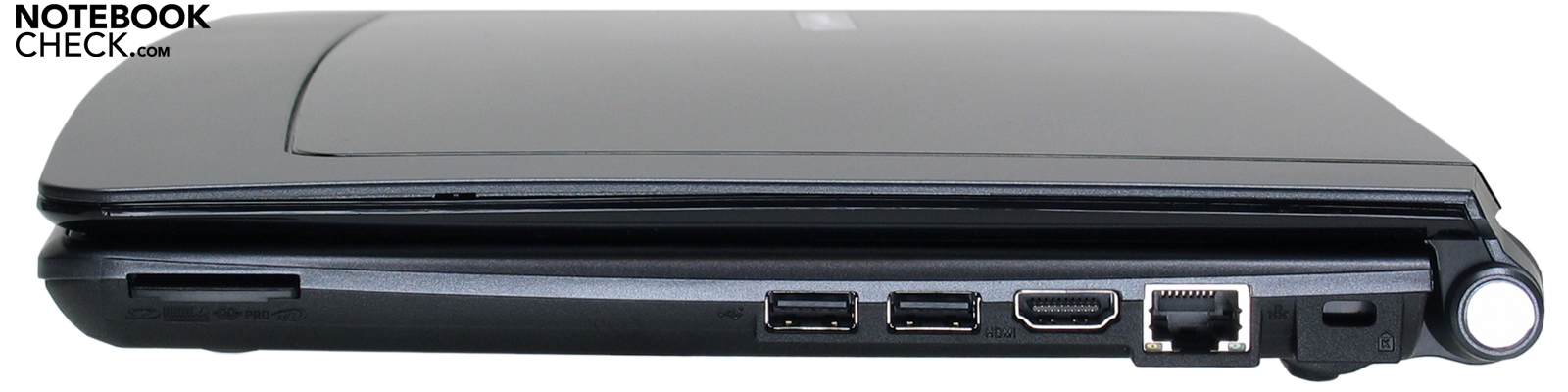
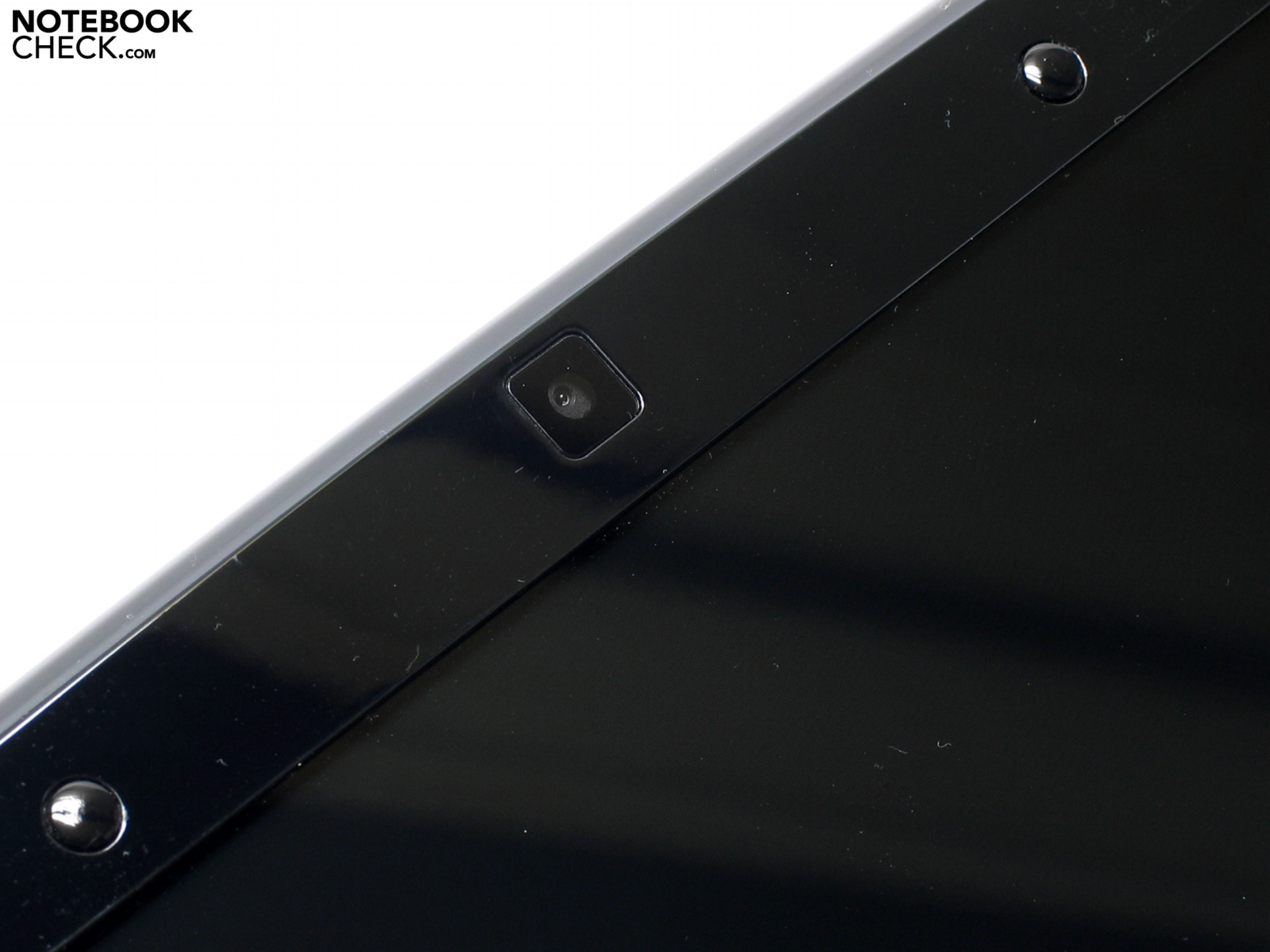
For wired communication the Packard Bell EasyNote Butterfly s makes use of highspeed Gigabit-Ethernet. PB goes without an internal modem, it communicates via Intel Wireless WiFi Link 5100 AGN (WLAN 802.11 a/b/g/draft-n) and Bluetooth. Also a web cam and a built-in microphone fit into that little butterfly.
As operating system for the EasyNote Butterfly s Packard Bell deploys Microsoft Windows Vista Home Premium 32-Bit. That is why the customer only can use 3 GByte of RAM. Furthermore the Butterfly s is featured by software like Norton Internet Security, a full version of Adobe Photoshop Elements 6, Nero 8 Essentials and Microsoft Works 9. Unfortunately PB does not dedicate the choice to install programs and services like Metaboli for downloading games and a google-desktop to the user. That sort of programs slow down the boot process and unnecessarily wastes RAM. Warranty: Packard Bell grants 24 months Pick up & Return service.
Input Devices
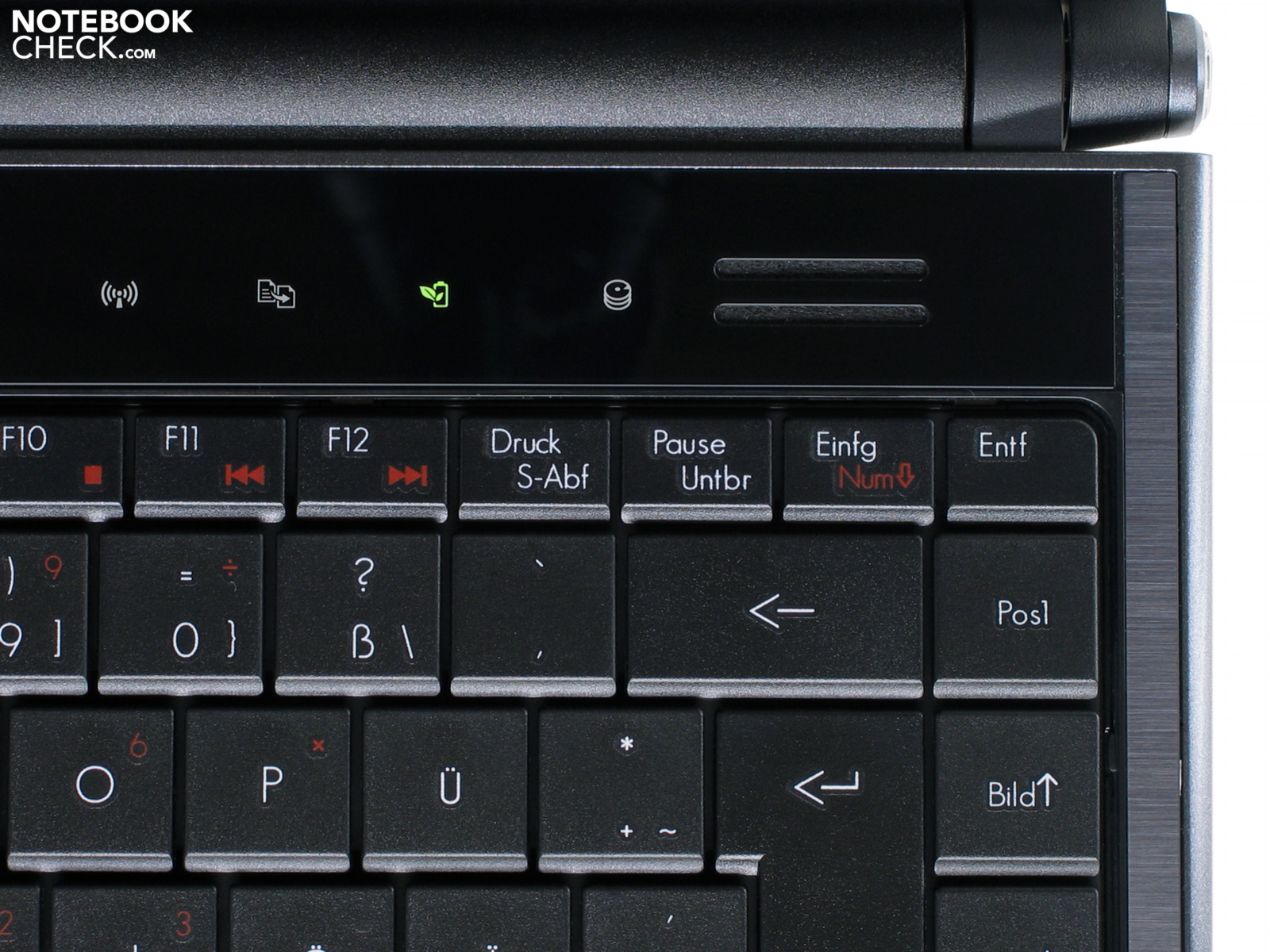
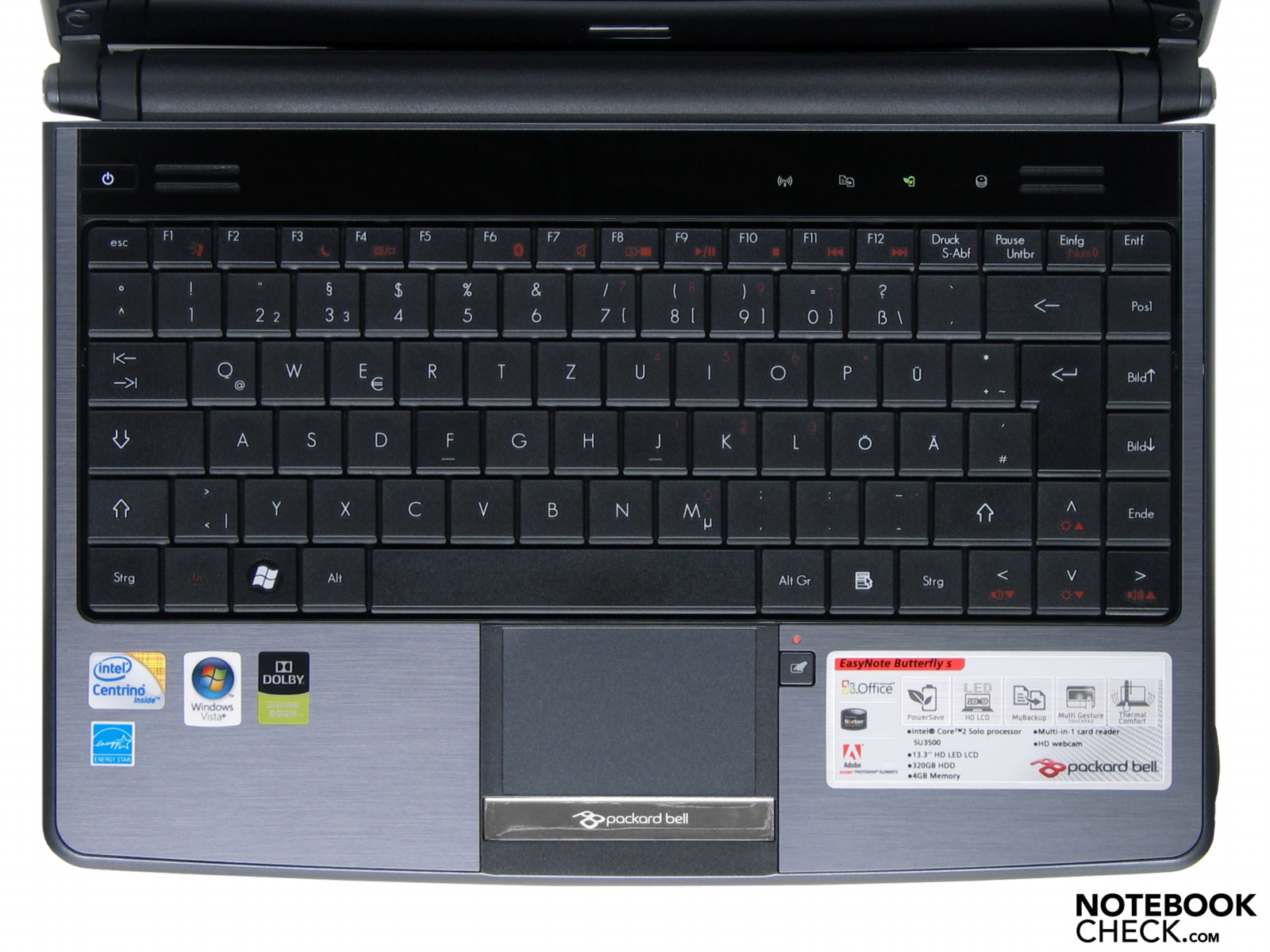
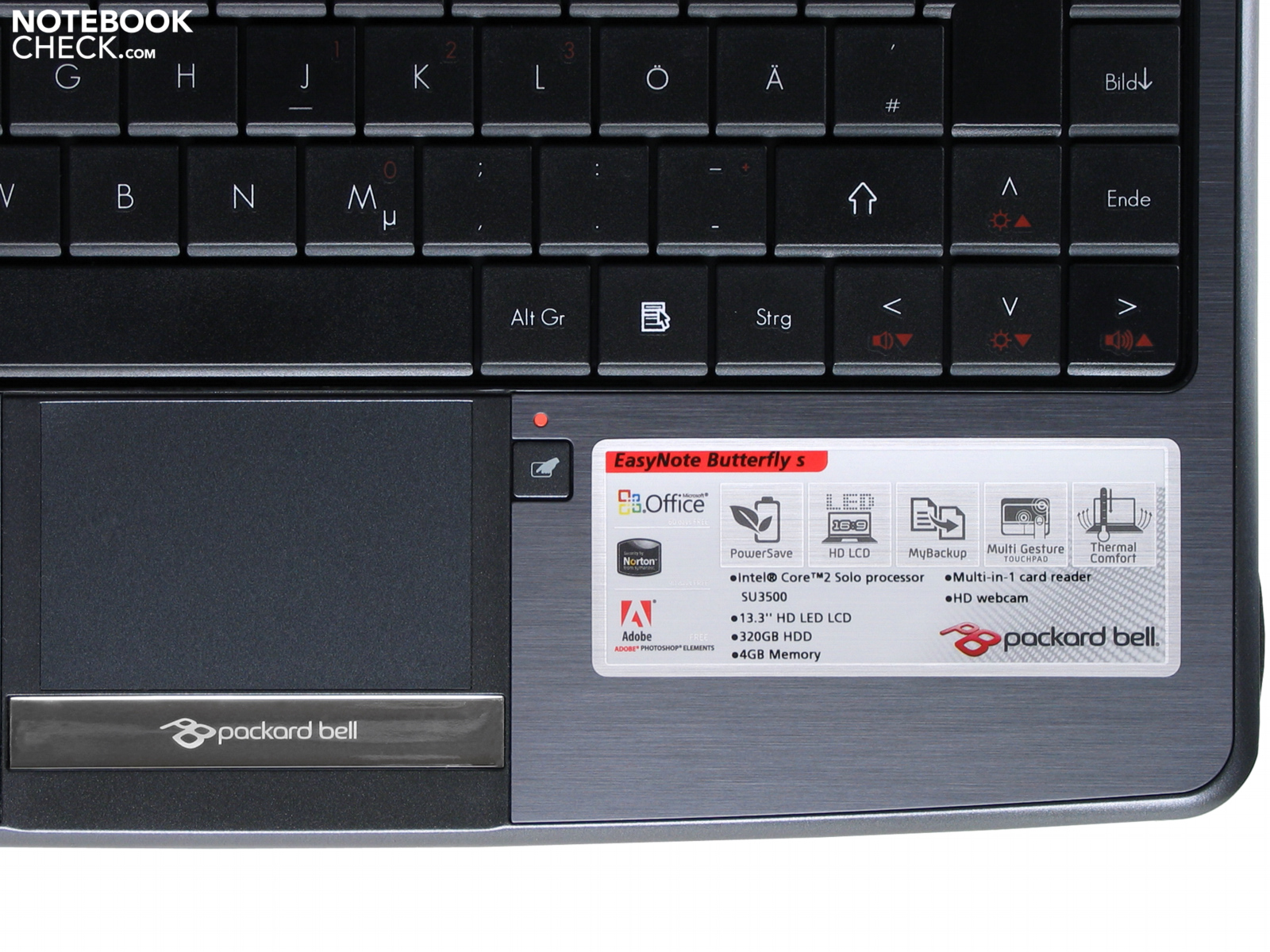
In the upper right area of the keyboard the user can make use of three sensor-buttons: 'Wireless LAN', 'MyBackUp' for saving settings and data and also 'PowerSave'. Beneath the touchpad there is a small button for de-/activating the touchpad and another indicator LED shows the status of it (on/off).
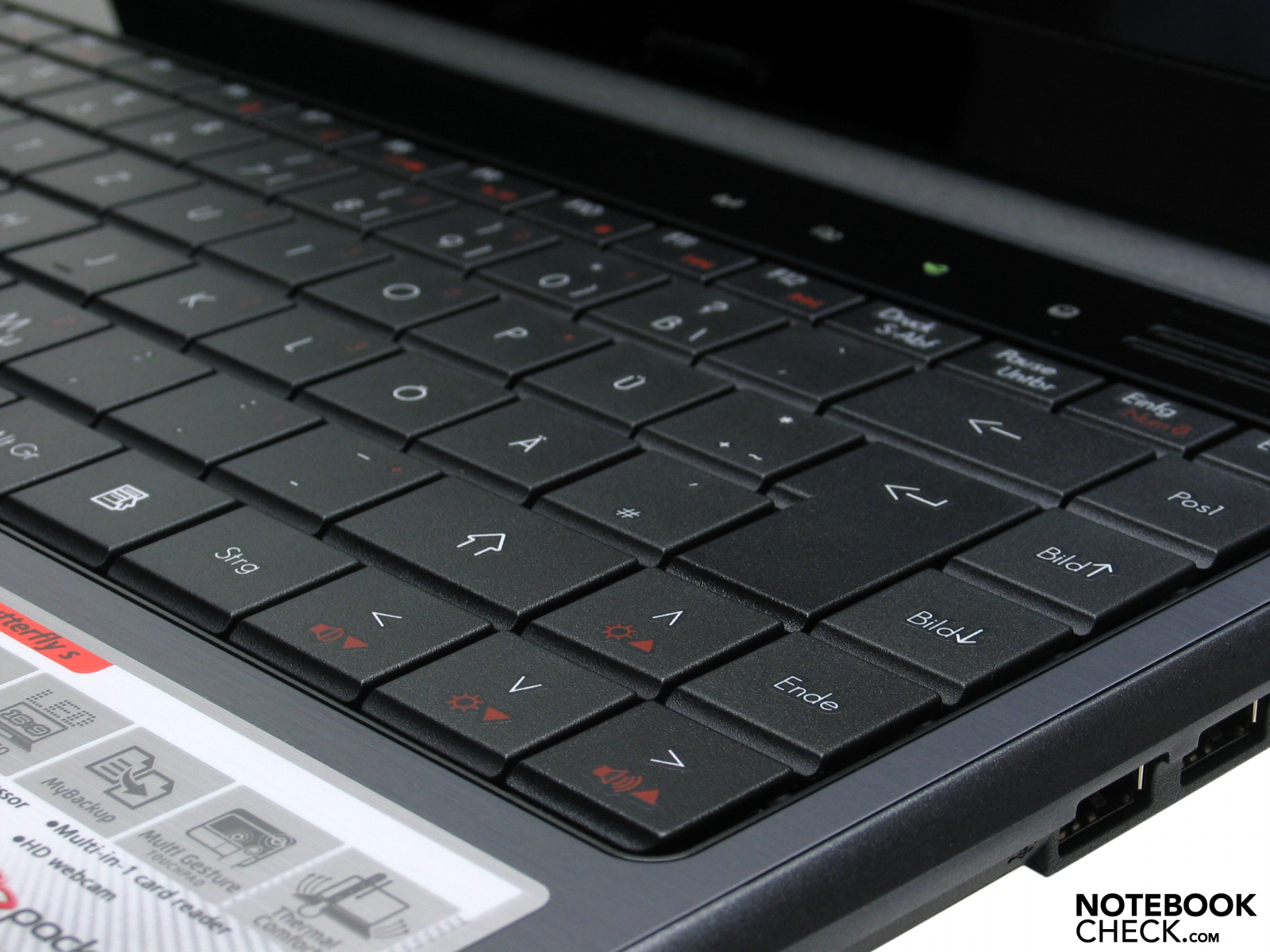
Packard Bell installed an attractive, flat keyboard with a total number of 87 keys. The alphanumerical buttons are with 1.7cm x 1.5cm pleasantly big. Everybody has different preferences concerning the haptic of a device, but for us the keyboard has a really comfortable touch. Moreover the keyboard construction is comparable silent. Since we tested a German device our keyboard layout is German, too. Thanks to the standard layout (left Fn-Button before Ctrl-button, right upper button as Del-Button) typing errors are rare. Mechanically the keyboard is upper average, yet the keyboard area slightly springs.
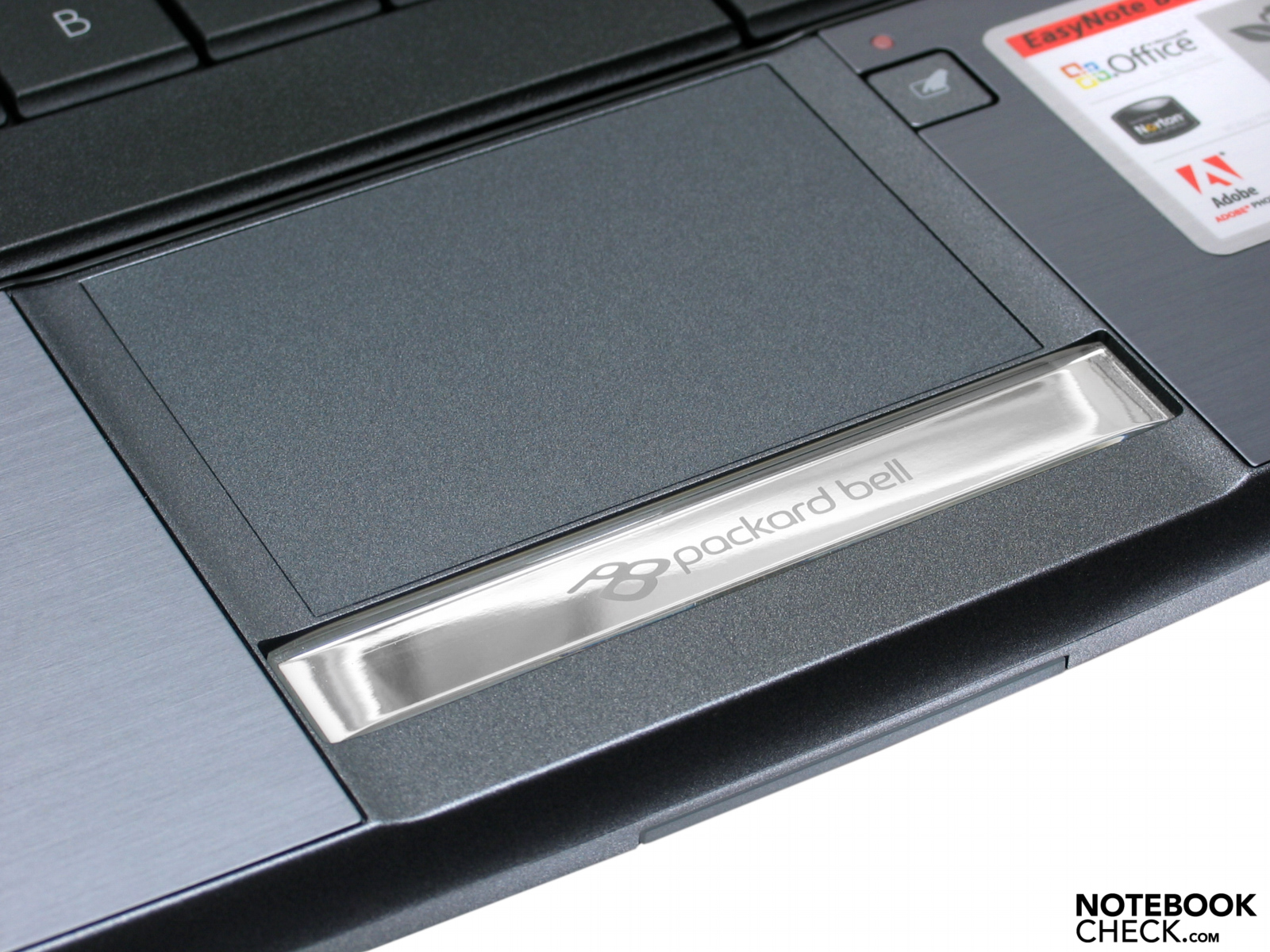
With 7.0cm x 4.6cm the touchpad of the Easynote Butterfly s – for a 13.3 inch subnotebook – is preciously big. However the surface feels kind of rough which affects grip as well as friction. Mechanically the touchpad works very precise and using a small additional button with its own indicator LED it can be de-/activated if necessary. Very trendy: Instead of two single touchpad buttons the Butterfly s has a single chromed panel with a low noise owing to a very small and decent microcontactor.
Display
The display is a highly reflective 13.3 inch WXGA-Display with a native HD-Resolution of 1366x768 pixels. The glare-type LCD in 16:9 aspect ratio has no anti-reflex-coating. That's why it is, despite of a good brightness, not appropriate for outdoor use.
| |||||||||||||||||||||||||
Brightness Distribution: 92 %
Contrast: 200:1 (Black: 0.9 cd/m²)
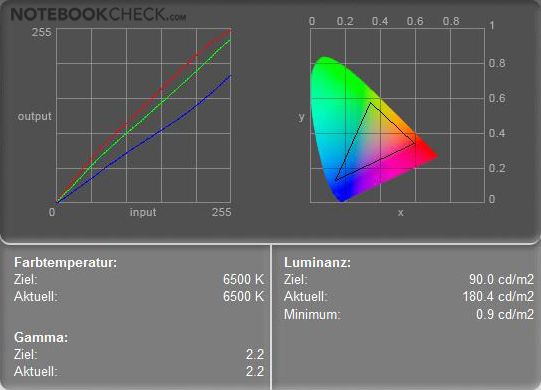
In order to save power the Easy Note Butteryfly s comes with an LED-backlit display. Our measurements of display brightness reveal good values, in average 188.9 cd/m². Too bad, the contrast of the Butterfly s is not really satisfying: With a minimal brightness (black value) of 0.9cd/m² and a maximum brightness of 197.0 cd/m² the maximum contrast ratio is 200:1 in mains operation. As a result the brilliance is rather low!
Although the HD-Display of the Packard Bell EasyNote Butterfly s is not convincing it achieves a 'very good' in illumination. With a total of 91.6 percent the display is absolutely convincing in this aspect. The difference in display brightness is just 8.4% - between the brightest area in the upper left corner (197.0 cd/m²) and the darkest area in the center of the screen (180.4 cd/m²).
The difference in luminiance density is subjectively good, since no namable effects occur.
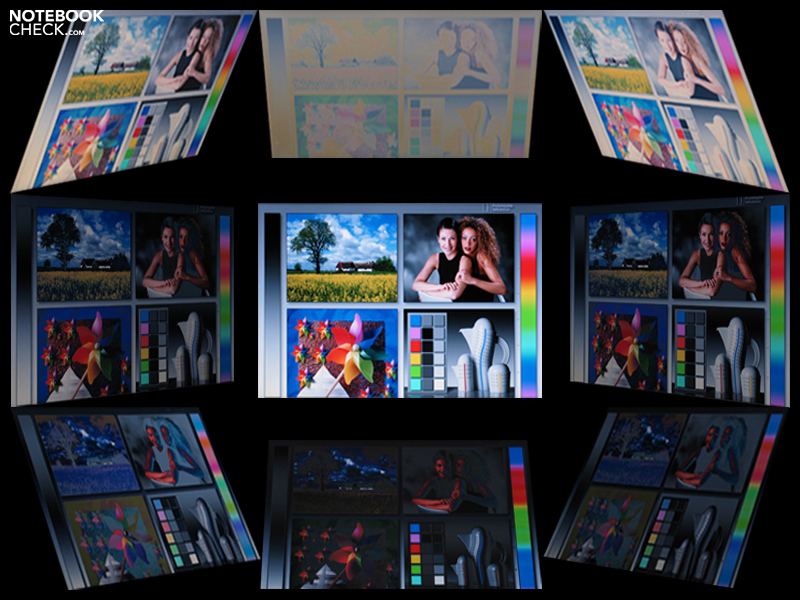
Also in different viewing angles the Butterfly s does not even reach a common result. Compared to our reference screen – a high-quality MVA-LCD Viewsonic VP2030b in 20-inch – a dominance of blue has to be mentioned, which gets particularly apparent in the skin-colors of portraits. All in all we would have prefered a more bright and especially an anti-glare screen, what would make the Butterfly s a considerable better choice for outdoor use.
Performance
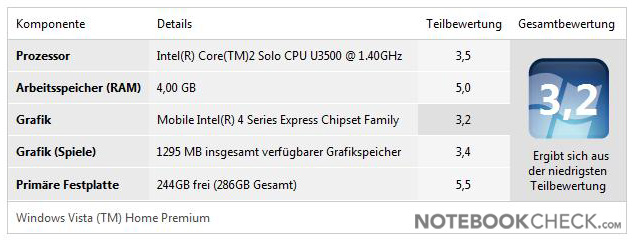
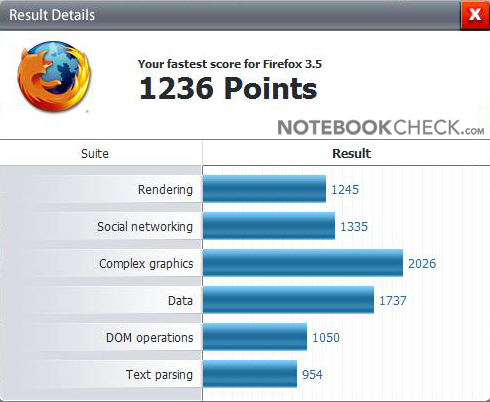
The processor used is an Intel Core 2 Solo SU3500 with 1.4Ghz, 3MByte cache and 800mhz FSB. Of course that means, the EasyNote Butterfly s with its CULV ( Consumer Ultra Low Voltage) is not a powerful machine at all. On the contrary it is meant to be a very mobile subnotebook with high degree of energy efficiency and at the same time acceptable overall performance. According to Intel the CPU only needs a TDP (Thermal Design Power) of 5.5 watt. So, it requires only a minimum of energy and produces only a little heat.
Obviously, in times of Microsofts Windows Vista a dual-core-CPU would have been a better choice. Just think of background services and tasks that have to be processed simultaneously. Definite advantages of dual-core CPUs: Is one core working to capacity the system is still able to quickly react to user input or process background tasks by utilizing the second core. Furthermore, programs which utilizes both cores can reach a higher performance than those optimized for only one core.
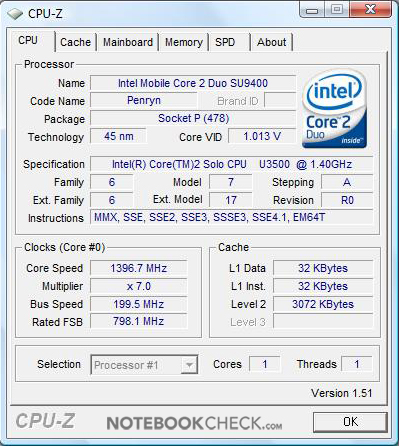
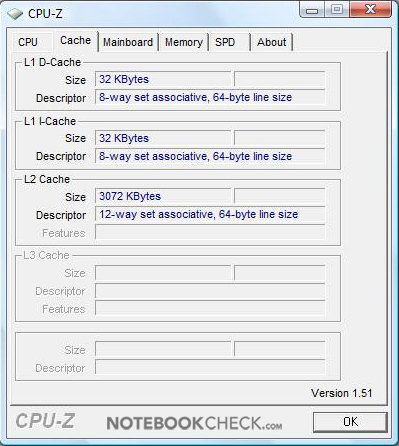
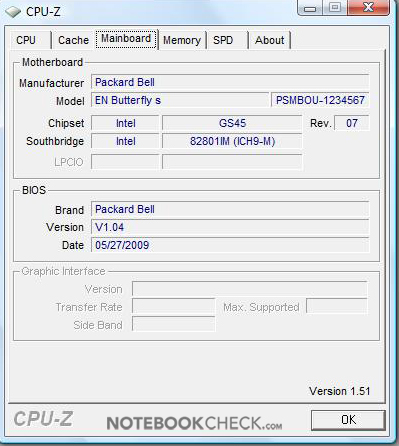
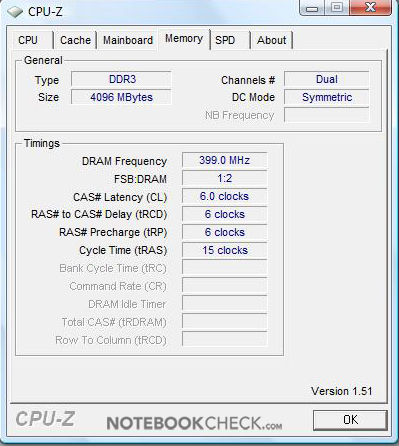
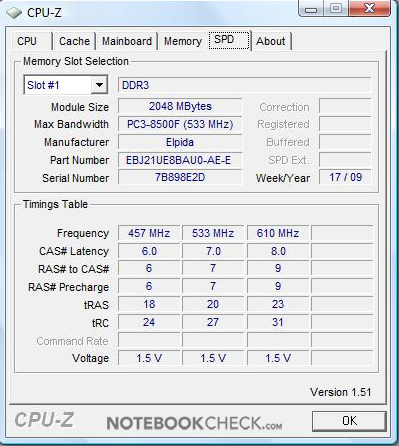
CPU-Z-information of the PB EasyNote Butterfly s subnotebook.
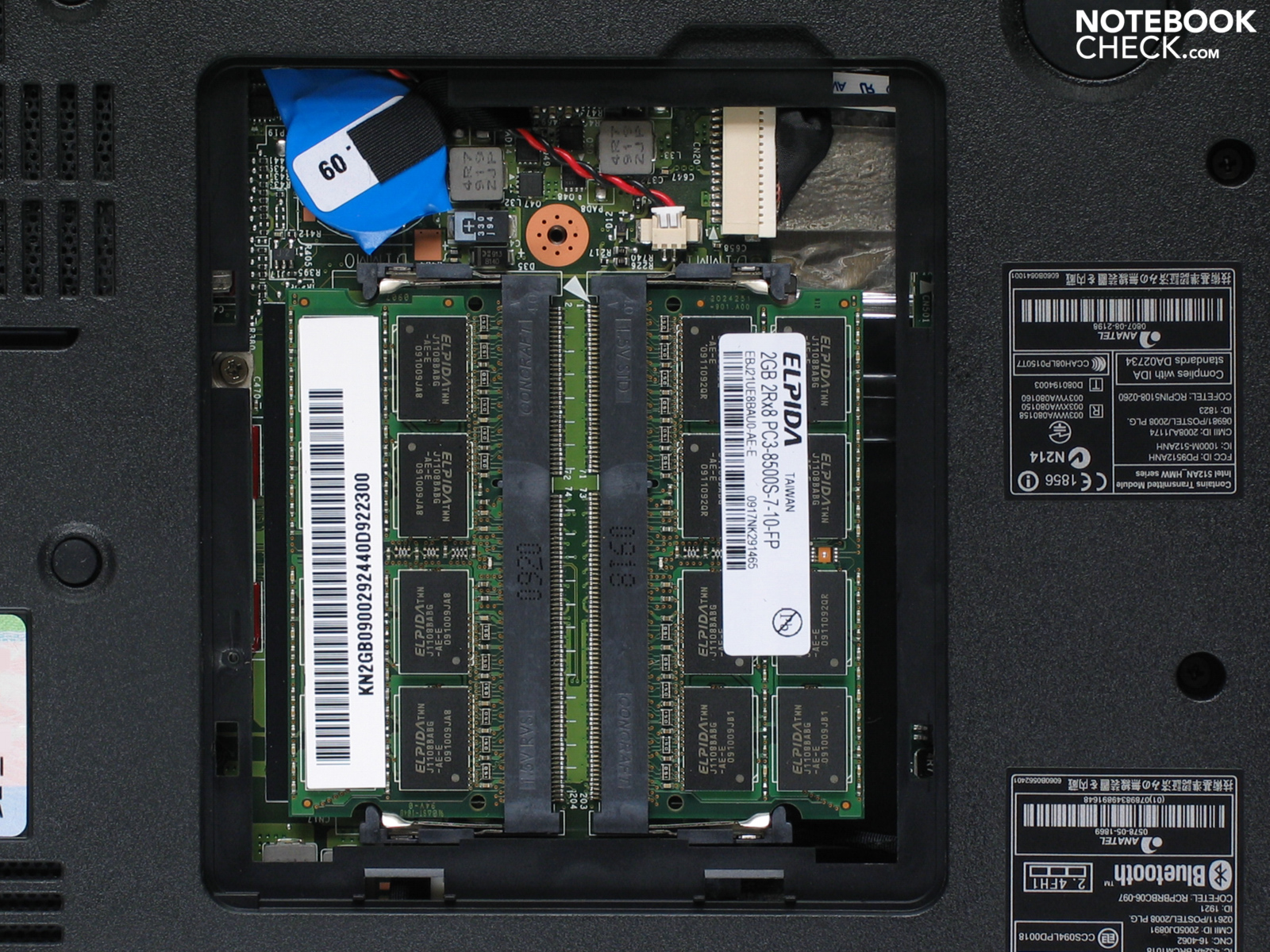
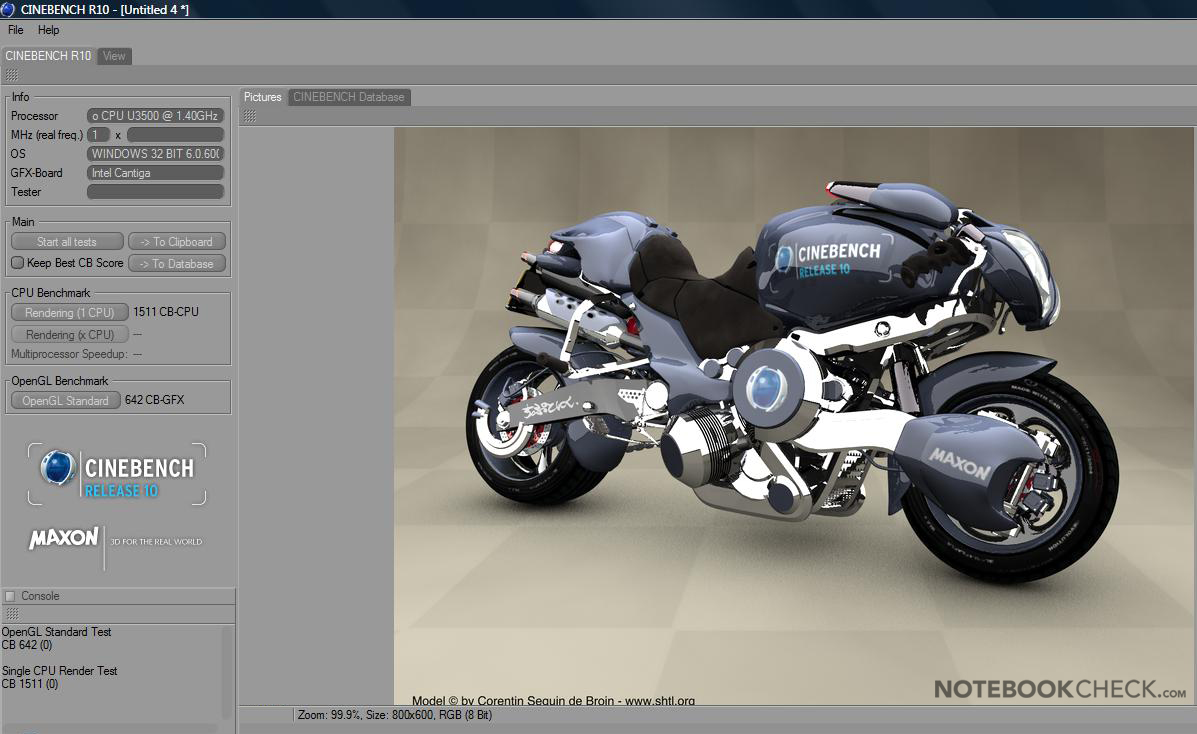
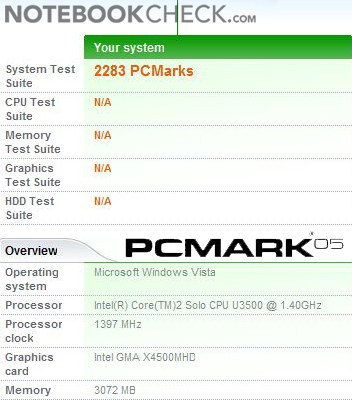
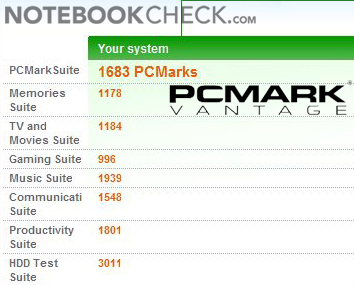
In case of the EasyNote Butterfly s there is absolutely enough performance for office use. PCMark Vantage shows a score of 1683 and PCMark 05 already 2286 points. This results in a final score of performance of 'satisfying'. By the way: The EasyNote Butterfly s has 4Gbyte DDR3-1066 RAM. However, because of system specific restrictions, only 3 Gigabytes are available to applications in the 32-bit version of Windows Vista.
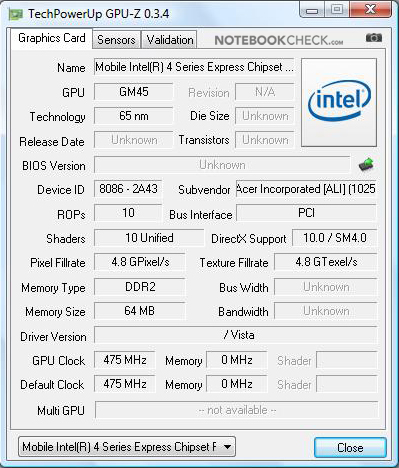
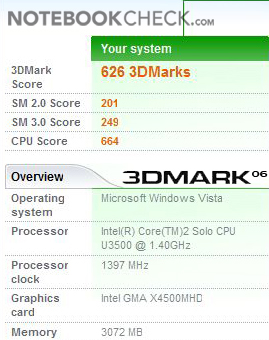
The GPU (graphics processing unit) Intel GMA 4500M HD which is a low power variant with only 320Mhz is integrated into the GS45 chipset is power saving. This might be enough for playing media like webvideos, but not much more than that. The total performance is clearly above the performance of a netbook but processing HD-Movies while running Windows Vista on a single-core CPU is almost impossible. Benchmark results like 3DMark 03 with 1684, 3DMark 05 with 1024 and 3DMark 06 with 626 points considerably show that for gaming and multimedia there must be more power.

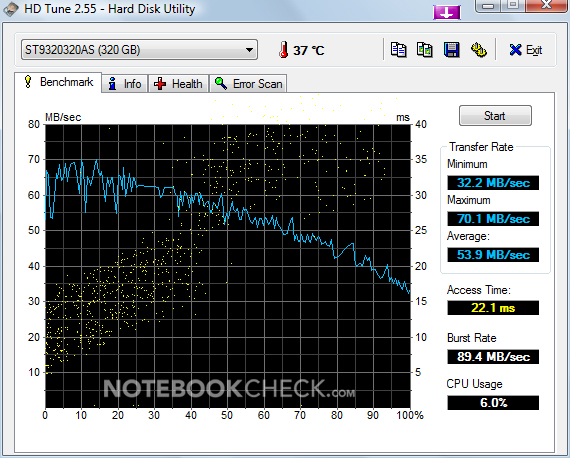

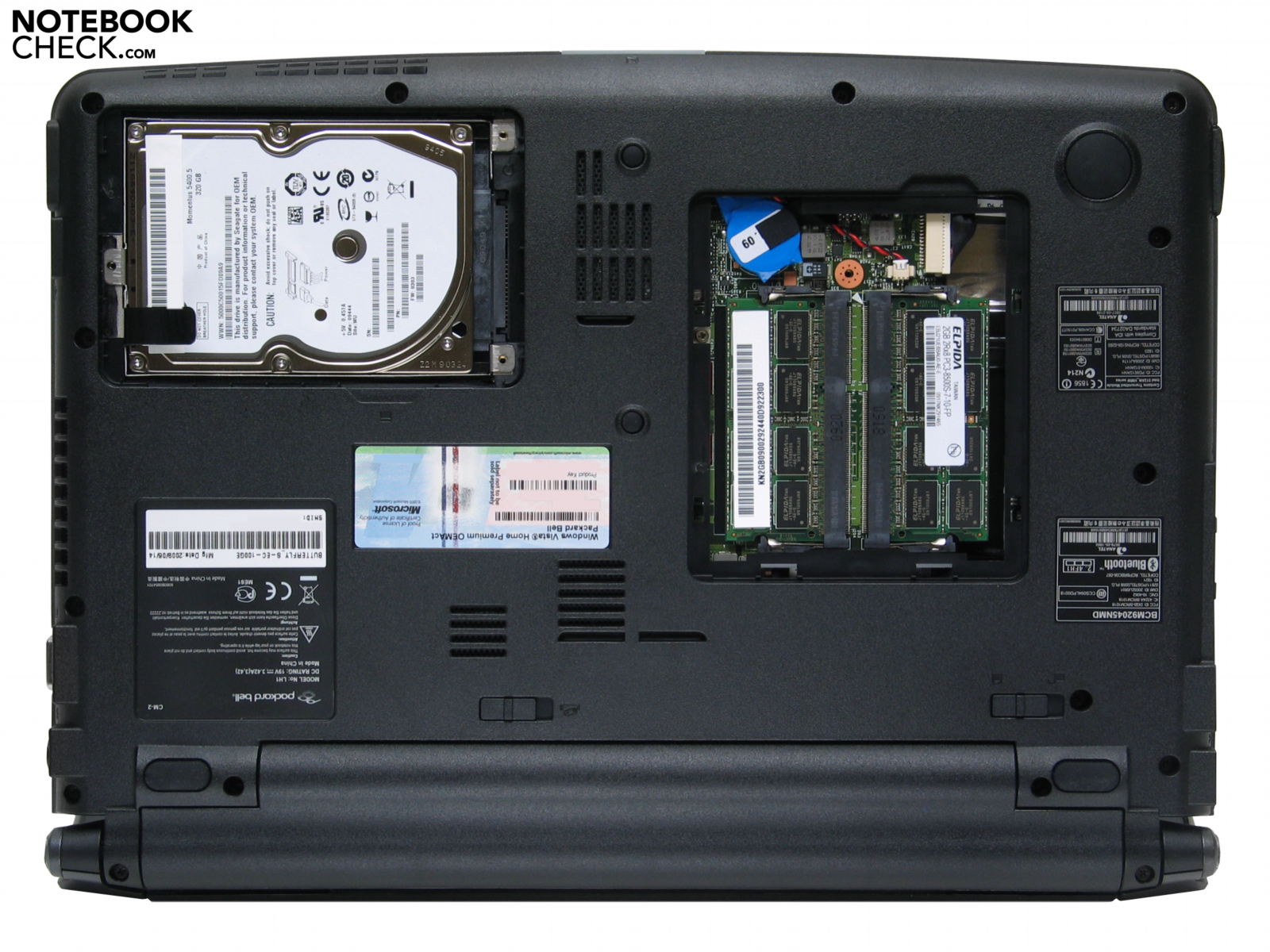
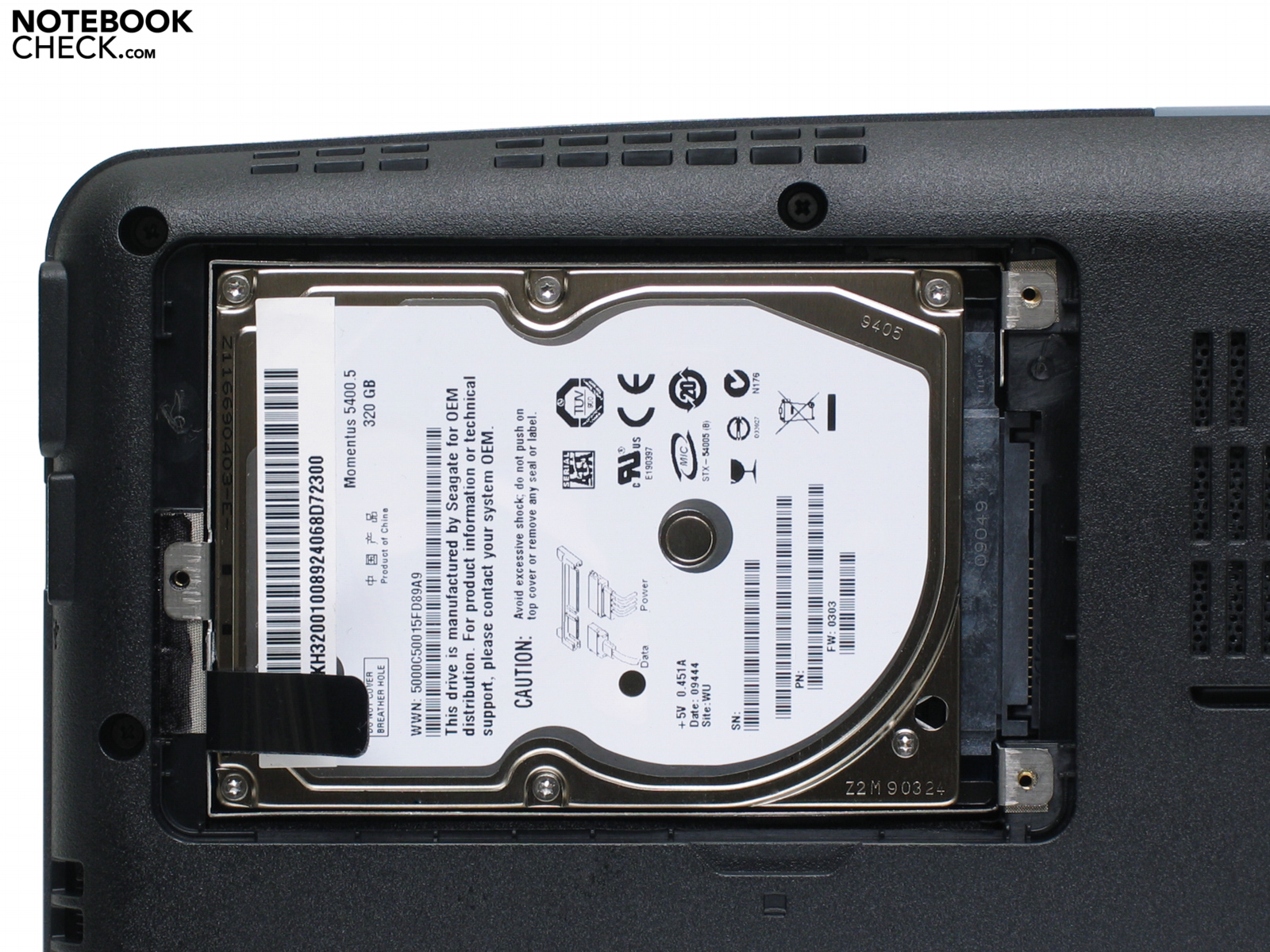
Packard Bell integrates a Seagate Momentus 5400.5 as mass storage device. The ST9320320AS has a gross capacity of 320GByte but all in all a netto capacity of 286 GByte for the operating system and other applications. HD Tune, the harddisc test, concludes there is a maximum transmission rate of 53.9 MB/s in average. PB abandons an optical drive, if someone wants to install CDs or DVDs or burn music for the car it is necessary to look for an external drive.
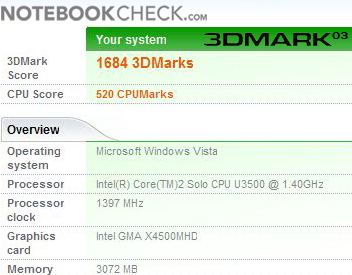
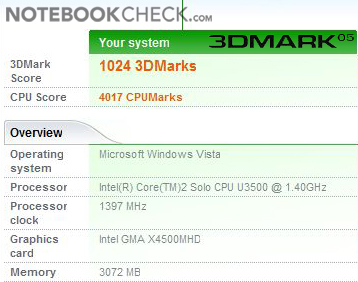
| 3DMark 03 Standard | 1684 points | |
| 3DMark 05 Standard | 1024 points | |
| 3DMark 06 1280x768 Score | 626 points | |
Help | ||
| PCMark 05 Standard | 2283 points | |
| PCMark Vantage Result | 1683 points | |
Help | ||

Of course, if you are interested in a ultramobile subnotebook you realistically will not expect a gaming-wonder based on a Intels Graphics Media Accelerator (GMA) 4500M HD. At best older and unchallenging games will reach a satisfying result. Since the Packard Bell EasyNote Butterfly s is a subnotebook the battery runtime is more important than graphics performance. The GPU is clocked down in order to save energy and reduce heat.
Emissions
System Noise
The sound intensity of our Butterfly s provides best results. Idle the EasyNote Butterfly s is hardly audible. If the load is increased a very silent and low-frequent fan powers on. The result of 31.8 dB(A) to 33.8 dB(A) in idle-mode and 34.9dB(A) with screensaver on and under load of 36.9dB(A) prove that in office use the Butterfly s is without ostentation.
Noise Level
| Idle |
| 31.8 / 32.6 / 33.8 dB(A) |
| HDD |
| 32.4 dB(A) |
| Load |
| 35.1 / 36.9 dB(A) |
 | ||
30 dB silent 40 dB(A) audible 50 dB(A) loud |
||
min:  , med: , med:  , max: , max:  (15 cm distance) (15 cm distance) | ||
Also the temperature level of our Butterfly s is comfortably cool: At 22.5 degrees Celsius room temperature we measured a maximum temperature of 31.1°C at the upper side and 31.9°C at the underside. Furthermore, the wrist rest areas stay comfortably cool, and the brushed aluminum surface there feels alright. Thanks to the low temperature emissions of the EasyNote Butterfly s it rates 'A' - Excellent!
(+) The maximum temperature on the upper side is 31.1 °C / 88 F, compared to the average of 35.9 °C / 97 F, ranging from 21.4 to 59 °C for the class Subnotebook.
(+) The bottom heats up to a maximum of 31.9 °C / 89 F, compared to the average of 39.3 °C / 103 F
(+) The palmrests and touchpad are cooler than skin temperature with a maximum of 31.1 °C / 88 F and are therefore cool to the touch.
(-) The average temperature of the palmrest area of similar devices was 28.2 °C / 82.8 F (-2.9 °C / -5.2 F).
Loudspeakers
Since sound for office-subnotebooks is not quite important two little speakers are situated above the keyboard, hidden left and right below an additional panel. For unassuming music- and system sounds those tiny speakers easily meet all requirements. Contrary the line out for headphones used with our high-quality in-ear headphones from Bose is alright.
Battery runtime
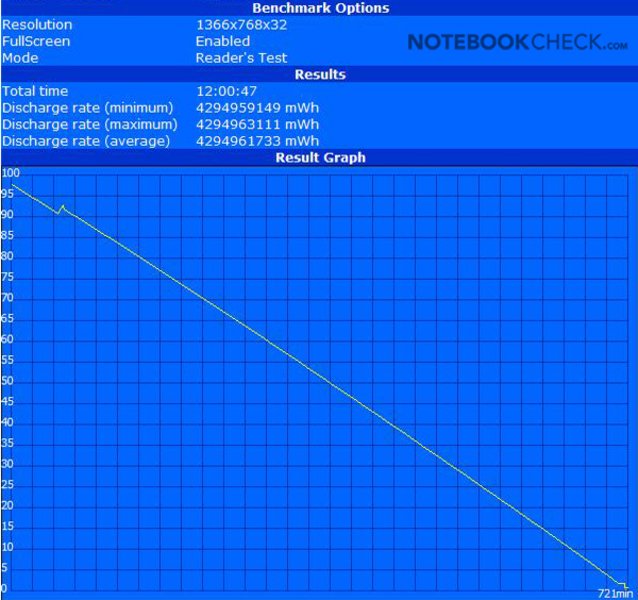
Record: With a maximum of 12 hours or 721 minutes the EasyNote Butterfly is a first choice candidate. A sensationally long battery runtime qualifies our Butterfly s as the endurance runner.
The 'runtime-champ' Butterfly s reaches amazing uptimes with its 6-cell 5600-mAh-accumulator (56Wh) in the Reader´s-Test of the Battery Eater tool. Of course the display brightness is dimmed, Bluetooth and wireless LAN is deactivated while testing. Reading longer texts at the train should be no problem at all.
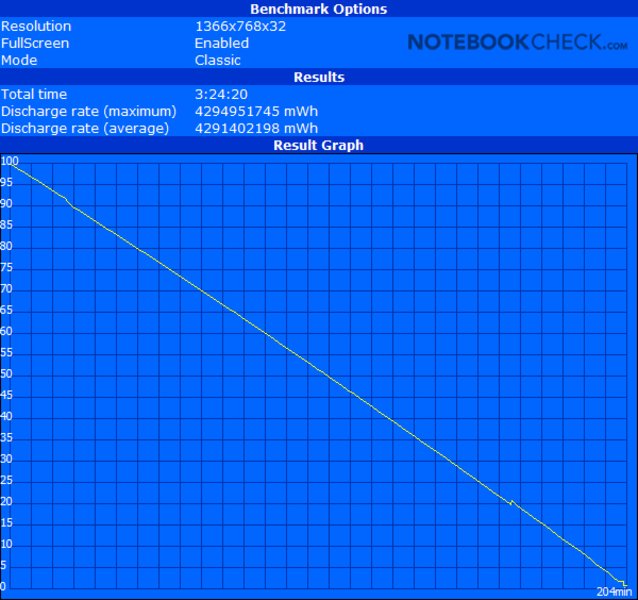
The Classic-Test of Battery-Eater unloads our Butterfly s within about 3.5 hours, which is a respectable result. Usually other subnotebooks just reach 1.5 hours. Without graphically sophisticated to-dos you can easily work on the move.
With this brilliant result the Packard Bell EasyNote Butterfly s settles the score for battery runtime: 100 points!
Certainly we determined the energy consumption: The wattmeter shows 0.0W if the Butterfly s is shut down, 0.1 if it is on standby and 8.1 to 12.9W on idle Windows Vista. The maximum we could find was 23.3 watts.
Remarkable: the standard-screensaver increases the consumption by 4.6 watts! The wattmeter counts 17.5W then – unbelievable! Under Cinebench the Butterfly s just needs 16.8W.
| Off / Standby | 0 / 0.1 Watt |
| Idle | 8.1 / 11.1 / 12.9 Watt |
| Load |
16.8 / 23.3 Watt |
   
| |
Key:
min: ,
med: ,
max: | |

The Butterfly s gets an award in cost-benefit ratio: excellent mobility for a low price.
For 600 Euro the Packard Bell EasyNote Butterfly s is a cheap and mobile 13.3-inch subnotebook with an extremely good battery runtime, practical features and good workmanship. Within the group of 13.3-inch subnotebooks the Butterfly s is a winner – comparable classmates often cost about 1000 Euro.
The EasyNote Butterfly s of Packard Bell all in all gets an 'A' with a total score of 88 out of hundred possible points. The costumer just hast to cope the missing optical drive and the single core CPU.
If one is expecting a 13.3-inch-notebook with more performance and an integrated DVD-Burner, he should keep an eye open for more expensive appliances. One thing has to be clear: In that case he also has to give a miss to such an outstanding battery runtime.