Deutsch
 Español
 Français
 Italiano
 Nederlands
 Polski
 Português
 Русский
 Türkçe
 Svenska
 Chinese
 Magyar
Review Lenovo Thinkpad T60p UXGA Notebook
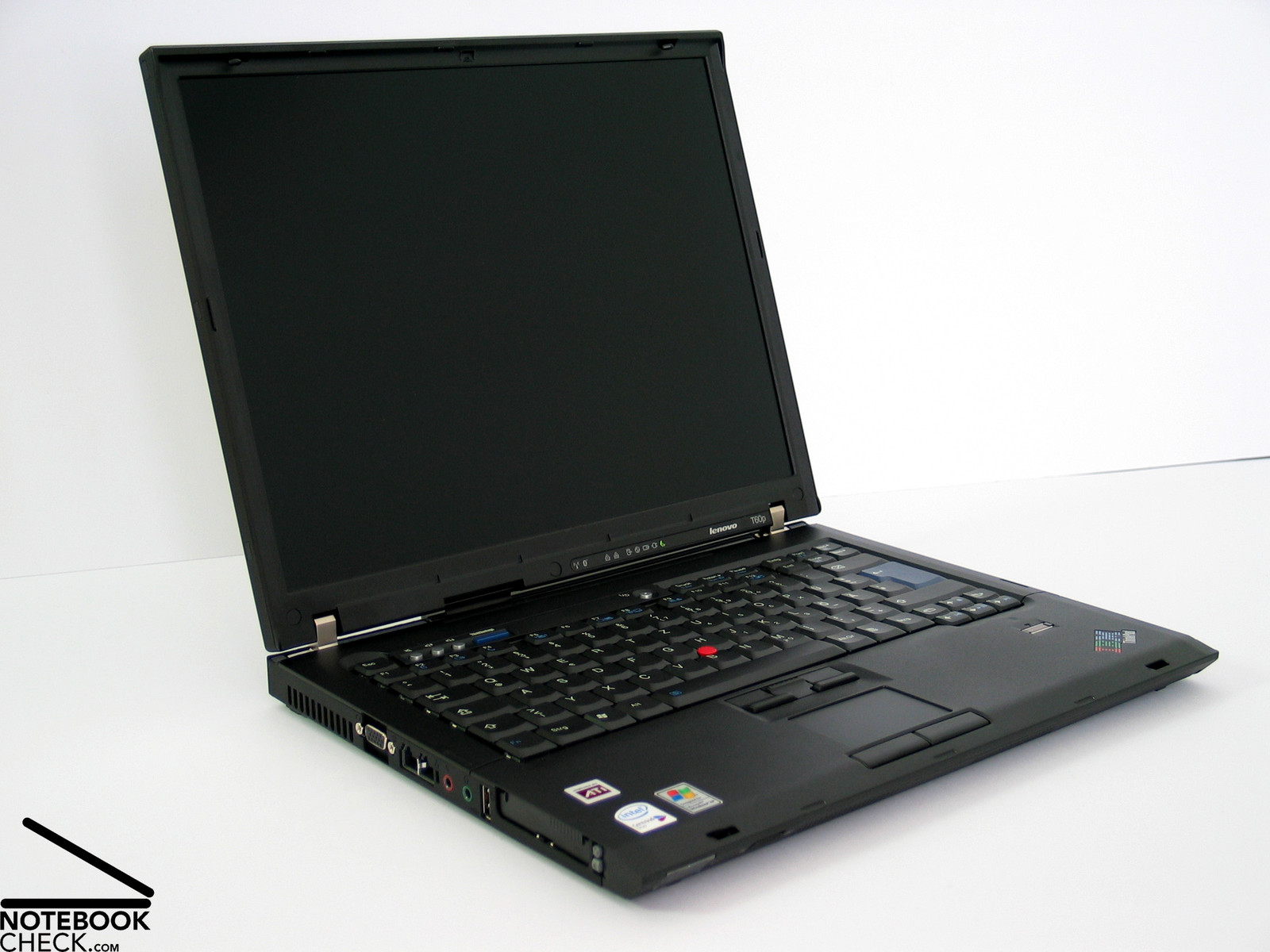
Evergreen. Whoever thinks that the launch of the Lenovo Thinkpad T61 consigned the Thinkpad T60 to history errs. The T60p has some qualities which are still not matched by the brand-new T61. A special feature of the reviewed notebook is that it was retrofit with a 15" FlexView UXGA display, which provides first-class overview by a resolution of 1600x1200 pixels and, furthermore, all-time stability to the vantage point.
Case
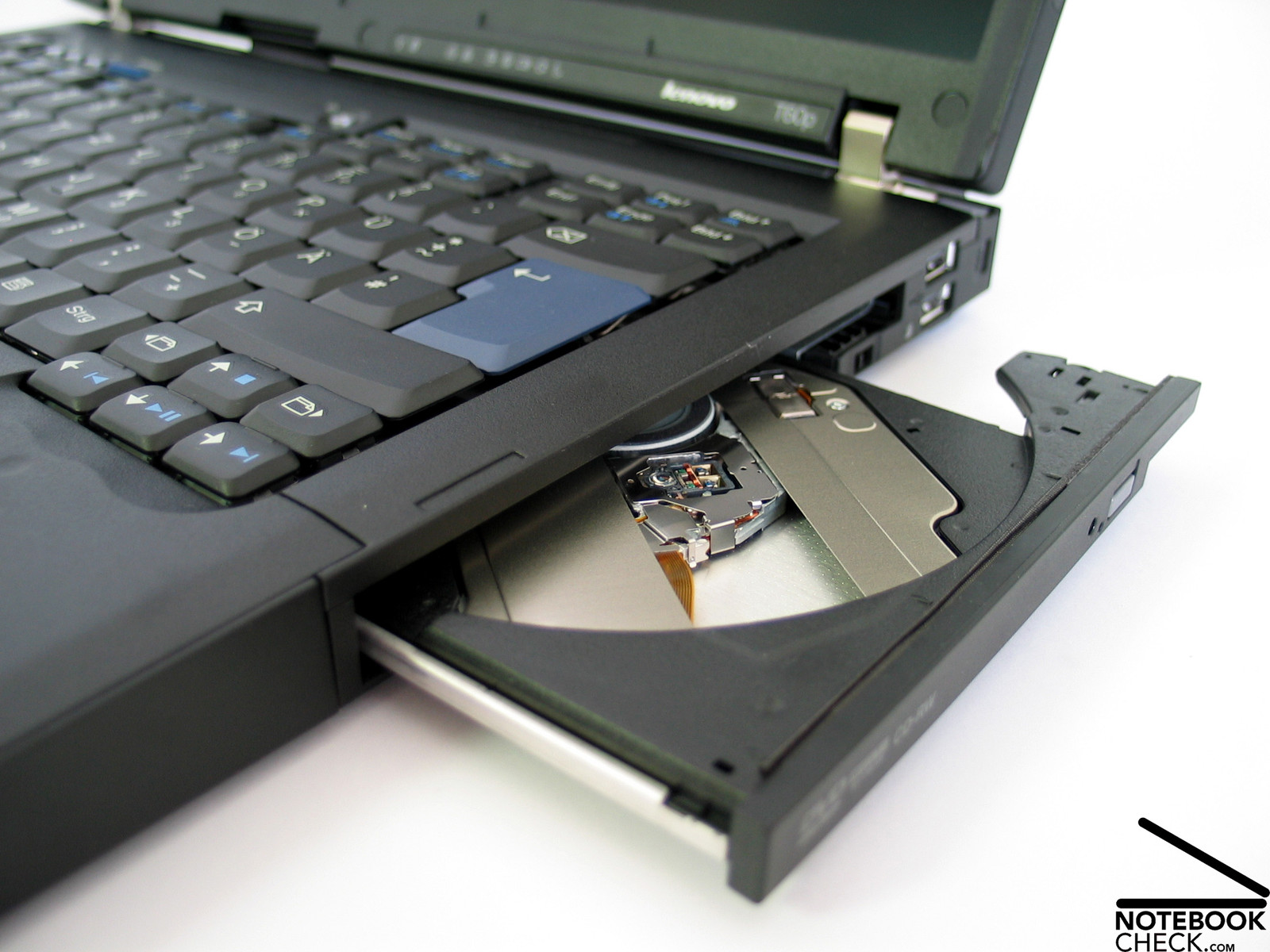
The case of the Thinkpad T60p is in general the same than used for the T60, a robust magnesium case with innovative, functional design. A stable metal frame inside the Thinkpad ensures perfect rigidity of the case and at the same time a still acceptable weight.
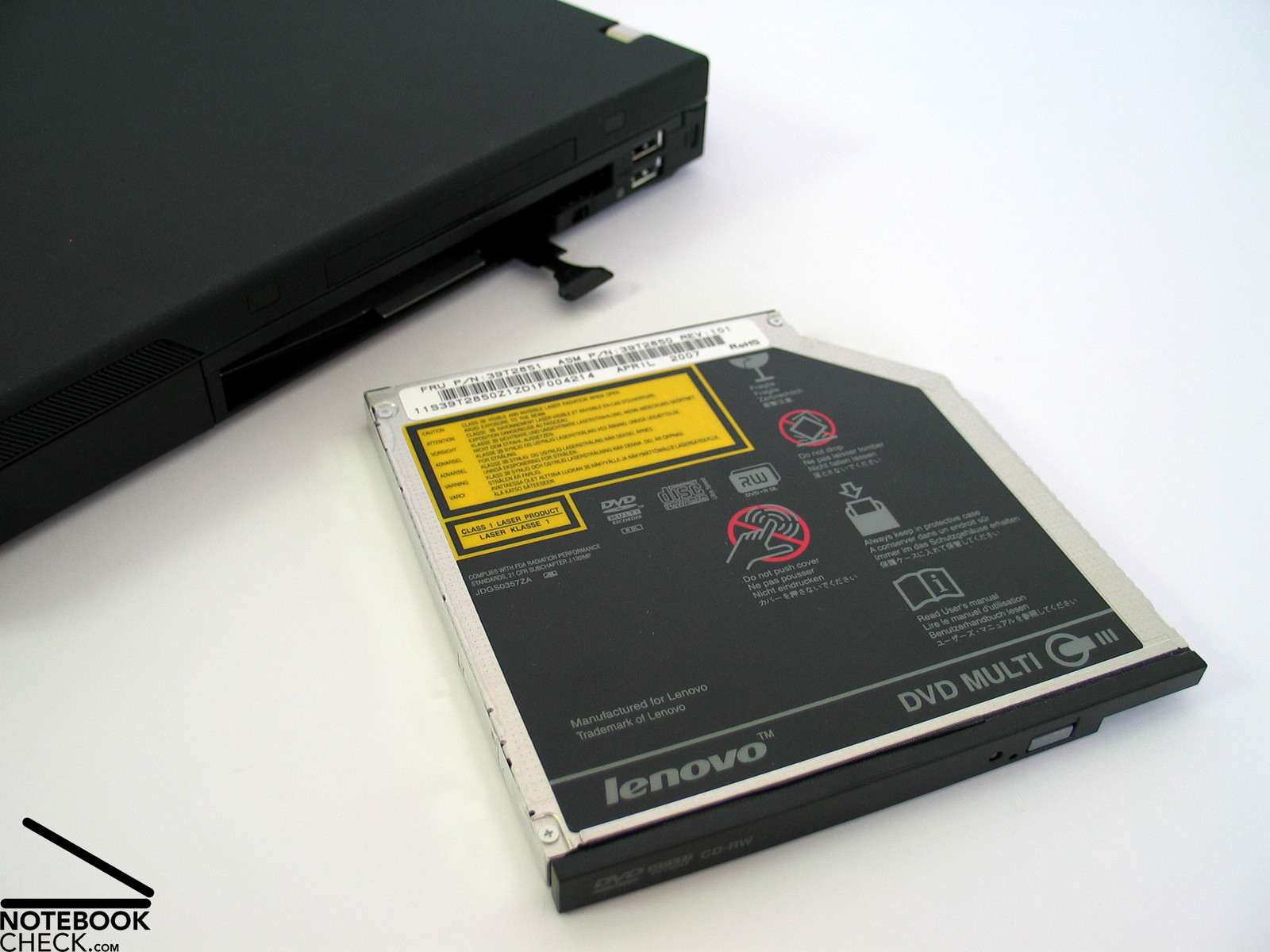
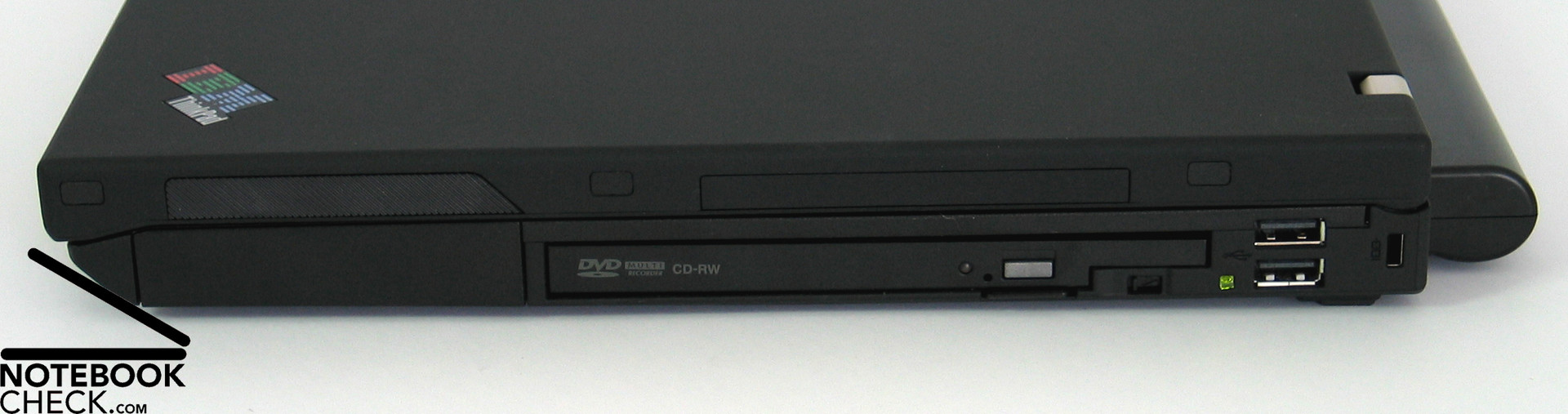
Smaller, but mentionable weaknesses are at the Ultrabay slot and the PC/Expresscard slot, where the case slightly yields under pressure.
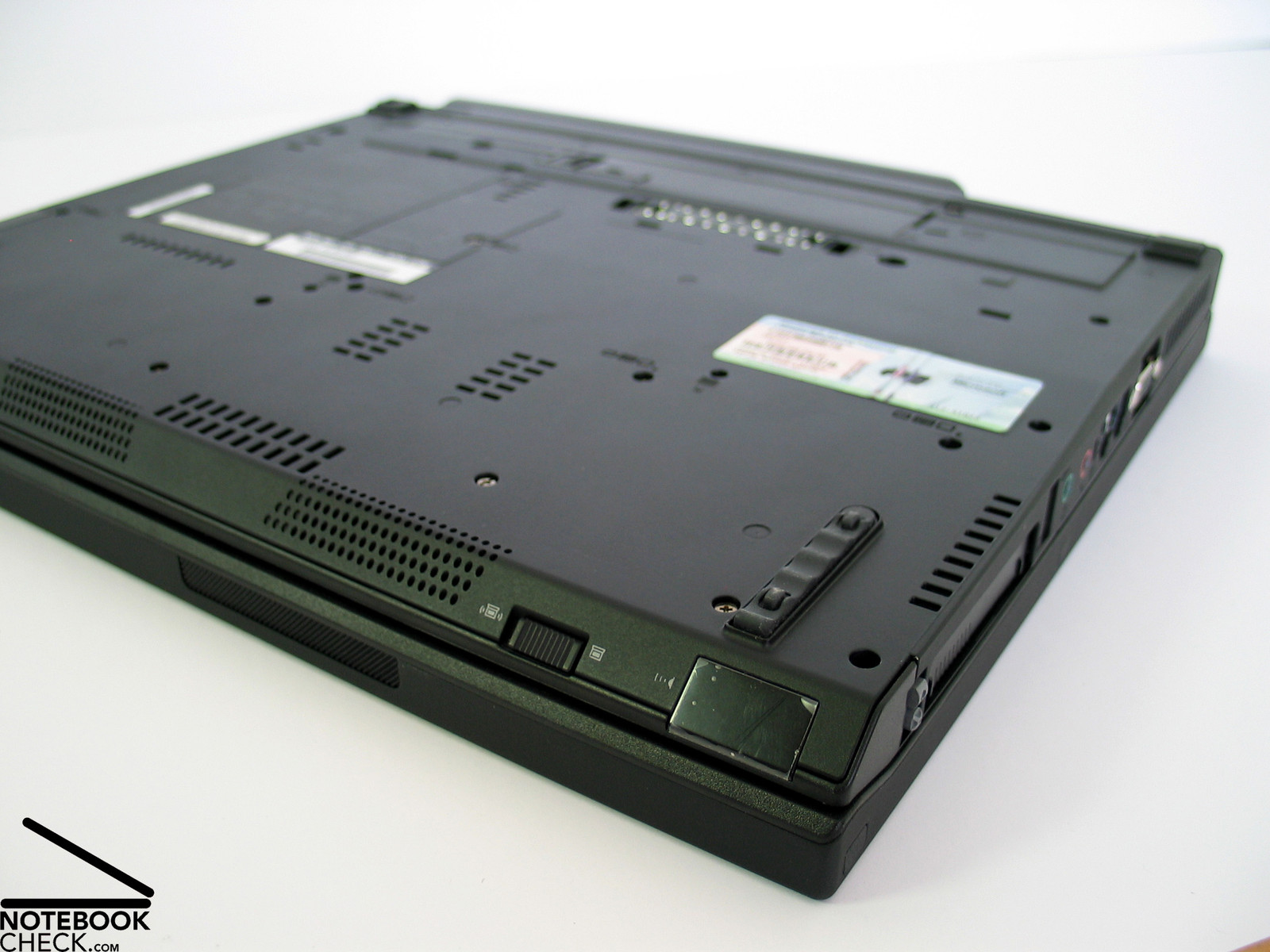
Another feature of the T60's case is its special trough construction, which effectively drains infiltrating liquids and, so, protects the sensible electronics in its inside and therewith protects against data loss by hardware defects.
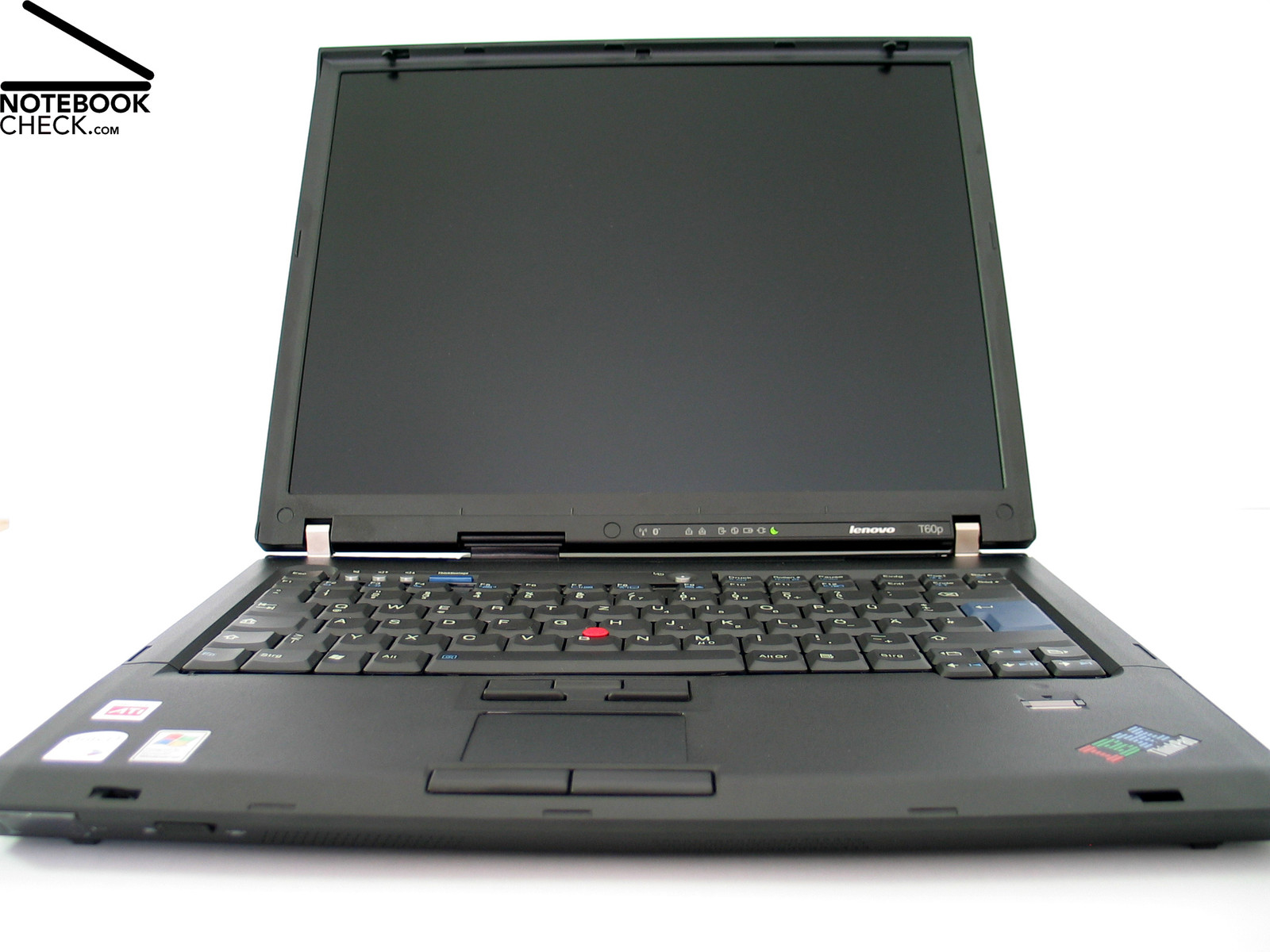
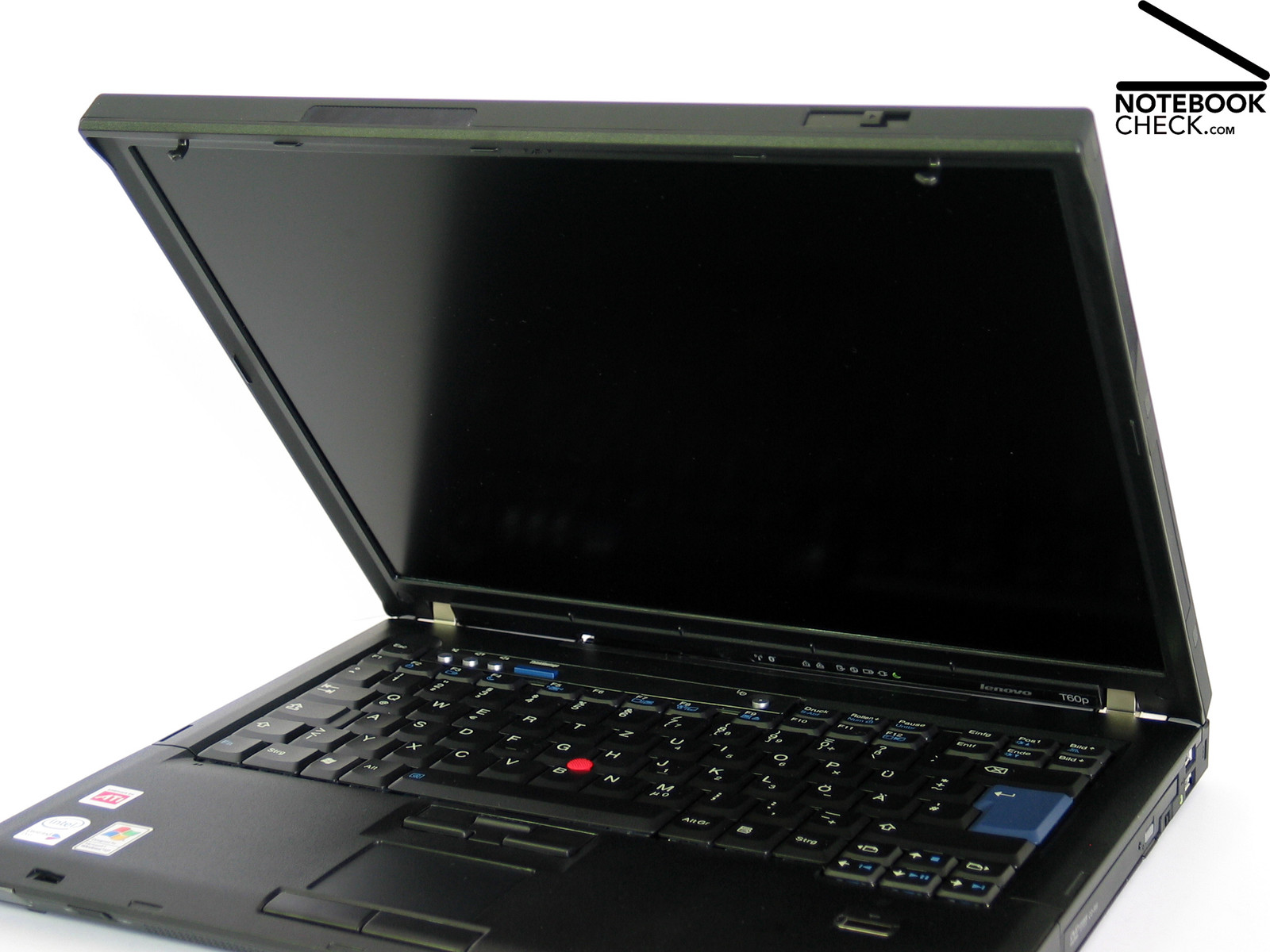
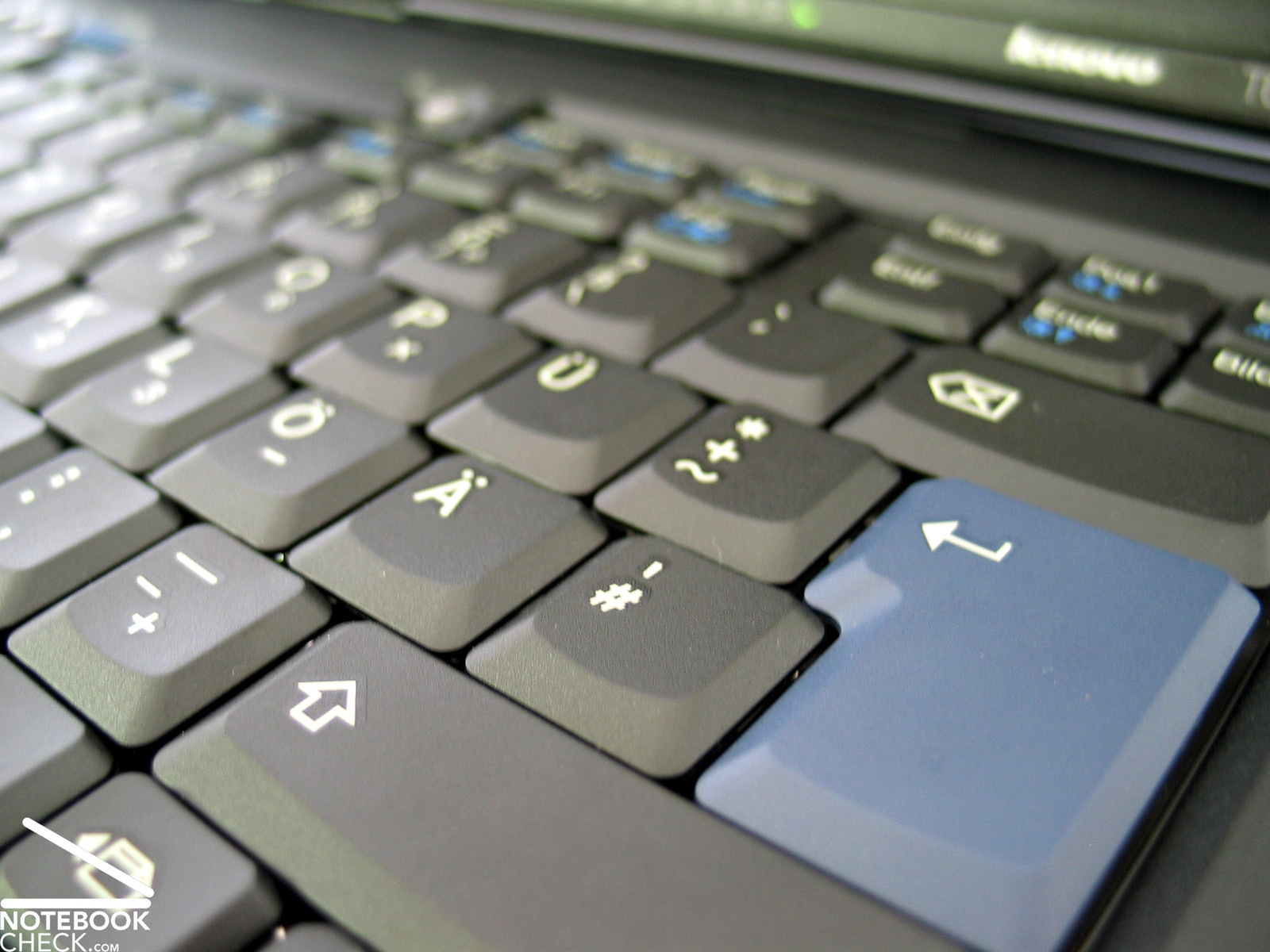
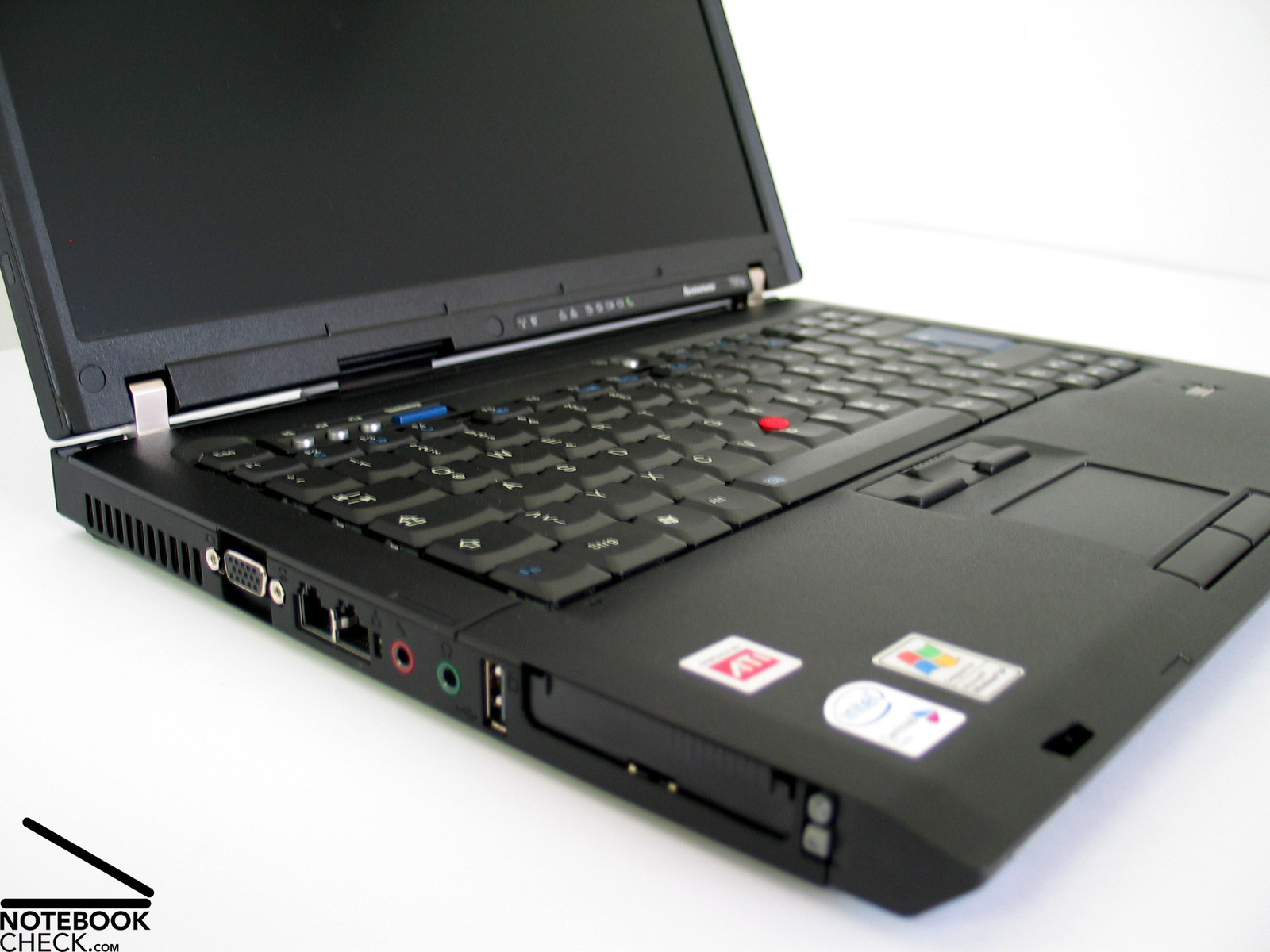
The design is typical IBM. Black in black without any unnecessary ornaments. Only the red track point in the center of the keyboard and the blue enter key strike a little bit.
The functions determine the forms. E.g., the clamshell design of the display contributes to the display's flexural rigidity and protects the notebook against penetrating objects, if it is closed.
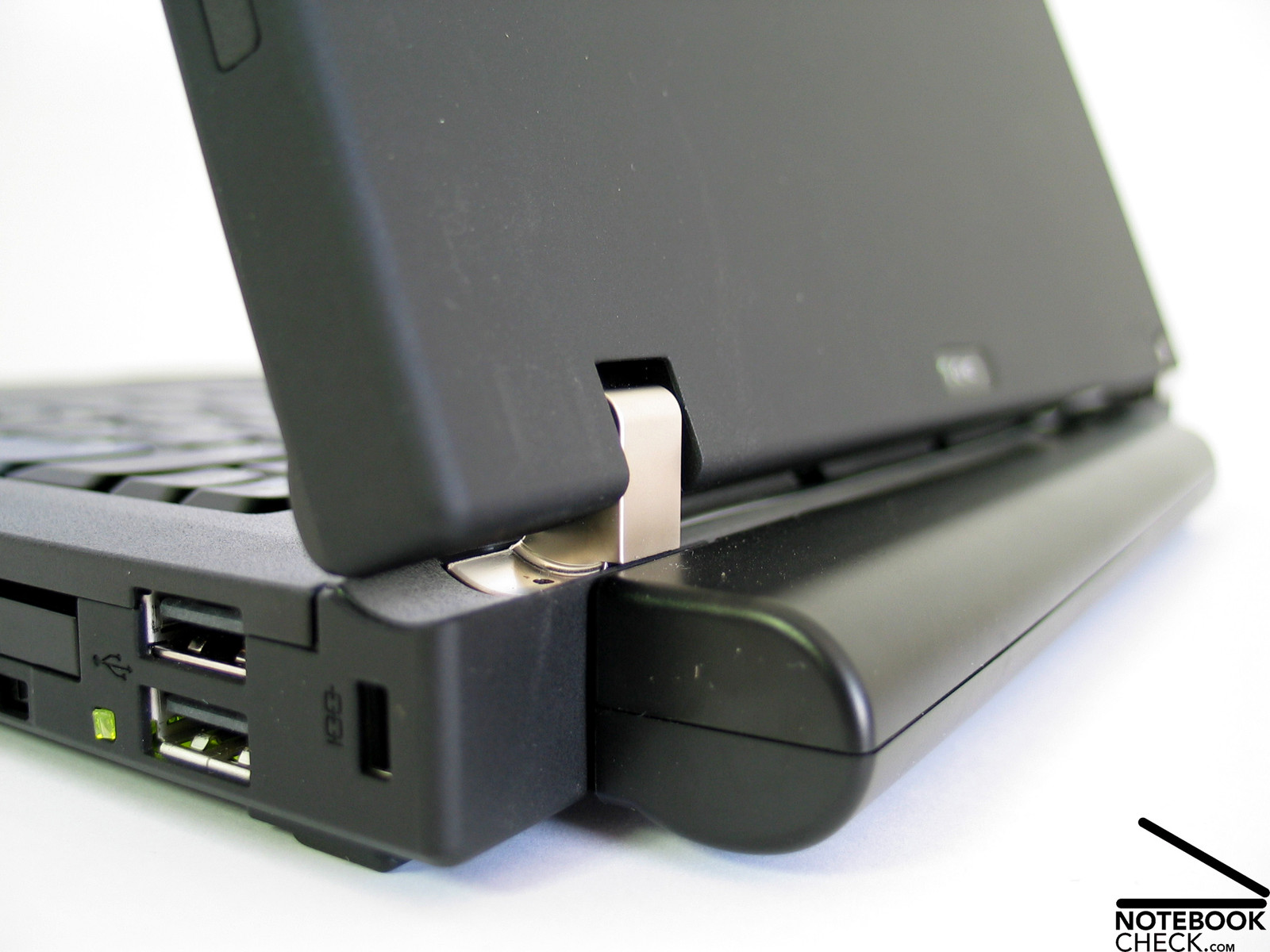
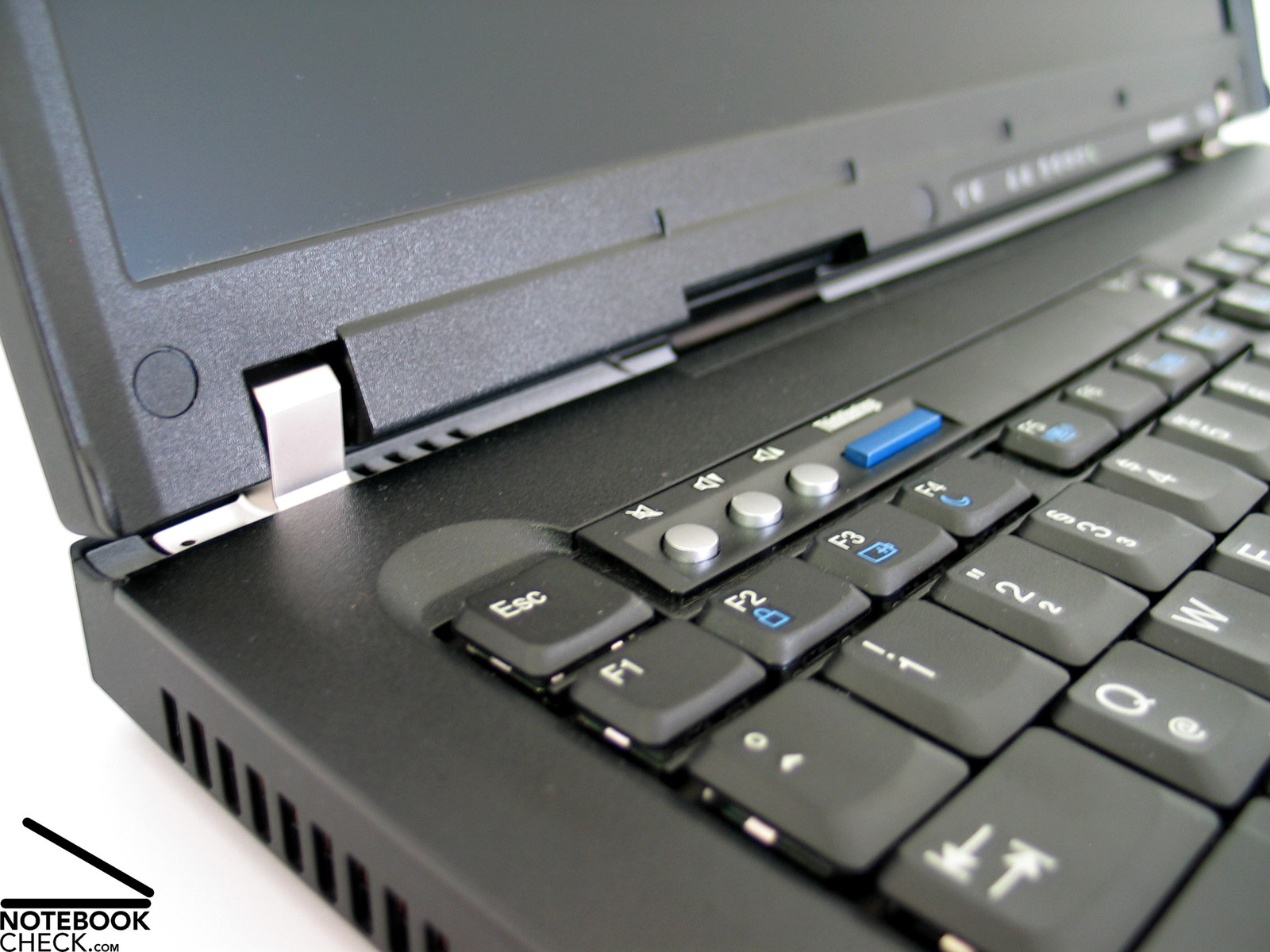
Also the solid metal hinges improve robustness and durability. They keep the display in its position without any see-saw - this should stay the same, even if the notebook gets old.
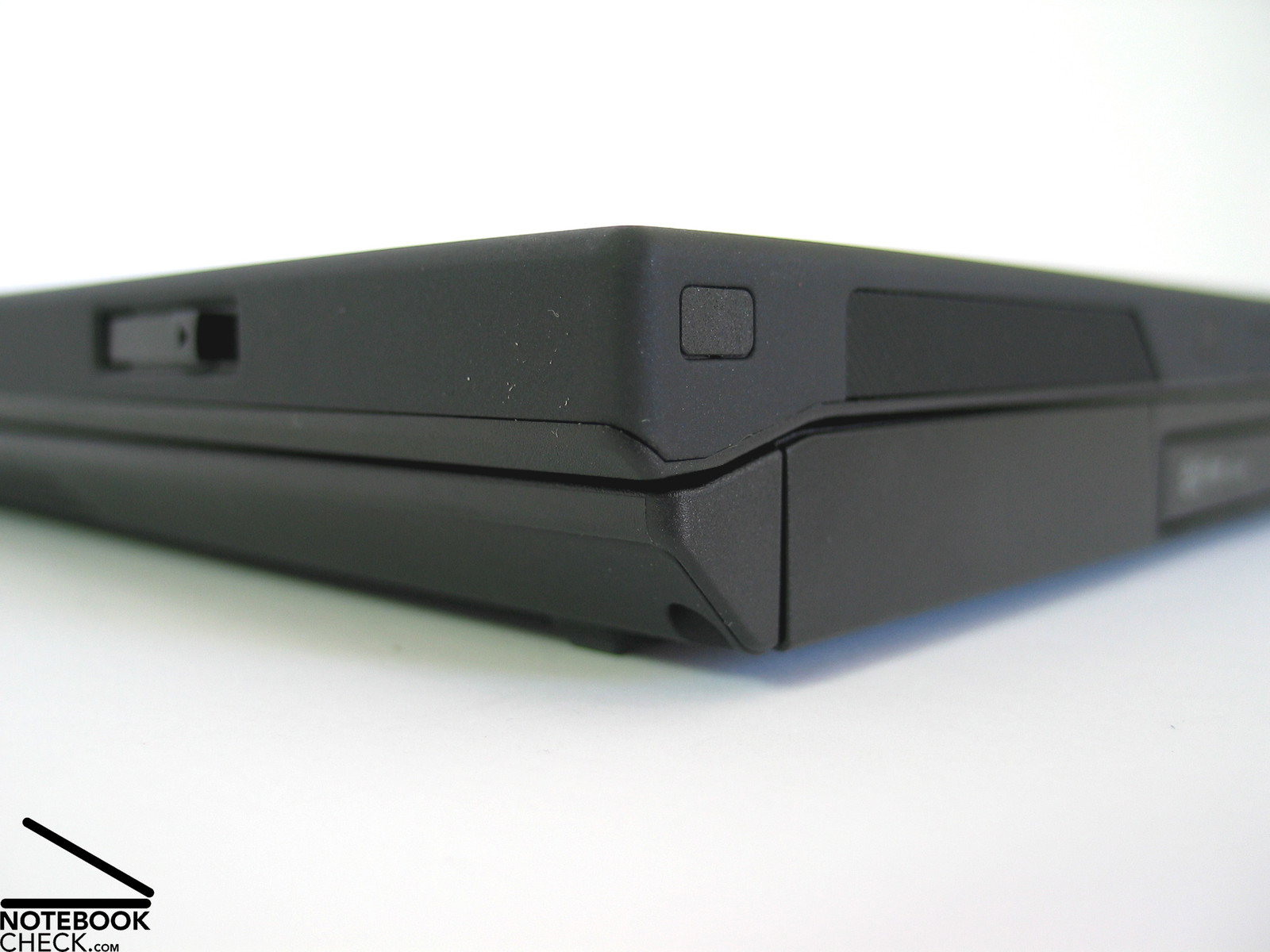
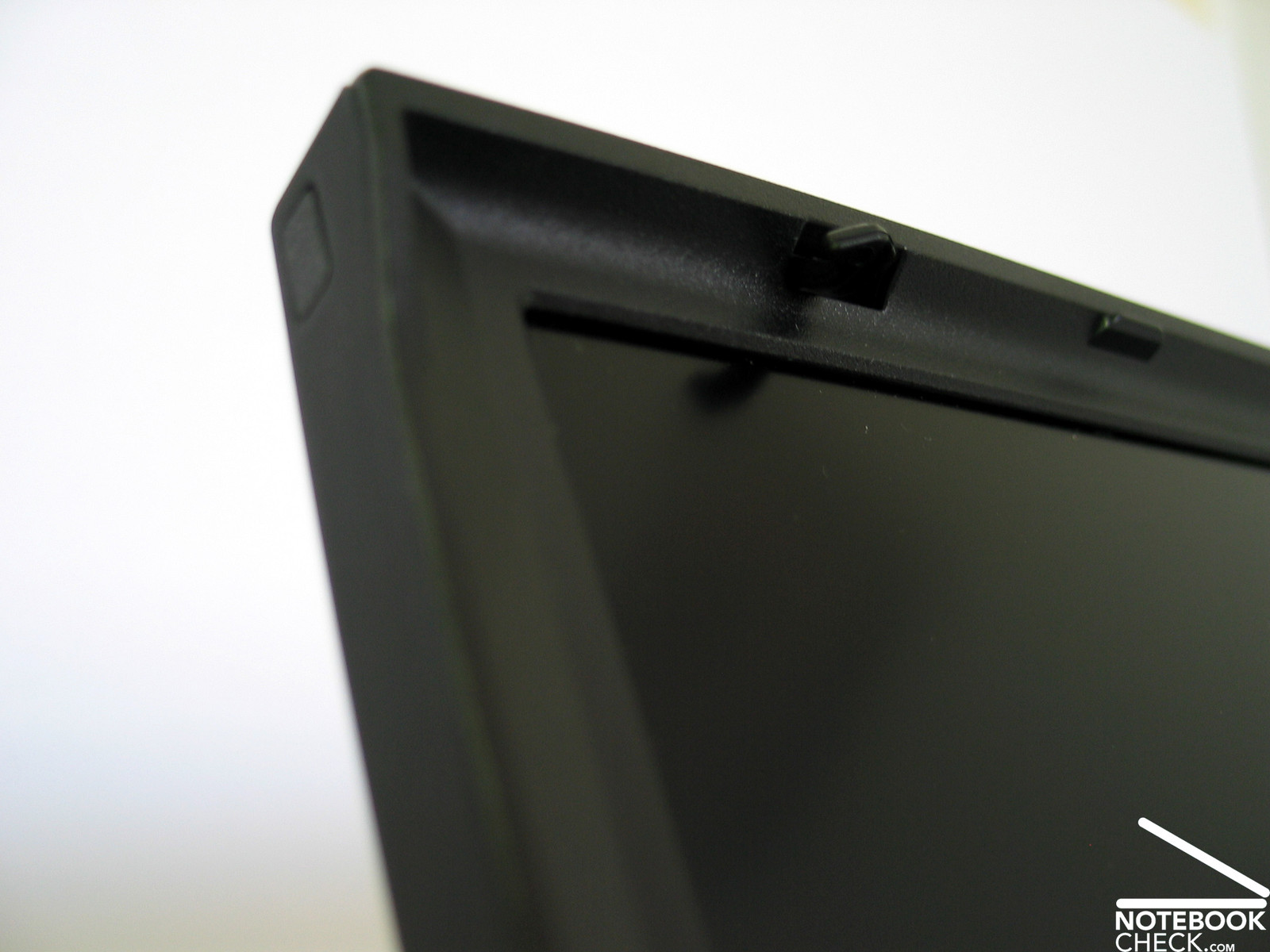
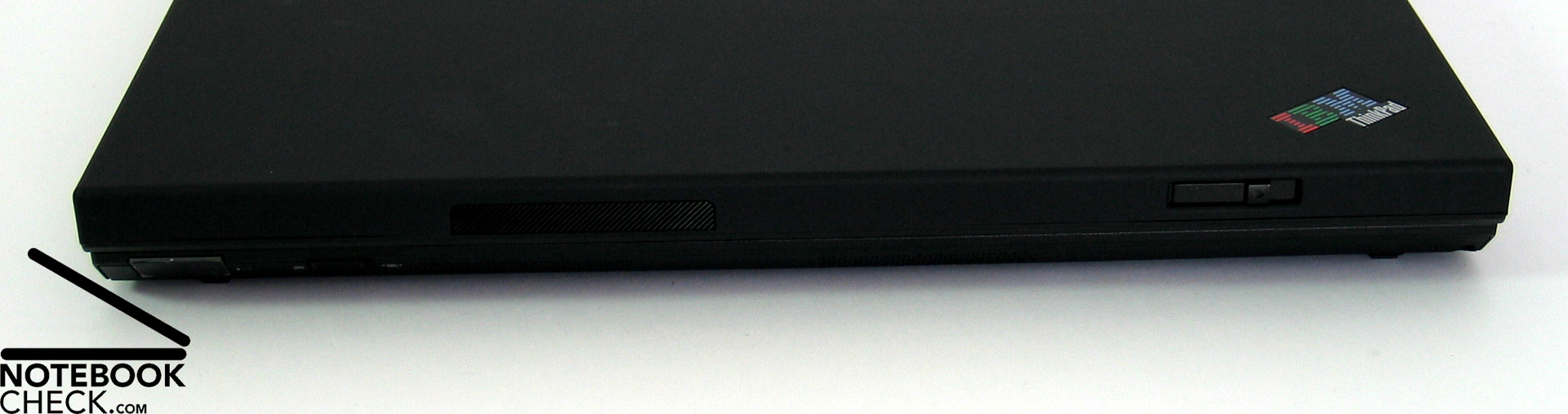
The ramshorn hook holds the display especially tight, because of the big inter-space between the hooks. It can be user-friendly opened be a single slider at the right front edge of the display.
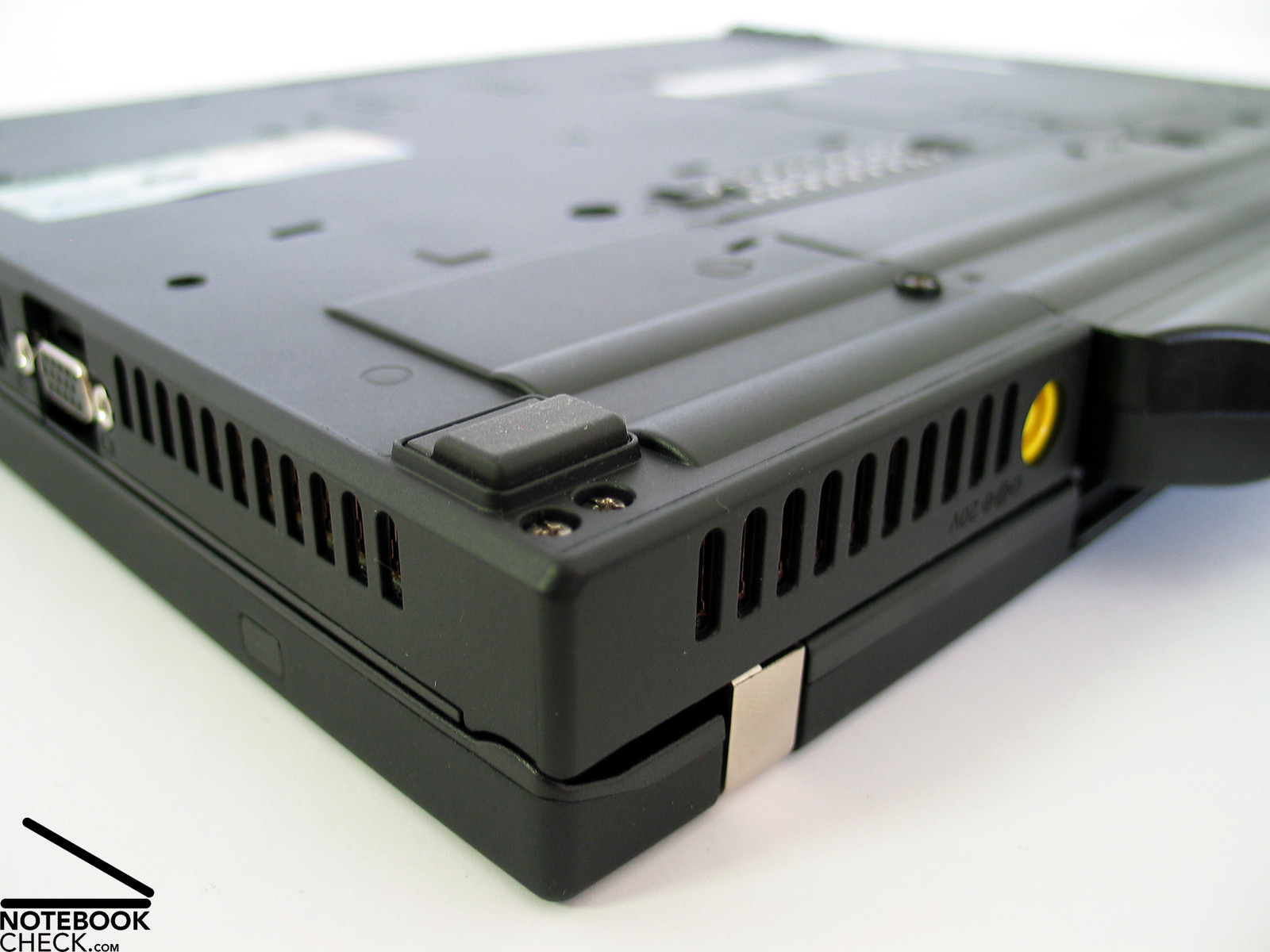
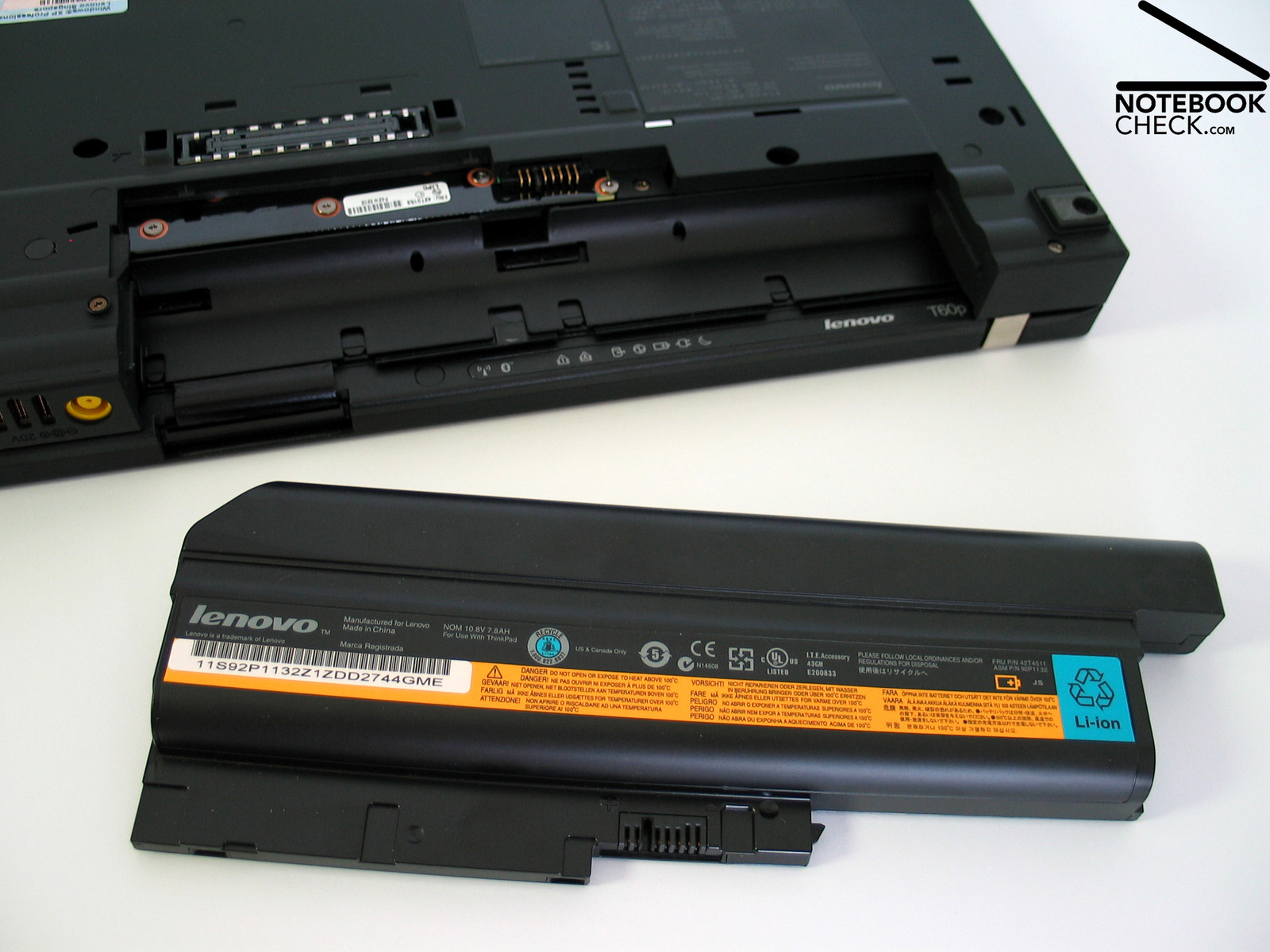
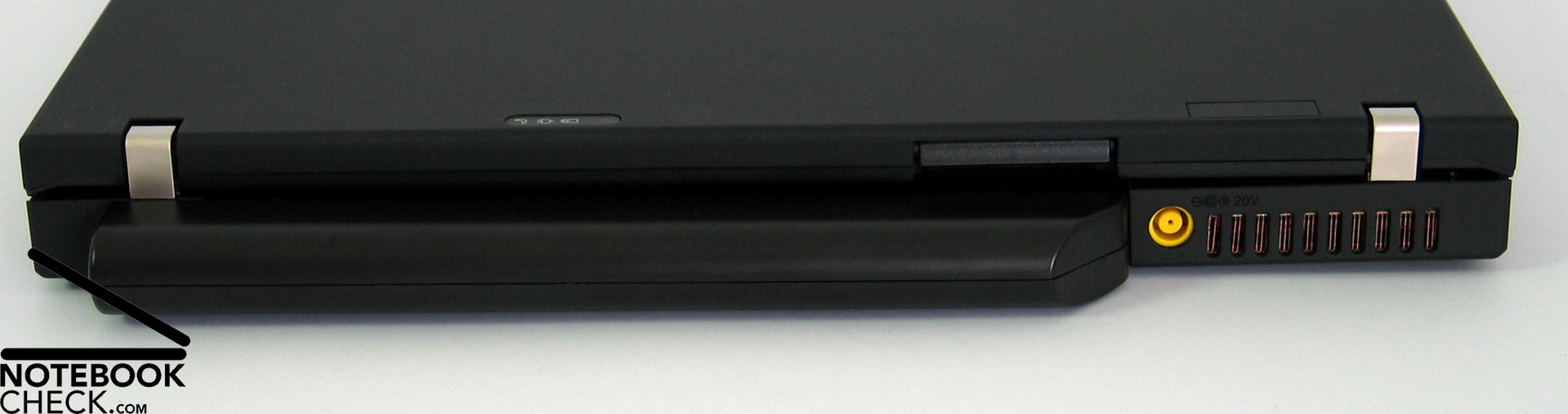
Most of the T60ps interfaces are at the left side of its case and near the back of the right side. The back side is nearly completely occupied by a clearly protruding 9 cells high-capacity battery. Besides, integrated Bluetooth and Infrared port the T60p provides only a base equipment of interfaces. So, a docking station is recommended in order to amend the provided interfaces.

Input Devices
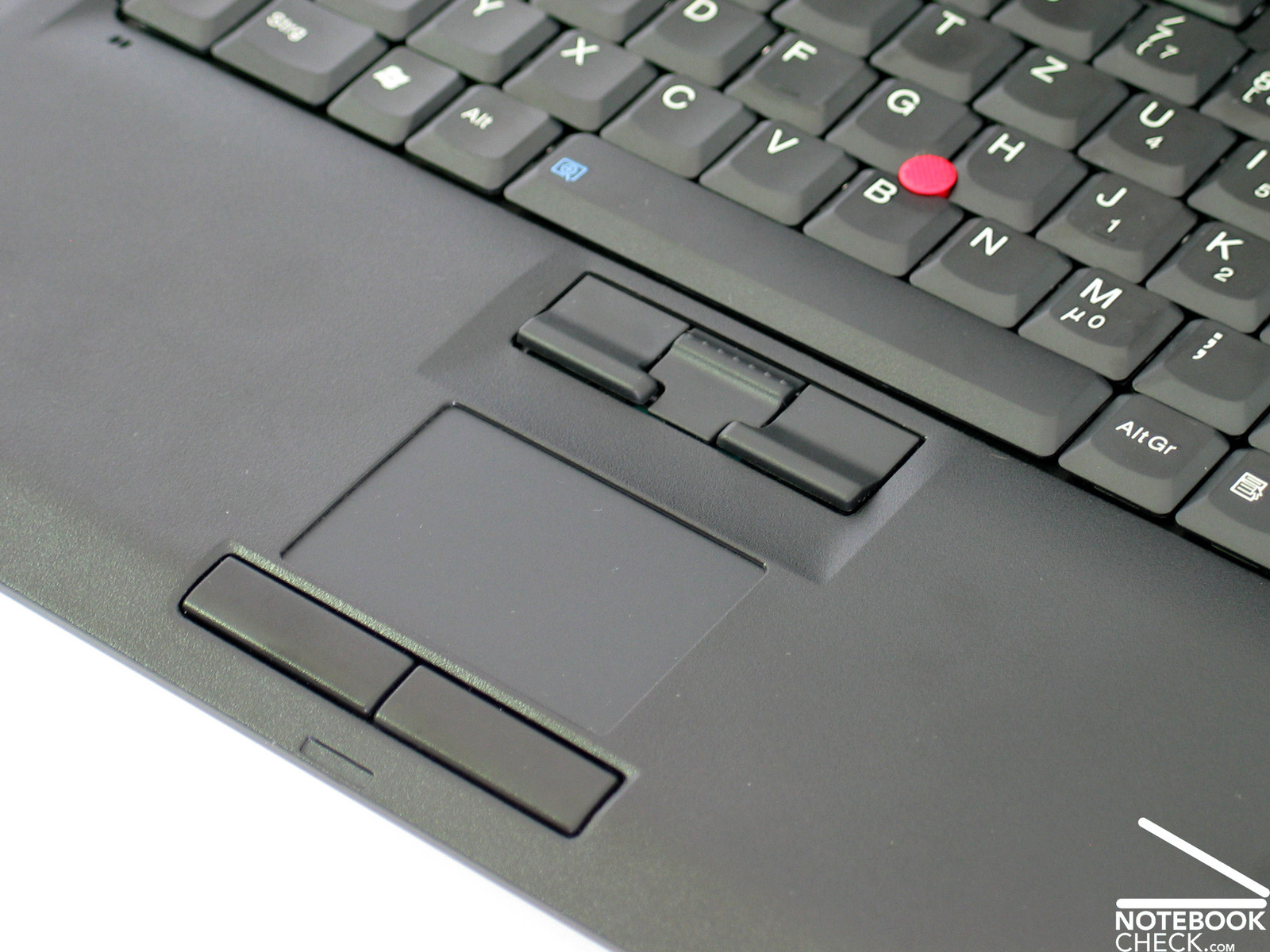
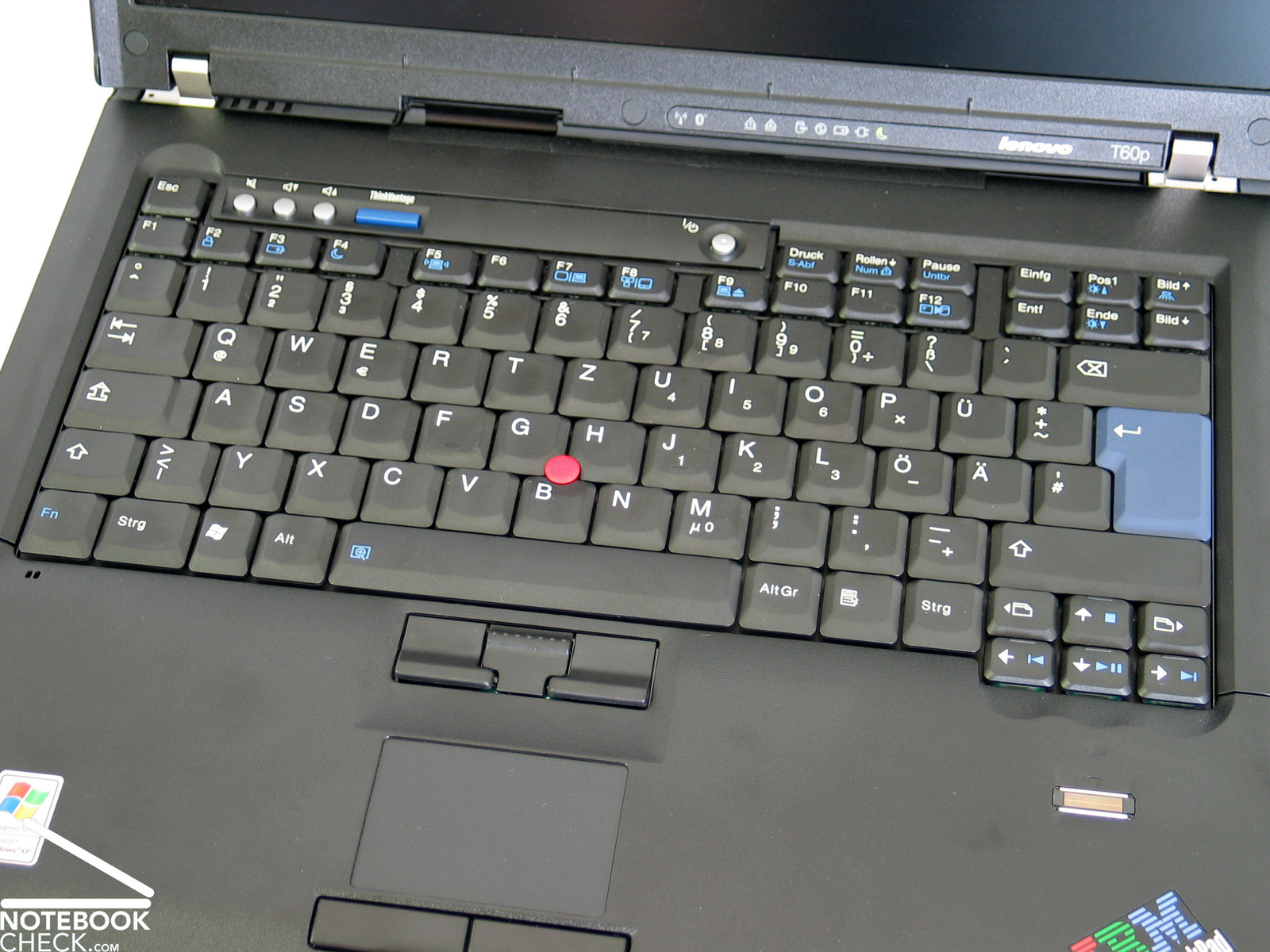
Not surprisingly, the T60p also provides the excellent Thinkpad input devices. The keyboard is tightly attached to the case and its layout is clear. Furthermore, the typing comfort is first-class.
The same is true for the touch pad and the track point. Both of these mouse replacements convince by top ergonomics and user-friendliness. Especially their buttons are very user-friendly.
Furthermore, the T60p provides some hot keys for controlling the audio volume, and the well-known blue Thinkvantage key. It makes a quick access to various software tools which ease working with computers possible.
Overall, there is hardly anything left to be desired regarding input devices. Rather, you'll get that used to them that you would not like to miss them after years of working with this keyboard and especially with this track point.
Display
Real IBM fans might bemoan the loss of the FlexView panel provided in predecessor series, a display which was extremely stable to the vantage point and provided colorfast pictures. Because this display is no longer offered and Lenovo also follows the trend to wide-screen displays, the company Planet Notebook offers to retrofit the T60p with the much sought after 15" WUXGA panel with a resolution of 1600x1200 pixels.
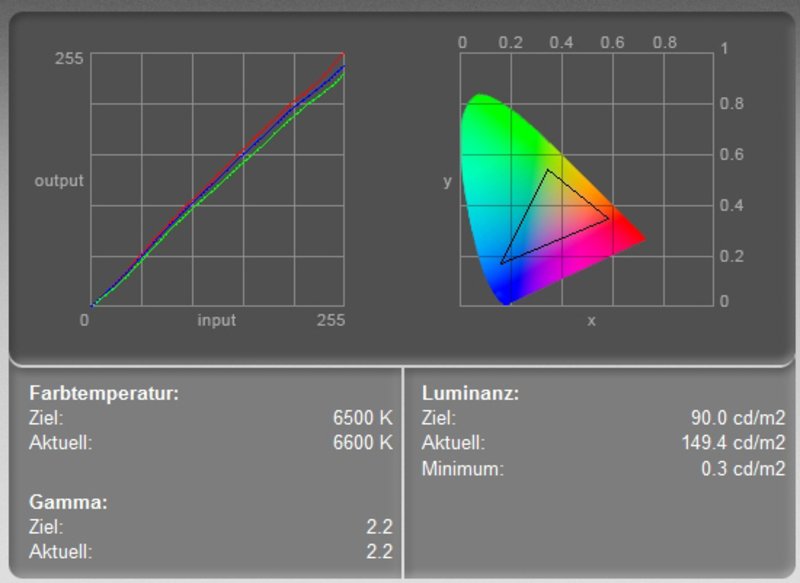
Strengths and weaknesses of this panel are well-known. E.g., the maximum brightness of 150.5 cd/m² in its center is not outstanding. Furthermore, its illumination is only 69% and the average brightness of 129.1 cd/m² is moderate.
However, the color diagram depicts that all color curves follow the ideal diagonal curve. So, the color representation at the FlexView Display is colorfast.
| |||||||||||||||||||||||||
Brightness Distribution: 69 %
Contrast: 502:1 (Black: 0.3 cd/m²)
The contrast of the display is because of the relatively low black value of only 0.3 cd/m² very good, and reaches a maximum of 502:1. Speed of reaction is another weakness of this display. While scrolling you can soon see a blurring of fonts and pictures.
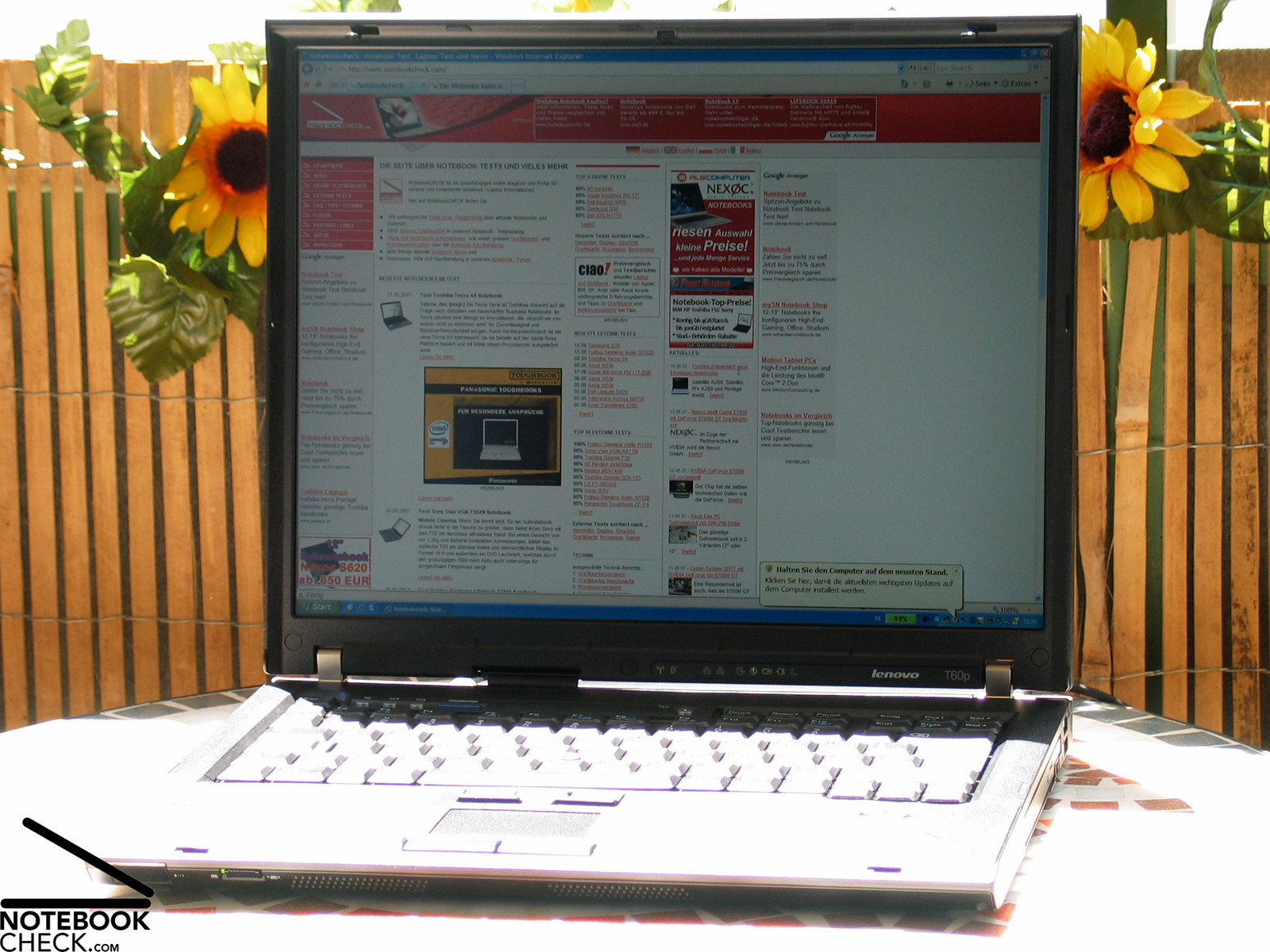
Outdoor usage is, because of a non-reflecting surface, possible, but, the low brightness lets the display appear dark in bright environments and makes working cumbersome.
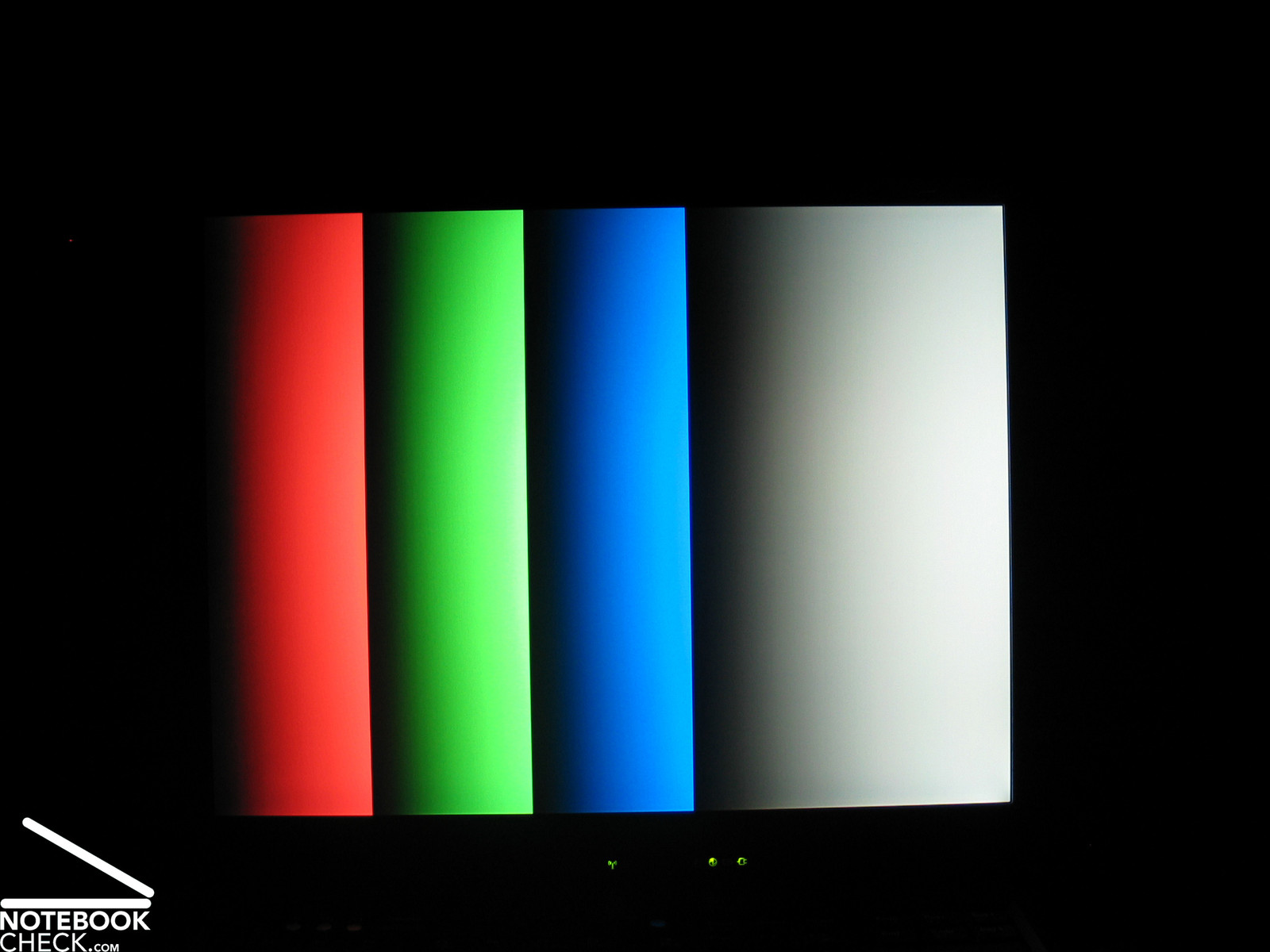
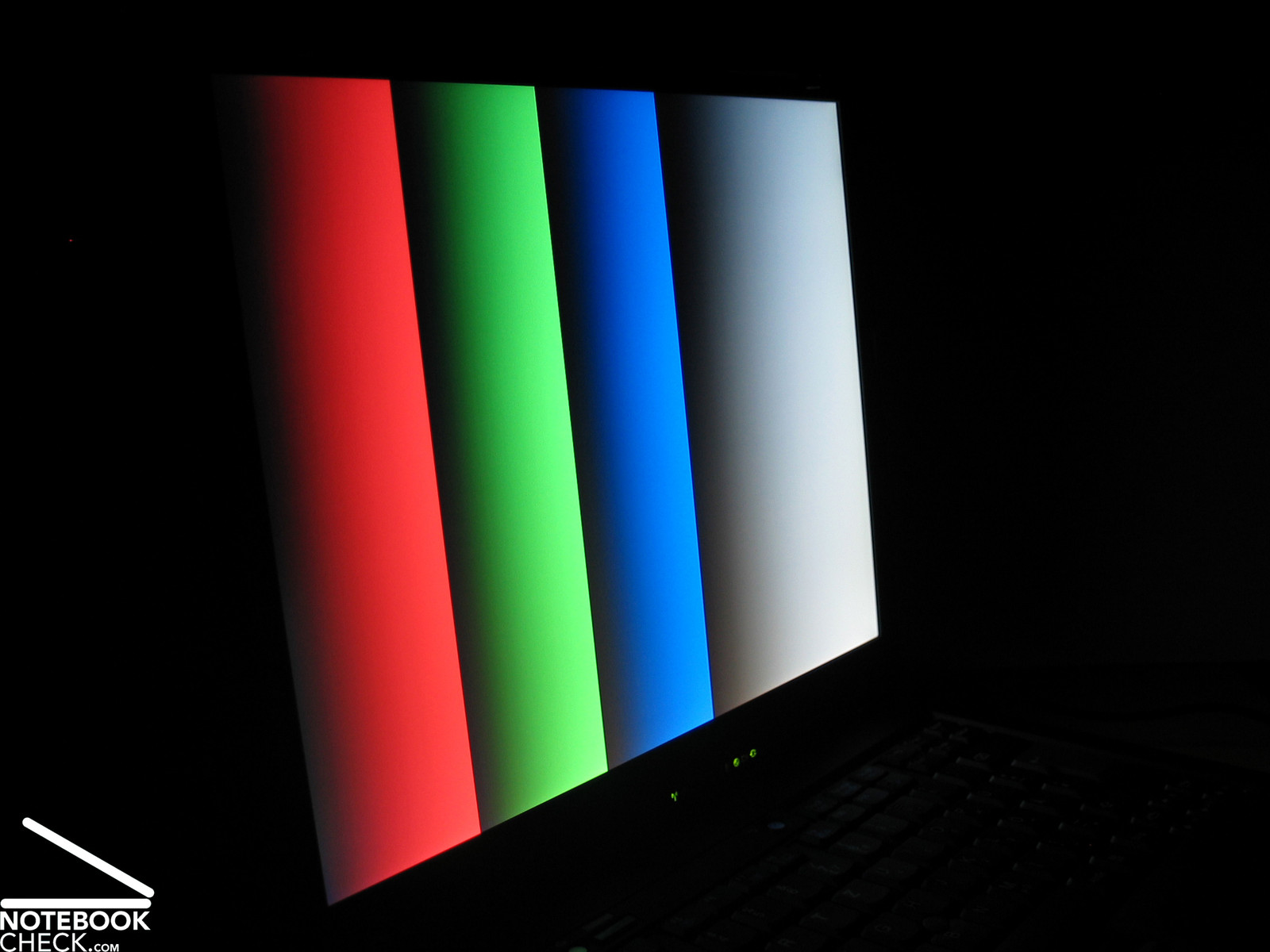
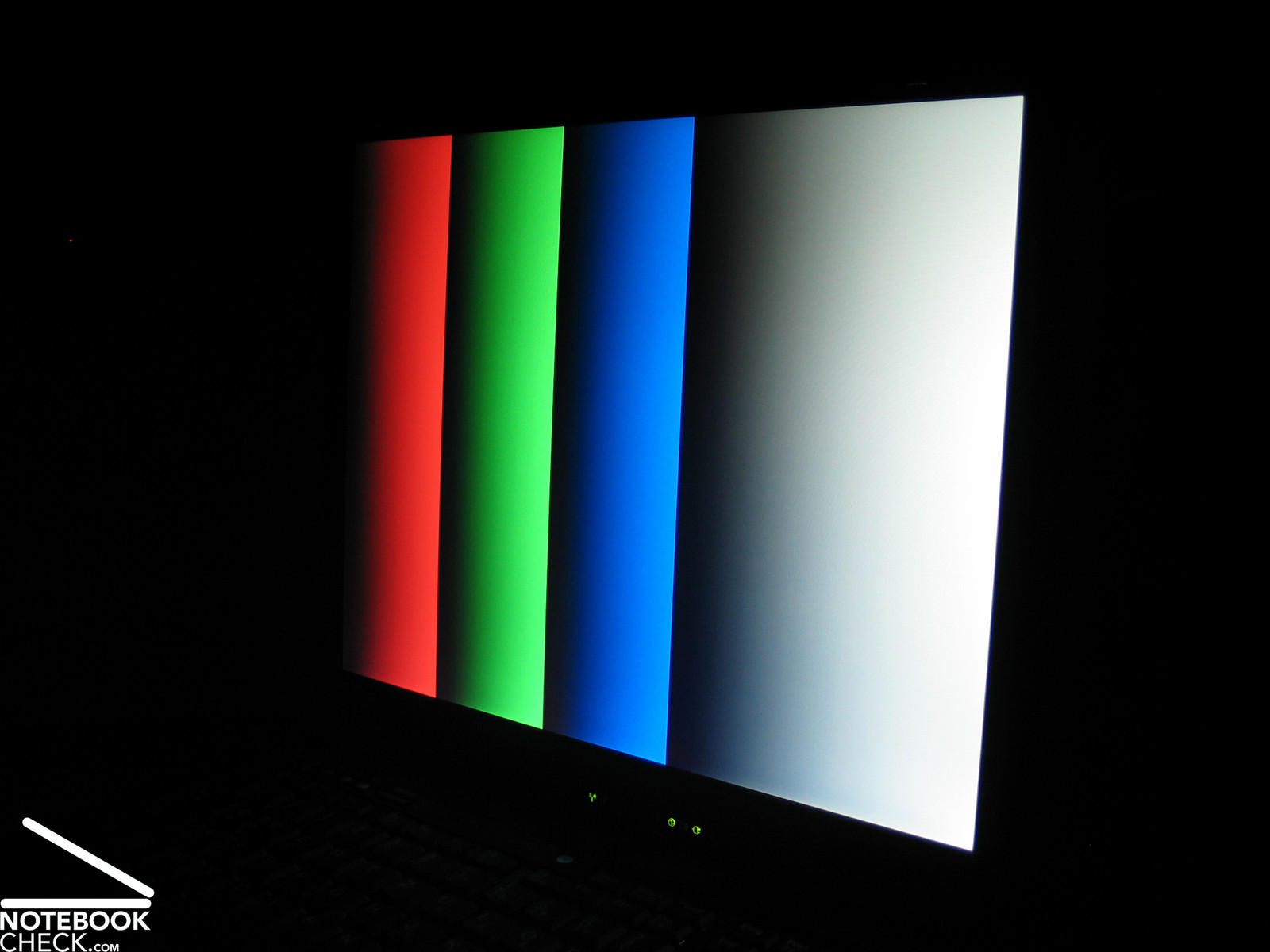
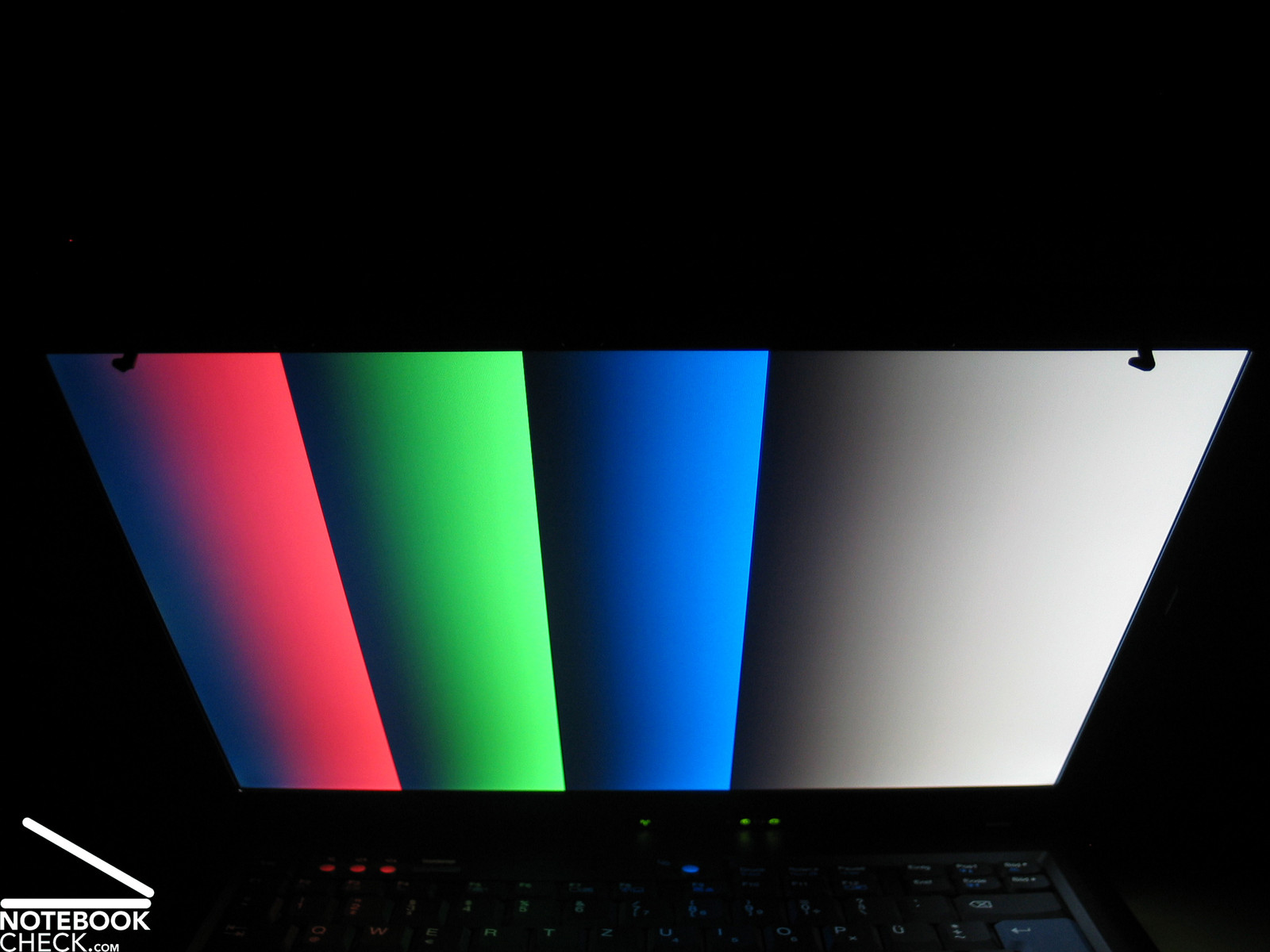
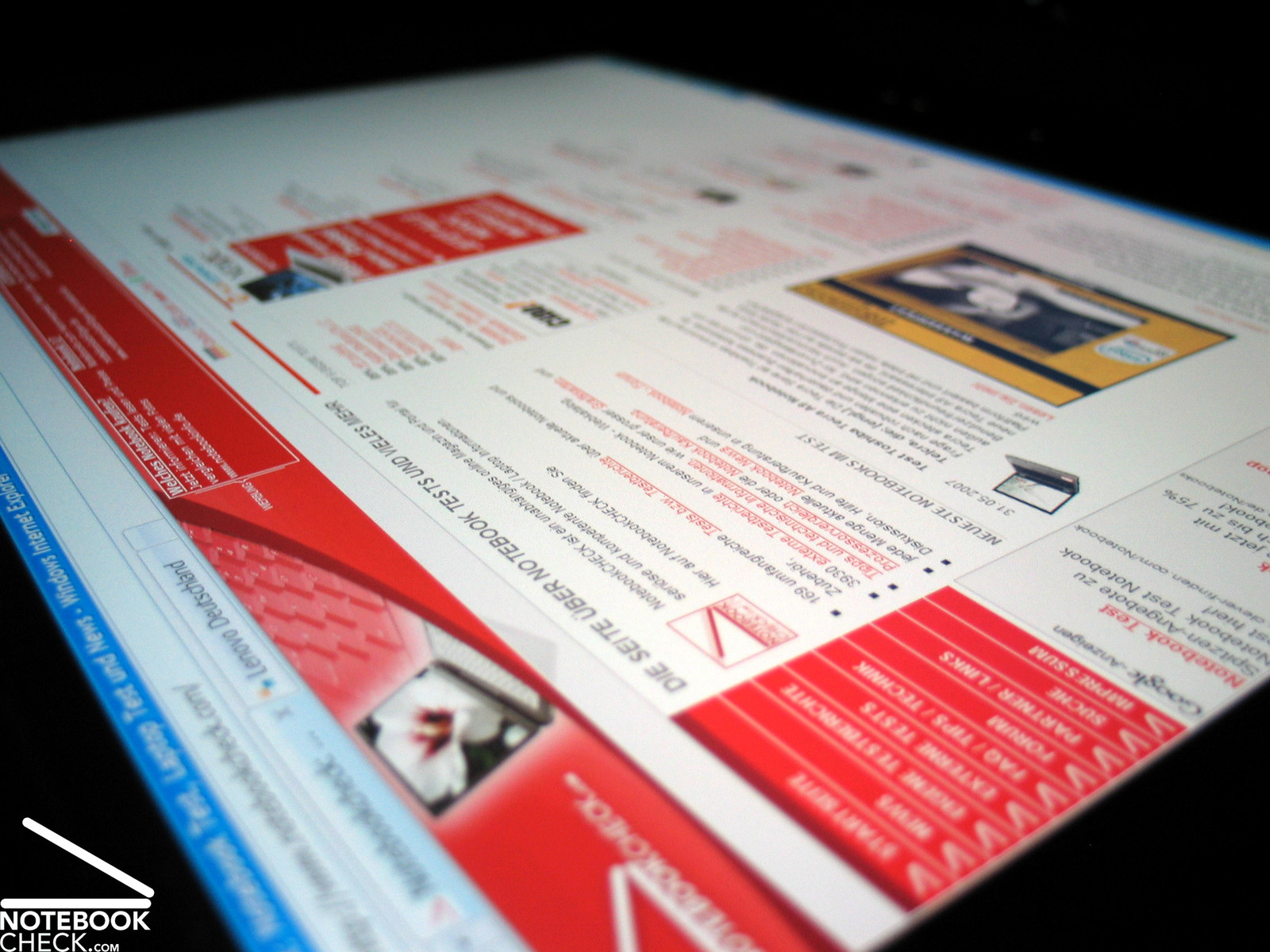
The biggest pro of the UXGA panels is of course its stability to the vantage point. Horizontally and vertically, the display stays all the time well legible and colors do hardly change, besides a slight loss of contrast.


Performance
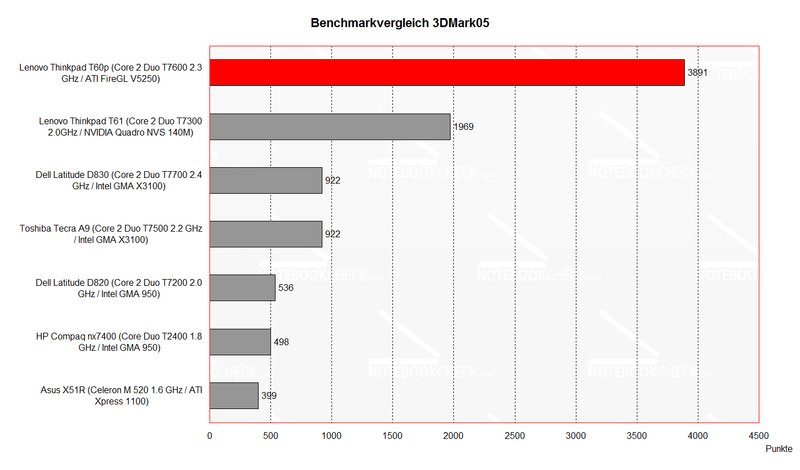
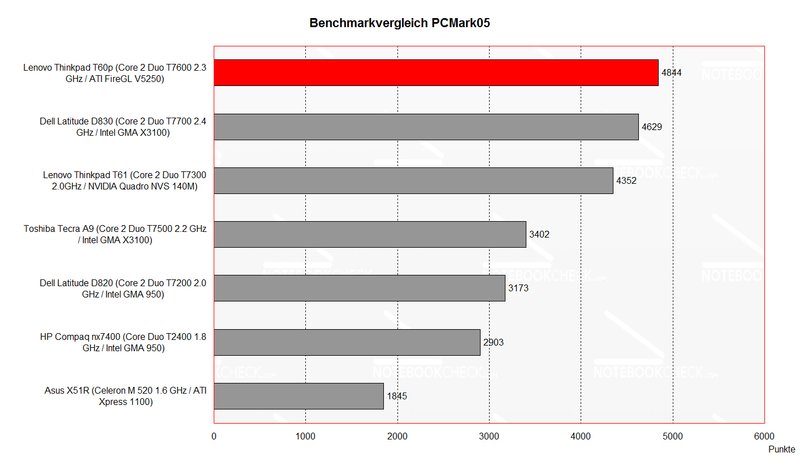
The reviewed T60p was absolutely top equipped based on Intel's 945 platform. This is a powerful T7600 processor with 2.33GHz, 3GB 667MHz main memory, an ATI FireGL V5250 video card with 512MB VRAM, and a fast 160GB 7200 revs hard disk.
Therewith, this notebook's benchmark results are impressing and it keeps up with current professional business notebooks, although not the most up-to-date technology is used (Keyword: Santa Rosa).
As usual for a business notebooks also the T60p is available in a variety of configurations. CPU, GPU, but, of course also memory, hard disk and display can be freely configured and thereby optimally adapted to your individual demands.
Further information about the video card can soon be found here or in our comparison of mobile video cards. Detailed information about the Core 2 Duo CPU can be found here.
Please also look at our benchmark list of mobile processors or at our benchmark list of mobile video cards, in order to compare this notebook to other configurations.
| 3DMark 03 Standard | 6484 points | |
| 3DMark 05 Standard | 3891 points | |
| 3DMark 06 Score Unknown Setting | 1672 points | |
Help | ||
| PCMark 05 Standard | 4844 points | |
Help | ||

Emissions
Loudness
Despite of being very powerful, the T60p's noise emissions are alright in idle mode. Although the fan permanently runs, thereby reaching a noise level of 35.2dB, and subjectively dull rustles, there are no noteworthy impairments for the user.
Even the maximum of 42.4dB reached under load are no point of critique, because the fan's noise level returns relatively quickly to the idle level, after the work is done.
Noise Level
| Idle |
| 32.4 / 41.3 / 41.3 dB(A) |
| HDD |
| 37.9 dB(A) |
| DVD |
| 36.5 / dB(A) |
| Load |
| 0 / 41.3 dB(A) |
 | ||
30 dB silent 40 dB(A) audible 50 dB(A) loud |
||
min:  , med: , med:  , max: , max:  (15 cm distance) (15 cm distance) | ||
Noise Level
| Idle |
| 35.2 / 38.5 / 38.5 dB(A) |
| HDD |
| 36.3 dB(A) |
| DVD |
| 37.8 / dB(A) |
| Load |
| 0 / 42.4 dB(A) |
|
| ||
30 dB silent 40 dB(A) audible 50 dB(A) loud |
||
min: , med: , max: (15 cm distance) | ||
Temperature
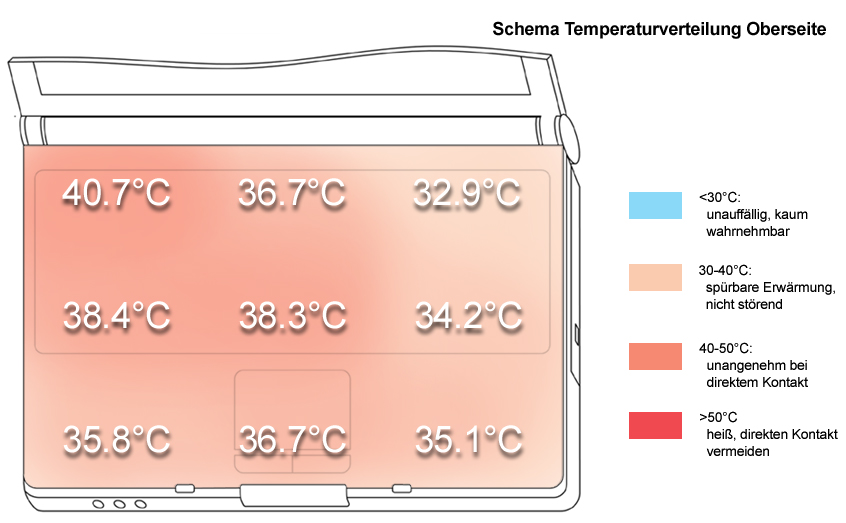
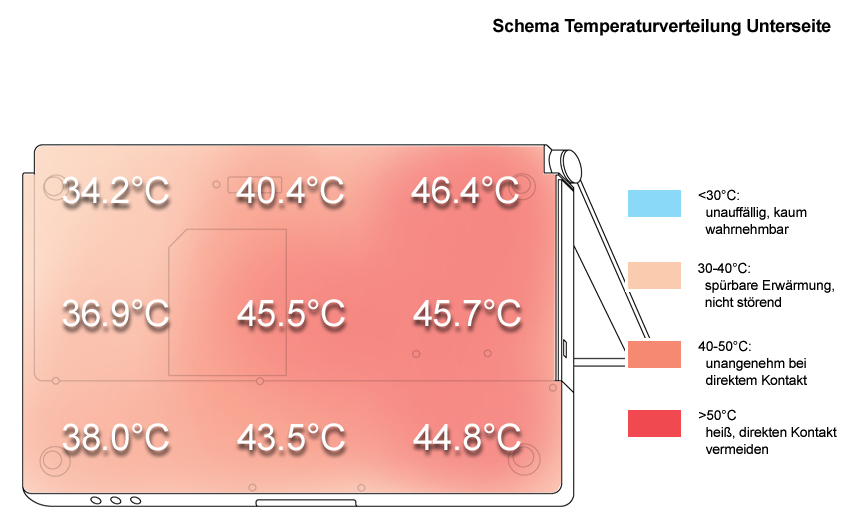
In idle mode the surface temperatures are alright and not disturbing. Under load the bottom side can get clearly warmer. We measured a maximum of up to 46.4°C at the bottom side.
Upper side
palmwrist: 35.8°C max: 40.7°C avg: 36.5°C
Bottom side
max: 46.4°C avg: 41.7°C
Speakers
The speakers, located at the front edge, emit their sound downwards and sound rather dull. The maximum volume is sufficient. Overall, the sound is alright considering the T60p is an office notebook.
Battery Runtime
The reviewed T60p was equipped with a 9 cells 7800 mAh battery, the highest available battery capacity for the T60p. The drawback of this plus on battery runtime is a battery which protrudes the case about 2.5cm at the back side.
The measured runtime ranges from short 75 minutes under load at maximum performance to good 6.5h in energy saving mode and with minimum brightness. Depending on your demands, the battery runtime can be rather good.
| Off / Standby | 0 / 0 Watt |
| Idle | 23.3 / 27.3 / 28.7 Watt |
| Load |
70.6 / 68.1 Watt |
   
| |
Verdict
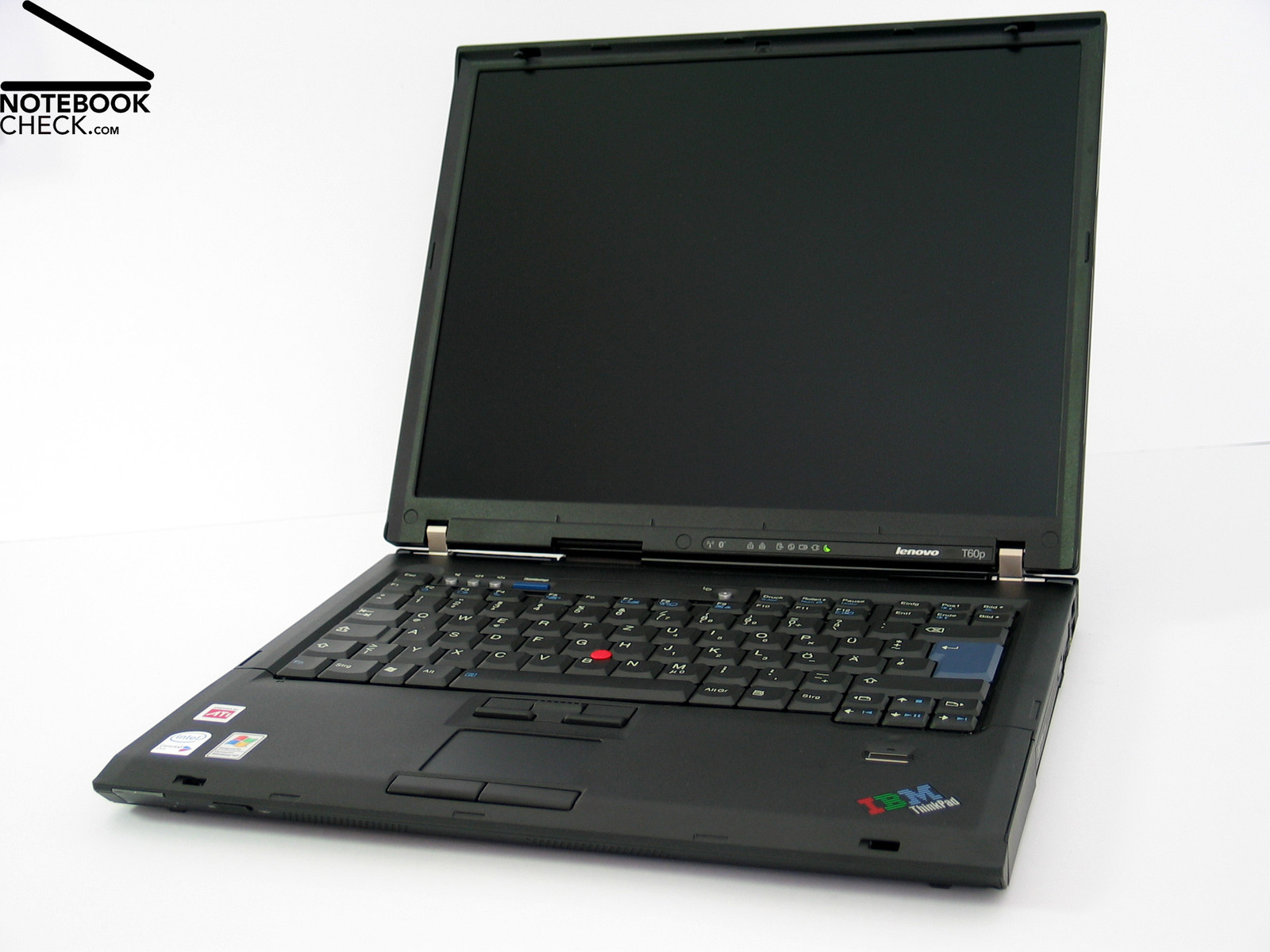
Overall, we can well say that the 'tuned up' T60p somewhat captivated us. The notebook has the successful Thinkpad qualities regarding case and input devices and provides first-class performance and a good display for work.
Especially the UXGA panel with a resolution of 1600x1200 pixels is a big pro of this T60p version. This resolution ensures perfect overview at a relatively compact 15" display. The excellent stability to the vantage point makes work fun.
It's a pity that the FlexView panels slowly disappear from the Thinkpad series and are replaced by the new wide-screen panels, whose stability to the vantage point partly do not meet our expectations.
The built-in T7600 processor and an ATI FireGL V5250 video card leave hardly anything to be desired regarding application and 3D performance. 3GB main memory and a fast 7200 revs hard disk contribute to the good performance.
The emissions of the Lenovo Thinkpad T60p are alright in idle mode. Under load the case gets partly clearly warmer. The noise in office mode is acceptable.
Of course a top equipped notebook also needs a high-capacity battery. The runtime of the 7800 mAh battery ranges from slightly above one hour under load to a maximum of 6,5 hours.
The only drawback: The price. The reviewed T60p costs about 3500.- Euro. However, you'll get an elegant, tuned-up Thinkpad…
Many thanks to the company Planet Notebook, who kindly provided us with the reviewed notebook. Here you can configure and also buy this notebook.