Review Acer Aspire 5672AWLMi
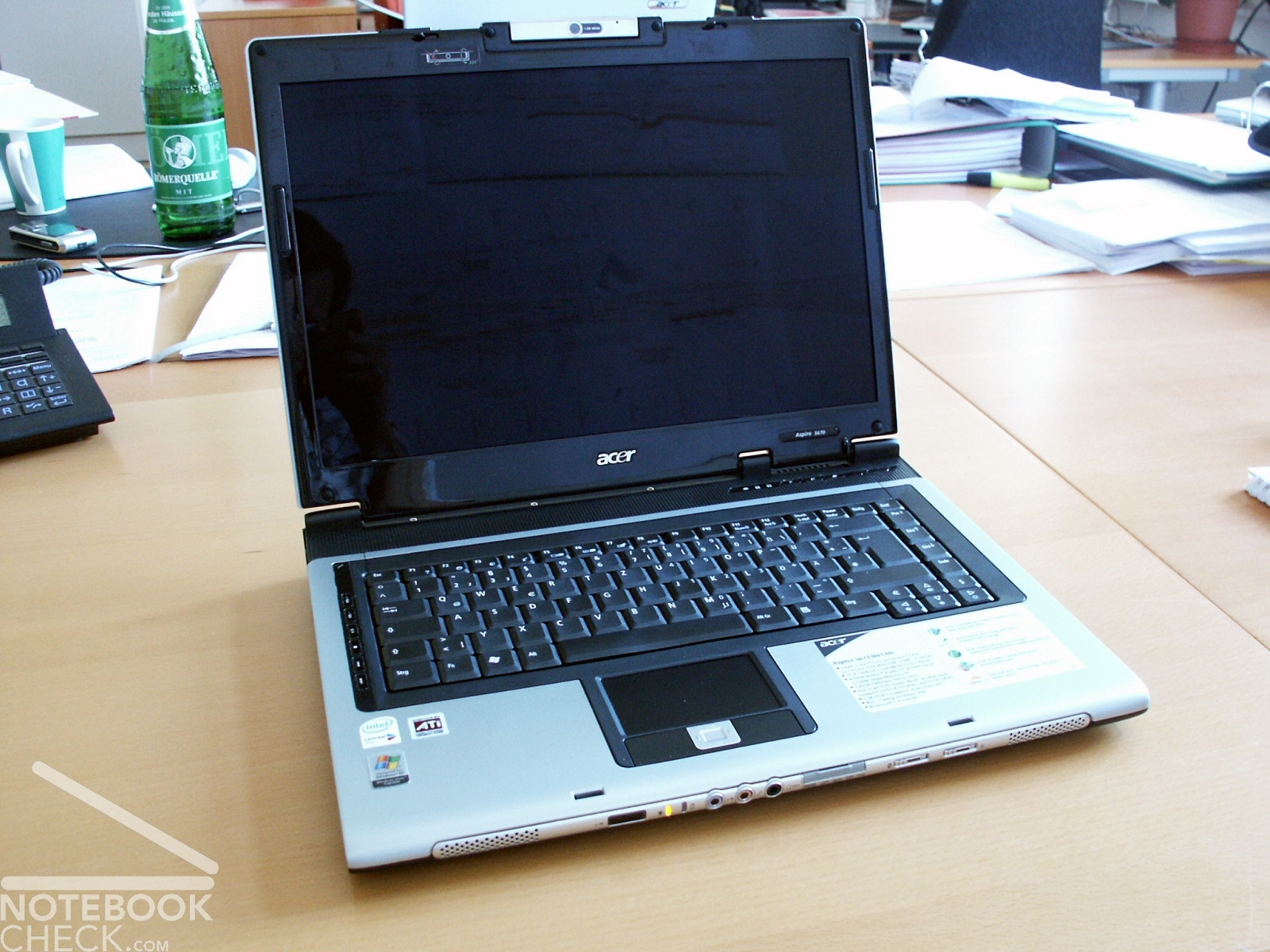
As a representative of the favorable middle class of multimedia notebooks, we reviewed the Acer Aspire 5672AWLMi. Thereby the "A" in the type designation refers to the Core Duo T2250, whose frontside bus only is clocked with 533 MHz instead of usual 667 MHz, but exhibits 1.73 instead of 1.66 Ghz processors.
Case
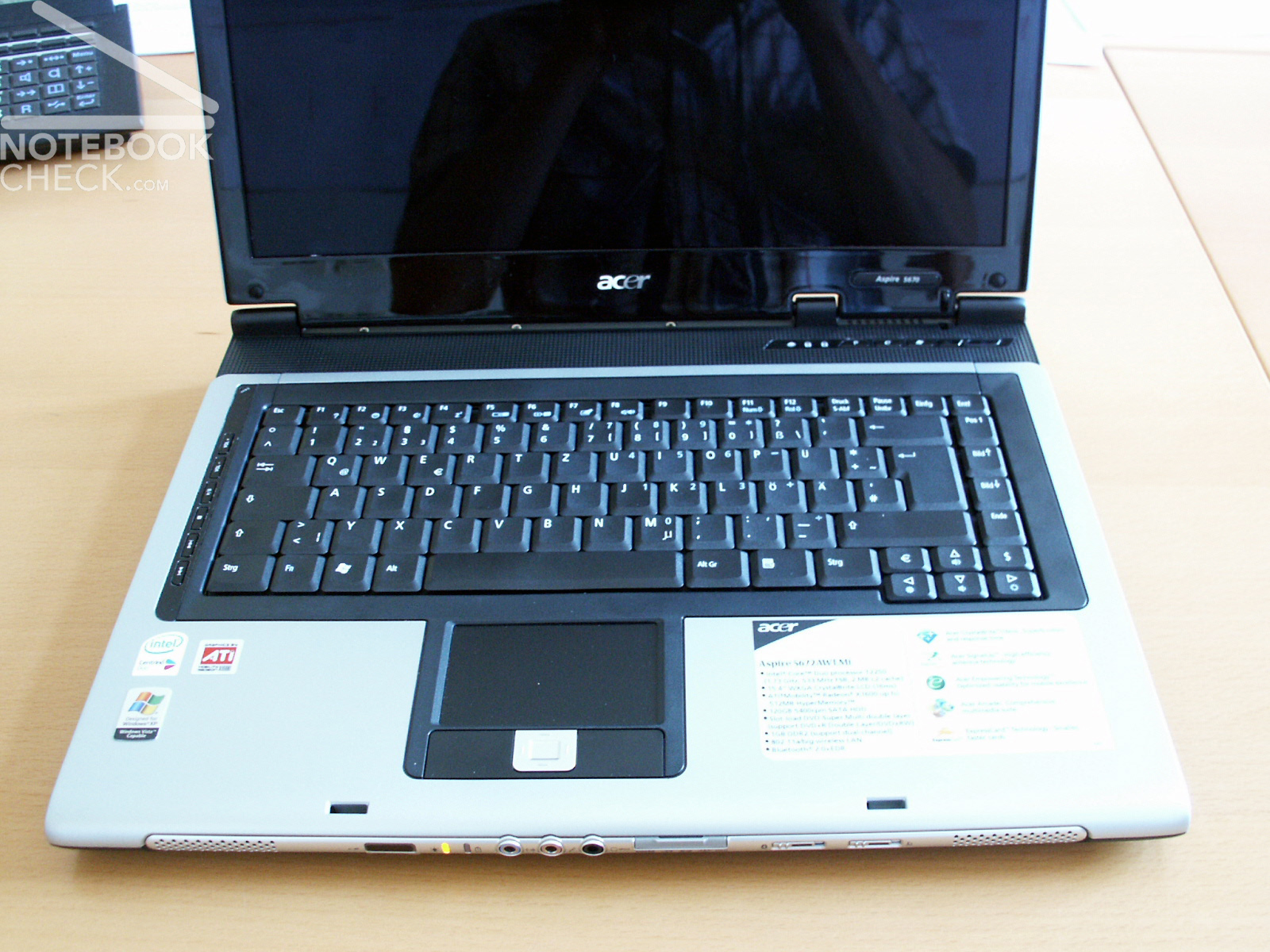
The Aspire 5672AWLMi is presented in the distinctive Acer design. Completely covered in plastic and painted in black and silver. Nevertheless: the surfaces feel well and high-quality.
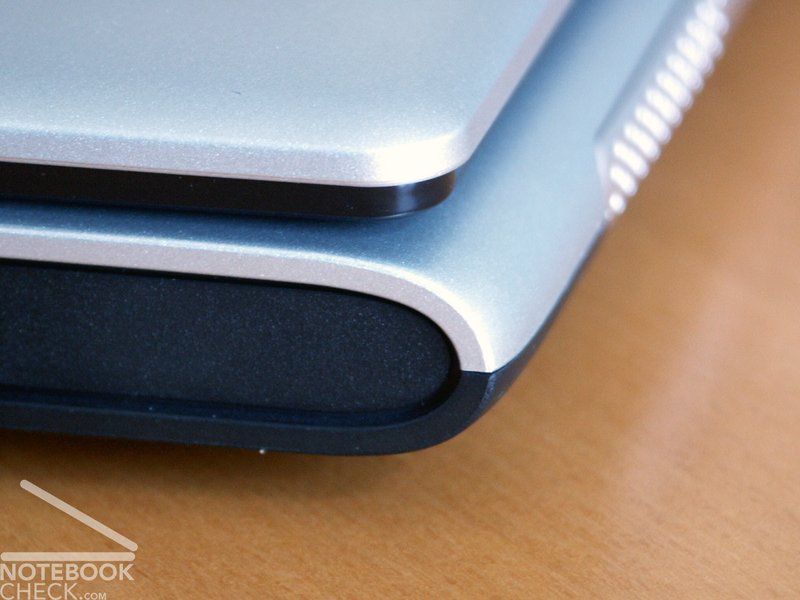
Regading the workmanship crunching noises with pressure are possible. Particularly in front and behind the keyboard this could be observed. In addition, irregular gap dimensions could be determined, especially in the plastic part above the keyboard.
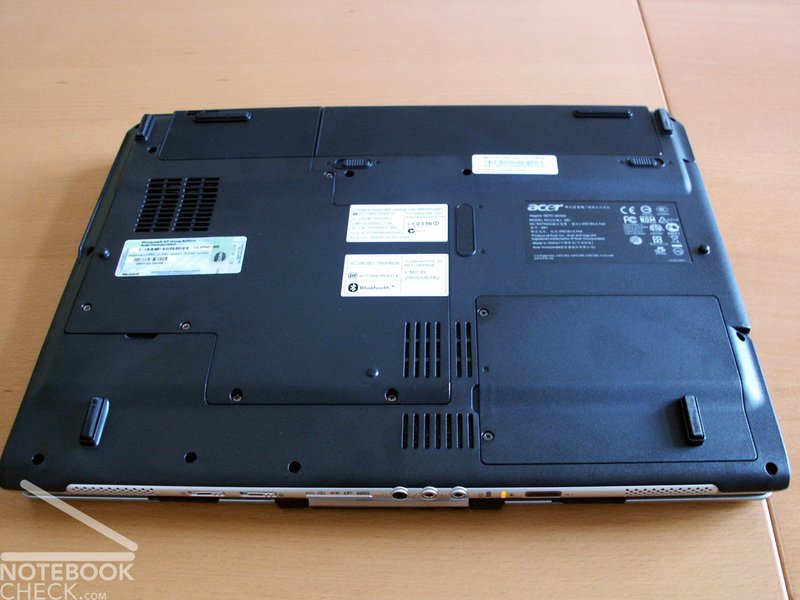
The base unit has a medocre twisting rigidity, which can be noticed in front of the keyboard especially when raising the laptop. Also the display is not rigid enough. A few weaknesses of the chassis rigidity could be observed within the range of the DVD drive assembly and at the bottom of the notebook.
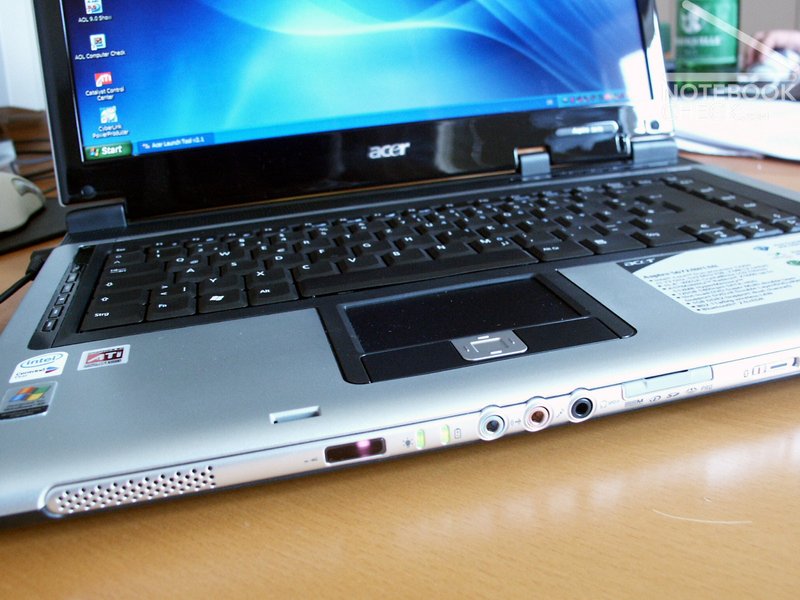
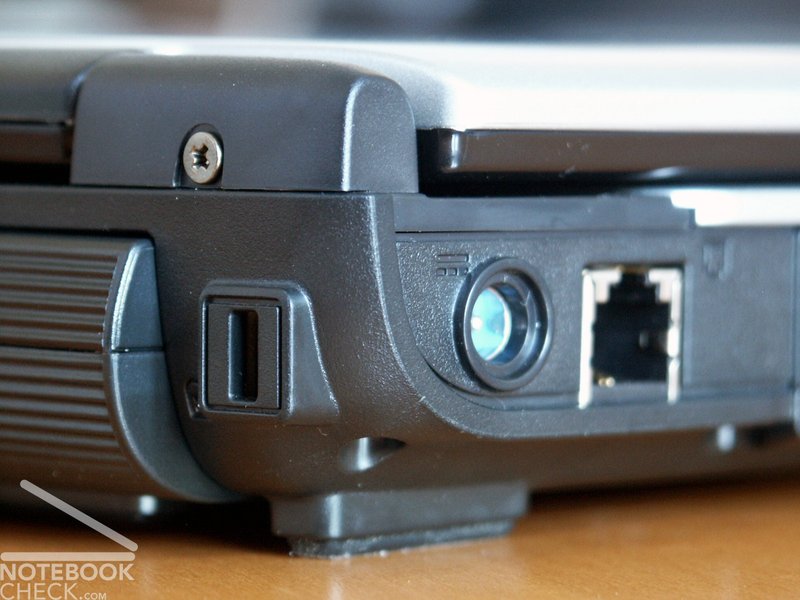
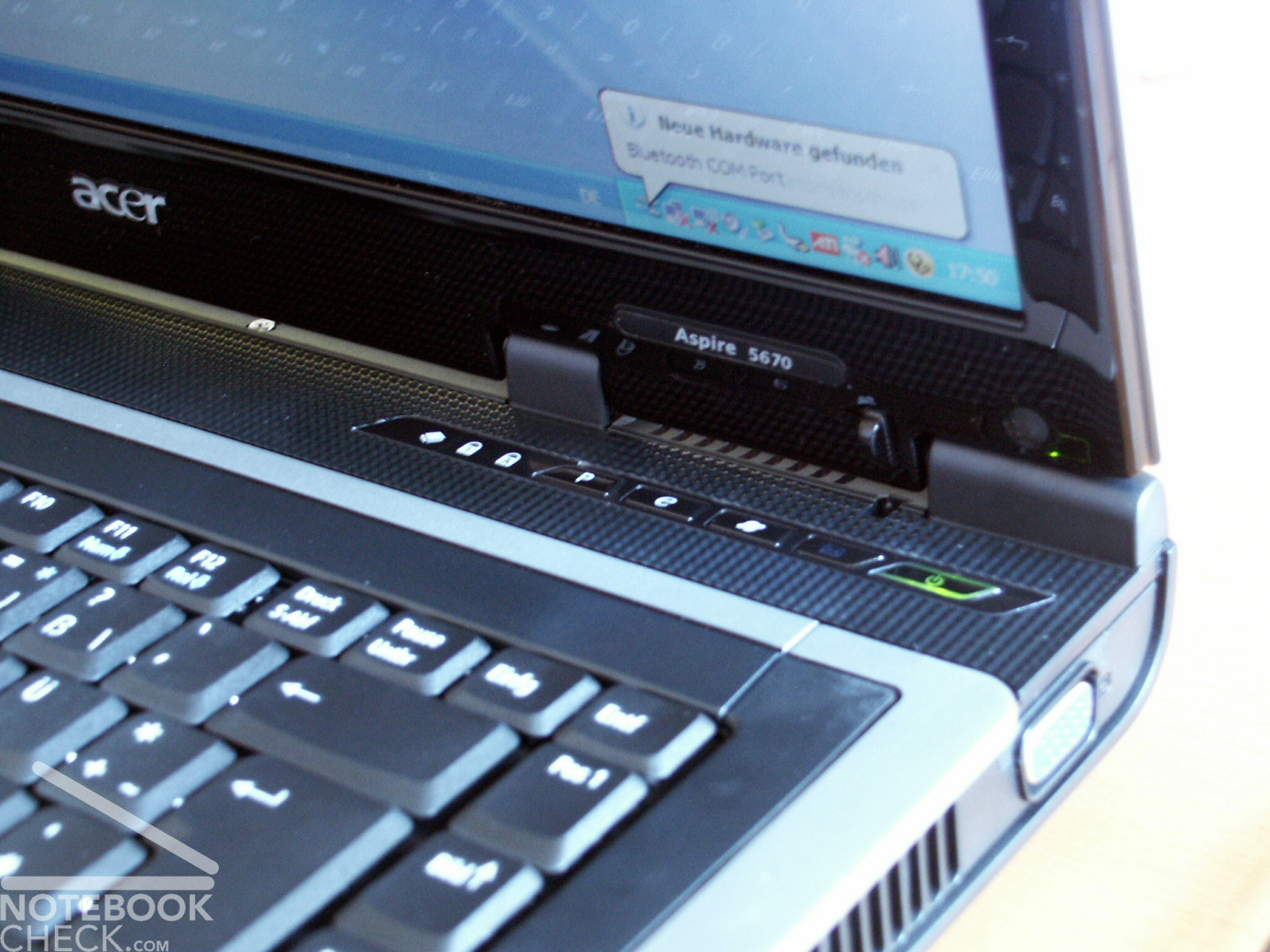
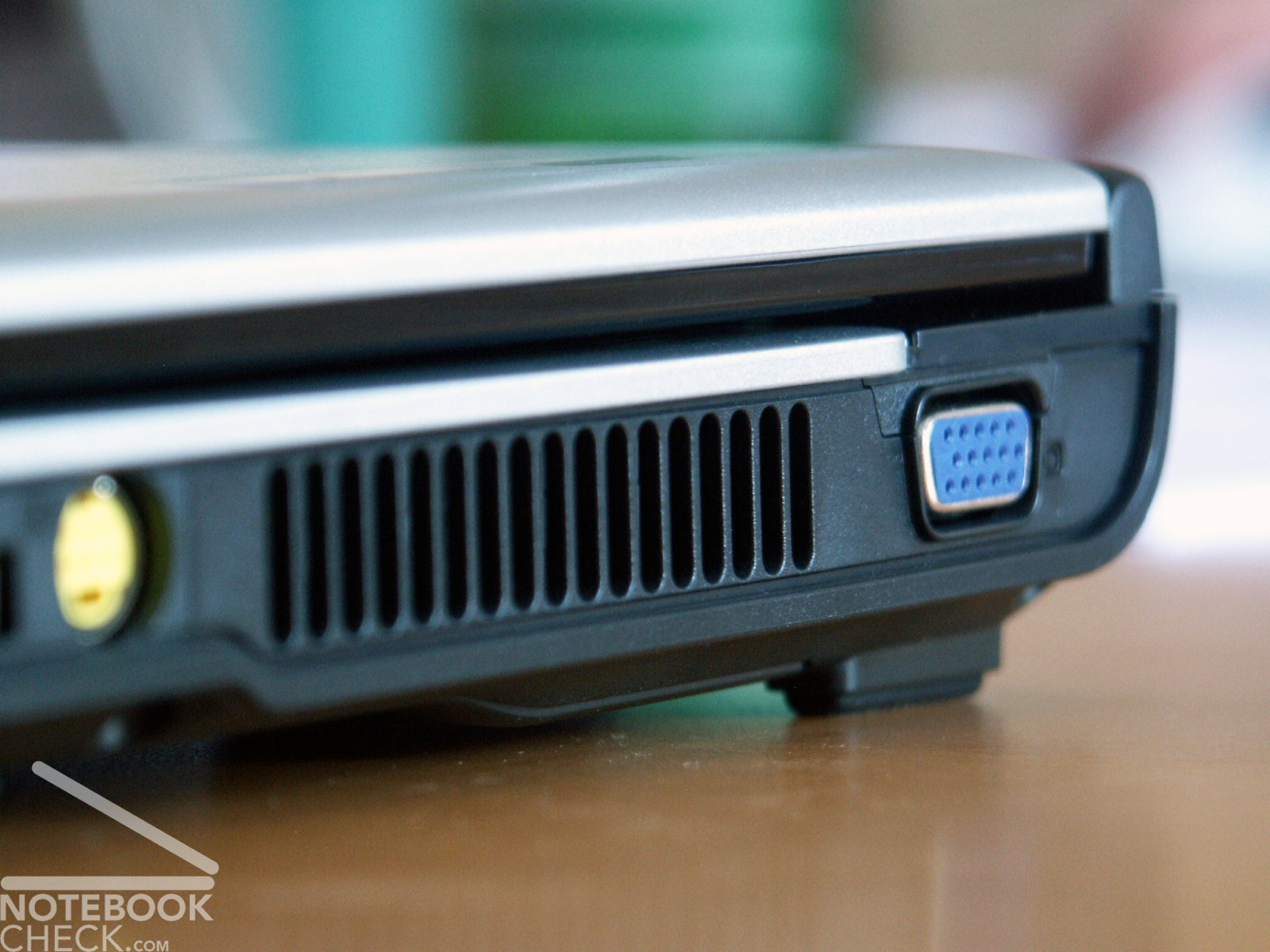
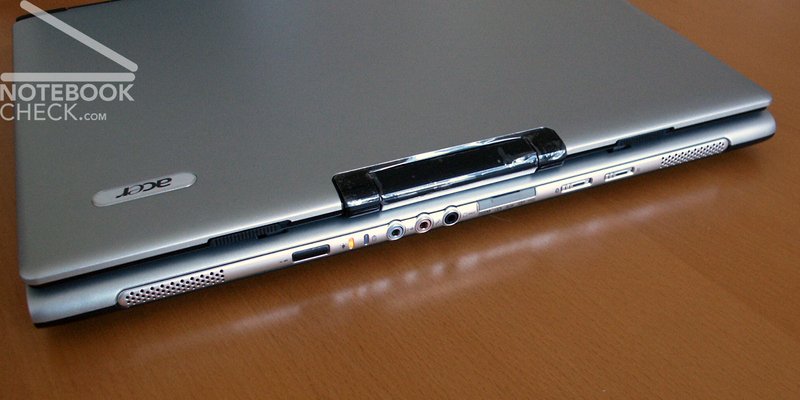
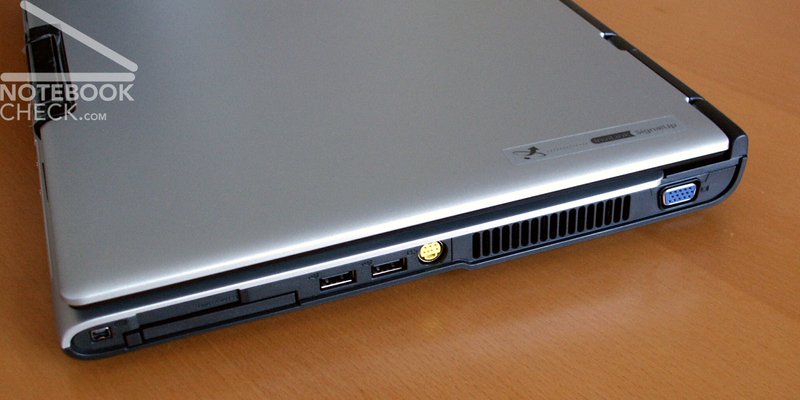
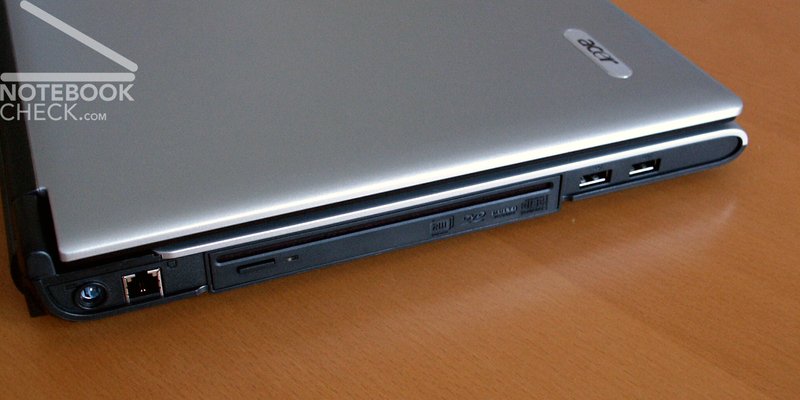
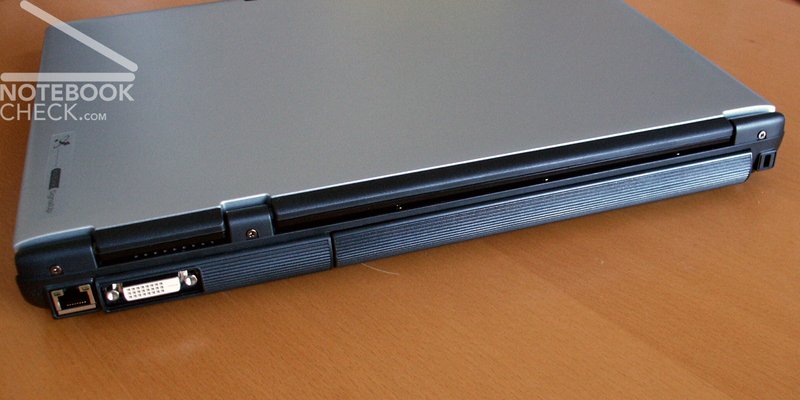
The offered connections are arranged around the case. All audio connections are at the front side of the laptop. Maybe somewhat unfavorable is the positioning of the 4 USB ports, at left and the right side, in each case within the frontal range. Here conflicts with the use of the mouse can occur.
The display can be adjusted with few and pleasant force expenditure, but whips. In the closed condition a wobbling of the display can be determined within the range of the right catch hook.
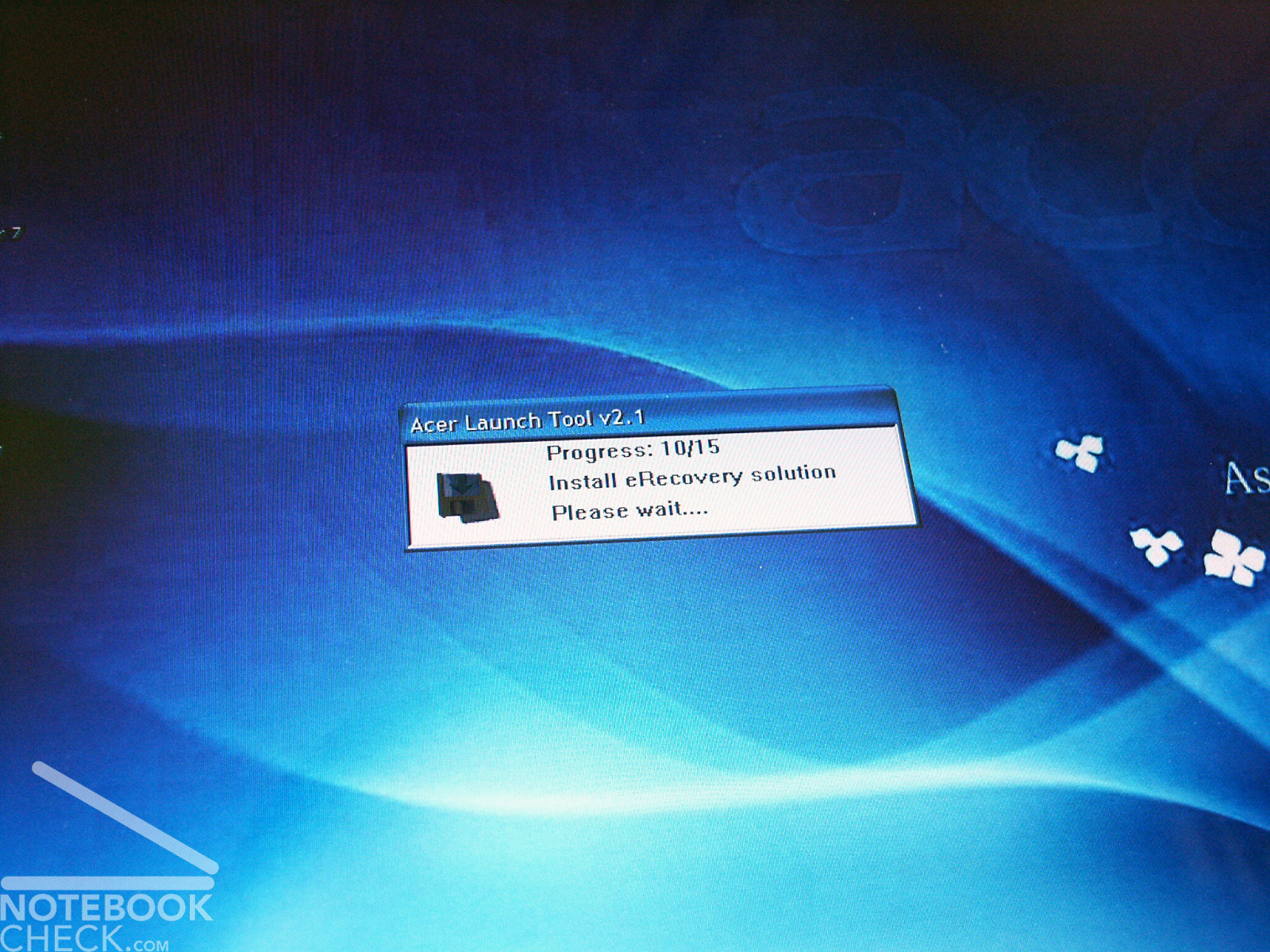
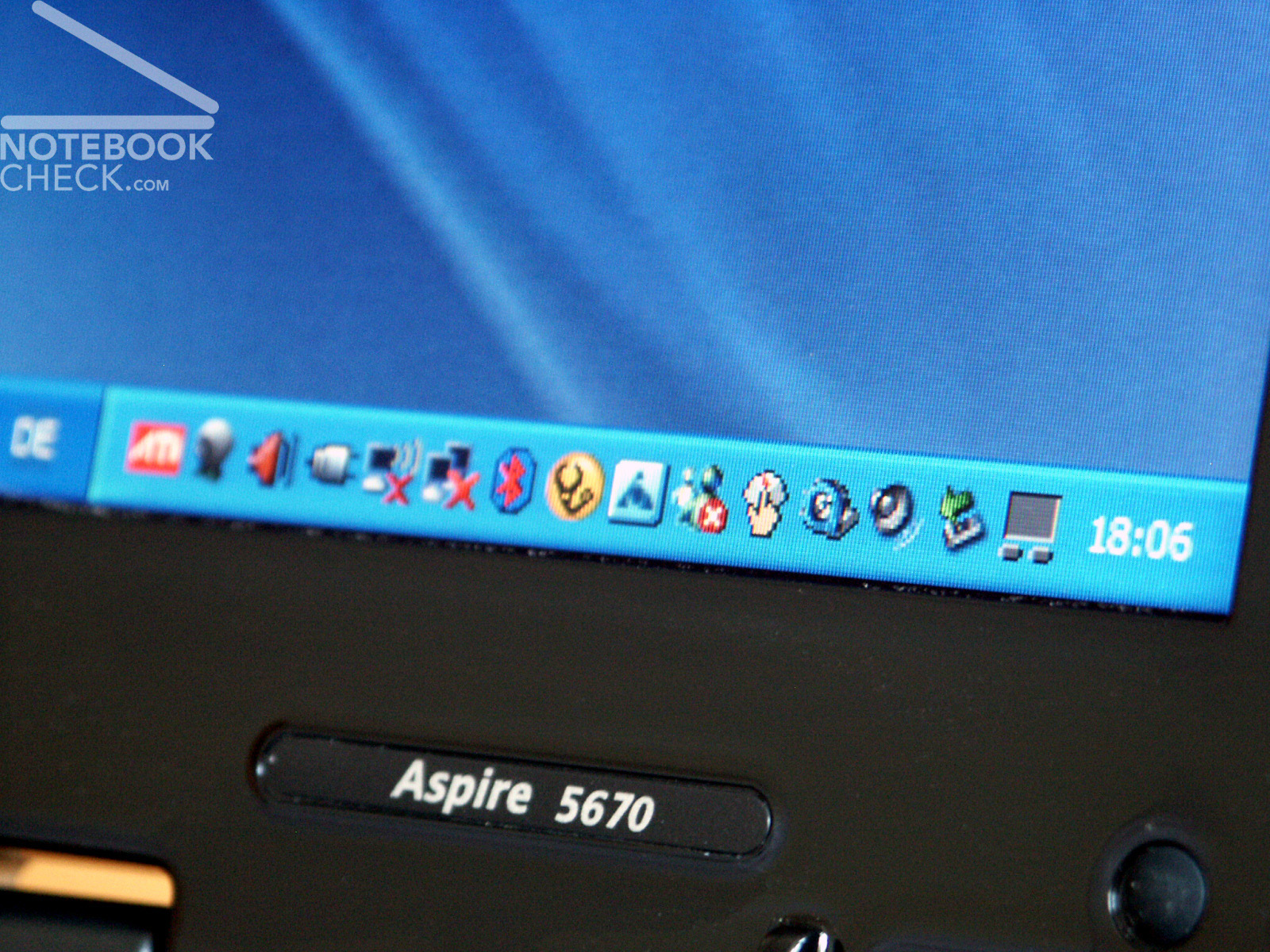
The start-up of the mobile computer is a further point of criticism: Necessary are not only the usual initial settings for Windows, but after that several tools and drivers are installed. This needs about 20 minutes. Precarious: even an input of the user is not necessary.
Input Devices
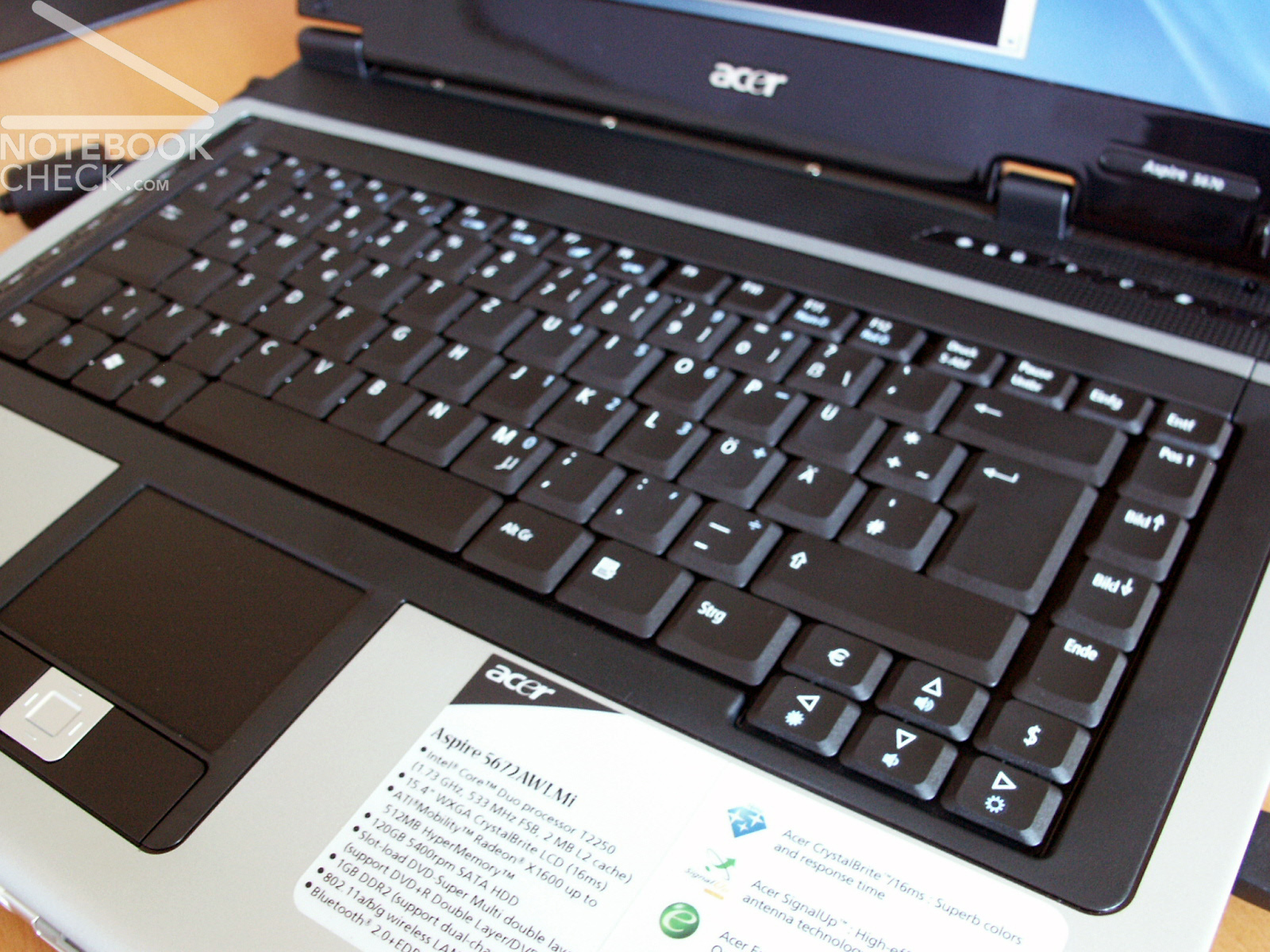
Very pleasant is the handling of the keyboard of the Aspire 5672A. It is characterised by a soft, easily fitting with springs tap-feeling. Small disadvantage: the keyboard can be flexed.
Very positive is the layout of the keyboard. All keys sit at the correct place and have a reasonable size. Therefore long training periods are unnecessary.
In addition a set of auxiliary keys is offered: in a narrow row left beside the keyboard are media keys and right above the keyboard the usual mail and browser keys as well as a key for the start of the Acer Launch Manager.
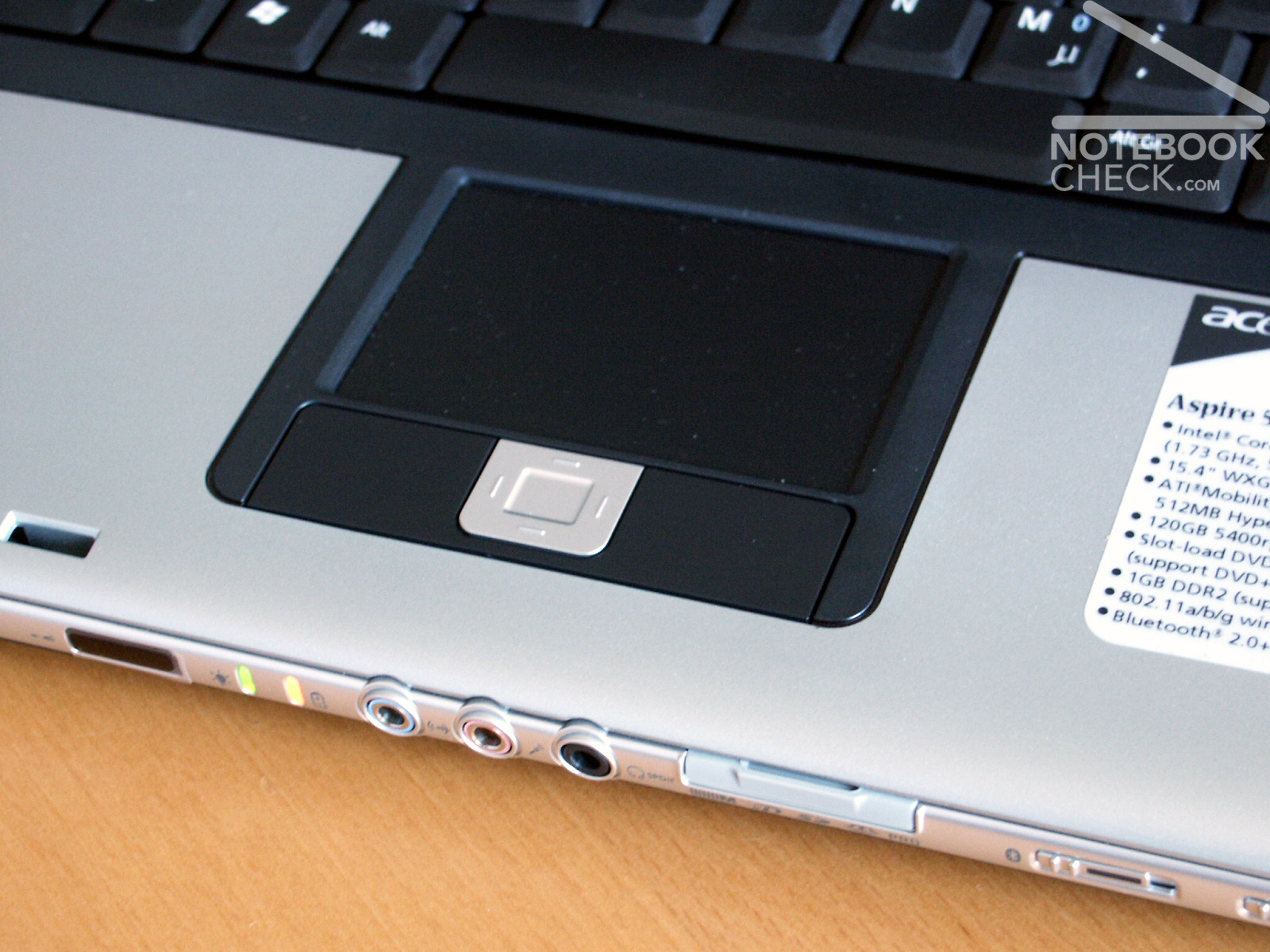
The touchpad responds well and remained without remarkablenesses. The two touchpad keys are not balanced, because they can't be pressed easily in the area below.
The surface of the Touchpad feels well and leads the finger goal-exactly over the Pad.
Display
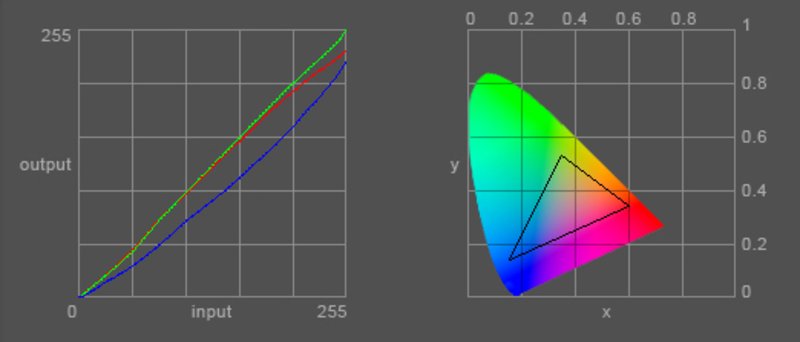
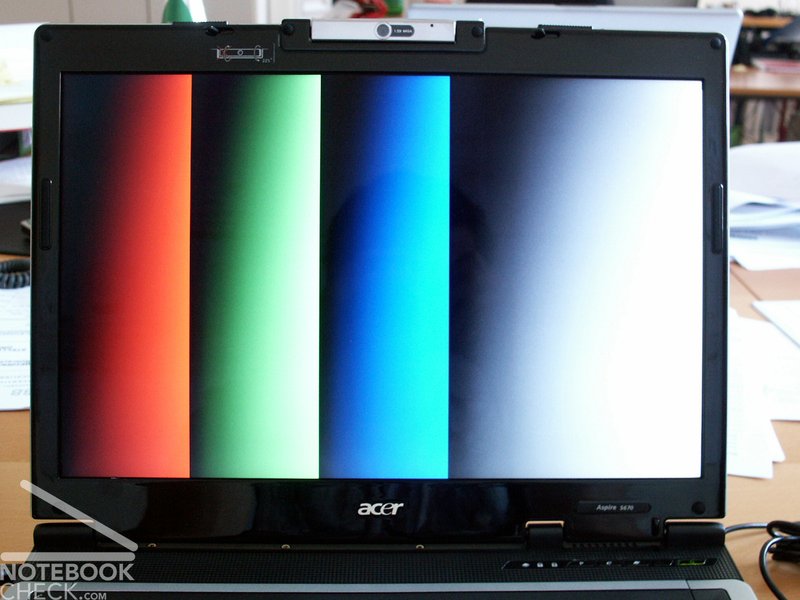
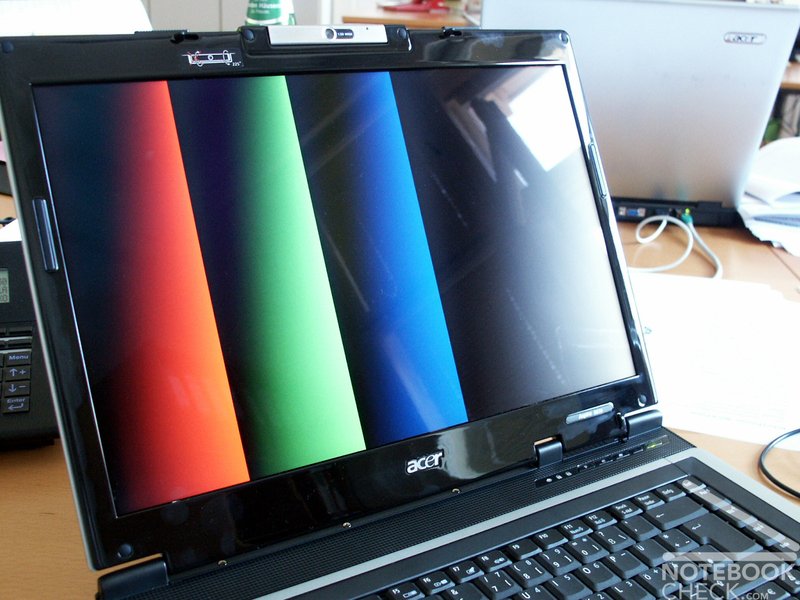
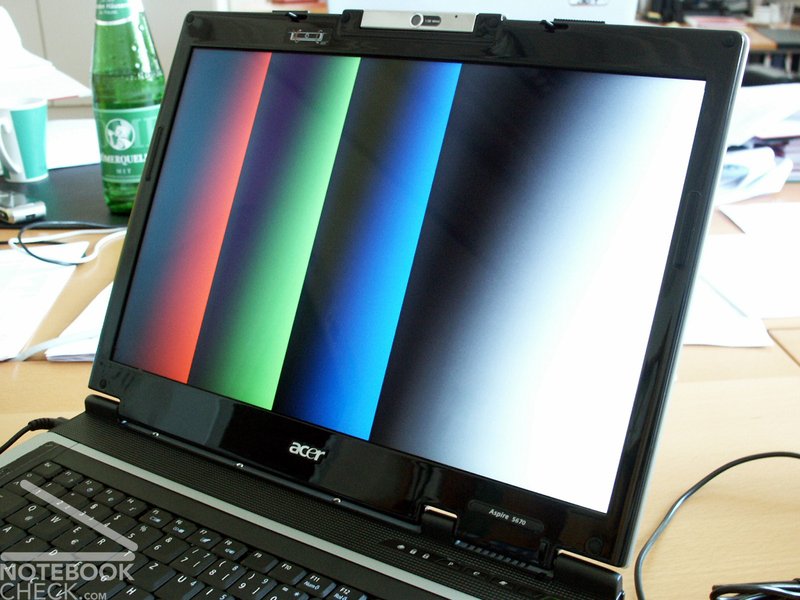
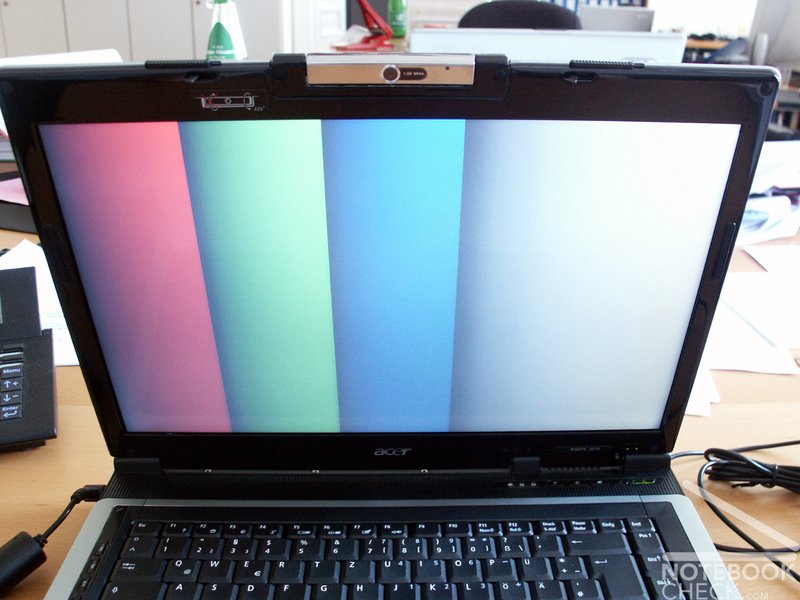
The Aspire 5672AWLMi is equipped with a reflecting 15.4 inch WXGA " Acer CrystalBrite" display. In the test it seemed to be over-radiated. The maximum resolution of the display amounted to 1280x800 pixel. The measurements showed a moderate brightness distribution of 78,6% (severe losses towards the edges), as well as an average maximum brightness of 153,0 cd/m². The color representation diagram shows an usual strong deviation of the blue color curve, which results in a warm colour image, because the red tones dominate.
| |||||||||||||||||||||||||
Brightness Distribution: 79 %
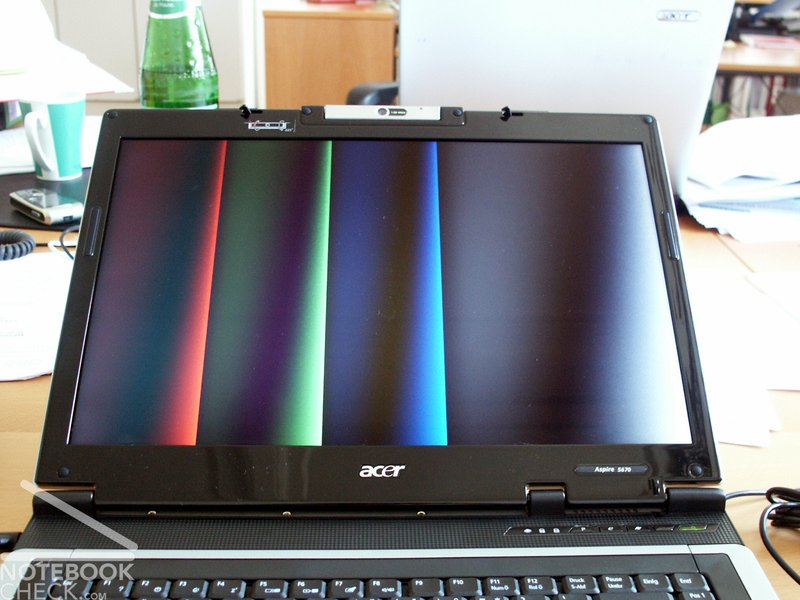
The image instability with different viewing angles is remarkable with vertical angles. Disturbing clarifications or darkening can occur. The horizontal views were not remarkable.
In the test of the creation of cloudy streaks with the Pixperan Readability Test level 6, an average inconspicuous result was achieved.

Performance
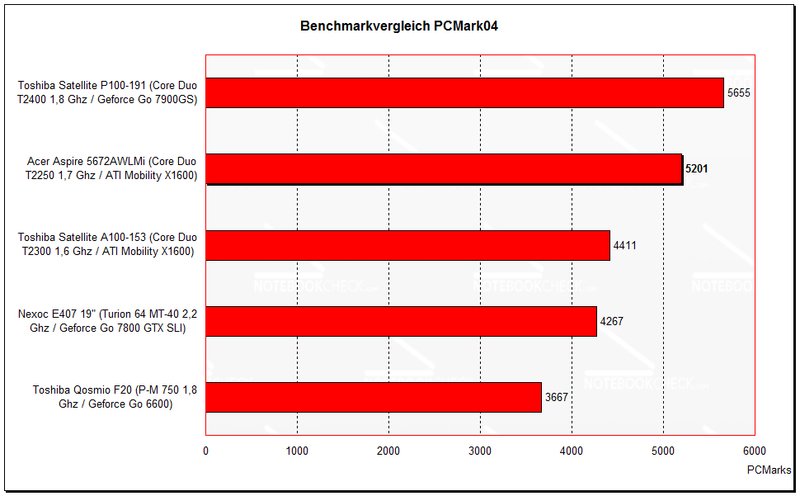
In the PCMark benchmark comparison it can recognized, that the T2250 Core Duo processor with 1,7 Ghz can be classified between the T2300 and T2400. A different result is shows the 3D benchmark comparison. The T2250/X1600 combination is clearly behind the T2300/X1600 combination.
Read more in our comparison of mobile video cards and/or our comparison of mobile processors.
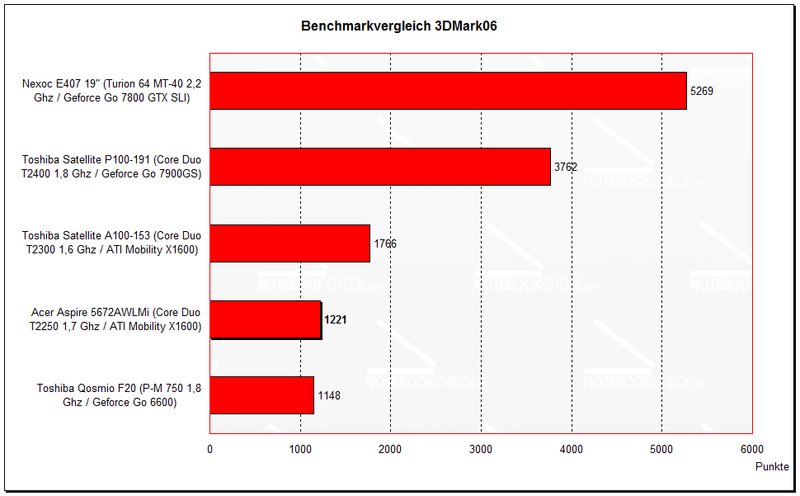
| 3DMark 06 Score Unknown Setting | 1221 points | |
Help | ||
| PCMark 04 Standard | 5201 points | |
Help | ||

Emissions
Warmth
Although the laptop was loaded only moderately (two benchmark tests, office operation) a severe heating up was measured after short time in particular at the bottom. On the other hand the top side remained inconspicuous.
Upper side
palmwrist: 32.7°C max: 42.1°C avg: 34.5°C hotspot: -
Bottom side
max: 48.6°C avg: 37.5°C hotspot: at the right side at the back (fan)
environment:
Volume
Unfortunately due to the test location we could not accomplish comparable volume measurements. Without considerable load a clear temperature rise could be observed, and also the fan ran continuously.
Battery Runtime
The following battery runtimes were extrapolated with the help of the current consumption in regard to the battery capacity and empirical values with comparable laptops due to the temporally limited test
Battery Eater Readers Test – corresponds about the maximal runtime
(min. brightness, WLan off, current saving function on)
achieved battery runtime: 2h 30min
Battery Eater Classic Test – corresponds about the minimal runtime
(all max., WLan etc. on)
achieved battery runtime: 1h 15min
Pleas take care, that these values are calculated.
Current Consumption
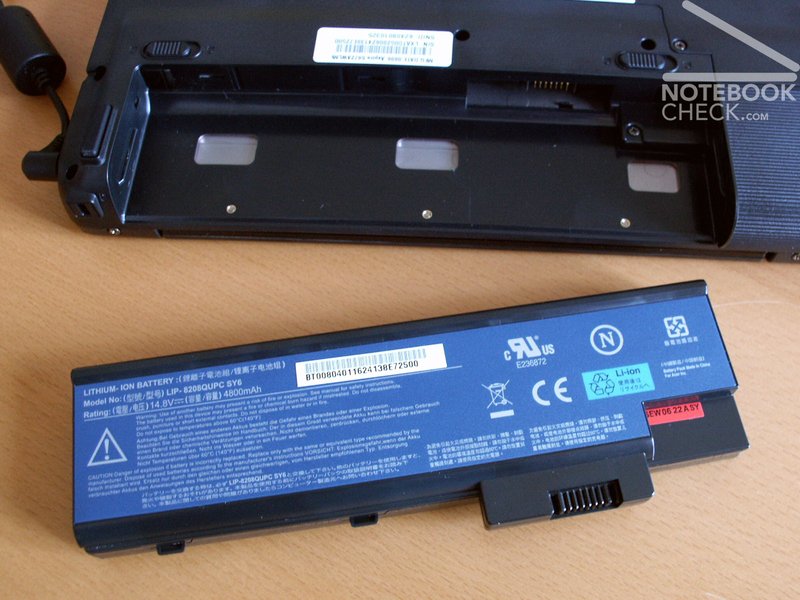
minimal (all off or at minimum): 36.0 Watts
idle (max. brightness): 39.6 Watts
+ WLan: 43.4 Watts
maximal (load inkl. WLAN): 68.7 Watts
Verdict
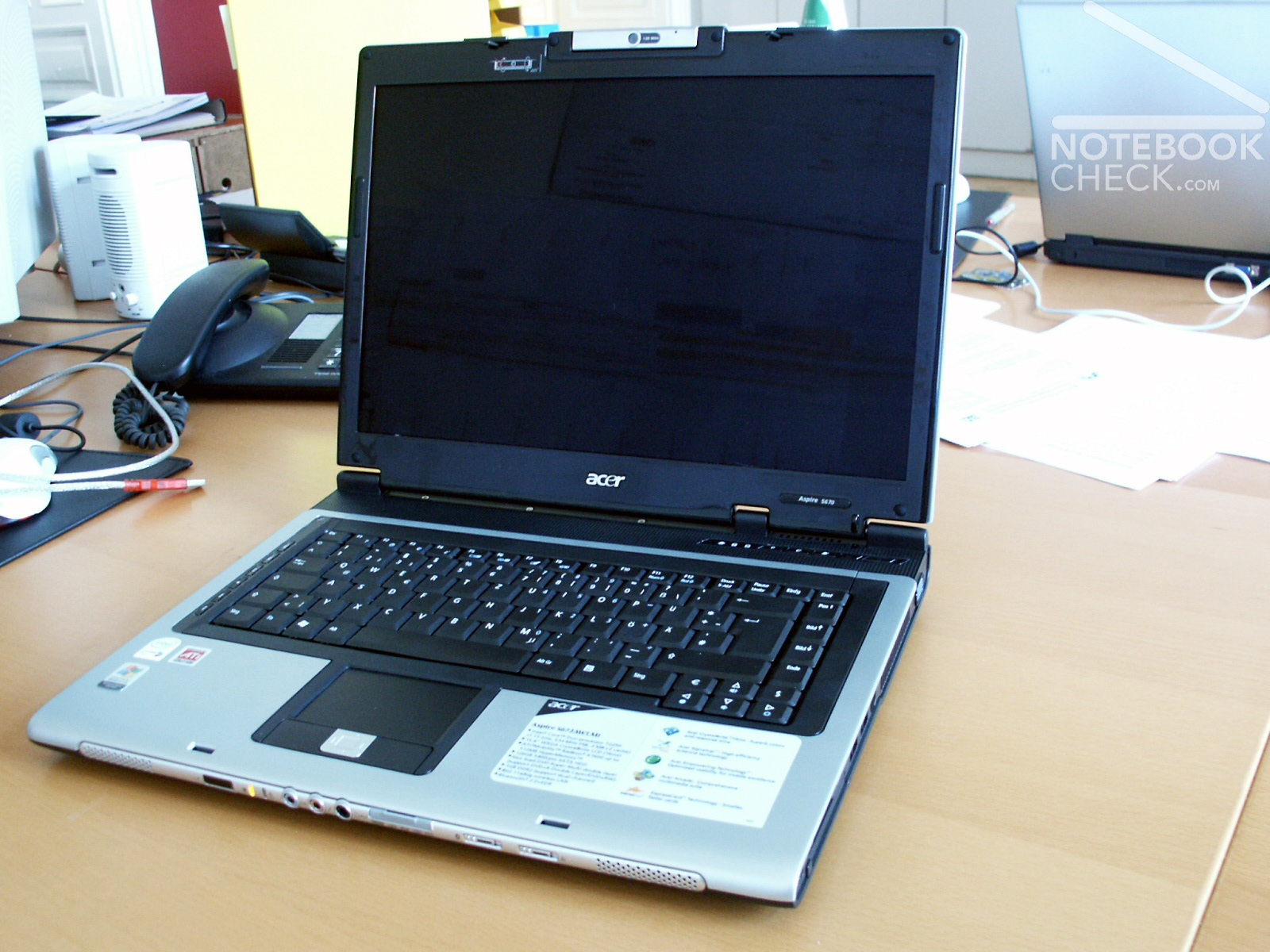
With a road price of under 1300. - Euro is the Acer Aspire 5672AWLMi to be called quite inexpensive regarding the performance with office applications.
If good performance in the 3D range is required, one should rather choose the Aspire 5672WLMi with T2300 processor or to the Aspire 5652WLMi with Geforce 7600 video card.
The weaknesses of the notebook are minor lacks of processing, the display, which is not stable with changing viewing angles and a mediocre heat and fan management.
For the Aspire 5672AWLMi positive aspects are the keyboard and a good connection equipment, extensive software tools and not least the price.
 Add as a preferred source on Google