




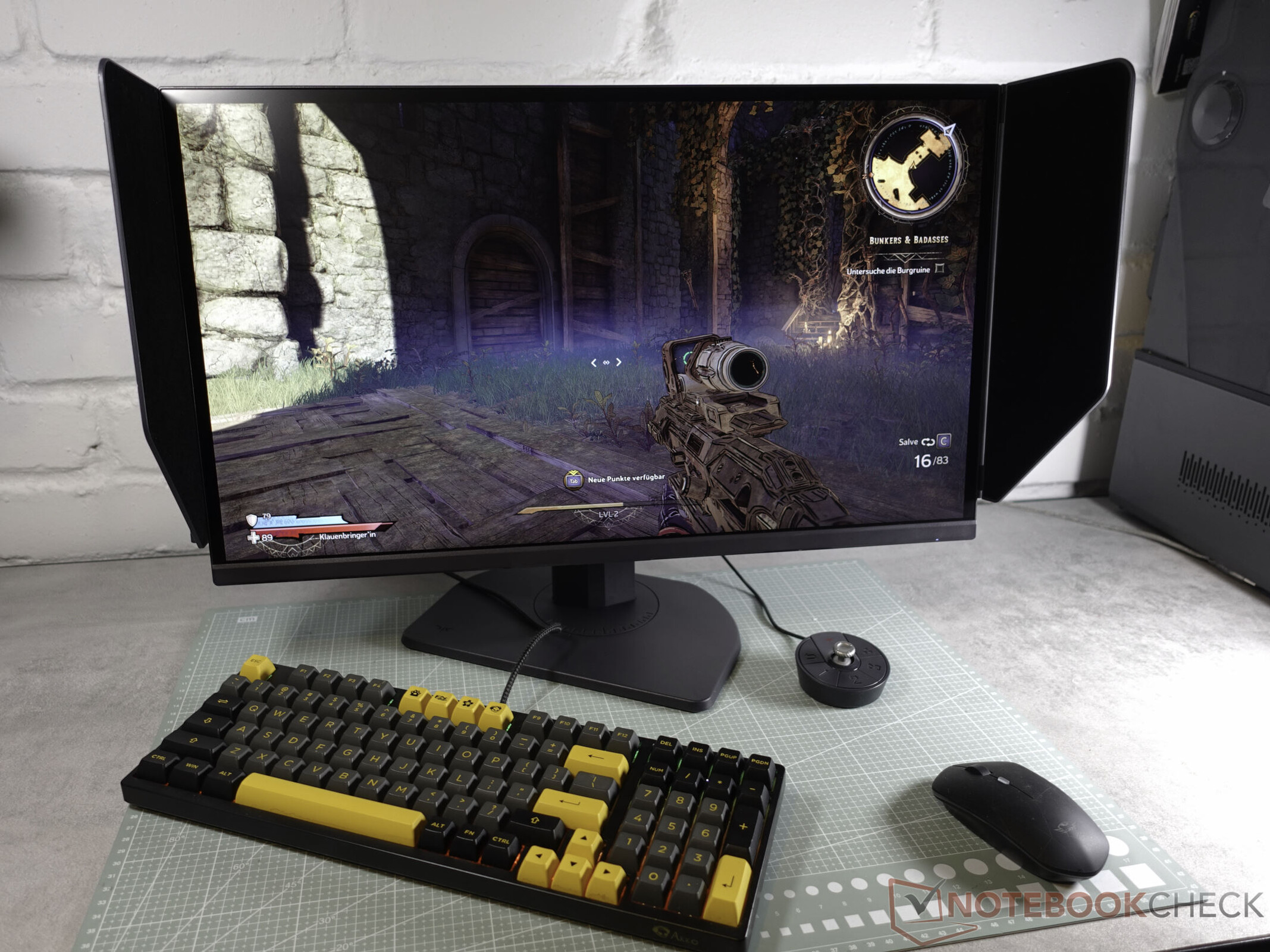
Speed is its priority: KTC 25M1 400-Hz gaming monitor reviewed
Speed is everything here.
Thanks to its TN panel, the KTC 25M1 achieves extreme response times but falls short on contrast and viewing angles. With Fast-TN, KTC introduces an alternative to flickering OLED panels.Marc Herter (translated by Marc Herter) Published 🇩🇪 🇳🇱 ...
Verdict
The KTC 25M1 makes no secret of its priorities. In heated gaming situations, the monitor plays its trump cards as the response times in overdrive mode effectively suppress annoying ghosting and ensure crisp images in action-packed scenes. The housing scores with functional simplicity and flexible ergonomics including a pivot function. Many adjustments for color display or response times can be set via the on-screen display. In everyday use, however, it can be annoying with clunky translations and unavoidable warning messages during brightness changes. Anyone looking for a color-accurate multimedia miracle will hardly be happy with the rather weak contrasts and limited viewing angle stability of the TN panel. When gaming, however, once everything is set up correctly, both are hardly noticeable. Thus, the flicker-free gaming monitor presents itself as an alternative to expensive OLED screens.
The strengths of the device include fast response times through overdrive, versatile ergonomics including pivot, an extensive scope of delivery with a remote control, and flicker-free operation. On the other hand, the unstable viewing angles of the TN panel, poor OSD translation, and annoying warning messages when changing brightness are negative points.
Pros
Cons
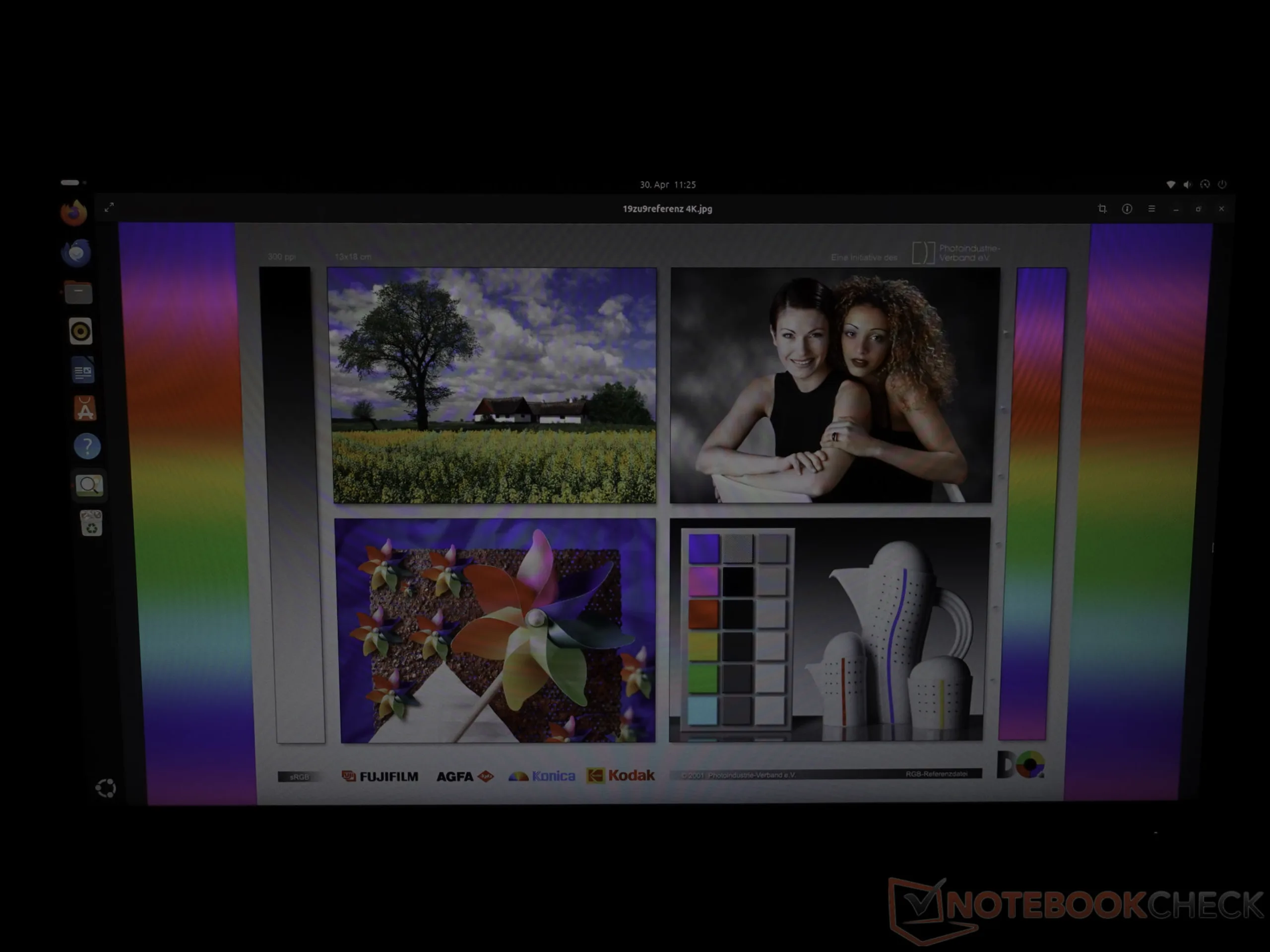
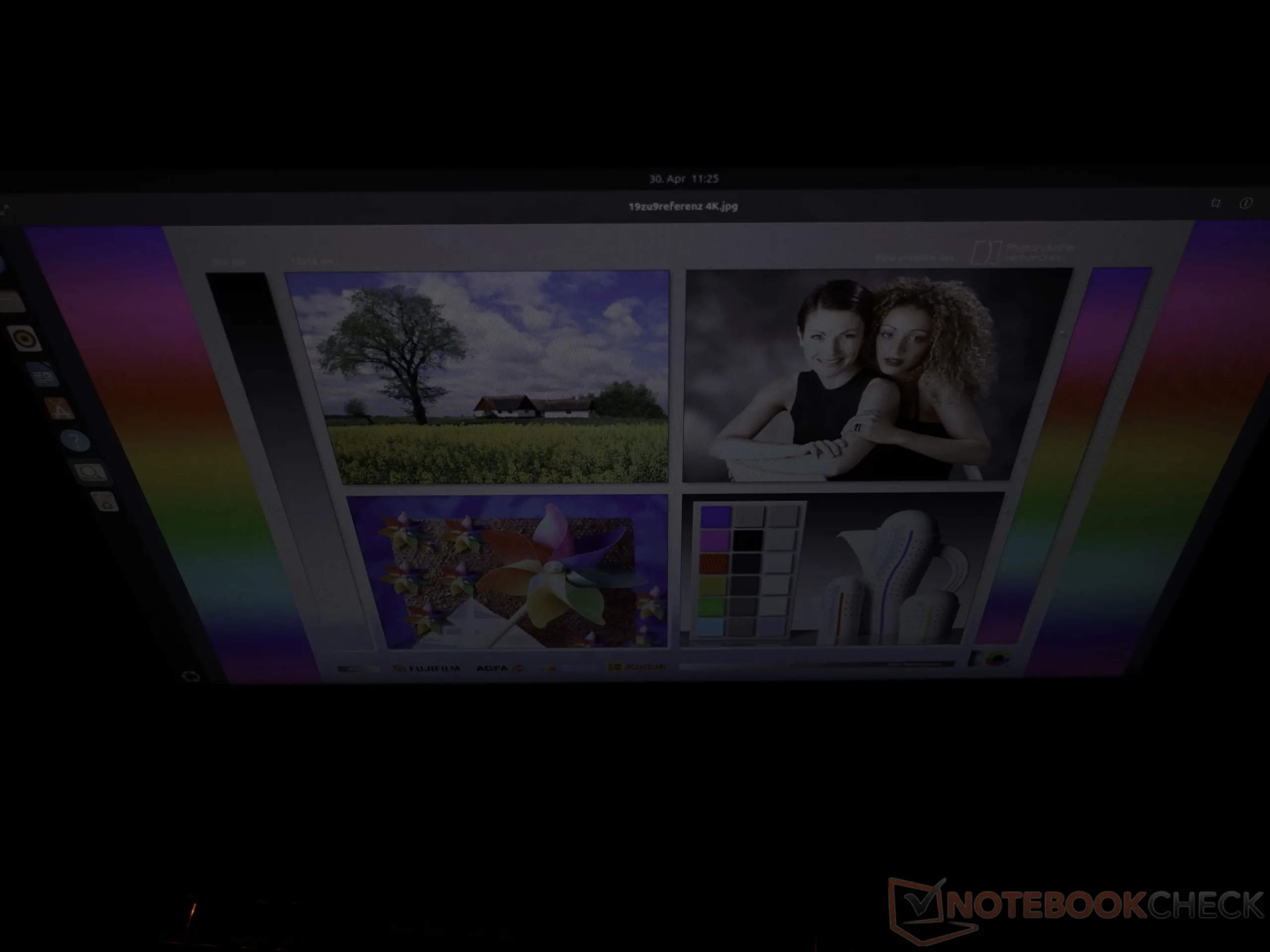
KTC uses a TN panel for the 25M1. This technology offers the primary advantage of very low response times compared to IPS displays, which minimizes ghosting in fast game scenes. Users have to accept limited viewing angle stability in return. As soon as the viewing position deviates from the center, colors and contrasts shift noticeably. However, if the 24.1-inch screen is aligned well on the desktop, this is hardly noticeable. Compared to high-quality IPS displays, the low contrast is particularly striking here. KTC counters this with dynamic contrast by dimming the backlight in dark scenes.
| Features | KTC 25M1 |
|---|---|
| Size | 24.1 inch |
| Dimensions | Screen without stand: 58 cm × 32.7 cm × 5 cm Height with stand: min. 37 cm max. 52 cm |
| Panel | TN |
| Resolution | 1920x1080 at 400 Hz |
| Brightness | 350 cd/m² (nits) |
| Coating | Anti-reflection hard coating |
| Contrast | Up to 1,000 : 1 |
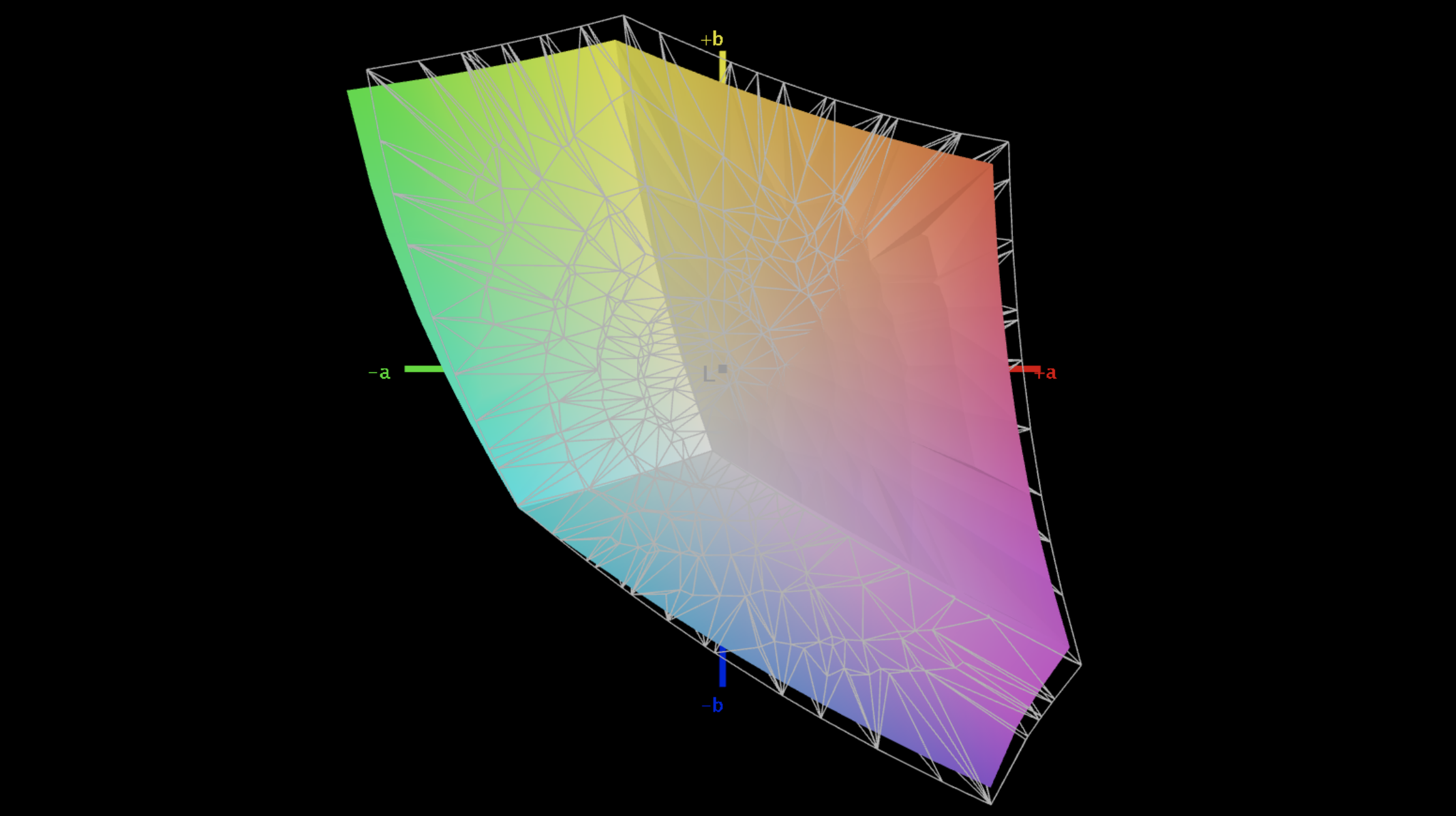
| Color space | 91.06 % sRGB |
| Response time | 1 ms (GTG manufacturer spec) |
| Adaptive sync | Compatible with AMD FreeSync Premium and G-Sync |
| Ports | 2x HDMI 2.1, 2x DP, headphone jack, USB-A 2.0 (service), miniUSB (remote) |
| Speakers | No |
| HDR | Yes |
| KVM switch | Yes |
| VESA | 100 x 100 mm |
10 percent discount with this voucher code
Gamers, listen up! If you're thinking about buying the KTC 25M1, you can save big right now.
Use the coupon code 1025M1KK for a 10% discount, saving you €35.
That means you can order this blazing-fast gaming monitor with 400 Hz, 1 ms response time, and a glare shield for just €314.99 on Amazon!
Simple plastic housing and ergonomic stand
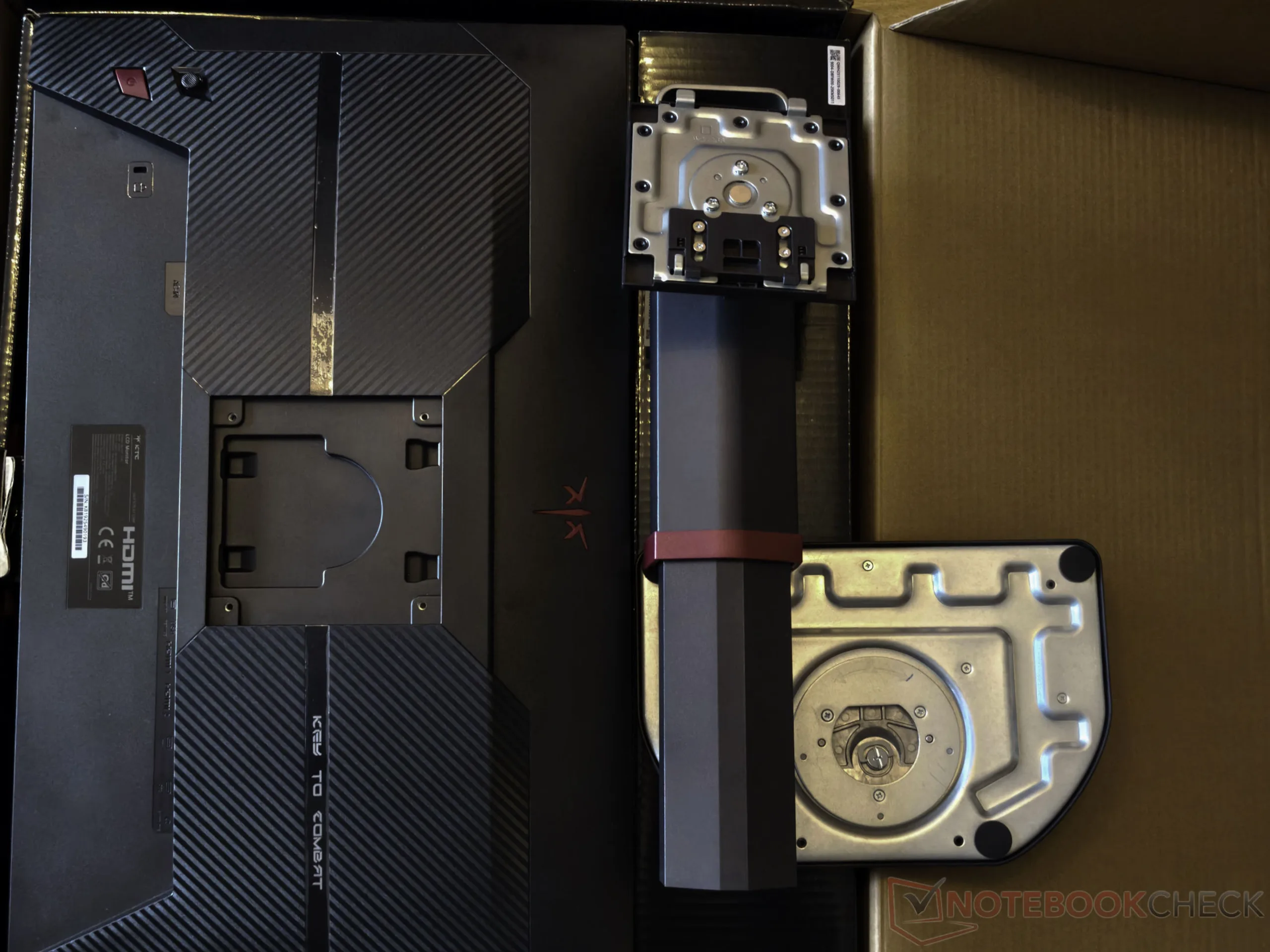
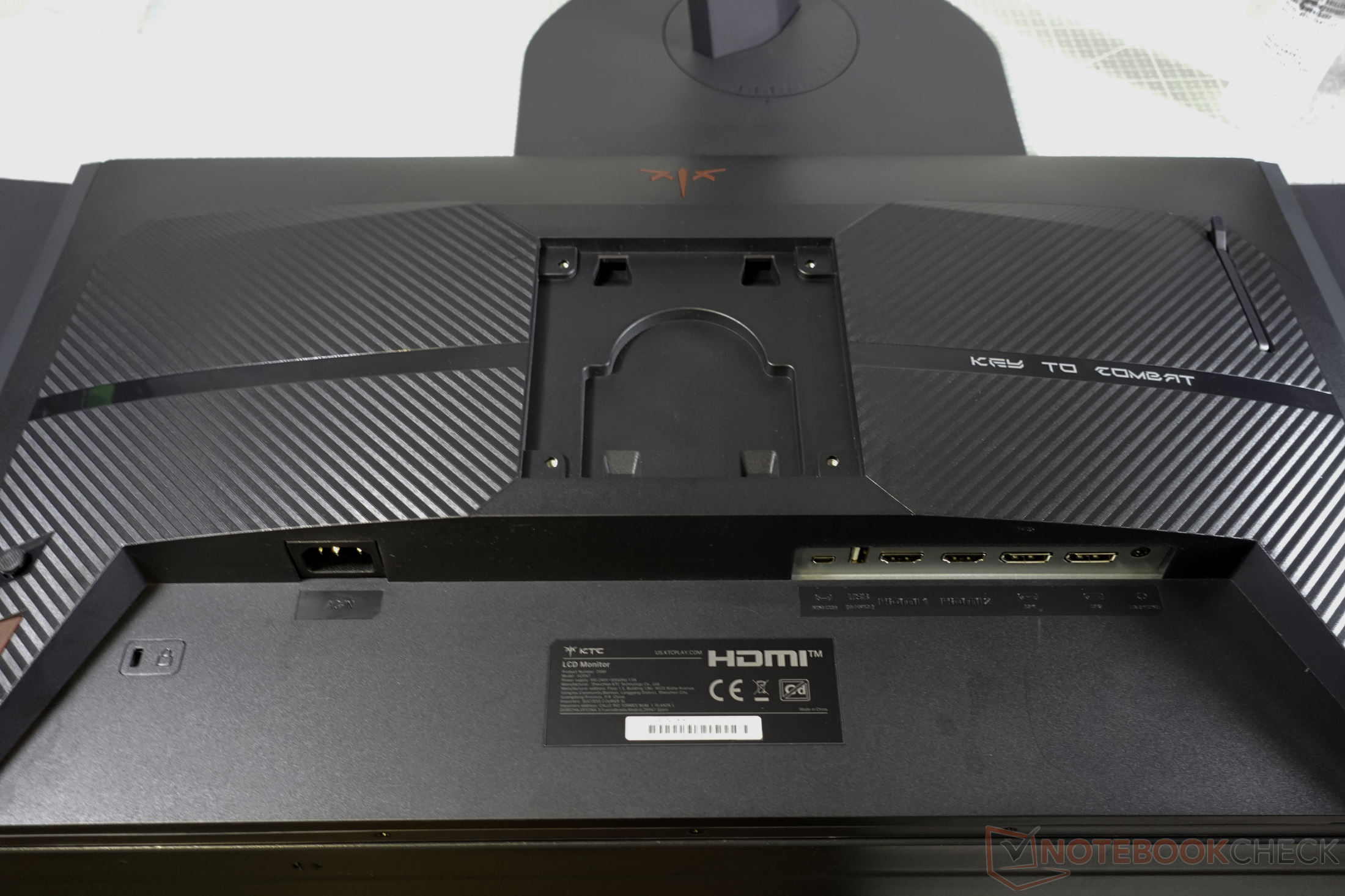
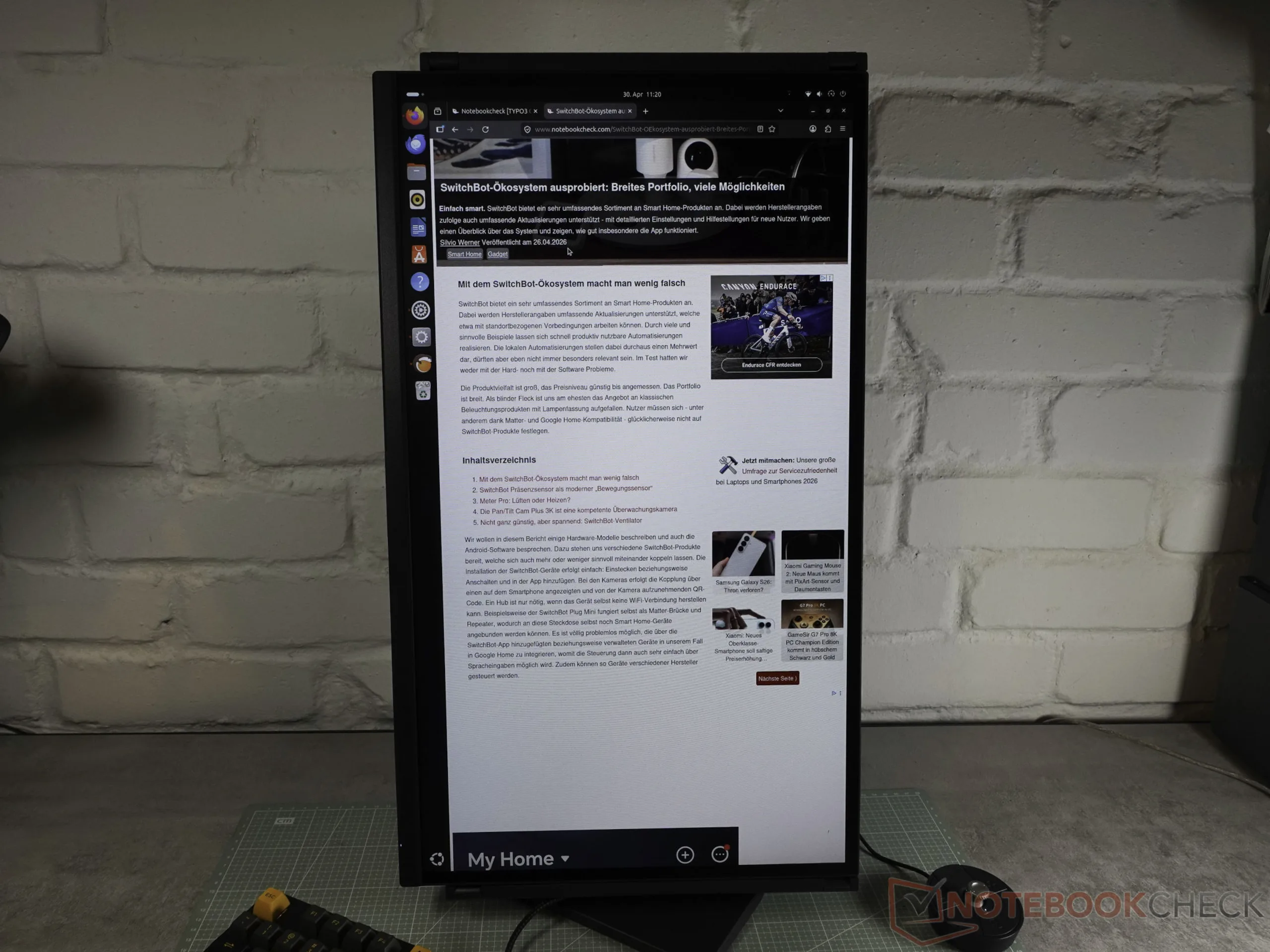
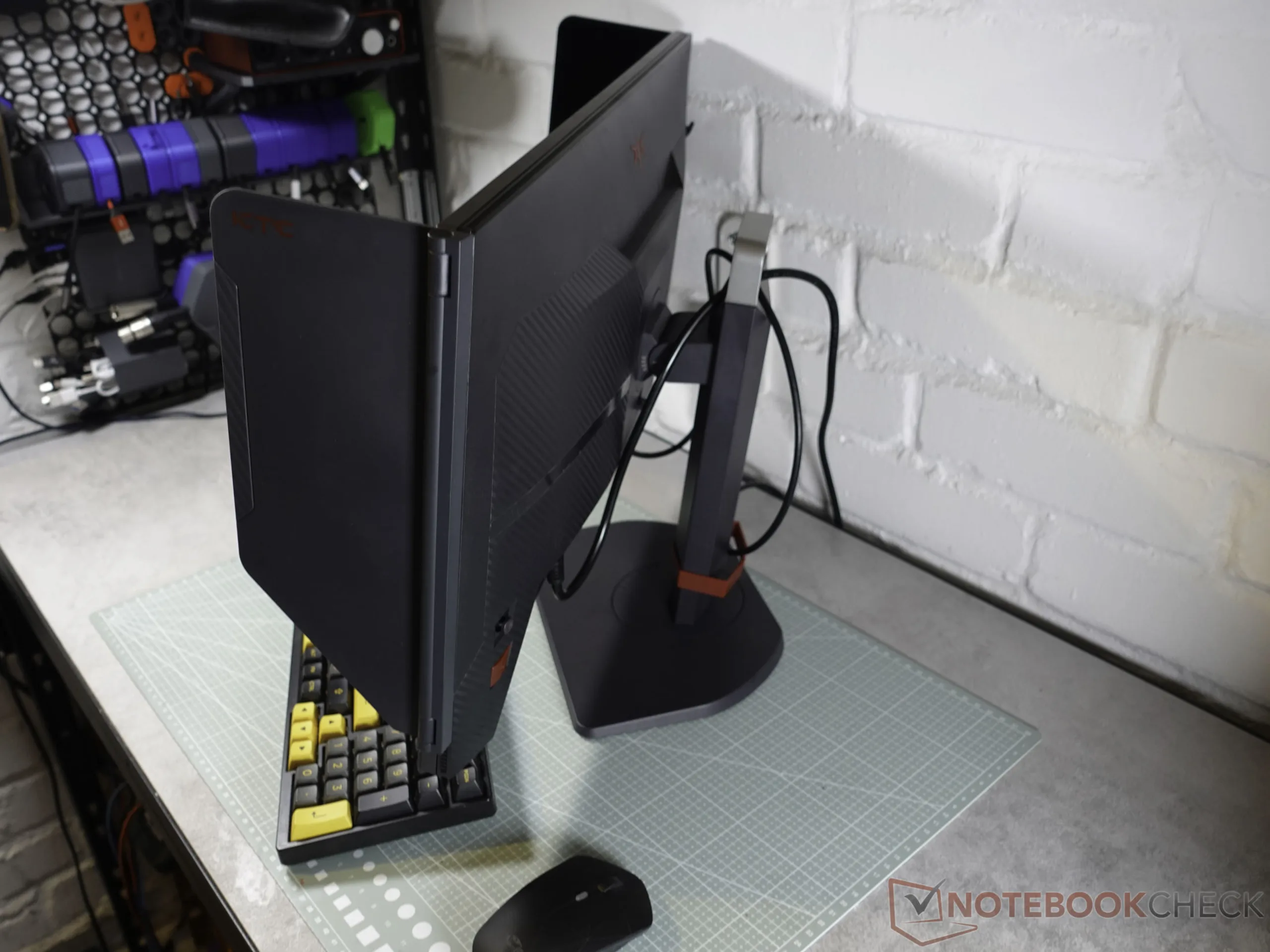
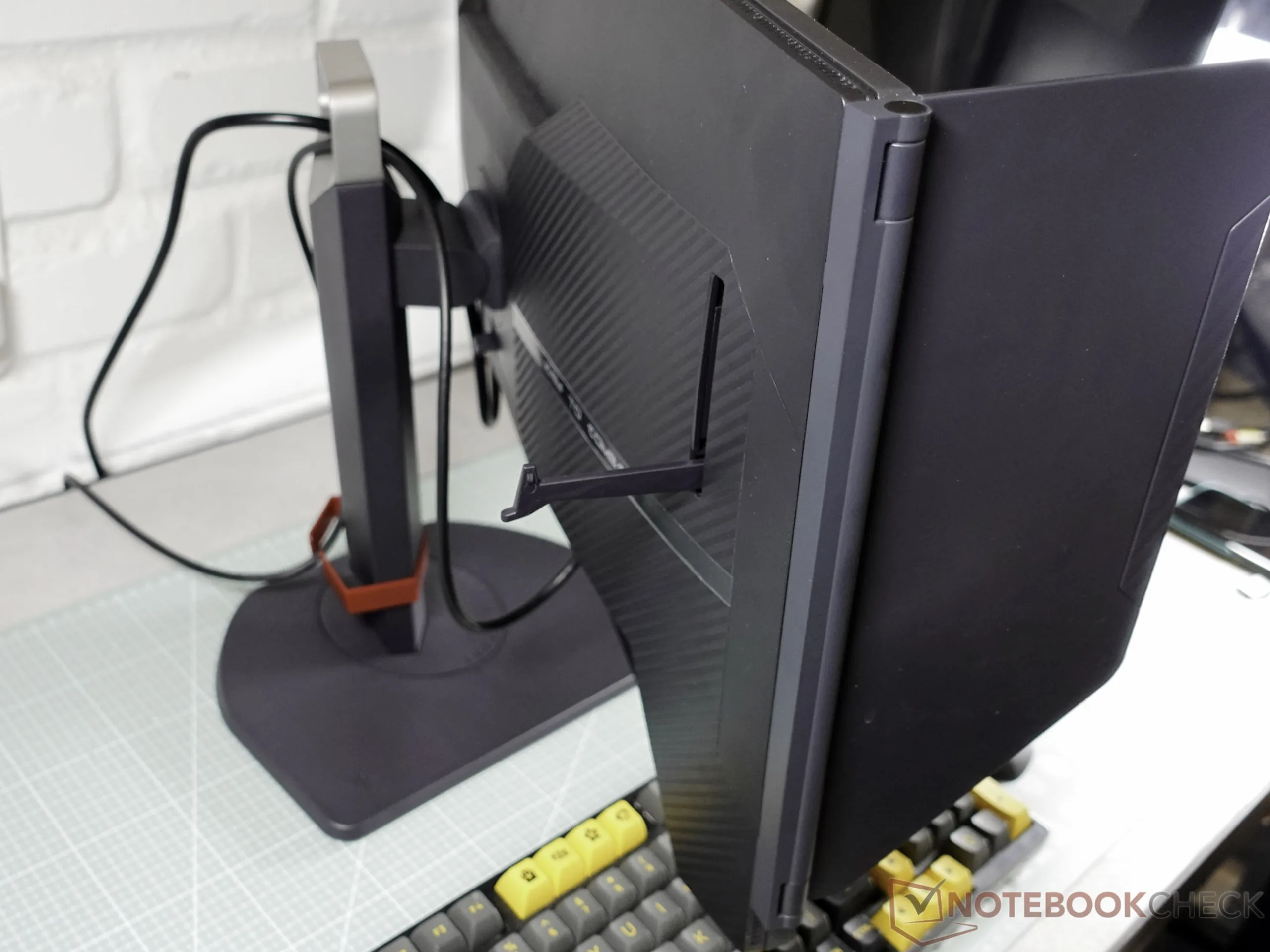
The scope of delivery includes the stand, a wired remote control, side shields, a DisplayPort cable, and a power cable. Assembly is tool-free as the base of the stand is simply fixed with a screw and the screen clicks into the holder. The housing consists of simple, dark gray plastic with a matte panel. The design appears understated but harmonious. Regarding ergonomics, the device offers 10 cm of height adjustment, a tilt function, and the ability to rotate the screen horizontally or vertically. A VESA 100 mount is available for alternative brackets. The connection panel features two HDMI 2.1 and two DisplayPort inputs, along with a headphone output. A USB-A port is used for service updates, while the remote connects via a separate miniUSB port. The stand and screen are quickly assembled and the base offers stable support. The back features cable management and even a hook for headphones.
Measurements - Fast TN panel but weak contrast

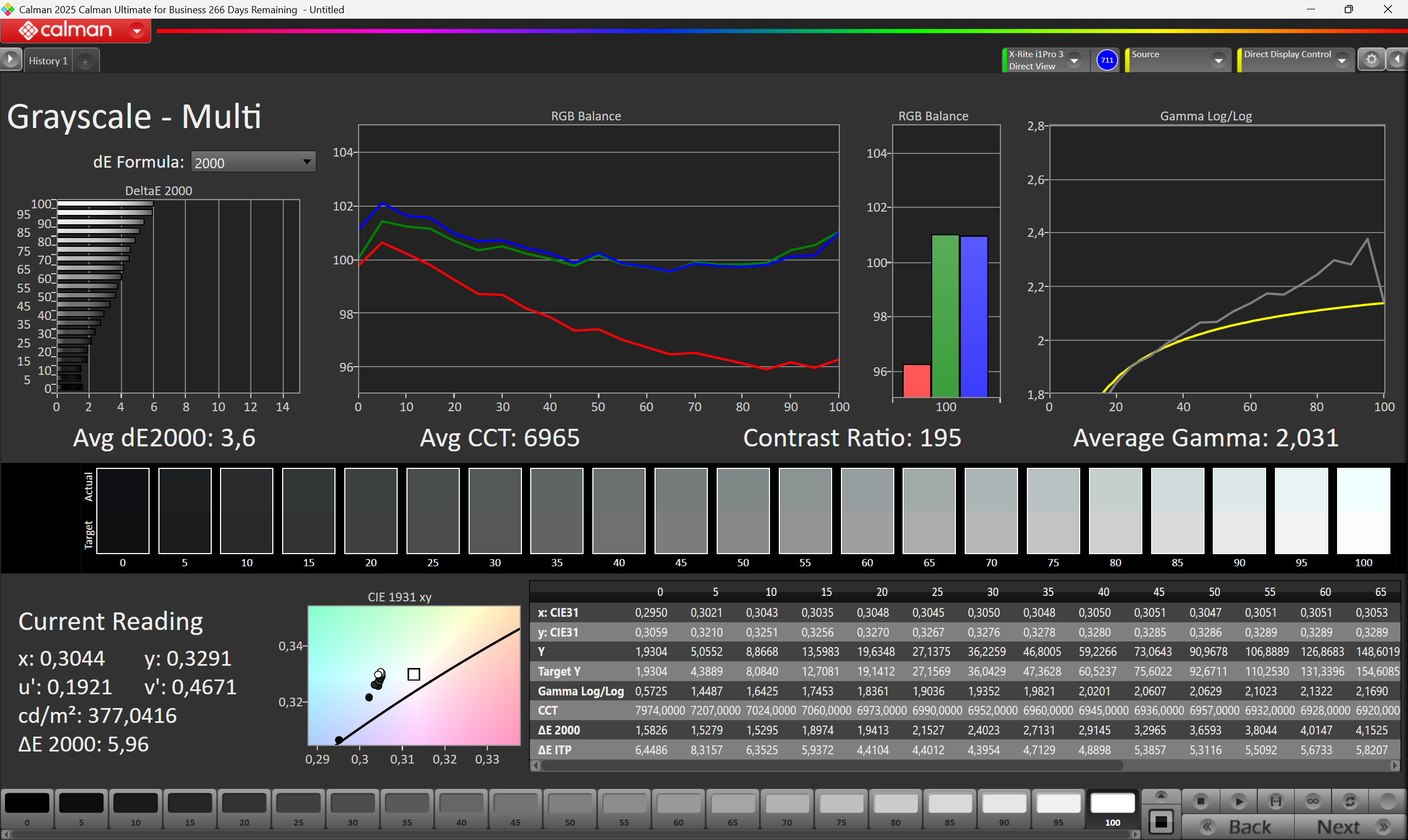
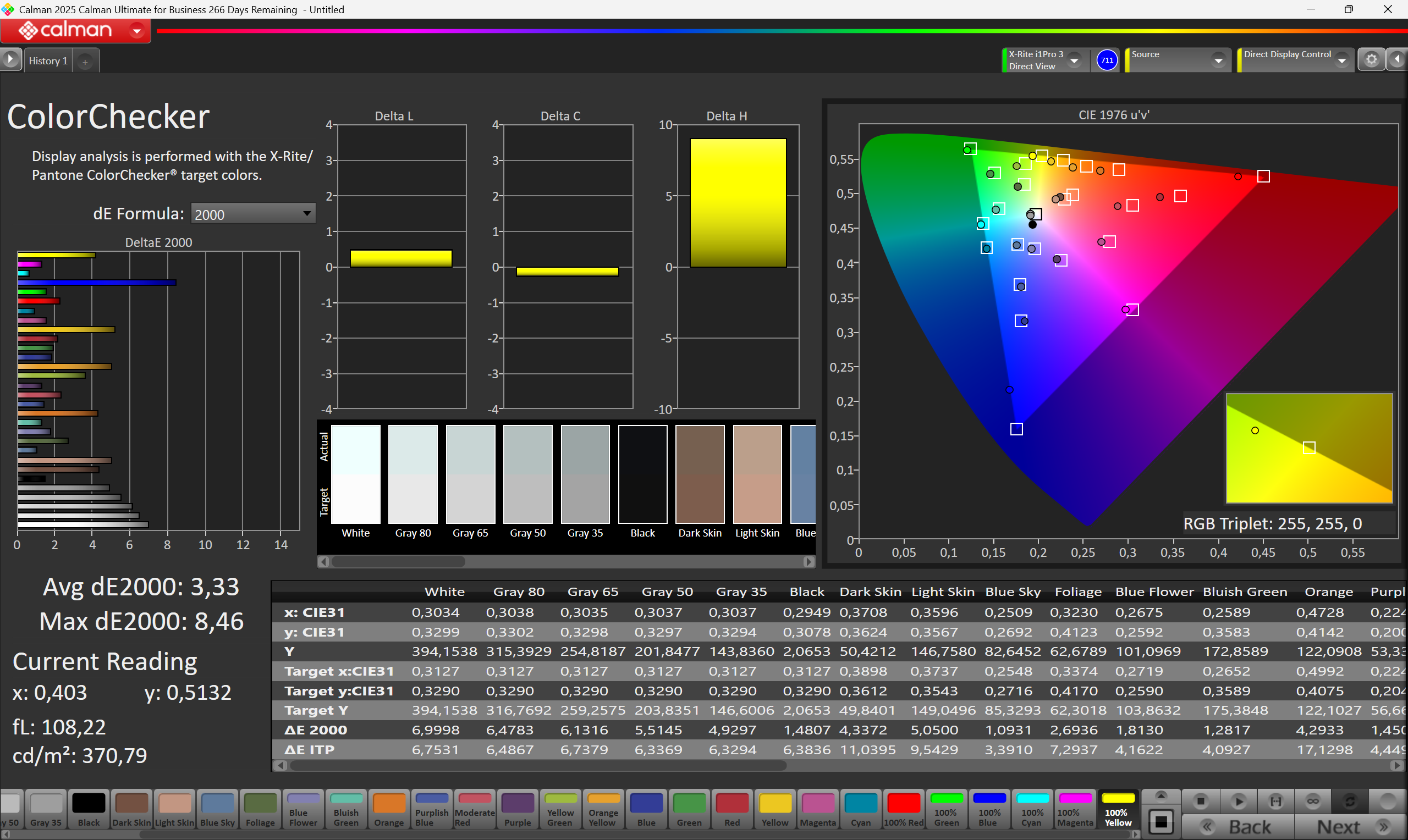
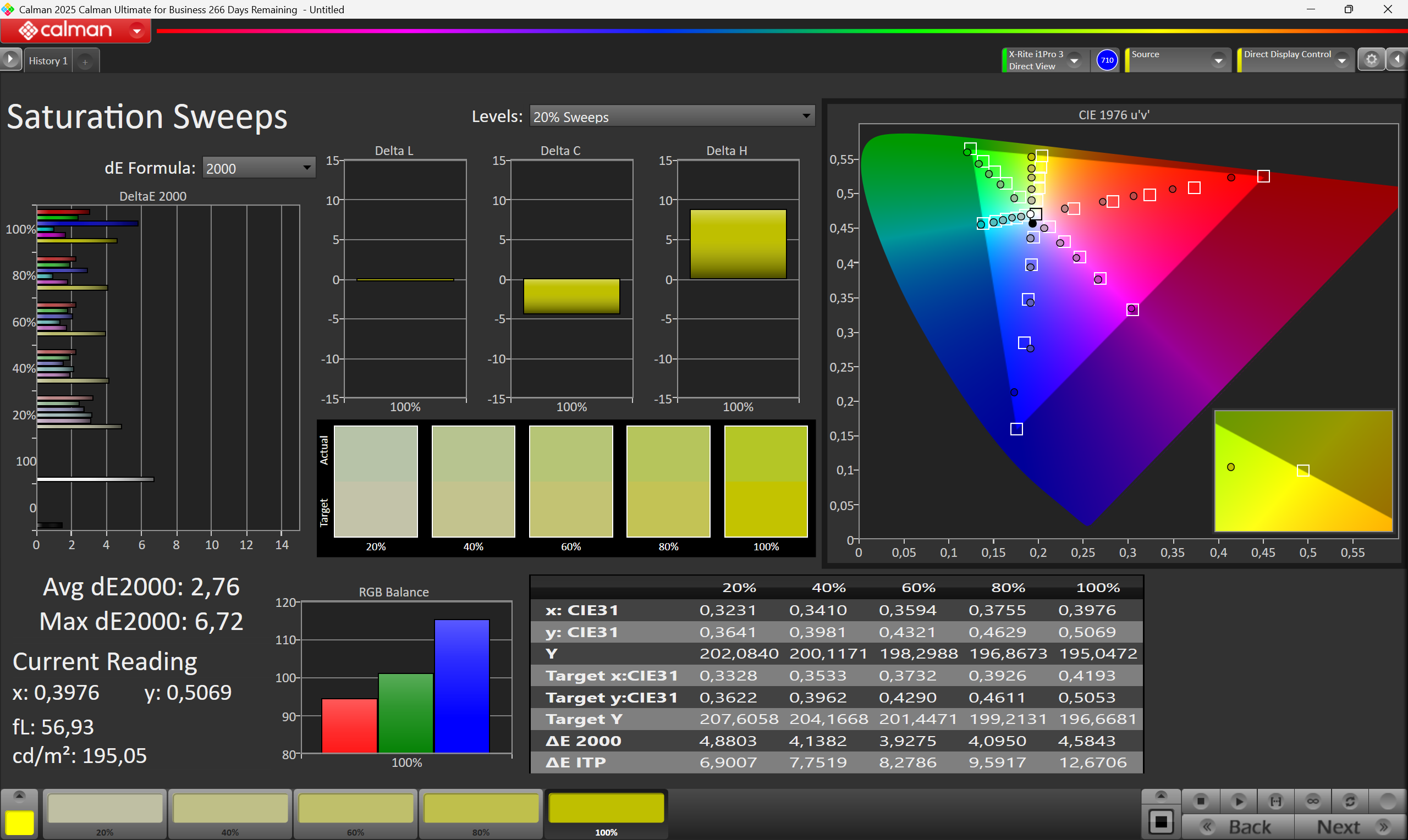
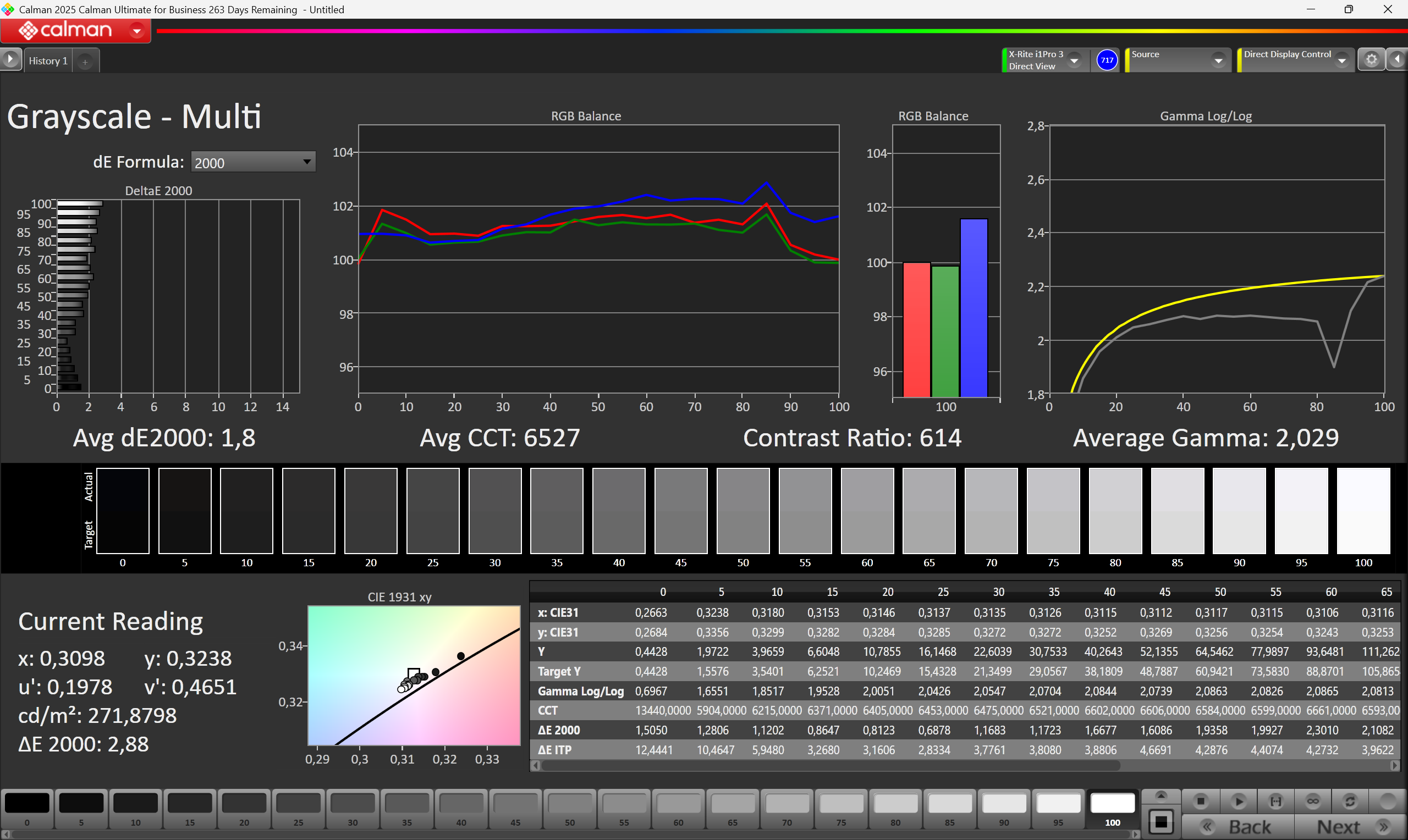
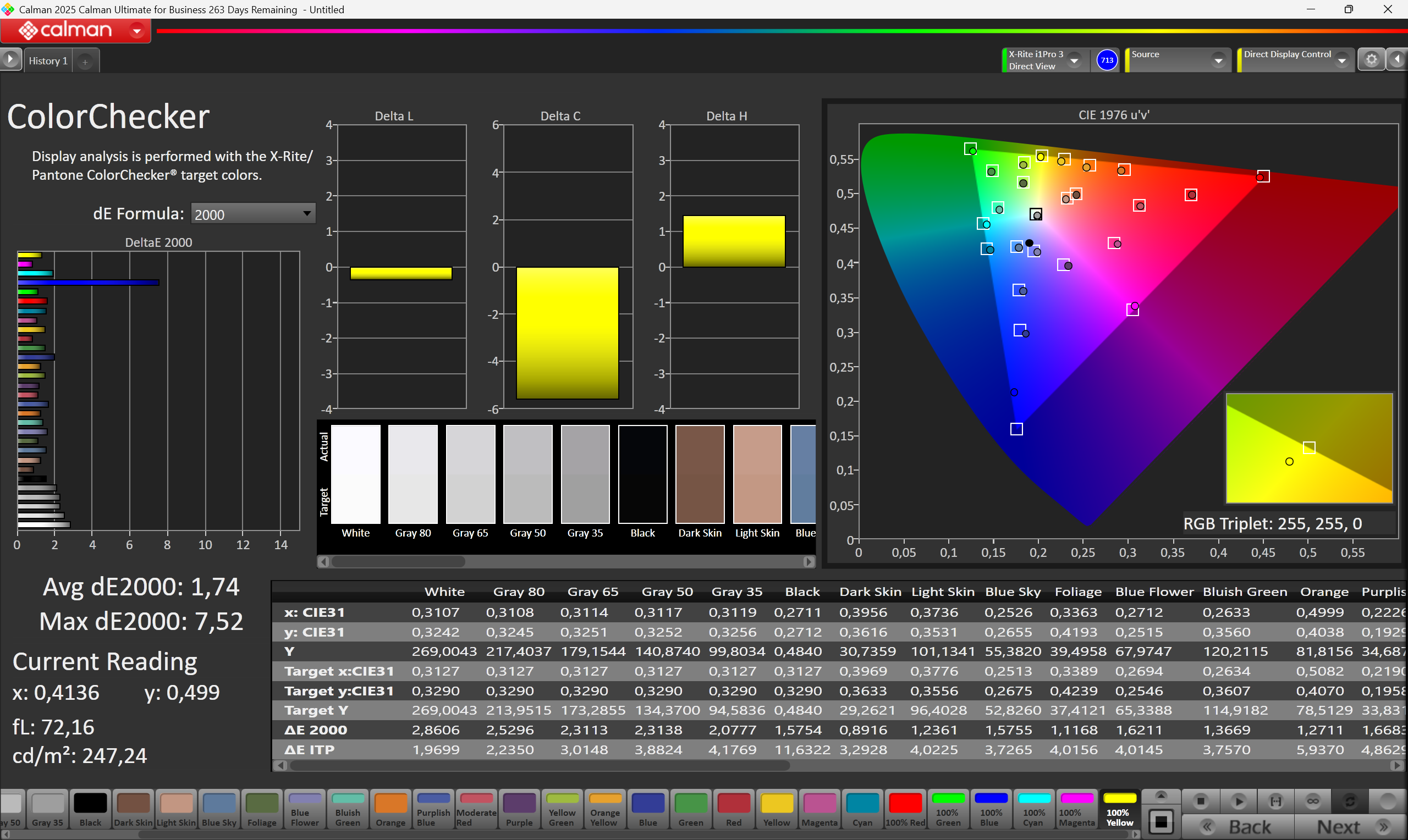
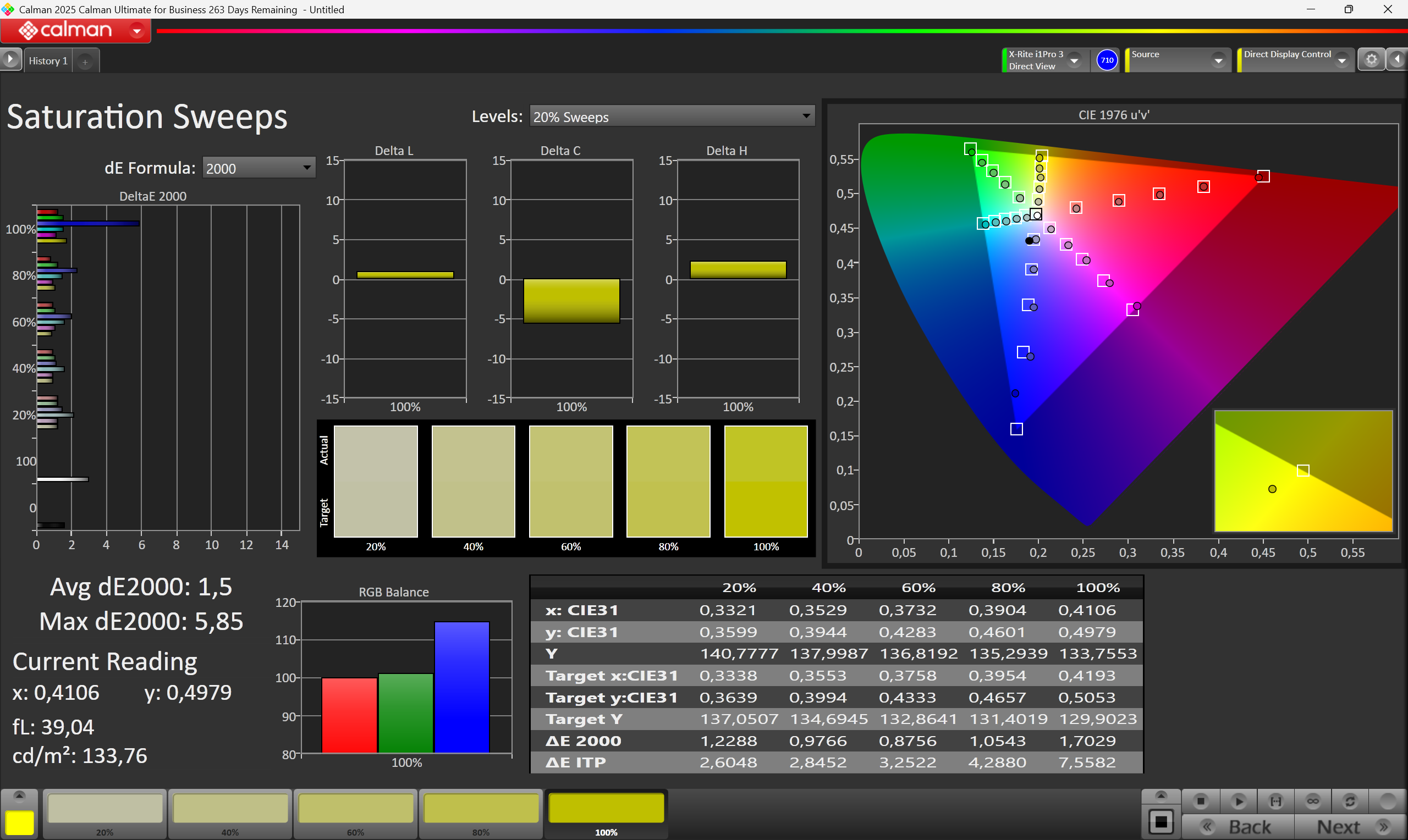
The KTC 25M1 is not a display for connoisseurs of fine color gradients, but an honest companion for those who have no time for visual gimmicks in the heat of battle. With around 350 cd/m², the screen brightness is in a solid range that performs well even in daylight. Regarding contrast, the panel shows its true TN face as a ratio of 700:1 means that deep shadows look more like dark anthracite and the depth of the image suffers slightly. But those who choose this monitor usually aren't looking for visual opulence, but pure performance. The device delivers here as soon as the settings are adjusted. While native response times of 5.2 ms black-to-white and 13.8 ms gray-to-gray seem rather leisurely, overdrive ignites the turbo and pushes the gray-to-gray value to a rapid 2 ms. This causes annoying ghosting to disappear almost completely. With 91 % sRGB color space coverage and an average accuracy of 3.3 DeltaE 2000, colors are not reproduced with surgical precision but remain absolutely consistent for the digital world of games. Contrast can also be tweaked using DCR, which adjusts the backlight for dark scenes to make them appear much more balanced.
| |||||||||||||||||||||||||
Brightness Distribution: 85 %
Contrast: 1044:1 (Black: 0.4569 cd/m²)
ΔE ColorChecker Calman: 3.3 | ∀{0.5-29.43 Ø4.7}
ΔE Greyscale Calman: 5.96 | ∀{0.09-98 Ø4.95}
Gamma: 2.03
Screen Flickering / PWM (Pulse-Width Modulation)
| Screen flickering / PWM not detected |  | ||
In comparison: 52 % of all tested devices do not use PWM to dim the display. If PWM was detected, an average of 7656 (minimum: 5 - maximum: 343500) Hz was measured. | |||
Display Response Times
| ↔ Response Time Black to White | ||
|---|---|---|
| 4.8 ms ... rise ↗ and fall ↘ combined | ↗ 3.4 ms rise |  |
| ↘ 1.4 ms fall | ||
| The screen shows very fast response rates in our tests and should be very well suited for fast-paced gaming. In comparison, all tested devices range from 0.1 (minimum) to 240 (maximum) ms. » 18 % of all devices are better. This means that the measured response time is better than the average of all tested devices (19.7 ms). | ||
| ↔ Response Time 50% Grey to 80% Grey | ||
| 7.8 ms ... rise ↗ and fall ↘ combined | ↗ 5.8 ms rise |  |
| ↘ 1.8 ms fall | ||
| The screen shows very fast response rates in our tests and should be very well suited for fast-paced gaming. In comparison, all tested devices range from 0.13 (minimum) to 636 (maximum) ms. » 21 % of all devices are better. This means that the measured response time is better than the average of all tested devices (30.8 ms). | ||
Reaction times gray-to-gray


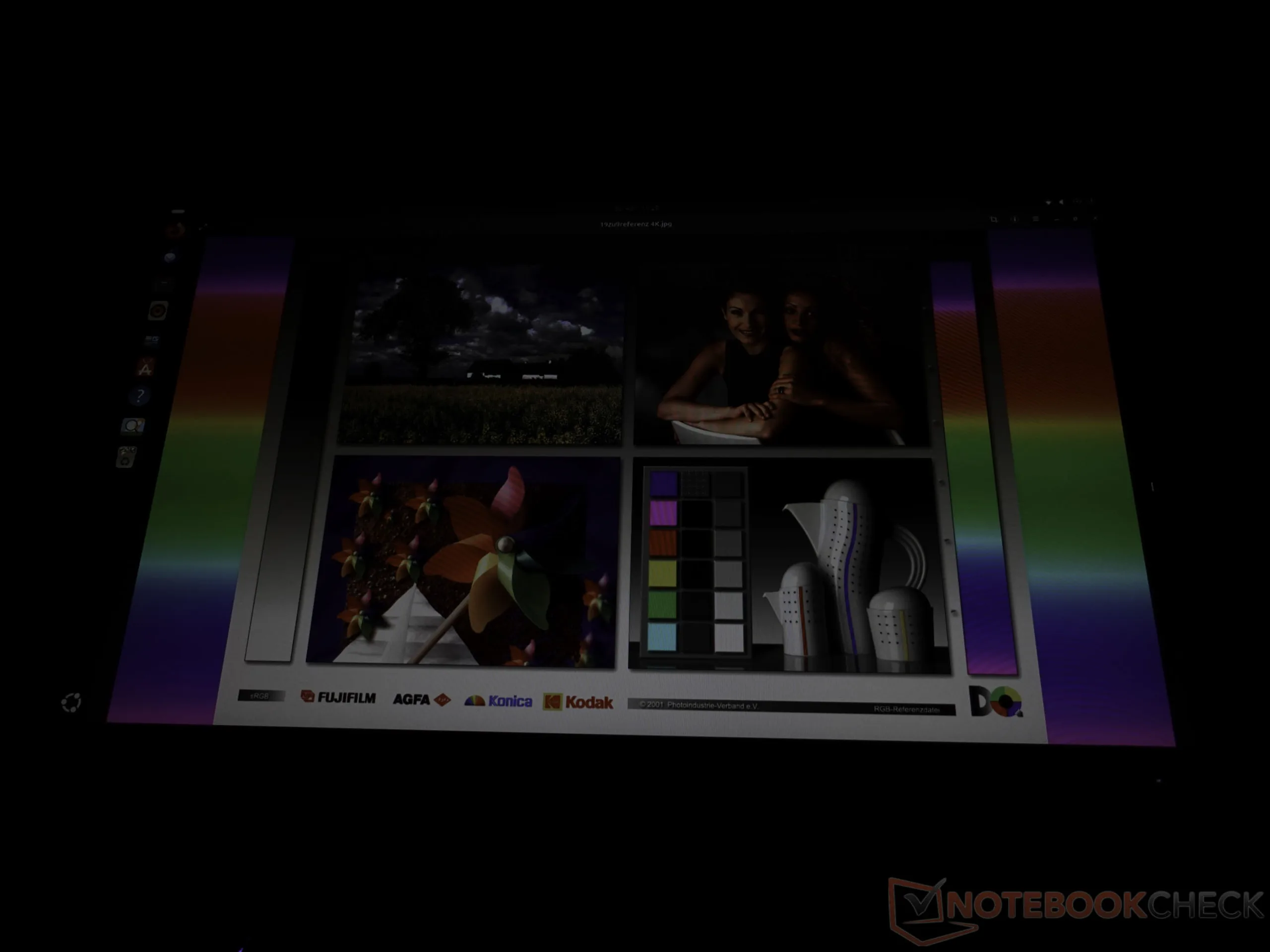
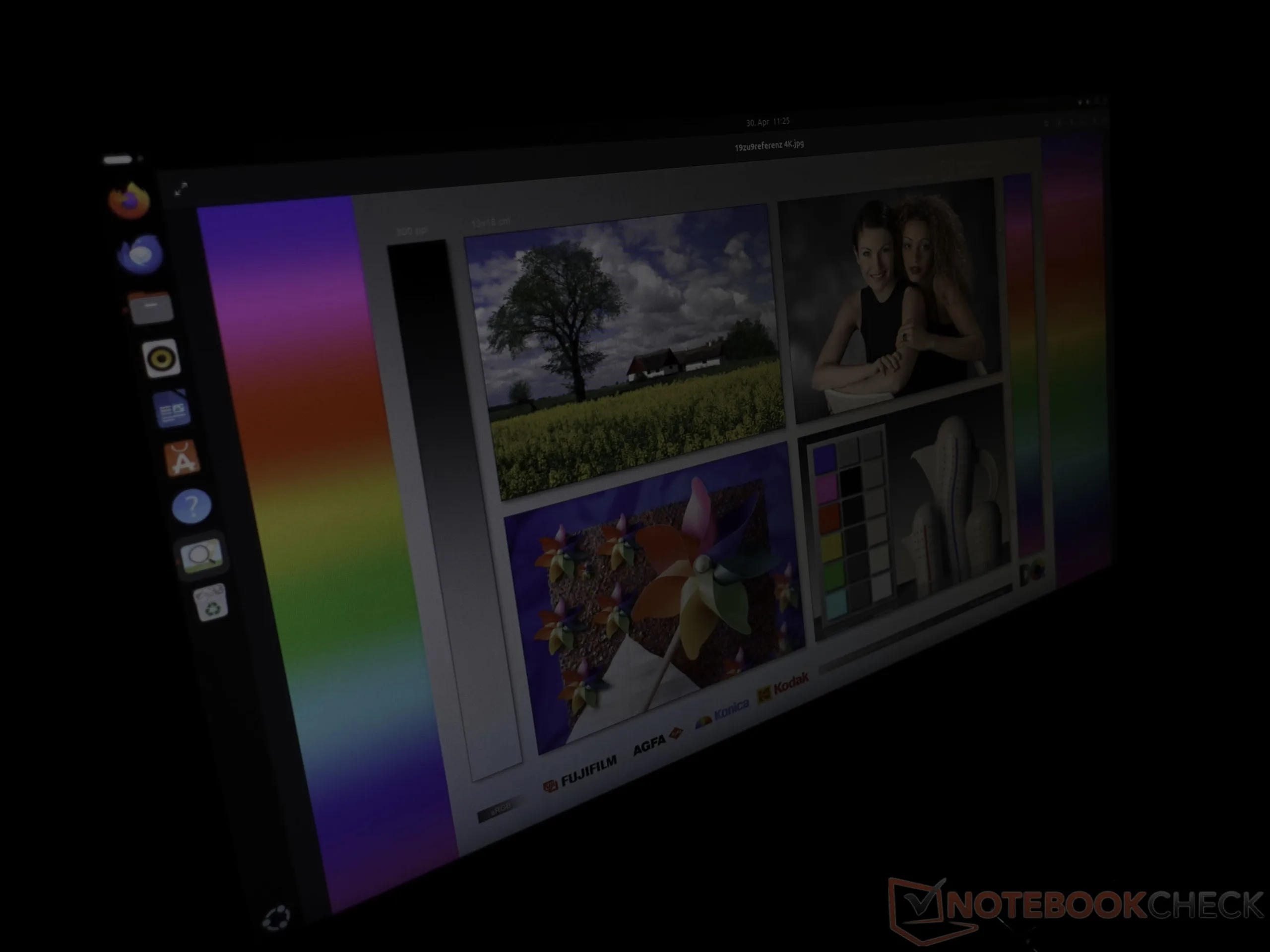
Typical for TN panels, the viewing angle stability is not particularly good, which is noticeable in high-contrast scenes if the monitor is not perfectly aligned.
Power consumption
Energy consumption remains unremarkable and grounded. When the backlight is running at full blast, 35 watts are drawn from the socket. Reducing brightness to the minimum drops the requirement to a moderate 18 watts. Standby operation is particularly noteworthy, with the monitor consuming only 0.15 watts.
User interface
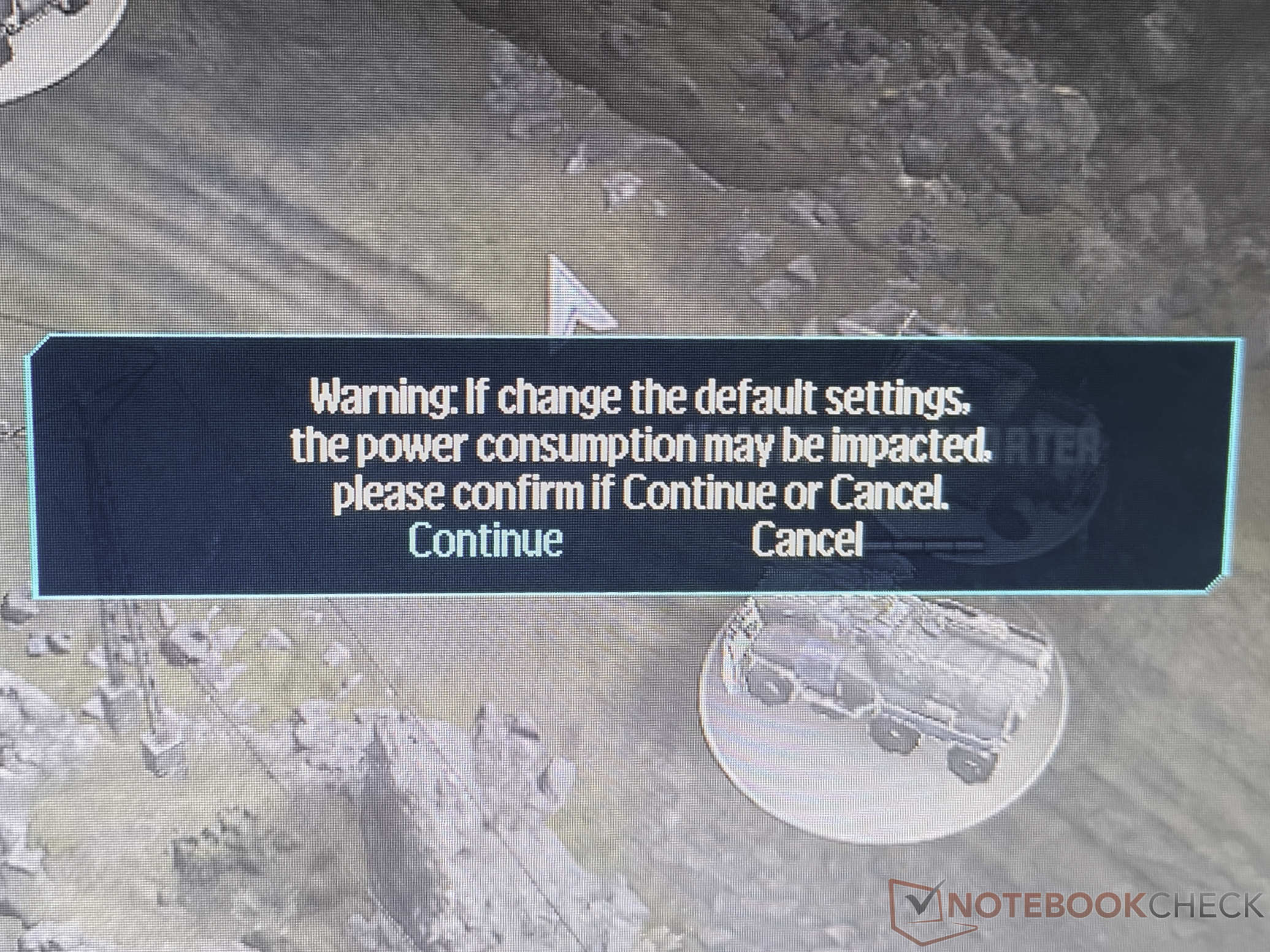
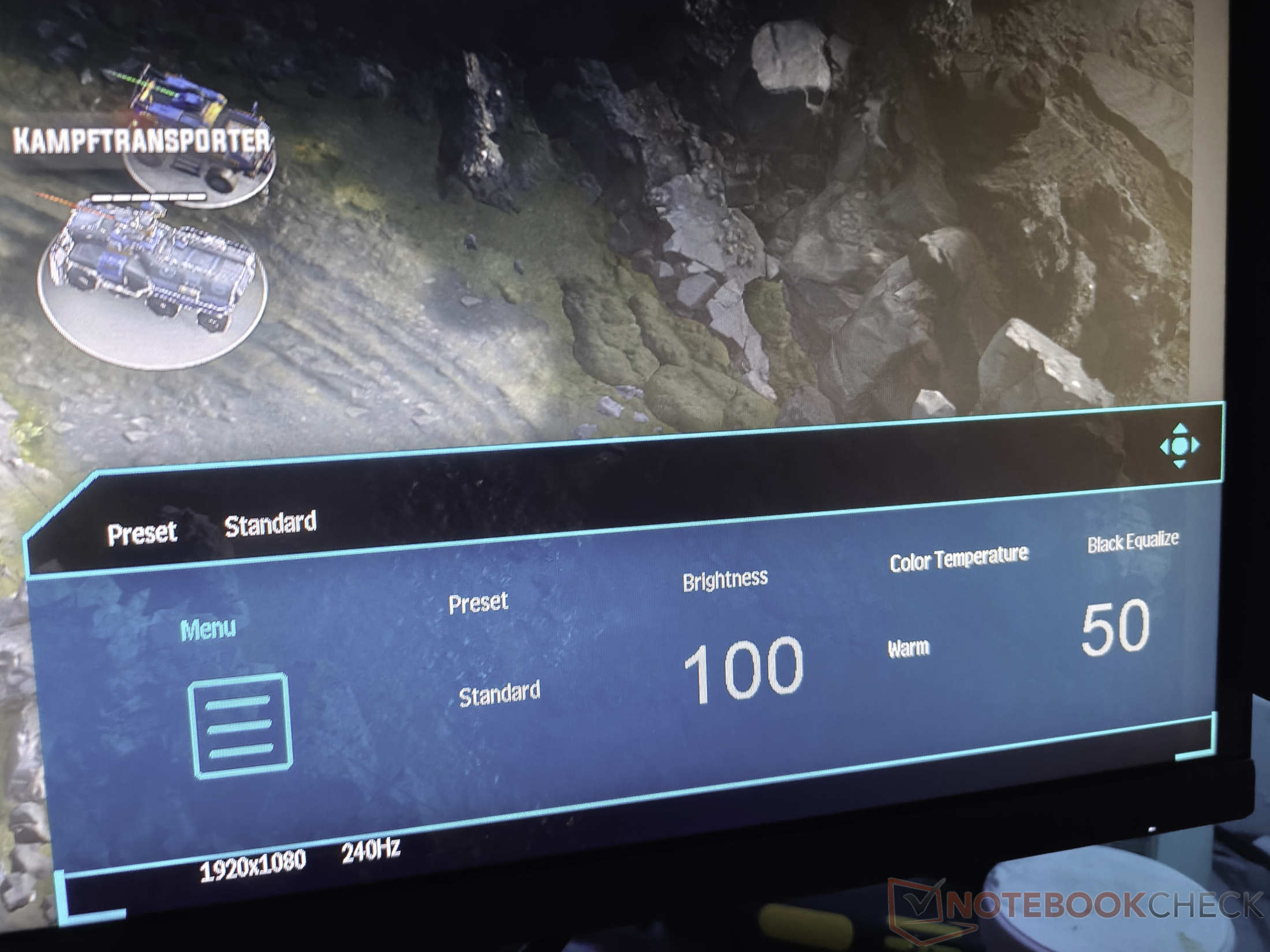
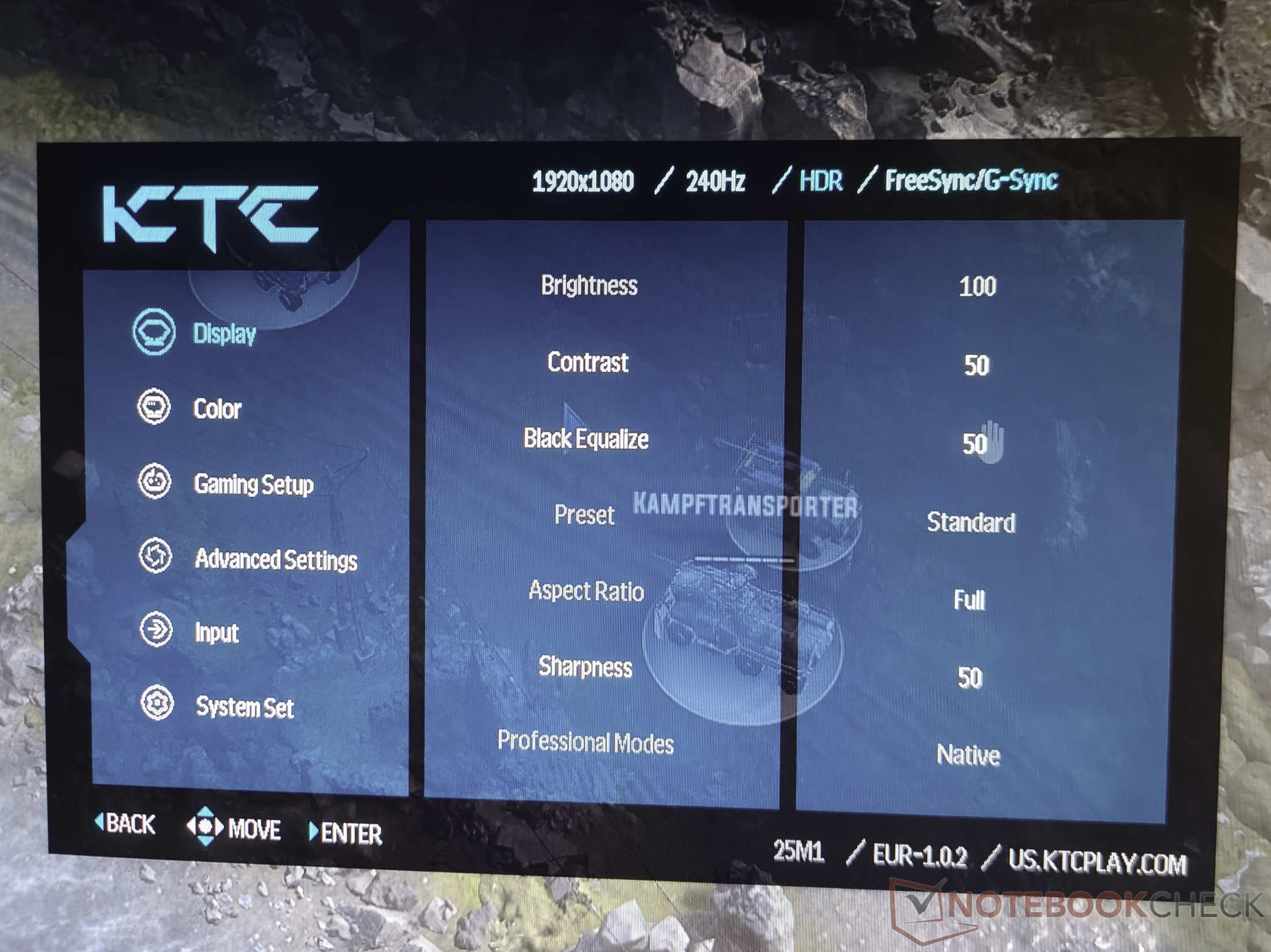
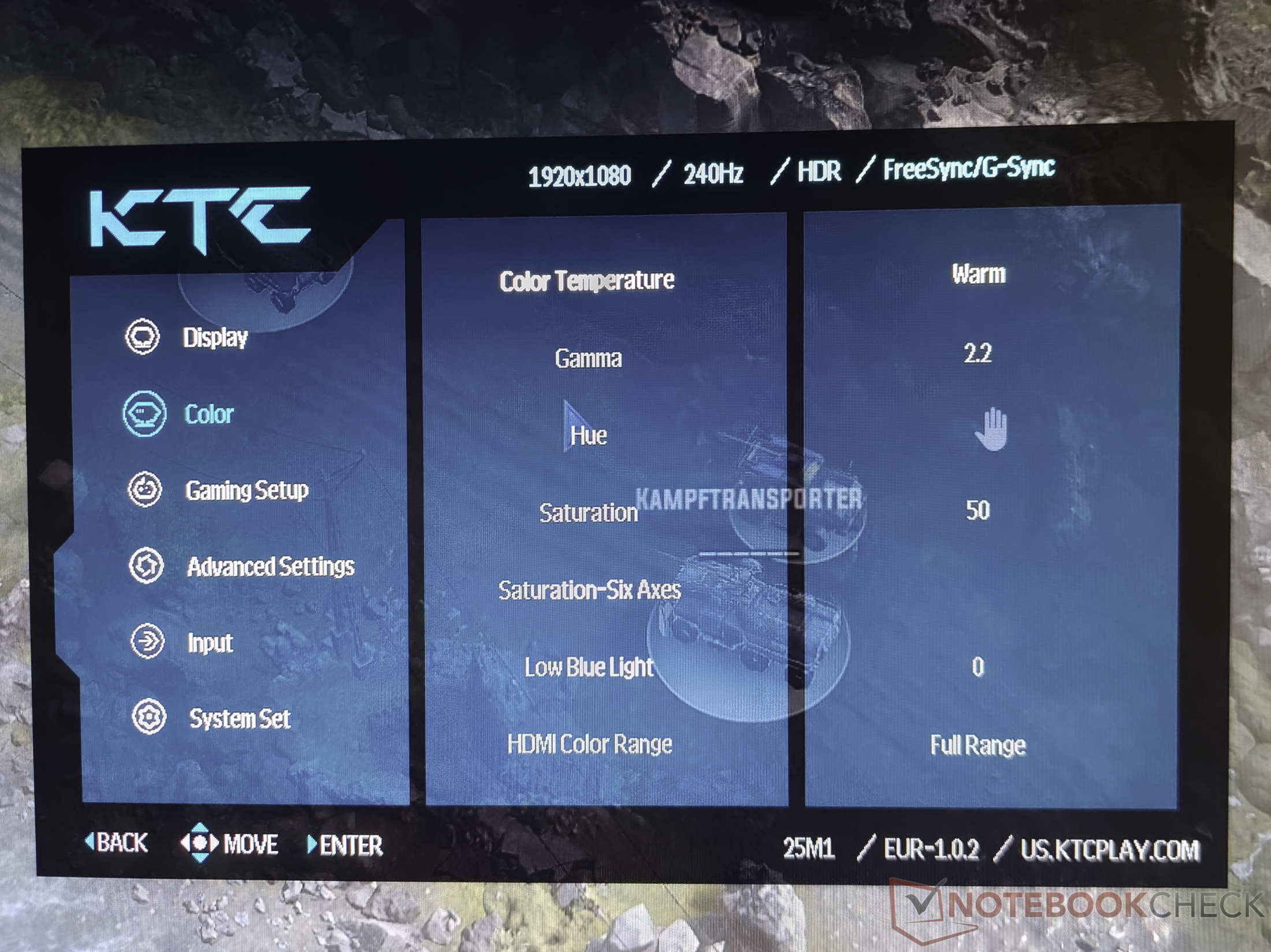
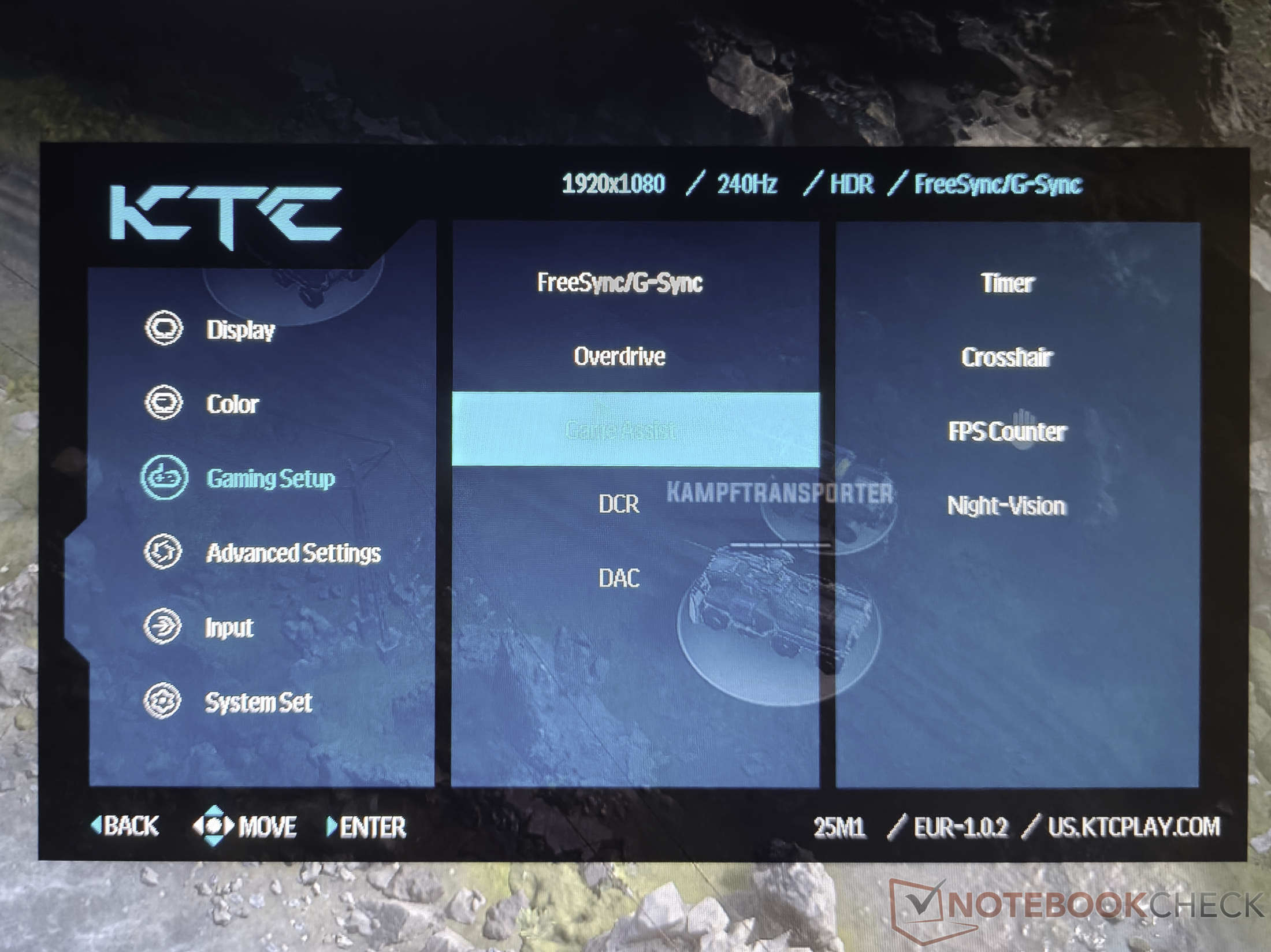
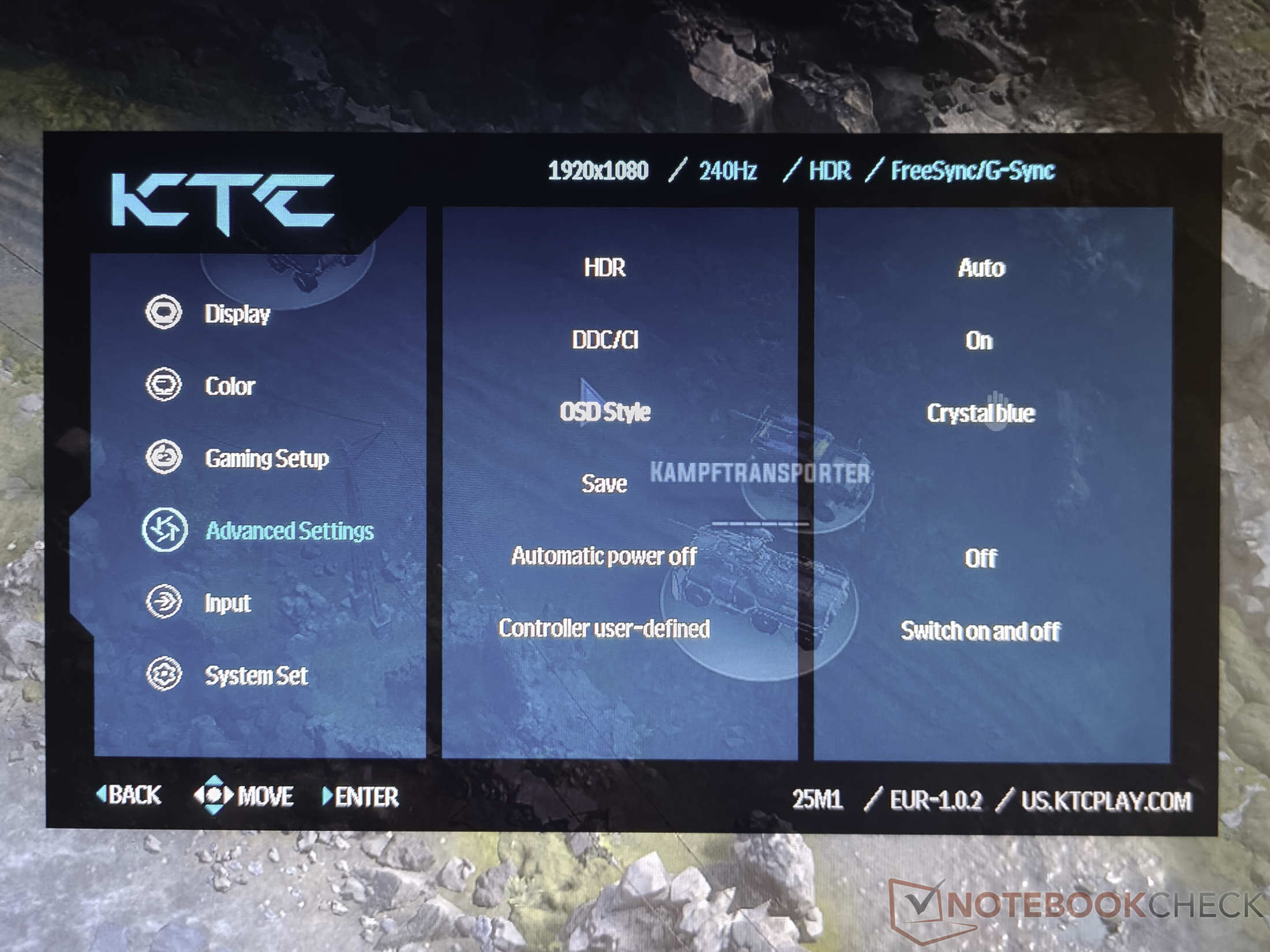
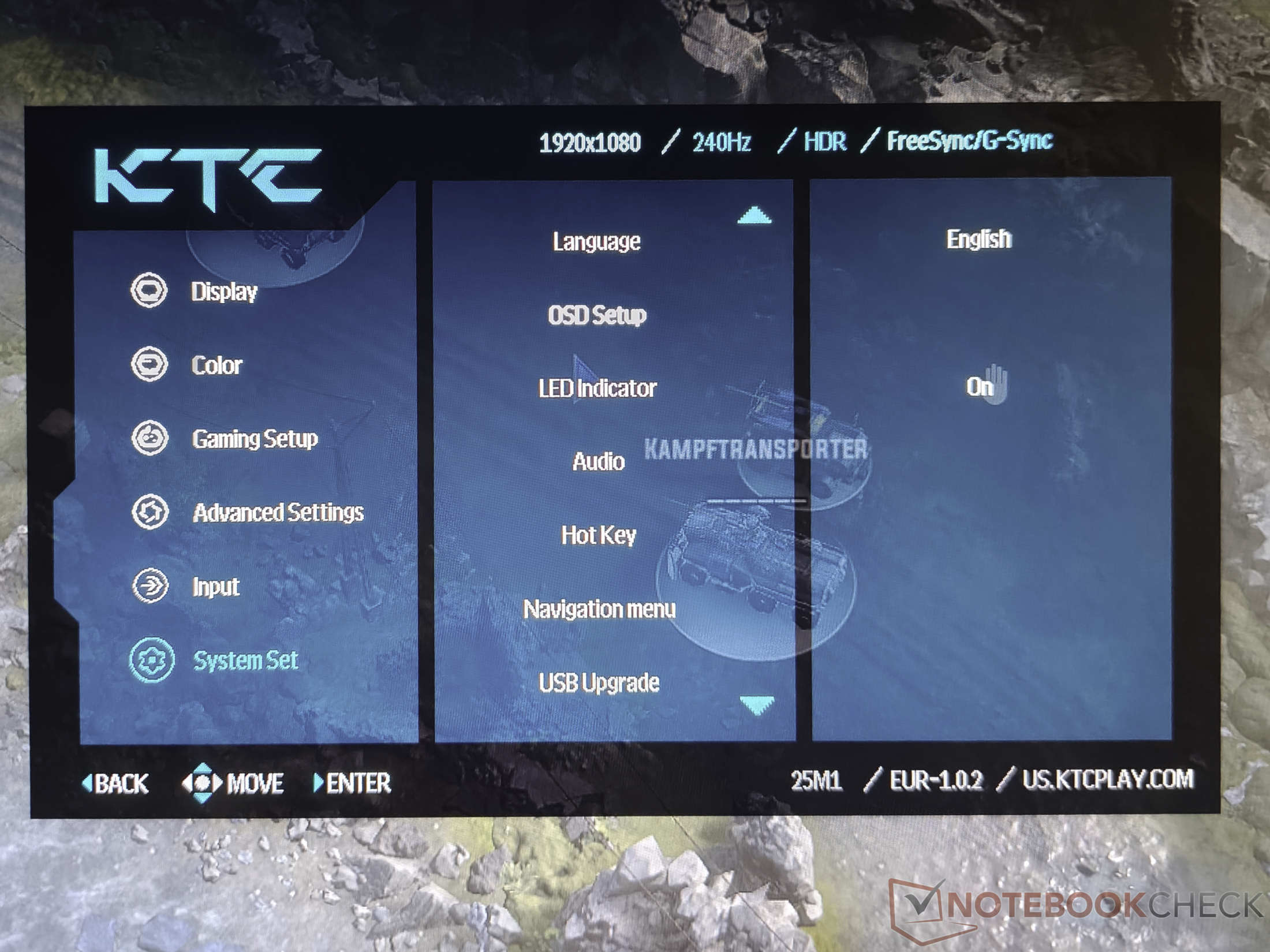
The on-screen display offers numerous settings and can be visually customized by choosing orange, red, blue, or green as the primary color. Although various languages are available, the quality of the translation is unfortunately not satisfactory and often seems out of place for languages other than English. A small annoyance in daily use is a warning message when adjusting brightness, which appears every time and cannot be permanently deactivated, unnecessarily lengthening the adjustment process. The quick access menu provides fast navigation for the most important settings.
Notebookcheck overall rating
The KTC 25M1 is a specialized tool for gamers who prioritize speed over visual grandeur. While the TN panel struggles with contrast and viewing angle stability due to its design, the performance in overdrive mode is convincing. Solid ergonomics and a fair price make the screen an interesting choice for competitive players.
Transparency
The selection of devices to be reviewed is made by our editorial team. The test sample was given to the author by the manufacturer free of charge for the purposes of review. There was no third-party influence on this review, nor did the manufacturer receive a copy of this review before publication. There was no obligation to publish this review. As an independent media company, Notebookcheck is not subjected to the authority of manufacturers, retailers or publishers.
This is how Notebookcheck is testing
Every year, Notebookcheck independently reviews hundreds of laptops and smartphones using standardized procedures to ensure that all results are comparable. We have continuously developed our test methods for around 20 years and set industry standards in the process. In our test labs, high-quality measuring equipment is utilized by experienced technicians and editors. These tests involve a multi-stage validation process. Our complex rating system is based on hundreds of well-founded measurements and benchmarks, which maintains objectivity. Further information on our test methods can be found here.
 Add as a preferred source on Google


