




Microsoft wants Bing everywhere — new Windows 11 app targets Chrome, Firefox and Brave

Microsoft has quietly released a new Windows 11 utility designed to make Bing the default search engine across installed browsers, including Chrome, Firefox and Brave. The app, called Microsoft Recommended Search Settings, is not distributed through Windows Update or the Microsoft Store, but as a standalone executable.
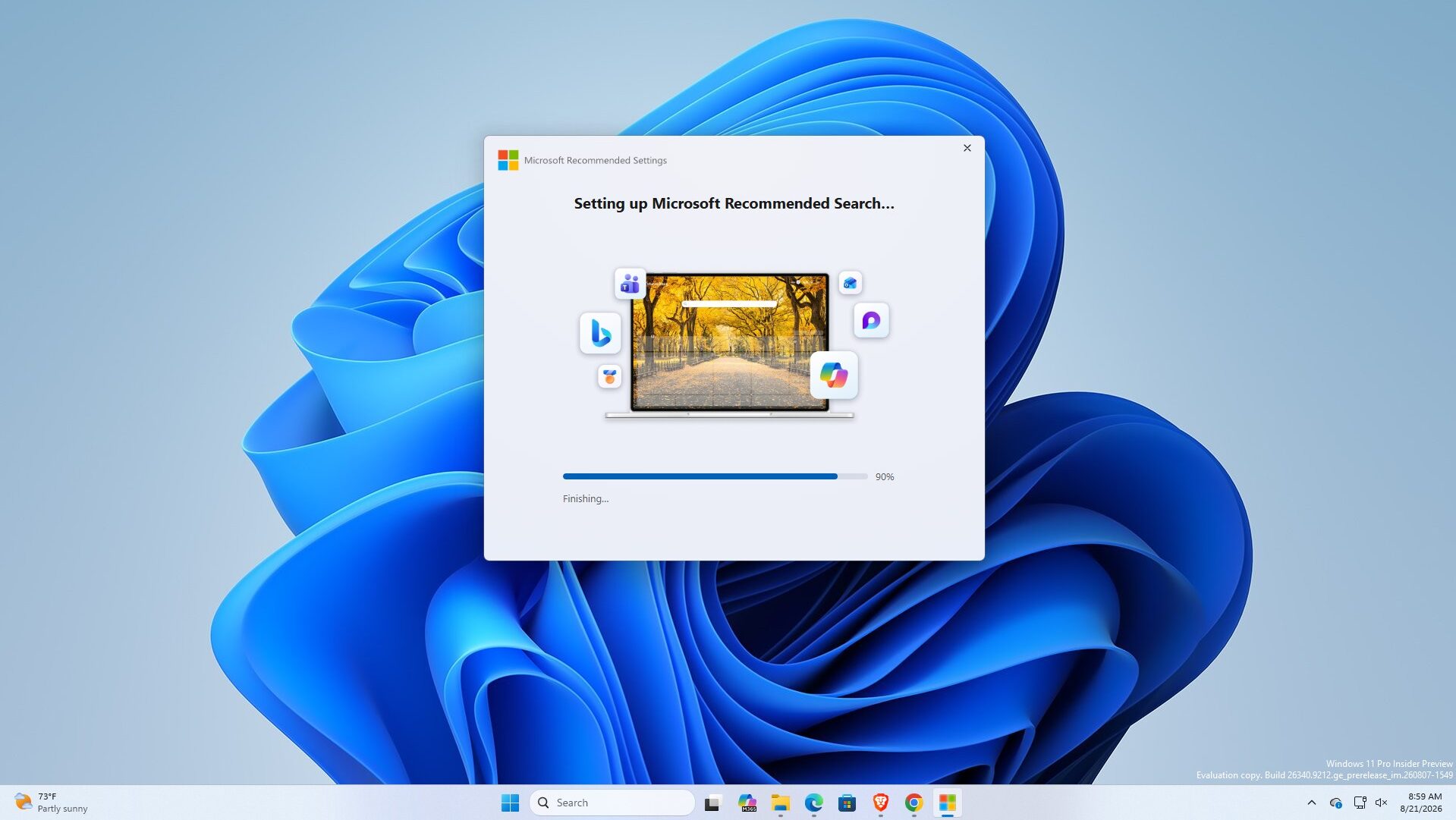
The MicrosoftSettings.exe application installs the Microsoft Bing Homepage & Search browser extension and asks users to switch their default search engine to Bing. The setup screen already has the option enabled by default, although users can turn it off. Once the installation is complete, the app opens a Microsoft Rewards page.
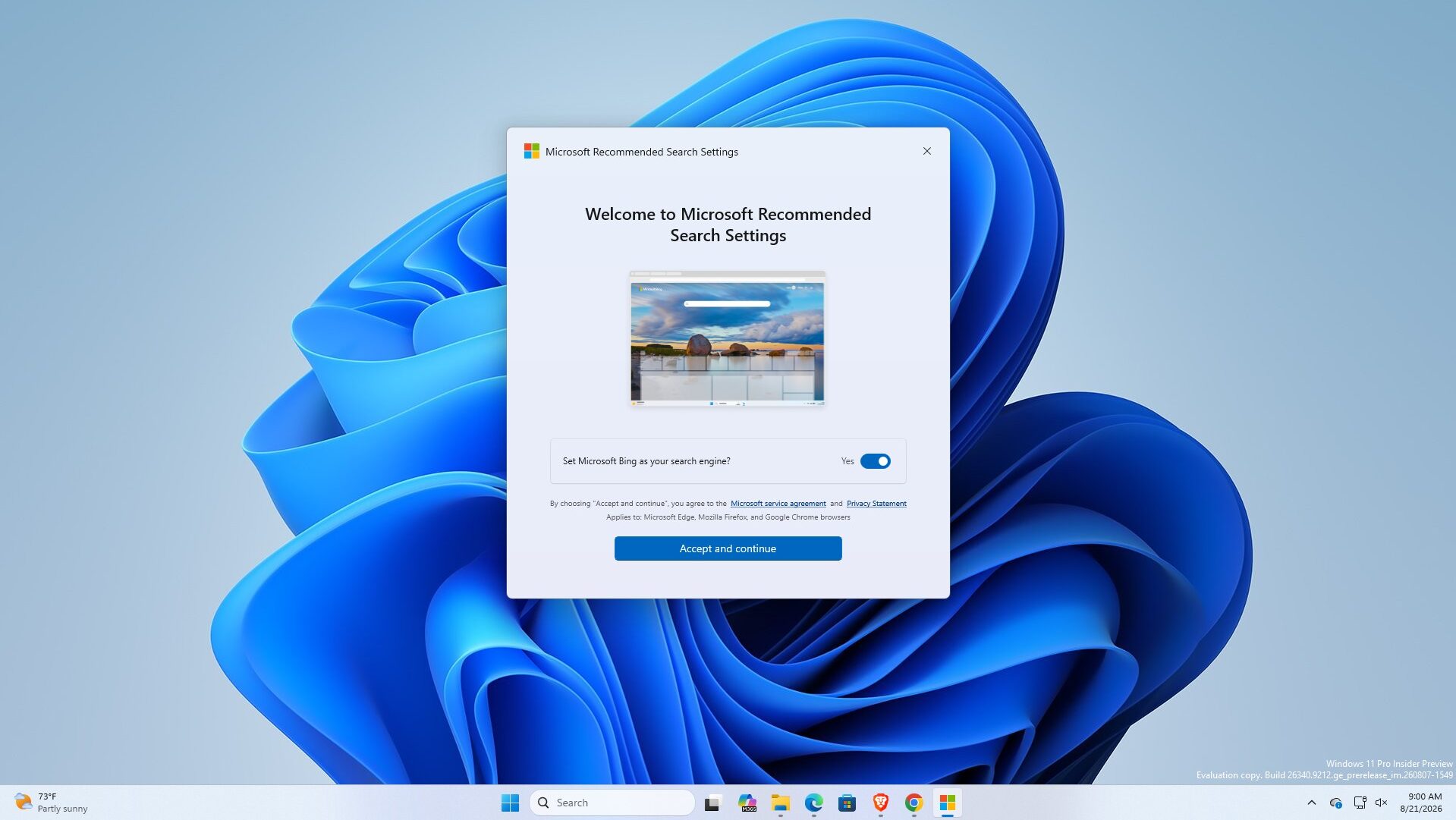
The app can modify search settings in Chrome, Edge and Firefox, while testing also found that it works with Brave. In Chrome, the extension can change the homepage, start page and search settings to Bing. Chrome also warns users that the extension can read and change data on websites.
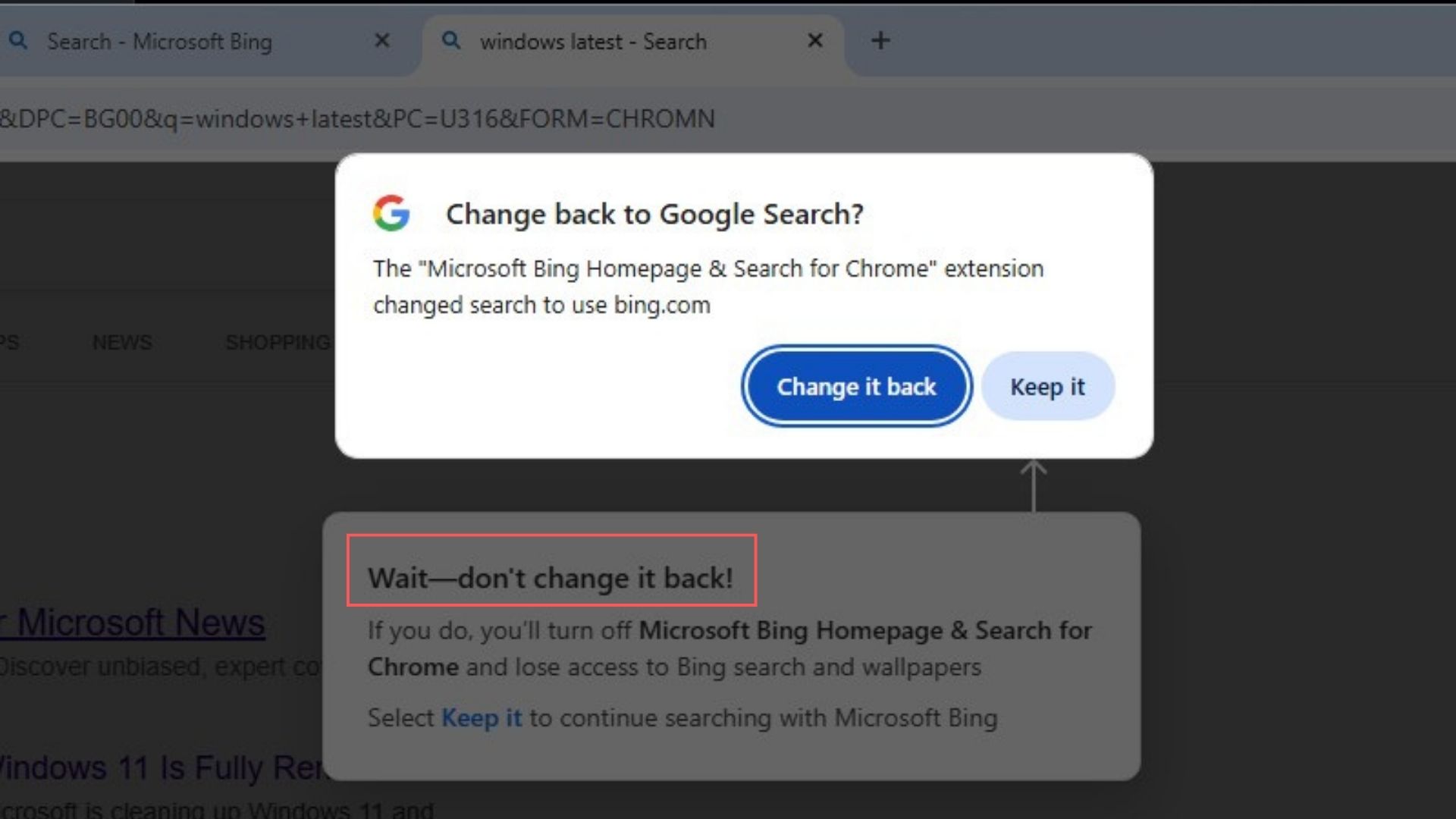
Google's browser even tries to reverse the change. After Bing is enabled, Chrome displays a message asking if the user wants to switch back to Google Search, while Microsoft's extension adds another message urging users to keep Bing enabled.
The app was first spotted by Windows tester Xeno Panther. Microsoft has not said that it plans to install the tool automatically on Windows 11 PCs. For now, it remains a separate download rather than a standard part of Windows 11. It is currently neither a Windows Update component nor a Microsoft Store app.
Source(s)
 Add as a preferred source on Google


