




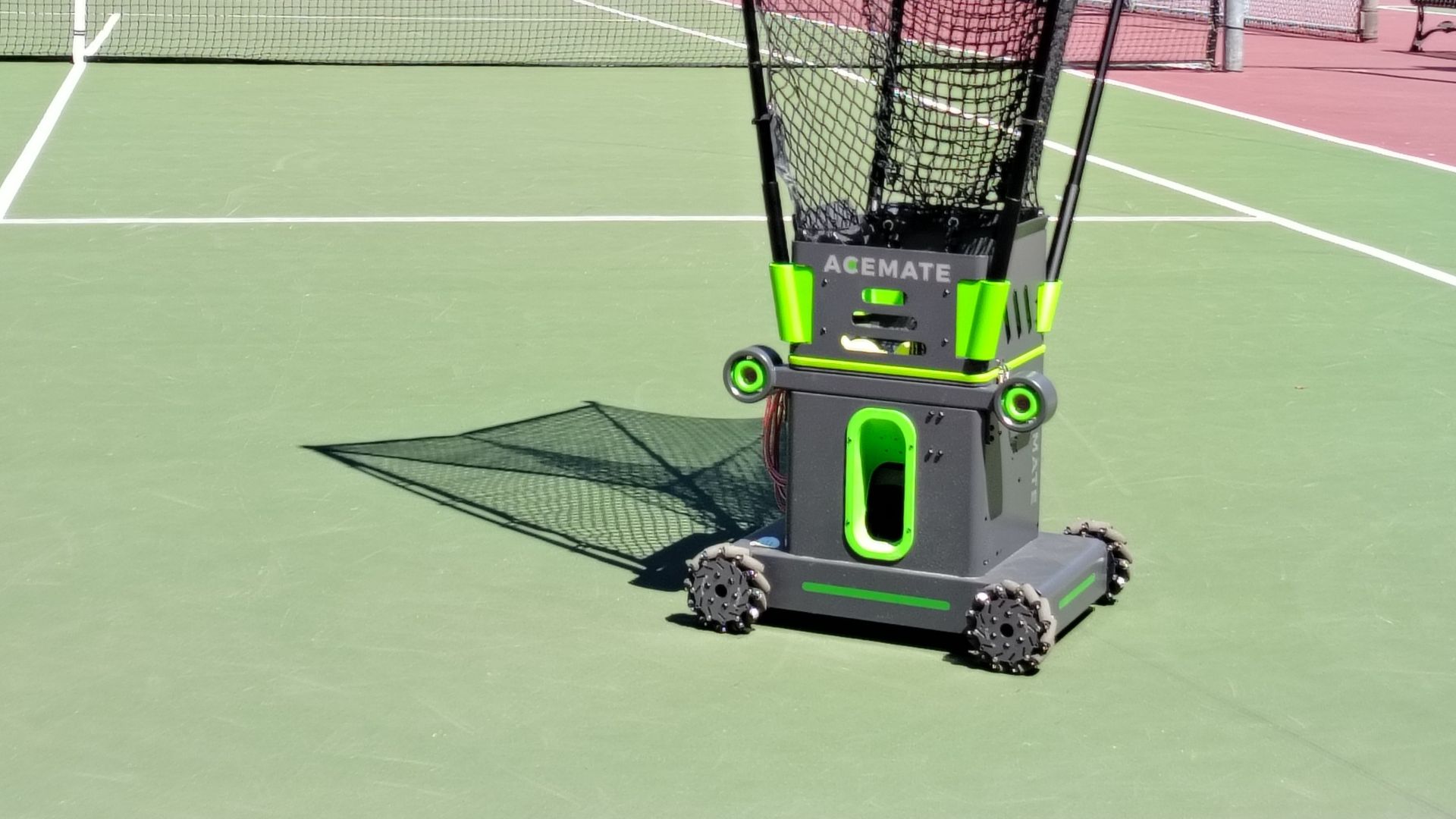
Acemate S10 tennis robot hands-on: Fun tennis drills and rallies with all-court mobility
Versatile tennis drills.
The Acemate S10 tennis robot moves across the court during drills and rallies selected from an ever-growing library of presets. It records drill data for review and provides AI suggestions for improvement.David Chien Published
Verdict - Evolving drill partner
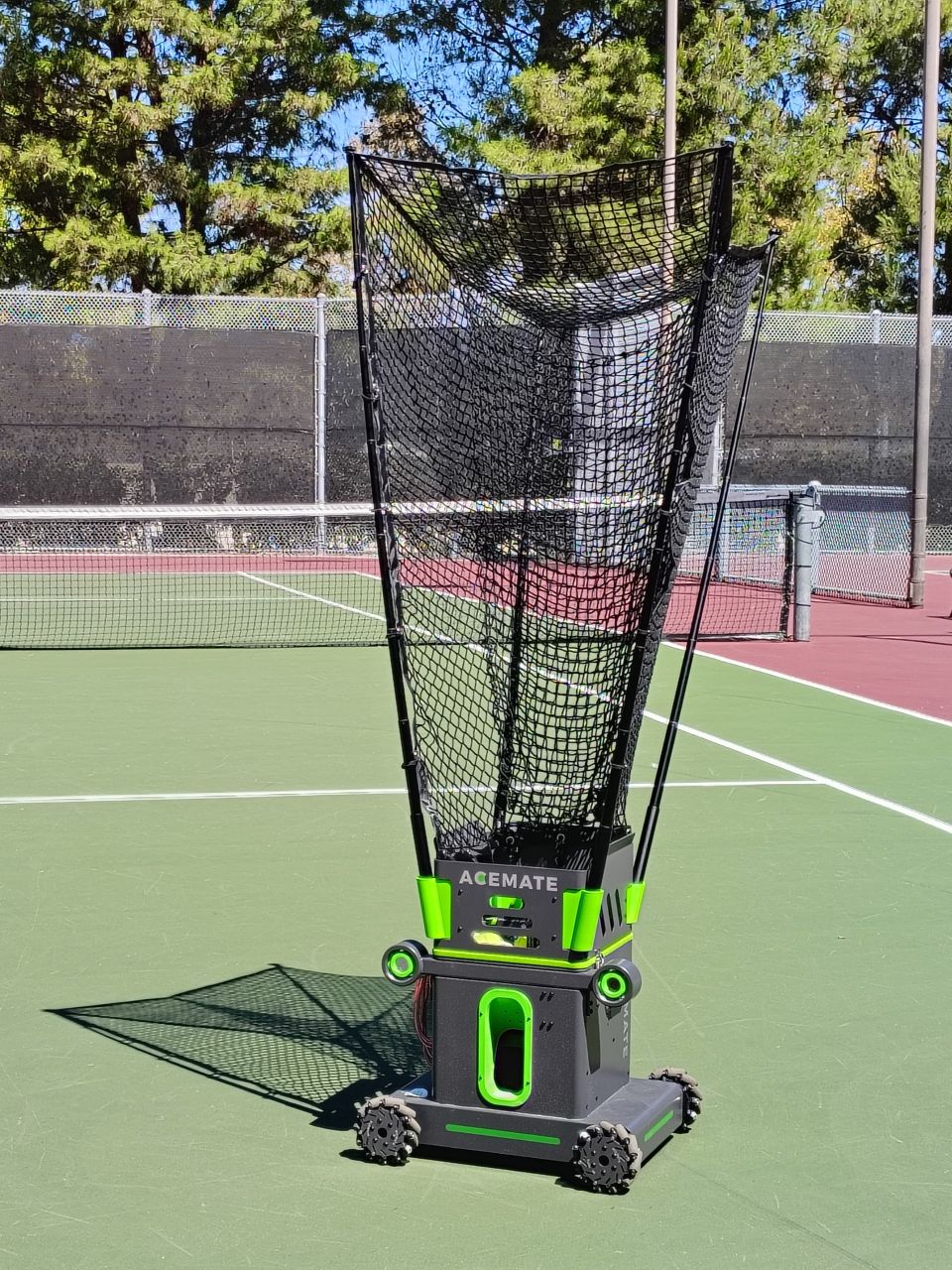
The Acemate S10 tennis robot goes beyond conventional ball machines with the ability to catch returns and move across the court while challenging players with dozens of drills and various shot types.
The machine records data from each drill to provide post-practice analysis and suggestions for improvement using AI, but beginners will still benefit from a human coach because it does not offer real-time correction of poor stroke technique.
Overall, the robot is fun for both developing and experienced players focused on honing their game over the long term, as its performance and features will continue to evolve through software updates.
Pros
Cons
Price and availability
From October 10-20, 2026, the S10 is on sale for $1,849 using code FALLSALE50 (regularly $2,499).
The Acemate S10 launches lobs to volleys while moving across the court, with AI tips for improvement.
Specifications
| Ball speed | 10 to 97 kph (6 to 60 mph) |
| Ball rotation | 60 rotations per second |
| Ball lob height | 0.5 to 8 m (1.6 to 26 ft.) |
| Robot max speed | 2 m/s (6.6 ft/s) side-to-side |
| 5 m/s (16.4 ft/s) fore-and-back | |
| Ball Capacity | 80 balls |
| Camera | Dual 4K 30 fps |
| Battery | 7 Ah, 36 V |
| Runtime | 1.5 hours in rally mode |
| 3.0 hours in ball machine mode | |
| (depends on drill type & usage) | |
| Charging | Two hours |
| App | Android, Apple iPhone, Apple Watch |
| Dimensions | 45 x 55 x 50 cm main unit |
| (17.7 x 21.7 x 19.7 in.) | |
| 45 x 55 x 170 cm with net | |
| (17.7 x 21.7 x 66.9 in.) | |
| Weight | 17.8 kg (39.2 lbs.) |
Packaging
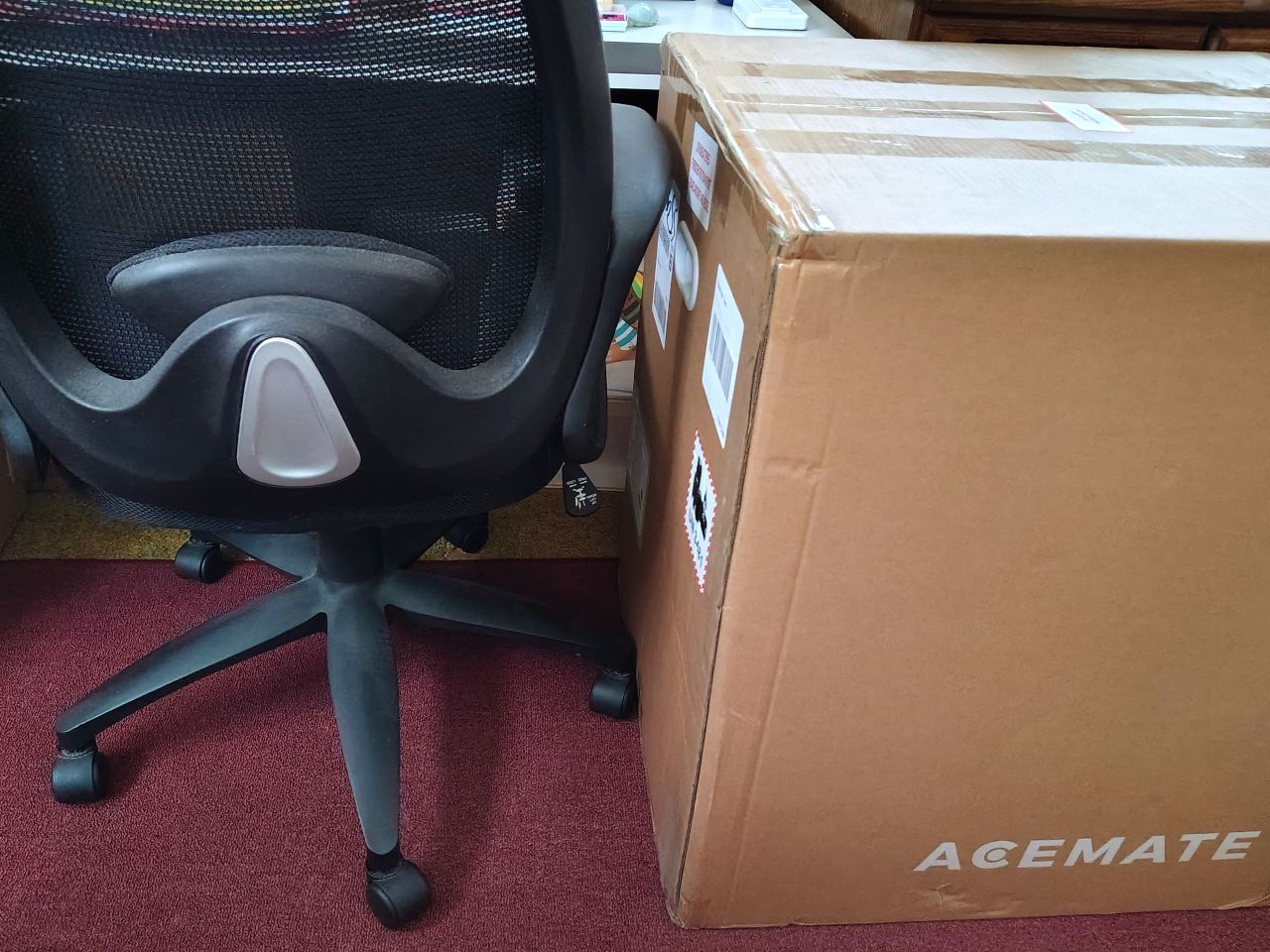
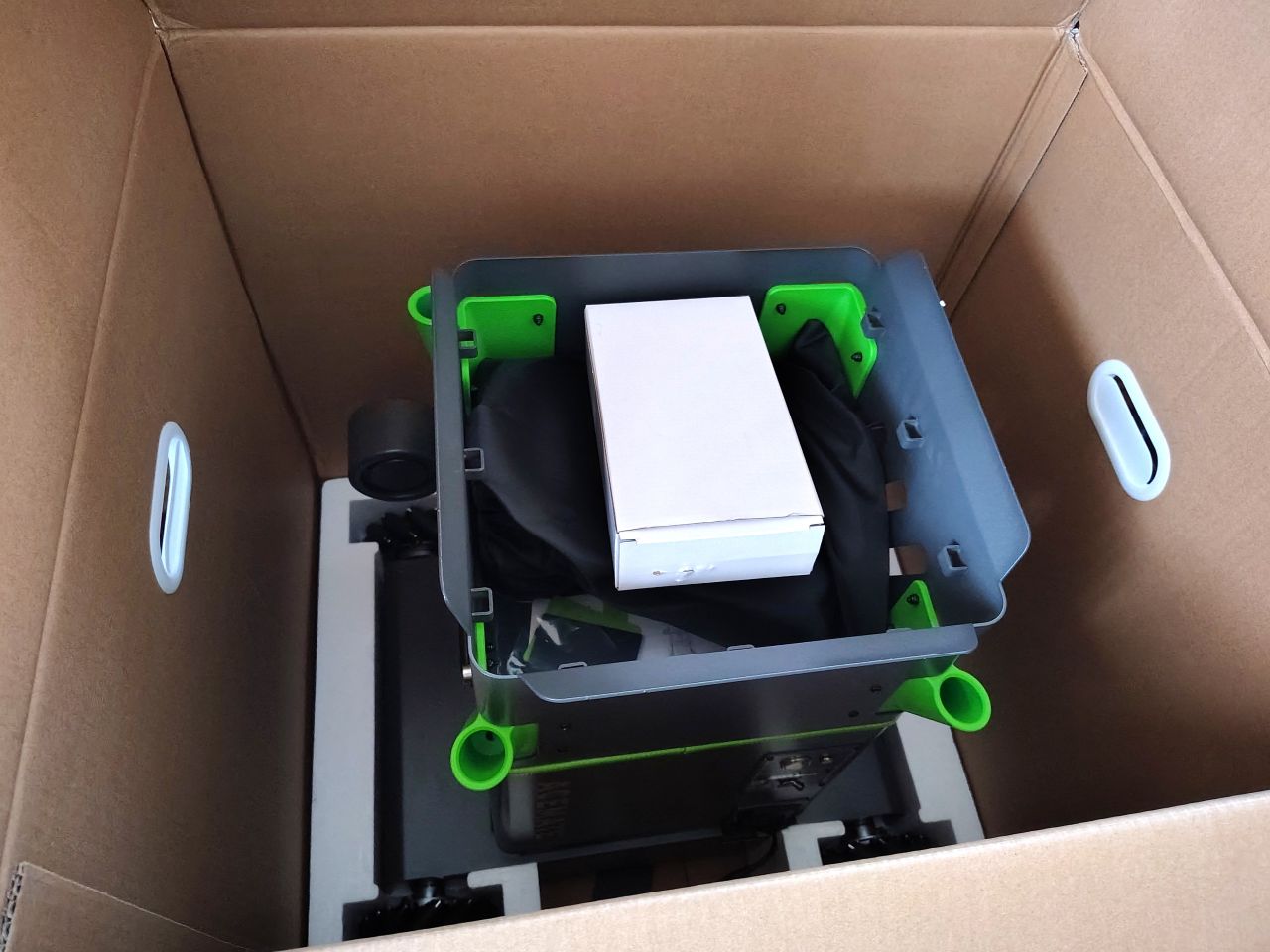
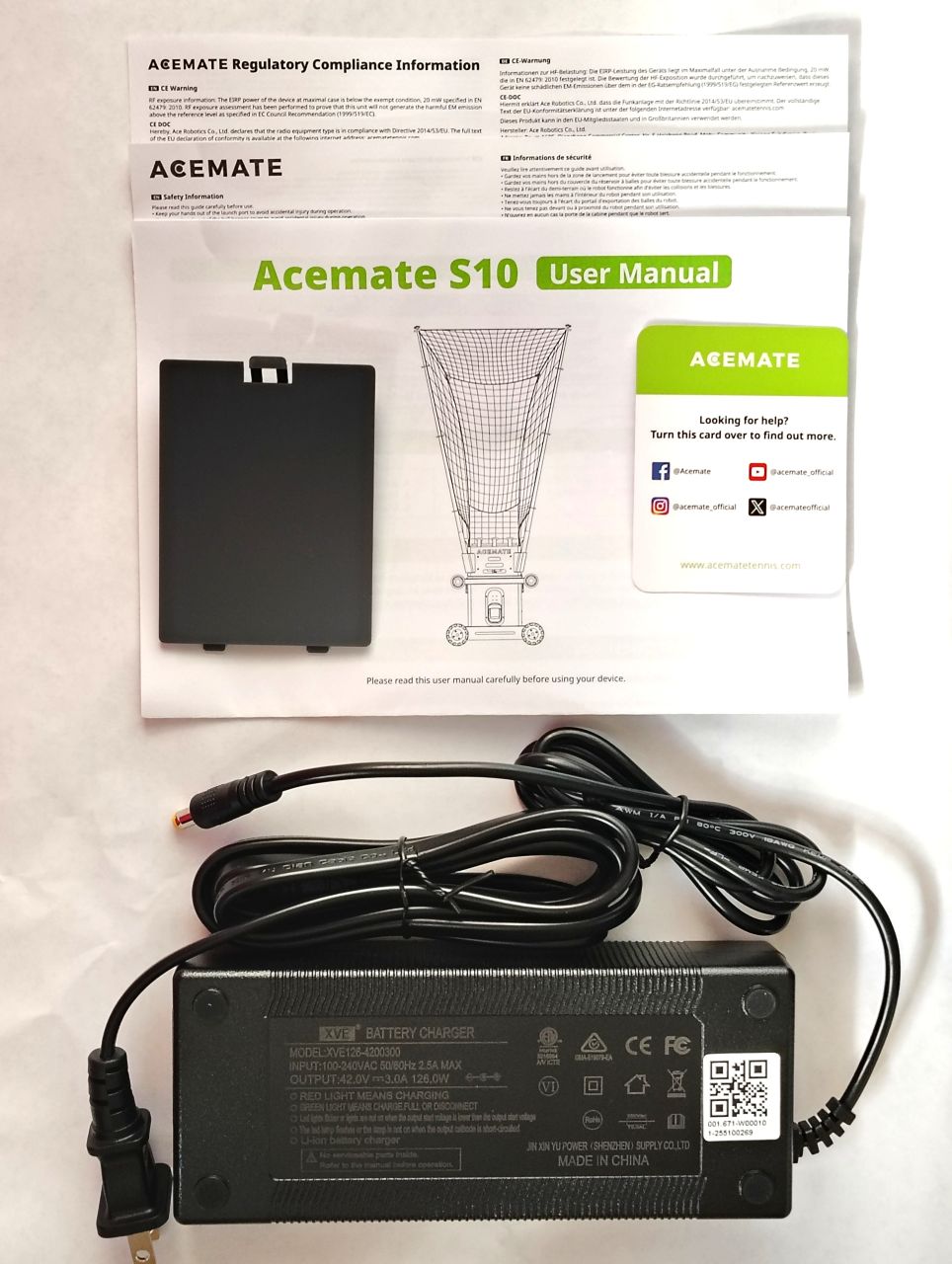
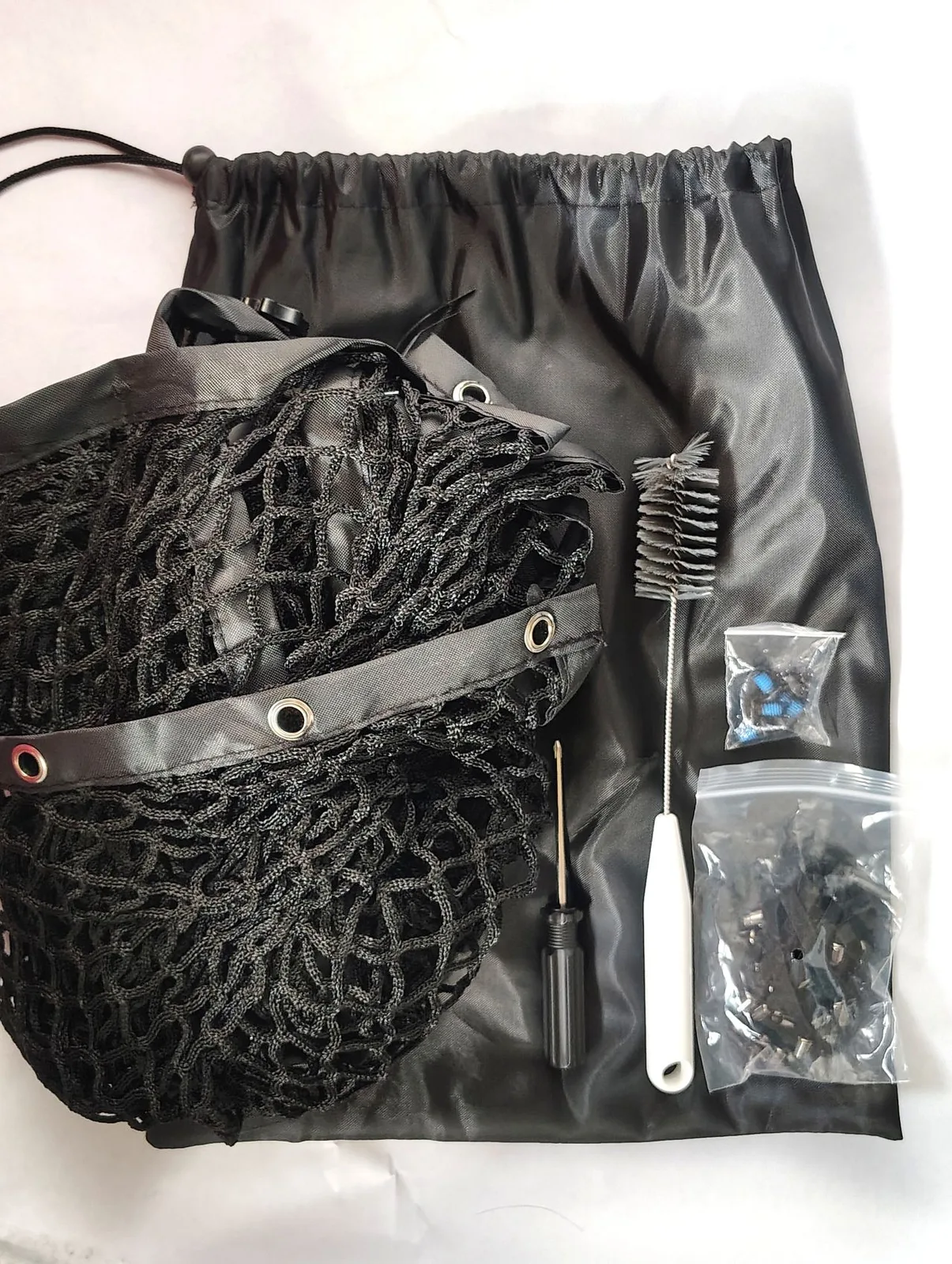
The robot arrived in a very heavy box measuring 54.6 x 64.1 x 69.9 cm (21.5 x 25.25 x 27.5 in.), with a screwdriver, quick start guide, battery, charger, two battery doors, cleaning brush, net straps, fabric bag, net, and poles with screws.
Design overview
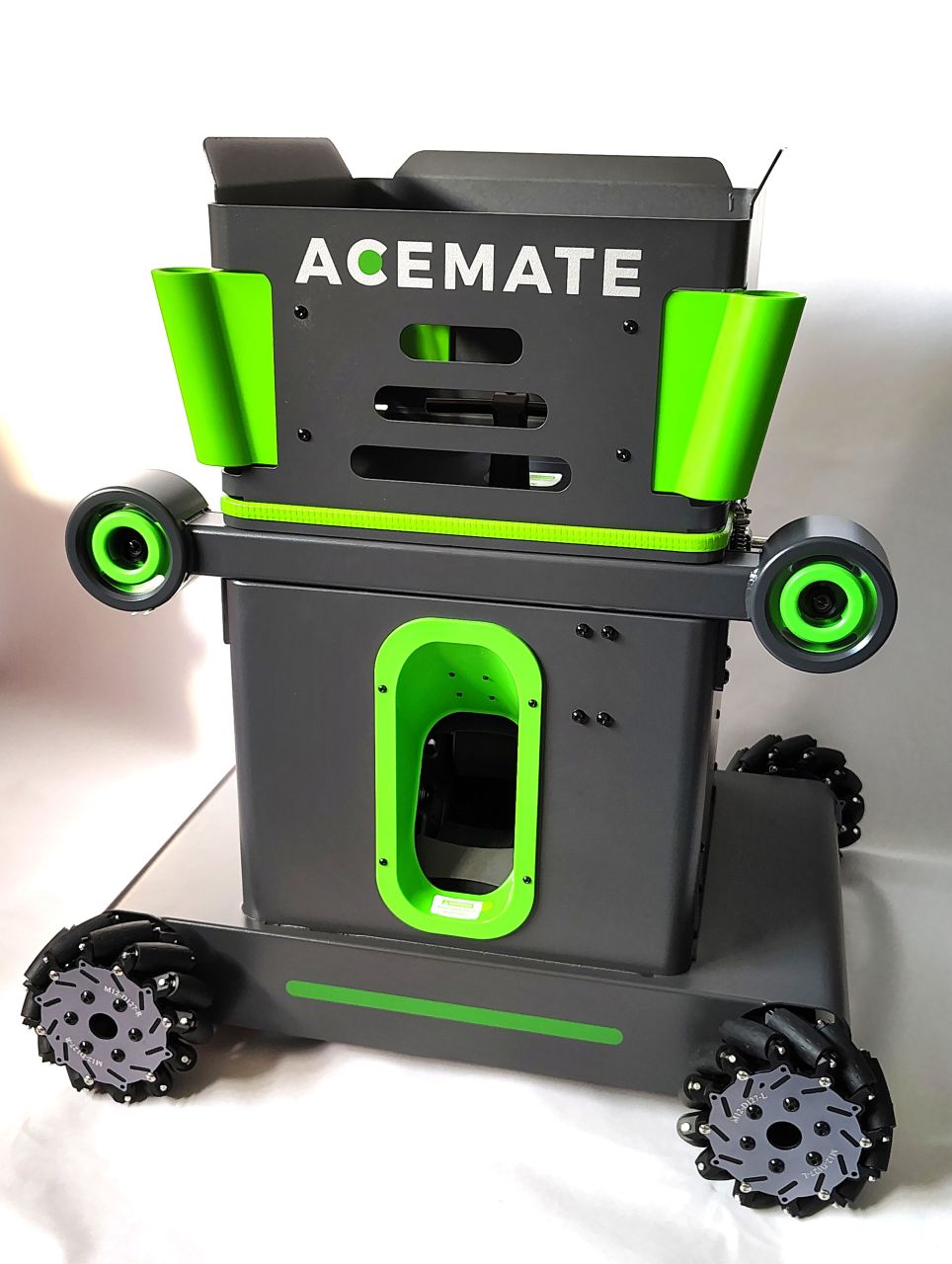
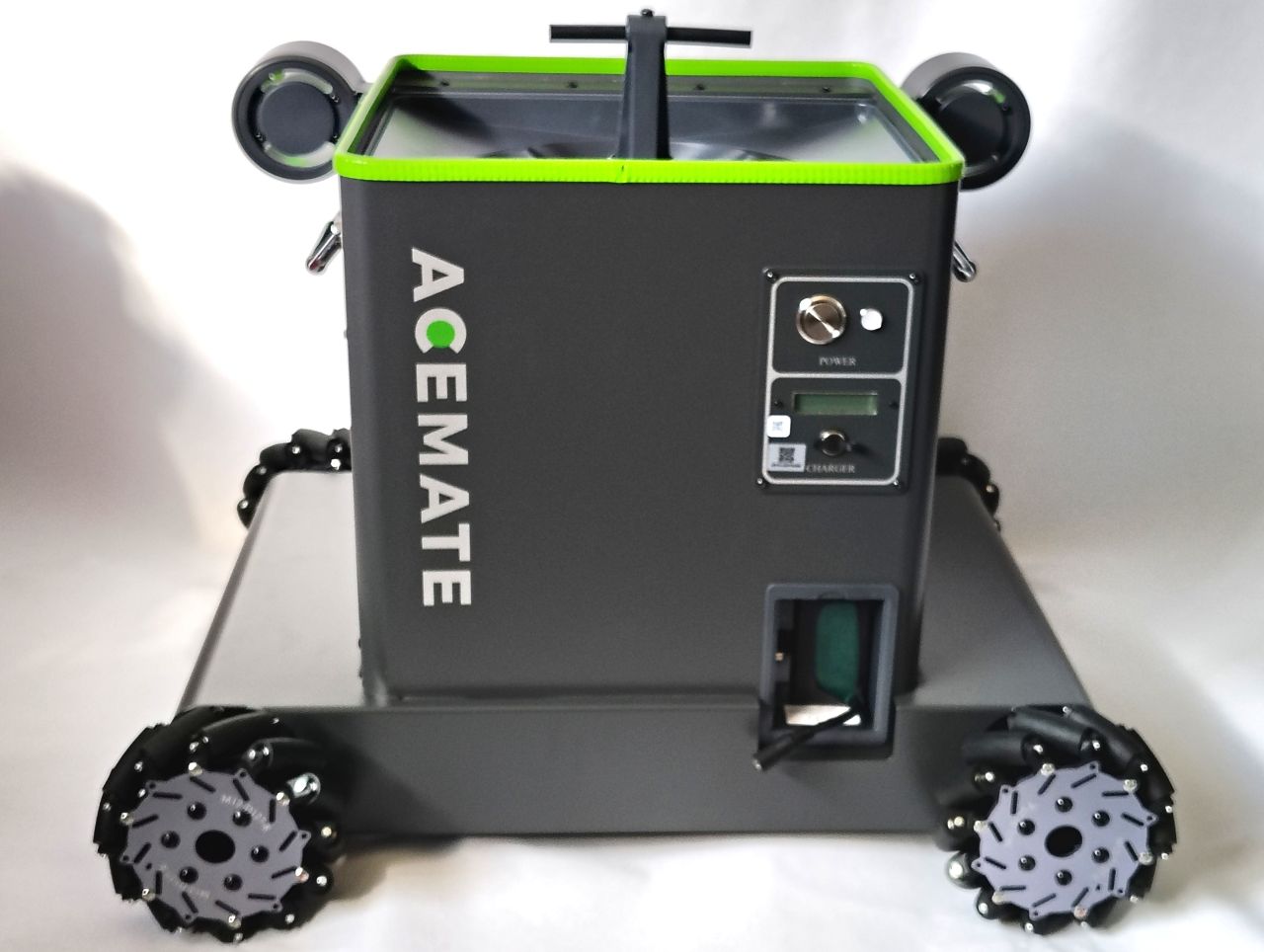
The robot consists of the upper ball hopper and main base.
Lower base
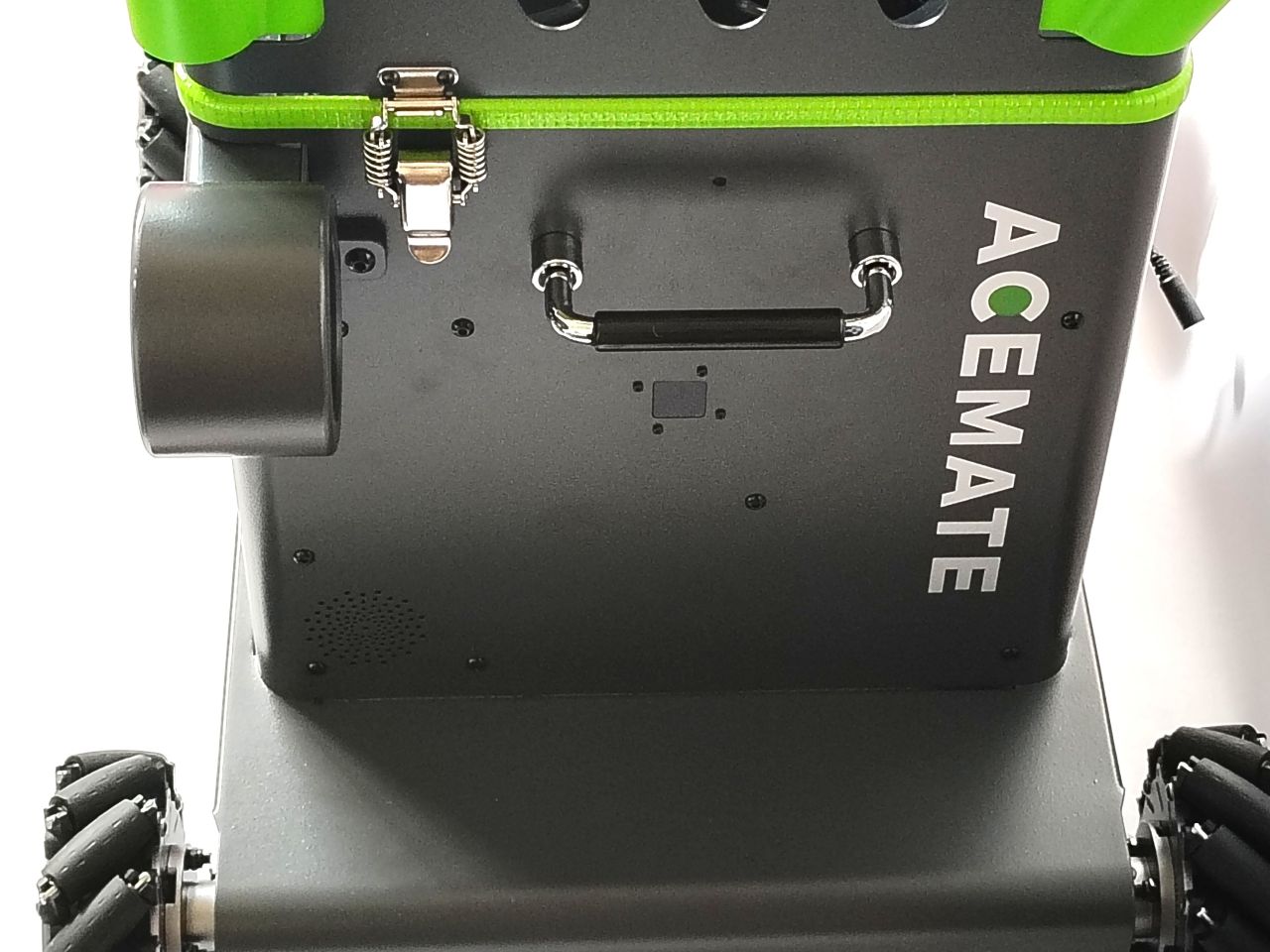
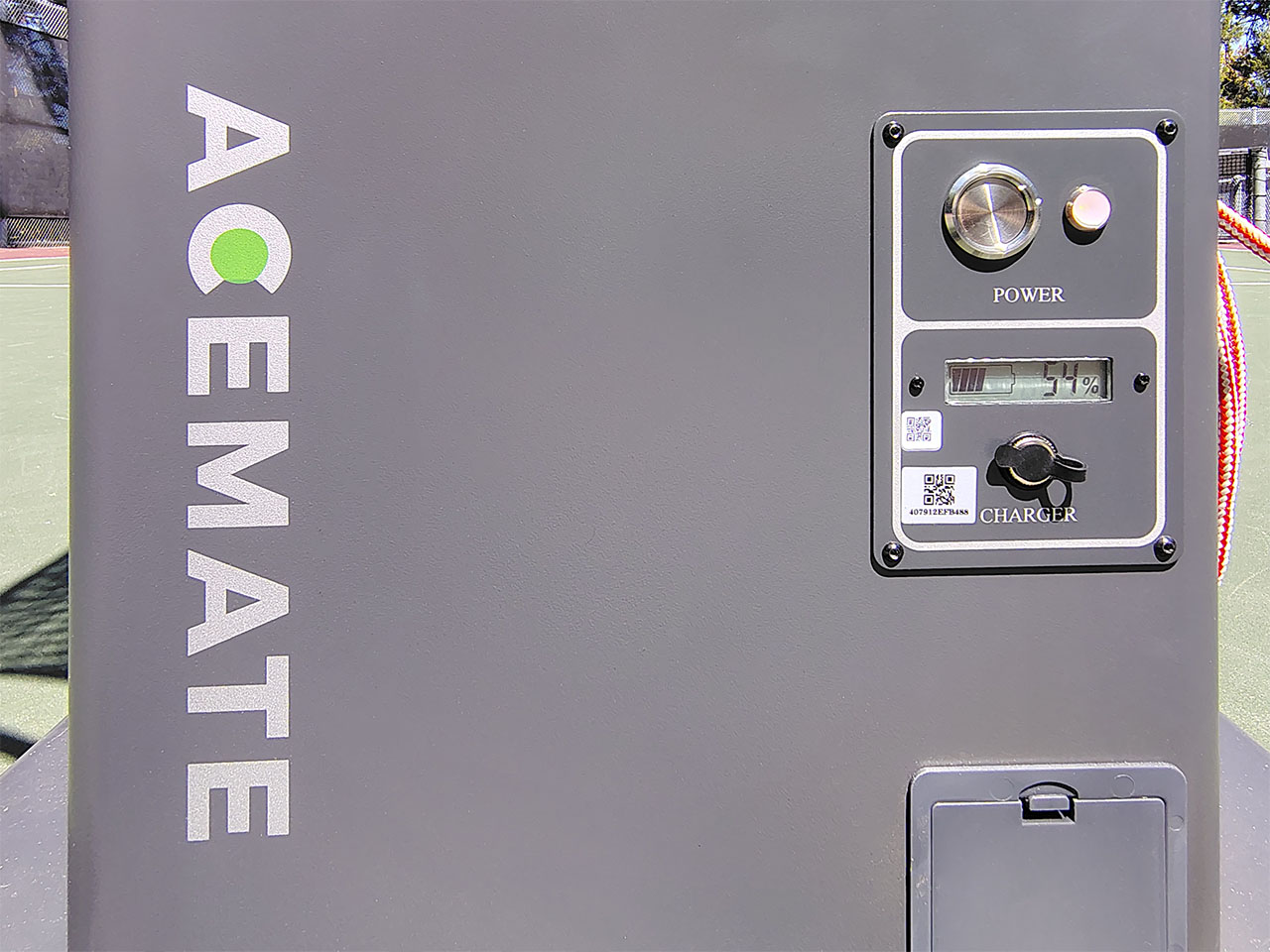
The base has a battery port, power button, and status display on one side, and the ball port on the other.
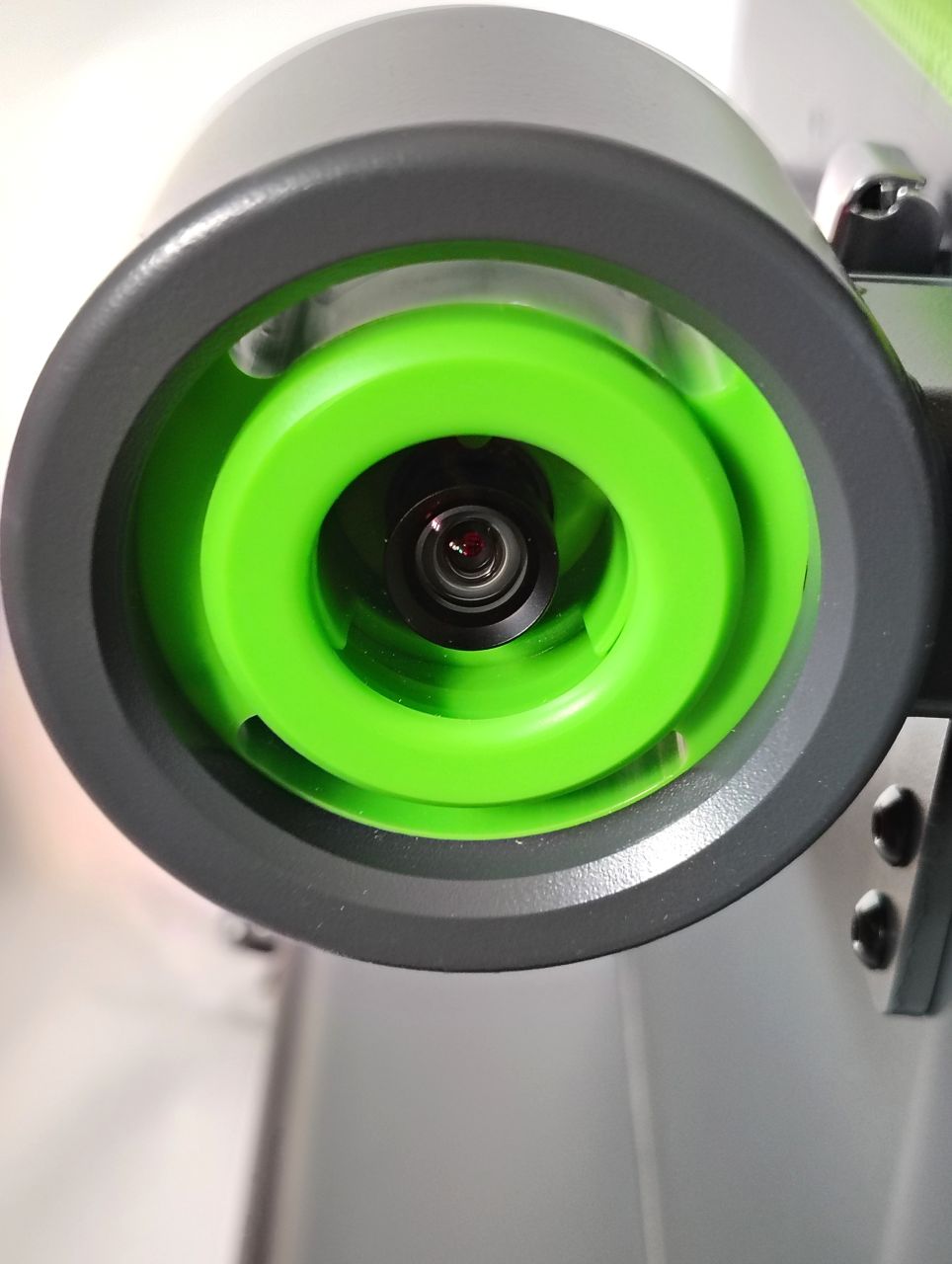
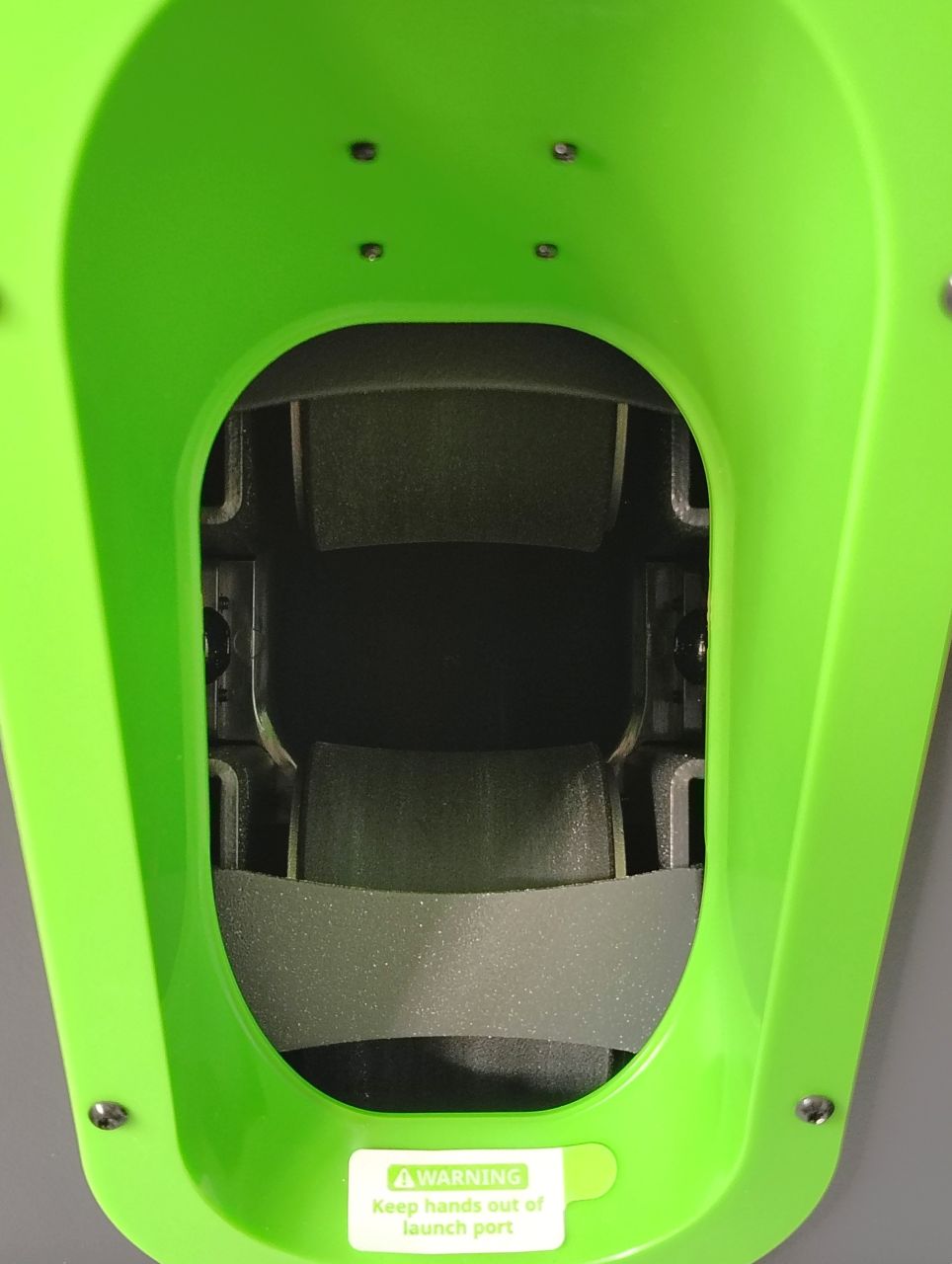
Ball hopper
The rotating hopper feeds balls into the ball machine below.
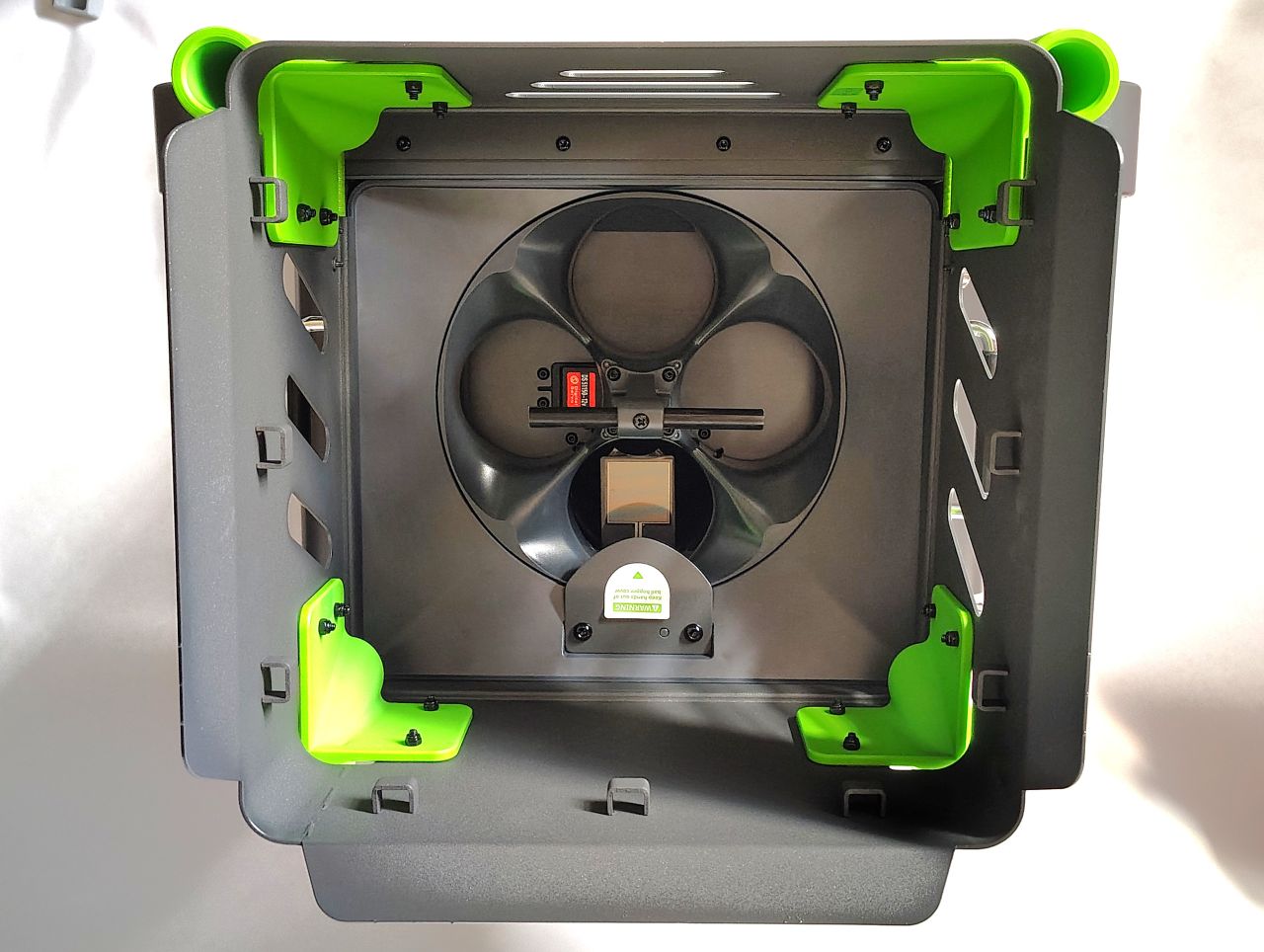
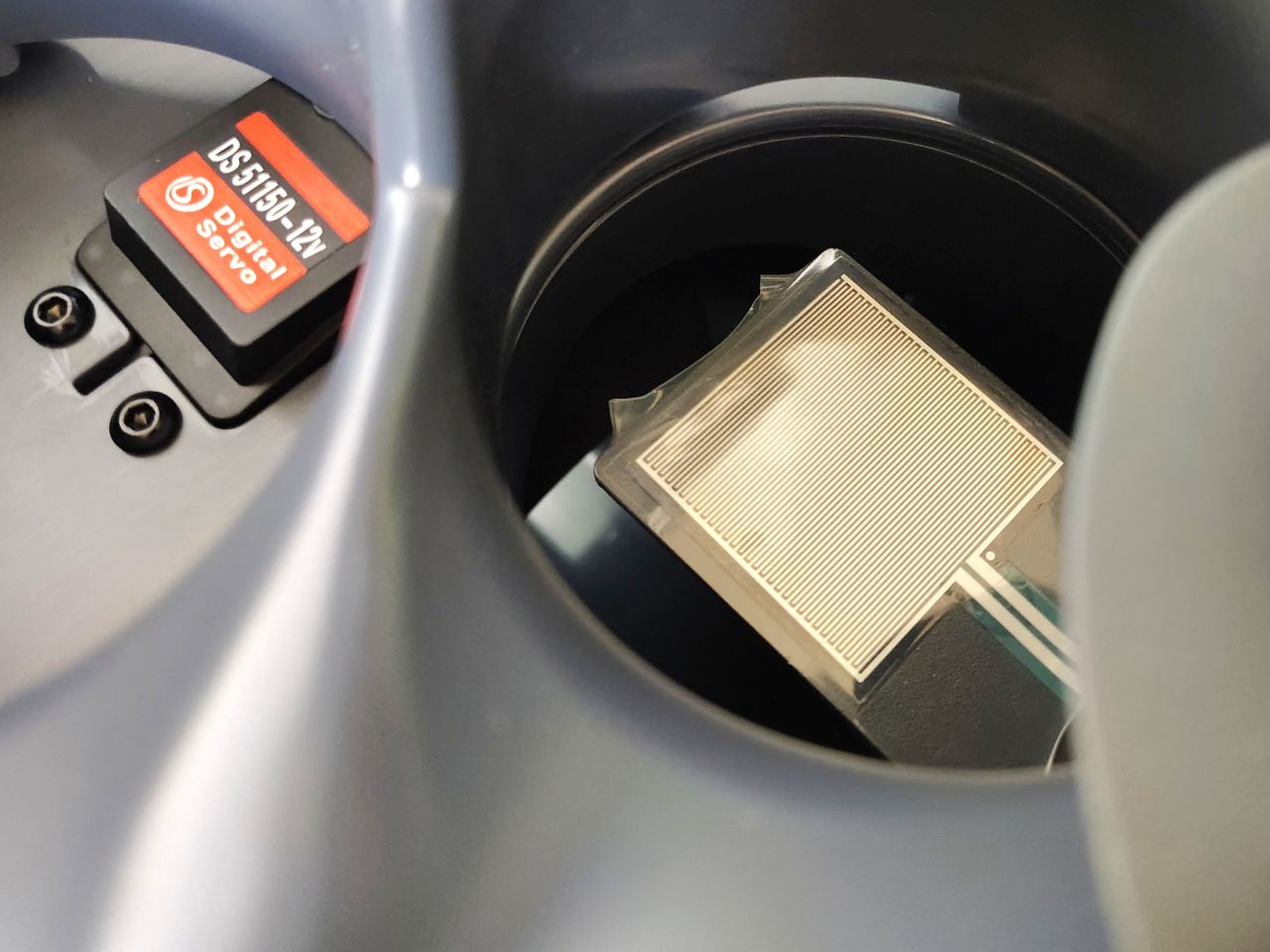
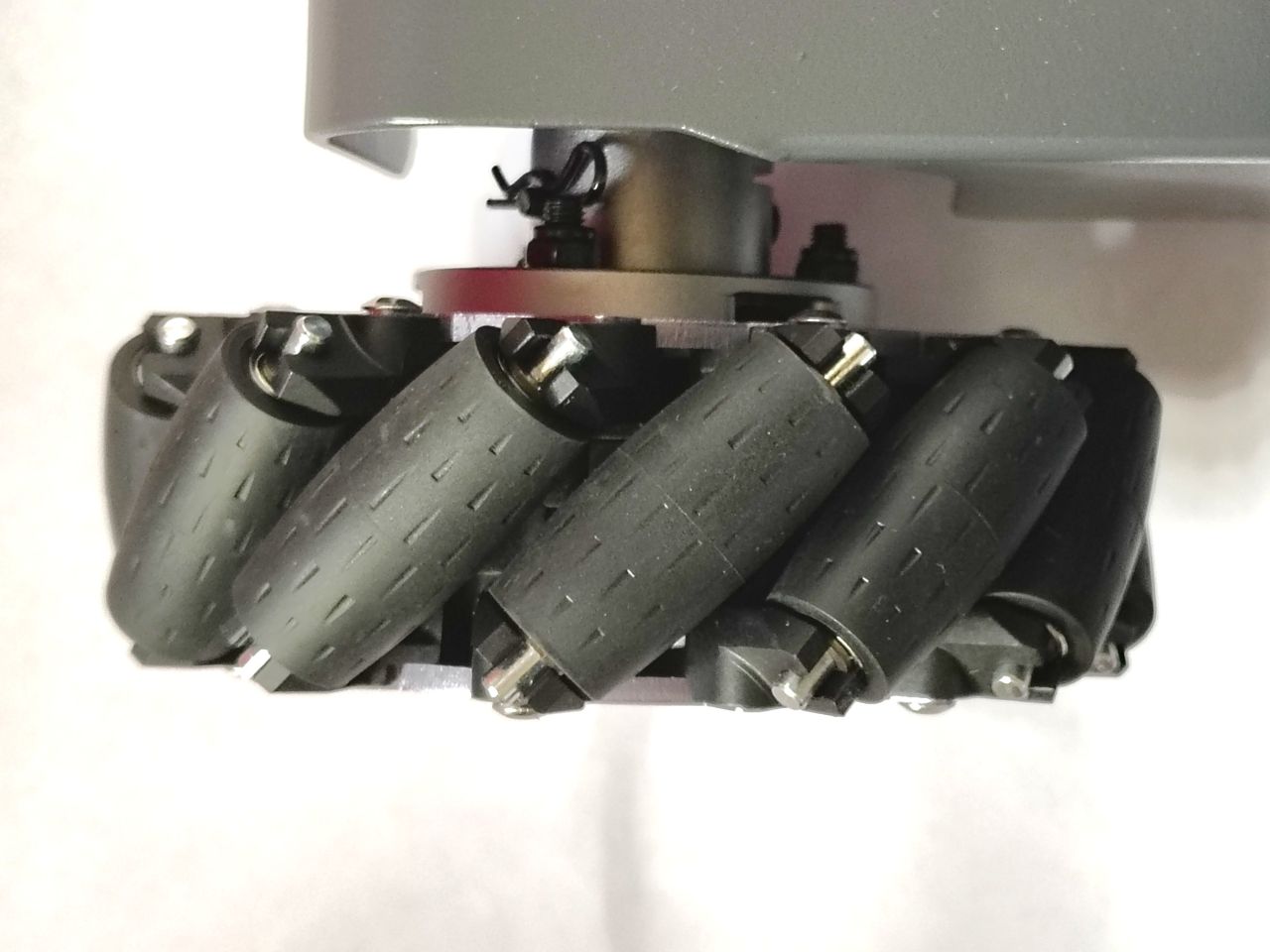
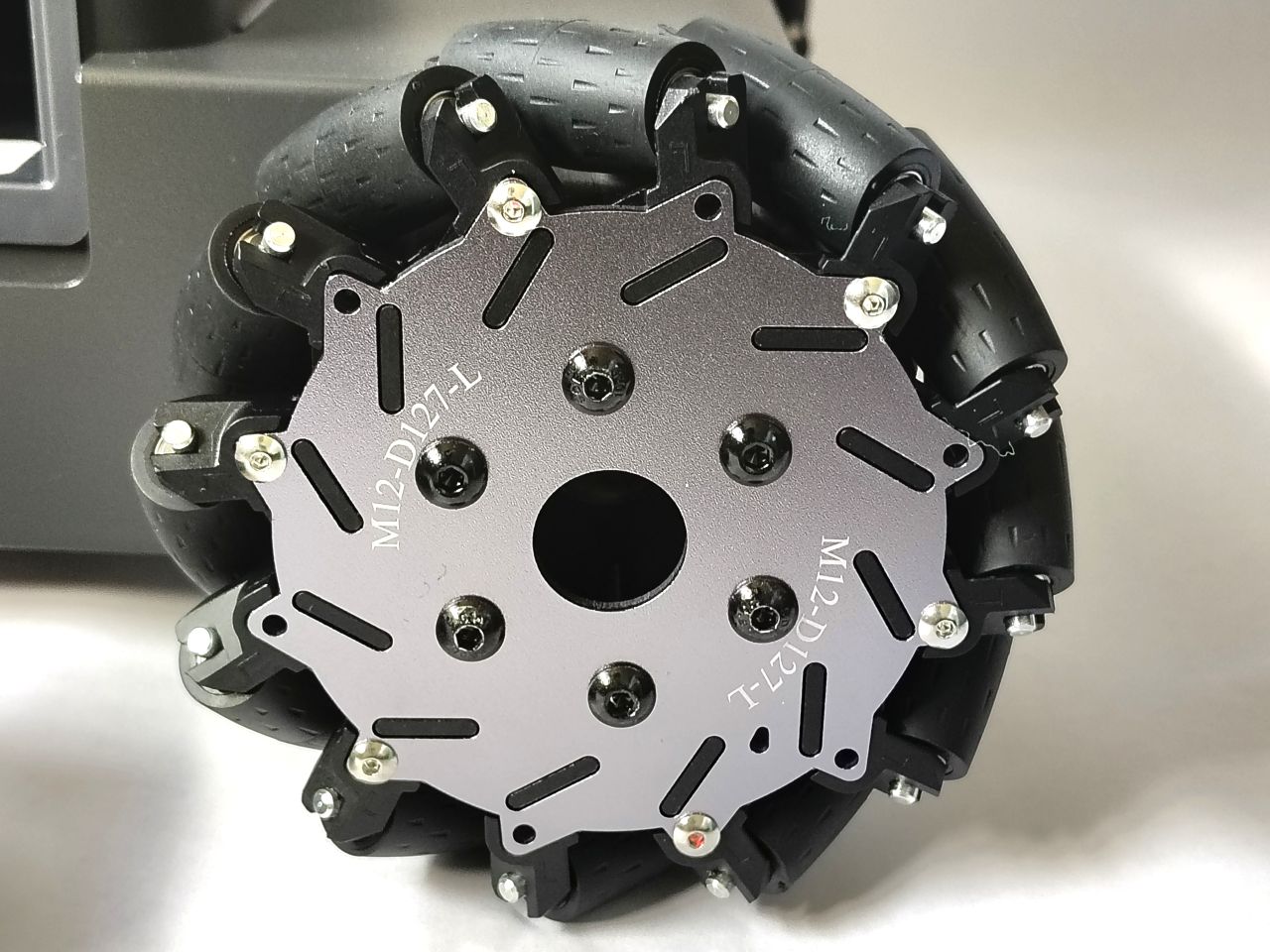
Omnidirectional wheels
Four Mecanum omnidirectional wheels allow the robot to move without turning. The robot is not waterproof when cleaning the wheels.
Upper base
Only four poles need to be attached to the hopper.
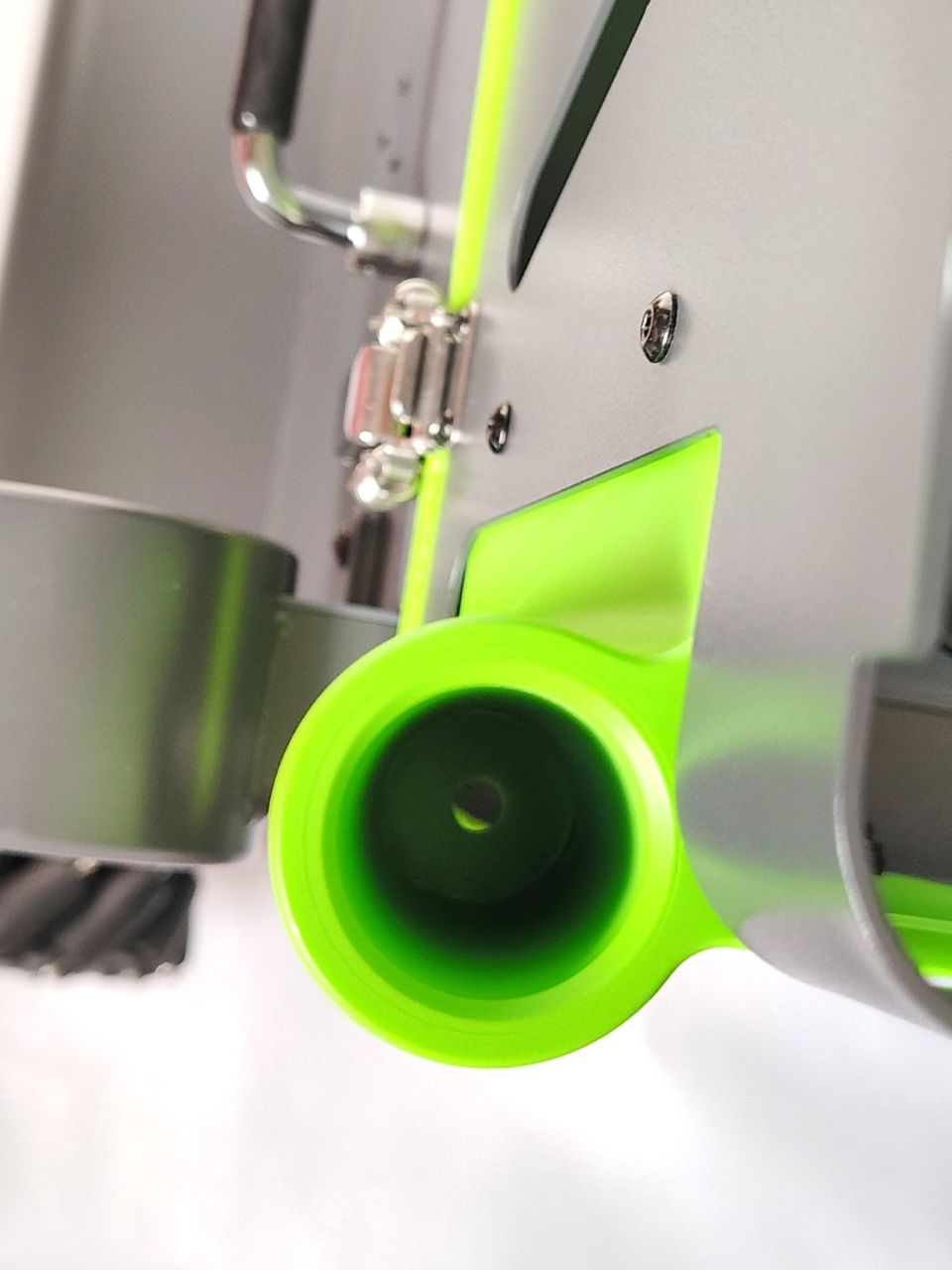
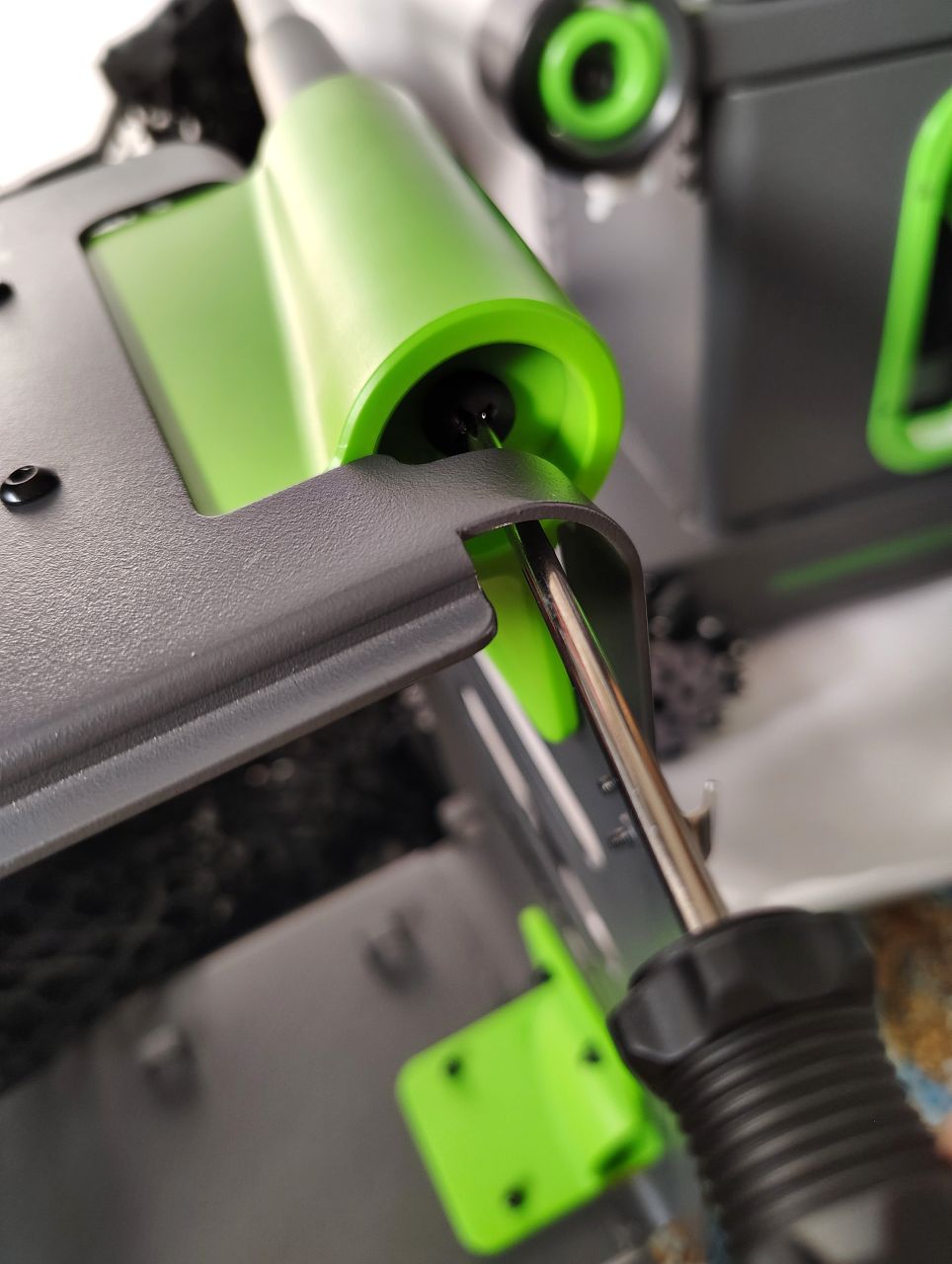
Net pole assembly
The net comes attached to unlabeled poles, so watching the assembly video is recommended. Poles attach using screws, though the holes are somewhat hard to reach. The upper base then latches onto the lower base.
Net attachment
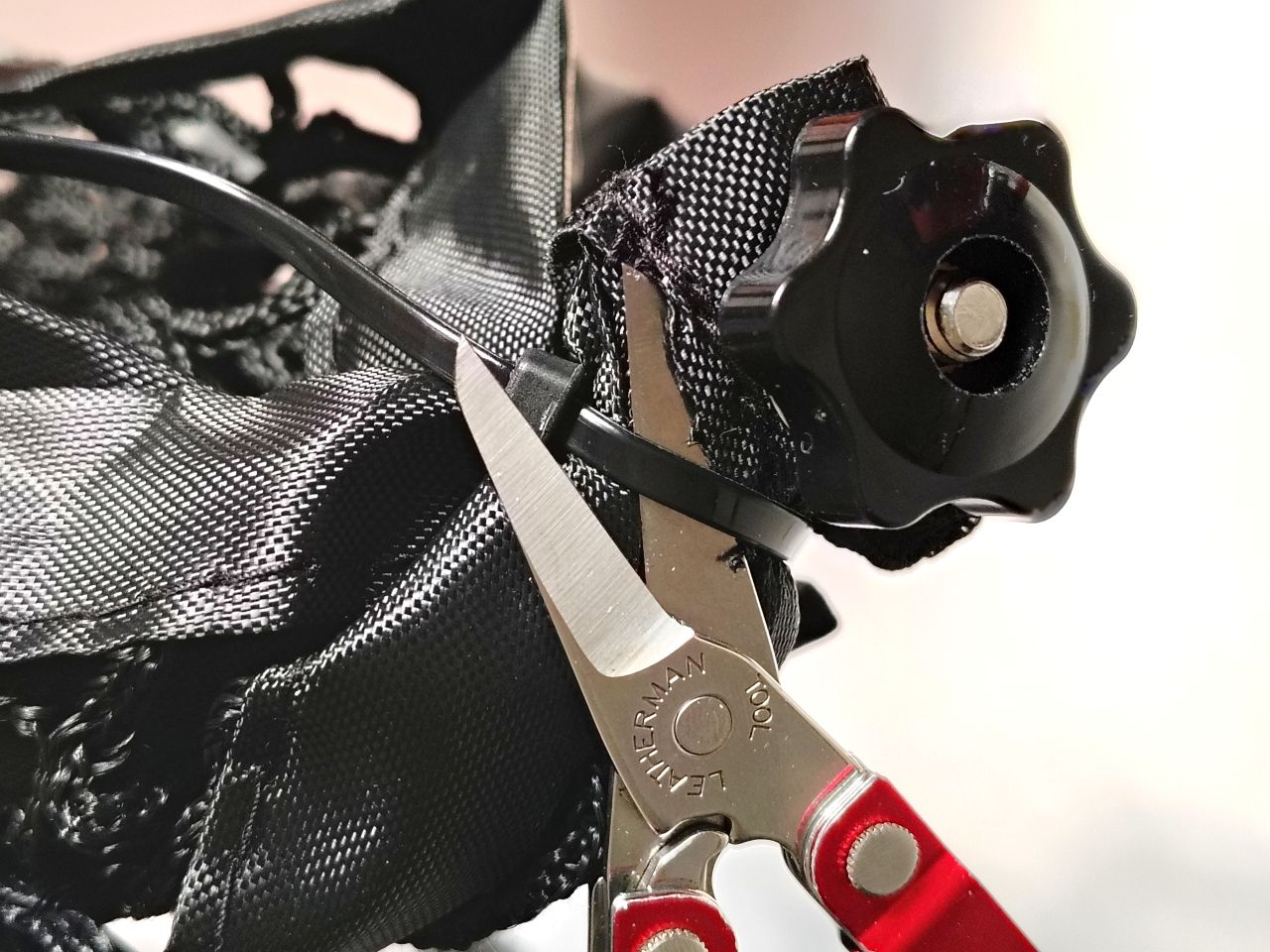
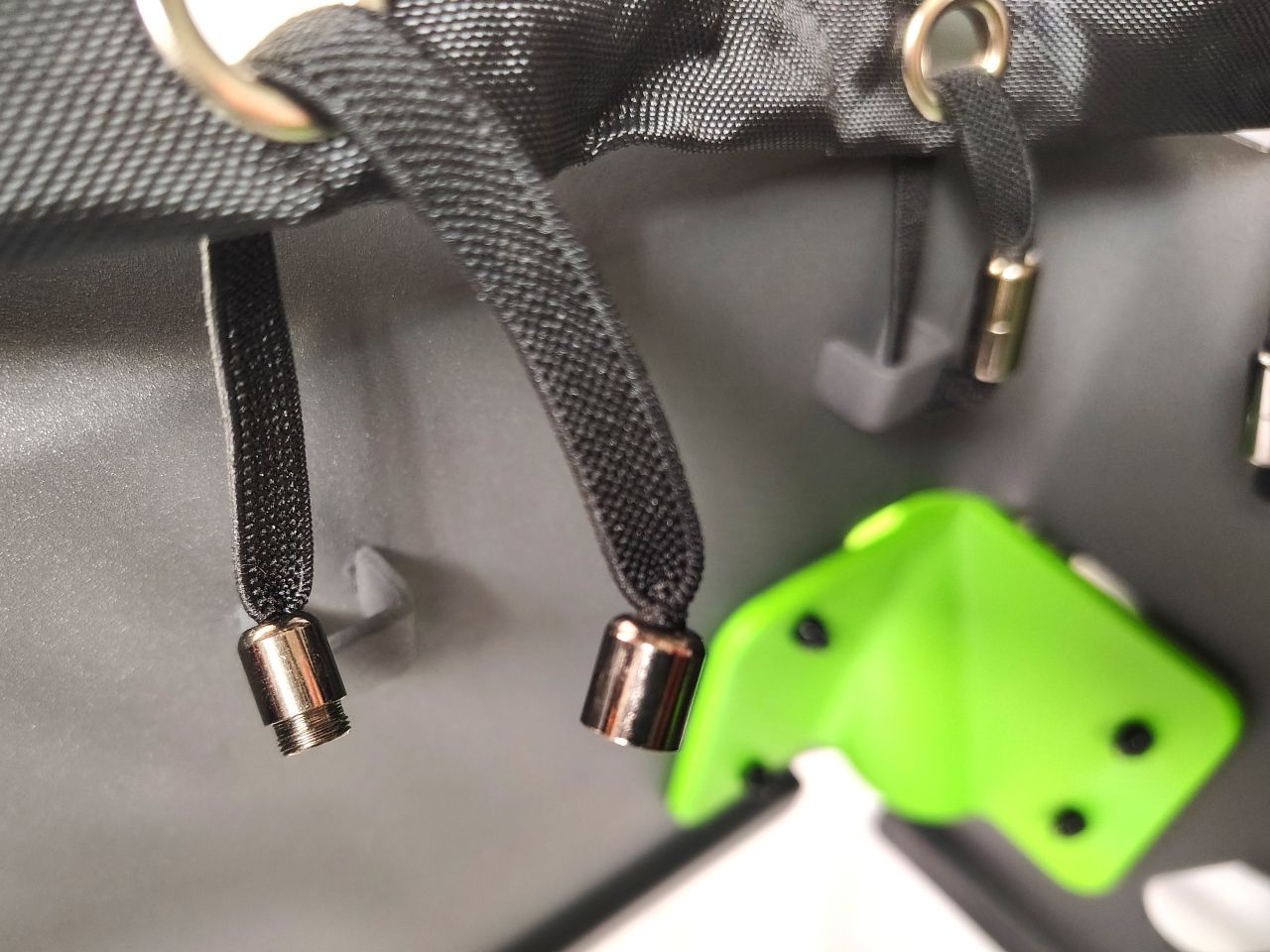
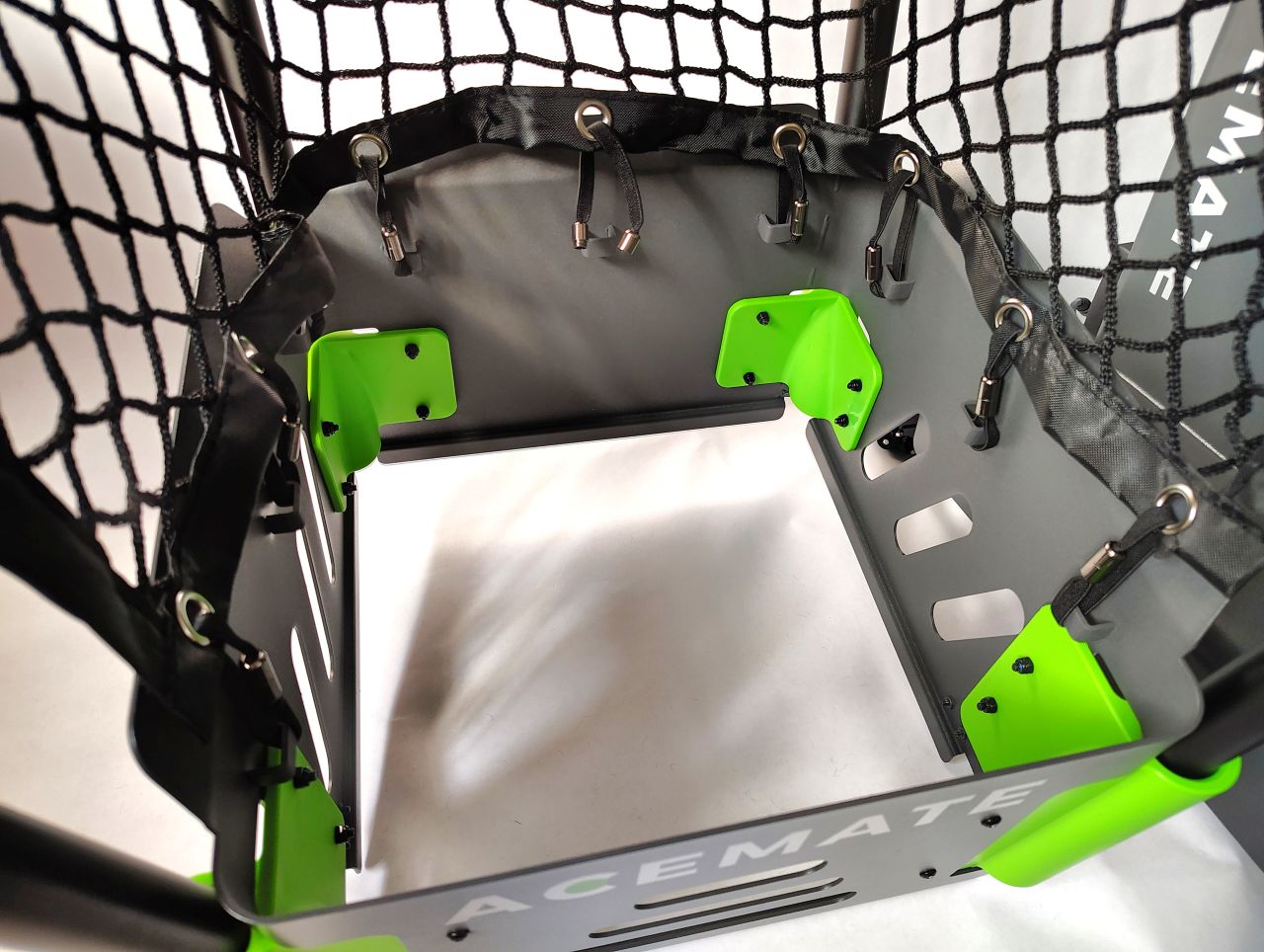
The zip ties securing the net bundle were cut, then the poles were gradually extended in a round-robin fashion because the net limits movement. Finally, the net was secured to the upper base using straps.
Pole extension
New orders will ship with sturdier, easier-to-extend poles.
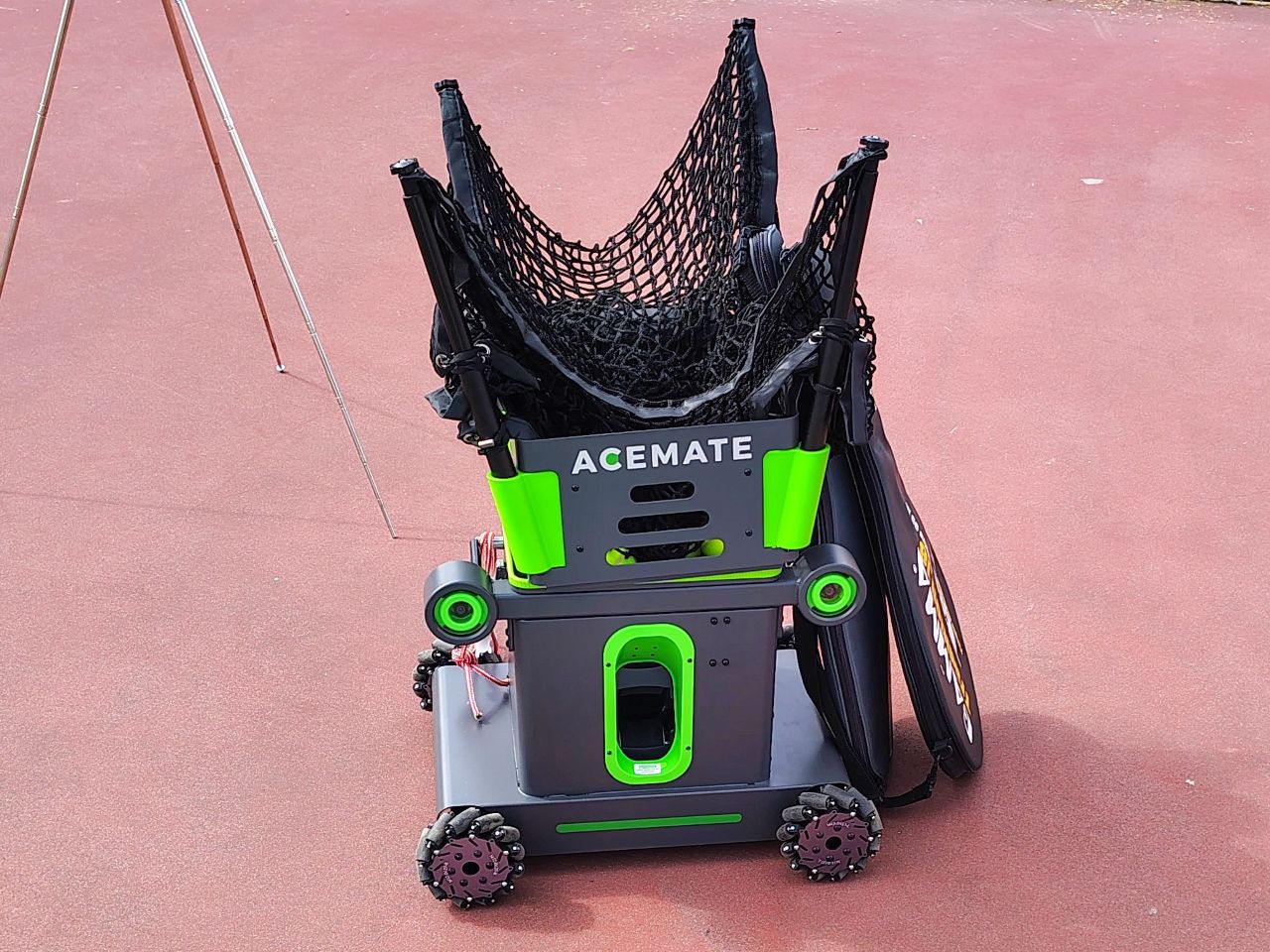
Transportation
With net, poles, and battery, the assembled robot weighed 18.5 kg (40.8 lbs.), with the lower base weighing 15.8 kg (34.9 lbs.).
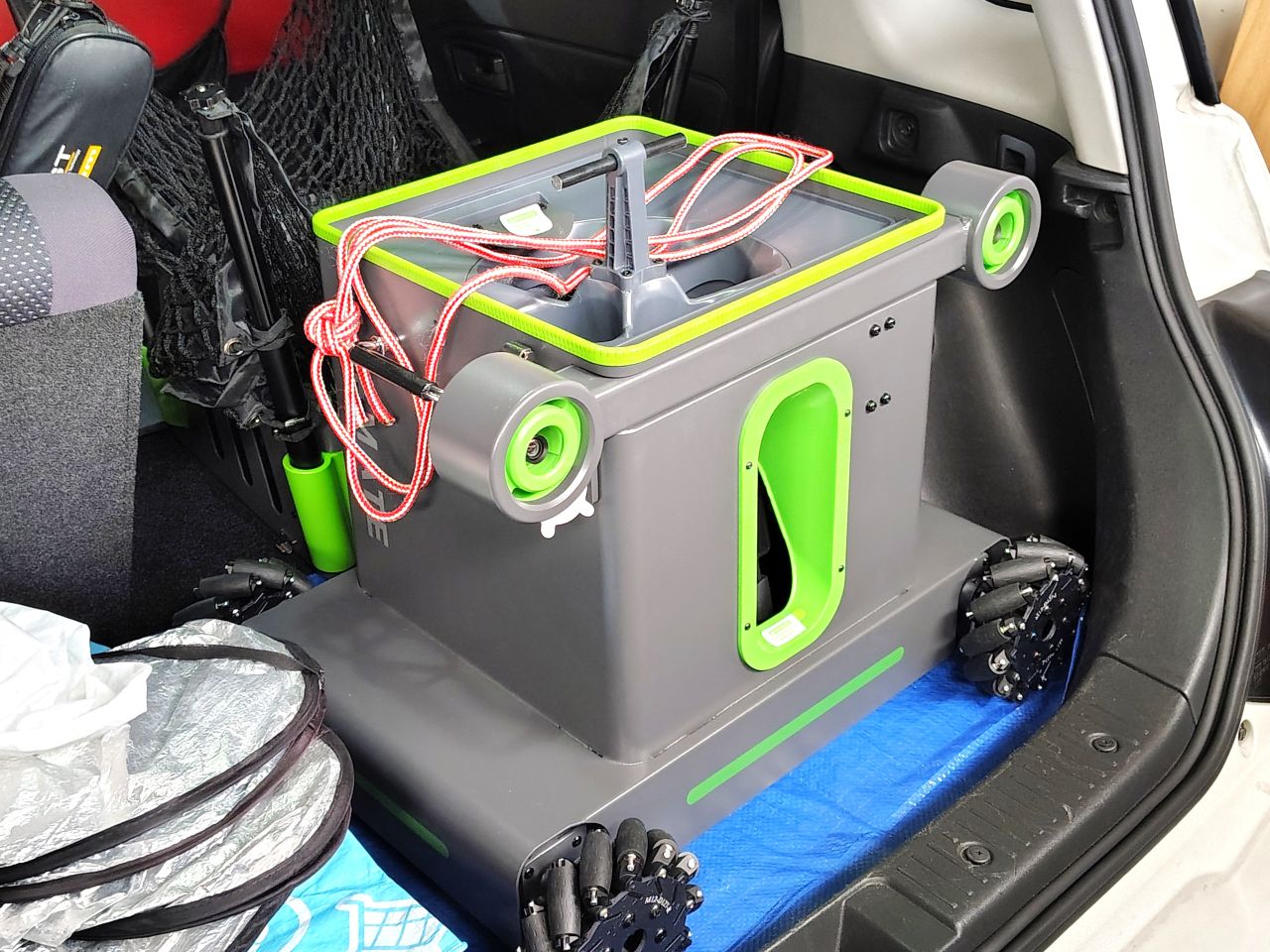
Trunks
The separated robot fits easily into vehicle trunks, but the main base can be a challenge to lift due to its weight, balance, and handle location.
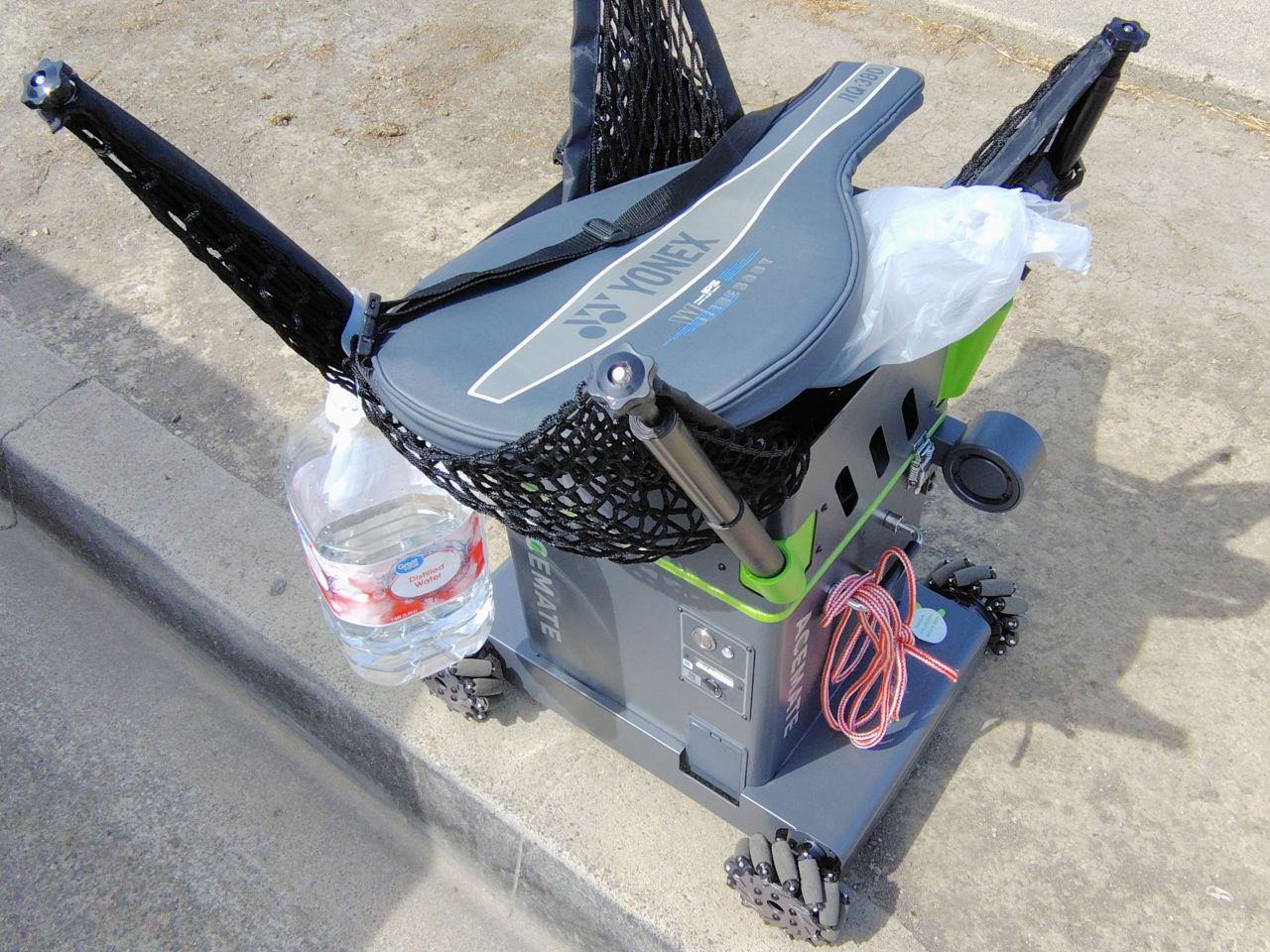
Maneuvering
There is no designated storage for racquets, bottles, or other gear, but items can be laid on top of or hung from the robot.
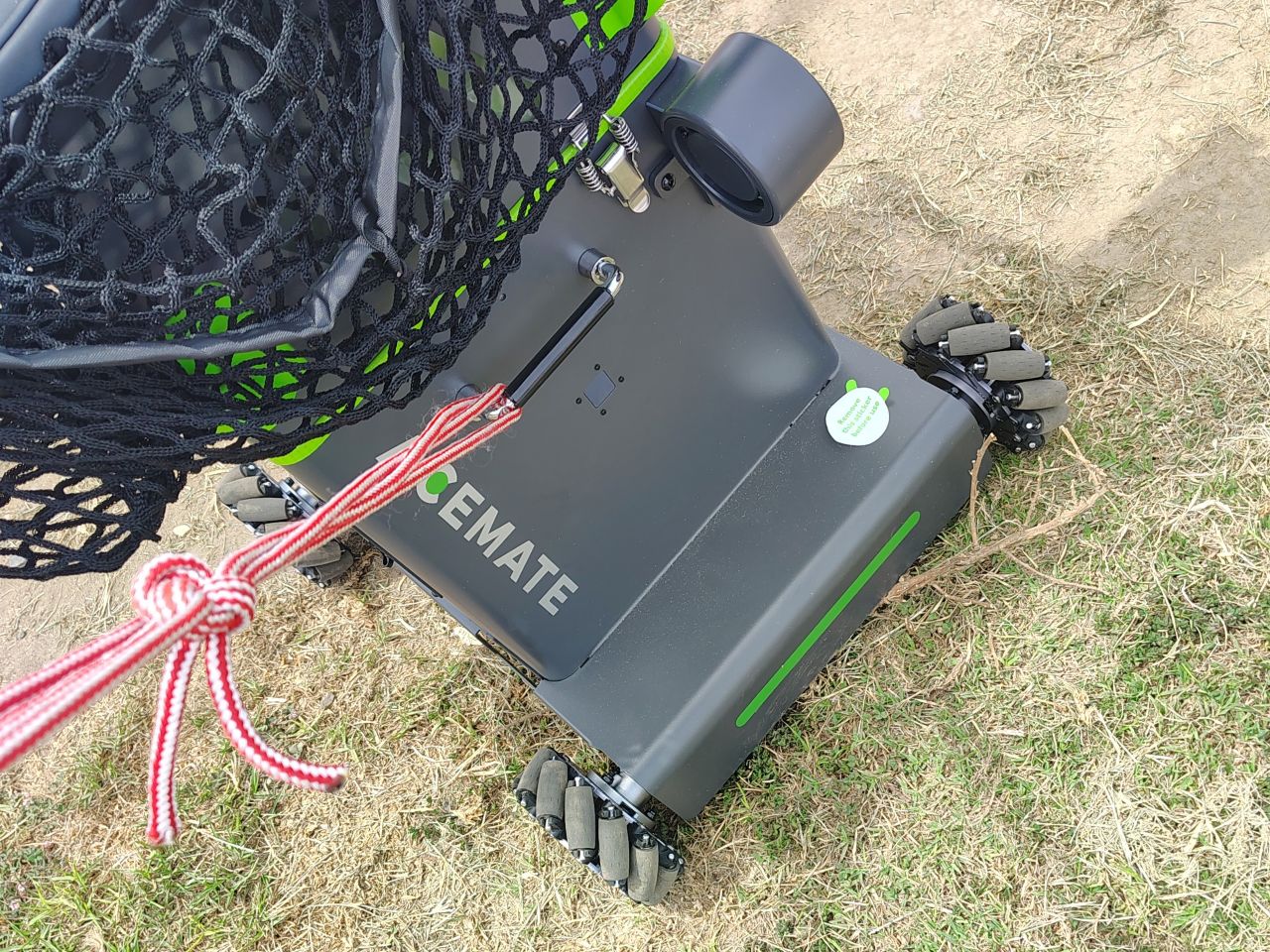
Pulling
The robot can be pulled across uneven dirt, grass, and concrete, but this requires more effort than moving a baby stroller, even with a rope attached. It has no brakes and can slide down slopes when left unattended.
Driving
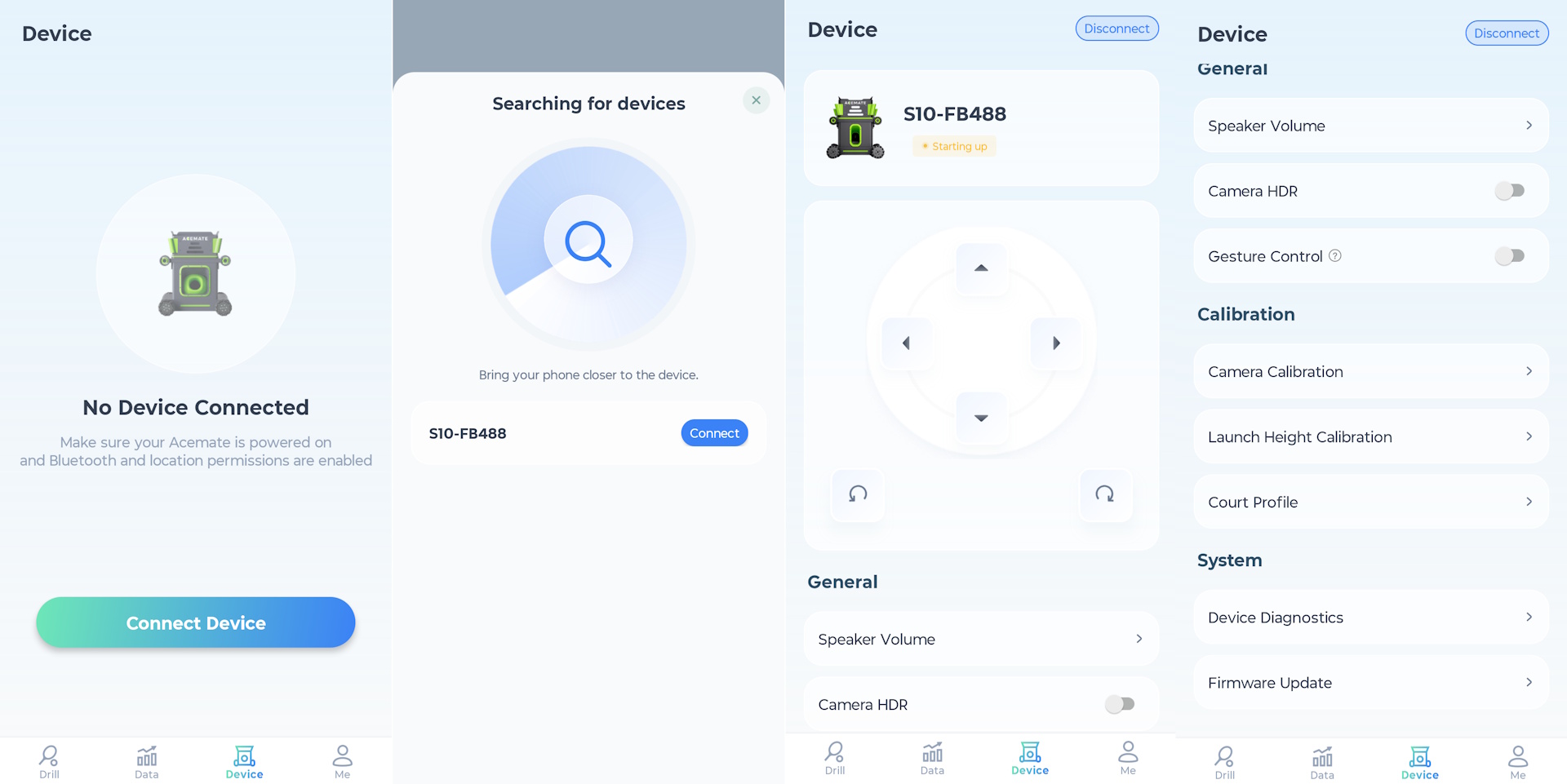
The robot can be driven via the app's control pad. Tapping moves it a short distance, while holding a control enables continuous movement.
Each horizontal step is about 13 to 18 cm (5 to 7 in.), and each forward or backward step about 10 to 15 cm (4 to 6 in.), making precise positioning in narrow passageways difficult. Testing showed little drift after repeated side-to-side movements, but noticeable drift after several back-and-forth steps.
With 3 cm (1.2 in.) of ground clearance, the base can catch on small branches when crossing lawns.
Power
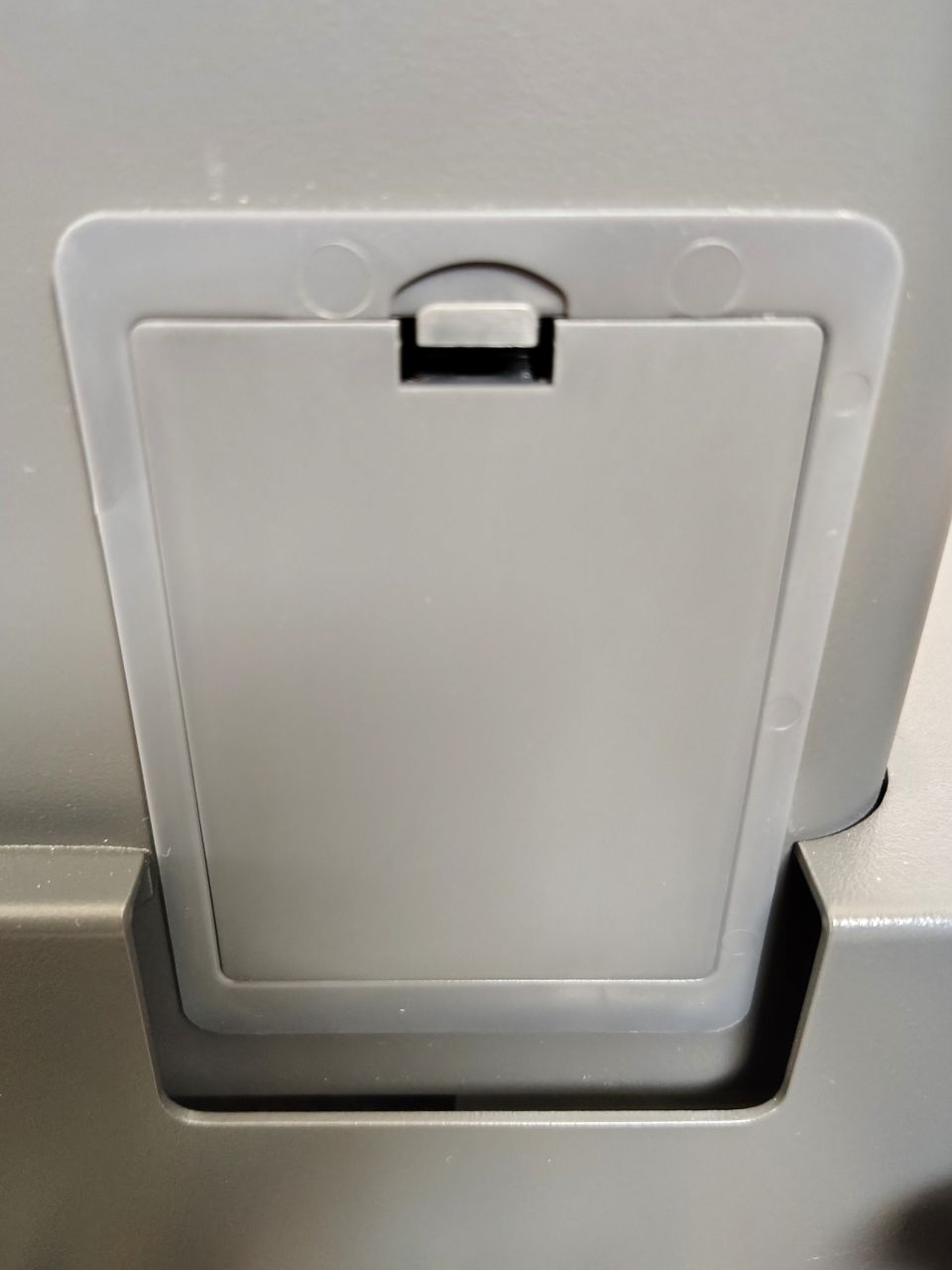
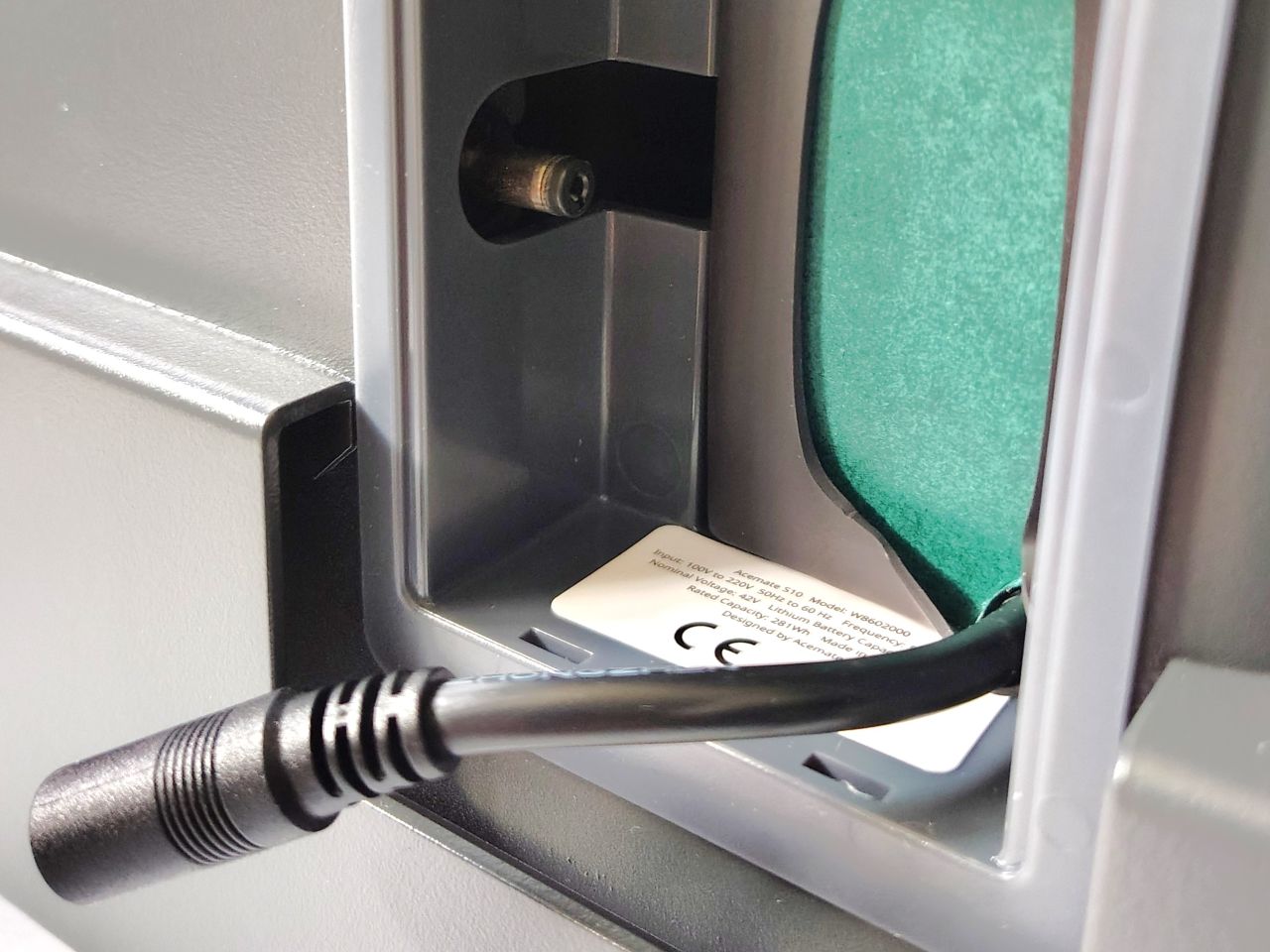
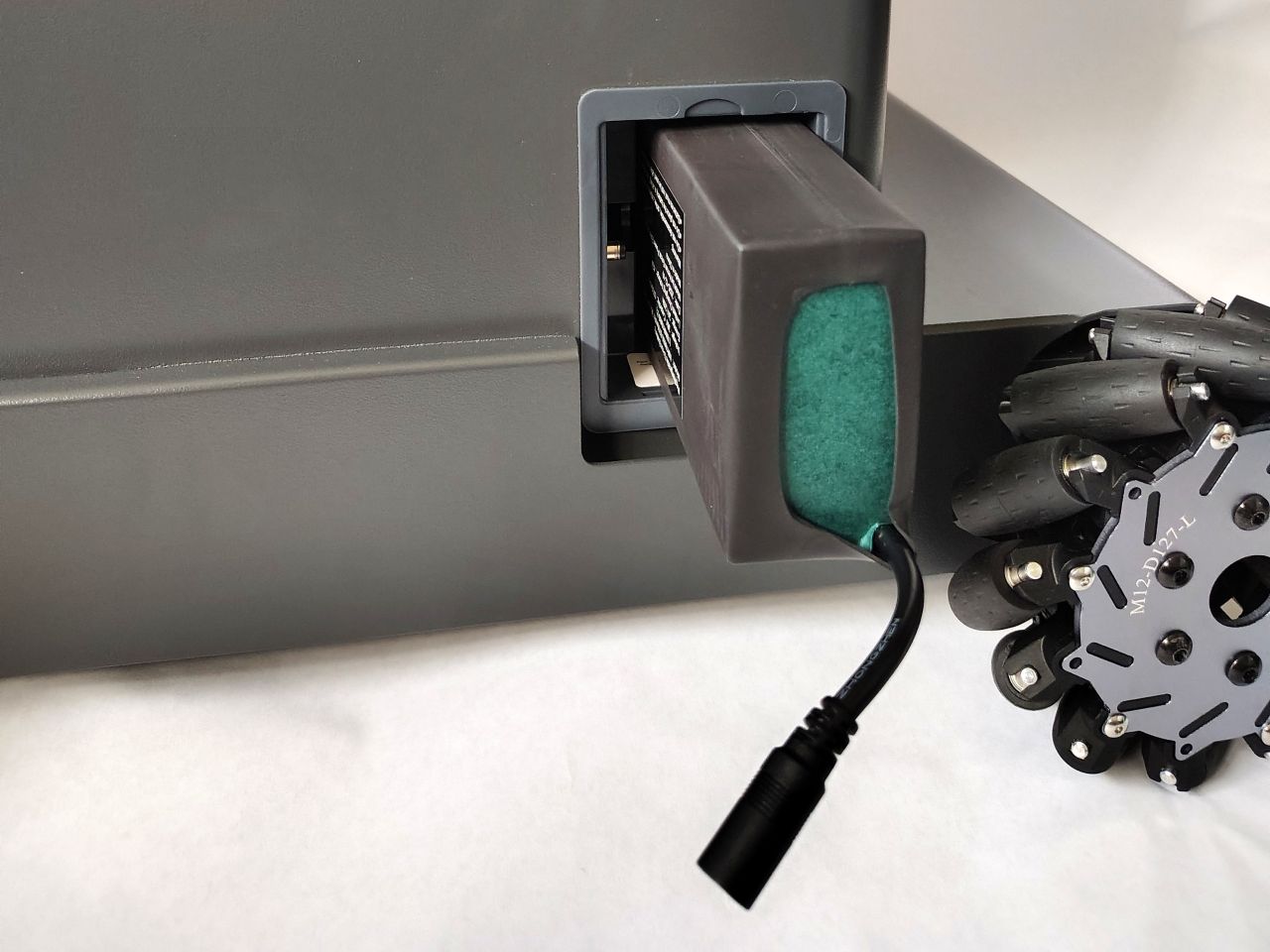
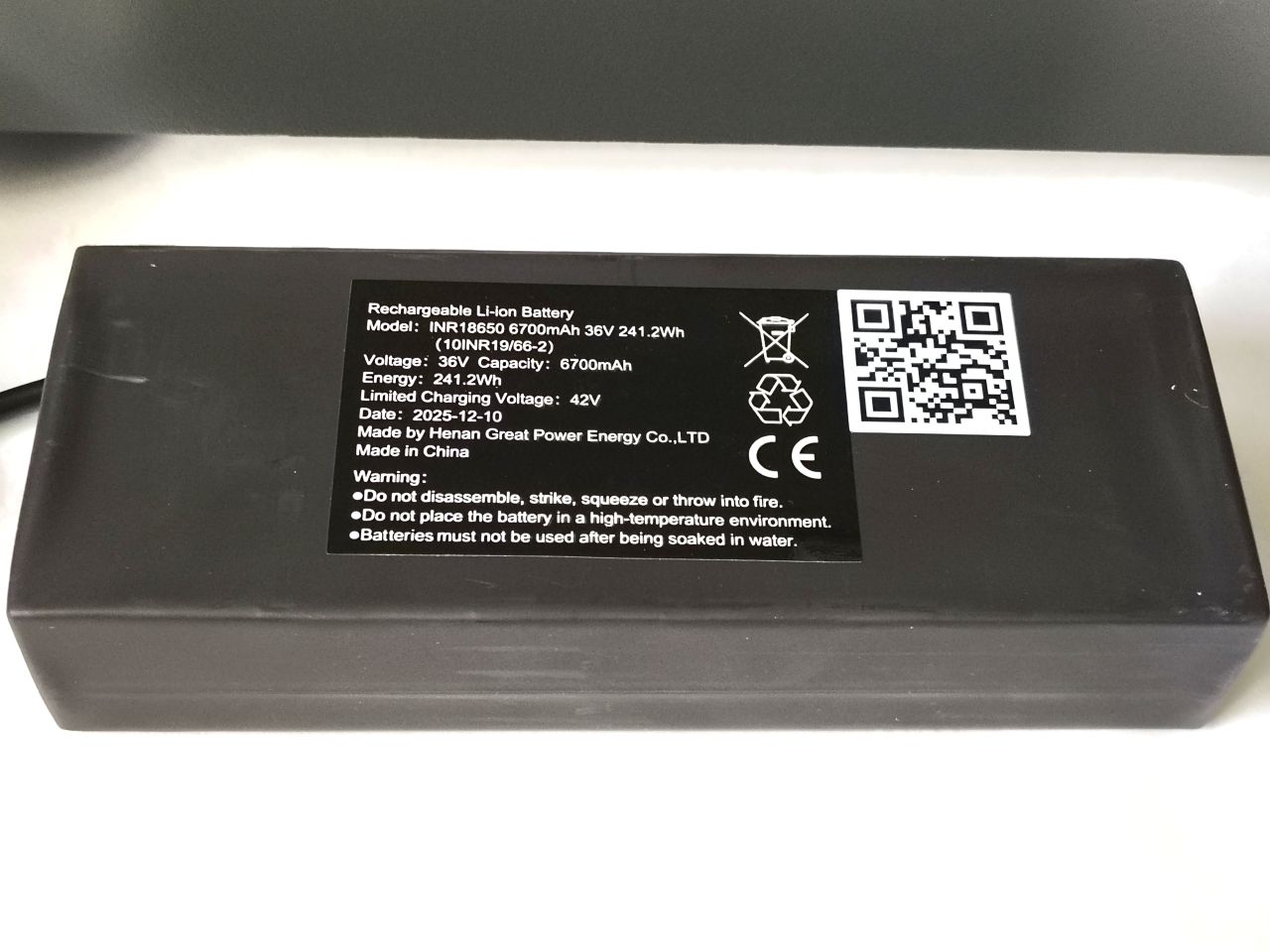
The swappable battery is located behind a removable door. Charging occurs whether the robot is on or off, and the charger becomes noticeably warm.
Runtime
The robot runtime varies from hours to days, depending on the amount of movement, ball spin, and launch distance. During one three-day testing session with low movement drills and breaks to look at app statistics, 59% of the charge was used, while during a one-day testing session with heavier use and greater movement, 55% was used in under two hours.
Battery meter
The battery meter displays the charge as a percentage and in bars, but is not very accurate. It once reported 24% when powered on, then 41% a minute after being connected to the charger. Another time, it read 1% on the courts, then 10% after returning home. The robot does not announce when it reaches 0% power.
Setup
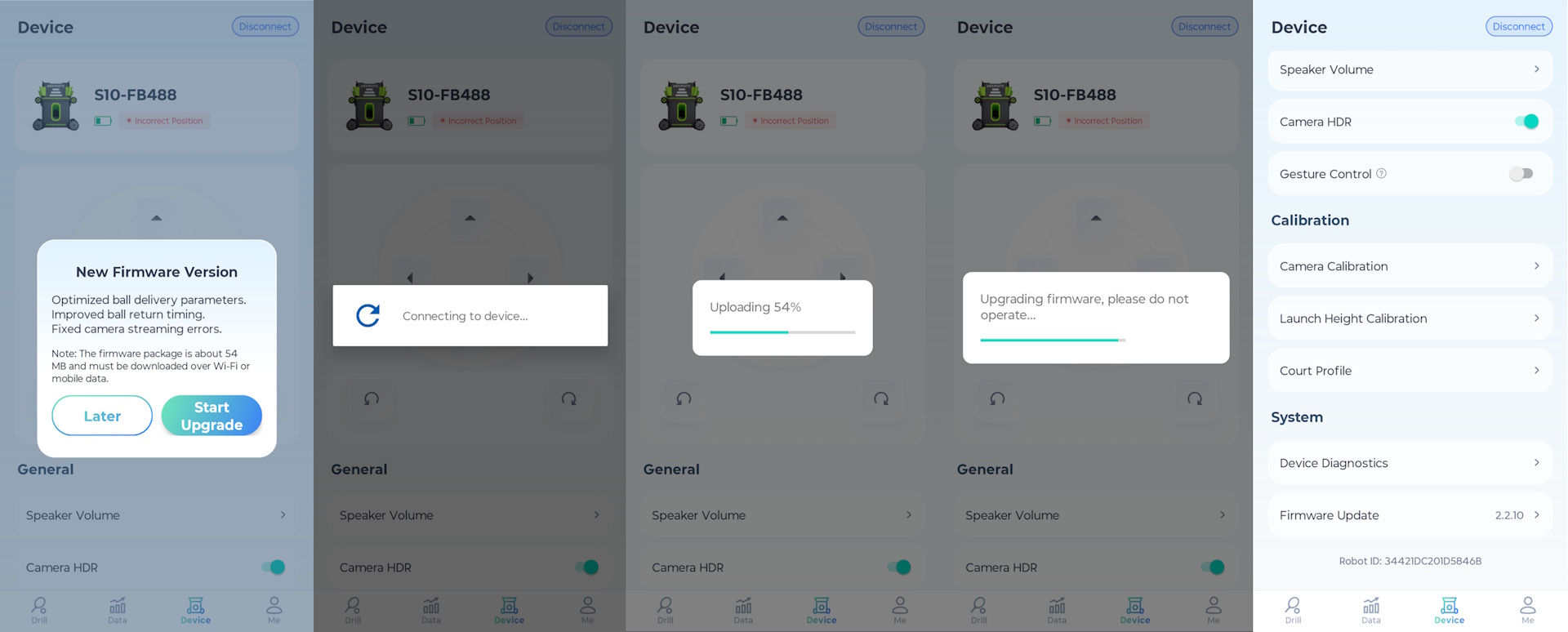
The Acemate S10 app was easy to use on a Moto G Stylus 2024, requiring Bluetooth, Wi-Fi, and Location services. Multiple app and firmware versions were released during testing, and each firmware took about two minutes to install.
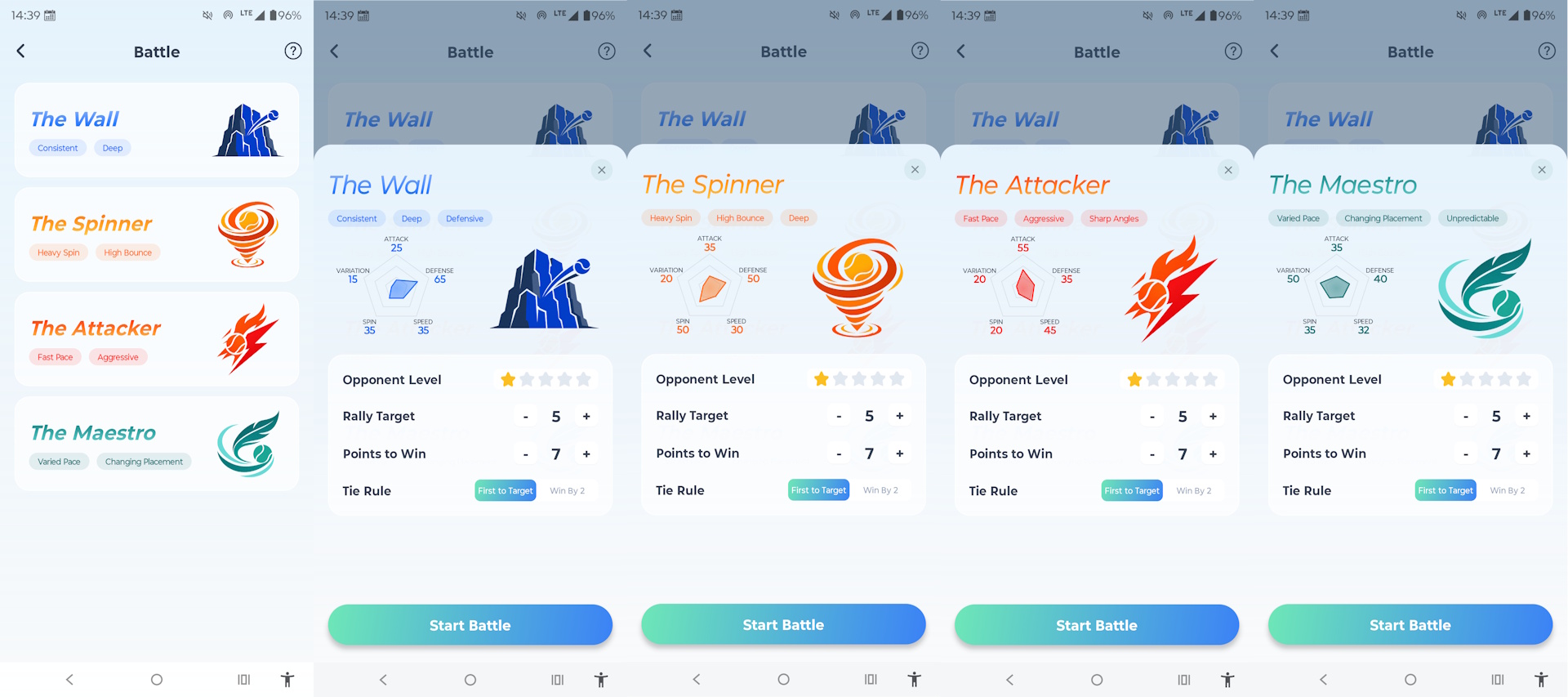
Features continued to expand with each update. The latest 2.2.0(158) app with 2.2.10 firmware came with a new interface design, revised ball detection and handling algorithms, new serve drills, and a Battle mode with four virtual challengers—The Wall, The Attacker, The Spinner, and The Maestro.
Speaker
Beeps were audible, but voice announcements were sometimes difficult to understand over traffic. The robot announces the score and outs during Battle mode, and beeps when launching balls, but it cannot be asked to repeat itself.
App
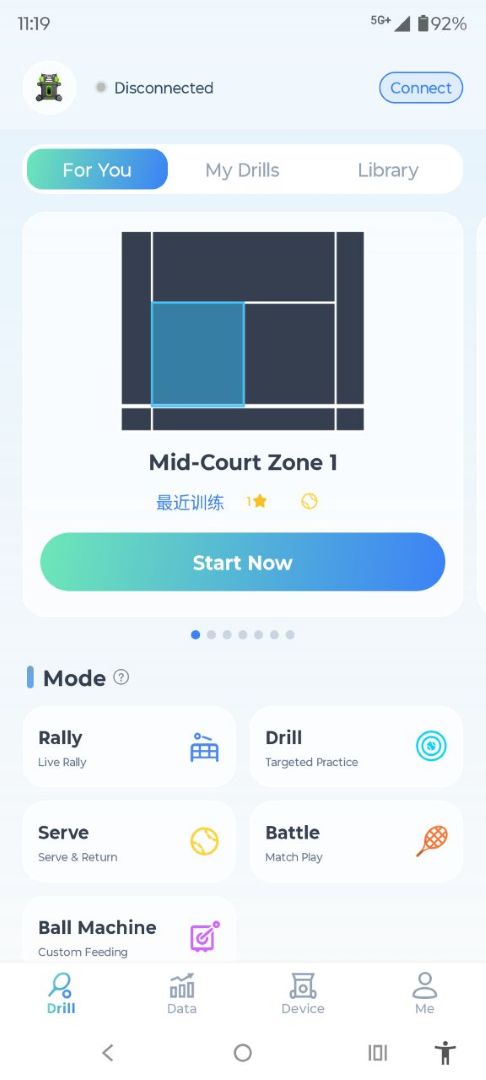
The home screen has four main tabs.
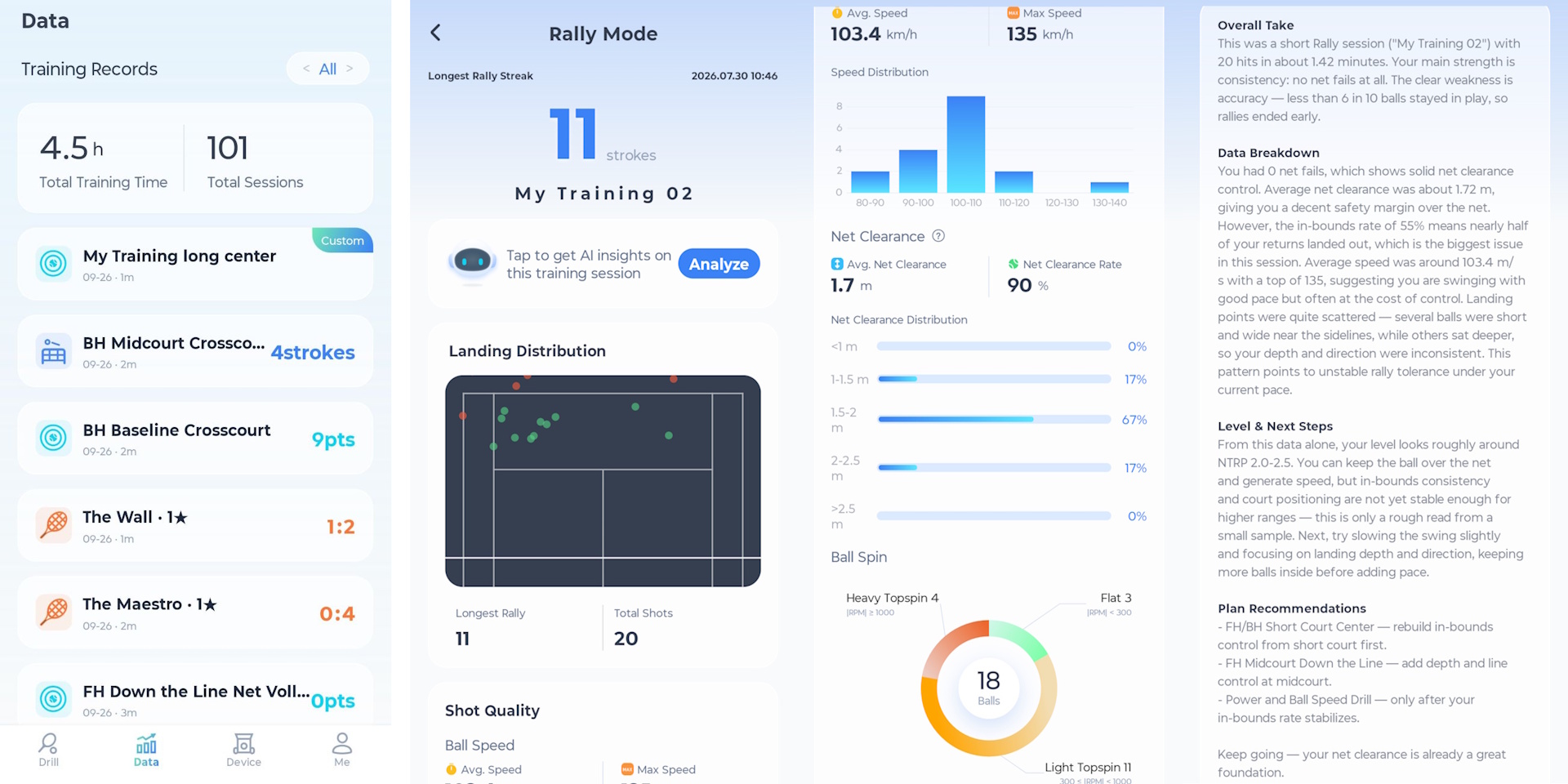
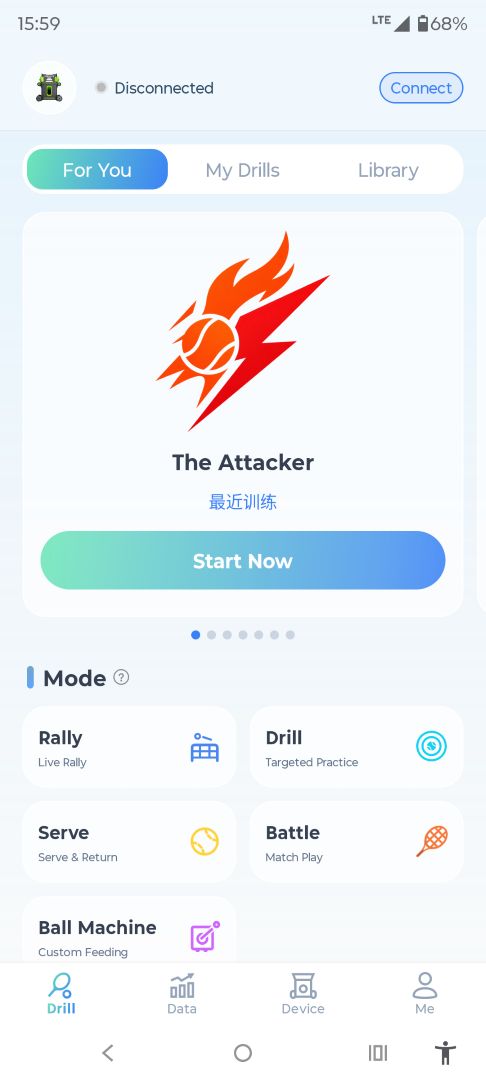
The Drills tab is divided into three categories – For You, My Drills, and Library. For You provides some suggestions to practice as well as quick access to the five robot modes—Rally, Drill, Serve, Battle, and Ball Machine.
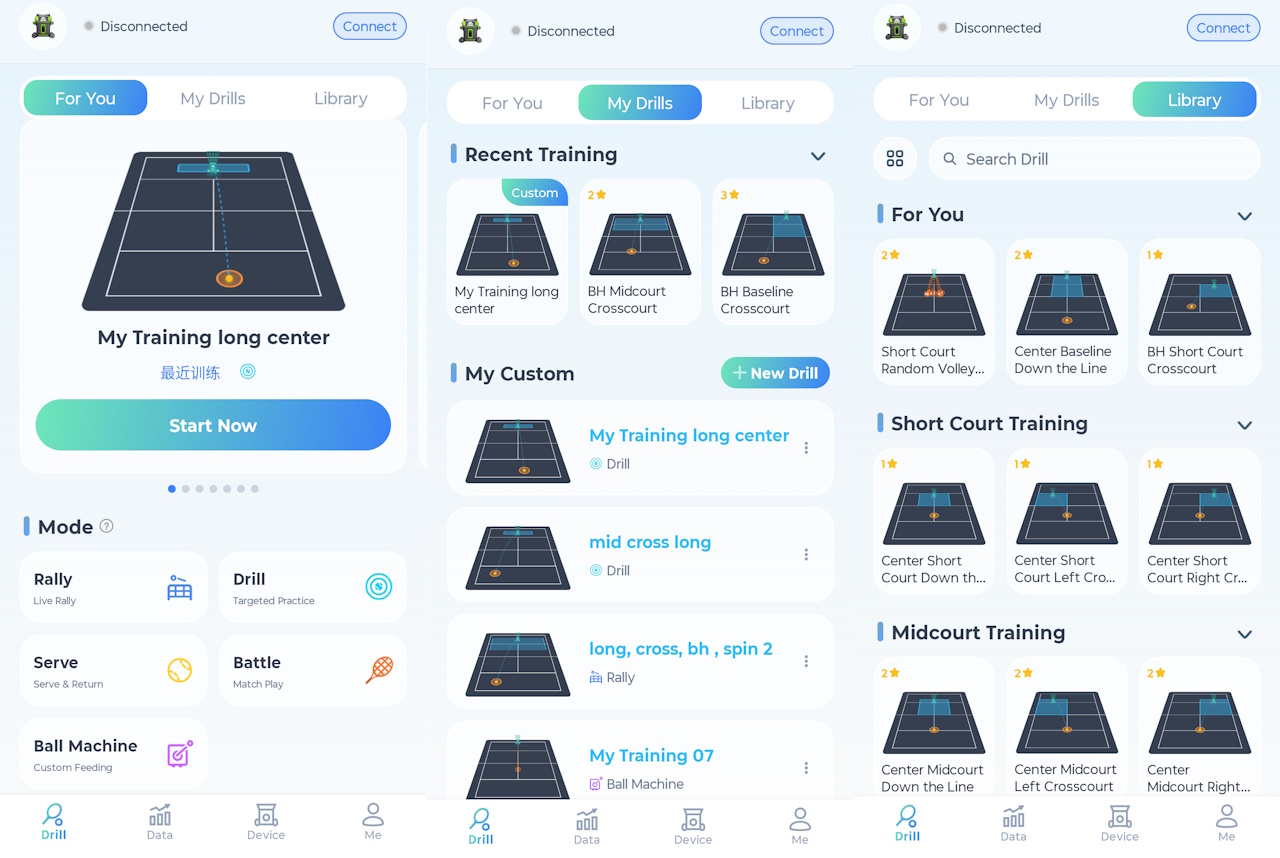
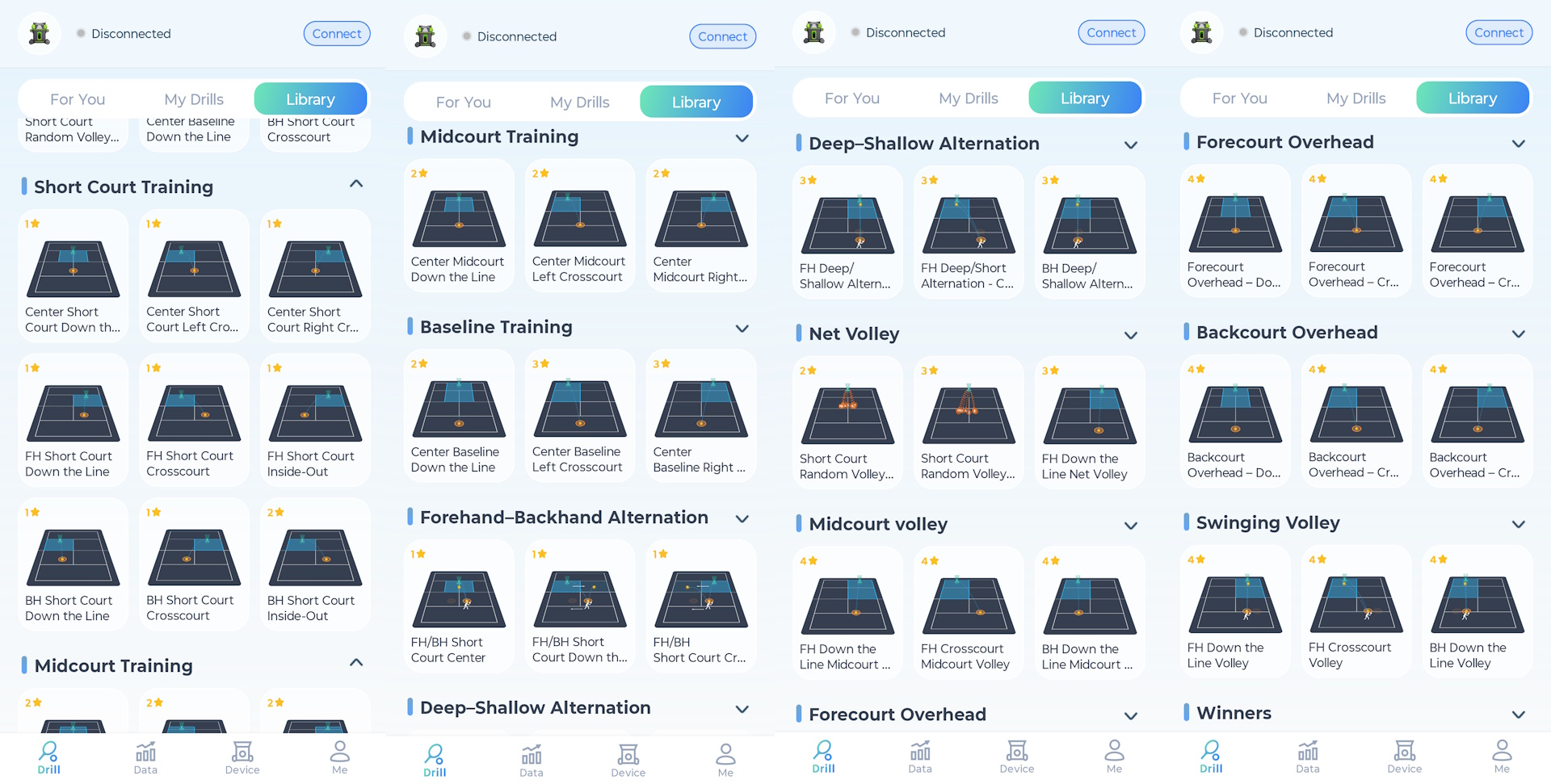
My Drills stores custom presets, while Library includes numerous presets, including baseline down-the-line to crosscourt volley drills. Tapping a drill shows an animation with the ability to adjust the number of balls launched and enable ball catching.
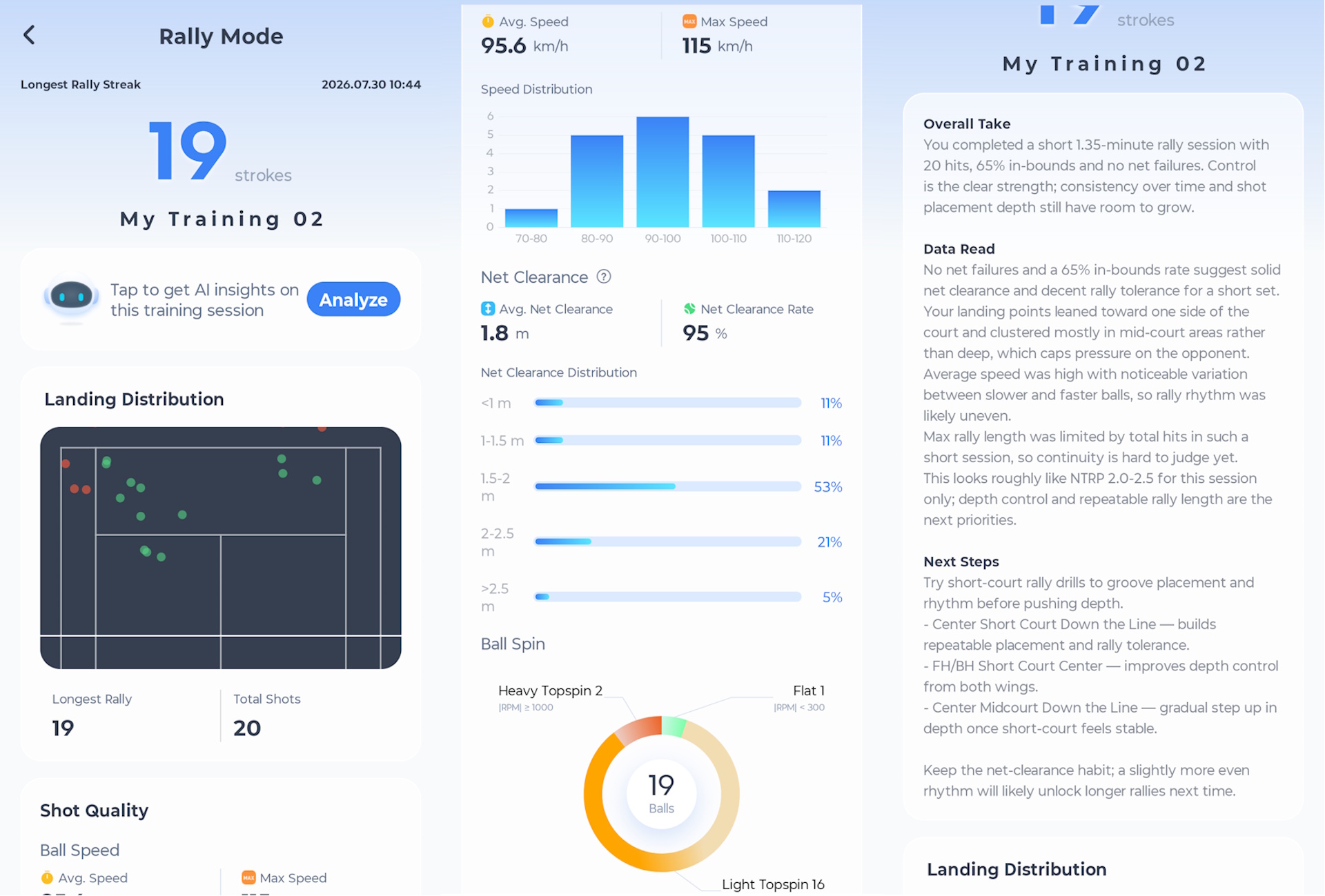
The Data tab lists completed drills. Opening one shows ball placement and key stats, including accuracy, average speed, and net clearance. Tapping Analyze generates an AI report for the selected drill. The AI provides decent suggestions for additional practice, but it does not have keen insight into stroke mechanics and player movement.
The Device tab lets users adjust settings, calibrate the camera, and remotely drive the robot.
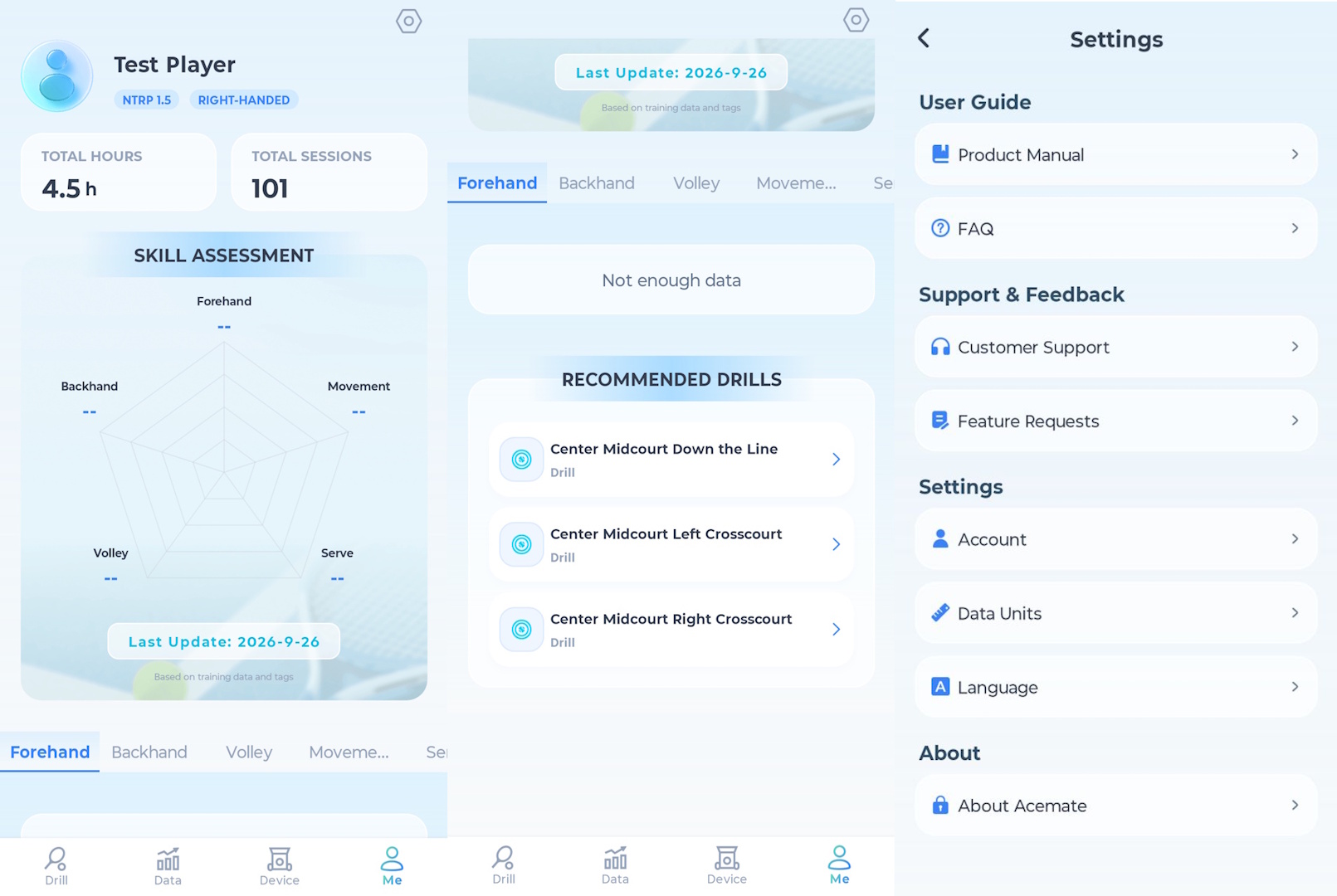
The Me tab rates skills such as forehand, backhand, volley, movement, and serve, but it requires many hours of play to generate a report, unlike a coach who can provide feedback within minutes. Its app settings hold the manual, FAQ, support, and account settings.
Court calibration
The Acemate requires camera calibration on each new court. It takes photos, automatically places court markers, and allows fine-tuning.
The numerical markers are extremely tiny (~1 mm diameter) and difficult to see in bright sunlight, making them very frustrating to move even on 1,000-nit OLED screens.
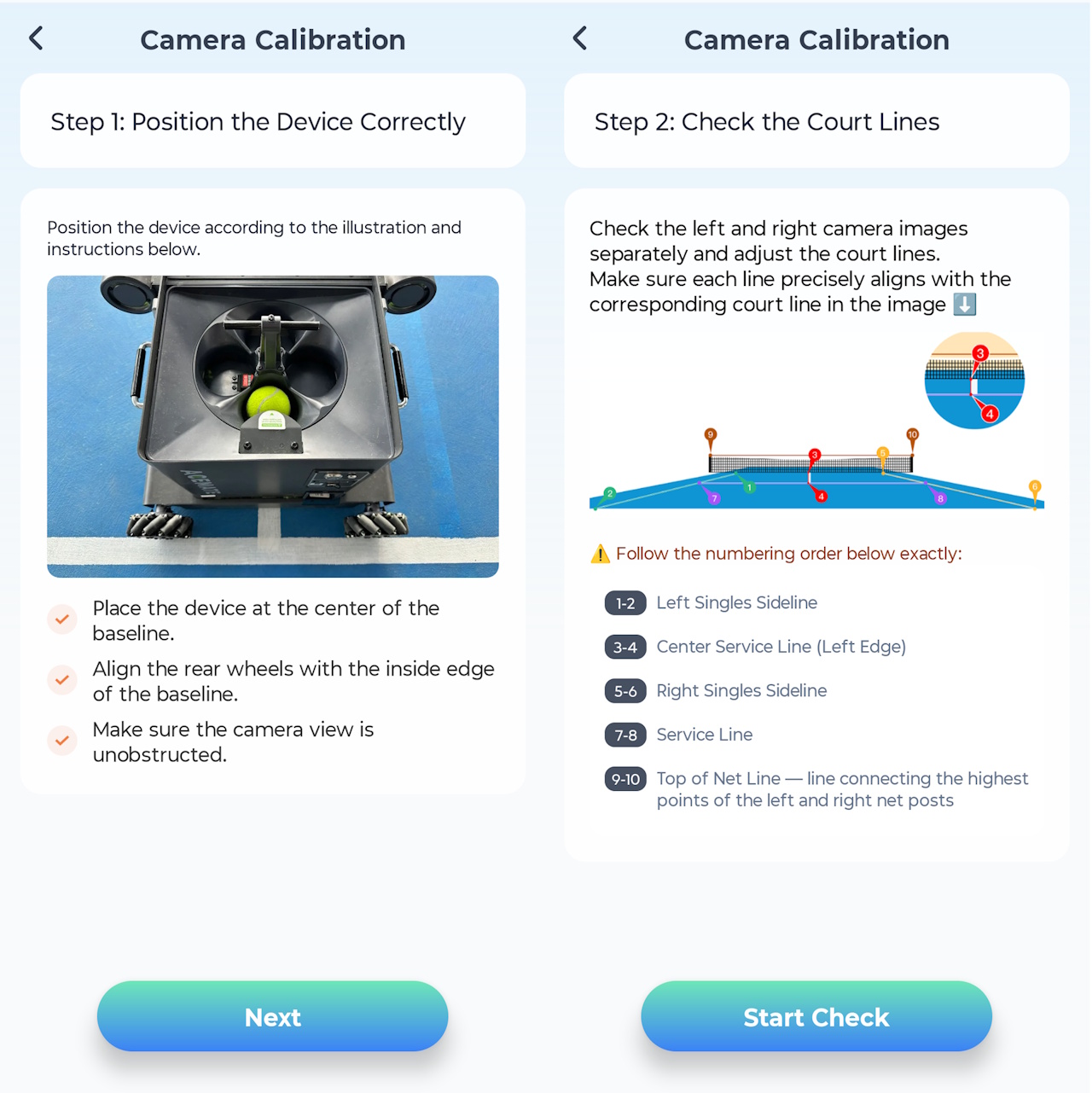
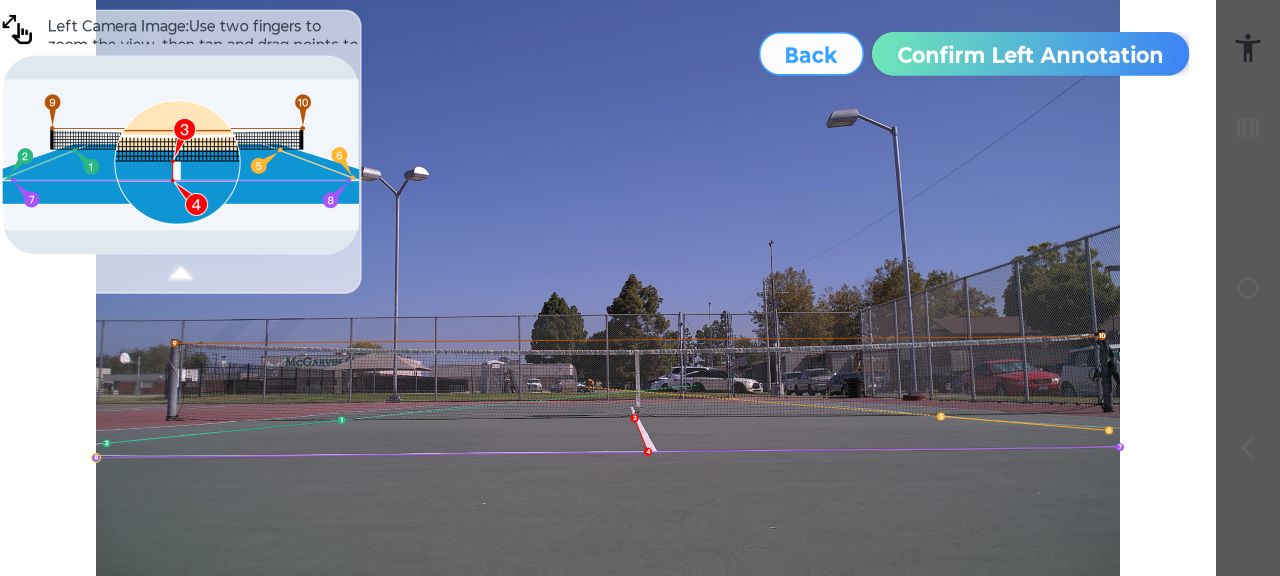
Owners may also measure the court with a tape measure, then create court presets.
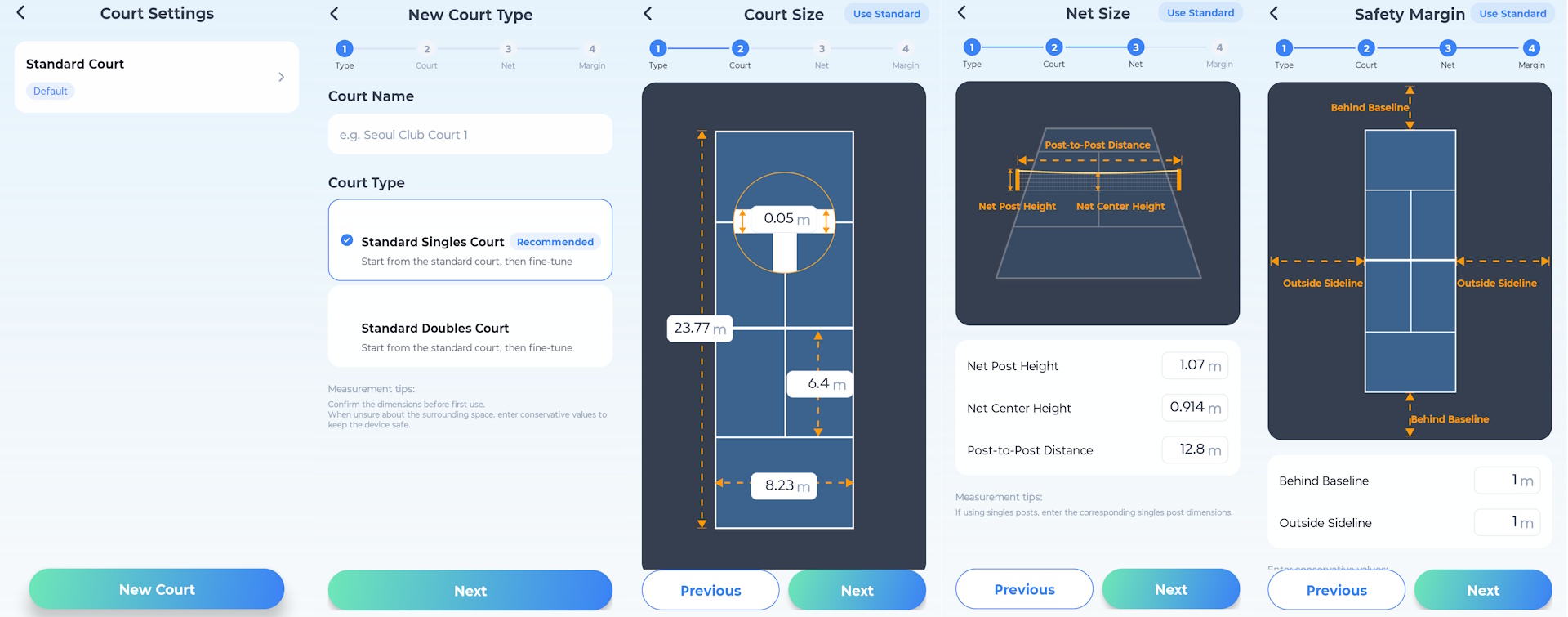
Drills
The library of drills is extensive and growing, covering short, midcourt, and long balls to the backhand and forehand as well as volleys, serves, and ball tosses, while custom drills and four Battle-mode opponents add further variety. The app records shot speed, landing locations, and other stats for each session, with optional AI feedback.
In use
The Acemate performed much like any other ball machine, reliably feeding balls without jams, occasionally taking a few extra seconds to load the next one. It was not made to catch all balls, but will catch some to extend play time. Users will still need to pick up the balls.
Net-volley drills kept the reviewer moving much like real play. While some shots landed long or wide, players can learn to recognize and ignore them.
Midcourt drills and rallies were fast and fun, shooting about a dozen balls in a minute to make good use of court time. The motorized robot could deliver short, midcourt, and deep shots to both forehand and backhand sides.
HDR camera mode can be activated to improve robot performance when facing courts sitting in mixed deep shade and bright sunlight.
Short and midcourt shots generally landed in, while baseline shots varied with calibration, ball wear, and factors such as the wind. Beginners can use this to practice letting out balls go, while advanced players can chase everything down.
A UTR 10-rated high school player briefly tested a custom My Drill with the height set to 8 out of 10 and topspin set to maximum. He found the speed, height, and topspin to be very satisfying, outperforming the other machines he had previously used.
He noted that his deep, hard returns seemed to challenge the robot. However, its large ball capacity allowed him to practice dozens of consecutive shots, much like he did with his high ranked hitting partner while preparing for competitive tournament play at UCLA.
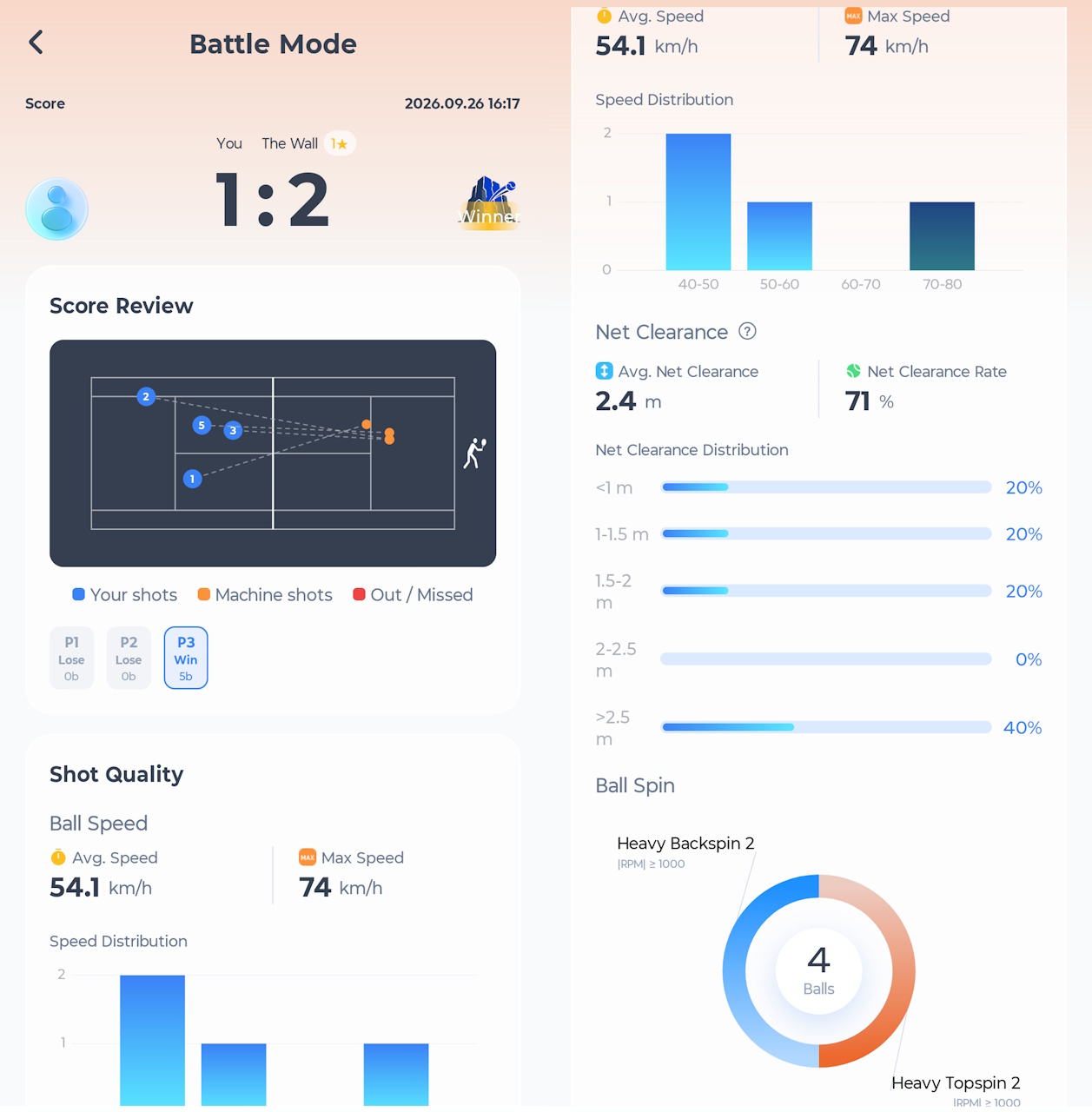
The newly-added Battle mode challenges users in matches with four virtual opponents, helping players apply drilled strokes while practicing full-court coverage. The mode lacks AI analysis and a way to challenge balls, but it showcases the robot’s expanding functionality.
Areas for refinement
Like Apple iOS, some features remain works-in-progress. For example, the new Battle mode is still being refined and occasionally misjudges points, such as treating a ball that bounced twice as still in play.
Deep serves can sometimes land long using the default camera calibration but remained useful for solo practice. Creating a custom smaller court size, tuning the machine settings, and updating the firmware can help. Since they are launched from a low position, the S10 cannot replicate serves launched from above the head.
The net can also snag on the hopper's stirring rod, slowing setup and teardown.
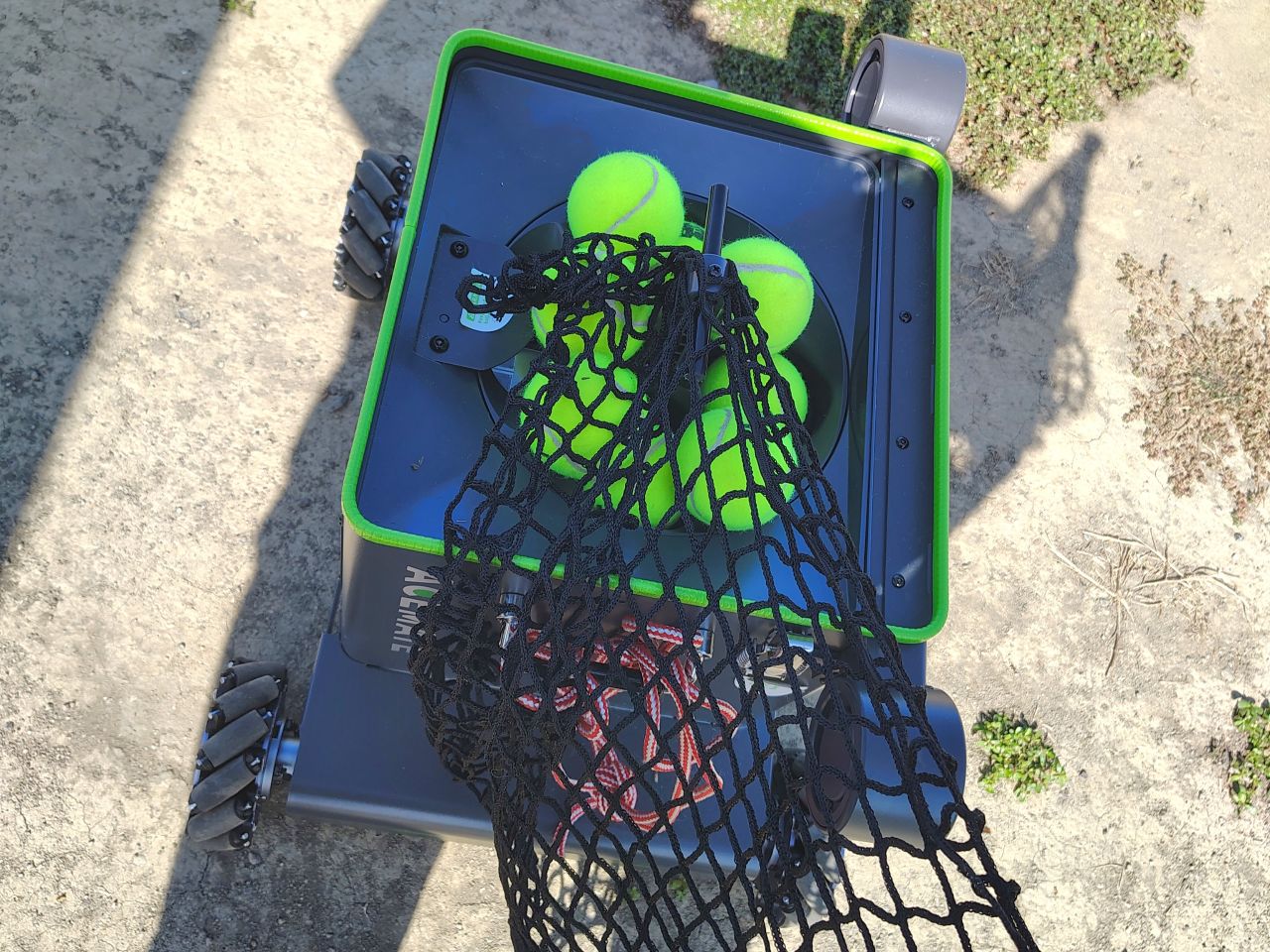
On hot summer days, app touch accuracy and responsiveness can decline until users dry their sweaty hands. Additionally, the wireless connection occasionally dropped one to four times per session, even when no one else was nearby. Sometimes, the robot had to be power-cycled to restore the connection.
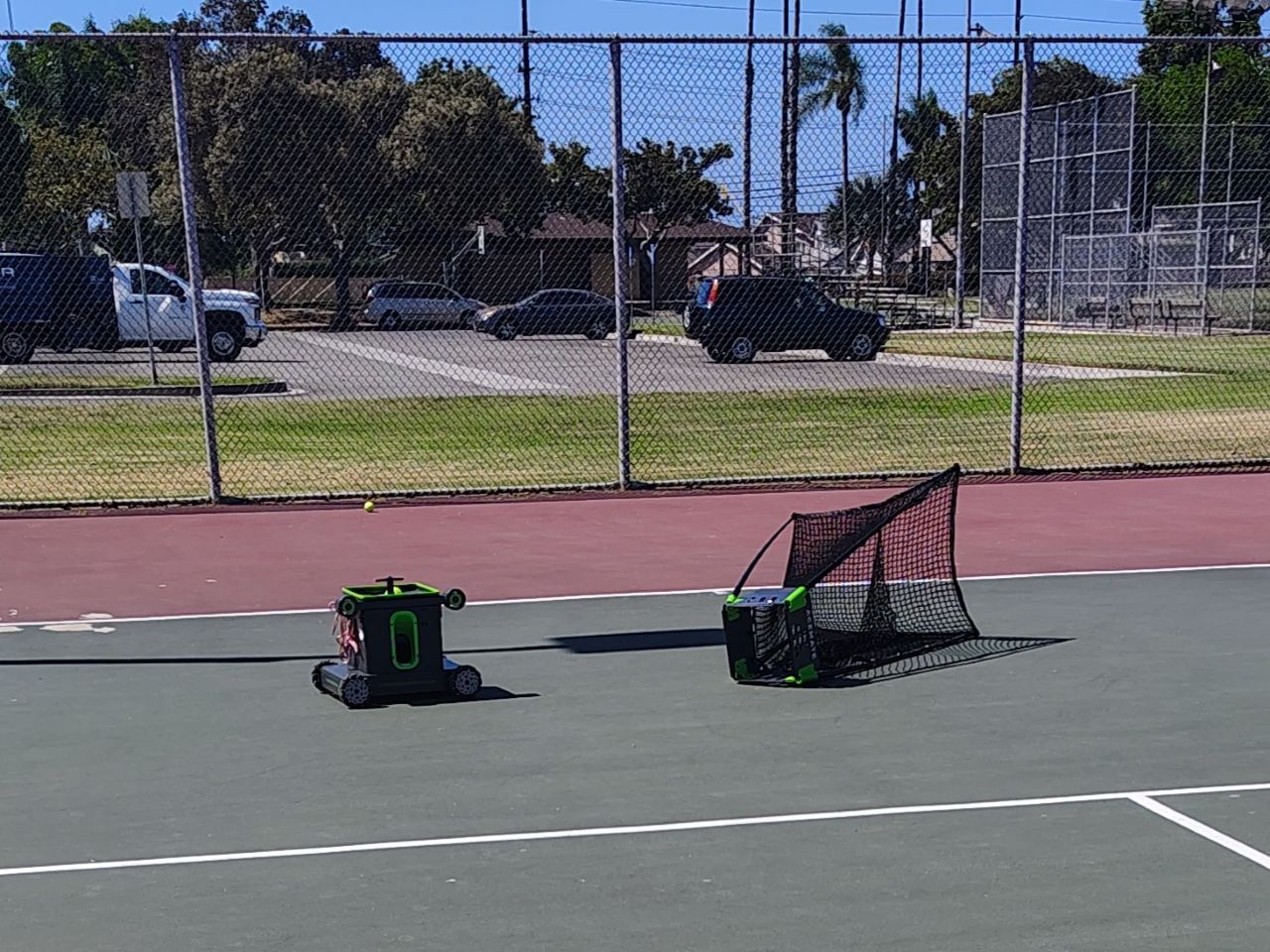
Extending the poles can pull the upper hopper out of position and cause it to topple during use, so owners need to verify it is secure before use.
Some screens incorrectly displayed text in Chinese.
Safety
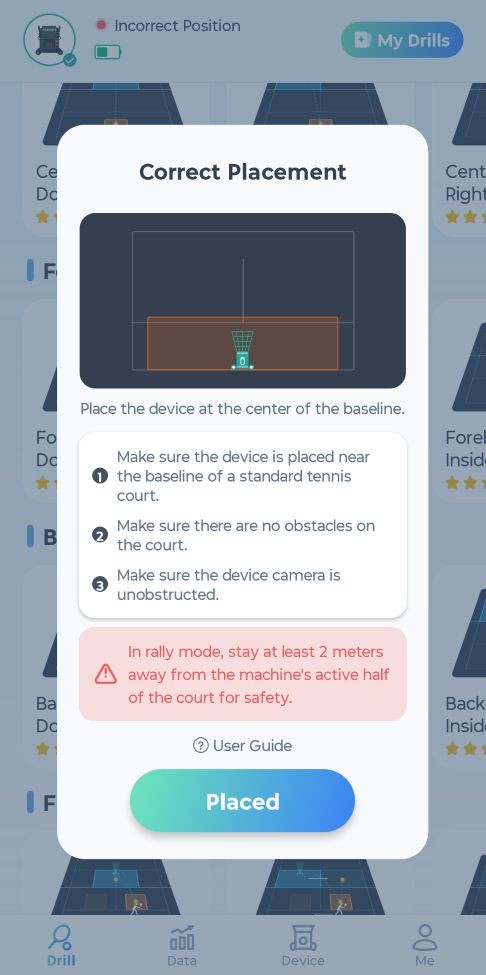
Despite front-facing cameras and side-mounted millimeter-wave radar sensors, the robot lacks full obstacle avoidance and will continue moving and launching balls until stopped via the app or power button. During testing, it generated enough force to crush a small camera tripod leg, so the robot's side of the court should be cleared of people before use.
Conclusion
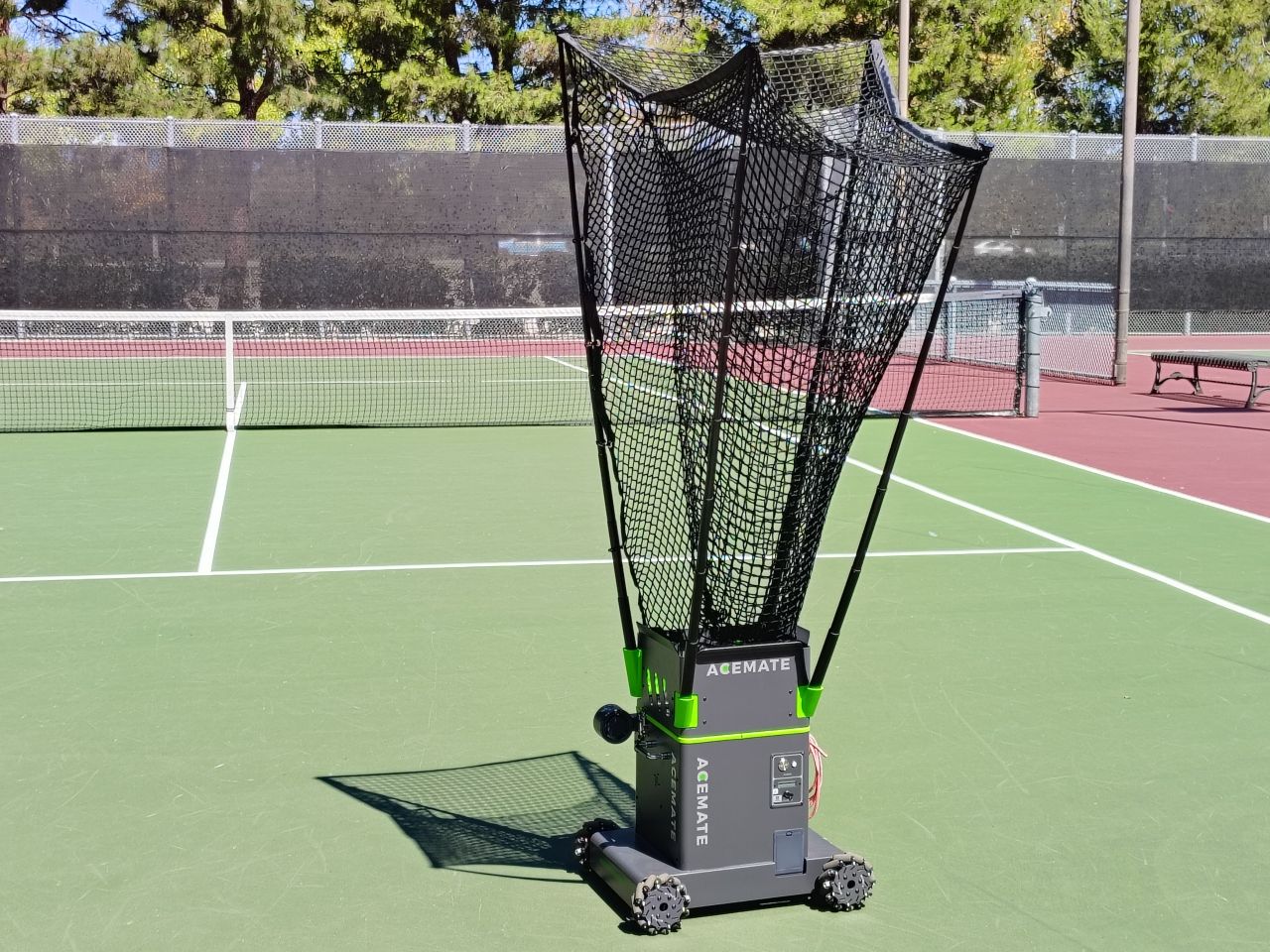
The Acemate tennis robot stands out for its ability to move across the court during practice and expanding slate of features. Its intuitive app offers a variety of drills to develop strokes, along with shot statistics and AI feedback.
Acemate S10 Pro Flagship AI Tennis Robot
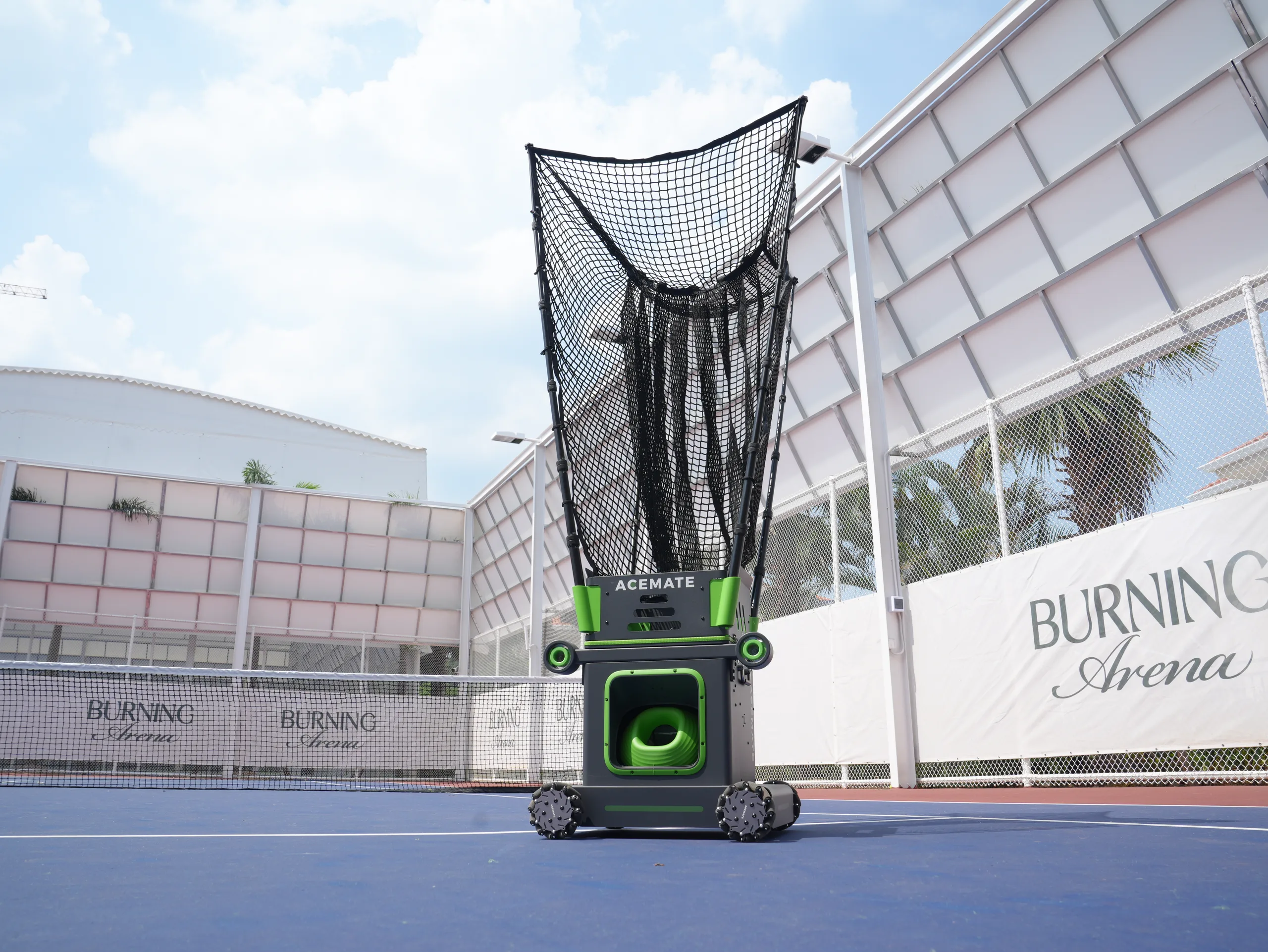
Looking for more advanced training? The Acemate S10 Pro builds on the S10’s autonomous movement and real-rally experience. ACE+ SHOT™ Technology delivers speeds up to 120 km/h with precise control over spin, placement, trajectory, and tempo. A 100-ball capacity and up to five hours of battery life support longer sessions. Five modes, Battle, Rally, Drill, Serve, and Ball Machine, form a complete training loop with 100+ preset drills.
After each session, AI insights suggest what to improve next. Both models complement each other: S10 for everyday training, S10 Pro for advanced practice. Preorder the new flagship on the Acemate website.
Transparency
The selection of devices to be reviewed is made by our editorial team. The test sample was given to the author by the manufacturer free of charge for the purposes of review. There was no third-party influence on this review, nor did the manufacturer receive a copy of this review before publication. There was no obligation to publish this review. As an independent media company, Notebookcheck is not subjected to the authority of manufacturers, retailers or publishers.
 Add as a preferred source on Google


No comments for this article
