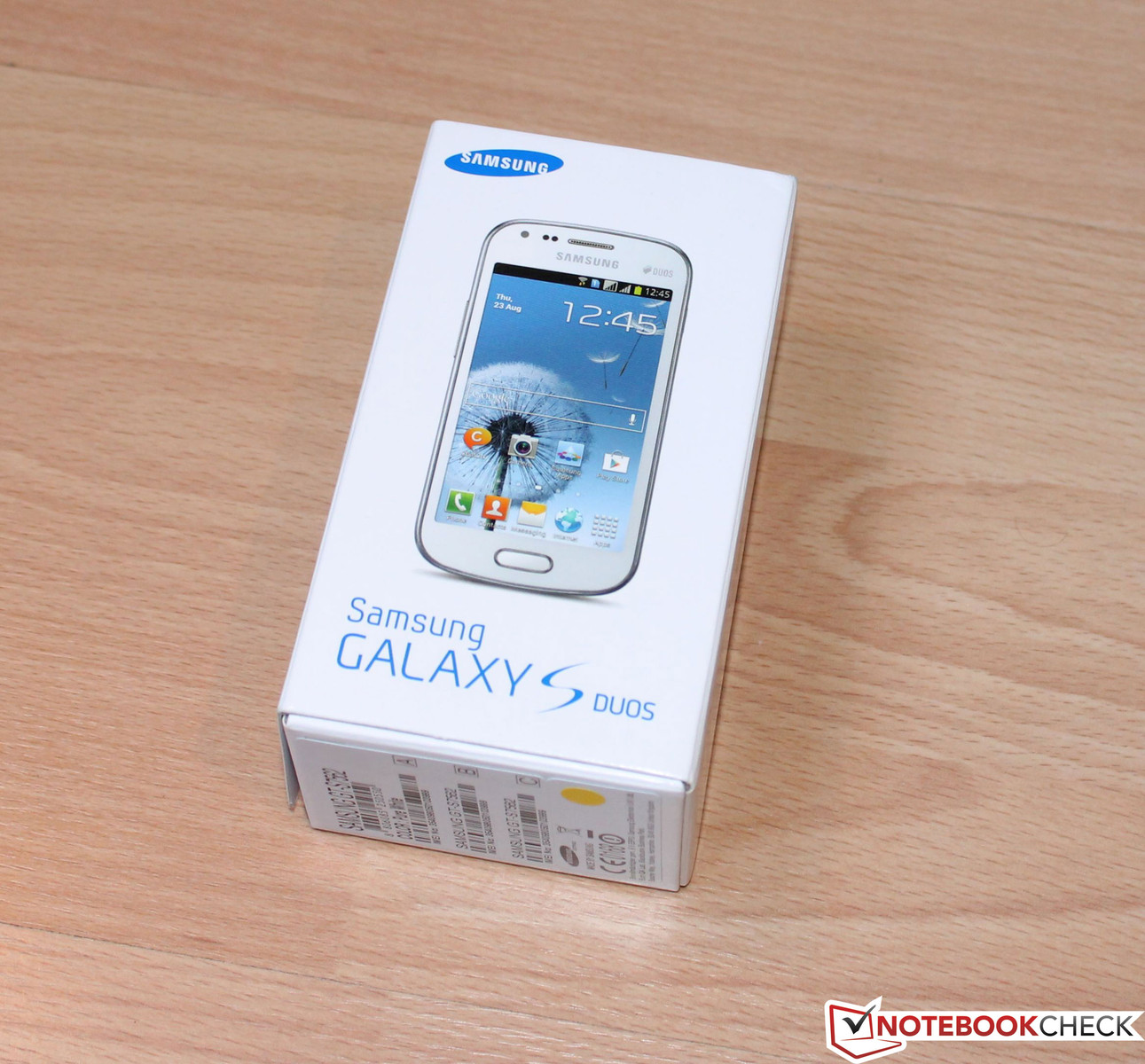
Review Samsung Galaxy S DUOS GT-S7562 Smartphone

Two in one. And yet another device in the midrange sector that sports unremarkable hardware. However, there is one feature which is being installed in an increasing number of smartphones: "Dual SIM" are the keywords for the Samsung Galaxy S DUOS' most striking attribute.

Everyone probably knows this problem: you do not want to leave your cellphone at home when travelling to another country but do not want to pay steep roaming prices. Dual SIM smartphones have a clever solution for such dilemmas. The device can accommodate two SIM cards and dial into the respective network at the same time. So you can, for example, browse the internet with the SIM card of a foreign provider when you are abroad and do not have to inconveniently exchange the cards. This is only one possible scenario. Dual SIM devices are also often used in cases where an employer supplies a mobile phone contract and the employee wants to use a private contract next to it.
An increasing number of smartphones that feature dual SIM technology are found on the market for the reasons mentioned above. However, it is striking that none of the available devices are high-end smartphones, like for example Samsung's Galaxy S3. Our review reveals how our test device, Samsung's Galaxy DUOS, fares with its hardware and particularly just how viable the dual SIM feature is in everyday use.
Case
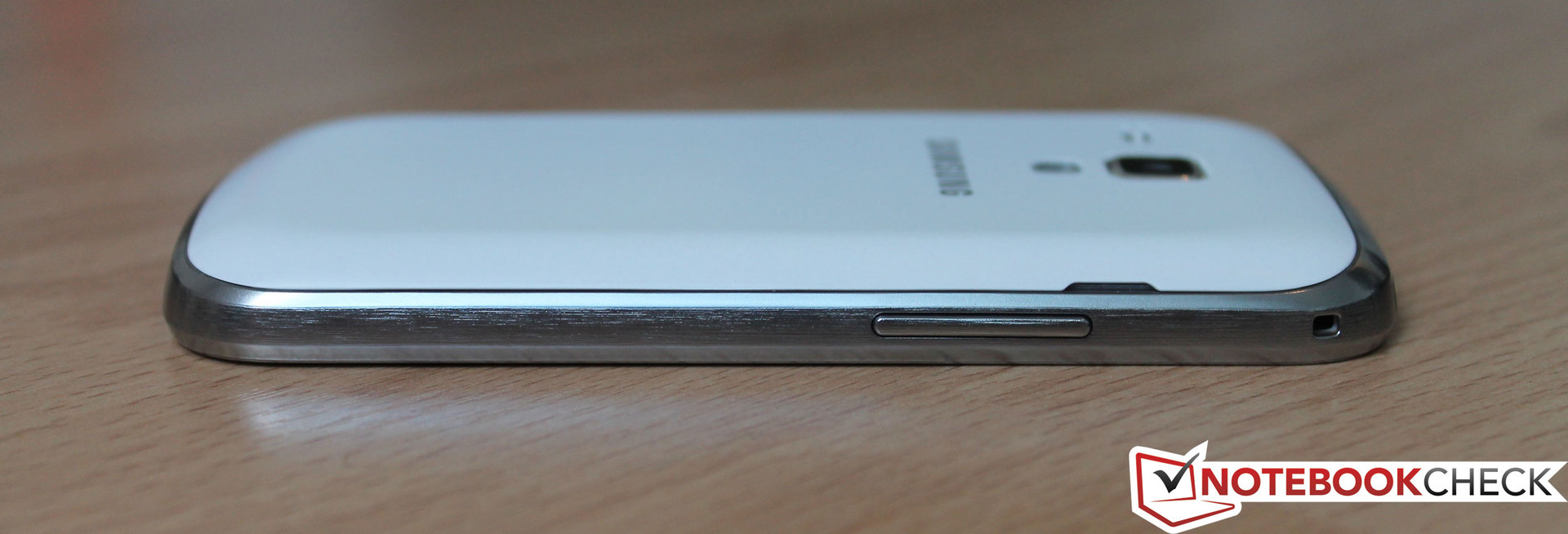
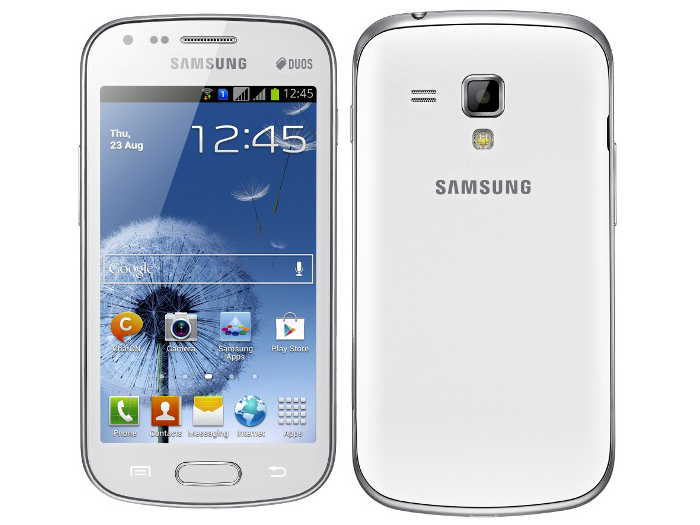
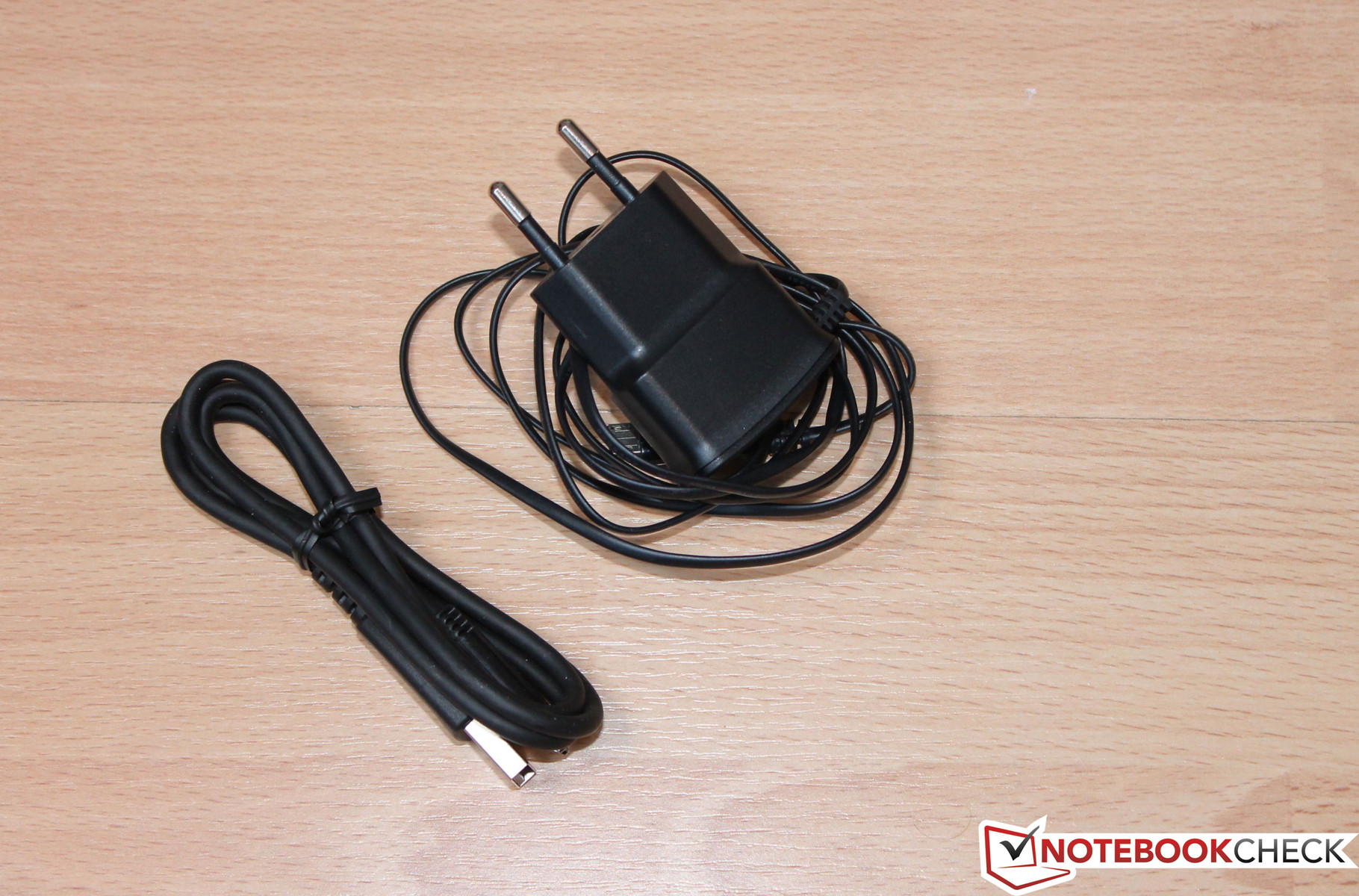
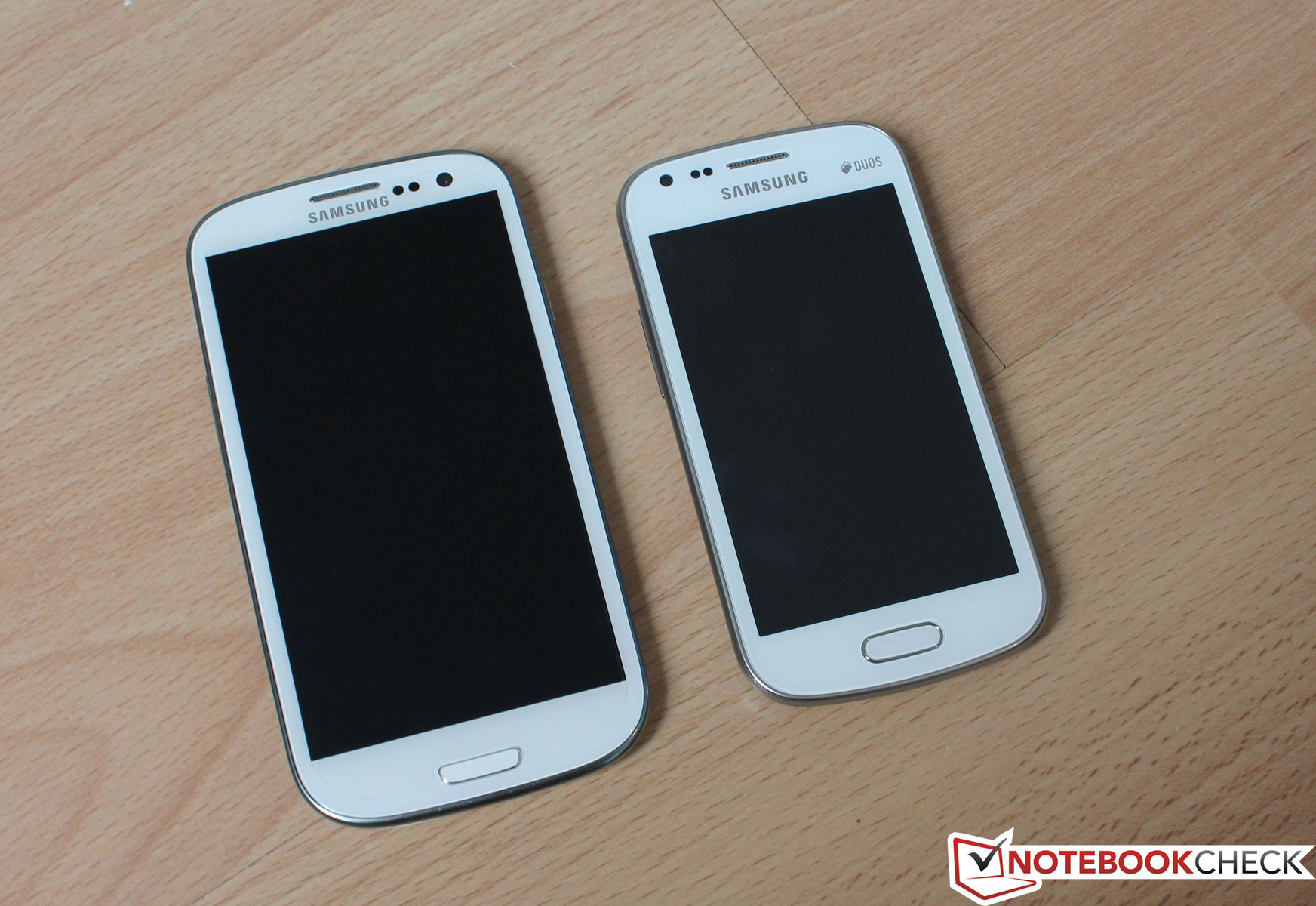
Samsung also sticks to its line with this device and does not use metal on the casing's exterior, unlike frequently seen in competitors (e.g. HTC's One X / HTC's One S). The display bezel and the entire casing are made of plastic, which naturally has an effect on the weight. The total weight, including the battery, is 120 grams. That is 13 grams less than Samsung's Galaxy S3 flagship product. The charger weighs 36 grams. A plus point that pleases us is the matte-white battery lid, because fingerprints and micro-scratches virtually remain invisible. This regrettably cannot be said about the screen. As usual for this device category, a glare-type screen is installed, so a micro-fiber cloth should always be at hand for wiping off annoying fingerprints. Owing to the marginally protruding display bezel, the Galaxy S DUOS does not completely rest on the display. The silver-colored plastic bezel's surface texture strongly resembles brushed aluminum. Since Samsung is adept at using poly-carbonates, we do not discover any flaws in terms of stiffness or workmanship on this smartphone.
The casing's rear also defies selective pressure. All gaps are even and the device's workmanship is absolutely meticulous. Both the volume rocker's and power button's pressure point is good as usual and the home button's pressure point feels even better. The device looks a lot like the Galaxy S3 due to its design and the buttons' positioning. However, we see clear differences in the dimensions. The Galaxy S DUOS is not as slim with 10.5 mm as the Galaxy S2 (8.5 mm) or S3 (8.6 mm). Also, it is not as wide (63 mm) or as high (122 mm). It is comfortable to hold and is easy to use with one hand due to the low width and height. The smartphone is currently available in "pure white".
Connectivity
As described above, the Galaxy S3 and Galaxy S DUOS look alike, apart from their size. This also becomes evident looking at the installed buttons. The power button is inserted on the case's right edge. The volume rocker is found in the upper third on the opposite side's edge. There is a touch button for navigating or opening other menus in the system on the physical home button's left.
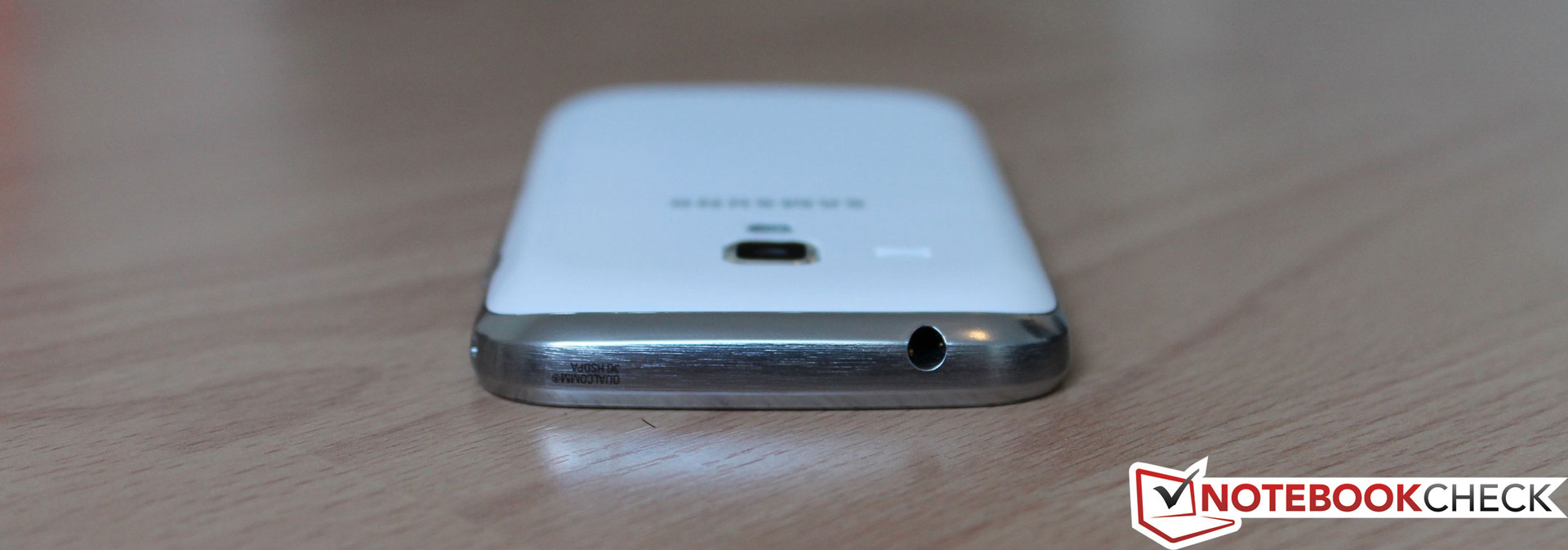
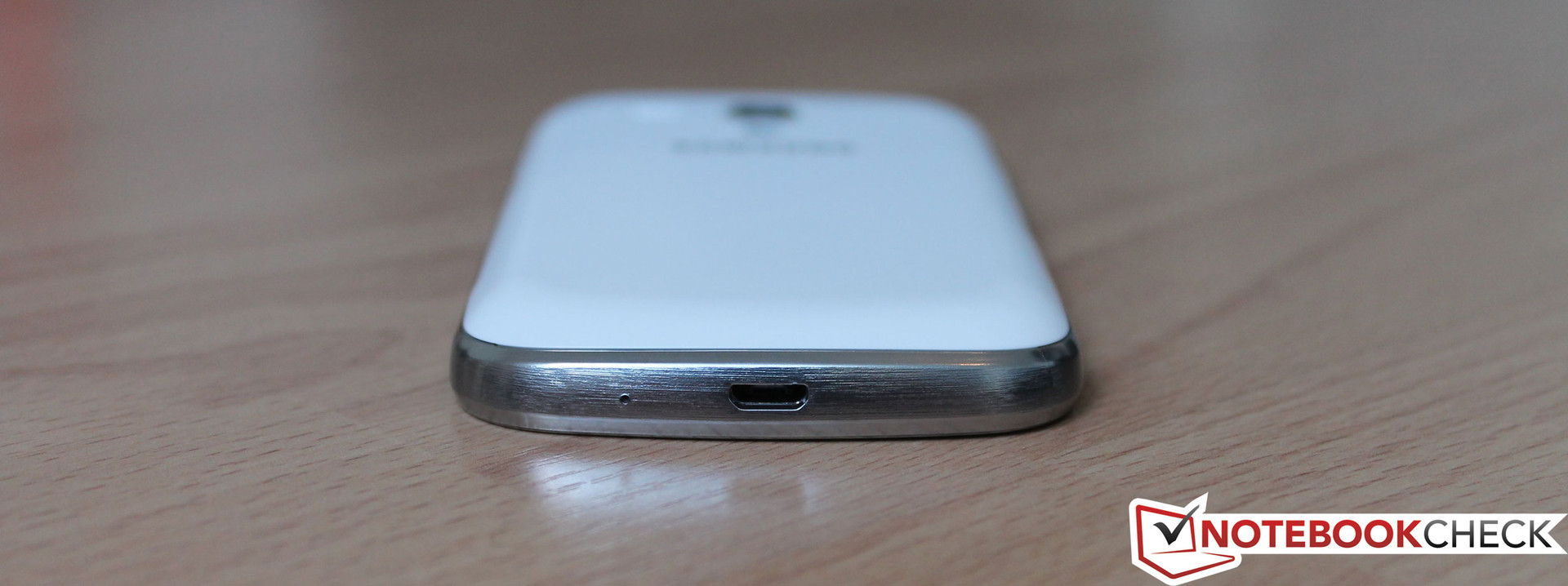
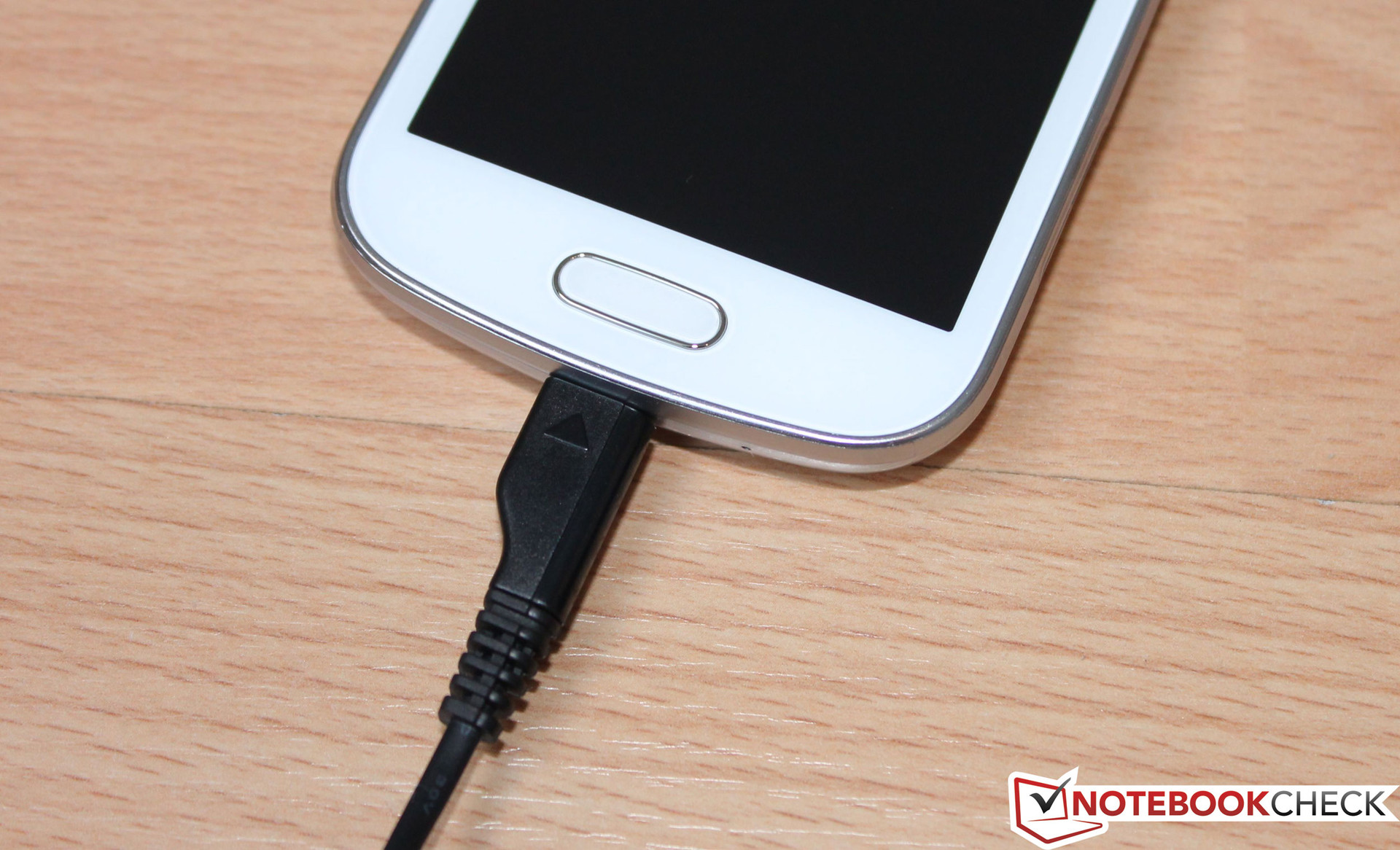
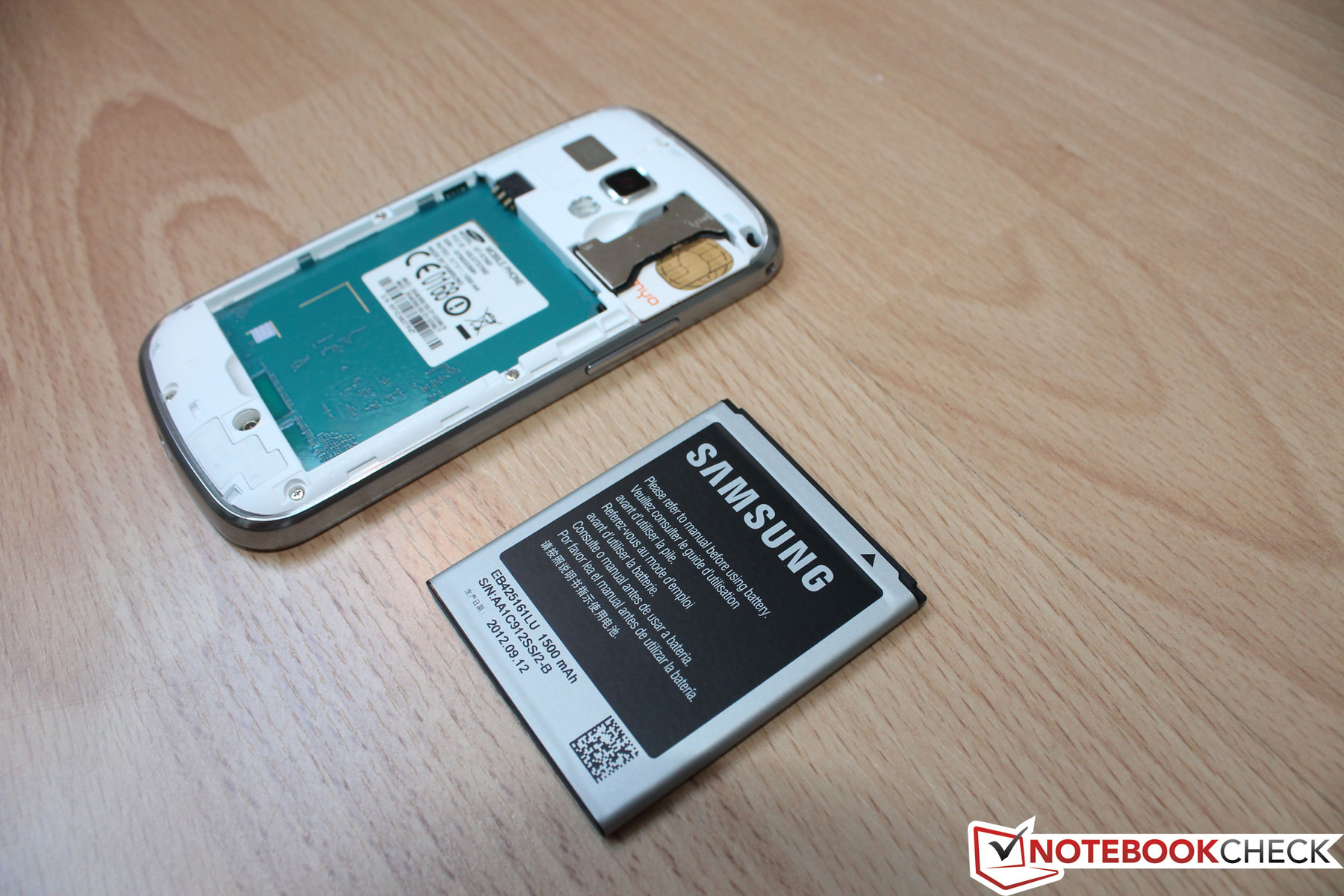
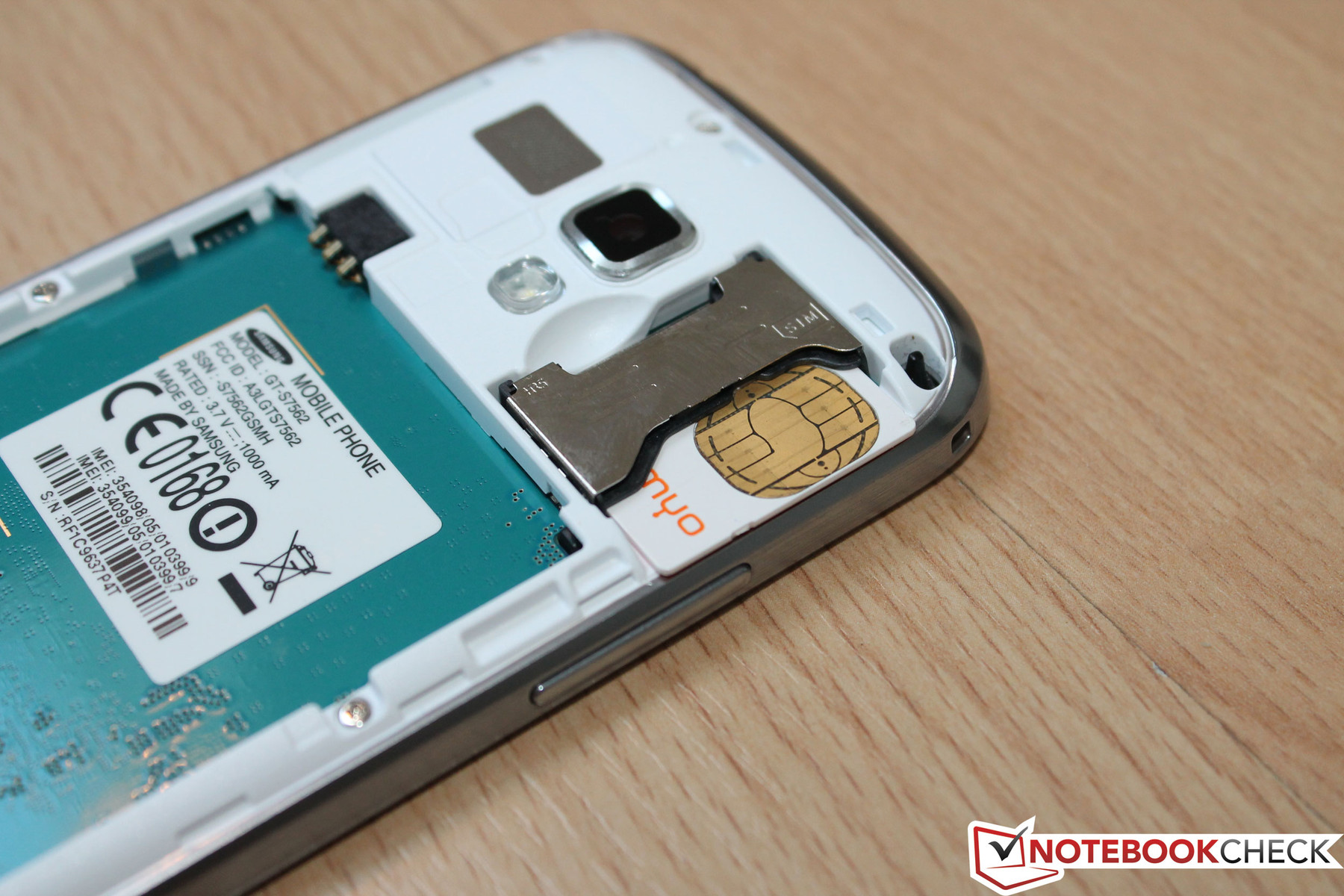
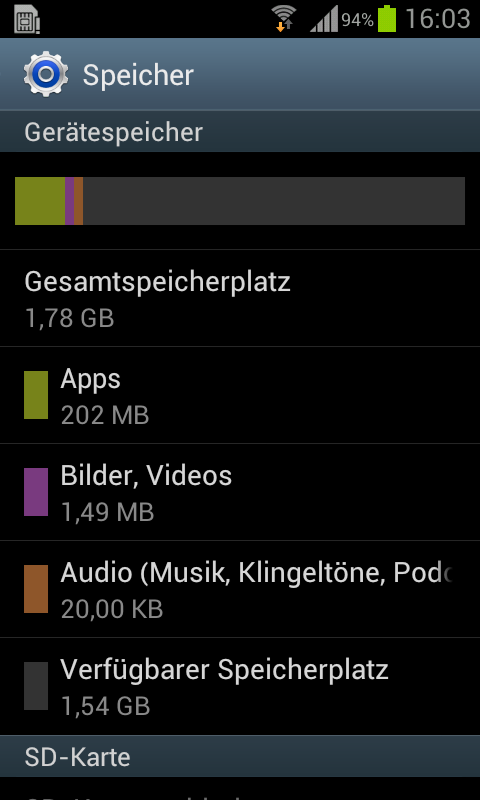
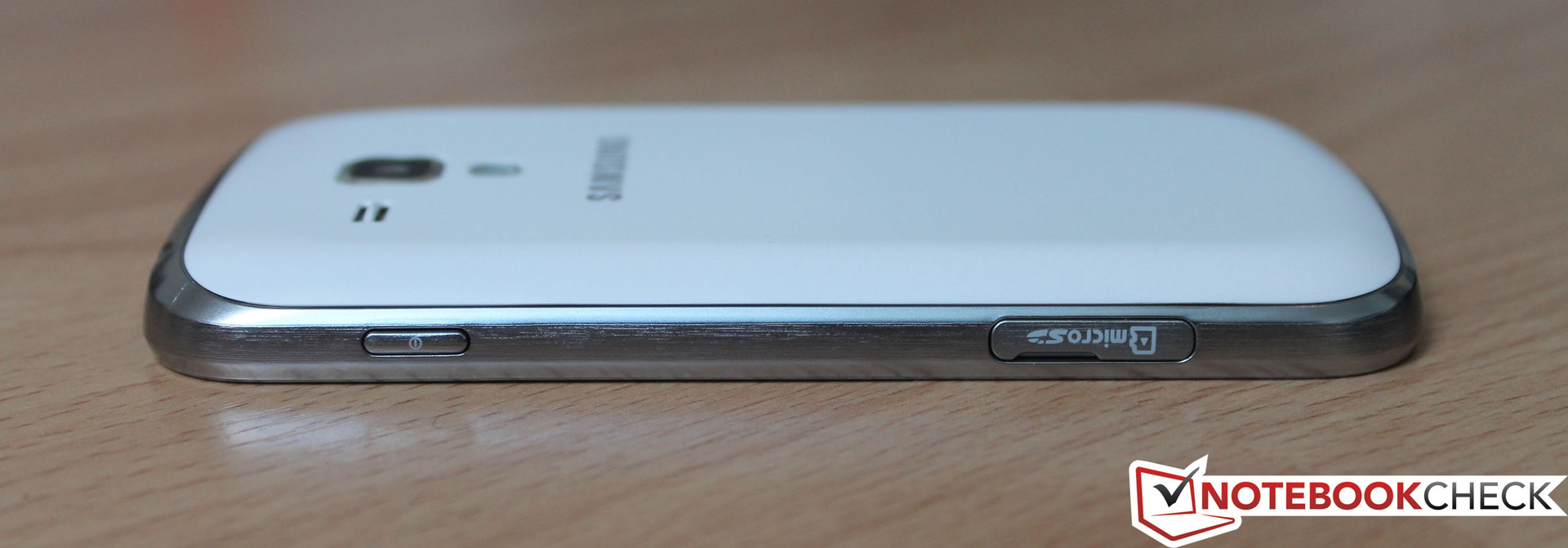
The micro USB 2.0 port on the smartphone's lower edge can be used for recharging the device or connecting it to a PC. It was detected as a storage device right away. The 3.5 mm stereo jack is installed at the top. The micro SD card reader supports cards with up to 32 GB. It is not found underneath the battery lid in this model, but rather on the casing's right. A small flap protects the port from grime. An internal memory of just 1.78 GB is available ex-factory, which makes an external memory card almost inevitable. Regrettably, Samsung does not offer a Galaxy S DUOS model with a larger device memory.
Software
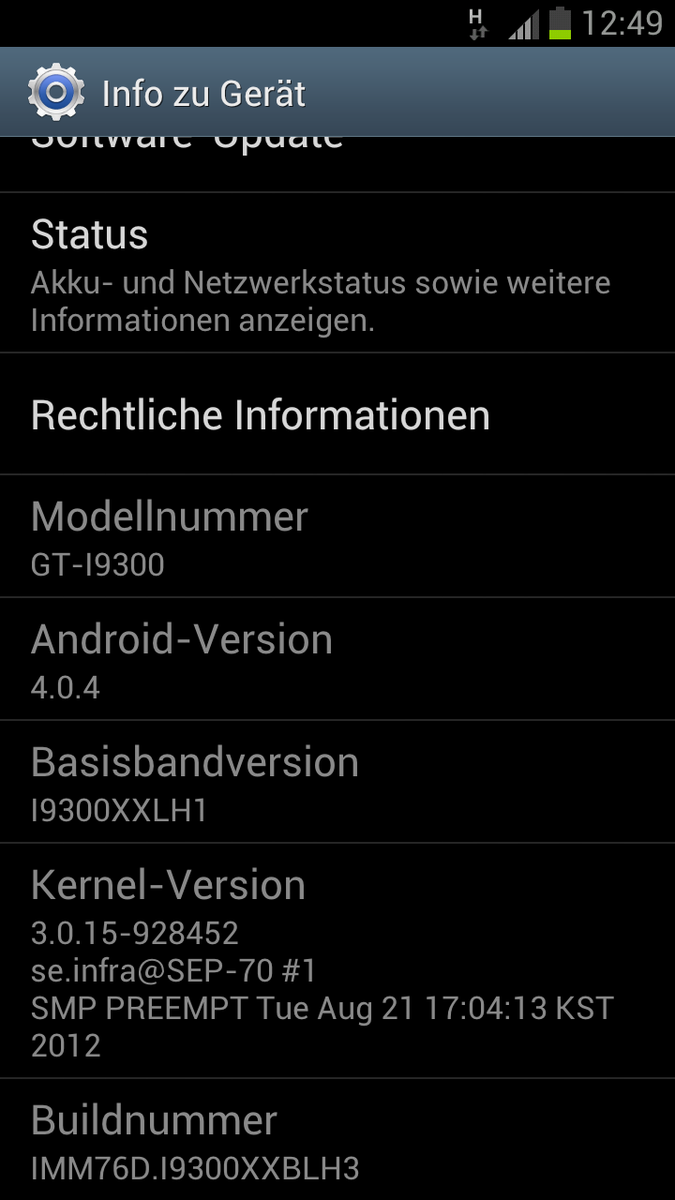
Samsung delivers its dual SIM smartphone with Android 4.0.4 (Ice Cream Sandwich/ICS) and its own Launcher Touchwiz 4.0. As usual for Samsung's smartphones, we also find preinstalled software such as Messenger ChatON, Game Hub and Samsung apps. We do not have to look long for bloatware either. The apps Delivery Hero, myTaxi, HRS Hotels, a shopping app and the like are preinstalled.
Communication & GPS
The Galaxy S DUOS can compete with its bigger relatives and most definitely with its direct contenders, such as Sony's Xperia tipo dual, in terms of communication modules. The integrated Wi-Fi module transmits via the 802.11 b/g/n standard. A fast mobile internet connection is a must for such a smartphone. The HSDPA unit receives data with a maximum transfer rate of 7.2 Mbit/s. A feature of the test device is both wireless modules that provide a quad-band+W-CDMA (1900/1800/900/850 MHz). This enables dual SIM telephony, but more about that in the part "Dual SIM Function".
Bluetooth 3.0 and A-GPS (assisted GPS) can also be found in the smartphone's connectivity. The GPS receiver detects the signal immediately; even indoors in the area of a window.
Dual SIM Function
A special highlight of this device is doubtlessly the option to use two SIM cards at the same time. It is possible to use the advantages of different contracts or pre-paid cards. For example, it is possible to take advantage of a particularly favorable mobile data service contract for abroad and still use the standard rate for making calls, while being online at a very reasonable price when abroad. There are many possibilities and can be customized without having to swap the SIM card every time or carry around several phones.
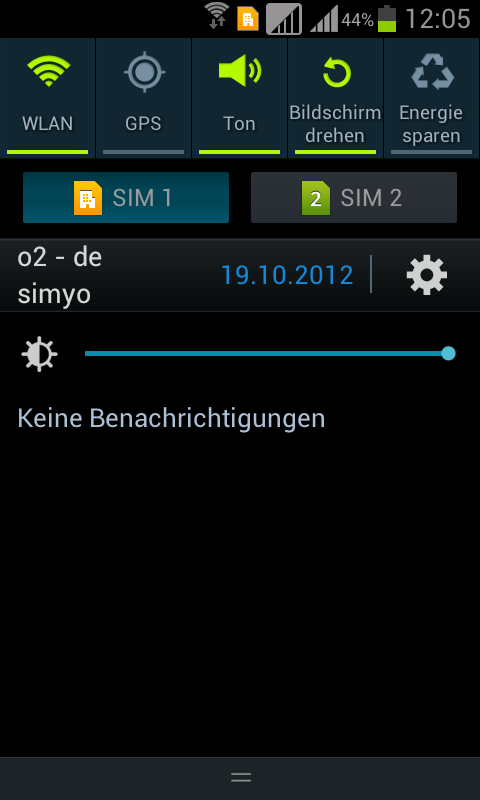
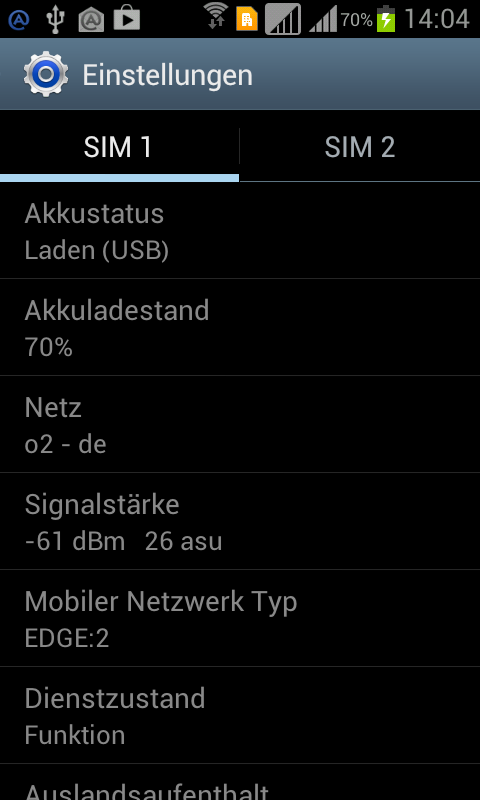
The software implementation is at least just as interesting as the feature itself. It is already clear when entering the PIN that this is not a normal phone. The PINs of both SIM cards have to be entered directly behind each other - and then the next feature is noticed: there are two reception indicators in the status bar. That means that both SIM cards are connected to their respective network. Consequently, it is possible to be available under both telephone numbers. Vice versa, it is possible to choose which number is to be used for calling while dialing the contact's telephone number. The status bar also indicates which one of the two cards is currently the standard card for sending SMS or accessing mobile internet. This selection has been implemented in the vertical slider so that it is possible to switch between cards quickly. The dual SIM feature works very well in everyday use and provides the user with many advantages. We do not really understand why there are still so few devices with this feature on the market and why it is completely omitted in high-end smartphones.
Cameras & Multimedia
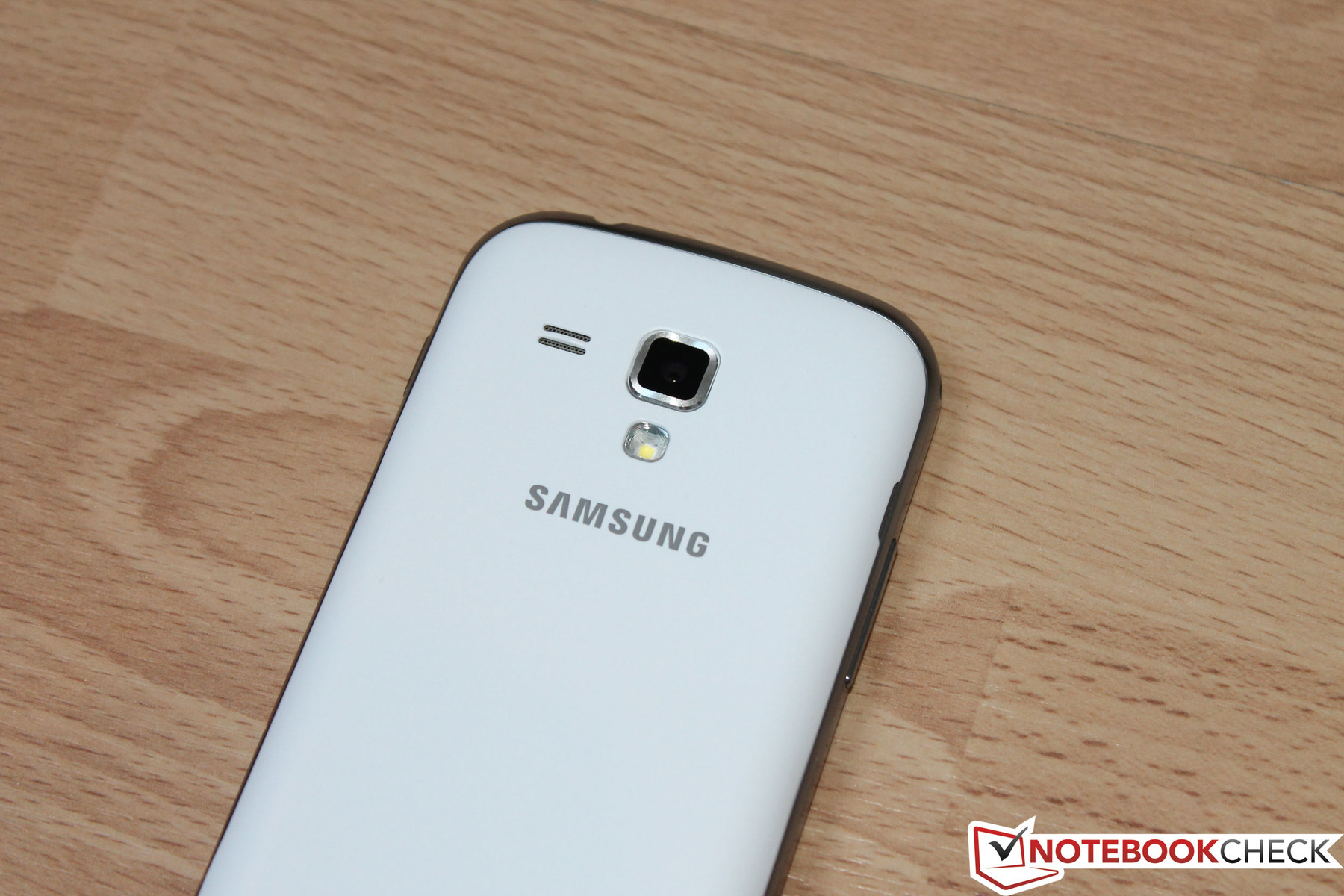
Samsung installs two camera modules in the device for occasional snapshots and internet calls. The primary camera features a resolution of 5 megapixels (2592x1944 pixels) and the software offers a 4x digital zoom. The secondary camera on the front is not as good and only has a resolution of 640x480 pixels, i.e. it supplies 0.3 megapixels. However, that is still sufficient for applications like Skype, although it does not live up to Samsung's technical standards at all. Unfortunately, videos can only be made in a resolution of 640x480 pixels with both cameras. The primary camera also features a precise autofocus and the LED flash reduces image noise in poor ambient light.
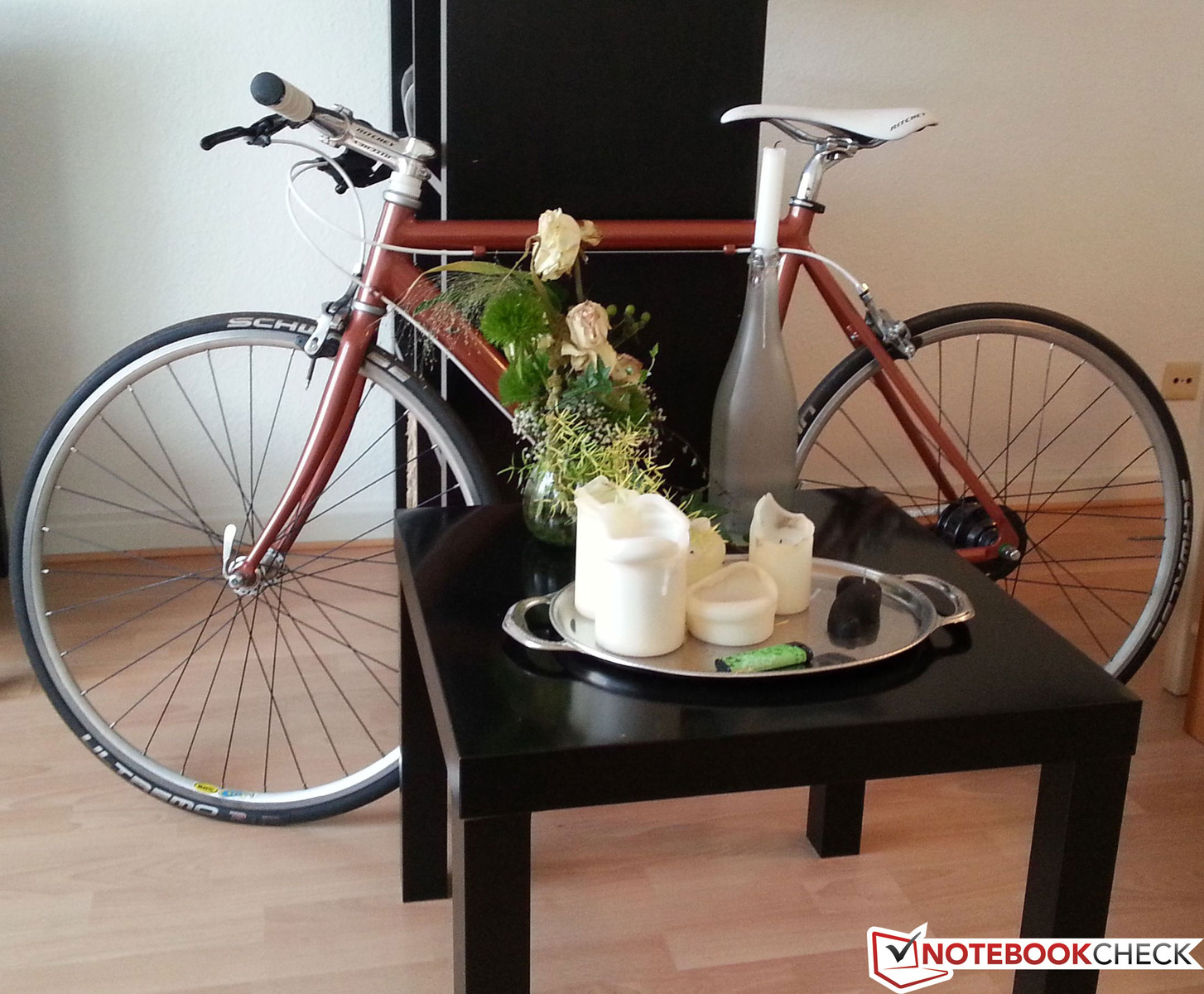
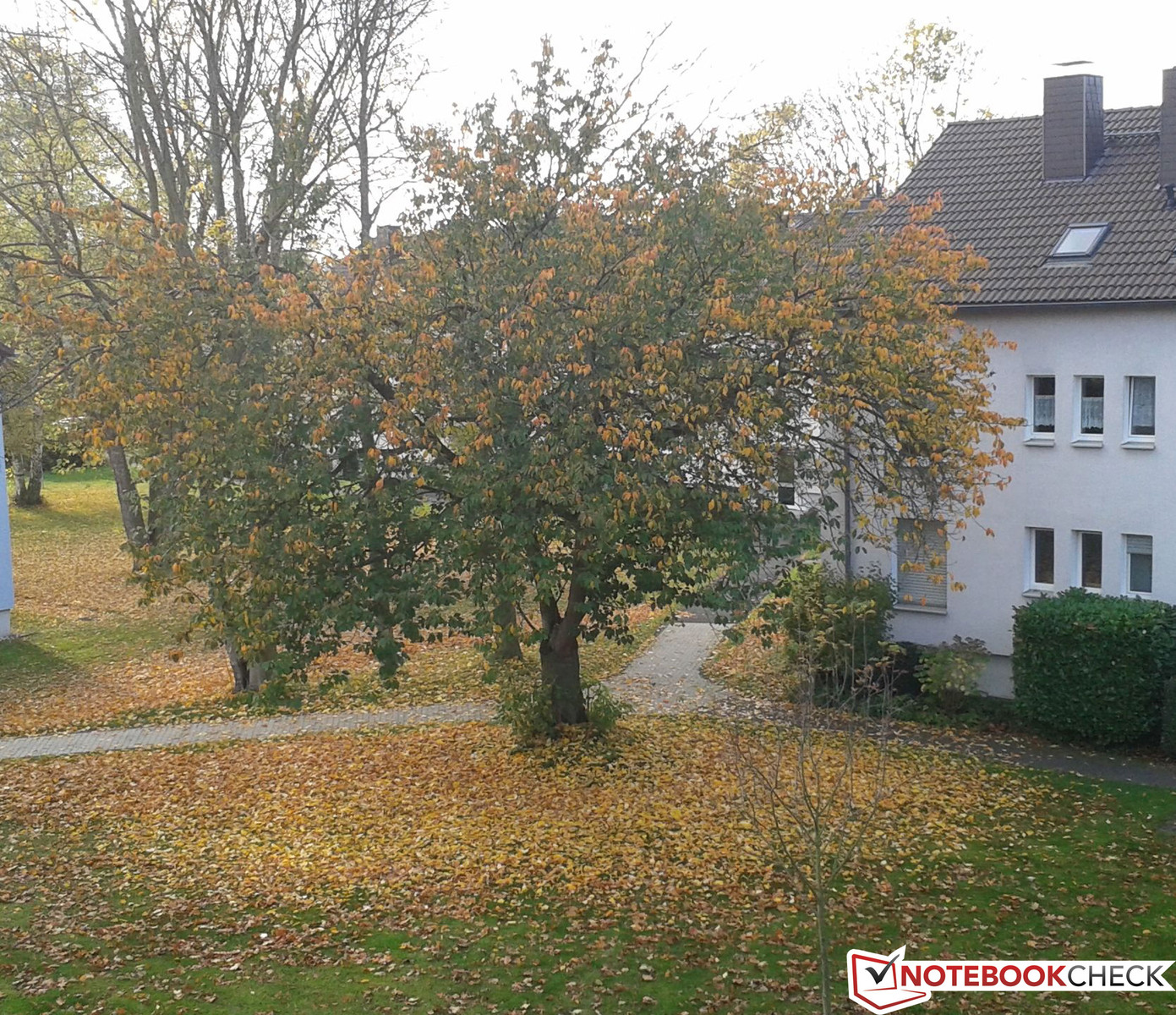
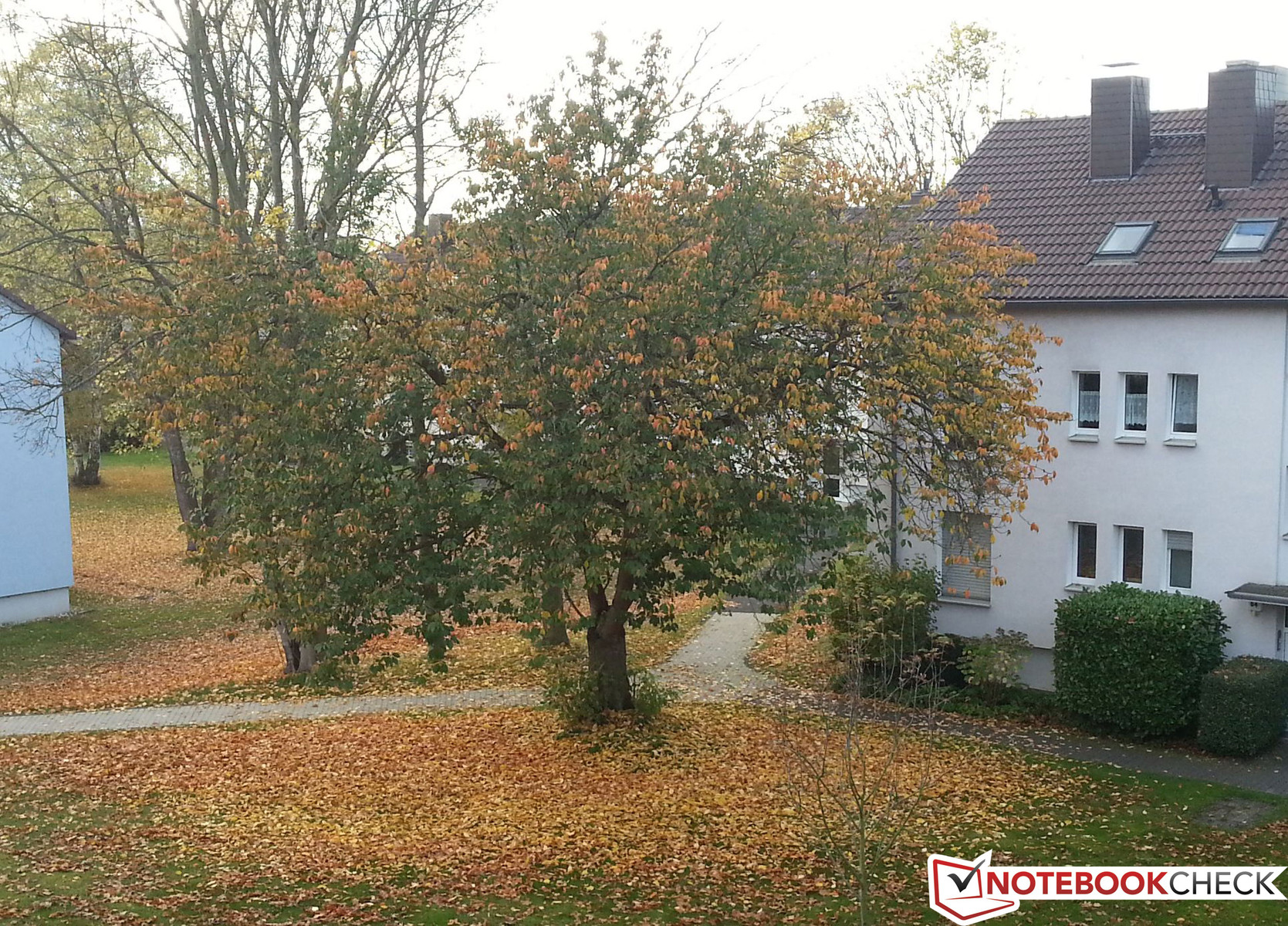
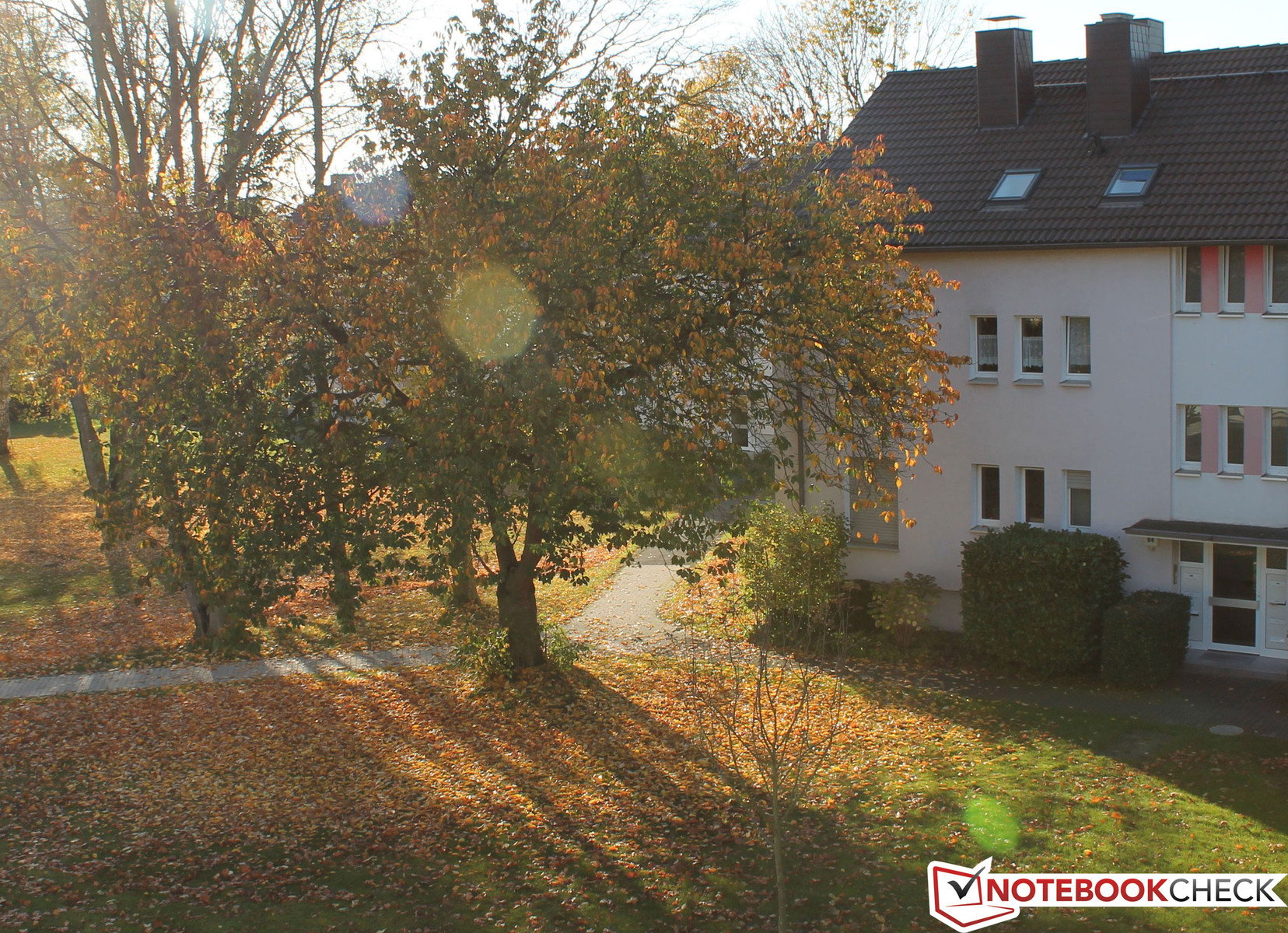
We noticed a bluish cast on indoor pictures in our practical test. Also, the pictures are paler and less color intensive than from Samsung's Galaxy S3 or our Canon EOS 600D reference camera. The bluish cast is not as severe for outdoor pictures but the lack of color intensity is still clearly noticed. Motifs with a lot of details are slightly unfocused, also because of the low resolution of 5 megapixels.

Accessories
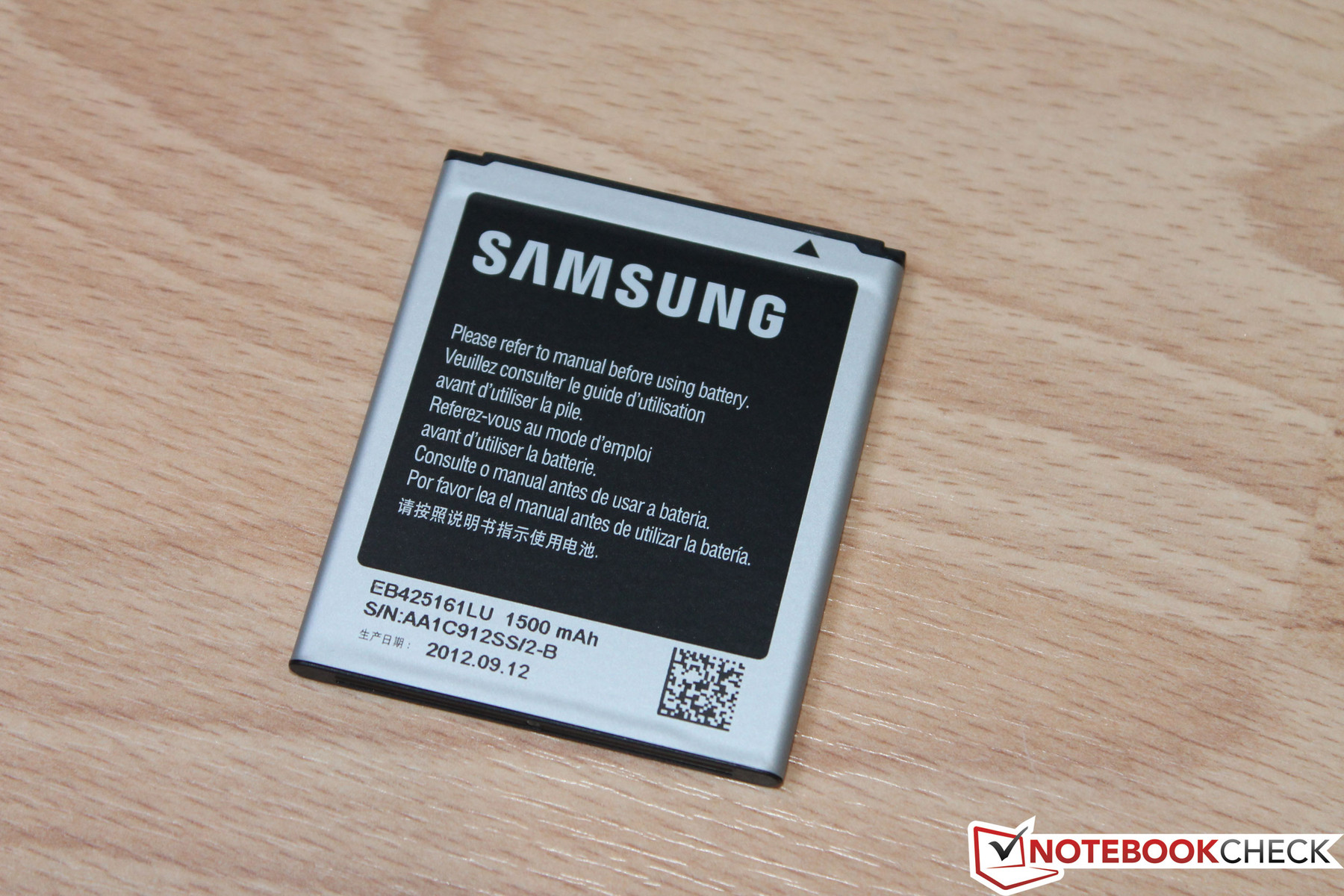
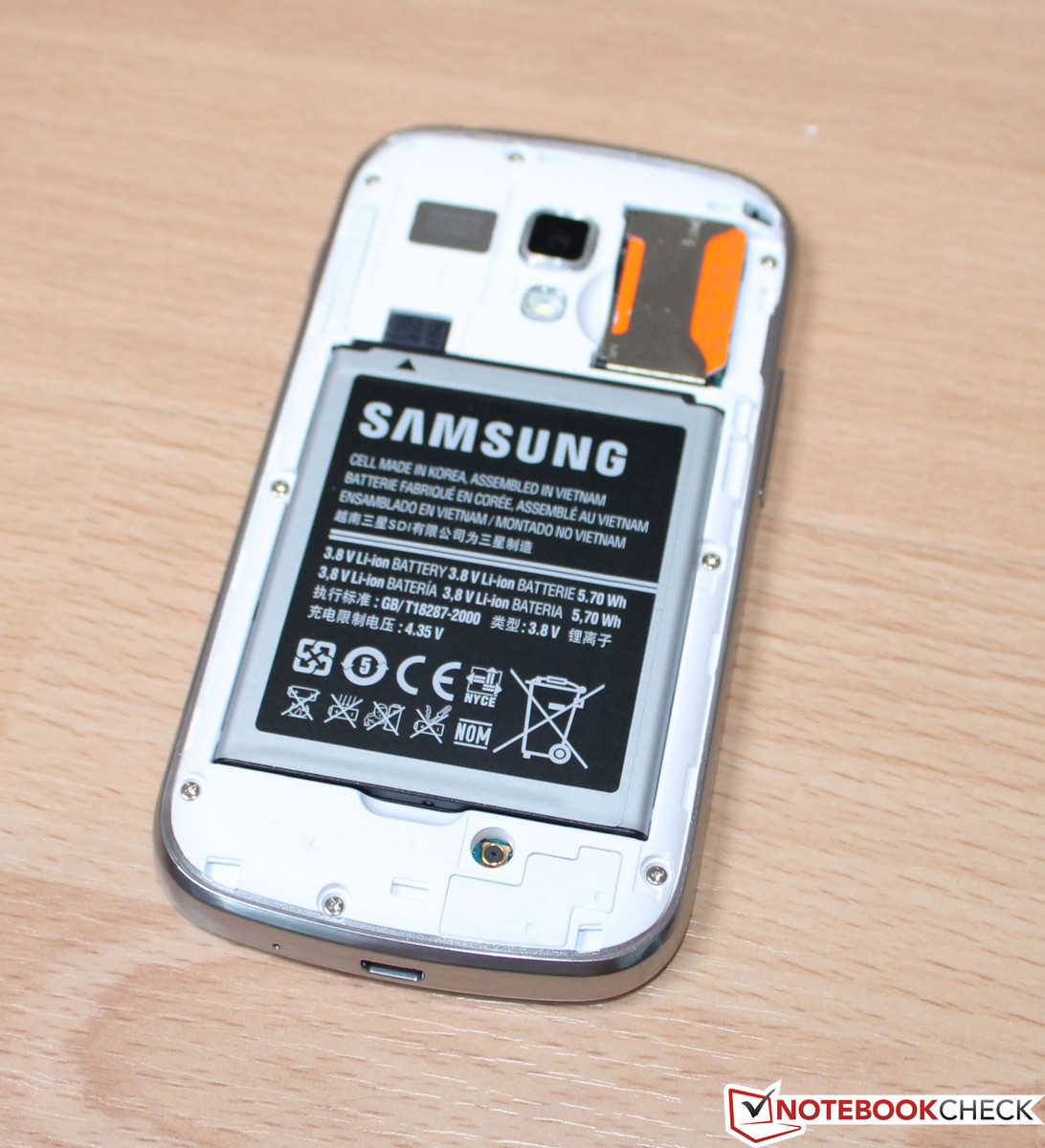
Samsung follows it current trend for the smartphone's accessories. In keeping with the motto "less is more", we only find the charging cord, an additional data cable for connecting to a computer and the mandatory quick start guide. No matter how often we search in the box, we cannot find an in-ear headset like the one that is included with Samsung's Galaxy S3. The included lithium ion battery has a capacity of 1500 mAh and is just as big as the one for the Galaxy S3 in terms of width and length.
Warranty
Samsung includes a 24 month warranty on material and manufacturing errors and 6 months on the included accessories for this product.
Input Devices & Controls
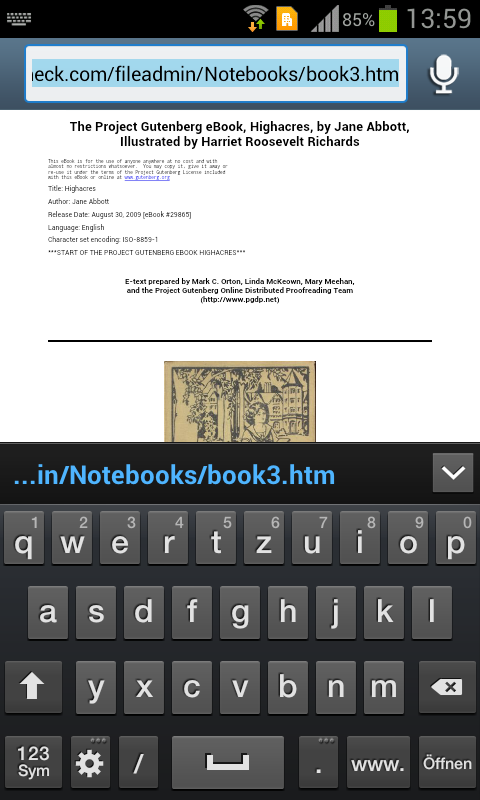
Samsung installs a capacitive touchscreen in the Galaxy S DUOS as known from all current smartphones. The screen responds accurately and very precisely to inputs. Multi-touch gestures, such as pinch-to-zoom or tap-to-zoom, are implemented precisely and are as fast as expected. The preinstalled touch keyboard can of course be swapped if desired. The example on the left shows Samsung's default keyboard and the right shows a keyboard app from Google's Play Store (SwiftKey 3). Optional software usually has the advantage that a lot more settings are possible and both the looks and haptics can be customized.
The combination of the physical home button and the bordering touch keys has to be mentioned as an important input device as they make navigating through the Android operating system possible. Samsung also sticks to its line here and insists on the well-tried hardware button. Other manufacturers only install touch buttons for navigating in the operating system. The user can also wake up the smartphone from standby by pressing the home button. We deem this a very handy additional feature.
Display
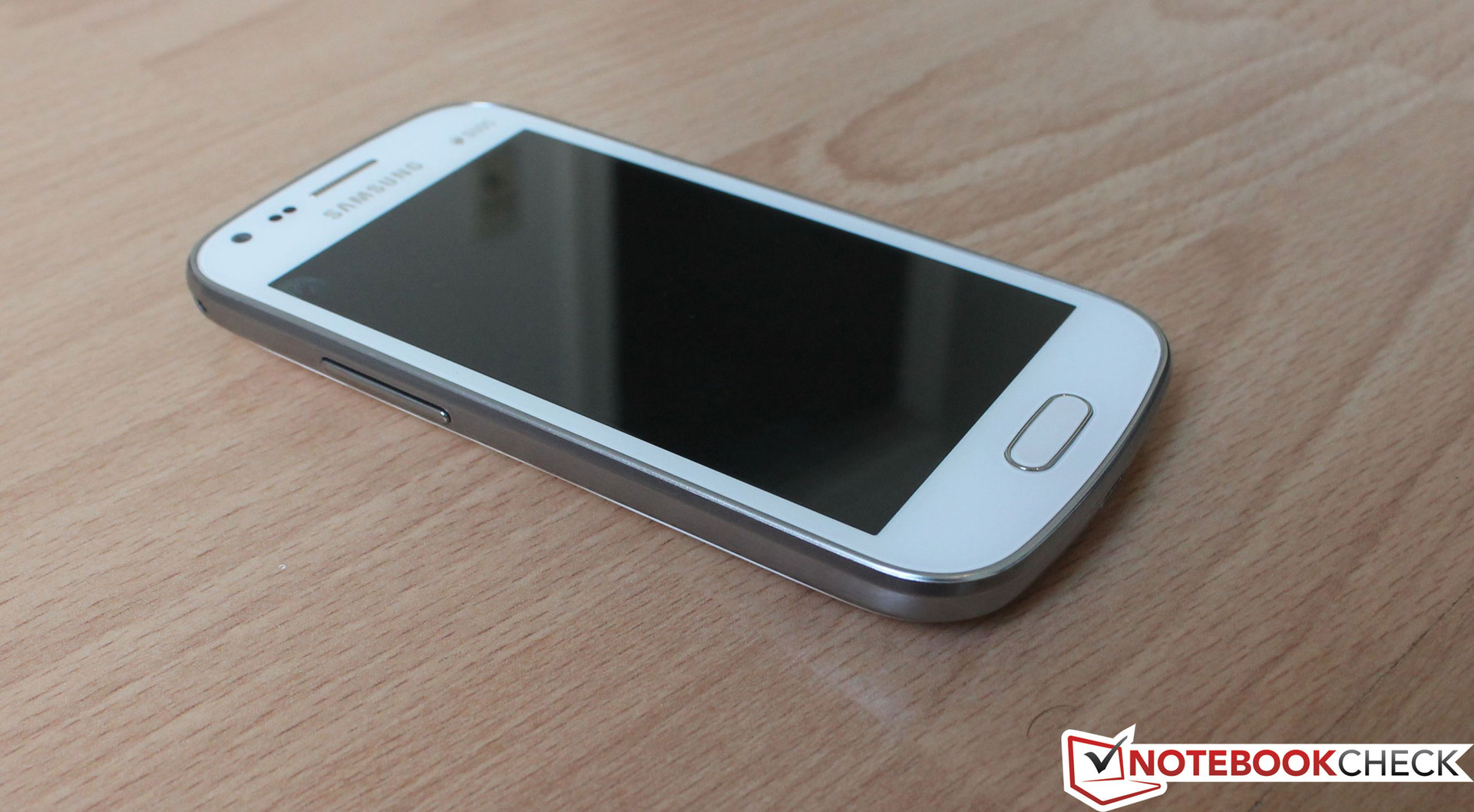
We already know the Super AMOLED+ screen that exhibits very saturated colors from Samsung's best-selling Galaxy S2 and Galaxy S3. Our test device regrettably does not feature this technology. Instead, a 4-inch TFT screen does its job underneath the touch-surface. This correlates to a screen size of 10.16 cm. The Galaxy S2 sports a 4.3-inch screen and the Galaxy S3 has a 4.8-inch display. The display resolution of 480x800 pixels results in a pixel density of 233 ppi in the device at hand. The Galaxy S2 has a lower pixel density of 217 ppi. The Galaxy S DUOS does not feature automatic brightness control. The brightness sensors are installed at the touchscreen's upper edge in many current smartphones and modify the screen's brightness according to light intensity. To compensate for the lack of this feature to an extent, Samsung implements the possibility to quickly adapt the presently required brightness via the vertical slider menu. That is faster than via the settings.
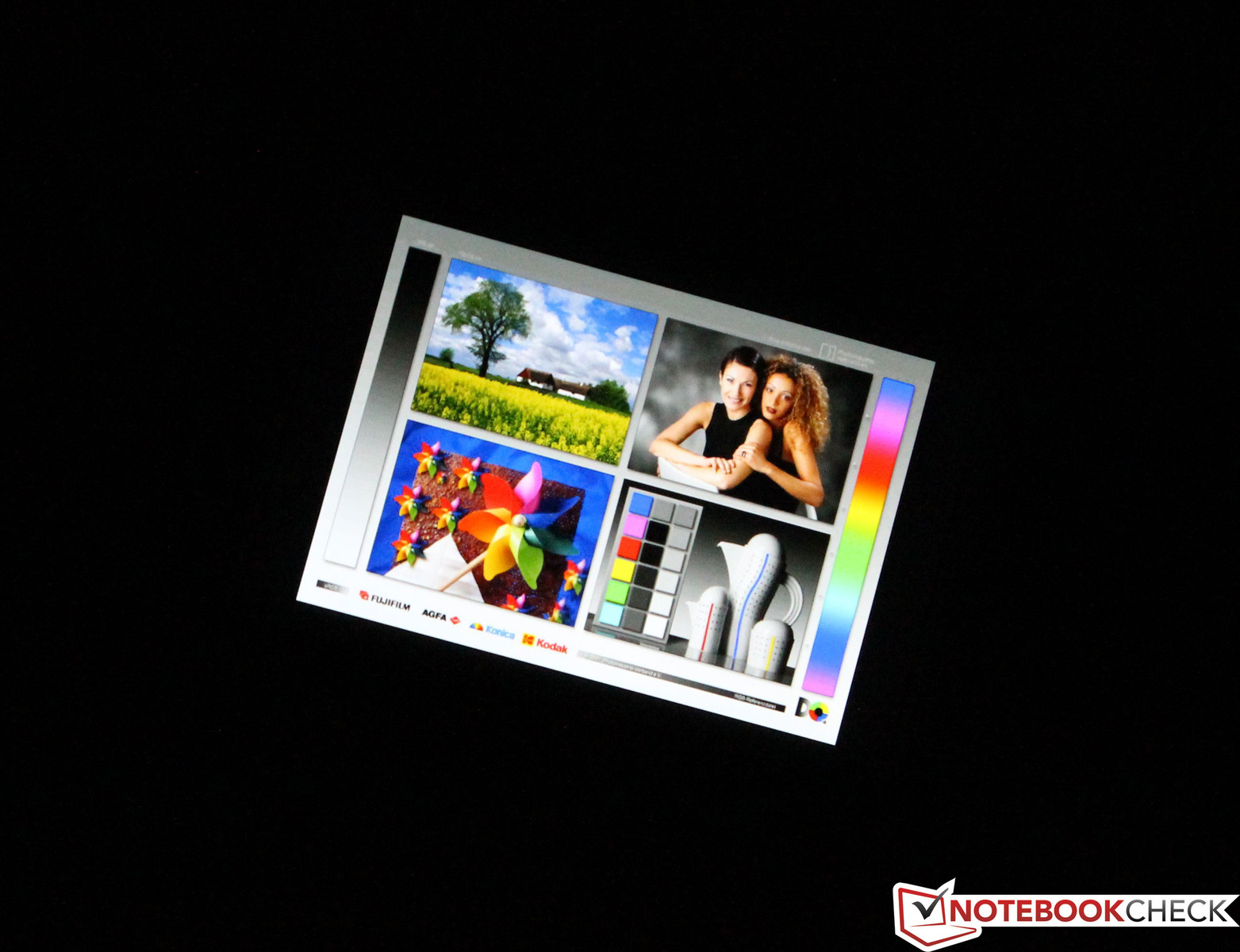
Although we do not have such a brilliant color reproduction as with the PenTile Matrix screen in the Galaxy S3 or the IPS screen in HTC's One X - which is particularly noticed when looking at pictures - we are nevertheless satisfied with the TFT screen's overall reproduction and can work with it pleasantly.
|
Information Gossen Mavo-Monitor Maximum: 342 cd/m²Average: 326.7 cd/m² Brightness Distribution: 92 % Center on Battery: 342 cd/m² Black: 0.66 cd/m² Contrast: 518:1 | |||||||||||||||||||||||||
The screen brightness measurement using the Gossen Mavo Monitor supplies information about the factual brightness and black value. We measured a maximum brightness of 342 cd/m2 in the screen's center. This rate decreased to 315 cd/m2 at the edges. In total, this results in an average brightness of 326.7 cd/m2. Thus, the screen is approximately 30 cd/m2 brighter than HTC's One S. The illumination of 92% is an acceptable rate for the TFT screen. The black value cannot technologically reach the exceptional rates displayed by a Super AMOLED+ or IPS screen. Here, we ascertained a rate of 0.66 cd/m2 which results in a contrast of 518:1.

Screen content can still be read well outdoors in little sunlight or cloudy conditions using maximum brightness. However, it is not only noticed that the brightness is insufficient in very bright sunlight but that the glare-type screen is also extremely reflective. The problem with the reflective screen can be prevented to the greatest extent by using a matte screen protector. Such protectors make the screen glare-free and provide a higher protection against scratches at the same time.
Regrettably, an IPS or Super AMOLED+ screen like we know from high-end devices is not installed here. However, the TFT touchscreen reproduces the colors very well and also has good viewing angle stability. The content is well-legible from virtually all angles.
Performance
Not only the screen indicates that the Galaxy S DUOS is not a high-end device. Samsung normally uses proprietary chip sets in its flagships. An Exynos 4 quad system-on-a-chip (SoC) powers the Galaxy S3. Our test device sports a Qualcomm Snapdragon MSM7227A with an ARM Cortex A5 single-core processor that runs with a clock speed of 1 GHz. It also sports a 512 MB working memory and a 1.78 GB internal memory. The Adreno 200 (Enhanced) GPU takes care of graphic applications.
We sent the test device through various benchmarks in order to compare it with other smartphones. The test results reflect the performance of the installed hardware. The Galaxy S DUOS is clearly inferior to its higher-end contenders. Even Samsung's 17 month old Google Nexus, which features the same GPU, processor clock rate and 512 MB of working memory, is superior in most benchmarks. In synthetic benchmarks, such as Basemark ES 2.0, the performance difference between the Galaxy S DUOS and Galaxy S3 is a full 704%. The difference is no longer as extreme in browser-based benchmarks, although it is still evident. Looking at the write / read speeds in AndroBench clearly show that it is at best a midrange model.
| AndroBench 3 | |
| Random Read 4KB | |
| Samsung Galaxy S DUOS GT-S7562 |
|
| Samsung Galaxy S3 |
|
| Random Write 4KB | |
| Samsung Galaxy S DUOS GT-S7562 |
|
| Samsung Galaxy S3 |
|
| GLBenchmark 2.5 | |
| 1920x1080 Egypt HD Offscreen Fixed Time | |
| Samsung Galaxy S3 |
|
| NenaMark2 | |
| Samsung Galaxy S DUOS GT-S7562 |
|
| HTC One S |
|
| HTC One X |
|
| Samsung Galaxy S3 |
|
| Samsung Google Nexus S I9023 |
|
| Basemark ES 2.0 | |
| Taiji Free | |
| Samsung Galaxy S DUOS GT-S7562 |
|
| HTC One S |
|
| HTC One X |
|
| Samsung Galaxy S3 |
|
| Samsung Google Nexus S I9023 |
|
| Google V8 Ver. 7 | |
| Google V8 Ver. 7 Score | |
| Samsung Galaxy S DUOS GT-S7562 |
|
| HTC One S |
|
| HTC One X |
|
| Samsung Galaxy S3 |
|
| Samsung Google Nexus S I9023 |
|
| Browsermark 1.0 | |
| Samsung Galaxy S DUOS GT-S7562 |
|
| HTC One S |
|
| HTC One X |
|
| Samsung Galaxy S3 |
|
| Samsung Google Nexus S I9023 |
|
| Linpack for Android | |
| Samsung Galaxy S DUOS GT-S7562 |
|
| HTC One S |
|
| HTC One X |
|
| Samsung Galaxy S3 |
|
| Samsung Google Nexus S I9023 |
|
We used three trailers to ascertain whether the smartphone has enough resources to play high definition videos smoothly. The trailer from "Transformers 3 - Revenge of the Fallen" was played in both Full HD (1080p) and HD (720p). Only the soundtrack and not the video track was transmitted in both cases. The test was performed using three different players: the preinstalled video player, QuickPic Video Player and MXPlayer, to exclude a software-based app problem. We excluded an error in the video file using the trailer "James Bond - Skyfall" (also in Full HD) and came to the same conclusion: HD movies cannot be rendered.
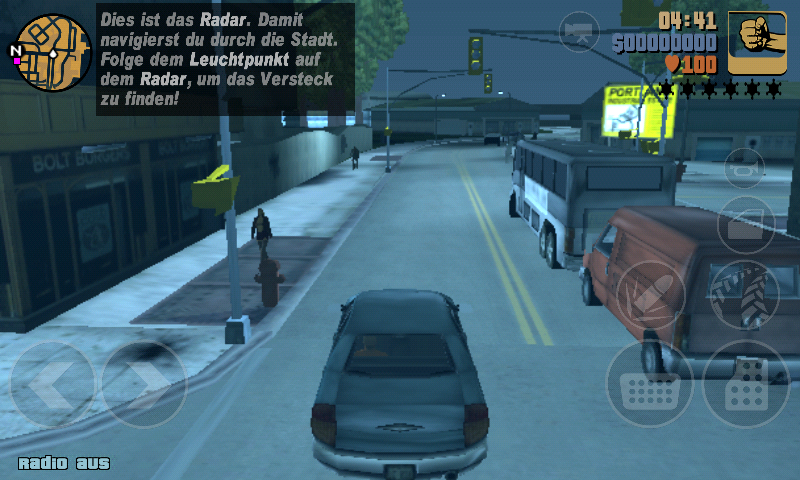
Up-to-date games, e.g. all versions of Angry Birds, ran without problems on the Galaxy S DUO S. The installed SoC is also strong enough to smoothly render GTA III, a well-known 3D game, in low details.
Much more focus is placed on the phone function in this smartphone than in other devices, because of the two SIM cards. The speech quality is consistently good, but we noticed that the contact's voice sounds a bit muffled in diverse calls. The installed speaker's maximum volume is sufficient in both the hands-free mode as well in the "normal" mode. However, it starts to distort and sound tinny at 80% of maximum volume. The contact can be understood well even in surroundings with stronger background noise. The contact did not have any complaints about the speech quality.
Emissions
Temperature
The Galaxy S DUOS does not sport an active fan and is consequently only cooled passively. This has a positive effect on the system noise. Since the hardware does not run at extremely high clock rates, the single components do not get exceedingly hot. The area around the power inlet heated up to 43.8 °C during load. Our guess is that the SoC is located here. The temperatures of all other areas on the front and back ranged from 33.1 to 36.6 °C. The temperatures of every section were lower by 2 to 4 °C and even a whole 12.6 °C lower at the power inlet in idle mode. This means using the smartphone will unlikely ever be unpleasant. The CPU and GPU load will not permanently be as high as in our stress test even when playing performance-hungry games. Consequently, the temperatures will be lower than in our load scenario.
Max. Load |
|
| |||||||||||||||||||||||||||||||||||||||||||||||||||
| Maximum: 43.8 °C Average: 36 °C | Maximum: 36.6 °C Average: 34.6 °C | ||||||||||||||||||||||||||||||||||||||||||||||||||||
Speakers
Samsung installs a speaker to the primary camera's immediate left. The maximum volume is definitely sufficient, but the speaker sounds tinny and starts to distort slightly at approximately 75% of the maximum volume. Of course, the playback is not at all bass-heavy. We would recommend connecting external speakers, even big, active ones, or headphones via the 3.5 mm jack on the casing's top despite the acceptable results. Regrettably nothing of the kind is included.
Battery Life
Power Consumption
The ascertained power consumption allows initial conclusions about the battery consumption. The consumption measurement in both off and standby showed that 0.6 W and 0.9 W respectively are continuously needed. For comparison, the Galaxy S3 only consumed 0.25 W in a turned off state, i.e. less than half the amount in the same time. Between 0.7 and 1.8 watts are consumed in idle mode. Our test device proves to be more energy-efficient than the Galaxy S3 (3.3 - 3.4 watts) in load scenarios with rates between 2.3 and 2.7 watts. We mentioned the omitted automatic brightness control in "Display". The lack of this function has an indirect impact on the power consumption and ultimately on battery life. The user will not permanently modify the brightness and this could inevitably lead to a higher consumption.
Current consumption
| Off / Standby | |
| Idle | ![]() ![]() ![]() ![]() ![]() ![]() ![]() ![]() ![]() ![]() ![]() ![]() ![]() ![]() ![]() ![]() ![]() ![]() ![]() ![]() ![]() ![]() ![]() ![]() ![]() ![]() ![]() ![]() ![]() ![]() ![]() ![]() ![]() ![]() ![]() ![]() ![]() ![]() ![]() ![]() ![]() ![]() ![]() ![]() ![]() ![]() ![]() ![]() ![]() ![]() ![]() ![]() ![]() ![]() ![]() ![]() ![]() ![]() ![]() ![]() ![]() ![]() ![]() ![]() ![]() ![]() ![]() ![]() ![]() ![]() ![]() ![]() ![]() ![]() ![]() ![]() ![]() ![]() ![]() ![]() ![]() ![]() ![]() ![]() ![]() ![]() ![]() ![]() ![]() ![]() ![]() ![]() ![]() ![]() ![]() ![]() ![]() ![]() ![]() ![]() ![]() ![]() ![]() ![]() ![]() ![]() ![]() ![]() ![]() ![]() ![]() ![]() ![]() ![]() ![]() ![]() ![]() ![]() ![]() ![]() ![]() ![]() ![]() ![]() ![]() ![]() ![]() ![]() ![]() ![]() ![]() ![]() ![]() ![]() ![]() ![]() ![]() ![]() ![]() ![]() ![]() ![]() ![]() ![]() ![]() ![]() ![]() ![]() ![]() ![]() ![]() ![]() ![]() ![]() ![]() ![]() ![]() ![]() ![]() ![]() ![]() ![]() ![]() ![]() ![]() ![]() ![]() ![]() ![]() ![]() ![]() ![]() ![]() ![]() ![]() ![]() ![]() ![]() ![]() ![]() ![]() ![]() ![]() ![]() ![]() ![]() ![]() ![]() ![]() ![]() ![]() ![]() ![]() ![]() ![]() ![]() ![]() ![]() ![]() ![]() ![]() ![]() ![]() ![]() ![]() ![]() ![]() ![]() ![]() ![]() ![]() ![]() ![]() ![]() ![]() ![]() ![]() ![]() ![]() ![]() ![]() ![]() ![]() ![]() ![]() ![]() ![]() ![]() ![]() ![]() ![]() ![]() ![]() ![]() ![]() ![]() ![]() ![]() ![]() ![]() ![]() ![]() ![]() ![]() ![]() ![]() ![]() ![]() ![]() ![]() ![]() ![]() ![]() ![]() ![]() ![]() ![]() ![]() ![]() ![]() ![]() ![]() ![]() ![]() ![]() ![]() ![]() ![]() ![]() ![]() ![]() ![]() ![]() ![]() ![]() ![]() ![]() ![]() ![]() ![]() ![]() ![]() ![]() ![]() ![]() ![]() ![]() ![]() ![]() ![]() ![]() ![]() ![]() ![]() ![]() ![]() ![]() ![]() ![]() ![]() ![]() ![]() ![]() ![]() ![]() ![]() ![]() ![]() ![]() ![]() ![]() ![]() ![]() ![]() ![]() ![]() ![]() ![]() ![]() ![]() ![]() ![]() ![]() ![]() ![]() ![]() ![]() ![]() ![]() ![]() ![]() ![]() ![]() ![]() ![]() ![]() ![]() ![]() ![]() ![]() ![]() ![]() ![]() ![]() ![]() ![]() ![]() ![]() ![]() ![]() ![]() ![]() ![]() ![]() ![]() ![]() ![]() ![]() ![]() ![]() ![]() ![]() ![]() ![]() ![]() ![]() ![]() ![]() ![]() ![]() ![]() ![]() ![]() ![]() ![]() ![]() ![]() ![]() ![]() ![]() ![]() ![]() ![]() ![]() ![]() ![]() ![]() ![]() ![]() ![]() ![]() ![]() ![]() ![]() ![]() ![]() ![]() ![]() ![]() ![]() ![]() ![]() ![]() ![]() ![]() ![]() ![]() ![]() ![]() ![]() ![]() ![]() ![]() ![]() ![]() ![]() ![]() ![]() ![]() ![]() ![]() ![]() ![]() ![]() ![]() ![]() ![]() ![]() ![]() ![]() ![]() ![]() ![]() ![]() ![]() ![]() ![]() ![]() ![]() ![]() ![]() ![]() ![]() ![]() ![]() ![]() ![]() ![]() ![]() ![]() ![]() ![]() ![]() ![]() ![]() ![]() ![]() ![]() ![]() ![]() ![]() ![]() ![]() ![]() ![]() ![]() ![]() ![]() ![]() ![]() ![]() ![]() ![]() ![]() ![]() ![]() ![]() ![]() ![]() ![]() ![]() ![]() ![]() ![]() ![]() ![]() ![]() ![]() ![]() ![]() ![]() ![]() ![]() ![]() ![]() ![]() ![]() ![]() ![]() ![]() ![]() ![]() ![]() ![]() ![]() ![]() ![]() ![]() ![]() ![]() ![]() ![]() ![]() ![]() ![]() ![]() ![]() ![]() ![]() ![]() ![]() ![]() ![]() ![]() ![]() |
| Load |
![]() ![]() ![]() ![]() ![]() ![]() ![]() ![]() ![]() ![]() ![]() ![]() ![]() ![]() ![]() ![]() ![]() ![]() ![]() ![]() ![]() ![]() ![]() ![]() ![]() ![]() ![]() ![]() ![]() ![]() ![]() ![]() ![]() ![]() ![]() ![]() ![]() ![]() ![]() ![]() ![]() ![]() ![]() ![]() ![]() ![]() ![]() ![]() ![]() ![]() ![]() ![]() ![]() ![]() ![]() ![]() ![]() ![]() ![]() ![]() ![]() ![]() ![]() ![]() ![]() ![]() ![]() ![]() ![]() ![]() ![]() ![]() ![]() ![]() ![]() ![]() ![]() ![]() ![]() ![]() ![]() ![]() ![]() ![]() ![]() ![]() ![]() ![]() ![]() ![]() ![]() ![]() ![]() ![]() ![]() ![]() ![]() ![]() ![]() ![]() ![]() ![]() ![]() ![]() ![]() ![]() ![]() ![]() ![]() ![]() ![]() ![]() ![]() ![]() ![]() ![]() ![]() ![]() ![]() ![]() ![]() ![]() ![]() ![]() ![]() ![]() ![]() ![]() ![]() ![]() ![]() ![]() ![]() ![]() ![]() ![]() ![]() ![]() ![]() ![]() ![]() ![]() ![]() ![]() ![]() ![]() ![]() ![]() ![]() ![]() ![]() ![]() ![]() ![]() ![]() ![]() ![]() ![]() ![]() ![]() ![]() ![]() ![]() ![]() ![]() ![]() ![]() ![]() ![]() ![]() ![]() ![]() ![]() ![]() ![]() ![]() ![]() ![]() ![]() ![]() ![]() ![]() ![]() ![]() ![]() ![]() ![]() ![]() ![]() ![]() ![]() ![]() ![]() ![]() ![]() ![]() ![]() ![]() ![]() ![]() ![]() ![]() ![]() ![]() ![]() ![]() ![]() ![]() ![]() ![]() ![]() ![]() ![]() ![]() ![]() ![]() ![]() ![]() ![]() ![]() ![]() ![]() ![]() ![]() ![]() ![]() ![]() ![]() ![]() ![]() ![]() ![]() ![]() ![]() ![]() ![]() ![]() ![]() ![]() ![]() ![]() ![]() ![]() ![]() ![]() ![]() ![]() ![]() ![]() ![]() ![]() ![]() ![]() ![]() ![]() ![]() ![]() ![]() ![]() ![]() ![]() ![]() ![]() ![]() ![]() ![]() ![]() ![]() ![]() ![]() ![]() ![]() ![]() ![]() ![]() ![]() ![]() ![]() ![]() ![]() ![]() ![]() ![]() ![]() ![]() ![]() ![]() ![]() ![]() ![]() ![]() ![]() ![]() ![]() ![]() ![]() ![]() ![]() ![]() ![]() ![]() ![]() ![]() ![]() ![]() ![]() ![]() ![]() ![]() ![]() ![]() ![]() ![]() ![]() ![]() ![]() ![]() ![]() ![]() ![]() ![]() ![]() ![]() ![]() ![]() ![]() ![]() ![]() ![]() ![]() ![]() ![]() ![]() ![]() ![]() ![]() ![]() ![]() ![]() ![]() ![]() ![]() ![]() ![]() ![]() ![]() ![]() ![]() ![]() ![]() |
![]() ![]() ![]() ![]() | |
Key:
min: | |
Battery Runtime
We used four scenarios to test the battery runtime. The battery is completely drained and the device shuts down within 4 hours and 51 minutes in the full load scenario. This test was performed using the app "Stability Test", which simulates a maximum processor load. It took 3 hours and 1 minute to completely recharge the battery via the mains. Recharging the smartphone via a laptop USB port could take longer. The test using a screen brightness of approx. 150 cd/m2 reflects the most realistic usage pattern. Here, the Wi-Fi module is enabled and a script simulates simple browsing behavior. The full battery lasted for 9 hours and 25 minutes. We ascertain the maximum battery runtime with disabled wireless modules and permanently active screen in the lowest brightness. The Galaxy S DUOS ran for 12 hours and 36 minutes in this scenario. On its product site, Samsung specifies a battery runtime of 8.3 hours when making calls via a 3G network.
| Idle (without WLAN, min brightness) | ![]() ![]() ![]() ![]() ![]() ![]() ![]() ![]() ![]() ![]() ![]() ![]() ![]() ![]() ![]() ![]() ![]() ![]() ![]() ![]() ![]() ![]() ![]() ![]() ![]() ![]() ![]() ![]() ![]() ![]() ![]() ![]() ![]() ![]() ![]() ![]() ![]() ![]() ![]() ![]() ![]() ![]() ![]() ![]() ![]() ![]() ![]() ![]() ![]() ![]() ![]() ![]() ![]() ![]() ![]() ![]() ![]() ![]() ![]() ![]() ![]() ![]() ![]() ![]() ![]() ![]() ![]() ![]() ![]() ![]() ![]() ![]() ![]() ![]() ![]() ![]() ![]() ![]() ![]() ![]() ![]() ![]() ![]() ![]() | 12h 36min |
| Surfing with WLAN | ![]() ![]() ![]() ![]() ![]() ![]() ![]() ![]() ![]() ![]() ![]() ![]() ![]() ![]() ![]() ![]() ![]() ![]() ![]() ![]() ![]() ![]() ![]() ![]() ![]() ![]() ![]() ![]() ![]() ![]() ![]() ![]() ![]() ![]() ![]() ![]() ![]() ![]() ![]() ![]() ![]() ![]() ![]() ![]() ![]() ![]() ![]() ![]() ![]() ![]() ![]() ![]() ![]() ![]() ![]() ![]() ![]() ![]() ![]() ![]() ![]() ![]() ![]() ![]() ![]() ![]() ![]() ![]() ![]() ![]() ![]() ![]() ![]() ![]() ![]() ![]() ![]() ![]() ![]() ![]() ![]() ![]() ![]() ![]() | 9h 25min |
| Load (maximum brightness) | ![]() ![]() ![]() ![]() ![]() ![]() ![]() ![]() ![]() ![]() ![]() ![]() ![]() ![]() ![]() ![]() ![]() ![]() ![]() ![]() ![]() ![]() ![]() ![]() ![]() ![]() ![]() ![]() ![]() ![]() ![]() ![]() ![]() ![]() ![]() ![]() ![]() ![]() ![]() ![]() ![]() ![]() ![]() ![]() ![]() ![]() ![]() ![]() ![]() ![]() ![]() ![]() ![]() ![]() ![]() ![]() ![]() ![]() ![]() ![]() ![]() ![]() ![]() ![]() ![]() ![]() ![]() ![]() ![]() ![]() ![]() ![]() ![]() ![]() ![]() ![]() ![]() ![]() ![]() ![]() ![]() ![]() ![]() ![]() | 4h 51min |
Verdict
Samsung's Galaxy S DUOS is a rock-solid, well-built smartphone featuring the exciting dual SIM technology. When looking for dual SIM smartphones, we notice that the market is not very big and that high-performance alternatives are not available. The Galaxy S DUOS is the leader of the dual SIM smartphone sector with its installed hardware. Although the manufacturer's basic approach is going in the right direction, a clear plus in performance would have greatly improved the overall rating. The working memory and the SoC cannot render HD videos and the installed cameras lag far behind the ones in Samsung's Galaxy S3. However, high-end hardware cannot be expected for a current street price of 250 Euros (~$318). The Galaxy S DUOS is aimed at users who need more than one SIM card in everyday life and do not have the highest requirements on performance in a smartphone.
34 comments
Got questions or something to add to our article? Even without registering you can post in the comments!Read all comments / answer
| #34 Re: Review Samsung Galaxy S DUOS GT-S7562 Smartpho | atul gupta, 13:16 14.05 |
yes you can connect this phone with your lap top but you have to down loaded a software ( Kies ) from samsung site and please check the configuration of ur PC. It requires 2.00 GHz CPU speed and 1 Ghz ram. you can upload your all contacts, music vedio etc from mobile to Pc and Vice versa. ... | |
| » read whole comment | |
| #33 Re: Review Samsung Galaxy S DUOS GT-S7562 Smartpho | atul gupta, 13:12 14.05 |
:) I bought this mobile a week back and it is really very nice and best among in this category. Since week no hang in my phone. ... | |
| » read whole comment | |
| #32 Re: Review Samsung Galaxy S DUOS GT-S7562 Smartpho | ashok, 13:55 04.05 |
phone is getting hanging....useless... | |
| » read whole comment | |
| #31 Re: Review Samsung Galaxy S DUOS GT-S7562 Smartpho | Mainul Hussain, 19:49 02.05 |
I have a Samsung Galaxy S duos (GT-S 7562) phone.Can I connect this to laptop via bluetooth to surf internet in pc(Laptop) ?... | |
| » read whole comment | |
| #30 Re: Review Samsung Galaxy S DUOS GT-S7562 Smartpho | Ernest Appiah, 03:13 28.04 |
I'm using samsung galaxy trend duos gt s7562 with 16gb internal memory but dont know how to get applications and other files such as music and video files stored on it...makes using the phone kinda boring...also bluetooth connectivity is very bad...it hardly connects to other devices...pls if you have solutions lemme know by emailing me at da_profesa4u@yahoo.com... | |
| » read whole comment | |
| #29 Re: Review Samsung Galaxy S DUOS GT-S7562 Smartpho | ROJI CHERIAN, 09:40 25.04 |
This is avery bad phone, please please please don't buy this one. very slow just only a phone. my money gone.. ... | |
| » read whole comment | |
| #28 Re: Review Samsung Galaxy S DUOS GT-S7562 Smartpho | Biswajeet Rana, 09:02 16.03 |
It's a [b]SUPER SHIT PHONE[/b]. After just 2 months of purchase, the handset is giving issue. Unable to send texts, dont get delivered. Unable to make outgoing and incoming calls also get barred frequently. Thought it was network issue but it ins'tPhone hangs terribly. It only looks good but the worst ever handset. Samsung sucks. Am not going for Samsung fones anymore. please don't buy this fone. Am planning to sell this one.... | |
| » read whole comment | |
| #27 Re: Review Samsung Galaxy S DUOS GT-S7562 Smartpho | mohamadou Aminou, 17:16 10.03 |
I hav a problem with my S duos freezing Evry moment and thé application play store which cannot be opened anymore please help me because i cannot download anything and olso thé system cannot be updated i dont know why please i need help... | |
| » read whole comment | |
| #26 Re: Review Samsung Galaxy S DUOS GT-S7562 Smartpho | djmanoj.mvs, 17:54 04.03 |
Seriously very bad mobile :(... | |
| » read whole comment | |
| #25 Re: Review Samsung Galaxy S DUOS GT-S7562 Smartpho | sathyadevi, 10:03 04.03 |
i know about how to disable my network connectivity while iam not in network....... | |
| » read whole comment | |
| #24 Re: Review Samsung Galaxy S DUOS GT-S7562 Smartpho | mrrooman, 20:25 02.03 |
Very poor 3G internet speed. Never exceed 190kb/s. am i missing any change in setting. If any one can help plz mail me at mr.rooman@gmail.com... | |
| » read whole comment | |
| #23 Re: Review Samsung Galaxy S DUOS GT-S7562 Smartpho | babu, 08:10 20.02 |
i find that this is the best phone for this price....and all comments are not valid as if you compare with higher range then it is not justified ;D :( :o 8) ::)... | |
| » read whole comment | |
| #22 Cant make silent Sim 2 | Nabs, 11:31 14.02 |
I have Samsung duos dual sim. When i recieve incoming call from Sim 1 i can make it silent by pressing button on top right.But for sim 2 i cant.Please help.... | |
| » read whole comment | |
| #21 Re: Review Samsung Galaxy S DUOS GT-S7562 Smartpho | mike mar, 08:52 08.02 |
Worst phone i bought so far.1.it hangs terribly.even withJust A few apps installed.2.it freezes randomly.you have toRemove battery to be able to use it again3.when playing music the songs breaksFor half a second a couple of times inA song.4.so very2 slow.even if theres much ram left.5.gps is bad it cannot locate me.even when im Outdoors.I want to know if other users are experiencingThe same problems?while my phone is stillUnder warranty.... | |
| » read whole comment | |
| #20 Re: Review Samsung Galaxy S DUOS GT-S7562 Smartpho | C, 16:53 07.02 |
I can't use network internet on my phone. Can anyone give me a hand? I already switched on mobile data on the vertical menu.... | |
| » read whole comment | |
| #19 Re: Review Samsung Galaxy S DUOS GT-S7562 Smartpho | Sajidh, 10:19 06.02 |
Tejas patel ..Samsung Galaxy S DUOS GT-S7562 had one more problems.. we cannot do VoIP calls from this phone. during VoIP cal voice clarity is 100% bad.. i tried to install different third party software ..but whole are same result.. ... | |
| » read whole comment | |
| #18 Re: Review Samsung Galaxy S DUOS GT-S7562 Smartpho | Sanjay, 09:23 04.02 |
Love the phone, good mobile to buy, thanks for the review.http://www.91mobiles.com/samsung-galaxy-s-duos-s7562-price-in-india... | |
| » read whole comment | |
| #17 Re: Review Samsung Galaxy S DUOS GT-S7562 Smartpho | Gagan deep Saini, 12:00 02.02 |
Samsung is in race of chinese phones make chep Quality phone & charging as per Brand Name, I am using this phone from last 3 month no uses this phone in any segement. >:D... | |
| » read whole comment | |
| #16 Re: Review Samsung Galaxy S DUOS GT-S7562 Smartpho | kiran, 11:26 02.02 |
I have purchased this phone, but am not satisfied with the internet speed, so plz send me some solutions to kiranmc20@gmail.com... | |
| » read whole comment | |
| #15 Re: Review Samsung Galaxy S DUOS GT-S7562 Smartpho | avinash, 07:43 08.01 |
i m having the problem with video files setting. i installed the MX player for playing flv files because music player doesn't support the flv format and later on somehow i clicked the [b]"use by default" [/b]setting while playing the flv file and now when i m trying to play flv file the[b] "choose option"[/b] is not coming to select the player, its automatically opening with the music player which doesn't support it and now i m not able to play flv files. plz help me to change the setting as it was before and how to undo the "use by default" setting. ... | |
| » read whole comment | |
| #14 Re: Review Samsung Galaxy S DUOS GT-S7562 Smartpho | Wbou, 15:57 07.01 |
It has many problems, slow performance, incomapatability in software, not to mention the lack of applications It is worth 3 dollars not $300... | |
| » read whole comment | |
| #13 Re: Review Samsung Galaxy S DUOS GT-S7562 Smartpho | CC, 07:07 07.01 |
In the Samsung keyboard, the function for handwriting or voice text are not available despite activated in the setting. Also, there is no option for Chinese keypad. Would those only be available after downloading from the play store?... | |
| » read whole comment | |
| #12 Re: Review Samsung Galaxy S DUOS GT-S7562 Smartpho | gamal, 23:06 06.01 |
Iwant a program that can pronounce the caller name on this device PLZ... | |
| » read whole comment | |
| #11 Re: Review Samsung Galaxy S DUOS GT-S7562 Smartpho | dossaji, 11:38 03.01 |
I share the experience of comment #4 by Teja Patel. My available space is 0.95GB and yet the phones response time is staggeringly slow.I also bought an HTC V1 for my son and he laughts at my phone.Please help to restore confidence on the productThanks, Dossaji-Tanzania... | |
| » read whole comment | |
| #10 Re: Review Samsung Galaxy S DUOS GT-S7562 Smartpho | Nilesh, 13:04 24.12 |
I have purchased SAMSUNG GALAXY GT-S7562. I think this is a problematic one. It cannot transfer the apps to external micro sd card manufacturer is not saying this in any advertisement and delar also not saying this. Agree to there is more space(2GB) in phone memory but after use more then 1GB phone is going to very slow down.For net user this handset is very bad not supporting 3G speed. Very poor to net download.I think do not spent on this device Rs.15500... | |
| » read whole comment | |
| #9 Re: Review Samsung Galaxy S DUOS GT-S7562 Smartpho | KV BALASUBRAMANIAN, 15:55 18.12 |
PRIMARY INTEREST IN THOROUGH UNDERSTANDING OF USAGE INCLUDING DESCRIPTION OF ICONS: HOW TO USE CAMERA, INTERNET WI-FI; etc... | |
| » read whole comment | |
| #8 Re: Review Samsung Galaxy S DUOS GT-S7562 Smartpho | Jan G., 16:23 10.12 |
We can't give personal support, cause we are NOT working together with them directly. Contact the offical Samsung Support or your reseller... | |
| » read whole comment | |
| #7 Re: Review Samsung Galaxy S DUOS GT-S7562 Smartpho | satish, 16:22 10.12 |
[quote author=satish link=topic=38238.msg198641#msg198641 date=1355152777]phone is getting hanging when i use internet. so please find solution for this and answer to my email id lsatish96@gmail.com[/quote]1) Operation is extremely slow2) Phone hangs repeatedly3) Sometimes the phone does not display the caller name when the phone rings4) Data upload and transfer is very slow.5) Touch screen operation is not effective6) While exiting any application the operation is very slow7) Sometimes when i go to message box, i can see the contact no.s only. After few seconds the names of contacts start popping up 8) Facebook application also operates very slow on the mobile. It keeps showing loading before displaying details on the screen 9) After taking a photo or video when i want to review it, it takes longer time to load. 10) I have deleted lot of applications from my cellphone due slow operation as well as transferred all the photos, videos to external sd card but there seems to be no improvement 11) while viewing a photo or video there are lot of instances when i tilt the camera by 90 degree, the video or photo does not timely rotate on the screen 12) while using fb application when the details are displayed and i want to scroll the screen, the response is lethargic. ... | |
| » read whole comment | |
| #6 Re: Review Samsung Galaxy S DUOS GT-S7562 Smartpho | satish, 16:19 10.12 |
phone is getting hanging when i use internet. so please find solution for this and answer to my email id lsatish96@gmail.com... | |
| » read whole comment | |
| #5 Re: Review Samsung Galaxy S DUOS GT-S7562 Smartpho | Bruiser, 01:17 03.12 |
Amazing smartphone for the money 8) - And as the man says: Rock solid. Negative reviews above all bull - Buy it and run it - Youll hardly notice any speeddiff to the top end machines unless youre very uptight - Plus dual sim which is brilliant if you travel or have to carry a workphone etc :)... | |
| » read whole comment | |
| #4 Re: Review Samsung Galaxy S DUOS GT-S7562 Smartpho | Tejas Patel, 13:53 30.11 |
1) Operation is extremely slow 2) Phone hangs repeatedly 3) Sometimes the phone does not display the caller name when the phone rings 4) Data upload and transfer is very slow. 5) Touch screen operation is not effective 6) While exiting any application the operation is very slow 7) Sometimes when i go to message box, i can see the contact no.s only. After few seconds the names of contacts start popping up 8) Facebook application also operates very slow on the mobile. It keeps showing loading before displaying details on the screen 9) After taking a photo or video when i want to review it, it takes longer time to load. 10) I have deleted lot of applications from my cellphone due slow operation as well as transferred all the photos, videos to external sd card but there seems to be no improvement 11) while viewing a photo or video there are lot of instances when i tilt the camera by 90 degree, the video or photo does not timely rotate on the screen 12) while using fb application when the details are displayed and i want to scroll the screen, the response is lethargic. ... | |
| » read whole comment | |
| #3 Re: Review Samsung Galaxy S DUOS GT-S7562 Smartpho | Tejas Patel, 07:53 16.11 |
I had purchased Samsung galaxy duos smartphone GT-S7562 in September 2012 and from the day one the handset is giving below problems. I have written to CEO office for 4 times but all the time they as to visit the service centre. I had submitted my phone thrice to service centre and even they are convinced that the handset is defective but Samsung is just killing time by asking me to visit service centre again and again. Please go thru the problems with this phone and do not buy this product1) Operation is extremely slow 2) Phone hangs repeatedly 3) Sometimes the phone does not display the caller name when the phone rings 4) Data upload and transfer is very slow. 5) Touch screen operation is not effective 6) While exiting any application the operation is very slow 7) Sometimes when i go to message box, i can see the contact no.s only. After few seconds the names of contacts start popping up 8) Facebook application also operates very slow on the mobile. It keeps showing loading before displaying details on the screen 9) After taking a photo or video when i want to review it, it takes longer time to load. 10) I have deleted lot of applications from my cellphone due slow operation as well as transferred all the photos, videos to external sd card but there seems to be no improvement 11) while viewing a photo or video there are lot of instances when i tilt the camera by 90 degree, the video or photo does not timely rotate on the screen 12) while using fb application when the details are displayed and i want to scroll the screen, the response is lethargic. ... | |
| » read whole comment | |
| #2 Re: Review Samsung Galaxy S DUOS GT-S7562 Smartpho | shafeeq, 17:47 12.11 |
please help me my s duos 7562 is not working (switching on)only it gets charging on nothing elseand its made in Vietnam ... | |
| » read whole comment | |
| #1 smartphone | mitcheljohnson, 09:15 11.11 |
;)Samsung Champ Duos E2652 is one of the best phone in the world. this is a smart phone in the world of cell phone. i like this phone. for more: http://www.newsmartphonereview.com/samsung-champ-duos-e2652/... | |
| » read whole comment | |