Volume
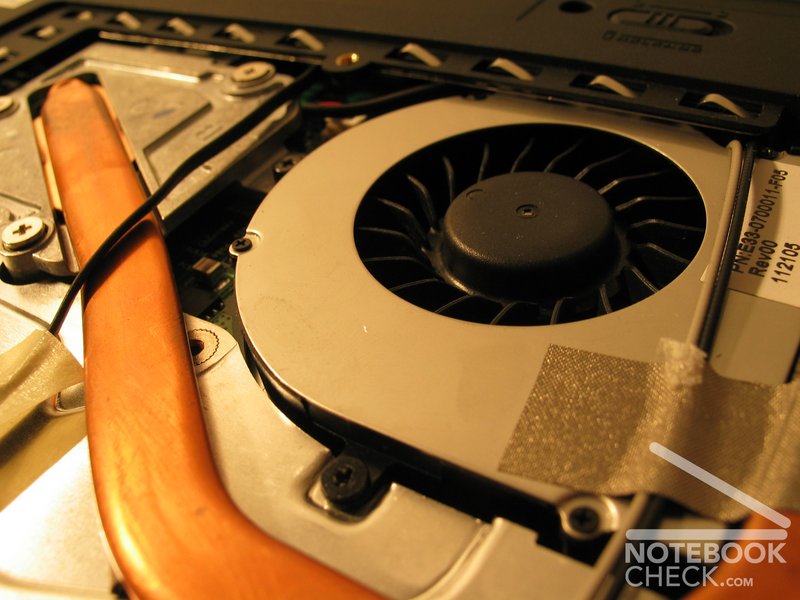
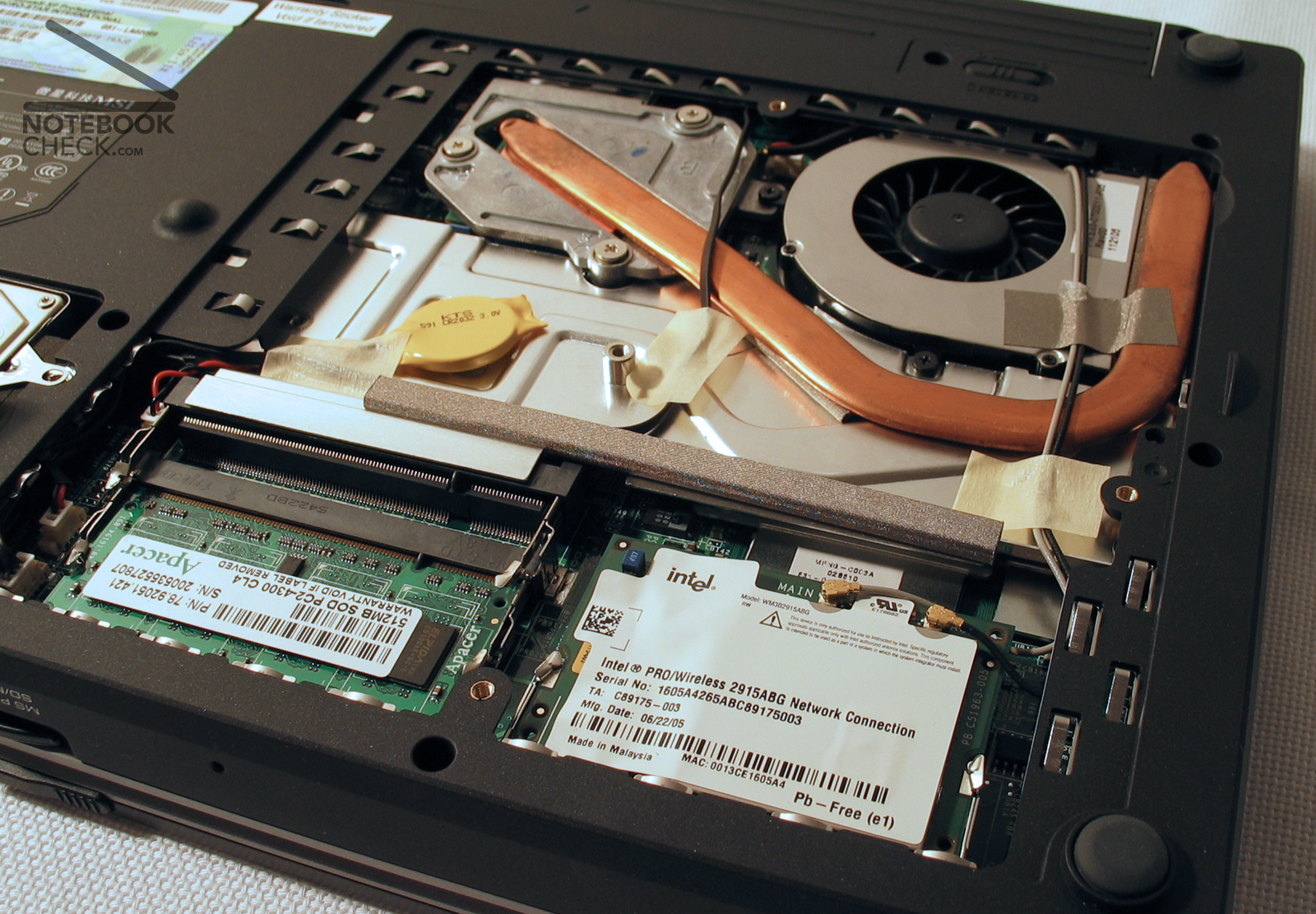
Unfortunately the ventilator starts without load from time to time, thereby however remains acceptable quiet. The case remains pleasantly tempered under load, so that working on the lap becomes perfectly possible.
Continuously the implemented hard disk rattles, and unfortunately therefore does not really belong to the quiet representatives of hard discs.
The maximally measured volume of the exhaust was very surprising with only 42.1 dB.
Measured volumes:
Environment: 30,5dB
Idle, exhaust (stage 1) 37.8 (with HDD 39.6 dB)
Load, stage 2 42.1 dB
HD Tune:
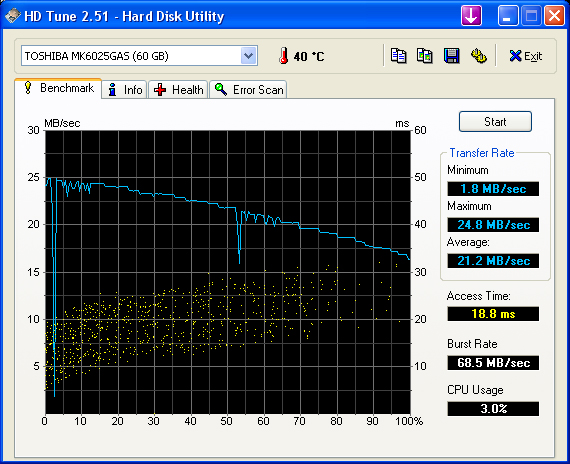
The test of the transfer rates of the hard disk (type TOSHIBA MK6025GAS) brought the following results:
Transfer rate minimum: 1.8 MB/sec
Transfer rate maximum: 24.8 MB/sec
Transfer rate average: 21.2 MB/sec
Access time: 18.8 ms
Burst rate: 68.5 MB/sec
CCU Usage: 3,0 %
3D Mark01
8940 points
3D Mark03
2320 points
3D Mark05
943 points
3D Mark of 06
241 points
(SM2.0 111 points HDR/SM3.0 N/A although Geforce supports 6200 SM3.0)
Doom 3
low: 42,6 fps
normally: 42,0 fps
high: 26,8 fps
ultra: 3,5 fps
Quake 3 arena
The old OpenGL play Q3A is perfectly playable in the selected 1024x768er dissolution.
172,1 fps in the FOUR.DM_68 time demo
PCMark 04:
3314 points
PCMark 05:
2251 points
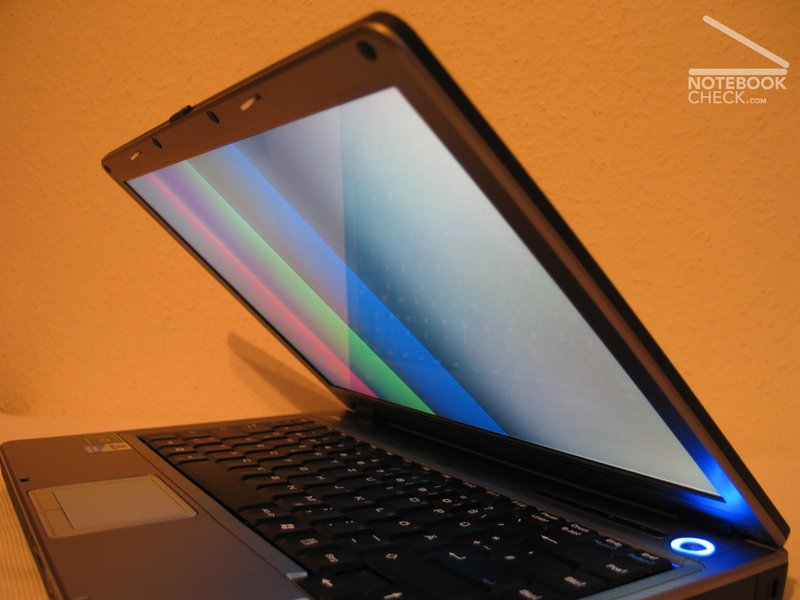
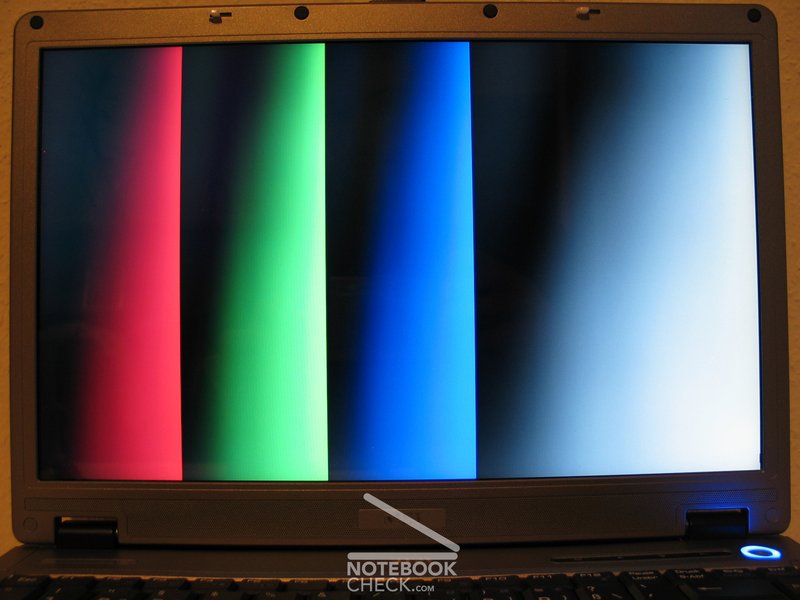
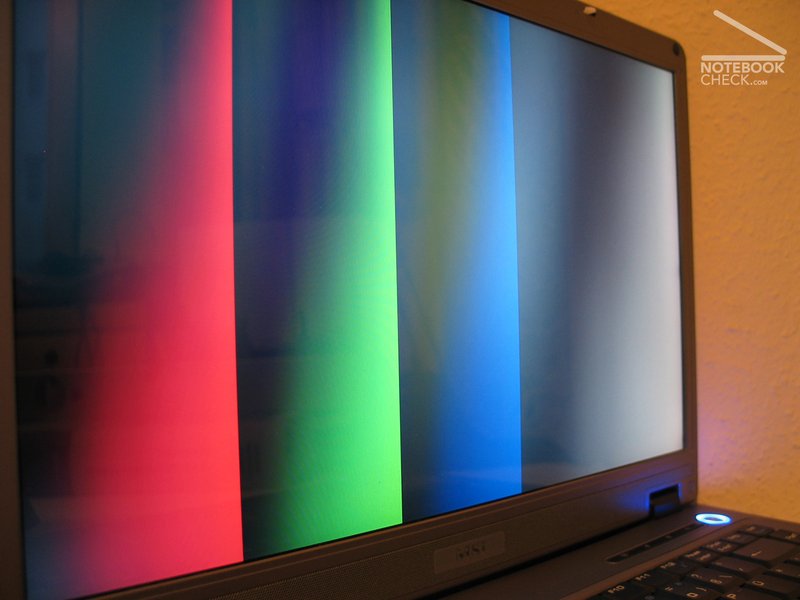
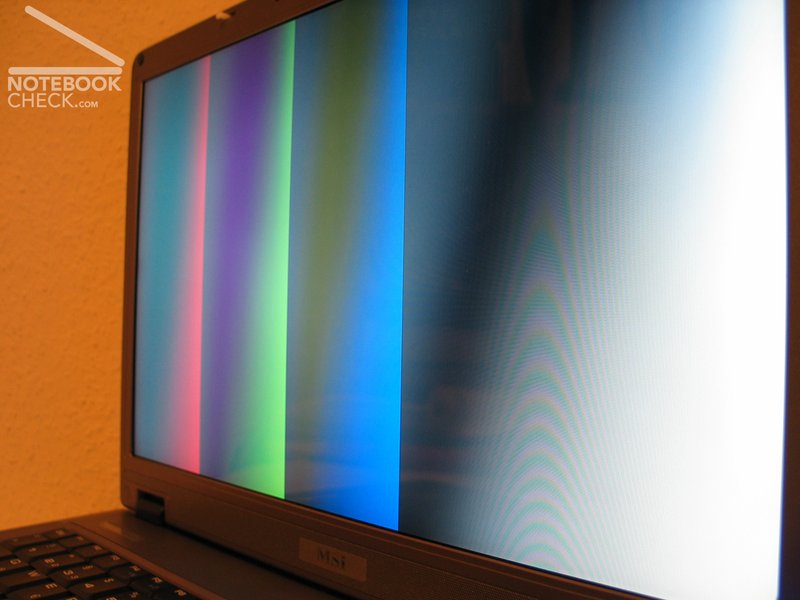
Also the point of view stability is sufficient in both the horizontal and vertical range. Particularly in the vertical range a change of the brightness takes place when increasing the viewing angle.
The test of cloudy stains resulted averagely.
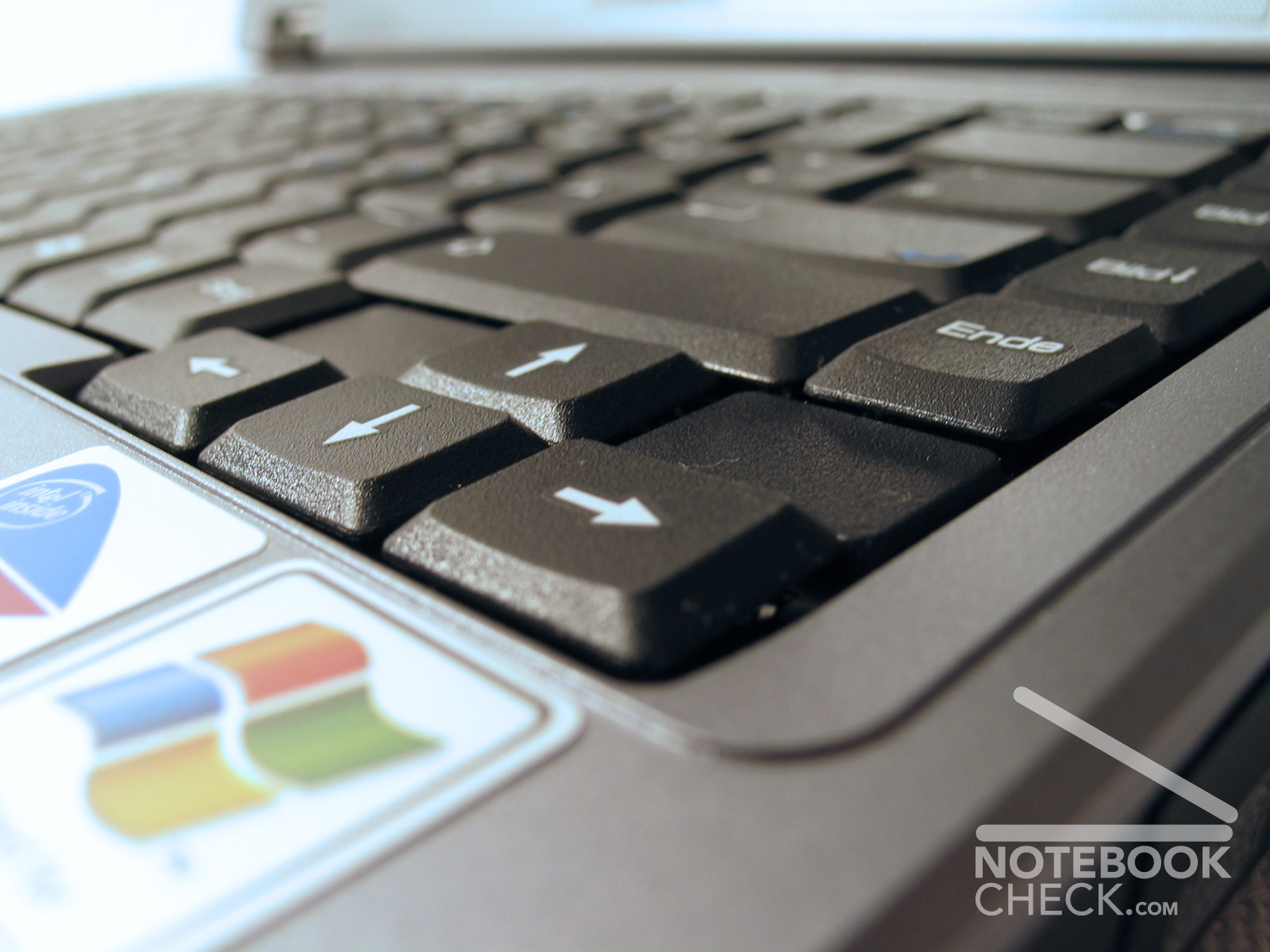
Within the range of the arrow keys the keyboard can be bent somewhat. The moreover again and again there occur crack noises when pressing those keys.
The graph of the display measurement shows a quite good process of the red and green curve, however a relatively strong deviation of the blue curve, which results in a warm (easily more going into the reddish) color representation.

| 207,6 cd/m² | 232,2 cd/m² | 217,7 cd/m² |
| 202,7 cd/m² | 241,3 cd/m² | 224,9 cd/m² |
| 203,8 cd/m² | 237,8 cd/m² | 211,1 cd/m² |
Result
The MSI Megabook S425 presented itself as a small, quiet and extremely mobile companion. In addition it looks good, and is good manufactured.
Further positive aspects are the bright display and the good heat management of the S425.
The keyboard and also the touchpad, especially the touchpad keys are not of the same good quality as the rest of this mobile computer.
The MSI Megabook S425 can be recommended to all those, which look for a somewhat larger alternative with higher performance to the MSI S260/270, without to do without quality and mobility.
duration time of battery
In the practical test (WLAN activated, deactivated Bluetooth, brightness level 5/8) surfing in the Internet reading pdf-files over WLAN, the 4400 mAh battery held 2h and 26min.
With the test of the maximum duration time watching DVD's (brightness max., WLAN and Bluetooth off) we could determine a maximum time of 1h and 39min. If one reduces the display brightness, somewhat longer films should be possible.
It was remarkable that the volume control for DVD did not function with PowerDVD Deluxe. The DVD drive assembly fortunately remained very quiet.
In the reading test with the program Batteryeater could be determined a run time of 3h and 17 minutes.
With the Classic test the MSI Megabook S425 achieved a runn time of 74 minutes.
Current consumption
Without load (min brightness, without WLAN) 21.8 Watts
Without load (max brightness, with WLAN) 29.1 Watts
Maximum load (everything on) 50.4 Watts



Performance
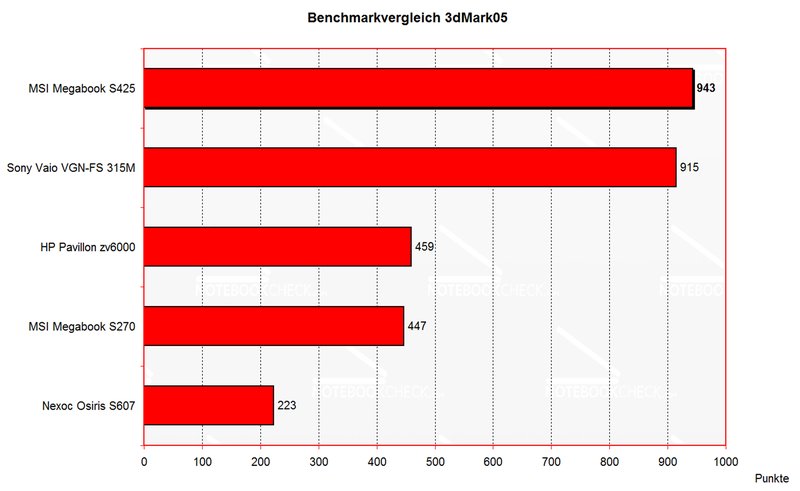
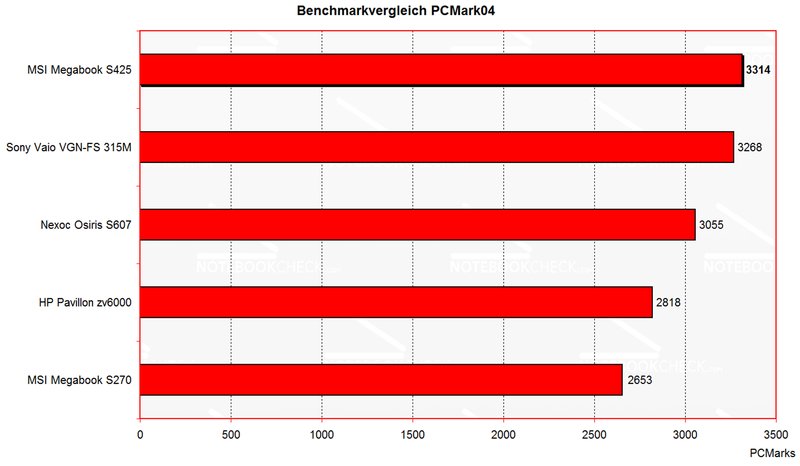
With Office-applications the combination of the Geforce 6200go with the Pentium M740 positions itself on the top in the duel with comparable devices.
The Geforce Go 6200 supplies enough performance for older games and/or not so graphics-intensive games.
Thus the demo ' Crashday ' ran in a resolution of 1024x768 with about 20-30 fps during a test game.
Below you find the exact bench mark results:
Emissions
Temperature
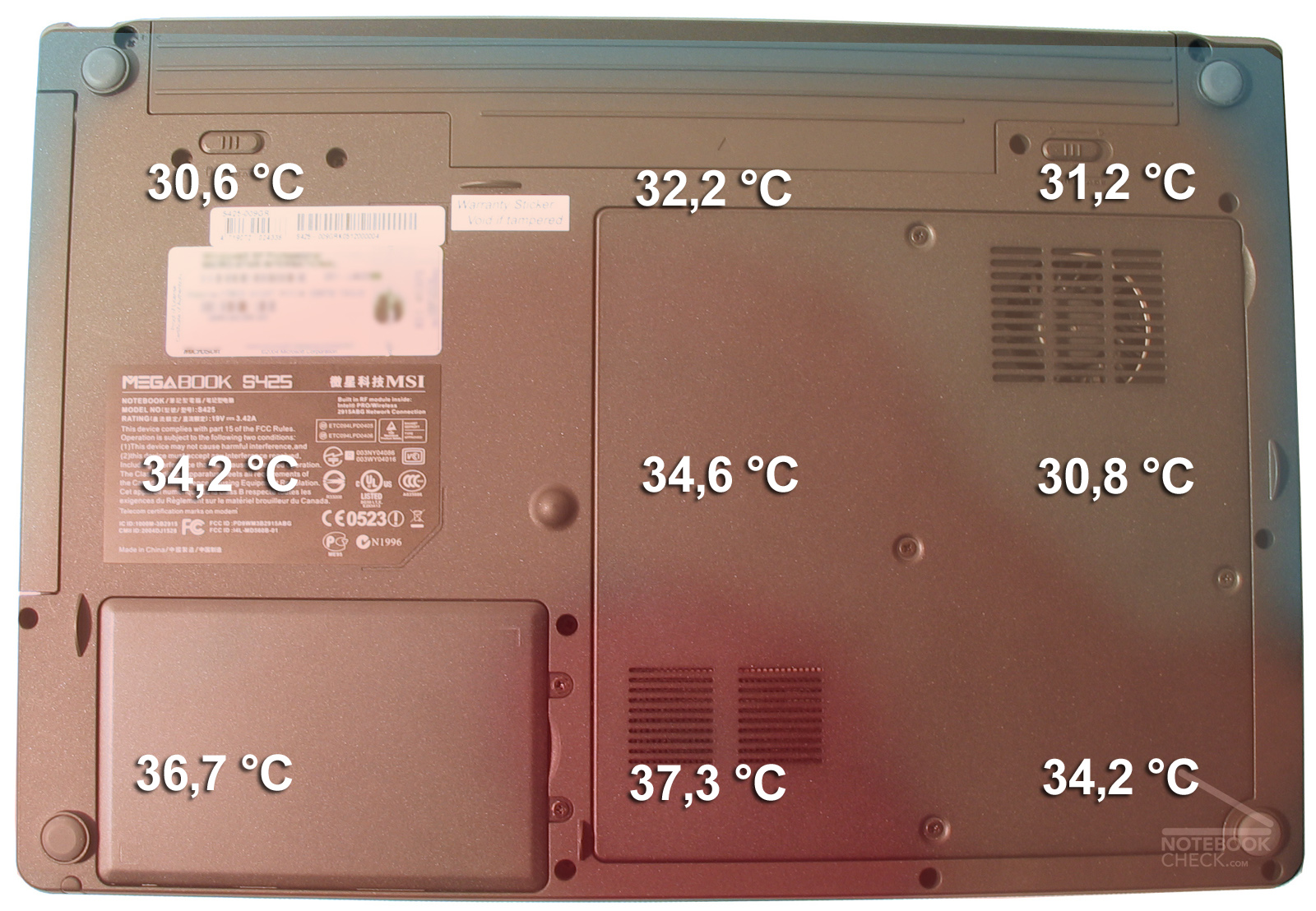
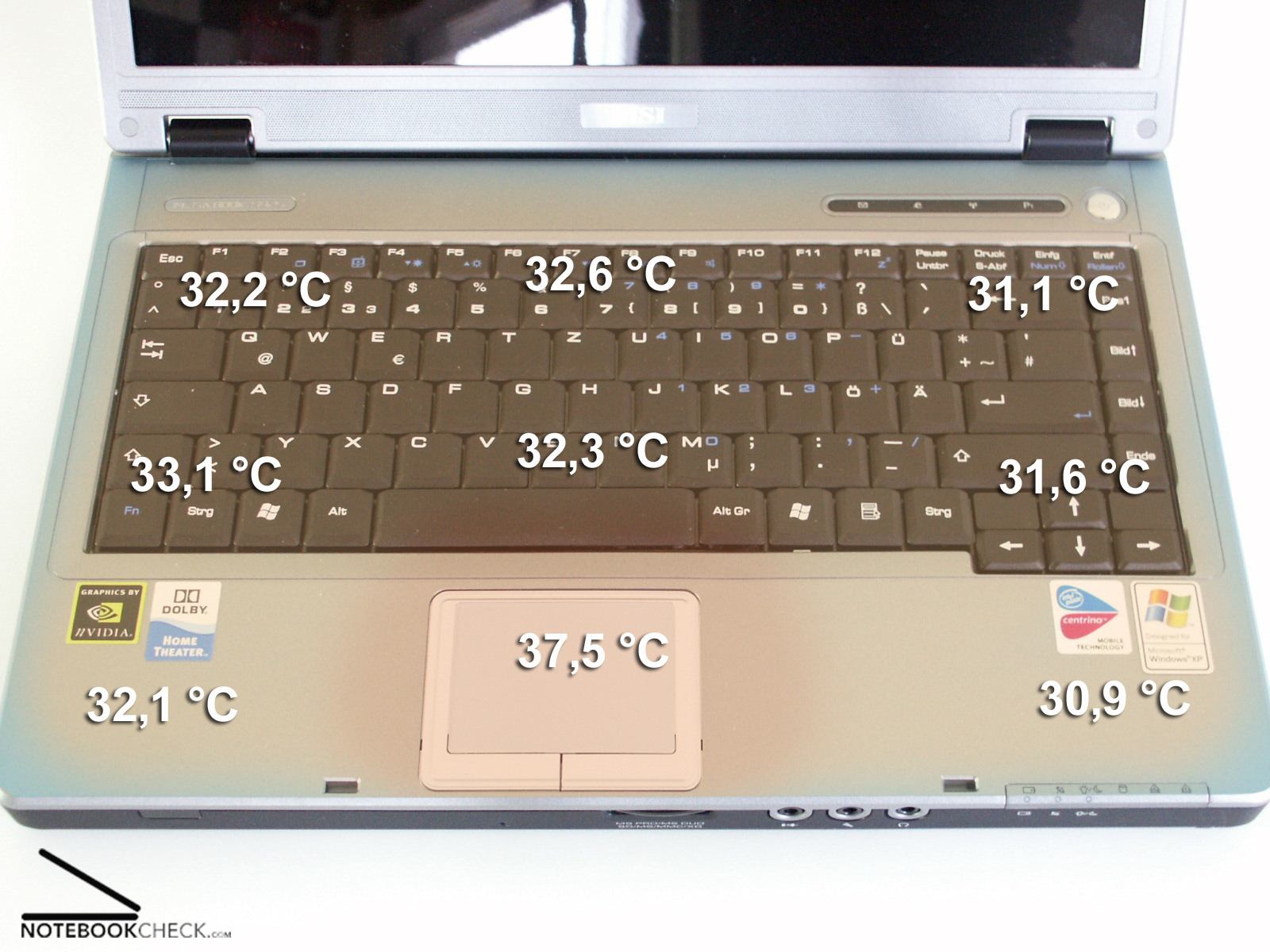
Under load a maximum temperature of 37,3°C was measured at the lower surface of the equipment. At the top side the maximum temperature within the range of the Touchpads amounted to 37.5 °C. Once again it is clear that a magnesium case affects the heat distribution very favorable.
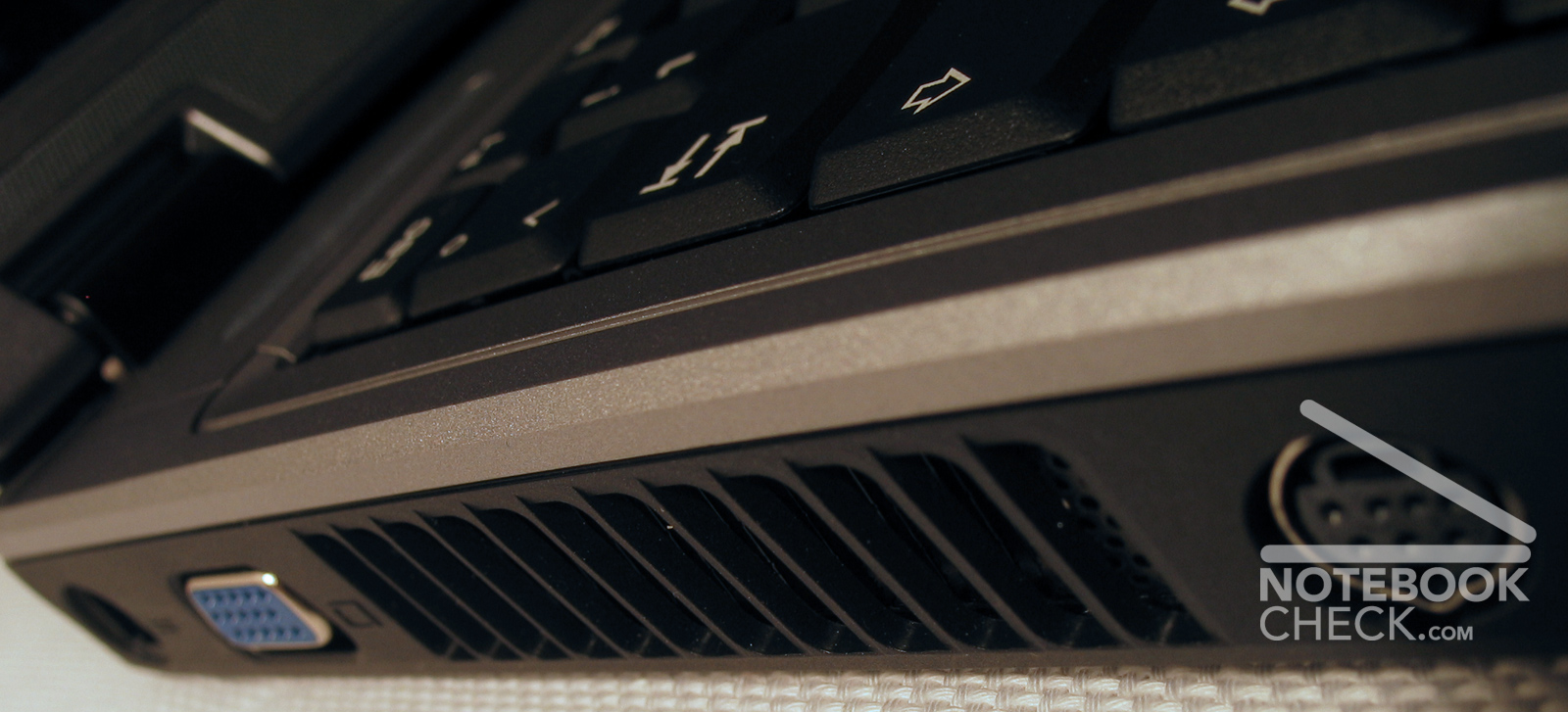
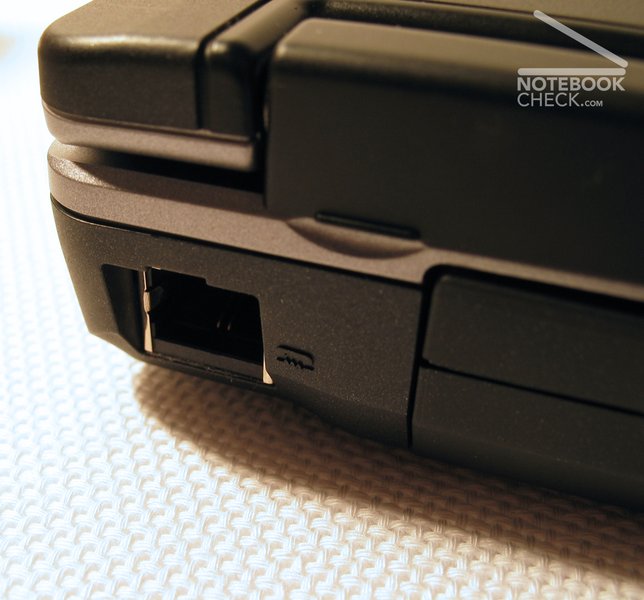
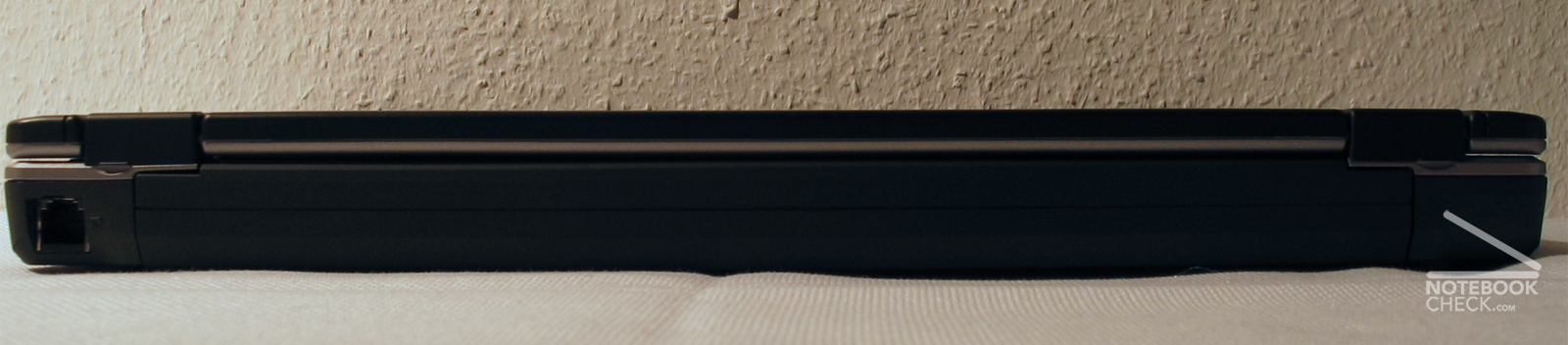
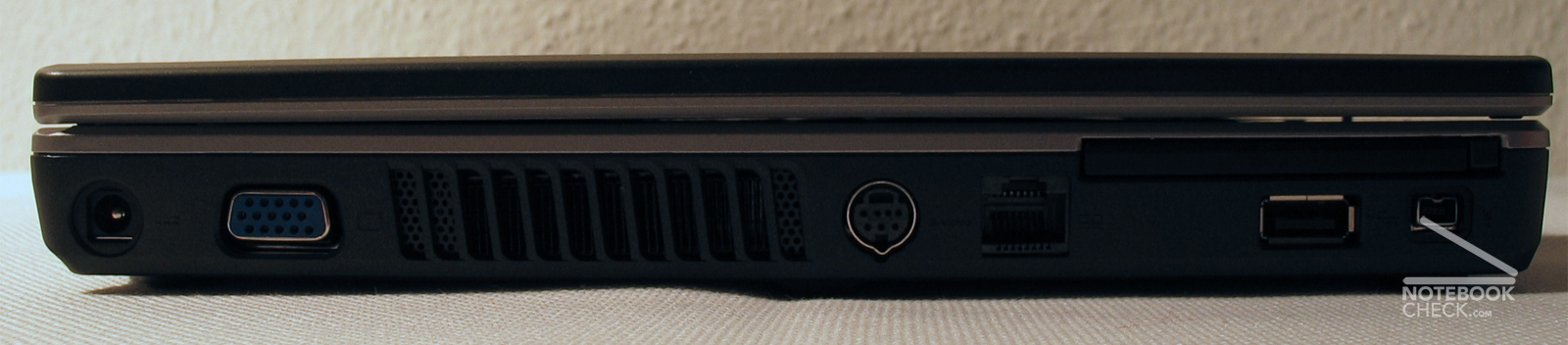
The exhaust discharge opening is on the left chassis side, and therefore particularly therefore serves well for right-handed people like me. Caution with the opening at the lower surface of the laptop is required: Particularly using it on soft underground there arises risk to get a lack of air.
Display
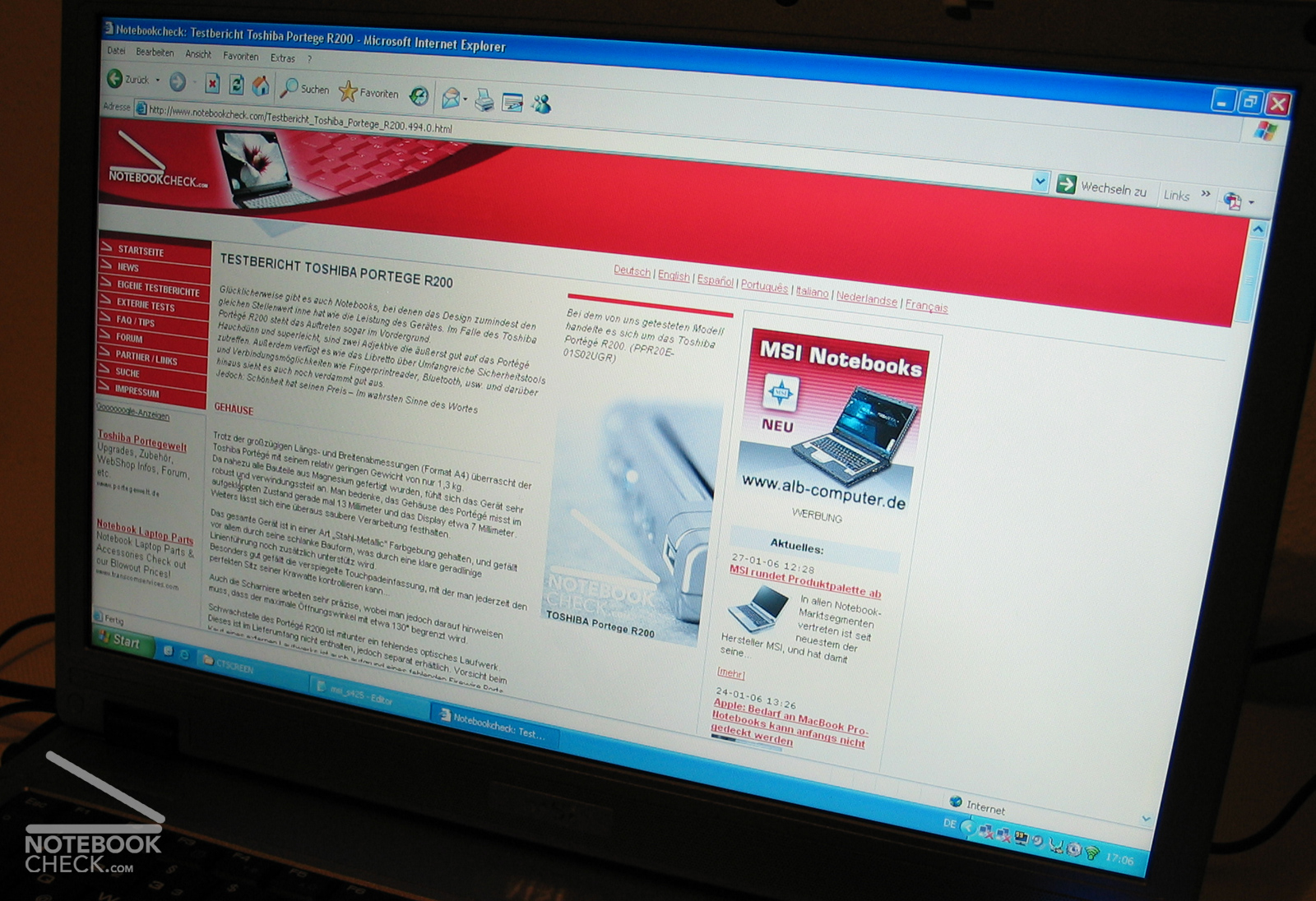
The 14.1" WXGA with a resolution of 1280x800 pixel worked very brightly. The measurement resulted in a outstanding maximum brightness of 241,3 cd/m². Also the illumination resulted in good 84%.
Unfortunately the display of our test laptop exhibited a pixel error within the middle lower range scarcely over the Windows task border.
Following the illuminating table with the exact measured values:
Input devices
The keyboard offers keys of normal size and an exact pressure point accompanied by a click. With our test laptop the keyboard was anchored stably in the case, however during normal operation sometimes clicks were omitted. The arrangement of the keys is ok except of the too small enter key.
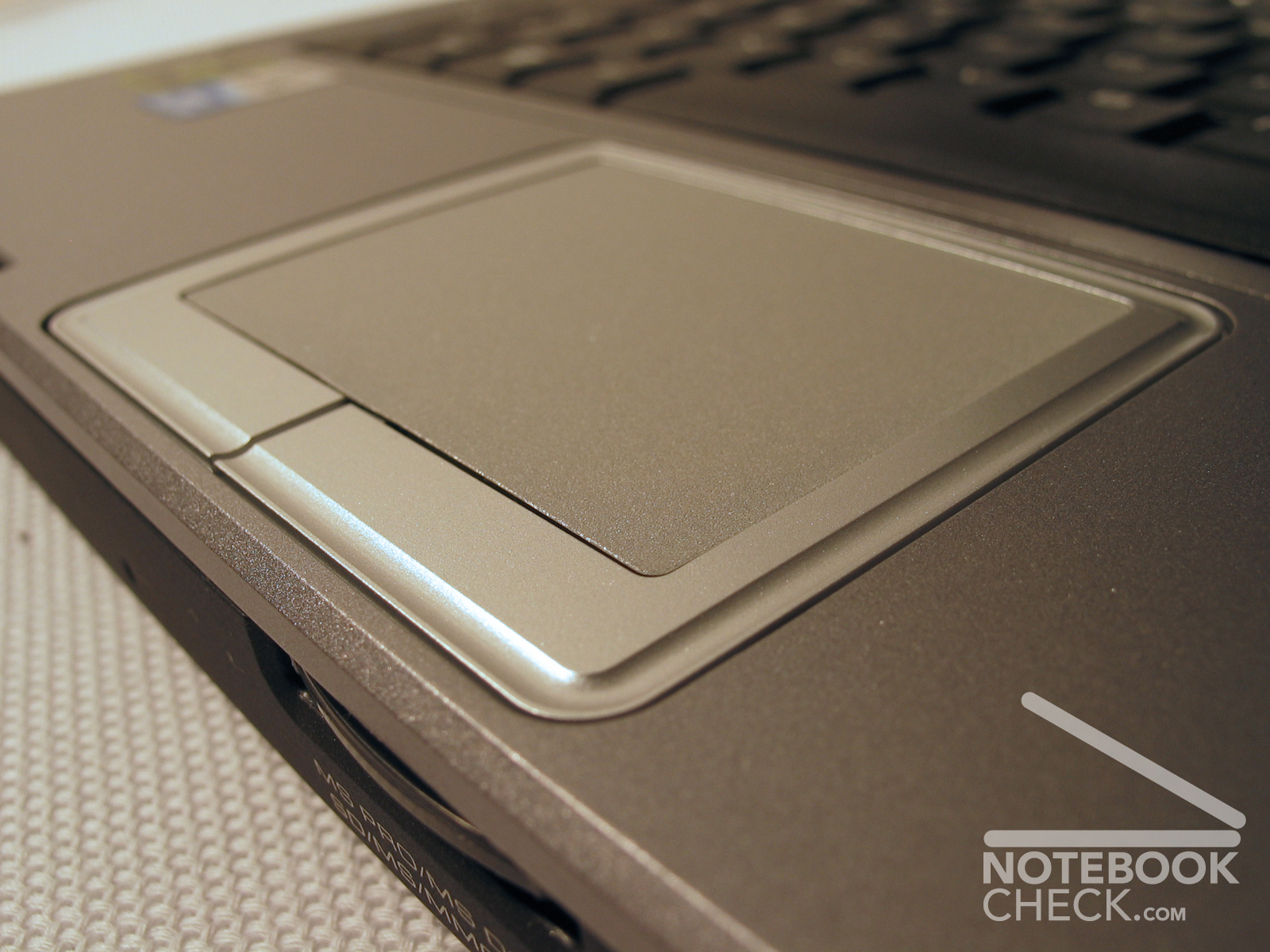
The touchpad leaves a somewhat less pleasing impression. The surface offers good sliding qualities, and responds well, however there occur troubles when pressing the keys. These are too deeply inserted in in the chassis and in addition very slim formed. Therefore again and again one misses them.
Case
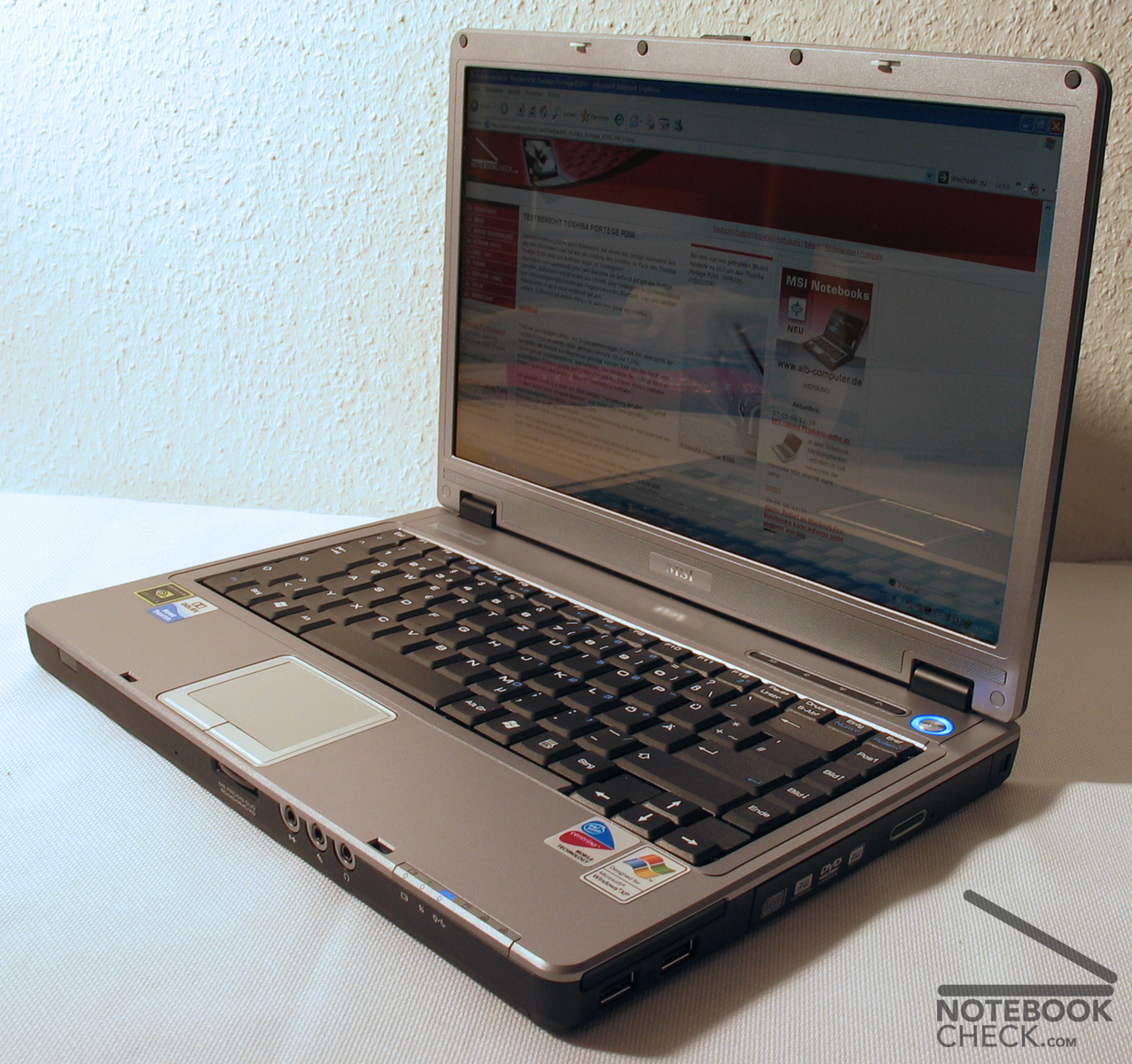
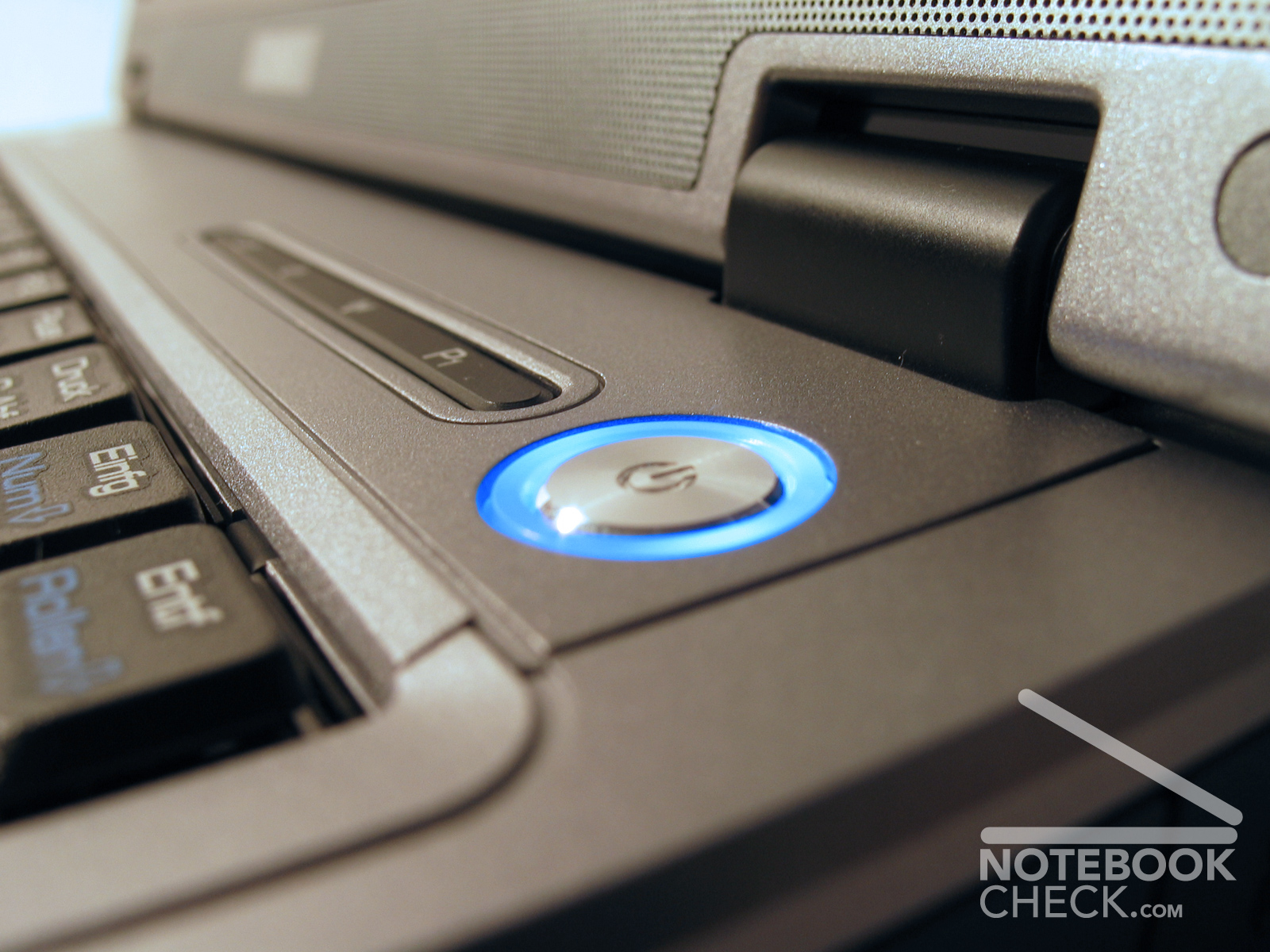
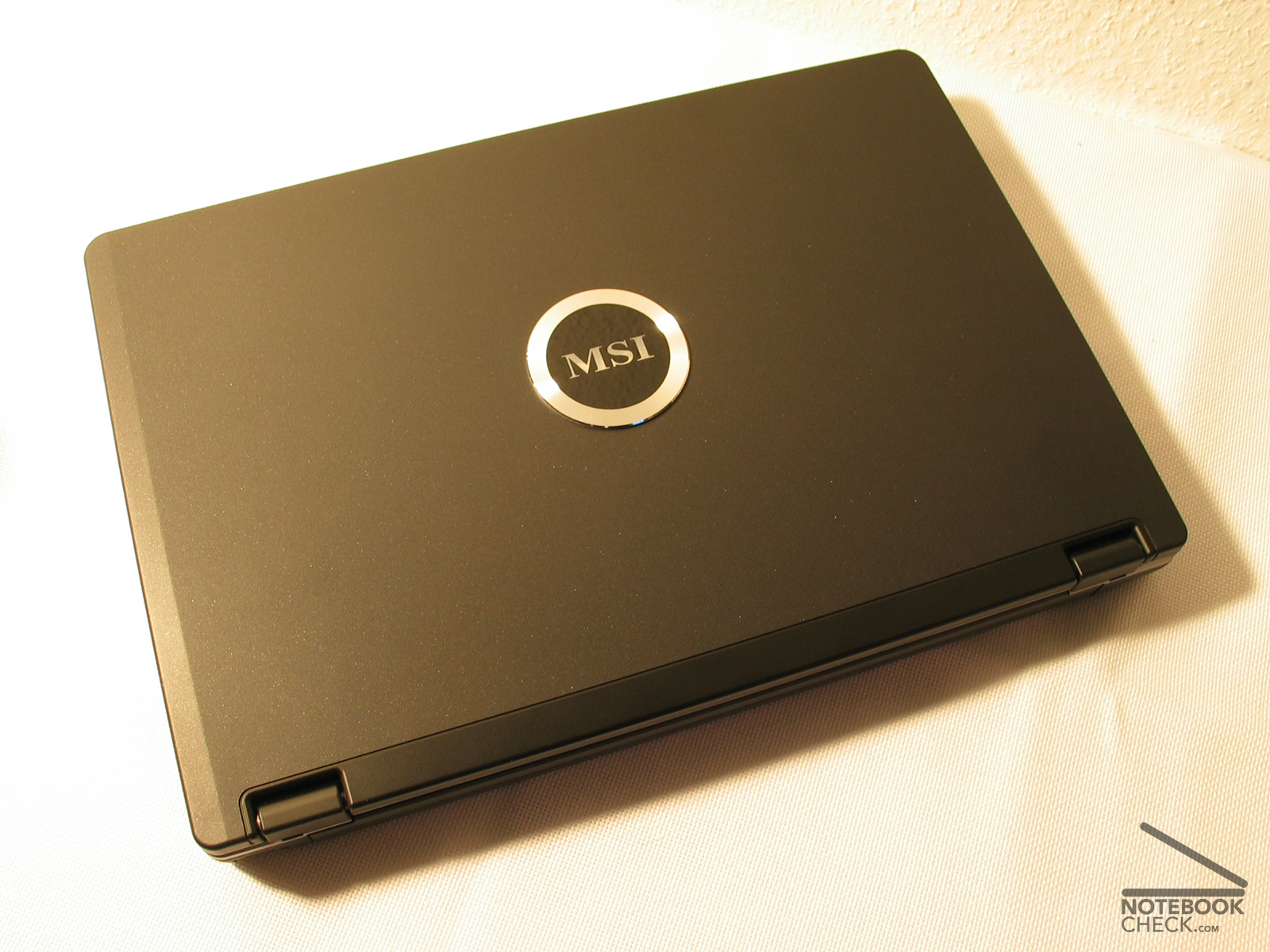
Like the other MSI laptops already tested, also the MSI Megabook S425 convinces by its cleanly manufactured magnesium chassis.
The case resists against tortioning and does not crunch. The bluish gray/black colour of these laptops leaves a good impression.
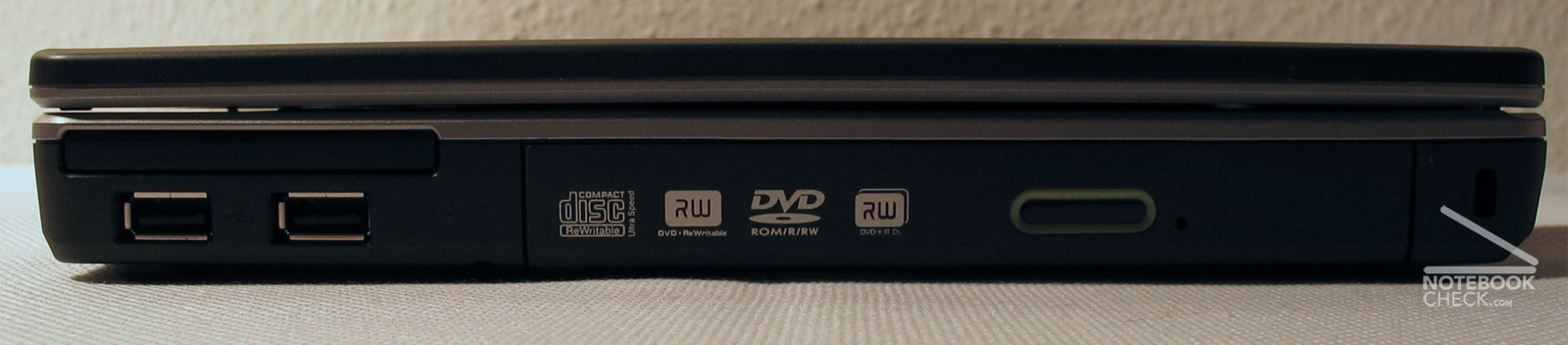
Unfortunately the USB ports are somewhat unfavorably, because they are arranged on the left and right side in the front. With attached devices the cables disturb repetedly the movements of the mouse.
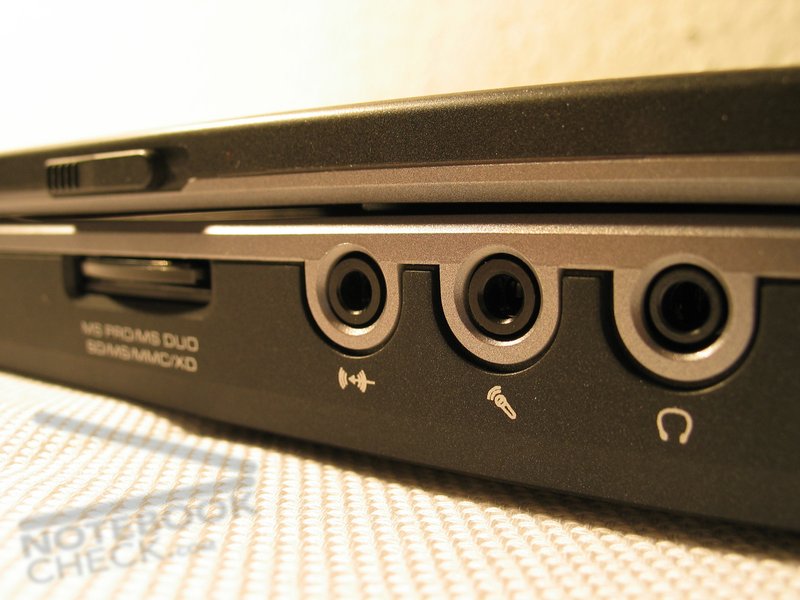
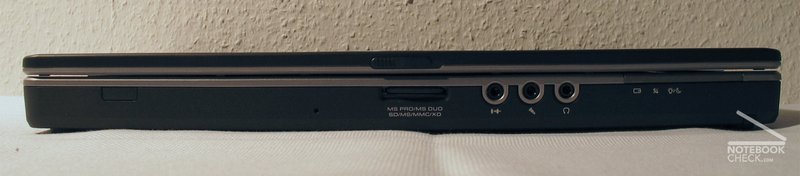
Also the frontally attached audio entrances and exits cause unnecessary cable salad when connecting external boxes.
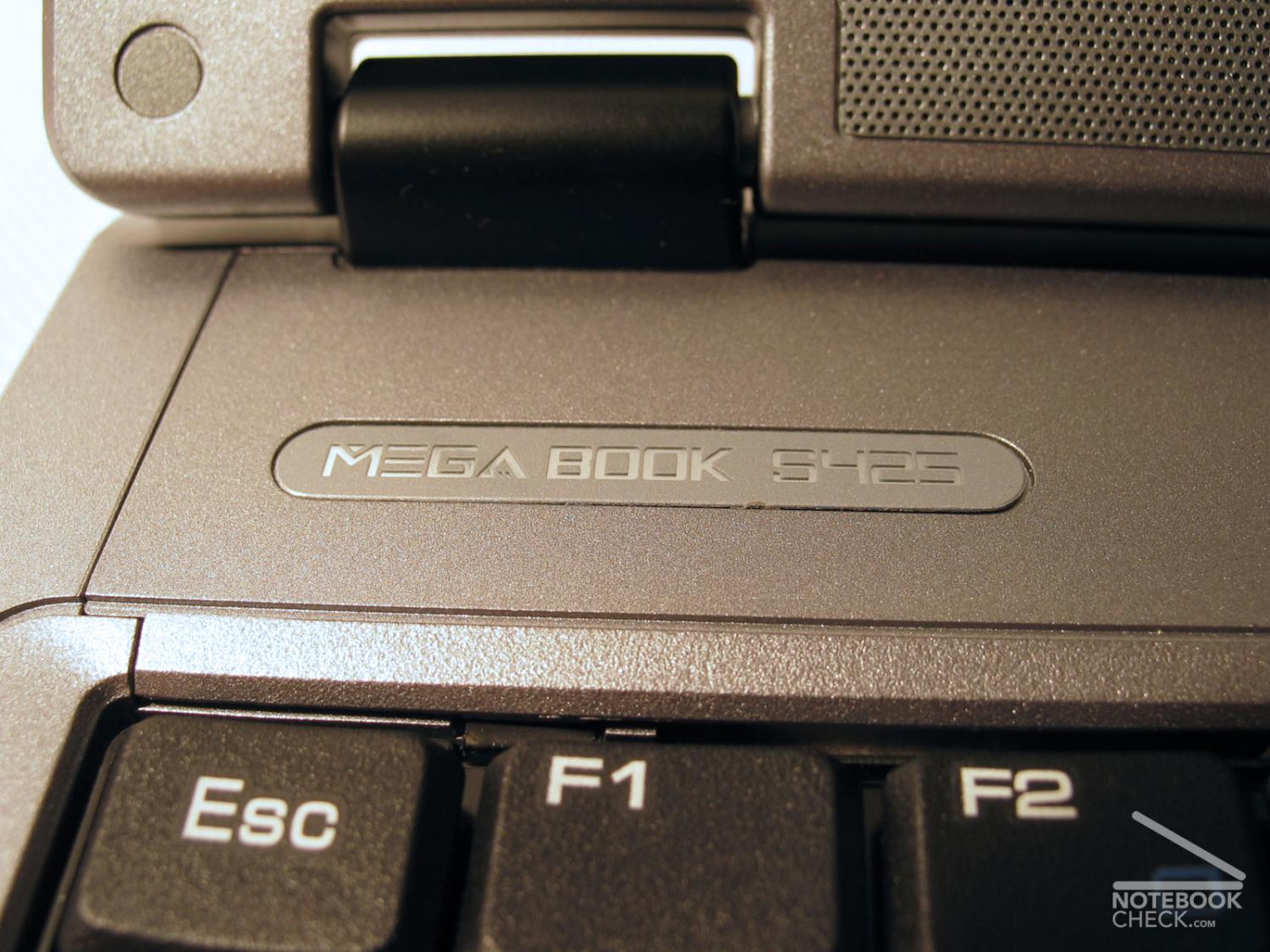
The hinges of the display work perfectly, and the catch hook are ok.
Review MSI Megabook S425
The MSI Megabook S425 is a good combination between performance and size. With a 14.1"display and light 2,4kg it offers a Pentium M 740 processor with 1,73Ghz and the Geforce 6200 with 128 MT RAM. A very well manufactured magnesium case is a positive aspect too.