Review Dell Vostro 1000 Notebook
Low Price Vostro. Since last year Dell has equipped its notebooks with AMD processors. The Vostro 1000 belongs to the second generation of these laptops based on Intel's competitor platform, which should be cheaper as a rule. This series, which is also meant for small companies, differs from other representatives of this new range, because it doesn't have a modern case. Actually, it got the one, which was already used for its predecessor.
Case
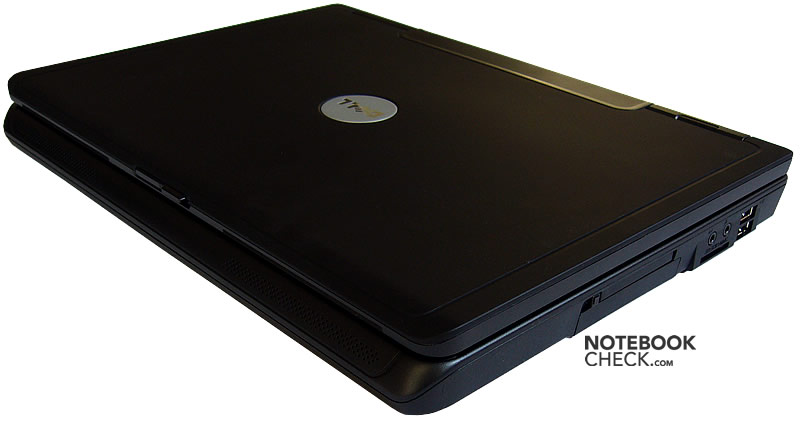
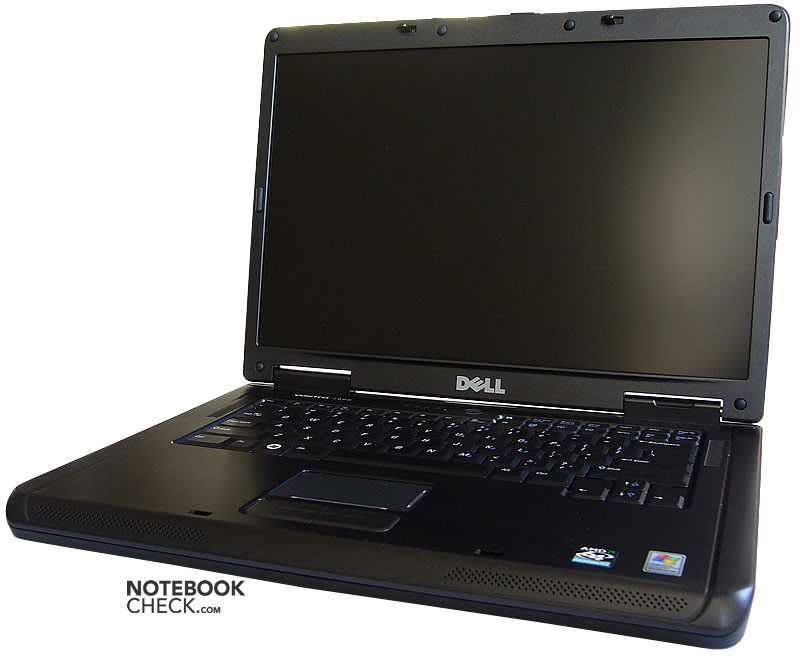
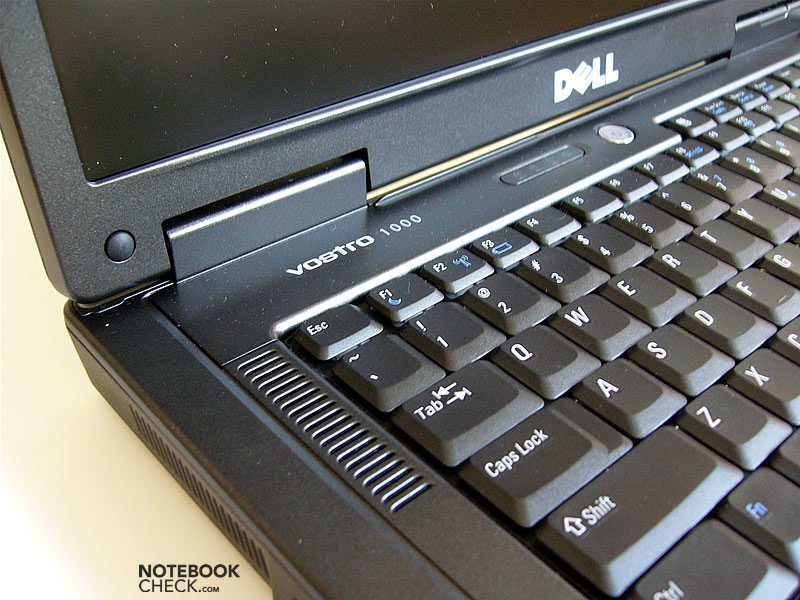
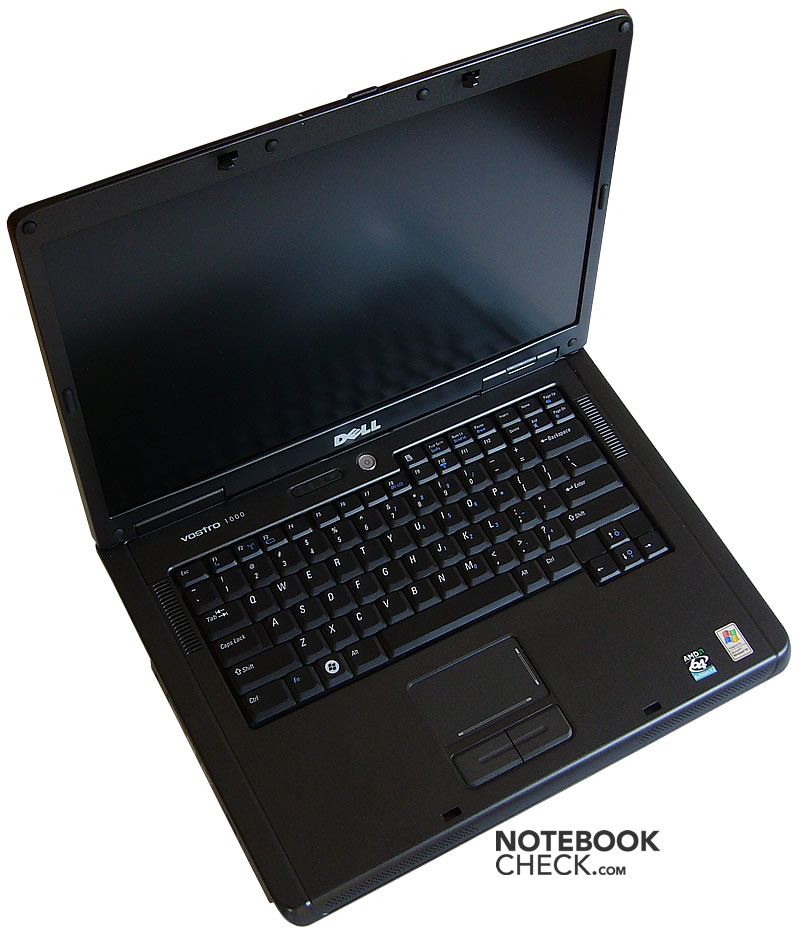
The Vostro 1000 surprised us right after opening the box. We supposed it looks similar to the Vostro 1500 with the same screen size, which means like a modified Inspiron 1520. However, it turned out that the Vostro 1000 looks like an Inspiron 1501 in black. It is one of the 'low-end' notebooks in Dell's product range.
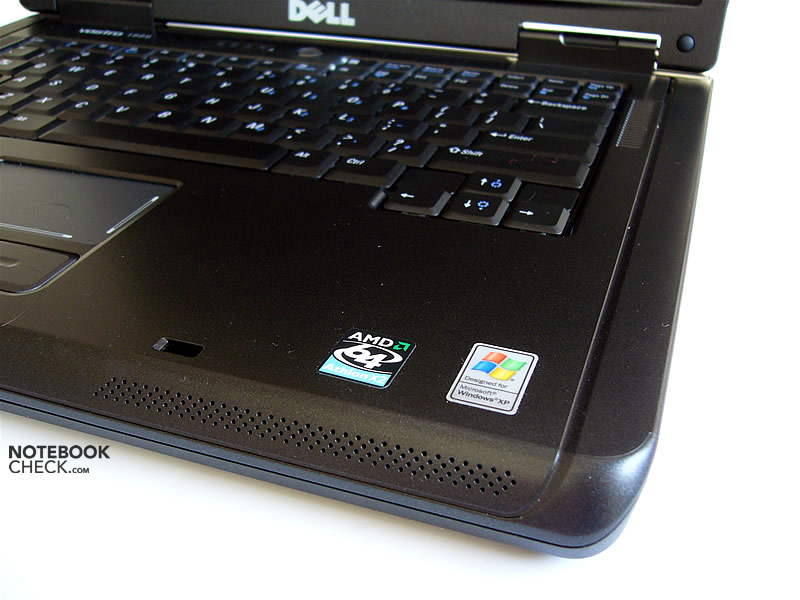
The dark color is unostentatious. The top case is more or less smooth, whereas the back panel seems rather matte.
The Vostro 1000 looks not very attractive, on the contrary, it appears to be heavy. This notebook actually weighs a lot, so, this impression proves to be true. Actually, it even weighs too much for a proper mobile computer, so, it's rather desk-bound.
The base unit of Vostro 1000 is made of plastic, but, in contrast to other Vostros without any use of magnesium alloy. Typical Dell, it is nevertheless perfectly solid. We didn't notice any weaknesses.
The display cover is made of plastic as well. It doesn't yield. However, it wobbles, if closed. Most new Dell models have this weakness in common. The transport hook is black and not silver, so, it fits nicely to the case.
The hinges are sizable and efficient, but, if one moves this notebook while open, the display wobbles a bit.
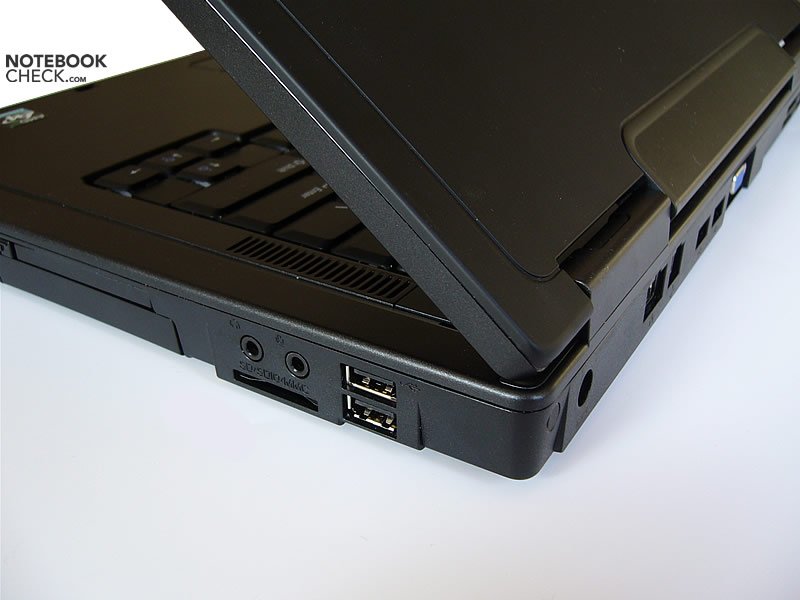
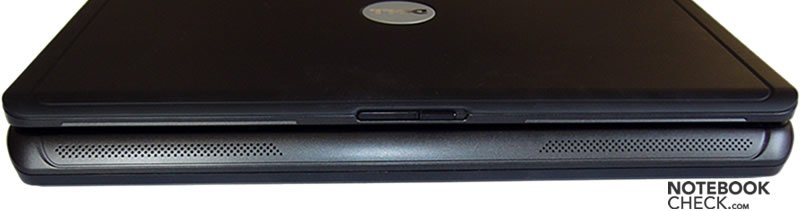
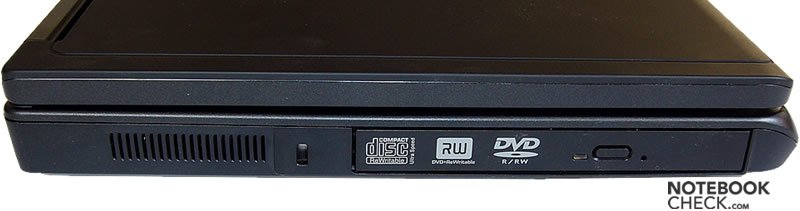
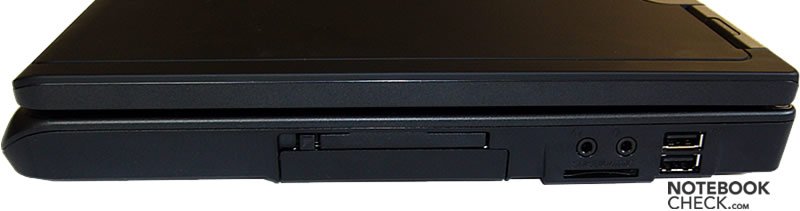
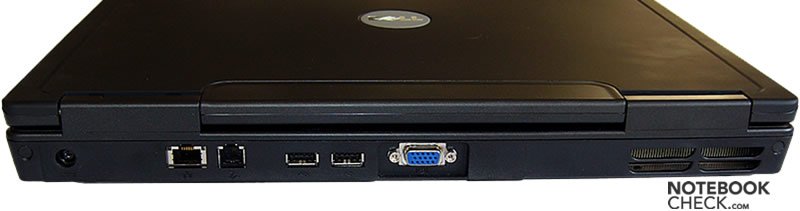
Typical Dell most of the interfaces are located at the back side. Furthermore, there aren't many provided.
Input Devices
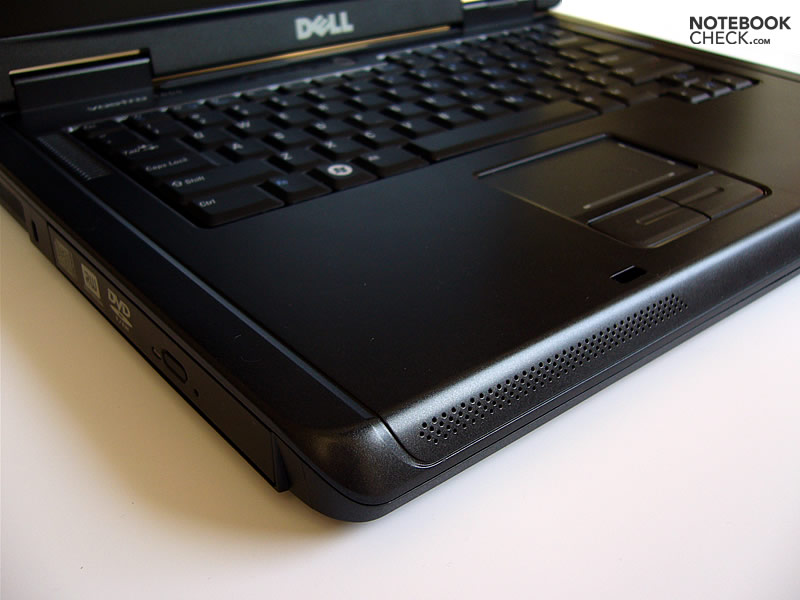
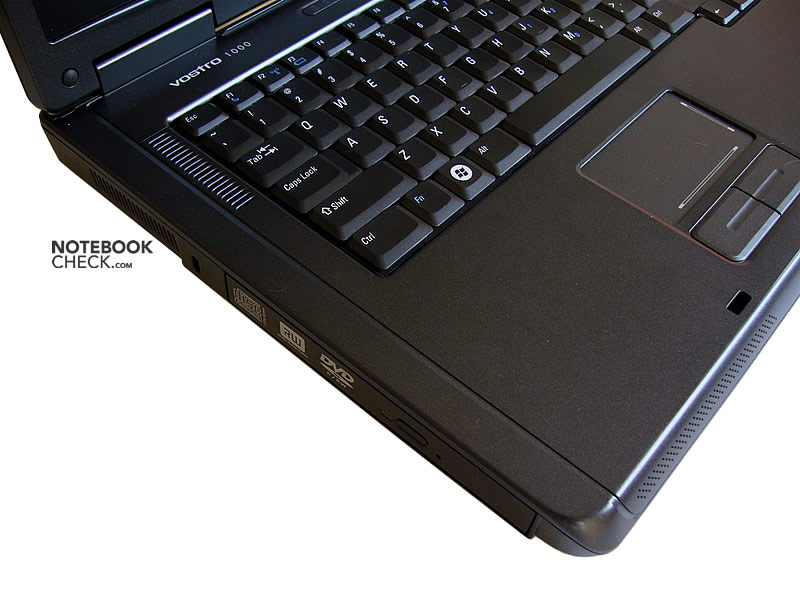
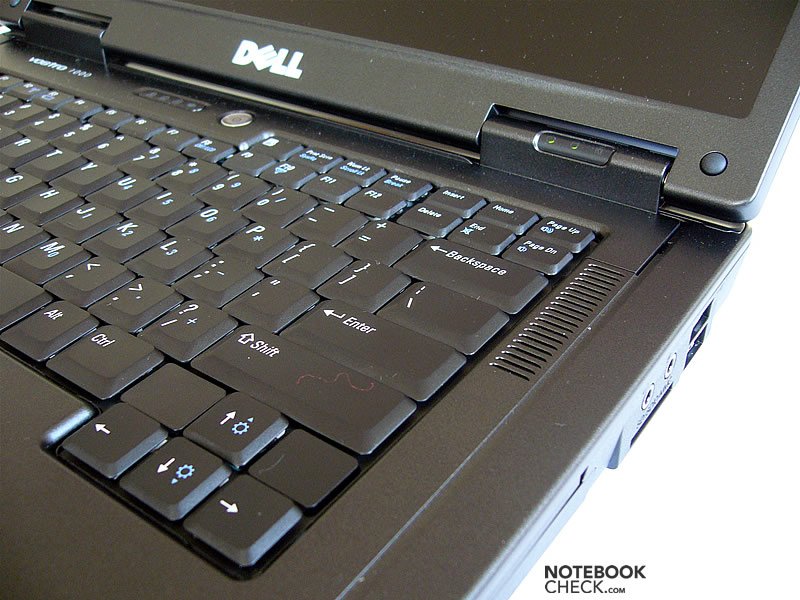
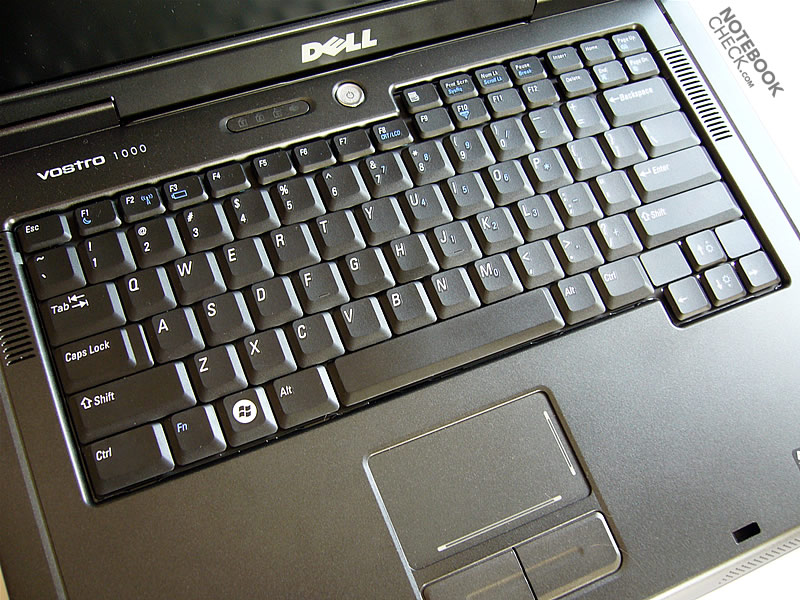
The keyboard is the same as of the Inspiron 1501.
The size of the keys is satisfying. The right Shift looks really huge.
The keys have an easy stroke, so, one doesn't need to type forcefully. On the other hand, the cushion is quite hard, but, not yet tiresome for the user. We felt that the keyboard is rather quiet.
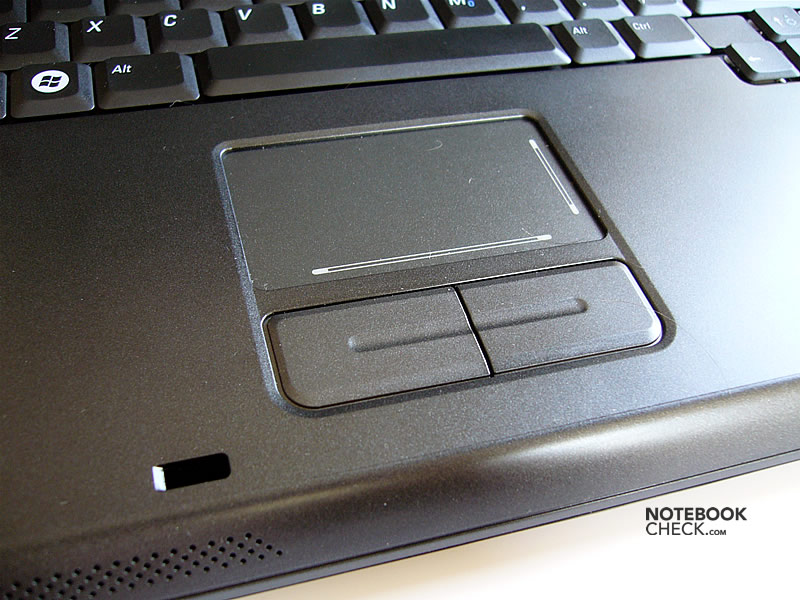
The touch pad is alright. The pad provides labeled scroll areas. Its buttons are soft, with long, yet not excessively long travel. They are quiet and reliable.
Display
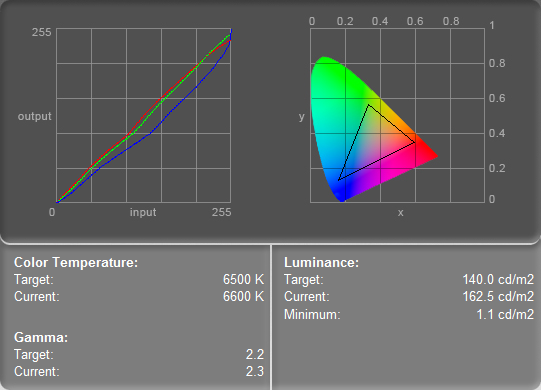
The reviewed Vostro 1000 was equipped with a matte 15.4" WXGA display. The maximum brightness is alright, as it amounts to 179.8cd/m². The illumination of 75.5% is also not bad. The black level is pretty high (1.1cd/m²), therefore the maximum contrast is only 163:1, which is rather moderate.
| |||||||||||||||||||||||||
Brightness Distribution: 75 %
Contrast: 135:1 (Black: 1.2 cd/m²)
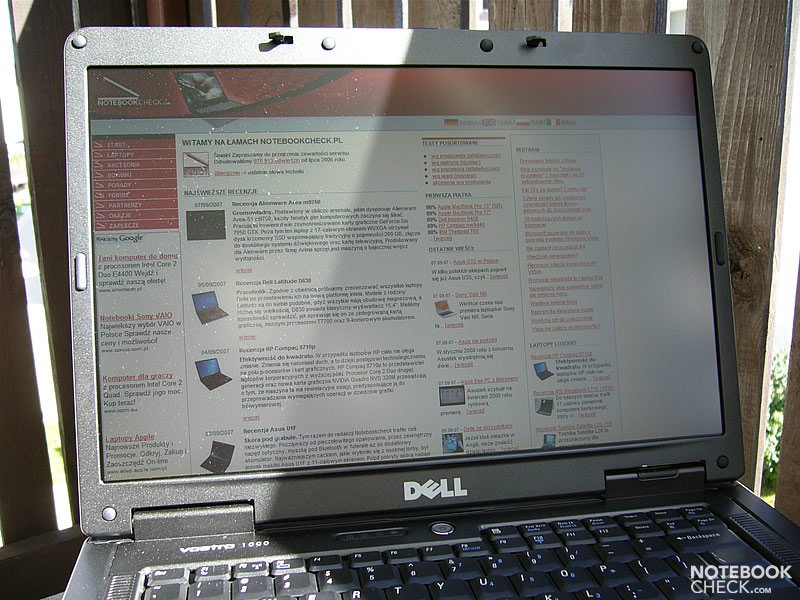
The matte screen is fit for outdoor usage.
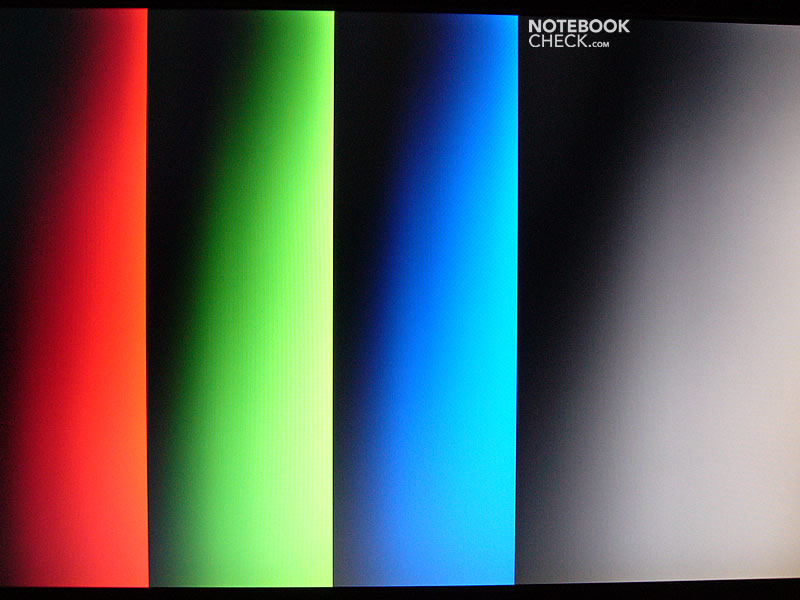
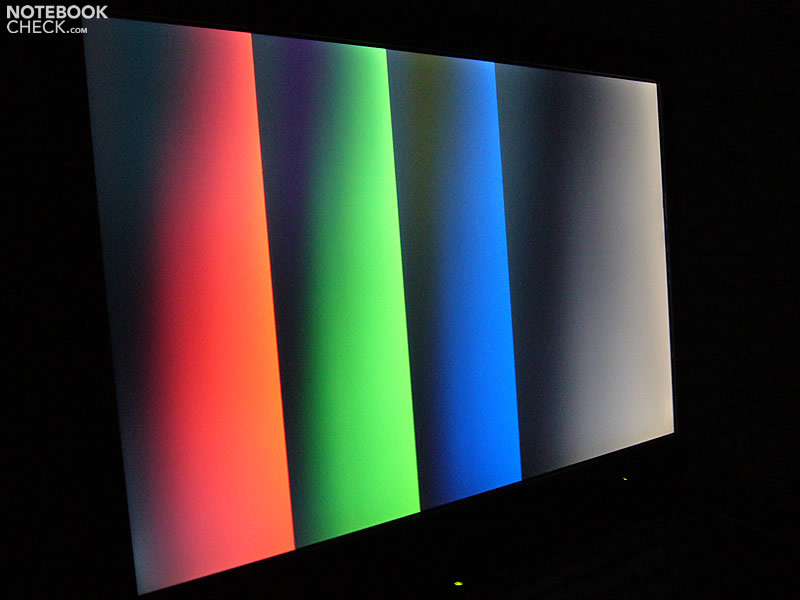
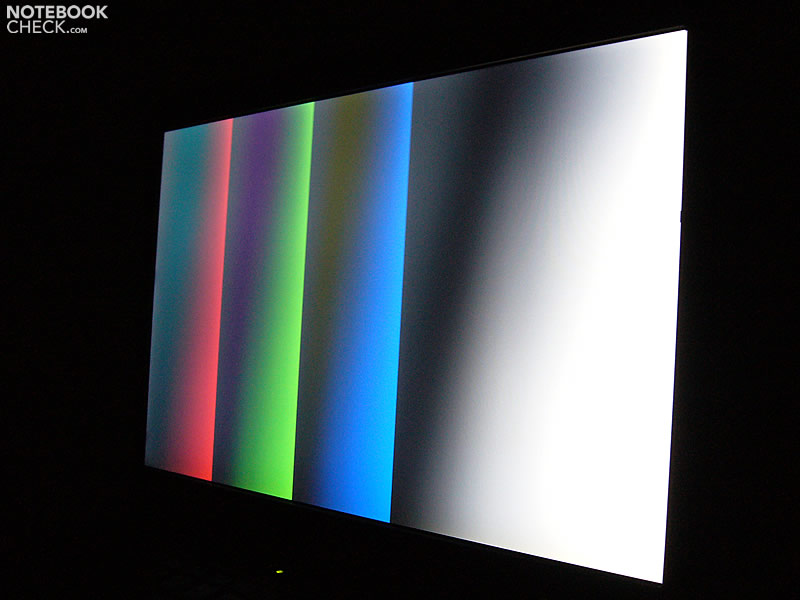
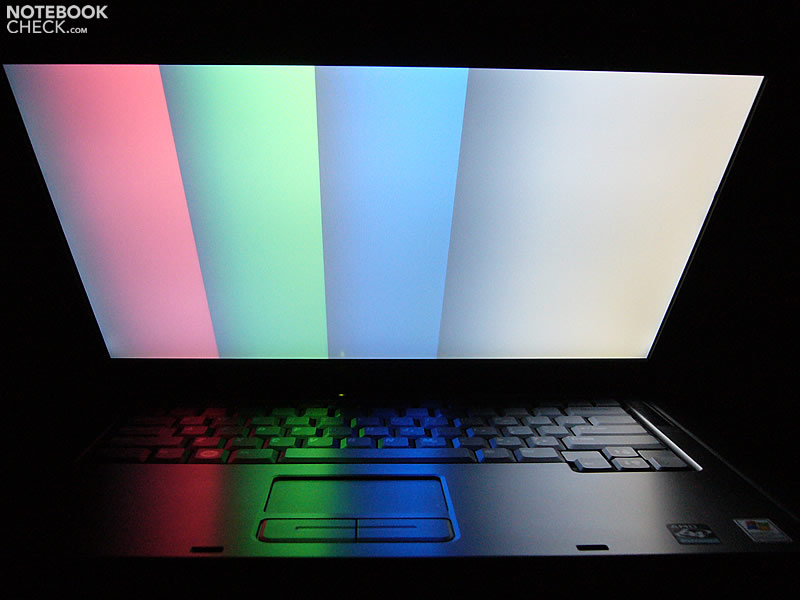
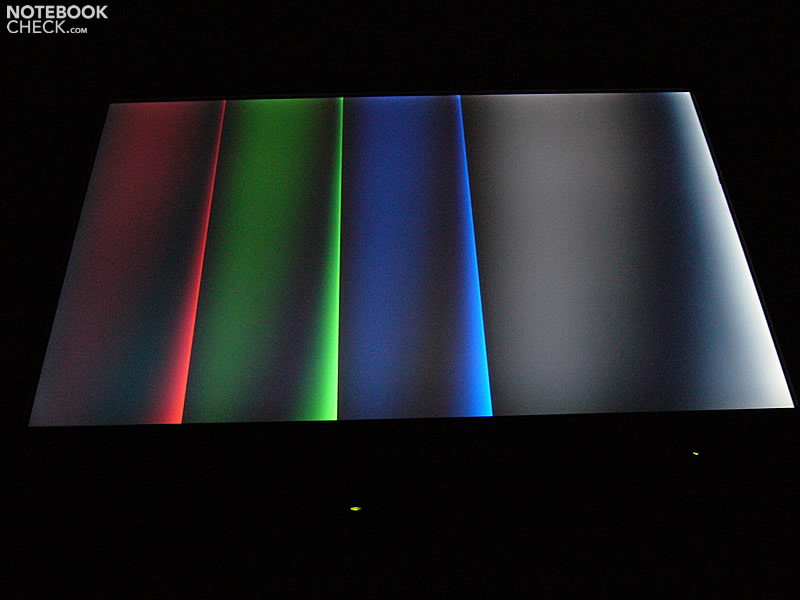
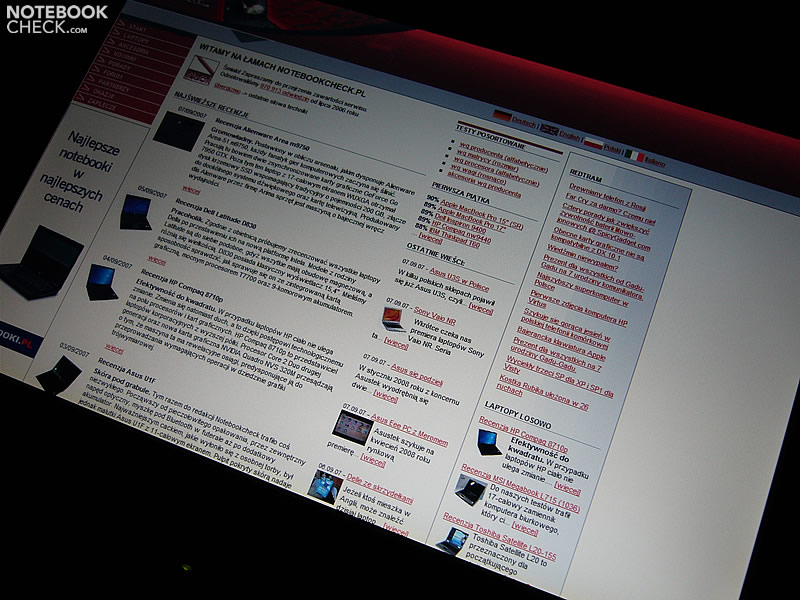
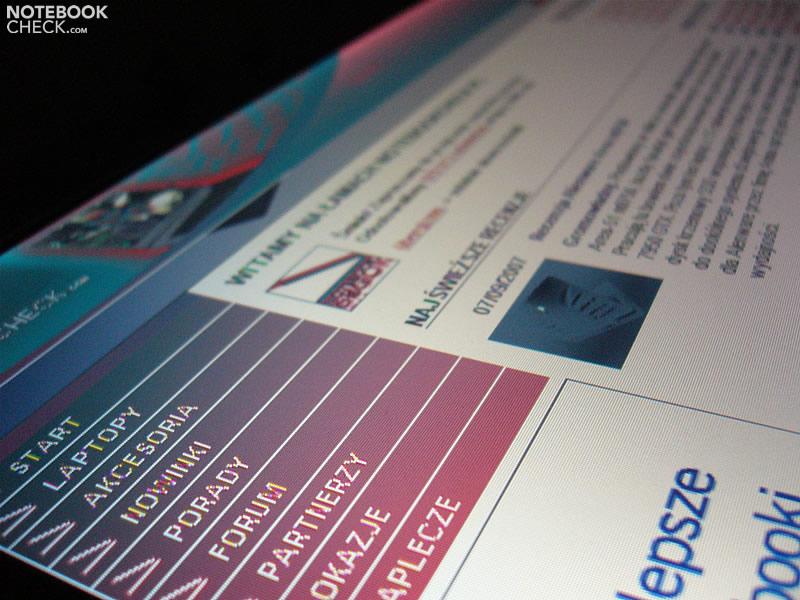
Unfortunately, the viewing angles are narrow.The horizontal ones are average, but, the vertical ones are poor.

Performance
The reviewed Vostro 1000 was equipped with the new mobile processor by AMD. It belongs to the latest of the 'Tyler' range, but is called Athlon 64 X2 TK-53 (1.7GHz). It differs from the identically clocked Turion 64 X2 TL-56 by providing only 512kB L2 Cache, which is half the L2 Cache of the Turion X2 TL-56.
The integrated Radeon Xpress 1150 video card is the provided video solution.
The reviewed Vostro 1000 come with a rather slow 80GB Fujitsu hard drive. Its average access time was 23.5ms with is very long.
| 3DMark 2001SE Standard | 4833 points | |
| 3DMark 03 Standard | 1417 points | |
| 3DMark 05 Standard | 700 points | |
| 3DMark 06 Standard Score | 219 points | |
Help | ||
| PCMark 04 Standard | 4333 points | |
| PCMark 05 Standard | 2618 points | |
Help | ||

Emissions
Loudness
The first Dell's laptop with AMD processor was very quiet. The Vostro 1000 behaves in a similar fashion. In idle mode, when the computer is placed on the desk, the fan paces itself. When working with browser and Internet on the lap, the fan starts to run and whirs constantly (34.3dB) from that moment on. The same noise level is noticeable during work with load.
Noise level
| Idle |
| 32.2 / 32.2 / 32.3 dB(A) |
| HDD |
| 32.3 dB(A) |
| DVD |
| 36.5 / dB(A) |
| Load |
| 34.3 / 34.3 dB(A) |
 | ||
30 dB silent 40 dB(A) audible 50 dB(A) loud |
||
min:  , med: , med:  , max: , max:  (15 cm distance) (15 cm distance) | ||
Temperature
The Vostro 1000's case gets warmer the same way its predecessor, the Inspiron 1501, does. The bottom side gets considerably warm, exceeding 44°C. On the contrary, the top side stays always cold.
(+) The maximum temperature on the upper side is 36.3 °C / 97 F, compared to the average of 34.4 °C / 94 F, ranging from 21.2 to 62.5 °C for the class Office.
(±) The bottom heats up to a maximum of 44.2 °C / 112 F, compared to the average of 36.8 °C / 98 F
(+) The palmrests and touchpad are reaching skin temperature as a maximum (32.2 °C / 90 F) and are therefore not hot.
(-) The average temperature of the palmrest area of similar devices was 27.6 °C / 81.7 F (-4.6 °C / -8.3 F).
Speakers
The speakers are enough for providing some sort of sound, but we don't recommend putting them on maximum volume. In this case the high tones turn into rasping wheeze.
Battery Runtime
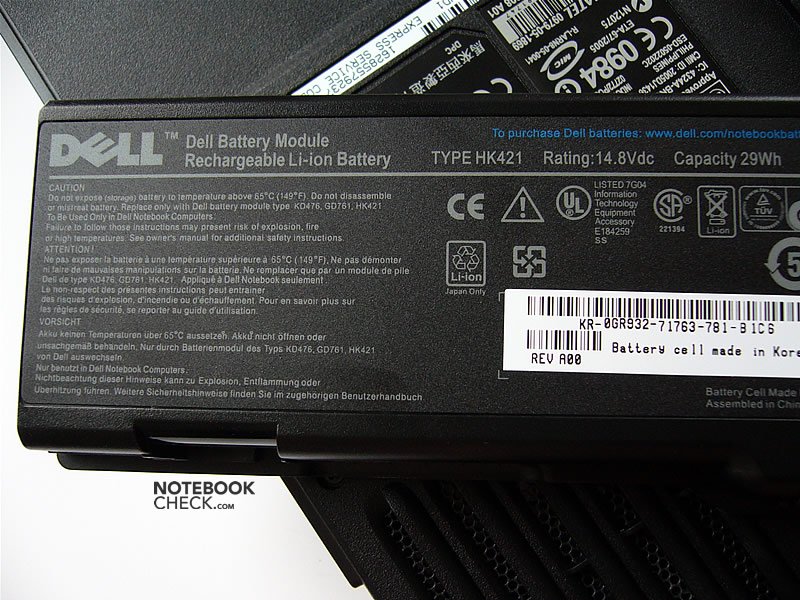
Because the reviewed notebook was only equipped with a 4-cell (29Whr) battery, the battery runtime proved to be very short. It ranges from 40 minutes under full load to a little more than a hour-and-a-half with emphasis on energy saving (with minimum brightness of the screen one can comfortably work in a room).
So, if one looks toward mobility, it's better to order battery with higher capacity (53Whr or 85Whr).
| Off / Standby | 0 / 0 Watt |
| Idle | 18.6 / 21 / 25 Watt |
| Load |
49.5 / 52.6 Watt |
   
| |
Key:
min: ,
med: ,
max: | |
Verdict
Dell thought it is not worth the effort to develop it in a special way, and has launched an AMD-based Vostro 1000 using on old Inspiron 1501 design. Naturally, this was a cost-minimizing measure.
Accordingly, potential buyers might be discouraged by the old-fashioned look of the Vostro 1000. On the plus side, the chassis is all black and doesn't get stained quickly by those nasty fingerprints. Too bad this laptop is so heavy, especially compared to its competitors.
However, the Vostro 1000 is intended for simple, casual everyday tasks (web browsing, text editing) and not much more.
The biggest pros are quiet operation and a matte screen. The con is an awfully short battery runtime (with the provided 29Whr battery).
Many thanks to our partners of Notebookcheck Polen for this review.
 Add as a preferred source on Google