Deutsch
 Español
 Français
 Italiano
 Nederlands
 Polski
 Português
 Русский
 Türkçe
 Svenska
 Chinese
 Magyar
Review Toshiba Satellite A100-979
A while ago, we already had the joy to review the Satellite A100-153 notebook, which was equipped with a Core Duo CPU, which was brand new at that time. The compact and esthetically pleasing successor, Satellite A100-979, is equipped with a Core 2 Duo processor and a Geforce 7600 video card.
Case
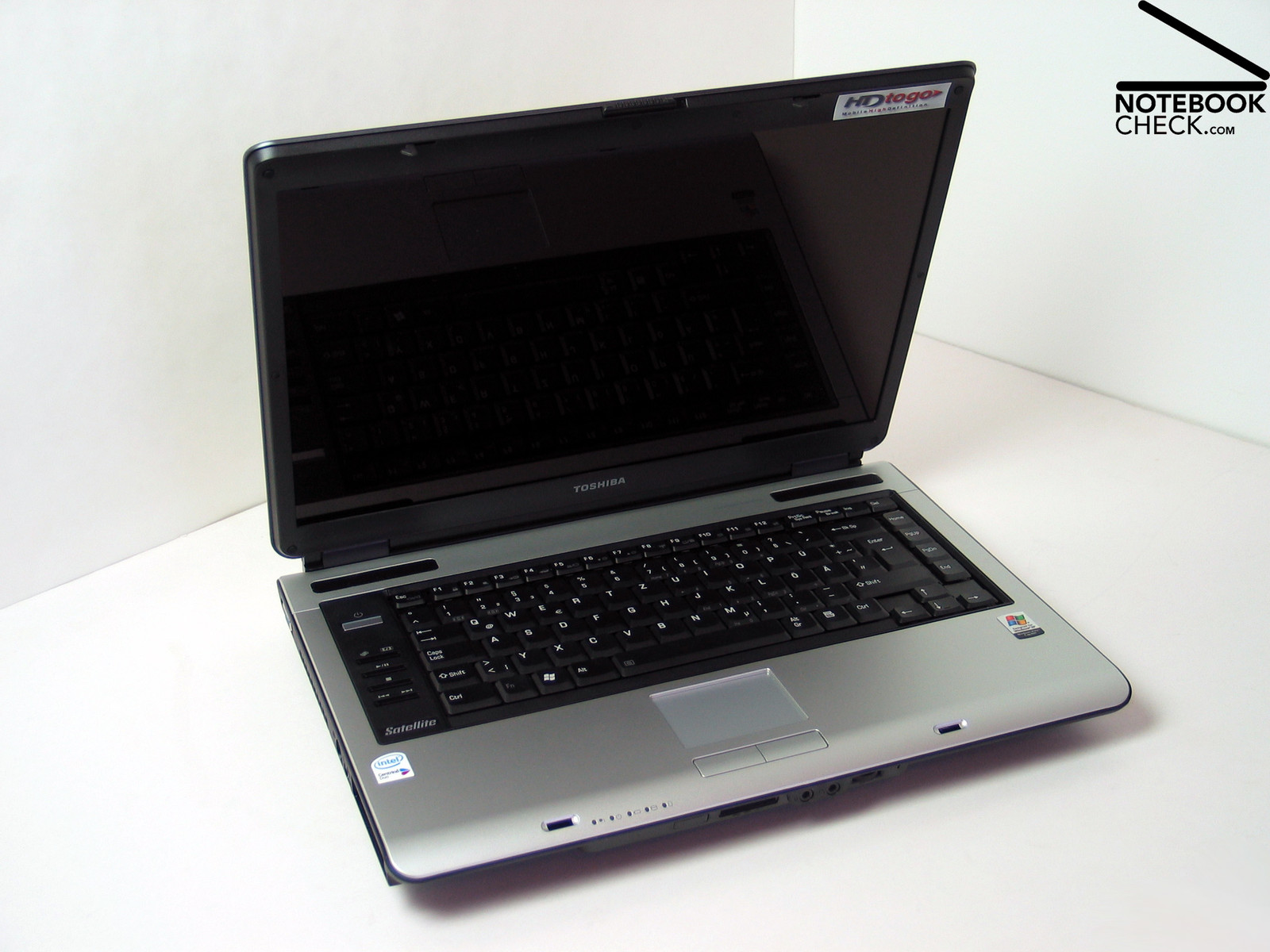
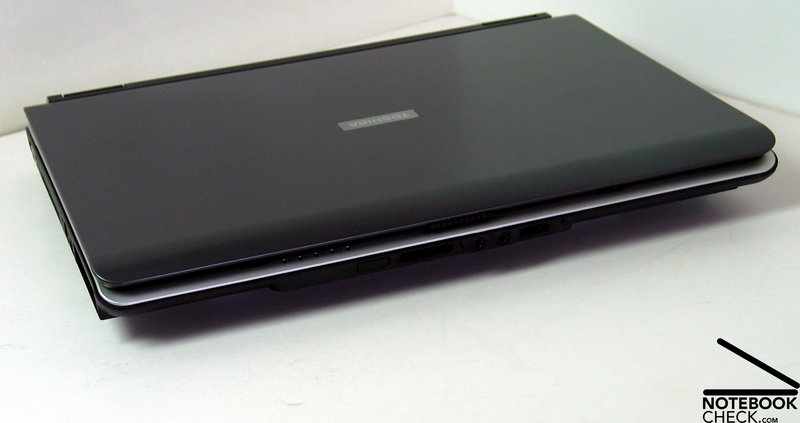
The design of A100 looks so great, that nearly everybody will like it. The design of the notebook is clear, but not boring. The notebook seems elegant because of the gentle forms and decent tones used.
Toshiba's Satellite A100-979 does not only look great, it also convinces through quality of workmanship and robustness. It seems that the robust bottom through and the silver cover is connected seamlessly. One can unscrupulously pick up the notebook at the front edge and there won't even be a tiny creak. Also, Torsions could hardly be observed.
The only deficiencies are two short fissures left and right above the keyboard, whose distance are slightly different. But one will only notice them on a very close look.
The display is relatively solid. In contrary to the rest of the case, the plastic cover of the backside of the display can be easily pushed in. The joints seem robust, but allow a slight, negligible wobble.
Toshiba's Satellite A100-979 is equipped with a ramshorn hook, which doesn't allow any dislocating, if the display is closed. The display can easily be opened again.
At the first glance the ports seem to be distributed arbitrarily over the whole case, but at a closer look one realizes, that they are exactly, where they are needed.
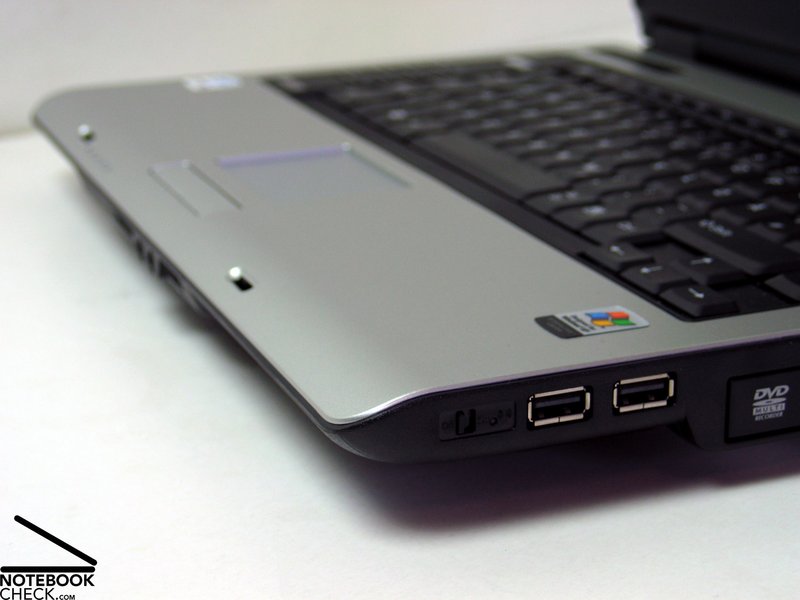
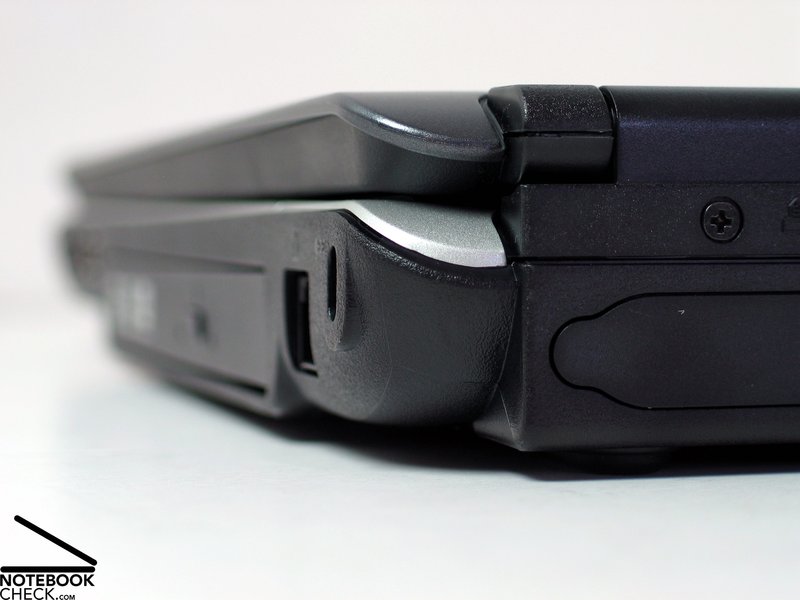
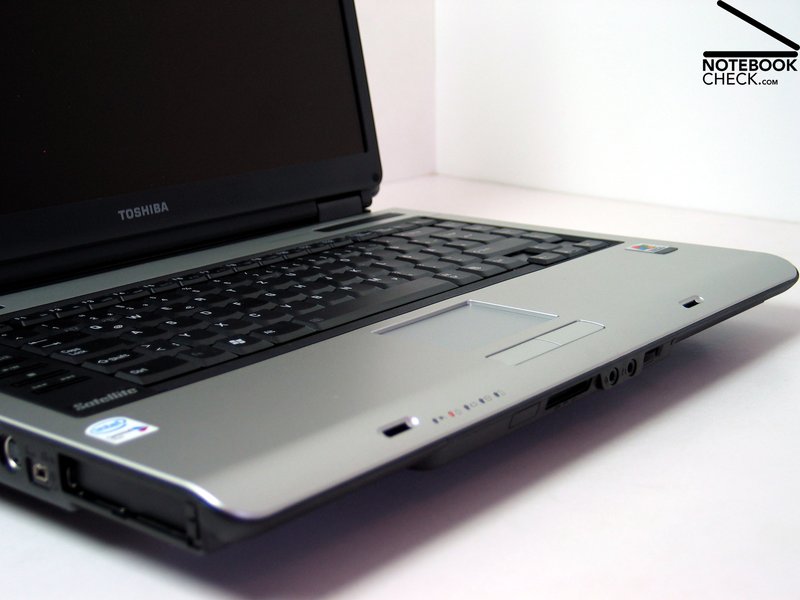
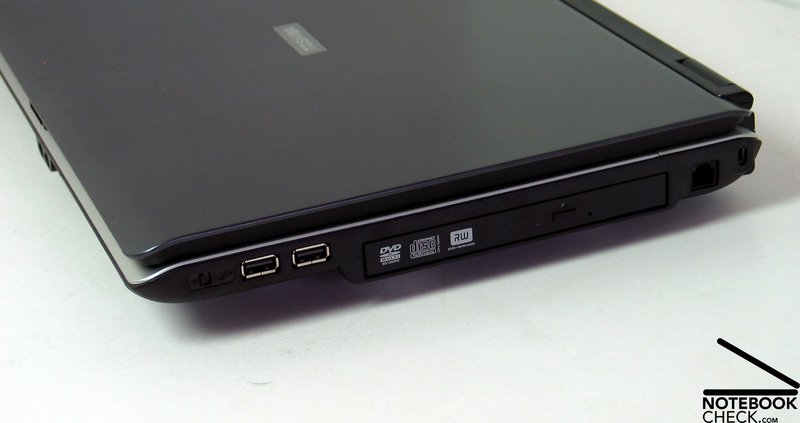
At the right side there are 2 USB 2.0 Ports and a WLAN switch in front of the DVD Multi drive. At the back region there are the Kensington Lock and a modem port.
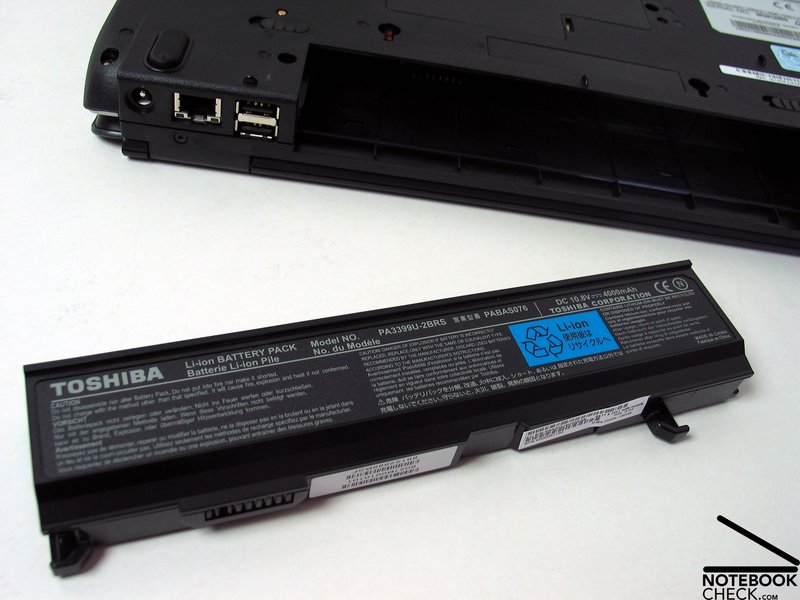
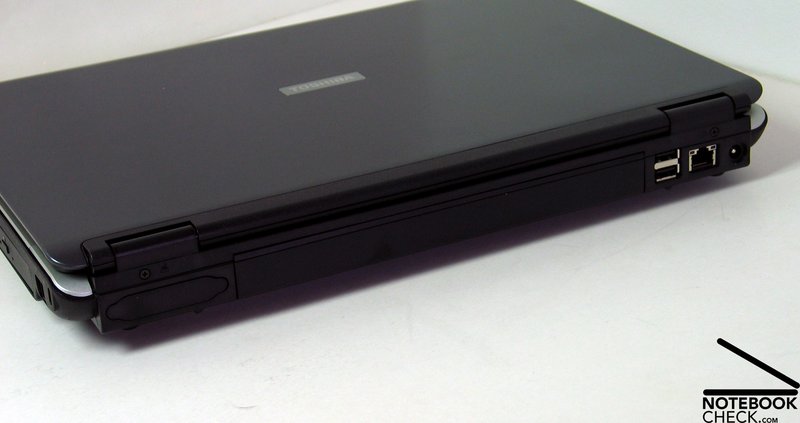
The back side is nearly entirely occupied by the battery. Although this configuration has often been criticized, because it requires placing more ports nearer to the front on both sides, there is also a big advantage in it. It allows placing bigger battery packs without problems. So there is also a battery pack with 9 cells available, which has 50% more capacity.
Beside the battery there are 2 more USB 2.0 ports, which are suitable for permanent connection of peripherals, a LAN port and the power supply line.
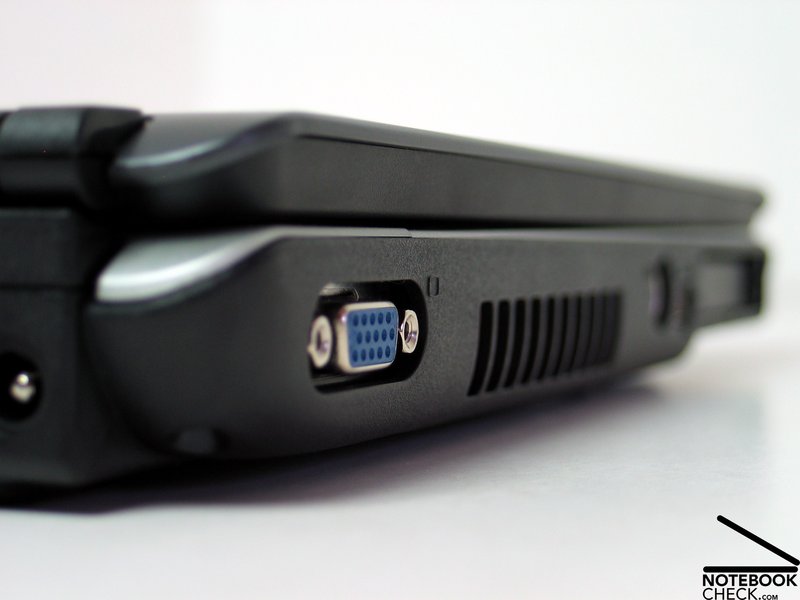
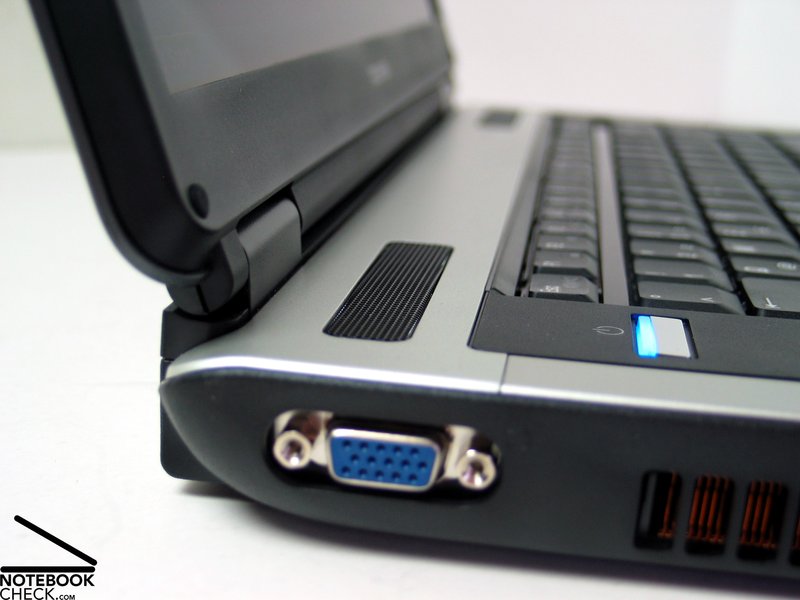
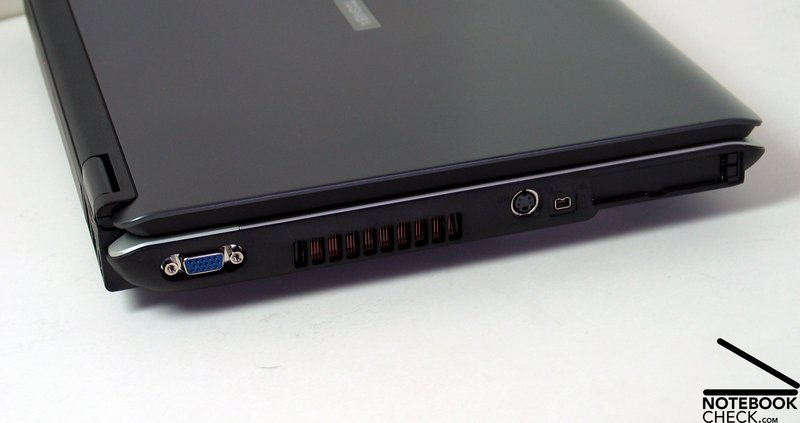
At the left side there is a VGA port in the back region, which can be used to connect an external monitor. In the front region there are a S-Video out, a fire wire connector, an ExpressCard slot and a PCCard Slot Type II.
Input devices
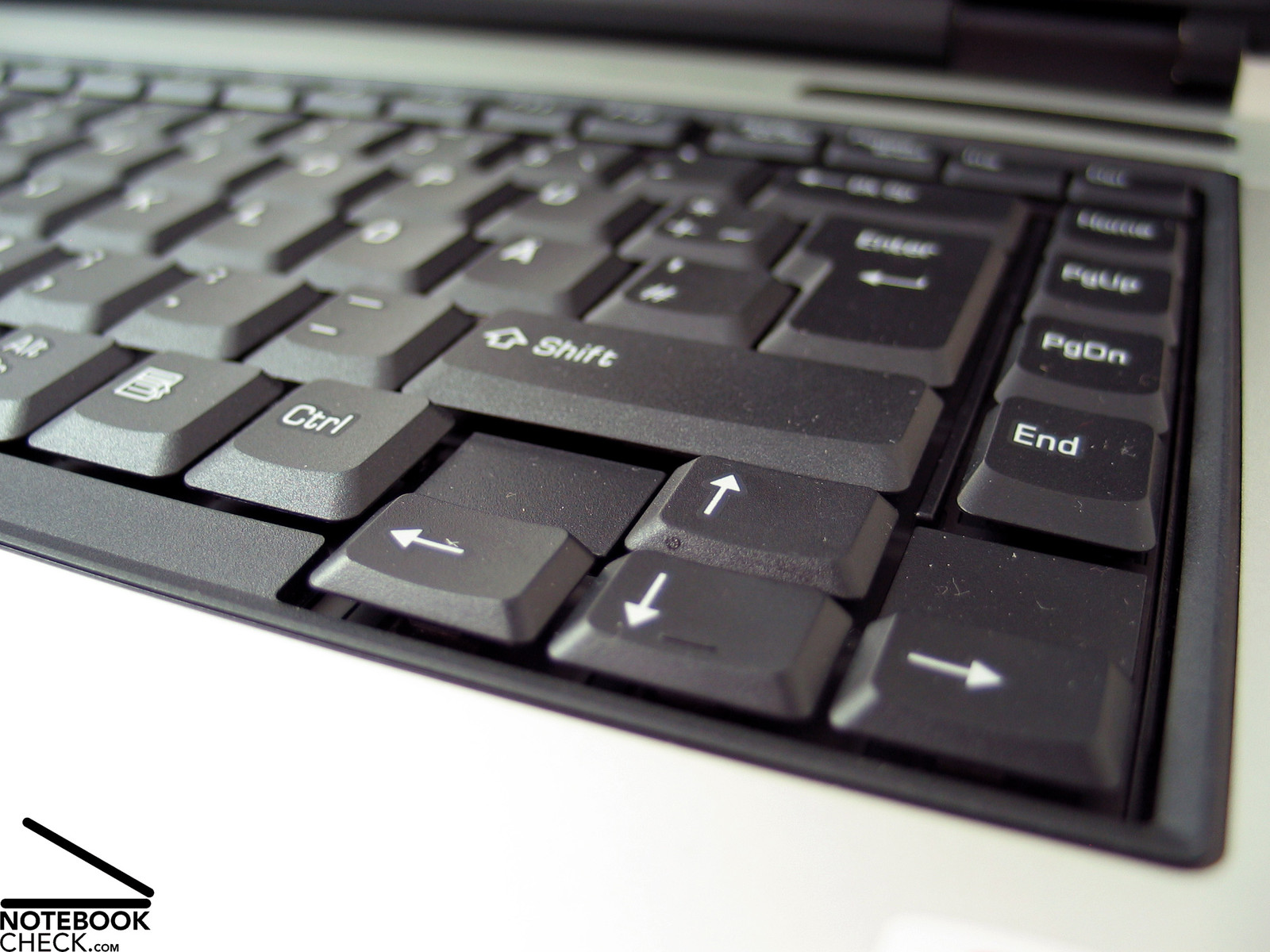
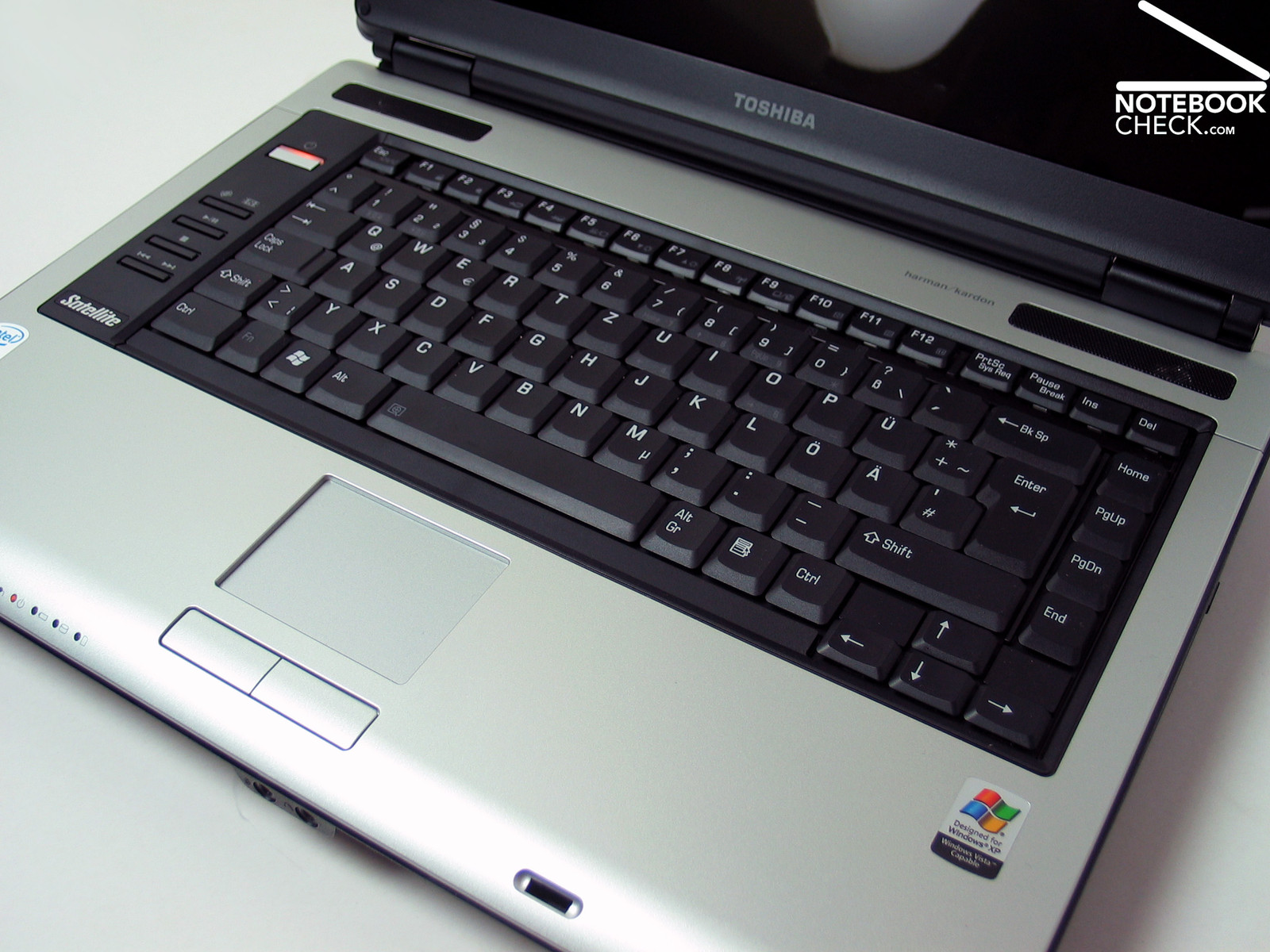
The keyboard is very clear, because the cursor and functions keys of Toshiba's Satellite A100-979 have been moved away from the other keys a little bit . The keys are - besides the left shift key, which is a little bit too small - of standard size. The Enter key takes up two rows.
The keys felt good when typing. But we discovered a possible clear deflection of the whole keyboard. There is a pleasant, slightly dull noise caused by typing.
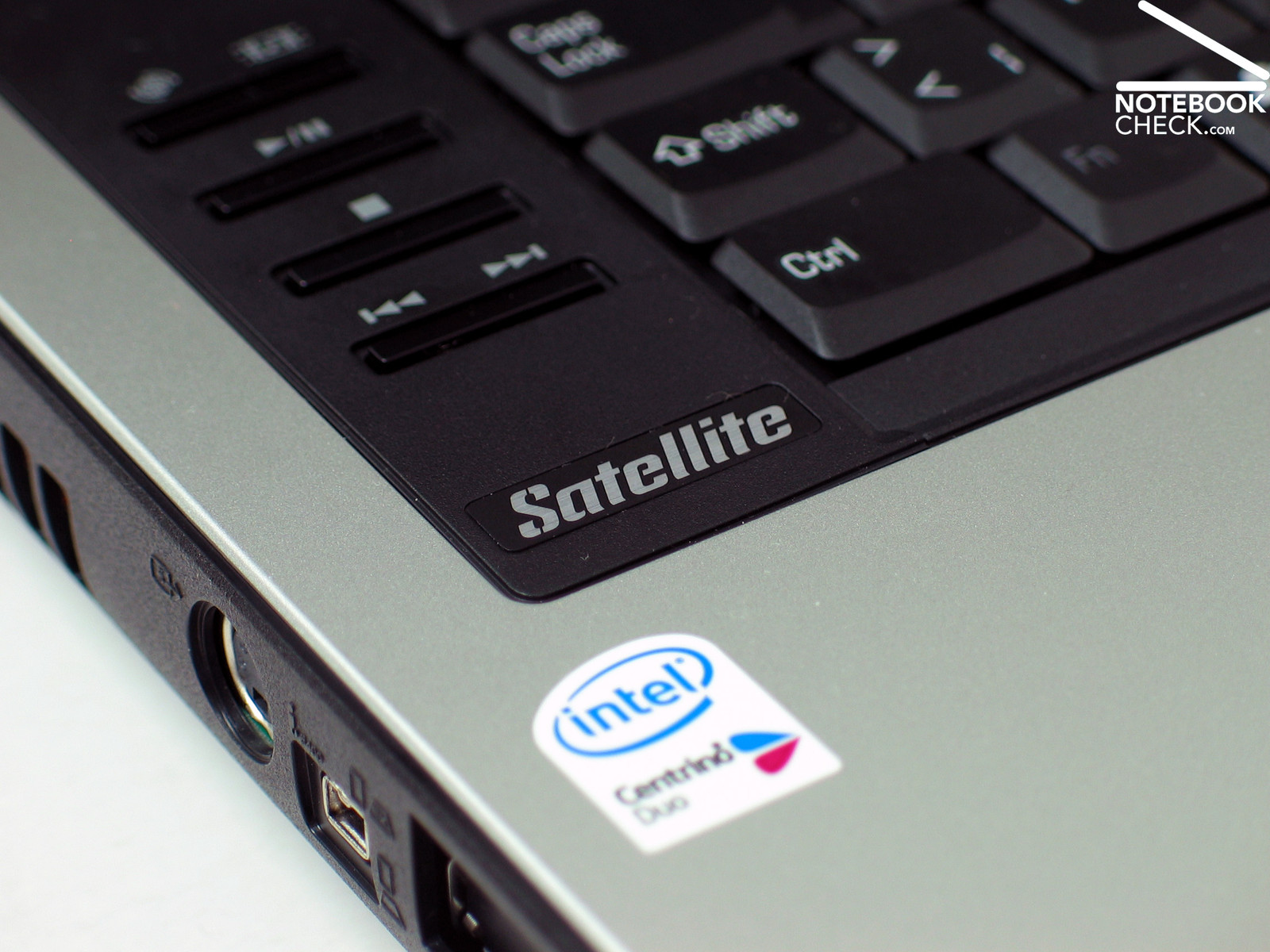
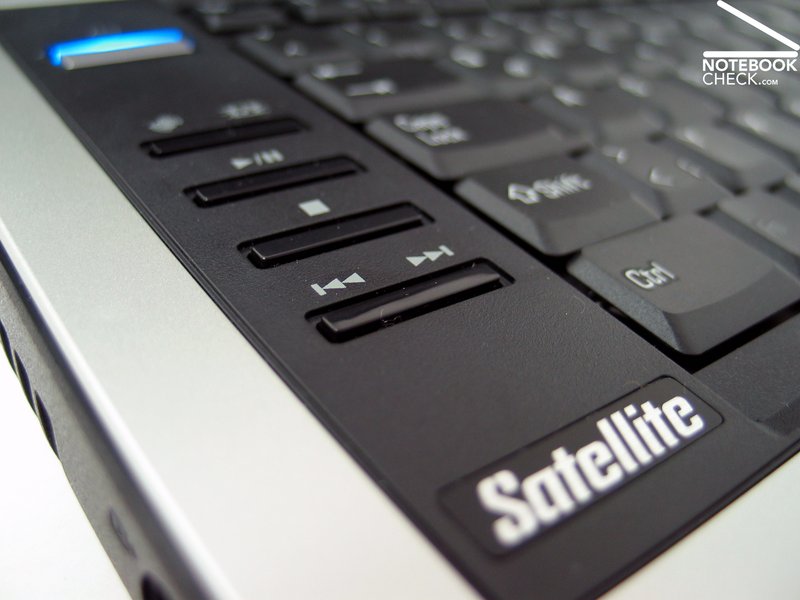
At the left side of the keyboard there are some additional keys, which are nicely placed, but somehow uncomfortable to use, because they are countersink.
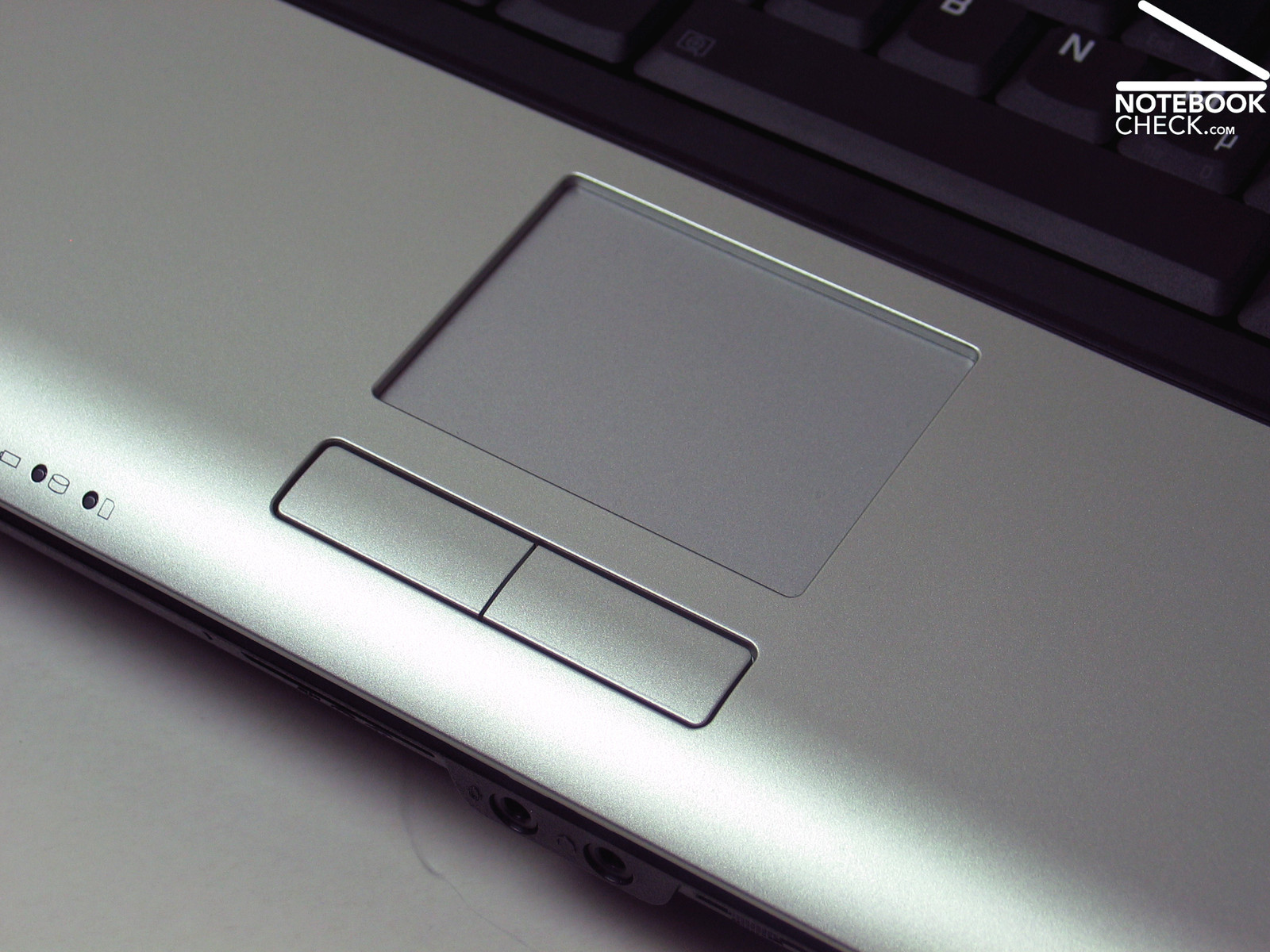
The touch pad did not show any anomalies. The buttons are a little bit hard to press and the touch pad is countersink relatively deep.
Display
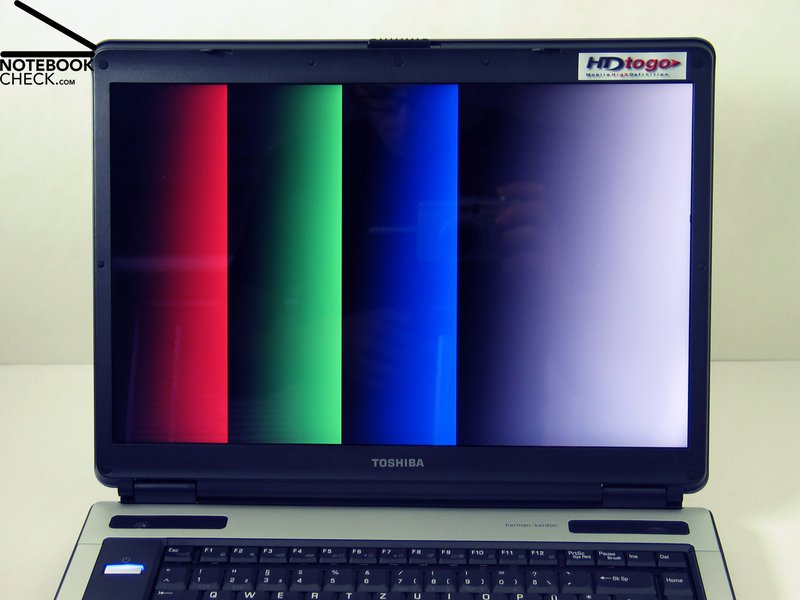
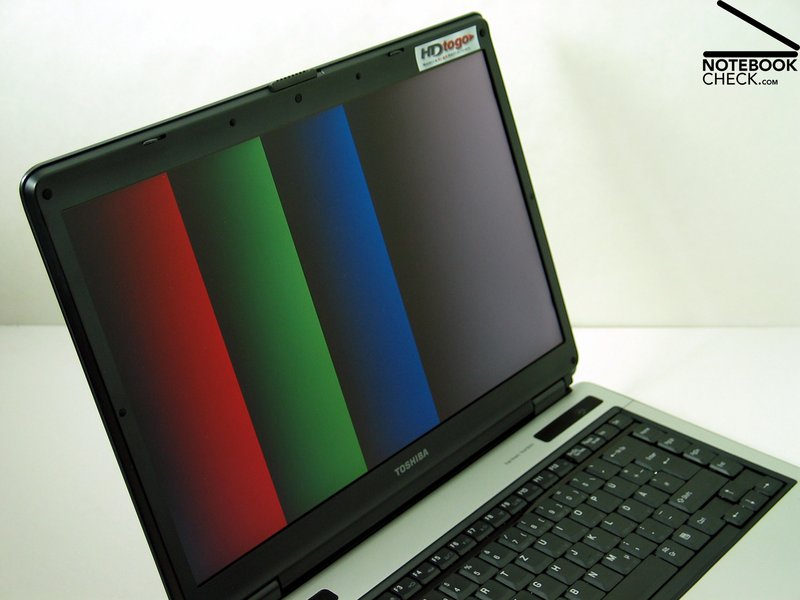
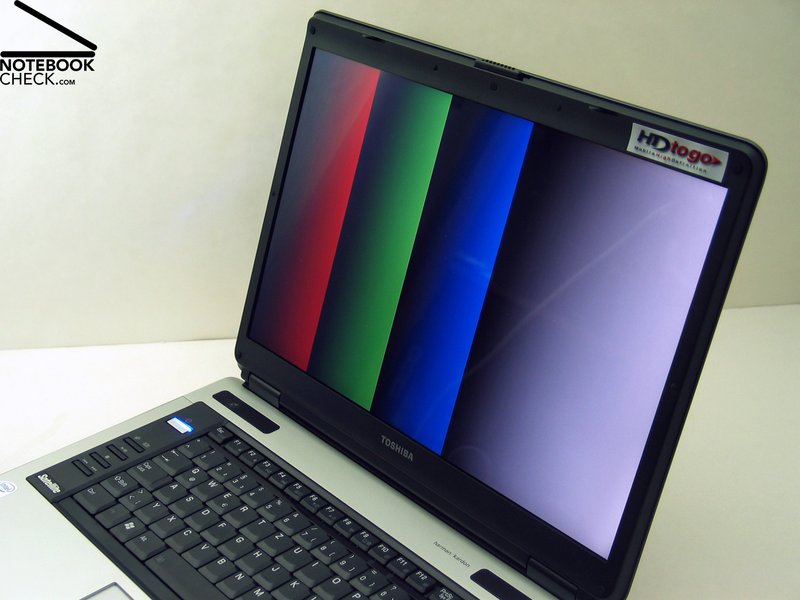
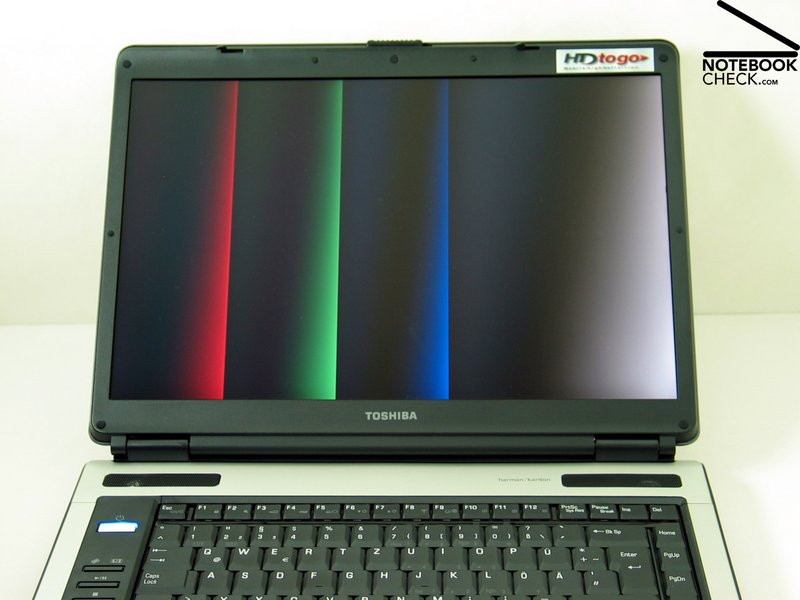
Main point of criticism was the low brightness. Like the predecessor, the A100-979 is equipped with a reflecting 15.4 inch WXGA display and a resolution of 1280x800 pixels. But the measured brightness of the current notebook was clearly better. The maximum measured brightness was 138.0 cd/m². This is not a top value, but sufficient for working indoors. The illumination reached good 80.4%.
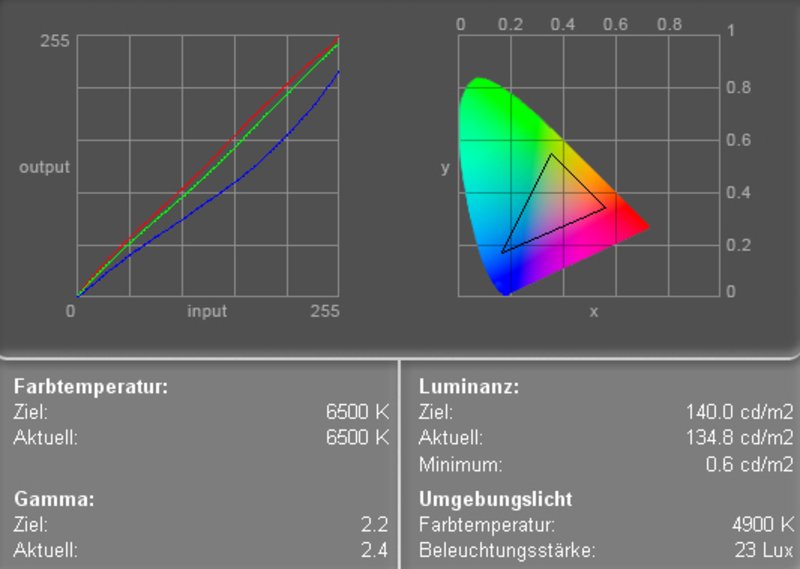
Although the colors were subjectively alright, the diagram shows a clear deviation of the blue tone curve - the emphasis on the blue colors are too low. The test showed a reasonable maximum contrast of 222.3:1.

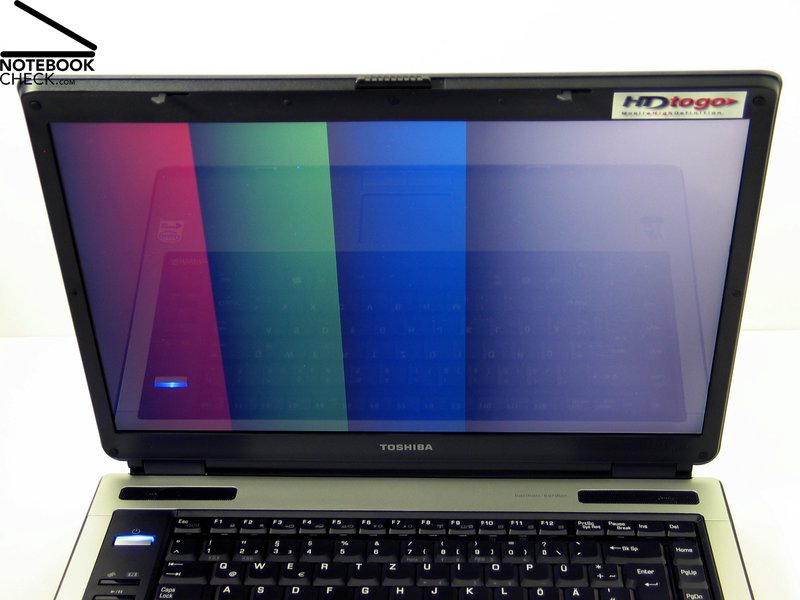
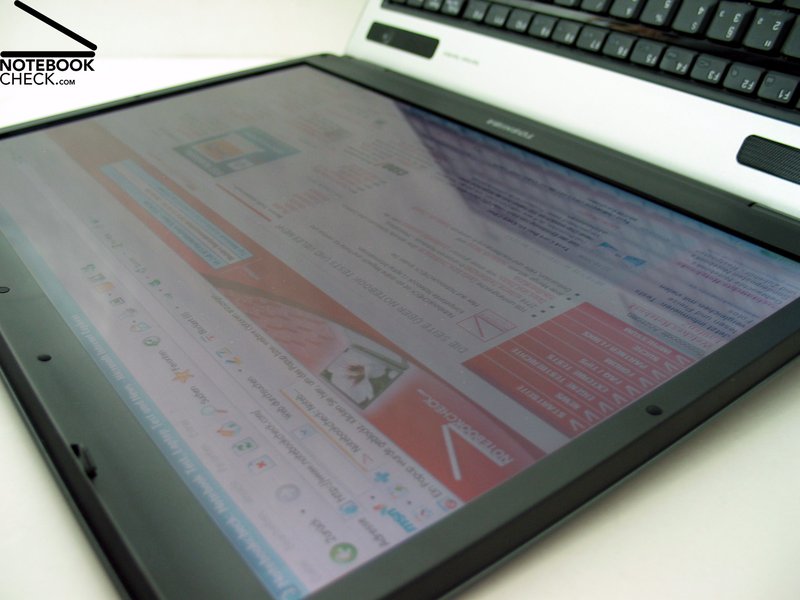
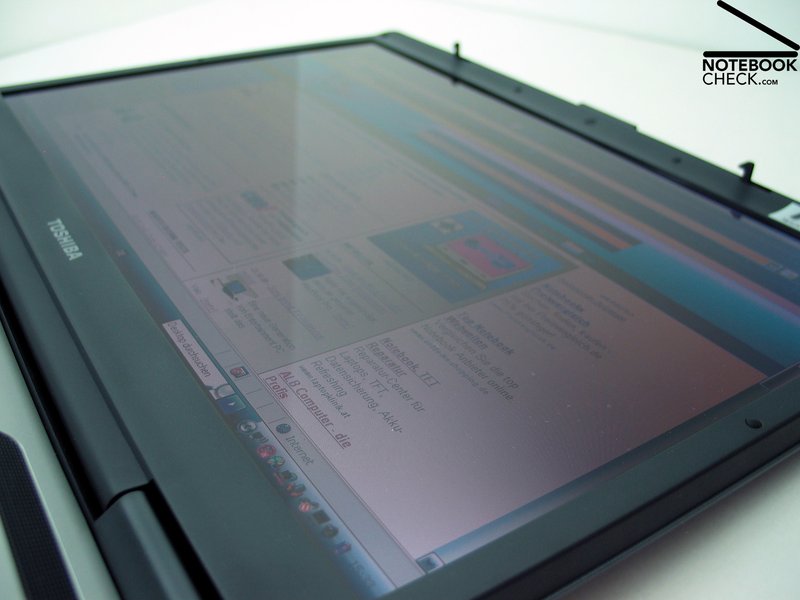
Outdoors - under good lightening conditions - the A100-979 cannot be used very well. On the one hand, the brightness of the display is too low, on the other hand the display clearly reflects.
The maximum viewing angle is horizontally limited by reflections. Vertically there are high dimouts or fill-lights outside the usual area of operation.
Regarding the speed of reaction the Satellite A100-979 reaches grade 6 of the Pixperan test of legibility and can therefore be rated average.
| |||||||||||||||||||||||||
Brightness Distribution: 80 %
Contrast: 222:1 (Black: 0.6 cd/m²)

Performance
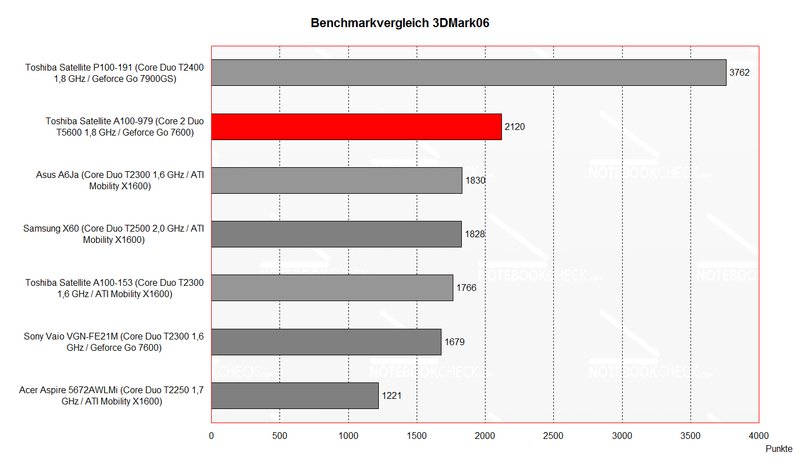
In the fields of 3D graphics the Satellite A100-979 has a performance that is comparable to similar equipped notebooks of the same class (X1600, Geforce 7600 and comparable CPU) and even wins against most of them.
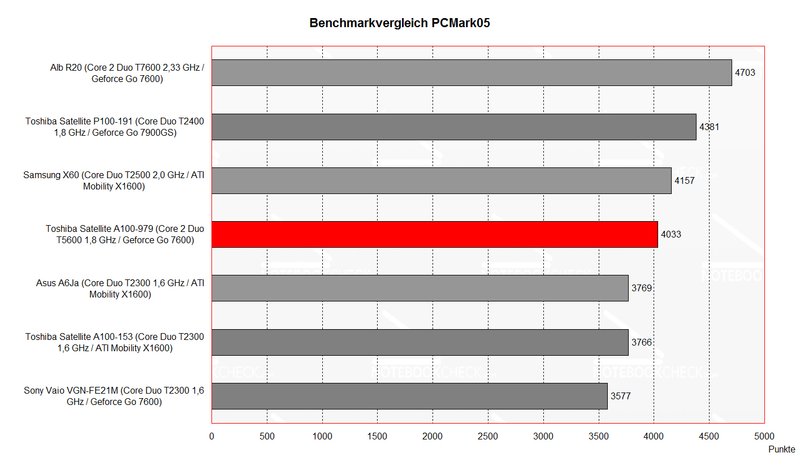
Regarding the fields of applications the notebook is a good average. The notebook won't have performance problems in the short run - it is even "Windows Vista Capable". But there might be slight problems with current games, where one has to reduce the resolution or the number of details.
The measurements of the 160GB hard disk of Fujitsu showed that it works at 4200 rpm and has a longer access time and a lower data rate than models using 5400 rpm.
You can find further information to the video card here or in our Comparison of mobile video cards. For comparision of the T2700 CPU to other CPUs please look at Comparison of mobile CPUs.
| 3DMark 2001SE Standard | 18748 points | |
| 3DMark 03 Standard | 8095 points | |
| 3DMark 05 Standard | 3361 points | |
| 3DMark 06 Score Unknown Setting | 2124 points | |
Help | ||
| PCMark 04 Standard | 5902 points | |
| PCMark 05 Standard | 4033 points | |
Help | ||

Emissions
Loudness
We observed an interesting phenomenon with the Toshiba Satellite A100-979: The notebook seems to use exactly 2 different levels of revolutions - one if idle or if using office applications, the other one under load.
The noise is about 36.0 dB in the idle mode and about 39.6 dB under load. Even the upper value is still acceptable.
Noise Level
| Idle |
| 36 / 39.6 / 39.6 dB(A) |
| HDD |
| 36.1 dB(A) |
| DVD |
| 38.7 / dB(A) |
| Load |
| 0 / 39.6 dB(A) |
 | ||
30 dB silent 40 dB(A) audible 50 dB(A) loud |
||
min:  , med: , med:  , max: , max:  (15 cm distance) (15 cm distance) | ||
Temperature
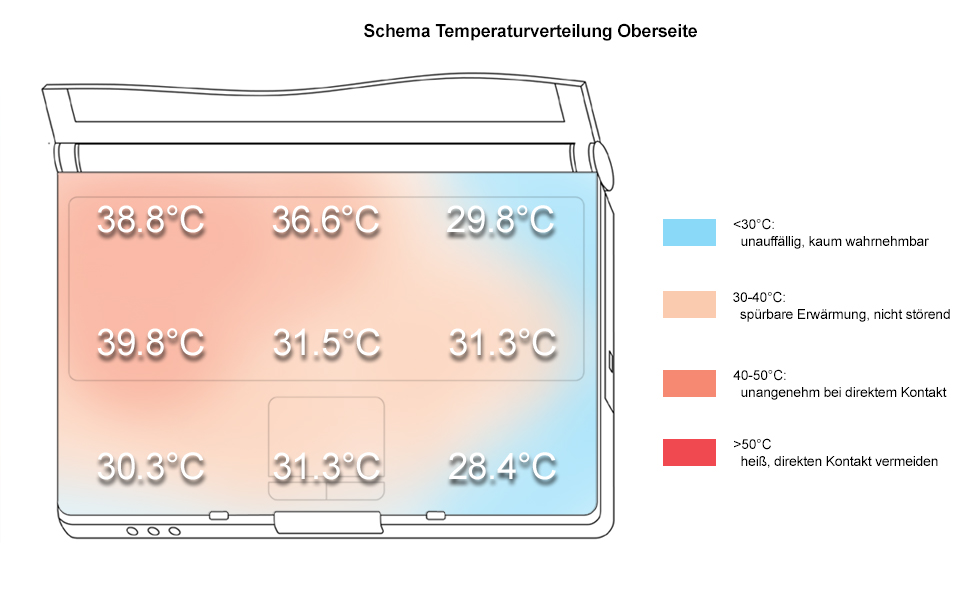
The notebook got only slightly warmer at the upper side. We measured only about 30°C next to the touch pad, but left to the keyboard about 39.8°C.
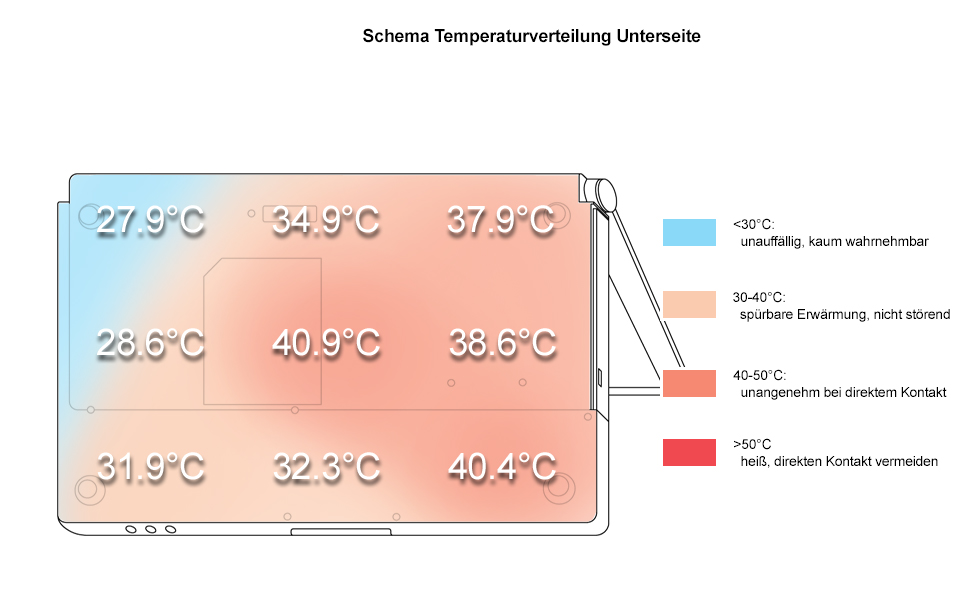
At the bottom side we measured a maximum temperature of 40.9°C, which only slightly exceeded the maximum temperature at the upper side.
Upper side
palmwrist: 30.3°C max: 39.8°C avg: 33.1°C hotspot: left besides the keyboard
Bottom side
max: 40.9°C avg: 34.8°C hotspot: middle, right edge
environment: 22.5
Loud speakers
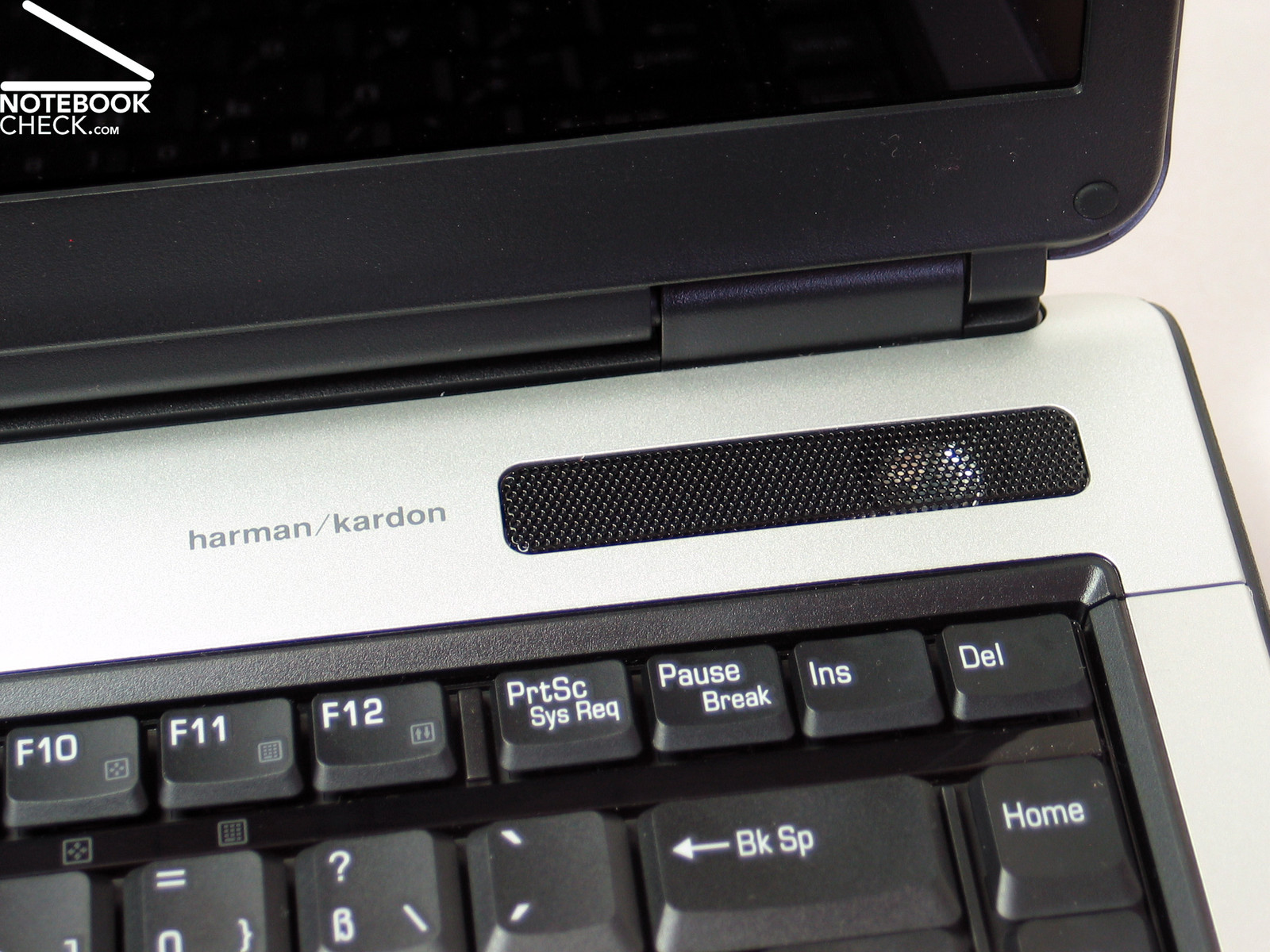
The Harman/Kardon speakers in the Toshiba Satellite A100-979 convinced us through an absolute clear sound. We were so excited that we turned the loudness up and up and discovered that the maximum loudness is a little too low.
Battery Runtime
The A100-797 is equipped with a Lithium battery of 6 cells. But Toshiba also offers a battery with 9 cells of 6000 mAh, which leads to about 50% longer runtime.
The 4000 mAh battery used with this notebook had a minimal runtime of roughly an hour and a maximum runtime of 2 hours. Even the runtime when playing DVDs was only 1.5 hours, which is not too long.
Energy Demand
Without load (Idle), min. brightness, without WLAN: 32.6 Watt
+ max. brightness: 35.8 Watt
+ WLAN: 36.7 Watt
full load (+WLAN, max. brightness): max. 62.0 Watt
Verdict

Toshiba's Satellite A100-979 convinced not only through excellent workmanship and quality of material, but also through its good design.
Also the keyboard proved to be very user friendly, because of the clear layout and the good typing feeling.
The display does not belong to the brightest currently available, but it is sufficient for use indoors. Outside the display could not convince us. The values reached at the distribution of illumination and for the contrast are satisfying. The weak point of the display is definitely the limited stability to vantage points, which is also negatively influenced by the reflecting panel.
Although the fans also run in idle mode, they are not really apparent. The measured surface temperature where in a normal range.
The notebook we reviewed was equipped with a 4000 mAh battery. The battery runtime can be a little bit too short for mobile users, but there is also 6000 mAh battery available.
In total we rate the Toshiba Satellite A100-979 positively. The notebook is particularly interesting for everybody who needs a top quality 15.4 inch multimedia notebook with average to good performance in the fields of applications and 3D graphics.