Deutsch
 Español
 Français
 Italiano
 Nederlands
 Polski
 Português
 Русский
 Türkçe
 Svenska
 Chinese
 Magyar
Review Dell Inspiron 1525 Notebook
More than just Office.
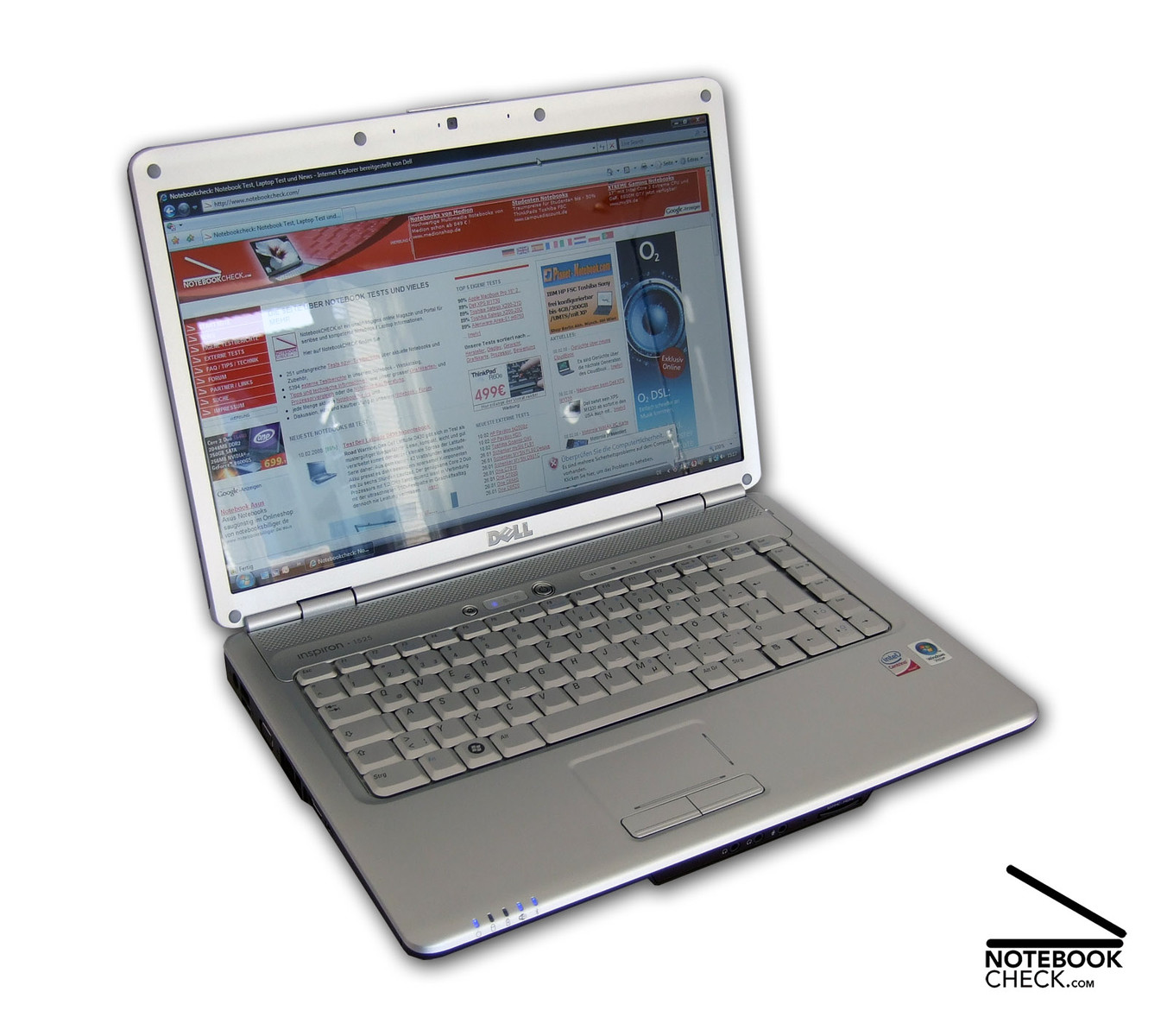
The Dell Insprion 1525 scores not only points in typical aspects important for office notebooks, but also regarding a number of multimedia features. Besides a good workmanship, an user-friendly keyboard and a clear design, it also offers, e.g., an up-to-date HMDI port. Inside a Dual Core processor by Intel and two GB RAM ensure sufficient performance.

Case
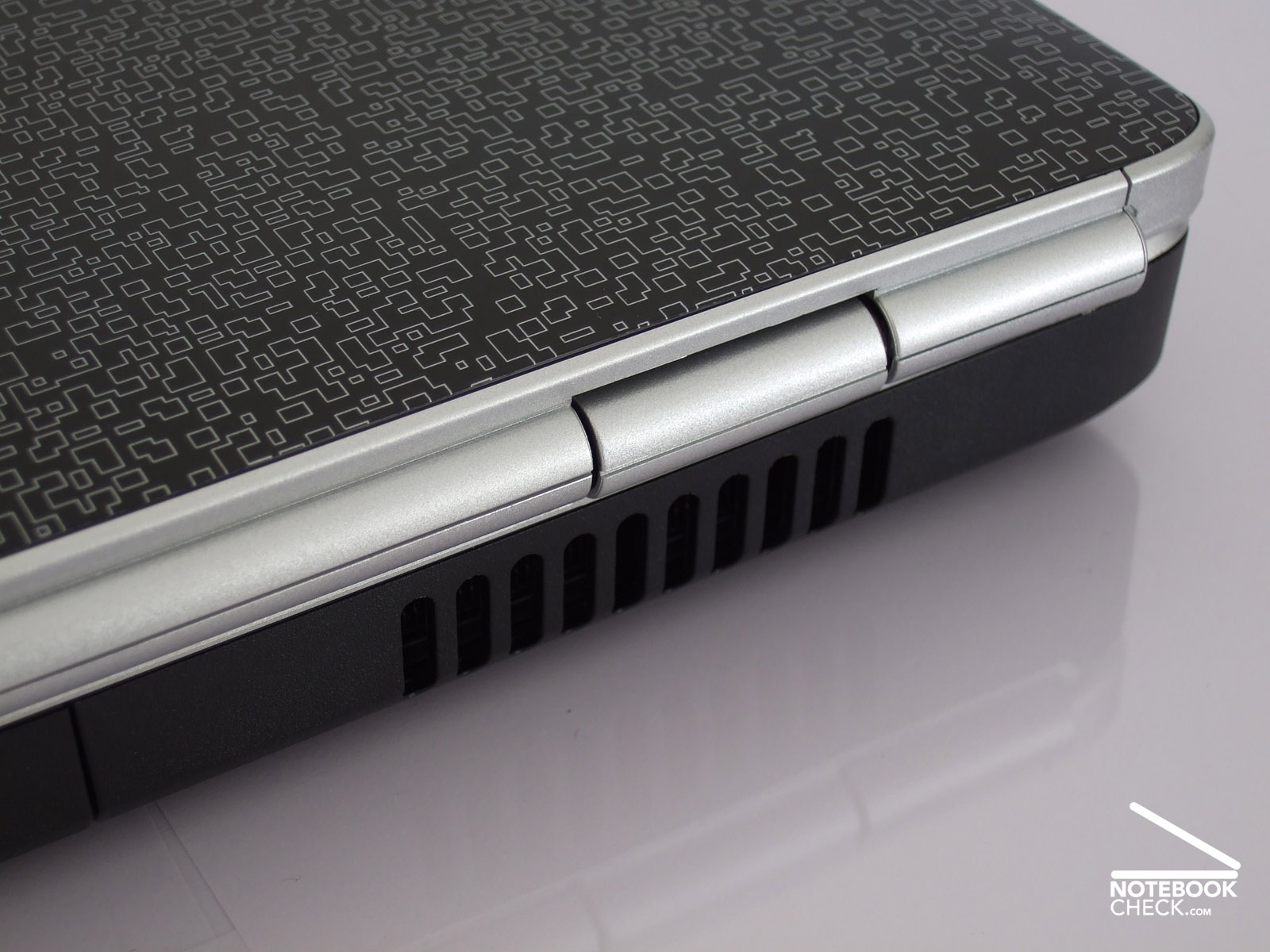
The Dell Inspiron 1525 looks anything, but boring. Twelve differently designed lids bring a welcome variety in the life with notebooks. Decent 'matte black', 'Flamingo pink' and colourful patterns, like the 'Chill', are available. So, you can be sure to find one which you like. The reviewed notebook in black and white 'Commotion' design attracted the attention of colleagues, friends, and passer-bys at once. They looked interested and thrilled.
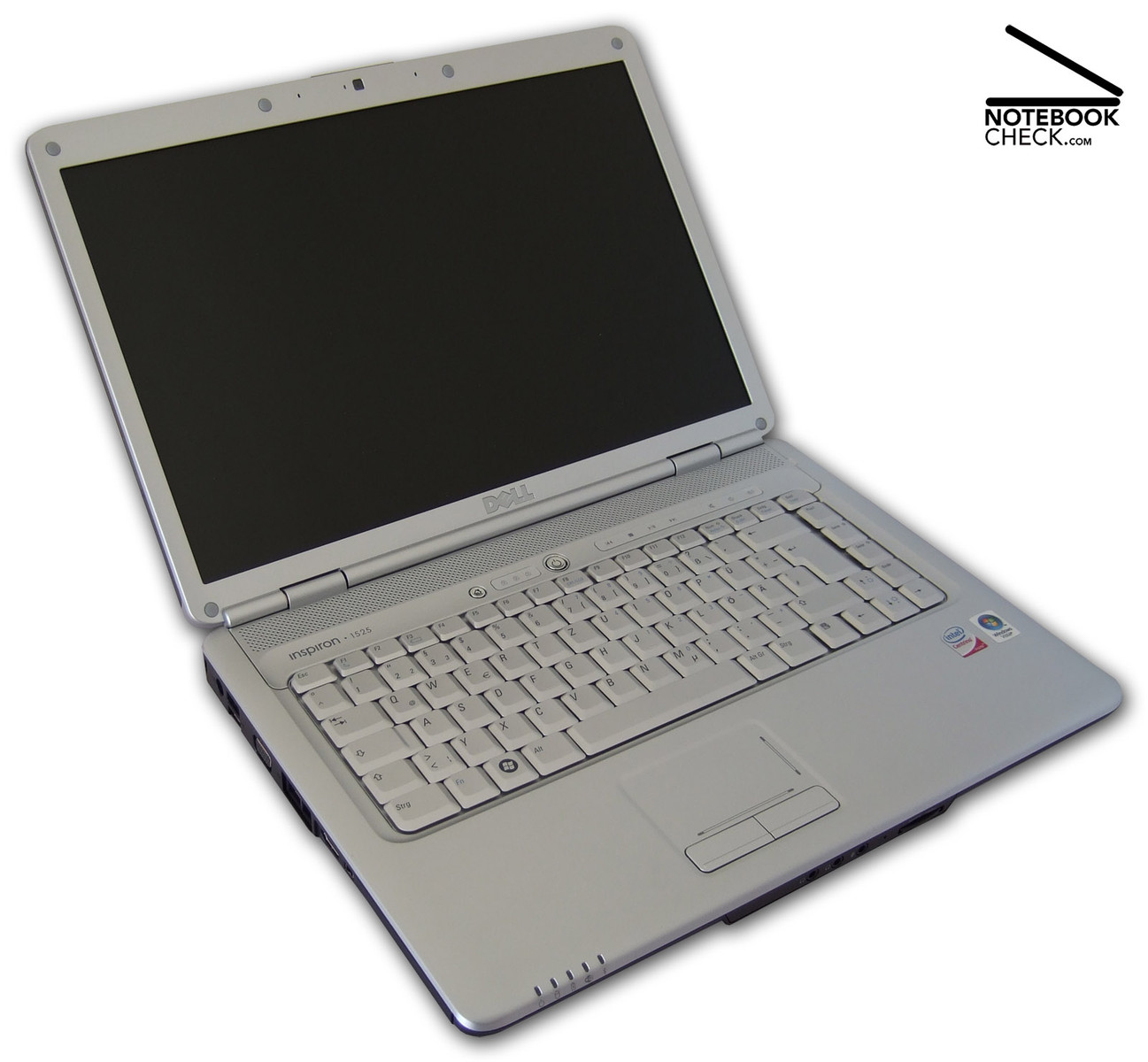
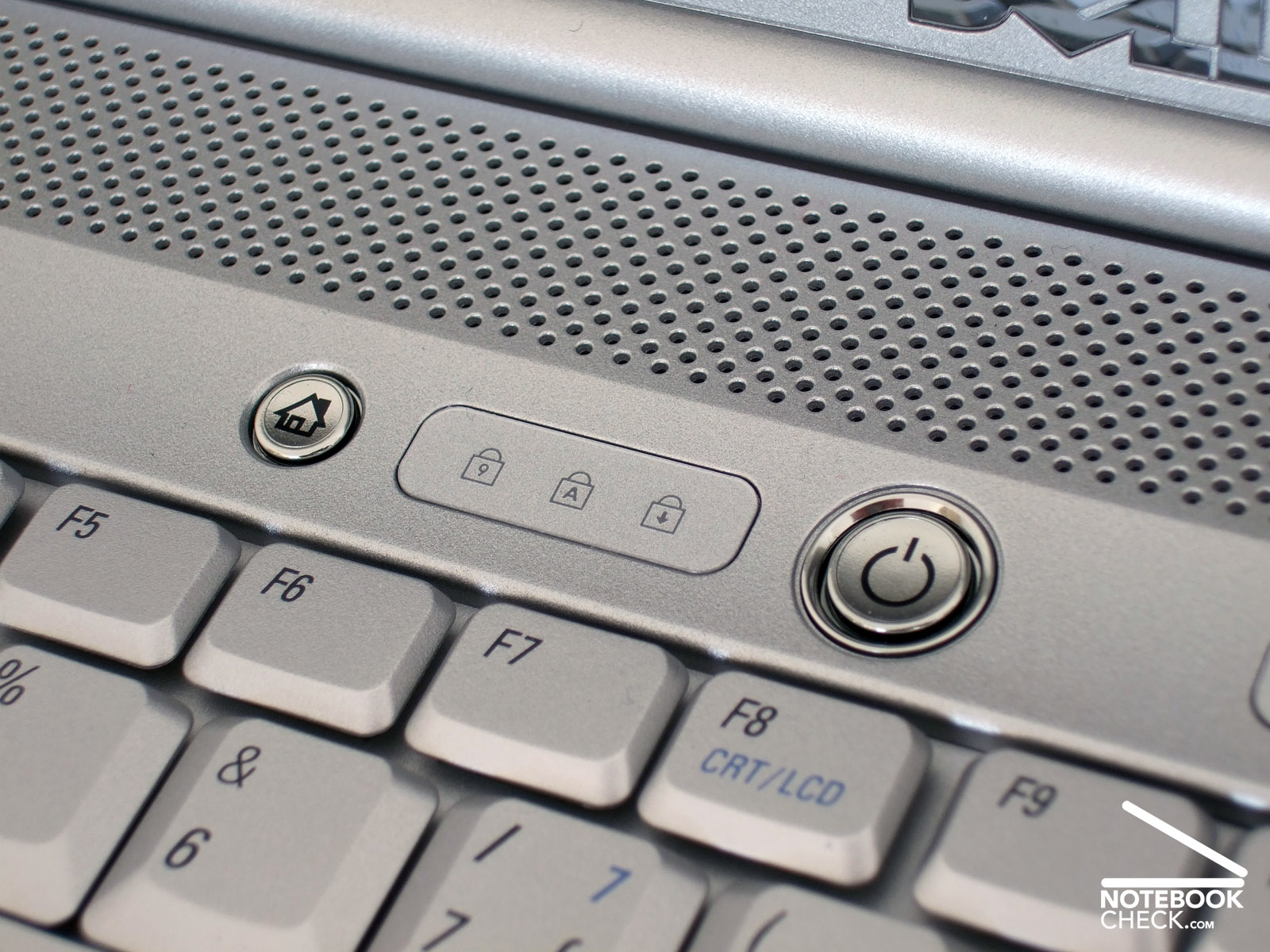
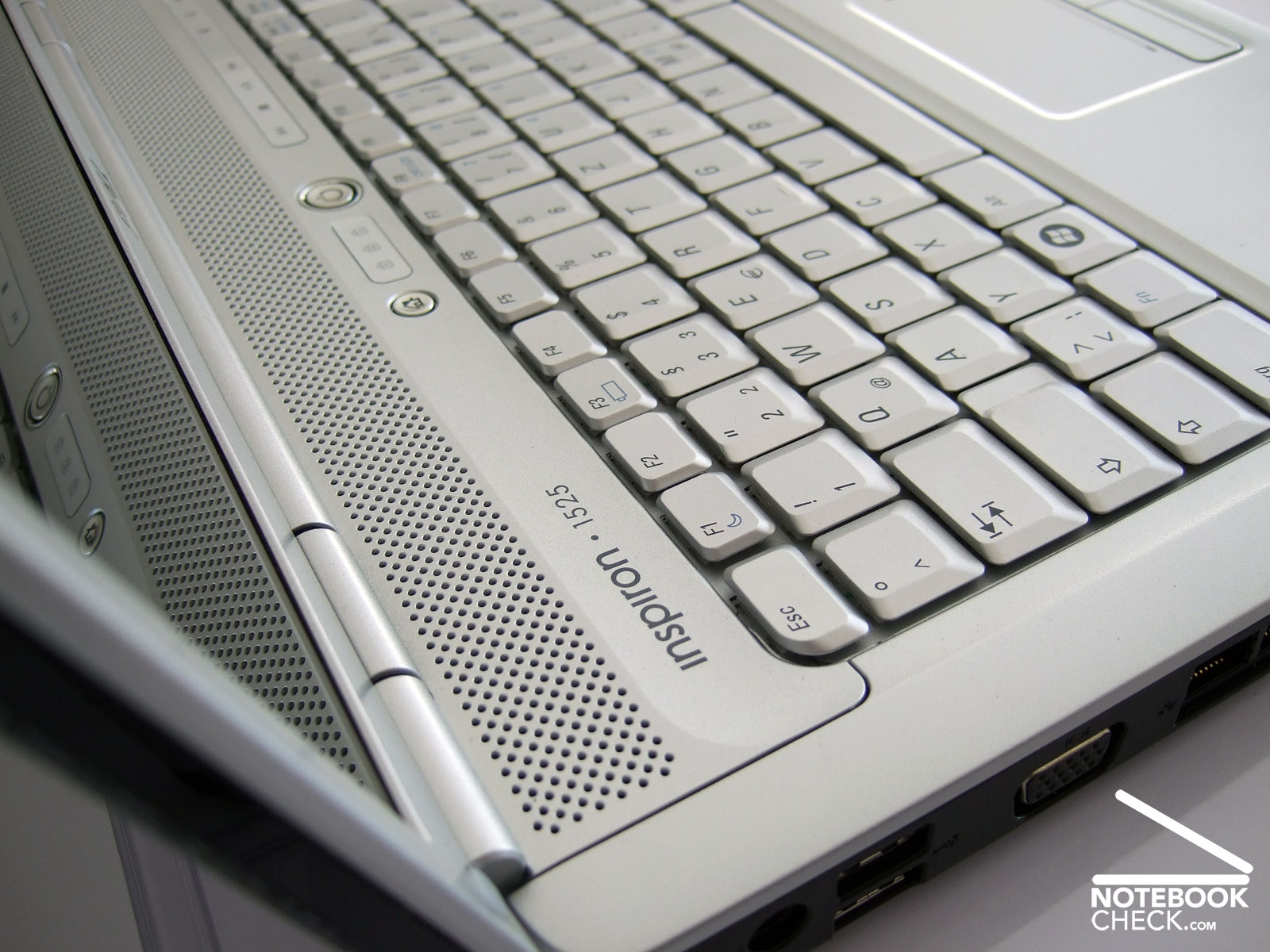
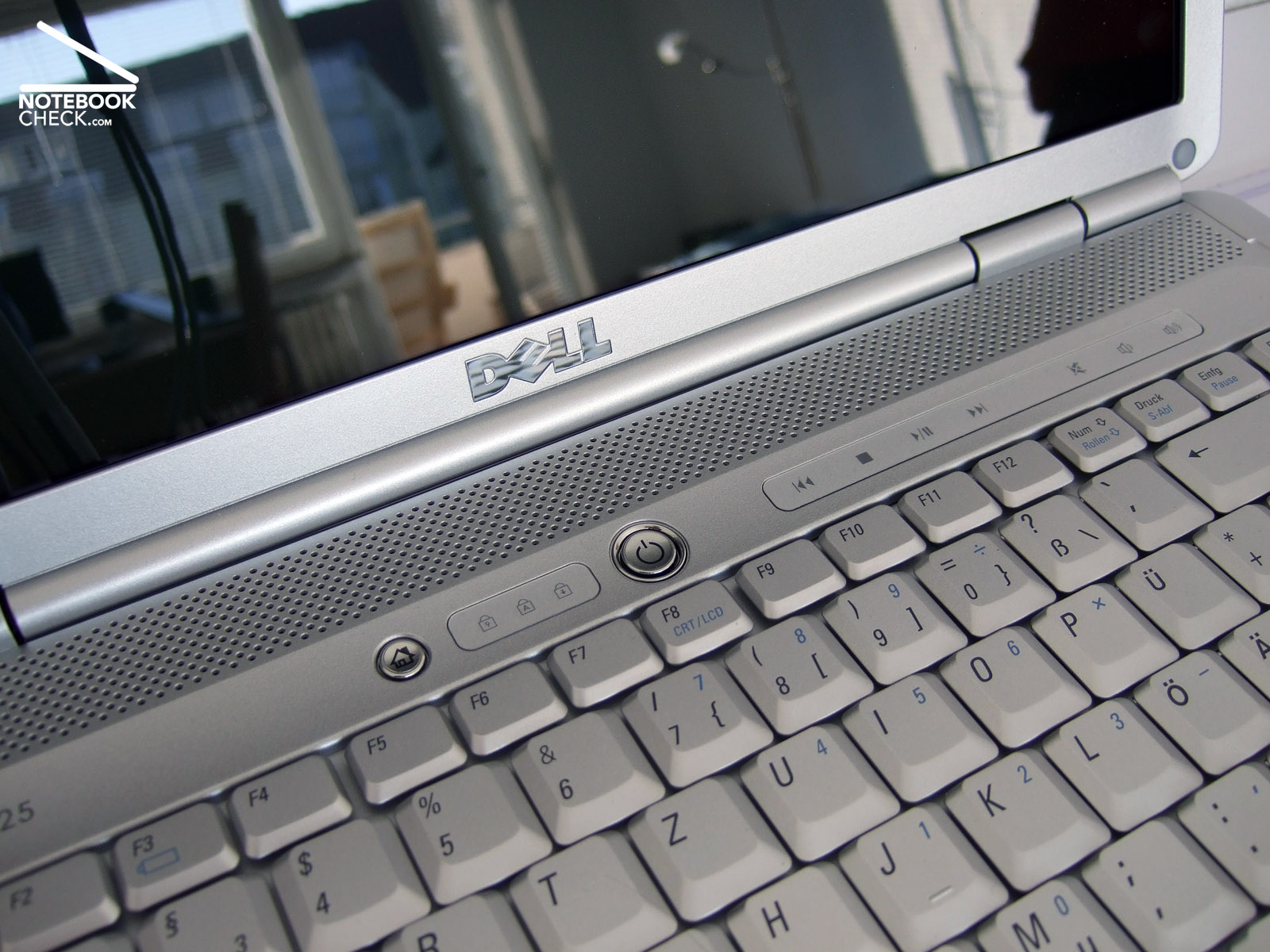
Inside the Dell Inspiron 1525 is elegantly, and clearly designed. The continuous dark grey and silver plastic looks due to some small metal applications and seamlessly integrated speakers, located above the keyboard, more vivid. A nice feature: The multimedia bar welcomes the user with an elegant flare upon power-on.
Because of this, it does hardly get obvious that the Dell Inspiron 1525 does not belong to the thinnest notebooks available nowadays. After all the height of this 15.4-inch notebooks is 4.1 cm. Even the thinnest part was as high as 3.1 cm. In return, it weighs just 2.8 kg including battery, which is alright for a notebook of this category. The mains adapter weighs 364 g.
The workmanship of this Dell notebook appeared to be good at once. Despite some smaller weaknesses regarding gaps and finish, the advantages of the flexural rigid case outweigh the disadvantages. Even if you apply much force the palm rest area does hardly yield. Creaking noises can, if at all, only be triggered near the optical drive. Regarding haptics the used materials are alright. They feel nice to the touch, and their rough surfaces especially at the palm rest area, gives firm support and is insensible to dirt and smaller scratches. That's exactly the way it should.
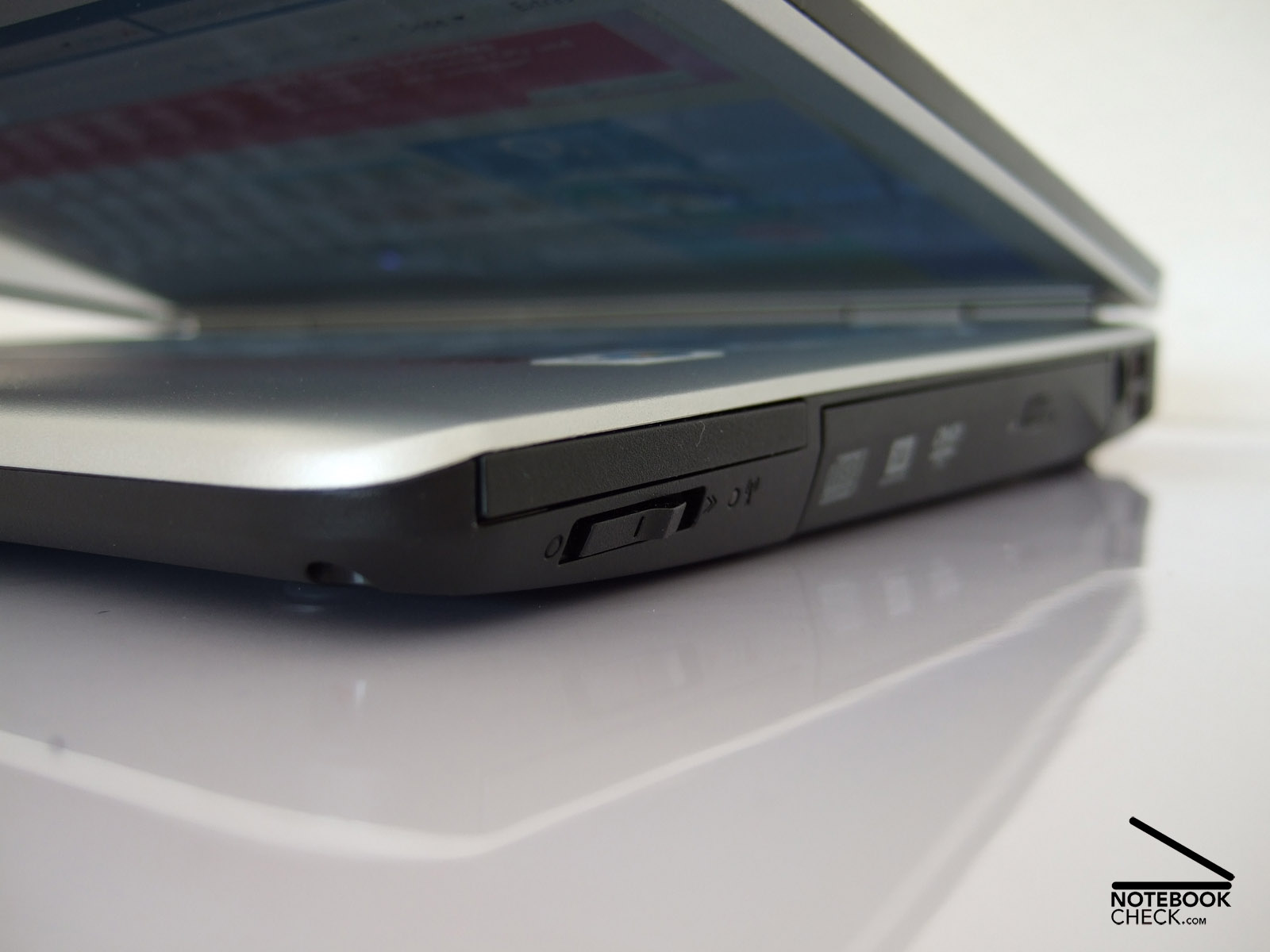
However, the display design is not that good. A transport hook is missing. The display is kept closed solely by its own weight and the tractive power of the two easily moving hinges - an arguable design. If we close the Dell Inspiron 1525, turn it upside down or onto one of its flanks, and hold it only at the base unit, there is immediately a gap of nearly two cm. So, dirt or even sharp objects can easily penetrate in between, if you transport this notebook. Although this does not look so good, Dell should rather use a small transport hook with sliding switch again. Besides the missing transport hook, the workmanship and the haptics of the Dell Inspiron 1525 are in general good.
Interface Equipment
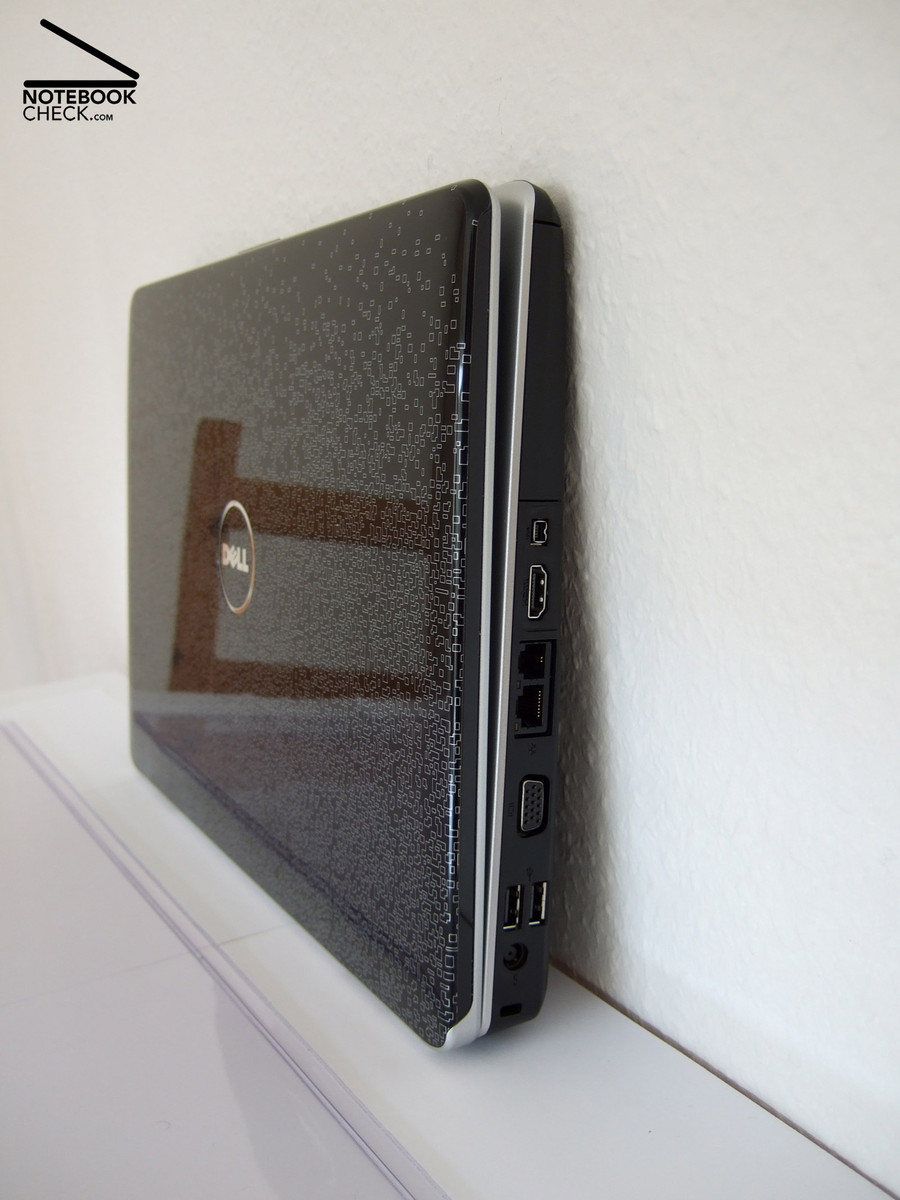
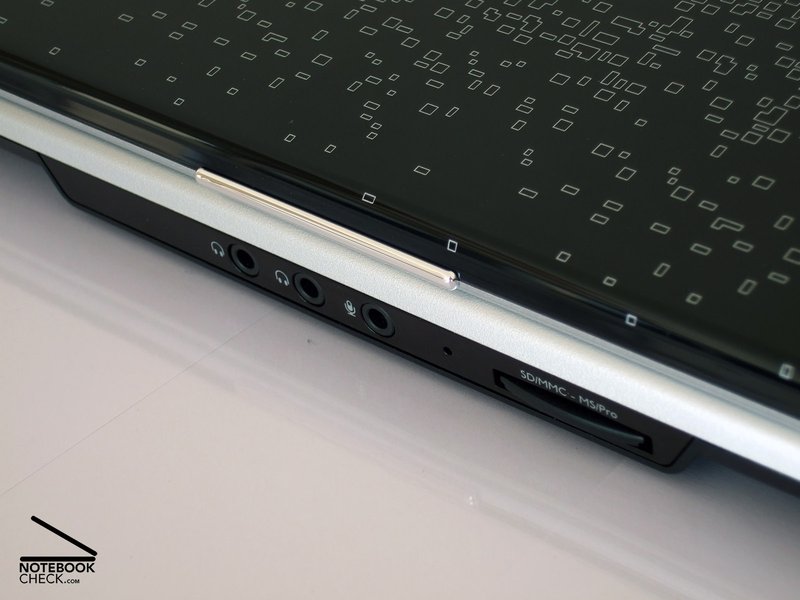
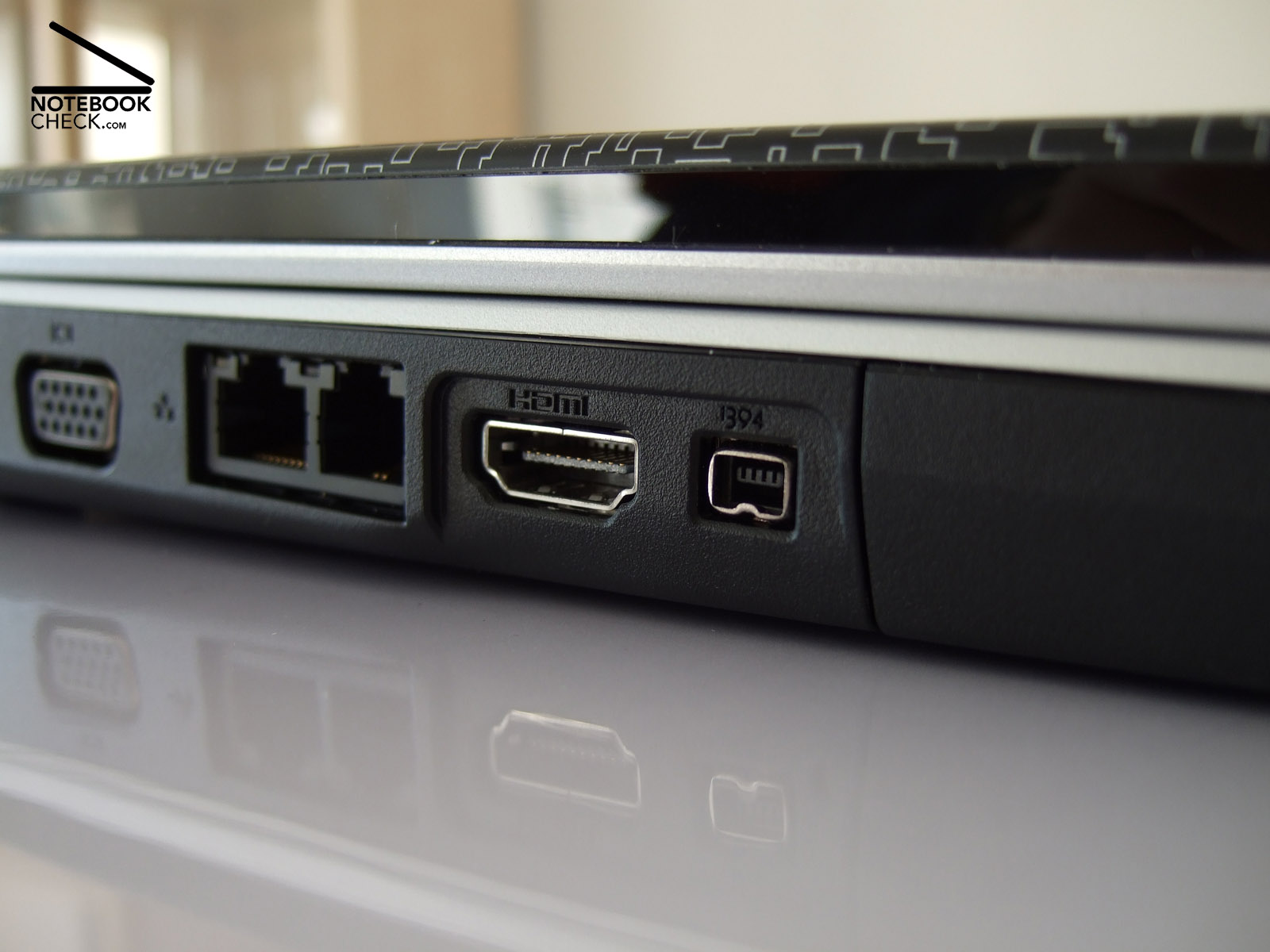
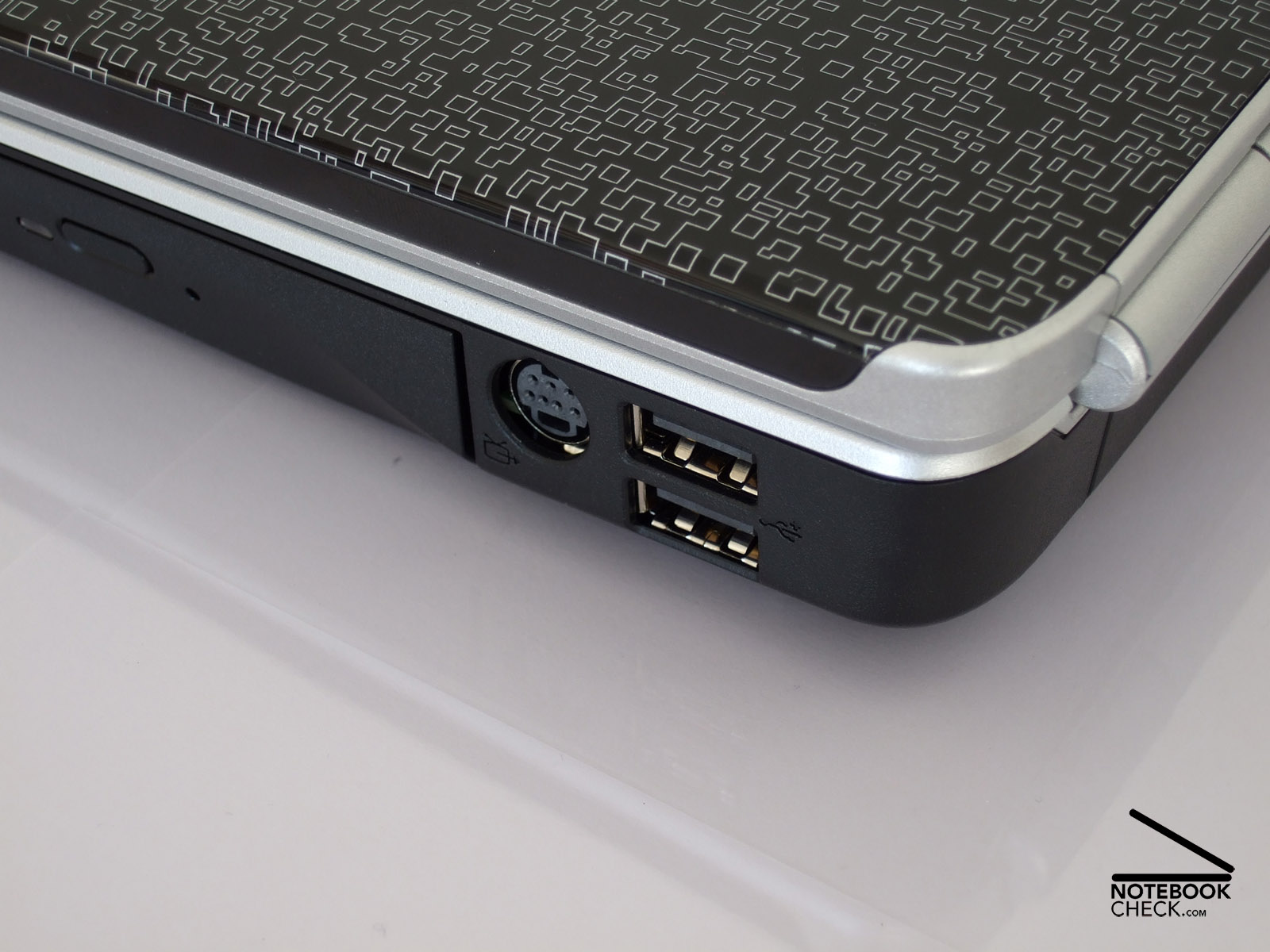
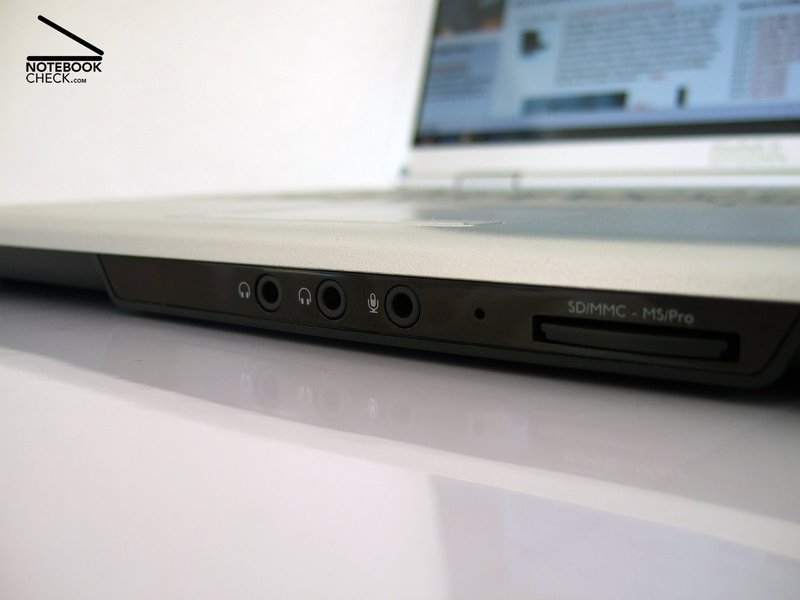
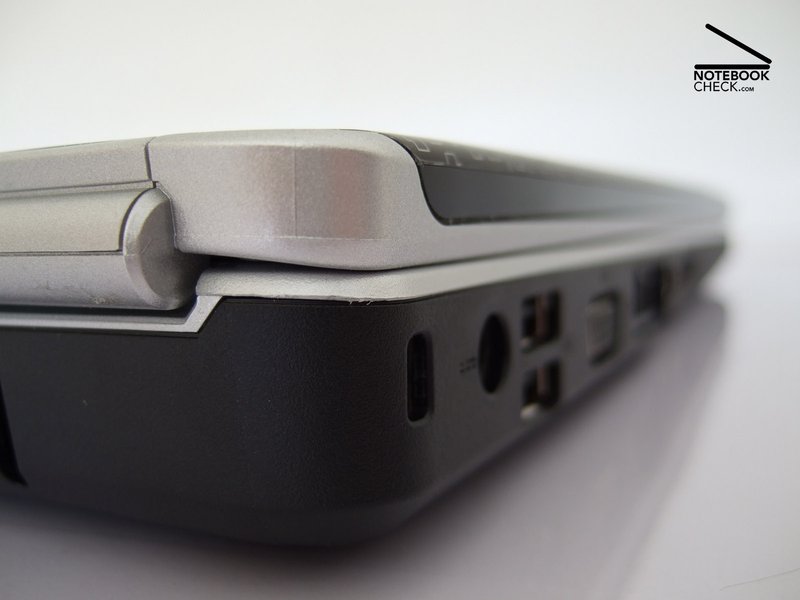
Regarding interface equipment this Dell notebook is even better than some multimedia laptops. Besides four USB ports, Firewire, and a good webcam inside the display frame, and a card reader, it scores especially points by its digital HDMI out. LCD- TVs and flat screens, the latter mostly only with a proper adapter, can be attached within seconds and ensure a high-quality picture. A small remote control even increases user-friendliness. Analogue VGA and S-Video out are also available. However, a digital sound out is missing.
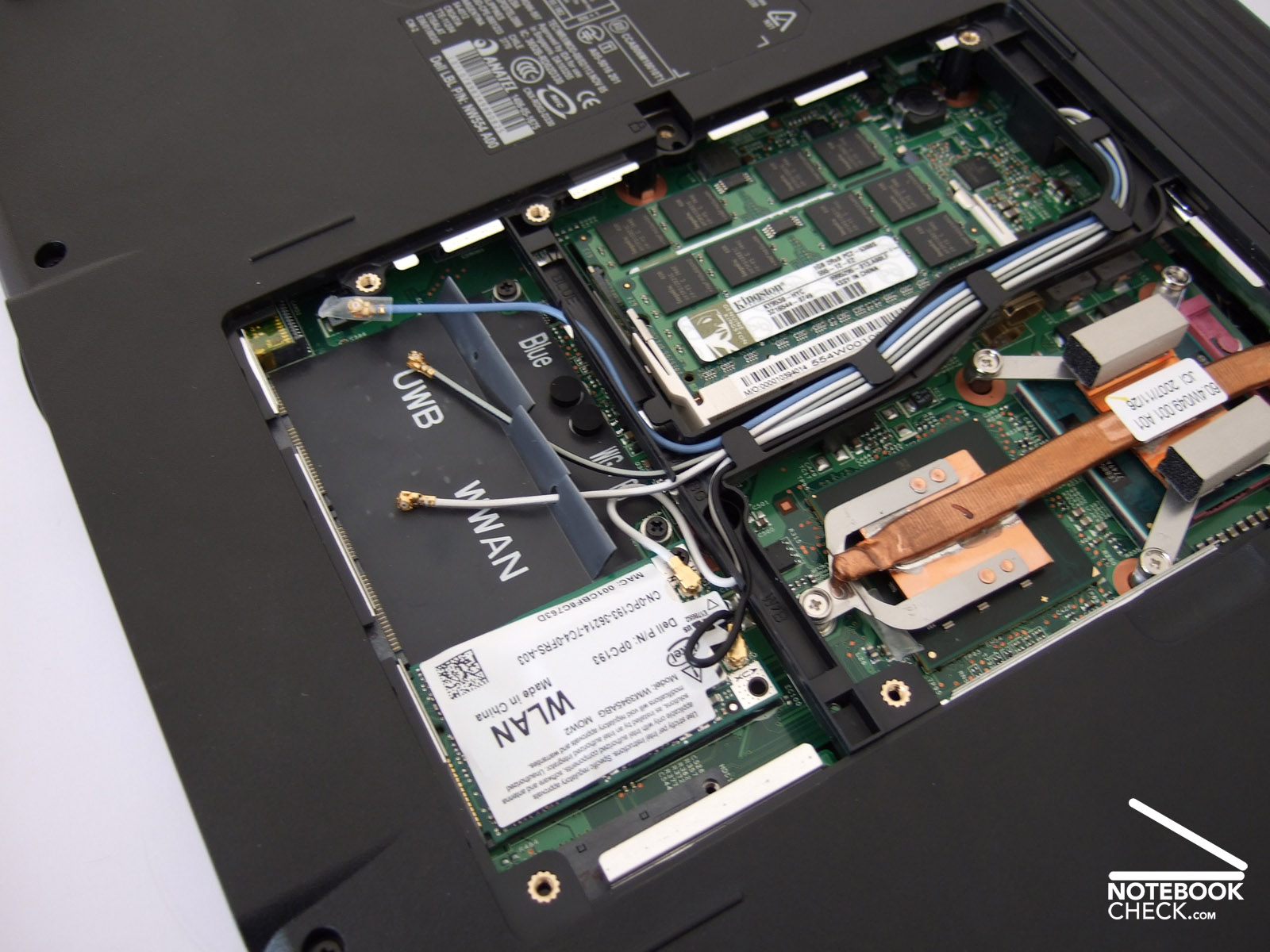
The Dell Inspiron 1525 connects to the Internet either via LAN or WLAN or via out-dated modem connection. Bluetooth and HSDPA are available as options - the latter is mostly only provided by expensive business notebooks.




Input Devices
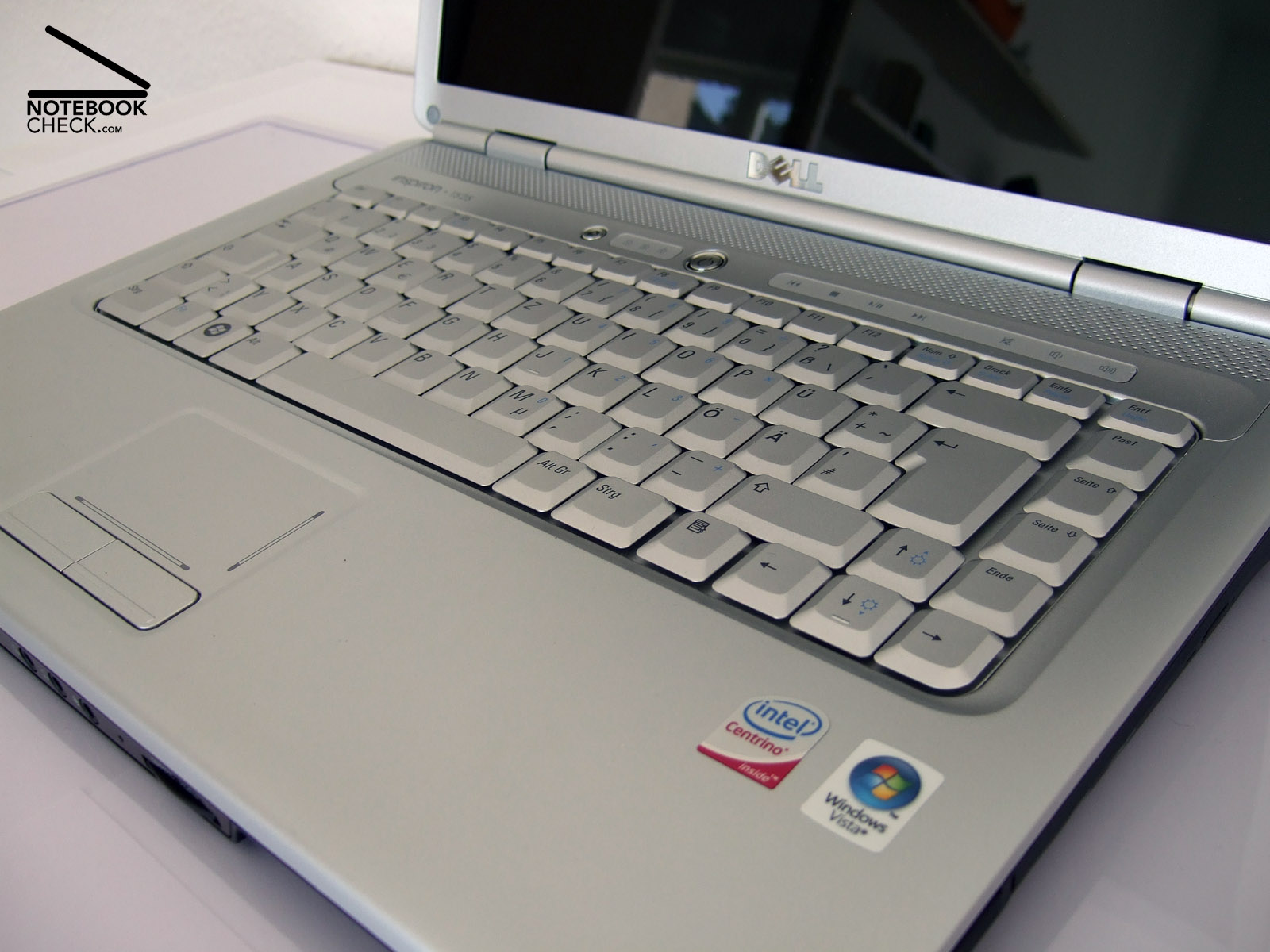
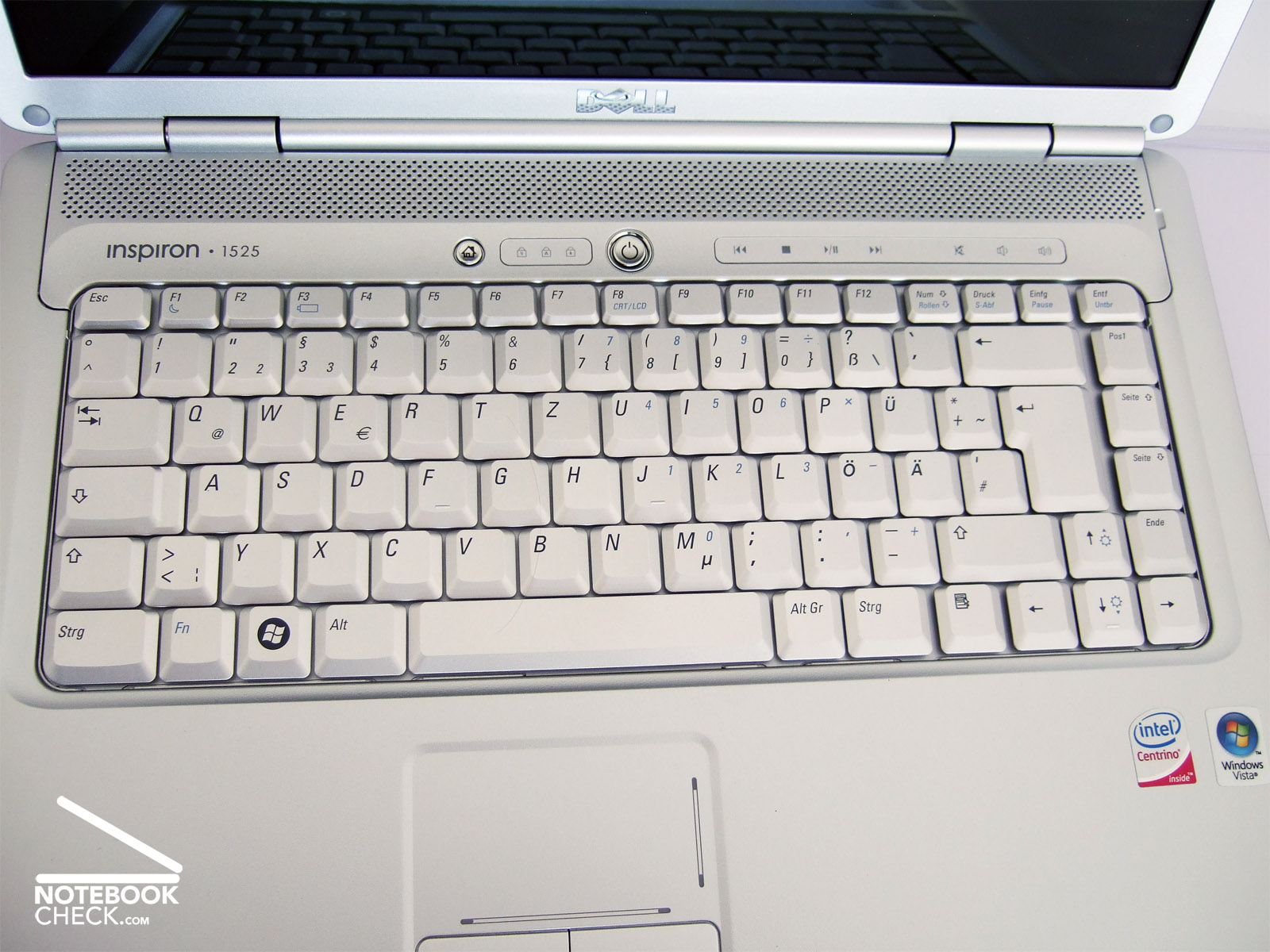
The keyboard layout of the Dell Inspiron 1525 follows the usual standards and can, therefore, be intuitively used without problems. All keys are sufficiently big and located at the usual location. However, due to the thin plastic and their very smooth surface the keys do not appear to be that high quality than the ones of the more expensive Latitude notebooks. However, the key feedback is very good. All keys are attached tightly to the construction beneath them, which does not noticeably yield. So, the keyboard is overall ready for extensive typing.
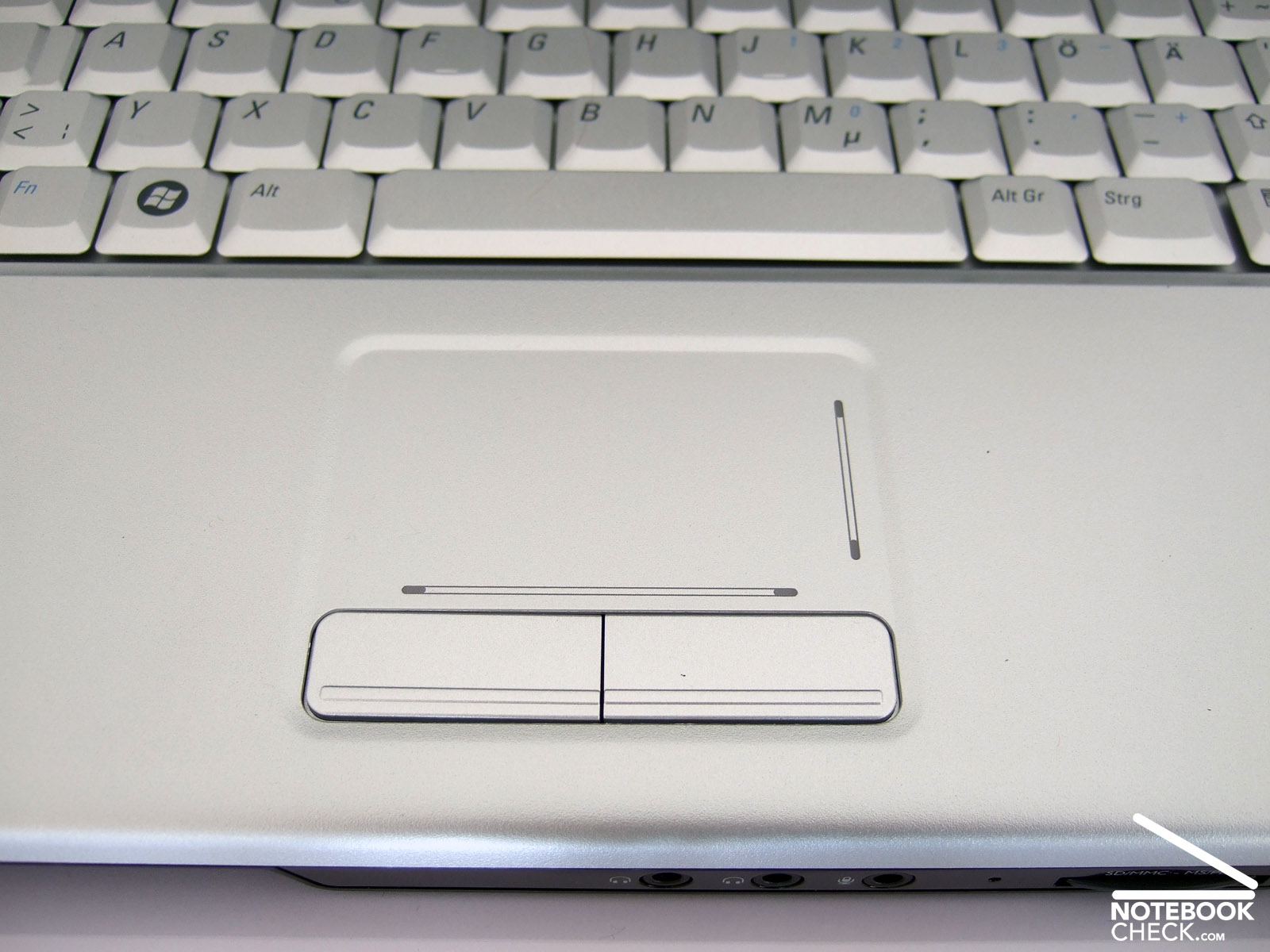
The touch pad caused some problems during the review. In general it reacts precisely. Its size makes navigation without external mouse also easy for beginners. Unfortunately, it is sometimes tenacious. Especially if there is high load or the notebook is reactivated from stand-by the touch pad refuses to react for some seconds. Within the same period of time we didn't have any problems to move the mouse pointer with an external mouse - strange.
Display
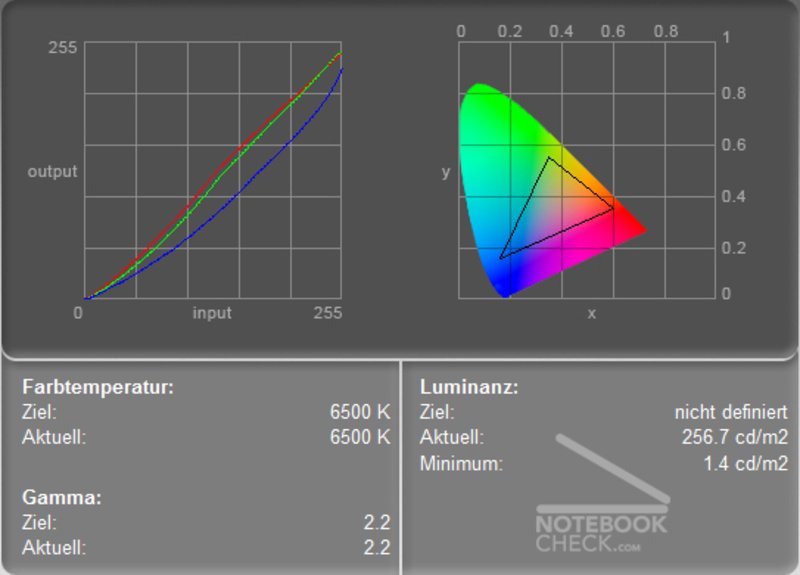
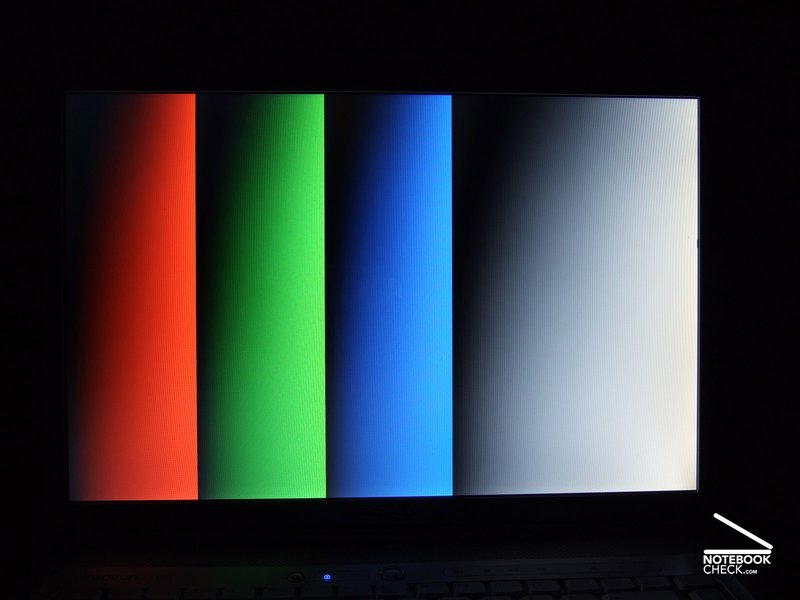
At the time of writing three different displays were available for the Dell Inspiron 1525. All of them are 15.4 inch displays, but differ from each other regarding resolution and surface. The reviewed notebook came with a reflecting TrueLife-LCD with WXGA resolution (1280x800 pixel), which is a resolution typically used for notebooks of this category. According to Dell its advantages are basically vivid colours and a good contrast.
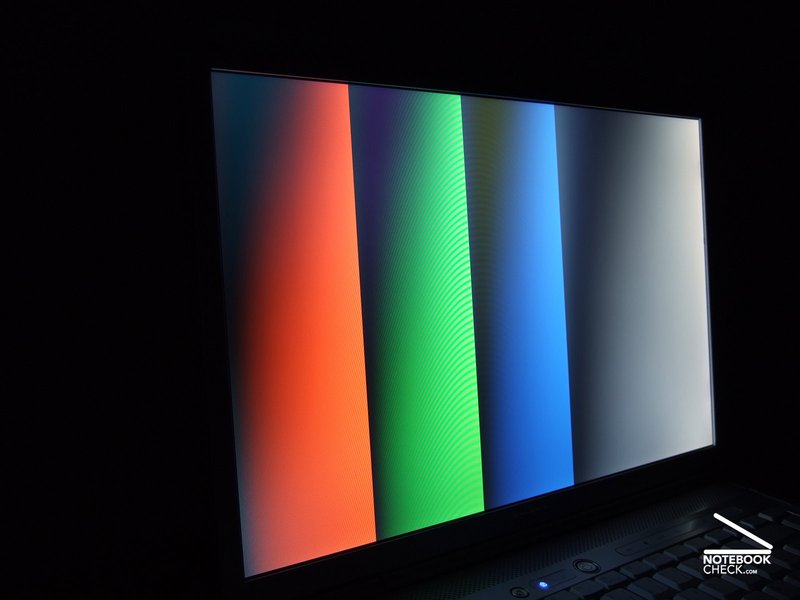
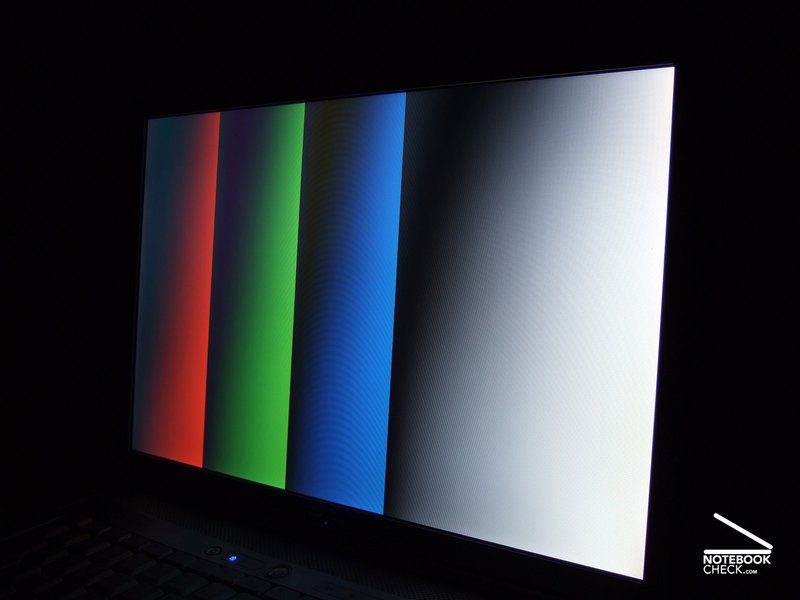
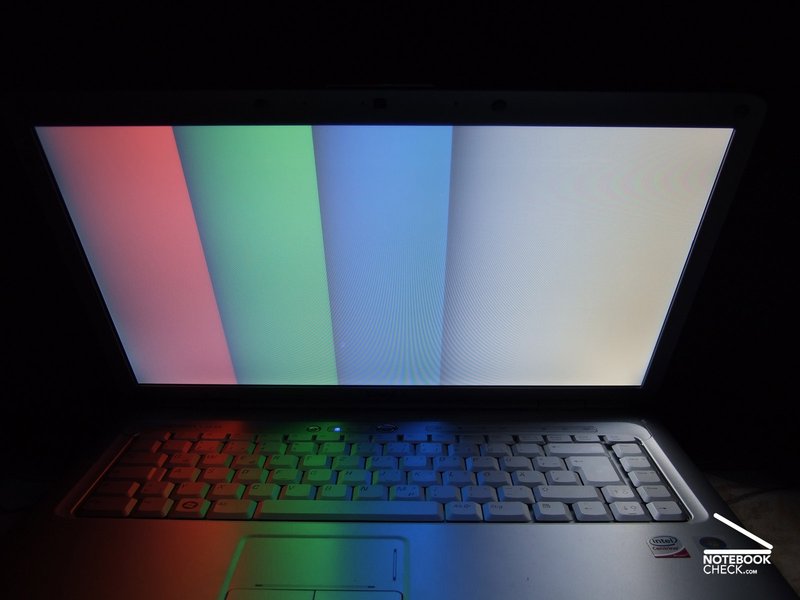
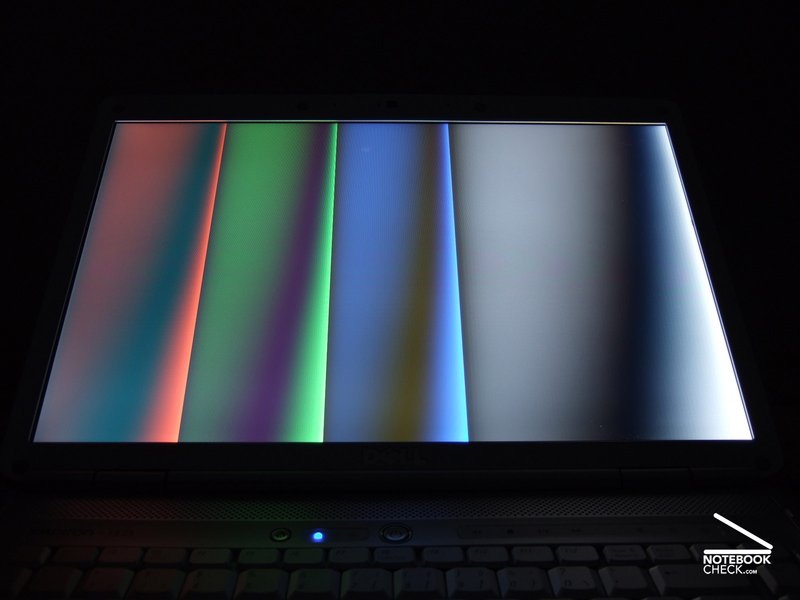
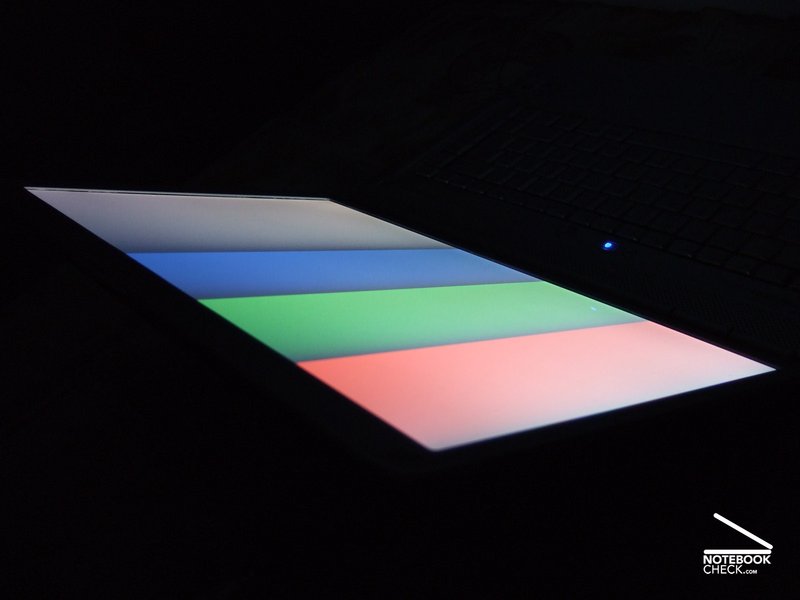
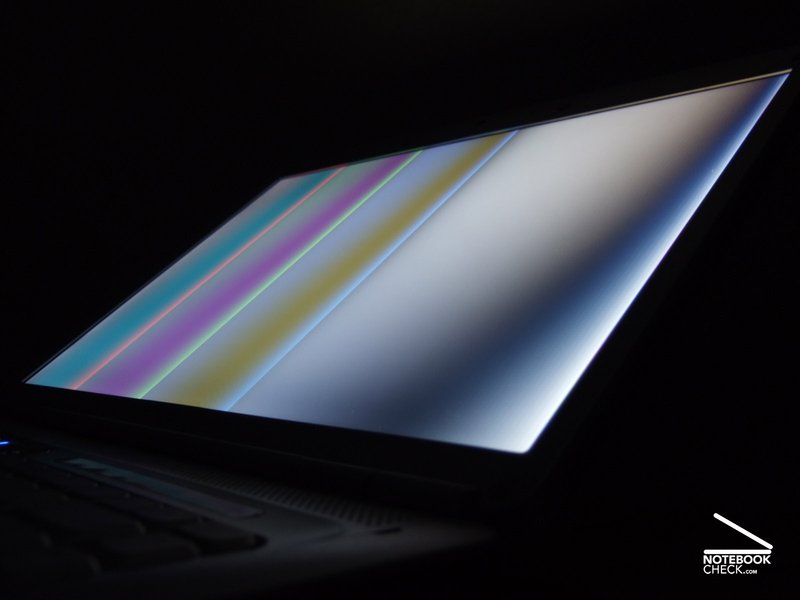
The first statement proved to be true during our review. At the first glance the reference pictures appeared to be luscious, and bright. Typically, the quality of the picture depends more on the viewing angle vertically. However, it is still within the average range of this notebook category.
| |||||||||||||||||||||||||
Brightness Distribution: 86 %
Contrast: 180:1 (Black: 1.4 cd/m²)
Outdoors this LCD performed not so good. First of all reflections had a negative impact on the picture quality. Secondly, the display nearly permanently see-saws when typing with the built-in keyboard, which makes the reflections even jump. So, they annoy even more. However, In the shade you can comfortably work with this notebook. If you do not want to retouch pictures brightness and contrast are sufficient.
The measurement results were also rather good. The maximum brightness of 237.3 cd/m² is very good. The illumination appears to be rather even. The only weakness was uncovered with a black background picture, whereas the display backlight is too dominant, so, giving a contrast ratio of only 183:1.

Performance
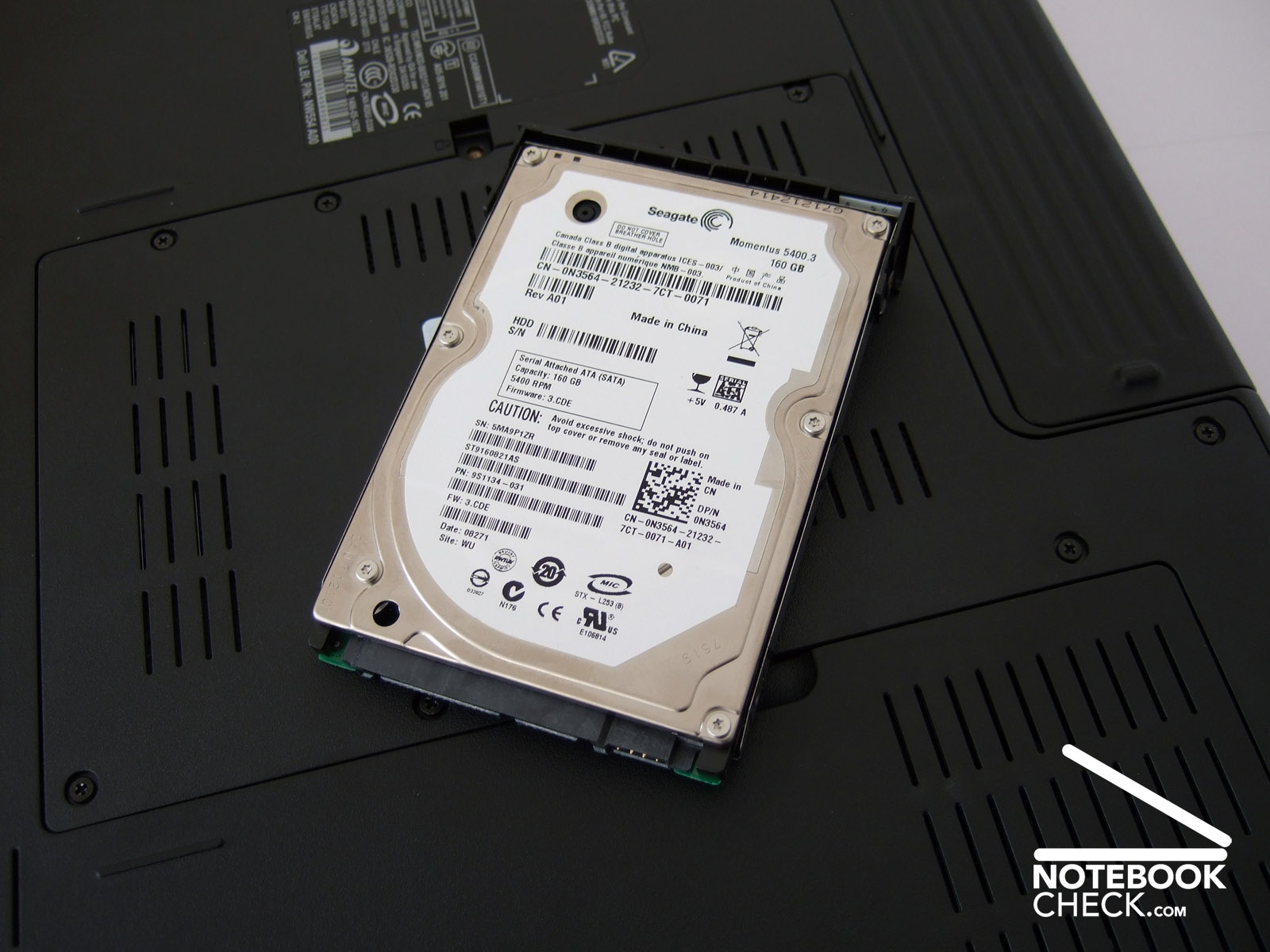
The Dell Inspiron 1525 is based on the current Santa Rosa technology by Intel. Depending on the configuration, selected in the on-line shop of Dell, a direct shipper, the clock rate of the Core-2-Duo or Celeron processor by Intel is either higher or lower. The reviewed notebook was equipped with a Core 2 Duo T5500 with 1,66 GHz clock rate and two MByte L2-Cache. Supported by two GByte DDR2-RAM and a 160 GByte hard disk the performance of this bundle is more than sufficient for smooth work. However, if you try to retouch pictures, e.g., with Photoshop, it could be more powerful. However, this does not belong to the typical fields of operation of starter notebooks.
The benchmark results of the Dell Inspiron 1525 are throughout typical for this notebook category. In the PCMark05 benchmark it reached good 3600 points, the Cinebench R10 result was 3069 points. Because of the integrated video solution by Intel, the 3DMark benchmarks weren't that good. The newest of this series of benchmarks resulted in 536 points, which proves that current demanding computer games are not the intended field of operation of the Intel GMA X3100. Nearly 10 fps in Doom 3 also support the moderate performance regarding up-to-date games.
The performance of the hard disk did not meet our expectations. Although the built-in 160 GByte hard disk is not one of the newest, if performed better in other notebooks. The best transfer rate was after a number of runs only 33.3 MByte/s and the access time 25 ms. Inside other notebooks the access time of an identical hard disk was very good 16.0 ms, the transfer rate nearly 34 MByte/s under same conditions – strange.
| 3DMark 2001SE Standard | 4989 points | |
| 3DMark 03 Standard | 1600 points | |
| 3DMark 05 Standard | 837 points | |
| 3DMark 06 1280x800 Score | 536 points | |
Help | ||
| PCMark 05 Standard | 3600 points | |
Help | ||
| Cinebench R10 | |||
| Settings | Value | ||
| Shading 32Bit | 556 Points | ||
| Rendering Multiple CPUs 32Bit | 3069 Points | ||
| Rendering Single 32Bit | 1660 Points | ||
| Doom 3 | |||
| Resolution | Settings | Value | |
| 1024x768 | Ultra, 0xAA, 0xAF | 8.2 fps | |
| 800x600 | High, 0xAA, 0xAF | 9.8 fps | |
| 640x480 | Medium, 0xAA, 0xAF | 9.9 fps | |
| 640x480 | Low, 0xAA, 0xAF | 9.7 fps | |

Emissions
Loudness
The Dell Inspiron 1525 is rather silent with usual work load . During non-demanding office work or browsing the world wide web, the fan does not run most of the time. Besides of a silent rustling of the hard disk the notebook is completely silent, if the fan is deactivated. Sometimes the silence is suddenly interrupted by the fan, which starts running in order to cool the notebook for a few second, and stops once the work is done for a longer time. Although this is not really disturbing, the fan control could be more sensitive.
Once the load is higher, the fan runs permanently, whereas its level is depending on the necessary cooling adjusted to the needs step by steps. Whilst the first few levels are still rather decent, the silent is gone, if full load persists and a noise level of up to 47.1 db(A) is reached. However, if you do not drive the notebook at its maximum for a longer time, e.g., by editing videos, you won't be affected by this.
Noise Level
| Idle |
| 32.1 / 37.8 / 40.2 dB(A) |
| HDD |
| 34 dB(A) |
| DVD |
| 37.5 / 46.4 dB(A) |
| Load |
| 42.7 / 47.1 dB(A) |
 | ||
30 dB silent 40 dB(A) audible 50 dB(A) loud |
||
min:  , med: , med:  , max: , max:  (15 cm distance) (15 cm distance) | ||
Temperature
In general the temperature increase of the reviewed notebook did not cause any problems. Neither with office work nor under full load its surface temperature get uncomfortably hot. Even after two hours ran at full load the maximum temperature at the top side, measured in the middle of the keyboard was moderate, in more detail 36.4 degree Celsius. Under these extreme conditions the bottom side reaches a maximum of above 48 degree Celsius, exactly at the same location. Nevertheless, this is nothing to complain about, because it is clearly lower during standard office and multimedia work.
(+) The maximum temperature on the upper side is 36.4 °C / 98 F, compared to the average of 34.2 °C / 94 F, ranging from 21.2 to 62.5 °C for the class Office.
(-) The bottom heats up to a maximum of 48.4 °C / 119 F, compared to the average of 36.7 °C / 98 F
(+) The palmrests and touchpad are reaching skin temperature as a maximum (34.5 °C / 94.1 F) and are therefore not hot.
(-) The average temperature of the palmrest area of similar devices was 27.7 °C / 81.9 F (-6.8 °C / -12.2 F).
Speakers
There are two small stereo speakers above the keyboard. Typical for this notebook category their sound is somewhat blurred, nothing special at all. The basses are hardly audible, In return they do not even blast, if the speakers are turned very loud.
Battery Runtime
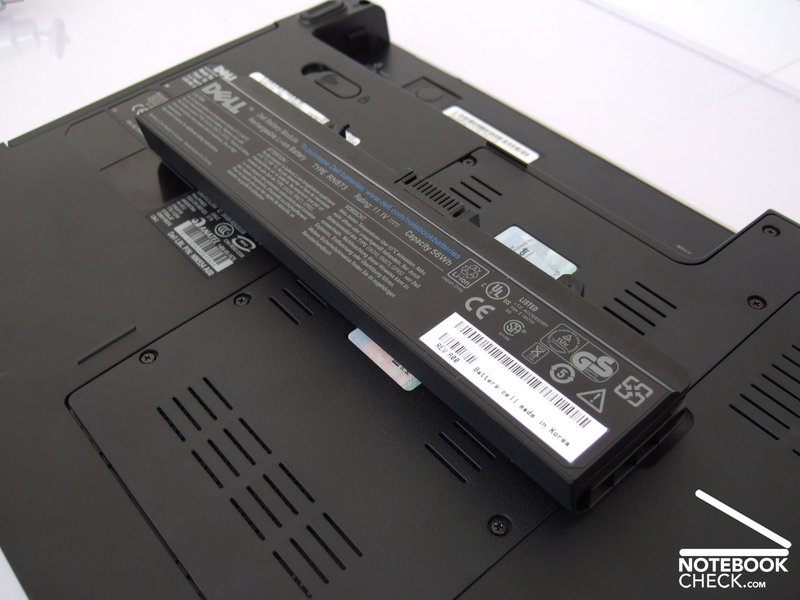
The 6 cells battery of the reviewed notebook has a power output of 56 Wh. Depending on the load this is sufficient for one and a half to about four and a half hours unplugged work. Besides the load also the brightness of the display has a big impact on the battery runtime. Whilst the battery is emptied by WLAN operation with maximum brightness in nearly two and a half hours, with energy saving settings a runtime of clearly above three hours is possible. In practice, i.e., running Office applications and such, the battery had to be recharged after about three hours. Dell also offers a 85 Wh battery, which should enhance the battery runtime, for a low surcharge.
| Off / Standby | 0 / 0 Watt |
| Idle | 14.3 / 21.8 / 24.4 Watt |
| Load |
53.3 / 58.9 Watt |
   
| |
Verdict
The Dell Inspiron 1525 proved to be a mature and reasonable general-purpose machine for office and multimedia applications in our review. A generally good workmanship, a stable case, and user-friendly input devices are besides many interfaces the advantages of this 15.4 inch notebooks. Four USB ports, a webcam, and also an up-to-date HDMI port are seldom provided by a notebook of this price category. The multimedia user interface, called Dell MediaDirect, the bright glare-type LCD and finally the remote control stretch the multimedia aspect of the reviewed notebook.
Due to a fast Core-2-Duo processor and two GB RAM this notebook is actually fit for multimedia applications. The Inspiron 1525 is even sufficiently powerful for watching high-resolution motion pictures from hard disk. However, it is definitely not designed for current 3D games, the integrated video chip by Intel is simply not powerful enough for this field of operation.
The design of the display without transport hook, the touch pad, which did not react all the time, and the loud fan under load could not convince in practice. Considering the good bundle and also the reasonable price these minor flaws are not extremely important.
At the time of writing the reviewed Dell Inspiron 1525 costed about 700 Euro without shipment. Typical Dell the prices offered in the on-line shop change frequently.