




How much graphic memory makes sense?

How much memory does a video card require and how much graphics memory is useful for specific applications?
Dedicated Graphics Cards
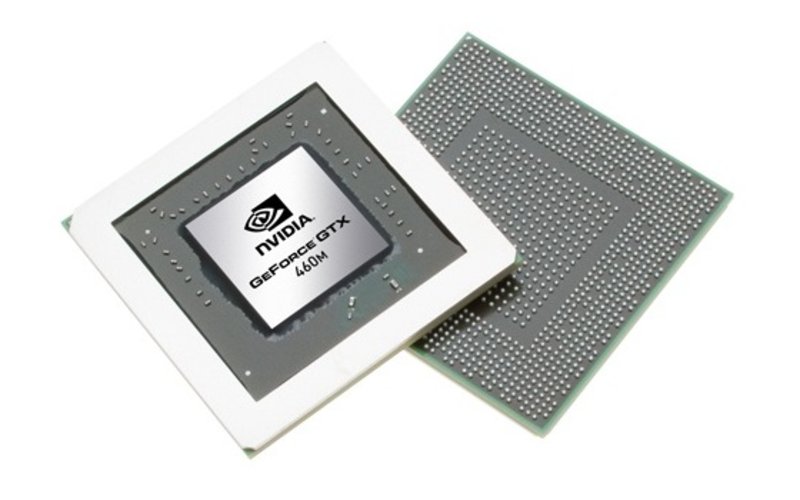
If modern games should run smoothly, you'll require a discrete graphics card with dedicated memory. While 128 or 256 MB VRAM no longer suffice graphically demanding titles, mid-range graphics cards should feature a minimum of 512 MB and high-end graphics cards at least 1024 MB VRAM. However, two or three GB VRAM are not required (yet) and only bring a slight advantage. Meanwhile, the type of memory and the memory interface are just as important as the capacity. A 128 bit interface is the minimum requirement today while a 256 bit interface is recommended if only DDR3 VRAM is used.
Furthermore, you should always consider that a big VRAM capacity alone does not make a decent graphics card. Architecture, shader count and clock rates are important aspects too. E.g., the Radeon HD 4670 with 512 MByte VRAM is faster than a GeForce GT 330M with 1024 MByte VRAM, as the first features a better specification. Further information about the performance of graphics cards are available in our comparison of mobile graphics cards, the benchmarks of the graphics cards or our detailed gaming list. The following figures provide users interested in games with a further overview:
Be careful, if you read TurboCache (Nvidia) or HyperMemory (AMD/ATI). Here a part of the RAM is used as video memory. Meanwhile, only the dedicated VRAM capacity is important for gamers.
Integrated Graphics Cards
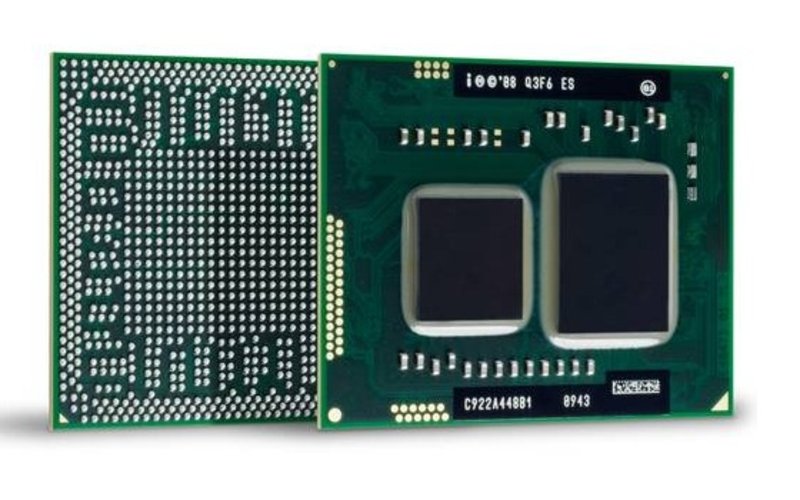
If you do not want to run current computer games on your notebook but only graphically undemanding applications, like office, internet, or videos, a GPU integrated in the mainboard (e.g ATI Radeon HD 4200) or CPU (e.g. Intel GMA HD) without dedicated memory should be sufficient. On-board models should also be able to run the one or other older game.
Verdict
Users who want to run multimedia applications and games should definitely buy a system with a dedicated graphics card with 512 or 1024 MB video RAM. But, an on-board GPU without dedicated memory will suffice pure Office use.
 Add as a preferred source on Google


