Deutsch
 Español
 Français
 Italiano
 Nederlands
 Polski
 Português
 Русский
 Türkçe
 Svenska
 Chinese
 Magyar
Review HP Compaq 6730b Notebook
Compaq notebooks designed for business use (indicated by 'b') are valued around the world and particularly in Central Europe. Users especially appreciate their battery life and the durability of their case. Thereby models with Intel CPU are traditionally more expensive than their AMD-based counterparts (in this case – the similar HP 6735b). It's now time to check the capabilities of the Centrino 2 model, the HP 6730b. For our test we got a model with a matte WSXGA+ screen, which is ideal for business professionals.
This test was done by our Polish colleagues from notebookcheck.pl.
Case
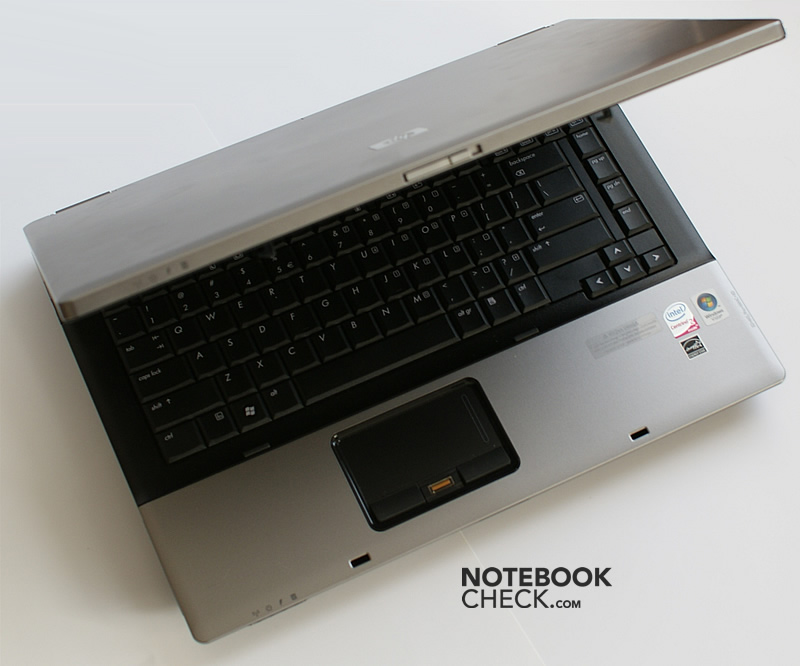
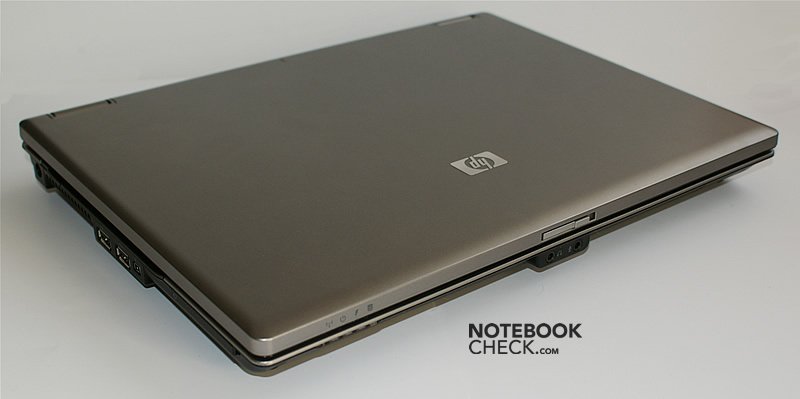
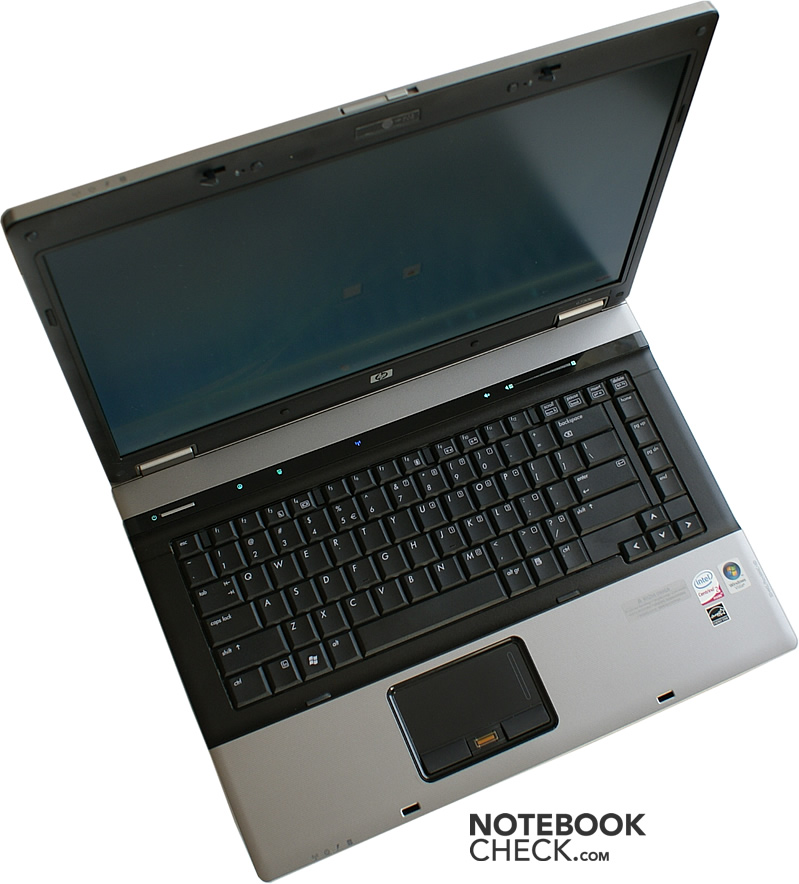
Current Compaq business laptops only slightly differ from their predecessor, the 6710b. One of these small details is that the design is more vivid, which is not really apparent at once if look at the closed notebook with its formal silver lid. In addition the screen is protected by a thick layer of plastic and magnesium alloy. Nevertheless, the lid flexes a little bit, and pressing against the lid causes effects on the screen.
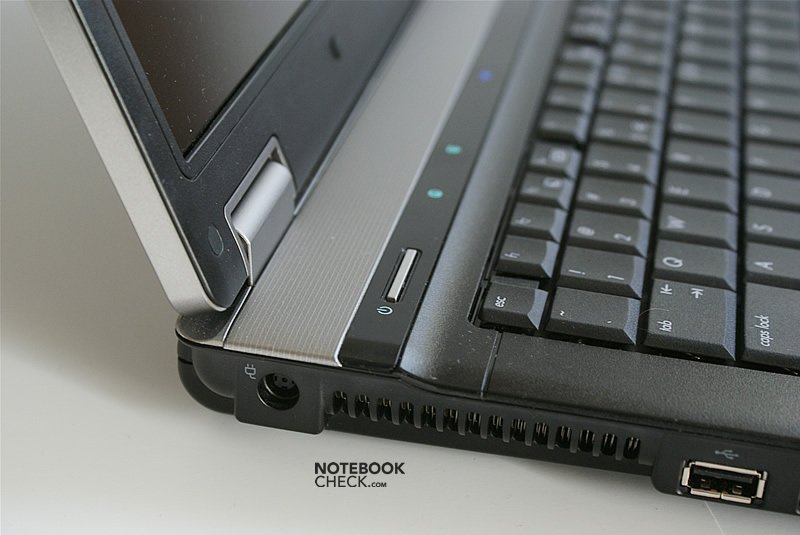
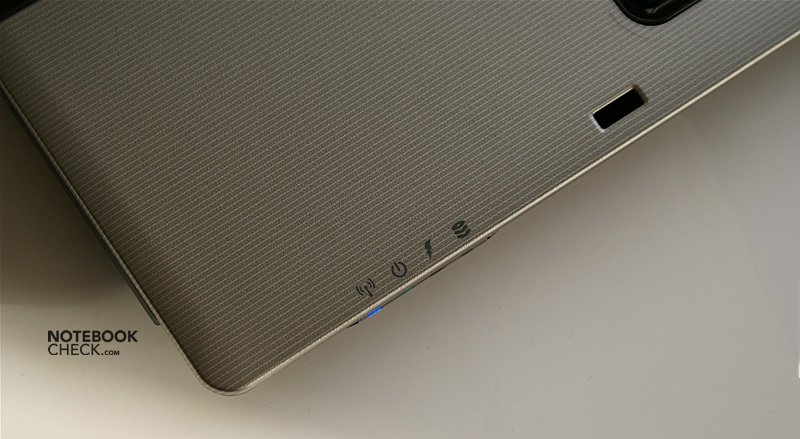
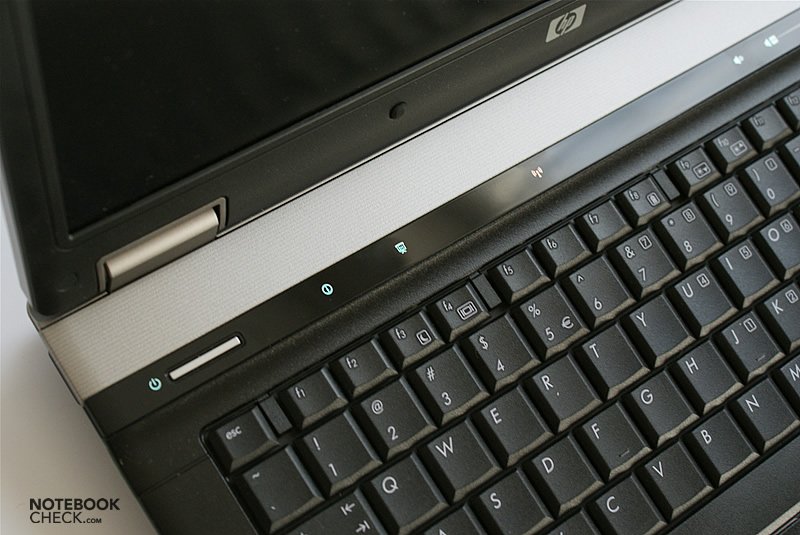
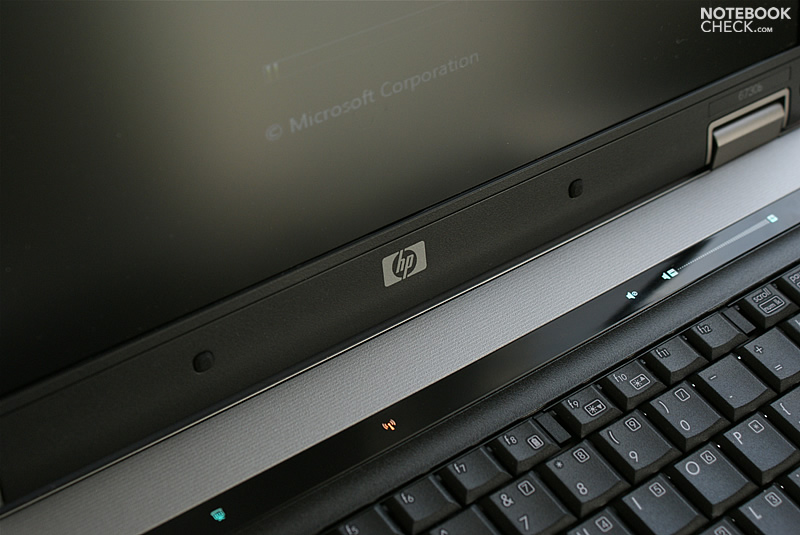
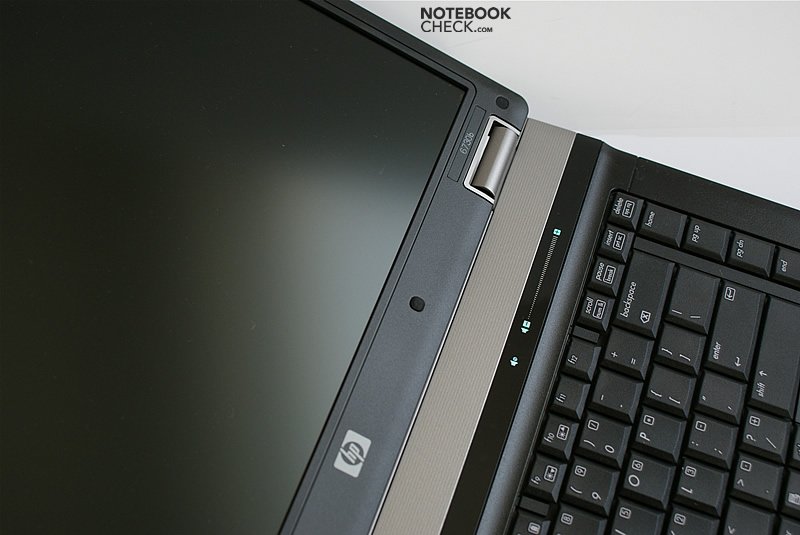
Lifting the lid you'll get to see the more casual base unit. The a bit uncommon design includes decent stripes on the palm rest areas. These are acceptable, but the colourful indicator LEDs do not really go well with a business notebook.
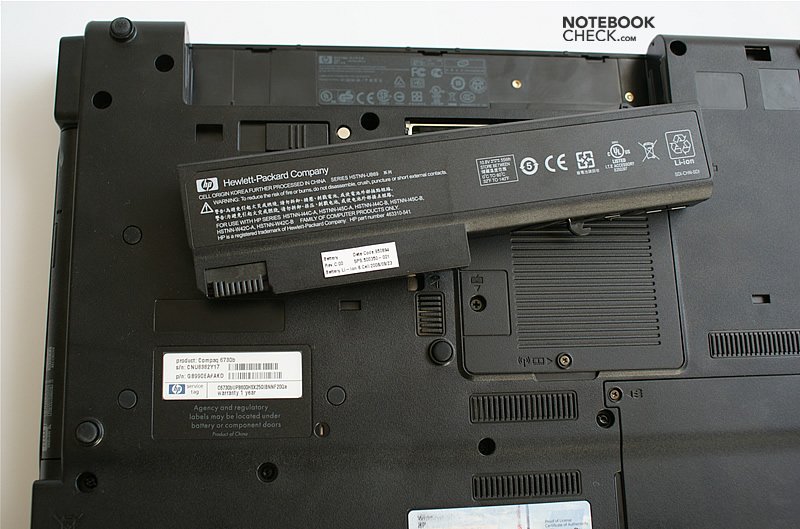
The chassis looks rather slim, because the edges are except of the areas covering interfaces bevelled. This design seems rather fragile and not very convenient. The case is very sturdy, and allows picking the laptop up on a single corner without problems. You'll like how handling this laptop feels and how this notebooks copes with gravity, because it does not give or creak at all. Unfortunately the battery is somewhat loose, but it really wobbles only slightly.
However, we finally found a creaking part, the hinges, if you adjust the lid. But, they are very steady, and, so, the screen does not wobble if you change the opening angle - in the worst it just trembles a little bit.
The quality of the used materials does not seem to be top notch. Considering the laptop category you would really expect a better quality, especially if the intended use is in fields of business. We did not feel that the palm rests areas are very comfortable, but this is a matter of taste.
Due to its shape this notebook looks rather slender, giving the impression that it is also light. This is confirmed by putting it on scales – the total weight including battery amounts to 2.7kg.
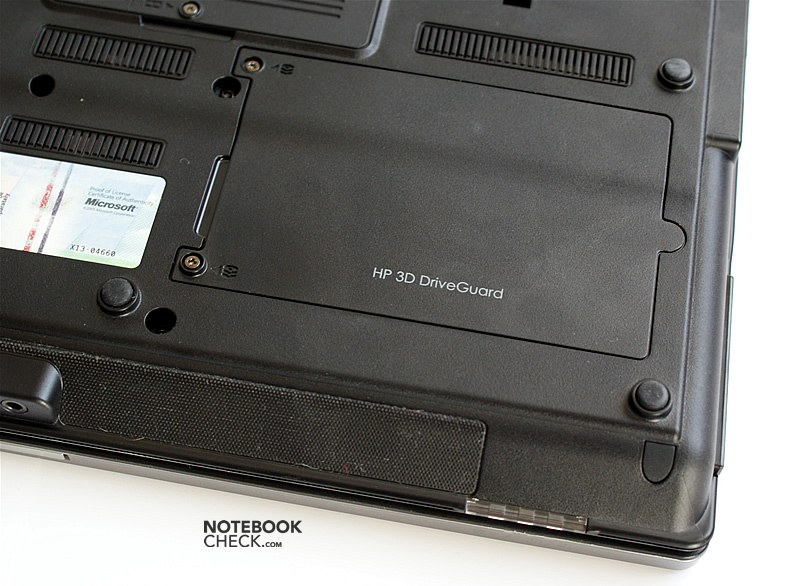
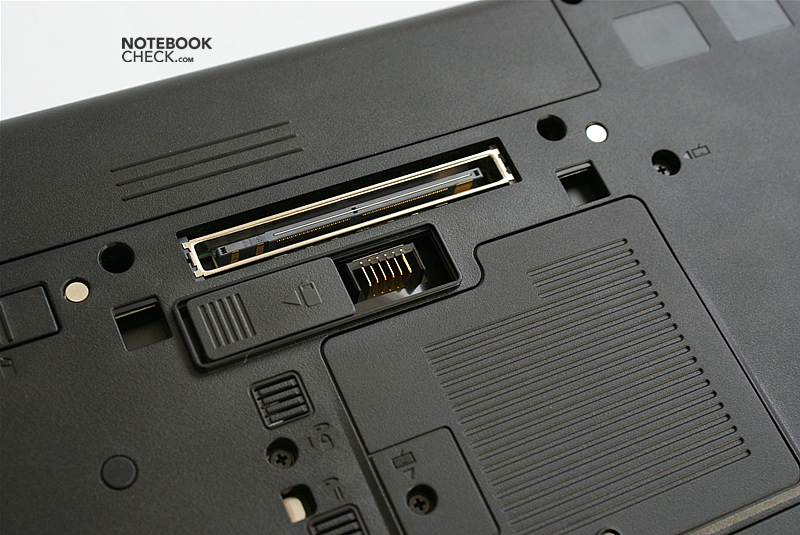
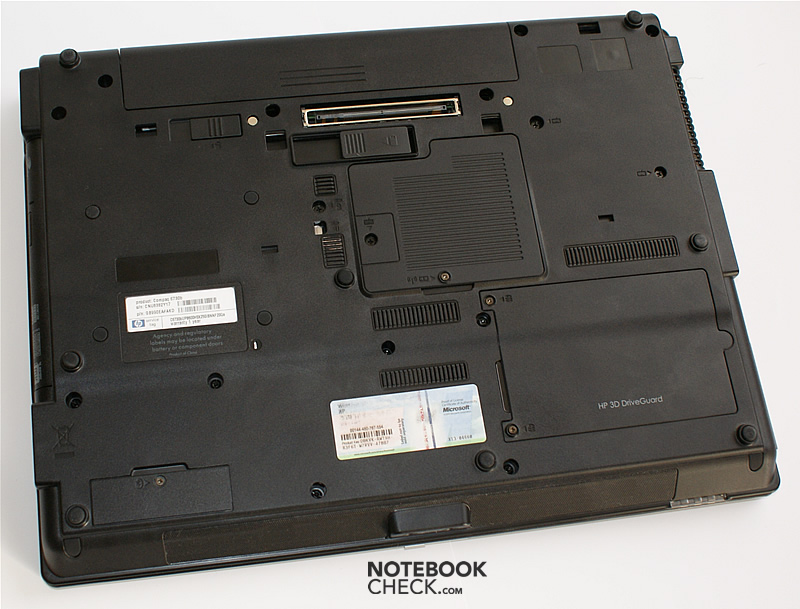
The interfaces are arranged very similar as in the HP 6710b (the predecessor).
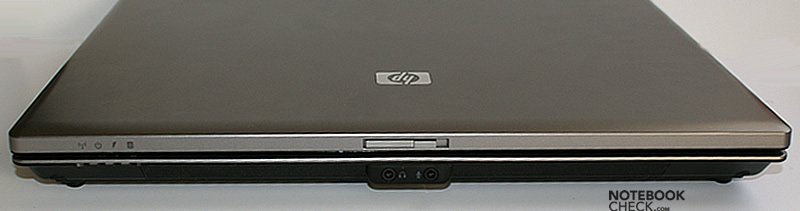
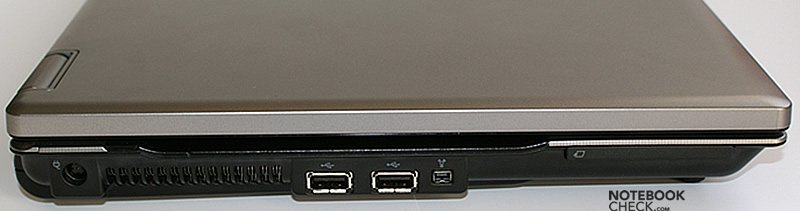
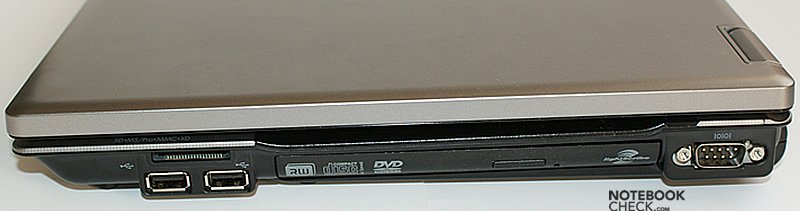
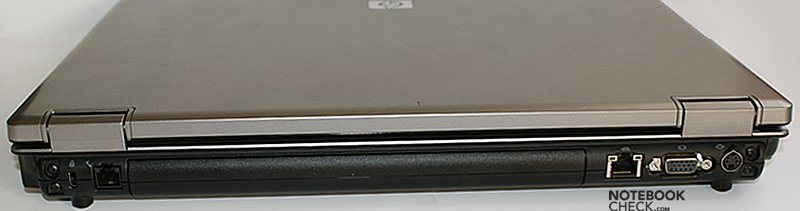
Input Devices
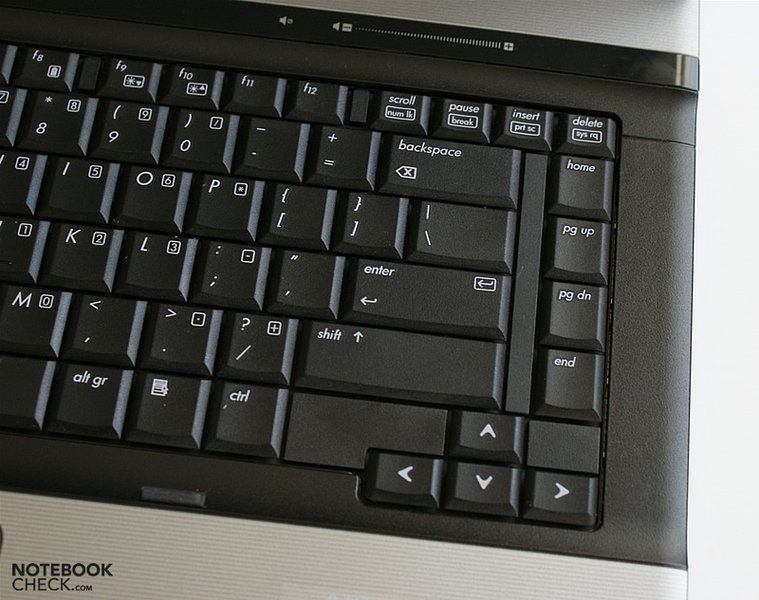
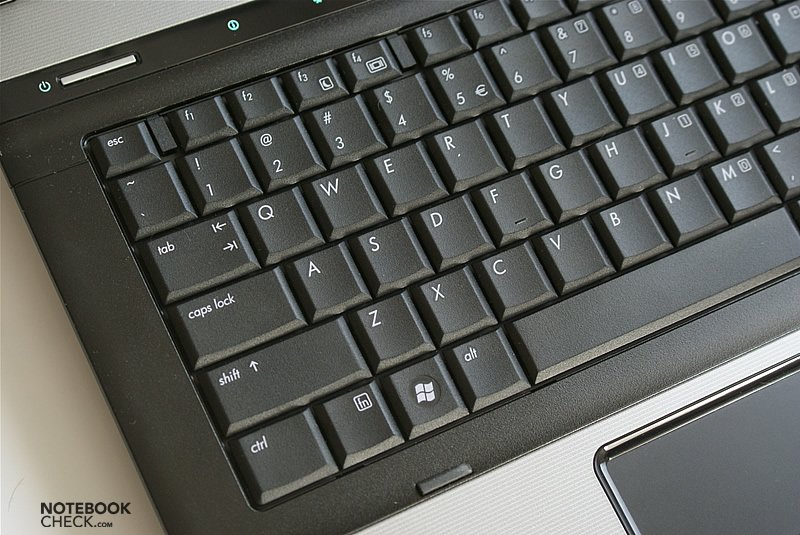
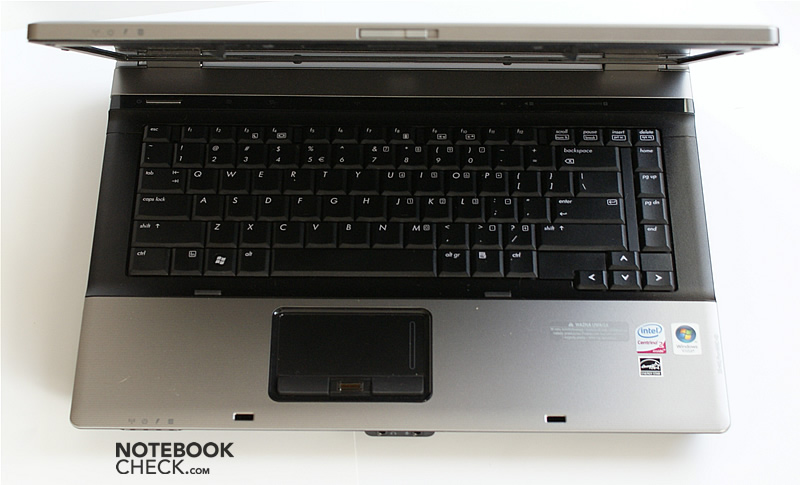
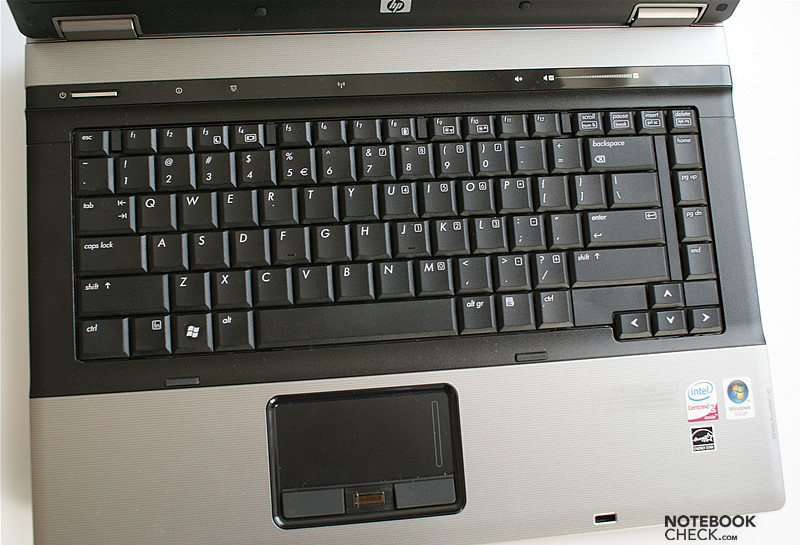
It's nice to notice that the keyboard is almost the same as in the HP 6710b. Basically, the blue labels on the keys are missing now. So, the turned off computer looks more decent than its predecessor. The keyboard layout also has to be favourably mentioned. Only the function keys in the rearmost row are considerably smaller. But, a positive aspect is that the arrow keys and the other cursor keys are separated on the right.
The characteristics of the keyboard are convincing. The resistance is as light as one would like it, and the travel is not too long (if not ideal). Furthermore, the feedback is clearly stronger than the resistance. Consequently, this keyboard allows a quick and fluent typing, which feels absolutely good - only a whiner would complain about the synthetic material the keys are made of. Altogether this keyboard gives a considerable pro for the HP 6730b, which will be appreciated among others by programmers.
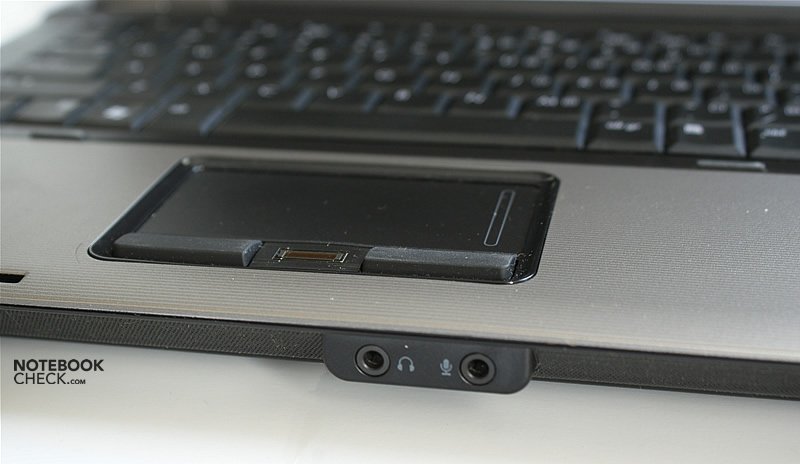
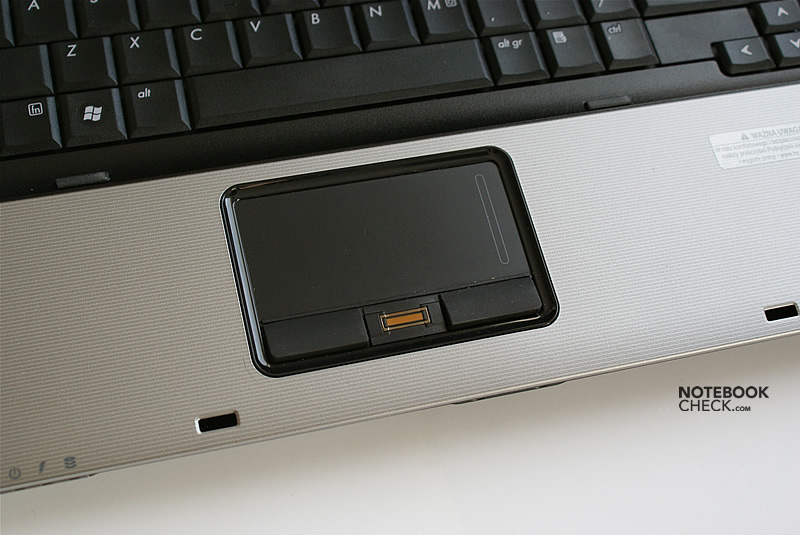
The touchpad of the former series is considerably different. In the 6730b it got broader. It is now 80x38 millimetres, which is definitely big enough for a user-friendly control of the mouse pointer.
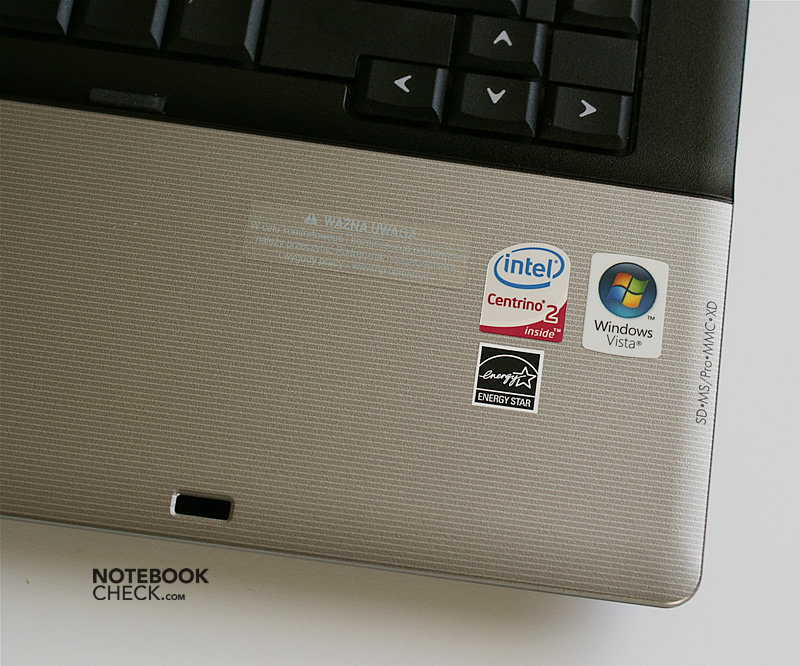
The according buttons were redesigned. They are now smaller, because a fingerprint reader was placed in between them. They are harder in use, but, nevertheless, not at all a point of critique.
Quite annoyingly you have to wait about a second for the first sign of booting after pushing the power button.
Display
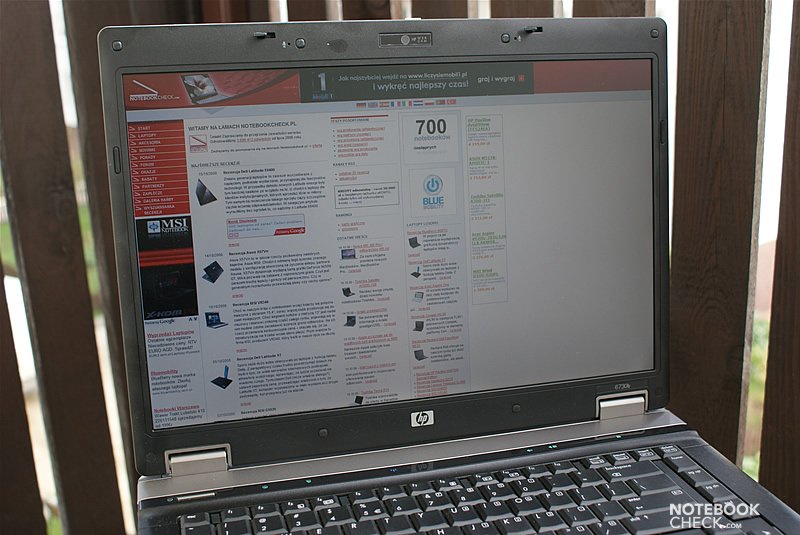
The test sample was equipped with a matte 15.4” WSXGA+ screen, which is available for a surcharge. As it is more expensive than the low resolution screen, the WXGA screen might be more popular. On the other hand the advantages of the WSXGA+ screen are an enhanced overview and a bigger desktop size.
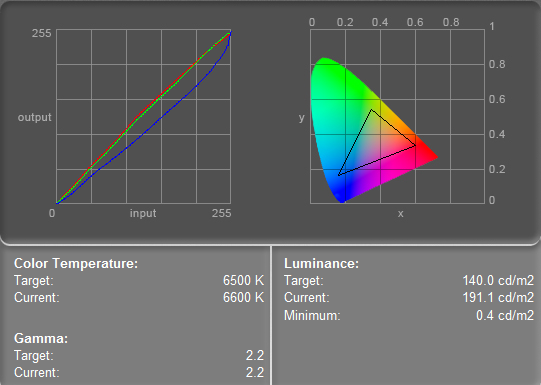
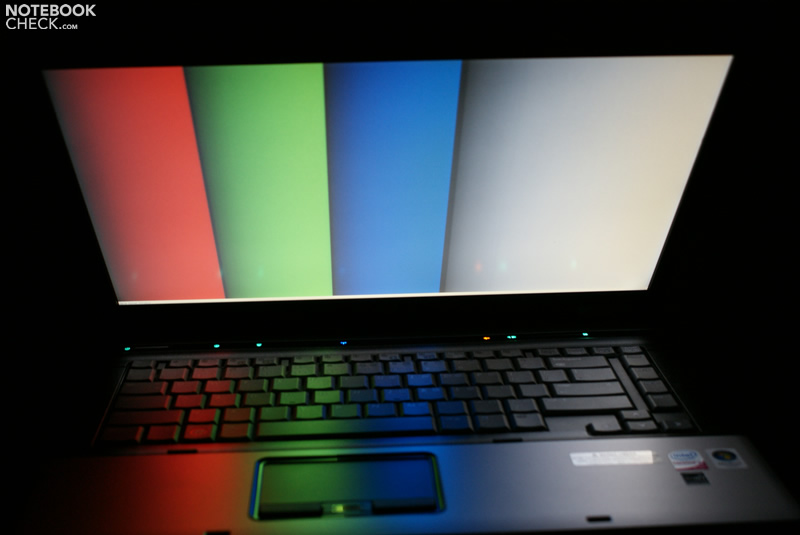
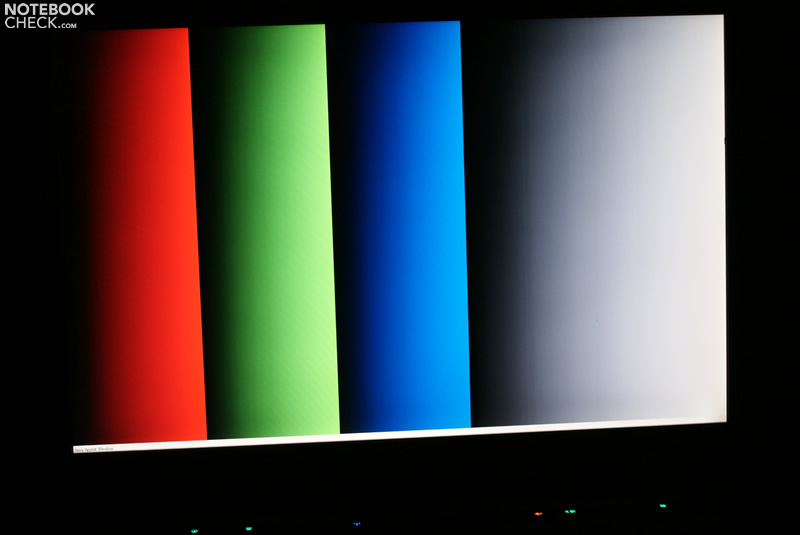
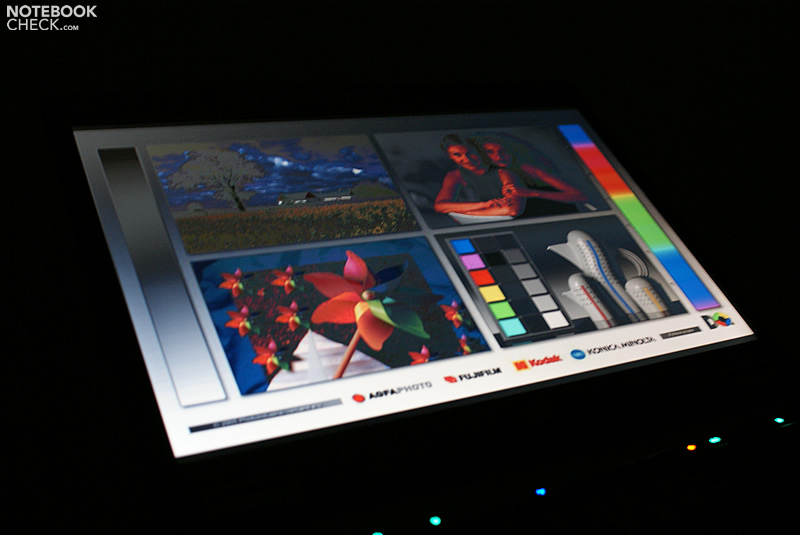
Overall the reviewed screen, which was produced by Samsung, was very satisfying. It's qualities include a high brightness (nearly 180 cd/m² in average), a good illumination, and a very good contrast (478:1).
| |||||||||||||||||||||||||
Brightness Distribution: 88 %
Contrast: 478:1 (Black: 0.4 cd/m²)
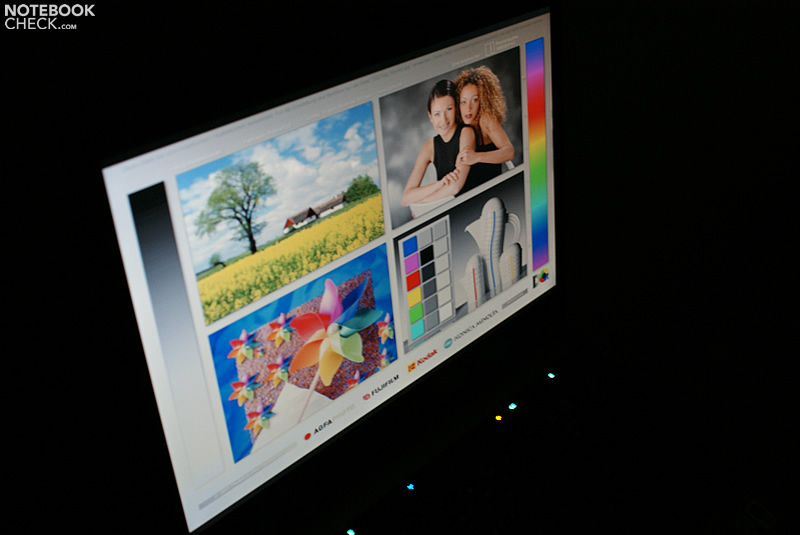
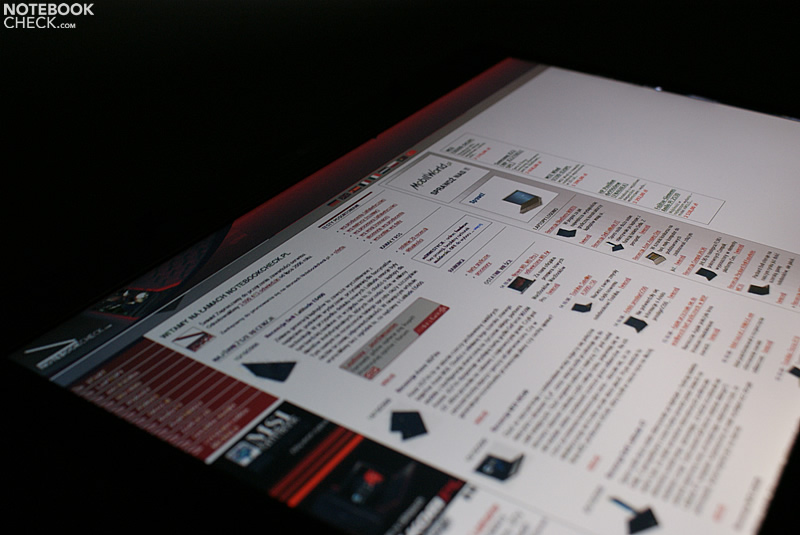
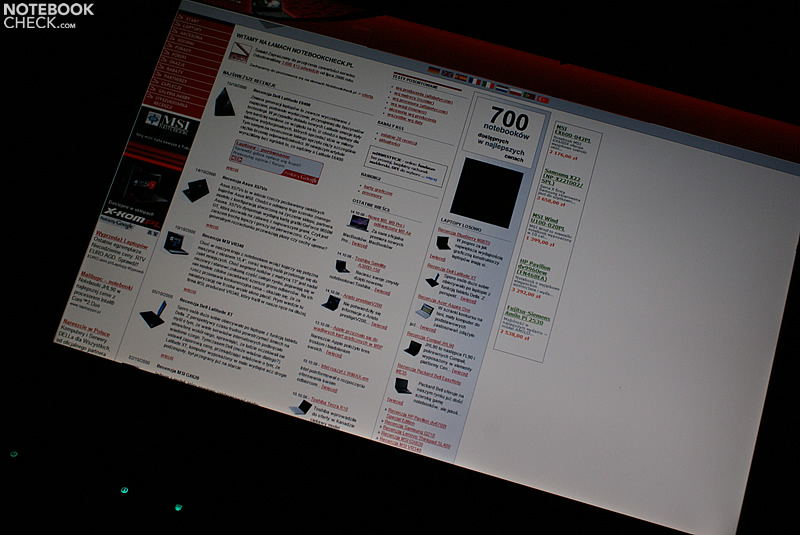
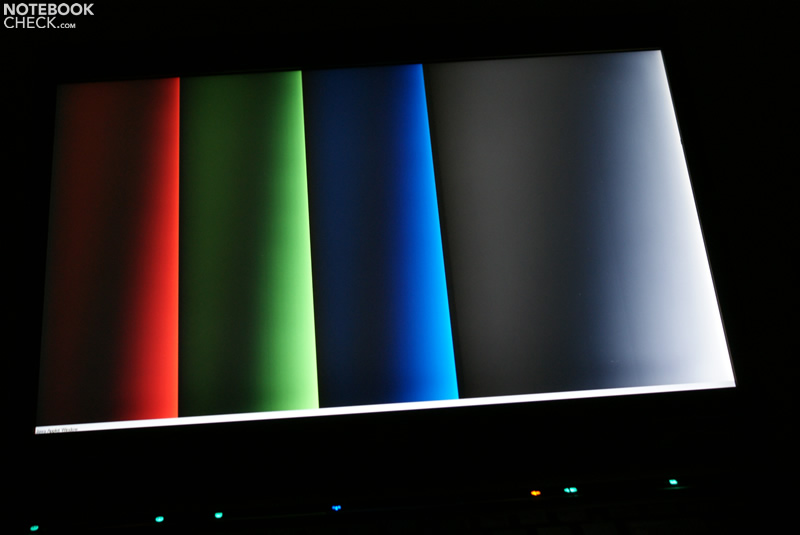
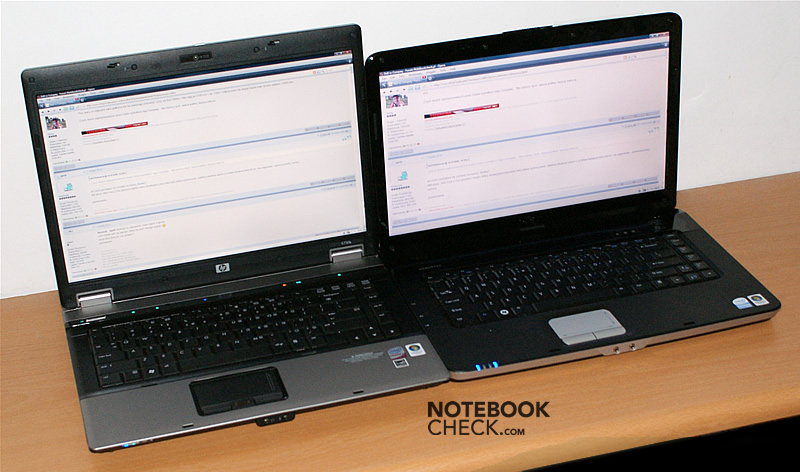
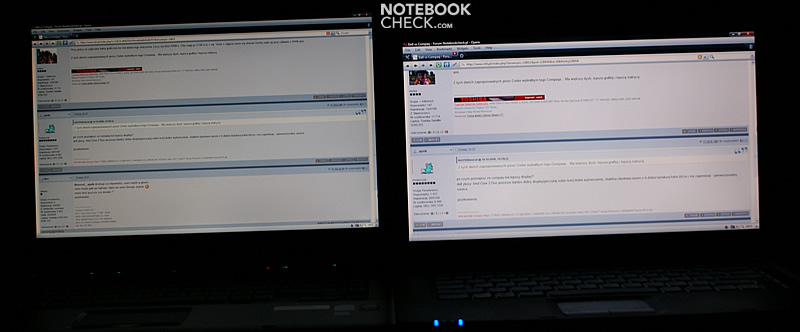
We liked the colour representation much until we compared this HP laptop to the Dell A860, which is also equipped with a matte screen, but in 16:9 aspect ratio and with a resolution of 1366x768 pixels. It turned out that the screen of the cheaper Vostro is actually better than the one of the 6730b. Compared to the A860, white looks a little dirty (grayish or bluish), and other colours kind of washed out, which gets especially apparent with warm colors like yellow or red. Although this HP laptop rated good in the quality of black and gray tones (and also better in contrast), the picture seemed less lively or even a little bit dull.



Performance
The Intel Core 2 Duo P8600 CPU (2.4GHz, 1066MHz FSB, 3MB L2C) is a good choice, because the laptop does not get very expensive and it also works very energy-efficient. The later is especially important, because many potential buyers might be looking for a laptop with a long battery life. Futhermore, the screen resolution and the IGP (Integrated Graphics Processor) solution on port hint on this laptop being designed for business professionals (mainly 2D). These might prefer a more powerful CPU, possibly one of the T9xxx series.
The HP 6730b is based on Intel’s latest development, the Centrino 2 platform, so the integrated graphic solution is GMA X4500M HD. This IGP performs better than a GMA X3100, but is easily outperformed by an ATI Radeon HD 3200, which is part of the AMD's Puma platform used e.g. in the HP 6735b notebooks).
| 3DMark 2001SE Standard | 4780 points | |
| 3DMark 03 Standard | 1811 points | |
| 3DMark 05 Standard | 1311 points | |
| 3DMark 06 Standard Score | 679 points | |
Help | ||
| PCMark 05 Standard | 4580 points | |
Help | ||
| Cinebench R10 | |||
| Settings | Value | ||
| Shading 32Bit | 1020 Points | ||
| Rendering Multiple CPUs 32Bit | 4734 Points | ||
| Rendering Single 32Bit | 2580 Points | ||
| Quake 3 Arena - Timedemo | |||
| Resolution | Settings | Value | |
| 1024x768 | highest, 0xAA, 0xAF | 75.4 fps | |
| F.E.A.R. | |||
| Resolution | Settings | Value | |
| 1024x768 | GPU: max, CPU: max, 0xAA, 0xAF | 5 fps | |
| 800x600 | GPU medium, CPU medium, 0xAA, 0xAF | 14 fps | |
| 640x480 | GPU min, CPU min, 0xAA, 0xAF | 69 fps | |

Emissions
System Noise
HP Compaqs were often criticized for their high noise emissions. As the 6730b is a high-quality business notebook, we hoped that this is not necessary here.
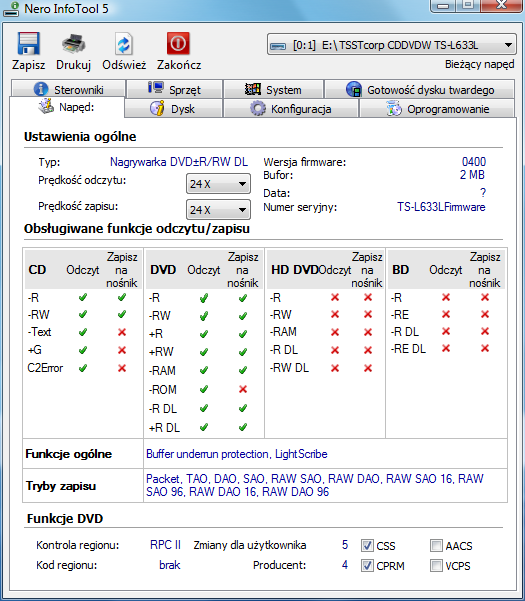
And indeed, this laptop is due to Intel's Centrino 2 technology very quiet. As soon as the "Fan Always On" option is deactivated in the BIOS, the fan is nearly completely absent. Only after a few minutes under load, it gets a little more evident, but only for a short time.
Nevertheless, switching the "Fan Always On" option on, does still not mean that the fan is always running. In fact, you'll just hear it more often, but, its whirring is only recognizable in a quiet room and so, the HP 6730b can nonetheless be considered a quiet notebook.
Noise Level
| Idle |
| 32.7 / 32.7 / 32.7 dB(A) |
| HDD |
| 32.8 dB(A) |
| DVD |
| 36.7 / 48.6 dB(A) |
| Load |
| 34 / 35 dB(A) |
 | ||
30 dB silent 40 dB(A) audible 50 dB(A) loud |
||
min:  , med: , med:  , max: , max:  (15 cm distance) (15 cm distance) | ||
Temperature
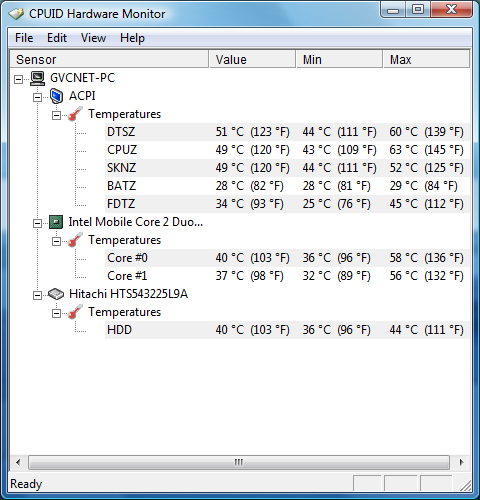
Because of its low operation noise, this HP laptop gets especially on the bottom side clearly warmer. Especially if you work on battery on the laps this can get a little bit inconvenient. Nevertheless, the temperature does not get utterly high, but stays within an acceptable range.
The same is true under load, just the heating is bigger. We measured nearly 44 degrees Celsius in a moderately warm room. Considering this notebook comes with an integrated graphics chip this is quite high.
(+) The maximum temperature on the upper side is 35.3 °C / 96 F, compared to the average of 34.2 °C / 94 F, ranging from 21.2 to 62.5 °C for the class Office.
(±) The bottom heats up to a maximum of 43.7 °C / 111 F, compared to the average of 36.7 °C / 98 F
(+) The palmrests and touchpad are reaching skin temperature as a maximum (32.1 °C / 89.8 F) and are therefore not hot.
(-) The average temperature of the palmrest area of similar devices was 27.7 °C / 81.9 F (-4.4 °C / -7.9 F).
Loudspeakers
The sound of the speakers is quite good especially considering it is a business notebook. On top of that, the sound is deep. However, on maximum volume there are some distortions.
Battery Runtime
The 6 cell battery with 55 Wh the HP Compaq 6730b is equipped with, provides a maximum runtime of up to 5 hours. With usual load, e.g., when using WLAN, it is likely empty after about 3 hours. This is a rather good result, although you won't be able to work unplugged for a whole working day.
| Off / Standby | 0 / 0 Watt |
| Idle | 13 / 30 / 48 Watt |
| Load |
48 / 50 Watt |
   
| |
In practice
Before finally judging, we will now describe some weaknesses we came across during our test. Unfortunately the HP 6730b does not always allow a smooth operation.
First of all, the graphics interface of the BIOS, behaved like an early Beta version. Windows Vista Business and HP's application add-ons do apparently not harmonize well, which resulted in a number of conflicts. This got most obvious in benchmarks, which sometimes did not give complete and evaluable results.
The recovery tool does only provide a single option, that is restoring the default system. It is not allowed to select any other option.
If you accidentially and only slightly touch the fingerprint reader, the HP Protect Tool is launched immediately. This is very annoying and we feel that this device should be really less sensitive.
Verdict
Although consumer laptops from HP, the leading manufacturer of portable computers, are more popular than its business laptops, the later are still an important part of HP's success and better than those designed for end-users.
The case of the HP 6730b is slim and light, but, the choice of materials could be better. For sure, the user-friendly keyboard is one of this notebook's advantages. Compared to other laptops we reviewed so far it is one of the better keyboards.
Another essential pro is the matte WSXGA+ screen, which is bright and has a rich contrast. Nevertheless, the colour representation is somewhat mediocre, especially compared to the cheaper Dell A860.
The performance is sufficient for office applications. Should you look for a notebook with better graphic performance, you might possibly consider the HP 675b, which comes with the better ATI solution.
The HP 6730b proved to be a very quiet notebook in our test, but, the chassis can get quite hot.
HP's business laptops are well-known for their long battery life. The test sample could run independent of an external power supply for up to 5 hours. About three hours, with energy saving profile possibly a little longer, are likely.
To summarize, the HP 6730b has a number of desireable advantages. Unfortunately HP disregarded the software side. So, this laptop might sometimes tax the user's patience if something fails, does not run as expected or contrary to the expectations.
Screen Comparison

HP Compaq 6730b & Dell Vostro A860