Deutsch
 Español
 Français
 Italiano
 Nederlands
 Polski
 Português
 Русский
 Türkçe
 Svenska
 Chinese
 Magyar
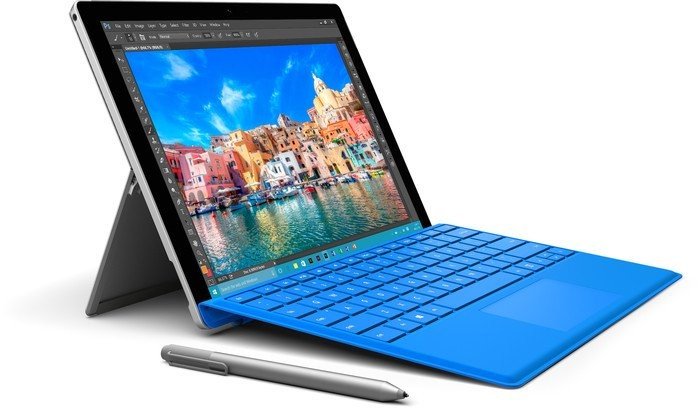
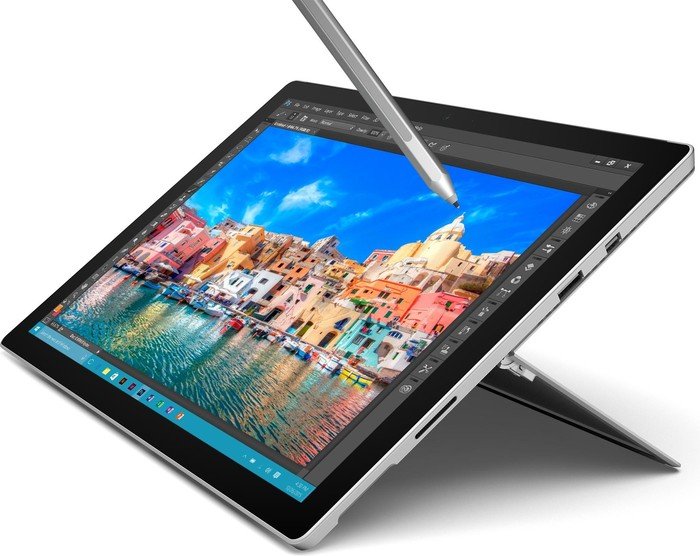
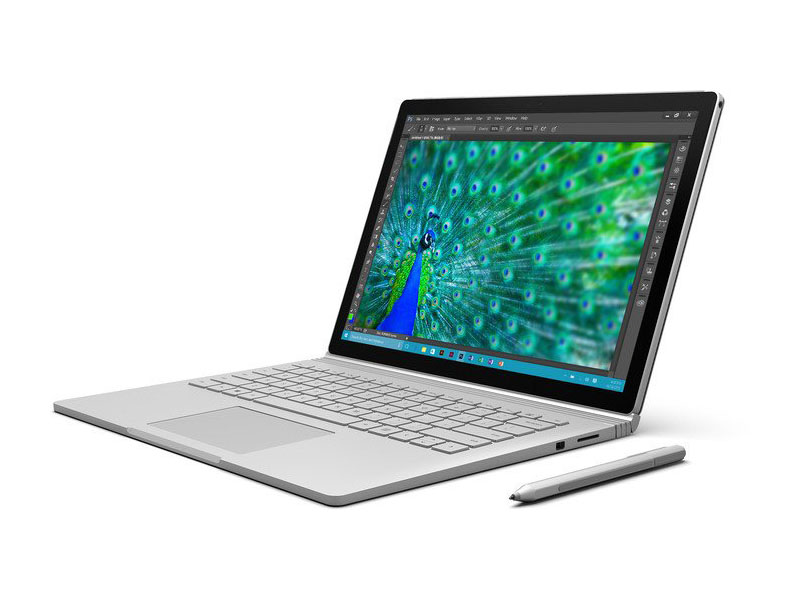
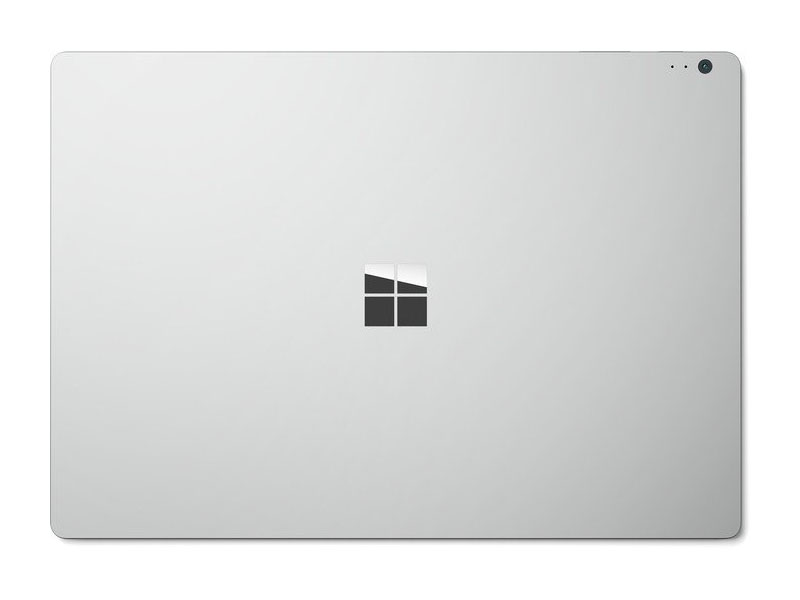
Microsoft Surface Series

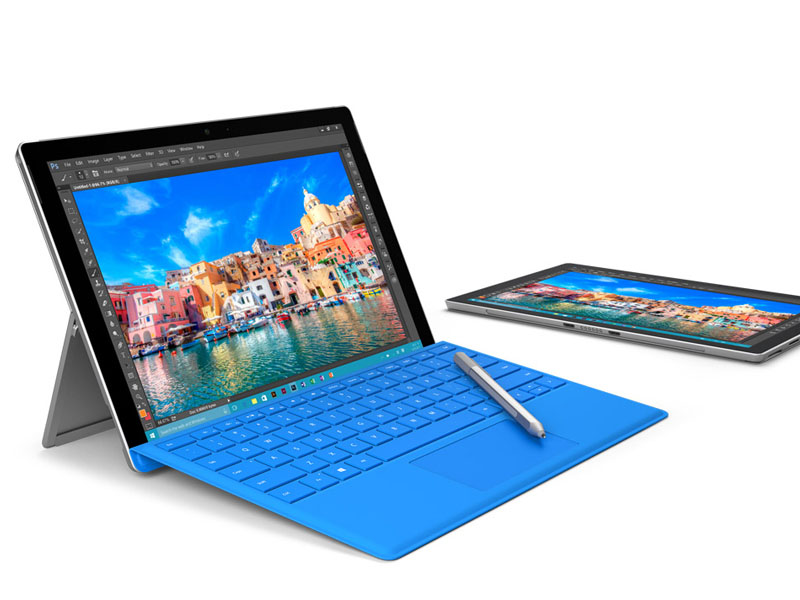
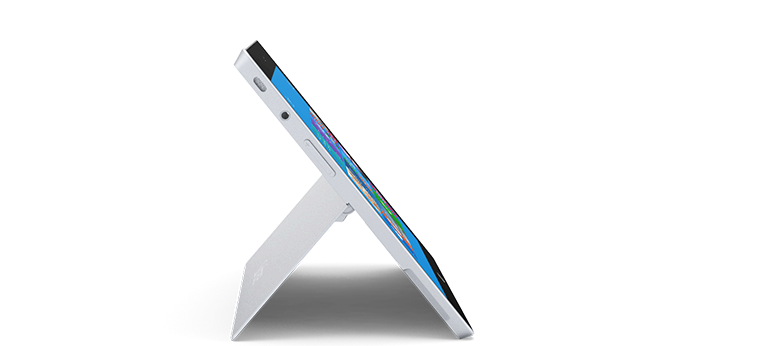
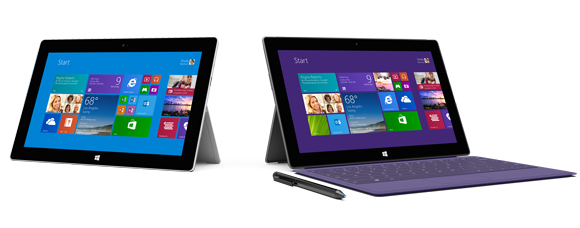
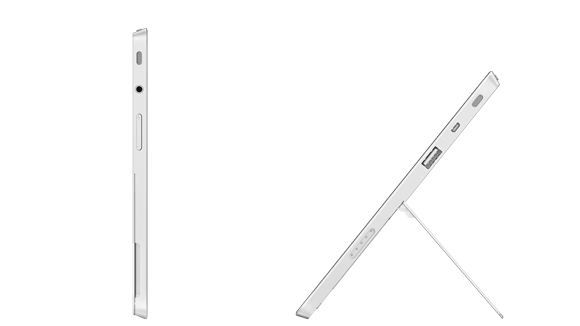
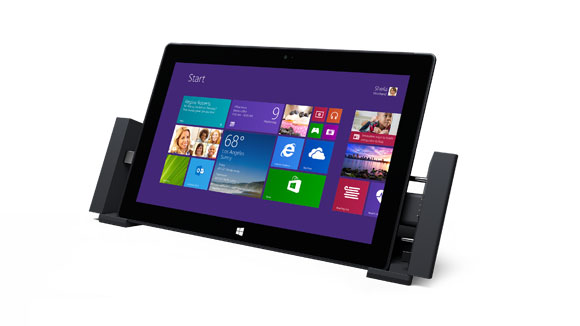
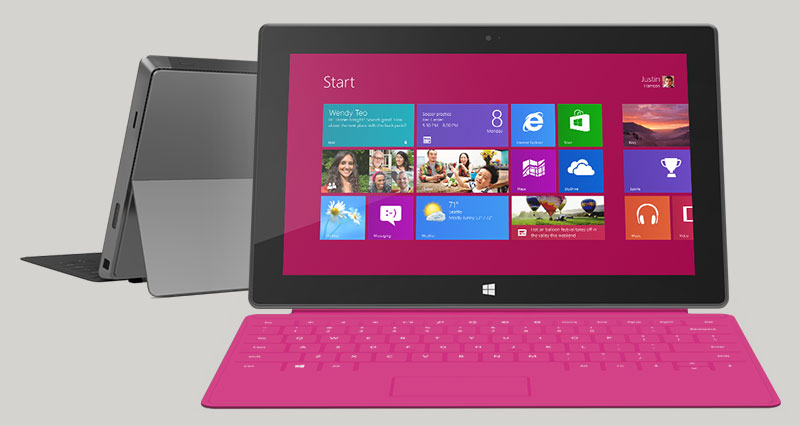
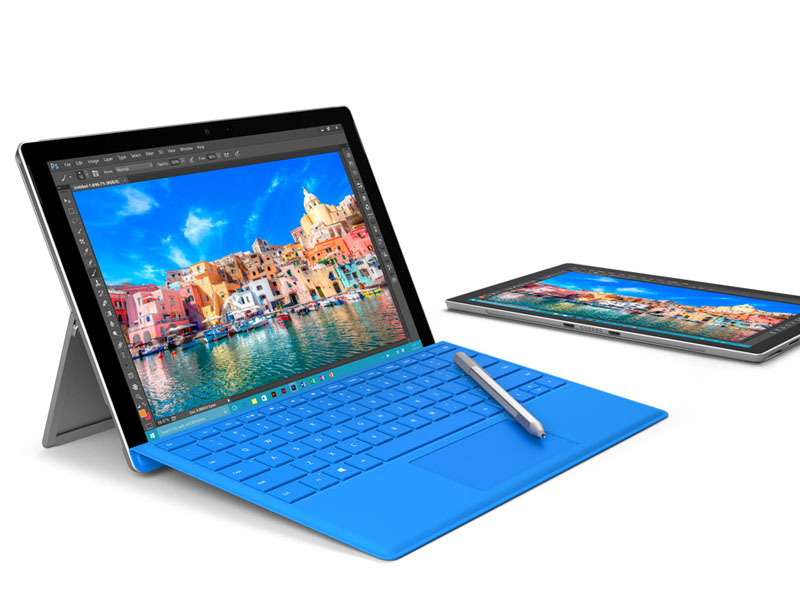
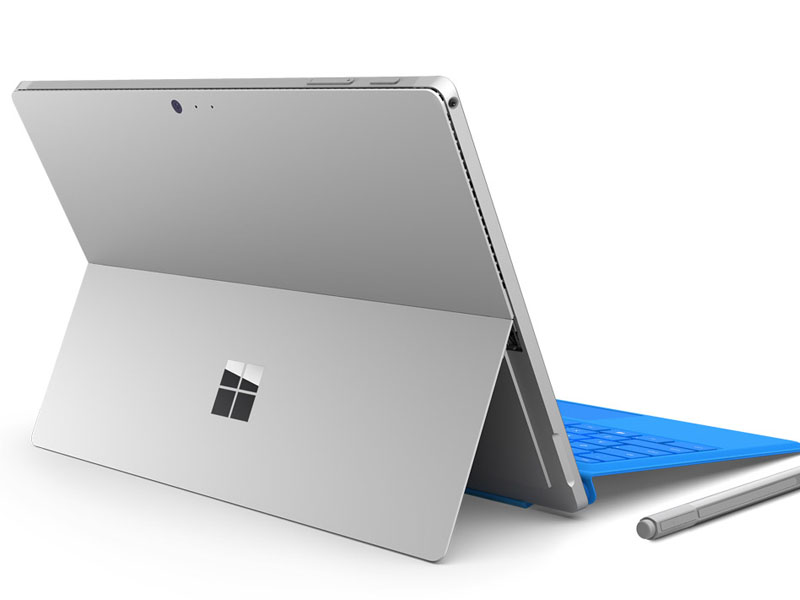
Both the Microsoft Surface RT and the Surface Pro never really made it big and couldn't compete with its Android and iOs counterparts. A large reason for its low sales figures was due to the unpopularity of the tablet-notebook hybrid category itself. However it is important to note that the Surface Pro 2 is actually a full blown laptop acting as a hybrid. For a start, it comes with Windows 8.1 backed up with an Intel Core i5-4300U ultrabook class processor, 8GB of RAM and up to 512GB SSD. It looks and has the same dimensions as the first version making both their accessories compatible with each other. However, there's also the new optional Type Cover 2 which adds backlighting but is on the heavy side and is rather pricey.
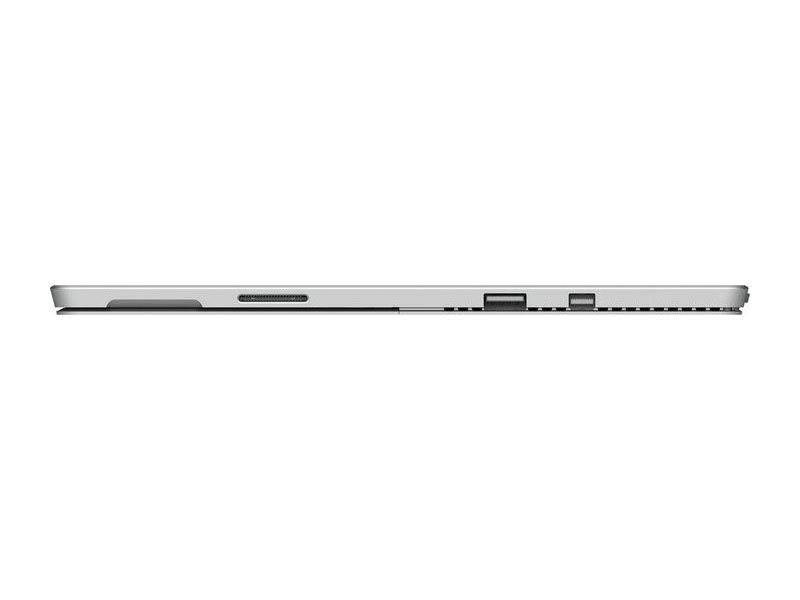
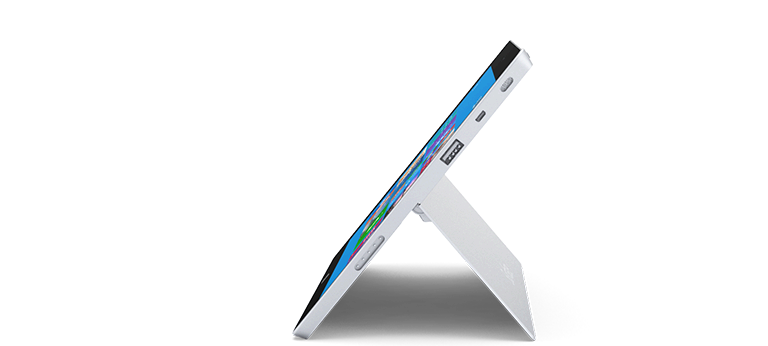
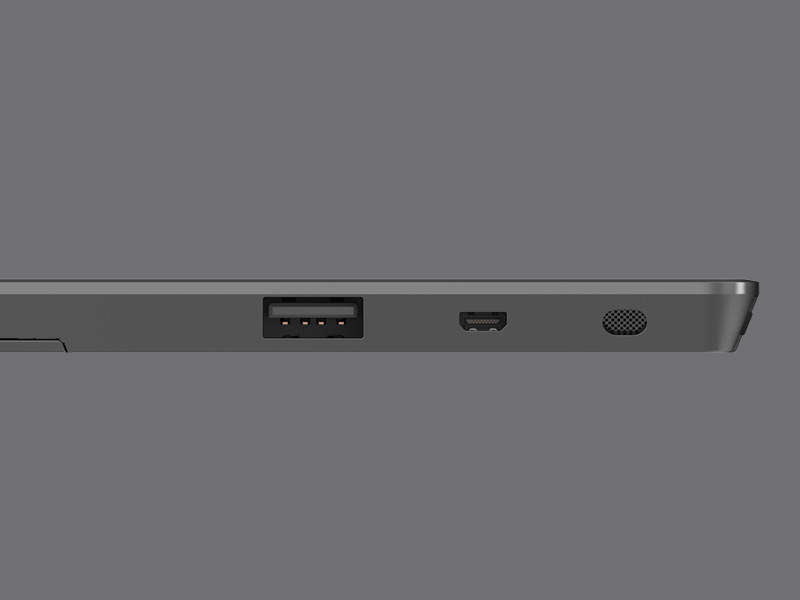
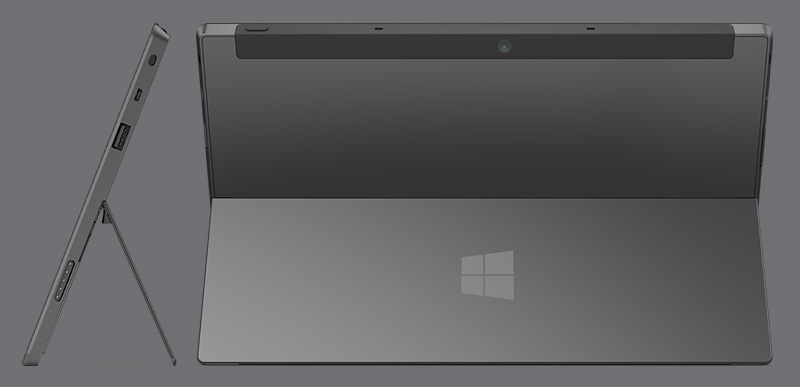
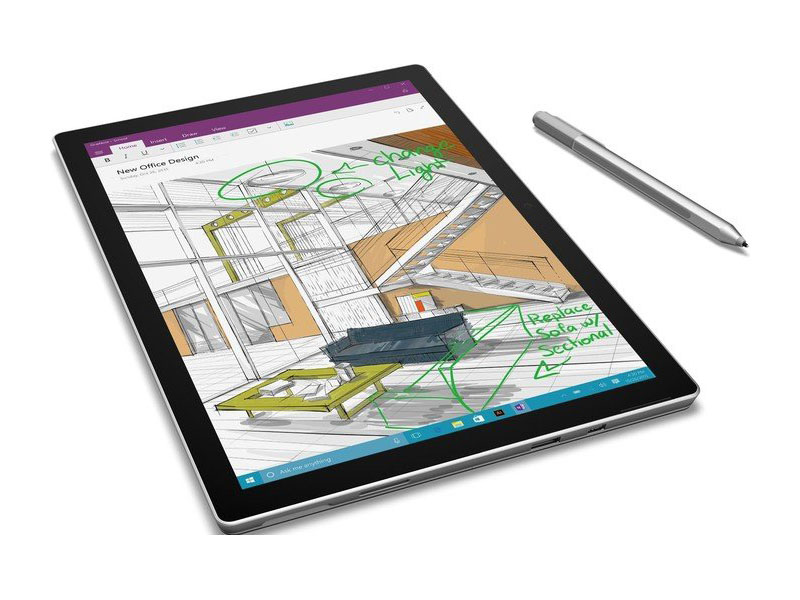
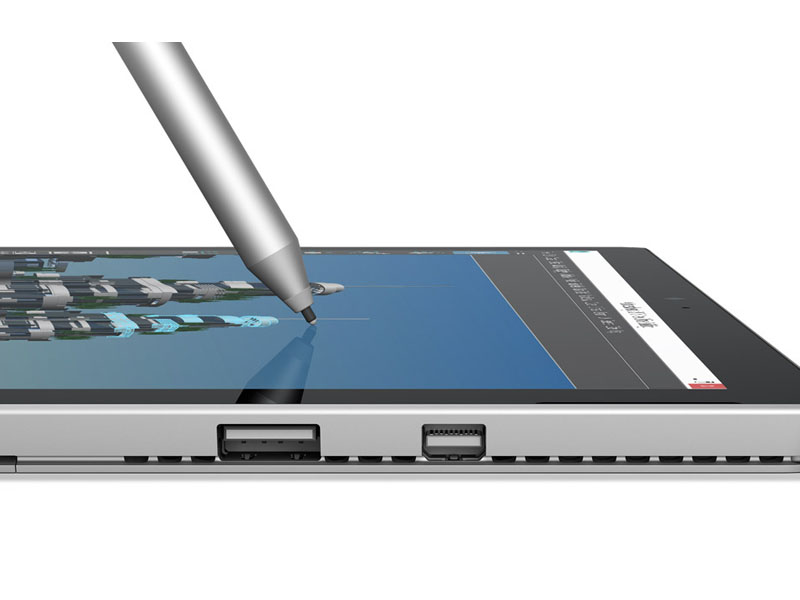
The good thing about the surface is of course its ultra portability and undeniable performance. With its specs, it will quite likely outperform many other ultraportable laptops and hybrids. Also not to forget is the fact that it comes preinstalled with Windows 8.1 and has all the necessary built-in ports making it an actual laptop and not just a replacement. The primary I/O, the FHD screen is also accompanied with an included active stylus. The downside to all this is definitely the asking price for the tablet and detachable keyboard combination. There may be some serious competitors giving almost if not the same kind of specs for a lower price. Its kickstand, although improved, is still a letdown as it doesn't conveniently sit on a lap despite being a laptop. All in all, the Microsoft Surface Pro 2 is worthy laptop if budget is not an issue.
Processor: Intel Atom x7 Z8700, Intel Core i5 3317U, Intel Core i5 4200U, Intel Core i5 4300U, Intel Core i5 6300U, Intel Core i7 6600U, Intel Core i7 6650U, Intel Core m3 6Y30, Intel Kaby Lake Pentium 4415Y, NVIDIA Tegra 3, NVIDIA Tegra 4Graphics Adapter: Intel HD Graphics (Cherry Trail), Intel HD Graphics 4000, Intel HD Graphics 4400, Intel HD Graphics 515, Intel HD Graphics 520, Intel HD Graphics 615, Intel Iris Graphics 540, NVIDIA GeForce 940M, NVIDIA GeForce GTX 965M, NVIDIA GeForce Tegra 4, NVIDIA GeForce ULP (Tegra 3), NVIDIA Maxwell GPU (940M, GDDR5)
Display: 10.00 inch, 10.60 inch, 10.80 inch, 12.00 inch, 12.30 inch, 13.50 inch
Weight: 0.522kg, 0.643kg, 0.676kg, 0.766kg, 0.81kg, 0.915kg, 0.917kg, 0.92kg, 1.066kg, 1.092kg, 1.5kg, 1.51kg, 1.658kg, 1.7kg
Price: 429, 450, 579, 719, 900, 980, 1000, 1200, 1249, 1500, 2300, 2600, 2920 euro
Average of 667 scores (from 1034 reviews)
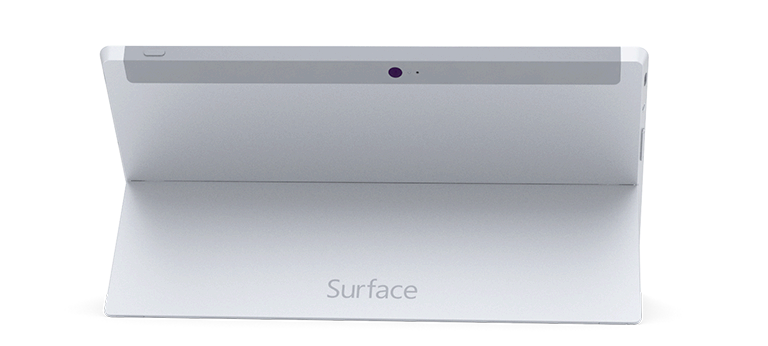
Microsoft Surface RT
Specifications
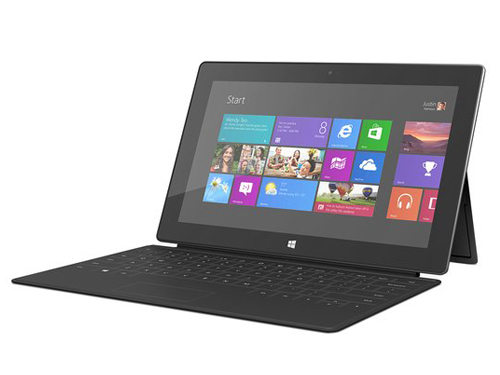 Notebook: Microsoft Surface RT
Processor: NVIDIA Tegra 3
Graphics Adapter: NVIDIA GeForce ULP (Tegra 3)
Display: 10.60 inch, 16:9, 1366 x 768 pixels
Weight: 0.676kg
Price: 579 euro
Links:
Pricecompare
Average Score:
Reviews
PC? Tablet? A Different Approach. Microsoft calls its long-awaited tablet Surface a PC: the first PC from Redmond. We extensively tested the tablet and Windows 8 RT and found that this device truly is a PC, and a very exciting one at that.
Source: Techradar
 Archive.org version
Surface makes you want to pick it up and play, pleases you with the delivery of Windows RT and the live tiles make it feel personal and alive. Performance is a real issue, but since Tegra is at the heart of high performing tablets, we hope that RT can be tweaked to iron out slowdown issues. Microsoft's hardware designers should be applauded for delivering a solid tablet which delivers a great experience, but now it's down to the fortunes of the Windows Store to decide whether Microsoft Surface is remembered in history.
Single Review, online available, Very Long, Date: 09/27/2013
Rating: Total score: 60%
Source: Techradar
Archive.org versionSurface makes you want to pick it up and play, pleases you with the delivery of Windows RT and the live tiles make it feel personal and alive. Performance is a real issue, but since Tegra is at the heart of high performing tablets, we hope that RT can be tweaked to iron out slowdown issues. Microsoft's hardware designers should be applauded for delivering a solid tablet which delivers a great experience, but now it's down to the fortunes of the Windows Store to decide whether Microsoft Surface is remembered in history.
Single Review, online available, Very Long, Date: 09/27/2013
Rating: Total score: 60%
Source: Techradar
Archive.org versionSurface makes you want to pick it up and play, pleases you with the delivery of Windows RT and the live tiles make it feel personal and alive. Performance is a real issue, but since Tegra is at the heart of high performing tablets, we hope that RT can be tweaked to iron out slowdown issues. Microsoft's hardware designers should be applauded for delivering a solid tablet which delivers a great experience, but now it's down to the fortunes of the Windows Store to decide whether Microsoft Surface is remembered in history.
Single Review, online available, Very Long, Date: 08/27/2013
Rating: Total score: 60%
Source: Techradar
Archive.org versionSurface makes you want to pick it up and play, pleases you with the delivery of Windows RT and the live tiles make it feel personal and alive. Performance is a real issue, but since Tegra is at the heart of high performing tablets, we hope that RT can be tweaked to iron out slowdown issues. Microsoft's hardware designers should be applauded for delivering a solid tablet which delivers a great experience, but now it's down to the fortunes of the Windows Store to decide whether Microsoft Surface is remembered in history.
Single Review, online available, Very Long, Date: 08/27/2013
Rating: Total score: 60%
Source: PC Pro
Archive.org versionOne of our biggest original criticisms of the Surface RT was its lack of performance. That objection has mostly been wiped away by the firmware updates. The new version of Office also feels much better tied to the operating system, even if it still has those annoying restrictions. Another reason to think twice before buying the Surface RT is that the Surface Pro is very nearly here. While the price is set to be on the high side once more, it offers the distinct advantage of running Windows 8 rather than Windows RT.
Single Review, online available, Medium, Date: 07/15/2013
Rating: Total score: 67% price: 67% performance: 67% features: 83% workmanship: 83%
Source: PC Pro
Archive.org versionOne of our biggest original criticisms of the Surface RT was its lack of performance. That objection has mostly been wiped away by the firmware updates. The new version of Office also feels much better tied to the operating system, even if it still has those annoying restrictions. Another reason to think twice before buying the Surface RT is that the Surface Pro is very nearly here. While the price is set to be on the high side once more, it offers the distinct advantage of running Windows 8 rather than Windows RT.
Single Review, online available, Medium, Date: 07/15/2013
Rating: Total score: 67% price: 67% performance: 67% features: 83% workmanship: 83%
Source: PC Pro
Archive.org versionOne of our biggest original criticisms of the Surface RT was its lack of performance. That objection has mostly been wiped away by the firmware updates. The new version of Office also feels much better tied to the operating system, even if it still has those annoying restrictions. Another reason to think twice before buying the Surface RT is that the Surface Pro is very nearly here. While the price is set to be on the high side once more, it offers the distinct advantage of running Windows 8 rather than Windows RT.
Comparison, online available, Medium, Date: 02/08/2013
Rating: Total score: 67% price: 67% performance: 67% features: 83% workmanship: 83%
Source: PC Pro
Archive.org versionOne of our biggest original criticisms of the Surface RT was its lack of performance. That objection has mostly been wiped away by the firmware updates. The new version of Office also feels much better tied to the operating system, even if it still has those annoying restrictions. Another reason to think twice before buying the Surface RT is that the Surface Pro is very nearly here. While the price is set to be on the high side once more, it offers the distinct advantage of running Windows 8 rather than Windows RT.
Comparison, online available, Medium, Date: 02/08/2013
Rating: Total score: 67% price: 67% performance: 67% features: 83% workmanship: 83%
Source: PC Authority
Archive.org versionThe Surface RT is an incredibly hard device to define. Microsoft’s first tablet is bold, unique and the most fully-featured device of its type. No other tablet makes it as easy to get to work straight out of the box; no other tablet has its broad compatibility with a range of peripherals; and no other tablet has such over-arching ambition.
Single Review, online available, Medium, Date: 02/03/2013
Rating: Total score: 67%
Source: PC Authority
Archive.org versionThe Surface RT is an incredibly hard device to define. Microsoft’s first tablet is bold, unique and the most fully-featured device of its type. No other tablet makes it as easy to get to work straight out of the box; no other tablet has its broad compatibility with a range of peripherals; and no other tablet has such over-arching ambition.
Single Review, online available, Medium, Date: 02/03/2013
Rating: Total score: 67%
Source: V3.co.uk
Archive.org versionDespite very stiff competition from its new rivals, the Apple iPad retains its crown as top 10in tablet, boasting a compelling complete ecosystem offering, a decent - albeit not on a par with the Nexus 10's - screen, fast performance and excellent battery life. However, we should point out that for those looking for a full-on laptop replacement, the Surface RT is currently the only valid option, featuring support for Microsoft's email and a full version of Office 2013. The only downside of this is that people wanting to use the Surface in this way will have to buy its Touch Cover keyboard add-on, which adds an extra £80 to the device's cost.
Comparison, online available, Very Long, Date: 12/04/2012
Source: V3.co.uk
Archive.org versionDespite very stiff competition from its new rivals, the Apple iPad retains its crown as top 10in tablet, boasting a compelling complete ecosystem offering, a decent - albeit not on a par with the Nexus 10's - screen, fast performance and excellent battery life. However, we should point out that for those looking for a full-on laptop replacement, the Surface RT is currently the only valid option, featuring support for Microsoft's email and a full version of Office 2013. The only downside of this is that people wanting to use the Surface in this way will have to buy its Touch Cover keyboard add-on, which adds an extra £80 to the device's cost.
Comparison, online available, Very Long, Date: 12/04/2012
Source: Tech Advisor
Archive.org versionIt really is difficult to say one of these tablets is "the tablet you should buy" as the needs of each person are completely different. We can say - in very loose terms - that if you're looking to buy a tablet to be used alongside your laptop, then the iPad 4 is probably the more polished of the two. However if you want a tablet that you can put in your bag and use instead of your laptop, then you'd have more of a fighting chance with the Surface (and its Touch Cover) in your arsenal. On a side note it's worth mentioning again (in case you missed it) the iPad 4's app store wipes the floor with the Surface's, so if it's apps you're after, then we suggest you go for the iPad 4 all day long, however, if the Surface gets its apps in order then it has the potential to be huge and a real game changer.
Comparison, online available, Medium, Date: 11/20/2012
Source: Tech Advisor
Archive.org versionIt really is difficult to say one of these tablets is "the tablet you should buy" as the needs of each person are completely different. We can say - in very loose terms - that if you're looking to buy a tablet to be used alongside your laptop, then the iPad 4 is probably the more polished of the two. However if you want a tablet that you can put in your bag and use instead of your laptop, then you'd have more of a fighting chance with the Surface (and its Touch Cover) in your arsenal. On a side note it's worth mentioning again (in case you missed it) the iPad 4's app store wipes the floor with the Surface's, so if it's apps you're after, then we suggest you go for the iPad 4 all day long, however, if the Surface gets its apps in order then it has the potential to be huge and a real game changer.
Comparison, online available, Medium, Date: 11/20/2012
Source: T3
Archive.org versionFull Microsoft Office support is the jewel in the crown of the Surface which along with the keyboard makes it a great tool for productivity, but whether that is enough along with the other notable features to warrant recommending over the iPad or the Asus Transformer Infinity we are not so sure. If you are truly sold on the idea of the Surface, we suggest waiting on the second generation version.
Single Review, online available, Short, Date: 11/13/2012
Rating: Total score: 60%
Source: T3
Archive.org versionFull Microsoft Office support is the jewel in the crown of the Surface which along with the keyboard makes it a great tool for productivity, but whether that is enough along with the other notable features to warrant recommending over the iPad or the Asus Transformer Infinity we are not so sure. If you are truly sold on the idea of the Surface, we suggest waiting on the second generation version.
Single Review, online available, Short, Date: 11/13/2012
Rating: Total score: 60%
Source: It Pro
Archive.org versionMake no mistake: this isn’t a full laptop replacement and it does have its obvious frustrations if you’re trying to use it in a business environment. For now, it’s also held back by a lack of high-quality apps. But, and it’s a big but, the Surface is a great piece of design, looks great and is well built. While some have baulked at the price of £332 ex VAT for the 32GB version, there’s an microSDXC card slot so you can bolster the storage cheaply.
Single Review, online available, Medium, Date: 11/09/2012
Rating: Total score: 67%
Source: It Pro
Archive.org versionMake no mistake: this isn’t a full laptop replacement and it does have its obvious frustrations if you’re trying to use it in a business environment. For now, it’s also held back by a lack of high-quality apps. But, and it’s a big but, the Surface is a great piece of design, looks great and is well built. While some have baulked at the price of £332 ex VAT for the 32GB version, there’s an microSDXC card slot so you can bolster the storage cheaply.
Single Review, online available, Medium, Date: 11/09/2012
Rating: Total score: 67%
Source: PC Pro
Archive.org versionIt remains an attractive device in its own right, but more than anything, it whets our appetite for the full Windows 8 version of the Surface that’s due to arrive early next year, which will have a fully unlocked desktop and all the benefits of a regular laptop. If you can hold out until the new year, we think it’s going to be worth the wait.
Single Review, online available, Medium, Date: 11/07/2012
Rating: Total score: 67% price: 67% performance: 67% features: 83% ergonomy: 83%
Source: Pocket Lint
Archive.org versionThe acid test of any gadget, for us, is how sad we are to give it back once we've finished reviewing it. In this case, we're beyond sad, and have moved in to a state of great turmoil that is likely to end up in an expensive online shopping trip. The Surface might not be perfect yet, but we can see a bright future for it.
Single Review, online available, Long, Date: 11/07/2012
Rating: Total score: 90%
Source: PC Pro
Archive.org versionIt remains an attractive device in its own right, but more than anything, it whets our appetite for the full Windows 8 version of the Surface that’s due to arrive early next year, which will have a fully unlocked desktop and all the benefits of a regular laptop. If you can hold out until the new year, we think it’s going to be worth the wait.
Single Review, online available, Medium, Date: 11/07/2012
Rating: Total score: 67% price: 67% performance: 67% features: 83% ergonomy: 83%
Source: Pocket Lint
Archive.org versionThe acid test of any gadget, for us, is how sad we are to give it back once we've finished reviewing it. In this case, we're beyond sad, and have moved in to a state of great turmoil that is likely to end up in an expensive online shopping trip. The Surface might not be perfect yet, but we can see a bright future for it.
Single Review, online available, Long, Date: 11/07/2012
Rating: Total score: 90%
Source: V3.co.uk
Archive.org versionIn fact, Microsoft's estimate may be a little conservative, as we used the Surface to take notes in Microsoft Word during a 4-hour meeting, after which the battery life had dropped by only 20 percent. It also recharges quickly, in just a couple of hours in our tests. It may surprise some readers, but overall, we found Microsoft's Surface with Windows RT an impressive device that is worth considering, not least for the built-in Office apps.
Single Review, online available, Long, Date: 11/06/2012
Rating: Total score: 100%
Source: V3.co.uk
Archive.org versionIn fact, Microsoft's estimate may be a little conservative, as we used the Surface to take notes in Microsoft Word during a 4-hour meeting, after which the battery life had dropped by only 20 percent. It also recharges quickly, in just a couple of hours in our tests. It may surprise some readers, but overall, we found Microsoft's Surface with Windows RT an impressive device that is worth considering, not least for the built-in Office apps.
Single Review, online available, Long, Date: 11/06/2012
Rating: Total score: 100%
Source: Stuff TV
Archive.org versionSo for many people the Surface will be a little too niche and compromised compared to getting an iPad. Or a laptop. Or whatever else Microsoft thinks it’s going up against. But for a dedicated, contrary minority this could be precisely the pigeon hole-dodging device they’ve been looking for. And perhaps in the long-run, once it gets the apps it deserves, perhaps they’ll be enjoying the last laugh.
Single Review, online available, Medium, Date: 11/01/2012
Rating: Total score: 80%
Source: Stuff TV
Archive.org versionSo for many people the Surface will be a little too niche and compromised compared to getting an iPad. Or a laptop. Or whatever else Microsoft thinks it’s going up against. But for a dedicated, contrary minority this could be precisely the pigeon hole-dodging device they’ve been looking for. And perhaps in the long-run, once it gets the apps it deserves, perhaps they’ll be enjoying the last laugh.
Single Review, online available, Medium, Date: 11/01/2012
Rating: Total score: 80%
Foreign Reviews
Source: MuyComputer
 ES→EN Archive.org version
Single Review, online available, Medium, Date: 05/14/2013
Rating: Total score: 84%
Source: MuyComputer
ES→EN Archive.org versionSingle Review, online available, Medium, Date: 05/14/2013
Rating: Total score: 84%
Source: Wintech
 PT→EN Archive.org version
Single Review, online available, Medium, Date: 05/07/2013
Rating: Total score: 70% performance: 70% display: 70% workmanship: 70%
Source: Wintech
PT→EN Archive.org versionSingle Review, online available, Medium, Date: 05/07/2013
Rating: Total score: 70% performance: 70% display: 70% workmanship: 70%
Source: PCM
 NL→EN Archive.org version
Single Review, online available, Very Short, Date: 03/25/2013
Rating: Total score: 60%
Source: PCM
NL→EN Archive.org versionSingle Review, online available, Very Short, Date: 03/25/2013
Rating: Total score: 60%
Source: Hi-Tech Mail
 RU→EN Archive.org version
Positive: Excellent multitasking; the familiar file manager and simple; stylish look; Negative: Slow; Games and applications for Windows RT is still very little.
Single Review, online available, Medium, Date: 11/14/2012
Source: Hi-Tech Mail
RU→EN Archive.org versionPositive: Excellent multitasking; the familiar file manager and simple; stylish look; Negative: Slow; Games and applications for Windows RT is still very little.
Single Review, online available, Medium, Date: 11/14/2012
Microsoft Surface Pro
Specifications
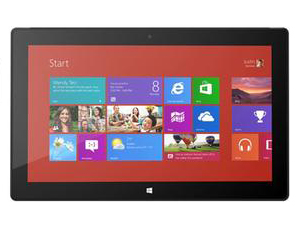 Notebook: Microsoft Surface Pro
Processor: Intel Core i5 3317U
Graphics Adapter: Intel HD Graphics 4000
Display: 10.60 inch, 16:9, 1920 x 1080 pixels
Weight: 0.92kg
Price: 900 euro
Links: Surface Pro (Model)
Pricecompare
Average Score:
Reviews
A balancing act. The Surface Pro is an interesting concept tablet that Microsoft developed to showcase the strength of the Windows 8 platform on a touch-capable device. This is another Wintel collaboration that is able to use the ecosystem of apps available for the X86 Windows platform. This review points out the strengths and weaknesses of this form-factor.
Source: Techradar
Archive.org versionExpectations are the real issue with the Microsoft Surface Pro. If you were hoping for something with the power of a Core i5 laptop but the weight and battery life of Surface RT then you need to take another look at the laws of physics and the current capabilities of Intel processors. It's a lightweight Windows 8 PC that runs all your applications and any browser you want, that you can use as a tablet with touchscreen controls and a fantastic pen, or as a notebook, by snapping on a keyboard. You're getting a great machine at a reasonable price with the Surface Pro, and if you like the sound of it you'll be cursing the limited stock and the fact it's only on sale in North America at first.
Single Review, online available, Very Long, Date: 09/27/2013
Rating: Total score: 90%
Source: Techradar
Archive.org versionExpectations are the real issue with the Microsoft Surface Pro. If you were hoping for something with the power of a Core i5 laptop but the weight and battery life of Surface RT then you need to take another look at the laws of physics and the current capabilities of Intel processors. It's a lightweight Windows 8 PC that runs all your applications and any browser you want, that you can use as a tablet with touchscreen controls and a fantastic pen, or as a notebook, by snapping on a keyboard. You're getting a great machine at a reasonable price with the Surface Pro, and if you like the sound of it you'll be cursing the limited stock and the fact it's only on sale in North America at first.
Single Review, online available, Very Long, Date: 09/27/2013
Rating: Total score: 90%
Source: PC Authority
Archive.org versionStop to consider what you’re getting, however, and it isn’t bad value for money. The hardware is impeccably constructed, the performance strong, and the Wacom digitiser, stylus and Full HD display make for a great combination. The ergonomic irritations in laptop mode, together with modest battery life, mean it won’t suit everyone, but the Surface Pro is a great choice for those who want power and full Windows compatibility in such a tiny device.
Single Review, online available, Short, Date: 08/05/2013
Source: PC Authority
Archive.org versionStop to consider what you’re getting, however, and it isn’t bad value for money. The hardware is impeccably constructed, the performance strong, and the Wacom digitiser, stylus and Full HD display make for a great combination. The ergonomic irritations in laptop mode, together with modest battery life, mean it won’t suit everyone, but the Surface Pro is a great choice for those who want power and full Windows compatibility in such a tiny device.
Single Review, online available, Short, Date: 08/05/2013
Source: V3.co.uk
Archive.org versionSumming up the battle of the flagship tablets, the Apple iPad 4 manages to win out by triumphing in three out of the six categories over its rivals. Apple's tablet trumped the Surface Pro and Nexus 10 as our favourite for design and display, and proving the best out of the bunch for battery life. Despite winning half the categories, the Apple iPad 4 failed to win the major battles of performance and software, losing out to the Surface Pro due to its ability to run the full version of Windows 8. However, we felt Microsoft's tablet failed to deliver on too many occasions, such as in design and display to warrant a win over Apple's high-class device.
Comparison, online available, Very Long, Date: 06/20/2013
Source: ITNews Australia
Archive.org versionMicrosoft’s Surface Pro tablet is finally available in the Australian market, after it was announced a year ago. It is aimed at those who like the Surface RT but need the Windows software compatibility it lacks. The 'real Windows' version of Microsoft's Surface tablet impresses with beautiful build and ample computing power, only to disappoint through Windows 8 foibles and short battery life.
Single Review, online available, Medium, Date: 06/20/2013
Source: V3.co.uk
Archive.org versionSumming up the battle of the flagship tablets, the Apple iPad 4 manages to win out by triumphing in three out of the six categories over its rivals. Apple's tablet trumped the Surface Pro and Nexus 10 as our favourite for design and display, and proving the best out of the bunch for battery life. Despite winning half the categories, the Apple iPad 4 failed to win the major battles of performance and software, losing out to the Surface Pro due to its ability to run the full version of Windows 8. However, we felt Microsoft's tablet failed to deliver on too many occasions, such as in design and display to warrant a win over Apple's high-class device.
Comparison, online available, Very Long, Date: 06/20/2013
Source: ITNews Australia
Archive.org versionMicrosoft’s Surface Pro tablet is finally available in the Australian market, after it was announced a year ago. It is aimed at those who like the Surface RT but need the Windows software compatibility it lacks. The 'real Windows' version of Microsoft's Surface tablet impresses with beautiful build and ample computing power, only to disappoint through Windows 8 foibles and short battery life.
Single Review, online available, Medium, Date: 06/20/2013
Source: Digital Versus
Archive.org versionMicrosoft really let its creative side shine through with the Surface Pro. It's a superb-looking device with enough processing power to make full use of the company's productivity suites. Unfortunately, the low battery life, heat issues and less-than-adequate connectivity make it hard for us to give the Surface Pro any more than three stars. Sorry, guys.
Single Review, online available, Long, Date: 05/31/2013
Rating: Total score: 60%
Source: Digital Versus
Archive.org versionMicrosoft really let its creative side shine through with the Surface Pro. It's a superb-looking device with enough processing power to make full use of the company's productivity suites. Unfortunately, the low battery life, heat issues and less-than-adequate connectivity make it hard for us to give the Surface Pro any more than three stars. Sorry, guys.
Single Review, online available, Long, Date: 05/31/2013
Rating: Total score: 60%
Source: Trusted Reviews
Archive.org versionThe Surface Pro hints at genius but implodes under the weight of its own ambition. But the potential is plain to see. It’s a welcome and compelling alternative to an Apple and Google dominated future. Make it lighter and last longer, however, and Microsoft could have a winner on its hands in future.
Single Review, online available, Long, Date: 05/24/2013
Rating: Total score: 70% price: 50% performance: 80% features: 90% display: 90% mobility: 40% workmanship: 90%
Source: Trusted Reviews
Archive.org versionThe Surface Pro hints at genius but implodes under the weight of its own ambition. But the potential is plain to see. It’s a welcome and compelling alternative to an Apple and Google dominated future. Make it lighter and last longer, however, and Microsoft could have a winner on its hands in future.
Single Review, online available, Long, Date: 05/24/2013
Rating: Total score: 70% price: 50% performance: 80% features: 90% display: 90% mobility: 40% workmanship: 90%
Source: T3
Archive.org versionSurface Pro is a decent dual-use device, with plenty of power which we’d be happy to choose over a mid-range Ultrabook. We loved being able to dock it with a screen and full desktop set up at home, then take it on the move. It’s certainly able to fulfill the job of a laptop and iPad, so long as your emphasis is on productivity rather than fun. The main frustrations are the dubious keyboard peripherals and the usability headaches caused by the kickstand, so it’s worth thinking carefully about how you expect to use Surface Pro before you buy.
Single Review, online available, Short, Date: 05/22/2013
Rating: Total score: 80%
Source: T3
Archive.org versionSurface Pro is a decent dual-use device, with plenty of power which we’d be happy to choose over a mid-range Ultrabook. We loved being able to dock it with a screen and full desktop set up at home, then take it on the move. It’s certainly able to fulfill the job of a laptop and iPad, so long as your emphasis is on productivity rather than fun. The main frustrations are the dubious keyboard peripherals and the usability headaches caused by the kickstand, so it’s worth thinking carefully about how you expect to use Surface Pro before you buy.
Single Review, online available, Short, Date: 05/22/2013
Rating: Total score: 80%
Source: Pocket Lint
Archive.org versionDoes the Surface Pro redefine what Windows 8 hybrid devices are all about? It's a bit late for that - we've already seen stacks of products to market from all the major manufacturers, each with their own shortcomings. What Microsoft has managed to do is produce a product that focuses as much on build quality and design as it does core power and usability. That means it'll click just as heartily as its rattling audio-heavy advert does with some users, while others will find it's a little late to the party and instead drift off down the more traditional - and affordable - routes.
Single Review, online available, Medium, Date: 05/21/2013
Rating: Total score: 80%
Source: Pocket Lint
Archive.org versionDoes the Surface Pro redefine what Windows 8 hybrid devices are all about? It's a bit late for that - we've already seen stacks of products to market from all the major manufacturers, each with their own shortcomings. What Microsoft has managed to do is produce a product that focuses as much on build quality and design as it does core power and usability. That means it'll click just as heartily as its rattling audio-heavy advert does with some users, while others will find it's a little late to the party and instead drift off down the more traditional - and affordable - routes.
Single Review, online available, Medium, Date: 05/21/2013
Rating: Total score: 80%
Source: It Pro
Archive.org versionMicrosoft has belatedly released the Surface Pro in the UK, seven months after the launch of Windows 8. The Surface Pro fails to live up to expectations. Despite the HD screen and solid performance, it's weak when it comes to portability and doesn't do enough to stand out from OEM competitors.
Single Review, online available, Short, Date: 05/17/2013
Rating: Total score: 60%
Source: It Pro
Archive.org versionMicrosoft has belatedly released the Surface Pro in the UK, seven months after the launch of Windows 8. The Surface Pro fails to live up to expectations. Despite the HD screen and solid performance, it's weak when it comes to portability and doesn't do enough to stand out from OEM competitors.
Single Review, online available, Short, Date: 05/17/2013
Rating: Total score: 60%
Source: PC Pro
Archive.org versionStop to consider what you’re getting, however, and the Surface Pro really isn’t bad value for money at all. The hardware is impeccably well constructed, the performance good, and the Wacom digitiser, stylus and Full HD display make for a great combination. The ergonomic irritations in laptop mode, together with modest battery life, mean that it won’t suit everyone, but the Surface Pro is a great choice for those who want power and full Windows compatibility in such a tiny device.
Single Review, online available, Short, Date: 05/16/2013
Rating: Total score: 83% price: 83% performance: 67% features: 83% workmanship: 83%
Source: PC Pro
Archive.org versionStop to consider what you’re getting, however, and the Surface Pro really isn’t bad value for money at all. The hardware is impeccably well constructed, the performance good, and the Wacom digitiser, stylus and Full HD display make for a great combination. The ergonomic irritations in laptop mode, together with modest battery life, mean that it won’t suit everyone, but the Surface Pro is a great choice for those who want power and full Windows compatibility in such a tiny device.
Single Review, online available, Short, Date: 05/16/2013
Rating: Total score: 83% price: 83% performance: 67% features: 83% workmanship: 83%
Source: V3.co.uk
Archive.org versionThe Microsoft Surface Pro is a decent business tablet that can run everything you'd find on an ultrabook, but it has a high price tag compared to iPad and Android models, and lacks the built-in Office suite offered by the much cheaper and lighter RT model. The price including a keyboard at £819 also makes it equivalent to or more expensive than a laptop alternative.
Single Review, online available, Long, Date: 05/15/2013
Rating: Total score: 60%
Source: V3.co.uk
Archive.org versionThe Microsoft Surface Pro is a decent business tablet that can run everything you'd find on an ultrabook, but it has a high price tag compared to iPad and Android models, and lacks the built-in Office suite offered by the much cheaper and lighter RT model. The price including a keyboard at £819 also makes it equivalent to or more expensive than a laptop alternative.
Single Review, online available, Long, Date: 05/15/2013
Rating: Total score: 60%
Source: Stuff TV
Archive.org versionThe Surface Pro is as powerful as a lower-end ultrabook, but more portable. It's nice to type on and has a great screen. But does it do enough to justify costing more than most Windows Ultrabooks? Not quite. Its nifty portability comes at the price of a little power, a proper keyboard and a pile* of battery life.
Single Review, online available, Medium, Date: 05/01/2013
Rating: Total score: 80%
Source: Stuff TV
Archive.org versionThe Surface Pro is as powerful as a lower-end ultrabook, but more portable. It's nice to type on and has a great screen. But does it do enough to justify costing more than most Windows Ultrabooks? Not quite. Its nifty portability comes at the price of a little power, a proper keyboard and a pile* of battery life.
Single Review, online available, Medium, Date: 05/01/2013
Rating: Total score: 80%
Source: Ultrabook News
Archive.org versionSo after the long wait the Surface Pro is finally here, was it worth the wait? That is a hard question to answer and will depend on your computing requirements. It can probably be best answered by looking at the target customer. This is not a tablet for the average consumer whose main activities will be consuming media, email and web browsing. For the power user who needs to work with powerful business programs like Outlook but who may also be mobile and requires portability it will fit their needs nicely. It has the power, connectivity, portability and flexibility to meet a lot of power users computing needs but has the one drawback of battery life, at least when looked at in the context of mainstream consumer tablets.
Single Review, online available, Short, Date: 02/20/2013
Source: Ultrabook News
Archive.org versionSo after the long wait the Surface Pro is finally here, was it worth the wait? That is a hard question to answer and will depend on your computing requirements. It can probably be best answered by looking at the target customer. This is not a tablet for the average consumer whose main activities will be consuming media, email and web browsing. For the power user who needs to work with powerful business programs like Outlook but who may also be mobile and requires portability it will fit their needs nicely. It has the power, connectivity, portability and flexibility to meet a lot of power users computing needs but has the one drawback of battery life, at least when looked at in the context of mainstream consumer tablets.
Single Review, online available, Short, Date: 02/20/2013
Source: Digital Trends
Archive.org versionMicrosoft’s Surface Pro is a bold move. By jumping into the tablet business, the company is attempting to counter the “post-PC” era by guiding consumers towards a future where PCs are different, but still dominated by Windows. We think the idea is sound. The finished product? Not so much.
Single Review, online available, Long, Date: 02/15/2013
Rating: Total score: 50%
Source: Digital Trends
Archive.org versionMicrosoft’s Surface Pro is a bold move. By jumping into the tablet business, the company is attempting to counter the “post-PC” era by guiding consumers towards a future where PCs are different, but still dominated by Windows. We think the idea is sound. The finished product? Not so much.
Single Review, online available, Long, Date: 02/15/2013
Rating: Total score: 50%
Source: Mobile Tech Review
Archive.org versionThe Microsoft Surface Pro isn't just novel, though that certainly is part of its appeal along with the sexy design and high quality look and feel. It's a landmark marriage of computing power and portability. The question is: do you need a miraculously portable tablet with the computing power of a Core i5 laptop inside? That's for you to answer, and I know many of you do crave extreme portability on the road.
Single Review, online available, Medium, Date: 02/14/2013
Rating: Total score: 80%
Source: Tech Advisor
Archive.org versionThe Surface Pro is the best Windows tablet we've used. It also makes a pretty good laptop. But as a tablet it's not match for the best iOS or Android devices, and as a Windows laptop it can't compete with Ultrabooks. It's portability and performance will be perfect for a few, and okay for most. So that makes it a good but not perfect device, which feels about right as a verdict.
Single Review, online available, Short, Date: 02/14/2013
Rating: Total score: 80% performance: 80% features: 80% workmanship: 80%
Source: Comp Reviews
Archive.org versionThe ability to run full Windows application on a tablet has been something that many people have been waiting for and the Microsoft Surface Pro allows them to do that. The problem is that it is still too much of a work around for that capability. Compared to tablet it isn't quite as portable and certainly not as friendly when having to switch between native and desktop modes.
Single Review, online available, Short, Date: 02/14/2013
Rating: Total score: 60%
Source: Mobile Tech Review
Archive.org versionThe Microsoft Surface Pro isn't just novel, though that certainly is part of its appeal along with the sexy design and high quality look and feel. It's a landmark marriage of computing power and portability. The question is: do you need a miraculously portable tablet with the computing power of a Core i5 laptop inside? That's for you to answer, and I know many of you do crave extreme portability on the road.
Single Review, online available, Medium, Date: 02/14/2013
Rating: Total score: 80%
Source: Tech Advisor
Archive.org versionThe Surface Pro is the best Windows tablet we've used. It also makes a pretty good laptop. But as a tablet it's not match for the best iOS or Android devices, and as a Windows laptop it can't compete with Ultrabooks. It's portability and performance will be perfect for a few, and okay for most. So that makes it a good but not perfect device, which feels about right as a verdict.
Single Review, online available, Short, Date: 02/14/2013
Rating: Total score: 80% performance: 80% features: 80% workmanship: 80%
Source: Comp Reviews
Archive.org versionThe ability to run full Windows application on a tablet has been something that many people have been waiting for and the Microsoft Surface Pro allows them to do that. The problem is that it is still too much of a work around for that capability. Compared to tablet it isn't quite as portable and certainly not as friendly when having to switch between native and desktop modes.
Single Review, online available, Short, Date: 02/14/2013
Rating: Total score: 60%
Source: PC Mag
Archive.org versionNow the big question: Is it worth it? If you need a very portable tablet that has full Windows 8 compatibility, powerful components, and a 1080p touch screen, the Microsoft Surface Windows 8 Pro is your tablet. The digitizing stylus is an added boon for those who would like to take notes, draw art, or fill out forms right on their tablet screen. The Surface Pro has business compatibility (i.e., it can join Windows domains and use corporate level software), a selection of keyboard covers, and is intelligently set up for touch and portable use. It also has better ergonomics than the Acer Iconia W700 and better behavior in desktop mode (where you run almost all your programs). True, the Acer W700 has better battery life, but the Surface Pro doesn't require as much tweaking to make it useful out of the box. While it's a little thing (pardon the pun), the fact that the Surface Pro is scaled better and more usable with fingertips in desktop mode will help save calls to IT or to your family IT person (probably you, if you're reading this). The Surface Pro is the Windows 8 slate tablet to beat when you need the performance and convenience of a real PC in a compact tablet form factor. It's the one to get if you need corporate or academic campus portability.
Single Review, online available, Short, Date: 02/06/2013
Rating: Total score: 80%
Source: PC Mag
Archive.org versionNow the big question: Is it worth it? If you need a very portable tablet that has full Windows 8 compatibility, powerful components, and a 1080p touch screen, the Microsoft Surface Windows 8 Pro is your tablet. The digitizing stylus is an added boon for those who would like to take notes, draw art, or fill out forms right on their tablet screen. The Surface Pro has business compatibility (i.e., it can join Windows domains and use corporate level software), a selection of keyboard covers, and is intelligently set up for touch and portable use. It also has better ergonomics than the Acer Iconia W700 and better behavior in desktop mode (where you run almost all your programs). True, the Acer W700 has better battery life, but the Surface Pro doesn't require as much tweaking to make it useful out of the box. While it's a little thing (pardon the pun), the fact that the Surface Pro is scaled better and more usable with fingertips in desktop mode will help save calls to IT or to your family IT person (probably you, if you're reading this). The Surface Pro is the Windows 8 slate tablet to beat when you need the performance and convenience of a real PC in a compact tablet form factor. It's the one to get if you need corporate or academic campus portability.
Single Review, online available, Short, Date: 02/06/2013
Rating: Total score: 80%
Source: Slashgear
Archive.org versionThe Surface Pro is slickly designed, its digital pen a joy to use – if you have the need of it – and it comes without the software niggles that dampened our enthusiasm about the Surface RT last year. Think of it as a touchscreen notebook with an optional keyboard and it makes the most sense. That may be semantics, but it also means the Surface Pro is more likely to cannibalize ultrabook sales than eat into Apple’s iPad market. Whether that’s the market Microsoft was aiming for, we’re not sure, but the Surface Pro makes considerable sense for the prosumer.
Single Review, online available, Long, Date: 02/05/2013
Source: Wired Magazine
Archive.org versionWIRED Sleek and well-designed hardware. Sharp, beautiful touchscreen. Speedy performance. Runs all legacy Windows desktop applications. Great pressure-sensitive pen. Additional USB port on the charger so you can charge your phone at the same time. Type Cover is pleasant and forgiving. TIRED Lacking in usable storage space. Short on battery life. Non-adjustable kickstand becomes a burden with long-term use. Pricey; you’ll need to drop extra money on several accessories (mouse, keyboard cover, external storage). Too hot, heavy and thick to comfortably use as a tablet.
Single Review, online available, Medium, Date: 02/05/2013
Rating: Total score: 70%
Source: Ubergizmo English
Archive.org versionThe Microsoft Surface Pro was designed to give users a true tablet experience AND a true PC experience with a surprisingly powerful hardware. In that regards, there are no compromises and both goals are achieved rather nicely. In my opinion, this is a great machine for folks who mainly want an ultra-portable and 100% PC-compatible device that can deal with everything work will throw at them. For this, I’m confident that there is simply nothing better out there. You get the real Outlook and any other PC app that your company may require, including exotic VPN accesses, printer drivers etc. This is a PC. The ultra-productive and solid design will complement the software capabilities perfectly.
Single Review, online available, Long, Date: 02/05/2013
Source: Slashgear
Archive.org versionThe Surface Pro is slickly designed, its digital pen a joy to use – if you have the need of it – and it comes without the software niggles that dampened our enthusiasm about the Surface RT last year. Think of it as a touchscreen notebook with an optional keyboard and it makes the most sense. That may be semantics, but it also means the Surface Pro is more likely to cannibalize ultrabook sales than eat into Apple’s iPad market. Whether that’s the market Microsoft was aiming for, we’re not sure, but the Surface Pro makes considerable sense for the prosumer.
Single Review, online available, Long, Date: 02/05/2013
Source: Wired Magazine
Archive.org versionWIRED Sleek and well-designed hardware. Sharp, beautiful touchscreen. Speedy performance. Runs all legacy Windows desktop applications. Great pressure-sensitive pen. Additional USB port on the charger so you can charge your phone at the same time. Type Cover is pleasant and forgiving. TIRED Lacking in usable storage space. Short on battery life. Non-adjustable kickstand becomes a burden with long-term use. Pricey; you’ll need to drop extra money on several accessories (mouse, keyboard cover, external storage). Too hot, heavy and thick to comfortably use as a tablet.
Single Review, online available, Medium, Date: 02/05/2013
Rating: Total score: 70%
Source: Ubergizmo English
Archive.org versionThe Microsoft Surface Pro was designed to give users a true tablet experience AND a true PC experience with a surprisingly powerful hardware. In that regards, there are no compromises and both goals are achieved rather nicely. In my opinion, this is a great machine for folks who mainly want an ultra-portable and 100% PC-compatible device that can deal with everything work will throw at them. For this, I’m confident that there is simply nothing better out there. You get the real Outlook and any other PC app that your company may require, including exotic VPN accesses, printer drivers etc. This is a PC. The ultra-productive and solid design will complement the software capabilities perfectly.
Single Review, online available, Long, Date: 02/05/2013
Source: Tech Advisor
Archive.org versionIt's clearly far too early to pronounce on the Surface Pro. It offers the potential of tablet portability mixed with high-end laptop-like performance. As such it is a much more likely winner than the Surface RT, which is hobbled by being a halfway house between full Windows and Windows Phone. It also means the Surface Pro will be only as reliant on apps as is Windows 8 itself - ie: not very much. Windows is, after all, the most supported operating software in terms of third-party applications.
Single Review, online available, Short, Date: 01/10/2013
Source: Tech Advisor
Archive.org versionIt's clearly far too early to pronounce on the Surface Pro. It offers the potential of tablet portability mixed with high-end laptop-like performance. As such it is a much more likely winner than the Surface RT, which is hobbled by being a halfway house between full Windows and Windows Phone. It also means the Surface Pro will be only as reliant on apps as is Windows 8 itself - ie: not very much. Windows is, after all, the most supported operating software in terms of third-party applications.
Single Review, online available, Short, Date: 01/10/2013
Source: Tech Advisor
Archive.org versionIt's clearly far too early to pronounce on the Surface Pro. It offers the potential of tablet portability mixed with high-end laptop-like performance. As such it is a much more likely winner than the Surface RT, which is hobbled by being a halfway house between full Windows and Windows Phone. It also means the Surface Pro will be only as reliant on apps as is Windows 8 itself - ie: not very much. Windows is, after all, the most supported operating software in terms of third-party applications.
Single Review, online available, Short, Date: 01/10/2013
Source: Tech Advisor
Archive.org versionIt's clearly far too early to pronounce on the Surface Pro. It offers the potential of tablet portability mixed with high-end laptop-like performance. As such it is a much more likely winner than the Surface RT, which is hobbled by being a halfway house between full Windows and Windows Phone. It also means the Surface Pro will be only as reliant on apps as is Windows 8 itself - ie: not very much. Windows is, after all, the most supported operating software in terms of third-party applications.
Single Review, online available, Short, Date: 01/10/2013
Foreign Reviews
Source: Stiftung Warentest - Heft 12/2013

Single Review, , Length Unknown, Date: 11/01/2013
Rating: Total score: 87%
Source: Stiftung Warentest - Heft 12/2013
Single Review, , Length Unknown, Date: 11/01/2013
Rating: Total score: 87%
Source: Mobicroco
DE→EN Archive.org versionSingle Review, online available, Medium, Date: 06/04/2013
Rating: Total score: 95% features: 94% workmanship: 95% ergonomy: 93%
Source: Mobicroco
DE→EN Archive.org versionSingle Review, online available, Medium, Date: 06/04/2013
Rating: Total score: 95% features: 94% workmanship: 95% ergonomy: 93%
Source: PC Masters
DE→EN Archive.org versionPositive: fast hardware; applications are running fluently
Single Review, online available, Long, Date: 07/29/2013
Source: PC Masters
DE→EN Archive.org versionPositive: fast hardware; applications are running fluently
Single Review, online available, Long, Date: 07/29/2013
Source: Onlinekosten.de
DE→EN Archive.org versionPositive: brilliant display; fast touchscreen; very good interface equipment Negative: bulky chassis; heavy weight
Single Review, online available, Long, Date: 06/06/2013
Rating: Total score: 89%
Source: Onlinekosten.de
DE→EN Archive.org versionPositive: brilliant display; fast touchscreen; very good interface equipment Negative: bulky chassis; heavy weight
Single Review, online available, Long, Date: 06/06/2013
Rating: Total score: 89%
Source: PC Actual
ES→EN Archive.org versionSingle Review, online available, Very Short, Date: 07/05/2013
Rating: Total score: 90% price: 82%
Source: PC Actual
ES→EN Archive.org versionSingle Review, online available, Very Short, Date: 07/05/2013
Rating: Total score: 90% price: 82%
Source: Wintech
PT→EN Archive.org versionPositive; Ergonomics, versatility; connection; performance; touch screen; good wifi. Negative: Price; weight.
Single Review, online available, Medium, Date: 08/10/2013
Source: Wintech
PT→EN Archive.org versionPositive; Ergonomics, versatility; connection; performance; touch screen; good wifi. Negative: Price; weight.
Single Review, online available, Medium, Date: 08/10/2013
Source: Pc Tuner
 IT→EN Archive.org version
Positive: Good build quality; attractive Full-HD display; brilliant support keyboard. Negative: Price.
Single Review, online available, Very Long, Date: 06/20/2013
Source: Pc Tuner
IT→EN Archive.org versionPositive: Good build quality; attractive Full-HD display; brilliant support keyboard. Negative: Price.
Single Review, online available, Very Long, Date: 06/20/2013
Source: PCM
NL→EN Archive.org versionSingle Review, online available, Very Short, Date: 06/28/2013
Rating: Total score: 60%
Source: PCM
NL→EN Archive.org versionSingle Review, online available, Very Short, Date: 06/28/2013
Rating: Total score: 60%
Source: Erenumerique
 FR→EN Archive.org version
Single Review, online available, Short, Date: 05/29/2013
Rating: Total score: 75%
Source: Erenumerique
FR→EN Archive.org versionSingle Review, online available, Short, Date: 05/29/2013
Rating: Total score: 75%
Source: 01Net
FR→EN Archive.org versionSingle Review, online available, Very Short, Date: 05/17/2013
Rating: Total score: 80%
Source: 01Net
FR→EN Archive.org versionSingle Review, online available, Very Short, Date: 05/17/2013
Rating: Total score: 80%
Source: Dinside
 NO→EN Archive.org version
Single Review, online available, Medium, Date: 05/30/2013
Rating: Total score: 83%
Source: Dinside
NO→EN Archive.org versionSingle Review, online available, Medium, Date: 05/30/2013
Rating: Total score: 83%
Source: HwT
 DA→EN Archive.org version
Single Review, online available, Very Short, Date: 03/16/2013
Source: HwT
DA→EN Archive.org versionSingle Review, online available, Very Short, Date: 03/16/2013
Microsoft Surface Pro 2
The new and improved Surface Pro 2 is here, though on the outside it may still look like the same old Surface Pro. For those craving the all in one tablet/laptop experience, this is the machine to consider. Running Windows 8.1 and with the must have detachable keyboard cover offered as an accessory - the gap between extreme portability and productivity is bridged much further than before. Unfortunately the optional keyboard cover price added to the price of the Surface Pro 2, makes it seem unreasonably expensive. There are other Windows 8.1 machines that sport a similar price tag, and unfortunately they outshine the Surface Pro 2.
The best thing about the Surface Pro 2 is really the optional magnetic backlit keyboard with touchpad. The Type version is well enough designed for comfortably use for long hours of work. The 10.6 inch touch display is gorgeous in Full HD with crisp colors and contrast that outperform the competition. With its Haswell Core i-series processor, it will zip along, playing HD video and getting users through work or casual play with no problems. Again, the performance is better than similarly priced machines currently available. Battery life is good and will last for a day of work, as can be expected from a device with the latest Haswell architecture on the inside. Overall, the Microsoft Surface Pro 2 seems like a good device, worthy of consideration for the prospective user.
Specifications
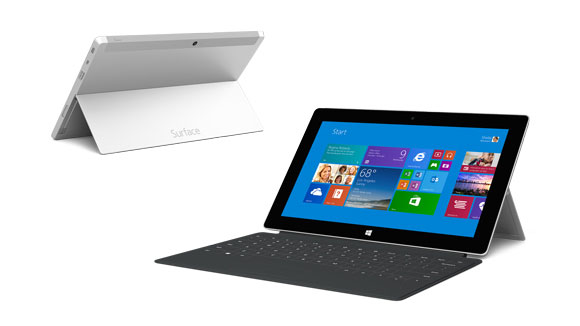 Notebook: Microsoft Surface Pro 2
Processor: Intel Core i5 4200U
Graphics Adapter: Intel HD Graphics 4400
Display: 10.60 inch, 16:9, 1920 x 1080 pixels
Weight: 0.915kg
Price: 980 euro
Links: Surface Pro 2 (Model)
Pricecompare
Average Score:
Reviews
Cautious evolution. Microsoft's second iteration of the Surface Pro aims at eradicating its predecessor's biggest flaws while at the same time staying true to its original concept. We have done some extensive testing to find out whether this powerful tablet PC with its high-resolution display does now indeed come closer to the idea of a perfect working device.
Source: V3.co.uk
Archive.org versionHaving won six out of eight rounds, the Microsoft Surface Pro 3 is the clear winner of this versus review. However, thanks to Microsoft's wise decision to radically lower the upfront cost of the Surface Pro 2, which remains a top-end, powerhouse tablet and laptop replacement in its own right, buyers on a budget may do well to check out the firm's 2013 flagship.
Comparison, online available, Medium, Date: 08/11/2014
Source: V3.co.uk
Archive.org versionHaving won six out of eight rounds, the Microsoft Surface Pro 3 is the clear winner of this versus review. However, thanks to Microsoft's wise decision to radically lower the upfront cost of the Surface Pro 2, which remains a top-end, powerhouse tablet and laptop replacement in its own right, buyers on a budget may do well to check out the firm's 2013 flagship.
Comparison, online available, Medium, Date: 08/11/2014
Source: Expert Reviews
Archive.org versionThe Microsoft Surface Pro 2 is a huge improvement over its predecessor and it remains the best Windows 8 tablet around. It may be being replaced with the Surface Pro 3 in just a few months, but Microsoft's latest price cut is a welcome incentive to get one before it disappears completely. Microsoft hasn't yet confirmed the exact type of processor that will be used in the Surface Pro 3, but we do know it will be a Haswell chip, so it's unlikely that the Core i5 version of the Pro 3 will offer any major boost in processing power than what's currently available in the Pro 2. Likewise, considering most modern Ultrabook convertibles still cost in excess of £1,000, the Surface Pro 2 is now even cheaper and more convenient than many of its hybrid rivals. If you want a great-looking tablet with the speed and power of a laptop, make sure you get a Surface Pro 2 before it's too late.
Single Review, online available, Short, Date: 05/22/2014
Rating: Total score: 100%
Source: Expert Reviews
Archive.org versionThe Microsoft Surface Pro 2 is a huge improvement over its predecessor and it remains the best Windows 8 tablet around. It may be being replaced with the Surface Pro 3 in just a few months, but Microsoft's latest price cut is a welcome incentive to get one before it disappears completely. Microsoft hasn't yet confirmed the exact type of processor that will be used in the Surface Pro 3, but we do know it will be a Haswell chip, so it's unlikely that the Core i5 version of the Pro 3 will offer any major boost in processing power than what's currently available in the Pro 2. Likewise, considering most modern Ultrabook convertibles still cost in excess of £1,000, the Surface Pro 2 is now even cheaper and more convenient than many of its hybrid rivals. If you want a great-looking tablet with the speed and power of a laptop, make sure you get a Surface Pro 2 before it's too late.
Single Review, online available, Short, Date: 05/22/2014
Rating: Total score: 100%
Source: Tech Advisor
Archive.org versionDuring the launch of the Surface Pro 3, Microsoft freely admitted that it hadn’t quite got it right with the original Surface Pro and even the Surface Pro 2. It claimed the Surface Pro 3 is the first tablet that can truly replace your laptop, so in our Surface Pro 3 vs Surface Pro 2 comparison, let’s see why.
Comparison, online available, Very Short, Date: 05/21/2014
Source: Pocket Lint
Archive.org versionBut use it plenty, add a keyboard and it's actually a pretty good experience. Not so much a "fun" experience, but we suspect there's a case for more business-aligned users to shower praise the Surface 2. Microsoft has pushed the hardware forward: the Full HD screen is amazing to look at, the build quality decent, the software - despite outlined potential confusions - steps ahead of where it once was. It all adds up to a very reasonable device and the price point is fairer than before too. We just wish it didn't sit on the fence so much.
Single Review, online available, Medium, Date: 05/21/2014
Rating: Total score: 80%
Source: Tech Advisor
Archive.org versionDuring the launch of the Surface Pro 3, Microsoft freely admitted that it hadn’t quite got it right with the original Surface Pro and even the Surface Pro 2. It claimed the Surface Pro 3 is the first tablet that can truly replace your laptop, so in our Surface Pro 3 vs Surface Pro 2 comparison, let’s see why.
Comparison, online available, Very Short, Date: 05/21/2014
Source: Pocket Lint
Archive.org versionBut use it plenty, add a keyboard and it's actually a pretty good experience. Not so much a "fun" experience, but we suspect there's a case for more business-aligned users to shower praise the Surface 2. Microsoft has pushed the hardware forward: the Full HD screen is amazing to look at, the build quality decent, the software - despite outlined potential confusions - steps ahead of where it once was. It all adds up to a very reasonable device and the price point is fairer than before too. We just wish it didn't sit on the fence so much.
Single Review, online available, Medium, Date: 05/21/2014
Rating: Total score: 80%
Source: V3.co.uk
Archive.org versionHowever, for us here at V3, the Surface Pro 2 beats the Galaxy Note Pro 12.2 in a few key areas. Reviewed as a purely business tablet, the Surface Pro 2 features an admittedly less pretty, but more functional design and superior performance. Thanks to the use of Windows 8.1, the Surface Pro 2 also features a more robust portfolio of business and productivity focused services. By comparison, while cheaper and still very enterprise friendly, the Galaxy Note Pro 12.2's victories tended to be more consumer focused. That said, for those interested in a device for work and play the Galaxy Note Pro 12.2's display and superior battery mean it will be better for certain consumer purposes, like media consumption.
Comparison, online available, Very Short, Date: 03/19/2014
Source: V3.co.uk
Archive.org versionHowever, for us here at V3, the Surface Pro 2 beats the Galaxy Note Pro 12.2 in a few key areas. Reviewed as a purely business tablet, the Surface Pro 2 features an admittedly less pretty, but more functional design and superior performance. Thanks to the use of Windows 8.1, the Surface Pro 2 also features a more robust portfolio of business and productivity focused services. By comparison, while cheaper and still very enterprise friendly, the Galaxy Note Pro 12.2's victories tended to be more consumer focused. That said, for those interested in a device for work and play the Galaxy Note Pro 12.2's display and superior battery mean it will be better for certain consumer purposes, like media consumption.
Comparison, online available, Very Short, Date: 03/19/2014
Source: PC World
Archive.org versionWith phones, tablets, phablets, and ultrabooks available in a staggering array of sizes and configurations, true road warriors can order up pretty much what they want. And that includes operating systems. I worked for a prolonged period on a Chromebox, just to see if it could be done, but in the end I returned to Windows. In the final analysis, if I were forced to spend my own money, I’d pick the slightly cheaper Note Pro. But if I could charge the bill to my company, I’d ask for the Surface Pro 2. But in the end, I mostly chose the Surface Pro 2 based on subjective preference, rather than any technical roadblocks on Android’s part. And that’s a flimsy ledge for Microsoft to cling to.
Comparison, online available, Short, Date: 02/28/2014
Source: PC World
Archive.org versionWith phones, tablets, phablets, and ultrabooks available in a staggering array of sizes and configurations, true road warriors can order up pretty much what they want. And that includes operating systems. I worked for a prolonged period on a Chromebox, just to see if it could be done, but in the end I returned to Windows. In the final analysis, if I were forced to spend my own money, I’d pick the slightly cheaper Note Pro. But if I could charge the bill to my company, I’d ask for the Surface Pro 2. But in the end, I mostly chose the Surface Pro 2 based on subjective preference, rather than any technical roadblocks on Android’s part. And that’s a flimsy ledge for Microsoft to cling to.
Comparison, online available, Short, Date: 02/28/2014
Source: ITNews Australia
Archive.org versionMicrosoft’s Surface tablets are maturing nicely. Silly flaws remain – the magnetic charger is too fiddly, and it’s plain daft that the stylus (supplied with the Pro 2) can’t be housed within the casing, instead clipping awkwardly onto the charger port – but these are minor quibbles about two exceptional pieces of hardware.
Single Review, online available, Medium, Date: 01/15/2014
Source: ITNews Australia
Archive.org versionMicrosoft’s Surface tablets are maturing nicely. Silly flaws remain – the magnetic charger is too fiddly, and it’s plain daft that the stylus (supplied with the Pro 2) can’t be housed within the casing, instead clipping awkwardly onto the charger port – but these are minor quibbles about two exceptional pieces of hardware.
Single Review, online available, Medium, Date: 01/15/2014
Source: PC Authority
Archive.org versionAll in all, the updated Surface range offers a balance that’s fit for business and play. With its revamped selection of keyboards and docks, the inclusion of a year’s worth of free Skype telephone calls, bundled Office apps (for the Surface 2) and a generous helping of SkyDrive storage, Microsoft’s platform is stronger than ever. It’s supported by an increasingly sophisticated selection of built-in and third-party apps, too.
Comparison, online available, Very Short, Date: 01/13/2014
Source: PC Authority
Archive.org versionAll in all, the updated Surface range offers a balance that’s fit for business and play. With its revamped selection of keyboards and docks, the inclusion of a year’s worth of free Skype telephone calls, bundled Office apps (for the Surface 2) and a generous helping of SkyDrive storage, Microsoft’s platform is stronger than ever. It’s supported by an increasingly sophisticated selection of built-in and third-party apps, too.
Comparison, online available, Very Short, Date: 01/13/2014
Source: Ultrabook News
Archive.org versionThe Surface Pro 2 is a great tablet that also becomes a portable Ultrabook with the Type cover 2 keyboard with back-lit keys. Some have reviewed the Surface Pro 2 and are comparing battery life to other slim tablets that are running either Clover Trail or Bay Trail but this is a fully-capable desktop/tablet that turns in some very impressive real-world battery life.
Single Review, online available, Very Short, Date: 12/02/2013
Source: Ultrabook News
Archive.org versionThe Surface Pro 2 is a great tablet that also becomes a portable Ultrabook with the Type cover 2 keyboard with back-lit keys. Some have reviewed the Surface Pro 2 and are comparing battery life to other slim tablets that are running either Clover Trail or Bay Trail but this is a fully-capable desktop/tablet that turns in some very impressive real-world battery life.
Single Review, online available, Very Short, Date: 12/02/2013
Source: Laptop Mag
Archive.org versionCan a tablet be your only computing device? If you're using the Microsoft Surface Pro 2, our answer is now a qualified yes. The Surface Pro 2 improves upon its predecessor in almost every respect, featuring a faster and less power-hungry "Haswell" processor, a more versatile kickstand and, most importantly, battery life nearly twice as long as that of the original Surface Pro.
Single Review, online available, Long, Date: 11/20/2013
Rating: Total score: 70%
Source: Laptop Mag
Archive.org versionCan a tablet be your only computing device? If you're using the Microsoft Surface Pro 2, our answer is now a qualified yes. The Surface Pro 2 improves upon its predecessor in almost every respect, featuring a faster and less power-hungry "Haswell" processor, a more versatile kickstand and, most importantly, battery life nearly twice as long as that of the original Surface Pro.
Single Review, online available, Long, Date: 11/20/2013
Rating: Total score: 70%
Source: Digital Versus
Archive.org versionThe Surface Pro 2 has pretty much the exact same body as the first Surface Pro, but there are some changes on the inside: it has twice the battery life and a better display. It's too bad Microsoft didn't get the heat down and give it more ports, otherwise it might have been worth five stars. Also, frankly, at this price the keyboard should come included.
Single Review, online available, Long, Date: 11/15/2013
Rating: Total score: 80%
Source: Digital Versus
Archive.org versionThe Surface Pro 2 has pretty much the exact same body as the first Surface Pro, but there are some changes on the inside: it has twice the battery life and a better display. It's too bad Microsoft didn't get the heat down and give it more ports, otherwise it might have been worth five stars. Also, frankly, at this price the keyboard should come included.
Single Review, online available, Long, Date: 11/15/2013
Rating: Total score: 80%
Source: Comp Reviews
Archive.org versionMicrosoft's Surface Pro 2 tablet really is just a few minor changes to the original to address issues concerning battery life and use on some surfaces. While both of these are improved, the system is still much more of a laptop that masquerades as a tablet due to its size, performance and cost.
Single Review, online available, Short, Date: 11/06/2013
Rating: Total score: 60%
Source: Comp Reviews
Archive.org versionMicrosoft's Surface Pro 2 tablet really is just a few minor changes to the original to address issues concerning battery life and use on some surfaces. While both of these are improved, the system is still much more of a laptop that masquerades as a tablet due to its size, performance and cost.
Single Review, online available, Short, Date: 11/06/2013
Rating: Total score: 60%
Source: PC Pro
Archive.org versionAll in all, the updated Surface range offers a balance that’s fit for business and play. With its revamped selection of keyboards and docks, the inclusion of a year’s worth of free Skype telephone calls, bundled Office apps (for the Surface 2) and a generous helping of SkyDrive storage, Microsoft’s platform is stronger than ever. It’s supported by an increasingly sophisticated selection of built-in and third-party apps, too. Neither Surface is the best tablet on the market; neither is the best laptop. They are, however, the best hybrid packages out there for people who can’t afford, or don’t want, both.
Comparison, online available, Medium, Date: 10/31/2013
Rating: Total score: 83% price: 83% performance: 83% features: 83% workmanship: 83%
Source: PC Pro
Archive.org versionAll in all, the updated Surface range offers a balance that’s fit for business and play. With its revamped selection of keyboards and docks, the inclusion of a year’s worth of free Skype telephone calls, bundled Office apps (for the Surface 2) and a generous helping of SkyDrive storage, Microsoft’s platform is stronger than ever. It’s supported by an increasingly sophisticated selection of built-in and third-party apps, too. Neither Surface is the best tablet on the market; neither is the best laptop. They are, however, the best hybrid packages out there for people who can’t afford, or don’t want, both.
Comparison, online available, Medium, Date: 10/31/2013
Rating: Total score: 83% price: 83% performance: 83% features: 83% workmanship: 83%
Source: It Pro
Archive.org versionThe Surface Pro 2 is an improvement over the original tablet, but it’s got a way to go before it rendering Ultrabooks obsolete. Performance is solid but the Pro 2 is let down in the key areas of portability and battery life. Microsoft has done little to address the upgradeability issues present on the original.
Single Review, online available, Medium, Date: 10/28/2013
Rating: Total score: 60%
Source: It Pro
Archive.org versionThe Surface Pro 2 is an improvement over the original tablet, but it’s got a way to go before it rendering Ultrabooks obsolete. Performance is solid but the Pro 2 is let down in the key areas of portability and battery life. Microsoft has done little to address the upgradeability issues present on the original.
Single Review, online available, Medium, Date: 10/28/2013
Rating: Total score: 60%
Source: Techradar
Archive.org versionThe Microsoft Surface Pro 2 still straddles the middle ground between laptop and tablet, but a lack of identity doesn't mean that it should be shunned - far from it. The traditional lines between device form factors are increasingly blurred, and those seeking a fresh form factor that offers real productivity gains (in addition to on-hand entertainment) will find lots to love with the Surface Pro 2.
Single Review, online available, Very Long, Date: 10/25/2013
Rating: Total score: 90% price: 80% performance: 90% features: 80% workmanship: 80%
Source: Techradar
Archive.org versionThe Microsoft Surface Pro 2 still straddles the middle ground between laptop and tablet, but a lack of identity doesn't mean that it should be shunned - far from it. The traditional lines between device form factors are increasingly blurred, and those seeking a fresh form factor that offers real productivity gains (in addition to on-hand entertainment) will find lots to love with the Surface Pro 2.
Single Review, online available, Very Long, Date: 10/25/2013
Rating: Total score: 90% price: 80% performance: 90% features: 80% workmanship: 80%
Source: Tech Advisor
Archive.org versionThe Surface Pro 2 crams a serious amount of power into a compact frame - enough to worry the latest Ultrabooks. Its design may be spot on for some but we can't help feel that instead of being the best of both laptop and tablet worlds, it's neither. The price quickly rises if you veer away from the base model - many people would be better off with a separate laptop and tablet, and you might even save money. Those less bothered about the tablet side of things should consider a convertible device.
Single Review, online available, Short, Date: 10/24/2013
Rating: Total score: 70% price: 60% performance: 70% features: 70% workmanship: 80%
Source: Tech Advisor
Archive.org versionThe Surface Pro 2 crams a serious amount of power into a compact frame - enough to worry the latest Ultrabooks. Its design may be spot on for some but we can't help feel that instead of being the best of both laptop and tablet worlds, it's neither. The price quickly rises if you veer away from the base model - many people would be better off with a separate laptop and tablet, and you might even save money. Those less bothered about the tablet side of things should consider a convertible device.
Single Review, online available, Short, Date: 10/24/2013
Rating: Total score: 70% price: 60% performance: 70% features: 70% workmanship: 80%
Source: Stuff TV
Archive.org versionLike Windows 8.1, the Surface Pro 2 proves that Microsoft's dream of uniting tablet and laptop could still make sense. There's nothing else quite like this device out there – with the exception of bulky beasts like the Razer Edge Pro – and if the Pro 2 ticks your ergonomic and aesthetic boxes, it'll reward you with a near-seamless 'real' computing experience.
Single Review, online available, Medium, Date: 10/22/2013
Rating: Total score: 100% performance: 80% display: 90% workmanship: 90%
Source: Trusted Reviews
Archive.org versionThere are still some rough edges, but the Surface Pro 2 is an outstanding hybrid in the true meaning of the word. Nothing matches the flexibility it offers and it finally has the battery life to deliver on its promise.
Single Review, online available, Long, Date: 10/22/2013
Rating: Total score: 80% price: 80% performance: 90% display: 90% mobility: 80% workmanship: 80% emissions: 90%
Source: V3.co.uk
Archive.org versionIn conclusion, the Surface Pro 2 is basically a reworked tablet-laptop hybrid designed to fix flaws in the original Pro. When judged purely by this criteria the Pro 2 is a great device, featuring a new Intel Haswell chip architecture that not only increases performance, but also greatly increases the device's battery life. This combined with other considered touches, like the upgraded cameras, move to USB 3.0 and two-position Kickstand make the Pro 2 a great productivity tool for businesses. Our only real criticism is that by not bundling the Pro 2 with one of its keyboard covers, which add an extra £100 to its already hefty £720 starting price, Microsoft's limited its overall appeal as a laptop replacement.
Single Review, online available, Long, Date: 10/22/2013
Rating: Total score: 80%
Source: Stuff TV
Archive.org versionLike Windows 8.1, the Surface Pro 2 proves that Microsoft's dream of uniting tablet and laptop could still make sense. There's nothing else quite like this device out there – with the exception of bulky beasts like the Razer Edge Pro – and if the Pro 2 ticks your ergonomic and aesthetic boxes, it'll reward you with a near-seamless 'real' computing experience.
Single Review, online available, Medium, Date: 10/22/2013
Rating: Total score: 100% performance: 80% display: 90% workmanship: 90%
Source: Trusted Reviews
Archive.org versionThere are still some rough edges, but the Surface Pro 2 is an outstanding hybrid in the true meaning of the word. Nothing matches the flexibility it offers and it finally has the battery life to deliver on its promise.
Single Review, online available, Long, Date: 10/22/2013
Rating: Total score: 80% price: 80% performance: 90% display: 90% mobility: 80% workmanship: 80% emissions: 90%
Source: V3.co.uk
Archive.org versionIn conclusion, the Surface Pro 2 is basically a reworked tablet-laptop hybrid designed to fix flaws in the original Pro. When judged purely by this criteria the Pro 2 is a great device, featuring a new Intel Haswell chip architecture that not only increases performance, but also greatly increases the device's battery life. This combined with other considered touches, like the upgraded cameras, move to USB 3.0 and two-position Kickstand make the Pro 2 a great productivity tool for businesses. Our only real criticism is that by not bundling the Pro 2 with one of its keyboard covers, which add an extra £100 to its already hefty £720 starting price, Microsoft's limited its overall appeal as a laptop replacement.
Single Review, online available, Long, Date: 10/22/2013
Rating: Total score: 80%
Source: Engadget
Archive.org versionWhen it came time to hand down a verdict on the first Surface Pro, we ultimately decided that, nice as it was, it felt compromised as both a laptop and a tablet. We wouldn't go so far as to say the Surface Pro 2 addresses all of the original's shortcomings, but it's definitely made progress.
Single Review, online available, Very Long, Date: 10/21/2013
Source: PC Pro
Archive.org versionIt isn't the best tablet on the market; it isn't the best laptop, either. Yet, with the exception of the Lenovo IdeaPad Yoga 11S, we haven't yet seen a form factor that performs both roles so well. The Surface Pro 2 is flawed, but if you're seeking a tablet/laptop hybrid, it must be on your shortlist.
Single Review, online available, Medium, Date: 10/21/2013
Rating: Total score: 83% price: 83% performance: 83% features: 83% workmanship: 83%
Source: Engadget
Archive.org versionWhen it came time to hand down a verdict on the first Surface Pro, we ultimately decided that, nice as it was, it felt compromised as both a laptop and a tablet. We wouldn't go so far as to say the Surface Pro 2 addresses all of the original's shortcomings, but it's definitely made progress.
Single Review, online available, Very Long, Date: 10/21/2013
Source: PC Pro
Archive.org versionIt isn't the best tablet on the market; it isn't the best laptop, either. Yet, with the exception of the Lenovo IdeaPad Yoga 11S, we haven't yet seen a form factor that performs both roles so well. The Surface Pro 2 is flawed, but if you're seeking a tablet/laptop hybrid, it must be on your shortlist.
Single Review, online available, Medium, Date: 10/21/2013
Rating: Total score: 83% price: 83% performance: 83% features: 83% workmanship: 83%
Source: Tech Advisor
Archive.org versionMicrosoft's Surface Pro 2 gets improved battery life and better overall performance thanks to the inclusion of a fourth generation Intel Core i5 CPU, but it also includes a better screen, an improved kickstand, and better accessories.
Single Review, online available, Short, Date: 09/25/2013
Source: Tech Advisor
Archive.org versionMicrosoft's Surface Pro 2 gets improved battery life and better overall performance thanks to the inclusion of a fourth generation Intel Core i5 CPU, but it also includes a better screen, an improved kickstand, and better accessories.
Single Review, online available, Short, Date: 09/25/2013
Source: Techradar
Archive.org versionOverall, the Surface Pro 2 comes across as another device being taken through the yearly refresh process. It's received some reactive, though not unwelcome, updates to keep up with the completion. It's a solid device, but so was the Surface Pro. The added upgrades can't be ignored. With far greater power and much improved battery life, the Surface Pro 2 should be on the top of your buy list if you're in the market for a Windows 8.1 tablet. The price is steep, but you do get plenty of machine for your money.
Single Review, online available, Very Short, Date: 09/23/2013
Source: Techradar
Archive.org versionOverall, the Surface Pro 2 comes across as another device being taken through the yearly refresh process. It's received some reactive, though not unwelcome, updates to keep up with the completion. It's a solid device, but so was the Surface Pro. The added upgrades can't be ignored. With far greater power and much improved battery life, the Surface Pro 2 should be on the top of your buy list if you're in the market for a Windows 8.1 tablet. The price is steep, but you do get plenty of machine for your money.
Single Review, online available, Very Short, Date: 09/23/2013
Foreign Reviews
Source: Com! - Heft 10/2014
Single Review, , Length Unknown, Date: 09/01/2014
Rating: Total score: 78%
Source: Com! - Heft 10/2014
Single Review, , Length Unknown, Date: 09/01/2014
Rating: Total score: 78%
Source: Mobicroco
DE→EN Archive.org versionSingle Review, online available, Medium, Date: 02/22/2014
Rating: Total score: 93% features: 97% workmanship: 98% ergonomy: 87%
Source: Mobicroco
DE→EN Archive.org versionSingle Review, online available, Medium, Date: 02/22/2014
Rating: Total score: 93% features: 97% workmanship: 98% ergonomy: 87%
Source: SFT - Heft 3/2014
Single Review, , Length Unknown, Date: 02/01/2014
Rating: Total score: 93%
Source: SFT - Heft 3/2014
Single Review, , Length Unknown, Date: 02/01/2014
Rating: Total score: 93%
Source: Cyberbloc
DE→EN Archive.org versionSingle Review, online available, Medium, Date: 01/16/2014
Rating: Total score: 80%
Source: Cyberbloc
DE→EN Archive.org versionSingle Review, online available, Medium, Date: 01/16/2014
Rating: Total score: 80%
Source: Chip (Print) - Heft 2/2014
Single Review, , Length Unknown, Date: 01/01/2014
Rating: Total score: 80% features: 82% display: 95% mobility: 56% emissions: 83%
Source: Chip (Print) - Heft 2/2014
Single Review, , Length Unknown, Date: 01/01/2014
Rating: Total score: 80% features: 82% display: 95% mobility: 56% emissions: 83%
Source: Gamestar
DE→EN Archive.org versionSingle Review, online available, Long, Date: 12/04/2013
Rating: Total score: 87% performance: 95% features: 85% display: 95% ergonomy: 75%
Source: Gamestar
DE→EN Archive.org versionSingle Review, online available, Long, Date: 12/04/2013
Rating: Total score: 87% performance: 95% features: 85% display: 95% ergonomy: 75%
Source: Stiftung Warentest - Heft 1/2014
Single Review, , Length Unknown, Date: 12/01/2013
Rating: Total score: 80% display: 89% mobility: 91%
Source: Stiftung Warentest - Heft 1/2014
Single Review, , Length Unknown, Date: 12/01/2013
Rating: Total score: 80% display: 89% mobility: 91%
Source: Allround-PC.com
DE→EN Archive.org versionComparison, online available, Long, Date: 11/18/2013
Source: Allround-PC.com
DE→EN Archive.org versionComparison, online available, Long, Date: 11/18/2013
Source: PC Magazin - Heft 12/2013
Single Review, , Length Unknown, Date: 11/01/2013
Rating: Total score: 87%
Source: Stiftung Warentest - Heft 12/2013
Single Review, , Length Unknown, Date: 11/01/2013
Source: PC Magazin - Heft 12/2013
Single Review, , Length Unknown, Date: 11/01/2013
Rating: Total score: 87%
Source: Stiftung Warentest - Heft 12/2013
Single Review, , Length Unknown, Date: 11/01/2013
Source: Onlinekosten.de
DE→EN Archive.org versionPositive: notebook + tablet in one; adequate battery runtime
Single Review, online available, Long, Date: 11/03/2013
Rating: Total score: 80%
Source: Onlinekosten.de
DE→EN Archive.org versionPositive: notebook + tablet in one; adequate battery runtime
Single Review, online available, Long, Date: 11/03/2013
Rating: Total score: 80%
Source: Tom's Hardware
DE→EN Archive.org versionNegative: high price
Single Review, online available, Long, Date: 10/31/2013
Source: Tom's Hardware
DE→EN Archive.org versionNegative: high price
Single Review, online available, Long, Date: 10/31/2013
Source: Teknofilo
ES→EN Archive.org versionSingle Review, online available, Short, Date: 12/30/2013
Source: Teknofilo
ES→EN Archive.org versionSingle Review, online available, Short, Date: 12/30/2013
Source: Wintech
PT→EN Archive.org versionSingle Review, online available, Medium, Date: 12/21/2013
Rating: Total score: 83% performance: 90% display: 80% workmanship: 70% ergonomy: 90%
Source: Wintech
PT→EN Archive.org versionSingle Review, online available, Medium, Date: 12/21/2013
Rating: Total score: 83% performance: 90% display: 80% workmanship: 70% ergonomy: 90%
Source: Erenumerique
FR→EN Archive.org versionSingle Review, online available, Short, Date: 11/21/2013
Rating: Total score: 80%
Source: Erenumerique
FR→EN Archive.org versionSingle Review, online available, Short, Date: 11/21/2013
Rating: Total score: 80%
Source: Tabletowo
 PL→EN Archive.org version
Positive: Versatility and high potential; excellent quality; a full-size USB 3.0 port; very good screen; great stylus; backlit keyboard which is also a screen cover. Negative: In-compact size and heavy; average battery life; weak touchpad; price; noisy cooling system.
Single Review, online available, Medium, Date: 04/01/2014
Source: Tabletowo
PL→EN Archive.org versionPositive: Versatility and high potential; excellent quality; a full-size USB 3.0 port; very good screen; great stylus; backlit keyboard which is also a screen cover. Negative: In-compact size and heavy; average battery life; weak touchpad; price; noisy cooling system.
Single Review, online available, Medium, Date: 04/01/2014
Source: Notebook-Center.ru
RU→EN Archive.org versionPositive: Docking station; Haswell processor; full HD display with wide viewing angles and good brightness; magnesium alloy case. Negative: Very high price; hot under load; glossy display; poor cameras.
Single Review, online available, Medium, Date: 03/03/2014
Source: Notebook-Center.ru
RU→EN Archive.org versionPositive: Docking station; Haswell processor; full HD display with wide viewing angles and good brightness; magnesium alloy case. Negative: Very high price; hot under load; glossy display; poor cameras.
Single Review, online available, Medium, Date: 03/03/2014
Source: Hi-Tech Mail
RU→EN Archive.org versionPositive: Quiet cooling system; good screen; battery life.
Single Review, online available, Long, Date: 11/11/2013
Source: Hi-Tech Mail
RU→EN Archive.org versionPositive: Quiet cooling system; good screen; battery life.
Single Review, online available, Long, Date: 11/11/2013
Source: enet.com.cn
 zh-CN→EN Archive.org version
Single Review, online available, Medium, Date: 10/26/2013
Source: enet.com.cn
zh-CN→EN Archive.org versionSingle Review, online available, Medium, Date: 10/26/2013
Source: Dinside
NO→EN Archive.org versionSingle Review, online available, Short, Date: 10/29/2013
Rating: Total score: 83%
Source: Dinside
NO→EN Archive.org versionSingle Review, online available, Short, Date: 10/29/2013
Rating: Total score: 83%
Microsoft Surface 2
The new Microsoft Surface 2 is here, and as with the old Surface RT it features one major problem. It runs Windows RT, which means regular Windows programs aren't compatible with it - one will be limited to the selections in the Windows app store, which is very sparsely populated. With the amount of new machines out there running Android or Windows 8.1 for a lower price, the Surface 2 has the odds stacked against it. Physically, the machine does not look too different from the old Surface 2, though the back is now a silvery-gray, and the dimensions are sleeker. One of the key points about the Surface 2 is the optional magnetic keyboard cover which makes this a great machine for productivity. This accessory will increase the price by a fair bit, which is a downside.
On a positive note, the user experience of Windows RT has been greatly improved, with tweaks and redesigns that those familiar with the OS will appreciate. The photo editing features might be some of the best one can find on a tablet, just the good old ability to enhance colors, select focus and adjust shadows. The power that comes from the 1.7GHz Tegra 4 SoC puts it just behind the forerunners in performance, but the smaller selection of apps makes the gaming possibilities limited compared to the forerunners. Other everyday tasks will run smoothly without issues and the full HD screen will not disappoint, with nice crisp colors and sharp images. The battery is suggested to last through a day of moderate use. The main choice one has to make before considering the Surface 2, will be regarding Windows RT.
Specifications
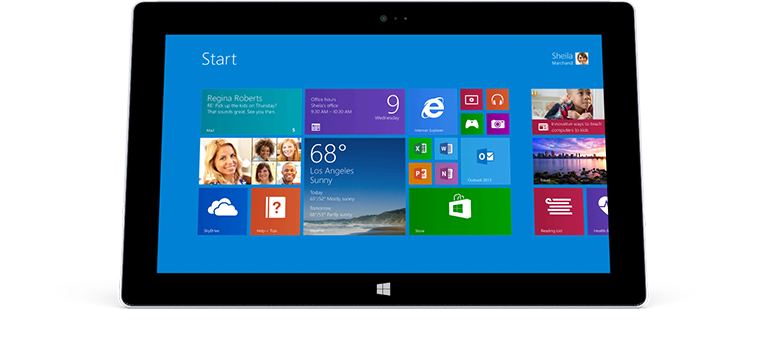 Notebook: Microsoft Surface 2
Processor: NVIDIA Tegra 4
Graphics Adapter: NVIDIA GeForce Tegra 4
Display: 10.60 inch, 16:9, 1920 x 1080 pixels
Weight: 0.643kg
Price: 429 euro
Links: Surface 2 (Model)
Pricecompare
Average Score:
Reviews
Regicide? The sales figures of the Surface RT were sobering, and a tablet revolution certainly looks different. But Microsoft did not stop its Windows RT project and now offers a successor. Is it enough to beat the self-declared rival from California? Find out in our in-depth review.
Source: Expert Reviews
Archive.org versionWith a far superior screen, more powerful internals and a more mature operating system than its predecessor, Microsoft has improved the Surface 2 in almost every area. For anyone looking for a cheap tablet or laptop solely for Office, then this is certainly a bargain, but the limitations of Windows RT mean most would be better off with a tablet running the full version of Windows 8.1, such as the Dell Venue 11, or finding a budget laptop like the Dell Inspiron 15 instead.
Single Review, online available, Short, Date: 05/09/2014
Rating: Total score: 80%
Source: Expert Reviews
Archive.org versionWith a far superior screen, more powerful internals and a more mature operating system than its predecessor, Microsoft has improved the Surface 2 in almost every area. For anyone looking for a cheap tablet or laptop solely for Office, then this is certainly a bargain, but the limitations of Windows RT mean most would be better off with a tablet running the full version of Windows 8.1, such as the Dell Venue 11, or finding a budget laptop like the Dell Inspiron 15 instead.
Single Review, online available, Short, Date: 05/09/2014
Rating: Total score: 80%
Source: Expert Reviews
Archive.org versionWith a far superior screen, more powerful internals and a more mature operating system than its predecessor, Microsoft has improved the Surface 2 in almost every area. For anyone looking for a cheap tablet or laptop solely for Office, then this is certainly a bargain, but software limitations mean most would be better off with a budget laptop instead.
Single Review, online available, Short, Date: 04/10/2014
Rating: Total score: 80%
Source: Expert Reviews
Archive.org versionWith a far superior screen, more powerful internals and a more mature operating system than its predecessor, Microsoft has improved the Surface 2 in almost every area. For anyone looking for a cheap tablet or laptop solely for Office, then this is certainly a bargain, but software limitations mean most would be better off with a budget laptop instead.
Single Review, online available, Short, Date: 04/10/2014
Rating: Total score: 80%
Source: Zdnet.com
Archive.org versionThe Surface 2 is a good tablet that's easier to use on the move than a similarly priced laptop, and equally capable as a device for use in the home or the office. It's worth stressing that some people just can't get along with Windows 8 as an OS, although that was not my experience. Perhaps a more pressing concern is that, while we wait for Microsoft to release a touch-optimised version of Office, you'll need to spend at least another £65 on one of the keyboard covers to properly use Office on the desktop.
Single Review, online available, Short, Date: 02/19/2014
Rating: Total score: 75%
Source: Zdnet.com
Archive.org versionThe Surface 2 is a good tablet that's easier to use on the move than a similarly priced laptop, and equally capable as a device for use in the home or the office. It's worth stressing that some people just can't get along with Windows 8 as an OS, although that was not my experience. Perhaps a more pressing concern is that, while we wait for Microsoft to release a touch-optimised version of Office, you'll need to spend at least another £65 on one of the keyboard covers to properly use Office on the desktop.
Single Review, online available, Short, Date: 02/19/2014
Rating: Total score: 75%
Source: PC Authority
Archive.org versionAll in all, the updated Surface range offers a balance that’s fit for business and play. With its revamped selection of keyboards and docks, the inclusion of a year’s worth of free Skype telephone calls, bundled Office apps (for the Surface 2) and a generous helping of SkyDrive storage, Microsoft’s platform is stronger than ever. It’s supported by an increasingly sophisticated selection of built-in and third-party apps, too.
Comparison, online available, Very Short, Date: 01/13/2014
Source: PC Authority
Archive.org versionAll in all, the updated Surface range offers a balance that’s fit for business and play. With its revamped selection of keyboards and docks, the inclusion of a year’s worth of free Skype telephone calls, bundled Office apps (for the Surface 2) and a generous helping of SkyDrive storage, Microsoft’s platform is stronger than ever. It’s supported by an increasingly sophisticated selection of built-in and third-party apps, too.
Comparison, online available, Very Short, Date: 01/13/2014
Source: Trusted Reviews
Archive.org versionIf you use Office day in, day out and want a lighter, more portable alternative to a laptop then the Surface 2 is worth a punt. But the sad truth is that, despite the Surface 2’s many qualities, Office RT 2013 is its only true selling point. It’s the only reason to buy one. And, believe it or not, the large majority of the world doesn’t need Office that much, and those that do probably need other desktop apps as well.
Single Review, online available, Very Long, Date: 12/06/2013
Rating: Total score: 70% price: 60% performance: 80% display: 80% mobility: 80% workmanship: 80%
Source: Trusted Reviews
Archive.org versionIf you use Office day in, day out and want a lighter, more portable alternative to a laptop then the Surface 2 is worth a punt. But the sad truth is that, despite the Surface 2’s many qualities, Office RT 2013 is its only true selling point. It’s the only reason to buy one. And, believe it or not, the large majority of the world doesn’t need Office that much, and those that do probably need other desktop apps as well.
Single Review, online available, Very Long, Date: 12/06/2013
Rating: Total score: 70% price: 60% performance: 80% display: 80% mobility: 80% workmanship: 80%
Source: Tech Advisor
Archive.org versionWindows RT is very easy to use, I personally like the way it looks, and it is stable on this device. Microsoft has removed the pointless 'Desktop' tile from the Start screen, because when a Windows device is on ARM, it isn't full Windows 8. You can't install x86 software as you can on any other Windows device. It's the same situation with Android and iPad tablets, and it simply makes the RT more of a consumption device than a productivity tool, like tablets on those rival platforms.
video review
Single Review, online available, Very Short, Date: 11/28/2013
Source: Tech Advisor
Archive.org versionWindows RT is very easy to use, I personally like the way it looks, and it is stable on this device. Microsoft has removed the pointless 'Desktop' tile from the Start screen, because when a Windows device is on ARM, it isn't full Windows 8. You can't install x86 software as you can on any other Windows device. It's the same situation with Android and iPad tablets, and it simply makes the RT more of a consumption device than a productivity tool, like tablets on those rival platforms.
video review
Single Review, online available, Very Short, Date: 11/28/2013
Source: Tech Advisor
Archive.org versionThere's nothing wrong with the Surface 2, and there's a lot that is very right about it. But it's not a full Windows device, despite appearances. Given that, it's a well put together and stylish Windows consumption device, a tablet with some unique and cool features, and a powerful performer.
Single Review, online available, Medium, Date: 11/22/2013
Rating: Total score: 70% price: 70% performance: 80% features: 80% workmanship: 90%
Source: Tech Advisor
Archive.org versionThere's nothing wrong with the Surface 2, and there's a lot that is very right about it. But it's not a full Windows device, despite appearances. Given that, it's a well put together and stylish Windows consumption device, a tablet with some unique and cool features, and a powerful performer.
Single Review, online available, Medium, Date: 11/22/2013
Rating: Total score: 70% price: 70% performance: 80% features: 80% workmanship: 90%
Source: Hot Hardware
Archive.org versionMicrosoft's included applications and services, such as Skype, SkyDrive, and others, bring a huge value to the Surface 2 offering, and in addition to the Office apps present in the first generation of Surface RT tablets, Microsoft threw in Outlook for this go-around. We were also pleased to see that the app count in the Windows Store is growing, and we’re starting to be able to find more of the apps we want.
Single Review, online available, Long, Date: 11/14/2013
Source: Hot Hardware
Archive.org versionMicrosoft's included applications and services, such as Skype, SkyDrive, and others, bring a huge value to the Surface 2 offering, and in addition to the Office apps present in the first generation of Surface RT tablets, Microsoft threw in Outlook for this go-around. We were also pleased to see that the app count in the Windows Store is growing, and we’re starting to be able to find more of the apps we want.
Single Review, online available, Long, Date: 11/14/2013
Source: Slashgear
Archive.org versionIs the Surface 2 better than the original Surface RT? Certainly: the screen is a huge improvement, the processor faster, and Windows RT 8.1 has lost a lot of its rough edges. The third-party software issue remains, albeit abated somewhat, and we still admire the crisp design and excellent build quality. That’s overall a net win for Microsoft, arguably, but it leaves Surface 2 in a difficult position. What it does, it does well, but for the most part the other options out there are either cheaper or better.
Single Review, online available, Long, Date: 11/08/2013
Source: Slashgear
Archive.org versionIs the Surface 2 better than the original Surface RT? Certainly: the screen is a huge improvement, the processor faster, and Windows RT 8.1 has lost a lot of its rough edges. The third-party software issue remains, albeit abated somewhat, and we still admire the crisp design and excellent build quality. That’s overall a net win for Microsoft, arguably, but it leaves Surface 2 in a difficult position. What it does, it does well, but for the most part the other options out there are either cheaper or better.
Single Review, online available, Long, Date: 11/08/2013
Source: Comp Reviews
Archive.org versionOn the hardware side, Microsoft have made some huge improvements to the Surface 2 tablet. It has a higher resolution display, better cameras, improved kickstand and even a full USB 3.0 port. The problem remains on the software side where the tablet uses the Windows RT software rather than a full version of Windows.
Single Review, online available, Short, Date: 11/05/2013
Rating: Total score: 60%
Source: Comp Reviews
Archive.org versionOn the hardware side, Microsoft have made some huge improvements to the Surface 2 tablet. It has a higher resolution display, better cameras, improved kickstand and even a full USB 3.0 port. The problem remains on the software side where the tablet uses the Windows RT software rather than a full version of Windows.
Single Review, online available, Short, Date: 11/05/2013
Rating: Total score: 60%
Source: PC Pro
Archive.org versionAll in all, the updated Surface range offers a balance that’s fit for business and play. With its revamped selection of keyboards and docks, the inclusion of a year’s worth of free Skype telephone calls, bundled Office apps (for the Surface 2) and a generous helping of SkyDrive storage, Microsoft’s platform is stronger than ever. It’s supported by an increasingly sophisticated selection of built-in and third-party apps, too. Neither Surface is the best tablet on the market; neither is the best laptop. They are, however, the best hybrid packages out there for people who can’t afford, or don’t want, both.
Comparison, online available, Medium, Date: 10/31/2013
Rating: Total score: 83% price: 83% performance: 100% features: 67% workmanship: 67%
Source: Ubergizmo English
Archive.org versionI really like the Surface 2. It still has an excellent design and the Kickstand+keyboard improvements only reinforce my impression that the Surface 2 is a monster in terms of productivity. The high-resolution screen makes Excel that much better, and Office looks and feels like what you already have on the PC, and IE is nearly a desktop browser. If your life revolves around MS Office and Outlook this is one great option.
Single Review, online available, Long, Date: 10/31/2013
Source: PC Pro
Archive.org versionAll in all, the updated Surface range offers a balance that’s fit for business and play. With its revamped selection of keyboards and docks, the inclusion of a year’s worth of free Skype telephone calls, bundled Office apps (for the Surface 2) and a generous helping of SkyDrive storage, Microsoft’s platform is stronger than ever. It’s supported by an increasingly sophisticated selection of built-in and third-party apps, too. Neither Surface is the best tablet on the market; neither is the best laptop. They are, however, the best hybrid packages out there for people who can’t afford, or don’t want, both.
Comparison, online available, Medium, Date: 10/31/2013
Rating: Total score: 83% price: 83% performance: 100% features: 67% workmanship: 67%
Source: Ubergizmo English
Archive.org versionI really like the Surface 2. It still has an excellent design and the Kickstand+keyboard improvements only reinforce my impression that the Surface 2 is a monster in terms of productivity. The high-resolution screen makes Excel that much better, and Office looks and feels like what you already have on the PC, and IE is nearly a desktop browser. If your life revolves around MS Office and Outlook this is one great option.
Single Review, online available, Long, Date: 10/31/2013
Source: PC World
Archive.org versionSomething. Anything. Give consumers a real reason to care, and not reach straight for a Surface Pro 2. But instead? We got a Surface RT redux, plus a couple of TV commercials that try to pass off a 40-degree kickstand angle as a major innovation.
Single Review, online available, Medium, Date: 10/29/2013
Rating: Total score: 60%
Source: Techradar
Archive.org versionMicrosoft is making some of the best PC hardware around and Surface 2 is an even better example of the combination tablet-you-can-use-like-a-notebook than the first Surface. The new screen, the improved kickstand, the much-better battery life and software with far fewer rough edges add up to an impressive product. But Windows RT is still a problem. Things just aren't quite joined up yet because of the limited app support. However much you think you won't need desktop apps, you will undoubtedly find something that compromises your experience. And that's a real shame, as the hardware is superb.
Single Review, online available, Very Long, Date: 10/29/2013
Rating: Total score: 70% price: 70% performance: 70% features: 70% workmanship: 80%
Source: PC World
Archive.org versionSomething. Anything. Give consumers a real reason to care, and not reach straight for a Surface Pro 2. But instead? We got a Surface RT redux, plus a couple of TV commercials that try to pass off a 40-degree kickstand angle as a major innovation.
Single Review, online available, Medium, Date: 10/29/2013
Rating: Total score: 60%
Source: Techradar
Archive.org versionMicrosoft is making some of the best PC hardware around and Surface 2 is an even better example of the combination tablet-you-can-use-like-a-notebook than the first Surface. The new screen, the improved kickstand, the much-better battery life and software with far fewer rough edges add up to an impressive product. But Windows RT is still a problem. Things just aren't quite joined up yet because of the limited app support. However much you think you won't need desktop apps, you will undoubtedly find something that compromises your experience. And that's a real shame, as the hardware is superb.
Single Review, online available, Very Long, Date: 10/29/2013
Rating: Total score: 70% price: 70% performance: 70% features: 70% workmanship: 80%
Source: Laptop Mag
Archive.org versionThe Surface 2 improves upon Microsoft's original with a more colorful and sharper display, snappier performance and longer battery life. We also appreciate the multitasking improvements in Windows RT 8.1 and its enhanced search capabilities. Having both Office and Outlook on board certainly gives this slate some productivity chops.
Single Review, online available, Long, Date: 10/28/2013
Rating: Total score: 60%
Source: Laptop Mag
Archive.org versionThe Surface 2 improves upon Microsoft's original with a more colorful and sharper display, snappier performance and longer battery life. We also appreciate the multitasking improvements in Windows RT 8.1 and its enhanced search capabilities. Having both Office and Outlook on board certainly gives this slate some productivity chops.
Single Review, online available, Long, Date: 10/28/2013
Rating: Total score: 60%
Source: Stuff TV
Archive.org versionThe Surface 2 is impressive. It’s fast enough for most jobs. The screen’s great, and so is the case that surrounds it. It’s now a very usable ad hoc laptop, thanks to the two-step kickstand and the fixes in Windows 8.1. There are even enough apps in the Windows Store to make life liveable, albeit on an app diet.
Single Review, online available, Long, Date: 10/25/2013
Rating: Total score: 80% performance: 90% display: 90% workmanship: 100%
Source: T3
Archive.org versionThe Microsoft Surface is a good tablet that improves on almost everything from the last model, however it is not a great tablet. The 16:9 aspect ratio makes it feel unwieldy when you pick it up and we barely used it except when the kickstand was flipped open and it was on a table. It’s just that the Surface 2 is lost in between laptop and tablet, doing neither as well as it probably could do. The keyboard cover is good, but it is nothing more. One day, hopefully, Microsoft will find a way to combine the Windows Mobile 8 OS and Windows 8.1 RT, so that apps will more freely available and you can buy once and use everywhere, but until then this just won’t be mainstream product.
Single Review, online available, Long, Date: 10/25/2013
Rating: Total score: 60%
Source: Stuff TV
Archive.org versionThe Surface 2 is impressive. It’s fast enough for most jobs. The screen’s great, and so is the case that surrounds it. It’s now a very usable ad hoc laptop, thanks to the two-step kickstand and the fixes in Windows 8.1. There are even enough apps in the Windows Store to make life liveable, albeit on an app diet.
Single Review, online available, Long, Date: 10/25/2013
Rating: Total score: 80% performance: 90% display: 90% workmanship: 100%
Source: T3
Archive.org versionThe Microsoft Surface is a good tablet that improves on almost everything from the last model, however it is not a great tablet. The 16:9 aspect ratio makes it feel unwieldy when you pick it up and we barely used it except when the kickstand was flipped open and it was on a table. It’s just that the Surface 2 is lost in between laptop and tablet, doing neither as well as it probably could do. The keyboard cover is good, but it is nothing more. One day, hopefully, Microsoft will find a way to combine the Windows Mobile 8 OS and Windows 8.1 RT, so that apps will more freely available and you can buy once and use everywhere, but until then this just won’t be mainstream product.
Single Review, online available, Long, Date: 10/25/2013
Rating: Total score: 60%
Source: PC Mag
Archive.org versionThe Microsoft Surface 2's performance, the software, and the pricing are all of a caliber that—were this the public's first taste of Windows RT—it could do far better than the disappointing Surface RT did. Thanks to the Nvidia Tegra 4 processor, the 14+ hours of battery life, and the value offer of the lower price and expanded productivity, the Microsoft Surface 2 is the clear leader among Windows RT tablets, and thus our new Editors' Choice for that category. If you want Office and Skype on an affordable tablet—and don't require the full Windows experience—the Surface 2 is the best there is.
Single Review, online available, Short, Date: 10/24/2013
Rating: Total score: 80%
Source: PC Mag
Archive.org versionThe Microsoft Surface 2's performance, the software, and the pricing are all of a caliber that—were this the public's first taste of Windows RT—it could do far better than the disappointing Surface RT did. Thanks to the Nvidia Tegra 4 processor, the 14+ hours of battery life, and the value offer of the lower price and expanded productivity, the Microsoft Surface 2 is the clear leader among Windows RT tablets, and thus our new Editors' Choice for that category. If you want Office and Skype on an affordable tablet—and don't require the full Windows experience—the Surface 2 is the best there is.
Single Review, online available, Short, Date: 10/24/2013
Rating: Total score: 80%
Source: Good Gear Guide
Archive.org versionI expected the Surface 2 to be a good tablet, but I did not expect to find it nearly as useful as I did. I have nothing against tablets as toys, entertainment devices, or productivity tools in very specific capacities. I did not, however, think that I could take a Windows 8.1 RT device and get through even a single workday without gravitating back to my laptop.
Single Review, online available, Long, Date: 10/23/2013
Rating: Total score: 80%
Source: Good Gear Guide
Archive.org versionI expected the Surface 2 to be a good tablet, but I did not expect to find it nearly as useful as I did. I have nothing against tablets as toys, entertainment devices, or productivity tools in very specific capacities. I did not, however, think that I could take a Windows 8.1 RT device and get through even a single workday without gravitating back to my laptop.
Single Review, online available, Long, Date: 10/23/2013
Rating: Total score: 80%
Source: Engadget
Archive.org versionThere were lots of ways we could have framed this review, but ultimately, the most pressing question seems to be this: Is the Surface 2 enough to help Microsoft avert another massive loss? And is it the best Windows tablet you can buy right now? It comes close. We'll admit, we like the Surface more than we did previously.
Single Review, online available, Long, Date: 10/21/2013
Source: Engadget
Archive.org versionThere were lots of ways we could have framed this review, but ultimately, the most pressing question seems to be this: Is the Surface 2 enough to help Microsoft avert another massive loss? And is it the best Windows tablet you can buy right now? It comes close. We'll admit, we like the Surface more than we did previously.
Single Review, online available, Long, Date: 10/21/2013
Source: Tech Advisor
Archive.org versionThe Surface 2 boasts a full HD screen, features updated internals and has a new two-stage kickstand. Read our Microsoft Surface 2 Windows RT review to find out more.
Single Review, online available, Very Short, Date: 09/27/2013
Source: Tech Advisor
Archive.org versionThe Surface 2 boasts a full HD screen, features updated internals and has a new two-stage kickstand. Read our Microsoft Surface 2 Windows RT review to find out more.
Single Review, online available, Very Short, Date: 09/27/2013
Foreign Reviews
Source: SFT - Heft 3/2014
Single Review, , Length Unknown, Date: 02/01/2014
Rating: Total score: 88%
Source: SFT - Heft 3/2014
Single Review, , Length Unknown, Date: 02/01/2014
Rating: Total score: 88%
Source: Chip Test & Kauf - Heft 2/2014
Single Review, , Length Unknown, Date: 01/16/2014
Rating: Total score: 86%
Source: Chip Test & Kauf - Heft 2/2014
Single Review, , Length Unknown, Date: 01/16/2014
Rating: Total score: 86%
Source: Chip (Print) - Heft 2/2014
Single Review, , Length Unknown, Date: 01/01/2014
Rating: Total score: 82% features: 82% display: 87% mobility: 84% emissions: 79%
Source: Chip (Print) - Heft 2/2014
Single Review, , Length Unknown, Date: 01/01/2014
Rating: Total score: 82% features: 82% display: 87% mobility: 84% emissions: 79%
Source: Allround-PC.com
DE→EN Archive.org versionComparison, online available, Long, Date: 11/18/2013
Source: Allround-PC.com
DE→EN Archive.org versionComparison, online available, Long, Date: 11/18/2013
Source: Onlinekosten.de
DE→EN Archive.org versionSingle Review, online available, Long, Date: 10/30/2013
Rating: Total score: 80%
Source: Onlinekosten.de
DE→EN Archive.org versionSingle Review, online available, Long, Date: 10/30/2013
Rating: Total score: 80%
Source: Focus Online
DE→EN Archive.org versionPositive: low price; high enduringness Negative: limited app variety; heavy
Single Review, online available, Medium, Date: 11/02/2013
Source: Focus Online
DE→EN Archive.org versionPositive: low price; high enduringness Negative: limited app variety; heavy
Single Review, online available, Medium, Date: 11/02/2013
Source: Netzwelt
DE→EN Archive.org versionNegative: no recommendation
Single Review, online available, Long, Date: 11/01/2013
Source: Netzwelt
DE→EN Archive.org versionNegative: no recommendation
Single Review, online available, Long, Date: 11/01/2013
Source: 01Net
FR→EN Archive.org versionSingle Review, online available, Very Short, Date: 04/11/2014
Rating: Total score: 60%
Source: 01Net
FR→EN Archive.org versionSingle Review, online available, Very Short, Date: 04/11/2014
Rating: Total score: 60%
Source: Erenumerique
FR→EN Archive.org versionSingle Review, online available, Short, Date: 11/14/2013
Rating: Total score: 65%
Source: Erenumerique
FR→EN Archive.org versionSingle Review, online available, Short, Date: 11/14/2013
Rating: Total score: 65%
Source: 01Net
FR→EN Archive.org versionSingle Review, online available, Very Short, Date: 11/05/2013
Rating: Total score: 60%
Source: 01Net
FR→EN Archive.org versionSingle Review, online available, Very Short, Date: 11/05/2013
Rating: Total score: 60%
Source: Prohardver.hu
 HU→EN Archive.org version
Positive: Excellent viewing angles, high brightness of the screen; comfortable backlit keyboard; multitasked OS; good sound system; quality camera.
Single Review, online available, Very Long, Date: 11/22/2013
Source: Prohardver.hu
HU→EN Archive.org versionPositive: Excellent viewing angles, high brightness of the screen; comfortable backlit keyboard; multitasked OS; good sound system; quality camera.
Single Review, online available, Very Long, Date: 11/22/2013
Source: enet.com.cn
zh-CN→EN Archive.org versionComparison, online available, Long, Date: 01/02/2014
Source: enet.com.cn
zh-CN→EN Archive.org versionComparison, online available, Long, Date: 01/02/2014
Microsoft Surface Pro 3
The Microsoft Surface Pro 3 is a lightweight device (1.76 pounds, 0.8 kg) threading on the fading line differentiating laptops and tablets. The device is built using magnesium alloy making it tough without compromising on style. The 12 inch display has a stunning 2160 by 1440 pixel resolution, which produces great graphics. The responsive touchscreen also supports up to 10 points input. Additionally, it has fantastic viewing angles and crisp colors. The Microsoft Surface Pro 3 comes with only one USB 3.0 port, which can be seen as advantageous from a tablet point of view but lacking from a laptop point of view. It does however come with Bluetooth 4.0 support as well as WiFi capabilities, so wireless transmission may reduce the need for physical connections. The Microsoft Surface Pro 3 comes with different processor specifications depending on the user. However, even the lowest spec with an Intel Core i3 processor and 4 GB of RAM is capable of delivery satisfying results. As for battery life, the Microsoft Surface Pro 3 has a rather good battery life for a tablet but again, it is very disappointing as a laptop. All in all, the Microsoft Surface Pro 3 is an excellent device with up to date specifications and can fulfill the needs of the general public well. However, the price tag of the device might be a deterrent, especially since keyboard and pen are sold separately.Specifications
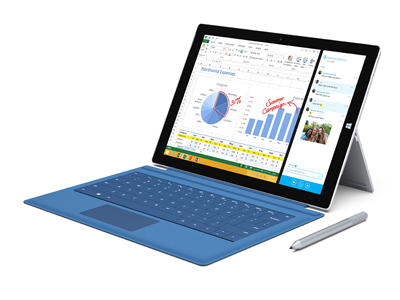 Notebook: Microsoft Surface Pro 3
Processor: Intel Core i5 4300U
Graphics Adapter: Intel HD Graphics 4400
Display: 12.00 inch, 3:2, 2160 x 1440 pixels
Weight: 0.81kg
Price: 1000 euro
Links:
Pricecompare
Average Score:
Reviews
Reshaping the Surface. Microsoft’s latest Surface is thinner, lighter, sexier, and even more versatile than before. Has the world finally met the successor to the modern laptop?
Source: Tech Advisor
Archive.org versionWhen we reviewed the Surface Pro 3 we concluded that it was the best yet. It's the most portable of laptops and an acceptable tablet. Nothing has changed with the update to Windows 10. The Surface Pro 4 is an evolution and, apart from the higher screen resolution (and better-quality screen) and new processors, doesn't offer too many compelling reasons to buy one over the cheaper Pro 3, or upgrade if you already have one. With the iPad Pro, it's the best yet in some ways - it's the most powerful iPad and has the biggest, highest resolution screen - but it may not be the best choice for everyone who wants an iPad. It’s fantastic if you need to sketch, draw and paint, or if you simply want a bigger screen. It’s almost the opposite of the Surface Pro: a fantastic tablet and an acceptable laptop.
Comparison, online available, Medium, Date: 03/29/2016
Source: Tech Advisor
Archive.org versionWhen we reviewed the Surface Pro 3 we concluded that it was the best yet. It's the most portable of laptops and an acceptable tablet. Nothing has changed with the update to Windows 10. The Surface Pro 4 is an evolution and, apart from the higher screen resolution (and better-quality screen) and new processors, doesn't offer too many compelling reasons to buy one over the cheaper Pro 3, or upgrade if you already have one. With the iPad Pro, it's the best yet in some ways - it's the most powerful iPad and has the biggest, highest resolution screen - but it may not be the best choice for everyone who wants an iPad. It’s fantastic if you need to sketch, draw and paint, or if you simply want a bigger screen. It’s almost the opposite of the Surface Pro: a fantastic tablet and an acceptable laptop.
Comparison, online available, Medium, Date: 03/29/2016
Source: It Pro
Archive.org versionThe Surface Pro 3 is a significant improvement over its predecessors, which were three-star products. We love the design, the pen input is superb and we can't fault the quality of the display. Unfortunately, software doesn’t allow you to get the best out of the screen and battery life is sub-par when contrasted with standalone tablets.
Single Review, online available, Long, Date: 03/09/2016
Rating: Total score: 80%
Source: It Pro
Archive.org versionThe Surface Pro 3 is a significant improvement over its predecessors, which were three-star products. We love the design, the pen input is superb and we can't fault the quality of the display. Unfortunately, software doesn’t allow you to get the best out of the screen and battery life is sub-par when contrasted with standalone tablets.
Single Review, online available, Long, Date: 03/09/2016
Rating: Total score: 80%
Source: PC Pro
Archive.org versionThe Surface Pro 3 is a very good Windows tablet that does a passable impression of a laptop, and if a Windows tablet is what you want then it’s a very good fit. However, it doesn’t really compete well with non-Windows tablets like the iPad Air or larger Samsung Galaxy Tabs.
Single Review, online available, Very Long, Date: 09/24/2015
Rating: Total score: 80%
Source: PC Pro
Archive.org versionThe Surface Pro 3 is a very good Windows tablet that does a passable impression of a laptop, and if a Windows tablet is what you want then it’s a very good fit. However, it doesn’t really compete well with non-Windows tablets like the iPad Air or larger Samsung Galaxy Tabs.
Single Review, online available, Very Long, Date: 09/24/2015
Rating: Total score: 80%
Source: PC Pro
Archive.org versionWhen we reviewed the Surface Pro 3 - almost a year ago - we concluded that it was the best yet. It's the most portable of laptops and an acceptable tablet. Nothing has changed with the update to Windows 10. With the iPad Pro, it's the best yet in some ways - it's the most powerful iPad and has the highest resolution screen - but it may not be the best choice for everyone who wants an iPad. Until we've reviewed it we can't come to any firm conclusions but it's likely to be the opposite of the Surface Pro: a fantastic tablet and an acceptable laptop.
Comparison, online available, Very Short, Date: 09/15/2015
Source: PC Pro
Archive.org versionWhen we reviewed the Surface Pro 3 - almost a year ago - we concluded that it was the best yet. It's the most portable of laptops and an acceptable tablet. Nothing has changed with the update to Windows 10. With the iPad Pro, it's the best yet in some ways - it's the most powerful iPad and has the highest resolution screen - but it may not be the best choice for everyone who wants an iPad. Until we've reviewed it we can't come to any firm conclusions but it's likely to be the opposite of the Surface Pro: a fantastic tablet and an acceptable laptop.
Comparison, online available, Very Short, Date: 09/15/2015
Source: It Pro
Archive.org versionThe Surface Pro 3 is a significant improvement over its predecessors, which were three-star products. We love the design, the pen input is superb and we can't fault the quality of the display. Unfortunately, software doesn’t allow you to get the best out of the screen and battery life is sub-par when contrasted with standalone tablets.
Single Review, online available, Long, Date: 08/18/2015
Rating: Total score: 80%
Source: It Pro
Archive.org versionThe Surface Pro 3 is a significant improvement over its predecessors, which were three-star products. We love the design, the pen input is superb and we can't fault the quality of the display. Unfortunately, software doesn’t allow you to get the best out of the screen and battery life is sub-par when contrasted with standalone tablets.
Single Review, online available, Long, Date: 08/18/2015
Rating: Total score: 80%
Source: It Pro
Archive.org versionThe Surface Pro 3 is a significant improvement over its predecessors, which were three-star products. We love the design, the pen input is superb and we can't fault the quality of the display. Unfortunately, software doesn’t allow you to get the best out of the screen and battery life is sub-par when contrasted with standalone tablets.
Single Review, online available, Long, Date: 08/13/2015
Rating: Total score: 80%
Source: It Pro
Archive.org versionThe Surface Pro 3 is a significant improvement over its predecessors, which were three-star products. We love the design, the pen input is superb and we can't fault the quality of the display. Unfortunately, software doesn’t allow you to get the best out of the screen and battery life is sub-par when contrasted with standalone tablets.
Single Review, online available, Long, Date: 08/13/2015
Rating: Total score: 80%
Source: It Pro
Archive.org versionThe Surface Pro 3 is a significant improvement over its predecessors, which were three-star products. We love the design, the pen input is superb and we can't fault the quality of the display. Unfortunately, software doesn’t allow you to get the best out of the screen and battery life is sub-par when contrasted with standalone tablets.
Single Review, online available, Long, Date: 07/15/2015
Rating: Total score: 80%
Source: It Pro
Archive.org versionThe Surface Pro 3 is a significant improvement over its predecessors, which were three-star products. We love the design, the pen input is superb and we can't fault the quality of the display. Unfortunately, software doesn’t allow you to get the best out of the screen and battery life is sub-par when contrasted with standalone tablets.
Single Review, online available, Long, Date: 07/15/2015
Rating: Total score: 80%
Source: It Pro
Archive.org versionThe Surface Pro 3 is a significant improvement over its predecessors, which were three-star products. We love the design, the pen input is superb and we can't fault the quality of the display. Unfortunately, software doesn’t allow you to get the best out of the screen and battery life is sub-par when contrasted with standalone tablets.
Single Review, online available, Long, Date: 04/24/2015
Rating: Total score: 80%
Source: It Pro
Archive.org versionThe Surface Pro 3 is a significant improvement over its predecessors, which were three-star products. We love the design, the pen input is superb and we can't fault the quality of the display. Unfortunately, software doesn’t allow you to get the best out of the screen and battery life is sub-par when contrasted with standalone tablets.
Single Review, online available, Long, Date: 04/24/2015
Rating: Total score: 80%
Source: Tech Advisor
Archive.org versionWe remain truly enamoured of the Surface Pro 3, a staggeringly impressive piece of engineering. On the face of it the Surface 3 is a cheaper, but less good version. Without testing it we cannot say for sure, but it feels to us as though the Surface 3 is more of a compromise, albeit at a lower price. If you can afford it, and you can live with the bigger screen, get the bigger, better device.
Comparison, online available, Very Short, Date: 04/23/2015
Source: Tech Advisor
Archive.org versionWe remain truly enamoured of the Surface Pro 3, a staggeringly impressive piece of engineering. On the face of it the Surface 3 is a cheaper, but less good version. Without testing it we cannot say for sure, but it feels to us as though the Surface 3 is more of a compromise, albeit at a lower price. If you can afford it, and you can live with the bigger screen, get the bigger, better device.
Comparison, online available, Very Short, Date: 04/23/2015
Source: It Pro
Archive.org versionThe Surface Pro 3 is a significant improvement over its predecessors, which were three-star products. We love the design, the pen input is superb and we can't fault the quality of the display. Unfortunately, software doesn’t allow you to get the best out of the screen and battery life is sub-par when contrasted with standalone tablets.
Single Review, online available, Long, Date: 04/17/2015
Rating: Total score: 80%
Source: It Pro
Archive.org versionThe Surface Pro 3 is a significant improvement over its predecessors, which were three-star products. We love the design, the pen input is superb and we can't fault the quality of the display. Unfortunately, software doesn’t allow you to get the best out of the screen and battery life is sub-par when contrasted with standalone tablets.
Single Review, online available, Long, Date: 04/17/2015
Rating: Total score: 80%
Source: Engadget
Archive.org versionI can't recommend the Surface 3 to everyone, but it's the first $499 Surface that I can recommend to someone. And that's more than I can say for the Surface 2 and RT. It's a machine that's capable of doing a lot -- within limits. And come the eventual Windows 10 upgrade, which will be freely available to all Windows 7 and 8 users later this year, it will only get better.
Single Review, online available, Long, Date: 04/15/2015
Rating: Total score: 79%
Source: Engadget
Archive.org versionI can't recommend the Surface 3 to everyone, but it's the first $499 Surface that I can recommend to someone. And that's more than I can say for the Surface 2 and RT. It's a machine that's capable of doing a lot -- within limits. And come the eventual Windows 10 upgrade, which will be freely available to all Windows 7 and 8 users later this year, it will only get better.
Single Review, online available, Long, Date: 04/15/2015
Rating: Total score: 79%
Source: It Pro
Archive.org versionThe Surface Pro 3 is a significant improvement over its predecessors, which were three-star products. We love the design, the pen input is superb and we can't fault the quality of the display. Unfortunately, software doesn’t allow you to get the best out of the screen and battery life is sub-par when contrasted with standalone tablets.
Single Review, online available, Long, Date: 04/06/2015
Rating: Total score: 80%
Source: It Pro
Archive.org versionThe Surface Pro 3 is a significant improvement over its predecessors, which were three-star products. We love the design, the pen input is superb and we can't fault the quality of the display. Unfortunately, software doesn’t allow you to get the best out of the screen and battery life is sub-par when contrasted with standalone tablets.
Single Review, online available, Long, Date: 04/06/2015
Rating: Total score: 80%
Source: Macworld.co.uk
Archive.org versionIt’s a tough choice between the MacBook and Surface 3 Pro. Both have their strong points and weaknesses, but overall we’d have to choose the MacBook. The amount of attention to detail that Apple has and the features that the MacBook has makes it the better choice of the two. As we said, it is a tough choice and really it comes down to the individual and their portable computing needs.
Comparison, online available, Very Short, Date: 03/26/2015
Source: Macworld.co.uk
Archive.org versionIt’s a tough choice between the MacBook and Surface 3 Pro. Both have their strong points and weaknesses, but overall we’d have to choose the MacBook. The amount of attention to detail that Apple has and the features that the MacBook has makes it the better choice of the two. As we said, it is a tough choice and really it comes down to the individual and their portable computing needs.
Comparison, online available, Very Short, Date: 03/26/2015
Source: It Pro
Archive.org versionThe Surface Pro 3 is a significant improvement over its predecessors, which were three-star products. We love the design, the pen input is superb and we can't fault the quality of the display. Unfortunately, software doesn’t allow you to get the best out of the screen and battery life is sub-par when contrasted with standalone tablets.
Single Review, online available, Long, Date: 03/17/2015
Rating: Total score: 80%
Source: It Pro
Archive.org versionThe Surface Pro 3 is a significant improvement over its predecessors, which were three-star products. We love the design, the pen input is superb and we can't fault the quality of the display. Unfortunately, software doesn’t allow you to get the best out of the screen and battery life is sub-par when contrasted with standalone tablets.
Single Review, online available, Long, Date: 03/17/2015
Rating: Total score: 80%
Source: Tech Advisor
Archive.org versionIt's hard to give a definitive verdict on which you should buy, because it will depend on your priorities. Those wanting a keyboard for typing documents should be well served by the Xperia Z4 Tablet. It also outshines the Surface Pro 3 for entertainment, because the Google Play store has a far better selection of apps and games than the Windows Store. If you need to run Windows programs that go beyond Office, your only option here is the Surface Pro 3. It's more expensive, bigger and heavier than the Sony tablet, but the 12in screen is more comfortable to look at if you'll be working long hours with it.
Comparison, online available, Very Short, Date: 03/12/2015
Source: Tech Advisor
Archive.org versionIt's hard to give a definitive verdict on which you should buy, because it will depend on your priorities. Those wanting a keyboard for typing documents should be well served by the Xperia Z4 Tablet. It also outshines the Surface Pro 3 for entertainment, because the Google Play store has a far better selection of apps and games than the Windows Store. If you need to run Windows programs that go beyond Office, your only option here is the Surface Pro 3. It's more expensive, bigger and heavier than the Sony tablet, but the 12in screen is more comfortable to look at if you'll be working long hours with it.
Comparison, online available, Very Short, Date: 03/12/2015
Source: It Pro
Archive.org versionThe Surface Pro 3 is a significant improvement over its predecessors, which were three-star products. We love the design, the pen input is superb and we can't fault the quality of the display. Unfortunately, software doesn’t allow you to get the best out of the screen and battery life is sub-par when contrasted with standalone tablets.
Single Review, online available, Long, Date: 02/20/2015
Rating: Total score: 80%
Source: It Pro
Archive.org versionThe Surface Pro 3 is a significant improvement over its predecessors, which were three-star products. We love the design, the pen input is superb and we can't fault the quality of the display. Unfortunately, software doesn’t allow you to get the best out of the screen and battery life is sub-par when contrasted with standalone tablets.
Single Review, online available, Long, Date: 02/20/2015
Rating: Total score: 80%
Source: It Pro
Archive.org versionThe Surface Pro 3 is a significant improvement over its predecessors, which were three-star products. We love the design, the pen input is superb and we can't fault the quality of the display. Unfortunately, software doesn’t allow you to get the best out of the screen and battery life is sub-par when contrasted with standalone tablets.
Single Review, online available, Long, Date: 02/13/2015
Rating: Total score: 80%
Source: It Pro
Archive.org versionThe Surface Pro 3 is a significant improvement over its predecessors, which were three-star products. We love the design, the pen input is superb and we can't fault the quality of the display. Unfortunately, software doesn’t allow you to get the best out of the screen and battery life is sub-par when contrasted with standalone tablets.
Single Review, online available, Long, Date: 02/13/2015
Rating: Total score: 80%
Source: PC Authority
Archive.org versionThe Surface Pro 3 represents a confident step towards the perfect hybrid device. The new 3:2 display, in combination with the lighter chassis, makes it a far more agreeable tablet than its predecessors, while the new kickstand and Type Cover make it a more convincing alternative to a regular laptop. While it isn’t perfect in every scenario, it feels like less of a compromise than previous generations.
Single Review, online available, Very Short, Date: 01/28/2015
Rating: Total score: 80% price: 80% performance: 80% features: 80% workmanship: 80%
Source: PC Authority
Archive.org versionThe Surface Pro 3 represents a confident step towards the perfect hybrid device. The new 3:2 display, in combination with the lighter chassis, makes it a far more agreeable tablet than its predecessors, while the new kickstand and Type Cover make it a more convincing alternative to a regular laptop. While it isn’t perfect in every scenario, it feels like less of a compromise than previous generations.
Single Review, online available, Very Short, Date: 01/28/2015
Rating: Total score: 80% price: 80% performance: 80% features: 80% workmanship: 80%
Source: PC Pro
Archive.org versionAnd if all you really want is a regular laptop, then, with deference to Microsoft’s marketing claims, you should probably save your money and buy a regular laptop. This doesn’t mean the Surface Pro 3 is a failure, though: on the contrary, it’s the most persuasive implementation of the convertible concept yet made. If things carry on like this, the Surface Pro 4 really could be the tablet that finally consigns our laptops to the scrapheap.
Single Review, online available, Short, Date: 01/26/2015
Rating: Total score: 80%
Source: PC Pro
Archive.org versionAnd if all you really want is a regular laptop, then, with deference to Microsoft’s marketing claims, you should probably save your money and buy a regular laptop. This doesn’t mean the Surface Pro 3 is a failure, though: on the contrary, it’s the most persuasive implementation of the convertible concept yet made. If things carry on like this, the Surface Pro 4 really could be the tablet that finally consigns our laptops to the scrapheap.
Single Review, online available, Short, Date: 01/26/2015
Rating: Total score: 80%
Source: It Pro
Archive.org versionThe Surface Pro 3 is a significant improvement over its predecessors, which were three-star products. We love the design, the pen input is superb and we can't fault the quality of the display. Unfortunately, software doesn’t allow you to get the best out of the screen and battery life is sub-par when contrasted with standalone tablets.
Single Review, online available, Long, Date: 01/08/2015
Source: It Pro
Archive.org versionThe Surface Pro 3 is a significant improvement over its predecessors, which were three-star products. We love the design, the pen input is superb and we can't fault the quality of the display. Unfortunately, software doesn’t allow you to get the best out of the screen and battery life is sub-par when contrasted with standalone tablets.
Single Review, online available, Long, Date: 01/08/2015
Source: PC Pro
Archive.org versionThe Surface Pro 3 is a very good Windows tablet that does a passable impression of a laptop, and if a Windows tablet is what you want then it’s a very good fit. However, it doesn’t really compete well with non-Windows tablets like the iPad Air or larger Samsung Galaxy Tabs.
Single Review, online available, Very Short, Date: 01/05/2015
Rating: Total score: 80%
Source: PC Pro
Archive.org versionThe Surface Pro 3 is a very good Windows tablet that does a passable impression of a laptop, and if a Windows tablet is what you want then it’s a very good fit. However, it doesn’t really compete well with non-Windows tablets like the iPad Air or larger Samsung Galaxy Tabs.
Single Review, online available, Very Short, Date: 01/05/2015
Rating: Total score: 80%
Source: PC Pro
Archive.org versionAnd if all you really want is a regular laptop, then, with deference to Microsoft’s marketing claims, you should probably save your money and buy a regular laptop. This doesn’t mean the Surface Pro 3 is a failure, though: on the contrary, it’s the most persuasive implementation of the convertible concept yet made. If things carry on like this, the Surface Pro 4 really could be the tablet that finally consigns our laptops to the scrapheap.
Single Review, online available, Very Short, Date: 12/18/2014
Rating: Total score: 80%
Source: PC Pro
Archive.org versionAnd if all you really want is a regular laptop, then, with deference to Microsoft’s marketing claims, you should probably save your money and buy a regular laptop. This doesn’t mean the Surface Pro 3 is a failure, though: on the contrary, it’s the most persuasive implementation of the convertible concept yet made. If things carry on like this, the Surface Pro 4 really could be the tablet that finally consigns our laptops to the scrapheap.
Single Review, online available, Very Short, Date: 12/18/2014
Rating: Total score: 80%
Source: Tech Advisor
Archive.org versionSo which is best? It all comes down to what you want to do with your tablet. For entertainment, web browsing, email, social networks, games, photography and video, the iPad wins. It's also a lot cheaper than the Surface Pro 3. A lot.
Comparison, online available, Very Short, Date: 12/02/2014
Source: Tech Advisor
Archive.org versionSo which is best? It all comes down to what you want to do with your tablet. For entertainment, web browsing, email, social networks, games, photography and video, the iPad wins. It's also a lot cheaper than the Surface Pro 3. A lot.
Comparison, online available, Very Short, Date: 12/02/2014
Source: On MSFT
Archive.org versionAdditionally, the Surface Pro 3 starts out a lot cheaper than the MacBook Air (13-inch) and the iPad Air combined together, and this includes the purchase of the optional keyboard (Type Cover). Although it may not be for everyone depending upon the purpose for which you want to use the Pro 3, it is certainly worth spending the time to review and consider.
Single Review, online available, Very Short, Date: 10/30/2014
Rating: Total score: 85%
Source: On MSFT
Archive.org versionAdditionally, the Surface Pro 3 starts out a lot cheaper than the MacBook Air (13-inch) and the iPad Air combined together, and this includes the purchase of the optional keyboard (Type Cover). Although it may not be for everyone depending upon the purpose for which you want to use the Pro 3, it is certainly worth spending the time to review and consider.
Single Review, online available, Very Short, Date: 10/30/2014
Rating: Total score: 85%
Source: Comp Reviews
Archive.org versionMicrosoft continues to improved its Surface Pro tablet and the new Core i3 version makes it even more affordable to have a tablet that offers the performance of a laptop system. The new design is thinner and lighter even though it offers a larger, higher resolution display. The improved hinge and cover improve the experience when typing but it still can't quite match a true laptop and that is what will still deter many buyers.
Single Review, online available, Short, Date: 10/29/2014
Rating: Total score: 80%
Source: Comp Reviews
Archive.org versionMicrosoft continues to improved its Surface Pro tablet and the new Core i3 version makes it even more affordable to have a tablet that offers the performance of a laptop system. The new design is thinner and lighter even though it offers a larger, higher resolution display. The improved hinge and cover improve the experience when typing but it still can't quite match a true laptop and that is what will still deter many buyers.
Single Review, online available, Short, Date: 10/29/2014
Rating: Total score: 80%
Source: Tech Advisor
Archive.org versionTaking a look over the specs and features of both tablets, it should quickly become clear to you which of these devices is most suited to your needs. If you like the idea of having a tablet that can replace your laptop, enabling you to use full versions of the Office suite, Photoshop and Illustrator and more, then the Surface Pro 3 is ideal. It's a brilliant piece of kit that manages to combine portability, a large, great quality touchscreen and incredible power.
Comparison, online available, Short, Date: 10/22/2014
Source: Tech Advisor
Archive.org versionTaking a look over the specs and features of both tablets, it should quickly become clear to you which of these devices is most suited to your needs. If you like the idea of having a tablet that can replace your laptop, enabling you to use full versions of the Office suite, Photoshop and Illustrator and more, then the Surface Pro 3 is ideal. It's a brilliant piece of kit that manages to combine portability, a large, great quality touchscreen and incredible power.
Comparison, online available, Short, Date: 10/22/2014
Source: Techradar
Archive.org versionIt's worth reiterating the point that the Surface Pro 3 is not only Microsoft's most striking and versatile device to date, but the most convincing poster child for the hybrid category yet. And this ringing endorsement comes from a long-time skeptic of such devices. That said, the Pro 3 is hamstrung by flaws that cannot be ignored. Namely, the battery life might be in line with most Ultrabooks, but it doesn't come close to what Apple's leading laptop and top tablet have shown. And the Type Cover being billed as an accessory doesn't help Microsoft's cause in the slightest – it's quite pricey to boot.
Single Review, online available, Very Long, Date: 09/14/2014
Rating: Total score: 90% price: 70% performance: 80% features: 80% workmanship: 100%
Source: Techradar
Archive.org versionIt's worth reiterating the point that the Surface Pro 3 is not only Microsoft's most striking and versatile device to date, but the most convincing poster child for the hybrid category yet. And this ringing endorsement comes from a long-time skeptic of such devices. That said, the Pro 3 is hamstrung by flaws that cannot be ignored. Namely, the battery life might be in line with most Ultrabooks, but it doesn't come close to what Apple's leading laptop and top tablet have shown. And the Type Cover being billed as an accessory doesn't help Microsoft's cause in the slightest – it's quite pricey to boot.
Single Review, online available, Very Long, Date: 09/14/2014
Rating: Total score: 90% price: 70% performance: 80% features: 80% workmanship: 100%
Source: PC Pro
Archive.org versionAt the end of the day, the Surface Pro 3 is a terrific Windows tablet that does a passable impression of a laptop – if that balance suits your needs, then the cost may be well worth it. But if all you really want is a regular laptop, then, with deference to Microsoft’s marketing claims, you should probably save your money and buy a regular laptop. That doesn’t mean the Surface Pro 3 is a failure, though: on the contrary, it’s a persuasive implementation of the convertible concept. If things carry on like this, the Surface Pro 4 really could be the tablet that finally consigns our laptops to the scrapheap.
Single Review, online available, Short, Date: 09/03/2014
Rating: Total score: 67% price: 67% performance: 67% features: 83% workmanship: 83%
Source: PC Pro
Archive.org versionAt the end of the day, the Surface Pro 3 is a terrific Windows tablet that does a passable impression of a laptop – if that balance suits your needs, then the cost may be well worth it. But if all you really want is a regular laptop, then, with deference to Microsoft’s marketing claims, you should probably save your money and buy a regular laptop. That doesn’t mean the Surface Pro 3 is a failure, though: on the contrary, it’s a persuasive implementation of the convertible concept. If things carry on like this, the Surface Pro 4 really could be the tablet that finally consigns our laptops to the scrapheap.
Single Review, online available, Short, Date: 09/03/2014
Rating: Total score: 67% price: 67% performance: 67% features: 83% workmanship: 83%
Source: Digital Versus
Archive.org versionThis third version of the Microsoft Surface Pro is verging on excellence. It's retained all the good features of its predecessor: the superb screen, the fantastic build quality and impressive battery life. It's just a shame Microsoft wasn't able to address the weaker points of the tablet range, like the minimalist connectivity, the far-from-convincing cooling system and the fact the keyboard has to be bought separately.
Single Review, online available, Medium, Date: 08/29/2014
Rating: Total score: 80%
Source: Digital Versus
Archive.org versionThis third version of the Microsoft Surface Pro is verging on excellence. It's retained all the good features of its predecessor: the superb screen, the fantastic build quality and impressive battery life. It's just a shame Microsoft wasn't able to address the weaker points of the tablet range, like the minimalist connectivity, the far-from-convincing cooling system and the fact the keyboard has to be bought separately.
Single Review, online available, Medium, Date: 08/29/2014
Rating: Total score: 80%
Source: Good Gear Guide
Archive.org versionIt's hard to go past the Microsoft Surface Pro 3 if you're after a tablet that can be used not only for media consumption, but also for doing real work. The hardware is excellent, the speed is laptop-like, and the user comfort level is high. Without a doubt the best Windows 8 tablet to own, and one that can be used relatively easily as a laptop if you get the optional keyboard cover.
Single Review, online available, Long, Date: 08/27/2014
Rating: Total score: 90%
Source: Good Gear Guide
Archive.org versionIt's hard to go past the Microsoft Surface Pro 3 if you're after a tablet that can be used not only for media consumption, but also for doing real work. The hardware is excellent, the speed is laptop-like, and the user comfort level is high. Without a doubt the best Windows 8 tablet to own, and one that can be used relatively easily as a laptop if you get the optional keyboard cover.
Single Review, online available, Long, Date: 08/27/2014
Rating: Total score: 90%
Source: Zdnet.com
Archive.org versionIf you need a Windows 8.1 computer that's flexible enough to be a tablet, a laptop (if you add the optional keyboard) and even (if you add the optional docking station) a desktop PC, then the Surface Pro 3 manages the trade-offs as well as anything on the market.
Single Review, online available, Short, Date: 08/26/2014
Rating: Total score: 80%
Source: Zdnet.com
Archive.org versionIf you need a Windows 8.1 computer that's flexible enough to be a tablet, a laptop (if you add the optional keyboard) and even (if you add the optional docking station) a desktop PC, then the Surface Pro 3 manages the trade-offs as well as anything on the market.
Single Review, online available, Short, Date: 08/26/2014
Rating: Total score: 80%
Source: Gadgets Now
Archive.org versionThe Microsoft Surface Pro 3 is a great device, and is well worthy of a place on your gadget shelf. Though it's not without its downsides. If you can put up with the size, and don’t mind spending a little extra for the Type Cover, it could be the best laptop/tablet hybrid around.
Single Review, online available, Very Short, Date: 08/21/2014
Rating: Total score: 80%
Source: Gadgets Now
Archive.org versionThe Microsoft Surface Pro 3 is a great device, and is well worthy of a place on your gadget shelf. Though it's not without its downsides. If you can put up with the size, and don’t mind spending a little extra for the Type Cover, it could be the best laptop/tablet hybrid around.
Single Review, online available, Very Short, Date: 08/21/2014
Rating: Total score: 80%
Source: Trusted Reviews
Archive.org versionIf you weren't convinced by previous Surface Pros, the Surface Pro 3 isn't for you. It's better than they were, but the core concept and experience is much the same. You need a laptop, so go buy one. A 13-inch MacBook Air or Lenovo Yoga 2 Pro are good places to start. Microsoft has finally nailed its tablet hybrid concept with the Surface Pro 3. It's powerful, versatile and brilliantly put together. Not all laptop owners need apply, but the Surface Pro 3 is a convincing alternative.
Single Review, online available, Long, Date: 08/20/2014
Rating: Total score: 90% price: 80% performance: 80% display: 90% mobility: 70% workmanship: 90%
Source: Tested
Archive.org versionThe Surface Pro 3 is a great laptop first, OK tablet second. The Shield Tablet is a great streaming (video+games) box first, OK tablet second. Their dual roles don't come at the expense of dealbreaking compromises. That's an approach we're unlikely to see from Apple, even though it is beginning to open up its SDK to third-party accessories like Adobe's Ink and Slide and gamepads. The touch-first emphasis of iOS has kept iPad ahead as the best pure tablet experience, but the touch-only tablet category is shrinking as competitors continue to experiment and innovate--successfully.
Comparison, online available, Very Short, Date: 08/20/2014
Source: Trusted Reviews
Archive.org versionIf you weren't convinced by previous Surface Pros, the Surface Pro 3 isn't for you. It's better than they were, but the core concept and experience is much the same. You need a laptop, so go buy one. A 13-inch MacBook Air or Lenovo Yoga 2 Pro are good places to start. Microsoft has finally nailed its tablet hybrid concept with the Surface Pro 3. It's powerful, versatile and brilliantly put together. Not all laptop owners need apply, but the Surface Pro 3 is a convincing alternative.
Single Review, online available, Long, Date: 08/20/2014
Rating: Total score: 90% price: 80% performance: 80% display: 90% mobility: 70% workmanship: 90%
Source: Tested
Archive.org versionThe Surface Pro 3 is a great laptop first, OK tablet second. The Shield Tablet is a great streaming (video+games) box first, OK tablet second. Their dual roles don't come at the expense of dealbreaking compromises. That's an approach we're unlikely to see from Apple, even though it is beginning to open up its SDK to third-party accessories like Adobe's Ink and Slide and gamepads. The touch-first emphasis of iOS has kept iPad ahead as the best pure tablet experience, but the touch-only tablet category is shrinking as competitors continue to experiment and innovate--successfully.
Comparison, online available, Very Short, Date: 08/20/2014
Source: PC Pro
Archive.org versionAt the end of the day, the Surface Pro 3 is a terrific Windows tablet that does a passable impression of a laptop – if that balance suits your needs, then the cost may be well worth it. But if all you really want is a regular laptop, then, with deference to Microsoft’s marketing claims, you should probably save your money and buy a regular laptop. That doesn’t mean the Surface Pro 3 is a failure, though: on the contrary, it’s a persuasive implementation of the convertible concept. If things carry on like this, the Surface Pro 4 really could be the tablet that finally consigns our laptops to the scrapheap.
Single Review, online available, Short, Date: 08/19/2014
Rating: Total score: 67% price: 67% performance: 67% features: 83% workmanship: 83%
Source: PC Pro
Archive.org versionAt the end of the day, the Surface Pro 3 is a terrific Windows tablet that does a passable impression of a laptop – if that balance suits your needs, then the cost may be well worth it. But if all you really want is a regular laptop, then, with deference to Microsoft’s marketing claims, you should probably save your money and buy a regular laptop. That doesn’t mean the Surface Pro 3 is a failure, though: on the contrary, it’s a persuasive implementation of the convertible concept. If things carry on like this, the Surface Pro 4 really could be the tablet that finally consigns our laptops to the scrapheap.
Single Review, online available, Short, Date: 08/19/2014
Rating: Total score: 67% price: 67% performance: 67% features: 83% workmanship: 83%
Source: Tested
Archive.org versionWill and Norm sit down to discuss the new Microsoft Surface Pro 3. We compare it to previous Surface Pro devices and how it fares as both a laptop and tablet alternative. The one thing we like the most about it: note-taking with the pen digitizer is a lovely experience.
video review
Single Review, online available, Very Short, Date: 08/14/2014
Source: Tested
Archive.org versionWill and Norm sit down to discuss the new Microsoft Surface Pro 3. We compare it to previous Surface Pro devices and how it fares as both a laptop and tablet alternative. The one thing we like the most about it: note-taking with the pen digitizer is a lovely experience.
video review
Single Review, online available, Very Short, Date: 08/14/2014
Source: V3.co.uk
Archive.org versionFeaturing a better display, upgradable storage and an advanced Surface Pen digital stylus, the Surface Pro 3 is the winner of this vs review. However, having matched the Surface Pro 3 in performance and battery life, and featuring a more user-friendly laptop design, the MacBook Air definitely gave Microsoft's latest hybrid a run for its money and still is a significantly better choice for users more familiar with Apple's platform.
Comparison, online available, Short, Date: 08/13/2014
Source: V3.co.uk
Archive.org versionFeaturing a better display, upgradable storage and an advanced Surface Pen digital stylus, the Surface Pro 3 is the winner of this vs review. However, having matched the Surface Pro 3 in performance and battery life, and featuring a more user-friendly laptop design, the MacBook Air definitely gave Microsoft's latest hybrid a run for its money and still is a significantly better choice for users more familiar with Apple's platform.
Comparison, online available, Short, Date: 08/13/2014
Source: Pocket Lint
Archive.org versionBut despite finding this physical size perplexing at first, a week of use in the laptop form (and with the optional keyboard attached, of course) has come to make sense. Often great sense thanks to the significant screen resolution and multi window multi-tasking, variable position stand, touchscreen controls and included stylus. It's clear the Pro 3 is the most accomplished Surface yet, but it still won't tick all boxes for all users.
Single Review, online available, Short, Date: 08/11/2014
Rating: Total score: 80%
Source: T3
Archive.org versionThe Microsoft Surface Pro 3 tries to be several different things. It's a tablet, a laptop, and even a bit of a graphics tablet. It may not be king in any field, but thanks to its flexible stand, good keyboard and decent CPU, it's actually a fair laptop-replacer in this third incarnation. Those extra 1.4 screen inches matter. It's still not a killer device, but some sensible design tweaks and updates make it more attractive and useful than last year's model.
Single Review, online available, Medium, Date: 08/11/2014
Rating: Total score: 80%
Source: Pocket Lint
Archive.org versionBut despite finding this physical size perplexing at first, a week of use in the laptop form (and with the optional keyboard attached, of course) has come to make sense. Often great sense thanks to the significant screen resolution and multi window multi-tasking, variable position stand, touchscreen controls and included stylus. It's clear the Pro 3 is the most accomplished Surface yet, but it still won't tick all boxes for all users.
Single Review, online available, Short, Date: 08/11/2014
Rating: Total score: 80%
Source: T3
Archive.org versionThe Microsoft Surface Pro 3 tries to be several different things. It's a tablet, a laptop, and even a bit of a graphics tablet. It may not be king in any field, but thanks to its flexible stand, good keyboard and decent CPU, it's actually a fair laptop-replacer in this third incarnation. Those extra 1.4 screen inches matter. It's still not a killer device, but some sensible design tweaks and updates make it more attractive and useful than last year's model.
Single Review, online available, Medium, Date: 08/11/2014
Rating: Total score: 80%
Source: V3.co.uk
Archive.org versionHaving won six out of eight rounds, the Microsoft Surface Pro 3 is the clear winner of this versus review. However, thanks to Microsoft's wise decision to radically lower the upfront cost of the Surface Pro 2, which remains a top-end, powerhouse tablet and laptop replacement in its own right, buyers on a budget may do well to check out the firm's 2013 flagship.
Comparison, online available, Medium, Date: 08/11/2014
Source: V3.co.uk
Archive.org versionHaving won six out of eight rounds, the Microsoft Surface Pro 3 is the clear winner of this versus review. However, thanks to Microsoft's wise decision to radically lower the upfront cost of the Surface Pro 2, which remains a top-end, powerhouse tablet and laptop replacement in its own right, buyers on a budget may do well to check out the firm's 2013 flagship.
Comparison, online available, Medium, Date: 08/11/2014
Source: Recombu
Archive.org versionWe love the Pro 3 for what it’s trying to do and to an extent it achieves that goal. If you’re curious enough to lay down cash, you won’t be disappointed for the Windows experience in Microsoft’s own image that this is, but if you’re after portable workstation, there are other options worth considering too.
Single Review, online available, Very Short, Date: 08/09/2014
Rating: Total score: 80%
Source: Recombu
Archive.org versionWe love the Pro 3 for what it’s trying to do and to an extent it achieves that goal. If you’re curious enough to lay down cash, you won’t be disappointed for the Windows experience in Microsoft’s own image that this is, but if you’re after portable workstation, there are other options worth considering too.
Single Review, online available, Very Short, Date: 08/09/2014
Rating: Total score: 80%
Source: Tech Advisor
Archive.org versionA very decent laptop replacement, and an okay tablet, the Surface Pro 3 is undeniably impressive. If you need a single device to do everything we can't think of any better device. And when you consider the cost of buying a discrete laptop, tablet and desktop PC the Surface Pro 3 is priced to shift. The question remains as to whether people want a single device rather than multiple gadgets that are better at their individual tasks. We shall see.
Single Review, online available, Short, Date: 08/08/2014
Rating: Total score: 80% price: 80% performance: 80% features: 90% workmanship: 90%
Source: Tech Advisor
Archive.org versionA very decent laptop replacement, and an okay tablet, the Surface Pro 3 is undeniably impressive. If you need a single device to do everything we can't think of any better device. And when you consider the cost of buying a discrete laptop, tablet and desktop PC the Surface Pro 3 is priced to shift. The question remains as to whether people want a single device rather than multiple gadgets that are better at their individual tasks. We shall see.
Single Review, online available, Short, Date: 08/08/2014
Rating: Total score: 80% price: 80% performance: 80% features: 90% workmanship: 90%
Source: V3.co.uk
Archive.org versionHaving finally got our hands on the Surface Pro 3 we have to say we're impressed. With a larger 12in display, powerful array of Intel Core processor options as well as all the enterprise productivity benefits of Microsoft's Windows 8.1 operating system, the Surface Pro 3 can work as both a tablet and laptop when it is paired with a Type Cover. However, Microsoft is still choosing to charge an extra £110 for the basic Type Cover, which adds to the Surface Pro 3's already expensive £640 starting price, meaning the Surface Pro 3's benefits come with a premium price tag.
Single Review, online available, Medium, Date: 08/07/2014
Rating: Total score: 80%
Source: V3.co.uk
Archive.org versionHaving finally got our hands on the Surface Pro 3 we have to say we're impressed. With a larger 12in display, powerful array of Intel Core processor options as well as all the enterprise productivity benefits of Microsoft's Windows 8.1 operating system, the Surface Pro 3 can work as both a tablet and laptop when it is paired with a Type Cover. However, Microsoft is still choosing to charge an extra £110 for the basic Type Cover, which adds to the Surface Pro 3's already expensive £640 starting price, meaning the Surface Pro 3's benefits come with a premium price tag.
Single Review, online available, Medium, Date: 08/07/2014
Rating: Total score: 80%
Source: It Pro
Archive.org versionThe Surface Pro 3 is a significant improvement over its predecessors, which were three-star products. We love the design, the pen input is superb and we can't fault the quality of the display. Unfortunately, software doesn’t allow you to get the best out of the screen and battery life is sub-par when contrasted with standalone tablets.
Single Review, online available, Long, Date: 08/07/2014
Rating: Total score: 80%
Source: It Pro
Archive.org versionThe Surface Pro 3 is a significant improvement over its predecessors, which were three-star products. We love the design, the pen input is superb and we can't fault the quality of the display. Unfortunately, software doesn’t allow you to get the best out of the screen and battery life is sub-par when contrasted with standalone tablets.
Single Review, online available, Long, Date: 08/07/2014
Rating: Total score: 80%
Source: Stuff TV
Archive.org versionThe Surface Pro 3 is excellent. There, we said it. And with a straight face. At last, Microsoft has delivered on the promise of the tablet-cum-laptop hybrid. It proves Microsoft's argument that there's space in the world for a design that's more productive than an iPad or Galaxy Note, but easier to hump around than a traditional laptop.
Single Review, online available, Long, Date: 08/03/2014
Rating: Total score: 100% performance: 90% display: 90% mobility: 80% workmanship: 90%
Source: Stuff TV
Archive.org versionThe Surface Pro 3 is excellent. There, we said it. And with a straight face. At last, Microsoft has delivered on the promise of the tablet-cum-laptop hybrid. It proves Microsoft's argument that there's space in the world for a design that's more productive than an iPad or Galaxy Note, but easier to hump around than a traditional laptop.
Single Review, online available, Long, Date: 08/03/2014
Rating: Total score: 100% performance: 90% display: 90% mobility: 80% workmanship: 90%
Source: T Break
Archive.org versionThe burning question you want answered is whether or not the Surface Pro 3 makes a viable laptop replacement. Performance-wise, it does. Usability and comfort-wise, it does not. You just can’t position the Surface Pro 3 as easily as you would a laptop, and while it’s lighter, sleeker, and just as powerful, I would still sheepishly opt for using a laptop. Take into the fact that the Surface Pro 3 isn’t cheap either – starting at $799 for an i3 version, my total spend was $999 for the i5 version along with $130 for the cover.
Single Review, online available, Medium, Date: 07/07/2014
Rating: Total score: 81% price: 70% performance: 85% features: 80% workmanship: 90%
Source: T Break
Archive.org versionThe burning question you want answered is whether or not the Surface Pro 3 makes a viable laptop replacement. Performance-wise, it does. Usability and comfort-wise, it does not. You just can’t position the Surface Pro 3 as easily as you would a laptop, and while it’s lighter, sleeker, and just as powerful, I would still sheepishly opt for using a laptop. Take into the fact that the Surface Pro 3 isn’t cheap either – starting at $799 for an i3 version, my total spend was $999 for the i5 version along with $130 for the cover.
Single Review, online available, Medium, Date: 07/07/2014
Rating: Total score: 81% price: 70% performance: 85% features: 80% workmanship: 90%
Source: Mobile Tech Review
Archive.org versionOnce again we applaud Microsoft: the Surface Pro 3 is a glimpse into the future of computing, and it's both exquisitely good looking and perfectly put together. While the MacBook Air continues on with a solid but stale design and computing paradigm, Microsoft has at least taken a chance at something new.
Single Review, online available, Long, Date: 07/07/2014
Rating: Total score: 85%
Source: Mobile Tech Review
Archive.org versionOnce again we applaud Microsoft: the Surface Pro 3 is a glimpse into the future of computing, and it's both exquisitely good looking and perfectly put together. While the MacBook Air continues on with a solid but stale design and computing paradigm, Microsoft has at least taken a chance at something new.
Single Review, online available, Long, Date: 07/07/2014
Rating: Total score: 85%
Source: Tech Advisor
Archive.org versionThe Surface Pro 3 and the Galaxy Tab S 10.5 are both impressive tablets that offer stunning, big, bright and colourful displays. They're both ideal for multi-tasking – running more than one app simultaneously, side by side – but you won't be able to run powerful desktop apps like Photoshop on the Android tablet like you can on the Surface. If you're simply looking for a thin-and-light tablet with a big display, you'll probably find you're better off with the Galaxy Tab S, but for a device that could potentially replace your laptop completely, it's the mid- to high-range Surface Pro 3 models you're after.
Comparison, online available, Short, Date: 06/25/2014
Source: Pocket Lint
Archive.org versionWe didn't have the chance to test the outright performance of the Surface Pro 3, or to put the claimed 9 hours of battery life to the test, but first impressions are really good. It's a slim and solidly built device, but light in the hand, with an impressive display. The Surface Pro 3 has launched in the US and arrives in Japan this week, but isn't due to touchdown in the UK until August, as part of a phased roll-out.
Single Review, online available, Very Short, Date: 06/25/2014
Source: Gizmag
Archive.org versionGizmag highly recommends the Surface Pro 3 to anyone looking for the best evidence yet that the same device can not only be both laptop and tablet, but can kick some serious ass while doing it. From now until late August, the Surface Pro 3 starts at US$1,130 ($1,000 for the 128 GB Core i5 Surface plus an extra $130 for the Type Cover). After that, you'll be able to buy a 64 GB Surface with a Core i3 processor starting at $930 for Surface and keyboard. That's hardly pocket change, but at least you'll know that the Surface is giving you more bang for your buck than ever before.
Single Review, online available, Medium, Date: 06/25/2014
Source: Tech Advisor
Archive.org versionThe Surface Pro 3 and the Galaxy Tab S 10.5 are both impressive tablets that offer stunning, big, bright and colourful displays. They're both ideal for multi-tasking – running more than one app simultaneously, side by side – but you won't be able to run powerful desktop apps like Photoshop on the Android tablet like you can on the Surface. If you're simply looking for a thin-and-light tablet with a big display, you'll probably find you're better off with the Galaxy Tab S, but for a device that could potentially replace your laptop completely, it's the mid- to high-range Surface Pro 3 models you're after.
Comparison, online available, Short, Date: 06/25/2014
Source: Pocket Lint
Archive.org versionWe didn't have the chance to test the outright performance of the Surface Pro 3, or to put the claimed 9 hours of battery life to the test, but first impressions are really good. It's a slim and solidly built device, but light in the hand, with an impressive display. The Surface Pro 3 has launched in the US and arrives in Japan this week, but isn't due to touchdown in the UK until August, as part of a phased roll-out.
Single Review, online available, Very Short, Date: 06/25/2014
Source: Gizmag
Archive.org versionGizmag highly recommends the Surface Pro 3 to anyone looking for the best evidence yet that the same device can not only be both laptop and tablet, but can kick some serious ass while doing it. From now until late August, the Surface Pro 3 starts at US$1,130 ($1,000 for the 128 GB Core i5 Surface plus an extra $130 for the Type Cover). After that, you'll be able to buy a 64 GB Surface with a Core i3 processor starting at $930 for Surface and keyboard. That's hardly pocket change, but at least you'll know that the Surface is giving you more bang for your buck than ever before.
Single Review, online available, Medium, Date: 06/25/2014
Source: AnandTech
Archive.org versionWhen I reviewed the first Surface Pro I was intrigued by the idea, but felt it needed a few more iterations to get to the right point. In less than two years what we have in front of us looks very different than Microsoft's original vision for the platform. Display size, aspect ratio and even the mechanics of the whole thing are all quite different.
Single Review, online available, Long, Date: 06/23/2014
Source: AnandTech
Archive.org versionWhen I reviewed the first Surface Pro I was intrigued by the idea, but felt it needed a few more iterations to get to the right point. In less than two years what we have in front of us looks very different than Microsoft's original vision for the platform. Display size, aspect ratio and even the mechanics of the whole thing are all quite different.
Single Review, online available, Long, Date: 06/23/2014
Source: Ubergizmo English
Archive.org versionSurface Pro 3 is easily 33% lighter than most high-end Ultrabooks, and is more portable and more comfortable to carry in your backpack than any other portable PC I’ve used. If like me, you travel a lot, you know that any additional pound matters. Technically, the hardware platform and the software can do anything a regular Ultrabook does. It is now up to you to think about whether the design will fit your need. Because when it does fit your needs, the Surface Pro 3 will rock your socks off.
Single Review, online available, Long, Date: 06/06/2014
Rating: Total score: 90%
Source: Ubergizmo English
Archive.org versionSurface Pro 3 is easily 33% lighter than most high-end Ultrabooks, and is more portable and more comfortable to carry in your backpack than any other portable PC I’ve used. If like me, you travel a lot, you know that any additional pound matters. Technically, the hardware platform and the software can do anything a regular Ultrabook does. It is now up to you to think about whether the design will fit your need. Because when it does fit your needs, the Surface Pro 3 will rock your socks off.
Single Review, online available, Long, Date: 06/06/2014
Rating: Total score: 90%
Source: Recode
Archive.org versionAt its launch event, Microsoft continuously asked people to compare the MacBook Air to this Surface Pro 3. I’m sorry to say that I can’t recommend that comparison, nor can I recommend it as a replacement for your iPad or Android tablet.
Single Review, online available, Very Short, Date: 06/04/2014
Source: Recode
Archive.org versionAt its launch event, Microsoft continuously asked people to compare the MacBook Air to this Surface Pro 3. I’m sorry to say that I can’t recommend that comparison, nor can I recommend it as a replacement for your iPad or Android tablet.
Single Review, online available, Very Short, Date: 06/04/2014
Source: Notebookreview.com
Archive.org versionWith the lines continuing to blur between laptops and tablets, Microsoft introduces its newest take on the growing hybrid sub-genre with the Microsoft Surface Pro 3. While most hybrids continue to placate to the mainstream consumer market, Microsoft’s Surface Pro line has aimed its sights on the pragmatic business crowd, offering the productivity of a premium notebook in a tablet form factor.
Single Review, online available, Very Short, Date: 06/03/2014
Rating: Total score: 76%
Source: Pocketnow
If you’ve ever wished that you could use your laptop computer while walking or standing instead of having to set it down on a table, or if you’ve ever used an iPad and wished that it was capable of heavier projects that you need your laptop for, then you’re sure to like the Surface Pro 3. Just like how Smartphones made iPod MP3 Players, PDAs and separate mobile phones obsolete, the Surface Pro 3 will take care of practically everything you might use a tablet and laptop computer for.
Single Review, online available, Long, Date: 06/03/2014
Rating: Total score: 88% performance: 100% features: 90% mobility: 100%
Source: Notebookreview.com
Archive.org versionWith the lines continuing to blur between laptops and tablets, Microsoft introduces its newest take on the growing hybrid sub-genre with the Microsoft Surface Pro 3. While most hybrids continue to placate to the mainstream consumer market, Microsoft’s Surface Pro line has aimed its sights on the pragmatic business crowd, offering the productivity of a premium notebook in a tablet form factor.
Single Review, online available, Very Short, Date: 06/03/2014
Rating: Total score: 76%
Source: Pocketnow
If you’ve ever wished that you could use your laptop computer while walking or standing instead of having to set it down on a table, or if you’ve ever used an iPad and wished that it was capable of heavier projects that you need your laptop for, then you’re sure to like the Surface Pro 3. Just like how Smartphones made iPod MP3 Players, PDAs and separate mobile phones obsolete, the Surface Pro 3 will take care of practically everything you might use a tablet and laptop computer for.
Single Review, online available, Long, Date: 06/03/2014
Rating: Total score: 88% performance: 100% features: 90% mobility: 100%
Source: Slashgear
Archive.org versionSurface already has a small but vocal following, and the Surface Pro 3 is not only the best of the range, but among the best Windows 8.1 computers I’ve tried. The combination of useful pen functionality, flexible positioning, solid performance, and beautiful design is a compelling one, though I suspect its price will keep it a niche device.
Single Review, online available, Medium, Date: 05/31/2014
Source: Slashgear
Archive.org versionSurface already has a small but vocal following, and the Surface Pro 3 is not only the best of the range, but among the best Windows 8.1 computers I’ve tried. The combination of useful pen functionality, flexible positioning, solid performance, and beautiful design is a compelling one, though I suspect its price will keep it a niche device.
Single Review, online available, Medium, Date: 05/31/2014
Source: Computerworld.com
Archive.org versionMicrosoft touts the Surface Pro 3 as a tablet that does double-duty as a laptop and, if you buy the Surface Pro Touch Cover, what the company says is generally true. Still, the cover still isn't as good as a full-blown laptop keyboard. At 12 in., the Surface Pro 3 has enough screen real estate so that it's a real laptop, not a tablet pretending to be one. At 1.75 pounds, it's ultraportable, although a bit on the heavy side for a tablet.
Single Review, online available, Medium, Date: 05/30/2014
Source: Macworld.co.uk
Archive.org versionOverall, we take our hats off to Microsoft for its Surface Pro 3. It really does have specs that rival the MacBook Air and portability that brings it closer to competing tablets. But when it actually comes to using the Surface Pro 3 as a laptop, it's not the most comfortable of activities. We find the MacBook Air wonderful to work on for long periods of time, and with that lengthy battery life it's more suitable for full-day use.
Comparison, online available, Short, Date: 05/30/2014
Source: Computerworld.com
Archive.org versionMicrosoft touts the Surface Pro 3 as a tablet that does double-duty as a laptop and, if you buy the Surface Pro Touch Cover, what the company says is generally true. Still, the cover still isn't as good as a full-blown laptop keyboard. At 12 in., the Surface Pro 3 has enough screen real estate so that it's a real laptop, not a tablet pretending to be one. At 1.75 pounds, it's ultraportable, although a bit on the heavy side for a tablet.
Single Review, online available, Medium, Date: 05/30/2014
Source: Macworld.co.uk
Archive.org versionOverall, we take our hats off to Microsoft for its Surface Pro 3. It really does have specs that rival the MacBook Air and portability that brings it closer to competing tablets. But when it actually comes to using the Surface Pro 3 as a laptop, it's not the most comfortable of activities. We find the MacBook Air wonderful to work on for long periods of time, and with that lengthy battery life it's more suitable for full-day use.
Comparison, online available, Short, Date: 05/30/2014
Source: Hot Hardware
Archive.org versionIn our introduction, we said that performance, build-quality, and the user experience all matter when evaluating a product. Well, the Surface Pro 3 has the performance and build-quality to easily earn a recommendation. Microsoft has also nailed the user experience--everything the Surface Pro 3 was designed to do, it does well, and it is easily one of the more attractive portable devices we have used.
Single Review, online available, Long, Date: 05/29/2014
Source: Small Business Computing
Archive.org versionAt just slightly more than $900 for a Core i3 version, the Surface Pro 3 can help small businesses ditch the laptop while enjoying the mobile productivity provided by tablets. If your business requires beefier specs—to run image- and video-editing suites or 3D software for example—then the i5 model stacks up well against premium Ultrabooks.
Single Review, online available, Very Short, Date: 05/29/2014
Source: Hot Hardware
Archive.org versionIn our introduction, we said that performance, build-quality, and the user experience all matter when evaluating a product. Well, the Surface Pro 3 has the performance and build-quality to easily earn a recommendation. Microsoft has also nailed the user experience--everything the Surface Pro 3 was designed to do, it does well, and it is easily one of the more attractive portable devices we have used.
Single Review, online available, Long, Date: 05/29/2014
Source: Small Business Computing
Archive.org versionAt just slightly more than $900 for a Core i3 version, the Surface Pro 3 can help small businesses ditch the laptop while enjoying the mobile productivity provided by tablets. If your business requires beefier specs—to run image- and video-editing suites or 3D software for example—then the i5 model stacks up well against premium Ultrabooks.
Single Review, online available, Very Short, Date: 05/29/2014
Source: PC World
Archive.org versionMicrosoft's Surface Pro 3 represents an improvement on all fronts. If Microsoft's "rule of three" holds, then this will be the Surface that gets it right. Let's face it: the original Surface wasn't much of a tablet. The Surface Pro 3 certainly is. But for all of the Surface Pro 3's charms, you may be better served by exploring other options in the Windows 8.1 space, whether it be a hybrid or a traditional notebook. These competing devices may not have the Surface Pro 3’s gorgeous display, but they’ll likely cost a few hundred dollars less, sport longer battery lives, and maybe even face the challenges of the airplane tray table with greater aplomb.
Single Review, online available, Medium, Date: 05/27/2014
Rating: Total score: 80%
Source: PC World
Archive.org versionMicrosoft's Surface Pro 3 represents an improvement on all fronts. If Microsoft's "rule of three" holds, then this will be the Surface that gets it right. Let's face it: the original Surface wasn't much of a tablet. The Surface Pro 3 certainly is. But for all of the Surface Pro 3's charms, you may be better served by exploring other options in the Windows 8.1 space, whether it be a hybrid or a traditional notebook. These competing devices may not have the Surface Pro 3’s gorgeous display, but they’ll likely cost a few hundred dollars less, sport longer battery lives, and maybe even face the challenges of the airplane tray table with greater aplomb.
Single Review, online available, Medium, Date: 05/27/2014
Rating: Total score: 80%
Source: Tech Advisor
Archive.org versionWhether you plump for the Surface Pro 3 or Nexus 10 really depends on what you intend to do with it. One makes a pretty good makeshift laptop, while the other is still one of the best tablets you can buy but is all but useless for getting work done. As a hybrid device with a large screen and good performance the Surface Pro 3 could prove its worth as a work laptop for many people, although it couldn't meet my specific needs in this regard. And neither would I want it to. For the things I want from a tablet - the ability to get online, watch video, use social media and so on - the more portable, significantly cheaper Nexus 10 with its higher-resolution screen is the better choice.
Comparison, online available, Short, Date: 05/26/2014
Source: Tech Advisor
Archive.org versionWhether you plump for the Surface Pro 3 or Nexus 10 really depends on what you intend to do with it. One makes a pretty good makeshift laptop, while the other is still one of the best tablets you can buy but is all but useless for getting work done. As a hybrid device with a large screen and good performance the Surface Pro 3 could prove its worth as a work laptop for many people, although it couldn't meet my specific needs in this regard. And neither would I want it to. For the things I want from a tablet - the ability to get online, watch video, use social media and so on - the more portable, significantly cheaper Nexus 10 with its higher-resolution screen is the better choice.
Comparison, online available, Short, Date: 05/26/2014
Source: Tech Advisor
Archive.org versionOverall, both the Surface Pro 3 and Galaxy NotePro 12.2 are impressive tablets that offer stunning, big, bright and colourful displays. They're both ideal for multi-tasking – running more than one app simultaneously, side by side – though you won't be able to run powerful desktop apps like Photoshop on the Android tablet like you can on the Surface. If you're simply looking for a tablet with an enormous display, you'll probably find you're better off with the NotePro 12.2, but for a device that could potentially replace your laptop completely, it's the mid- to high-range Surface Pro 3 models you're after.
Comparison, online available, Very Short, Date: 05/23/2014
Source: Wired Magazine
Archive.org versionUltimately, whether you’d like the Surface Pro 3 to replace your laptop boils down to a value proposition. Is it worth paying a premium for an ultra-slim device that provides full Windows PC functionality? That is what this machine is, and if you are the target market for it, you will use it as a laptop 70 to 80 percent of the time. Similarly configured Windows laptops with touchscreens, Intel Core i5 or i7 processors, 8GB RAM, and 256GB of storage cost at least a few hundred dollars less. It’s a machine that makes a ton of sense for business deployments, road warriors, casual photo editors, and artists. With the Surface Pro 3, you’re paying not just for the individual components, but for the sheer thin-and-lightness of it all.
Single Review, online available, Short, Date: 05/23/2014
Rating: Total score: 70%
Source: Tech Advisor
Archive.org versionOverall, both the Surface Pro 3 and Galaxy NotePro 12.2 are impressive tablets that offer stunning, big, bright and colourful displays. They're both ideal for multi-tasking – running more than one app simultaneously, side by side – though you won't be able to run powerful desktop apps like Photoshop on the Android tablet like you can on the Surface. If you're simply looking for a tablet with an enormous display, you'll probably find you're better off with the NotePro 12.2, but for a device that could potentially replace your laptop completely, it's the mid- to high-range Surface Pro 3 models you're after.
Comparison, online available, Very Short, Date: 05/23/2014
Source: Wired Magazine
Archive.org versionUltimately, whether you’d like the Surface Pro 3 to replace your laptop boils down to a value proposition. Is it worth paying a premium for an ultra-slim device that provides full Windows PC functionality? That is what this machine is, and if you are the target market for it, you will use it as a laptop 70 to 80 percent of the time. Similarly configured Windows laptops with touchscreens, Intel Core i5 or i7 processors, 8GB RAM, and 256GB of storage cost at least a few hundred dollars less. It’s a machine that makes a ton of sense for business deployments, road warriors, casual photo editors, and artists. With the Surface Pro 3, you’re paying not just for the individual components, but for the sheer thin-and-lightness of it all.
Single Review, online available, Short, Date: 05/23/2014
Rating: Total score: 70%
Source: Engadget
Archive.org versionWith each generation of Surface devices, Microsoft gets closer to building a device that can replace both your tablet and laptop. Unfortunately, though, the company's progress has been gradual, and even after three attempts, it still hasn't addressed some serious usability flaws. This time around, the biggest problem is the keyboard.
Single Review, online available, Long, Date: 05/23/2014
Rating: Total score: 79%
Source: Engadget
Archive.org versionWith each generation of Surface devices, Microsoft gets closer to building a device that can replace both your tablet and laptop. Unfortunately, though, the company's progress has been gradual, and even after three attempts, it still hasn't addressed some serious usability flaws. This time around, the biggest problem is the keyboard.
Single Review, online available, Long, Date: 05/23/2014
Rating: Total score: 79%
Source: Tech Advisor
Archive.org versionFirst things first: these are two outstanding devices. The iPad Air is the best 10in tablet around for media consumption, communication, games, web browsing and social media. If you want to make your commute more bearable and to surf the web while you watch TV, head for the iPad. But if you can afford it and it makes sense to you to carry only one device that is PC, tablet and laptop, the Surface Pro 3 is a truly stunning achievement.
Comparison, online available, Short, Date: 05/22/2014
Source: PC Mag
Archive.org versionSo did Microsoft finally create the ultimate single-device replacement for both your tablet and your laptop? Not really. As a laptop, the Microsoft Surface Pro 3 works well, with a sturdier keyboard cover, but it's still not as comfortable to use in your lap as a traditional clamshell laptop, and you still have to purchase the keyboard cover separately, adding $130 to the overall price of the system. Photos and videos look great on the high-resolution screen, but the tablet is simply too heavy and bulky to carry around single-handed for long periods. It'll work great if you always have a desk or a tablet in front of you. However, tablets like the Apple iPad Air, our Editors' Choice for large-screen tablets, and the Microsoft Surface Pro 2, our top choice for Windows-based slate tablets (which will continue to be sold), work better as devices that you constantly hold in your hands all day. The fact that the Core-i5 Surface Pro 2 returned almost the same performance on our benchmark tests and is $300 less expensive is a major mark against the Surface Pro 3.
Single Review, online available, Medium, Date: 05/22/2014
Rating: Total score: 70%
Source: Tech Advisor
Archive.org versionFirst things first: these are two outstanding devices. The iPad Air is the best 10in tablet around for media consumption, communication, games, web browsing and social media. If you want to make your commute more bearable and to surf the web while you watch TV, head for the iPad. But if you can afford it and it makes sense to you to carry only one device that is PC, tablet and laptop, the Surface Pro 3 is a truly stunning achievement.
Comparison, online available, Short, Date: 05/22/2014
Source: PC Mag
Archive.org versionSo did Microsoft finally create the ultimate single-device replacement for both your tablet and your laptop? Not really. As a laptop, the Microsoft Surface Pro 3 works well, with a sturdier keyboard cover, but it's still not as comfortable to use in your lap as a traditional clamshell laptop, and you still have to purchase the keyboard cover separately, adding $130 to the overall price of the system. Photos and videos look great on the high-resolution screen, but the tablet is simply too heavy and bulky to carry around single-handed for long periods. It'll work great if you always have a desk or a tablet in front of you. However, tablets like the Apple iPad Air, our Editors' Choice for large-screen tablets, and the Microsoft Surface Pro 2, our top choice for Windows-based slate tablets (which will continue to be sold), work better as devices that you constantly hold in your hands all day. The fact that the Core-i5 Surface Pro 2 returned almost the same performance on our benchmark tests and is $300 less expensive is a major mark against the Surface Pro 3.
Single Review, online available, Medium, Date: 05/22/2014
Rating: Total score: 70%
Source: CNet
Archive.org versionDoes the Surface Pro 3 really do something so different than its predecessors that it will replace the sea of glowing MacBook Airs seen in the audience during Microsoft's NYC launch event? No, it's still the same basic concept: a Core i-series slate, coupled with a very good keyboard accessory.
Single Review, online available, Medium, Date: 05/22/2014
Rating: Total score: 81% performance: 80% mobility: 80%
Source: CNet
Archive.org versionDoes the Surface Pro 3 really do something so different than its predecessors that it will replace the sea of glowing MacBook Airs seen in the audience during Microsoft's NYC launch event? No, it's still the same basic concept: a Core i-series slate, coupled with a very good keyboard accessory.
Single Review, online available, Medium, Date: 05/22/2014
Rating: Total score: 81% performance: 80% mobility: 80%
Source: Tech Advisor
Archive.org versionDuring the launch of the Surface Pro 3, Microsoft freely admitted that it hadn’t quite got it right with the original Surface Pro and even the Surface Pro 2. It claimed the Surface Pro 3 is the first tablet that can truly replace your laptop, so in our Surface Pro 3 vs Surface Pro 2 comparison, let’s see why.
Comparison, online available, Length Unknown, Date: 05/21/2014
Source: Tech Advisor
Archive.org versionMicrosoft claims its new Surface Pro can replace your laptop, and it certainly has the power and portability to do so. However, while we can see it replacing perhaps an entry-level MacBook Air, you could get two budget Windows laptops for the same money. We like the Surface Pro, but it's not the best Windows laptop you can buy, nor the best tablet. And Microsoft is not Apple, and this is a Windows hybrid, not an OS X- or iOS device. Whereas Mac- and iOS fans are willing to pay Apple's premium, we're not so sure Microsoft's fan base has the same attitude. Even at £639 without the Type Cover (which is pretty essential if you want to use the Surface Pro as a laptop), it's possible that the Surface Pro is just too expensive for the Windows world.
Single Review, online available, Very Short, Date: 05/21/2014
Source: Tech Advisor
Archive.org versionDuring the launch of the Surface Pro 3, Microsoft freely admitted that it hadn’t quite got it right with the original Surface Pro and even the Surface Pro 2. It claimed the Surface Pro 3 is the first tablet that can truly replace your laptop, so in our Surface Pro 3 vs Surface Pro 2 comparison, let’s see why.
Comparison, online available, Length Unknown, Date: 05/21/2014
Source: Tech Advisor
Archive.org versionMicrosoft claims its new Surface Pro can replace your laptop, and it certainly has the power and portability to do so. However, while we can see it replacing perhaps an entry-level MacBook Air, you could get two budget Windows laptops for the same money. We like the Surface Pro, but it's not the best Windows laptop you can buy, nor the best tablet. And Microsoft is not Apple, and this is a Windows hybrid, not an OS X- or iOS device. Whereas Mac- and iOS fans are willing to pay Apple's premium, we're not so sure Microsoft's fan base has the same attitude. Even at £639 without the Type Cover (which is pretty essential if you want to use the Surface Pro as a laptop), it's possible that the Surface Pro is just too expensive for the Windows world.
Single Review, online available, Very Short, Date: 05/21/2014
Source: NDTV Gadgets
Archive.org versionWhen I'm reading e-books on a train or a bus, I prefer a smaller tablet or dedicated e-reader. When I'm editing photos or writing, I prefer a laptop with a larger screen. When I'm watching video, I prefer a streaming device attached to a big-screen TV. The Surface is good for those who want just one device, but there are trade-offs, notwithstanding Microsoft's insistence otherwise.
Single Review, online available, Very Short, Date: 05/21/2014
Source: Laptop Mag
Archive.org versionAt the announcement of the Surface Pro 3, Microsoft called out the 13-inch MacBook Air, saying that Apple's notebook was heavier and had less versatility and features than the new Surface Pro. Microsoft is correct, in those respects. The Pro 3 is lighter, has a higher-resolution touch screen and comes with an active stylus. But there's a reason most people continue to carry separate laptops and tablets.
Single Review, online available, Long, Date: 05/21/2014
Rating: Total score: 60%
Source: NDTV Gadgets
Archive.org versionWhen I'm reading e-books on a train or a bus, I prefer a smaller tablet or dedicated e-reader. When I'm editing photos or writing, I prefer a laptop with a larger screen. When I'm watching video, I prefer a streaming device attached to a big-screen TV. The Surface is good for those who want just one device, but there are trade-offs, notwithstanding Microsoft's insistence otherwise.
Single Review, online available, Very Short, Date: 05/21/2014
Source: Laptop Mag
Archive.org versionAt the announcement of the Surface Pro 3, Microsoft called out the 13-inch MacBook Air, saying that Apple's notebook was heavier and had less versatility and features than the new Surface Pro. Microsoft is correct, in those respects. The Pro 3 is lighter, has a higher-resolution touch screen and comes with an active stylus. But there's a reason most people continue to carry separate laptops and tablets.
Single Review, online available, Long, Date: 05/21/2014
Rating: Total score: 60%
Source: Macworld.co.uk
Archive.org versionOverall, while the iPad Air and Surface Pro 3 are both tablets, they're aimed at very different audiences and are therefore difficult to directly compare. The Surface Pro 3 is designed to fit the needs of professionals who would prefer not to carry around both a laptop and a tablet. Perhaps they're creatives, or businesspeople, or even journalists. The iPad Air can cater to those audiences too, but not always entirely, and that's what Microsoft has been trying to point out (it says 96 percent of iPad owners also own a laptop). But the iPad Air is still very powerful, can achieve most day-to-day tasks, and also offers up thousands of tablet-optimised apps for your entertainment, communication, education and productivity.
Comparison, online available, Medium, Date: 05/20/2014
Source: Macworld.co.uk
Archive.org versionOverall, while the iPad Air and Surface Pro 3 are both tablets, they're aimed at very different audiences and are therefore difficult to directly compare. The Surface Pro 3 is designed to fit the needs of professionals who would prefer not to carry around both a laptop and a tablet. Perhaps they're creatives, or businesspeople, or even journalists. The iPad Air can cater to those audiences too, but not always entirely, and that's what Microsoft has been trying to point out (it says 96 percent of iPad owners also own a laptop). But the iPad Air is still very powerful, can achieve most day-to-day tasks, and also offers up thousands of tablet-optimised apps for your entertainment, communication, education and productivity.
Comparison, online available, Medium, Date: 05/20/2014
Foreign Reviews
Source: Tech.de
DE→EN Archive.org versionSingle Review, online available, Medium, Date: 11/27/2015
Rating: Total score: 100%
Source: Tech.de
DE→EN Archive.org versionSingle Review, online available, Medium, Date: 11/27/2015
Rating: Total score: 100%
Source: Cyberbloc
DE→EN Archive.org versionSingle Review, online available, Medium, Date: 07/15/2015
Rating: Total score: 90%
Source: Cyberbloc
DE→EN Archive.org versionSingle Review, online available, Medium, Date: 07/15/2015
Rating: Total score: 90%
Source: Computerbild - Heft 07/2015
Single Review, , Length Unknown, Date: 06/01/2015
Rating: Total score: 89%
Source: Computerbild - Heft 07/2015
Single Review, , Length Unknown, Date: 06/01/2015
Rating: Total score: 89%
Source: Turn On
DE→EN Archive.org versionSingle Review, online available, Long, Date: 05/15/2015
Source: Turn On
DE→EN Archive.org versionSingle Review, online available, Long, Date: 05/15/2015
Source: Areamobile
DE→EN Archive.org versionSingle Review, online available, Long, Date: 05/12/2015
Rating: Total score: 85% performance: 88% mobility: 81% workmanship: 100%
Source: Areamobile
DE→EN Archive.org versionSingle Review, online available, Long, Date: 05/12/2015
Rating: Total score: 85% performance: 88% mobility: 81% workmanship: 100%
Source: Chip.de
DE→EN Archive.org versionSingle Review, online available, Medium, Date: 05/12/2015
Rating: Total score: 76% price: 51% features: 87% display: 79% mobility: 55%
Source: Chip.de
DE→EN Archive.org versionSingle Review, online available, Medium, Date: 05/12/2015
Rating: Total score: 76% price: 51% features: 87% display: 79% mobility: 55%
Source: Smartphone Magazin - Heft 2/2015
Single Review, , Length Unknown, Date: 03/01/2015
Rating: Total score: 95%
Source: Smartphone Magazin - Heft 2/2015
Single Review, , Length Unknown, Date: 03/01/2015
Rating: Total score: 95%
Source: SFT - Heft 3/2015
Single Review, , Length Unknown, Date: 02/01/2015
Rating: Total score: 97%
Source: SFT - Heft 3/2015
Single Review, , Length Unknown, Date: 02/01/2015
Rating: Total score: 97%
Source: Guter Rat! - Heft 2/2015
Single Review, , Length Unknown, Date: 01/01/2015
Rating: Total score: 94%
Source: PC Magazin - Heft 2/2015
Single Review, , Length Unknown, Date: 01/01/2015
Rating: Total score: 81%
Source: Guter Rat! - Heft 2/2015
Single Review, , Length Unknown, Date: 01/01/2015
Rating: Total score: 94%
Source: PC Magazin - Heft 2/2015
Single Review, , Length Unknown, Date: 01/01/2015
Rating: Total score: 81%
Source: e-media - Heft 25/2014
Single Review, , Length Unknown, Date: 12/16/2014
Rating: Total score: 80%
Source: e-media - Heft 25/2014
Single Review, , Length Unknown, Date: 12/16/2014
Rating: Total score: 80%
Source: Stiftung Warentest - Heft 1/2015
Single Review, , Length Unknown, Date: 12/01/2014
Rating: Total score: 87% display: 85% mobility: 85%
Source: Stiftung Warentest - Heft 1/2015
Single Review, , Length Unknown, Date: 12/01/2014
Rating: Total score: 87% display: 85% mobility: 85%
Source: Gamestar
DE→EN Archive.org versionSingle Review, online available, Long, Date: 11/20/2014
Rating: Total score: 89% performance: 90% features: 85% display: 95% ergonomy: 85%
Source: Gamestar
DE→EN Archive.org versionSingle Review, online available, Long, Date: 11/20/2014
Rating: Total score: 89% performance: 90% features: 85% display: 95% ergonomy: 85%
Source: PC Go - Heft 11/2014
Single Review, , Length Unknown, Date: 10/01/2014
Rating: Total score: 81%
Source: PC Magazin - Heft 11/2014
Single Review, , Length Unknown, Date: 10/01/2014
Rating: Total score: 81%
Source: PC Go - Heft 11/2014
Single Review, , Length Unknown, Date: 10/01/2014
Rating: Total score: 81%
Source: PC Magazin - Heft 11/2014
Single Review, , Length Unknown, Date: 10/01/2014
Rating: Total score: 81%
Source: Mobicroco
DE→EN Archive.org versionSingle Review, online available, Medium, Date: 09/20/2014
Rating: Total score: 80% features: 97% workmanship: 93% emissions: 85%
Source: Mobicroco
DE→EN Archive.org versionSingle Review, online available, Medium, Date: 09/20/2014
Rating: Total score: 80% features: 97% workmanship: 93% emissions: 85%
Source: Mobile Geeks
DE→EN Archive.org versionSingle Review, online available, Long, Date: 09/16/2014
Rating: Total score: 82% price: 60% performance: 100% display: 90% mobility: 80%
Source: Mobile Geeks
DE→EN Archive.org versionSingle Review, online available, Long, Date: 09/16/2014
Rating: Total score: 82% price: 60% performance: 100% display: 90% mobility: 80%
Source: Chip.de
DE→EN Archive.org versionSingle Review, online available, Medium, Date: 09/09/2014
Rating: Total score: 76% price: 42% features: 78% display: 83% mobility: 56%
Source: Chip.de
DE→EN Archive.org versionSingle Review, online available, Medium, Date: 09/09/2014
Rating: Total score: 76% price: 42% features: 78% display: 83% mobility: 56%
Source: SFT - Heft 10/2014
Single Review, , Length Unknown, Date: 09/01/2014
Rating: Total score: 97%
Source: SFT - Heft 10/2014
Single Review, , Length Unknown, Date: 09/01/2014
Rating: Total score: 97%
Source: Areamobile
DE→EN Archive.org versionSingle Review, online available, Medium, Date: 08/30/2014
Rating: Total score: 78% performance: 67% mobility: 81% workmanship: 100%
Source: Areamobile
DE→EN Archive.org versionSingle Review, online available, Medium, Date: 08/30/2014
Rating: Total score: 78% performance: 67% mobility: 81% workmanship: 100%
Source: Netzwelt
DE→EN Archive.org versionSingle Review, online available, Long, Date: 08/29/2014
Source: Netzwelt
DE→EN Archive.org versionSingle Review, online available, Long, Date: 08/29/2014
Source: Notebookinfo
DE→EN Archive.org versionSingle Review, online available, Long, Date: 08/27/2014
Rating: Total score: 92% performance: 100% display: 90% mobility: 75% workmanship: 100% ergonomy: 100% emissions: 75%
Source: Notebookinfo
DE→EN Archive.org versionSingle Review, online available, Long, Date: 08/27/2014
Rating: Total score: 92% performance: 100% display: 90% mobility: 75% workmanship: 100% ergonomy: 100% emissions: 75%
Source: Computerbild - Heft 17/2014
Single Review, , Length Unknown, Date: 08/16/2014
Rating: Total score: 90%
Source: Computerbild - Heft 17/2014
Single Review, , Length Unknown, Date: 08/16/2014
Rating: Total score: 90%
Source: Tabtech
DE→EN Archive.org versionSingle Review, online available, Long, Date: 07/07/2014
Rating: Total score: 90% price: 80% performance: 90% display: 100% mobility: 80% workmanship: 100%
Source: Tabtech
DE→EN Archive.org versionSingle Review, online available, Long, Date: 07/07/2014
Rating: Total score: 90% price: 80% performance: 90% display: 100% mobility: 80% workmanship: 100%
Source: Hispazone
ES→EN Archive.org versionPositive: Magnificent machine; well made, beautiful, slender, with a good screen; good performance. Negative: High price.
Single Review, online available, Very Long, Date: 01/17/2015
Source: Hispazone
ES→EN Archive.org versionPositive: Magnificent machine; well made, beautiful, slender, with a good screen; good performance. Negative: High price.
Single Review, online available, Very Long, Date: 01/17/2015
Source: Tuexperto
ES→EN Archive.org versionPositive: Slim and lightweight; magnesium alloy case; attractive design; Good quality screen and stylus; good performance.
Single Review, online available, Very Short, Date: 10/17/2014
Source: Tuexperto
ES→EN Archive.org versionPositive: Slim and lightweight; magnesium alloy case; attractive design; Good quality screen and stylus; good performance.
Single Review, online available, Very Short, Date: 10/17/2014
Source: Tuexperto
ES→EN Archive.org versionPositive: Elegant design; good screen; very good performance; good keyboard; long battery life.
Single Review, online available, Medium, Date: 05/20/2014
Source: Tuexperto
ES→EN Archive.org versionPositive: Elegant design; good screen; very good performance; good keyboard; long battery life.
Single Review, online available, Medium, Date: 05/20/2014
Source: Wintech
PT→EN Archive.org versionSingle Review, online available, Medium, Date: 12/06/2014
Rating: Total score: 88% performance: 90% display: 90% mobility: 90% workmanship: 80%
Source: Wintech
PT→EN Archive.org versionSingle Review, online available, Medium, Date: 12/06/2014
Rating: Total score: 88% performance: 90% display: 90% mobility: 90% workmanship: 80%
Source: Techzilla.it
IT→EN Archive.org versionSingle Review, online available, Very Long, Date: 12/23/2014
Rating: Total score: 89% price: 80% performance: 90% display: 100% mobility: 80% workmanship: 90% ergonomy: 90%
Source: Techzilla.it
IT→EN Archive.org versionSingle Review, online available, Very Long, Date: 12/23/2014
Rating: Total score: 89% price: 80% performance: 90% display: 100% mobility: 80% workmanship: 90% ergonomy: 90%
Source: Computer Totaal
NL→EN Archive.org versionSingle Review, online available, Very Short, Date: 11/28/2014
Rating: Total score: 80%
Source: Computer Totaal
NL→EN Archive.org versionSingle Review, online available, Very Short, Date: 11/28/2014
Rating: Total score: 80%
Source: PCM
NL→EN Archive.org versionPositive: Slim size and lightweight; beautiful appearance; excellent design. Negative: Expensive.
Single Review, online available, Short, Date: 08/08/2014
Source: PCM
NL→EN Archive.org versionPositive: Slim size and lightweight; beautiful appearance; excellent design. Negative: Expensive.
Single Review, online available, Short, Date: 08/08/2014
Source: CNet France
FR→EN Archive.org versionSingle Review, online available, Very Short, Date: 05/21/2014
Source: CNet France
FR→EN Archive.org versionSingle Review, online available, Very Short, Date: 05/21/2014
Source: Tabletowo
PL→EN Archive.org versionSingle Review, online available, Very Short, Date: 08/12/2014
Rating: Total score: 93%
Source: Tabletowo
PL→EN Archive.org versionSingle Review, online available, Very Short, Date: 08/12/2014
Rating: Total score: 93%
Source: Ixbt
RU→EN Archive.org versionPositive: Good performance; docking station. Negative: Expensive; small touchpad; only 1 USB 3.0 port.
Single Review, online available, Long, Date: 07/23/2014
Source: Ixbt
RU→EN Archive.org versionPositive: Good performance; docking station. Negative: Expensive; small touchpad; only 1 USB 3.0 port.
Single Review, online available, Long, Date: 07/23/2014
Source: Notebook-Center.ru
RU→EN Archive.org versionPositive: Thinner and lighter than Microsoft Surface Pro 2; increased display resolution; good stylus pen. Negative: Relatively high price; battery life should be longer.
Single Review, online available, Short, Date: 07/21/2014
Source: Notebook-Center.ru
RU→EN Archive.org versionPositive: Thinner and lighter than Microsoft Surface Pro 2; increased display resolution; good stylus pen. Negative: Relatively high price; battery life should be longer.
Single Review, online available, Short, Date: 07/21/2014
Source: Hi-Tech Mail
RU→EN Archive.org versionPositive: Stylish design; excellent materials; good screen; handy stylus; long battery life; compact size and light weight. Negative: Expensive.
Single Review, online available, Long, Date: 06/30/2014
Source: Hi-Tech Mail
RU→EN Archive.org versionPositive: Stylish design; excellent materials; good screen; handy stylus; long battery life; compact size and light weight. Negative: Expensive.
Single Review, online available, Long, Date: 06/30/2014
Source: Prohardver.hu
HU→EN Archive.org versionPositive: Wide open angles of the adjustable stand; good display. Negative: No GPS; expensive; poor cooling system.
Single Review, online available, Very Long, Date: 11/03/2014
Source: Prohardver.hu
HU→EN Archive.org versionPositive: Wide open angles of the adjustable stand; good display. Negative: No GPS; expensive; poor cooling system.
Single Review, online available, Very Long, Date: 11/03/2014
Source: Dinside
NO→EN Archive.org versionSingle Review, online available, Short, Date: 08/29/2014
Rating: Total score: 83%
Source: Dinside
NO→EN Archive.org versionSingle Review, online available, Short, Date: 08/29/2014
Rating: Total score: 83%
Microsoft Surface 3
The Microsoft Surface 3 is the successor of the Surface tablets and is finally running on Windows 8.1 instead of Windows RT. More applications and tasks that were previously incompatible with the Windows RT can be run on the Windows 8.1 OS. The design of the Surface 3 is no different from its predecessors with its smooth magnesium alloy body and its iconic kickstand which now clicks into three position angles of 22, 44 and 60 degrees. Additionally, without a fan, the Surface 3 is thinner and lighter, weighing in at 180 grams (0.40lb). It also features a 10.8 inch (27 cm) multi-touch ClearType display with a 3:2 aspect ratio. Microsoft claims that this aspect ratio allows a more natural feel in portrait mode, much like writing on paper. The Surface 3 also runs on a 14 nm Intel Atom x7-Z8700 quad core SoC clocked at 1,6 GHz (up to 2.4 GHz with Intel Burst). The resolution of the Surface 3 display is of 1920 x 1280 pixels and it comes with either a 64 or a 128 GB SSD and 2 or 4 GB of RAM. The battery capacity of the Surface 3 is also expected to enable up to 10 hours of video playback. The tablet features a 3.5 MP front and 8.0 MP rear camera, both capable of recording videos at 1080p. The connectivity consists of Bluetooth 4.0, standard 802.11 a/b/g/n/ac WiFi and a micro-USB charging port (no more proprietary magnetic charger).Specifications
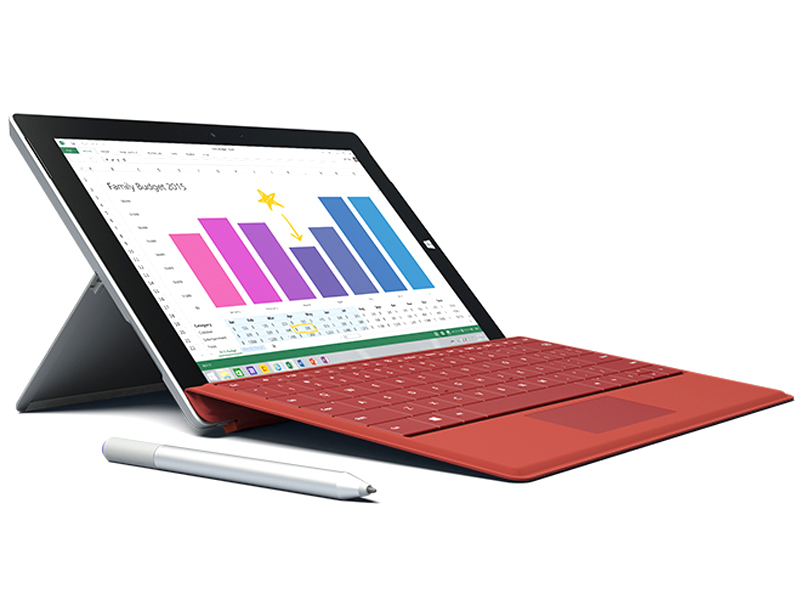 Notebook: Microsoft Surface 3
Processor: Intel Atom x7 Z8700
Graphics Adapter: Intel HD Graphics (Cherry Trail)
Display: 10.80 inch, 3:2, 1920 x 1280 pixels
Weight: 0.917kg
Price: 719 euro
Links:
Pricecompare
Average Score:
Reviews
"Notebook-Killer" Vol. 3 - After the Surface Pro 3 was released last autumn, Microsoft now also launches the light version called Surface 3. We already have a review unit and will publish our first results. Update 05/07/2015: Application Performance, Emissions and Rating.
Source: It Pro
Archive.org versionThe Surface Pro 3 is a significant improvement over its predecessors, which were three-star products. We love the design, the pen input is superb and we can't fault the quality of the display. Unfortunately, software doesn’t allow you to get the best out of the screen and battery life is sub-par when contrasted with standalone tablets.
Single Review, online available, Long, Date: 07/28/2016
Rating: Total score: 80%
Source: It Pro
Archive.org versionThe Surface Pro 3 is a significant improvement over its predecessors, which were three-star products. We love the design, the pen input is superb and we can't fault the quality of the display. Unfortunately, software doesn’t allow you to get the best out of the screen and battery life is sub-par when contrasted with standalone tablets.
Single Review, online available, Long, Date: 07/28/2016
Rating: Total score: 80%
Source: Tech Advisor
Archive.org versionWhen we reviewed the Surface Pro 3 - almost a year ago - we concluded that it was the best yet. It's the most portable of laptops and an acceptable tablet. Nothing has changed with the update to Windows 10. The Surface Pro 4 is an evolution and, apart from the higher screen resolution and new chips, doesn't offer too many compelling reasons to buy one over the cheaper Pro 3, or upgrade if you already have one. With the iPad Pro, it's the best yet in some ways - it's the most powerful iPad and has the highest resolution screen - but it may not be the best choice for everyone who wants an iPad.
Comparison, online available, Very Short, Date: 10/19/2015
Source: Tech Advisor
Archive.org versionWhen we reviewed the Surface Pro 3 - almost a year ago - we concluded that it was the best yet. It's the most portable of laptops and an acceptable tablet. Nothing has changed with the update to Windows 10. The Surface Pro 4 is an evolution and, apart from the higher screen resolution and new chips, doesn't offer too many compelling reasons to buy one over the cheaper Pro 3, or upgrade if you already have one. With the iPad Pro, it's the best yet in some ways - it's the most powerful iPad and has the highest resolution screen - but it may not be the best choice for everyone who wants an iPad.
Comparison, online available, Very Short, Date: 10/19/2015
Source: Zdnet.com
Archive.org versionThe Surface 3 with the Type Cover is a world class laptop and stellar tablet. It can easily replace a laptop with few, if any, compromises. It is a tremendous value for the relatively low base price. This is the best purchase I've made this year.
Single Review, online available, Very Short, Date: 08/11/2015
Source: Zdnet.com
Archive.org versionThe Surface 3 with the Type Cover is a world class laptop and stellar tablet. It can easily replace a laptop with few, if any, compromises. It is a tremendous value for the relatively low base price. This is the best purchase I've made this year.
Single Review, online available, Very Short, Date: 08/11/2015
Source: Ultrabook Review
Archive.org versionI've been using the base model of the Surface 3 as my daily driver for the past 3 months. It's beautifully crafted, decent to type on, and won't break the bank. However, the Surface 3, and especially the most basic model, has a few shortfalls.
Single Review, online available, Medium, Date: 07/18/2015
Rating: Total score: 70%
Source: Ultrabook Review
Archive.org versionI've been using the base model of the Surface 3 as my daily driver for the past 3 months. It's beautifully crafted, decent to type on, and won't break the bank. However, the Surface 3, and especially the most basic model, has a few shortfalls.
Single Review, online available, Medium, Date: 07/18/2015
Rating: Total score: 70%
Source: T3
Archive.org versionThe Surface 3 is a worthy addition to Microsoft's tablet line that would make a good second device for most people. From its impressive display to its handy Surface Pen and classy design, there's a lot to like. It's powerful enough to carry out basic tasks, and it could chew through more demanding ones too - just don't expect it to do them very quickly.
Single Review, online available, Short, Date: 07/16/2015
Rating: Total score: 80%
Source: T3
Archive.org versionThe Surface 3 is a worthy addition to Microsoft's tablet line that would make a good second device for most people. From its impressive display to its handy Surface Pen and classy design, there's a lot to like. It's powerful enough to carry out basic tasks, and it could chew through more demanding ones too - just don't expect it to do them very quickly.
Single Review, online available, Short, Date: 07/16/2015
Rating: Total score: 80%
Source: Techspot
Archive.org versionThe full metal body of the Surface 3 makes it one of the best designed, most attractive Windows tablets on the market. Throw in great features like the three-position kickstand, the hidden microSD card slot, the full-sized USB port, the 3:2 display, and Microsoft has nailed the design of this tablet.
Comparison, online available, Very Long, Date: 07/06/2015
Rating: Total score: 75%
Source: Techspot
Archive.org versionThe full metal body of the Surface 3 makes it one of the best designed, most attractive Windows tablets on the market. Throw in great features like the three-position kickstand, the hidden microSD card slot, the full-sized USB port, the 3:2 display, and Microsoft has nailed the design of this tablet.
Comparison, online available, Very Long, Date: 07/06/2015
Rating: Total score: 75%
Source: Hot Hardware
Archive.org versionMicrosoft's Surface 3 is a tough one to judge. For starters, the operating system onboard at the time of this review won't be the one that most buyers see. In a few weeks, Windows 10 will make its debut, sliding right atop Windows 8.1 as a free upgrade. We anticipate that the user experience will get a bit better, but major system updates generally eat up additional system resources as well.
Single Review, online available, Long, Date: 06/19/2015
Source: Hot Hardware
Archive.org versionMicrosoft's Surface 3 is a tough one to judge. For starters, the operating system onboard at the time of this review won't be the one that most buyers see. In a few weeks, Windows 10 will make its debut, sliding right atop Windows 8.1 as a free upgrade. We anticipate that the user experience will get a bit better, but major system updates generally eat up additional system resources as well.
Single Review, online available, Long, Date: 06/19/2015
Source: Tested
Archive.org versionWe loved using the Surface Pro 3 as a primary laptop, though it was a little too big to use with the stylus as a portable digital notepad. The new Surface 3, though, hits a lot of sweet spots for power and portability. We sit down to discuss its use of Intel's latest Atom processor, the new form factor, and how it stacks up against dedicated laptops and tablets.
video review
Single Review, online available, Very Short, Date: 06/17/2015
Source: Tested
Archive.org versionWe loved using the Surface Pro 3 as a primary laptop, though it was a little too big to use with the stylus as a portable digital notepad. The new Surface 3, though, hits a lot of sweet spots for power and portability. We sit down to discuss its use of Intel's latest Atom processor, the new form factor, and how it stacks up against dedicated laptops and tablets.
video review
Single Review, online available, Very Short, Date: 06/17/2015
Source: Digital Versus
Archive.org versionWith the success of the Surface Pro 3, Microsoft is bringing out a 'non-pro' version. The Surface 3 is a well-built convertible laptop-tablet that, when coupled with the (sadly expensive) optional keyboard, makes for a great user experience, provided s/he sticks to simple tasks (Office, internet browsing and light photo touch-ups).
Single Review, online available, Short, Date: 06/12/2015
Rating: Total score: 60% performance: 20% display: 100% mobility: 80%
Source: Digital Versus
Archive.org versionWith the success of the Surface Pro 3, Microsoft is bringing out a 'non-pro' version. The Surface 3 is a well-built convertible laptop-tablet that, when coupled with the (sadly expensive) optional keyboard, makes for a great user experience, provided s/he sticks to simple tasks (Office, internet browsing and light photo touch-ups).
Single Review, online available, Short, Date: 06/12/2015
Rating: Total score: 60% performance: 20% display: 100% mobility: 80%
Source: Comp Reviews
Archive.org versionMicrosoft's Surface 3 tablet may have come out wuite late compared to the pro model but it is a good step forward for those wanting a function and well built Windows tablet. The performance may be a bit limited but it offers some surprising features and expansion possibilities that most tablets lack.
Single Review, online available, Short, Date: 06/10/2015
Rating: Total score: 80%
Source: Comp Reviews
Archive.org versionMicrosoft's Surface 3 tablet may have come out wuite late compared to the pro model but it is a good step forward for those wanting a function and well built Windows tablet. The performance may be a bit limited but it offers some surprising features and expansion possibilities that most tablets lack.
Single Review, online available, Short, Date: 06/10/2015
Rating: Total score: 80%
Source: Tested
Archive.org versionAnd that's ultimately what brings the Surface 3 down, despite how much I like it as a travel and meeting computer. The base price of $500 doesn't get you all that much, aside from the nice formfactor and screen. You have to spend an additional $100 for the RAM upgrade (which I think is necessary), $130 for the keyboard, and $50 for the Surface Pen. I wouldn't even want to consider the $200 dock, which just acts as a port extender to add three USB ports and a wired Ethernet jack. All-in, a Surface 3 kit costs almost $800, which is the price of a fine entry-level Core notebook.
Single Review, online available, Short, Date: 05/29/2015
Source: Tested
Archive.org versionAnd that's ultimately what brings the Surface 3 down, despite how much I like it as a travel and meeting computer. The base price of $500 doesn't get you all that much, aside from the nice formfactor and screen. You have to spend an additional $100 for the RAM upgrade (which I think is necessary), $130 for the keyboard, and $50 for the Surface Pen. I wouldn't even want to consider the $200 dock, which just acts as a port extender to add three USB ports and a wired Ethernet jack. All-in, a Surface 3 kit costs almost $800, which is the price of a fine entry-level Core notebook.
Single Review, online available, Short, Date: 05/29/2015
Source: Reg Hardware
Archive.org versionShould you buy this? I have nothing against Surface 3 – indeed, as with Pro, there’s some nice touches inside that Soviet shell that make Surface 3 a pleasure. It’s up there, too, in terms of audio visual and, yes, it surfs the web well. Just, are such touches where the market is now – would you put this machine down your pants and risk dropping or crushing it, or sweating into it? If this were another tablet the choice would perhaps be straightforward but Microsoft has made considering Surface 3 harder than it should.
Single Review, online available, Medium, Date: 05/18/2015
Source: Reg Hardware
Archive.org versionShould you buy this? I have nothing against Surface 3 – indeed, as with Pro, there’s some nice touches inside that Soviet shell that make Surface 3 a pleasure. It’s up there, too, in terms of audio visual and, yes, it surfs the web well. Just, are such touches where the market is now – would you put this machine down your pants and risk dropping or crushing it, or sweating into it? If this were another tablet the choice would perhaps be straightforward but Microsoft has made considering Surface 3 harder than it should.
Single Review, online available, Medium, Date: 05/18/2015
Source: Mobile Tech Review
Archive.org versionThe Surface 3 is undeniably the best non-Pro Surface model yet--it handily wins that title simply because it runs full Windows 8.1 rather than RT. Beyond that, the display is brighter with better color fidelity and it's 0.2" bigger. It works with a pen-- that's a first for a non-Pro Surface and it's still a relatively rare feature on Windows tablets.
Single Review, online available, Long, Date: 05/13/2015
Rating: Total score: 75%
Source: Mobile Tech Review
Archive.org versionThe Surface 3 is undeniably the best non-Pro Surface model yet--it handily wins that title simply because it runs full Windows 8.1 rather than RT. Beyond that, the display is brighter with better color fidelity and it's 0.2" bigger. It works with a pen-- that's a first for a non-Pro Surface and it's still a relatively rare feature on Windows tablets.
Single Review, online available, Long, Date: 05/13/2015
Rating: Total score: 75%
Source: Tech Advisor
Archive.org versionObjectively, the Surface 3 is the best compromise between a laptop and tablet. It's a highly portable gadget which can run full Windows programs and it costs less than the Surface Pro 3. It's not exactly cheap by the time you've added the keyboard and stylus, though. It's also only good for lightweight duties - it's less powerful than laptops costing the same - and some people will find the screen is too small for 'proper' productivity. It's a better work tool than an iPad and Bluetooth keyboard, it has to be said, and if you only need to use office apps and a web browser, it could be exactly what you're after. Most people are better off spending more on the Surface Pro 3 or, if you don't need a touchscreen, a Core M laptop such as the Asus UX305F.
Single Review, online available, Very Short, Date: 05/12/2015
Rating: Total score: 70% price: 60% performance: 50% features: 70% workmanship: 80%
Source: Tech Advisor
Archive.org versionObjectively, the Surface 3 is the best compromise between a laptop and tablet. It's a highly portable gadget which can run full Windows programs and it costs less than the Surface Pro 3. It's not exactly cheap by the time you've added the keyboard and stylus, though. It's also only good for lightweight duties - it's less powerful than laptops costing the same - and some people will find the screen is too small for 'proper' productivity. It's a better work tool than an iPad and Bluetooth keyboard, it has to be said, and if you only need to use office apps and a web browser, it could be exactly what you're after. Most people are better off spending more on the Surface Pro 3 or, if you don't need a touchscreen, a Core M laptop such as the Asus UX305F.
Single Review, online available, Very Short, Date: 05/12/2015
Rating: Total score: 70% price: 60% performance: 50% features: 70% workmanship: 80%
Source: Gizmag
Archive.org versionThe Microsoft Surface 3 is available now, starting at $500 for the tablet only (that's only 64 GB storage, but it does have a microSD slot). The keyboard ($130) is an essential addition to your purchase, and we think the Surface Pen ($50) is almost essential. So consider its starting price to be $680.
Single Review, online available, Very Short, Date: 05/11/2015
Source: Gizmag
Archive.org versionThe Microsoft Surface 3 is available now, starting at $500 for the tablet only (that's only 64 GB storage, but it does have a microSD slot). The keyboard ($130) is an essential addition to your purchase, and we think the Surface Pen ($50) is almost essential. So consider its starting price to be $680.
Single Review, online available, Very Short, Date: 05/11/2015
Source: Stuff TV
Archive.org versionLast year’s Surface Pro 3 was something you could really imagine replacing a full laptop, and while I probably wouldn’t say the same of the Surface 3, that’s not really the idea of a device this size. At £250 less than the Surface Pro 3, it’s a much easier sell as something you won’t necessarily use every single day. The design has its ups and downs, but they even out. The end results is a device that’s flexible in quite an unusual way. Now that it has shed all the tablet-taming problems with the old Windows RT devices, namely not being able to run full Windows apps, it has become something more usable, flexible and covetable.
Single Review, online available, Short, Date: 05/10/2015
Rating: Total score: 80% performance: 70% display: 80% mobility: 90% workmanship: 90%
Source: Stuff TV
Archive.org versionLast year’s Surface Pro 3 was something you could really imagine replacing a full laptop, and while I probably wouldn’t say the same of the Surface 3, that’s not really the idea of a device this size. At £250 less than the Surface Pro 3, it’s a much easier sell as something you won’t necessarily use every single day. The design has its ups and downs, but they even out. The end results is a device that’s flexible in quite an unusual way. Now that it has shed all the tablet-taming problems with the old Windows RT devices, namely not being able to run full Windows apps, it has become something more usable, flexible and covetable.
Single Review, online available, Short, Date: 05/10/2015
Rating: Total score: 80% performance: 70% display: 80% mobility: 90% workmanship: 90%
Source: Tech Advisor
Archive.org versionThe Nexus 9 is the cheaper option here and will suit those who a tablet for enjoyment but also need to do the occasional bit of light work. However, the Surface 3 is the better package for working with a more suitable design comprised of the kickstand and Type Cover. A larger screen, more storage and useful ports are all big benefits.
Comparison, online available, Very Short, Date: 05/07/2015
Source: Tech Advisor
Archive.org versionThe Nexus 9 is the cheaper option here and will suit those who a tablet for enjoyment but also need to do the occasional bit of light work. However, the Surface 3 is the better package for working with a more suitable design comprised of the kickstand and Type Cover. A larger screen, more storage and useful ports are all big benefits.
Comparison, online available, Very Short, Date: 05/07/2015
Source: PC Pro
Archive.org versionCompared to the slew of budget-priced Windows tablets on the market currently, the Microsoft Surface 3 looks expensive – stratospherically so considering it’s only powered by an Atom CPU. However, this device is in a completely different class to your average budget Windows tablet. Everything – from the display to the cameras, the build to the battery life – is a cut above. No two ways about it, the Surface 3 stacks up against the best premium tablets from any manufacturer, Apple included.
Single Review, online available, Very Short, Date: 05/06/2015
Rating: Total score: 80%
Source: PC Pro
Archive.org versionCompared to the slew of budget-priced Windows tablets on the market currently, the Microsoft Surface 3 looks expensive – stratospherically so considering it’s only powered by an Atom CPU. However, this device is in a completely different class to your average budget Windows tablet. Everything – from the display to the cameras, the build to the battery life – is a cut above. No two ways about it, the Surface 3 stacks up against the best premium tablets from any manufacturer, Apple included.
Single Review, online available, Very Short, Date: 05/06/2015
Rating: Total score: 80%
Source: Trusted Reviews
Archive.org versionIt’s not for everyone, but the Surface 3 is a great option for students or anyone who’d like a tablet that can serve their basic computing needs as well. Think of it like a phablet. People like phablets because they fill the gap between owning a phone and a separate tablet, and the Surface 3 does the same for tablets and laptops.
Single Review, online available, Medium, Date: 05/05/2015
Rating: Total score: 90% price: 80% performance: 70% display: 90% mobility: 90% workmanship: 90%
Source: Expert Reviews
Archive.org versionWhen you add in all the various accessories, the overall cost of a Surface 3 can quickly feel like it's ballooning out of control, but it's by far one of the most capable and attractive Windows hybrids we've seen in quite some time. We much prefer it to Asus' Transformer Book hybrids, and its display is one of the best around. Likewise, the free subscription to Office 365 Personal adds a lot of extra value to the device and the Surface 3's minute size certainly beats carrying around a bulky laptop when you're travelling. It may not have the speed or staying power of the larger Surface Pro 3, but if you're looking for a more wallet-friendly way of replacing your old laptop, the Surface 3 is a great choice.
Single Review, online available, Short, Date: 05/05/2015
Rating: Total score: 100%
Source: Trusted Reviews
Archive.org versionIt’s not for everyone, but the Surface 3 is a great option for students or anyone who’d like a tablet that can serve their basic computing needs as well. Think of it like a phablet. People like phablets because they fill the gap between owning a phone and a separate tablet, and the Surface 3 does the same for tablets and laptops.
Single Review, online available, Medium, Date: 05/05/2015
Rating: Total score: 90% price: 80% performance: 70% display: 90% mobility: 90% workmanship: 90%
Source: Expert Reviews
Archive.org versionWhen you add in all the various accessories, the overall cost of a Surface 3 can quickly feel like it's ballooning out of control, but it's by far one of the most capable and attractive Windows hybrids we've seen in quite some time. We much prefer it to Asus' Transformer Book hybrids, and its display is one of the best around. Likewise, the free subscription to Office 365 Personal adds a lot of extra value to the device and the Surface 3's minute size certainly beats carrying around a bulky laptop when you're travelling. It may not have the speed or staying power of the larger Surface Pro 3, but if you're looking for a more wallet-friendly way of replacing your old laptop, the Surface 3 is a great choice.
Single Review, online available, Short, Date: 05/05/2015
Rating: Total score: 100%
Source: Tech Advisor
Archive.org versionObjectively, the Surface 3 is the best compromise between a laptop and tablet. It's a highly portable gadget which can run full Windows programs and it costs less than the Surface Pro 3. It's not exactly cheap by the time you've added the keyboard and stylus, though. It's also only good for lightweight duties - it's less powerful than laptops costing the same - and some people will find the screen is too small for 'proper' productivity. It's a better work tool than an iPad and Bluetooth keyboard, it has to be said, and if you only need to use office apps and a web browser, it could be exactly what you're after. Most people are better off spending more on the Surface Pro 3 or, if you don't need a touchscreen, a Core M laptop such as the Asus UX305F.
Single Review, online available, Very Short, Date: 05/01/2015
Rating: Total score: 70% price: 60% performance: 50% features: 70% workmanship: 80%
Source: Tech Advisor
Archive.org versionObjectively, the Surface 3 is the best compromise between a laptop and tablet. It's a highly portable gadget which can run full Windows programs and it costs less than the Surface Pro 3. It's not exactly cheap by the time you've added the keyboard and stylus, though. It's also only good for lightweight duties - it's less powerful than laptops costing the same - and some people will find the screen is too small for 'proper' productivity. It's a better work tool than an iPad and Bluetooth keyboard, it has to be said, and if you only need to use office apps and a web browser, it could be exactly what you're after. Most people are better off spending more on the Surface Pro 3 or, if you don't need a touchscreen, a Core M laptop such as the Asus UX305F.
Single Review, online available, Very Short, Date: 05/01/2015
Rating: Total score: 70% price: 60% performance: 50% features: 70% workmanship: 80%
Source: It Pro
Archive.org versionThe Microsoft Surface 3 is comfortably the best of the lower-cost Surface hybrids to date. The sum of improvements made to the hardware, both in the tablet part and the keyboard, and full Windows 8.1’s flexibility make it a very workable portable companion to a more powerful desk-bound laptop or desktop.
Single Review, online available, Long, Date: 05/01/2015
Rating: Total score: 80%
Source: Pocket Lint
Archive.org versionAnd yet it's a perfectly good product. A solid construction with Full HD screen front and centre, ample processor and resulting battery life, added Surface Pen compatibility (sold separately), and with full Windows 8 on board (that'll be Windows 10 come the summer), there's little amiss. Yet despite ticking all those boxes, it's just not going to be the product to suit everyone. For those it matches, though, we have no doubt there will be lots of happy customers.
Single Review, online available, Very Short, Date: 05/01/2015
Rating: Total score: 80%
Source: Techradar
Archive.org versionThe Surface 3 is everything the Surface 2 should have been, and a sensible alternative to the Surface Pro 3 if you don't need full Core-series processing power. Featuring a bright, clear display, an alluring magnesium-alloy build, excellent Surface Pen support and just enough juice to run your programs if you temper your expectations, Microsoft's latest tablet just about hits the spot.
Single Review, online available, Long, Date: 05/01/2015
Rating: Total score: 80%
Source: V3.co.uk
Archive.org versionFeaturing a robust, productivity-focused design, above average display and close to untouched version of Windows 8.1, the Surface 3 is a great tablet and will serve the needs of most businesses. However, with the 64GB, 2GB RAM (WiFi only) Surface 3 costing £420 and the 128GB, 4GB RAM (WiFi only) version costing £500, the tablet is more expensive than many competing Atom-powered convertibles.
Single Review, online available, Short, Date: 05/01/2015
Rating: Total score: 80%
Source: It Pro
Archive.org versionThe Microsoft Surface 3 is comfortably the best of the lower-cost Surface hybrids to date. The sum of improvements made to the hardware, both in the tablet part and the keyboard, and full Windows 8.1’s flexibility make it a very workable portable companion to a more powerful desk-bound laptop or desktop.
Single Review, online available, Long, Date: 05/01/2015
Rating: Total score: 80%
Source: Pocket Lint
Archive.org versionAnd yet it's a perfectly good product. A solid construction with Full HD screen front and centre, ample processor and resulting battery life, added Surface Pen compatibility (sold separately), and with full Windows 8 on board (that'll be Windows 10 come the summer), there's little amiss. Yet despite ticking all those boxes, it's just not going to be the product to suit everyone. For those it matches, though, we have no doubt there will be lots of happy customers.
Single Review, online available, Very Short, Date: 05/01/2015
Rating: Total score: 80%
Source: Techradar
Archive.org versionThe Surface 3 is everything the Surface 2 should have been, and a sensible alternative to the Surface Pro 3 if you don't need full Core-series processing power. Featuring a bright, clear display, an alluring magnesium-alloy build, excellent Surface Pen support and just enough juice to run your programs if you temper your expectations, Microsoft's latest tablet just about hits the spot.
Single Review, online available, Long, Date: 05/01/2015
Rating: Total score: 80%
Source: V3.co.uk
Archive.org versionFeaturing a robust, productivity-focused design, above average display and close to untouched version of Windows 8.1, the Surface 3 is a great tablet and will serve the needs of most businesses. However, with the 64GB, 2GB RAM (WiFi only) Surface 3 costing £420 and the 128GB, 4GB RAM (WiFi only) version costing £500, the tablet is more expensive than many competing Atom-powered convertibles.
Single Review, online available, Short, Date: 05/01/2015
Rating: Total score: 80%
Source: Tech Advisor
Archive.org versionOverall, the Surface 3 and iPad Air 2 are very different devices, and deciding between the two is all going to depend on what you plan on using your tablet for. It's difficult to beat the iPad Air 2 when it comes to design, portability and its user interface, but there's no split-screen mode, and you won't be able to get full versions of desktop applications to help with your work. That's where the small but powerful Surface 3 comes in, offering full apps, split screen, an excellent keyboard and pen (though they come at an extra cost) and lots of power that'll mean working on presentations, essays, designs and more while out and about has been made possible without needing to lug around a laptop.
Comparison, online available, Very Short, Date: 04/29/2015
Source: Tech Advisor
Archive.org versionOverall, the Surface 3 and iPad Air 2 are very different devices, and deciding between the two is all going to depend on what you plan on using your tablet for. It's difficult to beat the iPad Air 2 when it comes to design, portability and its user interface, but there's no split-screen mode, and you won't be able to get full versions of desktop applications to help with your work. That's where the small but powerful Surface 3 comes in, offering full apps, split screen, an excellent keyboard and pen (though they come at an extra cost) and lots of power that'll mean working on presentations, essays, designs and more while out and about has been made possible without needing to lug around a laptop.
Comparison, online available, Very Short, Date: 04/29/2015
Source: Laptop Mag
Archive.org versionThe Surface 3 combines a truly premium design with a gorgeous screen, a colorful camera, rich audio and a really snappy keyboard. However, when you add in the $129 Type Cover, you're paying at least $630. If you're looking for a full-fledged laptop for serious work or a media-consumption tablet, you can find either of those for less.
Single Review, online available, Long, Date: 04/29/2015
Rating: Total score: 80%
Source: Laptop Mag
Archive.org versionThe Surface 3 combines a truly premium design with a gorgeous screen, a colorful camera, rich audio and a really snappy keyboard. However, when you add in the $129 Type Cover, you're paying at least $630. If you're looking for a full-fledged laptop for serious work or a media-consumption tablet, you can find either of those for less.
Single Review, online available, Long, Date: 04/29/2015
Rating: Total score: 80%
Source: Good Gear Guide
Archive.org versionA couple of things stand out about this tablet for us: its high-res screen, and the built-in kickstand. These features alone make it a very good product to consider if you’re after a basic Windows tablet. Furthermore, we feel as though Intel’s Cherry Trail Atom, while not being super-fast, contributes to an overall enjoyable experience because it allows the tablet to run without making any noise, and without getting warm.
Single Review, online available, Long, Date: 04/28/2015
Rating: Total score: 80%
Source: Gadgetguy
Archive.org versionThese are all important qualities, and Microsoft’s Surface 3 is now representing, offering a solid middle ground for a price that could be improved just a bit. That said, if the Surface Pro 3 was tempting you but you don’t need the Core, Microsoft’s Atom-powered Surface looks like it could do the job nicely. Recommended.
Single Review, online available, Medium, Date: 04/28/2015
Rating: Total score: 80% price: 70% performance: 70% features: 80% workmanship: 90%
Source: Good Gear Guide
Archive.org versionA couple of things stand out about this tablet for us: its high-res screen, and the built-in kickstand. These features alone make it a very good product to consider if you’re after a basic Windows tablet. Furthermore, we feel as though Intel’s Cherry Trail Atom, while not being super-fast, contributes to an overall enjoyable experience because it allows the tablet to run without making any noise, and without getting warm.
Single Review, online available, Long, Date: 04/28/2015
Rating: Total score: 80%
Source: Gadgetguy
Archive.org versionThese are all important qualities, and Microsoft’s Surface 3 is now representing, offering a solid middle ground for a price that could be improved just a bit. That said, if the Surface Pro 3 was tempting you but you don’t need the Core, Microsoft’s Atom-powered Surface looks like it could do the job nicely. Recommended.
Single Review, online available, Medium, Date: 04/28/2015
Rating: Total score: 80% price: 70% performance: 70% features: 80% workmanship: 90%
Source: PC World
Archive.org versionThe Surface 3 is a much nicer tablet than its predecessors, and that alone makes it worth recommending. But it feels a bit expensive to be a “bargain” version of the Surface Pro 3. For a few dollars more, you could have the $699 Asus ZenBook UX305, an ultrabook that’s actually a step up in terms of performance and battery life. Microsoft seemingly wants to establish the Surface 3 as a sort of premium low-end device, and that’s a tricky proposition in this day and age.
Single Review, online available, Very Short, Date: 04/27/2015
Rating: Total score: 70%
Source: PC World
Archive.org versionThe Surface 3 is a much nicer tablet than its predecessors, and that alone makes it worth recommending. But it feels a bit expensive to be a “bargain” version of the Surface Pro 3. For a few dollars more, you could have the $699 Asus ZenBook UX305, an ultrabook that’s actually a step up in terms of performance and battery life. Microsoft seemingly wants to establish the Surface 3 as a sort of premium low-end device, and that’s a tricky proposition in this day and age.
Single Review, online available, Very Short, Date: 04/27/2015
Rating: Total score: 70%
Source: Wired Magazine
Archive.org versionBut the device at the center of our digital lives isn’t a Surface—it’s a smartphone. And soon, it won’t be any hardware at all. It’ll be our personal clouds, our always-in-sync web apps and storage services. It’ll be cloud first, mobile first. Who coined that phrase, again?
Single Review, online available, Very Short, Date: 04/24/2015
Rating: Total score: 70%
Source: Wired Magazine
Archive.org versionBut the device at the center of our digital lives isn’t a Surface—it’s a smartphone. And soon, it won’t be any hardware at all. It’ll be our personal clouds, our always-in-sync web apps and storage services. It’ll be cloud first, mobile first. Who coined that phrase, again?
Single Review, online available, Very Short, Date: 04/24/2015
Rating: Total score: 70%
Source: Tech Advisor
Archive.org versionWe remain truly enamoured of the Surface Pro 3, a staggeringly impressive piece of engineering. On the face of it the Surface 3 is a cheaper, but less good version. Without testing it we cannot say for sure, but it feels to us as though the Surface 3 is more of a compromise, albeit at a lower price. If you can afford it, and you can live with the bigger screen, get the bigger, better device.
Comparison, online available, Length Unknown, Date: 04/23/2015
Source: Tech Advisor
Archive.org versionWe remain truly enamoured of the Surface Pro 3, a staggeringly impressive piece of engineering. On the face of it the Surface 3 is a cheaper, but less good version. Without testing it we cannot say for sure, but it feels to us as though the Surface 3 is more of a compromise, albeit at a lower price. If you can afford it, and you can live with the bigger screen, get the bigger, better device.
Comparison, online available, Length Unknown, Date: 04/23/2015
Source: PC Mag
Archive.org versionThe Microsoft Surface 3 does several things quite well, packaging the features of the Surface Pro 3 into a smaller, more affordable tablet. Some of these attributes really shine, like the premium magnesium-alloy construction, the refined design, and the mix of tablet portability and laptop functionality offered by the Surface with the Type Cover. But while there's a lot to love about the Surface 3, it's up against devices that offer similar features at lower prices, and that makes it a good product in a category with plenty of good products.
Single Review, online available, Very Short, Date: 04/14/2015
Rating: Total score: 80%
Source: PC Mag
Archive.org versionThe Microsoft Surface 3 does several things quite well, packaging the features of the Surface Pro 3 into a smaller, more affordable tablet. Some of these attributes really shine, like the premium magnesium-alloy construction, the refined design, and the mix of tablet portability and laptop functionality offered by the Surface with the Type Cover. But while there's a lot to love about the Surface 3, it's up against devices that offer similar features at lower prices, and that makes it a good product in a category with plenty of good products.
Single Review, online available, Very Short, Date: 04/14/2015
Rating: Total score: 80%
Source: Pocket Lint
Archive.org versionWe've been following Microsoft Surface - the laptop-meets-tablet hybrid device - since its conception, cumulating in the Surface Pro 3 towards the end of 2014. Now it's new year, new gear: with the brand new Surface 3, a 10.8-inch edition to the line-up, due from 7 May.
Single Review, online available, Very Short, Date: 03/31/2015
Source: Pocket Lint
Archive.org versionWe've been following Microsoft Surface - the laptop-meets-tablet hybrid device - since its conception, cumulating in the Surface Pro 3 towards the end of 2014. Now it's new year, new gear: with the brand new Surface 3, a 10.8-inch edition to the line-up, due from 7 May.
Single Review, online available, Very Short, Date: 03/31/2015
Foreign Reviews
Source: Telecom Handel - Heft 13/2015
Single Review, , Length Unknown, Date: 07/01/2015
Rating: Total score: 80%
Source: Telecom Handel - Heft 13/2015
Single Review, , Length Unknown, Date: 07/01/2015
Rating: Total score: 80%
Source: Allround-PC.com
DE→EN Archive.org versionSingle Review, online available, Long, Date: 06/17/2015
Source: MobiFlip
DE→EN Archive.org versionSingle Review, online available, Long, Date: 06/17/2015
Source: Allround-PC.com
DE→EN Archive.org versionSingle Review, online available, Long, Date: 06/17/2015
Source: MobiFlip
DE→EN Archive.org versionSingle Review, online available, Long, Date: 06/17/2015
Source: c't - 15-06-2015
Single Review, , Length Unknown, Date: 06/15/2015
Source: c't - 15-06-2015
Single Review, , Length Unknown, Date: 06/15/2015
Source: Gamestar
DE→EN Archive.org versionSingle Review, online available, Long, Date: 06/05/2015
Rating: Total score: 83% performance: 70% features: 85% display: 90% ergonomy: 80%
Source: Gamestar
DE→EN Archive.org versionSingle Review, online available, Long, Date: 06/05/2015
Rating: Total score: 83% performance: 70% features: 85% display: 90% ergonomy: 80%
Source: Computerbild - Heft 12/2015
Single Review, , Length Unknown, Date: 06/01/2015
Rating: Total score: 89%
Source: Computerbild - Heft 12/2015
Single Review, , Length Unknown, Date: 06/01/2015
Rating: Total score: 89%
Source: Pocket Navigation
DE→EN Archive.org versionSingle Review, online available, Long, Date: 05/30/2015
Source: Pocket Navigation
DE→EN Archive.org versionSingle Review, online available, Long, Date: 05/30/2015
Source: Tom's Hardware
DE→EN Archive.org versionSingle Review, online available, Long, Date: 05/27/2015
Source: Tom's Hardware
DE→EN Archive.org versionSingle Review, online available, Long, Date: 05/27/2015
Source: Tabtech
DE→EN Archive.org versionSingle Review, online available, Long, Date: 05/26/2015
Rating: Total score: 85% price: 60% performance: 70% display: 100% mobility: 80% workmanship: 100%
Source: Tabtech
DE→EN Archive.org versionSingle Review, online available, Long, Date: 05/26/2015
Rating: Total score: 85% price: 60% performance: 70% display: 100% mobility: 80% workmanship: 100%
Source: Netzwelt
DE→EN Archive.org versionSingle Review, online available, Long, Date: 05/10/2015
Rating: Total score: 85% performance: 50% features: 80% display: 90%
Source: Notebookinfo
DE→EN Archive.org versionSingle Review, online available, Long, Date: 05/10/2015
Rating: Total score: 96% performance: 95% display: 95% mobility: 90% workmanship: 100% ergonomy: 100% emissions: 95%
Source: Netzwelt
DE→EN Archive.org versionSingle Review, online available, Long, Date: 05/10/2015
Rating: Total score: 85% performance: 50% features: 80% display: 90%
Source: Notebookinfo
DE→EN Archive.org versionSingle Review, online available, Long, Date: 05/10/2015
Rating: Total score: 96% performance: 95% display: 95% mobility: 90% workmanship: 100% ergonomy: 100% emissions: 95%
Source: Stiftung Warentest - Heft 6/2015
Single Review, , Length Unknown, Date: 05/01/2015
Rating: Total score: 88%
Source: Stiftung Warentest - Heft 6/2015
Single Review, , Length Unknown, Date: 05/01/2015
Rating: Total score: 88%
Source: Computerbild - Heft 09/2015
Single Review, online available, Length Unknown, Date: 04/16/2015
Source: e-media - Heft 09/2015
Single Review, , Length Unknown, Date: 04/16/2015
Rating: Total score: 80%
Source: Computerbild - Heft 09/2015
Single Review, online available, Length Unknown, Date: 04/16/2015
Source: e-media - Heft 09/2015
Single Review, , Length Unknown, Date: 04/16/2015
Rating: Total score: 80%
Source: Android Welt - Heft 5/2015
Single Review, , Length Unknown, Date: 04/01/2015
Rating: Total score: 85%
Source: Android Welt - Heft 5/2015
Single Review, , Length Unknown, Date: 04/01/2015
Rating: Total score: 85%
Source: Hispazone
ES→EN Archive.org versionPositive: Beautifully constructed; decent performance; long battery life; lightweight. Negative: Expensive.
Single Review, online available, Very Long, Date: 06/06/2015
Source: Hispazone
ES→EN Archive.org versionPositive: Beautifully constructed; decent performance; long battery life; lightweight. Negative: Expensive.
Single Review, online available, Very Long, Date: 06/06/2015
Source: Techzine
NL→EN Archive.org versionSingle Review, online available, Very Long, Date: 09/22/2015
Rating: Total score: 67% performance: 60% features: 60% display: 80% mobility: 70% workmanship: 80%
Source: Techzine
NL→EN Archive.org versionSingle Review, online available, Very Long, Date: 09/22/2015
Rating: Total score: 67% performance: 60% features: 60% display: 80% mobility: 70% workmanship: 80%
Source: Computer Totaal
NL→EN Archive.org versionSingle Review, online available, Short, Date: 05/05/2015
Rating: Total score: 60%
Source: Computer Totaal
NL→EN Archive.org versionSingle Review, online available, Short, Date: 05/05/2015
Rating: Total score: 60%
Source: Hardware.info
NL→EN Archive.org versionPositive: Fine size with low weight; long battery life. Negative: High price.
Single Review, online available, Very Long, Date: 04/24/2015
Source: Hardware.info
NL→EN Archive.org versionPositive: Fine size with low weight; long battery life. Negative: High price.
Single Review, online available, Very Long, Date: 04/24/2015
Source: Mobi France
FR→EN Archive.org versionSingle Review, online available, Short, Date: 10/23/2015
Rating: Total score: 85%
Source: Mobi France
FR→EN Archive.org versionSingle Review, online available, Short, Date: 10/23/2015
Rating: Total score: 85%
Source: Hitek
FR→EN Archive.org versionSingle Review, online available, Very Short, Date: 06/15/2015
Rating: Total score: 76% price: 60% performance: 80% display: 90% mobility: 80%
Source: Hitek
FR→EN Archive.org versionSingle Review, online available, Very Short, Date: 06/15/2015
Rating: Total score: 76% price: 60% performance: 80% display: 90% mobility: 80%
Source: 01Net
FR→EN Archive.org versionSingle Review, online available, Very Short, Date: 05/22/2015
Rating: Total score: 60%
Source: 01Net
FR→EN Archive.org versionSingle Review, online available, Very Short, Date: 05/22/2015
Rating: Total score: 60%
Source: CNet France
FR→EN Archive.org versionSingle Review, online available, Medium, Date: 05/07/2015
Rating: Total score: 70%
Source: CNet France
FR→EN Archive.org versionSingle Review, online available, Medium, Date: 05/07/2015
Rating: Total score: 70%
Source: CNet France
FR→EN Archive.org versionSingle Review, online available, Medium, Date: 04/22/2015
Rating: Total score: 70%
Source: CNet France
FR→EN Archive.org versionSingle Review, online available, Medium, Date: 04/22/2015
Rating: Total score: 70%
Source: Zone-Numerique
FR→EN Archive.org versionPositive: Useful backlit keyboard; good autonomy; good design. Negative: High price.
Single Review, online available, Long, Date: 05/18/2015
Source: Zone-Numerique
FR→EN Archive.org versionPositive: Useful backlit keyboard; good autonomy; good design. Negative: High price.
Single Review, online available, Long, Date: 05/18/2015
Source: Notebook-Center.ru
RU→EN Archive.org versionPositive: Excellent premium design; screen is clear, bright, with excellent colors; very good speakers. Negative: High price.
Single Review, online available, Short, Date: 05/15/2015
Source: Notebook-Center.ru
RU→EN Archive.org versionPositive: Excellent premium design; screen is clear, bright, with excellent colors; very good speakers. Negative: High price.
Single Review, online available, Short, Date: 05/15/2015
Microsoft Surface Book Core i5
The Microsoft Surface Book is a serious game-changer. Encased in a magnesium frame, it is both stealth-looking and solidly built yet still thin and light enough for a daily laptop or even a tablet. It measures at 12.3 x 9.14 x 0.51 - 0.90 inch and weighs from 1.52 kg to around 1.6 kg with its keyboard (depending on configurations). One of the key features of the Surface Book includes its full-sized, backlit keyboard for fast and natural typing. The keyboard is detachable, ergo offering users the versatility of a tablet. The clever Muscle Wire hinge mechanism provides users with the flexibility of 4 modes of use. Under its hood, it is powered by the 6th Gen Intel Core i5-6300U dual core processor with an option of 8 GB or 16 GB RAM. This is paired with an Intel HD Graphics 520 or a Nvidia Geforce graphics card with 1 GB of DDR5 memory. This kind of setup offers the performance required of a creative powerhouse as the Core i5 allows users to organize and enhance photos with Adobe Photoshop and Lightroom. Storage options vary from PCIe3.0 solid state drives of 128 GB, 256 GB, 512 GB, or even 1 TB. Display-wise, the 13.5” PixelSense screen is 3000 x 2000 pixels (267 PPI) in resolution with 10 point multi-touch technology. The Surface Pen, probably the most striking feature of this laptop, is digital inking brought to a whole new level as users will be capable of sketching and writing naturally on its screen. This feature has also got the approval of various artists who find the screen to be amazingly precise for drawing on. It is also equipped with a 1080p, 5MP front-facing camera and 8MP autofocus rear-facing camera. The front facing camera also provides biometric authentication security via Windows Hello 7 face sign-in. Not lacking is voice activation as it is supported with the personal digital assistant, Cortana. These dazzling technologies clearly propel the Surface Book’s ranking way above conventional laptops, even among the high-end ones as many are yet to adapt these new technologies supported by Windows 10 due to the additional hardware required for them to function. Sound quality is crisp and clear as its stereo speakers are integrated with Dolby Audio Premium. Networking is supported by both WiFi and Bluetooth connectivity. Interface on the Surface Book consists of two full-size USB 3.0 ports, a full-size SD card reader, a SurfaceConnect port, a headset jack and a mini DisplayPort. The Surface Book comes preinstalled with the latest version of Windows 10 Pro. Battery life is equally impressive as Microsoft claims it is capable of up to 12 hours of video playback. In all, the Surface Book is a powerful laptop yet is capable of being morphed into a fully-functional sleek tablet. All these make the Surface Book a solid contender against the 13” MacBook Pro. However, its biggest letdown is its very high selling price. With the i5 models priced higher than a basic Macbook Pro, it is really a matter of choice versus needs. For someone who needs the tablet functions with a touch screen, it could be a good choice but even so, there are many convertible choices out there such as the Hp Pavilion X2 and the Dell XPS 12 which are good enough for normal usage. Hands-on article by Jagadisa RajarathnamSpecifications
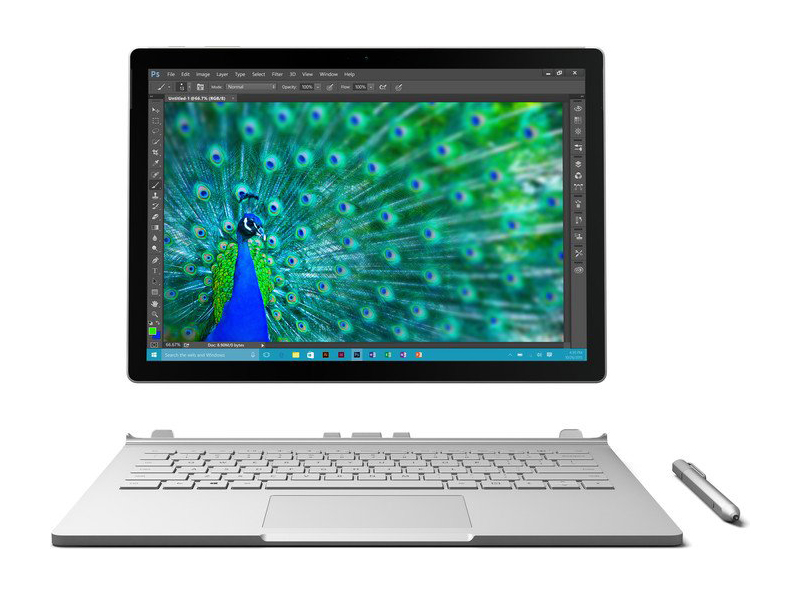 Notebook: Microsoft Surface Book Core i5
Processor: Intel Core i5 6300U
Graphics Adapter: NVIDIA Maxwell GPU (940M, GDDR5) 1024 MB
Display: 13.50 inch, 3:2, 3000 x 2000 pixels
Weight: 1.5kg
Price: 1200 euro
Links: Surface Book Core i5 (Model)
Pricecompare
Average Score:
Reviews
A book with some missing pages. If you want a one-of-a-kind notebook, then the Surface Book is the first to offer a dedicated Nvidia GPU in the keyboard dock to power an equally unique 3:2 tablet with one of the best displays for the size. It's surprising, then, that the Surface Book can feel so barebones at the end of the day.
Source: Techaeris
Archive.org versionMicrosoft has stepped their game up with the Surface series giving it some great specs under the hood, but the design has generally been the same with the Surface Pro 3/4. If you already have the Surface Pro 4 with the higher end specs, then there’s no point in upgrading. If funds aren’t an issue, sure go ahead and upgrade, but only get what you think you’ll need because, in my opinion, no one needs to go out and spend $2700 on a 2-in-1 that could be obsolete in the next year or two.
Single Review, online available, Medium, Date: 08/06/2017
Rating: Total score: 88% price: 75% performance: 100% display: 90% mobility: 100% workmanship: 80%
Source: Techaeris
Archive.org versionMicrosoft has stepped their game up with the Surface series giving it some great specs under the hood, but the design has generally been the same with the Surface Pro 3/4. If you already have the Surface Pro 4 with the higher end specs, then there’s no point in upgrading. If funds aren’t an issue, sure go ahead and upgrade, but only get what you think you’ll need because, in my opinion, no one needs to go out and spend $2700 on a 2-in-1 that could be obsolete in the next year or two.
Single Review, online available, Medium, Date: 08/06/2017
Rating: Total score: 88% price: 75% performance: 100% display: 90% mobility: 100% workmanship: 80%
Source: Beta News
Archive.org versionIn the end, if you're looking for a lightweight, powerful and mobile working device, and want to steer clear of Apple's devices, there really is no better alternative to the new Surface Pro.
Single Review, online available, Short, Date: 07/30/2017
Source: Beta News
Archive.org versionIn the end, if you're looking for a lightweight, powerful and mobile working device, and want to steer clear of Apple's devices, there really is no better alternative to the new Surface Pro.
Single Review, online available, Short, Date: 07/30/2017
Source: Bill Bennett
Archive.org versionYou get a beautiful screen and great performance with the ability to switch to a tablet when that helps. Microsoft managed to fit a useful new device format into a gap no-one could see. For want of a better name, it’s a premium hybrid PC, but that doesn’t tell the whole story. If you want a powerful Windows laptop that doubles as an occasional laptop and have the budget, this is by far the best option.
Single Review, online available, Medium, Date: 11/14/2016
Source: Bill Bennett
Archive.org versionYou get a beautiful screen and great performance with the ability to switch to a tablet when that helps. Microsoft managed to fit a useful new device format into a gap no-one could see. For want of a better name, it’s a premium hybrid PC, but that doesn’t tell the whole story. If you want a powerful Windows laptop that doubles as an occasional laptop and have the budget, this is by far the best option.
Single Review, online available, Medium, Date: 11/14/2016
Source: Unlocked Newegg
Archive.org versionIt feels like an extremely high end laptop, the fact that it can also be used as an excellent tablet is icing on an already delicious cake. Everything from the magnesium body and metal keys to the satisfying electronic disconnect screams quality. It might be prohibitively priced for some, but for those who can afford it, it can’t be beat. That’s the beautiful thing about the highly competitive 2-in1 market, there are so many options to choose from in terms of quality and price.
Single Review, online available, Short, Date: 09/25/2016
Source: Unlocked Newegg
Archive.org versionIt feels like an extremely high end laptop, the fact that it can also be used as an excellent tablet is icing on an already delicious cake. Everything from the magnesium body and metal keys to the satisfying electronic disconnect screams quality. It might be prohibitively priced for some, but for those who can afford it, it can’t be beat. That’s the beautiful thing about the highly competitive 2-in1 market, there are so many options to choose from in terms of quality and price.
Single Review, online available, Short, Date: 09/25/2016
Source: Techradar
Archive.org versionWhile the Surface Book brings many technological innovations to the laptop space, it's greatest strength is that it's just an all-around terrific device.
Single Review, online available, Long, Date: 09/23/2016
Rating: Total score: 90%
Source: Techradar
Archive.org versionWhile the Surface Book brings many technological innovations to the laptop space, it's greatest strength is that it's just an all-around terrific device.
Single Review, online available, Long, Date: 09/23/2016
Rating: Total score: 90%
Source: Digital Trends
Archive.org versionThe Surface Book has attracted a lot of attention in the Digital Trends office. People ask about the hinge, and the display, and then the price. They’re always shocked to learn that it starts at $1,500, and I can’t understand why. We had the opportunity to test the base model along with this more powerful Core i7, and we found it’s a miniature powerhouse.
Single Review, online available, Long, Date: 07/12/2016
Rating: Total score: 70%
Source: Digital Trends
Archive.org versionThe Surface Book has attracted a lot of attention in the Digital Trends office. People ask about the hinge, and the display, and then the price. They’re always shocked to learn that it starts at $1,500, and I can’t understand why. We had the opportunity to test the base model along with this more powerful Core i7, and we found it’s a miniature powerhouse.
Single Review, online available, Long, Date: 07/12/2016
Rating: Total score: 70%
Source: PC Authority
Archive.org versionThere’s no doubt that the Surface Book is by far the best 2-in-1 laptop/tablet out there. It has the best fit and finish of any laptop I’ve ever used and the tablet on its own would be class leading. If you can justify the cost of the Surface Book, you’d have to be the pickiest of consumers not to be satisfied with it. Just don’t think about the cost and you’ll love it.
Single Review, online available, Very Short, Date: 02/25/2016
Rating: Total score: 100%
Source: PC Authority
Archive.org versionThere’s no doubt that the Surface Book is by far the best 2-in-1 laptop/tablet out there. It has the best fit and finish of any laptop I’ve ever used and the tablet on its own would be class leading. If you can justify the cost of the Surface Book, you’d have to be the pickiest of consumers not to be satisfied with it. Just don’t think about the cost and you’ll love it.
Single Review, online available, Very Short, Date: 02/25/2016
Rating: Total score: 100%
Source: Tech Advisor
Archive.org versionIt's a pricy little laptop, but it really does feel worth it for the practicality and design, as well as its build quality and the addition of the Surface Pen. I'd consider buying one myself, and everyone I spoke to at the Microsoft stand was in agreement, suggesting that they'd be hinting to their bosses about it when they returned to work. It's an exciting new laptop and I expect it'll be the first of many from Microsoft. We're looking forward to spending more time with the Microsoft Surface Book in the near future, and will be updating this review accordingly with our final verdict.
Single Review, online available, Short, Date: 01/04/2016
Source: Tech Advisor
Archive.org versionIt's a pricy little laptop, but it really does feel worth it for the practicality and design, as well as its build quality and the addition of the Surface Pen. I'd consider buying one myself, and everyone I spoke to at the Microsoft stand was in agreement, suggesting that they'd be hinting to their bosses about it when they returned to work. It's an exciting new laptop and I expect it'll be the first of many from Microsoft. We're looking forward to spending more time with the Microsoft Surface Book in the near future, and will be updating this review accordingly with our final verdict.
Single Review, online available, Short, Date: 01/04/2016
Source: PC Perspective
Archive.org versionThe hardware design is superb, the hardware configuration is top of the line for this generation, Windows 10 is more than capable of handling the high DPI resolutions and there is no bloatware to deal with on the Surface platforms. Other than the eccentricities of the designs (Type Cover, hinge), price is the only thing that you can really complain about on either the Surface Pro 4 or the Surface Book. If you want flagship Windows notebooks that combine design, style, technology and performance, both the Surface Pro 4 and Surface Book are the best you can buy. If I were picking one to keep in my bag going forward, I think the larger screen and discrete GPU option on the Surface Book would make it my selection.
Comparison, online available, Very Long, Date: 12/21/2015
Source: Techspot
Archive.org versionSo would I buy the Surface Book to replace my Dell XPS 13? Probably not. The concept is great, and Microsoft have created the most compelling productivity-ready hybrid device to date, but it feels very much like a very well-rounded prototype that will become so much better in its second iteration. There are just a few too many compromises and software issues for me to recommend the device over a standalone laptop, especially considering the price difference between the Surface Book and its competitors.
Single Review, online available, Very Long, Date: 12/21/2015
Rating: Total score: 75%
Source: PC Perspective
Archive.org versionThe hardware design is superb, the hardware configuration is top of the line for this generation, Windows 10 is more than capable of handling the high DPI resolutions and there is no bloatware to deal with on the Surface platforms. Other than the eccentricities of the designs (Type Cover, hinge), price is the only thing that you can really complain about on either the Surface Pro 4 or the Surface Book. If you want flagship Windows notebooks that combine design, style, technology and performance, both the Surface Pro 4 and Surface Book are the best you can buy. If I were picking one to keep in my bag going forward, I think the larger screen and discrete GPU option on the Surface Book would make it my selection.
Comparison, online available, Very Long, Date: 12/21/2015
Source: Techspot
Archive.org versionSo would I buy the Surface Book to replace my Dell XPS 13? Probably not. The concept is great, and Microsoft have created the most compelling productivity-ready hybrid device to date, but it feels very much like a very well-rounded prototype that will become so much better in its second iteration. There are just a few too many compromises and software issues for me to recommend the device over a standalone laptop, especially considering the price difference between the Surface Book and its competitors.
Single Review, online available, Very Long, Date: 12/21/2015
Rating: Total score: 75%
Source: ITNews Australia
Archive.org versionYou will, however, pay a premium for the tablet/laptop functionality: my $4199 review unit is a good chunk'o'change. You could buy a top of the range 13-inch MacBook Pro with similar specs as the Surface Book and have change left for an iPad mini 4 as a companion tablet.
Single Review, online available, Long, Date: 12/04/2015
Source: ITNews Australia
Archive.org versionYou will, however, pay a premium for the tablet/laptop functionality: my $4199 review unit is a good chunk'o'change. You could buy a top of the range 13-inch MacBook Pro with similar specs as the Surface Book and have change left for an iPad mini 4 as a companion tablet.
Single Review, online available, Long, Date: 12/04/2015
Source: Computer Shopper
Archive.org versionAs we said earlier, Microsoft has managed to do something genuinely new with the Surface Book: make a full-fledged notebook that's also a first-class tablet (with the exception of the lackluster battery life in tablet mode, although four hours is adequate for your average bedtime browsing or couch-potato video viewing session).
Single Review, online available, Long, Date: 11/11/2015
Rating: Total score: 90%
Source: Computer Shopper
Archive.org versionAs we said earlier, Microsoft has managed to do something genuinely new with the Surface Book: make a full-fledged notebook that's also a first-class tablet (with the exception of the lackluster battery life in tablet mode, although four hours is adequate for your average bedtime browsing or couch-potato video viewing session).
Single Review, online available, Long, Date: 11/11/2015
Rating: Total score: 90%
Source: Laptop Mag
Archive.org versionWhile pricey, Microsoft has created a laptop that I could picture myself ditching my MacBook Air for. I love the sharp and colorful touch display, very long battery life and swift overall performance. The keyboard and touchpad are also comfortable, although I wished scrolling were a bit smoother.
Single Review, online available, Long, Date: 11/10/2015
Rating: Total score: 70%
Source: Laptop Mag
Archive.org versionWhile pricey, Microsoft has created a laptop that I could picture myself ditching my MacBook Air for. I love the sharp and colorful touch display, very long battery life and swift overall performance. The keyboard and touchpad are also comfortable, although I wished scrolling were a bit smoother.
Single Review, online available, Long, Date: 11/10/2015
Rating: Total score: 70%
Source: Comp Reviews
Archive.org versionMicrosoft's first laptop system offers a very solid experience with a few twists thanks to its 2-in-1 ability to detach the screen. This makes it a great option for those that need to use a tablet from time to time but it still does not perform as well as a dedicated tablet as Microsoft's Surface Pro. The design could use a few more tweaks but overall this is a great laptop if you are willing to pay the price for it.
Single Review, online available, Medium, Date: 11/02/2015
Rating: Total score: 80%
Source: Gizmag
Archive.org versionFor the first three generations, "Microsoft Surface" meant a Windows-running tablet with a snap-on keyboard that turns it into a laptop. But today that Surface definition has expanded, now including a new device where the tablet part takes a backseat. Though it costs a pretty penny, the Surface Book is one badass laptop.
Single Review, online available, Very Short, Date: 11/02/2015
Source: Comp Reviews
Archive.org versionMicrosoft's first laptop system offers a very solid experience with a few twists thanks to its 2-in-1 ability to detach the screen. This makes it a great option for those that need to use a tablet from time to time but it still does not perform as well as a dedicated tablet as Microsoft's Surface Pro. The design could use a few more tweaks but overall this is a great laptop if you are willing to pay the price for it.
Single Review, online available, Medium, Date: 11/02/2015
Rating: Total score: 80%
Source: Gizmag
Archive.org versionFor the first three generations, "Microsoft Surface" meant a Windows-running tablet with a snap-on keyboard that turns it into a laptop. But today that Surface definition has expanded, now including a new device where the tablet part takes a backseat. Though it costs a pretty penny, the Surface Book is one badass laptop.
Single Review, online available, Very Short, Date: 11/02/2015
Source: Tested
Archive.org versionWe're excited to test and review Microsoft's new Surface Book laptop! We've had one in the lab for about two weeks, and shared it with some artists and professional sculptors to get their thoughts on the laptop's graphics performance and pen responsiveness. Here's what we think about Microsoft's design for a two-in-one tablet/laptop, and how it compares to other Windows PCs.
video review
Single Review, online available, Very Short, Date: 10/21/2015
Source: Laptop Mag
Archive.org versionWhile pricey, Microsoft has created a laptop that I could picture myself ditching my MacBook Air for. I love the sharp and colorful touch display, very long battery life and swift overall performance. The keyboard and touchpad are also comfortable, although I wished scrolling were a bit smoother.
Single Review, online available, Long, Date: 10/21/2015
Rating: Total score: 70%
Source: Computerworld.com
Archive.org versionvideo review
Single Review, online available, Very Short, Date: 10/21/2015
Source: PC Mag
Archive.org versionThe Microsoft Surface Book compares well with the best premium laptops we've seen, with the added feature of a detachable screen. Sure, the dynamic fulcrum hinge can be a bit fussy, but it solves more problems than it creates. This system's benchmark performance rivals that of our top ultraportable laptop, the Apple MacBook Pro, it's very light in both Laptop and Tablet modes, and is unencumbered by bloatware. Rivals like the Lenovo ThinkPad Helix 2nd Gen and the Toshiba Portege Z20t-B2112 cost one or two hundred dollars more, but lack the versatility of the Surface Book and don't match it on performance or battery life.
Single Review, online available, Very Short, Date: 10/21/2015
Rating: Total score: 90%
Source: PC World
Archive.org versionYes, the Surface Book with discrete graphics just can’t be touched by any other modern 13-inch Ultrabook in graphically intense chores. In CPU chores it gives as much as it gets from competing designs. It is truly the fastest laptop in its class. But is it really the “ultimate” laptop? There I’d disagree, because the Surface Book is actually more than one of the best laptops out today. You effortlessly detach that gorgeous display for a large tablet experience that no other laptop can give you. That truly is something.
Single Review, online available, Very Long, Date: 10/21/2015
Rating: Total score: 90%
Source: Slashgear
Archive.org versionFor all the launch day excitement it caused, Surface Book will inevitably be a niche product. As the standard bearer for a new architecture of modular graphics, though, it may be in Microsoft's better interests in the long run if, Nexus-style, other OEMs see what's been done and experiment with the same approach themselves.
Comparison, online available, Medium, Date: 10/21/2015
Source: Wired Magazine
Archive.org versionThat’s why Microsoft played this one right. Rather than build a totally compromised device, a middling tablet mixed with a middling laptop, it built a kickass laptop and then sought to find ways it could add onto the experience. Even where they fall short, they don’t really matter. If you buy a Surface Book—and it’s very much worth considering—you might not ever find reasons to pull the screen off, or flip it over. You might not use the Surface Pen very much (though I bet you will), and you might not touch the screen often.
Single Review, online available, Short, Date: 10/21/2015
Rating: Total score: 70%
Source: Tested
Archive.org versionWe're excited to test and review Microsoft's new Surface Book laptop! We've had one in the lab for about two weeks, and shared it with some artists and professional sculptors to get their thoughts on the laptop's graphics performance and pen responsiveness. Here's what we think about Microsoft's design for a two-in-one tablet/laptop, and how it compares to other Windows PCs.
video review
Single Review, online available, Very Short, Date: 10/21/2015
Source: Laptop Mag
Archive.org versionWhile pricey, Microsoft has created a laptop that I could picture myself ditching my MacBook Air for. I love the sharp and colorful touch display, very long battery life and swift overall performance. The keyboard and touchpad are also comfortable, although I wished scrolling were a bit smoother.
Single Review, online available, Long, Date: 10/21/2015
Rating: Total score: 70%
Source: Computerworld.com
Archive.org versionvideo review
Single Review, online available, Very Short, Date: 10/21/2015
Source: PC Mag
Archive.org versionThe Microsoft Surface Book compares well with the best premium laptops we've seen, with the added feature of a detachable screen. Sure, the dynamic fulcrum hinge can be a bit fussy, but it solves more problems than it creates. This system's benchmark performance rivals that of our top ultraportable laptop, the Apple MacBook Pro, it's very light in both Laptop and Tablet modes, and is unencumbered by bloatware. Rivals like the Lenovo ThinkPad Helix 2nd Gen and the Toshiba Portege Z20t-B2112 cost one or two hundred dollars more, but lack the versatility of the Surface Book and don't match it on performance or battery life.
Single Review, online available, Very Short, Date: 10/21/2015
Rating: Total score: 90%
Source: PC World
Archive.org versionYes, the Surface Book with discrete graphics just can’t be touched by any other modern 13-inch Ultrabook in graphically intense chores. In CPU chores it gives as much as it gets from competing designs. It is truly the fastest laptop in its class. But is it really the “ultimate” laptop? There I’d disagree, because the Surface Book is actually more than one of the best laptops out today. You effortlessly detach that gorgeous display for a large tablet experience that no other laptop can give you. That truly is something.
Single Review, online available, Very Long, Date: 10/21/2015
Rating: Total score: 90%
Source: Slashgear
Archive.org versionFor all the launch day excitement it caused, Surface Book will inevitably be a niche product. As the standard bearer for a new architecture of modular graphics, though, it may be in Microsoft's better interests in the long run if, Nexus-style, other OEMs see what's been done and experiment with the same approach themselves.
Comparison, online available, Medium, Date: 10/21/2015
Source: Wired Magazine
Archive.org versionThat’s why Microsoft played this one right. Rather than build a totally compromised device, a middling tablet mixed with a middling laptop, it built a kickass laptop and then sought to find ways it could add onto the experience. Even where they fall short, they don’t really matter. If you buy a Surface Book—and it’s very much worth considering—you might not ever find reasons to pull the screen off, or flip it over. You might not use the Surface Pen very much (though I bet you will), and you might not touch the screen often.
Single Review, online available, Short, Date: 10/21/2015
Rating: Total score: 70%
Source: Tested
Archive.org versionNorm's in New York this week for Microsoft's big Windows devices press event. We run through the announcements, including the new Lumia phones and HoloLens demo, and then go hands-on with the new Surface Pro 4 and Surface Book. These new laptops have pretty impressive design, and we can't wait to test them in the office.
Comparison, online available, Very Short, Date: 10/07/2015
Source: Tested
Archive.org versionNorm's in New York this week for Microsoft's big Windows devices press event. We run through the announcements, including the new Lumia phones and HoloLens demo, and then go hands-on with the new Surface Pro 4 and Surface Book. These new laptops have pretty impressive design, and we can't wait to test them in the office.
Comparison, online available, Very Short, Date: 10/07/2015
Foreign Reviews
Source: Computerbild - Heft 21/2016
Single Review, , Length Unknown, Date: 10/01/2016
Rating: Total score: 88%
Source: Computerbild - Heft 21/2016
Single Review, , Length Unknown, Date: 10/01/2016
Rating: Total score: 88%
Source: Notebooksbilliger Blog
DE→EN Archive.org versionSingle Review, online available, Long, Date: 07/20/2016
Source: Notebooksbilliger Blog
DE→EN Archive.org versionSingle Review, online available, Long, Date: 07/20/2016
Source: PocketPC
DE→EN Archive.org versionSingle Review, online available, Medium, Date: 07/04/2016
Source: PocketPC
DE→EN Archive.org versionSingle Review, online available, Medium, Date: 07/04/2016
Source: PocketPC
DE→EN Archive.org versionSingle Review, online available, Long, Date: 06/04/2016
Source: PocketPC
DE→EN Archive.org versionSingle Review, online available, Long, Date: 06/04/2016
Source: c't - Heft 11/2016
Single Review, , Length Unknown, Date: 05/15/2016
Source: c't - Heft 11/2016
Single Review, , Length Unknown, Date: 05/15/2016
Source: Konsument.at - Heft 06/2016
Single Review, , Length Unknown, Date: 05/01/2016
Rating: Total score: 66%
Source: Konsument.at - Heft 06/2016
Single Review, , Length Unknown, Date: 05/01/2016
Rating: Total score: 66%
Source: Stiftung Warentest - Heft 5/2016
Single Review, , Length Unknown, Date: 04/01/2016
Rating: Total score: 88%
Source: Stiftung Warentest - Heft 5/2016
Single Review, , Length Unknown, Date: 04/01/2016
Rating: Total score: 88%
Source: CNet Deutschland
DE→EN Archive.org versionSingle Review, online available, Long, Date: 03/31/2016
Rating: Total score: 90%
Source: CNet Deutschland
DE→EN Archive.org versionSingle Review, online available, Long, Date: 03/31/2016
Rating: Total score: 90%
Source: Cyberbloc
DE→EN Archive.org versionSingle Review, online available, Medium, Date: 03/15/2016
Rating: Total score: 90%
Source: Cyberbloc
DE→EN Archive.org versionSingle Review, online available, Medium, Date: 03/15/2016
Rating: Total score: 90%
Source: Teltarif
DE→EN Archive.org versionSingle Review, online available, Medium, Date: 03/02/2016
Rating: Total score: 98% features: 100% workmanship: 93% ergonomy: 95%
Source: Teltarif
DE→EN Archive.org versionSingle Review, online available, Medium, Date: 03/02/2016
Rating: Total score: 98% features: 100% workmanship: 93% ergonomy: 95%
Source: Smartphone Magazin - Heft 4/2016
Single Review, , Length Unknown, Date: 03/01/2016
Rating: Total score: 94%
Source: Smartphone Magazin - Heft 4/2016
Single Review, , Length Unknown, Date: 03/01/2016
Rating: Total score: 94%
Source: PC Praxis
DE→EN Archive.org versionSingle Review, online available, Very Long, Date: 02/19/2016
Rating: Total score: 80%
Source: PC Praxis
DE→EN Archive.org versionSingle Review, online available, Very Long, Date: 02/19/2016
Rating: Total score: 80%
Source: Der Standard
DE→EN Archive.org versionSingle Review, online available, Long, Date: 02/14/2016
Source: Der Standard
DE→EN Archive.org versionSingle Review, online available, Long, Date: 02/14/2016
Source: Tabtech
DE→EN Archive.org versionSingle Review, online available, Long, Date: 11/24/2015
Rating: Total score: 85% performance: 100% display: 100% mobility: 80% workmanship: 80% ergonomy: 80%
Source: Tabtech
DE→EN Archive.org versionSingle Review, online available, Long, Date: 11/24/2015
Rating: Total score: 85% performance: 100% display: 100% mobility: 80% workmanship: 80% ergonomy: 80%
Source: Confronto Tablet
IT→EN Archive.org versionPositive: Good design; decent hardware; slim size and lightweight; excellent stylus pen. Negative: Relatively high price.
Single Review, online available, Short, Date: 07/12/2016
Source: Confronto Tablet
IT→EN Archive.org versionPositive: Good design; decent hardware; slim size and lightweight; excellent stylus pen. Negative: Relatively high price.
Single Review, online available, Short, Date: 07/12/2016
Source: Techzine
NL→EN Archive.org versionSingle Review, online available, Very Long, Date: 01/20/2016
Rating: Total score: 83% performance: 90% features: 80% display: 90% mobility: 75% workmanship: 85% ergonomy: 80%
Source: Techzine
NL→EN Archive.org versionSingle Review, online available, Very Long, Date: 01/20/2016
Rating: Total score: 83% performance: 90% features: 80% display: 90% mobility: 75% workmanship: 85% ergonomy: 80%
Source: CNet France
FR→EN Archive.org versionSingle Review, online available, Short, Date: 11/11/2015
Rating: Total score: 80%
Source: CNet France
FR→EN Archive.org versionSingle Review, online available, Short, Date: 11/11/2015
Rating: Total score: 80%
Source: Notebook-Center.ru
RU→EN Archive.org versionPositive: Powerful hardware; long battery life; big screen; ergonomic keypad; excellent build quality Negative: Expensive.
Single Review, online available, Short, Date: 11/12/2015
Source: Notebook-Center.ru
RU→EN Archive.org versionPositive: Powerful hardware; long battery life; big screen; ergonomic keypad; excellent build quality Negative: Expensive.
Single Review, online available, Short, Date: 11/12/2015
Microsoft Surface Pro 4, Core i5, 128GB
The Microsoft Surface Pro 4 is a device that can be used as a tablet or laptop due to its detachable design. Its 12.3 inch touchscreen features a resolution of 2736 x 1824 pixels. The system is powered by an Intel Core i5 6300U with a clock speed of 2.4 GHz, 8 GB of RAM and an Intel HD Graphics 520. This limits the device's ability to support heavy duty games, which requires a dedicated graphic card. The Surface Pro 4 is equipped with a 256 GB Solid State Drive to speed up its overall system performance. Microsoft has pre-installed Windows 10 Professional 64 bit. Users can use the wireless 802.11ac adapter to connect to the internet and the Bluetooth 4.0 to transfer their media files wirelessly. Microsoft has managed to make this Surface device even thinner than the previous generation with 8.4 mm. The Surface Pro 4 tablet weighs 1.13 kg including keyboard cover and stylus pen. It has one USB 3.0 port and a microSD card reader for data transfer. There is one mini Display port for connecting external displays. The estimated maximum battery life available with the Surface Pro 4 is 7 hours and 46 minutes.Specifications
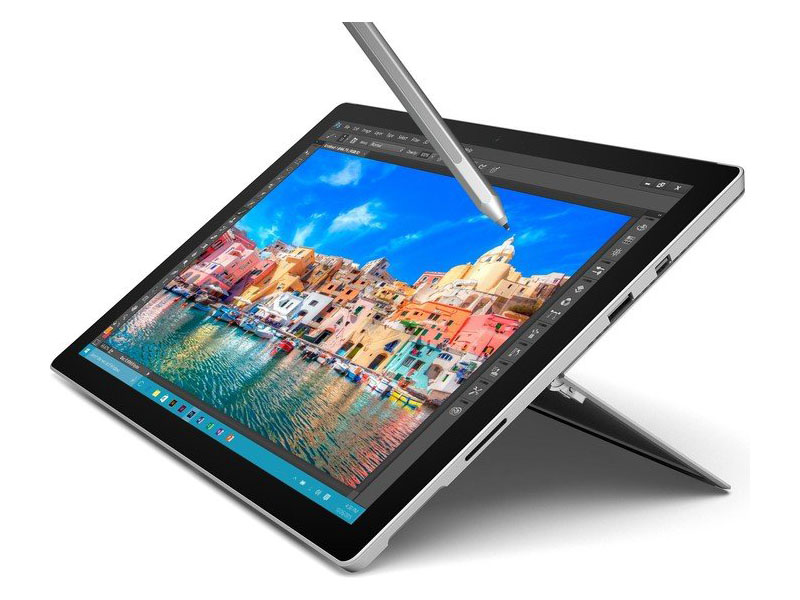 Notebook: Microsoft Surface Pro 4, Core i5, 128GB
Processor: Intel Core i5 6300U
Graphics Adapter: Intel HD Graphics 520
Display: 12.30 inch, 3:2, 2736 x 1824 pixels
Weight: 1.092kg
Price: 1249 euro
Links: Surface Pro 4, Core i5, 128GB (Model)
Pricecompare
Average Score:
Reviews
Tablet meets notebook. Finally, we have Microsoft's latest model, the Surface Pro 4, under review. In response to many readers' requests, we will share our first impressions and compare it to its Surface Pro 3 predecessor as well as the brand new Surface Book, which we also have under review now.
One step forward, two steps back? Who can benefit from the more powerful i5 version? How big is the difference compared to the Core m3 and how does the 12-inch device hold up against regular notebooks? Our performance update will provide the answers.
Source: Mobile Syrup
Archive.org versionThe Surface Pro 6 is the most refined product of Microsoft's vision for the future of portable computing. By correcting a few small flaws, the Surface could be the perfect Windows machine.
Single Review, online available, Medium, Date: 11/08/2018
Source: Mobile Syrup
Archive.org versionThe Surface Pro 6 is the most refined product of Microsoft's vision for the future of portable computing. By correcting a few small flaws, the Surface could be the perfect Windows machine.
Single Review, online available, Medium, Date: 11/08/2018
Source: Mobile Syrup
Archive.org versionThe Surface Pro 6 is the most refined product of Microsoft's vision for the future of portable computing. By correcting a few small flaws, the Surface could be the perfect Windows machine.
Single Review, online available, Medium, Date: 11/08/2018
Source: Think Digit
Archive.org versionThe Microsoft Surface Pro is an innovative and flexible device that's great for doodling and jotting down notes all day long while looking up half a dozen reference pages on a browser and blasting music on the side. Living with one poses some challenges because it's still very much a tablet first and a laptop second, in terms of design and performance. You'll have to shell out a hefty amount on accessories to make this tablet a laptop and an electronic scribble pad at the same time.
Single Review, online available, Medium, Date: 06/07/2018
Rating: Total score: 71%
Source: Think Digit
Archive.org versionThe Microsoft Surface Pro is an innovative and flexible device that's great for doodling and jotting down notes all day long while looking up half a dozen reference pages on a browser and blasting music on the side. Living with one poses some challenges because it's still very much a tablet first and a laptop second, in terms of design and performance. You'll have to shell out a hefty amount on accessories to make this tablet a laptop and an electronic scribble pad at the same time.
Single Review, online available, Medium, Date: 06/07/2018
Rating: Total score: 71%
Source: Think Digit
Archive.org versionThe Microsoft Surface Pro is an innovative and flexible device that's great for doodling and jotting down notes all day long while looking up half a dozen reference pages on a browser and blasting music on the side. Living with one poses some challenges because it's still very much a tablet first and a laptop second, in terms of design and performance. You'll have to shell out a hefty amount on accessories to make this tablet a laptop and an electronic scribble pad at the same time.
Single Review, online available, Medium, Date: 06/07/2018
Rating: Total score: 71%
Source: Digital Trends
Archive.org versionThe Surface Pro 4 is a microcosm of the change Microsoft is trying to spur inside its own walls. Time and time again, it missed the opportunity to leap on a new trend in consumer technology. But not with Surface. This time, Microsoft is a leader. It’s setting the trend. And unlike its new competitors, it’s had a few years to work out the kinks.
Single Review, online available, Long, Date: 07/05/2016
Rating: Total score: 80%
Source: Digital Trends
Archive.org versionThe Surface Pro 4 is a microcosm of the change Microsoft is trying to spur inside its own walls. Time and time again, it missed the opportunity to leap on a new trend in consumer technology. But not with Surface. This time, Microsoft is a leader. It’s setting the trend. And unlike its new competitors, it’s had a few years to work out the kinks.
Single Review, online available, Long, Date: 07/05/2016
Rating: Total score: 80%
Source: Digital Trends
Archive.org versionThe Surface Pro 4 is a microcosm of the change Microsoft is trying to spur inside its own walls. Time and time again, it missed the opportunity to leap on a new trend in consumer technology. But not with Surface. This time, Microsoft is a leader. It’s setting the trend. And unlike its new competitors, it’s had a few years to work out the kinks.
Single Review, online available, Long, Date: 07/05/2016
Rating: Total score: 80%
Source: It Pro
Archive.org versionAlthough Microsoft’s marketing would have you think otherwise, making a laptop-tablet hybrid is all about compromises - choosing and refining those features considered most important. Microsoft’s basic design philosophy hasn’t changed since the very first Surface Pro.
Single Review, online available, Long, Date: 05/20/2016
Rating: Total score: 80%
Source: It Pro
Archive.org versionAlthough Microsoft’s marketing would have you think otherwise, making a laptop-tablet hybrid is all about compromises - choosing and refining those features considered most important. Microsoft’s basic design philosophy hasn’t changed since the very first Surface Pro.
Single Review, online available, Long, Date: 05/20/2016
Rating: Total score: 80%
Source: It Pro
Archive.org versionAlthough Microsoft’s marketing would have you think otherwise, making a laptop-tablet hybrid is all about compromises - choosing and refining those features considered most important. Microsoft’s basic design philosophy hasn’t changed since the very first Surface Pro.
Single Review, online available, Long, Date: 05/20/2016
Rating: Total score: 80%
Source: Tech Advisor
Archive.org versionWhen we reviewed the Surface Pro 3 we concluded that it was the best yet. It's the most portable of laptops and an acceptable tablet. Nothing has changed with the update to Windows 10. The Surface Pro 4 is an evolution and, apart from the higher screen resolution (and better-quality screen) and new processors, doesn't offer too many compelling reasons to buy one over the cheaper Pro 3, or upgrade if you already have one. With the iPad Pro, it's the best yet in some ways - it's the most powerful iPad and has the biggest, highest resolution screen - but it may not be the best choice for everyone who wants an iPad. It’s fantastic if you need to sketch, draw and paint, or if you simply want a bigger screen. It’s almost the opposite of the Surface Pro: a fantastic tablet and an acceptable laptop.
Comparison, online available, Medium, Date: 03/29/2016
Source: Tech Advisor
Archive.org versionWhen we reviewed the Surface Pro 3 we concluded that it was the best yet. It's the most portable of laptops and an acceptable tablet. Nothing has changed with the update to Windows 10. The Surface Pro 4 is an evolution and, apart from the higher screen resolution (and better-quality screen) and new processors, doesn't offer too many compelling reasons to buy one over the cheaper Pro 3, or upgrade if you already have one. With the iPad Pro, it's the best yet in some ways - it's the most powerful iPad and has the biggest, highest resolution screen - but it may not be the best choice for everyone who wants an iPad. It’s fantastic if you need to sketch, draw and paint, or if you simply want a bigger screen. It’s almost the opposite of the Surface Pro: a fantastic tablet and an acceptable laptop.
Comparison, online available, Medium, Date: 03/29/2016
Source: Tech Advisor
Archive.org versionWhen we reviewed the Surface Pro 3 we concluded that it was the best yet. It's the most portable of laptops and an acceptable tablet. Nothing has changed with the update to Windows 10. The Surface Pro 4 is an evolution and, apart from the higher screen resolution (and better-quality screen) and new processors, doesn't offer too many compelling reasons to buy one over the cheaper Pro 3, or upgrade if you already have one. With the iPad Pro, it's the best yet in some ways - it's the most powerful iPad and has the biggest, highest resolution screen - but it may not be the best choice for everyone who wants an iPad. It’s fantastic if you need to sketch, draw and paint, or if you simply want a bigger screen. It’s almost the opposite of the Surface Pro: a fantastic tablet and an acceptable laptop.
Comparison, online available, Medium, Date: 03/29/2016
Source: Think Digit
Archive.org versionWhile the Microsoft Surface Pro 4 is the perfected version of the Surface Pro 3, there's still work to do for it to truly replace a laptop. The device is the best tablet in the market today, but the fact that it costs Rs. 89,990 without the TypeCover keyboard make it very tough to recommend.
Single Review, online available, Short, Date: 03/21/2016
Rating: Total score: 84%
Source: Think Digit
Archive.org versionWhile the Microsoft Surface Pro 4 is the perfected version of the Surface Pro 3, there's still work to do for it to truly replace a laptop. The device is the best tablet in the market today, but the fact that it costs Rs. 89,990 without the TypeCover keyboard make it very tough to recommend.
Single Review, online available, Short, Date: 03/21/2016
Rating: Total score: 84%
Source: Think Digit
Archive.org versionWhile the Microsoft Surface Pro 4 is the perfected version of the Surface Pro 3, there's still work to do for it to truly replace a laptop. The device is the best tablet in the market today, but the fact that it costs Rs. 89,990 without the TypeCover keyboard make it very tough to recommend.
Single Review, online available, Short, Date: 03/21/2016
Rating: Total score: 84%
Source: Tech2.in.com
Archive.org versionSo should you buy it or not? That is the ultimate question, we have to say that it’s not such an easy decision to make as the pricing starts from Rs 89,900 – and that’s just for the tablet portion. The Surface Type keyboard cover and Surface Pen need to be bought separately at Rs 12,499 and Rs 8,896 respectively. If you drop the Surface Pen, the Surface Pro 4 along with the type cover still costs over Rs 1 lakh, a big sum by any means. You could get more powerful laptops in that price range, not to mention a MacBook Pro Retina (2015) display as well.
Single Review, online available, Medium, Date: 03/18/2016
Rating: Total score: 75% performance: 80% features: 85% display: 80% mobility: 70% workmanship: 80%
Source: Tech2.in.com
Archive.org versionSo should you buy it or not? That is the ultimate question, we have to say that it’s not such an easy decision to make as the pricing starts from Rs 89,900 – and that’s just for the tablet portion. The Surface Type keyboard cover and Surface Pen need to be bought separately at Rs 12,499 and Rs 8,896 respectively. If you drop the Surface Pen, the Surface Pro 4 along with the type cover still costs over Rs 1 lakh, a big sum by any means. You could get more powerful laptops in that price range, not to mention a MacBook Pro Retina (2015) display as well.
Single Review, online available, Medium, Date: 03/18/2016
Rating: Total score: 75% performance: 80% features: 85% display: 80% mobility: 70% workmanship: 80%
Source: Tech2.in.com
Archive.org versionSo should you buy it or not? That is the ultimate question, we have to say that it’s not such an easy decision to make as the pricing starts from Rs 89,900 – and that’s just for the tablet portion. The Surface Type keyboard cover and Surface Pen need to be bought separately at Rs 12,499 and Rs 8,896 respectively. If you drop the Surface Pen, the Surface Pro 4 along with the type cover still costs over Rs 1 lakh, a big sum by any means. You could get more powerful laptops in that price range, not to mention a MacBook Pro Retina (2015) display as well.
Single Review, online available, Medium, Date: 03/18/2016
Rating: Total score: 75% performance: 80% features: 85% display: 80% mobility: 70% workmanship: 80%
Source: Expert Reviews
Archive.org versionThe Surface Pro 4 can replace your laptop, there's no doubt. It's fantastically well built, has one of the best styluses out there and can power its way through pretty much anything you throw at it. My reservations are related to its battery life and the glitches I encountered. For such a portable device, battery life that doesn't seem to stretch to what I'd consider to be 'all-day' is a minus point, although not a showstopper. It's also comforting to see a reasonably consistent stream of firmware updates for the Surface Pro4, meaning that while it might not be completely polished now but isn't far off it.
Single Review, online available, Medium, Date: 03/02/2016
Rating: Total score: 80%
Source: Expert Reviews
Archive.org versionThe Surface Pro 4 can replace your laptop, there's no doubt. It's fantastically well built, has one of the best styluses out there and can power its way through pretty much anything you throw at it. My reservations are related to its battery life and the glitches I encountered. For such a portable device, battery life that doesn't seem to stretch to what I'd consider to be 'all-day' is a minus point, although not a showstopper. It's also comforting to see a reasonably consistent stream of firmware updates for the Surface Pro4, meaning that while it might not be completely polished now but isn't far off it.
Single Review, online available, Medium, Date: 03/02/2016
Rating: Total score: 80%
Source: Expert Reviews
Archive.org versionThe Surface Pro 4 can replace your laptop, there's no doubt. It's fantastically well built, has one of the best styluses out there and can power its way through pretty much anything you throw at it. My reservations are related to its battery life and the glitches I encountered. For such a portable device, battery life that doesn't seem to stretch to what I'd consider to be 'all-day' is a minus point, although not a showstopper. It's also comforting to see a reasonably consistent stream of firmware updates for the Surface Pro4, meaning that while it might not be completely polished now but isn't far off it.
Single Review, online available, Medium, Date: 03/02/2016
Rating: Total score: 80%
Source: NDTV Gadgets
Archive.org versionAt the end of the day, the Surface Pro 4 is a very impressive Windows tablet. Unfortunately, that's still a very small category. It's certainly not the best tablet we've used. It's held back by certain issues - scaling of visual elements, for one, and oppressively limited battery life for another. The power and the portability of this laptop are impressive, but it perhaps falls short of delivering that something extra to justify its price tag.
Single Review, online available, Long, Date: 02/11/2016
Source: NDTV Gadgets
Archive.org versionAt the end of the day, the Surface Pro 4 is a very impressive Windows tablet. Unfortunately, that's still a very small category. It's certainly not the best tablet we've used. It's held back by certain issues - scaling of visual elements, for one, and oppressively limited battery life for another. The power and the portability of this laptop are impressive, but it perhaps falls short of delivering that something extra to justify its price tag.
Single Review, online available, Long, Date: 02/11/2016
Source: NDTV Gadgets
Archive.org versionAt the end of the day, the Surface Pro 4 is a very impressive Windows tablet. Unfortunately, that's still a very small category. It's certainly not the best tablet we've used. It's held back by certain issues - scaling of visual elements, for one, and oppressively limited battery life for another. The power and the portability of this laptop are impressive, but it perhaps falls short of delivering that something extra to justify its price tag.
Single Review, online available, Long, Date: 02/11/2016
Source: PC Authority
Archive.org versionWith each successive Surface, Microsoft has won over new users to its innovative device. Naysayers who questioned the usability of the odd 3:2 aspect ratio screen now accept that for anything but watching wide-screen media, it’s actually a likeably useful format, with its gains in screen height very handy for most apps and certainly all browsers. Those who questioned the detachable Type Cover, and wondered if it could be used for more than a short email or tweet have had a try, and probably like it. While the ‘is it a tablet or a laptop?’ crowd have now seen almost every tech company do something similar, firmly entrenching this form factor’s credibility.
Single Review, online available, Very Short, Date: 01/18/2016
Rating: Total score: 100%
Source: PC Authority
Archive.org versionWith each successive Surface, Microsoft has won over new users to its innovative device. Naysayers who questioned the usability of the odd 3:2 aspect ratio screen now accept that for anything but watching wide-screen media, it’s actually a likeably useful format, with its gains in screen height very handy for most apps and certainly all browsers. Those who questioned the detachable Type Cover, and wondered if it could be used for more than a short email or tweet have had a try, and probably like it. While the ‘is it a tablet or a laptop?’ crowd have now seen almost every tech company do something similar, firmly entrenching this form factor’s credibility.
Single Review, online available, Very Short, Date: 01/18/2016
Rating: Total score: 100%
Source: PC Authority
Archive.org versionWith each successive Surface, Microsoft has won over new users to its innovative device. Naysayers who questioned the usability of the odd 3:2 aspect ratio screen now accept that for anything but watching wide-screen media, it’s actually a likeably useful format, with its gains in screen height very handy for most apps and certainly all browsers. Those who questioned the detachable Type Cover, and wondered if it could be used for more than a short email or tweet have had a try, and probably like it. While the ‘is it a tablet or a laptop?’ crowd have now seen almost every tech company do something similar, firmly entrenching this form factor’s credibility.
Single Review, online available, Very Short, Date: 01/18/2016
Rating: Total score: 100%
Source: Notebooks.com
Archive.org versionThe Surface Pro 4 became my primary mobile device because it’s small, light and powerful. The keyboard’s great and the screen looks beautiful. I can hook up a Bluetooth mouse and get an awesome mobile computing experience. The kickstand holds the screen an any angle I want to use. My MacBook Pro seldom leaves home thanks to the Surface Pro 4.
Single Review, online available, Medium, Date: 01/14/2016
Source: Notebooks.com
Archive.org versionThe Surface Pro 4 became my primary mobile device because it’s small, light and powerful. The keyboard’s great and the screen looks beautiful. I can hook up a Bluetooth mouse and get an awesome mobile computing experience. The kickstand holds the screen an any angle I want to use. My MacBook Pro seldom leaves home thanks to the Surface Pro 4.
Single Review, online available, Medium, Date: 01/14/2016
Source: Notebooks.com
Archive.org versionThe Surface Pro 4 became my primary mobile device because it’s small, light and powerful. The keyboard’s great and the screen looks beautiful. I can hook up a Bluetooth mouse and get an awesome mobile computing experience. The kickstand holds the screen an any angle I want to use. My MacBook Pro seldom leaves home thanks to the Surface Pro 4.
Single Review, online available, Medium, Date: 01/14/2016
Source: Digital Trends
Archive.org versionThe Surface Pro 4 is a microcosm of the change Microsoft is trying to spur inside its own walls. Time and time again, it missed the opportunity to leap on a new trend in consumer technology. But not with Surface. This time, Microsoft is a leader. It’s setting the trend. And unlike its new competitors, it’s had a few years to work out the kinks.
Single Review, online available, Long, Date: 12/02/2015
Rating: Total score: 80%
Source: Digital Trends
Archive.org versionThe Surface Pro 4 is a microcosm of the change Microsoft is trying to spur inside its own walls. Time and time again, it missed the opportunity to leap on a new trend in consumer technology. But not with Surface. This time, Microsoft is a leader. It’s setting the trend. And unlike its new competitors, it’s had a few years to work out the kinks.
Single Review, online available, Long, Date: 12/02/2015
Rating: Total score: 80%
Source: Digital Trends
Archive.org versionThe Surface Pro 4 is a microcosm of the change Microsoft is trying to spur inside its own walls. Time and time again, it missed the opportunity to leap on a new trend in consumer technology. But not with Surface. This time, Microsoft is a leader. It’s setting the trend. And unlike its new competitors, it’s had a few years to work out the kinks.
Single Review, online available, Long, Date: 12/02/2015
Rating: Total score: 80%
Source: Pocket Lint
Archive.org versionHaving used the Surface Pro 4 for a week we can see the appeal of it as a laptop-replacement, albeit with some caveats: the battery life isn't good enough, it's potentially rather expensive when specced-up a touch, and Microsoft Office isn't included as standard.But the Pro 4 is certainly the best Surface yet, and a more accomplished product that the iPad Pro in our eyes. The 12.3-inch screen is beautifully resolute and, while certainly large, fitting for this product. The slender design looks great and that full-size USB port sets it apart from being just another tablet. But you'll really want that new Type Cover added, which makes for a great typing experience.
Single Review, online available, Short, Date: 12/01/2015
Rating: Total score: 80%
Source: Pocket Lint
Archive.org versionHaving used the Surface Pro 4 for a week we can see the appeal of it as a laptop-replacement, albeit with some caveats: the battery life isn't good enough, it's potentially rather expensive when specced-up a touch, and Microsoft Office isn't included as standard.But the Pro 4 is certainly the best Surface yet, and a more accomplished product that the iPad Pro in our eyes. The 12.3-inch screen is beautifully resolute and, while certainly large, fitting for this product. The slender design looks great and that full-size USB port sets it apart from being just another tablet. But you'll really want that new Type Cover added, which makes for a great typing experience.
Single Review, online available, Short, Date: 12/01/2015
Rating: Total score: 80%
Source: Pocket Lint
Archive.org versionHaving used the Surface Pro 4 for a week we can see the appeal of it as a laptop-replacement, albeit with some caveats: the battery life isn't good enough, it's potentially rather expensive when specced-up a touch, and Microsoft Office isn't included as standard.But the Pro 4 is certainly the best Surface yet, and a more accomplished product that the iPad Pro in our eyes. The 12.3-inch screen is beautifully resolute and, while certainly large, fitting for this product. The slender design looks great and that full-size USB port sets it apart from being just another tablet. But you'll really want that new Type Cover added, which makes for a great typing experience.
Single Review, online available, Short, Date: 12/01/2015
Rating: Total score: 80%
Source: It Pro
Archive.org versionAlthough Microsoft’s marketing would have you think otherwise, making a laptop-tablet hybrid is all about compromises - choosing and refining those features considered most important. Microsoft’s basic design philosophy hasn’t changed since the very first Surface Pro.
Single Review, online available, Medium, Date: 11/26/2015
Rating: Total score: 80%
Source: It Pro
Archive.org versionAlthough Microsoft’s marketing would have you think otherwise, making a laptop-tablet hybrid is all about compromises - choosing and refining those features considered most important. Microsoft’s basic design philosophy hasn’t changed since the very first Surface Pro.
Single Review, online available, Medium, Date: 11/26/2015
Rating: Total score: 80%
Source: It Pro
Archive.org versionAlthough Microsoft’s marketing would have you think otherwise, making a laptop-tablet hybrid is all about compromises - choosing and refining those features considered most important. Microsoft’s basic design philosophy hasn’t changed since the very first Surface Pro.
Single Review, online available, Medium, Date: 11/26/2015
Rating: Total score: 80%
Source: Recombu
Archive.org versionBeing able to run powerful full-blown PC class applications on a device that’s effectively a chunky iPad is hands-down the best thing about the Surface family and the Pro 4 is this year’s entry to keep things feeling snappy and relevant. It’s most likely one of the best ways to experience Windows, as Microsoft intended it - wrapped up in slick, sexy, adaptable hardware.
Single Review, online available, Very Short, Date: 11/20/2015
Rating: Total score: 90%
Source: Recombu
Archive.org versionBeing able to run powerful full-blown PC class applications on a device that’s effectively a chunky iPad is hands-down the best thing about the Surface family and the Pro 4 is this year’s entry to keep things feeling snappy and relevant. It’s most likely one of the best ways to experience Windows, as Microsoft intended it - wrapped up in slick, sexy, adaptable hardware.
Single Review, online available, Very Short, Date: 11/20/2015
Rating: Total score: 90%
Source: Recombu
Archive.org versionBeing able to run powerful full-blown PC class applications on a device that’s effectively a chunky iPad is hands-down the best thing about the Surface family and the Pro 4 is this year’s entry to keep things feeling snappy and relevant. It’s most likely one of the best ways to experience Windows, as Microsoft intended it - wrapped up in slick, sexy, adaptable hardware.
Single Review, online available, Very Short, Date: 11/20/2015
Rating: Total score: 90%
Source: Tech Advisor
Archive.org versionThere is a great deal to like and rave about the Surface Pro 4. The design is thinner and lighter for starters. The screen is awesome, there's plenty of power available, the new Surface Pen is better and the Type Cover is a vast improvement on the last one. However, the design is inherently awkward at times, it's more expensive that a lot of laptops and the Type Cover, which you'll pretty much need, isn't included lowering the value.
Single Review, online available, Very Short, Date: 11/19/2015
Rating: Total score: 80% price: 60% performance: 80% features: 90% workmanship: 90%
Source: V3.co.uk
Archive.org versionThe Surface Pro 4 is a powerful, secure and flexible device with a fantastic display. It doesn't last as long as we'd like in terms of battery life, but the blend of high-end hardware and enterprise-grade software should have Apple and others very worried indeed.
Single Review, online available, Short, Date: 11/19/2015
Rating: Total score: 80%
Source: Tech Advisor
Archive.org versionThere is a great deal to like and rave about the Surface Pro 4. The design is thinner and lighter for starters. The screen is awesome, there's plenty of power available, the new Surface Pen is better and the Type Cover is a vast improvement on the last one. However, the design is inherently awkward at times, it's more expensive that a lot of laptops and the Type Cover, which you'll pretty much need, isn't included lowering the value.
Single Review, online available, Very Short, Date: 11/19/2015
Rating: Total score: 80% price: 60% performance: 80% features: 90% workmanship: 90%
Source: V3.co.uk
Archive.org versionThe Surface Pro 4 is a powerful, secure and flexible device with a fantastic display. It doesn't last as long as we'd like in terms of battery life, but the blend of high-end hardware and enterprise-grade software should have Apple and others very worried indeed.
Single Review, online available, Short, Date: 11/19/2015
Rating: Total score: 80%
Source: Tech Advisor
Archive.org versionThere is a great deal to like and rave about the Surface Pro 4. The design is thinner and lighter for starters. The screen is awesome, there's plenty of power available, the new Surface Pen is better and the Type Cover is a vast improvement on the last one. However, the design is inherently awkward at times, it's more expensive that a lot of laptops and the Type Cover, which you'll pretty much need, isn't included lowering the value.
Single Review, online available, Very Short, Date: 11/19/2015
Rating: Total score: 80% price: 60% performance: 80% features: 90% workmanship: 90%
Source: V3.co.uk
Archive.org versionThe Surface Pro 4 is a powerful, secure and flexible device with a fantastic display. It doesn't last as long as we'd like in terms of battery life, but the blend of high-end hardware and enterprise-grade software should have Apple and others very worried indeed.
Single Review, online available, Short, Date: 11/19/2015
Rating: Total score: 80%
Source: T3
Archive.org versionIf you are seeking a device to replace your laptop that doubles up as a great tablet, the Surface Pro 4 is fine choice. Unless you need battery life that stretches into the double figures, or a particular app that’s not yet available in the Microsoft store (which you can probably download as a desktop app anyway), the Surface Pro 4 should do everything you need it to — and probably more.
Single Review, online available, Short, Date: 11/18/2015
Rating: Total score: 100%
Source: PC Mag
Archive.org versionThe Surface Pro 4 is a step up, and it’s going to be hard going back to using the Surface Pro 3 again. The screen is amazing, the keyboard is improved and the small design touches that Microsoft has added all gladden the heart, making me smile at the attention to detail. It’s not, however, the perfect machine. I’d like to see just a few more hours of battery life from it, so I can confidently take it into work without worrying about if there's an adaptor around. There’s also the question of software: Windows 10 is a massive improvement, but Windows apps are still laggards when it comes to touch and pen support, which is a shame given how good the touch and pen hardware is.
Single Review, online available, Short, Date: 11/18/2015
Rating: Total score: 100%
Source: T3
Archive.org versionIf you are seeking a device to replace your laptop that doubles up as a great tablet, the Surface Pro 4 is fine choice. Unless you need battery life that stretches into the double figures, or a particular app that’s not yet available in the Microsoft store (which you can probably download as a desktop app anyway), the Surface Pro 4 should do everything you need it to — and probably more.
Single Review, online available, Short, Date: 11/18/2015
Rating: Total score: 100%
Source: PC Mag
Archive.org versionThe Surface Pro 4 is a step up, and it’s going to be hard going back to using the Surface Pro 3 again. The screen is amazing, the keyboard is improved and the small design touches that Microsoft has added all gladden the heart, making me smile at the attention to detail. It’s not, however, the perfect machine. I’d like to see just a few more hours of battery life from it, so I can confidently take it into work without worrying about if there's an adaptor around. There’s also the question of software: Windows 10 is a massive improvement, but Windows apps are still laggards when it comes to touch and pen support, which is a shame given how good the touch and pen hardware is.
Single Review, online available, Short, Date: 11/18/2015
Rating: Total score: 100%
Source: T3
Archive.org versionIf you are seeking a device to replace your laptop that doubles up as a great tablet, the Surface Pro 4 is fine choice. Unless you need battery life that stretches into the double figures, or a particular app that’s not yet available in the Microsoft store (which you can probably download as a desktop app anyway), the Surface Pro 4 should do everything you need it to — and probably more.
Single Review, online available, Short, Date: 11/18/2015
Rating: Total score: 100%
Source: PC Mag
Archive.org versionThe Surface Pro 4 is a step up, and it’s going to be hard going back to using the Surface Pro 3 again. The screen is amazing, the keyboard is improved and the small design touches that Microsoft has added all gladden the heart, making me smile at the attention to detail. It’s not, however, the perfect machine. I’d like to see just a few more hours of battery life from it, so I can confidently take it into work without worrying about if there's an adaptor around. There’s also the question of software: Windows 10 is a massive improvement, but Windows apps are still laggards when it comes to touch and pen support, which is a shame given how good the touch and pen hardware is.
Single Review, online available, Short, Date: 11/18/2015
Rating: Total score: 100%
Source: Gadgetguy
Archive.org versionWhen it comes to Windows tablets, Microsoft’s Surface Pro 4 easily leads the pack, and while the changes might not appear to be much, you have to look beneath the surface (sorry!) to see what Microsoft is doing.
Single Review, online available, Short, Date: 11/11/2015
Source: Gadgetguy
Archive.org versionWhen it comes to Windows tablets, Microsoft’s Surface Pro 4 easily leads the pack, and while the changes might not appear to be much, you have to look beneath the surface (sorry!) to see what Microsoft is doing.
Single Review, online available, Short, Date: 11/11/2015
Source: Gadgetguy
Archive.org versionWhen it comes to Windows tablets, Microsoft’s Surface Pro 4 easily leads the pack, and while the changes might not appear to be much, you have to look beneath the surface (sorry!) to see what Microsoft is doing.
Single Review, online available, Short, Date: 11/11/2015
Source: Good Gear Guide
Archive.org versionMicrosoft set out to make a tablet that can replace your notebook with the first-generation Surface, but it truly realised its ambition with the Surface Pro 4. The original design stems from what we need from a notebook today. It needs to be as mobile as it is powerful, as beautiful as it is functional, as simple as it is sophisticated.
Single Review, online available, Medium, Date: 11/10/2015
Rating: Total score: 95%
Source: Good Gear Guide
Archive.org versionMicrosoft set out to make a tablet that can replace your notebook with the first-generation Surface, but it truly realised its ambition with the Surface Pro 4. The original design stems from what we need from a notebook today. It needs to be as mobile as it is powerful, as beautiful as it is functional, as simple as it is sophisticated.
Single Review, online available, Medium, Date: 11/10/2015
Rating: Total score: 95%
Source: Good Gear Guide
Archive.org versionMicrosoft set out to make a tablet that can replace your notebook with the first-generation Surface, but it truly realised its ambition with the Surface Pro 4. The original design stems from what we need from a notebook today. It needs to be as mobile as it is powerful, as beautiful as it is functional, as simple as it is sophisticated.
Single Review, online available, Medium, Date: 11/10/2015
Rating: Total score: 95%
Source: Gizmag
Archive.org versionIf you've used a Surface Pro 3, then the Pro 4 is going to look very familiar. There aren't any major size or form factor changes, and its big upgrades come in subtle – deceptively so – places. Things like a slightly bigger and sharper screen, an improved cooling system (so the fan runs less frequently) and longer battery life.
Single Review, online available, Very Short, Date: 11/05/2015
Source: Gizmag
Archive.org versionIf you've used a Surface Pro 3, then the Pro 4 is going to look very familiar. There aren't any major size or form factor changes, and its big upgrades come in subtle – deceptively so – places. Things like a slightly bigger and sharper screen, an improved cooling system (so the fan runs less frequently) and longer battery life.
Single Review, online available, Very Short, Date: 11/05/2015
Source: Gizmag
Archive.org versionIf you've used a Surface Pro 3, then the Pro 4 is going to look very familiar. There aren't any major size or form factor changes, and its big upgrades come in subtle – deceptively so – places. Things like a slightly bigger and sharper screen, an improved cooling system (so the fan runs less frequently) and longer battery life.
Single Review, online available, Very Short, Date: 11/05/2015
Source: Tested
Archive.org versionThe most important improvements for both LCD and OLED mobile displays will come from improving their image and picture quality and screen readability in real world ambient light, which washes out the screen images, resulting in reduced image contrast, color saturation, and color accuracy. The key will be in lowering screen reflectance and implementing dynamic color management with automatic real-time modification of the display's native color gamut and Intensity Scales based the measured ambient light level in order to have them compensate for the reflected light glare and image wash out from ambient light as discussed in our 2014 Innovative Displays and Display Technology and SID Display Technology Shoot-Out articles.
Single Review, online available, Short, Date: 10/27/2015
Source: Tested
Archive.org versionThe most important improvements for both LCD and OLED mobile displays will come from improving their image and picture quality and screen readability in real world ambient light, which washes out the screen images, resulting in reduced image contrast, color saturation, and color accuracy. The key will be in lowering screen reflectance and implementing dynamic color management with automatic real-time modification of the display's native color gamut and Intensity Scales based the measured ambient light level in order to have them compensate for the reflected light glare and image wash out from ambient light as discussed in our 2014 Innovative Displays and Display Technology and SID Display Technology Shoot-Out articles.
Single Review, online available, Short, Date: 10/27/2015
Source: Tested
Archive.org versionThe most important improvements for both LCD and OLED mobile displays will come from improving their image and picture quality and screen readability in real world ambient light, which washes out the screen images, resulting in reduced image contrast, color saturation, and color accuracy. The key will be in lowering screen reflectance and implementing dynamic color management with automatic real-time modification of the display's native color gamut and Intensity Scales based the measured ambient light level in order to have them compensate for the reflected light glare and image wash out from ambient light as discussed in our 2014 Innovative Displays and Display Technology and SID Display Technology Shoot-Out articles.
Single Review, online available, Short, Date: 10/27/2015
Source: Techradar
Archive.org versionMicrosoft seems to have captured and applied the best definition of 'iteration' to almost every end of the Surface Pro 4, making it well worth the wait for creative professionals, students and everyday folks alike. Is this finally the tablet to replace your laptop? That's still debatable, though the Pro 4 has surmounted more of what's running against it than ever before.
Single Review, online available, Long, Date: 10/24/2015
Rating: Total score: 90%
Source: Techradar
Archive.org versionMicrosoft seems to have captured and applied the best definition of 'iteration' to almost every end of the Surface Pro 4, making it well worth the wait for creative professionals, students and everyday folks alike. Is this finally the tablet to replace your laptop? That's still debatable, though the Pro 4 has surmounted more of what's running against it than ever before.
Single Review, online available, Long, Date: 10/24/2015
Rating: Total score: 90%
Source: Techradar
Archive.org versionMicrosoft seems to have captured and applied the best definition of 'iteration' to almost every end of the Surface Pro 4, making it well worth the wait for creative professionals, students and everyday folks alike. Is this finally the tablet to replace your laptop? That's still debatable, though the Pro 4 has surmounted more of what's running against it than ever before.
Single Review, online available, Long, Date: 10/24/2015
Rating: Total score: 90%
Source: Tested
Archive.org versionEven though the Surface Book is getting a lot of attention for its unique design, the new Surface Pro 4's refinement of Microsoft's proven tablet-laptop hybrid is just as impressive. The device is every bit an improvement over last year's model, packing an Intel Skylake processor into a chassis that's even thinner than the Atom-based Surface tablet. Its screen, keyboard, and stylus are also better, and we test it in the hands of working artists. Thanks to Marty Cooper for assisting with this review!
Single Review, online available, Very Short, Date: 10/22/2015
Source: Tested
Archive.org versionEven though the Surface Book is getting a lot of attention for its unique design, the new Surface Pro 4's refinement of Microsoft's proven tablet-laptop hybrid is just as impressive. The device is every bit an improvement over last year's model, packing an Intel Skylake processor into a chassis that's even thinner than the Atom-based Surface tablet. Its screen, keyboard, and stylus are also better, and we test it in the hands of working artists. Thanks to Marty Cooper for assisting with this review!
Single Review, online available, Very Short, Date: 10/22/2015
Source: Tested
Archive.org versionEven though the Surface Book is getting a lot of attention for its unique design, the new Surface Pro 4's refinement of Microsoft's proven tablet-laptop hybrid is just as impressive. The device is every bit an improvement over last year's model, packing an Intel Skylake processor into a chassis that's even thinner than the Atom-based Surface tablet. Its screen, keyboard, and stylus are also better, and we test it in the hands of working artists. Thanks to Marty Cooper for assisting with this review!
Single Review, online available, Very Short, Date: 10/22/2015
Source: Laptop Mag
Archive.org versionI want to give the Surface Pro 4 a higher score. The PixelSense display is superb bit of engineering, and the new 6th Gen Intel chip delivers the kind of swift performance I'm looking for, but the 6-hour battery life holds the SP4 back from glory. For stylus aficionados, the increased pressure sensitivity and optional pen tip give more depth to your drawings, but probably won't do much to improve the chicken-scratch notes everyone else is making.
Single Review, online available, Long, Date: 10/21/2015
Rating: Total score: 60%
Source: AnandTech
Archive.org versionGoing into the Microsoft Devices event earlier this month, there were a lot of questions on my mind in how Microsoft was going to move forward with Surface Pro. There is no doubt that Surface Pro 3 has been a big success for the company after several years of middling results. Would Microsoft move to Core M to reduce the weight and noise, or would they stick with the U series and keep the performance intact?
Single Review, online available, Long, Date: 10/21/2015
Source: Digital Trends
Archive.org versionThe Surface Pro 4 is a microcosm of the change Microsoft is trying to spur inside its own walls. Time and time again, it missed the opportunity to leap on a new trend in consumer technology. But not with Surface. This time, Microsoft is a leader. It’s setting the trend. And unlike its new competitors, it’s had a few years to work out the kinks.
Single Review, online available, Long, Date: 10/21/2015
Rating: Total score: 80%
Source: Engadget
Archive.org versionThe Surface Pro 4 builds on the best parts of the Surface Pro 3, and it finally delivers a solid typing experience with the revamped Type Cover (which is unfortunately sold separately). It's the ideal hybrid tablet in practically every way -- it's as light as a tablet, but as productive as any laptop. The only problem is you're stuck with so-so battery life.
Single Review, online available, Long, Date: 10/21/2015
Rating: Total score: 86%
Source: Computerworld.com
Archive.org versionvideo review
Single Review, online available, Very Short, Date: 10/21/2015
Source: PC World
Archive.org versionAny review score is a snapshot in time, but that's particularly true for the Surface Pro 4. It’s clearly a much better tablet than its predecessor, because the compelling performance increase overcomes the shortcomings of the Pen and the mediocre battery life. But will it prove to be the best-in-class of this new category of Surface clones? We don’t know yet. But if the up-and-comers proved to be competitive with the Surface Pro 4, that'd actually be great news for the Windows ecosystem.
Single Review, online available, Very Long, Date: 10/21/2015
Rating: Total score: 90%
Source: Slashgear
Archive.org versionIf you're looking for a tablet that's also a PC, something that's portable and yet runs all the full Windows apps you might demand, then the Surface Pro 4 refiners what made its predecessors so impressive. As well as ticking the core boxes of display, portability, and functionality, it does so with style.
Comparison, online available, Short, Date: 10/21/2015
Source: Wired Magazine
Archive.org versionUltimately these are fairly minor hiccups in what is—finally—shaping up to be a quite capable computing system. The Pro 4 doesn’t reinvent the Pro 3 in any meaningful way, but it does offer thoughtful and useful refinements. That’s probably as good a sign as any that Microsoft has a solid handle on what it’s doing.
Single Review, online available, Very Short, Date: 10/21/2015
Rating: Total score: 70%
Source: Laptop Mag
Archive.org versionI want to give the Surface Pro 4 a higher score. The PixelSense display is superb bit of engineering, and the new 6th Gen Intel chip delivers the kind of swift performance I'm looking for, but the 6-hour battery life holds the SP4 back from glory. For stylus aficionados, the increased pressure sensitivity and optional pen tip give more depth to your drawings, but probably won't do much to improve the chicken-scratch notes everyone else is making.
Single Review, online available, Long, Date: 10/21/2015
Rating: Total score: 60%
Source: AnandTech
Archive.org versionGoing into the Microsoft Devices event earlier this month, there were a lot of questions on my mind in how Microsoft was going to move forward with Surface Pro. There is no doubt that Surface Pro 3 has been a big success for the company after several years of middling results. Would Microsoft move to Core M to reduce the weight and noise, or would they stick with the U series and keep the performance intact?
Single Review, online available, Long, Date: 10/21/2015
Source: Digital Trends
Archive.org versionThe Surface Pro 4 is a microcosm of the change Microsoft is trying to spur inside its own walls. Time and time again, it missed the opportunity to leap on a new trend in consumer technology. But not with Surface. This time, Microsoft is a leader. It’s setting the trend. And unlike its new competitors, it’s had a few years to work out the kinks.
Single Review, online available, Long, Date: 10/21/2015
Rating: Total score: 80%
Source: Engadget
Archive.org versionThe Surface Pro 4 builds on the best parts of the Surface Pro 3, and it finally delivers a solid typing experience with the revamped Type Cover (which is unfortunately sold separately). It's the ideal hybrid tablet in practically every way -- it's as light as a tablet, but as productive as any laptop. The only problem is you're stuck with so-so battery life.
Single Review, online available, Long, Date: 10/21/2015
Rating: Total score: 86%
Source: Computerworld.com
Archive.org versionvideo review
Single Review, online available, Very Short, Date: 10/21/2015
Source: PC World
Archive.org versionAny review score is a snapshot in time, but that's particularly true for the Surface Pro 4. It’s clearly a much better tablet than its predecessor, because the compelling performance increase overcomes the shortcomings of the Pen and the mediocre battery life. But will it prove to be the best-in-class of this new category of Surface clones? We don’t know yet. But if the up-and-comers proved to be competitive with the Surface Pro 4, that'd actually be great news for the Windows ecosystem.
Single Review, online available, Very Long, Date: 10/21/2015
Rating: Total score: 90%
Source: Slashgear
Archive.org versionIf you're looking for a tablet that's also a PC, something that's portable and yet runs all the full Windows apps you might demand, then the Surface Pro 4 refiners what made its predecessors so impressive. As well as ticking the core boxes of display, portability, and functionality, it does so with style.
Comparison, online available, Short, Date: 10/21/2015
Source: Wired Magazine
Archive.org versionUltimately these are fairly minor hiccups in what is—finally—shaping up to be a quite capable computing system. The Pro 4 doesn’t reinvent the Pro 3 in any meaningful way, but it does offer thoughtful and useful refinements. That’s probably as good a sign as any that Microsoft has a solid handle on what it’s doing.
Single Review, online available, Very Short, Date: 10/21/2015
Rating: Total score: 70%
Source: Laptop Mag
Archive.org versionI want to give the Surface Pro 4 a higher score. The PixelSense display is superb bit of engineering, and the new 6th Gen Intel chip delivers the kind of swift performance I'm looking for, but the 6-hour battery life holds the SP4 back from glory. For stylus aficionados, the increased pressure sensitivity and optional pen tip give more depth to your drawings, but probably won't do much to improve the chicken-scratch notes everyone else is making.
Single Review, online available, Long, Date: 10/21/2015
Rating: Total score: 60%
Source: AnandTech
Archive.org versionGoing into the Microsoft Devices event earlier this month, there were a lot of questions on my mind in how Microsoft was going to move forward with Surface Pro. There is no doubt that Surface Pro 3 has been a big success for the company after several years of middling results. Would Microsoft move to Core M to reduce the weight and noise, or would they stick with the U series and keep the performance intact?
Single Review, online available, Long, Date: 10/21/2015
Source: Digital Trends
Archive.org versionThe Surface Pro 4 is a microcosm of the change Microsoft is trying to spur inside its own walls. Time and time again, it missed the opportunity to leap on a new trend in consumer technology. But not with Surface. This time, Microsoft is a leader. It’s setting the trend. And unlike its new competitors, it’s had a few years to work out the kinks.
Single Review, online available, Long, Date: 10/21/2015
Rating: Total score: 80%
Source: Engadget
Archive.org versionThe Surface Pro 4 builds on the best parts of the Surface Pro 3, and it finally delivers a solid typing experience with the revamped Type Cover (which is unfortunately sold separately). It's the ideal hybrid tablet in practically every way -- it's as light as a tablet, but as productive as any laptop. The only problem is you're stuck with so-so battery life.
Single Review, online available, Long, Date: 10/21/2015
Rating: Total score: 86%
Source: Computerworld.com
Archive.org versionvideo review
Single Review, online available, Very Short, Date: 10/21/2015
Source: PC World
Archive.org versionAny review score is a snapshot in time, but that's particularly true for the Surface Pro 4. It’s clearly a much better tablet than its predecessor, because the compelling performance increase overcomes the shortcomings of the Pen and the mediocre battery life. But will it prove to be the best-in-class of this new category of Surface clones? We don’t know yet. But if the up-and-comers proved to be competitive with the Surface Pro 4, that'd actually be great news for the Windows ecosystem.
Single Review, online available, Very Long, Date: 10/21/2015
Rating: Total score: 90%
Source: Slashgear
Archive.org versionIf you're looking for a tablet that's also a PC, something that's portable and yet runs all the full Windows apps you might demand, then the Surface Pro 4 refiners what made its predecessors so impressive. As well as ticking the core boxes of display, portability, and functionality, it does so with style.
Comparison, online available, Short, Date: 10/21/2015
Source: Wired Magazine
Archive.org versionUltimately these are fairly minor hiccups in what is—finally—shaping up to be a quite capable computing system. The Pro 4 doesn’t reinvent the Pro 3 in any meaningful way, but it does offer thoughtful and useful refinements. That’s probably as good a sign as any that Microsoft has a solid handle on what it’s doing.
Single Review, online available, Very Short, Date: 10/21/2015
Rating: Total score: 70%
Source: Tech Advisor
Archive.org versionWhen we reviewed the Surface Pro 3 - almost a year ago - we concluded that it was the best yet. It's the most portable of laptops and an acceptable tablet. Nothing has changed with the update to Windows 10. The Surface Pro 4 is an evolution and, apart from the higher screen resolution and new chips, doesn't offer too many compelling reasons to buy one over the cheaper Pro 3, or upgrade if you already have one. With the iPad Pro, it's the best yet in some ways - it's the most powerful iPad and has the highest resolution screen - but it may not be the best choice for everyone who wants an iPad.
Comparison, online available, Very Short, Date: 10/19/2015
Source: Tech Advisor
Archive.org versionWhen we reviewed the Surface Pro 3 - almost a year ago - we concluded that it was the best yet. It's the most portable of laptops and an acceptable tablet. Nothing has changed with the update to Windows 10. The Surface Pro 4 is an evolution and, apart from the higher screen resolution and new chips, doesn't offer too many compelling reasons to buy one over the cheaper Pro 3, or upgrade if you already have one. With the iPad Pro, it's the best yet in some ways - it's the most powerful iPad and has the highest resolution screen - but it may not be the best choice for everyone who wants an iPad.
Comparison, online available, Very Short, Date: 10/19/2015
Source: Tech Advisor
Archive.org versionWhen we reviewed the Surface Pro 3 - almost a year ago - we concluded that it was the best yet. It's the most portable of laptops and an acceptable tablet. Nothing has changed with the update to Windows 10. The Surface Pro 4 is an evolution and, apart from the higher screen resolution and new chips, doesn't offer too many compelling reasons to buy one over the cheaper Pro 3, or upgrade if you already have one. With the iPad Pro, it's the best yet in some ways - it's the most powerful iPad and has the highest resolution screen - but it may not be the best choice for everyone who wants an iPad.
Comparison, online available, Very Short, Date: 10/19/2015
Source: Tested
Archive.org versionNorm's in New York this week for Microsoft's big Windows devices press event. We run through the announcements, including the new Lumia phones and HoloLens demo, and then go hands-on with the new Surface Pro 4 and Surface Book. These new laptops have pretty impressive design, and we can't wait to test them in the office.
video review
Comparison, online available, Very Short, Date: 10/07/2015
Source: Tested
Archive.org versionNorm's in New York this week for Microsoft's big Windows devices press event. We run through the announcements, including the new Lumia phones and HoloLens demo, and then go hands-on with the new Surface Pro 4 and Surface Book. These new laptops have pretty impressive design, and we can't wait to test them in the office.
video review
Comparison, online available, Very Short, Date: 10/07/2015
Source: Tested
Archive.org versionNorm's in New York this week for Microsoft's big Windows devices press event. We run through the announcements, including the new Lumia phones and HoloLens demo, and then go hands-on with the new Surface Pro 4 and Surface Book. These new laptops have pretty impressive design, and we can't wait to test them in the office.
video review
Comparison, online available, Very Short, Date: 10/07/2015
Foreign Reviews
Source: Tom's Hardware
DE→EN Archive.org versionSingle Review, online available, Long, Date: 10/19/2016
Source: Tom's Hardware
DE→EN Archive.org versionSingle Review, online available, Long, Date: 10/19/2016
Source: Tom's Hardware
DE→EN Archive.org versionSingle Review, online available, Long, Date: 10/19/2016
Source: Onlinekosten.de
DE→EN Archive.org versionSingle Review, online available, Medium, Date: 01/26/2016
Rating: Total score: 90%
Source: Onlinekosten.de
DE→EN Archive.org versionSingle Review, online available, Medium, Date: 01/26/2016
Rating: Total score: 90%
Source: Onlinekosten.de
DE→EN Archive.org versionSingle Review, online available, Medium, Date: 01/26/2016
Rating: Total score: 90%
Source: MobiFlip
DE→EN Archive.org versionSingle Review, online available, Long, Date: 01/20/2016
Rating: Total score: 92%
Source: MobiFlip
DE→EN Archive.org versionSingle Review, online available, Long, Date: 01/20/2016
Rating: Total score: 92%
Source: MobiFlip
DE→EN Archive.org versionSingle Review, online available, Long, Date: 01/20/2016
Rating: Total score: 92%
Source: Tabtech
DE→EN Archive.org versionSingle Review, online available, Long, Date: 12/03/2015
Rating: Total score: 86% performance: 80% display: 100% mobility: 80% workmanship: 100% ergonomy: 80%
Source: Tabtech
DE→EN Archive.org versionSingle Review, online available, Long, Date: 12/03/2015
Rating: Total score: 86% performance: 80% display: 100% mobility: 80% workmanship: 100% ergonomy: 80%
Source: Tabtech
DE→EN Archive.org versionSingle Review, online available, Long, Date: 12/03/2015
Rating: Total score: 86% performance: 80% display: 100% mobility: 80% workmanship: 100% ergonomy: 80%
Source: Turn On
DE→EN Archive.org versionSingle Review, online available, Long, Date: 12/01/2015
Source: Turn On
DE→EN Archive.org versionSingle Review, online available, Long, Date: 12/01/2015
Source: Turn On
DE→EN Archive.org versionSingle Review, online available, Long, Date: 12/01/2015
Source: Areamobile
DE→EN Archive.org versionSingle Review, online available, Long, Date: 11/27/2015
Rating: Total score: 82% performance: 80% features: 81% mobility: 72% workmanship: 98%
Source: Areamobile
DE→EN Archive.org versionSingle Review, online available, Long, Date: 11/27/2015
Rating: Total score: 82% performance: 80% features: 81% mobility: 72% workmanship: 98%
Source: Areamobile
DE→EN Archive.org versionSingle Review, online available, Long, Date: 11/27/2015
Rating: Total score: 82% performance: 80% features: 81% mobility: 72% workmanship: 98%
Source: PocketPC
DE→EN Archive.org versionSingle Review, online available, Long, Date: 11/15/2015
Source: PocketPC
DE→EN Archive.org versionSingle Review, online available, Long, Date: 11/15/2015
Source: PocketPC
DE→EN Archive.org versionSingle Review, online available, Long, Date: 11/15/2015
Source: Netzwelt
DE→EN Archive.org versionSingle Review, online available, Medium, Date: 11/13/2015
Rating: Total score: 87% performance: 90% features: 80% display: 80%
Source: Netzwelt
DE→EN Archive.org versionSingle Review, online available, Medium, Date: 11/13/2015
Rating: Total score: 87% performance: 90% features: 80% display: 80%
Source: Netzwelt
DE→EN Archive.org versionSingle Review, online available, Medium, Date: 11/13/2015
Rating: Total score: 87% performance: 90% features: 80% display: 80%
Source: Ofertaman
ES→EN Archive.org versionPositive: Good price; nice display; smart touch pen; great built quality. Negative: Only 4GB RAM; no USB-C.
Single Review, online available, Very Short, Date: 02/01/2018
Source: Ofertaman
ES→EN Archive.org versionPositive: Good price; nice display; smart touch pen; great built quality. Negative: Only 4GB RAM; no USB-C.
Single Review, online available, Very Short, Date: 02/01/2018
Source: Ofertaman
ES→EN Archive.org versionPositive: Good price; nice display; smart touch pen; great built quality. Negative: Only 4GB RAM; no USB-C.
Single Review, online available, Very Short, Date: 02/01/2018
Source: Ofertaman
ES→EN Archive.org versionPositive: Excellent display; powerful processor; great built quality. Negative: Mediocre hardware; weak connectivity.
Single Review, online available, Short, Date: 11/27/2016
Source: Ofertaman
ES→EN Archive.org versionPositive: Excellent display; powerful processor; great built quality. Negative: Mediocre hardware; weak connectivity.
Single Review, online available, Short, Date: 11/27/2016
Source: Ofertaman
ES→EN Archive.org versionPositive: Excellent display; powerful processor; great built quality. Negative: Mediocre hardware; weak connectivity.
Single Review, online available, Short, Date: 11/27/2016
Source: Hispazone
ES→EN Archive.org versionPositive: Excellent mobility; perfect keyboard.
Single Review, online available, Very Long, Date: 02/23/2016
Source: Hispazone
ES→EN Archive.org versionPositive: Excellent mobility; perfect keyboard.
Single Review, online available, Very Long, Date: 02/23/2016
Source: Hispazone
ES→EN Archive.org versionPositive: Excellent mobility; perfect keyboard.
Single Review, online available, Very Long, Date: 02/23/2016
Source: Tuexperto
ES→EN Archive.org versionPositive: Quality screen; light and slim but sturdy design; stylus in good accuracy. Negative: Expensive.
Single Review, online available, Short, Date: 12/02/2015
Source: Tuexperto
ES→EN Archive.org versionPositive: Quality screen; light and slim but sturdy design; stylus in good accuracy. Negative: Expensive.
Single Review, online available, Short, Date: 12/02/2015
Source: Tuexperto
ES→EN Archive.org versionPositive: Quality screen; light and slim but sturdy design; stylus in good accuracy. Negative: Expensive.
Single Review, online available, Short, Date: 12/02/2015
Source: Pplware
PT→EN Archive.org versionSingle Review, online available, Medium, Date: 02/11/2019
Rating: Total score: 80% performance: 80% display: 90% mobility: 90% workmanship: 70%
Source: Pplware
PT→EN Archive.org versionSingle Review, online available, Medium, Date: 02/11/2019
Rating: Total score: 80% performance: 80% display: 90% mobility: 90% workmanship: 70%
Source: Pplware
PT→EN Archive.org versionSingle Review, online available, Medium, Date: 02/11/2019
Rating: Total score: 80% performance: 80% display: 90% mobility: 90% workmanship: 70%
Source: Tweakers
NL→EN Archive.org versionSingle Review, online available, Long, Date: 02/06/2019
Rating: Total score: 80%
Source: Tweakers
NL→EN Archive.org versionSingle Review, online available, Long, Date: 02/06/2019
Rating: Total score: 80%
Source: Tweakers
NL→EN Archive.org versionSingle Review, online available, Long, Date: 02/06/2019
Rating: Total score: 80%
Source: 01Net
FR→EN Archive.org versionSingle Review, online available, Very Short, Date: 12/01/2015
Rating: Total score: 80%
Source: 01Net
FR→EN Archive.org versionSingle Review, online available, Very Short, Date: 12/01/2015
Rating: Total score: 80%
Source: 01Net
FR→EN Archive.org versionSingle Review, online available, Very Short, Date: 12/01/2015
Rating: Total score: 80%
Source: CNet France
FR→EN Archive.org versionSingle Review, online available, Very Short, Date: 11/09/2015
Rating: Total score: 80%
Source: CNet France
FR→EN Archive.org versionSingle Review, online available, Very Short, Date: 11/09/2015
Rating: Total score: 80%
Source: CNet France
FR→EN Archive.org versionSingle Review, online available, Very Short, Date: 11/09/2015
Rating: Total score: 80%
Source: Tablety
PL→EN Archive.org versionSingle Review, online available, Very Long, Date: 12/27/2015
Rating: Total score: 95%
Source: Tablety
PL→EN Archive.org versionSingle Review, online available, Very Long, Date: 12/27/2015
Rating: Total score: 95%
Source: Tablety
PL→EN Archive.org versionSingle Review, online available, Very Long, Date: 12/27/2015
Rating: Total score: 95%
Source: PC Lab.pl
PL→EN Archive.org versionPositive: Great passive cooling system; attractive price; good display; good battery life. Negative: Poor touchpad; poor sound quality.
Single Review, online available, Very Long, Date: 08/03/2016
Source: PC Lab.pl
PL→EN Archive.org versionPositive: Great passive cooling system; attractive price; good display; good battery life. Negative: Poor touchpad; poor sound quality.
Single Review, online available, Very Long, Date: 08/03/2016
Source: PC Lab.pl
PL→EN Archive.org versionPositive: Great passive cooling system; attractive price; good display; good battery life. Negative: Poor touchpad; poor sound quality.
Single Review, online available, Very Long, Date: 08/03/2016
Source: Lyd og Billede
DA→EN Archive.org versionSingle Review, online available, Short, Date: 11/17/2016
Rating: Total score: 83%
Source: Lyd og Billede
DA→EN Archive.org versionSingle Review, online available, Short, Date: 11/17/2016
Rating: Total score: 83%
Source: Lyd og Billede
DA→EN Archive.org versionSingle Review, online available, Short, Date: 11/17/2016
Rating: Total score: 83%
Source: Ljud och Bild
 SV→EN Archive.org version
Single Review, online available, Short, Date: 11/21/2016
Rating: Total score: 83%
Source: Ljud och Bild
SV→EN Archive.org versionSingle Review, online available, Short, Date: 11/21/2016
Rating: Total score: 83%
Source: Ljud och Bild
SV→EN Archive.org versionSingle Review, online available, Short, Date: 11/21/2016
Rating: Total score: 83%
Microsoft Surface Book Core i7
The Microsoft Surface Book packs powerful specifications, including the Intel 6th generation Core i7 processor and 16 GB of RAM, into a compact machine. It has amazingly transformed itself into an ultrathin, high-performance touchscreen laptop, which plays a double role as the versatile tablet too. This solid and premium 13.5 inch model comes with a detachable display and an accurate Surface pen. In conjunction with its full-time laptop character, the Surface Book is designed flawlessly for use on the laps. The 13.5 inch display with 3000 x 2000 resolution is a bit uncommon. This gives an 3:2 aspect ratio with the size of A4 paper. Therefore, it makes a marvelous canvas for those working on a project, taking notes or preparing presentations. When it is closed, this heavy hybrid features a clamshell-like shape with a visible gap between base and lid. This is perhaps due to the thick dynamic fulcrum hinge, which tends to push the keyboard base deeper and support the display in order to stay stable and upright. Nevertheless, the Surface Book is a wonderful package with top-notch performance, useful features, and well-thought-out battery life. Now, Microsoft takes a bold step to crown it as "the ultimate laptop".Specifications
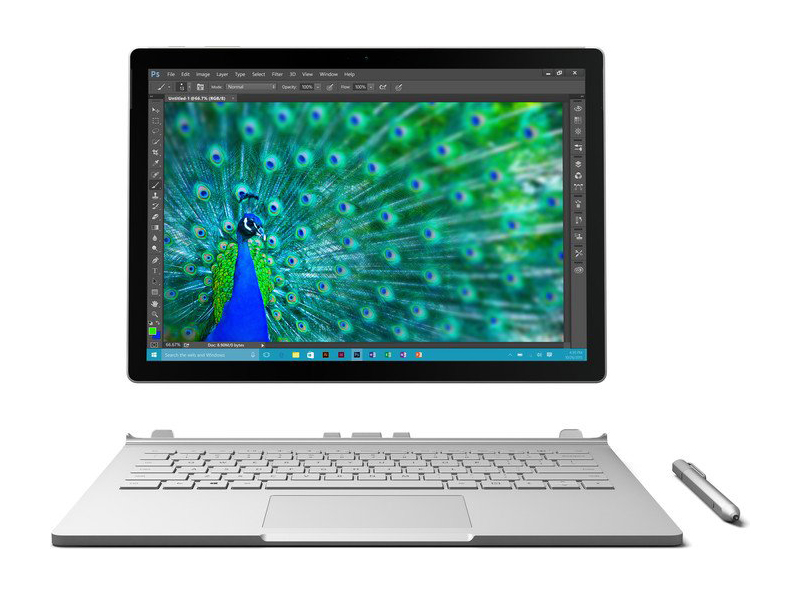 Notebook: Microsoft Surface Book Core i7
Processor: Intel Core i7 6600U
Graphics Adapter: NVIDIA Maxwell GPU (940M, GDDR5) 1024 MB
Display: 13.50 inch, 3:2, 3000 x 2000 pixels
Weight: 1.51kg
Price: 2920 euro
Links: Surface Book Core i7 (Model)
Pricecompare
Average Score:
Reviews
Without competition. It is certainly powerful and does not make any compromises in terms of performance, and now even with a surprisingly good runtime of 10 hours. The Book easily beats the competition. But: Surface Pro 4 Core i7 and the i5 sibling are in the same ballpark – except for the runtime, which is a surprise.
Source: Techradar
The Microsoft Surface Book is one of the best Windows 10 devices we’ve ever seen and tested, and one of the most influential. Thanks to its powerful components, stunning 3,000 x 2,000 display, and that brilliantly-designed Dynamic Fulcrum hinge, it has certainly more than earned its place in the history of portables.
Single Review, online available, Medium, Date: 04/16/2021
Rating: Total score: 90%
Source: Techradar
The Microsoft Surface Book is one of the best Windows 10 devices we’ve ever seen and tested, and one of the most influential. Thanks to its powerful components, stunning 3,000 x 2,000 display, and that brilliantly-designed Dynamic Fulcrum hinge, it has certainly more than earned its place in the history of portables.
Single Review, online available, Medium, Date: 04/16/2021
Rating: Total score: 90%
Source: Techradar
Archive.org versionWhile the Surface Book brings many technological innovations to the laptop space, its greatest strength is that it's just an all-around terrific device.
Single Review, online available, Very Long, Date: 08/30/2017
Rating: Total score: 90%
Source: Techradar
Archive.org versionWhile the Surface Book brings many technological innovations to the laptop space, its greatest strength is that it's just an all-around terrific device.
Single Review, online available, Very Long, Date: 08/30/2017
Rating: Total score: 90%
Source: Recombu
Archive.org versionBy gracing it with top-tier processors, a responsive touchscreen, pen functionality and a versatile design, Microsoft has squarely aimed the Surface Book at the same creative audiences who flock to Apple’s stores to buy the iconic MacBook Pro. For some the Surface Book will undoubtedly be the more appropriate tool for the job, but despite the competency of this device, the biggest challenge it faces is convincing consumers that it’s the better option.
Single Review, online available, Medium, Date: 03/15/2016
Rating: Total score: 80%
Source: Recombu
Archive.org versionBy gracing it with top-tier processors, a responsive touchscreen, pen functionality and a versatile design, Microsoft has squarely aimed the Surface Book at the same creative audiences who flock to Apple’s stores to buy the iconic MacBook Pro. For some the Surface Book will undoubtedly be the more appropriate tool for the job, but despite the competency of this device, the biggest challenge it faces is convincing consumers that it’s the better option.
Single Review, online available, Medium, Date: 03/15/2016
Rating: Total score: 80%
Source: V3.co.uk
Archive.org versionThe Surface Book is another solution to the 2-in-1 transforming laptop. Detachable hybrids or hinged, we have to wonder whether Microsoft et al are striving to solve a problem that even exists. And with all the evidence so far, whether it's the Lenovo Yoga 900 with its 'watchband' hinge or Asus with its earth magnets on the Transformer Book T300 Chi, Microsoft's 'fulcrum' hinge is clever but not without some niggles.
Single Review, online available, Long, Date: 03/11/2016
Rating: Total score: 60%
Source: V3.co.uk
Archive.org versionThe Surface Book is another solution to the 2-in-1 transforming laptop. Detachable hybrids or hinged, we have to wonder whether Microsoft et al are striving to solve a problem that even exists. And with all the evidence so far, whether it's the Lenovo Yoga 900 with its 'watchband' hinge or Asus with its earth magnets on the Transformer Book T300 Chi, Microsoft's 'fulcrum' hinge is clever but not without some niggles.
Single Review, online available, Long, Date: 03/11/2016
Rating: Total score: 60%
Source: It Pro
Archive.org versionThe Surface Book is a very good laptop, especially as a first effort from Microsoft, with plenty of finely designed components and elements coming together nicely (in spite of the various software bugs) to make a sleek, powerful and desirable computer. We can’t recommend it unconditionally though unless you have deep pockets.
Single Review, online available, Long, Date: 03/01/2016
Rating: Total score: 80%
Source: PC Pro
Archive.org versionBut, just like we saw with the Surface tablets, it’s going to take at least one more revision before Microsoft completely nails the design. Even now, it is tantalisingly close to my idea of a perfect Windows laptop, but on a device this good, the flaws stick out like a sore thumb. Personally, I’d want Thunderbolt 3, a better GPU, a faster quad-core CPU, and although battery life is superb in laptop mode, I definitely want better battery life from the tablet. I’m a hard task-master.
Single Review, online available, Medium, Date: 03/01/2016
Rating: Total score: 80%
Source: It Pro
Archive.org versionThe Surface Book is a very good laptop, especially as a first effort from Microsoft, with plenty of finely designed components and elements coming together nicely (in spite of the various software bugs) to make a sleek, powerful and desirable computer. We can’t recommend it unconditionally though unless you have deep pockets.
Single Review, online available, Long, Date: 03/01/2016
Rating: Total score: 80%
Source: PC Pro
Archive.org versionBut, just like we saw with the Surface tablets, it’s going to take at least one more revision before Microsoft completely nails the design. Even now, it is tantalisingly close to my idea of a perfect Windows laptop, but on a device this good, the flaws stick out like a sore thumb. Personally, I’d want Thunderbolt 3, a better GPU, a faster quad-core CPU, and although battery life is superb in laptop mode, I definitely want better battery life from the tablet. I’m a hard task-master.
Single Review, online available, Medium, Date: 03/01/2016
Rating: Total score: 80%
Source: Pocket Lint
Archive.org versionFor those who do take that leap, though, it's certainly no gamble: the Surface Book is a sophisticated and stand-out hybrid device in many senses, one that, in our review sample case, has ironed out the majority of issues that affected the earlier US release. It's yet another high brow Windows machine to put on the shortlist, if, that is, you've got the cash to afford one.
Single Review, online available, Short, Date: 02/22/2016
Rating: Total score: 80%
Source: Pocket Lint
Archive.org versionFor those who do take that leap, though, it's certainly no gamble: the Surface Book is a sophisticated and stand-out hybrid device in many senses, one that, in our review sample case, has ironed out the majority of issues that affected the earlier US release. It's yet another high brow Windows machine to put on the shortlist, if, that is, you've got the cash to afford one.
Single Review, online available, Short, Date: 02/22/2016
Rating: Total score: 80%
Source: Stuff TV
Archive.org versionAlthough the Surface Book isn’t quite the slam dunk you might assume it to be, that’s almost to be expected. There’s a good reason why Microsoft took three decades to create its own laptop, and that’s because it’s a tough job to get right. So why bother?
Single Review, online available, Medium, Date: 02/19/2016
Rating: Total score: 80%
Source: Stuff TV
Archive.org versionAlthough the Surface Book isn’t quite the slam dunk you might assume it to be, that’s almost to be expected. There’s a good reason why Microsoft took three decades to create its own laptop, and that’s because it’s a tough job to get right. So why bother?
Single Review, online available, Medium, Date: 02/19/2016
Rating: Total score: 80%
Source: Trusted Reviews
Archive.org versionThe Surface Book is the best Windows 10 laptop I’ve tested. It features a wealth of top-end hardware within a slim, travel-friendly chassis, as well as a solid, well-connected keyboard dock. Thanks to the inclusion of the dock's optional Nvidia GPU, the Surface Book also smokes most competing Ultrabooks, like the Lenovo Yoga 900 or Dell XPS 13, when it comes to performance. If money is no object, this is the best Windows 10 laptop you can get.
Single Review, online available, Long, Date: 02/18/2016
Rating: Total score: 80% price: 60% performance: 90% display: 90% mobility: 80% workmanship: 90%
Source: Trusted Reviews
Archive.org versionThe Surface Book is the best Windows 10 laptop I’ve tested. It features a wealth of top-end hardware within a slim, travel-friendly chassis, as well as a solid, well-connected keyboard dock. Thanks to the inclusion of the dock's optional Nvidia GPU, the Surface Book also smokes most competing Ultrabooks, like the Lenovo Yoga 900 or Dell XPS 13, when it comes to performance. If money is no object, this is the best Windows 10 laptop you can get.
Single Review, online available, Long, Date: 02/18/2016
Rating: Total score: 80% price: 60% performance: 90% display: 90% mobility: 80% workmanship: 90%
Source: Expert Reviews
Archive.org versionThere’s no doubt that the Microsoft Surface Book is a stunning piece of engineering. As Microsoft’s inaugural laptop that doubles as a tablet, it’s a device the company can be proud of. In terms of design, it’s by far my favourite Windows laptop, and it marries a lot of the Surface Pro 4's best features with more practical design choices taken from Apple’s MacBooks and Google’s Chromebook Pixel. The touchpad in particular is the best I’ve used on a Windows laptop.
Single Review, online available, Very Long, Date: 02/17/2016
Rating: Total score: 80%
Source: Expert Reviews
Archive.org versionThere’s no doubt that the Microsoft Surface Book is a stunning piece of engineering. As Microsoft’s inaugural laptop that doubles as a tablet, it’s a device the company can be proud of. In terms of design, it’s by far my favourite Windows laptop, and it marries a lot of the Surface Pro 4's best features with more practical design choices taken from Apple’s MacBooks and Google’s Chromebook Pixel. The touchpad in particular is the best I’ve used on a Windows laptop.
Single Review, online available, Very Long, Date: 02/17/2016
Rating: Total score: 80%
Source: IGN
Archive.org versionWhile the Surface Pro 4 is a tablet that can replace your laptop, the Surface Book is a laptop first and works as a tablet for certain tasks. It won’t replace your Android tablet or iPad, but it’s not supposed it. It’s a killer laptop that’s great for professionals and people just looking for a laptop that does more. The base Surface Book starts at a reasonable $1,499, but other configurations can go all the way up to $3,199. Microsoft has its sights aimed squarely at the 13-inch Macbook Pro, claiming three times the performance with the Surface Book’s dedicated graphics. However, with price taken into account, the Surface Book actually slots in between the 13 and 15-inch MacBook Pro, offering more power than the 13-inch MacBook Pro, but less than the 15-inch model. Of course, neither MacBook works as a tablet.
Single Review, online available, Very Short, Date: 12/05/2015
Rating: Total score: 85%
Source: IGN
Archive.org versionWhile the Surface Pro 4 is a tablet that can replace your laptop, the Surface Book is a laptop first and works as a tablet for certain tasks. It won’t replace your Android tablet or iPad, but it’s not supposed it. It’s a killer laptop that’s great for professionals and people just looking for a laptop that does more. The base Surface Book starts at a reasonable $1,499, but other configurations can go all the way up to $3,199. Microsoft has its sights aimed squarely at the 13-inch Macbook Pro, claiming three times the performance with the Surface Book’s dedicated graphics. However, with price taken into account, the Surface Book actually slots in between the 13 and 15-inch MacBook Pro, offering more power than the 13-inch MacBook Pro, but less than the 15-inch model. Of course, neither MacBook works as a tablet.
Single Review, online available, Very Short, Date: 12/05/2015
Rating: Total score: 85%
Source: Good Gear Guide
Archive.org versionCarrying the Surface Book under one arm is done with the Microsoft badge facing outwards; it’s done with a sense of pride. If only the review would end there, but imagine what Microsoft could do if it didn’t have to pop the computing hardware in the screen and bother with a thick hinge. Imagine if Microsoft poured the same blood, sweat and tears into a dedicated notebook.
Single Review, online available, Medium, Date: 11/20/2015
Rating: Total score: 90%
Source: Good Gear Guide
Archive.org versionCarrying the Surface Book under one arm is done with the Microsoft badge facing outwards; it’s done with a sense of pride. If only the review would end there, but imagine what Microsoft could do if it didn’t have to pop the computing hardware in the screen and bother with a thick hinge. Imagine if Microsoft poured the same blood, sweat and tears into a dedicated notebook.
Single Review, online available, Medium, Date: 11/20/2015
Rating: Total score: 90%
Source: Mobile Tech Review
Archive.org versionWindows 2-in-1s are always a compromise, as we noted in our Surface Pro 4 review, you don't get the very best tablet possible or the very best laptop. As a tablet, the relatively large screen, pen, light weight and slim dimensions still make Surface Book one of the better tablets on the market. It's also one of the most powerful among tablets and 2-in-1s, but it's not nearly one of the most powerful laptops similar money could buy.
Single Review, online available, Long, Date: 11/01/2015
Rating: Total score: 80%
Source: Mobile Tech Review
Archive.org versionWindows 2-in-1s are always a compromise, as we noted in our Surface Pro 4 review, you don't get the very best tablet possible or the very best laptop. As a tablet, the relatively large screen, pen, light weight and slim dimensions still make Surface Book one of the better tablets on the market. It's also one of the most powerful among tablets and 2-in-1s, but it's not nearly one of the most powerful laptops similar money could buy.
Single Review, online available, Long, Date: 11/01/2015
Rating: Total score: 80%
Source: Slashgear
Archive.org versionFor all the launch day excitement it caused, Surface Book will inevitably be a niche product. As the standard bearer for a new architecture of modular graphics, though, it may be in Microsoft's better interests in the long run if, Nexus-style, other OEMs see what's been done and experiment with the same approach themselves.
Comparison, online available, Medium, Date: 10/21/2015
Source: Digital Trends
Archive.org versionThe Surface Book has attracted a lot of attention in the Digital Trends office. People ask about the hinge, and the display, and then the price. They’re always shocked to learn that it starts at $1,500, and I can’t understand why. We had the opportunity to test the base model along with this more powerful Core i7, and we found it’s also a miniature powerhouse.
Single Review, online available, Long, Date: 10/21/2015
Rating: Total score: 70%
Source: Digital Trends
Archive.org versionThe Surface Book has attracted a lot of attention in the Digital Trends office. People ask about the hinge, and the display, and then the price. They’re always shocked to learn that it starts at $1,500, and I can’t understand why. We had the opportunity to test the base model along with this more powerful Core i7, and we found it’s also a miniature powerhouse.
Single Review, online available, Long, Date: 10/21/2015
Rating: Total score: 70%
Source: Slashgear
Archive.org versionFor all the launch day excitement it caused, Surface Book will inevitably be a niche product. As the standard bearer for a new architecture of modular graphics, though, it may be in Microsoft's better interests in the long run if, Nexus-style, other OEMs see what's been done and experiment with the same approach themselves.
Comparison, online available, Medium, Date: 10/21/2015
Foreign Reviews
Source: Digital Home - Heft 3/2016
Single Review, , Length Unknown, Date: 06/01/2016
Source: Digital Home - Heft 3/2016
Single Review, , Length Unknown, Date: 06/01/2016
Source: Connect - Heft 6/2016
Single Review, , Length Unknown, Date: 05/01/2016
Rating: Total score: 85%
Source: Connect - Heft 6/2016
Single Review, , Length Unknown, Date: 05/01/2016
Rating: Total score: 85%
Source: MobiFlip
DE→EN Archive.org versionSingle Review, online available, Long, Date: 04/20/2016
Source: MobiFlip
DE→EN Archive.org versionSingle Review, online available, Long, Date: 04/20/2016
Source: PC Magazin - Heft 5/2016
Single Review, , Length Unknown, Date: 04/01/2016
Rating: Total score: 86%
Source: PC Magazin - Heft 5/2016
Single Review, , Length Unknown, Date: 04/01/2016
Rating: Total score: 86%
Source: Futurezone.at
DE→EN Archive.org versionSingle Review, online available, Long, Date: 03/21/2016
Source: Allround-PC.com
DE→EN Archive.org versionSingle Review, online available, Long, Date: 03/21/2016
Source: Futurezone.at
DE→EN Archive.org versionSingle Review, online available, Long, Date: 03/21/2016
Source: Allround-PC.com
DE→EN Archive.org versionSingle Review, online available, Long, Date: 03/21/2016
Source: Curved
DE→EN Archive.org versionSingle Review, online available, Medium, Date: 03/18/2016
Rating: Total score: 75% performance: 75% display: 85% mobility: 80%
Source: Curved
DE→EN Archive.org versionSingle Review, online available, Medium, Date: 03/18/2016
Rating: Total score: 75% performance: 75% display: 85% mobility: 80%
Source: Onlinekosten.de
DE→EN Archive.org versionSingle Review, online available, Medium, Date: 03/15/2016
Rating: Total score: 90%
Source: Onlinekosten.de
DE→EN Archive.org versionSingle Review, online available, Medium, Date: 03/15/2016
Rating: Total score: 90%
Source: HardwareLuxx
DE→EN Archive.org versionSingle Review, online available, Long, Date: 03/03/2016
Source: Turn On
DE→EN Archive.org versionSingle Review, online available, Long, Date: 03/03/2016
Source: HardwareLuxx
DE→EN Archive.org versionSingle Review, online available, Long, Date: 03/03/2016
Source: Turn On
DE→EN Archive.org versionSingle Review, online available, Long, Date: 03/03/2016
Source: Notebookinfo
DE→EN Archive.org versionSingle Review, online available, Medium, Date: 02/22/2016
Rating: Total score: 94% performance: 95% display: 100% mobility: 95% ergonomy: 100% emissions: 90%
Source: Notebookinfo
DE→EN Archive.org versionSingle Review, online available, Medium, Date: 02/22/2016
Rating: Total score: 94% performance: 95% display: 100% mobility: 95% ergonomy: 100% emissions: 90%
Source: Tabtech
DE→EN Archive.org versionSingle Review, online available, Long, Date: 02/18/2016
Rating: Total score: 85% performance: 100% display: 100% mobility: 80% workmanship: 80% ergonomy: 80%
Source: Tabtech
DE→EN Archive.org versionSingle Review, online available, Long, Date: 02/18/2016
Rating: Total score: 85% performance: 100% display: 100% mobility: 80% workmanship: 80% ergonomy: 80%
Source: Chip.de
DE→EN Archive.org versionSingle Review, online available, Medium, Date: 02/16/2016
Rating: Total score: 93% price: 43% performance: 100% features: 86% display: 100% mobility: 86%
Source: Chip.de
DE→EN Archive.org versionSingle Review, online available, Medium, Date: 02/16/2016
Rating: Total score: 93% price: 43% performance: 100% features: 86% display: 100% mobility: 86%
Source: Tweakers
NL→EN Archive.org versionSingle Review, online available, Short, Date: 07/15/2017
Rating: Total score: 80%
Source: Tweakers
NL→EN Archive.org versionSingle Review, online available, Short, Date: 07/15/2017
Rating: Total score: 80%
Source: Tweakers
NL→EN Archive.org versionSingle Review, online available, Very Long, Date: 05/10/2017
Rating: Total score: 80%
Source: Tweakers
NL→EN Archive.org versionSingle Review, online available, Very Long, Date: 05/10/2017
Rating: Total score: 80%
Source: Bright.nl
NL→EN Archive.org versionPositive: Powerful hardware; elegant design; high performance; long battery life. Negative: High price.
Single Review, online available, Medium, Date: 05/05/2017
Source: Bright.nl
NL→EN Archive.org versionPositive: Powerful hardware; elegant design; high performance; long battery life. Negative: High price.
Single Review, online available, Medium, Date: 05/05/2017
Source: CNet France
FR→EN Archive.org versionSingle Review, online available, Short, Date: 12/13/2016
Rating: Total score: 80%
Source: CNet France
FR→EN Archive.org versionSingle Review, online available, Short, Date: 12/13/2016
Rating: Total score: 80%
Source: DGL.ru
RU→EN Archive.org versionPositive: High performance; powerful hardware; fast system; long battery life. Negative: High price.
Single Review, online available, Very Long, Date: 11/23/2016
Source: DGL.ru
RU→EN Archive.org versionPositive: High performance; powerful hardware; fast system; long battery life. Negative: High price.
Single Review, online available, Very Long, Date: 11/23/2016
Microsoft Surface Pro 4, Core m3
The Microsoft Surface Pro 4 continues the 2-in-1 design of the Surface Pro series. The base model comes with a Core m3 processor. Its great performance is due to Intel 6th generation Skylake CPUs, dual band Marvell Avastar WiFi 802.11 ac and Bluetooth 4.0. This tablet is slimmer and bigger compared to the previous model and runs Windows 10 Pro. The 12.3 inch display with a resolutions of 2734 x 1824 and IPS technology boosts the pleasure of watching movie, playing games or viewing photos. In view of accessories, there is a better backlit Surface Pro 4 Type Cover, which is sold separately, available. The user can either choose the standard or the special version with fingerprint scanner. The glass trackpad is wider and works reliably. Even the Surface pen has been vastly improved. It can be hold like a pencil and hang onto the tablet side conveniently. Despite average battery life, this classical hybrid tablet works brilliantly with its refined cooling system, brighter display, beautiful kickstand and improved stereo speakers. The Core m3 model has no fan and is definitely suitable for those who prefer silence.Specifications
 Notebook: Microsoft Surface Pro 4, Core m3
Processor: Intel Core m3 6Y30
Graphics Adapter: Intel HD Graphics 515
Display: 12.30 inch, 3:2, 2736 x 1824 pixels
Weight: 1.066kg
Price: 900 euro
Links: Surface Pro 4, Core m3 (Model)
Pricecompare
Average Score:
Reviews
Fourth Time's a Charm. The highly-anticipated fourth rendition of Microsoft’s Surface Pro is finally here, and it brings some valuable refinements. Thanks to a low-power Core m3 CPU, our review unit is completely devoid of moving parts—making this more tablet than ever before. But is it finally the tablet than can replace your laptop, or is it just another product of compromise?
Source: Tab Times
Archive.org versionWith various iOS and Android tablets, ChromeOS, Windows and Linux powered laptops at my disposal, the Surface Pro 4 was the one device I opted to take with me on a trip to Japan this fall. In considering usability, weight, battery life and all else I would need to not only play, but work a little, including clear my camera’s microSD card each day, Microsoft’s tablet was my choice, and I did not regret it at all. I could have used greater battery life a couple days processing photos, but in the end, I was easily able to get by with this one machine for a week.
Single Review, online available, Very Long, Date: 12/16/2016
Source: Tab Times
Archive.org versionWith various iOS and Android tablets, ChromeOS, Windows and Linux powered laptops at my disposal, the Surface Pro 4 was the one device I opted to take with me on a trip to Japan this fall. In considering usability, weight, battery life and all else I would need to not only play, but work a little, including clear my camera’s microSD card each day, Microsoft’s tablet was my choice, and I did not regret it at all. I could have used greater battery life a couple days processing photos, but in the end, I was easily able to get by with this one machine for a week.
Single Review, online available, Very Long, Date: 12/16/2016
Source: Tech Advisor
Archive.org versionThere is a great deal to like and rave about the Surface Pro 4. The design is thinner and lighter for starters. The screen is awesome, there's plenty of power available, the new Surface Pen is better and the Type Cover is a vast improvement on the last one. However, the design is inherently awkward at times, it's more expensive that a lot of laptops and the Type Cover, which you'll pretty much need, isn't included lowering the value.
Single Review, online available, Short, Date: 12/14/2015
Rating: Total score: 80% price: 60% performance: 80% features: 90% workmanship: 90%
Source: Tech Advisor
Archive.org versionThere is a great deal to like and rave about the Surface Pro 4. The design is thinner and lighter for starters. The screen is awesome, there's plenty of power available, the new Surface Pen is better and the Type Cover is a vast improvement on the last one. However, the design is inherently awkward at times, it's more expensive that a lot of laptops and the Type Cover, which you'll pretty much need, isn't included lowering the value.
Single Review, online available, Short, Date: 12/14/2015
Rating: Total score: 80% price: 60% performance: 80% features: 90% workmanship: 90%
Source: Techradar
Archive.org versionHas Microsoft at last crafted a tablet that can reasonably, without considerable compromise, replace your laptop? Short of going back to the drawing board on the battery, this looks as close as it's going to get.
Single Review, online available, Short, Date: 11/08/2015
Rating: Total score: 95%
Source: Techradar
Archive.org versionHas Microsoft at last crafted a tablet that can reasonably, without considerable compromise, replace your laptop? Short of going back to the drawing board on the battery, this looks as close as it's going to get.
Single Review, online available, Short, Date: 11/08/2015
Rating: Total score: 95%
Source: Gizmag
Archive.org versionWe'll have much more on the Surface Pro 4 in our full review, including battery life tests and impressions. So far we're pleasantly surprised with this entry-level model: if a slightly lighter and silent PC appeals to you, and your workflow isn't significantly more intense than the one we described here, you may be better off with this model than you expected.
Single Review, online available, Very Short, Date: 10/30/2015
Source: Gizmag
Archive.org versionWe'll have much more on the Surface Pro 4 in our full review, including battery life tests and impressions. So far we're pleasantly surprised with this entry-level model: if a slightly lighter and silent PC appeals to you, and your workflow isn't significantly more intense than the one we described here, you may be better off with this model than you expected.
Single Review, online available, Very Short, Date: 10/30/2015
Foreign Reviews
Source: Cyberbloc
DE→EN Archive.org versionSingle Review, online available, Very Short, Date: 11/24/2015
Rating: Total score: 90%
Source: Cyberbloc
DE→EN Archive.org versionSingle Review, online available, Very Short, Date: 11/24/2015
Rating: Total score: 90%
Source: Hispazone
ES→EN Archive.org versionPositive: Excellent display; compact size and light weight. Negative: Expensive.
Single Review, online available, Short, Date: 11/04/2015
Source: Hispazone
ES→EN Archive.org versionPositive: Excellent display; compact size and light weight. Negative: Expensive.
Single Review, online available, Short, Date: 11/04/2015
Source: Les Androides
FR→EN Archive.org versionPositive: Excellent display; comfortable keyboard; decent hardware. Negative: Low autonomy; mediocre fan.
Single Review, online available, Medium, Date: 11/22/2016
Source: Les Androides
FR→EN Archive.org versionPositive: Excellent display; comfortable keyboard; decent hardware. Negative: Low autonomy; mediocre fan.
Single Review, online available, Medium, Date: 11/22/2016
Source: Benchmark.pl
PL→EN Archive.org versionPositive: Good price; high performance; compact size; great built quality.
Single Review, online available, Medium, Date: 10/25/2016
Source: Benchmark.pl
PL→EN Archive.org versionPositive: Good price; high performance; compact size; great built quality.
Single Review, online available, Medium, Date: 10/25/2016
Microsoft Surface Pro 4 Core i7
Specifications
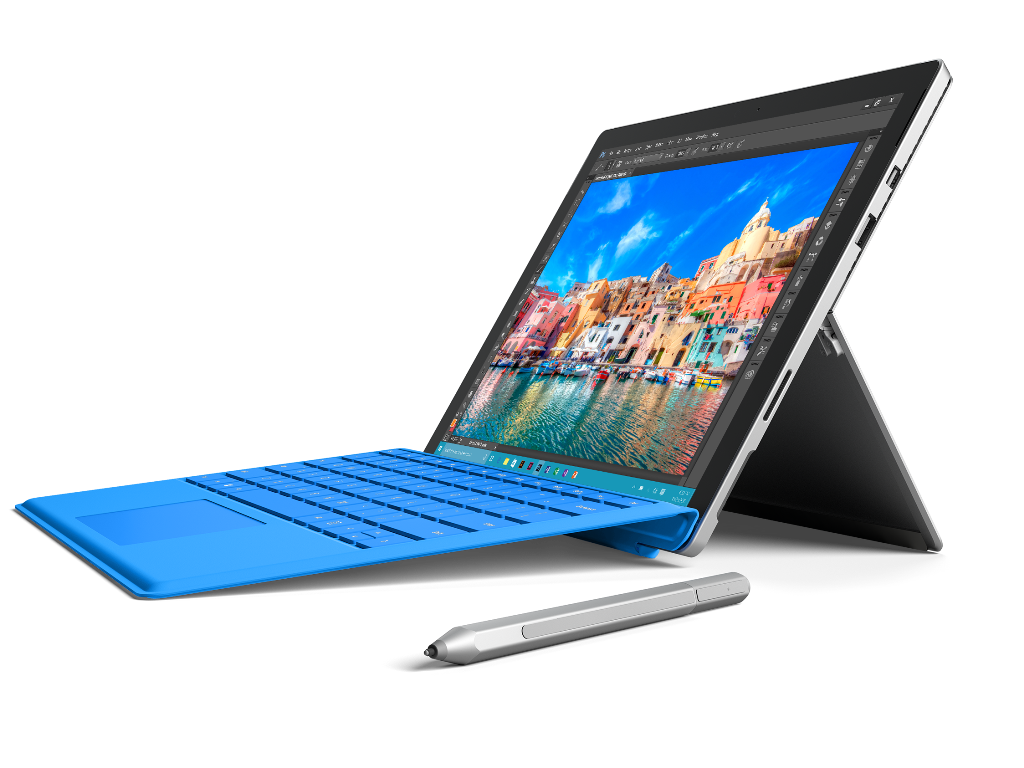 Notebook: Microsoft Surface Pro 4 Core i7
Processor: Intel Core i7 6650U
Graphics Adapter: Intel Iris Graphics 540
Display: 12.30 inch, 3:2, 2736 x 1824 pixels
Weight: 1.092kg
Price: 1249 euro
Links:
Pricecompare
Average Score:
Reviews
Same face, faster hardware. Is the highest-end Surface Pro 4 really worth the investment? We give you the raw benchmarks for you to decide on your own.
Source: Techradar
Archive.org versionHas Microsoft at last crafted a tablet that can reasonably, without considerable compromise, replace your laptop? Short of going back to the drawing board on the battery, this looks as close as it's going to get.
Single Review, online available, Very Long, Date: 06/28/2017
Rating: Total score: 90%
Source: Techradar
Archive.org versionHas Microsoft at last crafted a tablet that can reasonably, without considerable compromise, replace your laptop? Short of going back to the drawing board on the battery, this looks as close as it's going to get.
Single Review, online available, Very Long, Date: 06/28/2017
Rating: Total score: 90%
Source: Techradar
Has Microsoft at last crafted a tablet that can reasonably, without considerable compromise, replace your laptop? Short of going back to the drawing board on the battery, this looks as close as it's going to get.
Single Review, online available, Very Long, Date: 05/30/2017
Rating: Total score: 90%
Source: Techradar
Has Microsoft at last crafted a tablet that can reasonably, without considerable compromise, replace your laptop? Short of going back to the drawing board on the battery, this looks as close as it's going to get.
Single Review, online available, Very Long, Date: 05/30/2017
Rating: Total score: 90%
Foreign Reviews
Source: Teltarif
DE→EN Archive.org versionSingle Review, online available, Long, Date: 05/18/2018
Rating: Total score: 96%
Source: Teltarif
DE→EN Archive.org versionSingle Review, online available, Long, Date: 05/18/2018
Rating: Total score: 96%
Source: Benchmark.pl
PL→EN Archive.org versionSingle Review, online available, Very Short, Date: 12/18/2015
Rating: Total score: 100%
Source: Benchmark.pl
PL→EN Archive.org versionSingle Review, online available, Very Short, Date: 12/18/2015
Rating: Total score: 100%
Microsoft Surface Pro 4, Core i5, 256GB
Specifications
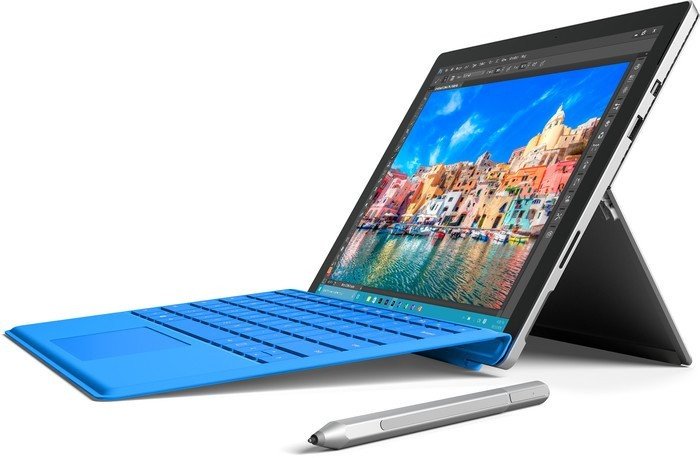 Notebook: Microsoft Surface Pro 4, Core i5, 256GB
Processor: Intel Core i5 6300U
Graphics Adapter: Intel HD Graphics 520
Display: 12.30 inch, 15:10, 2736 x 1824 pixels
Weight: 0.766kg
Links:
Pricecompare
Average Score:
Reviews
Source: KL Gadget Guy
Archive.org versionIf you are already looking to buy a Surface Pro 4 in the very beginning, then you will be glad to know that this refreshed model is definitely a better performing model than the previous one, with better performance and battery life. However, what the Surface Pro 4 offers isn’t compelling enough for me to recommend one, given the fact that the model we have here costs RM6,568, you already have many alternatives for a lightweight Windows machine, such as the HP Envy 13, Acer Switch 5, Lenovo Yoga 720 and more, all of which costs lesser than the Surface Pro 4, not unless you value the form factor and Surface ecosystem, I won’t recommend this as a great option for a premium Windows machine.
Single Review, online available, Short, Date: 01/07/2018
Source: Unlocked Newegg
Archive.org versionThe Surface line has had the distinct advantage of being one of the first to the 2-in-1 party, so Microsoft has had ample time to work out the kinks. For the most part they have succeeded, especially when it comes to the high performing, beautiful tablet portion. The keyboard is sufficient, though not exactly a game changer. I would recomend the Surface to someone who wants to use it primarily as a tablet, with only occasional typing. They keyboard isn’t quite there yet, especially when it comes to the clumsy detachment process. The Surface Book addresses this issue beautifully, but the high cost might be an issue for some.
Single Review, online available, Short, Date: 09/26/2016
Source: Techradar
Archive.org versionHas Microsoft at last crafted a tablet that can reasonably, without considerable compromise, replace your laptop? Short of going back to the drawing board on the battery, this looks as close as it's going to get.
Single Review, online available, Medium, Date: 09/21/2016
Rating: Total score: 90%
Source: PC Pro
Archive.org versionOverall, though, Microsoft really is pushing the Surface Pro line along nicely. There isn't quite enough here to make me want to upgrade from a Surface Pro 3, but it’s a good, solid update, and it remains the hybrid that sets the standard. If you have the money, and want a hybrid, buy it.
Single Review, online available, Long, Date: 01/04/2016
Rating: Total score: 100%
Source: PC Perspective
Archive.org versionThe hardware design is superb, the hardware configuration is top of the line for this generation, Windows 10 is more than capable of handling the high DPI resolutions and there is no bloatware to deal with on the Surface platforms. Other than the eccentricities of the designs (Type Cover, hinge), price is the only thing that you can really complain about on either the Surface Pro 4 or the Surface Book. If you want flagship Windows notebooks that combine design, style, technology and performance, both the Surface Pro 4 and Surface Book are the best you can buy. If I were picking one to keep in my bag going forward, I think the larger screen and discrete GPU option on the Surface Book would make it my selection.
Comparison, online available, Very Long, Date: 12/21/2015
Source: Stuff TV
Archive.org versionWhen Windows 10, and its Continuum mode in particular, runs without a hiccup this is a five-star product. Microsoft didn't need to tinker with the Pro 3 much to ensure it was a winner. All that was required on the hardware side of things were some modest refinements: a larger, equally pristine screen, a faster processor and a pen that wouldn’t go missing at the bottom of your rucksack. As good as the Pro 3 was, running on Windows 8.1 made it a stopgap product. Now Windows 10 is here, the Pro 4 should see Microsoft’s hybrid vision fully realised at the fourth time of asking. After spending the best part of two weeks with the latest Surface, that magic moment has patently gone missing. It's a product that grasps defeat from the jaws of victory. When an update comes along and fixes the issues I've been having with the Pro 4, I'll happily reevaluate it. At the moment, I'm left with a hybrid that I can't trust to work properly.
Single Review, online available, Very Short, Date: 11/26/2015
Rating: Total score: 40%
Source: Trusted Reviews
Archive.org versionIf you have the money, the Surface Pro 4 is the best Windows 10 tablet available. It offers a bright, crisp display, great performance and solid build quality. Paired with its Surface Pen and optional Type Cover, the Surface Pro 4 becomes a fully functioning laptop that will meet most people’s personal and work needs. However, I’m not completely sold on its value as a professional design tool. The fact that Microsoft is also charging an extra £110 for the Type Cover, where most other PC and tablet makers are offering keyboards for free is also an annoyance. Buyers on a strict budget who don’t need top-end performance could find a better deal with one of Asus’ Transformer Books, or Microsoft’s own Surface 3.
Single Review, online available, Medium, Date: 11/23/2015
Rating: Total score: 90% price: 80% performance: 80% mobility: 80% workmanship: 90% ergonomy: 90%
Foreign Reviews
Source: Connect - Heft 9/2016
Single Review, , Length Unknown, Date: 08/01/2016
Rating: Total score: 81%
Source: HardwareLuxx
DE→EN Archive.org versionSingle Review, online available, Long, Date: 12/12/2015
Source: Mobicroco
DE→EN Archive.org versionSingle Review, online available, Short, Date: 11/24/2015
Rating: Total score: 96% features: 95% workmanship: 98% ergonomy: 98%
Source: Computer Totaal
NL→EN Archive.org versionSingle Review, online available, Very Short, Date: 11/19/2015
Rating: Total score: 60%
Source: All About Phones
NL→EN Archive.org versionPositive: Slim size and lightweight; good display; nice design; long battery life. Negative: Relatively high price.
Single Review, online available, Long, Date: 04/11/2016
Source: Fredzone
FR→EN Archive.org versionSingle Review, online available, Very Long, Date: 09/25/2016
Rating: Total score: 90% price: 85% display: 95% mobility: 90% ergonomy: 95%
Source: Meilleurmobile
FR→EN Archive.org versionSingle Review, online available, Medium, Date: 01/21/2016
Rating: Total score: 80%
Source: PC Lab.pl
PL→EN Archive.org versionPositive: Slim and light; very good performance; fantastic display; Pen included; easy-to-use; comfortable keyboard; efficient cooling system; good sound quality. Negative: Only one USB port; short battery life; expensive.
Single Review, online available, Very Long, Date: 02/05/2016
Source: Chip Online TR
 TR→EN Archive.org version
Single Review, online available, Short, Date: 07/18/2016
Rating: Total score: 76% performance: 83% display: 86%
Source: Notebook-Center.ru
RU→EN Archive.org versionPositive: Excellent design; balanced weight and size characteristics; good performance; and high-quality display. Negative: Poor connectivity; short battery life; expensive.
Single Review, online available, Medium, Date: 01/27/2016
Source: Dinside
NO→EN Archive.org versionSingle Review, online available, Very Short, Date: 11/25/2015
Rating: Total score: 83%
Microsoft Surface Book 2016, Core i7
The significant development of the digital era contributed considerably to various technical devices in order to satisfy multi-purposes of users in many ways, so that there are different kinds of digital devices released to make customer feel comfortable and convenient everytime and everywhere for all purposes. And the one that we would like to mention here is the latest ultraportable laptop coming from Microsoft, the Microsoft Surface Book 2. Upgraded to the Intel Core i7 processor with the NVIDIA GTX 965M graphics card, this 2-in-1 laptop is highly evaluated when compared with its competitors like HP Spectre x360 or Lenovo Yoga Book 910. It is obviously seen that this segment of convertible notebooks is developing rapidly and spectacularly day by day thanks to its benefits for customers.Design
Sporting Microsoft’s signature magnesium alloy and dynamic fulcrum hinge, regarding page LaptopMag, the updated Surface Book with Performance Base looks nearly identical to last year’s model: “You still get a traditional laptop mode with a stick backlit keyboard and a release button next to the Delete key for when you want to detach the display from the base”. As remarked from page ComputerShopper about the updated Surface Book with Performance Base models with a Core i7 processor, they supposed that Microsoft raised the keyboard up very slightly. However, following a comment on page TechRadar, this model definitely sees an increase in density, from the 3.48-pound version (1.58 kg) of last year to the 3.63-pound (1,65 kg) revision this year, and we can chalk most of this up to a larger battery to compensate for the increased power needs. In general, “It’s built from matte silver magnesium, which is durable and light. It may not be everyone’s style, but the Book’s build quality is supreme. There are no panel gaps to speak of, and no matter how the Book is handled, it feels tough and sturdy. The Book’s design can compete with the best in business”, said page DigitalTrends.Display
About the display, one of the best things about the Surface Book is its 3000 x 2000, 13.5 inch PixelSense display. As an evaluation of LaptopMag, “It’s got everything we look for in a good screen: it’s bright, it’s vibrant, it’s accurate, and because you can detach the display from its body, you can take it almost everywhere” while the reviewer of DigitalTrends gave another viewpoint that due to its 3:2 aspect ratio, which means the screen is taller than usual, relative to its width, than a typical 16:9 laptop, going 3:2 means that movies will be displayed with significant black bars across the top and bottom, but it’s a better choice for working with documents and productivity apps, as most display data vertically. Yet, according to TechRadar, the same 3000 x 2000 pixel touch screen in 3:2 aspect ratio looks as gorgeous as ever and feels just as lightning quick to respond to our touches. Page DigitalTrends also evaluated: “It’s able to display 91 percent of the sRGB scale, and 70 percent of the AdobeRGB scale - while obtaining an average color difference of 1.05 deltaE. The human eyes can only detect a difference of more than one, so the Book is close to perfection”. Besides, the Surface Book, as a review from LaptopMag, still supports 1024 levels of pressure sensitivity for use with the device’s bundled pen: “Unlike with a lot of styluses, Microsoft offers a range of different tips, so you can customize the pen’s feel however you want”.Keyboard & Trackpad
Aside from the Surface Book’s new recessed keyboard tray, for LaptopMag, everything else is pretty similar: “You still get the same soft white backlighting, and standard numbers for key travel (1.5mm) actual weight (60 grams)”. Moreover, “The keyboard base (aka the Performance Base) is home to a discrete graphics chip, which takes the Surface Book’s performance beyond that of any other laptops in its class” (PCWorld). Remarked from LaptopMag about the trackpad, touchpad of the new Surface Book is essentially same, and they didn’t run into any of the sluggishness that they encountered as reviewed its predecessor last year since Microsoft has had a year to tweak and customize the touchpad’s performance.Performance
Featuring the Intel Core i7-6600 CPU, 16 GB of RAM and a 1 TB PCIe SSD, LaptopMag showed their own positive opinion that everything coming from the Surface Book 2 made them feel fast, snappy and more responsive, even when the system was tied up with 20 tabs open in Edge, multiple 1080p videos playing the background and a handful of photos open in an editing app. Nevertheless, from another viewpoint, the reviewer of page DigitalTrends said regretfully: “Microsoft has decided not to upgrade to the 7th-generation yet, not even in the Performance Base model. That’s a bit disappointing, but the Surface Book remains quick”. Also, page Reviewed.com stated that the super-expensive Surface Book with Performance Base isn’t different with the prior version: “It still uses a 6th-generation Intel Core i7 in the display, meaning the detachable tablet portion is unchanged from its introduction late last year”. On the contrary, the Surface Book i7’s CPU performance, as commented on PCWorld, can be summed up pretty much in one sentence: “It’s a dual-core chip. Being a 6th generation Skylake CPU, it’s around 10 percent slower than a comparable 7th generation Kaby Lake. Of course, a lot of people won’t feel that deficit very often”.Graphics
Talking about graphics in the new Surface Book, LaptopMag said that the thing that really set the Surface Book apart from the other ultraportables was its optional discrete graphics. Particularly, for the 2016 version, the Performance Base is sporting an upgraded NVIDIA 965M GPU with 2 GB of VRAM, which does offer twice the graphics performance of last year’s machine. With the same viewpoint, DigitalTrends left a review that while the standard Surface Book was no powerhouse, it offered almost twice the visual power of the Surface Pro 4 and the Core i5 Surface Book, so that’s a significant jump over the Intel HD Graphics. Also from this page, “With that said, it’s still a long way from a gaming notebook. The focus is on productivity applications that use GPU compute, not gaming”. Considered as the biggest strength of this ultrabook, according to Reviewed.com, the Performance Base changes the narrative in graphics performance and battery life: “The original discrete GPU models of Surface Book have a custom Nvidia graphics chip that helped it get a leg-up on its competition but wasn’t anything to write home about. It won’t game or crunch data like a Razer Blade, but it’ll give a much-appreciated boost when running through demanding tasks”. Furthermore, PCWorld evaluated the graphics on this laptop even better: “You get to the Surface Book i7’s GeForce GTX 965M, which is basically three times the performance of most laptops with integrated graphics. The Surface Book i7 is basically plenty fast”. “Clearly, the Surface Book is capable of playing demanding games in Medium setting. You could knock a couple grand off this machine’s price and still find a better performing traditional laptop for that price”, ComputerShopper concluded the Surface Book’s graphics.Temperature
About thermal, during casual use, excess heat is pretty much nonexistent. “In most cases, the fans don’t even spin up, and after 15 minutes of watching HD video, the hottest spot (the back of the display), measured just 85 degrees Fahrenheit (29.44 °C)” (LaptopMag). Nevertheless, in a little different perspective, PCWorld commented on emission of the Surface Book i7 that under heavy load, the fans get louder, but the acoustics aren’t bad - perhaps a bit shrill, yet totally acceptable. And the fans seem to work pretty well at keeping the GPU cool. “I ran a GPU torture test for more than an hour and although it got warmer, it didn’t get uncomfortable to touch or use. So good job on the implementation, Microsoft”, said the reviewer of page PCWorld.Battery Life
As the DigitalTrends’ browsing test flips through a few websites, a video, and leaves some idle time, the Surface Book managed to run for 6 hours and 44 minutes until shutting off with just under 10 percent battery left. Also, as the battery test from PCWorld, the test looped a 4K resolution movie using Windows Movie & TV app. The brightness was 260 nits. Audio was enabled but they used a pair of small ear-buds. It gave stupendous battery life. In fact, it set a new record for battery life in a laptop at just over 13 hours of playback. But, with a time of 9 hours and 10 minutes on the LaptopMag’s battery test (continuous web surfing over Wi-Fi), the Surface Book with Performance Base sports pretty impressive longevity. The new Surface Book with Performance Base, as an evaluation shown on page TechRadar, puts out some of the longest battery life numbers we’ve seen on a laptop this year - hybrid or otherwise: “Running our own battery test, it lasted an insane 9 hours and 16 minutes playing a local, 1080p copy of Guardians of the Galaxy on loop 50% brightness and volume”.Verdict
Overall, “With class-leading battery life in laptop mode, a solid magnesium frame, and a keyboard that puts every other convertible to shame, the Microsoft Surface Book is close to any detachable we’ve tested” (quoted from ComputerShopper). As a technical fan, for this notebook, there are such a lot of advantages which could make users feel compelling, such as: the powerful separate graphics in a 13-inch frame, the stylus support with 1024 levels of sensitivity, solid battery life, or vibrant display. Meanwhile, it still has some flaws. For example, most users feel pretty disappointed with the old generation CPU (6th generation instead of using the 7th) and the GPU whereas its price is rather high when competing against other similar 2-in-1 products in the market. That might be the major fault for the Surface Book 2016, in my mind. However, for the final conclusion, TechRadar stated: “Microsoft has made one of the ultimate laptops for creative professionals ever in the Surface Book with Performance Base. Speedier and longer-lasting than ever, this version will better enable creators to work on more demanding projects”. Press Review by Capuchino SaberSpecifications
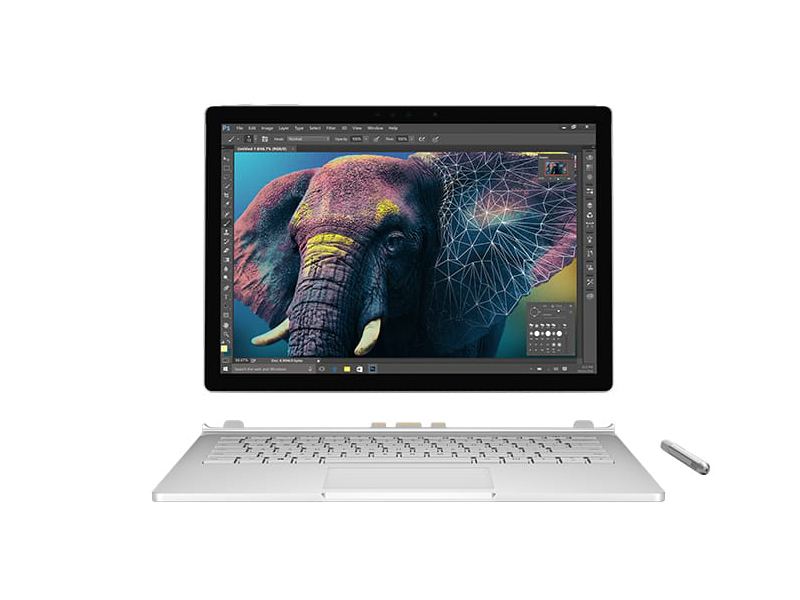 Notebook: Microsoft Surface Book 2016, Core i7
Processor: Intel Core i7 6600U
Graphics Adapter: NVIDIA GeForce GTX 965M
Display: 13.50 inch, 3:2, 3000 x 2000 pixels
Weight: 1.7kg
Price: 2300 euro
Links:
Pricecompare
Average Score:
Reviews
Source: Business News Daily
Archive.org versionThe updated Surface Book will be available with 256GB, 512GB and 1TB storage configurations for $2,399, $2,799 and $3,299 respectively. That's up from the original 128GB with Intel Core i5 that starts at $1,499 and is still for sale. Both come pre-loaded with Microsoft's Windows 10 Pro and a 30-day trial of Office 365.
Single Review, online available, Very Short, Date: 10/18/2017
Source: Techreview Source
Archive.org versionOverall I think the Surface Book 2 with the Performance Base is arguably the closest thing we get to a perfect balance of design, function, performance, battery life, and lust. This all comes at a price but the best usually does. You just have to ask yourself if you’re worth the best.
Single Review, online available, Short, Date: 02/03/2017
Source: Business News Daily
Archive.org versionThe Surface Book has always been a one-of-a-kind laptop, and that hasn’t changed since it first launched in 2015. No other device offers such a versatile design, transforming from sleek tablet to mighty workstation in seconds. And its top-notch pen support will make it an indispensable tool for note takers and artists alike. A gorgeous display and strong security round out the package.
Single Review, online available, Very Long, Date: 01/23/2017
Rating: Total score: 90%
Source: Techradar
Archive.org versionThe starting price is an awful lot for what’s on offer, but the upgraded Surface Book with Performance Base turns out to be one of the ultimate laptops (and tablets) for creative professionals – perhaps better even than the new MacBook Pro.
Single Review, online available, Very Long, Date: 12/23/2016
Rating: Total score: 90%
Source: Tech For Pennies
Archive.org versionIf there is one thing to be said about Microsoft Surface Book PA9-00001, it’s that the notebook is darn expensive. You won’t find a laptop that costs more. But, the point is, the Surface Book is easily the fastest and neatest-looking ultrabook on the market. The enormous 1TB solid-sate drive and Core i7 processor can do anything you ever imagine – even gaming is good with the graphics card. There are hardly any bad things about it save the price, so if you have the dough and want only the best, go for this rig!
Single Review, online available, Short, Date: 12/23/2016
Rating: Total score: 80%
Source: Toptenreviews
Archive.org versionCombined with its tablet mode, swanky hinge, pen support, beautiful screen, and stellar battery life, it’s easy to remember what made us fall in love with the Surface Book in the first place.
Single Review, online available, Very Long, Date: 12/16/2016
Source: Forbes
Archive.org versionWhat's not easy is to create a package that has the functionality, that has the flexibility of specifications and put it all in a stunning design that is practical, eye-catching and desirable. The Surface Book manages that with ease, and it's a laptop I would recommend to those looking for a high-end device.
Single Review, online available, Very Long, Date: 12/10/2016
Source: Computer Shopper
Archive.org versionIf pricing isn't an issue you for you and you want the best, most powerful Windows convertible, then we say go for it—especially if you need more graphics muscle than you can get from the integrated silicon in most of the competition. But for everyone who worries at all about things like mortgage payments, credit card bills, and retirement funds, something more modest, like HP's $1,299 Spectre x360 (2016), or the $1,499 entry-level model of the Surface Book$1,224.99 at Amazon is probably a smarter choice. Those options will certainly be much friendlier on your wallet.
Single Review, online available, Very Long, Date: 12/09/2016
Rating: Total score: 80%
Source: Good Gear Guide
Archive.org versionCombined with its tablet mode, swanky hinge, pen support, beautiful screen, and stellar battery life, it’s easy to remember what made us fall in love with the Surface Book in the first place.
Single Review, online available, Very Long, Date: 11/16/2016
Source: PC World
Archive.org versionCombined with its tablet mode, swanky hinge, pen support, beautiful screen, and stellar battery life, it’s easy to remember what made us fall in love with the Surface Book in the first place.
Single Review, online available, Very Long, Date: 11/16/2016
Rating: Total score: 80%
Source: Forbes
Archive.org versionNot all laptops are the same, and not all laptops follow the same brief. To return to the MacBook Pro for a second, the brief there was for an accessible laptop that would work for everyone, that pushed the future with a move to only USB-C, and keep expectations around power and performance relatively similar to previous years.
Single Review, online available, Medium, Date: 11/11/2016
Source: iTech Post
Archive.org versionWhile the Surface Book i7 still sticks with the original's one-of-a-kind approach, the new flagship laptop from Microsoft significantly increases the graphics power.
Single Review, online available, Short, Date: 11/11/2016
Source: Network World
Archive.org versionIn use, however, it appears there’s plenty of life left in these parts. That the Surface Book i7 can actually give you better graphics performance than a larger 15-inch laptop with discrete graphics is amazing.
Single Review, online available, Very Long, Date: 11/11/2016
Rating: Total score: 80%
Source: Wired Magazine
Archive.org versionJust like the first version of the machine, Surface Book with Performance Base is certainly a laptop first—a damn good laptop first, with a great keyboard, superb performance, and a sharp display that gains more than you’d think from its aspect ratio. The new graphics-boosted configurations represent steps up in performance, with the same clever engineering elements that make them such unique portables. But they’re certainly pricey, and if you can do without the tablet mode—and if you truly want a tablet, not a slate PC, you probably can—you can find a similarly powerful machine for the same price or less.
Single Review, online available, Long, Date: 11/10/2016
Source: Slashgear
Archive.org versionSadly, while existing Surface Book owners could dock their screen into the new Performance Base and get all the benefits of the new GPU, Microsoft won’t be selling the keyboard section separately. Even if they did, this isn’t the do-everything gaming setup we might’ve hoped for. If you’re a virtual reality fan, for instance, the GeForce GTX 965M in the Performance Base doesn’t quite live up to Oculus’ minimum Rift specifications, a good rule of thumb for desktop VR. That’s not to say there’s not a lot to like here. Those doing video editing or other heavy-duty graphics work on the move will find plenty to like in Microsoft’s new darling, and the 2-in-1 form factor is still one of the most usable in the Windows 10 ecosystem. All the same, we’ll have to wait for the Surface Book 2 for some of the lingering complaints to be addressed.
Single Review, online available, Short, Date: 11/10/2016
Source: Reviewed.com
Archive.org versionThanks to its boost in battery and graphics potential, Microsoft has given Surface Book a great shot in the arm. It's the highest-performing 2-in-1 we've tested thus far, and it underscores that Surface wants to win over pro and creative users. It's far from the reinvention that some people were hoping for, and if you were annoyed with the old one, this one has the exact same foibles.
Single Review, online available, Very Long, Date: 11/10/2016
Rating: Total score: 93%
Source: Best Products
Archive.org versionThe refreshed Surface Book is clearly not made for casual users. Microsoft designed the updated device solely for power users, looking for the versatility of a portable 2-in-1 notebook, who aren't keen to compromise on performance or battery life. The end result is a success, albeit one that comes with a hefty price tag.
Single Review, online available, Medium, Date: 11/10/2016
Rating: Total score: 80%
Source: Laptop Mag
Archive.org versionNow offering even better performance and twice the graphics power, the Surface Book with Performance Base is the clear choice for demanding creative pros.
Single Review, online available, Very Long, Date: 11/10/2016
Rating: Total score: 80%
Source: CNet
Archive.org versionThe design remains mostly unchanged, but PC power users will like the extra power and battery life on the updated 2016 version of the Surface Book.
Single Review, online available, Very Long, Date: 11/10/2016
Rating: Total score: 83% performance: 80% mobility: 80% workmanship: 80%
Source: Digital Trends
Archive.org versionYes. As long as you have the cash to spend, the Surface Book’s Performance Base kicks an already impressive 2-in-1 into high gear, with seriously extended battery life and graphical performance. Most users won’t need the model with 16GB of RAM, and the base model is a bit more value-oriented. If you want the versatility of a 2-in-1, with the punch of a high-end laptop, the Surface Book is the only choice.
Single Review, online available, Very Long, Date: 11/10/2016
Rating: Total score: 70%
Source: Techno Buffalo
Archive.org versionMicrosoft announced its most powerful laptop last month during a press event in New York City. We had the good fortune of being in the audience to see, feel and try Microsoft’s new Surface Book. It packs a more powerful graphics processing unit (GPU), a slightly redesigned body and promises extra-long battery life.
Single Review, online available, Very Long, Date: 11/10/2016
Source: PC Mag
Archive.org versionThe new Microsoft Surface Book may only be a simple iteration of last year's beloved tablet newcomer, but it packs some powerful upgrades and fantastic battery life, making the very good even better. It's just a lot more expensive.
Single Review, online available, Very Short, Date: 11/10/2016
Rating: Total score: 80%
Source: Engadget
Archive.org versionThe refreshed Surface Book has very few flaws, with a well-crafted chassis, comfortable keyboard, vibrant screen, fast performance and even longer battery life than on last year's model. As ever, you'll pay dearly for the privilege of owning it, and the relatively heavy weight and imbalanced weight distribution make it less portable than lighter systems. What you accept in heft, though, you'll make up for in both battery life and port selection.
Single Review, online available, Very Long, Date: 11/10/2016
Rating: Total score: 89%
Source: Extreme Tech
Archive.org versionFinally, be advised that the new hardware prices aren’t remotely in line with what you can buy from other laptop manufacturers. You’re paying a huge premium for a detachable 2-in-1 and a nice GPU with great battery life. Some will find that premium attractive, and the new Surface Book’s 19 hour run time is amazing. Others will find better value in a more conventional machine from a different manufacturer.
Single Review, online available, Short, Date: 11/10/2016
Source: Mobile Syrup
Archive.org versionIndeed, for everyone else this computer is most exciting for the engineering feat it represents. Using almost exactly the same frame as the 2015 Surface Book, the Surface team was able to cram several new components. It’s likely that experience will help inform the team’s future products, devices that will be more affordable to the average consumer.
Single Review, online available, Very Long, Date: 11/10/2016
Source: Business News Daily
Archive.org versionMicrosoft's Swiss army knife of a laptop is getting an upgrade. A refreshed Surface Book was unveiled this week with beefier graphics capabilities and longer battery life. This isn't quite the Surface Book 2, though, so don't expect any major new features or design changes. It will be available Nov. 10 starting at $2,399 and is up for preorder now.
Single Review, online available, Very Short, Date: 10/26/2016
Source: Pocket Lint
Archive.org versionMicrosoft went pretty simple here - upgrading a few things that are important to any user. However, it did add what was created for other devices, such as the Surface Studio, like the use of 3D and the Surface Dial. Though Microsoft only demoed the Dial on the Surface Studio, it does work on the Surface Book, as well as the Surface Pro 3 and Surface Pro 4. You can read more about what we thought of the Dial in our Studio hands-on.
Single Review, online available, Very Short, Date: 10/26/2016
Source: Beta News
Archive.org versionAs you can probably tell, I think very highly of the Surface Book. Aside from a few little niggles, it's a quality piece of kit. The display is crisp and clear, the keyboard is great to use and the design is as sexy as it is innovative. When you add in the futuristic-looking hinge, the quality of the Pen and the performance of both the laptop and the tablet, you've got a device to give all others a run for their money.
Single Review, online available, Medium, Date: 10/15/2016
Source: IT Pro Portal
Archive.org versionAs you can probably tell, I think very highly of the Surface Book. Aside from a few little niggles, it's a quality piece of kit. The display is crisp and clear, the keyboard is great to use and the design is as sexy as it is innovative. When you add in the futuristic-looking hinge, the quality of the Pen and the performance of both the laptop and the tablet, you've got a device to give all others a run for their money.
Single Review, online available, Long, Date: 10/02/2016
Rating: Total score: 90%
Foreign Reviews
Source: Com! - 3/2017
Single Review, , Length Unknown, Date: 02/01/2017
Rating: Total score: 77%
Source: e-media - 3/2017
Single Review, , Length Unknown, Date: 02/01/2017
Rating: Total score: 80%
Source: 01Net
FR→EN Archive.org versionSingle Review, online available, Long, Date: 06/16/2017
Rating: Total score: 76% performance: 80% mobility: 100%
Source: PC Online.com.cn
zh-CN→EN Archive.org versionPositive: Good hardware; high performance. Negative: High price.
Single Review, online available, Long, Date: 06/16/2017
Source: Tek.no
NO→EN Archive.org versionSingle Review, online available, Very Long, Date: 03/15/2017
Rating: Total score: 80%
Source: Lyd og Billede
DA→EN Archive.org versionSingle Review, online available, Very Long, Date: 03/29/2017
Rating: Total score: 83%
Source: Ljud och Bild
SV→EN Archive.org versionSingle Review, online available, Long, Date: 03/20/2017
Rating: Total score: 83%
Microsoft Surface Book with Performance Base
Specifications
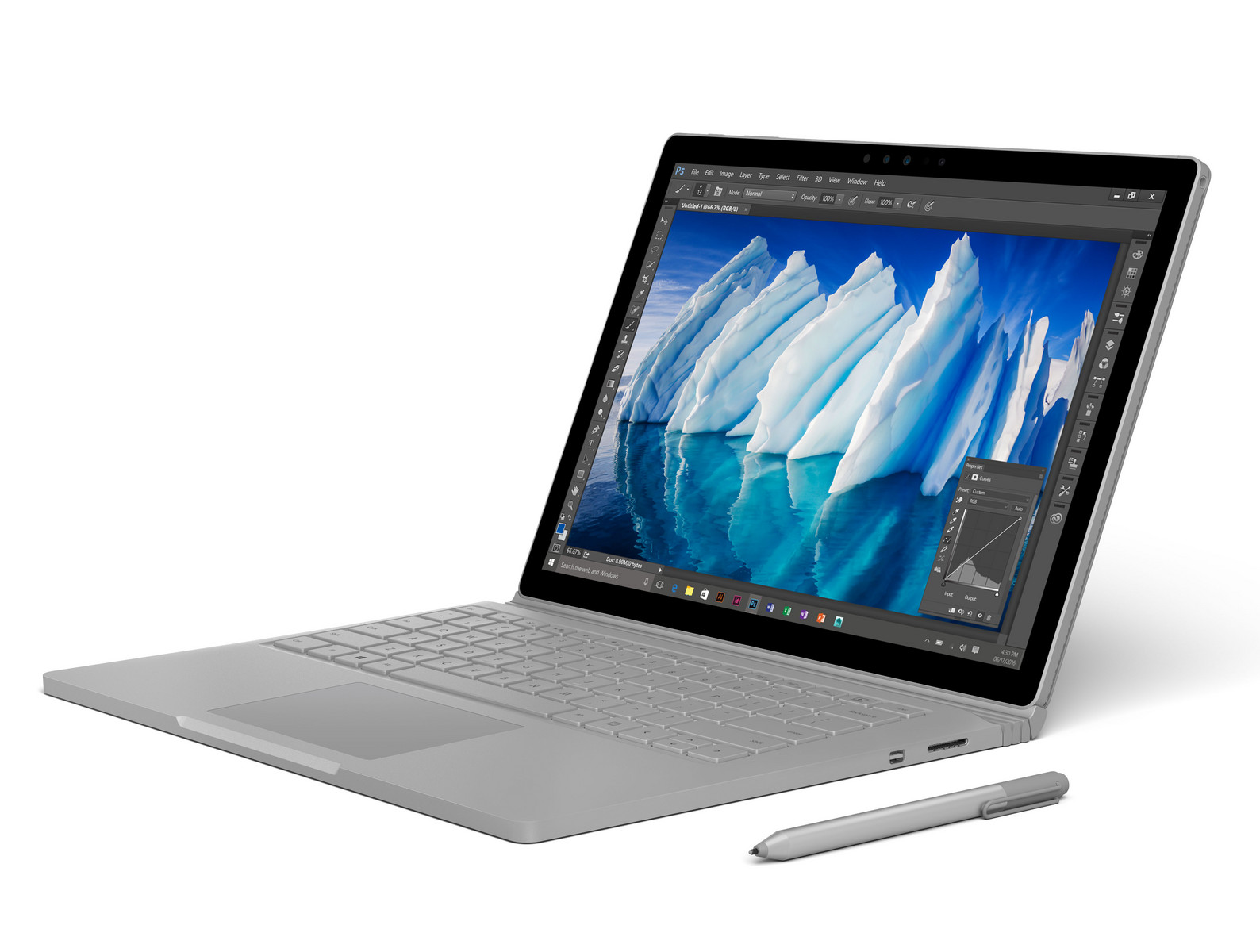 Notebook: Microsoft Surface Book with Performance Base
Processor: Intel Core i7 6600U
Graphics Adapter: NVIDIA GeForce GTX 965M 2048 MB
Display: 13.50 inch, 3:2, 3000 x 2000 pixels
Weight: 1.658kg
Price: 2600 euro
Links:
Pricecompare
Reviews
Pumped up. Is premium getting even better? Nvidia’s current Pascal GPU didn’t make it into the new Surface Book but Microsoft managed to fit a Maxwell chip under the hood that should offer plenty of performance. Or does it?
Microsoft Surface Book with Performance Base
Specifications
Notebook: Microsoft Surface Book with Performance BaseProcessor: Intel Core i7 6600U
Graphics Adapter: NVIDIA GeForce GTX 965M 2048 MB
Display: 13.50 inch, 3:2, 3000 x 2000 pixels
Weight: 1.658kg
Price: 2600 euro
Links:
Pricecompare
Average Score:
Reviews
Top model. We review the high-end SKU of Microsoft's luxury 2-in-1 with a fast 1 TB NVMe-SSD and 16 GB DDR4 of RAM. We check the differences to the entry-level version from 2017 that we have already reviewed.
Source: Business News Daily
Archive.org versionThe Surface Book has always been a one-of-a-kind laptop, and that hasn’t changed since it first launched in 2015. No other device offers such a versatile design, transforming from sleek tablet to mighty workstation in seconds. And its top-notch pen support will make it an indispensable tool for note takers and artists alike. A gorgeous display and strong security round out the package.
Single Review, online available, Long, Date: 10/18/2017
Rating: Total score: 90%
Source: Business News Daily
Archive.org versionThe Surface Book has always been a one-of-a-kind laptop, and that hasn’t changed since it first launched in 2015. No other device offers such a versatile design, transforming from sleek tablet to mighty workstation in seconds. And its top-notch pen support will make it an indispensable tool for note takers and artists alike. A gorgeous display and strong security round out the package.
Single Review, online available, Long, Date: 10/18/2017
Rating: Total score: 90%
Source: Techradar
Archive.org versionWhile the Surface Book brings many technological innovations to the laptop space, its greatest strength is that it's just an all-around terrific device.
Single Review, online available, Very Long, Date: 06/28/2017
Rating: Total score: 90%
Source: Techradar
Archive.org versionWhile the Surface Book brings many technological innovations to the laptop space, its greatest strength is that it's just an all-around terrific device.
Single Review, online available, Very Long, Date: 06/28/2017
Rating: Total score: 90%
Foreign Reviews
Source: Chip.de
DE→EN Archive.org versionSingle Review, online available, Medium, Date: 06/18/2017
Rating: Total score: 88% performance: 100% features: 83% display: 80% mobility: 88%
Source: Chip.de
DE→EN Archive.org versionSingle Review, online available, Medium, Date: 06/18/2017
Rating: Total score: 88% performance: 100% features: 83% display: 80% mobility: 88%
Source: Heute
DE→EN Archive.org versionSingle Review, online available, Medium, Date: 06/01/2017
Source: Heute
DE→EN Archive.org versionSingle Review, online available, Medium, Date: 06/01/2017
Source: hifitest.de
DE→EN Archive.org versionSingle Review, online available, Medium, Date: 05/31/2017
Rating: Total score: 80% features: 70% ergonomy: 100%
Source: hifitest.de
DE→EN Archive.org versionSingle Review, online available, Medium, Date: 05/31/2017
Rating: Total score: 80% features: 70% ergonomy: 100%
Source: Techzine
NL→EN Archive.org versionSingle Review, online available, Very Long, Date: 07/10/2017
Rating: Total score: 86% performance: 85% display: 90% mobility: 90% workmanship: 80%
Source: Techzine
NL→EN Archive.org versionSingle Review, online available, Very Long, Date: 07/10/2017
Rating: Total score: 86% performance: 85% display: 90% mobility: 90% workmanship: 80%
Source: Tablets Magazine
NL→EN Archive.org versionSingle Review, online available, Long, Date: 07/05/2017
Rating: Total score: 90%
Source: Tablets Magazine
NL→EN Archive.org versionSingle Review, online available, Long, Date: 07/05/2017
Rating: Total score: 90%
Source: Computer Totaal
NL→EN Archive.org versionSingle Review, online available, Medium, Date: 06/19/2017
Rating: Total score: 80%
Source: Computer Totaal
NL→EN Archive.org versionSingle Review, online available, Medium, Date: 06/19/2017
Rating: Total score: 80%
Source: XGN
NL→EN Archive.org versionSingle Review, online available, Medium, Date: 06/03/2017
Rating: Total score: 75%
Source: XGN
NL→EN Archive.org versionSingle Review, online available, Medium, Date: 06/03/2017
Rating: Total score: 75%
Source: Consumentenbond
NL→EN Archive.org versionPositive: Beautiful design; high performance; smart stylus pen; excellent display.
Single Review, online available, Long, Date: 05/08/2017
Source: Consumentenbond
NL→EN Archive.org versionPositive: Beautiful design; high performance; smart stylus pen; excellent display.
Single Review, online available, Long, Date: 05/08/2017
Source: Tek.no
NO→EN Archive.org versionSingle Review, online available, Medium, Date: 08/06/2017
Rating: Total score: 90%
Source: Tek.no
NO→EN Archive.org versionSingle Review, online available, Medium, Date: 08/06/2017
Rating: Total score: 90%
Source: Alt om Data
DA→EN Archive.org versionSingle Review, online available, Short, Date: 06/15/2017
Rating: Total score: 70% price: 40% performance: 90% display: 100% mobility: 80% workmanship: 60%
Source: Alt om Data
DA→EN Archive.org versionSingle Review, online available, Short, Date: 06/15/2017
Rating: Total score: 70% price: 40% performance: 90% display: 100% mobility: 80% workmanship: 60%
Source: Mere Mobil.dk
DA→EN Archive.org versionPositive: Great built quality; beautiful design; nice performance; good cameras. Negative: High price.
Single Review, online available, Short, Date: 06/22/2017
Source: Mere Mobil.dk
DA→EN Archive.org versionPositive: Great built quality; beautiful design; nice performance; good cameras. Negative: High price.
Single Review, online available, Short, Date: 06/22/2017
Microsoft Surface Book, Core i5-6300U
Specifications
 Notebook: Microsoft Surface Book, Core i5-6300U
Processor: Intel Core i5 6300U
Graphics Adapter: NVIDIA GeForce 940M
Display: 13.50 inch, 3:2, 3000 x 2000 pixels
Weight: 1.7kg
Price: 1500 euro
Links:
Pricecompare
Average Score:
Reviews
Source: Techradar
Archive.org versionIf you were to strip away the Clipboard's ability to detach, the Surface Pen, the neatness factor of the dynamic fulcrum hinge and just about everything that makes the Surface Book unique, you would be still left with terrific laptop. That's what we love the most about this device. Underneath all the extra stuff, the Surface Book is a solid laptop in terms of ergonomics, performance and, yes, even battery life despite the promises.
Single Review, online available, Very Long, Date: 12/19/2019
Rating: Total score: 90%
Source: The Techy
Archive.org versionMicrosoft Surface Book is a Windows 10 Laptop that offers impressive design and build quality, though there are few shortcomings including a thickness considering another laptop at the same price. The Surface Book may be a better choice if you are emphasising more on a powerful tablet. For someone looking for first Windows experience, the Surface Book is the laptop to beat.
Single Review, online available, Very Short, Date: 05/23/2018
Microsoft Surface Go MCZ-00002
Specifications
Notebook: Microsoft Surface Go MCZ-00002Processor: Intel Kaby Lake Pentium 4415Y
Graphics Adapter: Intel HD Graphics 615
Display: 10.00 inch, 3:2, 1800 x 1200 pixels
Weight: 0.522kg
Price: 450 euro
Links:
Pricecompare
Average Score:
Reviews
Source: CNet
Archive.org versionThe new Microsoft Surface Go is the perfect size for casual coffee-shop computing, but getting the full experience quickly drives up the price.
Single Review, online available, Long, Date: 08/13/2018
Rating: Total score: 75% performance: 70% mobility: 60% workmanship: 80%
Source: PC World
Archive.org versionMicrosoft has traditionally pushed the limits with Surface hardware: faster, more powerful, and yes, more expensive. The Surface Go feels like a repositioning, reaching down into the “niche” of the mainstream commuter, offering a tablet that can be a PC when you need it.
Single Review, online available, Very Long, Date: 08/06/2018
Rating: Total score: 70%
Source: Yahoo
Archive.org versionI rank the Surface Go above the iPad Pro and any of Google’s Chromebooks when it comes to overall productivity. The iPad Pro’s keyboard isn’t nearly as good as the Surface Go’s, despite its size, and Chromebooks can’t run full desktop apps. As a straight-up tablet, the Pro wins, but that’s not why you buy a Pro to begin with.
Single Review, online available, Short, Date: 08/03/2018
Source: Extreme Tech
Archive.org versionWhen I write these articles, I aim to channel the voices of the reviewers first and foremost, holding back my own opinion or commentary. But I’ll say this: Having just written an article demanding that manufacturers stop shipping systems that drop below their minimum base clocks, I feel obliged to stick to it. If the Pentium Gold 4415Y can’t hold its base clock, then the Surface Go isn’t a system ExtremeTech recommends. Period. I’m not going to pretend that we’re Consumer Reports, but somebody somewhere has to take a stand for the idea that customers deserve the performance they pay for. Going forward, we will not recommend a system that can’t maintain its minimum CPU clock under ordinary test conditions that represent standard workloads.
Single Review, online available, Very Short, Date: 08/03/2018
Source: Engadget
Archive.org versionThe Surface Go is the first Surface that can actually take on the iPad. It's impressively thin and light, while also being a fully-fledged Windows PC. Unfortunately, its slow hardware means you can't stress it too much, and Windows still needs more compelling tablet apps.
Single Review, online available, Long, Date: 08/02/2018
Rating: Total score: 82%
Source: Good Gear Guide
Archive.org versionMicrosoft has traditionally pushed the limits with Surface hardware: faster, more powerful, and yes, more expensive. The Surface Go feels like a repositioning, reaching down into the “niche” of the mainstream commuter, offering a tablet that can be a PC when you need it.
Single Review, online available, Very Long, Date: 08/02/2018
Source: PC Mag
Archive.org versionThe Surface Go is an intriguing low-cost detachable for travelers, education buyers, and others who want to launch into Microsoft's well-made, attractive Surface 2-in-1s on a tight budget.
Single Review, online available, Very Long, Date: 08/01/2018
Rating: Total score: 70%
Source: PC Mag
Archive.org versionThe Surface Go is an intriguing low-cost detachable for travelers, education buyers, and others who want to launch into Microsoft's well-made, attractive Surface 2-in-1s on a tight budget.
Single Review, online available, Very Short, Date: 07/11/2018
Source: AnandTech
Archive.org versionThe new low-end Surface Go looks like a great replacement for the Surface 3, offering a way into the Surface lineup at a much more affordable price. The move to Kaby Lake will be a major boon to performance as well. Prices start at $399 for the base model, $449 for the same model with Windows 10 Pro, or $549 for 8 GB of RAM and 128 GB SSD. The 256 GB and LTE models will ship later. Pre-orders should be available soon.
Single Review, online available, Short, Date: 07/09/2018
Foreign Reviews
Source: Der Standard
DE→EN Archive.org versionSingle Review, online available, Medium, Date: 08/19/2018
Source: Techzine
NL→EN Archive.org versionSingle Review, online available, Medium, Date: 09/03/2018
Rating: Total score: 80% performance: 75% display: 90% workmanship: 90%
Source: Bright.nl
NL→EN Archive.org versionNegative: High price; no including keyboard; average performance.
Single Review, online available, Short, Date: 08/28/2018
Source: CNet France
FR→EN Archive.org versionSingle Review, online available, Short, Date: 08/27/2018
Rating: Total score: 82%
Source: The Gioididong
 VN→EN Archive.org version
Positive: Good price; compact size; high mobility. Negative: Average performance.
Single Review, online available, Short, Date: 08/03/2018
Comment
Microsoft:
Microsoft smartphones and tablets have been tested since 2012. There are many reviews with average ratings. The reader's interest is quite given, but the market share is not big enough for the Top 5 smartphone manufacturers (as of 2016).
These graphics cards are not suited for Windows 3D games. Office and Internet surfing however is possible.
NVIDIA GeForce ULP (Tegra 3): Integrated Ultra Low Power (ULP) graphics card in the Tegra 3 SoC. Similar to the Tegra 2 GPU but with additional pixel shaders and optimizations.
Non demanding games should be playable with these graphics cards.
Intel HD Graphics 4000: Processor graphics card in the high end Ivy Bridge models. Offers a different clock speed in the different CPU models (ULV to desktop quad core) and therefore a different performance.
Intel HD Graphics 4400:
ULV integrated GPU (GT2) with 20 EUs found on certain Haswell CPU models.
Intel HD Graphics 515: Integrated GPU (GT2) with 24 EUs found on Core-m-CPUs of the Skylake generation (4,5 W TDP).
Intel HD Graphics 615: Integrated graphics card in some Kaby Lake Y-series processors (4.5 Watt TDP) with 24 EUs (GT2) and no dedicated graphics memory. Clocks with Update to 1050 MHz depending on the CPU Model.
Only some 3D games with very low demands are playable with these cards.
NVIDIA GeForce Tegra 4: Integrated graphics card in the Tegra 4 SoC with 48 pixel and 24 vertex shaders (no unified shader architecture).
Intel HD Graphics (Cherry Trail): Integrated graphics card in the Cherry-Trail SoCs. Based on a Broadwell GPU (Intel Gen8) and supports DirectX 11.2. Depending on the SoC offers 12 or 16 EUs.
Modern games should be playable with these graphics cards at low settings and resolutions. Casual gamers may be happy with these cards.
NVIDIA Maxwell GPU (940M, GDDR5): Mid-range dedicated graphics card based on the Maxwell GM108 chip. Basically a GeForce 940M with slightly altered clocks and faster GDDR5 graphics memory. The performance is slightly above the 940M but still below a 945M.
Intel HD Graphics 520: Integrated GPU (GT2) with 24 EUs found on some Skylake CPU models (15 W ULV series).
Intel Iris Graphics 540: Integrated GPU (GT3e) with 48 EUs and dedicated eDRAM memory found on some Skylake CPU models (15 W series).
NVIDIA GeForce GTX 965M: Lower high-end graphics card based on the Maxwell chip GM204 and GM206 (newer 2016 version with higher clock rates). Part of the GeForce GTX 900M series.
NVIDIA GeForce 940M: Mid-range graphics card of the GeForce 900M series, based on the Maxwell architecture.
» Further information can be found in our Comparison of Mobile Graphics Cards and the corresponding Benchmark List.
NVIDIA Tegra:
3: High-End-SoC for tablets and large smartphones which integrates 4 ARM Cortex A9 Cores and a power saving companion core. Furthermore, a GeForce LP GPU is included that is based on the old GeForce 7.
4: 4-PLUS-1 Cortex-A15 processor part paired with a Geforce graphics cards with 72 cores.
Intel Core i5:
3317U: Ivy-Bridge-based ULV-CPU in Q2 2012. Offers a core clock of 1.7 - 2.6 GHz and an HD 4000 GPU (350 - 1050 MHz). The TDP is rated at 17 W.
4200U:
Haswell-based ULV dual-core processor clocked at 1.6 GHz with Turbo Boost support up to 2.6 GHz. Offers an integrated HD Graphics 4400 and a dual-channel DDR3 memory controller.
4300U:
Haswell-based ULV dual-core processor clocked at 1.9 GHz with Turbo Boost support up to 2.9 GHz. Offers an integrated HD Graphics 4400 and a dual-channel DDR3 memory controller.
6300U: Skylake-based ULV dual-core processor for thin notebooks and ultrabooks. Offers an integrated HD Graphics 520 GPU and is manufactured in 14 nm.
Intel Atom x7:
Z8700: Soc with an integrated quad core Atom processor clocked at 1.6 - 2.4 GHz, an Intel HD Graphics GPU and a dual channel LPDDR3-1600 memory controller.
Intel Core i7: The Intel Core i7 for laptops is based on the LG1156 Core i5/i7 CPU for desktops. The base clock speed of the CPUs is relatively low, but because of a huge Turbo mode, the cores can dynamically overclock to up to 3.2 GHz (920XM). Therefore, the CPU can be as fast as high clocked dual-core CPUs (using single threaded applications) but still offer the advantage of 4 cores. Because of the large TDP of 45 W / 55 W, the CPU is only intended for large laptops.
6600U: Skylake-based ULV dual-core processor for thin notebooks and ultrabooks. Offers an integrated HD Graphics 520 GPU and is manufactured in 14 nm.
6650U: Skylake-based ULV dual-core processor for thin notebooks and ultrabooks. Offers an integrated Iris Graphics 540 GPU with eDRAM memory and is manufactured in 14 nm.
Intel Core m3:
6Y30: Skylake-based ULV dual-core processor for tablets and 2-in-1 notebooks. Offers an integrated HD Graphics 515 GPU and is manufactured in 14 nm.
Intel Kaby Lake:
Pentium 4415Y: Extremely efficient ULV-SoC (System-on-a-Chip) for tablets and fanless notebooks based on the Kaby Lake architecture. Includes two CPU cores clocked at 1.6 GHz (fixed, no Turbo Boost) with Hyper Threading support as well as a graphics adapter and is manufactured in a 14 nm process.
» Further information can be found in our Comparison of Mobile Processsors.
10.00:
This is a standard display format for tablet computers or small convertibles. You see more on the screen than on a smartphone but you can't use big resolutions well. On the other hand, mobility is not a problem.
12.00:
This range of display format is largely the upper limit for tablets and the lower limit for subnotebooks.
The advantage of subnotebooks is that the entire laptop can be small in size and therefore easily portable. The tiny display has the added advantage of requiring little power, which further improves battery life and thus mobility. The disadvantage is that reading texts is exhausting for the eyes. High resolutions, which one is used to from a standard laptop, are almost not usable.
The same applies to tablets in this size range.
» To find out how fine a display is, see our DPI List.
No weight comment found (one expected)!
80.91%: This rating is slightly above average, there are somewhat more devices with worse ratings. However, clear purchase recommendations look different.
» Further information can be found in our Notebook Purchase Guide.