Deutsch
 Español
 Français
 Italiano
 Nederlands
 Polski
 Português
 Русский
 Türkçe
 Svenska
 Chinese
 Magyar
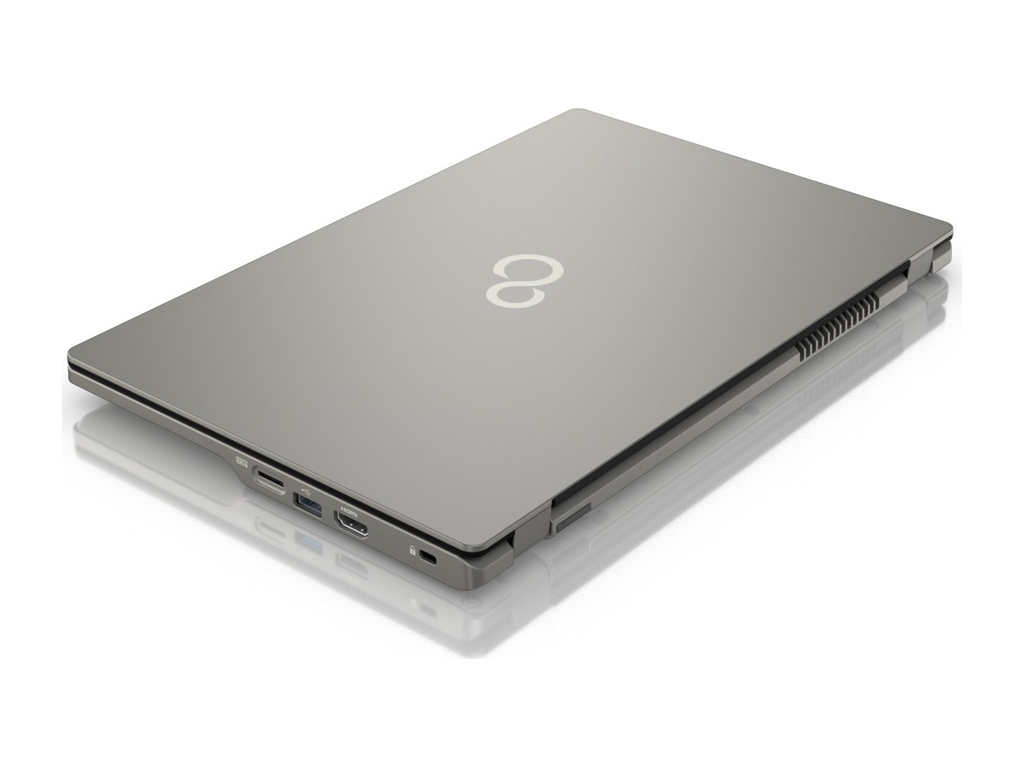
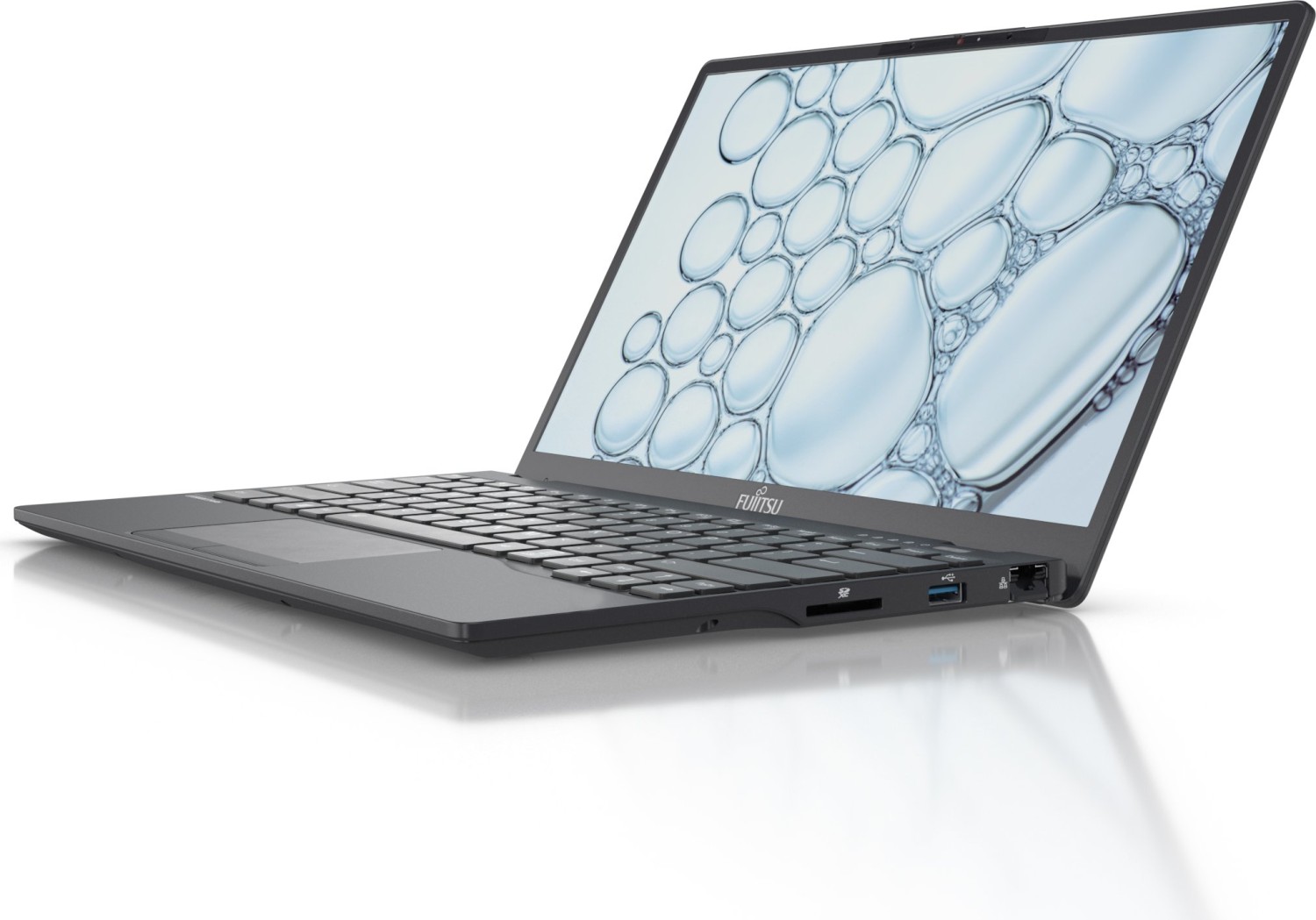
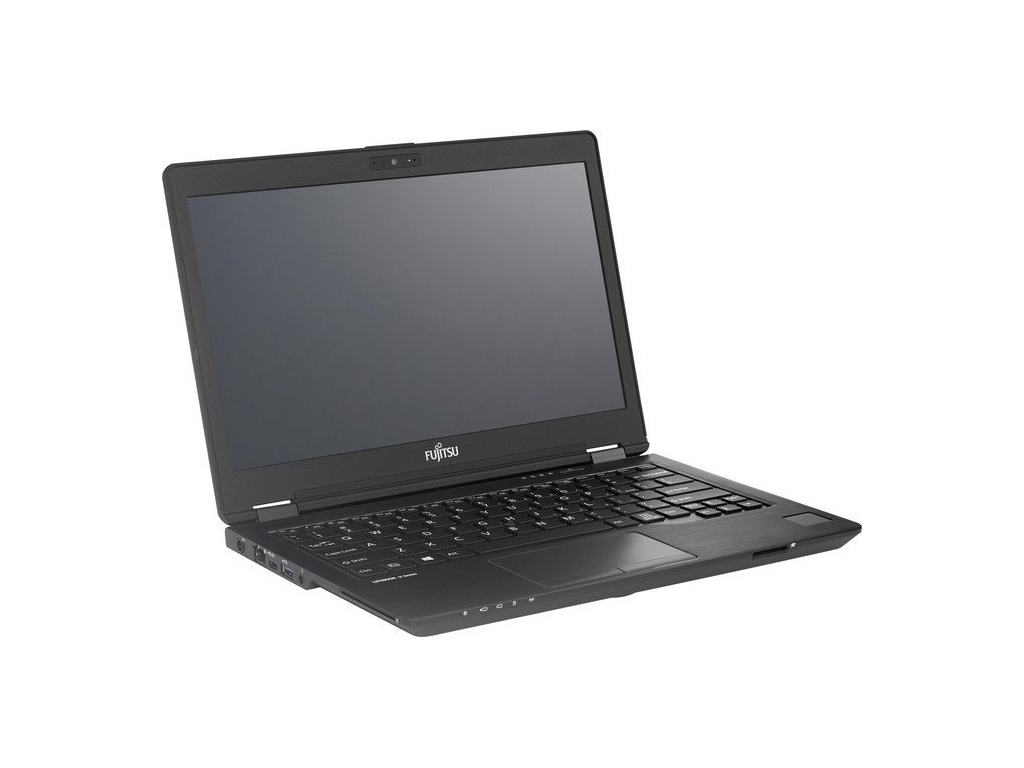
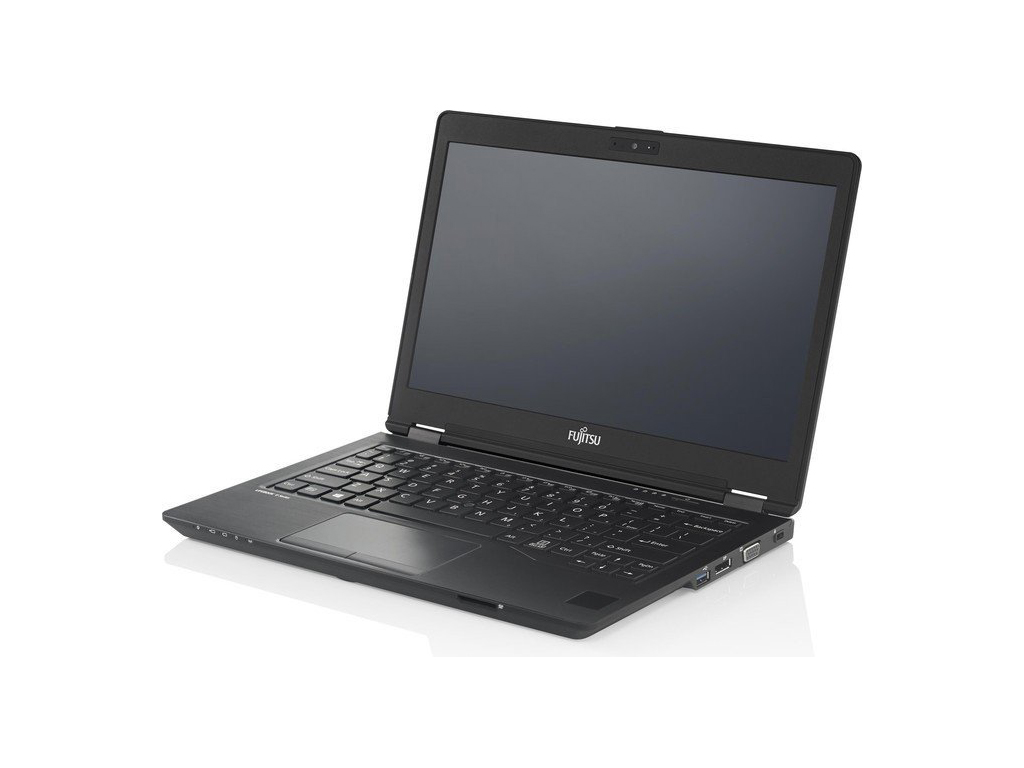
Fujitsu LifeBook U Series
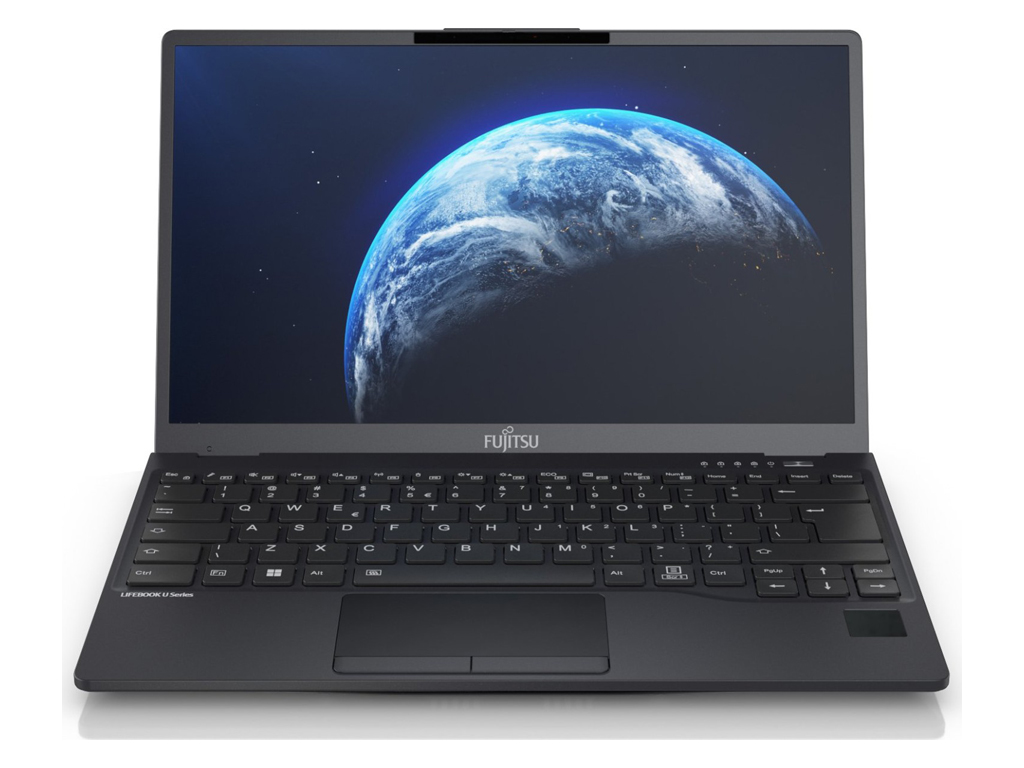 Processor: AMD Renoir (Ryzen 4000 APU) R7 4700U, Intel Alder Lake-M i5-1235U, Intel Alder Lake-M i7-1265U, Intel Atom Z530, Intel Core i3 2367M, Intel Core i5 3317U, Intel Core i5 3427U, Intel Core i7 3667U, Intel Core i7 4600U, Intel Core i7 i7-8665U, Intel Kaby Lake i7-7500U, Intel Kaby Lake i7-7600U, Intel Tiger Lake i5-1145G7
Graphics Adapter: AMD Vega 7, Intel Graphics Media Accelerator (GMA) 500, Intel HD Graphics 3000, Intel HD Graphics 4000, Intel HD Graphics 4400, Intel HD Graphics 620, Intel Iris Xe G7 80EUs, Intel Iris Xe G7 96EUs, Intel UHD Graphics 620
Display: 5.60 inch, 12.50 inch, 13.30 inch, 14.00 inch, 15.60 inch
Weight: 0.5kg, 0.885kg, 0.92kg, 1.04kg, 1.11kg, 1.2kg, 1.38kg, 1.4kg, 1.6kg, 1.72kg
Price: 600, 799, 1200, 1500, 1600, 1800, 1900, 2300 euro
Average of 46 scores (from 69 reviews)
Fujitsu LifeBook UH900
Specifications
 Notebook: Fujitsu LifeBook UH900
Processor: Intel Atom Z530
Graphics Adapter: Intel Graphics Media Accelerator (GMA) 500
Display: 5.60 inch, 16:10, 1280 x 800 pixels
Weight: 0.5kg
Price: 600 euro
Links: Fujitsu homepage
Pricecompare
Average Score:
Reviews
Source: Hardware Central
 Archive.org version
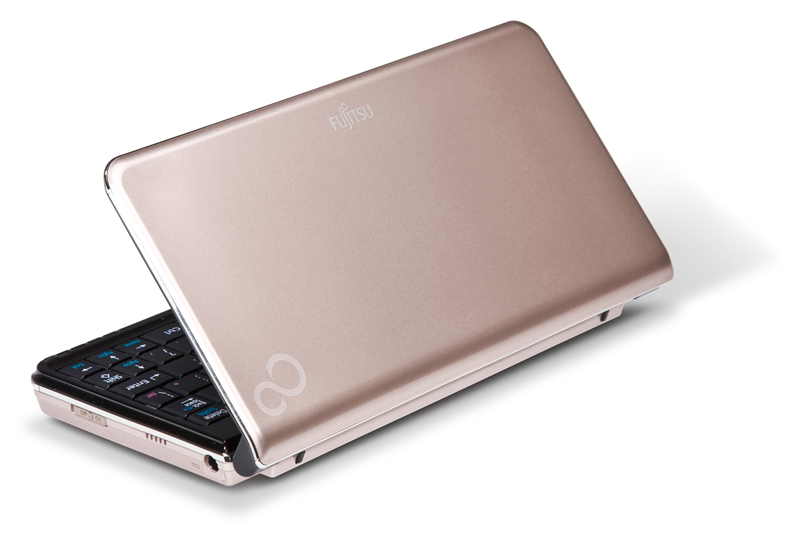
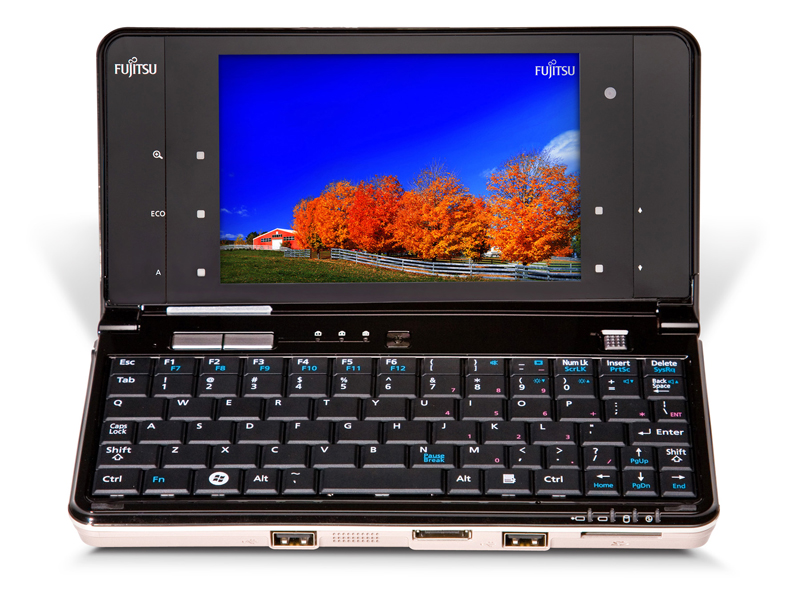
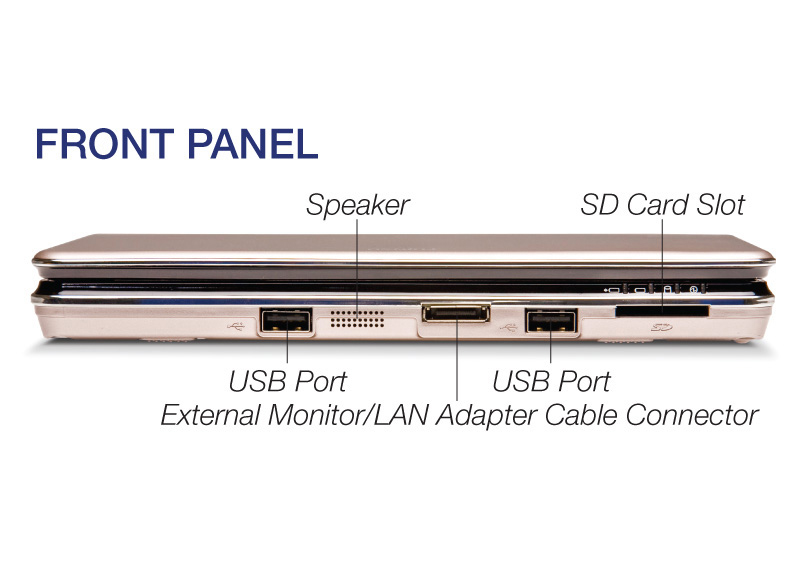
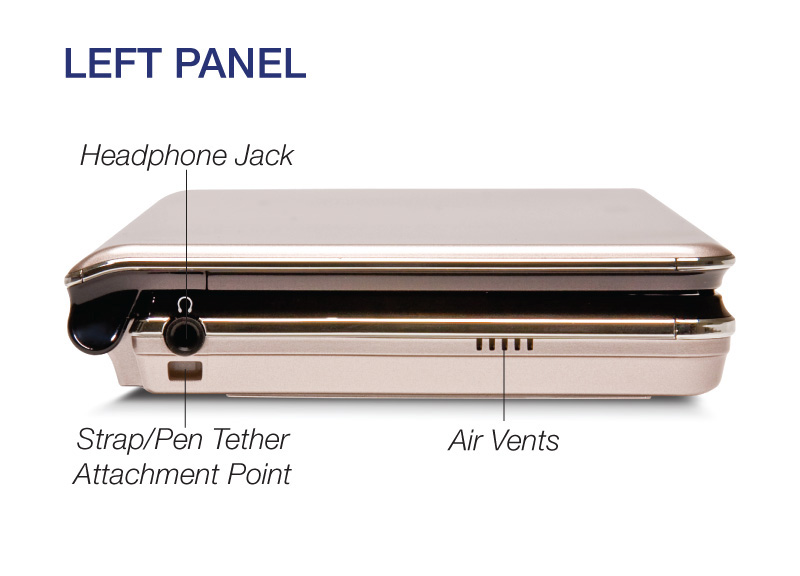
Looking at a picture of the Fujitsu LifeBook UH900 on a bare table, you'd think it an odd contender in the notebook wars: What's with that relatively small screen centered in a big black bezel? Why is the keyboard layout so funky? Why are the USB ports on the front edge instead of the side or rear? How about it, Fujitsu? Add an inch, lose the touch screen, stretch the battery, say $750? We'd buy one. Maybe two, to keep one in the car.
Single Review, online available, Medium, Date: 05/13/2010
Rating: Total score: 60% performance: 60% features: 80%
Source: Pocketables
Archive.org versionDespite its abysmal battery life, useless multitouch, and toy-like build quality, there's something about the Japanese version of the Fujitsu LifeBook UH900 that makes it really enjoyable to use. Whether it's the 2.0GHz Intel Atom processor, built-in WiMAX, touch-typable keyboard, excellent mouse controls, great performance, zippy SSD, or a combination of all those elements, I find it hard to put the elongated clamshell down.
Single Review, online available, Long, Date: 03/06/2010
Rating: performance: 90% mobility: 40% workmanship: 40%
Source: Tech Advisor
Archive.org versionThe Fujitsu LifeBook UH900 is a little marvel when it comes to PC miniaturisation, but it's too small and cramped to use effectively. It's a device for consuming media rather than creating - it's very difficult to type on its little keyboard or use its undersized touchscreen. However, we do like the fact that it has an integrated 3.5G modem that can be used with the carrier of your choice.
Single Review, online available, Medium, Date: 02/16/2010
Rating: Total score: 60%
Source: Good Gear Guide
Archive.org versionThe Fujitsu LifeBook UH900 is a little marvel when it comes to PC miniaturisation, but it's too small and cramped to use effectively. It's a device for consuming media rather than creating -- it's very difficult to type on its little keyboard or use its undersized touch screen. However, we do like the fact that it has an integrated 3.5G modem that can be used with the carrier of your choice.
Single Review, online available, Long, Date: 02/15/2010
Rating: Total score: 50%
Fujitsu LifeBook UH75
Specifications
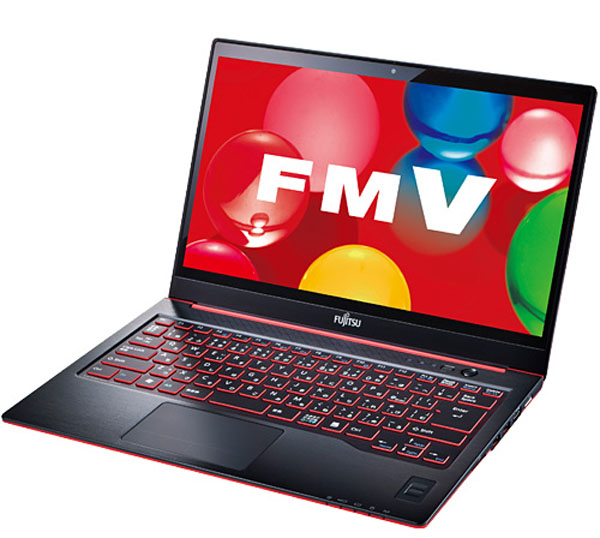 Notebook: Fujitsu LifeBook UH75
Processor: Intel Core i7 3667U
Graphics Adapter: Intel HD Graphics 4000
Display: 14.00 inch, 16:9, 1366 x 768 pixels
Weight: 1.4kg
Links: Fujitsu homepage
Pricecompare
Foreign Reviews
Source: The Hikaku
 JA→EN Archive.org version
Positive: Relatively long battery life; Light weight; Very quiet; Very thin body. Negative: Viewing angle is not good; Touchpad buttons are difficult to press; High temperature.
Single Review, online available, Short, Date: 06/18/2012
Fujitsu LifeBook UH55
Specifications
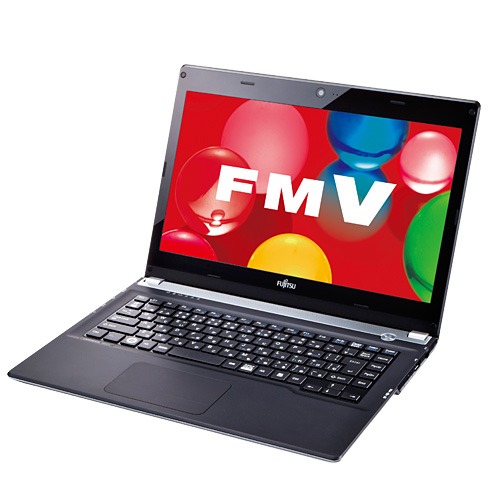 Notebook: Fujitsu LifeBook UH55
Processor: Intel Core i3 2367M
Graphics Adapter: Intel HD Graphics 3000
Display: 13.30 inch, 16:9, 1366 x 768 pixels
Weight: 1.6kg
Links: Fujitsu homepage
Pricecompare
Foreign Reviews
Source: The Hikaku
JA→EN Archive.org versionPositive: Body is very thin. Negative: Viewing angle is not good; Battery life; Noise value is slightly high.
Single Review, online available, Short, Date: 06/01/2012
Fujitsu LifeBook UH572
Specifications
 Notebook: Fujitsu LifeBook UH572
Processor: Intel Core i5 3317U
Graphics Adapter: Intel HD Graphics 4000
Display: 13.30 inch, 16:9, 1366 x 768 pixels
Weight: 1.6kg
Price: 799 euro
Links: Fujitsu homepage LifeBook UH572 (Model)
Pricecompare
Average Score:
Reviews
Inexpensive ultrabook with business aspirations. Nowadays it is possible to step into the world of ultrabook for around EUR 800. However, these devices usually feature basic equipment. Fujitsu builds a UMTS modem into its 13.3 inch Lifebook UH572 for this price. Read in this review whether this ultrabook "made in Germany" can compete with the established competition.
Source: Tech Advisor
Archive.org versionHad Fujitsu given the Fujitsu Lifebook UH572 ethernet support and a more robust audio system, I could forgive the unimpressive performance—after all, most consumers won't be running heavy-duty spreadsheets or doing serious video editing. But general users do care about decent multimedia and a good keyboard, and Fujitsu's attention to industrial design and components fell sadly short in those areas, making it difficult to heartily endorse the UH572.
Single Review, online available, Very Short, Date: 07/23/2012
Rating: Total score: 60%
Source: Tech Advisor
Archive.org versionHad Fujitsu given the Fujitsu Lifebook UH572 ethernet support and a more robust audio system, I could forgive the unimpressive performance—after all, most consumers won't be running heavy-duty spreadsheets or doing serious video editing. But general users do care about decent multimedia and a good keyboard, and Fujitsu's attention to industrial design and components fell sadly short in those areas, making it difficult to heartily endorse the UH572.
Single Review, online available, Very Short, Date: 07/23/2012
Rating: Total score: 60%
Source: PC World
Archive.org versionHad Fujitsu given the UH572 ethernet support and a more robust audio system, I could forgive the unimpressive performance—after all, most consumers won’t be running heavy-duty spreadsheets or doing serious video editing. But general users do care about decent multimedia and a good keyboard, and Fujitsu’s attention to industrial design and components fell sadly short in those areas, making it difficult to heartily endorse the UH572.
Single Review, online available, Very Short, Date: 07/17/2012
Rating: Total score: 60%
Source: PC World
Archive.org versionHad Fujitsu given the UH572 ethernet support and a more robust audio system, I could forgive the unimpressive performance—after all, most consumers won’t be running heavy-duty spreadsheets or doing serious video editing. But general users do care about decent multimedia and a good keyboard, and Fujitsu’s attention to industrial design and components fell sadly short in those areas, making it difficult to heartily endorse the UH572.
Single Review, online available, Very Short, Date: 07/17/2012
Rating: Total score: 60%
Foreign Reviews
Source: PC Magazin - Spezial 53 Ultrabooks

Comparison, , Length Unknown, Date: 02/01/2013
Rating: Total score: 72%
Source: PC Magazin - Spezial 53 Ultrabooks
Comparison, , Length Unknown, Date: 02/01/2013
Rating: Total score: 72%
Source: PC Welt
DE→EN Archive.org versionSingle Review, online available, Medium, Date: 09/27/2012
Rating: Total score: 78% performance: 85% features: 82% display: 79% mobility: 67% ergonomy: 81% emissions: 87%
Source: PC Welt
DE→EN Archive.org versionSingle Review, online available, Medium, Date: 09/27/2012
Rating: Total score: 78% performance: 85% features: 82% display: 79% mobility: 67% ergonomy: 81% emissions: 87%
Source: Notebookinfo
DE→EN Archive.org versionSingle Review, online available, Medium, Date: 08/28/2012
Rating: Total score: 83% performance: 85% display: 75% mobility: 75% ergonomy: 90% emissions: 83%
Source: Notebookinfo
DE→EN Archive.org versionSingle Review, online available, Medium, Date: 08/28/2012
Rating: Total score: 83% performance: 85% display: 75% mobility: 75% ergonomy: 90% emissions: 83%
Source: Tom's Hardware
DE→EN Archive.org versionPositive: good performance; good equipment; acceptable battery runtime
Single Review, online available, Long, Date: 10/25/2012
Source: Tom's Hardware
DE→EN Archive.org versionPositive: good performance; good equipment; acceptable battery runtime
Single Review, online available, Long, Date: 10/25/2012
Source: Techno Zoom
 IT→EN Archive.org version
Single Review, online available, Medium, Date: 07/21/2012
Rating: Total score: 70% price: 70% performance: 70% mobility: 60% workmanship: 70%
Source: Techno Zoom
IT→EN Archive.org versionSingle Review, online available, Medium, Date: 07/21/2012
Rating: Total score: 70% price: 70% performance: 70% mobility: 60% workmanship: 70%
Source: 3DNews.ru
 RU→EN Archive.org version
Positive: Case design, quality materials and assembly, comfortable keyboard, good sound quality output, support 3G-modem. Negative: Connectivity; feeble display; speakers; relatively noisy and hot at maximum load.
Single Review, online available, Medium, Date: 11/26/2012
Source: 3DNews.ru
RU→EN Archive.org versionPositive: Case design, quality materials and assembly, comfortable keyboard, good sound quality output, support 3G-modem. Negative: Connectivity; feeble display; speakers; relatively noisy and hot at maximum load.
Single Review, online available, Medium, Date: 11/26/2012
Source: Notebook.cz
 CZ→EN Archive.org version
Positive: Becoming execution; 3G modem; easy accessibility of internal components. Negative: Worse sound integrated speakers; frequent starting and stopping of the fan; lack of LAN.
Single Review, online available, Medium, Date: 09/13/2012
Source: Notebook.cz
CZ→EN Archive.org versionPositive: Becoming execution; 3G modem; easy accessibility of internal components. Negative: Worse sound integrated speakers; frequent starting and stopping of the fan; lack of LAN.
Single Review, online available, Medium, Date: 09/13/2012
Source: Itsvet
 HR→EN Archive.org version
Positive: Quality development; excellent screen; pretty good performance; good autonomy.
Single Review, online available, Short, Date: 01/23/2013
Source: Itsvet
HR→EN Archive.org versionPositive: Quality development; excellent screen; pretty good performance; good autonomy.
Single Review, online available, Short, Date: 01/23/2013
Fujitsu LifeBook U772
Specifications
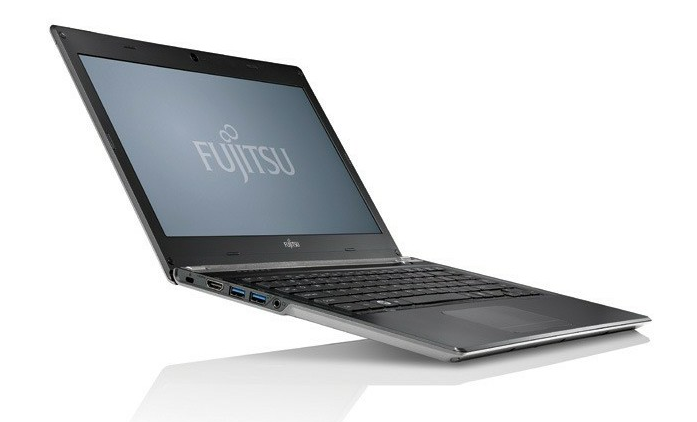 Notebook: Fujitsu LifeBook U772
Processor: Intel Core i5 3427U
Graphics Adapter: Intel HD Graphics 4000
Display: 14.00 inch, 16:9, 1366 x 768 pixels
Weight: 1.4kg
Price: 1200 euro
Links: Fujitsu homepage
Pricecompare
Average Score:
Reviews
Big screen, compact laptop. With its new Lifebook U772, Fujitsu launches a 15.6 mm (0.6 inches) thin ultrabook in a 13-inch case on the market. A highlight is the 14-inch screen installed in the chassis. Our review reveals whether these very promising components make a good ultrabook.
Source: PC Mag
Archive.org versionAs an ultrabook for the business user, the Fujitsu Lifebook U772 brings a lot to the table, with two-scoops of business-friendly features, seven-hour battery life, and light but sturdy construction. While it's not perfect—we would love to see Fujitsu drop the inertia scrolling and add a real Ethernet port—it's still very good. The Lenovo ThinkPad X1 Carbon remains our Editors' Choice for business ultrabooks, but the Fujitsu is still a close competitor.
Single Review, online available, Very Short, Date: 09/28/2012
Rating: Total score: 80%
Source: PC Mag
Archive.org versionAs an ultrabook for the business user, the Fujitsu Lifebook U772 brings a lot to the table, with two-scoops of business-friendly features, seven-hour battery life, and light but sturdy construction. While it's not perfect—we would love to see Fujitsu drop the inertia scrolling and add a real Ethernet port—it's still very good. The Lenovo ThinkPad X1 Carbon remains our Editors' Choice for business ultrabooks, but the Fujitsu is still a close competitor.
Single Review, online available, Very Short, Date: 09/28/2012
Rating: Total score: 80%
Foreign Reviews
Source: Notebookinfo
DE→EN Archive.org versionSingle Review, online available, Long, Date: 09/05/2012
Rating: Total score: 84% performance: 95% display: 70% mobility: 90% ergonomy: 65% emissions: 83%
Source: Notebookinfo
DE→EN Archive.org versionSingle Review, online available, Long, Date: 09/05/2012
Rating: Total score: 84% performance: 95% display: 70% mobility: 90% ergonomy: 65% emissions: 83%
Source: Tom's Hardware
DE→EN Archive.org versionPositive: excellent performance; good equipment and display; U772 competes against better equipped devices
Single Review, online available, Long, Date: 10/18/2012
Source: Tom's Hardware
DE→EN Archive.org versionPositive: excellent performance; good equipment and display; U772 competes against better equipped devices
Single Review, online available, Long, Date: 10/18/2012
Source: Erenumerique
 FR→EN Archive.org version
Single Review, online available, Medium, Date: 08/29/2012
Rating: Total score: 75%
Source: Erenumerique
FR→EN Archive.org versionSingle Review, online available, Medium, Date: 08/29/2012
Rating: Total score: 75%
Fujitsu Lifebook U772-0M25R1DE
Specifications
 Notebook: Fujitsu Lifebook U772-0M25R1DE
Processor: Intel Core i5 3317U
Graphics Adapter: Intel HD Graphics 4000
Display: 14.00 inch, 16:9, 1366 x 768 pixels
Weight: 1.4kg
Price: 1200 euro
Links: Fujitsu homepage
Pricecompare
Average Score:
Reviews
Source: Comp Reviews
Archive.org versionFujitsu's LifeBook U772 is a very compact and lightweight ultrabook for the business user that also offers some good overall performance. The problem is that the display and keyboard really hold it back from being a highly recommended system as there are options that are better that might cost more or similarly priced offerings that trade some weigh and size for better displays and keyboards.
Single Review, online available, Short, Date: 11/29/2012
Rating: Total score: 60%
Foreign Reviews
Source: Notebookjournal
DE→EN Archive.org versionSingle Review, online available, Long, Date: 10/21/2012
Rating: performance: 90% features: 30% display: 30% mobility: 50% workmanship: 50% ergonomy: 50%
Source: Ultrabook King
DE→EN Archive.org versionSingle Review, online available, Long, Date: 08/08/2012
Rating: Total score: 70% price: 70% performance: 80% features: 90% display: 60% mobility: 80%
Source: Ultrabook Info
DE→EN Archive.org versionPositive: very good mobility and security features; solid and high-quality body Negative: surfaces are susceptible to finger prints
Single Review, online available, Long, Date: 08/04/2012
Rating: Total score: 70% price: 60%
Fujitsu Lifebook U904
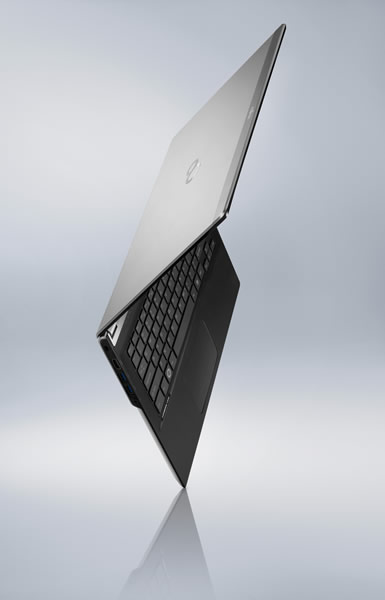
If you’re in the market looking for a business laptop, the Fujitsu Lifebook U904 is certainly worth a look. Fujitsu claims that it is currently the world’s thinnest 14-inch ultrabook with a height of only 15.5 mm and you definitely won’t have any trouble slipping this in your briefcase or bag. It has an evenly distributed weight and the case is made of magnesium alloy, giving it an extremely tough and solid feel when you hold it.
The slim body however does not compromise in power; it comes in configurations from a 4th generation i5 right up to a 4th gen i7 with turbo-boosting up to 3.3 GHz. Paired with 10 GB RAM and an SSD, even the heaviest programs will open within seconds and booting up will not take much longer either.
The 14-inch display comes with a resolution of 3200 by 1800 pixels with an optional 10-point multi-touch. But due to the lack of anti-glare coating, the touch display can be very reflective; the non-touch screen variant however comes with a matte coating that makes it non-reflective.
As with most business laptops, the integrated Intel graphics will not be able to run demanding games but it can run slightly older games and lowering the resolution to 1920 by 1080. One of the main draws of ultrabooks are their battery life, this one will roughly give you a solid 7 to 8 hours of use. For those that are security conscious, it comes with a fingerprint sensor as an alternative security option.
Specifications
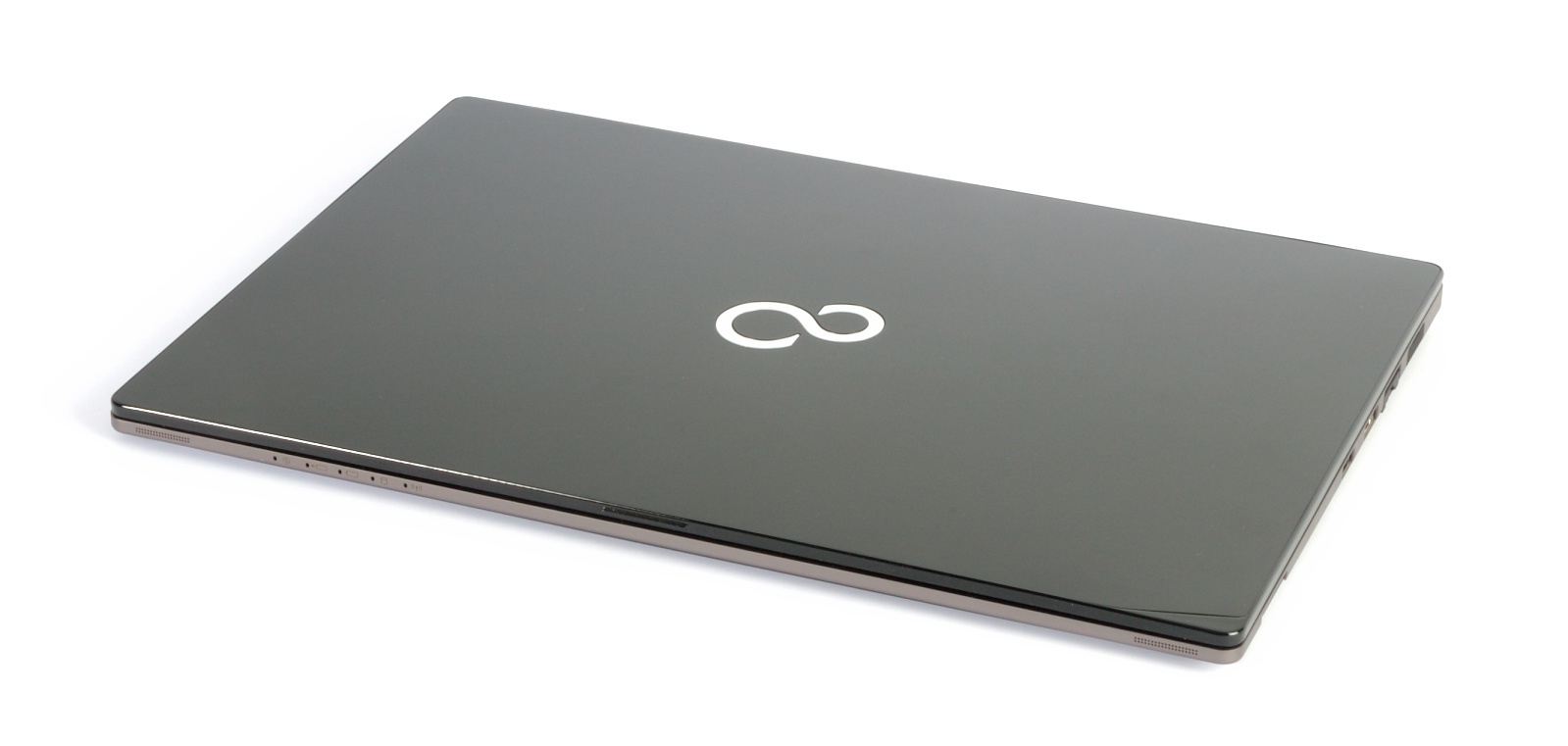 Notebook: Fujitsu Lifebook U904
Processor: Intel Core i7 4600U
Graphics Adapter: Intel HD Graphics 4400
Display: 14.00 inch, 16:9, 3200 x 1800 pixels
Weight: 1.38kg
Links: Fujitsu homepage
Pricecompare
Average Score:
Reviews
Hot? Fujitsu introduces its new flagship, and presents a classy-looking ultrabook alongside a docking station and an ultra-high-resolution touchscreen. The other features are also very promising. Is the U904 the perfect business laptop for on-the-go professional?
Source: Techradar
Archive.org versionIf you're in the running for a nippy, stylish business Ultrabook and have a specific requirement - such as a WQHD+ display or biometric security - then the Lifebook U904 is an attractive option. While the keyboard and Windows 8.1's scaling issues proved two particular gripes for us, they could prove non-issues, or even advantages depending on your own needs and preferences. In addition to the business benefits, the Lifebook U904 brings many qualities over from the consumer side - from its classy, metallic finish to its slimline dimensions and lightweight nature. If you're not prepared to make any compromises and have the deep pockets to match, it would be difficult to recommended any other model can satisfy both sets of users' needs so well.
Single Review, online available, Very Long, Date: 04/17/2014
Rating: Total score: 80% price: 70% performance: 80% features: 90% workmanship: 80%
Source: Techradar
Archive.org versionIf you're in the running for a nippy, stylish business Ultrabook and have a specific requirement - such as a WQHD+ display or biometric security - then the Lifebook U904 is an attractive option. While the keyboard and Windows 8.1's scaling issues proved two particular gripes for us, they could prove non-issues, or even advantages depending on your own needs and preferences. In addition to the business benefits, the Lifebook U904 brings many qualities over from the consumer side - from its classy, metallic finish to its slimline dimensions and lightweight nature. If you're not prepared to make any compromises and have the deep pockets to match, it would be difficult to recommended any other model can satisfy both sets of users' needs so well.
Single Review, online available, Very Long, Date: 04/17/2014
Rating: Total score: 80% price: 70% performance: 80% features: 90% workmanship: 80%
Foreign Reviews
Source: Chip.de
DE→EN Archive.org versionSingle Review, online available, Medium, Date: 05/14/2014
Rating: Total score: 83% price: 84% performance: 45% features: 80% display: 100% mobility: 87% ergonomy: 88%
Source: Chip.de
DE→EN Archive.org versionSingle Review, online available, Medium, Date: 05/14/2014
Rating: Total score: 83% price: 84% performance: 45% features: 80% display: 100% mobility: 87% ergonomy: 88%
Source: c't - Heft 5/2014
Single Review, , Length Unknown, Date: 02/16/2014
Source: c't - Heft 5/2014
Single Review, , Length Unknown, Date: 02/16/2014
Source: PC Magazin - Heft 3/2014
Single Review, , Length Unknown, Date: 02/01/2014
Rating: Total score: 81%
Source: PC Magazin - Heft 3/2014
Single Review, , Length Unknown, Date: 02/01/2014
Rating: Total score: 81%
Source: e-media - Heft 1/2014
Single Review, , Length Unknown, Date: 12/01/2013
Rating: Total score: 80%
Source: e-media - Heft 1/2014
Single Review, , Length Unknown, Date: 12/01/2013
Rating: Total score: 80%
Source: Computerbild - Heft 24/2013
Single Review, , Length Unknown, Date: 11/16/2013
Rating: Total score: 98%
Source: Computerbild - Heft 24/2013
Single Review, , Length Unknown, Date: 11/16/2013
Rating: Total score: 98%
Source: Futurezone.at
DE→EN Archive.org versionPositive: top ultrabook; very good performance and equipment; outstanding display Negative: disappointing chassis
Single Review, online available, Long, Date: 11/30/2013
Source: Futurezone.at
DE→EN Archive.org versionPositive: top ultrabook; very good performance and equipment; outstanding display Negative: disappointing chassis
Single Review, online available, Long, Date: 11/30/2013
Source: Wikitech
 HU→EN Archive.org version
Single Review, online available, Short, Date: 02/16/2015
Rating: Total score: 85% workmanship: 100% ergonomy: 100%
Source: Wikitech
HU→EN Archive.org versionSingle Review, online available, Short, Date: 02/16/2015
Rating: Total score: 85% workmanship: 100% ergonomy: 100%
Source: Notebook.cz
CZ→EN Archive.org versionPositive: Premium display with high resolution; good features in a slim body; full-fledged docking; noiseless operation at office work. Negative: Too shallow keyboard and slightly delay touchpad; poor quality speakers.
Single Review, online available, Medium, Date: 01/16/2014
Source: Notebook.cz
CZ→EN Archive.org versionPositive: Premium display with high resolution; good features in a slim body; full-fledged docking; noiseless operation at office work. Negative: Too shallow keyboard and slightly delay touchpad; poor quality speakers.
Single Review, online available, Medium, Date: 01/16/2014
Fujitsu Lifebook U757-0M0004EN
Specifications
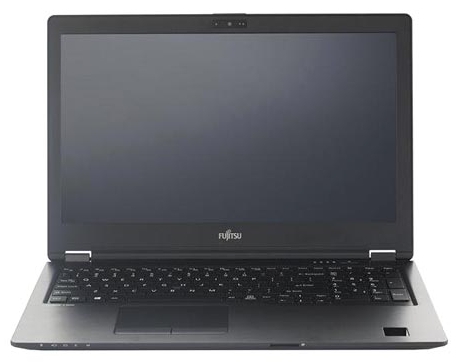 Notebook: Fujitsu Lifebook U757-0M0004EN
Processor: Intel Kaby Lake i7-7500U
Graphics Adapter: Intel HD Graphics 620
Display: 15.60 inch, 16:9, 3840 x 2160 pixels
Weight: 1.72kg
Links: Fujitsu homepage
Pricecompare
Foreign Reviews
Source: Notebook-Center.ru
RU→EN Archive.org versionPositive: Excellent display; support LTE; solid workmanship; metal case; backlit keys; rich set of ports. Negative: High price.
Single Review, online available, Medium, Date: 08/16/2017
Fujitsu Lifebook U727 vPro
Specifications
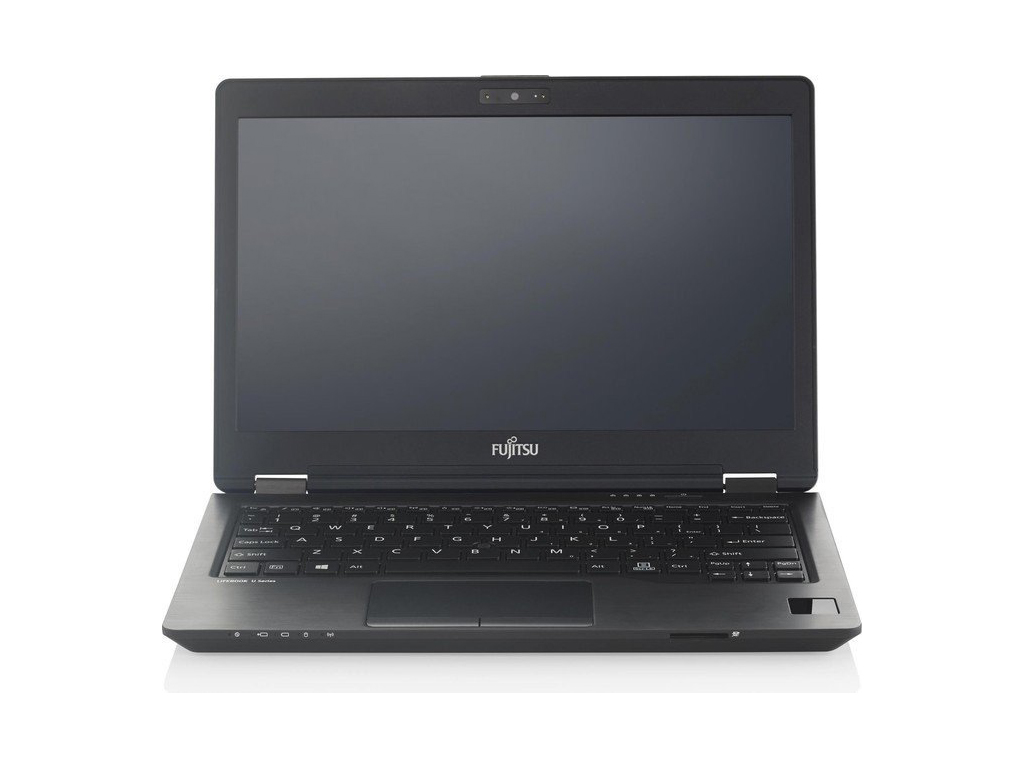 Notebook: Fujitsu Lifebook U727 vPro
Processor: Intel Kaby Lake i7-7600U
Graphics Adapter: Intel HD Graphics 620
Display: 12.50 inch, 16:9, 1920 x 1080 pixels
Weight: 1.11kg
Price: 1900 euro
Links: Fujitsu homepage
Pricecompare
Average Score:
Foreign Reviews
Source: PCtipp.ch
DE→EN Archive.org versionSingle Review, online available, Medium, Date: 04/25/2018
Rating: Total score: 100%
Fujitsu Lifebook U939
Specifications
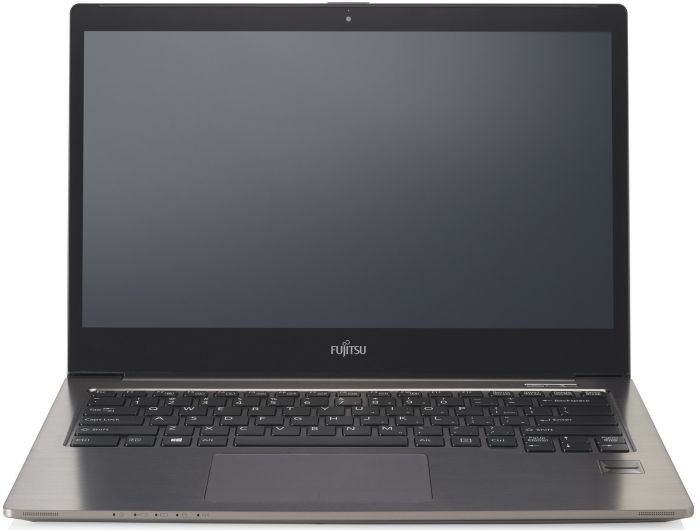 Notebook: Fujitsu Lifebook U939
Processor: Intel Core i7 i7-8665U
Graphics Adapter: Intel UHD Graphics 620
Display: 13.30 inch, 16:9, 1920 x 1080 pixels
Weight: 0.92kg
Links: Fujitsu homepage
Pricecompare
Foreign Reviews
Source: Notebook.cz
CZ→EN Archive.org versionPositive: Light weight; metal case; IR camera; palm reader. Negative: Inflexible keyboard backlight; integrated RAM only.
Single Review, online available, Very Long, Date: 07/24/2019
Fujitsu Lifebook U7411, i5-1145G7
Specifications
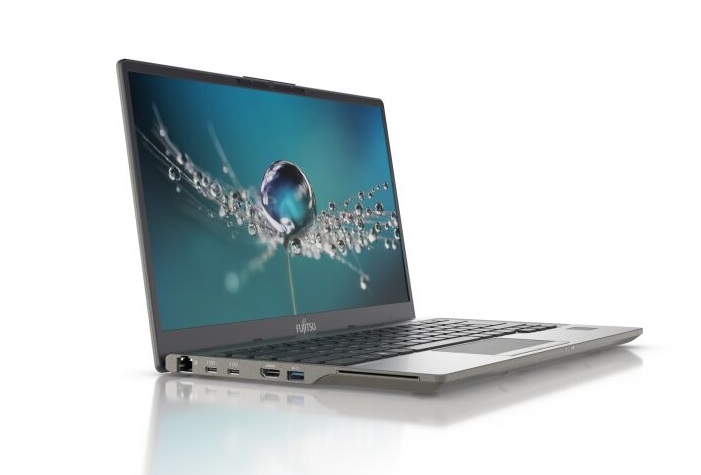 Notebook: Fujitsu Lifebook U7411, i5-1145G7
Processor: Intel Tiger Lake i5-1145G7
Graphics Adapter: Intel Iris Xe G7 80EUs
Display: 14.00 inch, 16:9, 1920 x 1080 pixels
Weight: 1.2kg
Links: Fujitsu homepage
Pricecompare
Foreign Reviews
Source: Notebook.cz
CZ→ENPositive: Nice interface menu; classic docking connector; good speakers. Negative: Low keyboard backlight.
Single Review, online available, Very Long, Date: 06/09/2021
Fujitsu Lifebook U9311A, R7 4700U
Specifications
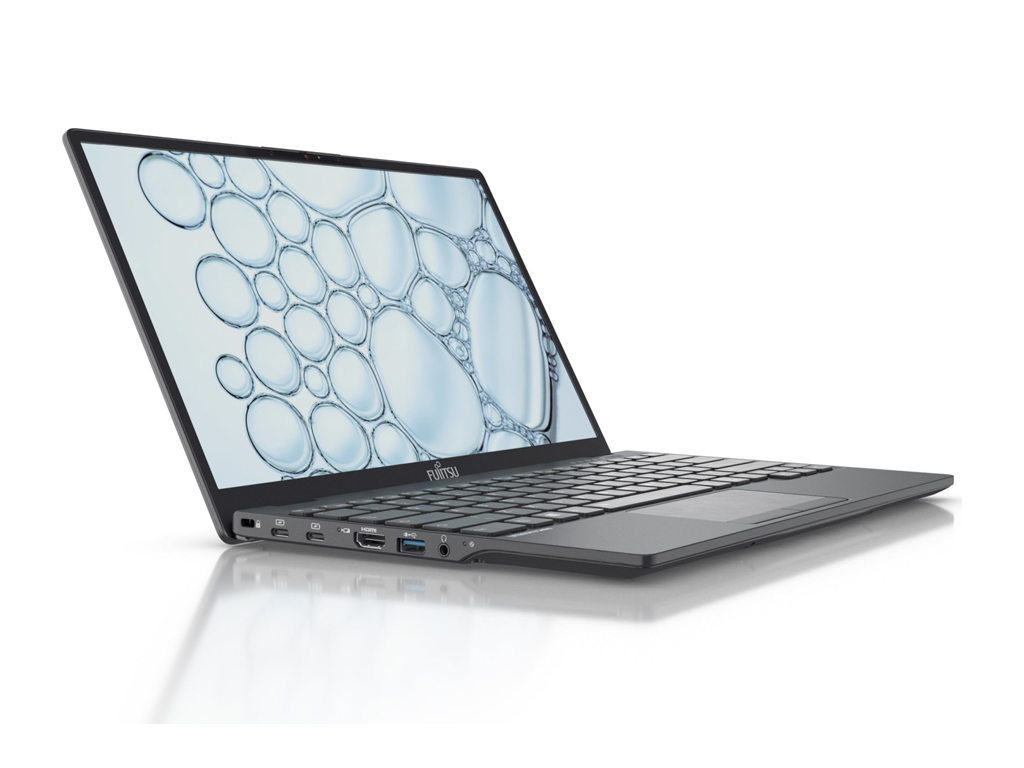 Notebook: Fujitsu Lifebook U9311A, R7 4700U
Processor: AMD Renoir (Ryzen 4000 APU) R7 4700U
Graphics Adapter: AMD Vega 7
Display: 13.30 inch, 16:9, 1920 x 1080 pixels
Weight: 0.885kg
Price: 1500 euro
Links: Fujitsu homepage
Pricecompare
Average Score:
Foreign Reviews
Source: Chip (Print) - 10/22
Single Review, online available, Short, Date: 09/01/2022
Rating: Total score: 96%
Source: Chip.de
DE→ENSingle Review, online available, Long, Date: 07/14/2022
Rating: Total score: 96% performance: 96% features: 99% display: 98% mobility: 87% ergonomy: 96%
Source: Notebook.cz
CZ→ENPositive: Elegant design; solid workmanship; metal case; light weight; nice display. Negative: Uncomfortable keyboard.
Single Review, online available, Very Long, Date: 03/02/2022
Fujitsu LifeBook U7312, i5-1235U
Specifications
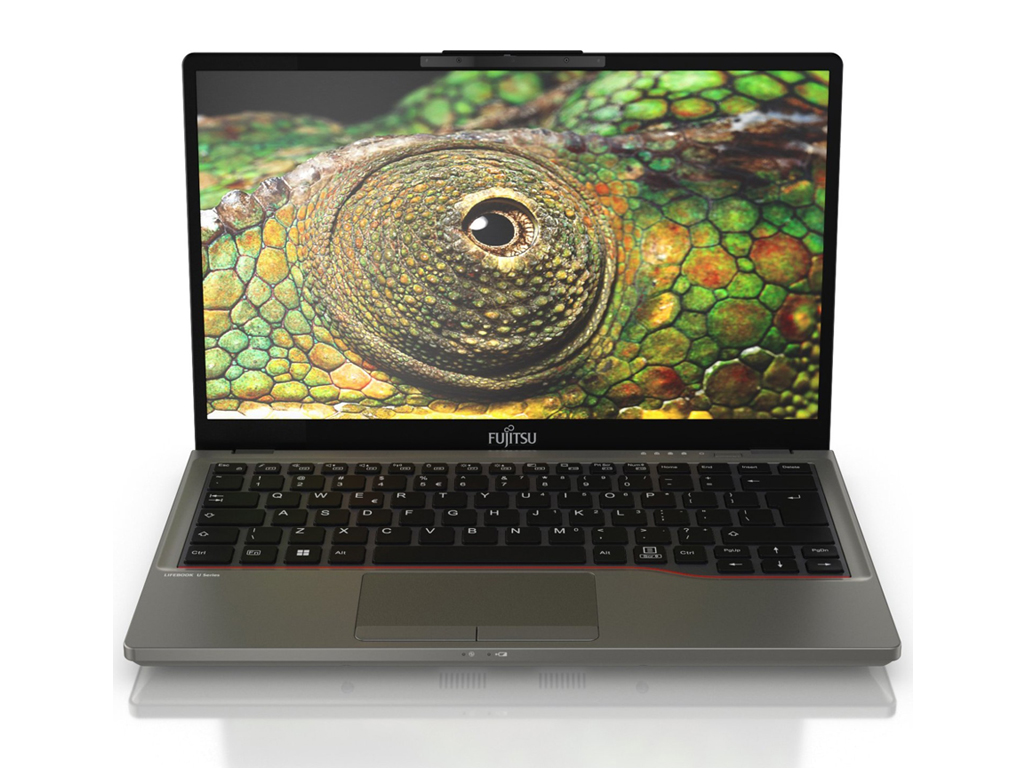 Notebook: Fujitsu LifeBook U7312, i5-1235U
Processor: Intel Alder Lake-M i5-1235U
Graphics Adapter: Intel Iris Xe G7 80EUs
Display: 13.30 inch, 16:9, 1920 x 1080 pixels
Weight: 1.04kg
Price: 1600 euro
Links: Fujitsu homepage
Pricecompare
Average Score:
Foreign Reviews
Source: Com! - 5/23
Comparison, , Very Long, Date: 05/01/2023
Rating: Total score: 85%
Source: Zive
CZ→ENSingle Review, online available, Short, Date: 10/11/2022
Rating: Total score: 91%
Fujitsu LifeBook U7512, i5-1235U
Specifications
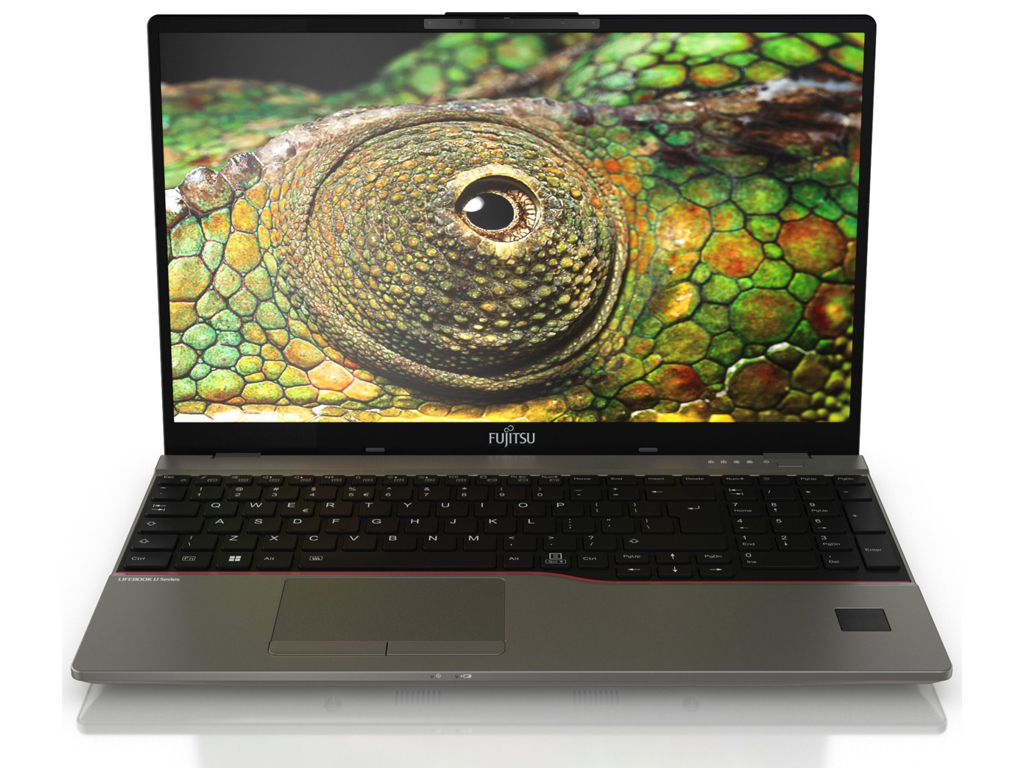 Notebook: Fujitsu LifeBook U7512, i5-1235U
Processor: Intel Alder Lake-M i5-1235U
Graphics Adapter: Intel Iris Xe G7 80EUs
Display: 15.60 inch, 16:9, 1920 x 1080 pixels
Weight: 1.38kg
Price: 1800 euro
Links: Fujitsu homepage
Pricecompare
Average Score:
Reviews
Source: Laptop Media
Support, online available, Short, Date: 01/20/2023
Source: Laptop Media
It is always interesting when a laptop from a less popular brand shows up in our office. Well, this one didn’t “show up” – we bought it. And it lowkey put all of the ThinkPads and Latitudes in its back pocket. After all, Japanese engineering is regarded as one of the best around the globe. Well, this particular machine is not really pretty. And no, we are not saying it is industrial, like the ThinkPads. It just looks like it was made in 2005. But, what is more important, is that its structure is absolutely fantastic. While we’re talking about parts, let’s mention the two SODIMM slots, which fit up to 64GB of DDR4 memory. Storage-wise, there is only one M.2 PCIe x4 slot. So, what are this notebook’s disadvantages? Well, its touchpad is a bit small, and the dedicated buttons are not very comfortable. We are also not big fans of the design, but this is purely subjective. AH! Yes, and the lid can’t be opened with a single hand. Overall, there is no particular reason not to get the Fujitsu LifeBook U7512. If you are looking for a secure laptop, for your business needs, this will definitely be the right choice. And, you have the bonus of feeling you live in a world before the 2008 economic crisis.
Single Review, online available, Very Long, Date: 01/20/2023
Foreign Reviews
Source: Tweakers
 NL→EN
NL→ENUser Review, online available, Very Short, Date: 03/16/2023
Rating: Total score: 100%
Fujitsu Lifebook U9312, i7-1265U
Specifications
Notebook: Fujitsu Lifebook U9312, i7-1265UProcessor: Intel Alder Lake-M i7-1265U
Graphics Adapter: Intel Iris Xe G7 96EUs
Display: 13.30 inch, 16:9, 1920 x 1080 pixels
Weight: 0.885kg
Price: 2300 euro
Links: Fujitsu homepage
Pricecompare
Average Score:
Foreign Reviews
Source: Tech World
HU→ENSingle Review, online available, Short, Date: 01/25/2023
Rating: Total score: 76% price: 70% performance: 80% features: 80% mobility: 80% workmanship: 90%
Comment
Fujitsu: Fujitsu is a Japanese technology group listed on the Nikkei 225 with origins dating back to 1935. Its products and services focus on information technology, telecommunications, semiconductors, networks, computer and communications products and advanced microelectronics.
In 1999, the cooperation with Siemens in the IT sector (servers, notebooks, desktop PCs, etc.) started under the Fujitsu-Siemens brand. 10 years later, this cooperation ended.
These graphics cards are not suited for Windows 3D games. Office and Internet surfing however is possible.
Intel Graphics Media Accelerator (GMA) 500: Integrated (onboard) graphics chip on the UL11L, US15L, and US15W chipsets with a licensed PowerVR SGX core. DirectX 10.1 support but because of low clock rates (100-200 MHz UL11L - US15) and only 4 shaders not suited for 3D games. The integrated video decoder accelerates the playback of HD videos (MPEG2, VC-1, AVC).
Non demanding games should be playable with these graphics cards.
Intel HD Graphics 4000: Processor graphics card in the high end Ivy Bridge models. Offers a different clock speed in the different CPU models (ULV to desktop quad core) and therefore a different performance.
Intel HD Graphics 4400:
ULV integrated GPU (GT2) with 20 EUs found on certain Haswell CPU models.
Only some 3D games with very low demands are playable with these cards.
Intel HD Graphics 3000: Integrated graphics card in the Intel Sandy Bridge processors (Core ix-2xxx). The HD 3000 is the faster (internally GT2 called) version with 12 Execution Units (EUs).
Modern games should be playable with these graphics cards at low settings and resolutions. Casual gamers may be happy with these cards.
Intel HD Graphics 620: Integrated GPU (GT2) found on some Kaby-Lake CPU models (15 W ULV series).
Intel UHD Graphics 620: Integrated GPU (GT2, 24 EUs) found on some Kaby-Lake-Refresh CPU models (15 W ULV series). Technically identical to the previous Kaby-Lake GPU called HD Graphics 620.
Intel Iris Xe G7 80EUs: Integrated graphics card in Intel Tiger Lake G7 SoCs based on the new Gen. 12 architecture with 80 EUs (Execution Units / Shader Cluster). The clock rate depends on the processor model. The Tiger Lake chips are produced in the modern 10nm+ process at Intel.
AMD Vega 7: Integrated graphics adapter of the Ryzen APUs based on the Vega architecture with 7 CUs (= 448 shaders) and a clock speed of up to 1,600 MHz.
Intel Iris Xe G7 96EUs: Integrated graphics card in Intel Tiger Lake G4 SoCs based on the new Gen. 12 architecture with 96 EUs (Execution Units / Shader Cluster). The clock rate depends on the processor model. The Tiger Lake chips are produced in the modern 10nm+ process at Intel.
» Further information can be found in our Comparison of Mobile Graphics Cards and the corresponding Benchmark List.
Intel Atom: The Intel Atom series is a 64-Bit (not every model supports 64bit) microprocessor for cheap and small notebooks (so called netbooks), MIDs, or UMPCs. The speciality of the new architecture is the "in order" execution (instead of the usual and faster "out of order" execution). Therefore, the transistor count of the Atom series is much lower and, thus, cheaper to produce. Furthermore, the power consumption is very low. The performance per Megahertz is therfore worse than the old Pentium 3M (1,2 GHz on par with a 1.6 GHz Atom).
Z530:
Power saving version of the Atom N270 with additional Virtualization Support and more power saving techniques. The performance is equal to the N270 and therefore only suited for basic tasks.
Intel Core i7: The Intel Core i7 for laptops is based on the LG1156 Core i5/i7 CPU for desktops. The base clock speed of the CPUs is relatively low, but because of a huge Turbo mode, the cores can dynamically overclock to up to 3.2 GHz (920XM). Therefore, the CPU can be as fast as high clocked dual-core CPUs (using single threaded applications) but still offer the advantage of 4 cores. Because of the large TDP of 45 W / 55 W, the CPU is only intended for large laptops.
3667U: Fastest Ivy-Bridge-based ULV-CPU in Q2 2012. Offers a core clock of 2.0 - 3.2 GHz and an HD 4000 GPU (350 - 1150 MHz). The TDP is rated at 17 W.
4600U:
A Haswell-based ULV dual-core processor clocked at 2.1 GHz with Turbo Boost support up to 3.3 GHz. Offers an integrated HD Graphics 4400 and a dual-channel DDR3 memory controller.
i7-8665U: Whiskey Lake based low power quad-core processor (technically identical to Kaby Lake but produced in a further improved 14nm++ process). The four cores are clocked between 1.9 and 4.8 GHz (Turbo Boost) and support HyperThreading.
Intel Core i3:
2367M: Power efficient ULV processor clocked at 1.4 GHz without Turbo boost. Offers an integrated HD 3000 clocked at slow 350 / 1000 MHz and a DDR3-1333 memory controller.
Intel Core i5:
3317U: Ivy-Bridge-based ULV-CPU in Q2 2012. Offers a core clock of 1.7 - 2.6 GHz and an HD 4000 GPU (350 - 1050 MHz). The TDP is rated at 17 W.
3427U: Fast Ivy-Bridge-based ULV-CPU in Q2 2012. Offers a core clock of 1.8 - 2.8 GHz and an HD 4000 GPU (350 - 1150 MHz). The TDP is rated at 17 W.
Intel Kaby Lake:
i7-7500U: Kaby-Lake based SoC with two CPU cores clocked at 2.7 to 3.5 GHz, HyperThreading and manufactured with an improved 14nm process.
i7-7600U: Kaby-Lake based SoC with two CPU cores clocked at 2.8 to 3.9 GHz, HyperThreading and manufactured with an improved 14nm process. Integrates a HD Graphics 620 clocked at 300 - 1150 MHz and is manufactured in an improved 14nm process.
Intel Tiger Lake:
i5-1145G7: Tiger Lake based low power quad-core processor for thin and light laptops. Produced in 10nm+ at Intel.
AMD Renoir (Ryzen 4000 APU):
R7 4700U: A mobile Octa-Core APU with Zen 2 cores clocked at 2 to 4.1 GHz and a Vega graphics adapter with 7 CUs clocked at up to 1600 MHz. Compared to the faster 4800U, the 4700U offers a slightly lower boost clock speed and does not support SMT.
Intel Alder Lake-M:
i5-1235U: On Alder-Lake based mobile CPU with 2 performance cores and 8 efficient cores. The performance cores offer hyper threading, leading to 12 threads that can be processed. The CPU clocks from 0.9 to 4.4 GHz. The TDP is specified at 15 Watt.
i7-1265U: Alder Lake based mobile CPU with 2 performance cores and 8 efficient cores. The performance cores offer hyper threading, leading to 12 threads that can be processed. The CPU clocks from 1.3 to 4.8 GHz. The TDP is specified at 15 Watt.
» Further information can be found in our Comparison of Mobile Processsors.
14.00:
14 inch display size represents a middle ground between the small subnotebook formats and the screens of the standard 15 inch laptops.
The reason for the popularity of mid-sized displays is that this size is reasonably easy on the eyes, provides good resolutions with usable detail sizes, yet does not consume too much power and the devices can still be reasonably compact.
In the past, 14-inch devices were very rare, but now they are the standard for laptops after the 15-inchers.
» To find out how fine a display is, see our DPI List.
No weight comment found (one expected)!
78.15%: This rating is not earth-shattering. This rating must actually be seen as average, since there are about as many devices with worse ratings as better ones. A purchase recommendation can only be seen with a lot of goodwill, unless it is about websites that generally rate strictly.
» Further information can be found in our Notebook Purchase Guide.